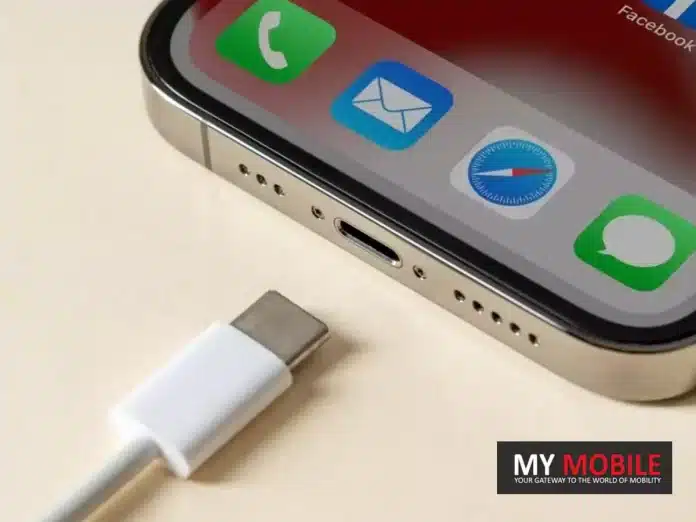
Apple’s iPhone 15 makes a significant shift from the Lightning connector to USB-C.
The move is largely influenced by European regulations advocating for USB-C adoption.
Unlike the previous transition to the Lightning port, USB-C is already familiar to many tech users, making this change smoother.
On September 12, Apple is set to unveil the iPhone 15, marking a significant shift from its traditional Lightning connector to the USB-C port.
Many may recall the uproar from Apple enthusiasts over a decade ago when Apple transitioned from the 30-pin connector to the Lightning port. Users had heavily invested in accessories tailored to the 30-pin design.
The Motivation Behind the Shift
Fast forward to today, we’re on the brink of another major port transformation. However, the reaction is anticipated to be considerably more muted.
The move from the 30-pin connector to Lightning was an Apple-initiated decision, whereas the change to USB-Cstems from impending European regulations advocating for USB-C adoption, slated to come into effect next year.
Though Apple may position this change as a user-centric decision, the underlying regulatory push will likely remain unmentioned.
iPhone 15’s Smooth Transition to USB-C
Comparing Past and Present Transitions
When the Lightning connector was introduced with the iPhone 15, it was an entirely new design.
Its introduction necessitated the purchase of new cables and accessories, demanding users to adapt almost entirely. In contrast, the USB-C, although new to iPhones, is familiar to many tech users.
USB-C’s Widespread Adoption
Android smartphones have incorporated USB-C ports for several years now. Some might argue that the USB-C integration could tempt iPhone loyalists to consider Android options. However, the opposite could be just as plausible.
USB-C’s prevalence extends beyond smartphones. It’s featured in many modern-day gadgets, from cars and exercise equipment to gaming consoles and cameras.
The widespread adoption of USB-C means that many potential iPhone 15 buyers are already equipped with USB-C compatible devices and a plethora of cables and chargers.
This familiarity and readiness ensure that the iPhone 15’s adoption of USB-C is poised to be a less disruptive change for consumers.
FAQs
Why is Apple transitioning from the Lightning connector to USB-C with the iPhone 15?
The shift from the Lightning connector to USB-C is in response to impending European regulations that advocate for the adoption of USB-C. While Apple might highlight the user benefits of this shift, the regulatory background plays a significant role.
How does the move to USB-C compare with the past transition from the 30-pin connector to Lightning?
The transition from the 30-pin connector to the Lightning port was a significant overhaul as the Lightning design was entirely new to consumers. In contrast, USB-C, though new to iPhones, is already familiar to many tech enthusiasts, making this change less disruptive.
Will the iPhone 15’s USB-C port be compatible with other USB-C devices?
Yes, the USB-C port is a universal standard. Its adoption in the iPhone 15 means users can use the same cables and chargers they have for other USB-C devices, such as Android phones, cameras, and gaming consoles.
Is there a possibility that the switch to USB-C might influence iPhone users to consider Android options?
While some might argue that the USB-C integration could tempt iPhone users towards Android, the reverse is also plausible. The widespread adoption of USB-C makes transitioning between devices smoother, irrespective of brand preference.
Understand the various vulnerabilities and methods through which private videos and MMS can be leaked.
Learn tips and strategies to prevent the unauthorized leaking of private videos and MMS for better protection of privacy.
We often share private videos and multimedia messages (MMS) using our smartphones. While most people use modern technology responsibly, there is a darker side to the digital world – the unauthorized leaking of private videos and MMS.
The breach of privacy can have devastating consequences for individuals, both personally and professionally. In this blog, we will explore how private videos and MMS get leaked and provide essential tips on how to prevent it.
How Private Videos and MMS Get Leaked?
How Private Videos and MMS Get Leaked?
Data Theft and Hacking
One of the primary ways private videos and MMS get leaked is through data theft or hacking. Malicious individuals with the right skills can gain unauthorized access to your smartphone, cloud storage, or messaging apps, allowing them to steal and distribute your private content.
Revenge Porn
In some cases, private videos and MMS are leaked as an act of revenge. A disgruntled ex-partner may choose to share intimate content as a means of retaliation, violating your trust and privacy.
Accidental Sharing
Human error is another common factor in leaks. You may accidentally send a private video or MMS to the wrong contact, who may then choose to share it further, whether intentionally or unintentionally.
Phishing and Social Engineering
Cybercriminals often use phishing techniques or social engineering tactics to trick individuals into revealing personal information or downloading malicious apps. Once they have access to your device, they can easily obtain private content.
How To Prevent Private Video and MMS Leaks?
How To Prevent Private Video and MMS Leaks?
Secure Your Device
Use strong, unique passwords, PINs, or biometric authentication to lock your smartphone. Regularly update your device’s operating system and apps to patch any security vulnerabilities.
App Permissions
Review and limit app permissions to only necessary functions. Some apps may request access to your camera or storage when it’s unnecessary.
Enable Encryption
Activate encryption for your device and messaging apps. Encryption ensures that only authorized users can access your content.
Two-Factor Authentication (2FA)
Enable 2FA wherever possible, especially for apps and services that contain sensitive content.
Private Messaging Apps
Use secure and reputable messaging apps that offer end-to-end encryption, such as WhatsApp or Signal, for sharing private content.
Secure Cloud Storage
If you store private videos and photos in the cloud, ensure that your cloud storage provider has robust security measures in place. Use strong, unique passwords for your cloud accounts.
Secure Wi-Fi Networks
Avoid sharing private content on public Wi-Fi networks, as they are often less secure and more susceptible to hacking.
Delete Content Permanently
If you no longer need private content, delete it permanently from your device and cloud storage. This reduces the risk of accidental leaks.
Legal Recourse
Familiarize yourself with local laws and regulations regarding privacy and cybercrimes. In the event of a leak, consider pursuing legal action against the perpetrator.
Think Before You Share
Most importantly, always double-check recipients before sending private content. Take a moment to confirm that you’re sharing with the intended recipient.
Your digital safety is in your hands, so take the necessary steps to protect your privacy in the digital age.
FAQs
Q1. What do you mean by data theft?
Answer. Data theft or information theft refers to the act of stealing information stored on corporate databases, computers, servers, or electronic devices to obtain sensitive information or compromise privacy.
Q2. How to check if encryption is enabled in my messaging app?
Answer. To verify end-to-end encryption for individual conversations:
Open the Messages app.
Open a conversation or create a new message with a contact you want to verify. In the conversation, all participants must have RCS chats turned on.
At the top right of the conversation window, tap More Details. Verify encryption.
Q3. Are there any tools or apps that can help protect private videos from leaks?
Answer: Yes, there are apps and tools designed to enhance the security of your private videos. Consider using apps with strong encryption, password protection, and secure cloud storage options. Additionally, you can use password-protected folders or third-party vault apps to store and secure your private video content on your device.
Q4. What should I do if my private videos have been leaked online?
Answer: If your private videos have been leaked online, take immediate action:
Report the content to the platform or website hosting the videos.
Contact law enforcement and provide them with all relevant information.
Seek legal advice to explore potential options for taking down the content and pursuing legal action against the perpetrators.
iPhone 15 Pro Max to potentially dominate with 40% of the model’s sales, driven by its exclusive periscope lens.
TrendForce projects an optimistic 80 million unit sale for the iPhone 15 range, a 6% boost from the iPhone 14 series.
Apple battles production challenges, including issues with 48MP sensors and the titanium-aluminum alloy frame.
The iPhone 15 Pro Max is set to be a game-changer in Apple’s lineup this year, with market intelligence firm TrendForce predicting it to dominate 40% of the sales for this year’s iPhone models.
One of the significant pulls is the exclusive periscope lens, even with an expected price jump of $100 from the previous year’s Pro Max.
TrendForce is optimistic about the iPhone 15 range, forecasting a robust launch with a projected sale of 80 million units.
This represents a 6% hike compared to the iPhone 14 series. It’s worth noting that the iPhone 14 Pro faced supply constraints, leading to extended delivery times stretching into early 2023.
Balancing Production Challenges with Consumer Demand
While the Pro models are anticipated to outpace the base and Plus models, just like last year, they account for a projected 60% of the total sales.
Breaking it down, for every ten iPhone 15 units sold, the Pro Max is expected to make up four, the Pro two, and the remaining sales will be divided between the entry and Plus models.
However, it hasn’t been all smooth sailing for Apple. The tech giant has encountered production hitches, notably with the 48MP sensors and issues related to the titanium-aluminum alloy frame.
But, as per TrendForce, Apple’s suppliers are on top of these challenges, and any problems associated with the Pro models are anticipated to be addressed promptly.
A New Era for Apple’s Flagship Model
The iPhone 15 Pro Max’s anticipated success signifies a pivotal moment in Apple’s journey. As consumer preferences evolve, the emphasis seems to be shifting towards more advanced features and unique offerings.
The periscope lens is a testament to Apple’s commitment to innovation, ensuring it remains at the forefront of the smartphone industry.
Despite the price hike and production challenges, Apple’s ability to address issues head-on and maintain the trust of its vast consumer base speaks volumes about its resilience and brand loyalty.
FAQs
Why is the iPhone 15 Pro Max projected to be more popular than other models?
The unique periscope lens, exclusive to the Pro Max, is believed to be the key driver of its demand, even considering a potential $100 price increase from its predecessor.
How does the predicted sale of the iPhone 15 range compare to the iPhone 14 series?
TrendForce predicts an 80 million unit sale for the iPhone 15 range, a 6% increase compared to the iPhone 14 lineup.
What production challenges has Apple faced with the iPhone 15 series?
Apple has faced hurdles, especially with the 48MP sensors and complications with the titanium-aluminum alloy frame. However, these issues are expected to be resolved swiftly.
How are sales expected to be distributed across the iPhone 15 models?
Of every ten iPhone 15 units sold, four are predicted to be the Pro Max, two the Pro, and the remaining four are divided between the Entry and Plus models.
Clear explanation of what PAN card fraud loans are and how they can impact individuals.
Actionable tips and advice on how to save oneself from falling victim to PAN card fraud loans.
With easy access to many financial services thanks to digitalization, the risk of falling victim to fraud and scams has also increased. One such growing concern is PAN card fraud loans.
PAN (Permanent Account Number) cards are essential for financial transactions in India, and fraudsters are finding innovative ways to exploit them.
In this blog, we’ll explore what PAN card fraud loans are and provide you with some valuable tips to safeguard yourself from falling into this trap.
What is a PAN Card Fraud Loan?
What is a PAN Card Fraud Loan?
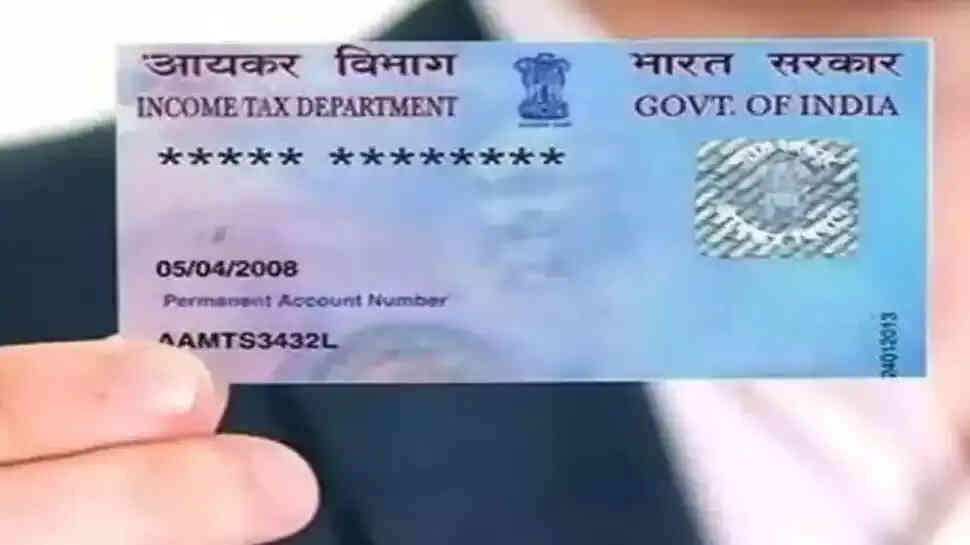
PAN card fraud loans involve perpetrators using your PAN card details to secure loans or credit without your knowledge or consent.
Fraudsters can gain access to your PAN card information through various means, including phishing emails, data breaches, or even physical theft of your PAN card.
Once they have your PAN card details, they can apply for loans in your name, leading to severe financial repercussions for the victim.
Tips to Save Yourself from PAN Card Fraud Loans
Tips to Save Yourself from PAN Card Fraud Loans
Secure Your PAN Card
The first and foremost step is to physically secure your PAN card. Keep it in a safe place, and avoid carrying it around unless absolutely necessary. In case it’s lost or stolen, report it immediately to the concerned authorities.
Beware of Phishing Scams
Be cautious when receiving emails or messages asking for your PAN card information. Legitimate organizations do not request such sensitive information through email. Verify the sender’s authenticity before sharing any personal data.
Monitor Your Financial Statements
Regularly review your bank and credit card statements to spot any unauthorized transactions. If you notice anything suspicious, report it to your bank or credit card provider immediately.
Use Secure Internet Connections
When sharing PAN card details online, ensure you are using a secure and encrypted internet connection. Avoid using public Wi-Fi networks for sensitive transactions.
Check Your Credit Report
Periodically check your credit report for any unauthorized credit inquiries or loans in your name. This can be an early warning sign of fraudulent activity.
Verify Loan Applications
If you receive unexpected loan approval notifications or calls, don’t ignore them. Verify the source and details of the loan before taking any action. It could be a fraudulent application in your name.
Opt for Credit Monitoring Services
Consider subscribing to credit monitoring services that can alert you to any unusual activity on your credit report.
Regularly Update Your PAN Card Details
If any changes occur in your personal information, such as address or contact number, update them in your PAN card records to minimize the chances of identity theft.
Report Suspicious Activity
If you suspect that your PAN card has been misused, immediately contact the police and file an FIR (First Information Report). Inform the concerned financial institutions and credit bureaus as well.
Remember that vigilance and awareness are your best allies in the fight against fraud. Stay informed, stay cautious, and safeguard your financial well-being. It’s your hard-earned money and personal information, and it’s worth protecting.
FAQs
Q1. What happens if my PAN card is stolen?
Answer. If the PAN card is lost then you can apply for a duplicate PAN card by submitting the Form for “Request for New PAN Card or/ and Changes or Correction in PAN Data” and a copy of FIR may be submitted along with the form.
Q2. What can be tracked with a PAN card?
Answer. PAN or Permanent Account Number is a unique identifier comprising 10 alpha-numeric characters issued by the Income Tax Department of India under Section 139 of the Income Tax Act, 1961. The purpose of a PAN card is to track tax-related financial transactions of individuals as well as organisations.
Q3. What should I do if I suspect PAN card fraud?
Answer: If you suspect PAN card fraud, immediately contact your local authorities and file a police report (FIR). Inform your bank and credit card providers about the situation, and keep a close eye on your financial statements for any unauthorized transactions.
Q4. Can I request a replacement PAN card if mine is lost or stolen?
Answer: Yes, you can request a replacement PAN card if yours is lost or stolen. Apply for a duplicate PAN card through the official website of the Income Tax Department of India, providing the necessary documents and following the prescribed process to obtain a new card with the same PAN number.
Comprehensive insights into the IRCTC Tatkal ticket booking system, including booking timings and charges.
Step-by-step instructions on how to successfully book Tatkal train tickets online for last-minute travel convenience.
India’s vast railway network is a lifeline for millions of commuters and travellers. However, booking train tickets can often be a challenging task due to high demand and limited availability.
This is where the Indian Railway Catering and Tourism Corporation (IRCTC) Tatkal ticket booking system comes to the rescue. However, booking tickets via Tatkal has a limited booking window and is mostly an excruciating task.
In this comprehensive guide, we will explore the IRCTC Tatkal ticket booking process, including the timing, charges, and step-by-step instructions on how to book Tatkal train tickets online.
What is Tatkal Ticket Booking?
Tatkal is a special reservation system introduced by the Indian Railways to facilitate last-minute train ticket bookings.
The term ‘Tatkal’ translates to ‘immediately’ in Hindi, and this service is designed to cater to passengerswho need to travel on short notice or can’t secure a regular reservation in advance.
Tatkal tickets are available for all classes of travel, including Sleeper, AC 3-tier, AC 2-tier, and Executive classes.
Tatkal Ticket Booking Timings
Understanding the precise timing of Tatkal ticket booking is crucial to securing your train ticket. Tatkal bookings open a day before the scheduled departure of the train, and the exact time varies depending on the class of travel.
Here are the Tatkal booking timings for different classes:
Class
Time
AC Class (1st AC, 2nd AC, and 3rd AC)
Tatkal booking for AC classes starts at 10:00 AM the day before the train’s departure.
Sleeper Class
Tatkal booking for the Sleeper class starts at 11:00 AM the day before the train’s departure.
It’s important to note that Tatkal tickets are available for a limited quota and are typically in high demand. Therefore, it’s advisable to log in to the IRCTC website or app a few minutes before the booking window opens to increase your chances of securing a Tatkal ticket.
Tatkal Ticket Booking Charges
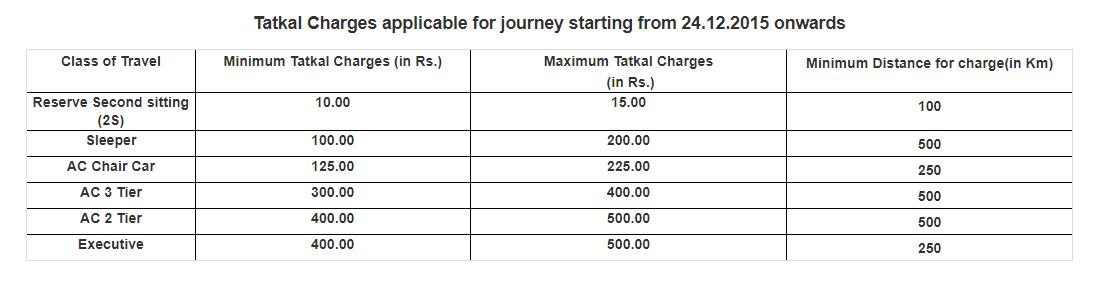
Tatkal tickets come with additional charges over and above the regular fare. These charges vary based on the class of travel and are in addition to the base fare and any other applicable charges.
Here is a breakdown of the Tatkal ticket charges :
Screenshot Credit –
It’s essential to keep in mind that these charges are subject to change, so it’s a good practice to check the latest Tatkal ticket booking charges on the official IRCTC website before making your reservation.
How to Book Tatkal Train Ticket Online?
Booking a Tatkal train ticket online can be a bit challenging due to the high demand and limited availability. To help you navigate the process smoothly, here is a step-by-step guide on how to book Tatkal train tickets online:
How to Book Tatkal Train Ticket Online?
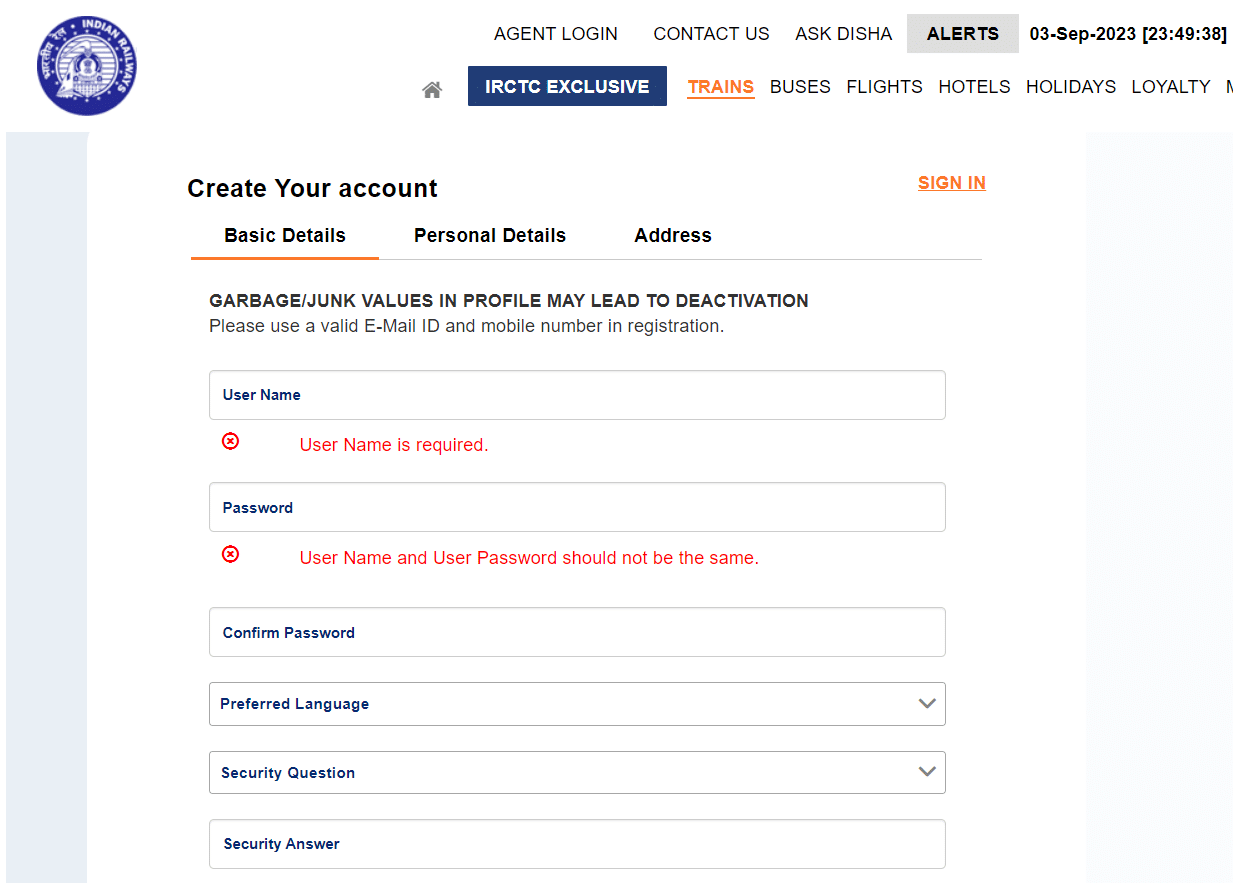
Create an IRCTC Account – If you don’t already have one, start by creating an account on the IRCTC website (www.irctc.co.in). Make sure to provide accurate information during the registration process.
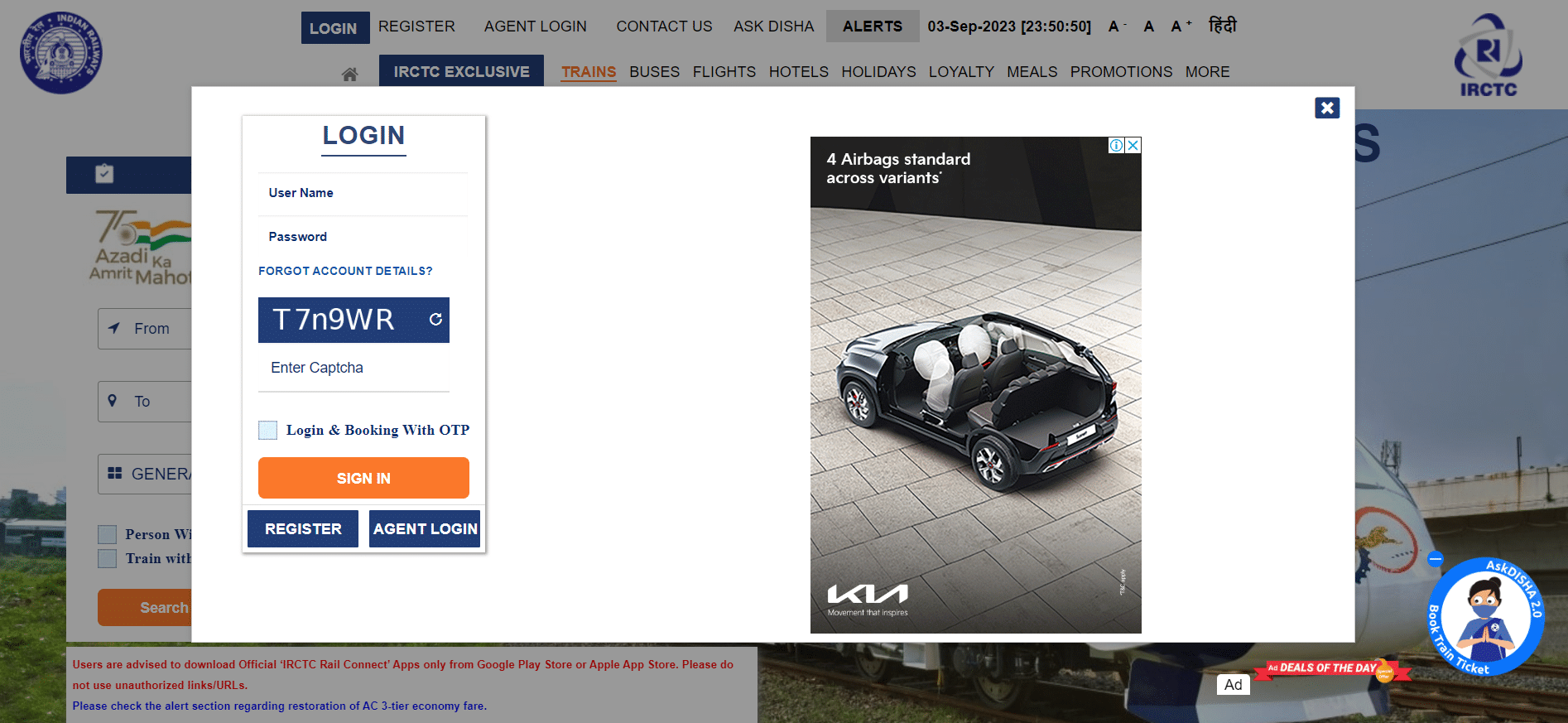
Log In Before Booking Opens – As mentioned earlier, Tatkal booking opens one day in advance of the train’s departure. To increase your chances of getting a Tatkal ticket, log in to your IRCTC account a few minutes before the booking window opens. This will save you time during the booking process.
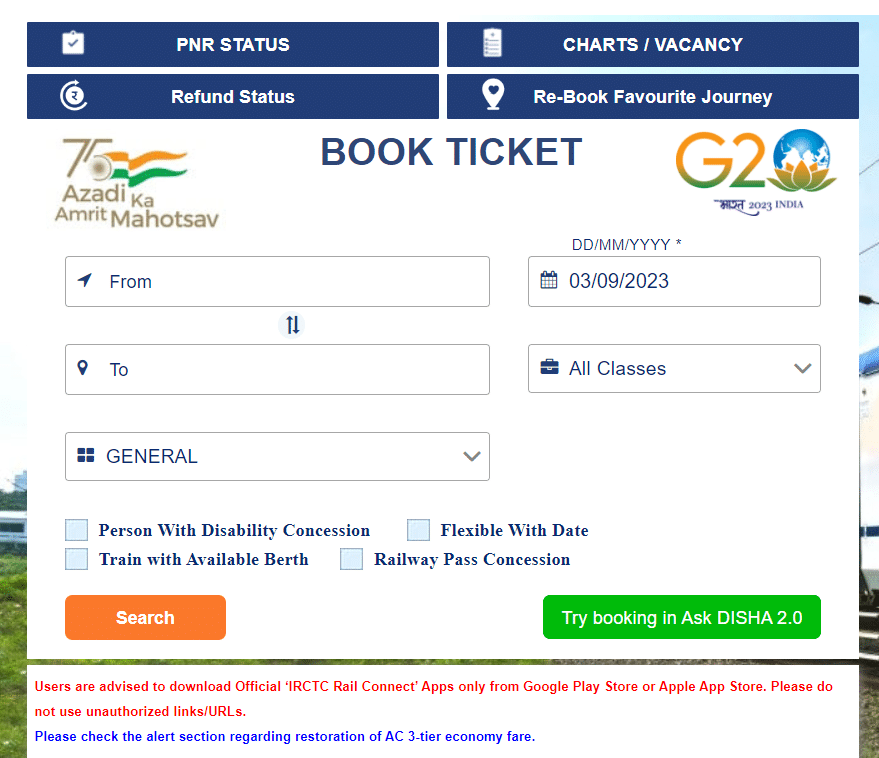
Fill in Your Travel Details
Select your source and destination stations.
Choose the date of your journey.
Specify the class of travel (e.g., Sleeper, AC 3-Tier, etc.).
Select “Tatkal” from the category drop-down.
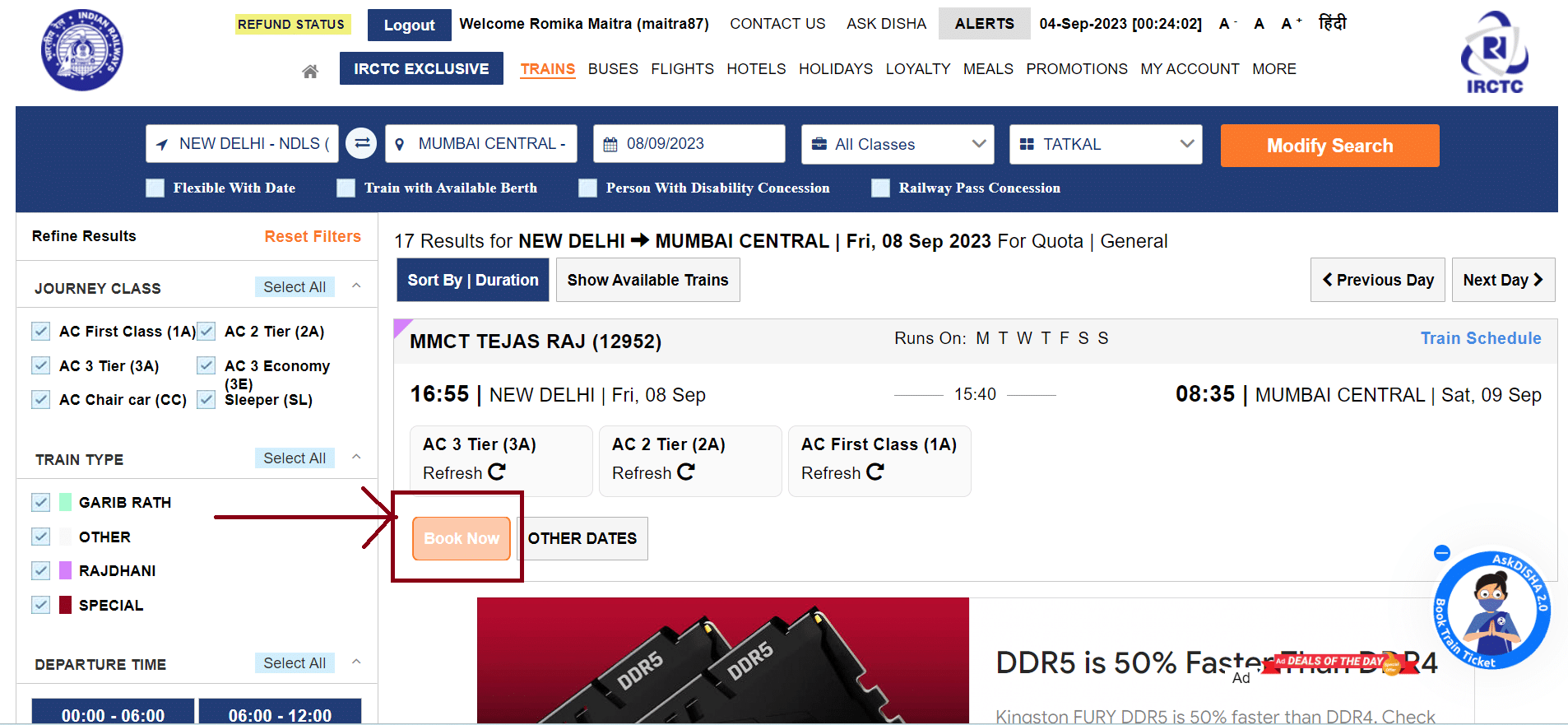
Check Tatkal Quota Availability
Before proceeding further, check the availability of Tatkal tickets for your desired train. Keep in mind that Tatkal tickets have limited availability, and they tend to sell out quickly.
Select the Train and Book
After confirming the availability of Tatkal tickets for your preferred train, click on the “Book Now” button next to the train name.
Enter Passenger Details
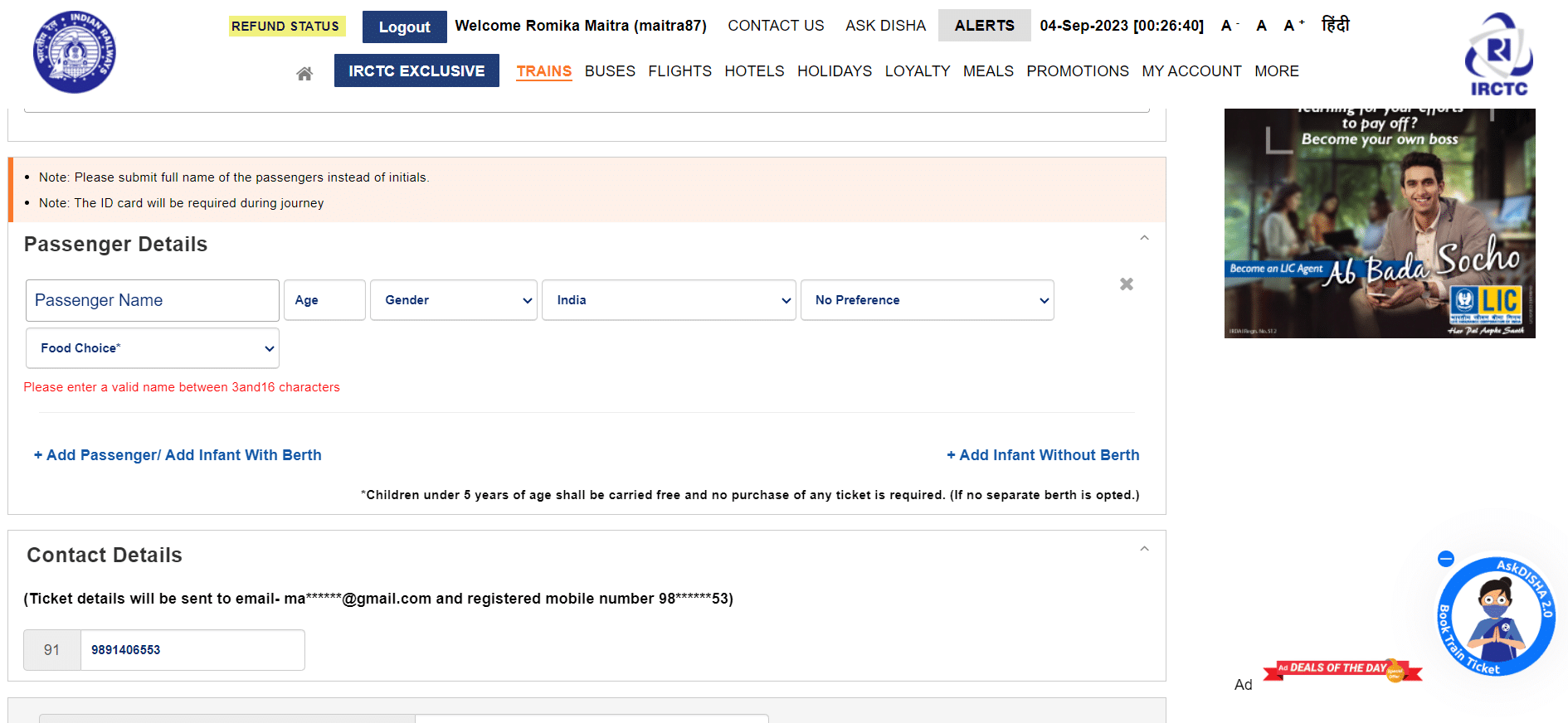
Enter the details of all passengers travelling with you, including their names, ages, and gender. Ensure that you have valid photo identification for each passenger, as it may be required during the journey.
Choose the Payment Method
IRCTC offers various payment options, including debit cards, credit cards, net banking, and digital wallets. Select the payment method you prefer and proceed to make the payment.
Confirm Your Booking
Once the payment is successful, you will receive a booking confirmation message with your unique PNR (Passenger Name Record) number. This PNR number is essential for checking your ticket status and for any future reference.
How to Book Tatkal Train Ticket on IRCTC APP?
Here’s a step-by-step guide on how to book a Tatkal train ticket using the IRCTC mobile app:
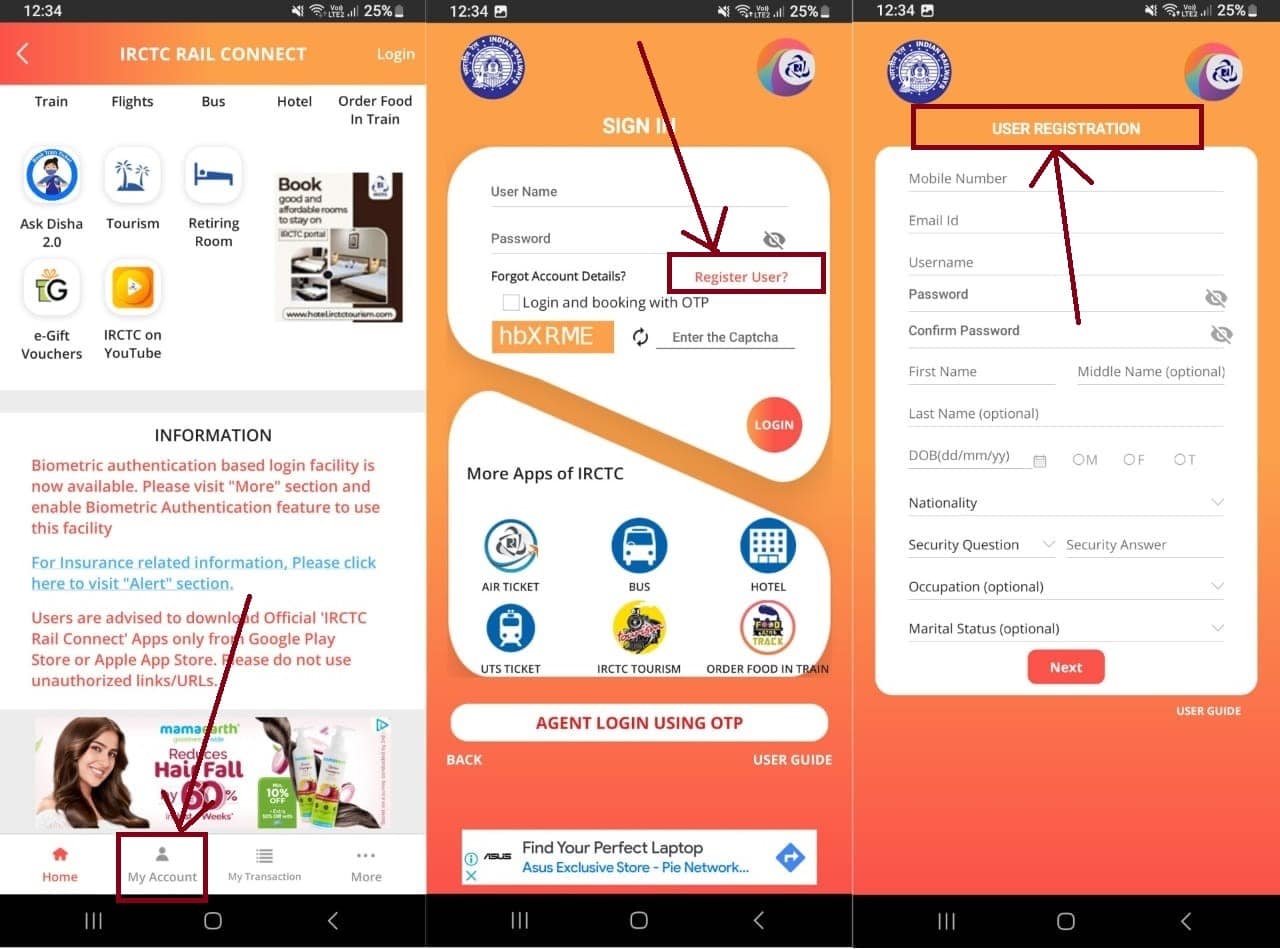
Download and Install the IRCTC App.
If you’re a new user, click on “Register” to create a new IRCTC account. To register, go to the “My Account” tab > Register User. Fill in the required details to register.
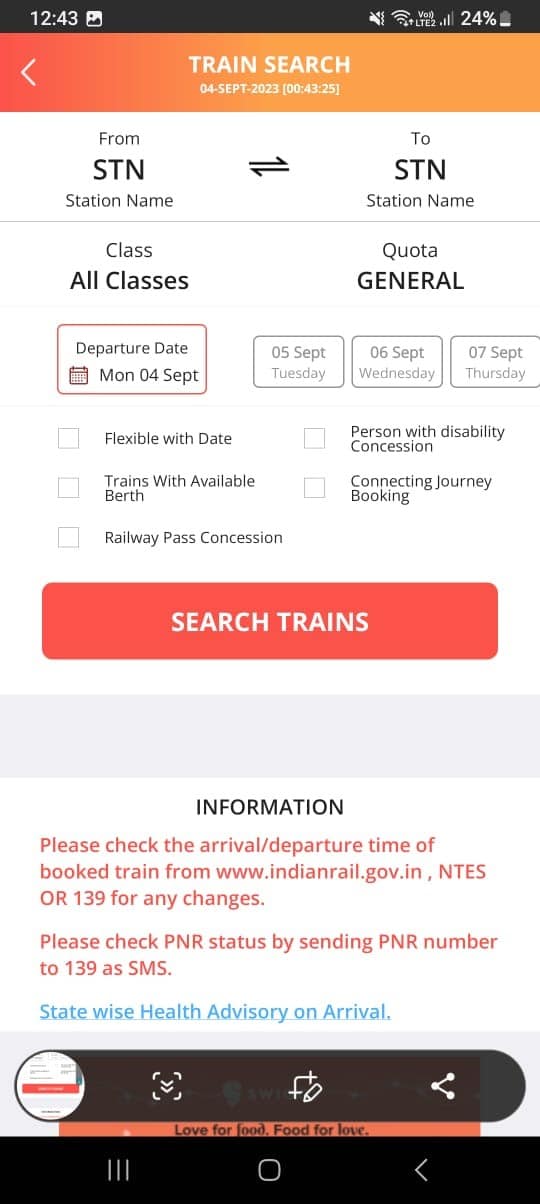
Once you are logged into your Registered IRCTC account, tap on the “Train” section on the top.
On the next page, fill in the required details such as From and To locations, Class, Quota, and Departure Date.
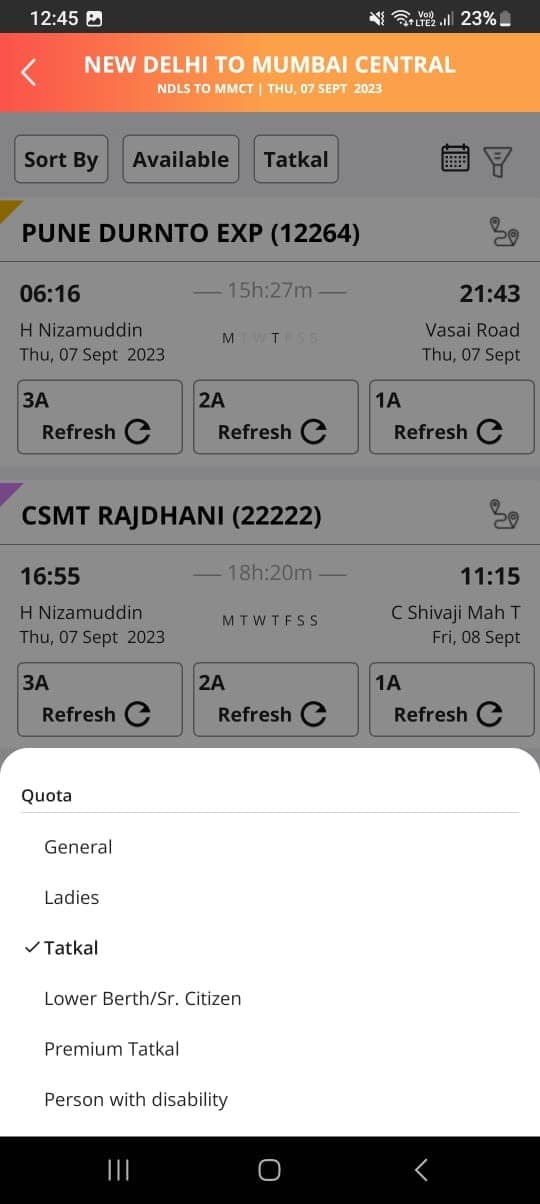
Click on “Search Train” and the let results flash on the screen.
Change the Category to “Tatkal”
Enter the passenger details, including names, ages, gender, and berth preference for each passenger.
Verify the details and proceed to payment.
Once the payment is successful, you will receive a booking confirmation with your unique PNR (Passenger Name Record) number. You can view and save your e-ticket within the app.
Easy Tips to Successfully Book Tatkal Train Tickets Online
Easy Tips to Successfully Book Tatkal Train Tickets Online
Plan Ahead: Know your travel details in advance, including the train, date, and class.
Register on the IRCTC website or app if you don’t have an account.
Log in a few minutes before the Tatkal booking window opens.
Verify Tatkal quota availability for your desired train.
Be ready to click “Book Now” as soon as the booking window opens.
Review all information before confirming the booking.
Tatkal tickets sell out fast, so act promptly during the booking process.
Save time by enabling browser autofill for repetitive details.
Follow IRCTC guidelines and stay aware of any changes in the Tatkal booking process.
By following these easy tips, you can increase your chances of successfully booking Tatkal train tickets online.
FAQs
Q1. What are some important details about Tatkal tickets that I should know?
Answer. The availability of Tatkal tickets is limited, and they are subject to higher fares compared to regular tickets. The Tatkal booking process opens one day in advance, making it an excellent option for travellers with urgent plans.
Q2. What preparations need to be done before travelling by Indian Railways?
Answer. Some preparations you need to do before travelling by Indian Railways –
Before your journey, ensure you have a physical or digital copy of your e-ticket for verification.
Carry a valid photo ID for all passengers as it may be required during the journey.
Arrive at the station on time and proceed to your designated coach and seat as mentioned on your e-ticket.
Q3. Should I print or save my E-Ticket?
Answer. While a printout of your e-ticket is not mandatory, it’s advisable to have a physical or digital copy of your ticket for a hassle-free journey. You can also show the SMS confirmation received on your registered mobile number to the ticket checker during the journey.
Q4. How do I know my Tatkal ticket is confirmed?
Answer. To know if your Tatkal ticket is confirmed, check your booking status and PNR (Passenger Name Record) number. Visit the official IRCTC website or use the mobile app to enter your PNR. If your status shows “CNF” (Confirmed), your ticket is confirmed. Otherwise, it may be on a waiting list or RAC (Reservation Against Cancellation).
Q5. When I can book a tatkal E-ticket?
Answer. Tatkal E-tickets can be booked for selected trains one day in advance excluding date of the journey from the train originating station. It can be booked on the opening day from 10:00 hrs for AC class (2A/3A/CC/EC/3E) and at 11:00 hrs for Non- AC class(SL/FC/2S). e .g. For a train departing on 2nd August, Tatkal Booking will Commence at 10:00 AM and for Non AC class will Commence at 11:00 AM on 1st August.
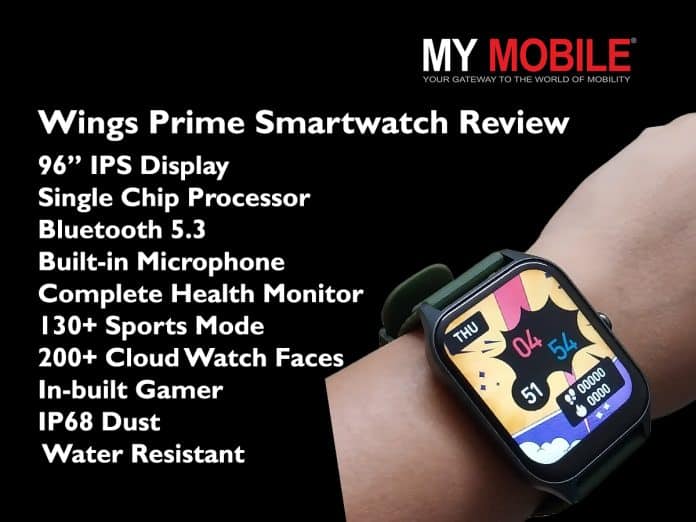
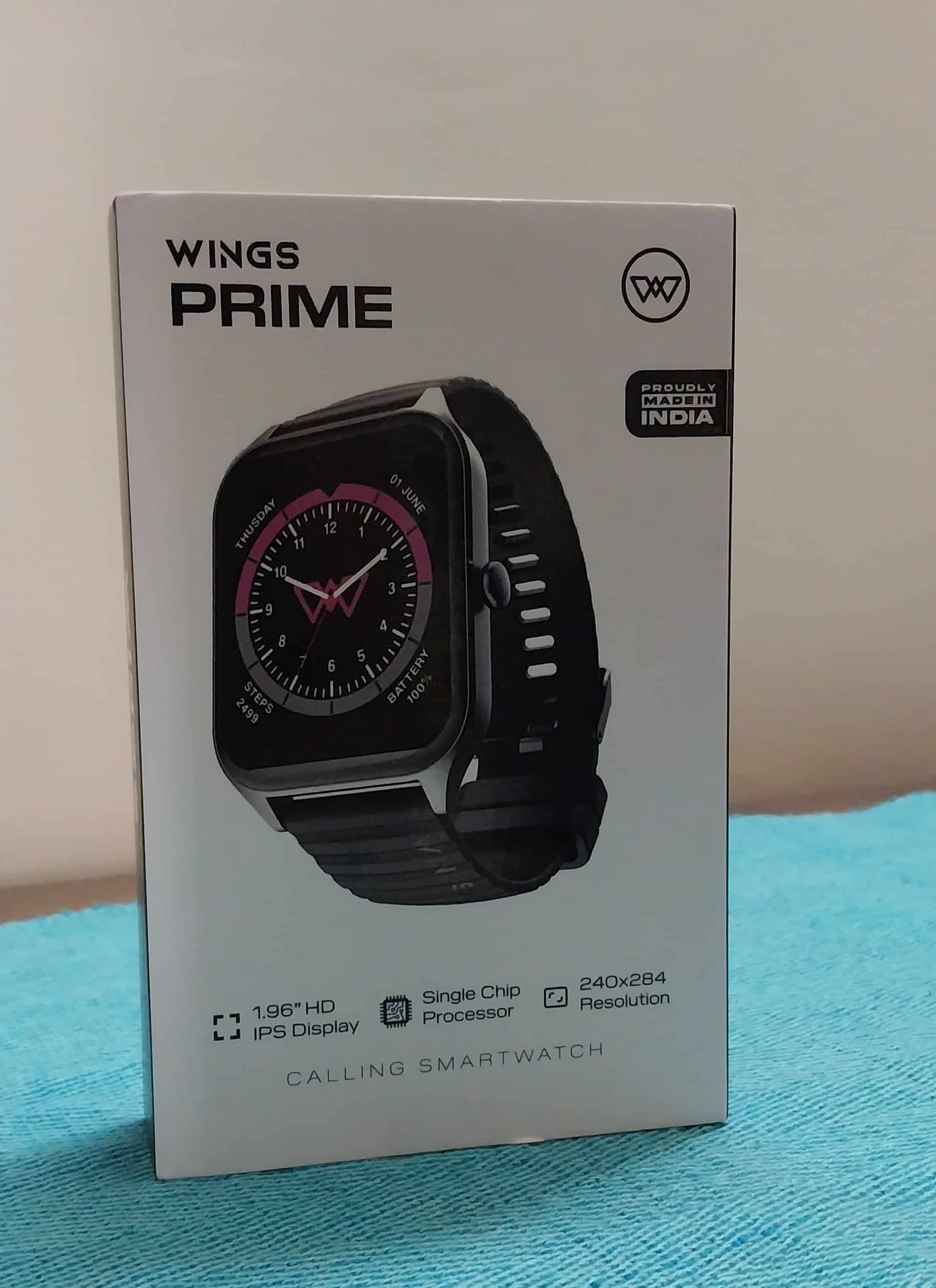
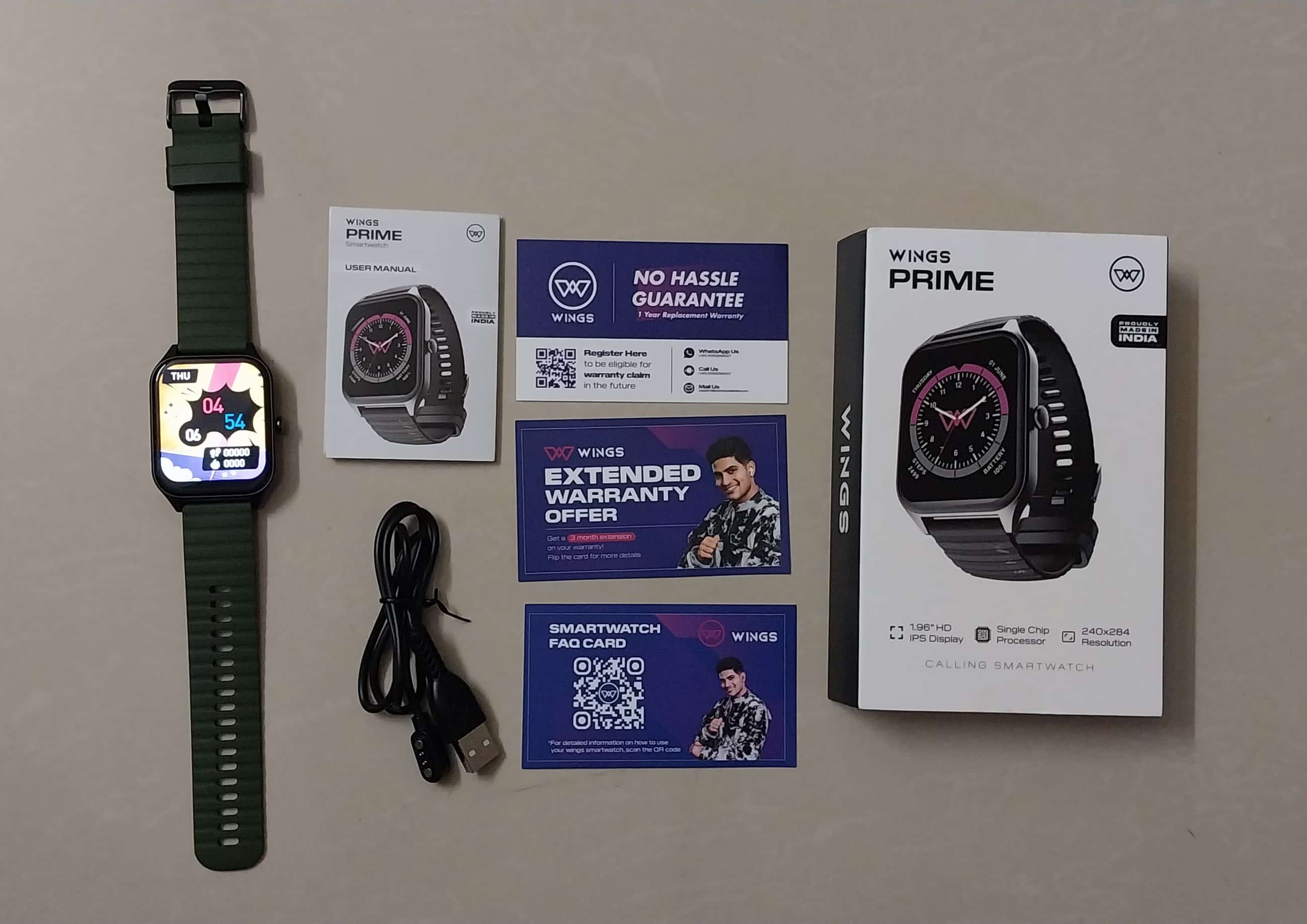
Wings recently introduced its new smartwatch – the Wings Prime Smartwatch – at a special launch price of ₹1499.
The product is available on Flipkart, Amazon, and the Wings website.
It comes with a 1.96-inch HD screen, advanced Single Chip Bluetooth Calling, a complete health monitor, 130+ sports mode and many such features.
Is Wings Prime Smartwatch a good buy for its launch price of Rs 1,499 or is there more to it than meets the eye? Check out this comprehensive review to find out.
Wings Prime Smartwatch – Key Features
Wings Prime Smartwatch – Key Features
96-inch HD IPS Display
Single Chip Processor
Bluetooth 5.3 Advanced Calling
Built-in Microphone and Speakers
Complete Health Monitor
130+ Sports Mode
200+ Cloud Watch Faces
In-built Gamer
IP68 Dust and Water Resistant
Password Lock
Wings Prime Smartwatch – Pros & Cons
Wings Prime Smartwatch – Pros & Cons
Pros
Cons
● Large display with good brightness
● Lightweight
● Comfortable for long hours
● Complete health monitor
● Fitness tracker with multiple modes
● IP68 Dust and Water Proof
● SOS feature
● Budget-friendly
● Plastic body
● Subpar Strap quality
● Side button is not fully functional
Wings Prime Smartwatch – Design
Wings Prime Smartwatch – Design
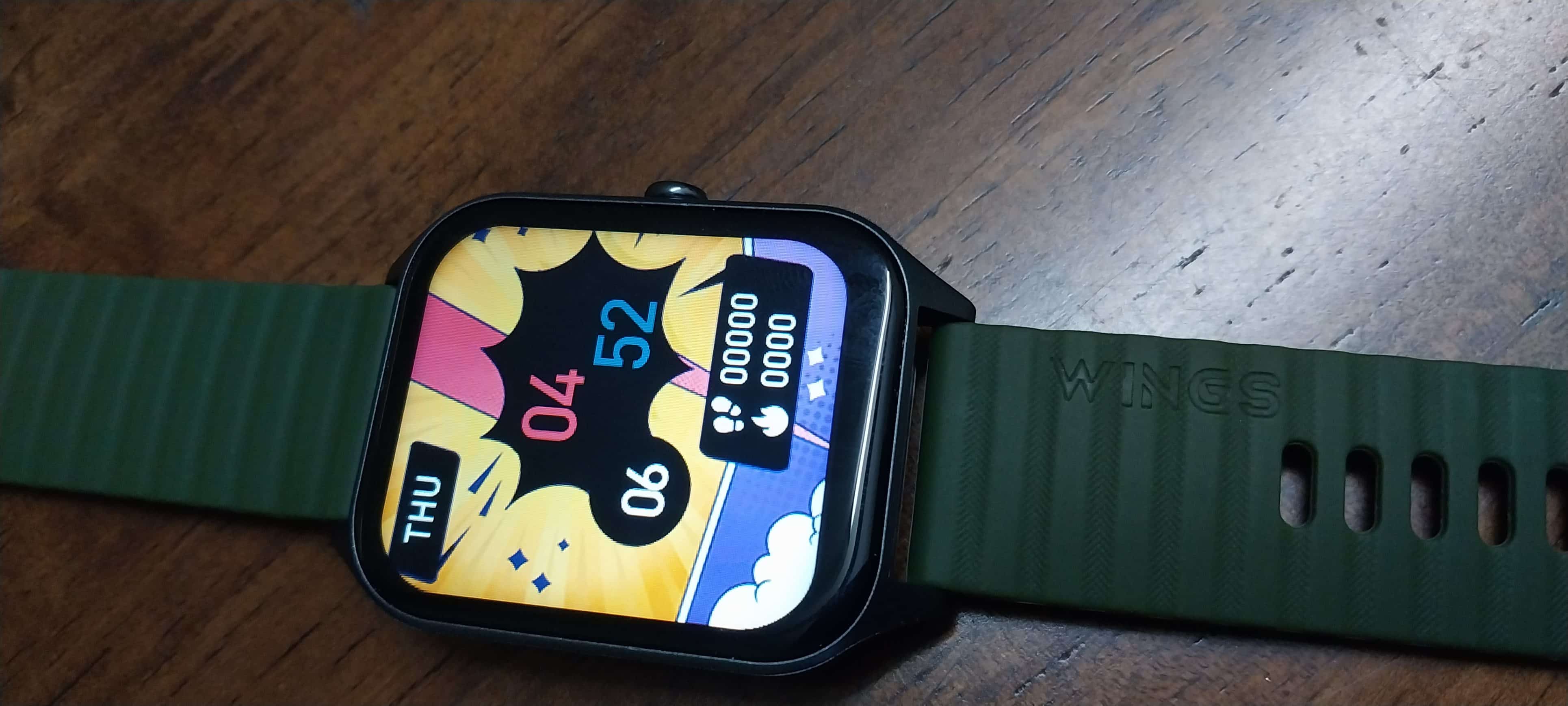
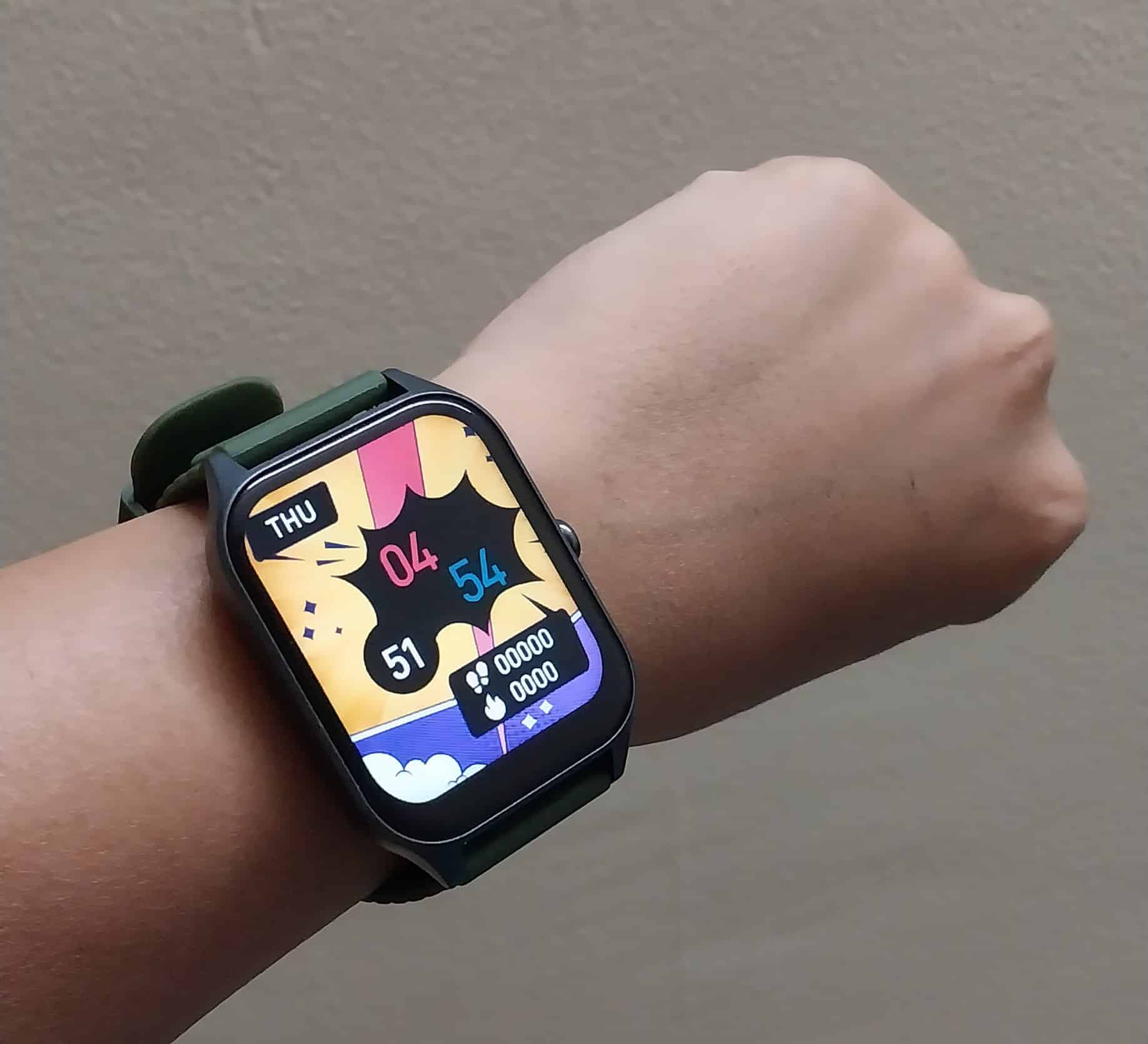
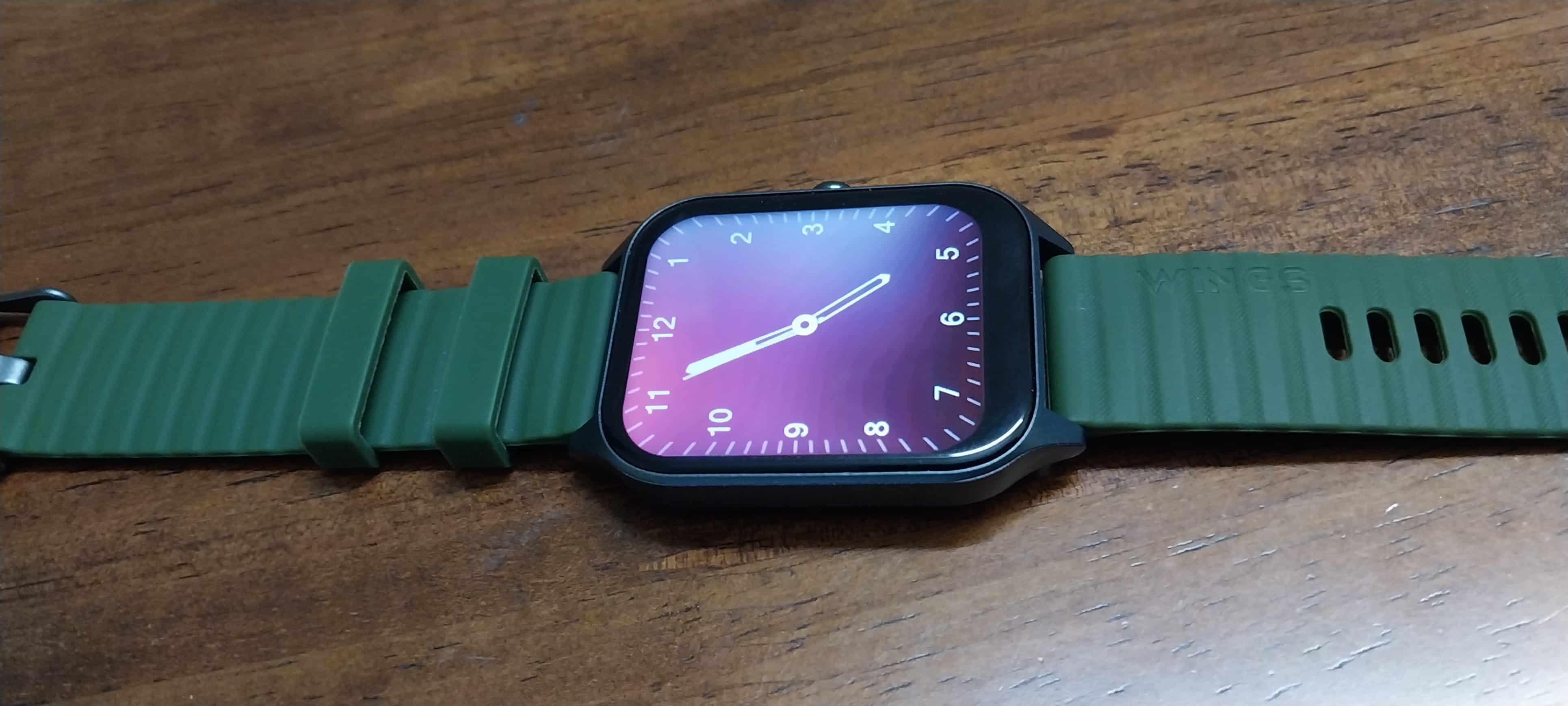
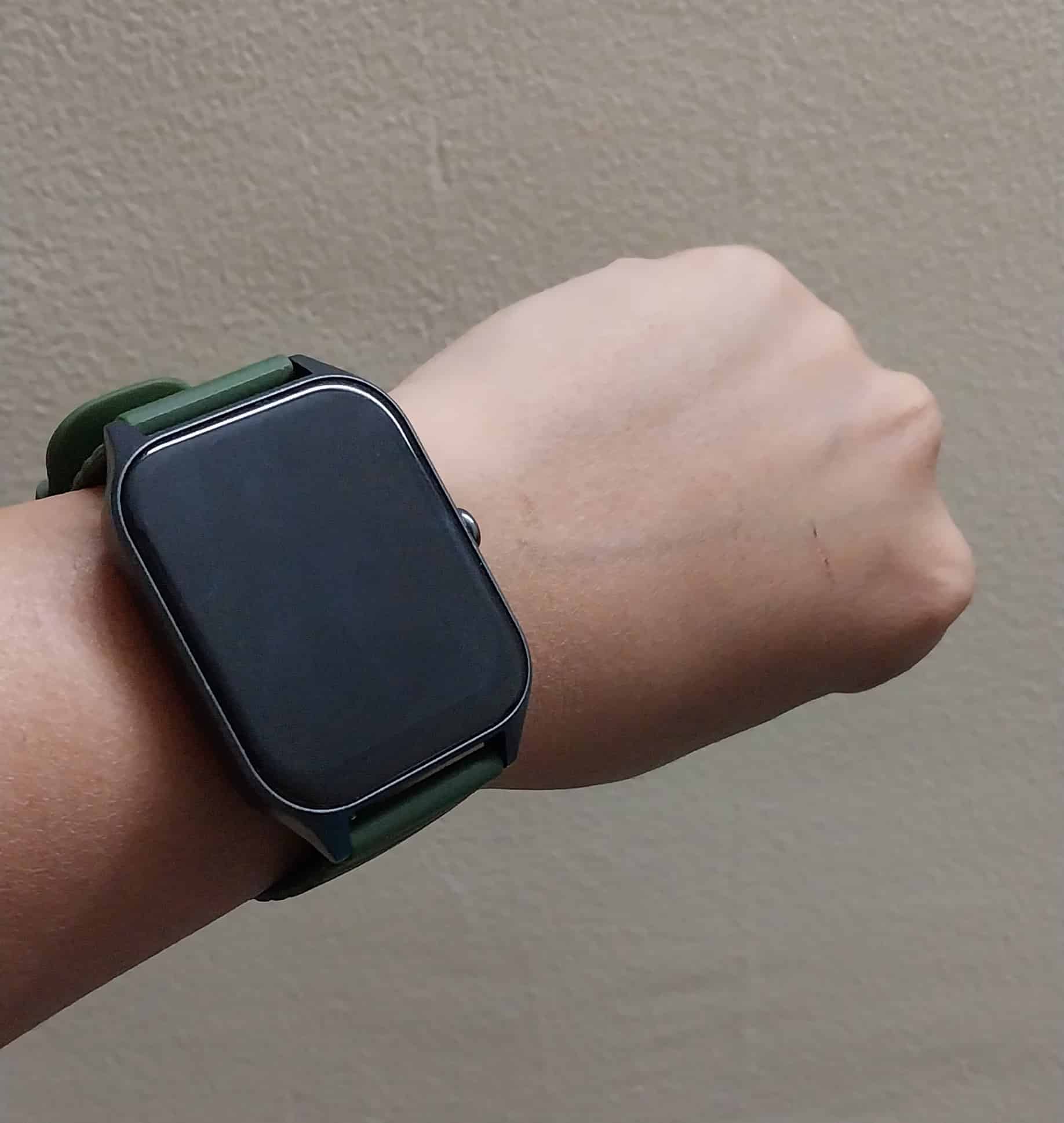
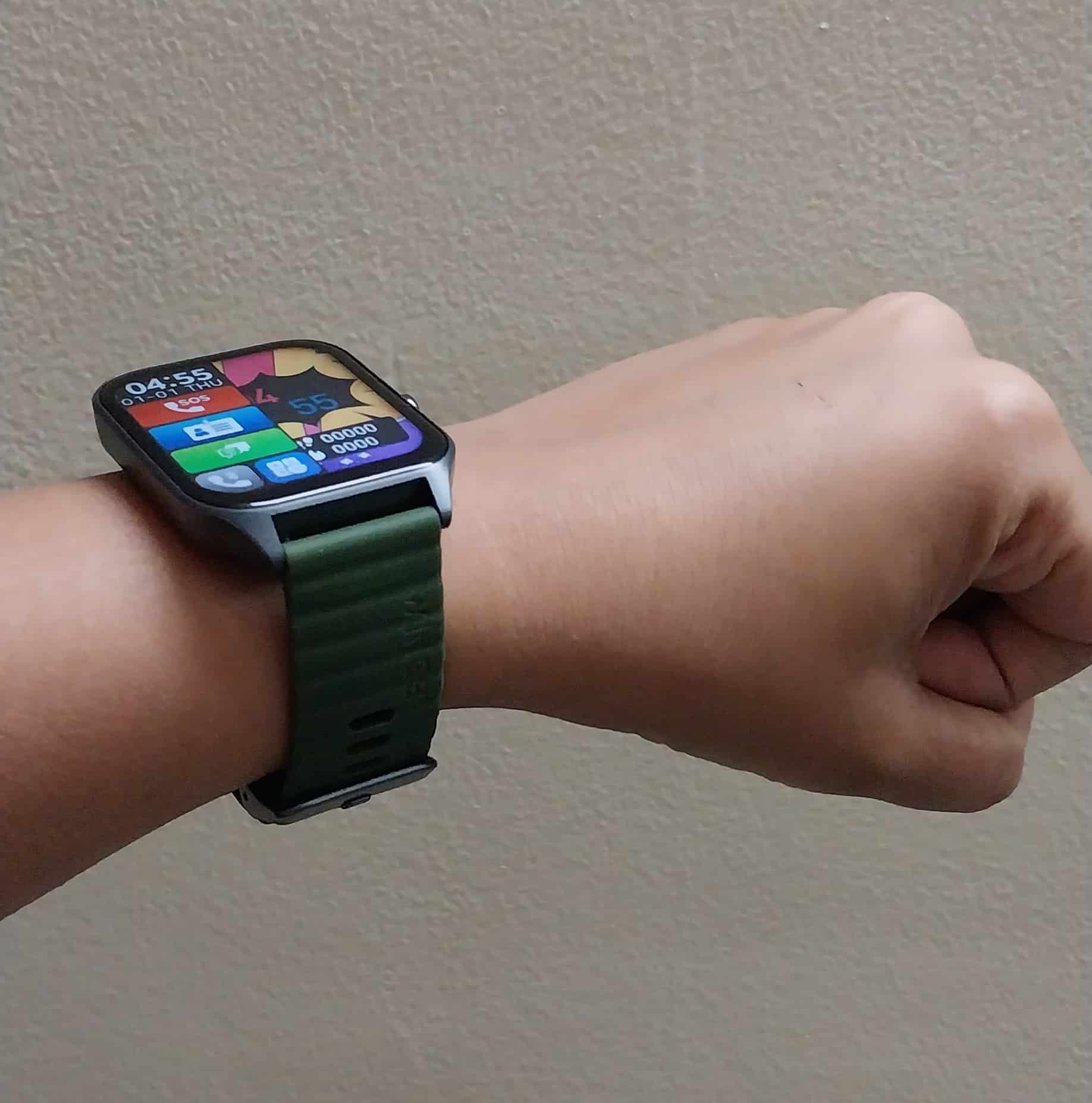
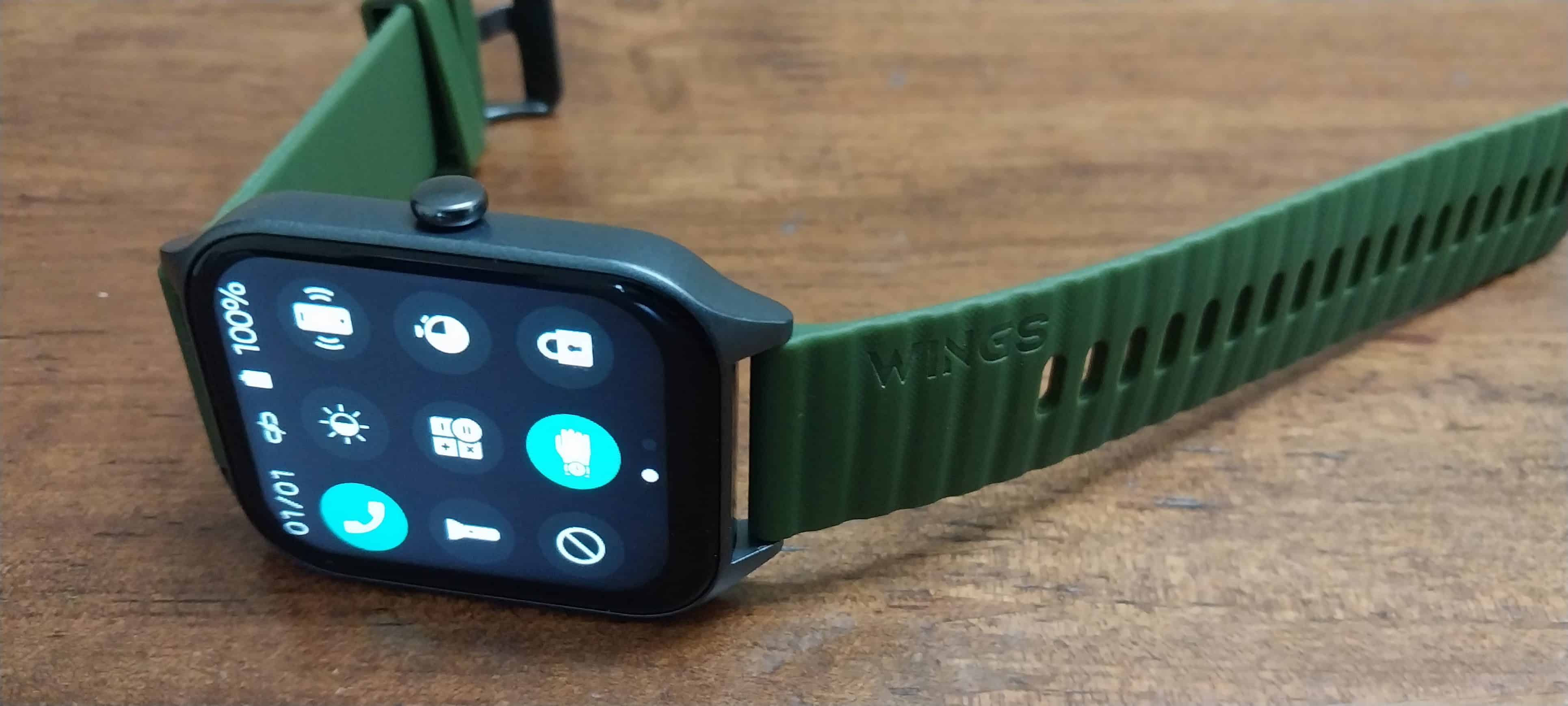
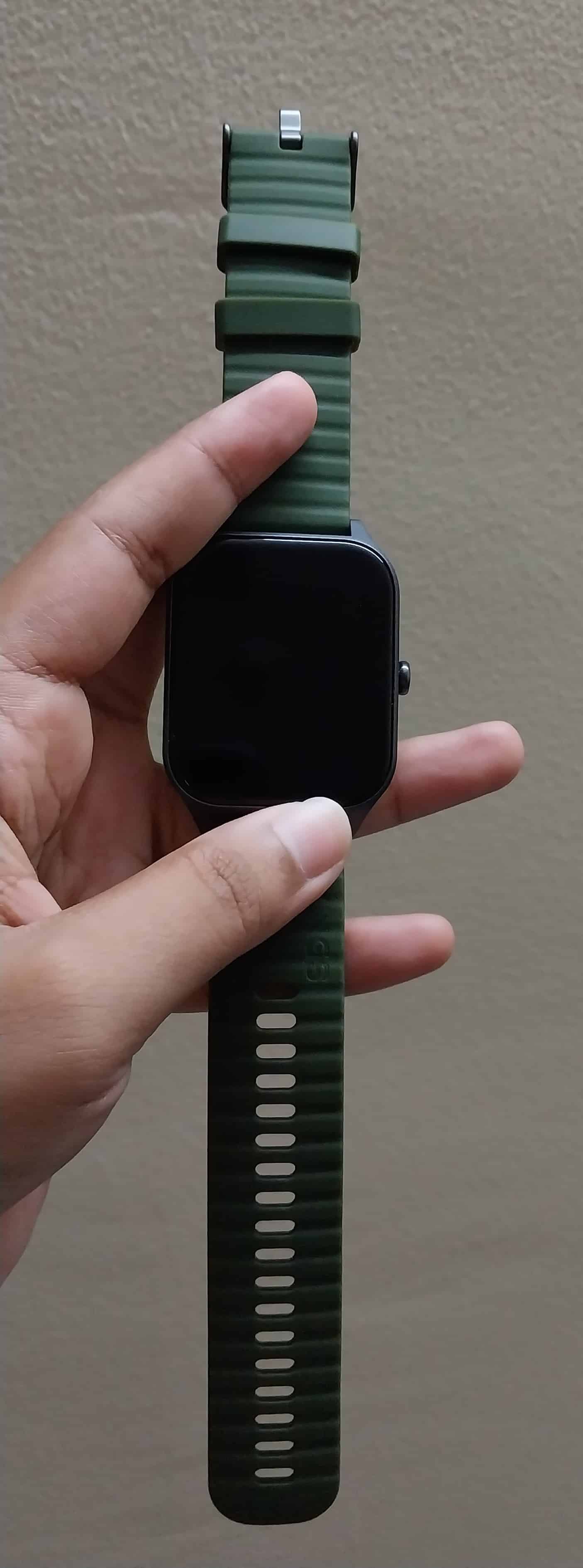
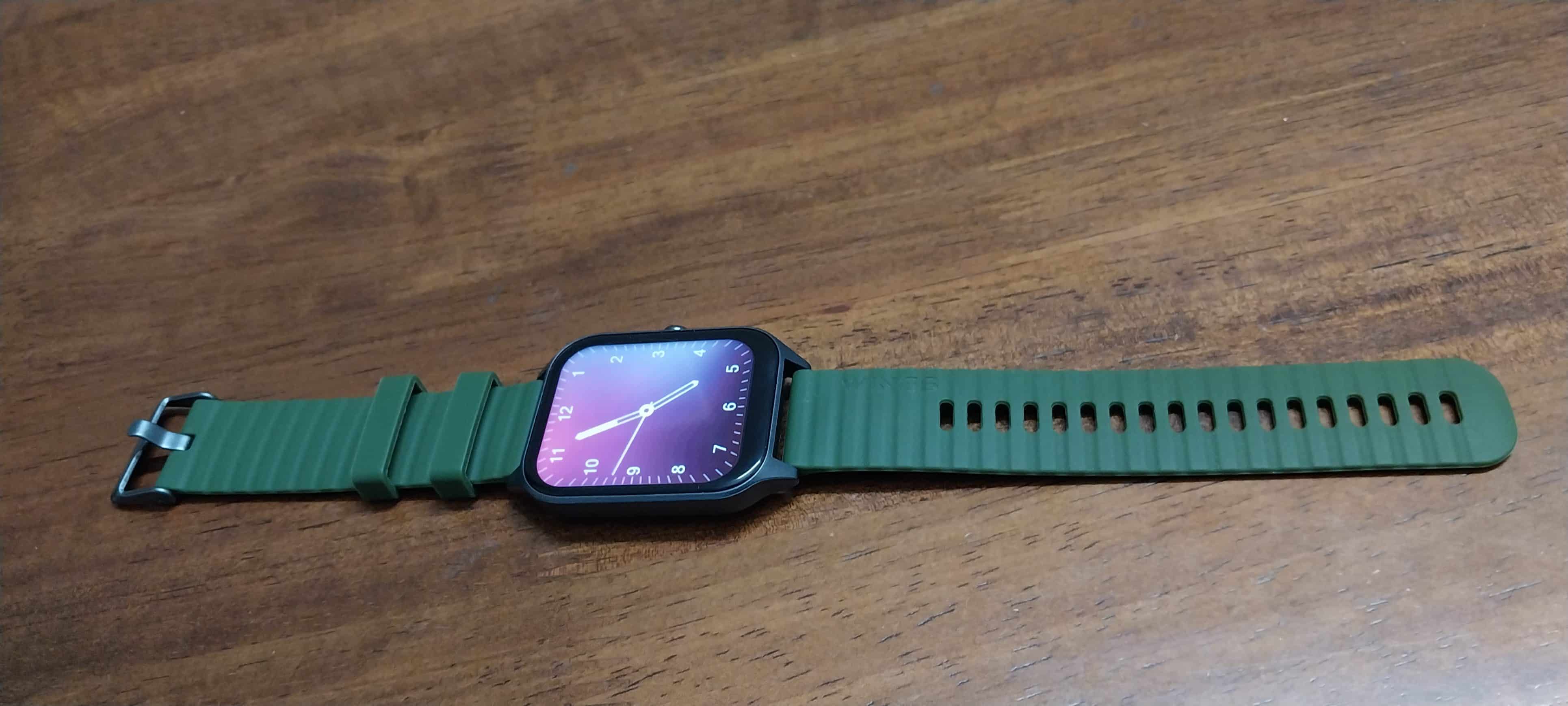
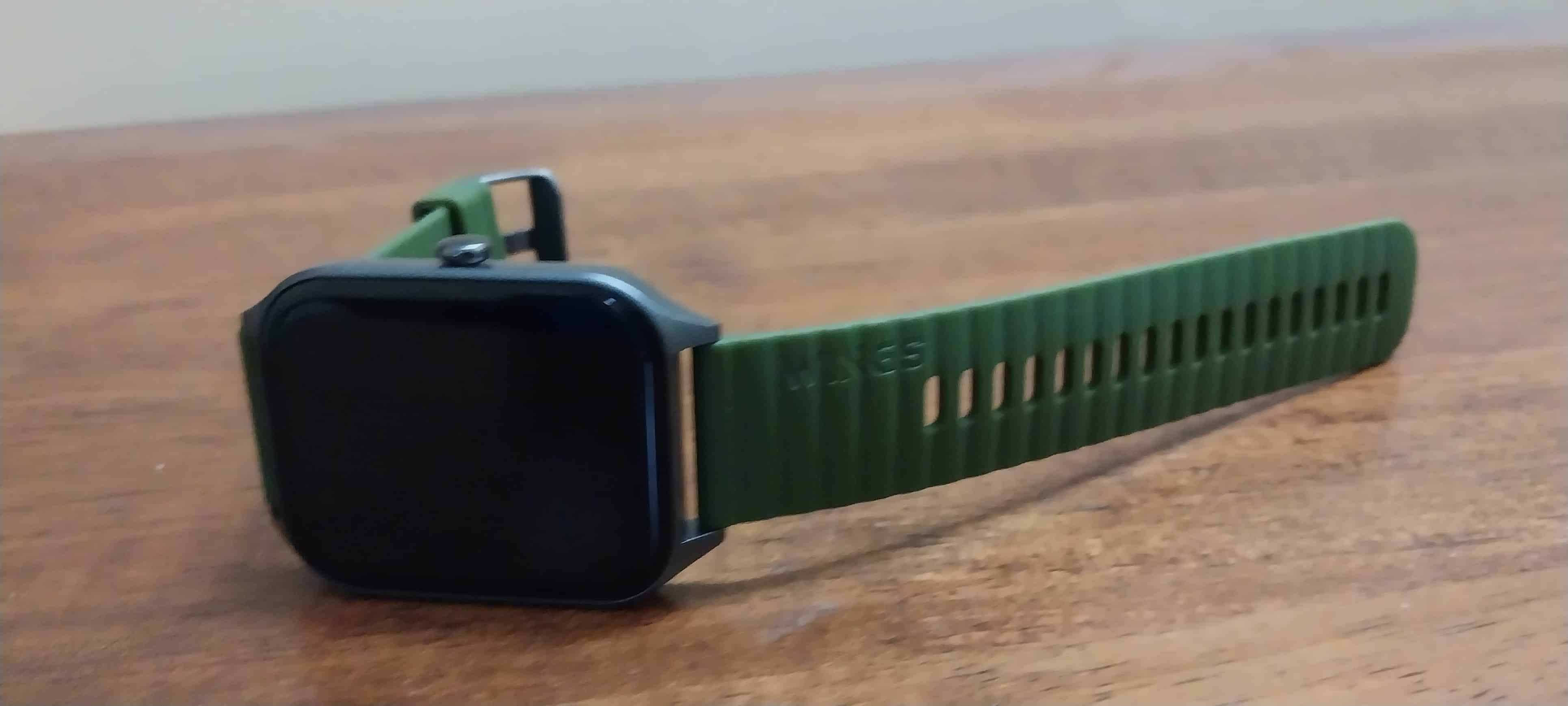
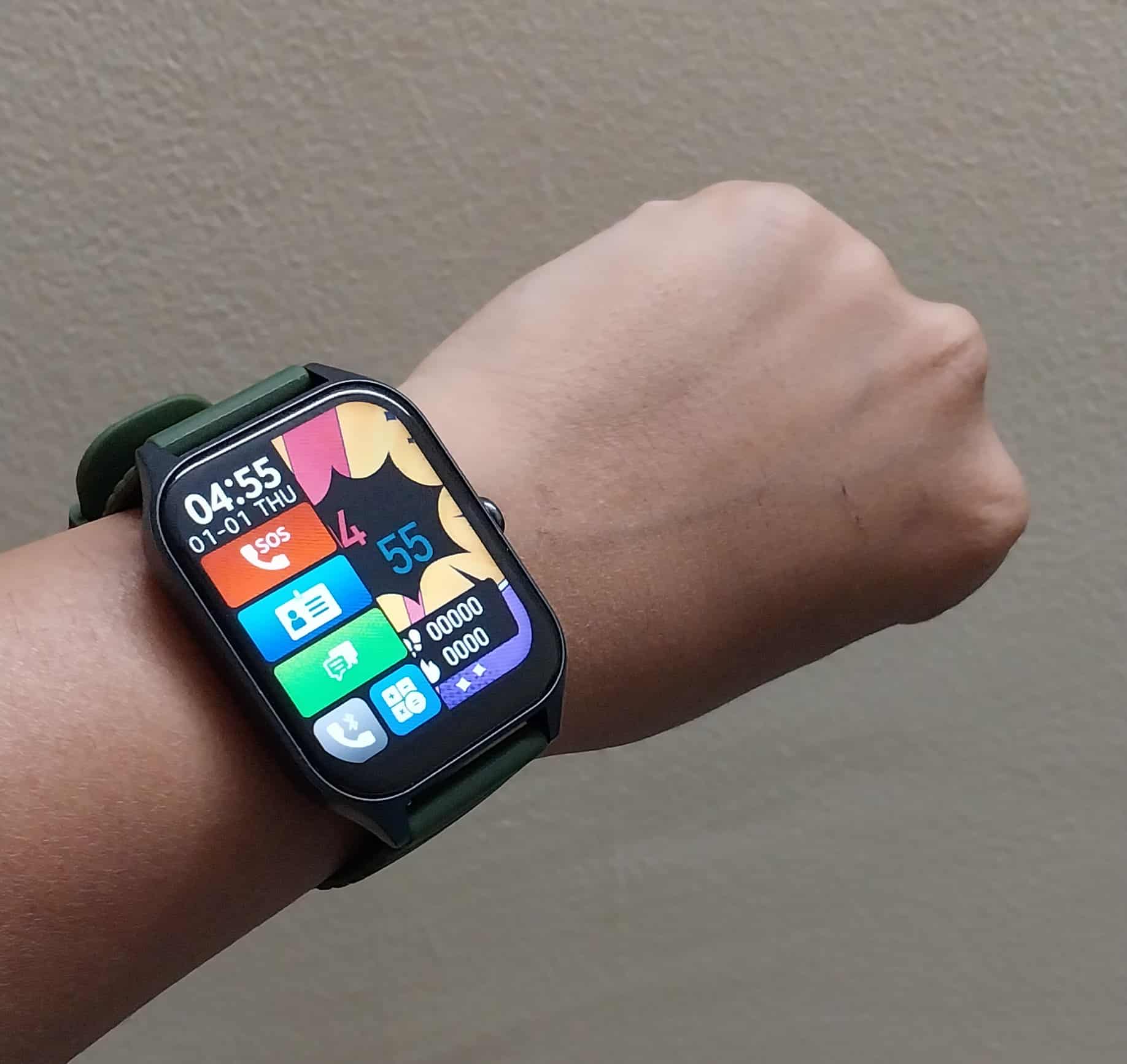
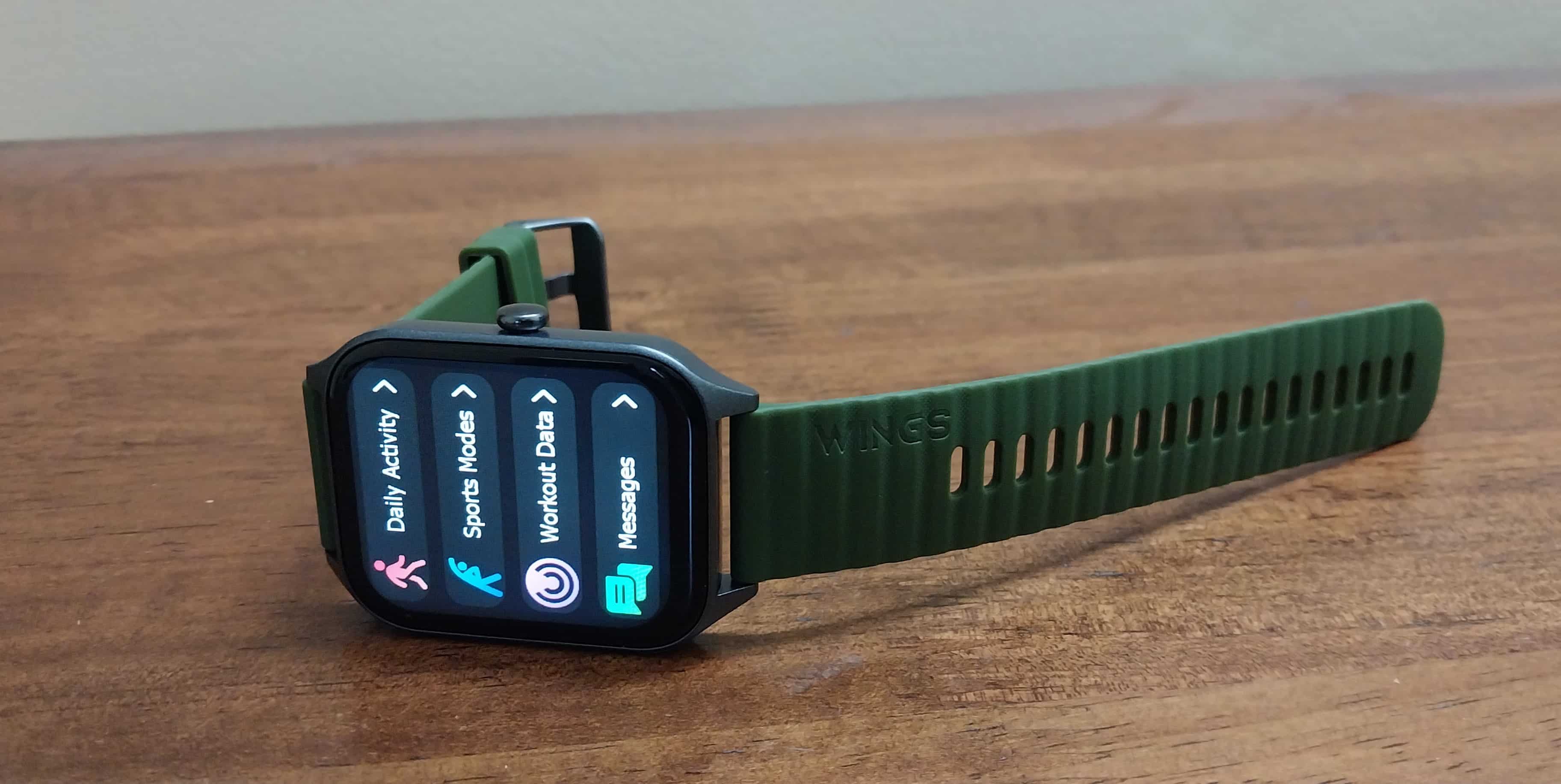
The Wings Prime Smartwatch sports a sleek and modern design.
The Olive colour variant, as we reviewed, exudes style and elegance, making it a fashionable accessory.
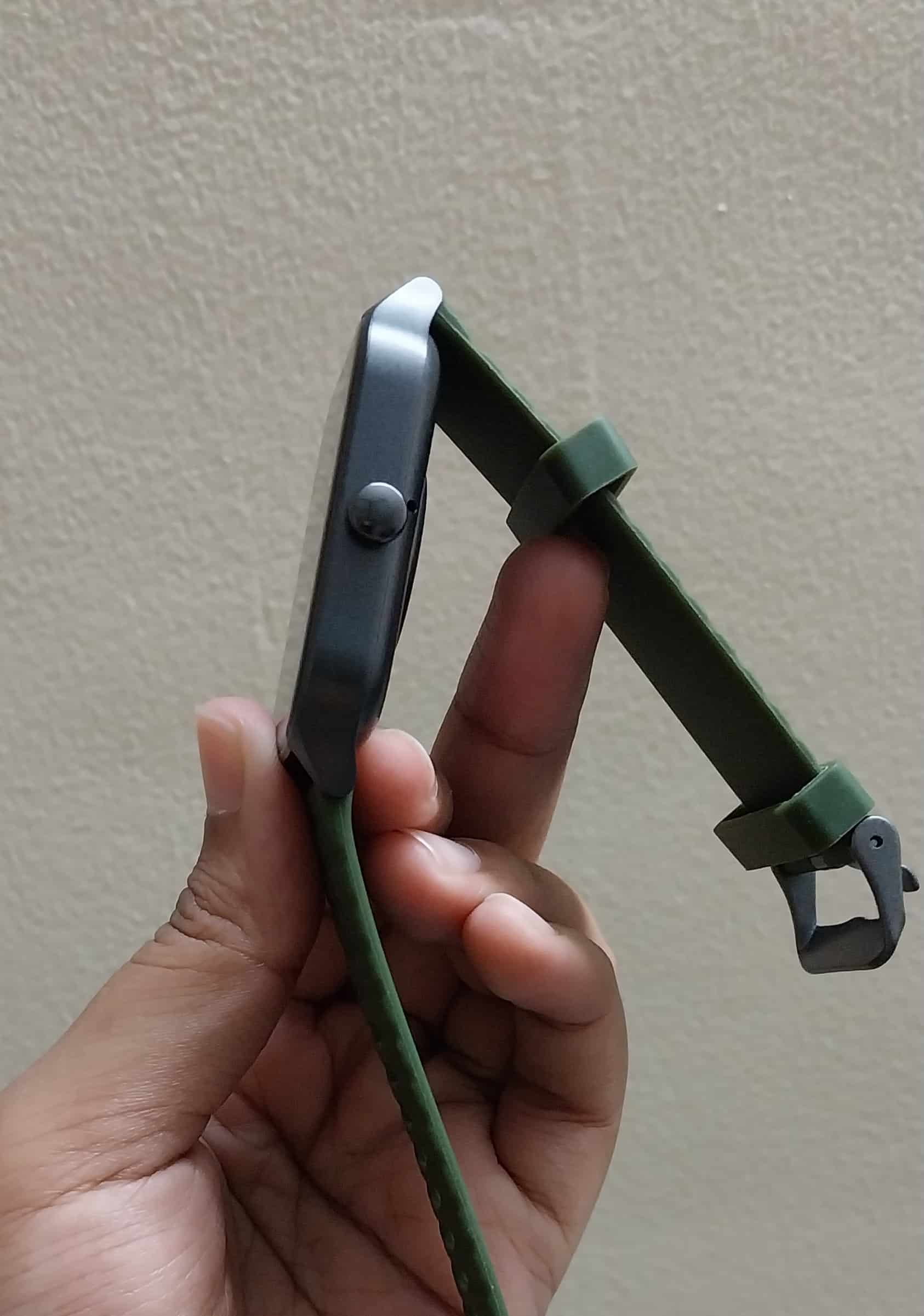
The watch features comfortable and easily replaceable straps, allowing for customization and long-term comfort.
The functional button on the right side of the watch enhances ease of use and navigation through its features and menus.
Last but not least, With an IP68 rating, this smartwatch can withstand dust and water, making it suitable for various environments and activities.
Wings Prime Smartwatch – Display
Wings Prime Smartwatch – Display
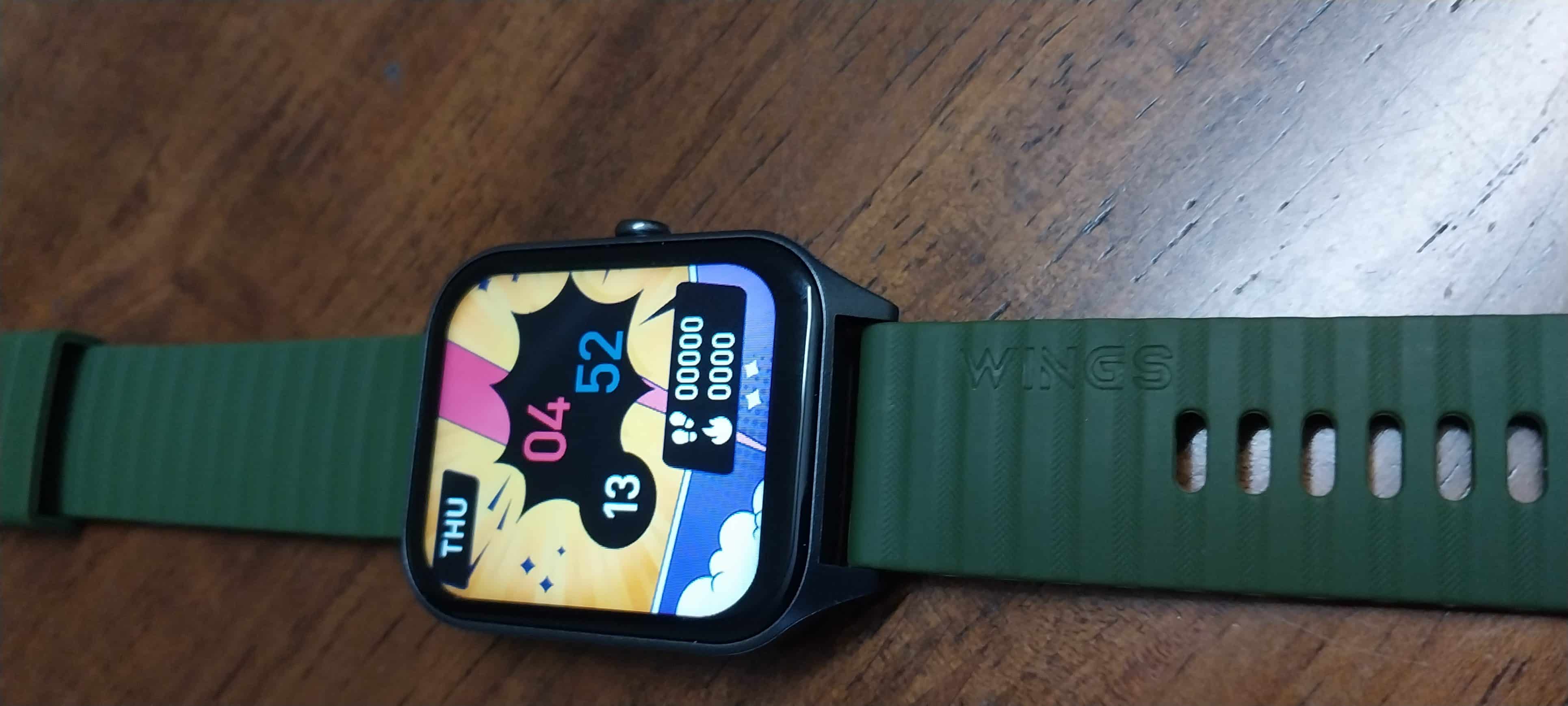
The WingsPrime Smartwatch boasts a sizable 1.96-inch HD IPS display, providing ample screen real estate for clear and vibrant visuals.
With a resolution of 240×284 pixels, the display ensures sharp and detailed content, making text and graphics easily legible. The display offers a brightness of 550 nits, which ensures excellent visibility even under bright sunlight, enhancing outdoor usability.
Moreover, the smartwatch also has an anti-fingerprint coating on the display to help reduce smudges and fingerprints.
Wings Prime Smartwatch – Features
Wings Prime Smartwatch – Features
Powered by a single-chip processor, the Wings Prime Smartwatch offers efficient performance. Bluetooth 5.3 support enables high-quality wireless calling, enhancing connectivity.
This smartwatch provides a comprehensive health monitoring system, covering features like heart rate monitoring, sleep tracking, SpO2 measurement, and more, empowering users to monitor and manage their well-being.
With over 130 sports modes, the watch caters to a wide range of fitness enthusiasts, ensuring precise tracking and analysis for various physical activities.
Users can personalize their watch with customizable watch faces, allowing them to match their style and mood while enjoying a unique look on their wrist.
The Wings Active application enhances the smartwatch experience, offering a centralized hub for data synchronization, performance analysis, and customization of watch settings, making it a valuable companion for users.
Wings Prime Smartwatch – Battery
Wings Prime Smartwatch – Battery
The Wings Prime Smartwatch offers decent battery performance. As per the brand’s claim, it provides up to 7 days of usage without calling functionality.
However, when actively using calling features, the battery can last up to 3 days. This flexibility allows users to enjoy extended use between charges, making it a reliable companion for daily wear and communication.
My Mobiles Rating
My Mobiles Rating
Design – 3/5
Display – 3.5/5
Feature – 3.5/5
Calling – 3/5
Comfort – 3/5
Performance – 3/5
Verdict – Should You Buy Wings Prime Smartwatch?
Should You Buy Wings Prime Smartwatch?
With its sleek design, the Wings Prime Smartwatch certainly makes a fashion statement. The IP68 dust and water resistance ensure durability, while the functional side button adds convenience
Under the hood, a single-chip processor and Bluetooth 5.3 calling capabilities provide efficient performance and connectivity. The smartwatch shines in health monitoring, offering comprehensive features.
The inclusion of over 130 sports modes and customizable watch faces caters to various preferences. Supported by the Wings Active application, it’s a versatile and fashionable smartwatch.
For an under 1500 price category smartwatch, the Wings Prime Smartwatch offers a compelling package for those in search of a feature-rich and stylish wearable.
FAQs
Q1. Are there any games in the Wings Prime Smartwatch?
Answer. Yes, the Wings Prime Smartwatch come with 2 in-built games.
Q2. Can I lock the Wings Prime smartwatch screen?
Answer. Absolutely! The Wings Prime Smartwatch offers a password lock feature for users to lock the display.
Q3. How many sports modes are available on the Wings Prime Smartwatch?
Answer. The smartwatch boasts an impressive selection of over 130 sports modes, making it suitable for a wide range of physical activities, from common exercises to niche sports.
Q4. Is there any utility feature in the Wings Prime Smartwatch?
Answer. Certainly! The Wings Prime Smartwatch offers a range of utility features, including notifications, voice assistant support, weather updates, alarms, and timers, enhancing its functionality as a versatile wearable device.
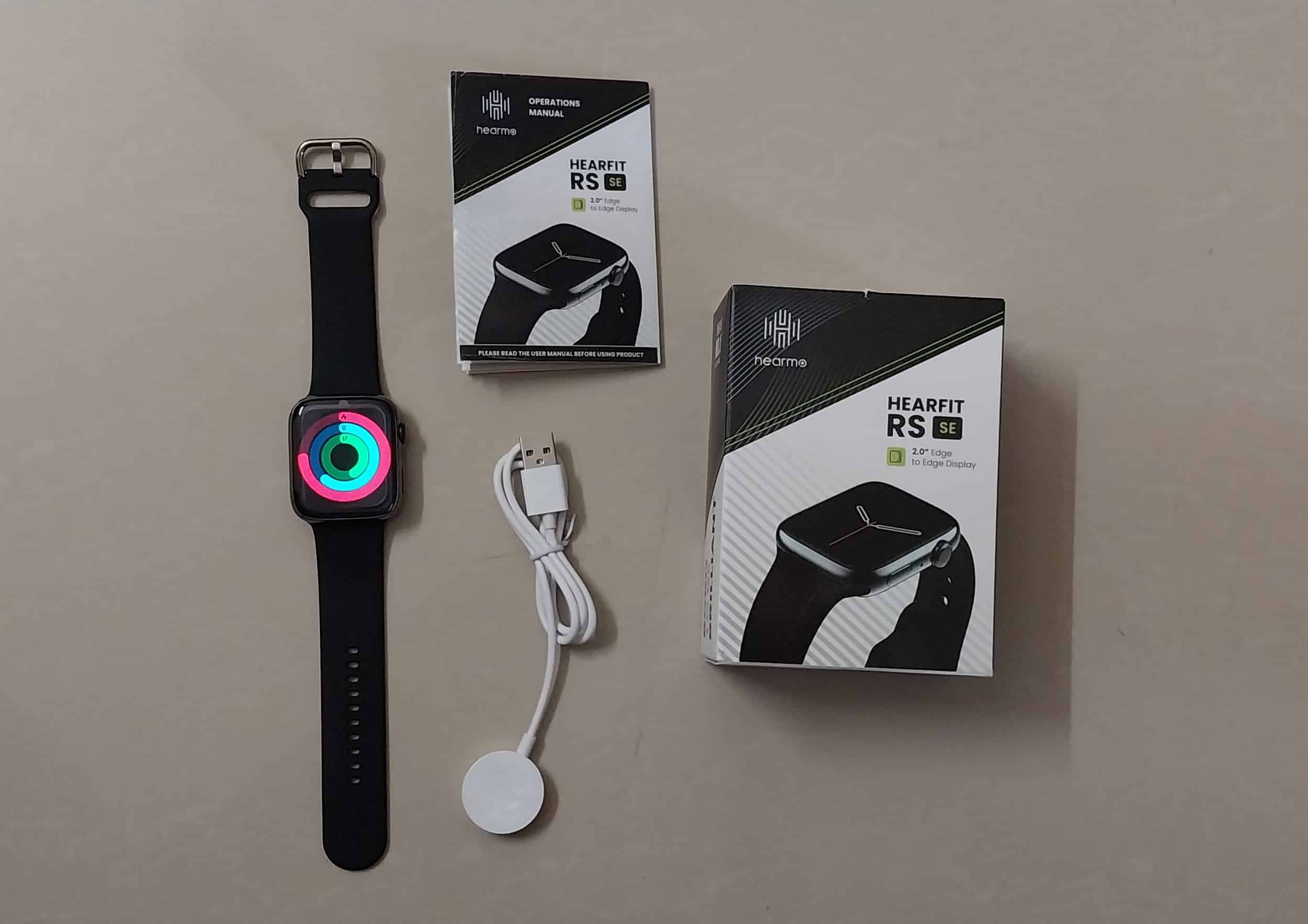
Hearmo has launched a budget-friendly premium lifestyle smartwatch – the HearFit RS (SE).
Launched at the offer price of Rs 1,999, the smartwatch comes in two colour variants – Black and Army Green.
It comes with advanced features such as Wireless Charging, Bluetooth calling, 100+ sports and fitness tracking modes.
In this comprehensive review, we are sharing our hands-on review of the Hearmo Hearfit RS (SE) Smartwatch after using the device for a couple of days. The stylish and feature-packed device is making waves in the world of smart wearables.
Hearmo Hearfit RS SE – Key Features
Hearmo Hearfit RS SE – Key Features
0-inch UHD Edge-to-edge Display
Bluetooth v5.2
Bluetooth Calling
Health Monitoring
Multi-Sports Mode
Multiple Standby Watch Face
IP68 Water and DustProof
Hearmo Hearfit RS SE – Pros & Cons
Hearmo Hearfit RS SE – Pros & Cons
Pros
Cons
Good sturdy design
Great display
Quality silicon strap
Comfortable to wear for long hours
Multiple Standby Watch Face
IP68 Water and DustProof
NFC support
Budget-friendly
● Touch-sensitive
● Limited customization option
Hearmo Hearfit RS (SE) – Design
Hearmo Hearfit RS (SE) – Design
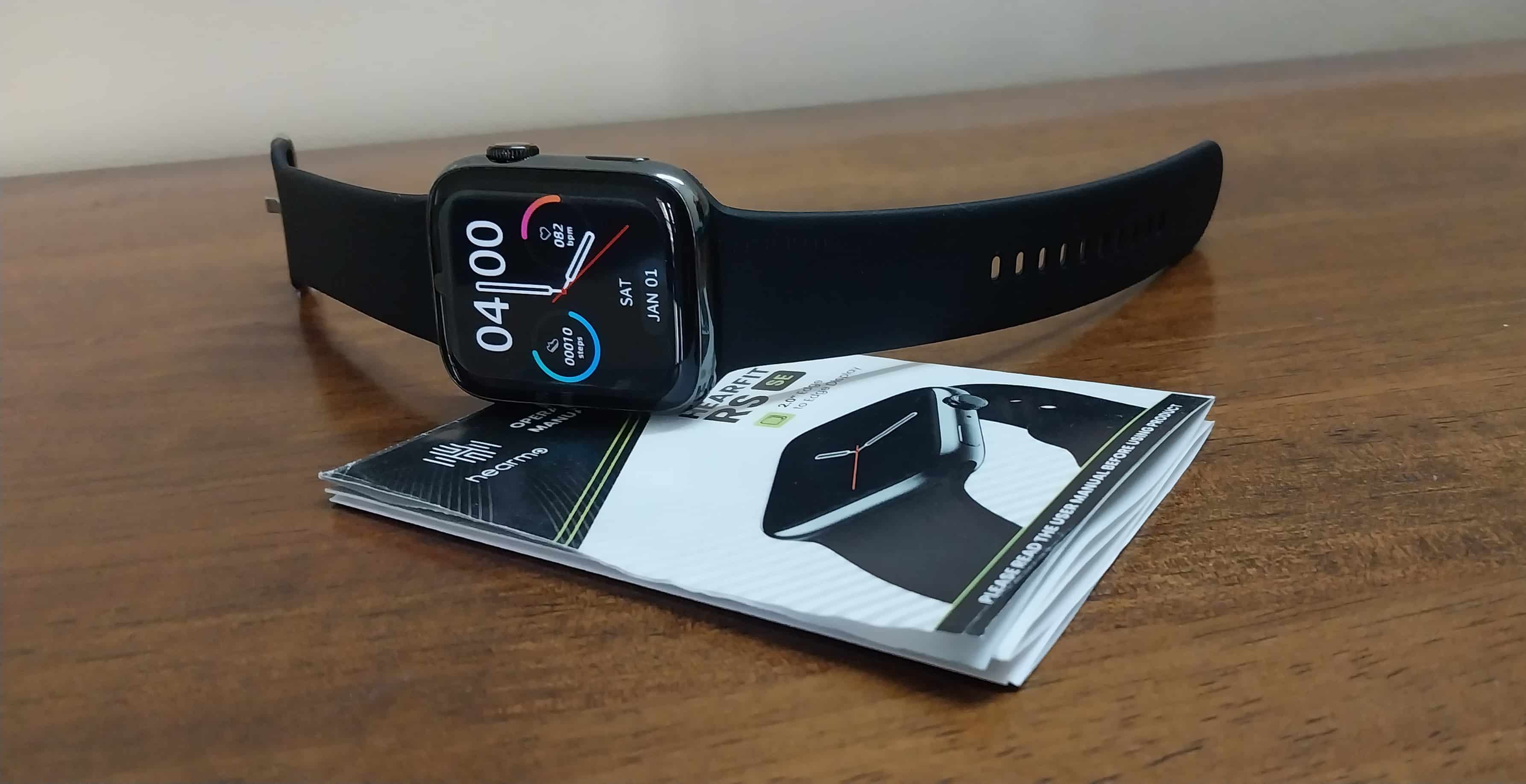
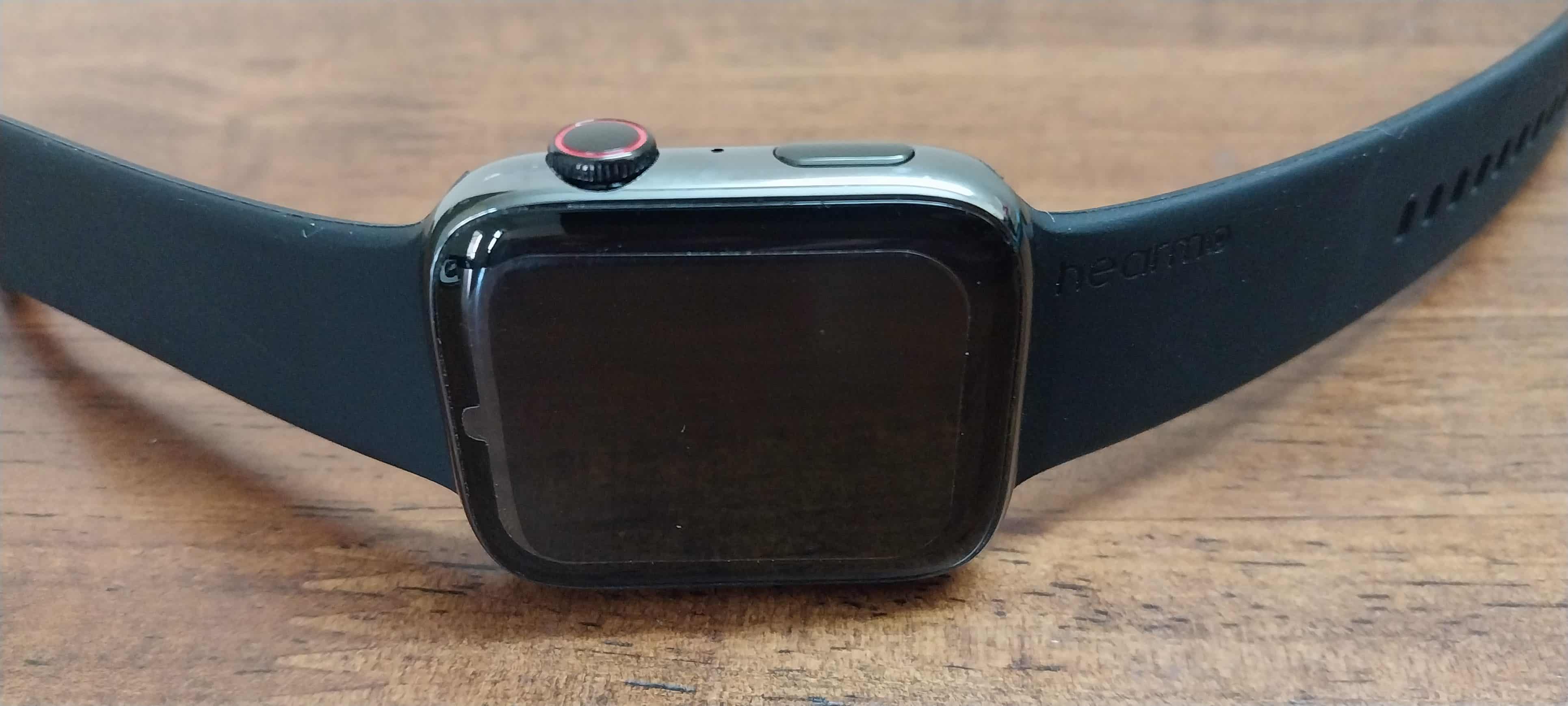
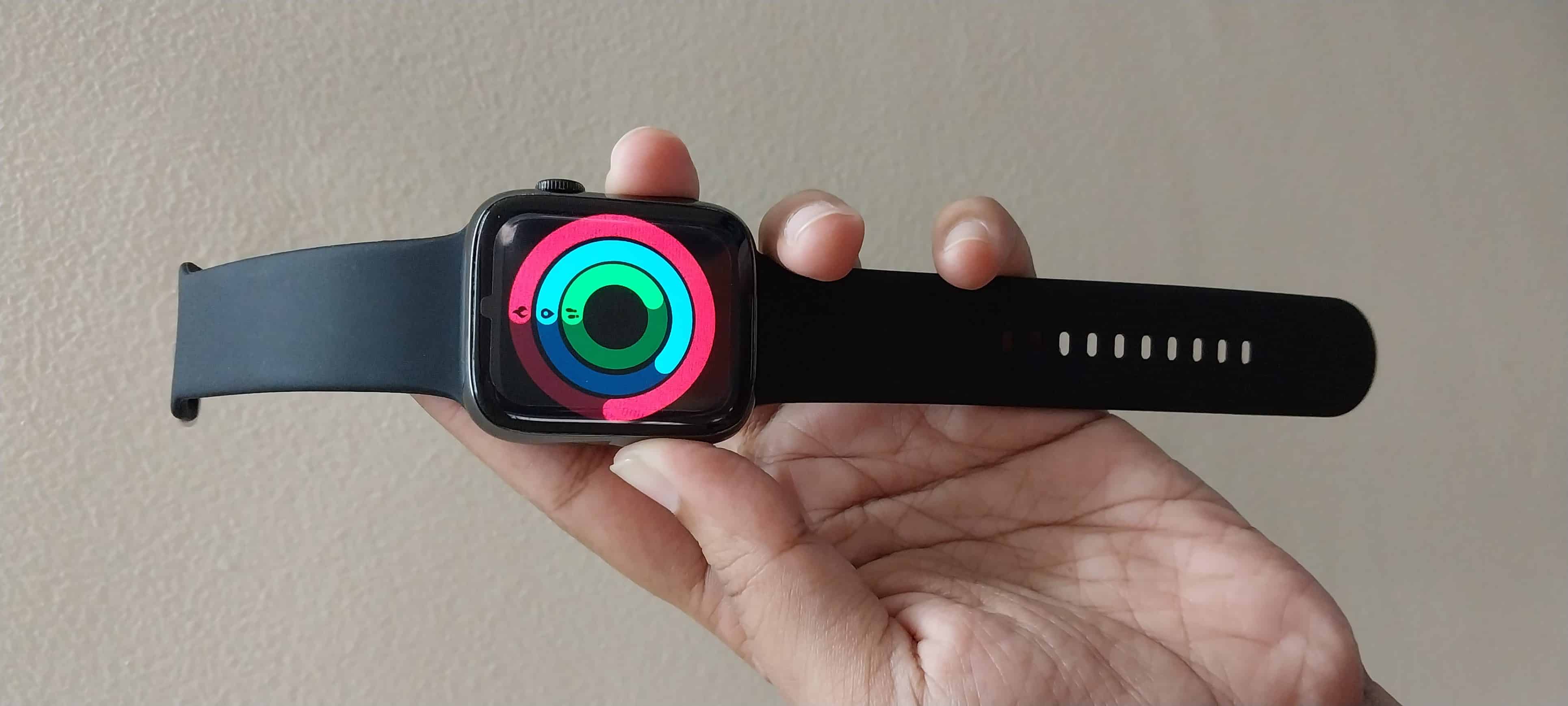
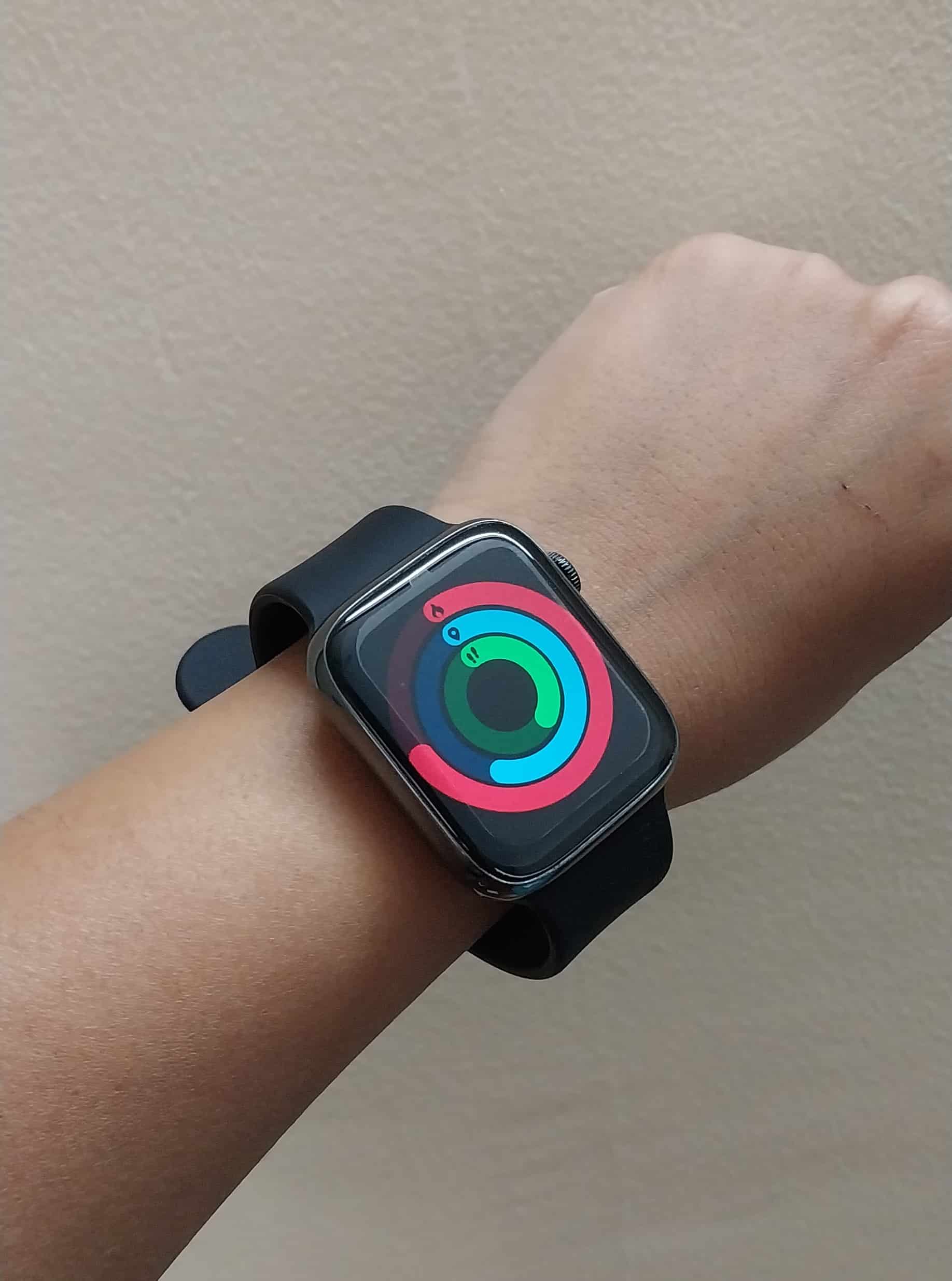
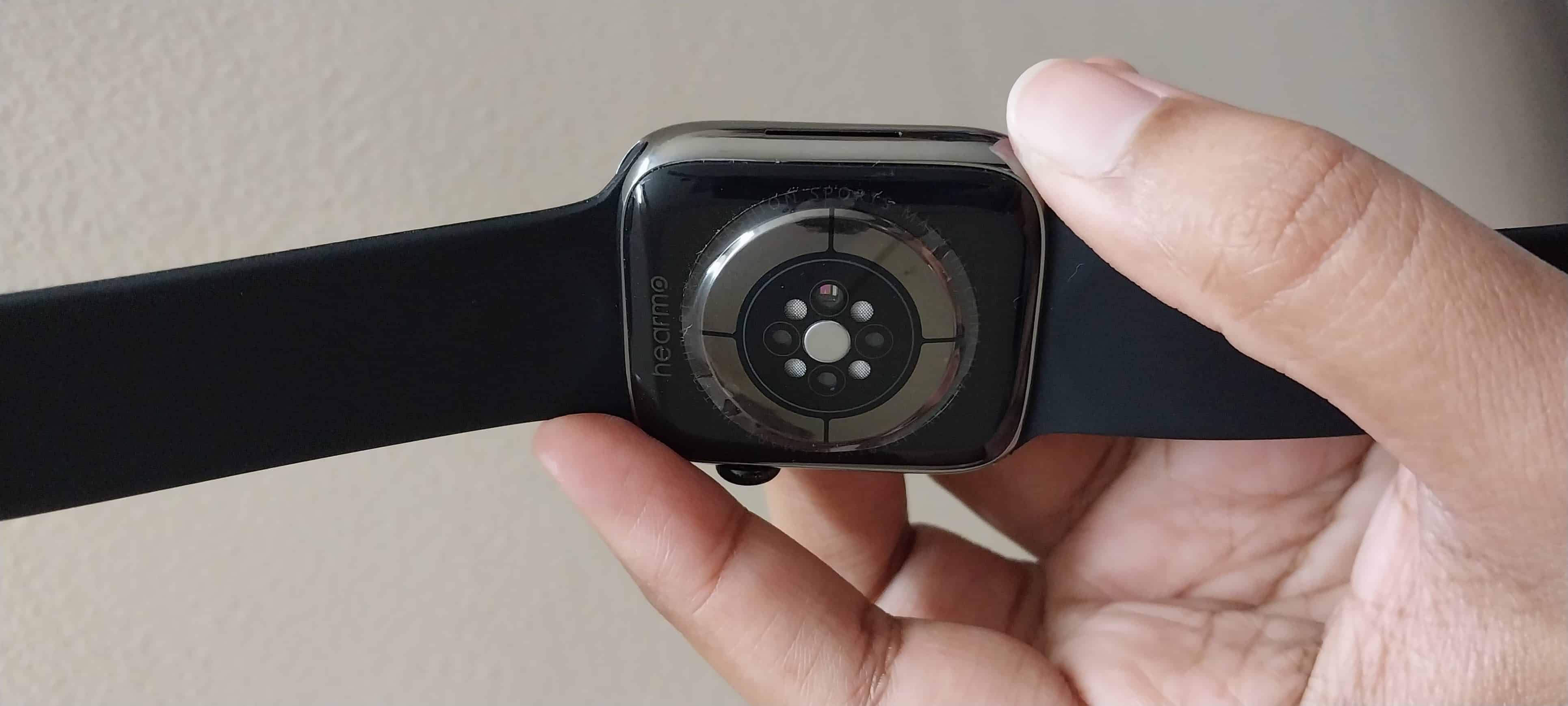
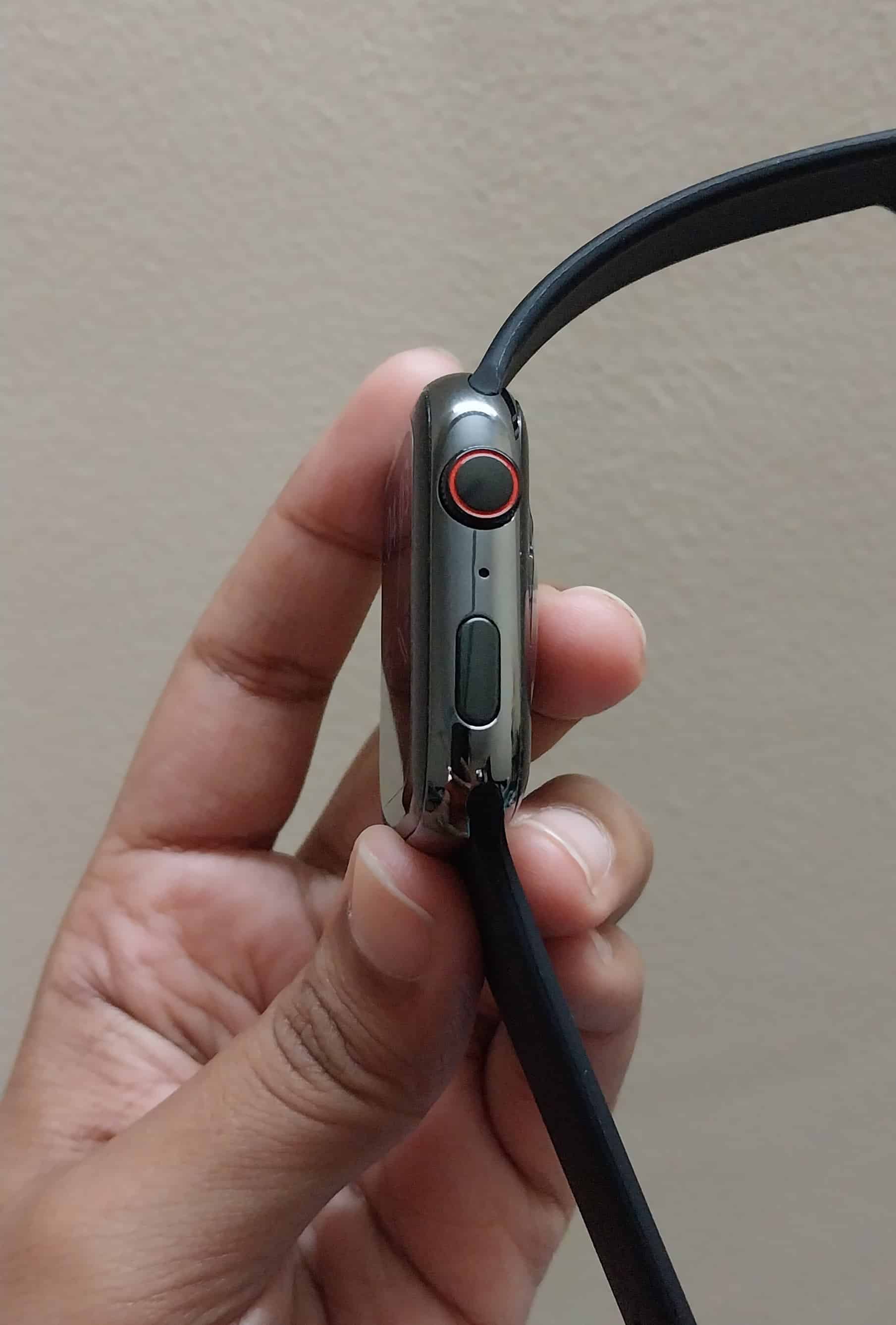
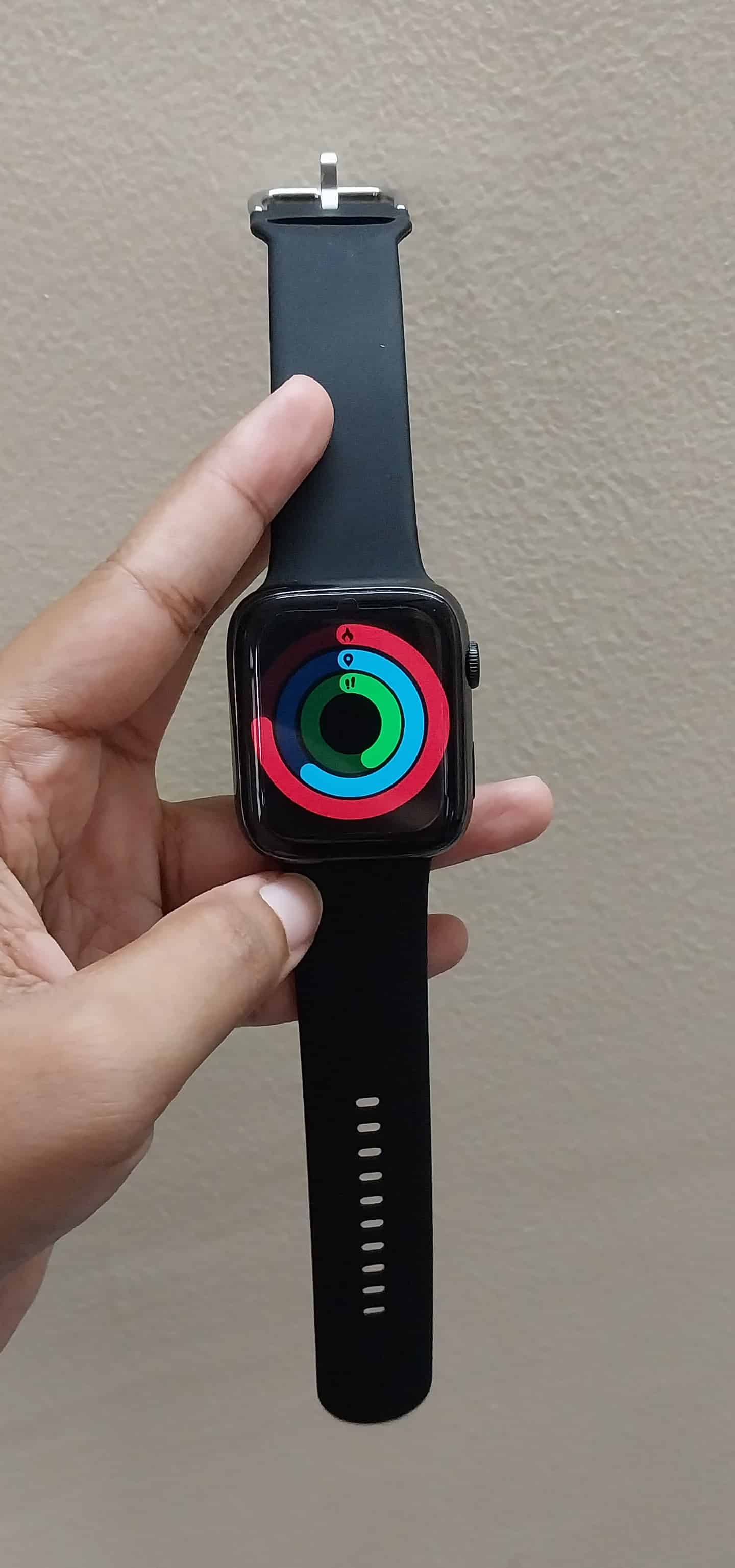
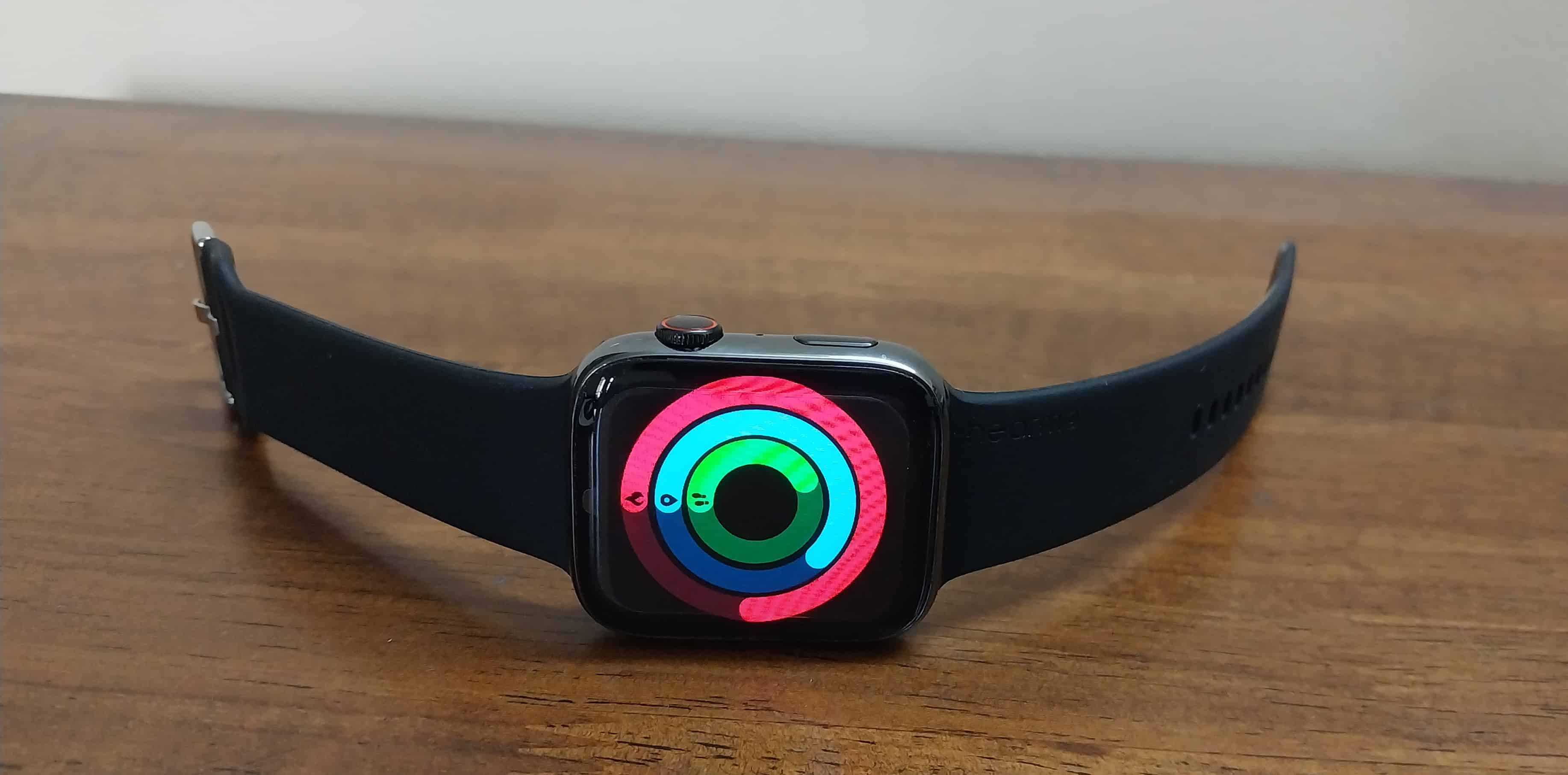
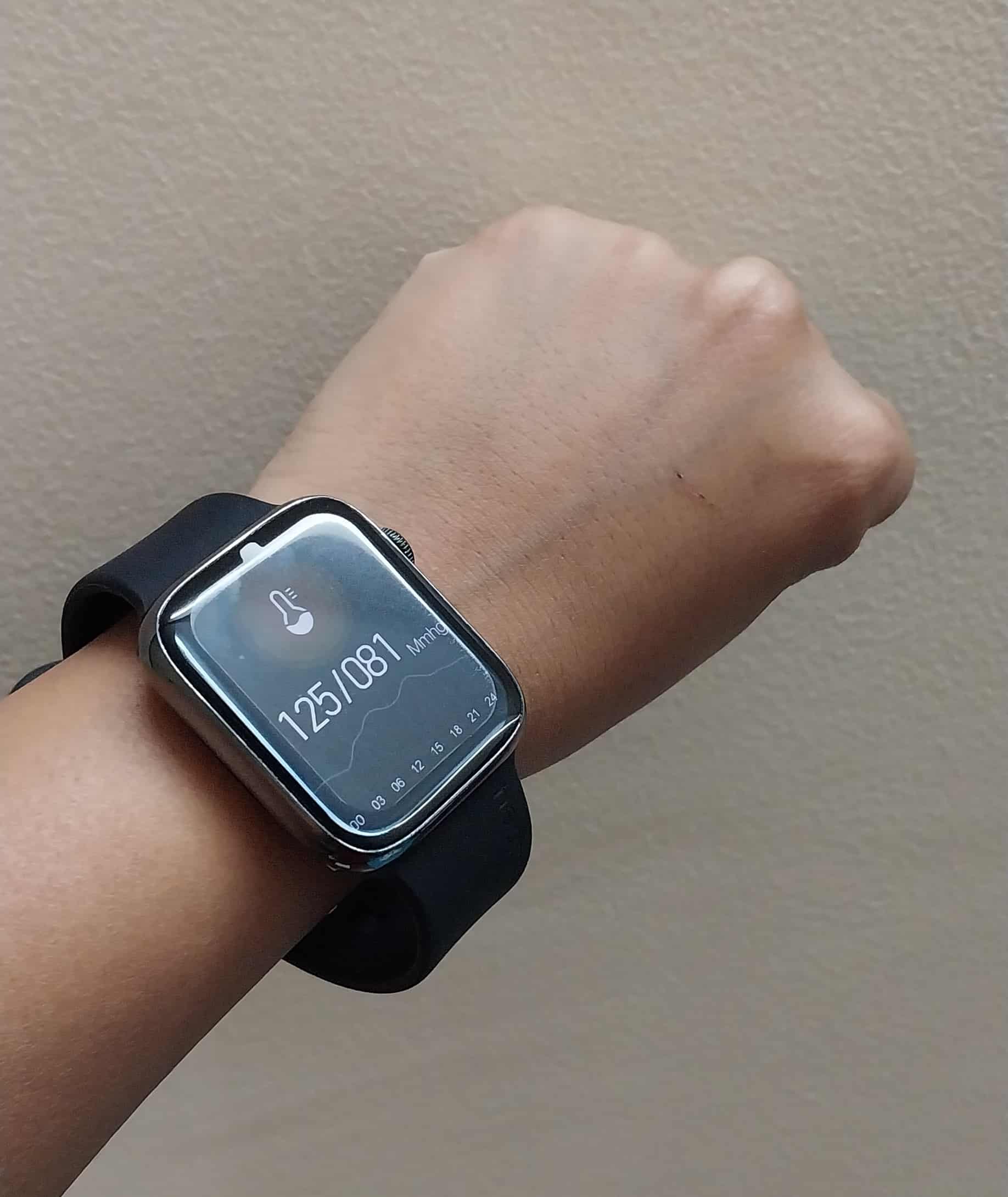
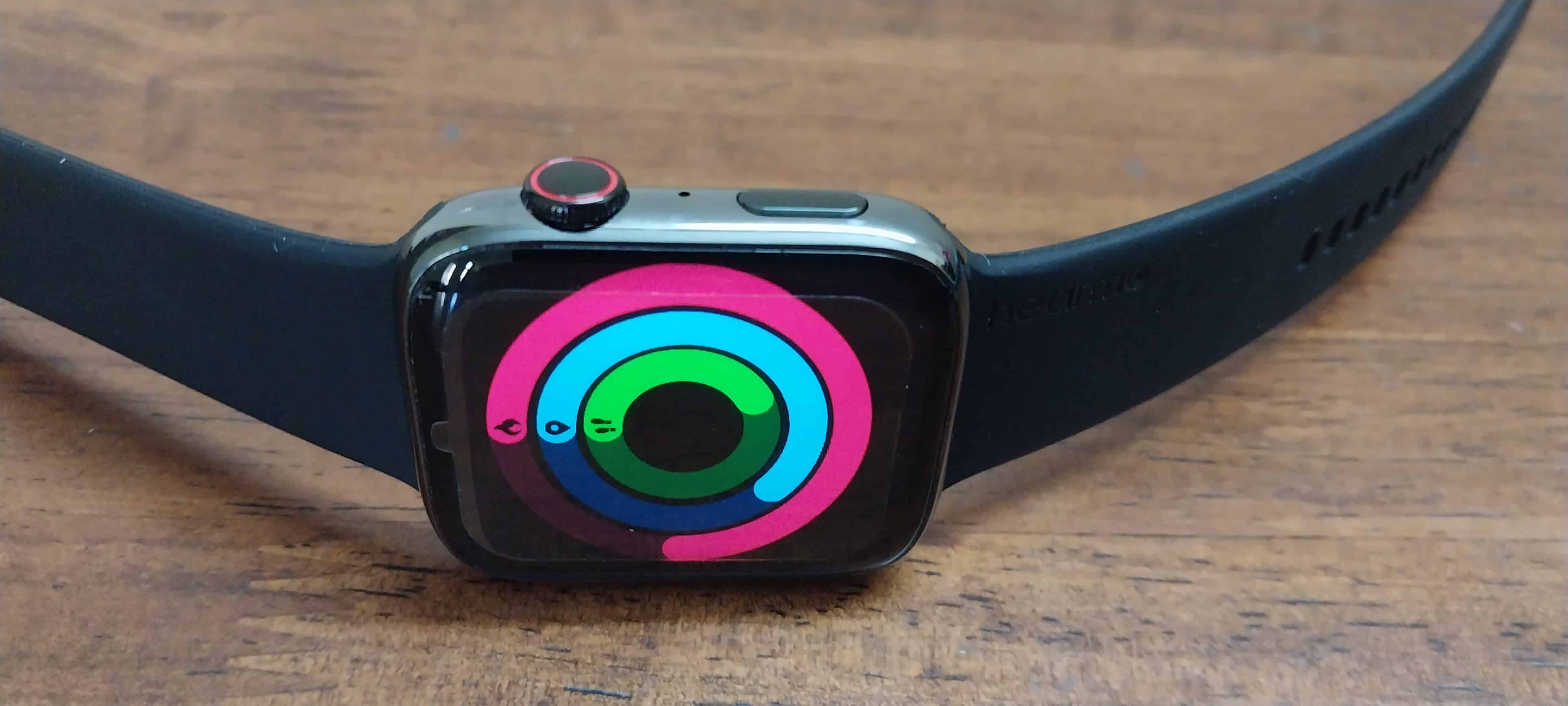
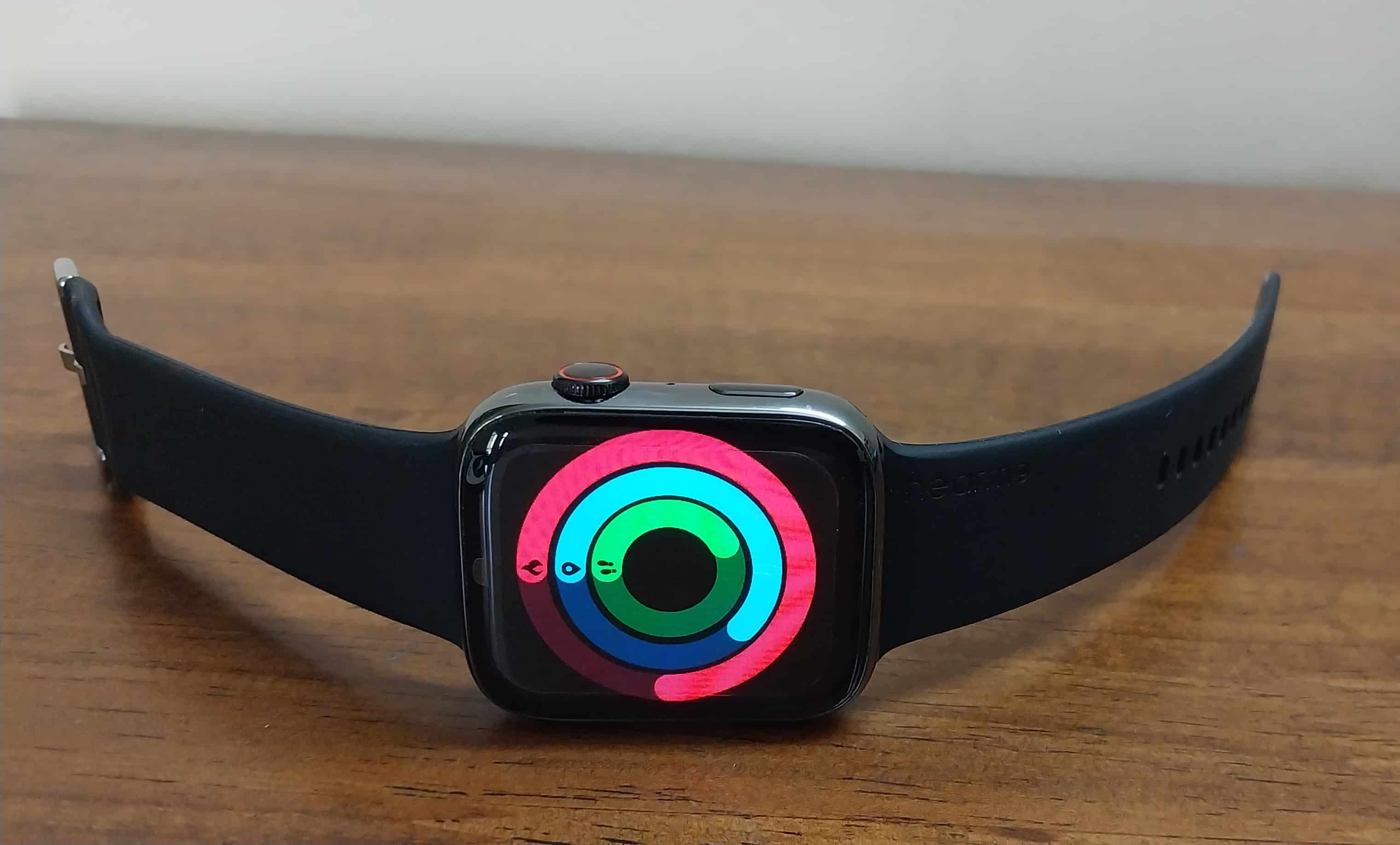
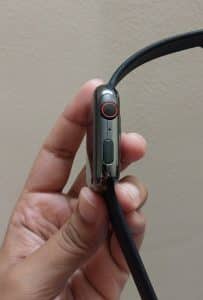
At first glance, the Hearmo Hearfit RS (SE) bears a striking resemblance to the Apple Watch, particularly in its overall design language and square dial.
The square dial design, complete with a functional crown button offers a familiar user experience for those accustomed to Apple’s smartwatches.
The use of stainless steel for the body adds a premium feel to the watch, elevating its aesthetics and durability.
Impressive build quality, especially considering its price point below 2000.
The replaceable silicone strap provides users with customization options, allowing them to match the watch to their style or activity.
The IP68 waterproof and dustproof rating can handle various environmental conditions, making it suitable for both everyday wear and outdoor activities.
Hearmo Hearfit RS (SE) – Display
Hearmo Hearfit RS (SE) – Display
The Hearmo Hearfit RS (SE) features a spacious 2-inch UHD edge-to-edge display, providing ample screen real estate for a more immersive user experience.
With a resolution of 420X485 and a pixel density of 320PPI, the display offers crisp and clear visuals, enhancing the overall readability of text, content, and icons.
The display boasts 700 nits of brightness, making it easily visible even in bright outdoor conditions.
The screen remains legible in various lighting environments.
The bezels surrounding the screen appear narrow in comparison to other watches in the same segment,
The touch response of the display is decent, allowing for smooth interaction with the watch’s interface and apps.
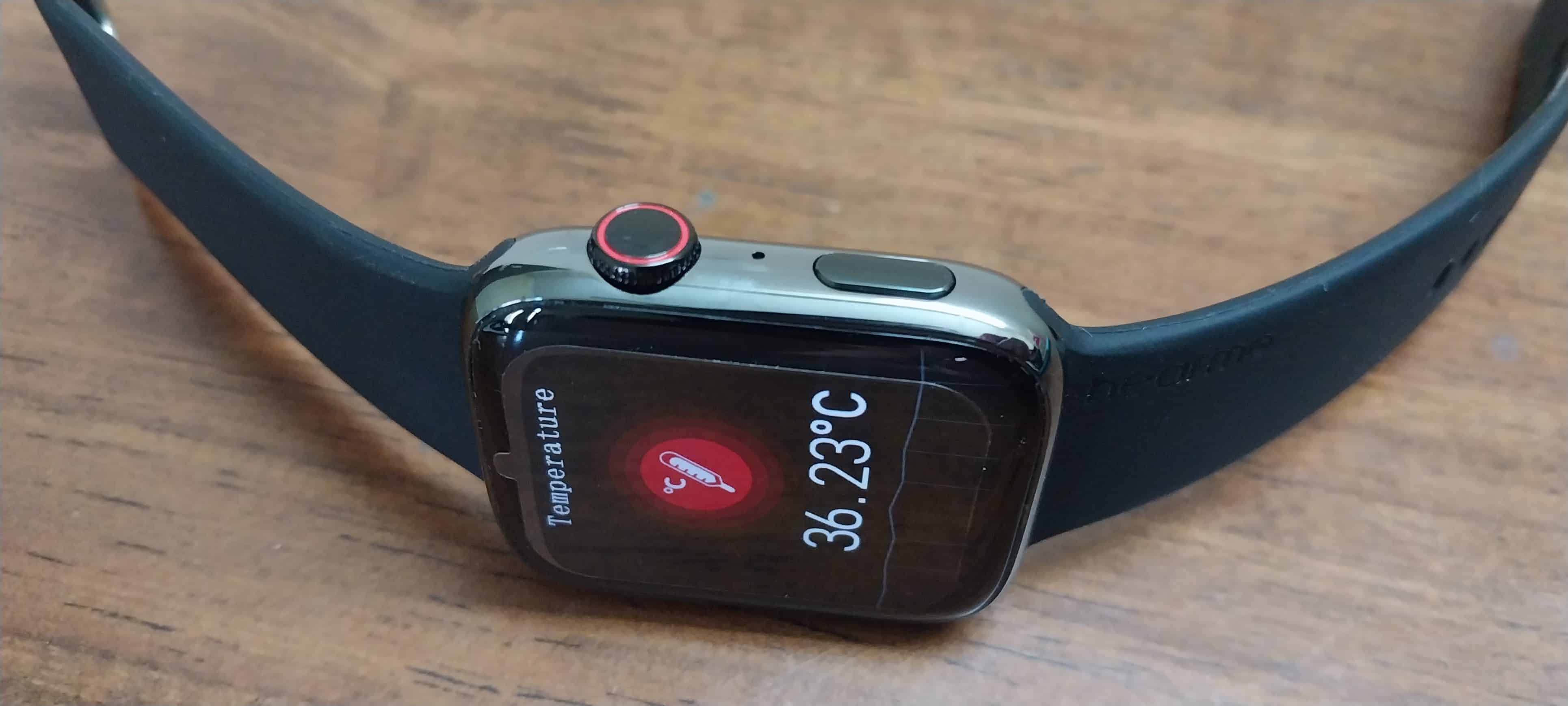
It also has a comprehensive health monitoring suite, which includes features like heart rate monitoring, sleep tracking, blood oxygen level measurement (SpO2), and more.
You can use it for efficient fitness tracking as it enables users to monitor their physical activity and set fitness goals. Additionally, it includes multiple sports modes to cater to a wide range of fitness enthusiasts.
The integration with the “WearPro” app, which likely serves as a central hub for data synchronization, performance analysis, and customization of watch settings. App support enhances the user experience by providing a platform for data management and insights.
Hearmo Hearfit RS (SE) – Battery
Hearmo Hearfit RS (SE) – Battery
Hearfit RS (SE) boasts a long-lasting battery. The watch can accompany users throughout their day without the need for frequent recharging. With an impressive standby time of 2-3 days, the smartwatch can remain operational even when not in active use.
Charging the smartwatch is made convenient with wireless charging technology. You can simply place the watch on the charger, eliminating the hassle of dealing with cables and connectors.
My Mobiles Rating
My Mobiles Rating
Design – 3.5/5
Display – 3.5/5
Features – 3/5
Bluetooth Calling – 3/5
Performance – 3.5/5
Verdict – Should You Buy Hearmo Hearfit RS (SE)?
Verdict – Should You Buy Hearmo Hearfit RS (SE)?
The Hearmo Hearfit RS (SE) impresses with its Apple Watch-inspired design, featuring a square dial, stainless steel body, and a replaceable silicone strap. Its 2-inch UHD display with high resolution and brightness delivers sharp visuals, while Bluetooth 5.2 calling enhances connectivity.
Complete health monitoring and fitness tracking, coupled with “WearPro” app support, cater to health-conscious users.
Long-lasting battery life, wireless charging, and a standby time of 2-3 days add to its convenience, making it a compelling smartwatch option for the price segment. In fact, affordability is one of the biggest highlights.
So, if you are looking for a good functioning smartwatch that looks sleek and stylish, Hearfit RS (SE) is definitely a good choice.
FAQs
Q1. Is the Hearmo Hearfit RS (SE) compatible with iPhone devices for Bluetooth calling?
Answer. Yes, the Hearmo Hearfit RS (SE) supports Bluetooth calling, providing convenient calling functionality directly from the smartwatch.
Q2. How is the battery life of the Hearmo Hearfit RS (SE)?
Answer. The Hearmo Hearfit RS (SE) offers a long-lasting battery, with a standby time of 2-3 days, ensuring that you can use it throughout the day without frequent recharging.
Q3. Can I customize the strap on the Hearmo Hearfit RS (SE) smartwatch?
Answer. Absolutely! The Hearmo Hearfit RS (SE) comes with a replaceable silicone strap, allowing you to personalize your smartwatch to match your style or activity.
Q4. Does the Hearmo Hearfit RS (SE) offer fitness tracking for various sports activities?
Answer. Yes, the smartwatch includes fitness tracking capabilities and supports multiple sports modes, making it suitable for a wide range of physical activities, from running to cycling and more.
Introduction of the long-awaited Material You design on desktop, featuring refreshed icons and diverse colour palettes.
Enhanced Chrome Web Store experience, mirroring the Google Play Store browsing feel.
“Search this page with Google” feature: Streamlined browsing with side panel search capabilities.
Upgraded Safe Browsing with real-time site and file checks for improved online safety.
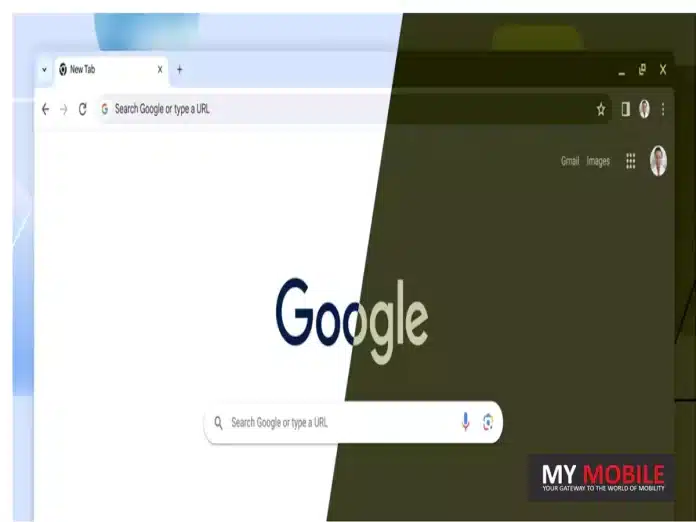
With its 15th anniversary in sight, Google Chrome is undergoing a transformative visual overhaul that is both timely and evolutionary.
This monumental update is characterized by the adoption of the long-anticipated Material You design. Below, we delve deep into this radical transformation, offering a fresh perspective on what it means for users of this dominant web browser.
The Birth of A New Era: Material You Arrives on Chrome
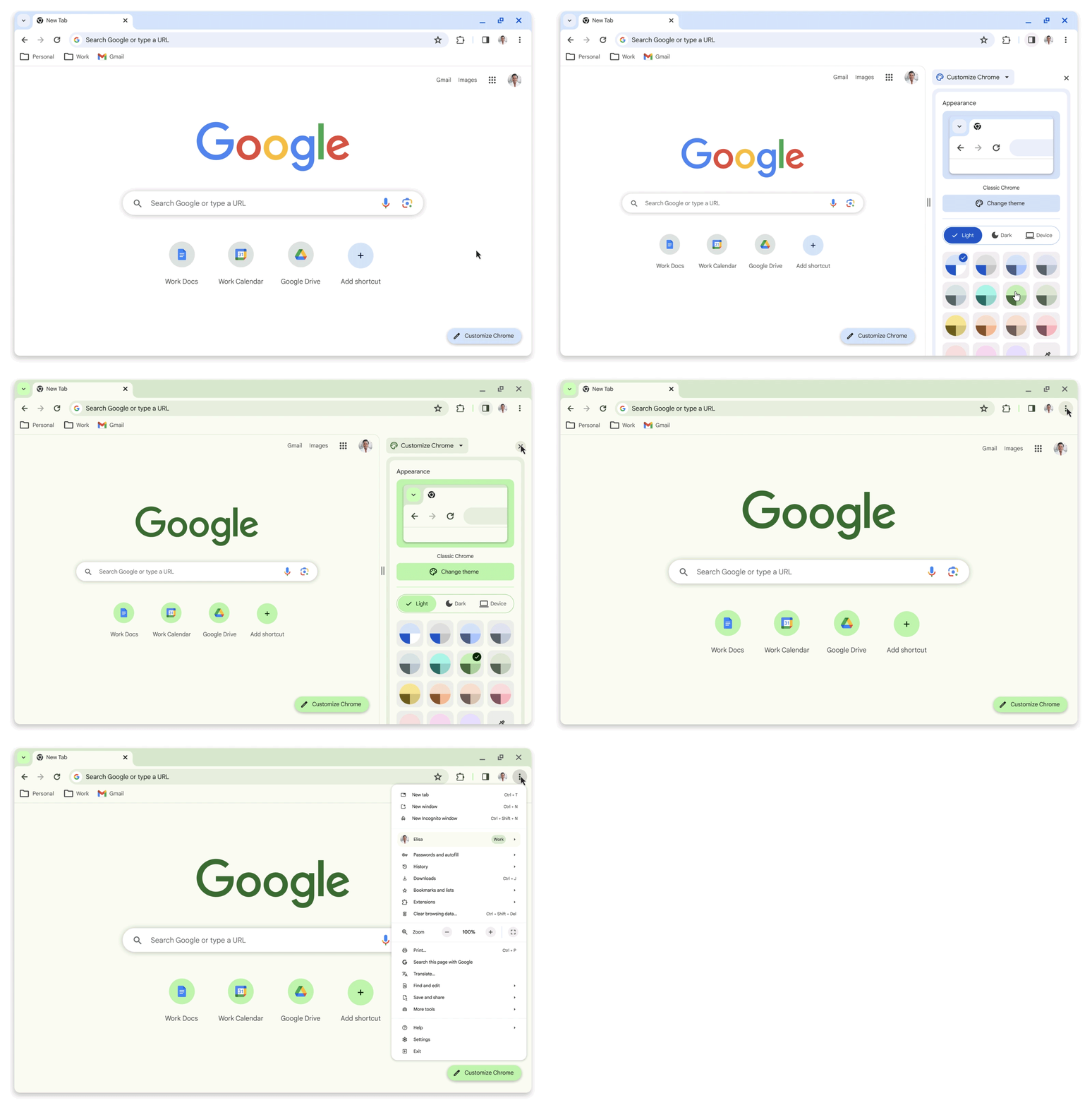
The desktop iteration of Google Chrome has finally embraced the Material You design. Not only are the icons more discernible, enhancing readability, but the introduction of varied colour palettes enriches the browser’s aesthetic appeal.
A significant enhancement is in the “Customize Chrome” functionality, where users can differentiate between multiple profiles using diverse themes.
An Intuitive Chrome Web Store Experience
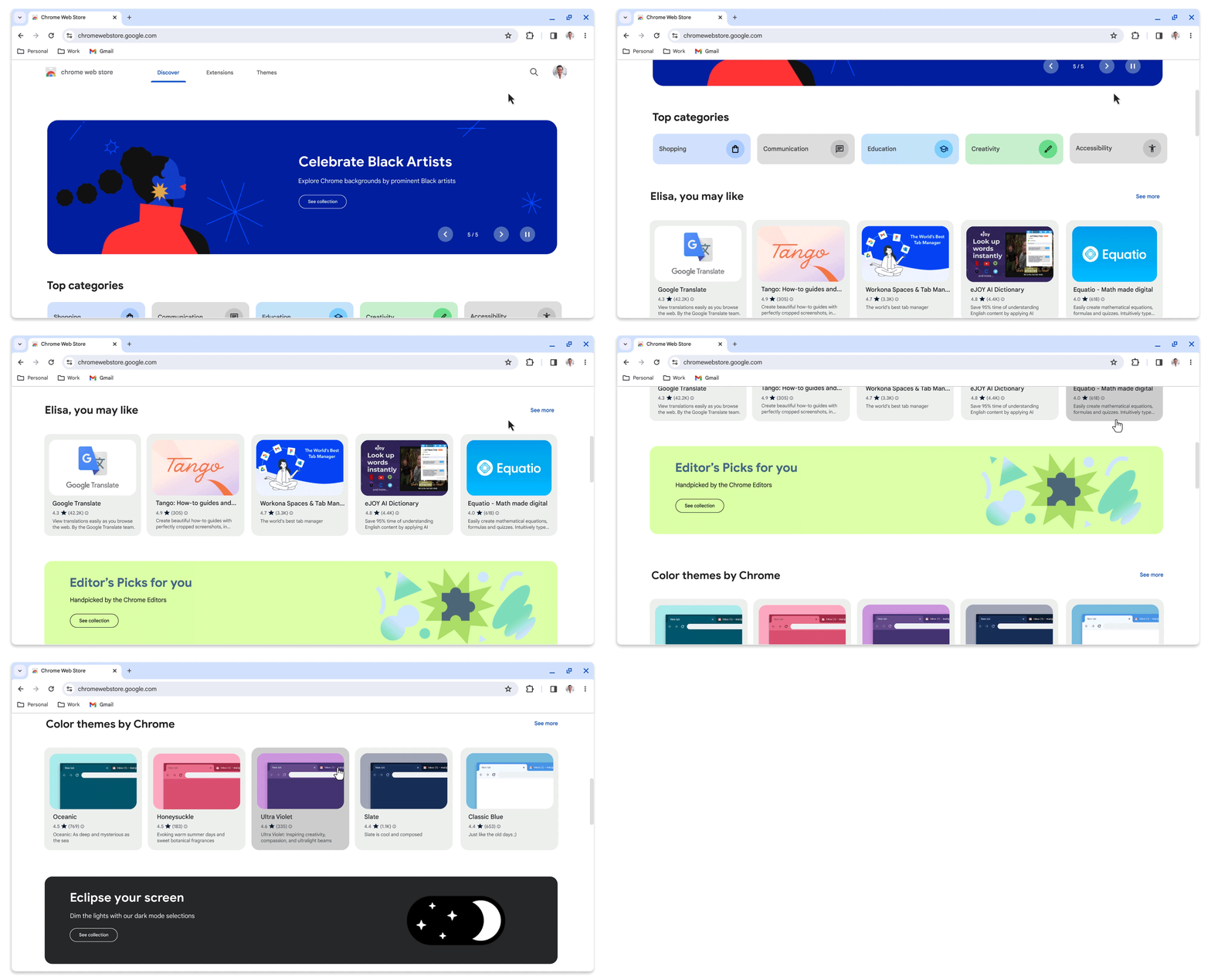
Drawing inspiration from Material You, the Chrome Web Store now mirrors the experience of browsing the Google Play Storeon desktop. Navigating the platform to unearth beneficial extensions is a breeze.
Further fine-tuning the user experience are the enhanced personalized suggestions and the addition of categories such as AI-enhanced extensions and the Editor’s Spotlight. Adventurous users can already get a glimpse of the future by exploring the new web store’s public preview.
Redefining Accessibility with Enhanced Features
Unified Browsing and Searching: In an effort to streamline the browsing process, a new “Search this page with Google” feature has been embedded. Now, users can initiate a Google Search within a side panel of their active tab. No longer will they need to wade through countless tabs. With the ability to pin this side panel to the toolbar, access to information is just a click away.
Buttons for Modes: The clear distinction between dark and light modes is realized with dedicated toggle buttons. Yet, for those who crave automation, Chrome still offers the convenience of synchronizing with the Windows mode.
Quicker Extension Access: A reorganized menu ensures users have expedited access to integral Chrome utilities such as Google Translate, Chrome extensions, and the Google Password Manager.
Bolstering Online Safety Measures
Bolstering Online Safety Measures
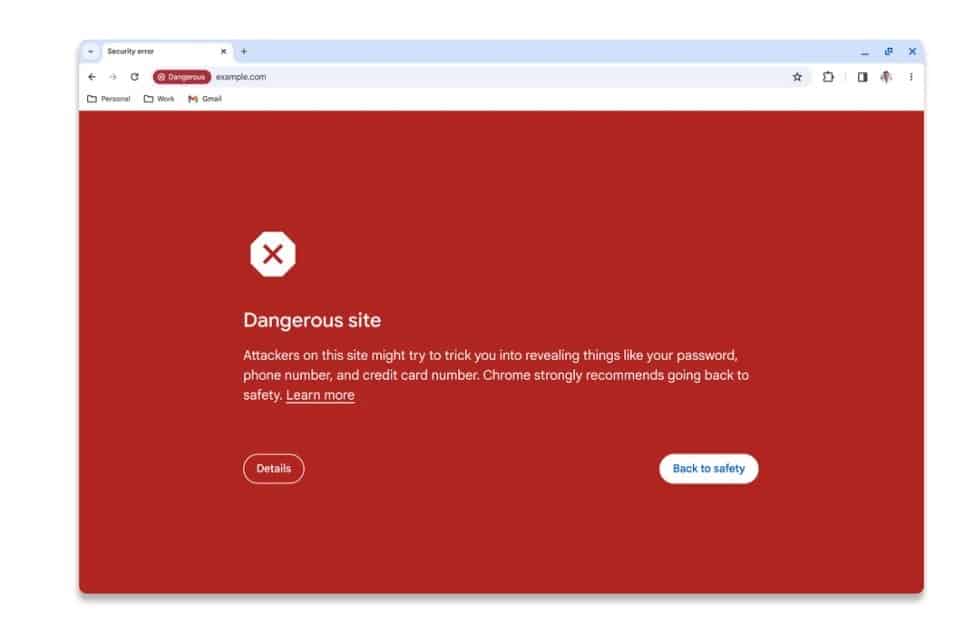
The Safe Browsing feature in Chromegets a robust update, with real-time verification capabilities that block dangerous websites and files instantly.
This shift from a local list-based check, which had an hour-long lag, to an instantaneous check promises to bolster malware and phishing defense by a remarkable 25%.
FAQs
What is the Material You design in Google Chrome?
Material You is a design language introduced by Google, focusing on personalized themes and adaptive UI elements. In Google Chrome, it brings a fresh visual overhaul with better legibility, distinct color palettes, and an enhanced ‘Customize Chrome’ functionality.
How does the new design affect the Chrome Web Store?
Inspired by Material You, the Chrome Web Store now offers an experience similar to browsing the Google Play Store on desktops. It’s more intuitive, with personalized recommendations, and introduces new categories like AI-enhanced extensions and Editor’s Spotlight.
What is the “Search this page with Google” feature?
This is a novel addition to Google Chrome that allows users to initiate a Google Search within a side panel of their active tab, eliminating the need to open multiple tabs. Users can also pin this side panel to the toolbar for quick access.
How does the Safe Browsing feature improve?
Chrome’s Safe Browsing now supports real-time verification, providing instant recognition and blocking of dangerous websites and files. It promises a 25% improvement in protection against malware and phishing threats compared to the older version.
Shah Rukh Khan, a Realme ambassador, was spotted using a POCO smartphone in his new film.
The actor used the POCO X4 Pro, despite the film’s association with POCO’s flagship, the F5.
POCO confirms its partnership with the film after the images went viral.
The surprise appearance stirred debates and discussions among fans on social media.
Bollywood’s ‘King Khan’, Shah Rukh Khan, is once again in the limelight, and this time, it’s not just for his latest blockbuster, “Jawan”. An unexpected scene in the movie has led to quite a stir in the tech community.
Shah Rukh, who was announced as the brand ambassador for Realme in May, was spotted using a POCO smartphone in a sequence in “Jawan”. Given the actor’s recent association with Realme, this decision is indeed a talking point.
The scene in question showcases the actor seemingly using the POCO X4 Pro, a model which POCO launched back in March 2022.
For the uninitiated, POCO and Realme are competitors in the smartphone market. While brand placements in movies are not new, the context makes this one particularly intriguing.
Social media platform X (previously known as Twitter)was abuzz with activity, as fans and tech enthusiasts alike tried to decipher the reason behind this choice. Was it an oversight? A deliberate move? Or just a plain coincidence?
Further adding to the intrigue, POCO shortly after the buzz, announced its official collaboration with “Jawan”. This move solidified the notion that Shah Rukh’s use of the POCO phone wasn’t mere happenstance.
POCO’s intent was clear – they aimed to promote their flagship model, the POCO F5. Yet, the scene in “Jawan” showcased the actor with the X4 Pro, a relatively older and lower mid-range model.
Dare to Leap
Some vigilant X users even claimed that they noticed various POCO models sprinkled throughout the film.
This situation raises an interesting discussion about brand endorsements, celebrity associations, and product placements in cinema.
How binding are brand endorsement contracts? Are there grey areas that allow for such overlaps? Or was this a conscious decision by the makers of “Jawan” and Shah Rukh Khan himself?
While these questions remain, one thing is certain: Shah Rukh Khan’s choice of smartphone in “Jawan” has given both movie-goers and tech enthusiasts a new topic of discussion, proving once again the actor’s unparalleled influence in and outside of Bollywood.
FAQs
Why is Shah Rukh Khan’s use of a POCO phone in “Jawan” significant?
Shah Rukh Khan endorsed Realme smartphones in May, making his on-screen use of a competing brand, POCO, in his latest film a notable event.
Which POCO model did Shah Rukh Khan use in the film?
Based on images shared on social platforms, it seems Shah Rukh used the POCO X4 Pro, launched in March 2022.
Has POCO made any official comments about this?
After the images of Shah Rukh with the POCO phone went viral, POCO announced its association with the movie “Jawan.”
Did the film only feature the POCO X4 Pro?
Some audience members claim they’ve spotted several POCO devices throughout the film, even though the POCO F5 is their flagship offering tied to the movie promotion.
Key points of difference between Realme GT 5 and OnePlus Ace 2 Pro.
Analysis of the design, display, performance, and other essential features of both flagship smartphones to determine which offers a superior.
Insights and recommendations to help readers make an informed decision of which 24GB flagship is better.
Two flagship devices with 24GB RAM variants have been recently launched in the Chinese smartphone market – Realme GT 5 and OnePlus Ace 2 Pro.
First, we have the Realme GT 5. This powerhouse of a handset boasts the formidable Qualcomm Snapdragon 8 Gen 2 SoC, a whopping 24GB of RAM, and the mind-boggling 240W fast charging support.
On the other hand, we have the OnePlus Ace 2 Pro. another flagship contender equipped with top-tier hardware and the enticing 24GB RAM option.
While the timeline of both devices entering the Indian market hasn’t been officially confirmed yet, we are here to delve into a comprehensive comparison between the two flagship smartphones.
Realme GT 5 and OnePlus Ace 2 Pro – Key Features Comparison
Volume rocker and power button on the right edge, alert slider on the left side
Bottom Layout
USB Type-C port, speaker grill, primary microphone
USB Type-C port, speaker grill, primary microphone
Rear Camera Setup
Triple cameras with LED flash
Triple cameras with LED flash
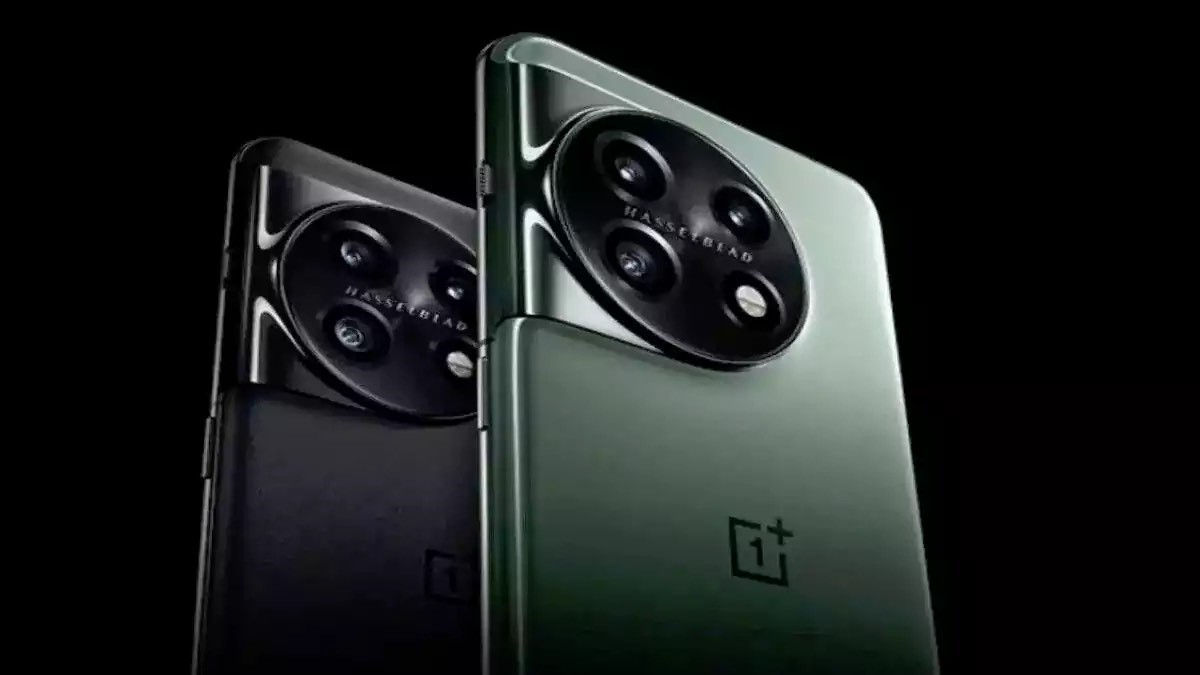
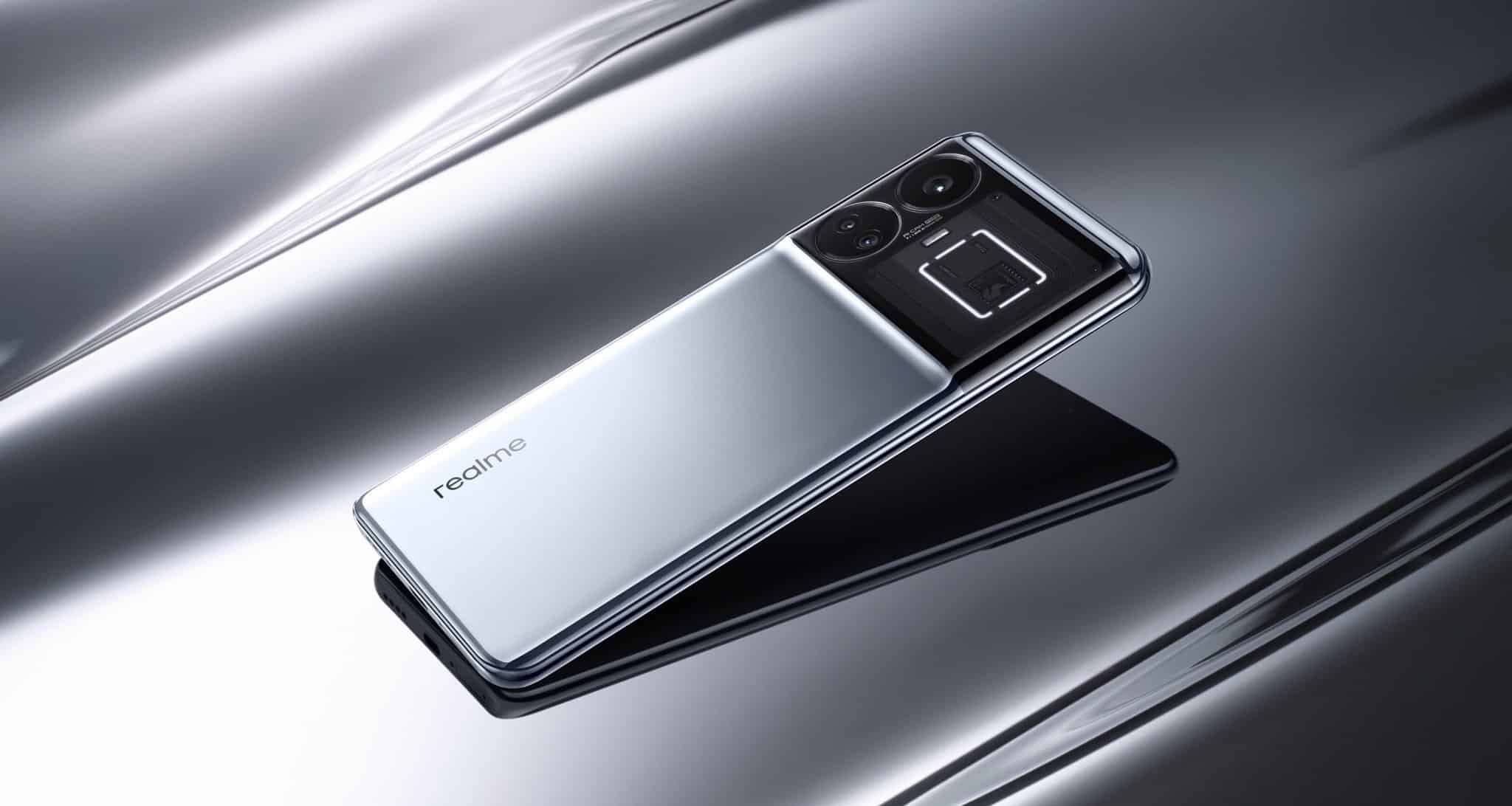
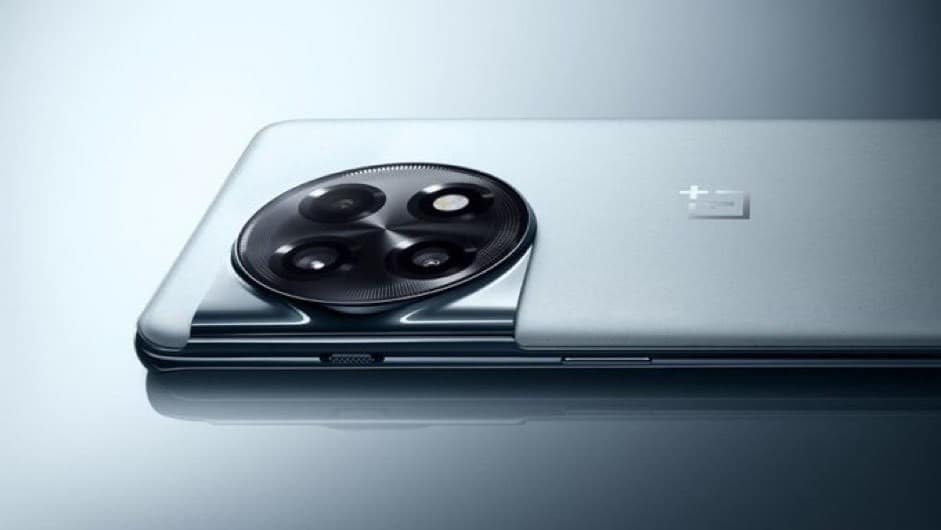
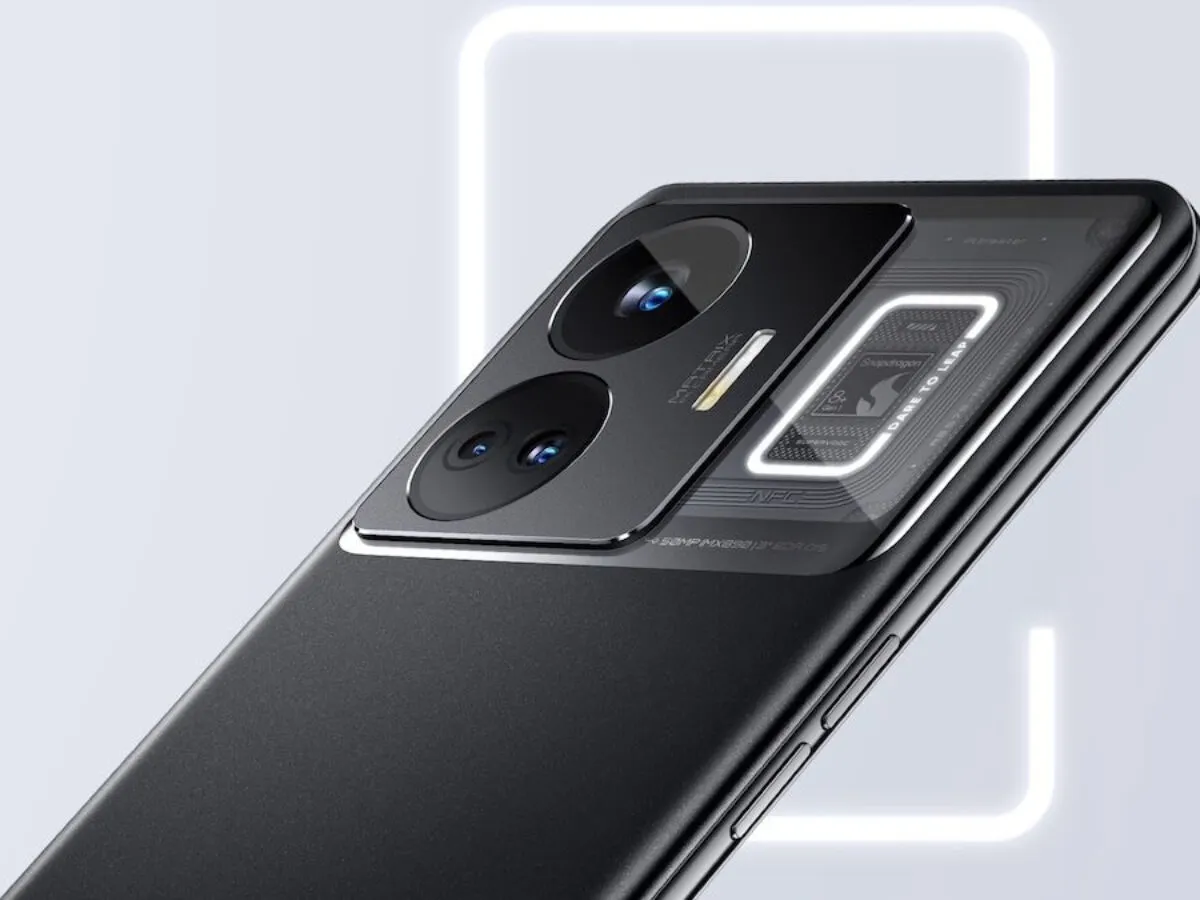
Both devices offer intriguing design choices. Realme GT 5 emphasizes transparency and RGB aesthetics, while the OnePlus Ace 2 Pro stands out with its circular camera module and alert slider.
Your preference may depend on your design priorities and brand loyalty.
Realme GT 5 vs. OnePlus Ace 2 Pro: Display
OnePlus Ace 2 Pro: Display
Realme GT 5
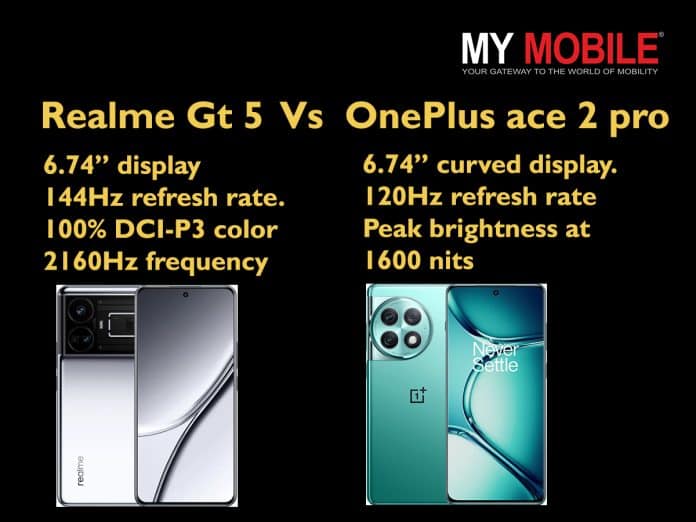
Captivating 6.74-inch FHD+ OLED display with a stunning 2772×1240 pixels resolution.
Impressive 144Hz refresh rate, ensuring smooth and fluid visuals.
With a peak brightness of up to 1450 nits, it delivers exceptional outdoor visibility.
Covers 100 per cent of the DCI-P3 colour gamut, guaranteeing vibrant and accurate colours. 2160Hz high-frequency PWM dimming enhances visual quality further.
OnePlus Ace 2 Pro
74-inch FHD+ AMOLED curved display.
Slightly lower refresh rate at 120Hz compared to the Realme GT 5, it still ensures a smooth user experience.
With a peak brightness of 1600 nits, offering excellent visibility in various lighting conditions.
Both devices showcase expansive, top-tier displays. While Realme GT 5 promises to elevate the experience with an enhanced refresh rate, the OnePlus Ace 2 Pro offers better brightness.
All-in-all, both render a perfect choice for immersive gaming and seamless scrolling.
Realme GT 5 vs. OnePlus Ace 2 Pro: Processor and Hardware
Realme GT 5: Performance
Realme GT 5
Powered by the cutting-edge Qualcomm Snapdragon 8 Gen 2 4nm Mobile Platform.
Chipset is paired with the powerful Adreno 740 GPU, ensuring exceptional graphics performance for gaming and multimedia.
Whether you’re indulging in heavy-duty gaming, multitasking between numerous apps, or engaging in creative endeavours, the Qualcomm Snapdragon 8 Gen 2 chipset’s robust processing power promises a seamless and responsive experience.
Realme GT 5 vs. OnePlus Ace 2 Pro: Cameras
OnePlus Ace 2 Pro: Camera
Realme GT 5
Triple cameras on the back
50MP primary Sony IMX890 sensor with f/1.8 aperture, OIS
8MP ultra-wide camera
2MP macro camera with f/2.4 aperture, LED flash.
16MP shooter on the front for selfies and video chats.
OnePlus Ace 2 Pro
Triple camera on the back
50MP Sony IMX890 primary sensor with f/1.8 aperture, OIS.
8MP ultra-wide Sony IMX355 sensor.
2MP macro Omnivision OV02B10 sensor.
16MP front-facing Samsung S5K3P9 sensor for selfies and video chats.
The camera comparison between the Realme GT 5 and the OnePlus Ace 2 Pro reveals several similarities in their setups.
Both feature a triple-camera configuration with a 50MP primary sensor, offering sharp and detailed shots. Optical Image Stabilization (OIS)is present on both primary sensors, ensuring steady captures.
While both devices seem well-equipped for photography, individual preferences may sway the choice, with the Realme GT 5 potentially offering a bit more flexibility in close-up shots.
Realme GT 5 vs. OnePlus Ace 2 Pro: Price Comparison
Realme GT 5: Price
Here’s a pricing comparison between the Realme GT 5 and OnePlus Ace 2 Pro –
Model/Variant
Realme GT 5 Price (RMB)
OnePlus Ace 2 Pro Price (RMB)
12GB + 256GB
2,999 (Approx. Rs 34,500)
2,999 (Approx. Rs 34,500)
16GB + 512GB
3,399 (Approx. Rs 38,800)
3,399 (Approx. Rs 38,800)
24GB + 1TB
3,799 (Approx. Rs 43,600)
3,999 (Approx. Rs 46,000)
Please note that the actual prices may vary slightly depending on currency exchange rates and any additional taxes or import duties applicable in your region.
Realme GT 5 vs. OnePlus Ace 2 Pro: Key Takeaways
OnePlus Ace 2 Pro: Key Takeaways
Both phones feature large, high-quality displays, with the Realme GT 5 offering a higher refresh rate, making it ideal for gaming and smooth scrolling.
In terms of processors, both devices are equipped with the same powerful Qualcomm Snapdragon 8 Gen 2 chipset, ensuring top-notch performancefor demanding tasks.
Realme GT 5 showcases a unique “Flowing Silver Mirror” design with a transparent rear panel and a distinctive Snapdragon logo. It also features an impressive RGB design with halo light strips.
OnePlus Ace 2 Pro opts for a circular camera module on the back, adding a distinctive visual touch. It includes the signature OnePlus alert slider for quick notification management.
Your choice between these two smartphones may depend on your preferences for display characteristics, design as well as other features and storage considerations.
FAQs
Q1. How is the battery of the Realme GT 5?
Answer. The phone is available in two battery and charging configurations — a 5,240mAh battery with 150W fast charging support and a 4,600mAh battery with 240W fast charging.
Q2. Does the OnePlus Ace 2 Pro support 5G?
Answer. Yes, the OnePlus Ace 2 Pro supports 5G.
Q3. Does the OnePlus Ace 2 Pro support wireless charging?
Answer. No, it does not support wireless charging.
Q4. Is Realme GT 5 a gaming phone?
Answer. Yes, with a powerful processor, the Realme GT 5 is pro gaming. This is also the first Realme phone to get Pixelworks’s IRX gaming experience certification. Realme GT5 also features an independent X7 display chip. The company claims that the display chip will offer a 144 fps frame rate compatible with 110 mobile games.
Q5. What operating system does the OnePlus Ace 2 Pro use?