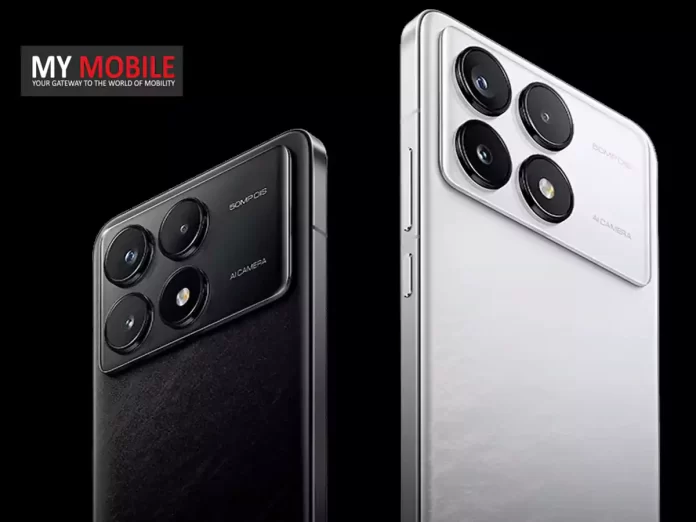
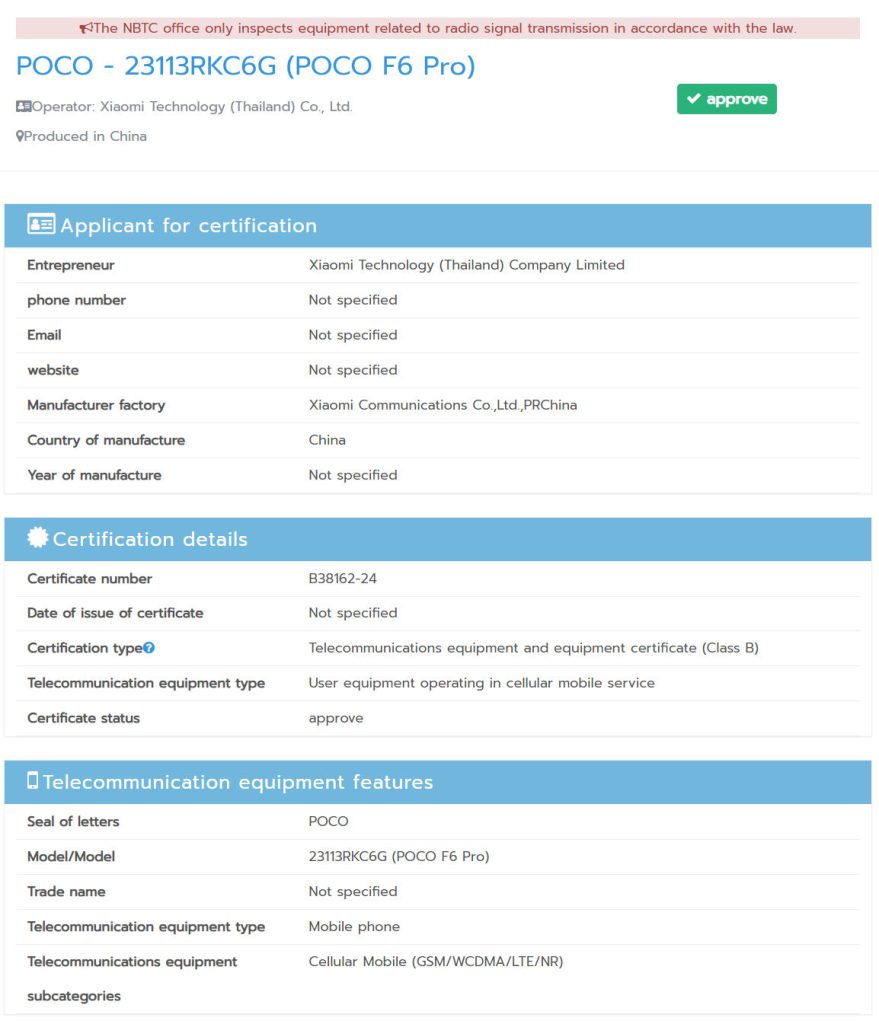
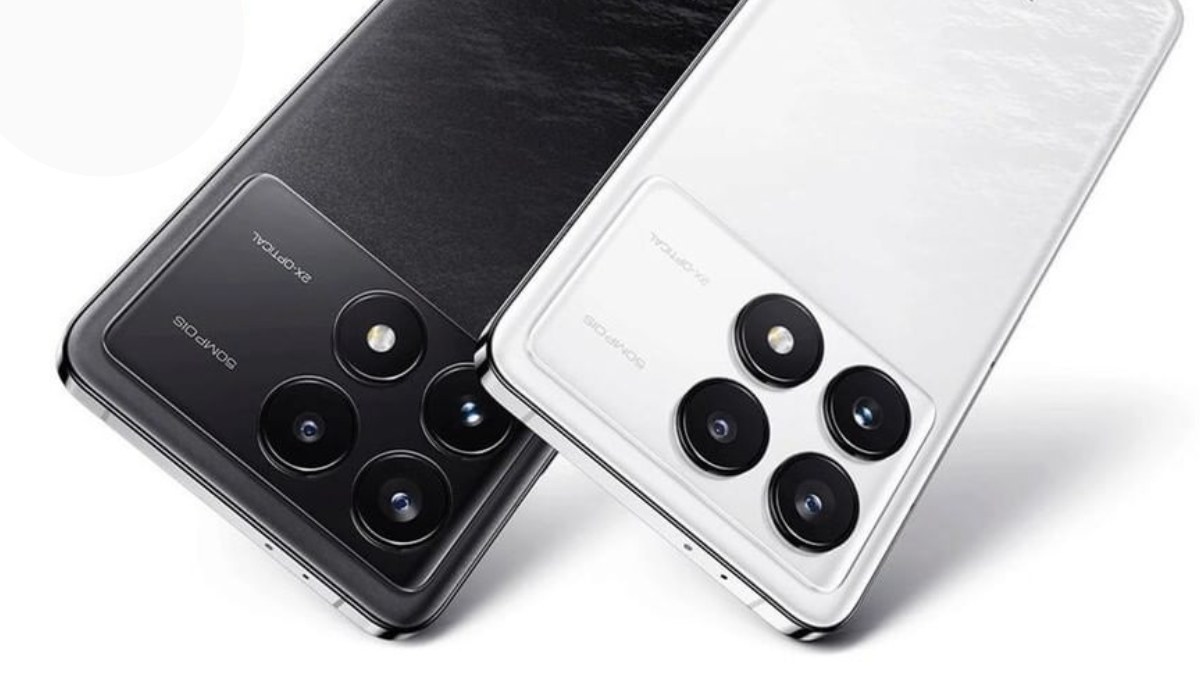
Spotted on NBTC with model number 23113RKC6G, hinting at 5G support.
Expected to feature Snapdragon 8 Gen 2 SoC and up to 12GB RAM.
Anticipated to have a 6.67-inch 2K OLED display with a 120Hz refresh rate.
Likely to boast a 50MP triple rear camera setup and 120W fast charging.
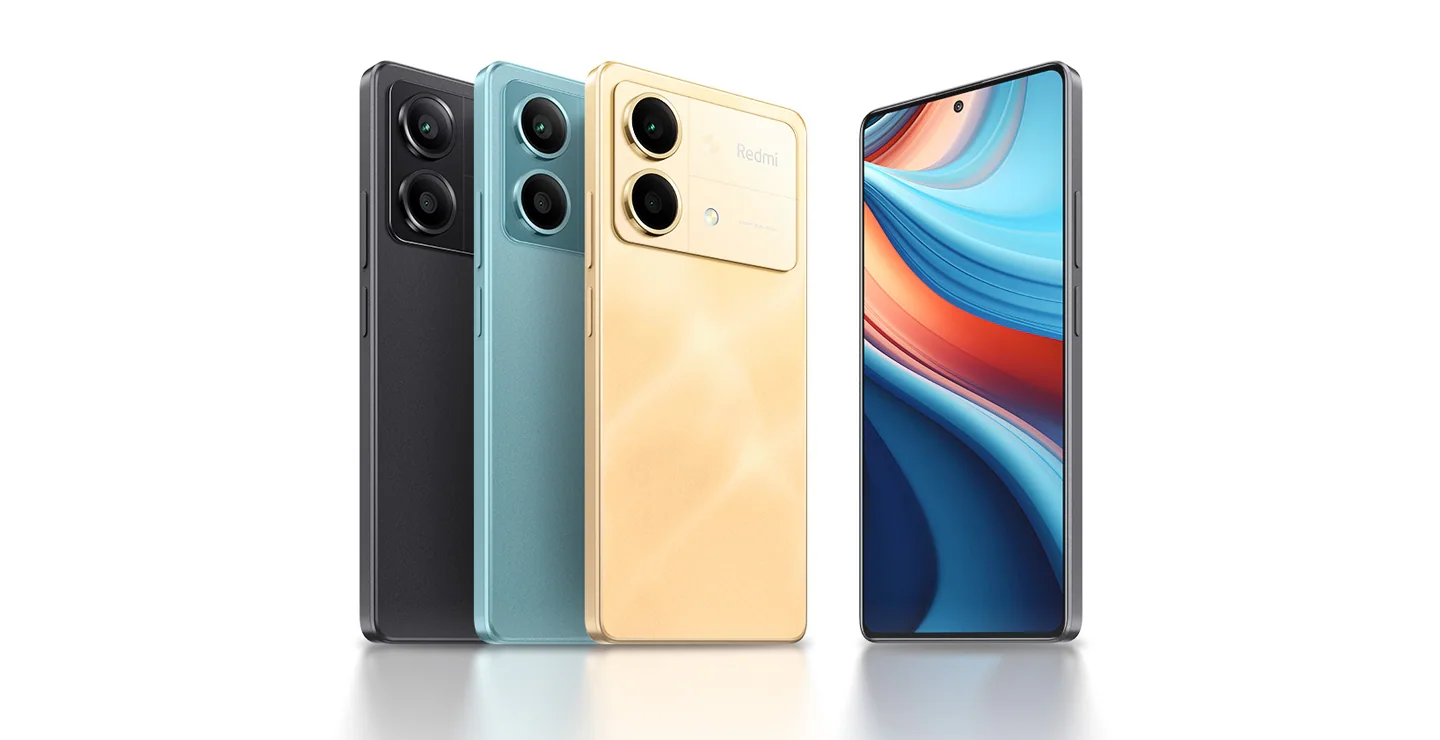
The upcoming Poco F6 Pro has been a subject of anticipation and speculation,especially after its recent appearance on Thailand’s National Broadcasting and Telecommunications Commission (NBTC) website.
Identified by the model number 23113RKC6G, this sighting hints at an imminent launch, offering a glimpse into the device’s potential capabilitiesand network compatibilities, including 5G support.
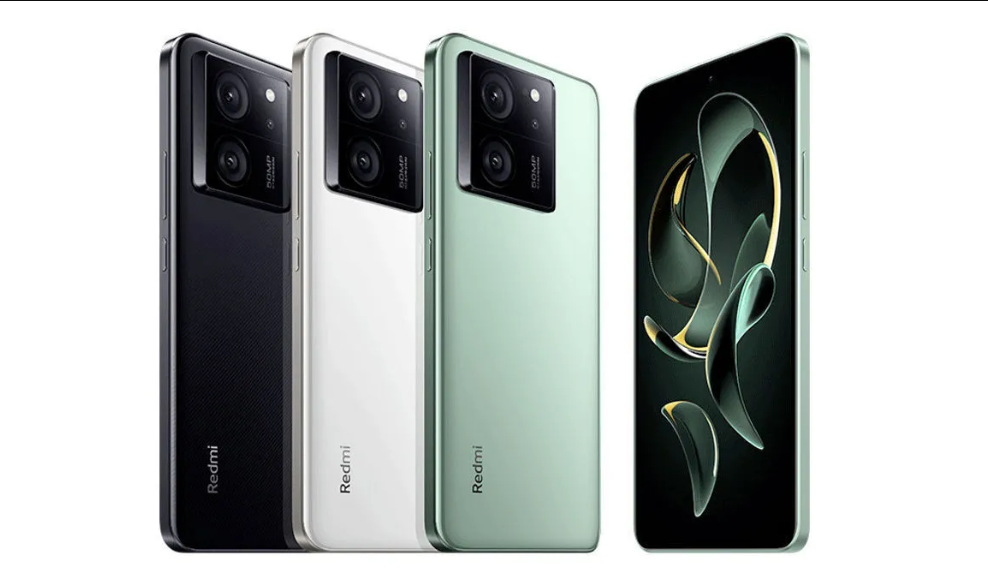
This model is expected to stand as the successor to the Poco F5 Pro 5G, indicating a significant upgrade in terms of performance and features.
Poco F6 Pro: Anticipated Specifications
Poco F6 Pro Spotted on NBTC with Snapdragon 8 Gen 2 and 2K OLED Panel
This chipset is known for its efficiency and performance, suggesting that the F6 Pro could be a powerhouse capable of handling extensive multitasking and high-end gaming.
A 16MP front-facing camera is expected for selfies and video calls.
Poco F6 Pro: Battery and Charging
Poco F6 Pro: Battery and Charging
Powering the device is likely a 5,000mAh battery, coupled with 120W wired charging support, ensuring that the phone not only lasts through a day of heavy use but also recharges swiftly.
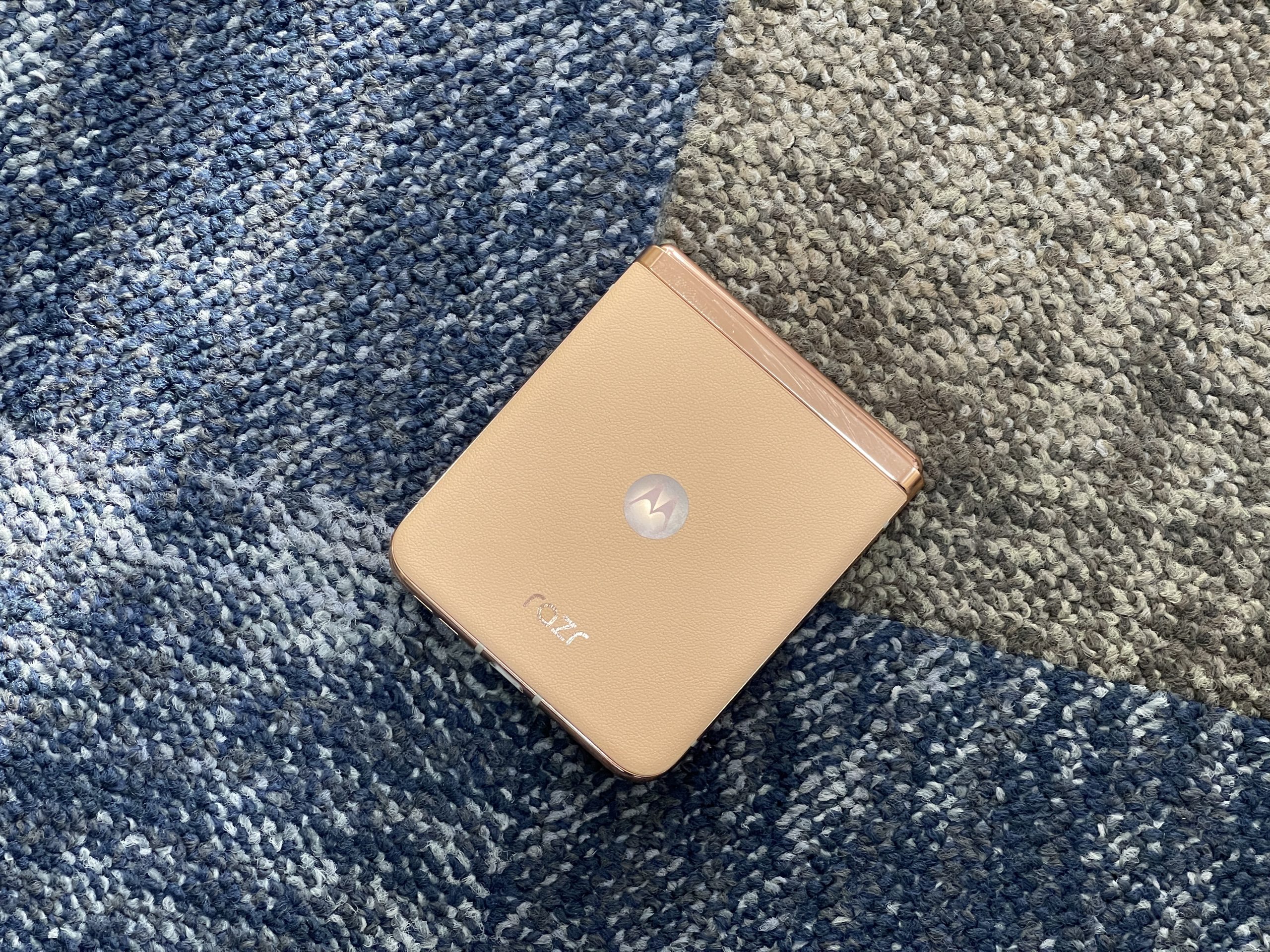
Priced at Rs 64,999 on Amazon, it represents a blend of nostalgic design and modern technology.
With its distinctive flip mechanism, enhanced display features, and solid performance, the Razr 40 Ultra appeals to those looking for a phone that stands out.
It certainly did for me.
Yet, as with any device, it brings a mix of highs and lows, challenging its place among the stiff competition from more conventional smartphones and other foldables alike.
In this review of the Moto Razr 40 Ultra, let’s try and figure out who the device is actually for.
Moto Razr 40 Ultra: Key Specs
Moto Razr 40 Ultra: Key Specs
Snapdragon 8+ Gen 1 SoC
12GB LPDDR5 RAM
512GB UFS 3.1 storage
3,800mAh battery
Main Display: 6.9″ pOLED, 22:9
Cover Display: 3.6″ AMOLED
Wireless Charging: 5W, Wired: 33W
Moto Razr 40 Ultra: Pros and Cons
Pros
Cons
Looks quite good and exudes class
Cameras aren’t its strongest point
Cover screen is large
5W wireless charging speeds are very slow
Performance is smooth and fluid
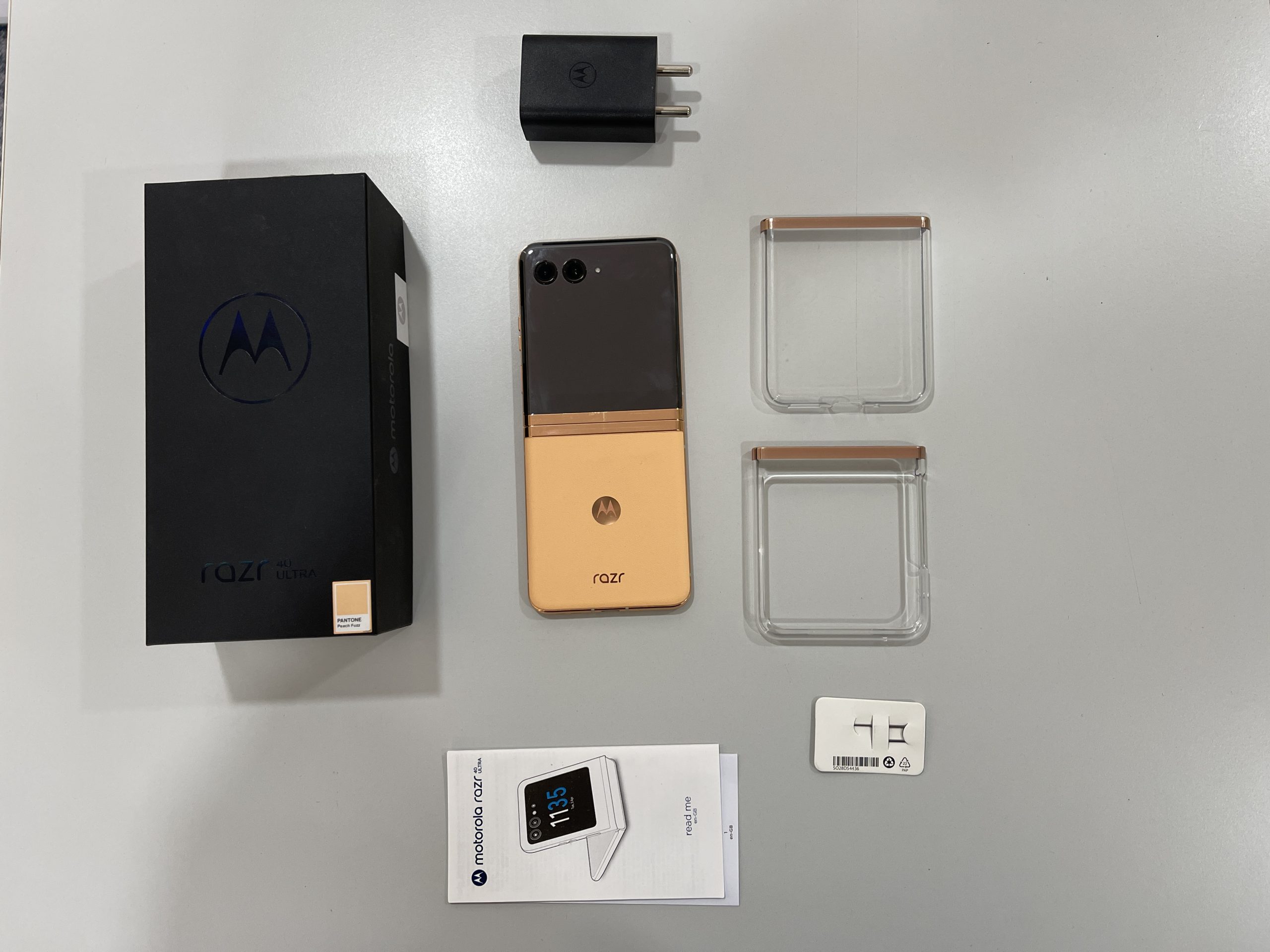
Moto Razr 40 Ultra: Unboxing
Moto Razr 40 Ultra: Unboxing
Moto Razr 40 Ultra: Unboxing Video
Moto Razr 40 Ultra: Design and Display
Moto Razr 40 Ultra: Design
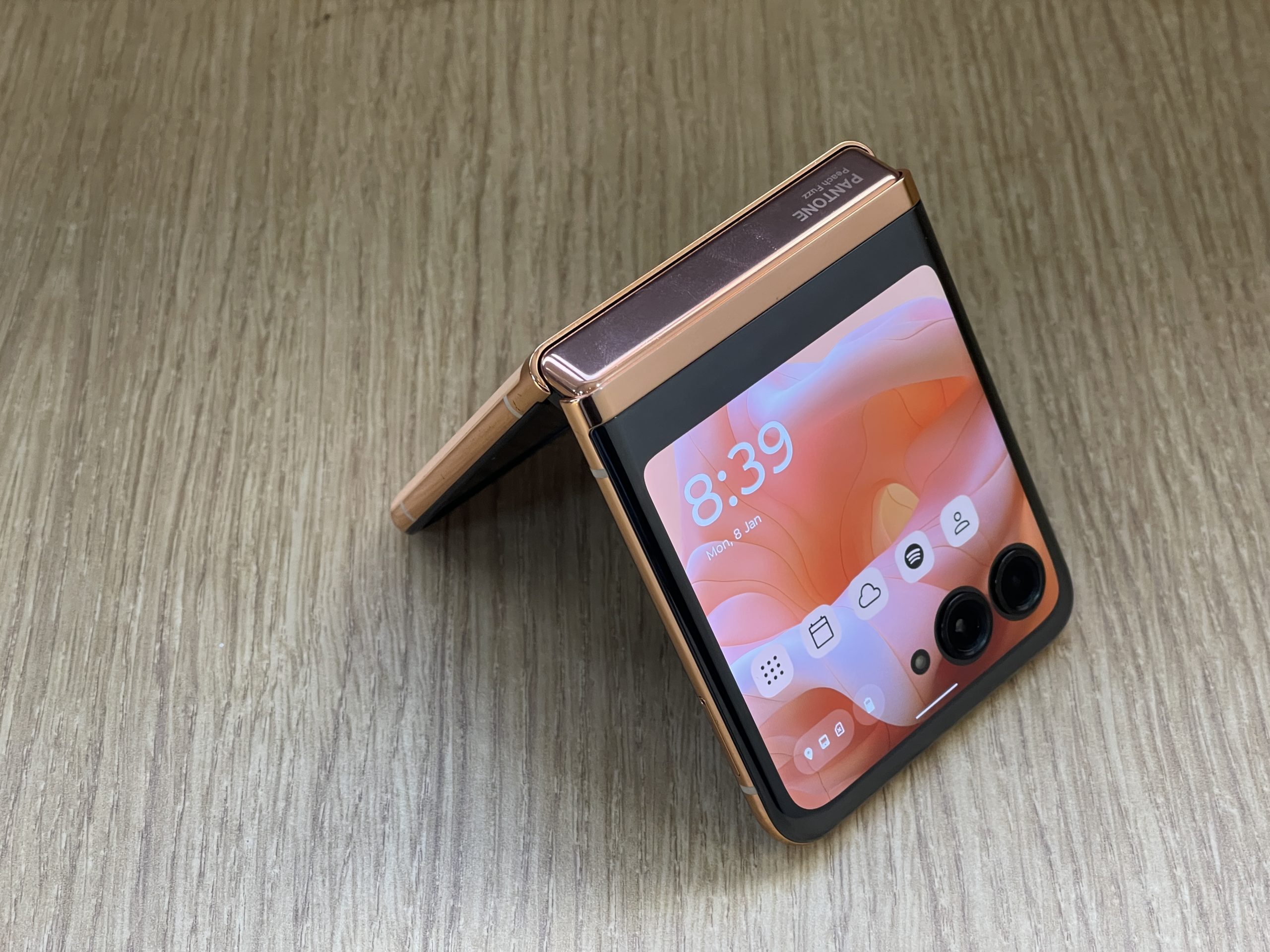
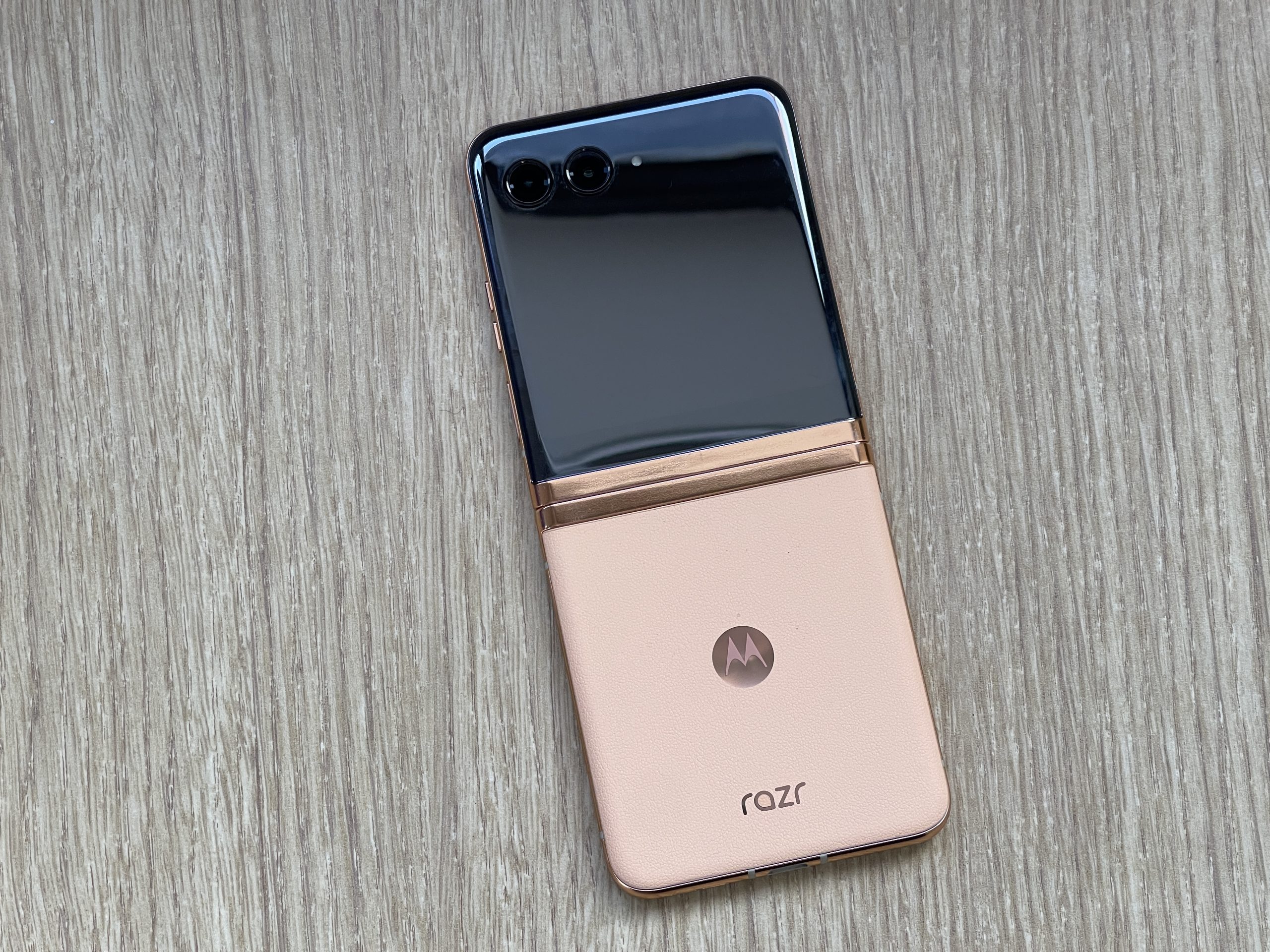
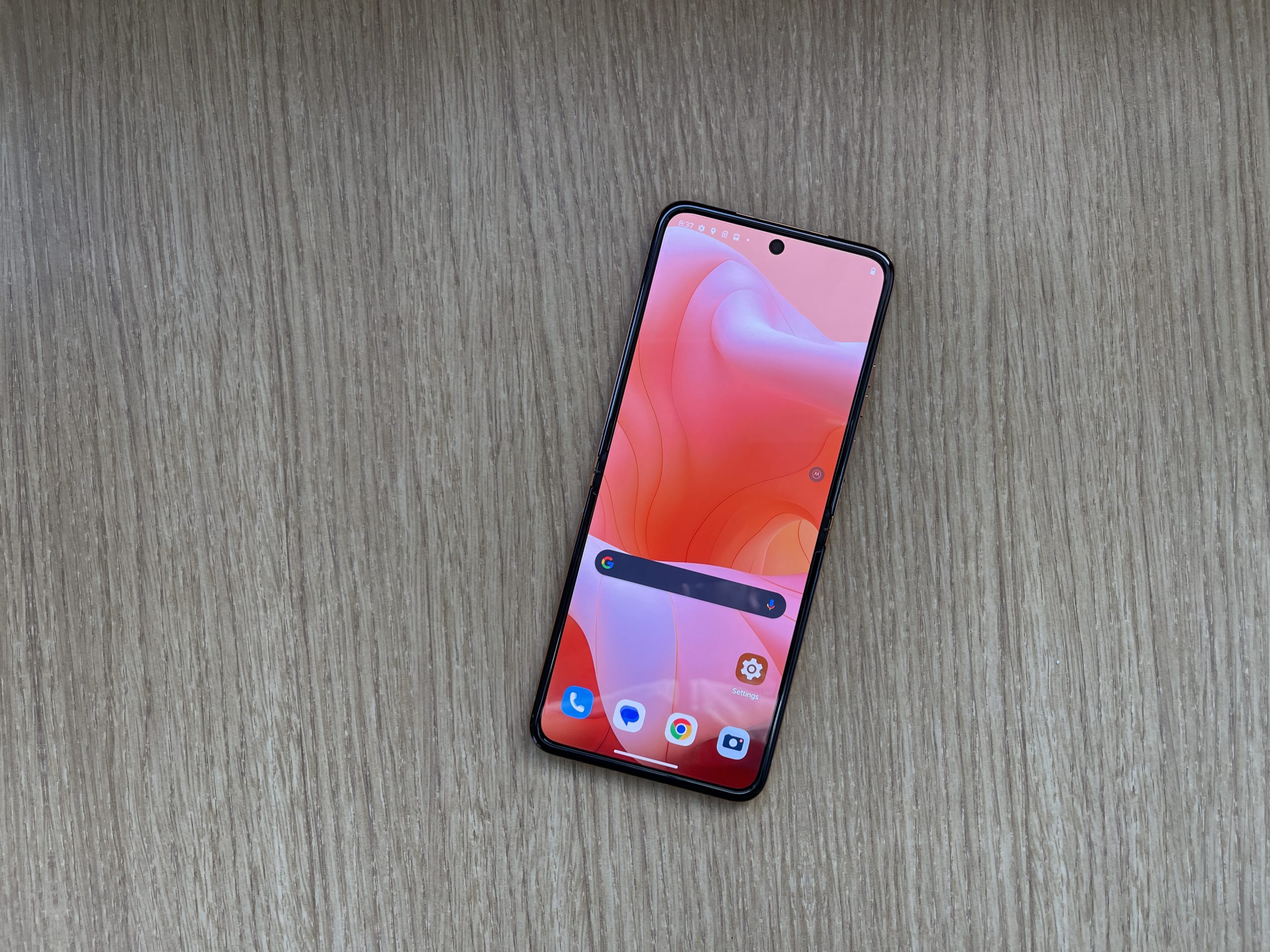
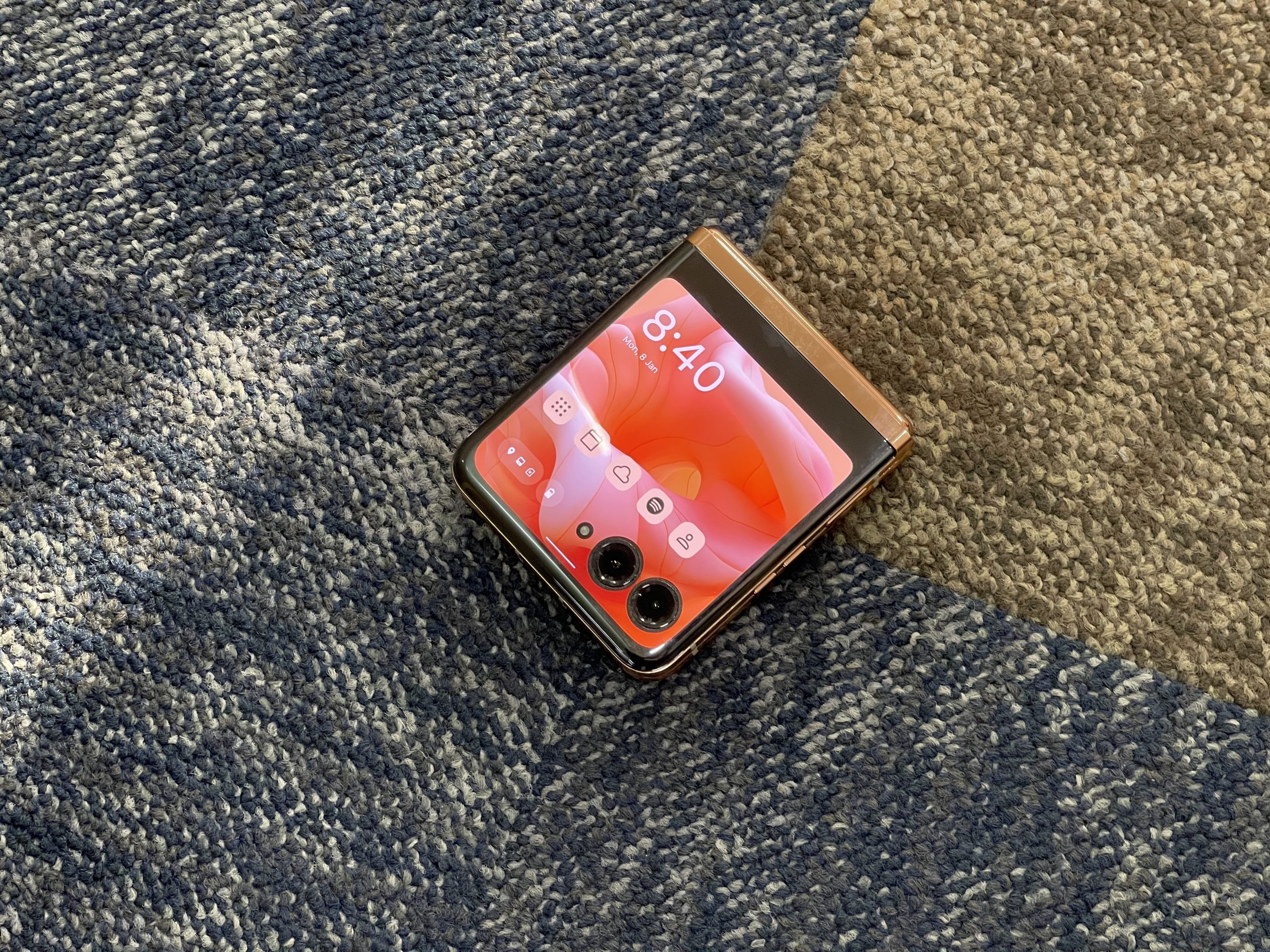
Reviewing the design of the Motorola Razr 40 Ultra, I am immediately drawn to its rounded, slender profile which retains its thinness both when folded, at 15.1mm, and when opened, at just 6.99mm.
The way both halves of this foldable device sit perfectly flush against each other, leaving no gap, significantly contributes to its sleek appearance when closed.
This is a notable improvement over competitors like the Samsung Galaxy Z Flip 4, which appears bulkier by comparison.
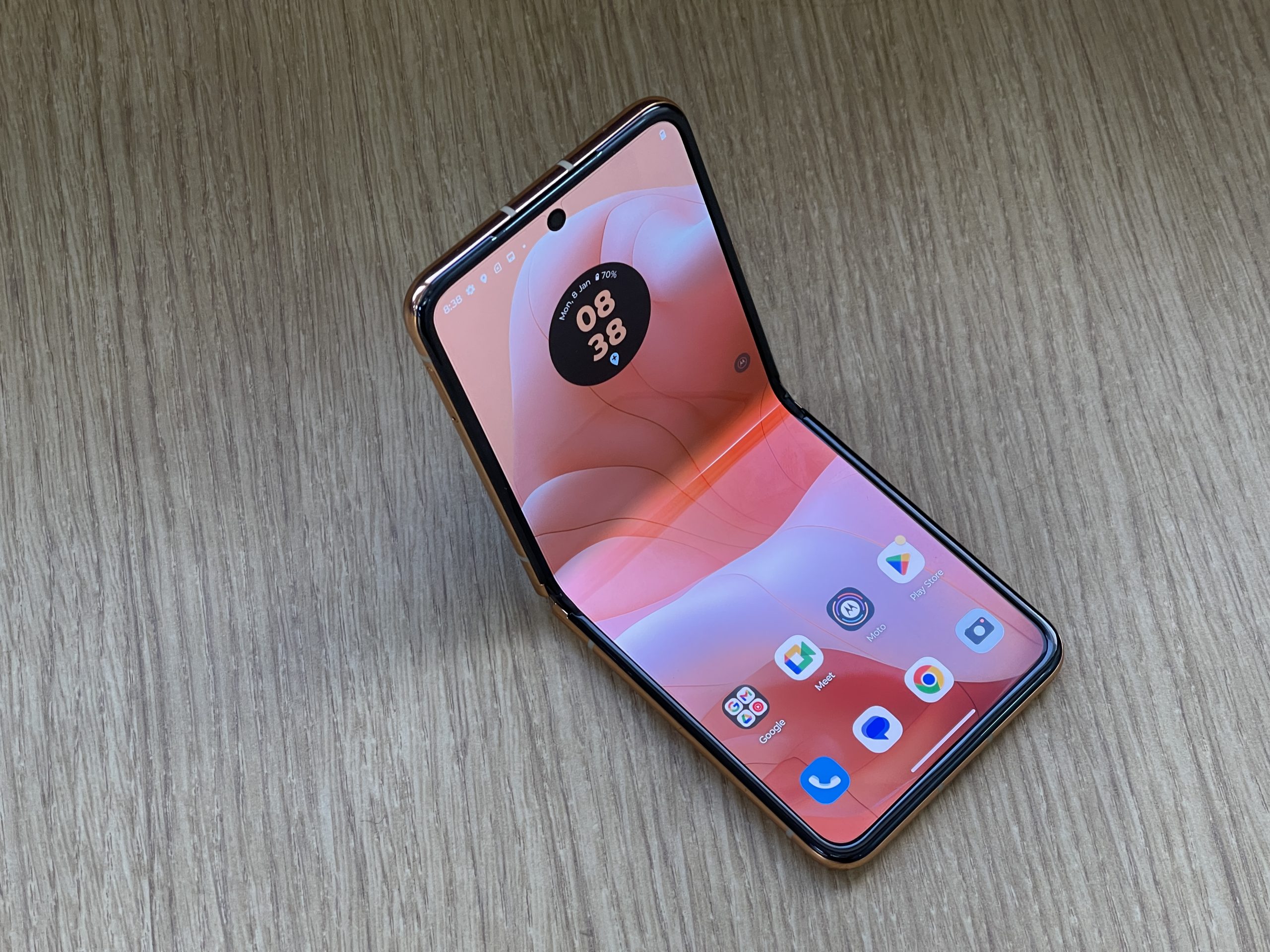
Upon unfolding, the presence of a crease on the main display is minimal, enhancing the device’s premium feel.
Additionally, it boasts an IP52 rating, suggesting it can handle splashes. However, it’s wise to avoid exposing it to large volumes of liquid or using it in heavy rain.
Moto Razr 40 Ultra: Display
The layout of buttons and ports remains consistent with the previous model, the Razr 2022.
On the right side, the power and volume buttons are conveniently placed, with the power button serving a dual function as a responsive and quick fingerprint scanner.
At the base of the phone, a USB-C port is situated alongside a bottom-firing loudspeaker,which forms part of a stereo audio system enhanced by Dolby tuning, rounding off its sophisticated design with functional elegance.
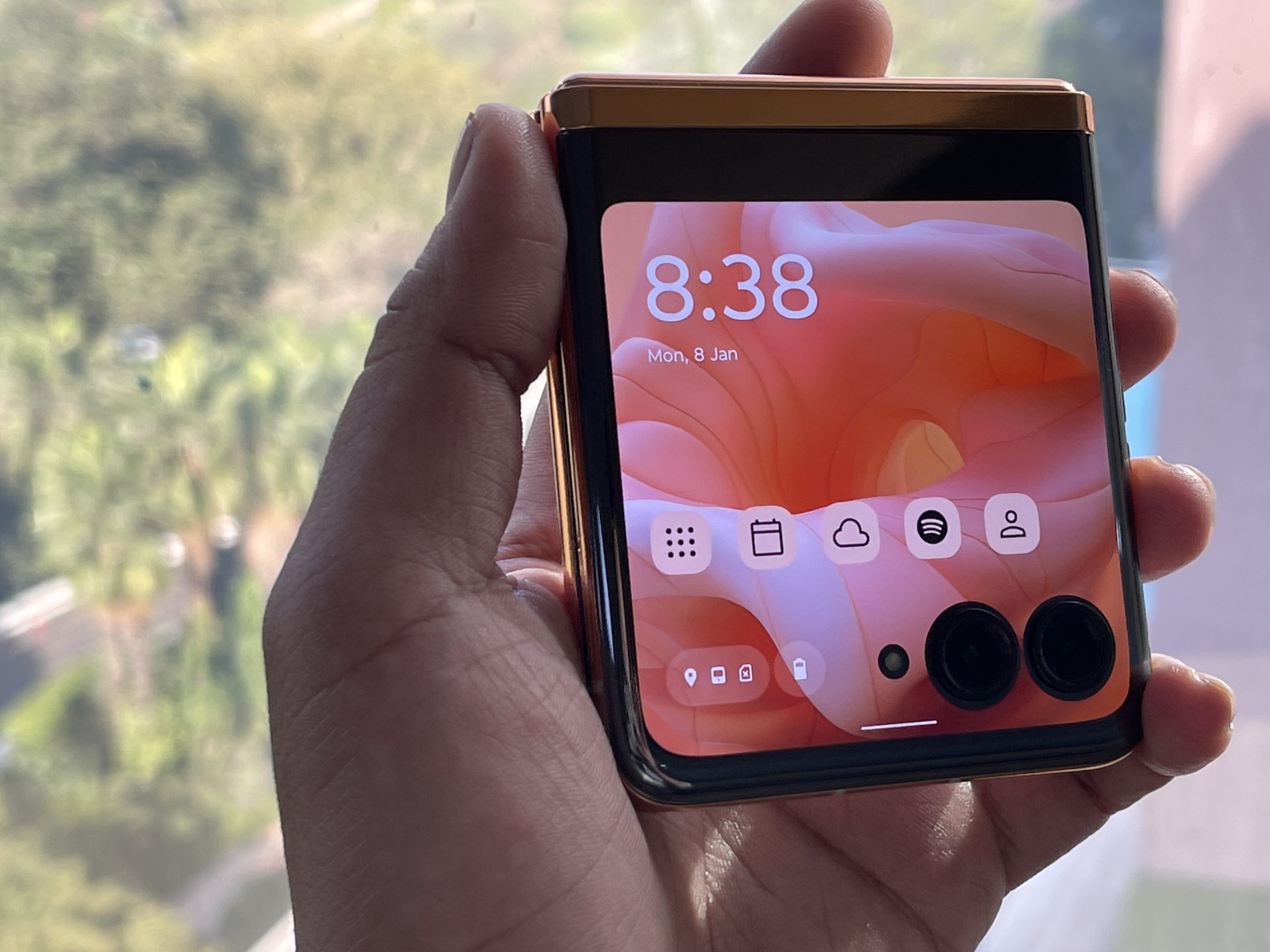
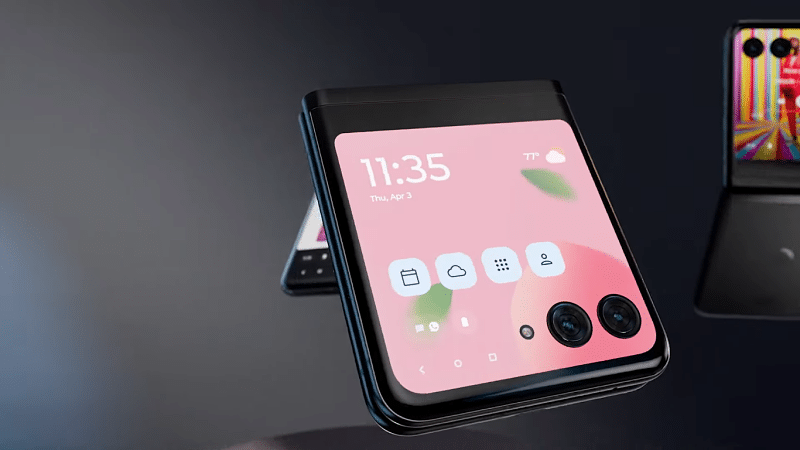
This is the largest cover screen I’ve encountered on any foldable flip phone to date, boasting a 3.6-inch display with a 1:1 aspect ratio.
Powered by Snapdragon 8+ Gen 1 chipset
During my use, I found it exceptionally responsive.
Although some applications felt a bit cramped due to the screen size, navigating through the interface was smooth, with minimal mistakes.
What’s more impressive is that this cover screen’s specifications rival or even surpass those of the main displays on many other smartphones.
It features an AMOLED panel and can reach up to 1100 nits in peak brightness.
While typing remains somewhat cumbersome, the experience has seen a considerable improvement over the previous year’s Razr model.
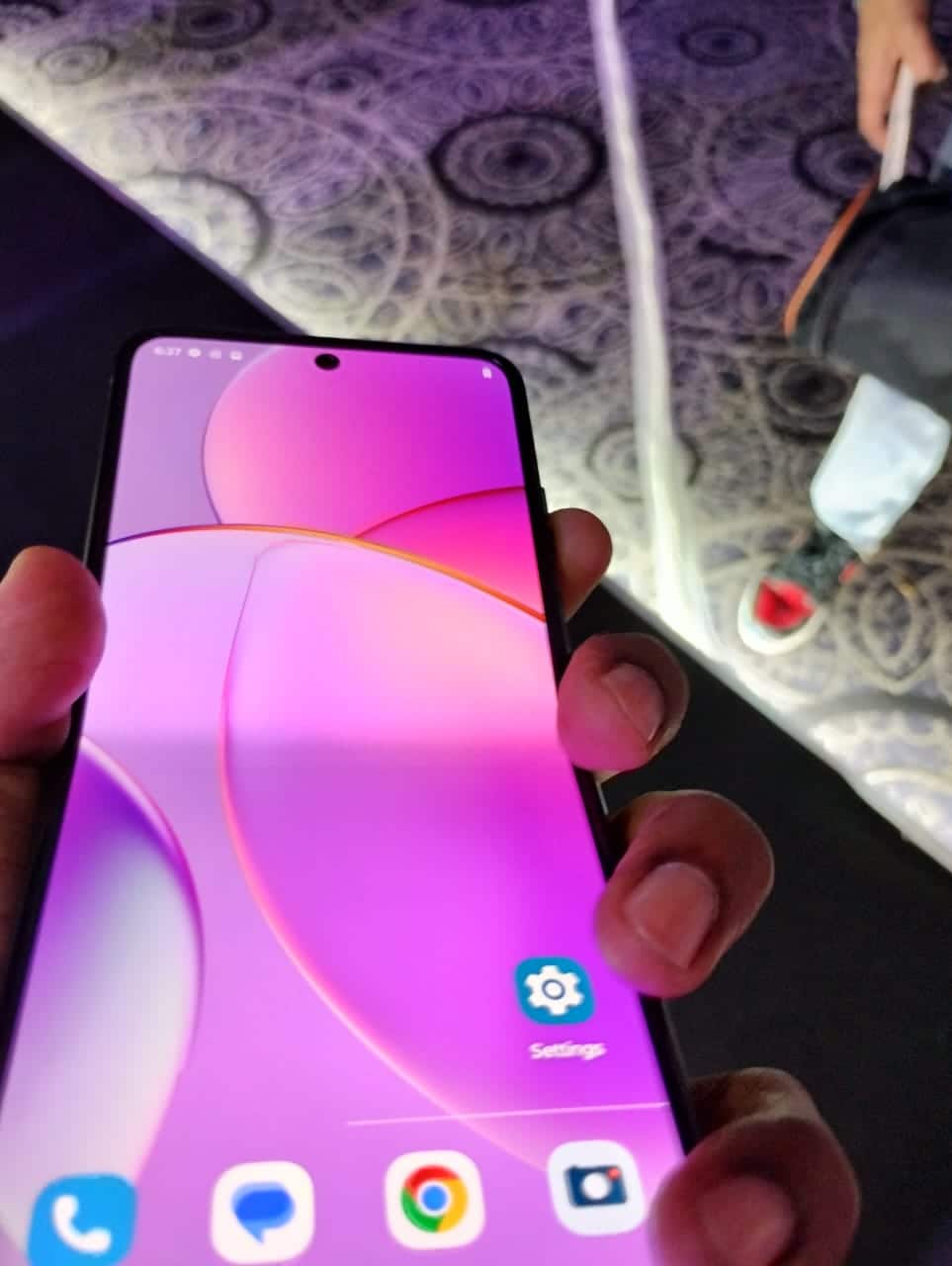
Upon unfolding the Razr 40 Ultra, I was greeted by its expansive main display, which adopts a tall 22:9 aspect ratio on a pOLED panel.
Measuring at 6.9 inches, it’s certainly a stretch for one-handed use.
However, its resolution, which exceeds 1080p, provides a crystal-clear viewing experience even under direct sunlight.
This display excels in delivering high levels of contrast, featuring deep blacks, and it supports Widevine L1 certification, enabling streaming of Full-HD content on platforms like Netflix.
The large screen size, combined with high refresh rates, enhances the user experience significantly, making activities like web browsing and scrolling through social media feeds exceptionally smooth and enjoyable.
Moto Razr 40 Ultra: Cameras
Moto Razr 40 Ultra: Cameras
The Motorola Razr 40 Ultra’s cameras perform pretty decently but they do not stand out,as many slab phones in the same price range.
The device sports two rear-facing cameras, a 12MP primary and a 13MP ultra-wide, which also serve as selfie cameras via the cover display.
In daylight, the images are decent, though the dynamic range could be better, and the primary camera is noticeably sharper than the ultra-wide.
The camera app is packed with modes like portrait, slow-mo, and macro, plus additional options such as timelapse and dual capture.
However, the lack of a telephoto sensor limits versatility. Daylight photos look good, albeit with slightly muted colors and average dynamic range.
The ultra-wide lens is adequate but doesn’t offer a much broader perspective.
That said, the 32MP front camera impresses with sharp, well-exposed selfies in most situations.
Yet, for the best selfie results, I found using the rear cameras with the cover display unbeatable.
In low light, maintaining detail and color consistency becomes challenging, especially handheld.
Stabilising the phone does improve sharpness, but overall, while the Razr 40 Ultra’s cameras might not be its strongest feature, they still fulfill the basic needs of a foldable smartphone camera setup effectively.
Moto Razr 40 Ultra: Day Samples
Moto Razr 40 Ultra: day Video
Moto Razr 40 Ultra: Performance and Features
Moto Razr 40 Ultra: Performance and Features
Diving into the performance and features of the Motorola Razr 40 Ultra, it’s powered by a Qualcomm Snapdragon 8+ Gen 1 SoC, accompanied by up to 12GB of LPDDR5 RAM and up to 512GB of UFS 3.1 storage.
Despite some opinions that the processor is slightly behind the curve, in my usage, it proved more than capable for everyday tasks and even gaming at nearly top-tier levels.
During my time with the device, heat management impressed me, remaining under control except during intensive gaming combined with hotspot usage.
Connectivity is another strong suit, with Wi-Fi 6E, Bluetooth 5.3, NFC, and comprehensive 5G support ensuring that I was always connected.
Overall, the Razr 40 Ultra stands out for its performance and features, accommodating a wide range of uses without compromising on its sleek form factor.
The inclusion of gestures to quickly launch the camera or activate the flashlight, alongside a highly customizable always-on display, showcases Motorola’s knack for blending simplicity with practical features.
The software experience stays true to Motorola’s reputation for a clean, bloatware-free approach to Android.
Yet, during my time with the device, I encountered some minor issues.
Certain apps seemed less optimized for the device, leading to occasional discontinuities between the cover screen and the main folding screen.
Moto Razr 40 Ultra: Battery
MyUX, Motorola’s software suite, impressively bridges the functionality gap, allowing notifications and full apps to run smoothly on the external display.
The Moto app brings valuable additions to this experience, offering gestures and features like an attentive display.
The ability to quickly launch the camera with a twist or activate the flashlight with a chopping motion are intuitive gestures that have become signature Motorola features, enhancing the overall usability of the Razr 40 Ultra.
Moto Razr 40 Ultra: Battery Life
Supports Android 13 and offers a 3800mAh battery with 33W wired and 5W wireless charging
The 3,800mAh battery of the Motorola Razr 40 Ultra, while modest compared to many smartphones on the market, actually holds up pretty well for a flip foldable.
In my usage, with lighter tasks, I managed to stretch the battery life across a full day.
However, heavier usage did see me reaching for the charger by day’s end.
The convenience of the outer display played a significant role in this efficiency, as it minimized the need to constantly open the phone, thereby saving battery.
It boasts impressive features like a large cover display and near-stock Android experience but falls short in areas like camera performance and battery life.
For those enchanted by the flip design and looking for a competent daily driver, it’s a worthy contender.
What makes the Motorola Razr 40 Ultra stand out in the foldable market?
The Motorola Razr 40 Ultra distinguishes itself with a large external display, a seamless foldable design, and solid performance thanks to its Snapdragon 8+ Gen 1 chipset.
How does the camera performance of the Motorola Razr 40 Ultra compare to other smartphones?
While the Razr 40 Ultra offers versatility with its rear and selfie cameras, its performance in low-light conditions and dynamic range may not match up to those of its competitors.
Is the Motorola Razr 40 Ultra good for gaming?
Yes, powered by the Snapdragon 8+ Gen 1 SoC and with 12GB of RAM, it handles most games well, though its slim form factor and battery size may not be ideal for prolonged gaming sessions.
Can the Motorola Razr 40 Ultra last a full day on a single charge?
With light to moderate use, the 3,800mAh battery can last a day. However, intensive use may require a recharge before the day ends.
Does the Motorola Razr 40 Ultra support wireless charging?
Yes, it supports wireless charging, albeit at a slower 5W rate, but also includes a 33W wired charger for quicker charging.
Explore various third-party apps and iPhone settings for call recording
Compliance with Apple’s privacy policies for call recording
High-quality sound recording with Cube Call Recorder and TapeACall
Straightforward call recording using Google Voice and Rev Voice Recorder
Recording phone calls on aniPhone in 2024has become more accessible, yet it remains a task that requires external applications.
Apple’s strict privacy policies mandate that without using third-party apps users will have to make use of a few convoluted styles to get what they want.
Here are some of the methods and tools available to iPhone users seeking to record their calls, both via Third-Party apps and also through the iPhone’s internal settings.
Using Third-Party Apps
Using Third-Party Apps
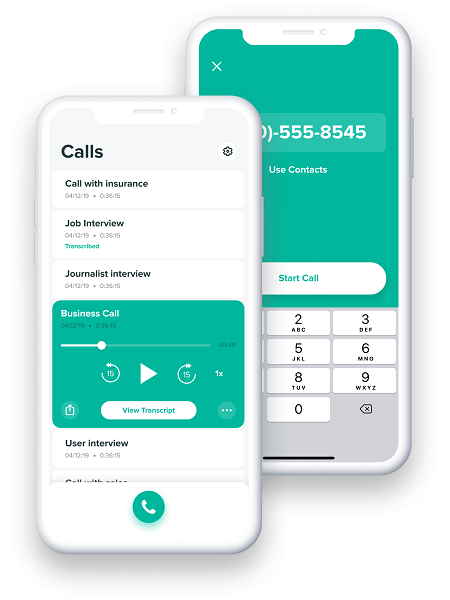
Cube Call Recorder: This app is noted for its high-quality sound recording capabilities. It offers features like cloud backup and extensive audio management, with both free and premium versions available. However, its effectiveness might be limited by your phone carrier’s support for three-way calling.
Google Voice: Ideal for users with a Google Voice number, this method involves pressing ‘4’ during a call to start and stop the recording. It’s a straightforward process, but it’s worth noting that all participants are alerted when the recording begins, ensuring transparency.
TapeACall: Popular worldwide, TapeACall offers crystal-clear recording quality and the convenience of transcribing phone calls. The app supports sharing recorded calls across various platforms, including Dropbox and Google Drive. The process for recording differs slightly between incoming and outgoing calls, requiring users to navigate the app to initiate and merge calls for recording.
Rev Voice Recorder: A free app that simplifies call recording without any hidden costs. Rev specializes in transcriptions, offering recording services free of charge, with transcription services available for a fee. The app requires an account setup but promises an easy recording process for both incoming and outgoing calls.
For enhanced organization, it’s recommended to sort, rename, and regularly back up your recordings to external services like Google Drive or iCloud.
Regarding the hardware, iPhones such as the SE (2022), iPhone 14 series, and the iPhone 15 series are capable of supporting these call recording methods, offering varying features and price points to suit different user needs.
Without Using Third-Party Apps
Rev Voice Recorder
Here’s a general overview of steps you might take to record a call directly on your iPhone, bearing in mind this method’s limitations and the importance of complying with legal requirements for call recording:
Using Voicemail
Using Voicemail
Initiate a call or answer an incoming call.
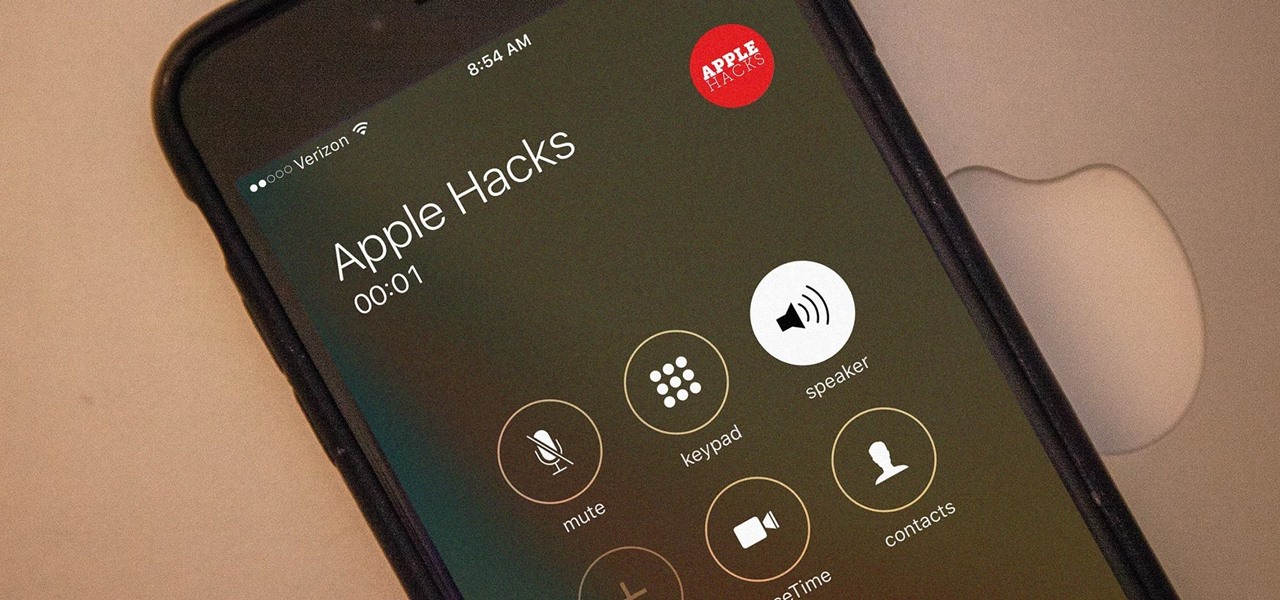
Activate the speakerphone to ensure the audio can be captured by your iPhone’s microphone.
Navigate to the Phone app and select ‘Add Call’ to dial your own number.
Dial your number and wait for the call to go to voicemail.
Once connected to your voicemail, the phone system should automatically begin recording the current call as a message.
Merge the calls. This action combines your original call with the voicemail call, effectively recording the conversation to your voicemail.
Using a Speakerphone and Another Device
Using a Speakerphone and Another Device
Place your iPhone on speakerphone during the call.
Use another device (another smartphone, a computer with a microphone, or a dedicated audio recorder) to record the audio of the conversation. Make sure this device is ready to record before you start the call.
Start recording on the second device and proceed with your conversation as normal.
These methods are not as straightforward or as reliable as using third-party apps designed for call recording on the iPhone,which often provide clearer recordings and more straightforward interfaces for recording and managing your calls.
FAQs
Can I record phone calls on my iPhone without third-party apps in 2024?
Yes, it’s possible to record calls using the voicemail method or a speakerphone and another device, although these methods might not be as convenient or reliable as using specialized apps.
Are there any privacy concerns I should be aware of when recording calls on my iPhone?
Yes, recording phone calls often requires adherence to certain legal and privacy guidelines. Always ensure that all participants in the call are aware of and consent to the recording.
What are some recommended apps for recording calls on my iPhone?
Cube Call Recorder, Google Voice, TapeACall, and Rev Voice Recorder are popular options, each offering unique features like cloud backup, easy sharing, and transcription services.
How can I ensure high-quality audio recordings of phone calls on my iPhone?
Choosing apps known for their sound quality, like Cube Call Recorder and TapeACall, and ensuring a good internet or network connection can help achieve clearer call recordings.
Is it possible to organize and back up recorded phone calls from my iPhone?
Yes, most recording apps allow you to sort, rename, and back up your recordings to cloud services such as Google Drive or iCloud for better organization and safety.
How to Record a Phone Call on iPhone 13?
To record a phone call on iPhone 13, follow this procedure:
Step 1: Bring up the Control Centre on your iPhone 13 and hold the Record button.
Step 2: Now, tap on the microphone and select Start Recording.
Step 3: After that, make a call to get it recorded.
How to Record a Phone Call on iPhone 11?
For recording a phone call on iPhone 11, follow these steps:
Step 1: Install Call Recorder Lite on iPhone 11 and launch the app.
Step 2: Tap on Record and dial the number to call.
Step 3: Once connected, tap Merge Call to record.
How to Record a Phone Call on iPhone 12?
Follow these steps to record a phone call on iPhone 12:
Step 1: Install and launch TapeACall on your iPhone 12.
Step 2: Hit the Record button and tap the Classic icon to dial the number.
Step 3: Tap Merge Call to start the recording once the call is connected.
How Do I Record a Conversation on My Phone?
To record a conversation on your iPhone, use either a built-in voice recorder or get third-party software on your phone.
Can You Record a Phone Call on iPhone?
Yes, you can record a phone call on iPhone using the Voice Memos app, the built-in screen recording feature, or downloading a third-party call recorder.
Where is the recorded call saved on the iPhone?
You can access the call you recorded using the Voice Memos app because it will be saved there. Third-party applications, on the other hand, will continue to save the phone recordings in its recorded history.
Does the other person know the call is being recorded?
The ability to detect when someone else is recording a call is not a feature that comes with the iPhone. Third-party apps may be used by the person recording the call, but they often don’t alert the recipient.
How to Record Calls on iPhone Using Voicemail?
Enter the number you want to record a call with.
Click the Add Call menu on the interface that appears.
You will be prompted to view your contact list; choose and call your number.
The system inserts your voicemail automatically after doing this.
A beep will confirm that your voicemail has been added.
To create a conference call out of the current call and the voicemail recorder, use the Merge option on the dial interface.
You can retrieve your recorded calls through your voicemail inbox.
How to Record a Call On Your iPhone Without Downloading an App?
iPhones come with a recording app, but it can’t be accessed during actual calls. And you don’t want to download an external app for recording calls. So, what do you do?
Use another device to record the call. This option does require work to set up properly. However, it’s the best way around having to download a call recording app.
Here’s what you need to do:
Get your iPhone and the device you want to use for recording (another phone, tablet, or recording device).
Test the recording quality. Call a friend and ask them to speak while you record to get a sample. Listen to your recording to make sure the sound quality is up to par. You might need to make adjustments to how loud you speak or your proximity to the recording device.
When you’re satisfied, make your phone call. Put it on speakerphone and place the device you’re using for recording next to it with the recording app open.
When everything is ready, hit the record button on your recording device and start your call. Remember to ask the person you’re on the phone with for their consent to record the conversation.
If you use Voice Memos on another iPhone to record your call and want to transfer the recording file to another platform, follow these steps:
Tap on the recording file.
Tap on the three dots.
Tap Share.
Choose where you want to share it (Gmail, WhatsApp, Slack, Facebook Messenger, or another app).
50MP Sony IMX882 primary camera with optical image stabilization.
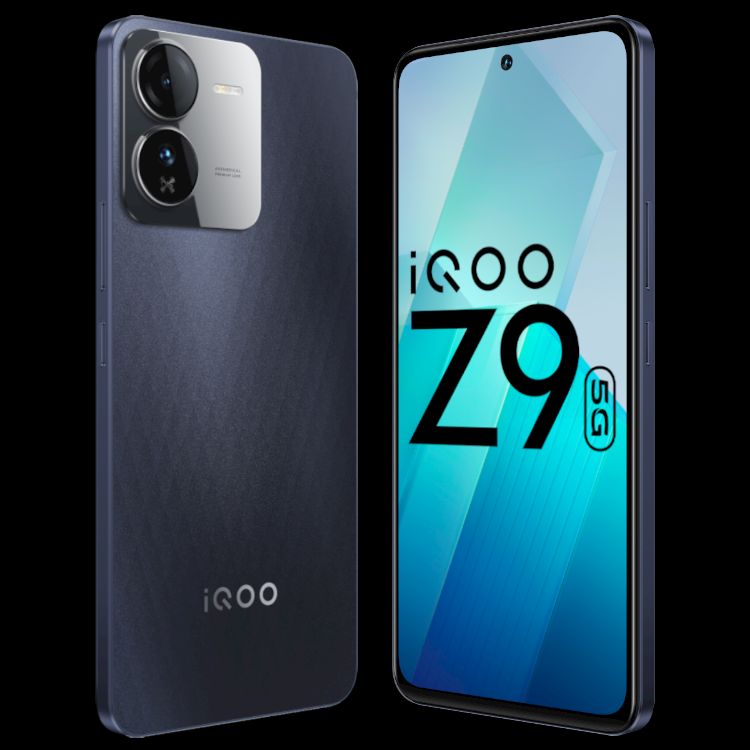
120Hz Ultra-Bright AMOLED display for superior viewing experience.
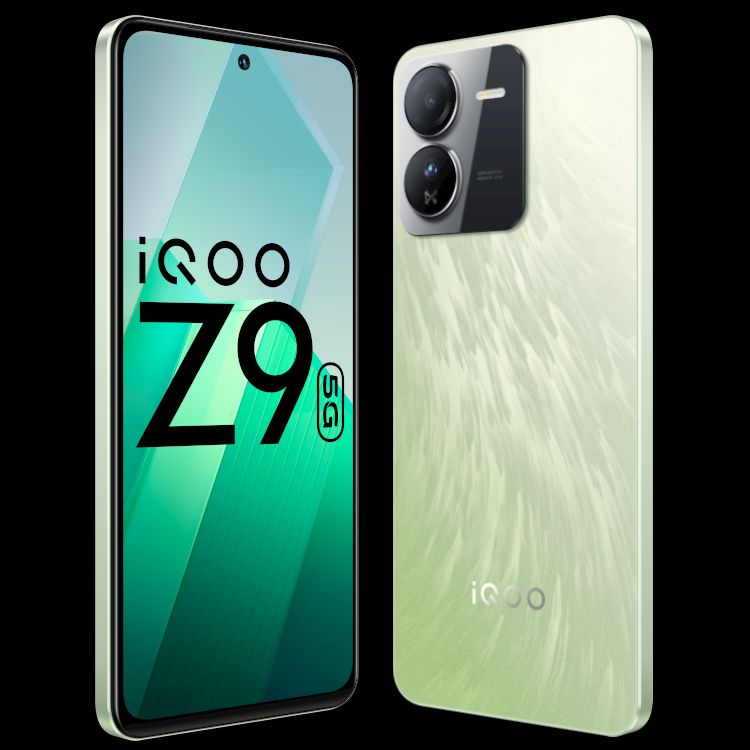
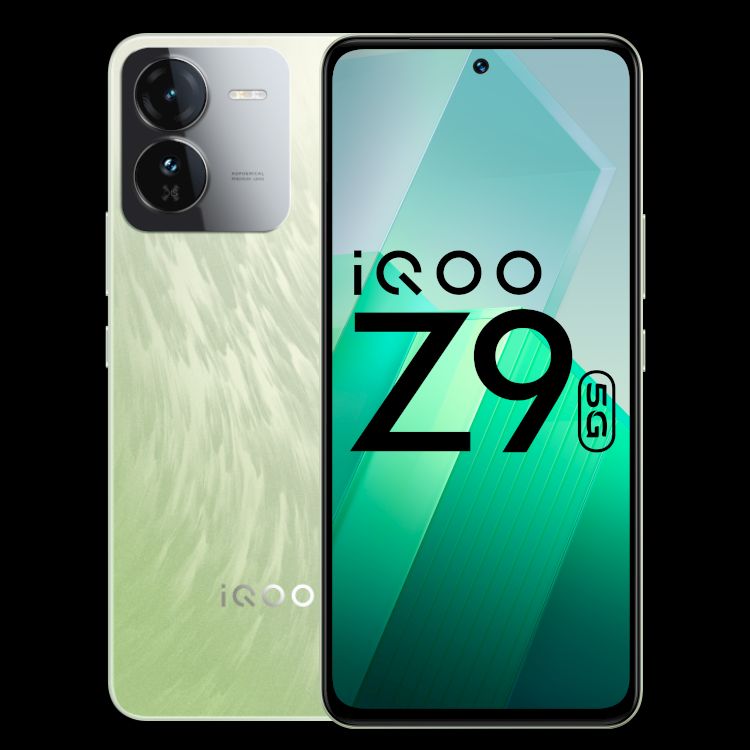
Unique Brushed Green design with a matte finish adds to aesthetic appeal.
The iQOO Z9 has officially entered the Indian smartphone scene, marking the latest addition to iQOO’s lineup.
This model seeks to mix performance with innovative features, aiming to cater to the evolving needs of tech-savvy consumers.
Unique Brushed Green design with a matte finish adds to aesthetic appeal
Here’s what you need to know about the iQOO Z9, its pricing, features, and more.
Mr. Ranjit Babu, Director of Wireless and Home Entertainment, Amazon India, said, “We would like to congratulate the iQOO team on the launch of the iQOO Z9 5G, another fully loaded smartphone that will set a new benchmark with cutting-edge and segment-first features. As e-sports picks up in India, we are seeing an upward trend for performance centric smartphones from customers, and today’s launch will certainly help satisfy their need for a powerful device that is also affordable.
We are happy to announce that Prime members will get early access to purchase on 13th March 2024 along with an instant bank discount of INR 2000 and a limited time additional INR 500 off on exchange for existing iQOO and Vivo customers. Plus, with Amazon Pay Later, customers can enjoy hassle-free instant loan within minutes, enabling up to 3 months of no-cost installments without the need for a credit card on India’s most preferred* online destination for smartphones.”
Commenting on the launch, Nipun Marya, Chief Executive Officer – iQOO, said, “At iQOO, we are committed to catering to the ever-evolving needs of our multitasking GenZ, who are always on the go. Encouraged by the overwhelming enthusiasm exhibited by our consumers for our previous Z series products, we are motivated to expand the portfolio by introducing the iQOO Z9. Elevating the photography experience, it boasts the segment’s first Sony IMX 882 OIS rear camera. This device, curated for GenZ, seamlessly combines style and performance, offering a perfect blend that college goers can proudly flaunt.”
iQOO Z9: Pricing and Availability
iQOO Z9: Pricing and Availability
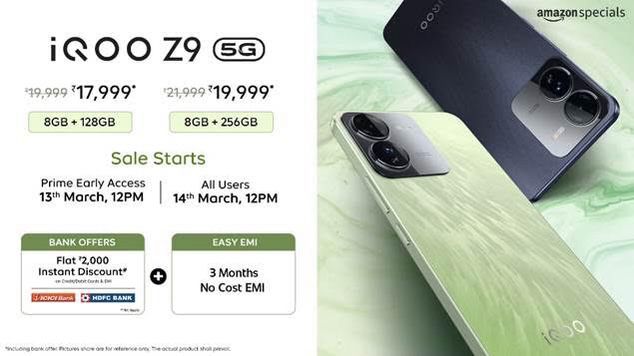
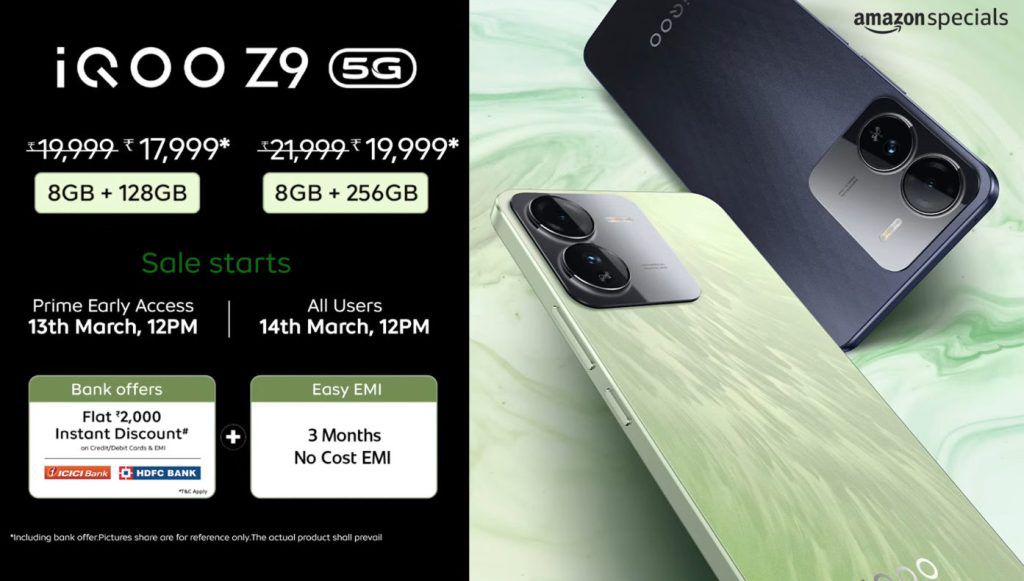
iQOO introduces the Z9 in India with a starting price of Rs 19,999 for the 8GB + 128GB configuration.The 8GB + 256GB variant is available for Rs 21,999.
Early access sales commence on March 13th at 12:00 PM, exclusively for select users, before opening up to the wider public on March 14th.
iQOO Z9: Offers
ICICI and HDFC Bank credit/debit cardholders can enjoy a flat Rs 2,000 discount on their purchase.
iQOO Z9 5G
Price
8GB + 128GB
Rs 19,999
8GB + 256GB
Rs 21,999
iQOO Z9: Key Specs
iQOO Z9: Key Specs
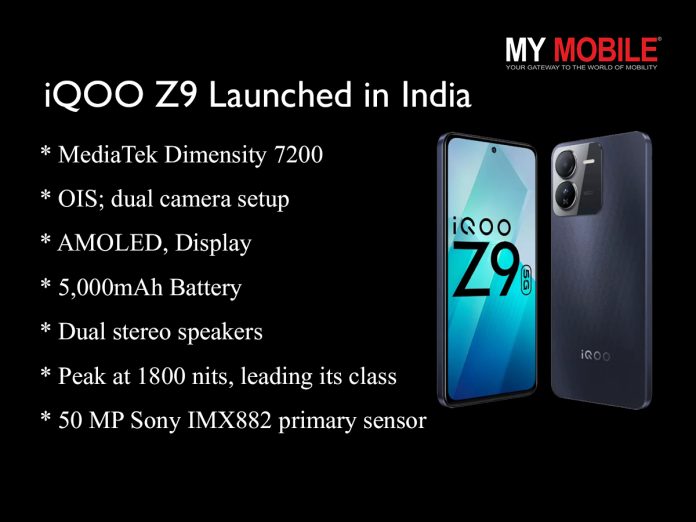
Processor: MediaTek Dimensity 7200 for peak performance.
Camera: 50 MP Sony IMX882 primary sensor with OIS; dual camera setup.
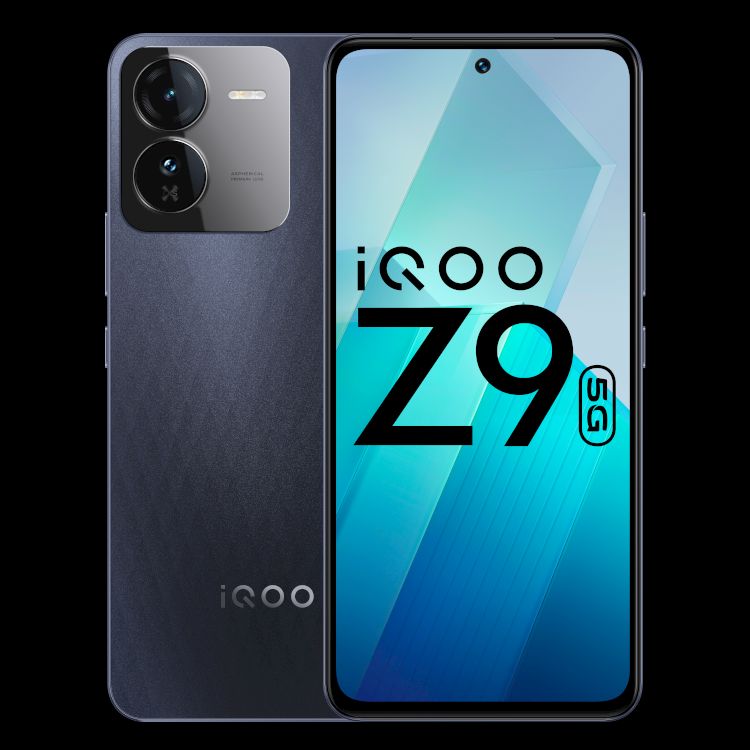
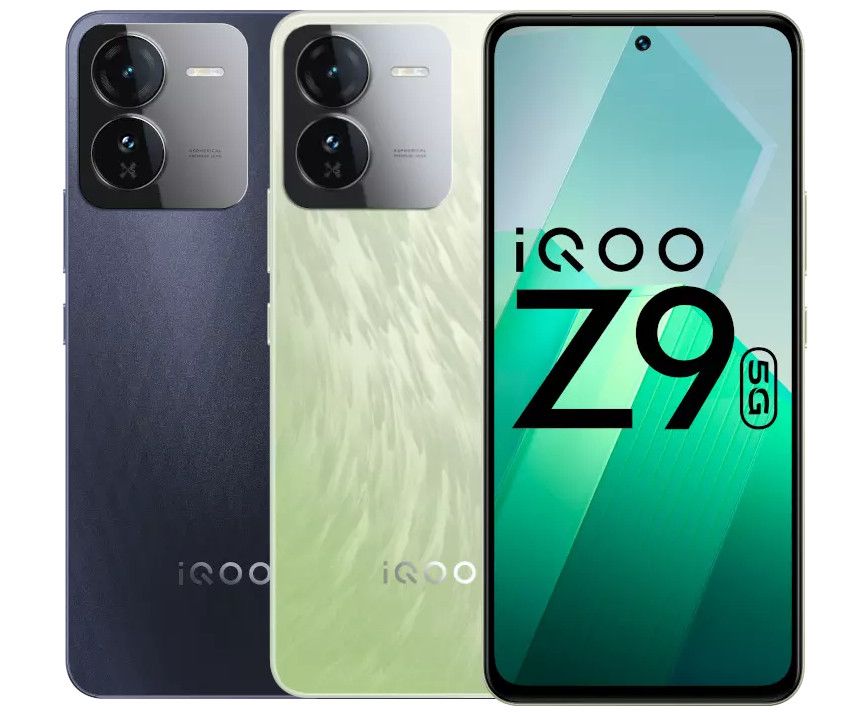
Design: Brushed Green with a matte, dual-tone finish.
iQOO Z9: Features
iQOO Z9: Features
The iQOO Z9 is anchored by the MediaTek Dimensity 7200 chipset, setting new benchmarks for speed in its category.
This smartphone showcases a 6.6-inch FHD+ AMOLED display that refreshes at 120Hz, complemented by a 300Hz touch sampling rate, ensuring silky-smooth visuals and responsive touch interactions.
With an astonishing peak brightness of 1800 nits, the Z9’s screen outshines competitors, offering unparalleled visibility even under direct sunlight.
Photography enthusiasts will find the iQOO Z9’s camera capabilities remarkable. The device is equipped with a 50MP Sony IMX882 primary camera,featuring optical image stabilization (OIS) for crisp, blur-free images.
50MP Sony IMX882 primary camera with optical image stabilization
The inclusion of an aspherical lens promises minimized distortion and enhanced color accuracy, elevating the photography experience across various lighting scenarios.
A 2MP bokeh sensor and a 16MP front camera round out the Z9’s versatile imaging suite, catering to all your photo and video needs.
120Hz Ultra-Bright AMOLED display for superior viewing experience
Beyond its technical prowess, the iQOO Z9 excels in delivering an immersive audio-visual experience. Dual stereo speakers create a rich, enveloping soundstage, perfect for gaming, movies, and music.
iQOO Z9 Specifications
The device’s design, particularly in the Brushed Green variant, shows iQOO’s attention to detail. The matte back with subtle patterns not only adds visual intrigue but also provides a tactile sensation that enhances the phone’s grip and comfort.
5 Reasons to Buy iQOO Z9
5 Reasons to Buy iQOO Z9
MediaTek Dimensity 7200 Processor: Ensures lightning-fast performance and energy efficiency, ideal for multitasking and gaming.
50MP Sony IMX882 Primary Camera with OIS: Offers superior image quality, stability, and low-light performance for photography enthusiasts.
120Hz Ultra-Bright AMOLED Display: Provides a smooth visual experience with exceptional brightness, making it perfect for outdoor viewing.
Dual Stereo Speakers: Enhances audio output for an immersive sound experience, whether for music, videos, or gaming.
Unique Design and Brushed Green Variant: Stands out with its aesthetic appeal, combining style with a comfortable grip for daily use.
iQOO Z9: Top 5 Alternatives
Poco X5 Pro (Price: Rs. 16,999)
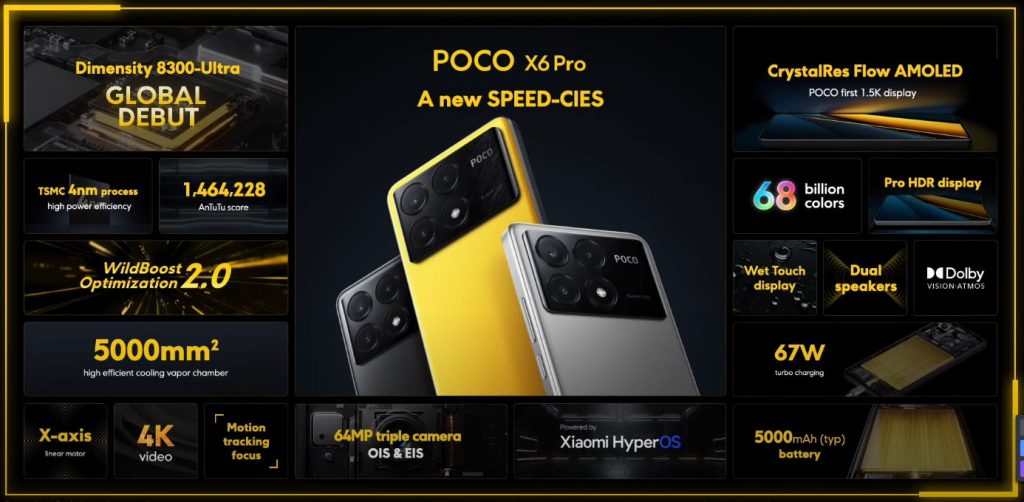
POCO X6 Pro: Features
Display: 6.67-inch AMOLED, 120Hz refresh rate
Processor: Snapdragon 778G
RAM/Storage: 6GB/128GB
Camera: 108MP main + 8MP ultra-wide + 2MP macro, 16MP front
Battery: 5000mAh with 67W fast charging
OS: Android 12 with MIUI 14
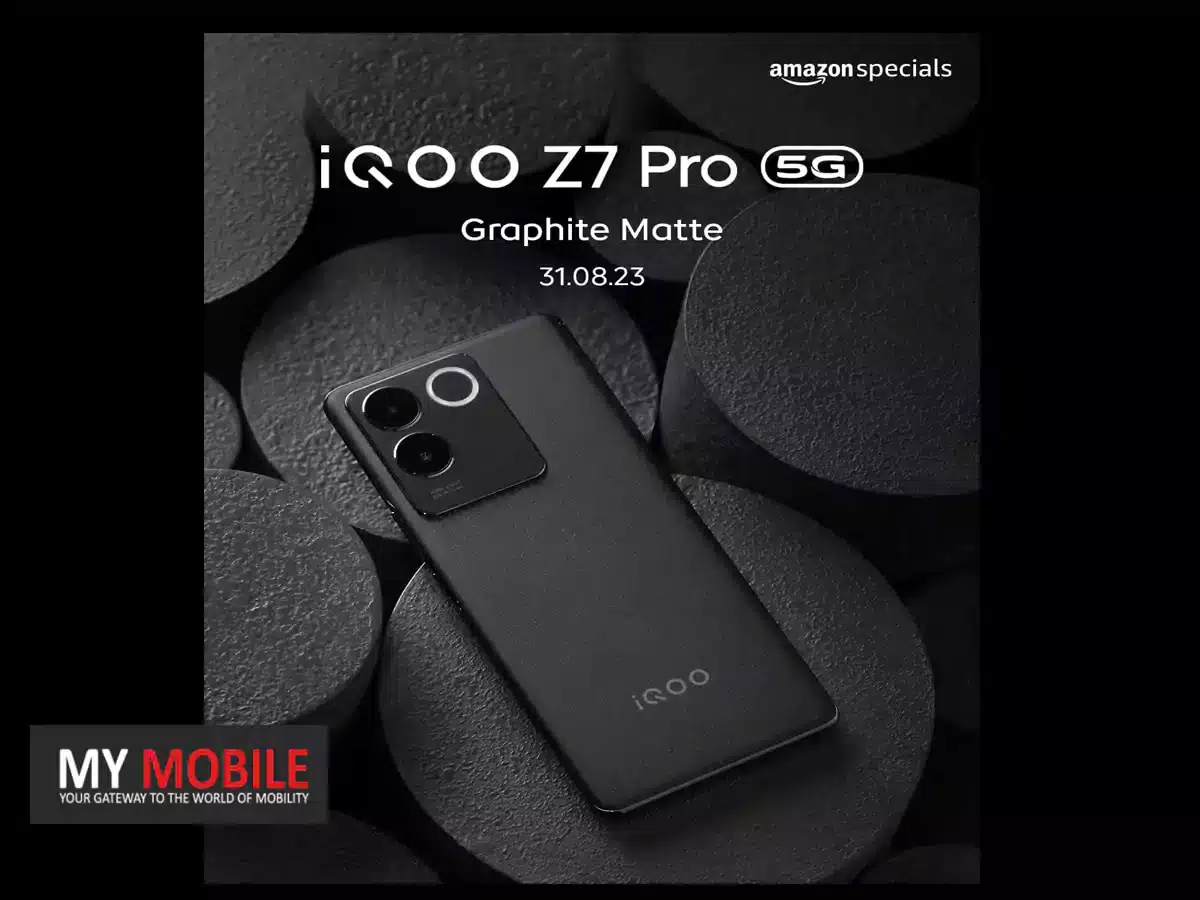
iQOO Z7 5G (Price: Rs. 19,499)
Display: 6.38-inch AMOLED, 90Hz refresh rate
Processor: MediaTek Dimensity 920
RAM/Storage: 6GB/128GB
Camera: 64MP + 2MP dual rear, 16MP front
Battery: 4500mAh with fast charging
OS: Funtouch OS based on Android
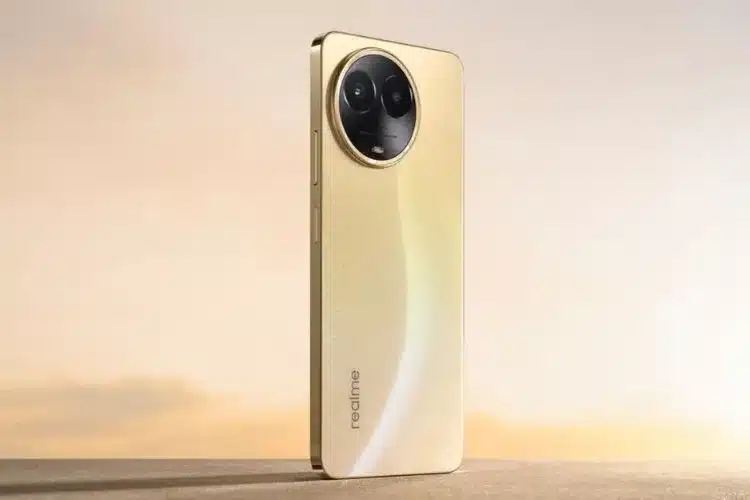
Realme 11 5G (Price: Rs. 16,490)
Realme 11 5G
Display: 6.72-inch, 120Hz refresh rate
Processor: MediaTek Helio G99
RAM/Storage: 8GB/128GB
Camera: 108MP + 2MP dual rear, 16MP front
Battery: 5000mAh with 67W fast charging
OS: Android 13
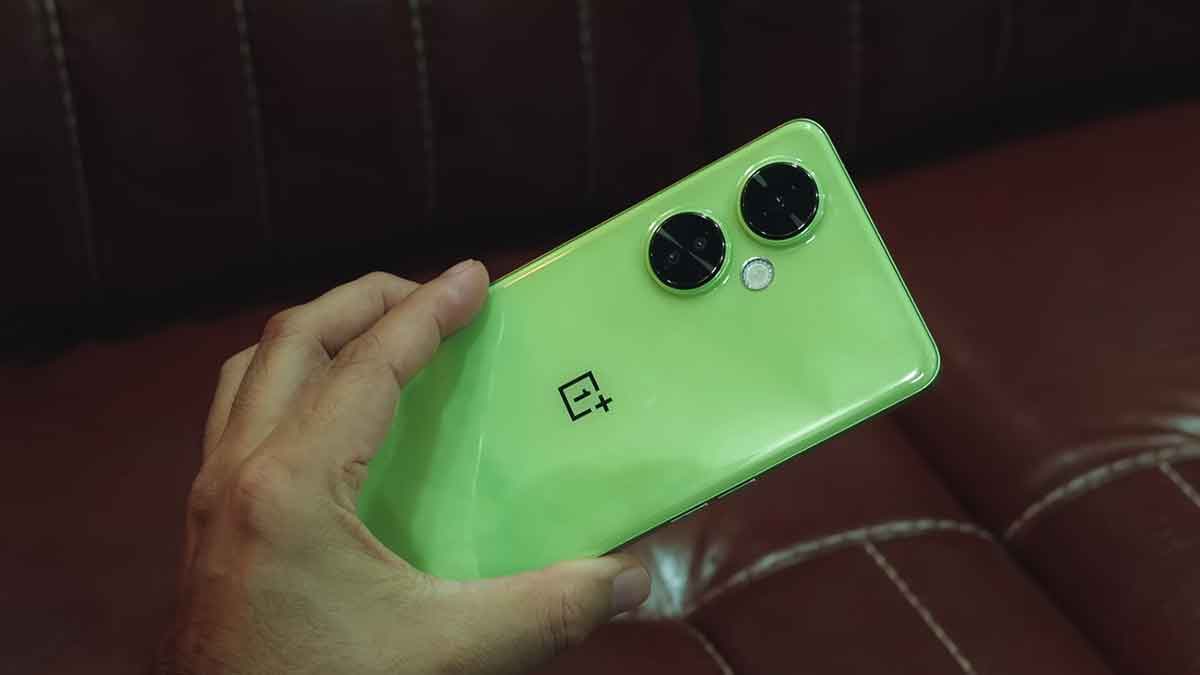
OnePlus Nord CE 3 Lite 5G (Price: Rs. 17,999)
OnePlus Nord CE 3
Display: 6.39-inch, 120Hz refresh rate
Processor: Snapdragon 695 5G
RAM/Storage: 8GB/128GB
Camera: 108MP + 8MP + 2MP triple rear, 16MP front
Battery: 5000mAh with 67W fast charging
OS: Android 13
Tecno Pova 6 Pro (Price: Rs. 15,990)
Tecno POVA 6 Pro
Display: 6.78-inch, 120Hz refresh rate
Processor: Dimensity 6080
RAM/Storage: 8GB/256GB
Camera: 108MP + 2MP + 0.08MP triple rear, 32MP front
What makes the iQOO Z9 stand out in its price segment?
The combination of the MediaTek Dimensity 7200 processor, a high-quality Sony IMX882 camera sensor with OIS, and a peak brightness of 1800 nits for its AMOLED display places the iQOO Z9 ahead in its category.
When does the sale for the iQOO Z9 begin?
Early access sales start on March 13th at 12:00 PM, exclusively for select users. The general sale opens on March 14th.
Are there any discounts available for the iQOO Z9 purchase?
Yes, ICICI and HDFC Bank credit/debit cardholders can avail a flat Rs 2,000 discount on their purchase of the iQOO Z9.
What are the camera features of the iQOO Z9?
The iQOO Z9 is equipped with a 50 MP primary camera with OIS and an aspherical lens for reduced distortion and enhanced color accuracy, making it a capable device for photography enthusiasts.
How does the iQOO Z9 cater to gamers and multimedia users?
Its 120Hz AMOLED display with a 300Hz touch sampling rate and dual stereo speakers offer an immersive gaming and multimedia experience, supported by a robust battery life.
iQOO Launches the #FullyLoaded Z9 with Segment leading Performance and Sony IMX882 Camera. Details?
● iQOO Z9 will be available at an effective price of INR 17,999 and INR 19,999 on iQOO e-store and Amazon.in ● iQOO Z9 will be up for grabs for Amazon Prime customers starting March 13th, 12 noon and to all the customers from March 14th, 12 noon
iQOO, the high-performance smartphone brand, has unveiled the #FullyLoaded smartphone – iQOO Z9, from its Z series portfolio in India today.
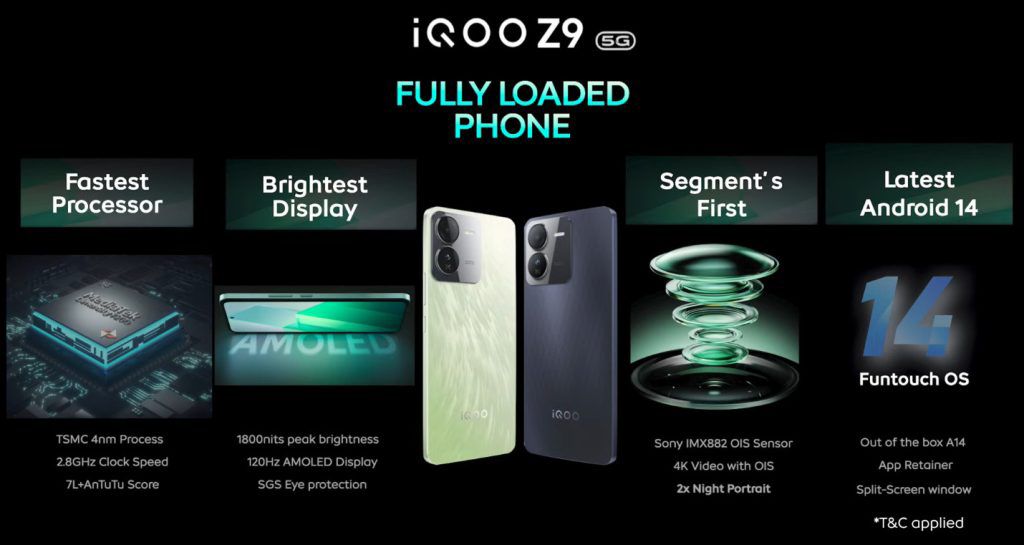
Powered by the MediaTek Dimensity 7200 5G 4nm processor, iQOO Z9 promises unmatched performance with an AnTuTu score of 730K+, making it the fastest in the segment. It also boasts the segment’s first Sony IMX 882 rear camera system, 4K video recording with OIS capability, and the brightest 120 Hz AMOLED display with 1800 nits peak local brightness.
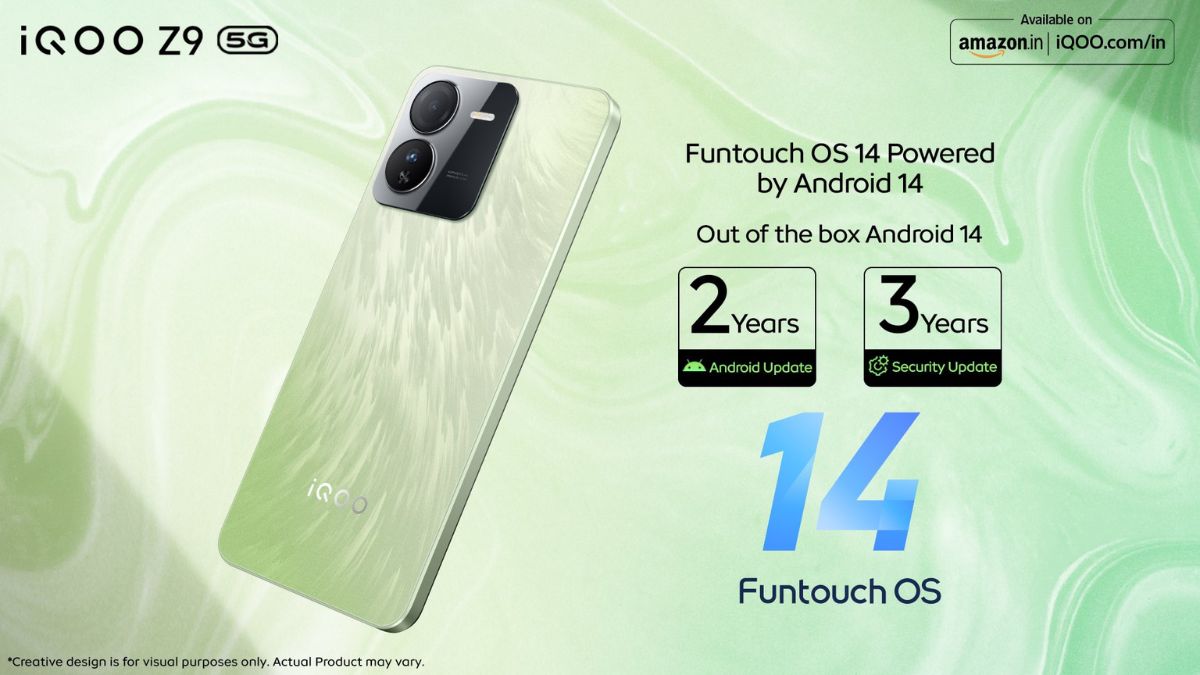
The Dual Stereo Speakers provide surround sound for music, OTT videos, and games. The bold rear camera module and a brushed textured design add a touch of elegance to the device while measuring just 7.83mm thick. The smartphone will have Funtouch OS 14 based on Android 14 out of the box.
The iQOO Z9 will be available at an effective price of INR 17,999(MOP INR 19,999) for 8GB+128GB and INR 19,999 (MOP INR 21,999) for 8+256GB on both the iQOO e-store and Amazon.in. Special launch offers include an INR 2000 instant bank discount and 3 months of no-cost EMI.
The smartphone comes in two premium and distinctive colour variants, Brushed Green and Graphene Blue, making it a statement piece that seamlessly combines style with functionality.
How is the camera & design of IQoo Z9 5G?
#FullyLoaded Camera with Elegant Design
Equipped with a segment-first 50MP Sony IMX 882 OIS rear camera system, the iQOO Z9 empowers users to flex their imaging skills with its impressive camera prowess, ensuring stunning day and night captures.
The IMX882 sensor features a large sensing area and pixel size, enhancing light sensitivity for brighter and clearer images. Additionally, the smartphone camera setup is paired with a 16MP front camera and a 2MP Bokeh Camera, allowing users to reinvent the consumer’s overall photography experience.
The device offers impressive 2x zoom capabilities in portrait photography, enhancing image sharpness and composition.
In terms of video features, the iQOO Z9 supports 4K @30fps with OIS video recording, providing high-resolution footage for capturing ultra-stable videos. The iQOO Z9 incorporates Optical Image Stabilization (OIS) to minimize image blur in shaky scenarios, ensuring clear photos in low-light environments.
This technology, combined with Electronic Image Stabilization (EIS), delivers stable video footage. Furthermore, the Super Night Mode utilizes OIS and advanced AI algorithms to capture stunning night scenes with accurate details and colours, even in challenging low-light environments.
Featuring a bold rear camera module and a unique colour combination, the iQOO Z9 stands out effortlessly for its stylish design. Its sleek profile, with a thickness of 7.83 mm and a weight of 188 grams, offers elegance and comfort.
How is the performance of IQoo Z9?
#FullyLoaded Performance
The iQOO Z9 has the “Most powerful chipset in the segment.” MediaTek Dimensity 7200 chipset is built with flagship 4nm process technology. With iQOO’s deep optimization, this chipset redefines multitasking capabilities, providing ultimate performance and power efficiency and achieving exceptional peak performance with an AnTuTu score of 734K+.
With this powerful chipset, users can expect unparalleled gaming and multitasking experiences. Moreover, the iQOO Z9 features the segment’s brightest AMOLED display with 1800 nits of local peak brightness, ensuring clear visibility in various lighting conditions.
The display also offers a 120Hz Refresh Rate and 300Hz Touch Sampling rate for smoother graphics, ensuring a lag-free smartphone experience.
The iQOO Z9 is ultra-loaded with a massive 5000mAh battery to ensure a full day of uninterrupted usage, combined with powerful 44W FlashCharge technology.
The all-rounder smartphone also provides extended RAM through software algorithm optimization, expandable storage up to 1 TB through a Hybrid slot, and the latest Wi-Fi 6 for faster internet connectivity.
How is the gaming experience of IQoo Z9 5G?
#FullyLoaded Gaming Experience
Designed for seamless gaming, it features the Ultra Game Mode for uninterrupted gameplay, Motion Control with six options for precise gesture control, and a 1200Hz Touch Response Rate for unmatched responsiveness.
The 4D Game Vibration enhances immersion in supported games like BGMI.
Continuing iQOO’s commitment to ‘Make in India- iQOO Z9 will be manufactured at vivo’s Greater Noida facility.
To offer a hassle-free after-sales service experience to its valued customers, iQOO customers can now visit any of the 670+ company-owned service centres across the country.
Galaxy A55 introduces a 6.6-inch Super AMOLED display, edging out A54’s 6.5-inch.
A55 powered by Snapdragon 750G, A54 by Snapdragon 720G.
Both models feature quad-camera setups with software enhancements in A55.
Equipped with 5,000mAh batteries and 25W fast charging for all-day use.
The recent launch of the Samsung Galaxy A55 and its predecessor, the Galaxy A54, highlights Samsung’s commitment to balancing performance, features, and cost-effectiveness.
This comparison examines the differences and similarities between the two models to assist in an informed purchasing decision.
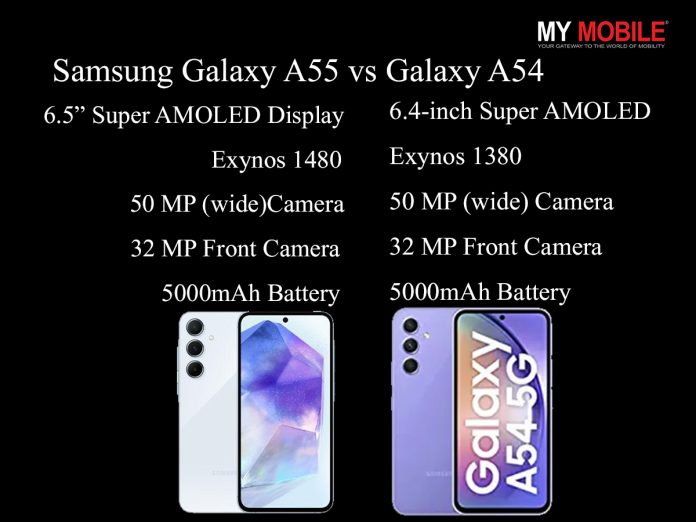
Samsung Galaxy A55 vs Galaxy A54
Specification
Galaxy A55
Galaxy A54
Display
6.5-inch Super AMOLED, 120Hz, HDR10+
6.4-inch Super AMOLED, 120Hz, HDR10+
Resolution
1080 x 2340 pixels
1080 x 2340 pixels
Processor
Exynos 1480
Exynos 1380
RAM
4-8GB
4-8GB
Storage
128GB/256GB
128GB/256GB
Main Camera
50 MP (wide), 12 MP (ultrawide), 5 MP (macro)
50 MP (wide), 12 MP (ultrawide), 5 MP (macro)
Selfie Camera
32 MP
32 MP
Battery
5000mAh, 25W wired charging
5000mAh, 25W wired charging
OS
Android 14, One UI 6
Android 13, upgradable to Android 14, One UI 6
Weight
Not announced yet
202g
SIM
Single SIM (Nano-SIM, eSIM) or Hybrid Dual SIM (Nano-SIM, dual stand-by)
Single SIM (Nano-SIM, eSIM) or Hybrid Dual SIM (Nano-SIM, dual stand-by)
Protection
IP67 dust/water resistant
IP67 dust/water resistant
Samsung Galaxy A55 vs Galaxy A54: Display and Design
Samsung Galaxy A55 vs Galaxy A54: Display and Design
The Galaxy A55 features a 6.6-inch Super AMOLED screen,maintaining the tradition of vibrant visuals and deep contrasts with a resolution of 1080 x 2400 pixels.
In contrast, the Galaxy A54 offers a slightly smaller 6.5-inch display, yet provides the same resolution for clear and bright imagery.
Samsung Galaxy A55 vs Galaxy A54: Battery Life and Charging
Samsung Galaxy A55 vs Galaxy A54: Battery Life and Charging
Equipped with a 5,000mAh battery, the Samsung Galaxy A54 and A55ensure that users can navigate through their day without worrying about running out of charge.
The adoption of 25W fast charging technology significantly reduces the time it takes to recharge the devices, making them ready to go in less time.
This feature is particularly beneficial for users with busy lifestyles or those who frequently use their phones for high-demand tasks like gaming, video streaming, or navigation, providing a reliable power source throughout the day.
Samsung Galaxy A55 vs Galaxy A54: Software Experience
Samsung Galaxy A55 vs Galaxy A54: Software Experience
This interface is designed to simplify interaction with the device, making it more accessible and efficient.
Features such as Knox security safeguard the user’s data, providing peace of mind in an era where privacy and security are paramount.
Samsung Galaxy A55 vs Galaxy A54: Connectivity Features
Samsung Galaxy A55 vs Galaxy A54: Connectivity Features
The inclusion of 5G connectivity on the Galaxy A54 and A55 not only ensures faster internet speeds but also prepares users for the future of telecommunications.
Dual SIM capabilities offer flexibility for users who travel frequently or wish to separate work and personal contacts.
Additionally, Bluetooth 5.0 ensures a stable and efficient connection with a wide range of peripherals, including headphones, speakers, and wearables.
Pricing Considerations
Both models feature quad-camera setups with software enhancements in A55
Positioned as budget-friendly mid-range options, both smartphones deliver value, with the A55 being slightly pricier due to its updated specifications.
Despite this, each model is competitively priced, offering substantial quality and features for their respective costs.
Final Thoughts
Galaxy A55 introduces a 6.6-inch Super AMOLED display, edging out A54’s 6.5-inch
What are the main differences between the Samsung Galaxy A55 and A54?
The Samsung Galaxy A55 and A54 differ mainly in performance, with the A55 utilizing the Snapdragon 750G processor for enhanced efficiency, and display size, where the A55 boasts a slightly larger screen.
Do both the Galaxy A55 and A54 support fast charging?
Yes, both smartphones are equipped with 5,000mAh batteries that support 25W fast charging, allowing for quick power-ups and extended usage throughout the day.
Can I expect a good camera experience from these devices?
Both the A54 and A55 offer robust quad-camera systems. The A55, however, benefits from software optimizations and AI enhancements, providing improved image quality, especially in low-light conditions.
Which device should I choose for better performance?
For users seeking superior performance, the Galaxy A55 is the better choice due to its Snapdragon 750G processor, offering faster processing and improved multitasking capabilities compared to the A54’s Snapdragon 720G chipset.
Are the Galaxy A55 and A54 suitable for gaming and heavy usage?
Both devices are capable of handling games and heavy usage, but the A55, with its updated processor and higher RAM options, offers a smoother experience for demanding applications and gaming.
Galaxy A55 5G and A35 5G boast 6.6-inch FHD+ Super AMOLED displays with 120Hz refresh rates.
A55 features a triple rear camera setup; A35 comes with a dual rear camera configuration.
Both models equipped with 5,000mAh batteries and run Android 14 with One UI 6.1.
Enhanced security with Samsung Knox and durability with an IP67 rating.
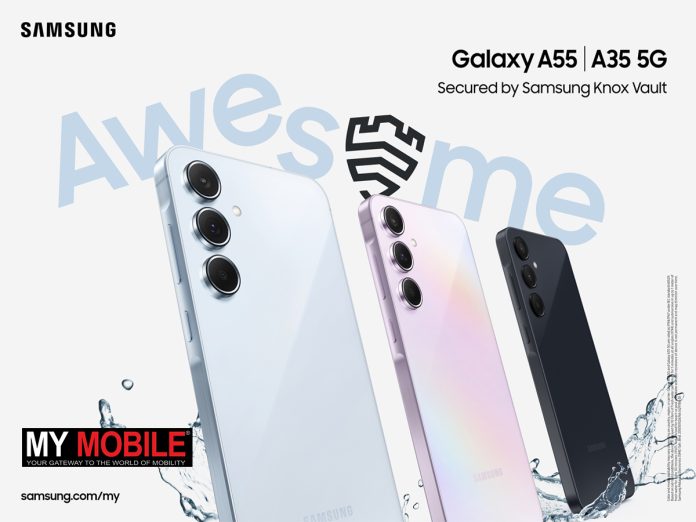
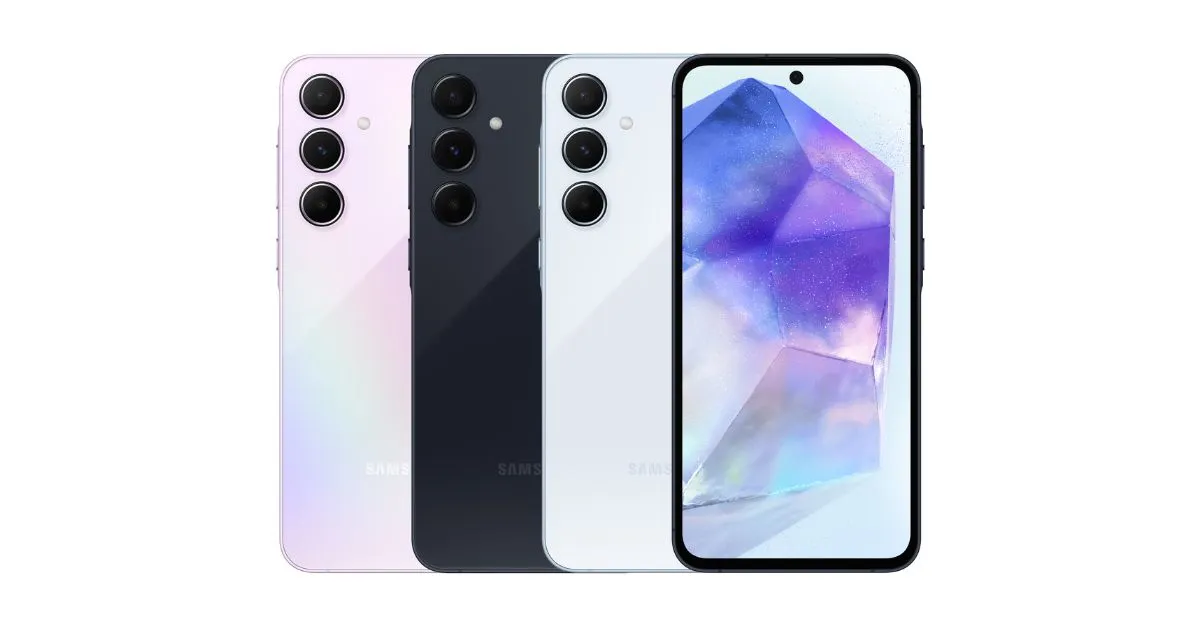
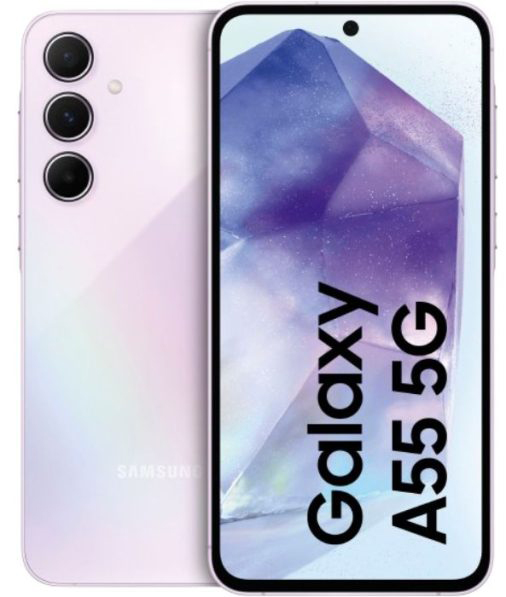
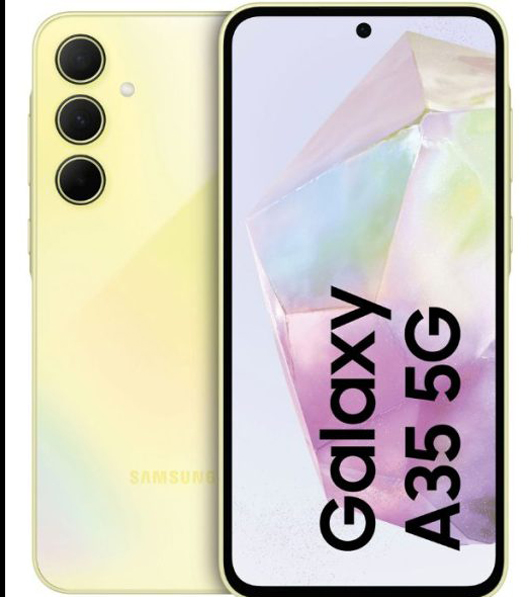
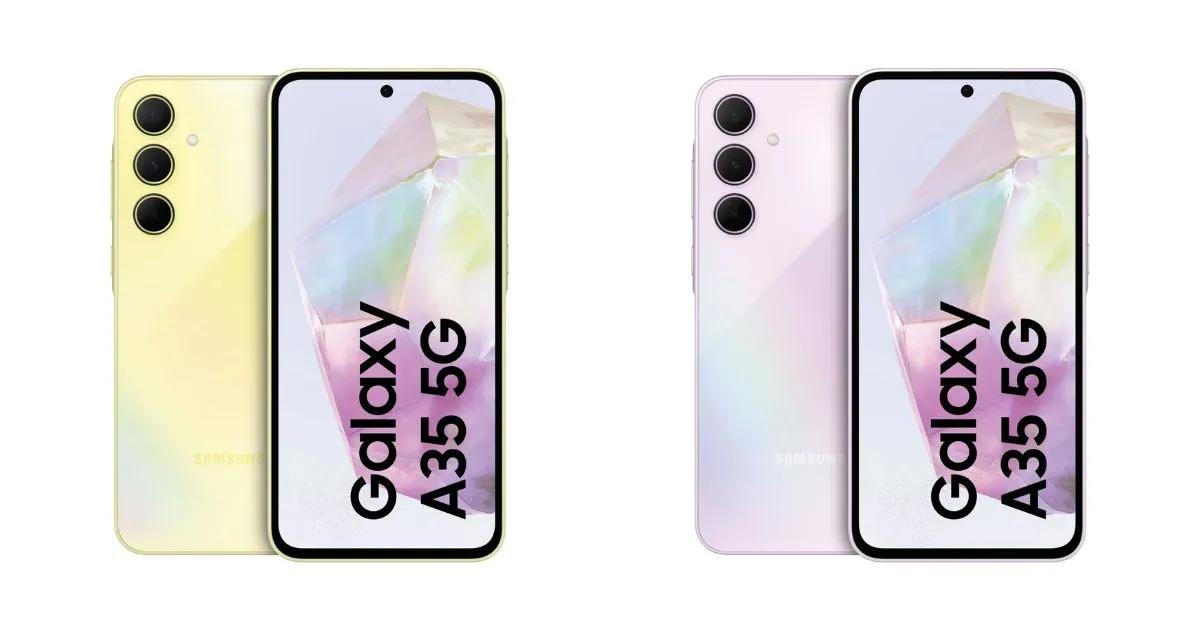
Samsung has announced the launch of its latest additions to the Galaxy A series lineup – the Galaxy A35 and Galaxy A55 5G smartphones.
It’s no secret that the A series is Samsung’s most popular series globally and the South Korean electronics giant has taken steps to make the device more palatable to the wider audience.
Designed to offer premium features at a mid-range price, these new models come equipped with Samsung Knox protection and boast an IP67 rating for enhanced dust and water resistance.
Samsung Galaxy A35 and A55 5G Launched Globally
Let’s delve into the pricing, availability, and key specifications that set these devices apart.
“With the Galaxy A series, we are expanding our latest technologies to a wider audience so that more people can benefit from them,” said TM Roh, President and Head of Mobile eXperience Business at Samsung Electronics.
“We are excited to open up even more possibilities on the Galaxy A series this year, including offering Samsung Knox Vault for the first time on this lineup. We’re proud to enable Galaxy A series users to safely and reliably enjoy outstanding mobile experiences.”
Galaxy A55 and Galaxy A35 5G: Pricing and Availability
Galaxy A55 and Galaxy A35 5G: Pricing and Availability
The Galaxy A55 5G is priced starting at €480 for the 8GB RAM/128GB storage variant, with the higher-end models, 8GB RAM/256GB storage and 12GB RAM/256GB storage, available at €530 and €550, respectively.
On the other hand, the Galaxy A35 5G begins at a more affordable €380 for the 6GB RAM/128GB storage option.
Additional configurations include 8GB RAM with either 128GB or 256GB storage,priced up to €450.
While Samsung has yet to announce the Indian pricing, details are expected to be revealed onMarch 14.
Samsung Galaxy A35 5G Specs
Samsung Galaxy A35 5G Specs:
6.6-inch Full HD+ Super AMOLED display, 120Hz refresh rate, Gorilla Glass Victus+ protection.
5,000mAh battery with One UI 6.1 based on Android 14.
Galaxy A55 5G: Features
Galaxy A55 5G: Features
The Galaxy A55 5G features a 6.6-inch FHD+ Super AMOLED display with a 120Hz refresh rate and Vision Booster technology.
The screen measures 6.6 inches diagonally in a full rectangle and 6.4 inches considering the rounded corners.
The dimensions of the device are 161.1 x 77.4 x 8.2mm, and it weighs approximately 213 grams, although this may vary by market. In terms of camera capabilities, the device boasts a 12MP ultra-wide camera (F2.2), a 50MP main camera (F1.8, AF, OIS), a 5MP macro camera (F2.4), and a 32MP front camera (F2.2).
Memory and storage configurations include 8GB + 128GB, 8GB + 256GB, and 12GB + 256GB options, subject to availability by carrier, market, or region.
The Galaxy A55 5G is equipped with a 5,000mAh battery, supporting Android 14 and One UI 6.1. It also includes Samsung Knox for security.
Galaxy A35 5G Features
Galaxy A35 5G Features
The Galaxy A35 5G is equipped with a 6.6-inch FHD+ Super AMOLED display, offering up to a 120Hz refresh rate and Vision Booster technology.
The screen size is 6.6 inches diagonally in the full rectangle and 6.4 inches with the rounded corners considered.
The device’s dimensions are 161.7 x 78.0 x 8.2mm, and it weighs around 209 grams, which may vary according to the market.
Both models equipped with 5,000mAh batteries and run Android 14 with One UI 6.1
Camera specifications include an 8MP ultra-wide camera (F2.2), a 50MP main camera (F1.8, AF, OIS), a 5MP macro camera (F2.4), and a 13MP front camera (F2.2).
Available memory and storage options are 6GB + 128GB, 8GB + 128GB, and 8GB + 256GB, with availability varying by carrier, market, or region.
The device comes with a 5,000mAh battery and runs on Android 14 with One UI 6.1. Security is ensured through Samsung Knox.
Specifications
Galaxy A55 5G
Display
6.6-inch FHD+
Super AMOLED Display
Up to 120Hz refresh rate
Vision Booster
* Measured diagonally, the screen size is 6.6-inch in the full rectangle and 6.4-inch with accounting for the rounded corners; actual viewable area is less due to the rounded corners and camera hole.
Dimensions & Weight
161.1 x 77.4 x 8.2mm, 213g
*Device weight may vary by market.
Camera
12MP Ultra-Wide Camera
· F2.2
50MP Main Camera
· F1.8, AF, OIS
5MP Macro Camera
· F2.4
32MP Front Camera
· F2.2
Memory
& Storage
8GB + 128GB
8GB + 256GB
12GB + 256GB
* Storage options and availability may vary by carrier, market or region. Actual storage availability may vary depending on pre-installed software.
Battery
5,000mAh (typical)
*Typical value tested under third-party laboratory conditions. Typical value is the estimated average value considering the deviation in battery capacity among the battery samples tested under IEC 61960 standard. Rated (minimum) capacity is 4,905mAh. Actual battery life may vary depending on network environment, usage patterns and other factors.
OS
Android 14
One UI 6.1
Security
Samsung Knox
Galaxy A35 5G
Display
6.6-inch FHD+
Super AMOLED Display
Up to 120Hz refresh rate
Vision Booster
* Measured diagonally, the screen size is 6.6-inch in the full rectangle and 6.4-inch with accounting for the rounded corners; actual viewable area is less due to the rounded corners and camera hole.
Dimensions & Weight
161.7 x 78.0 x 8.2mm, 209g
Camera
8MP Ultra-Wide Camera
· F2.2
50MP Main Camera
· F1.8, AF, OIS
5MP Macro Camera
· F2.4
13MP Front Camera
· F2.2
Memory
& Storage
6GB + 128GB
8GB + 128GB
8GB + 256GB
* Storage options and availability may vary by carrier, market or region. Actual storage availability may vary depending on pre-installed software.
Battery
5,000mAh (typical)
*Typical value tested under third-party laboratory condition. Typical value is the estimated average value considering the deviation in battery capacity among the battery samples tested under IEC 61960 standard. Rated (minimum) capacity is 4,905mAh. Actual battery life may vary depending on network environment, usage patterns and other factors.
OS
Android 14
One UI 6.1
Security
Samsung Knox
FAQs
What are the key differences between the Galaxy A55 5G and A35 5G?
The Galaxy A55 5G features a triple rear camera setup and up to 12GB of RAM, while the Galaxy A35 5G includes a dual rear camera setup and up to 8GB of RAM.
What kind of display technology do the Galaxy A55 5G and A35 5G use?
Both smartphones utilize a 6.6-inch Full HD+ Super AMOLED display with a 120Hz refresh rate and Vision Booster technology.
Are the new Galaxy A series phones water and dust resistant?
Yes, the Galaxy A55 5G and A35 5G come with an IP67 rating for dust and water resistance, enhancing their durability.
How long will the Galaxy A55 5G and A35 5G receive software updates?
Samsung promises 4 years of OS updates and 5 years of software updates for both devices.
What security features come with the Galaxy A55 5G and A35 5G?
Both smartphones are equipped with Samsung Knox for advanced security protection.
Does Samsung Galaxy A55 & Samsung Galaxy A35 5G give Seamless Connection With the Ever-Expanding Samsung Galaxy Ecosystem ?
The Galaxy A55 5G and Galaxy A35 5G are fully compatible with the Galaxy ecosystem giving users a smooth and integrated experience across a range of Galaxy devices. Users can keep up with their fitness goals by connecting Galaxy Fit3 or Galaxy Watch6 to their Galaxy A series smartphone.
And, thanks to Auto Switch, incoming calls will be automatically switched to connected Galaxy Buds FE for enhanced convenience.
Is Samsung Galaxy A Series Democratizing Samsung’s Most Powerful Security Innovations To Intelligently Protect More Customers for Longer ?
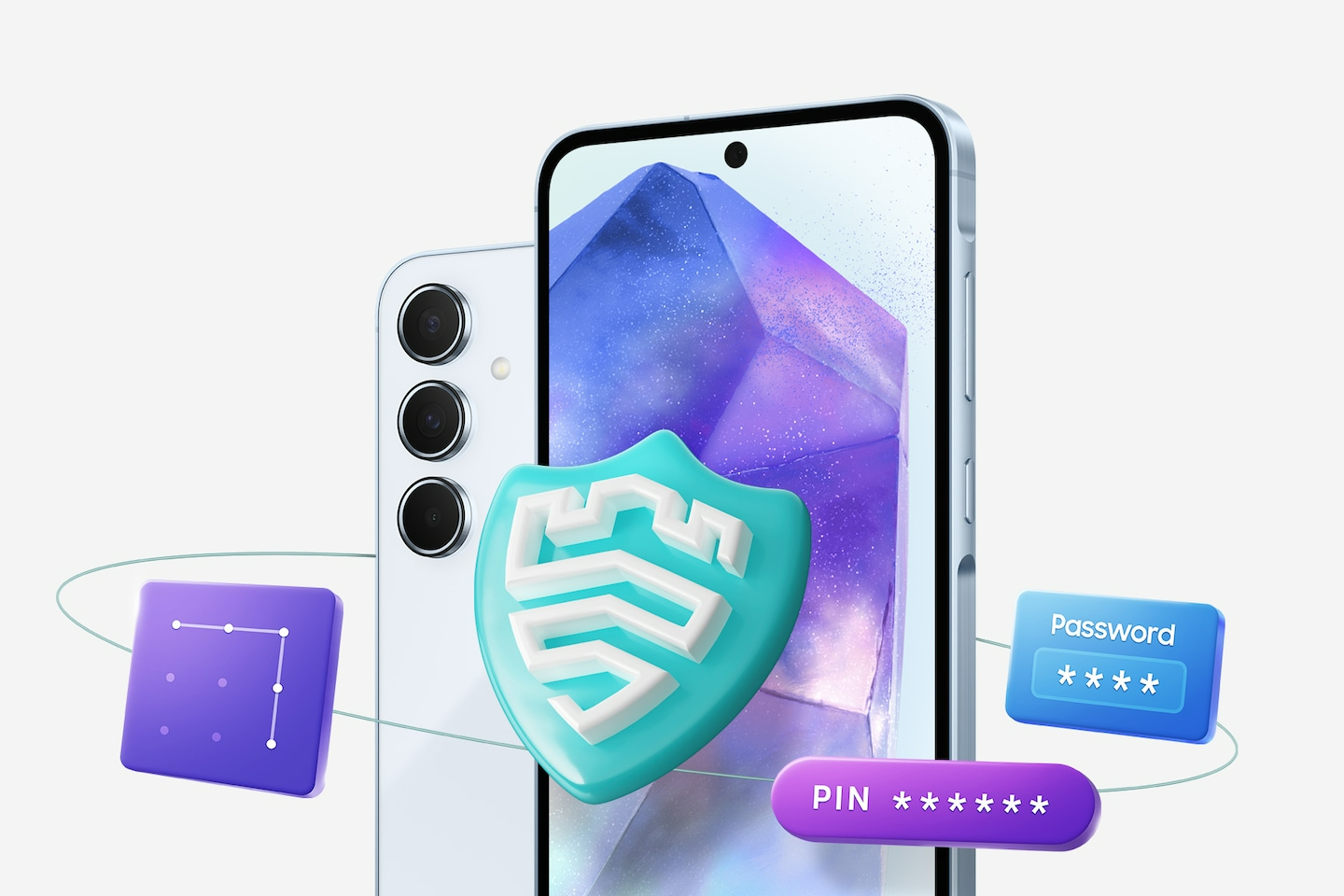
This year, Samsung is bringing one of its most innovative flagship security features, Samsung Knox Vault, to Galaxy A series users for the very first time, including on the new Galaxy A55 5G and Galaxy A35 5G.
A hardware-based and tamper-resistant security solution, Samsung Knox Vault offers comprehensive protection against both hardware and software attacks by constructing a secure execution environment that is physically isolated from the system’s main processor and memory.
It can help protect the most critical data on a device, including lock screen credentials, such as PIN codes, passwords and patterns. Samsung Knox Vault also protects device encryption keys, encrypting users’ private data stored in the device. Only a user who has the correct lock screen credentials can access their data, even if the device is lost or stolen.
The Galaxy A55 5G and Galaxy A35 5G are also secured by Samsung Knox, Galaxy’s multi-layer security platform.
One of the most trusted security platforms in the world, Samsung Knox is designed to safeguard critical information and protect against vulnerabilities with end-to-end secure hardware, real-time threat detection and collaborative protection, taking a holistic approach across the entire Galaxy ecosystem.
For even more ways to stay protected, the Galaxy A series offers Auto Blocker, an opt-in package of additional security measures. When switched on, Auto Blocker can block app installations from unauthorized sources, provide app security checks2 to scan for potential malware and block potentially malicious commands and software installations to your device while connected by USB cable.
New Galaxy A series users will also have access to Galaxy’s Security and Privacy Dashboard, making it easier than ever to see and control what is happening to their data and withdraw any permissions whenever they choose. They can also enjoy Private Sharing (part of Quick Share), which enables the secure and encrypted sharing of private files containing important personal or financial information.
To ensure confidentiality, users can control the recipient’s access permissions and the file’s expiration date, while also choosing to limit screenshots or downloads.
The new Galaxy A series smartphones demonstrate Samsung’s commitment to ensure Galaxy devices remain secure and up-to-date for longer.
With the Galaxy A55 5G and Galaxy A35 5G, users will continue to benefit from up to four generations of Android OS and One UI upgrades and five years of security updates, optimizing the lifecycle of the devices by keeping them equipped with all the latest Galaxy and Android features.
Is Samsung Galaxy A Series An Entertainment and Creativity Hub With Versatile Photography and Stunning Display ?
With enhanced Nightography, Galaxy A55 5G takes clearer and more vibrant photos even in poor lighting conditions.
That means every nighttime photo can reach epic new levels. Galaxy A55 5G’s advanced AI Image Signal Processing (ISP) produces stunning low-light images never seen before on Galaxy A series.
It’s not just scenery that looks amazing. Night Portrait mode and 12-bit HDR video ensure the people in every image look great so that capturing memories with friends and family is never dependent on the perfect lighting.
Both Galaxy A55 5G and Galaxy A35 5G offer the incredible photography capabilities that Samsung Galaxy is renowned for, including features such as optical image stabilization (OIS) and video digital image stabilization (VDIS) that keep photos and videos crisp even when filming on the go.
The new devices also continue the Galaxy A series’ tradition of making fun and immersive mobile experiences accessible to all. Users can enjoy watching the latest shows or browsing social media with Super AMOLED displays, showing astonishing clarity in Full High Definition.
They can also count on the 6.6-inch1 screen on both the Galaxy A55 5G and Galaxy A35 5G looking clear and bright in a range of light conditions thanks to Vision Booster.
Has Samsung Galaxy A55 5G and Galaxy A35 5G launched with Awesome Innovations and Security Engineered for Everyone?
With upgraded security features and a more vivid viewing experience, the new Galaxy A series devices democratize mobile experiences for all
Samsung Electronics today unveiled the Galaxy A55 5G and Galaxy A35 5G, two smartphones that demonstrate Samsung’s ongoing commitment to making the best of mobile innovations available to everyone.
Both devices come with extensive security features such as Knox Vault, as well as new photography capabilities inspired by Galaxy’s flagship camera innovations and a stunning display that adjusts to users’ surroundings with Vision Booster.
“With the Galaxy A series, we are expanding our latest technologies to a wider audience so that more people can benefit from them,” said TM Roh, President and Head of Mobile eXperience Business at Samsung Electronics. “We are excited to open up even more possibilities on the Galaxy A series this year, including offering Samsung Knox Vault for the first time on this lineup. We’re proud to enable Galaxy A series users to safely and reliably enjoy outstanding mobile experiences.”
What is price & availability of Samsung Galaxy A series ?
Pricing and availability
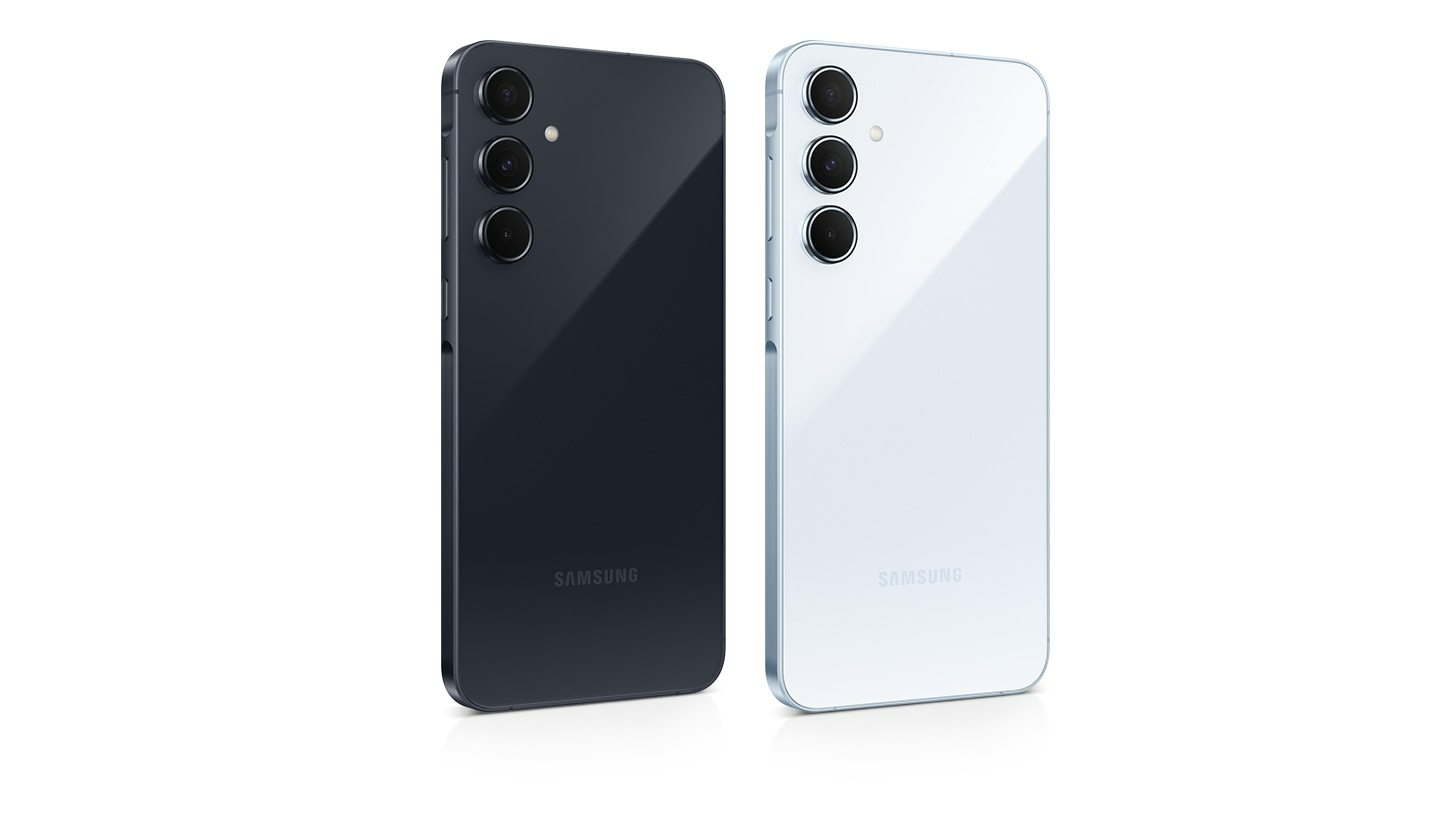
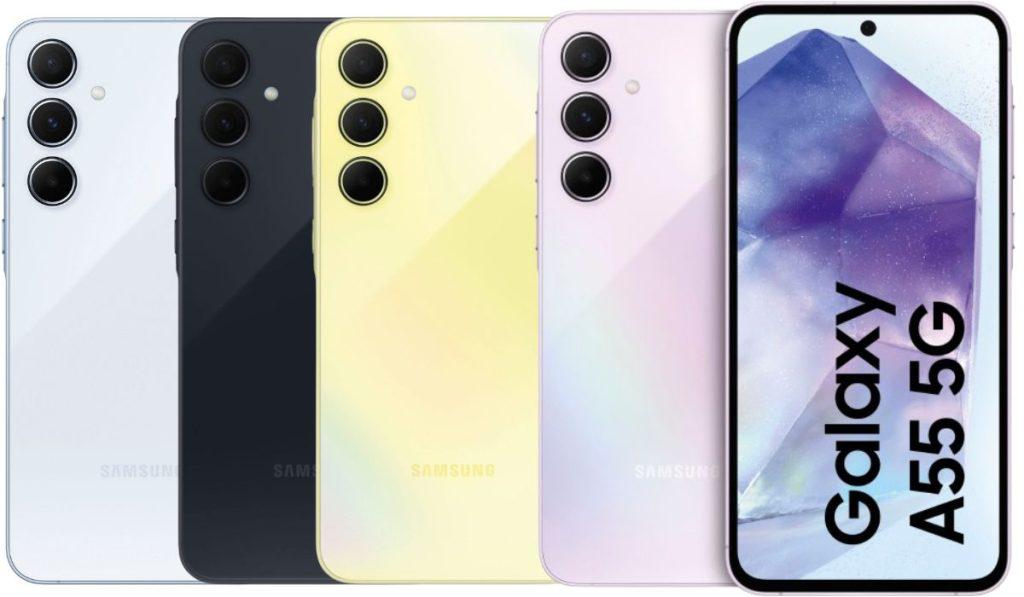
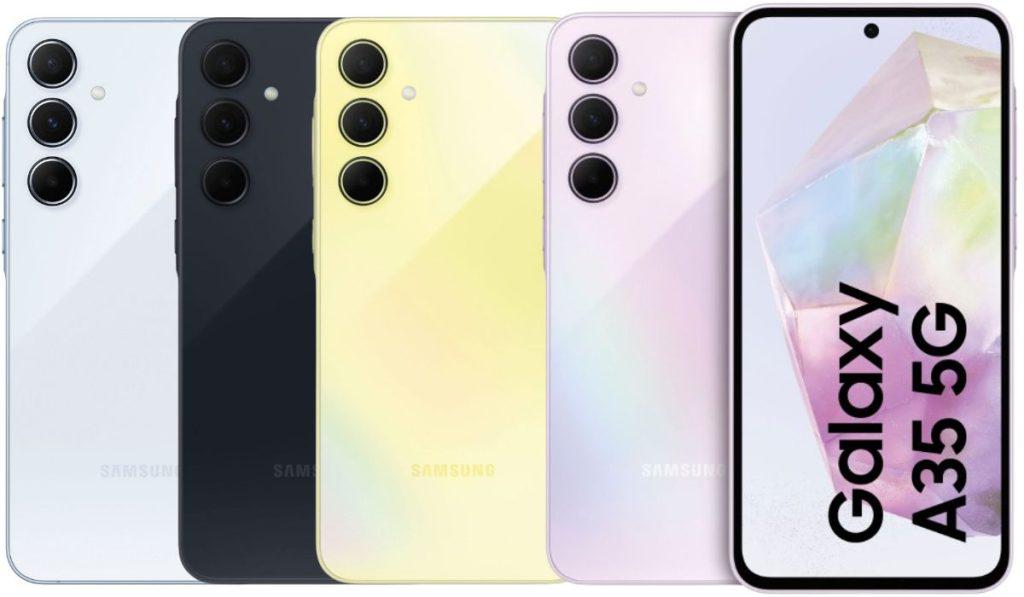
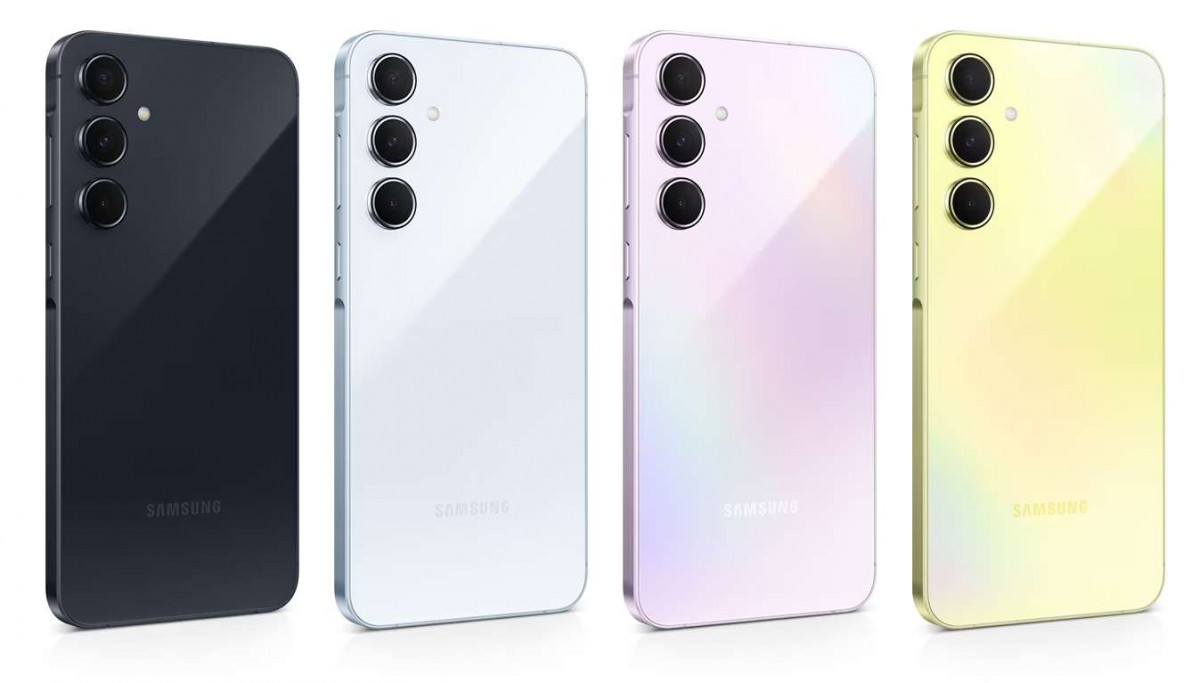
The Samsung Galaxy A35 and A55 come in Awesome Navy, Awesome Lemon, and Awesome Ice Blue, and Ice Blue colors. Pricing as follows
Galaxy A35 6GB + 128GB – 379 Euros (USD 414 / Rs. 34,315 approx.)
Galaxy A35 8GB + 256GB – 449 Euros (USD 491 / Rs. 40,655 approx.)
Galaxy A55 8GB + 128GB – 479 Euros (USD 523 / Rs. 43,370 approx.)
Galaxy A55 8GB + 256GB – 529 Euros (USD 578 / Rs. 47,900 approx.)
Pricing for the 12GB RAM version of the A55 is now available yet. The phones will roll out in several countries in Europe from today, March 11th.
Even though Samsung India teased the launch of the phone in the country from today, the website says that it will hold a Samsung Live on Mar 14th at 12PM, so the pricing should be available on the same day or a day early.
According to the discovery, “TikTok Photos” will allow users to upload and share photographs with their network, fostering connections through visual storytelling.
The whole text string reads as follows:
“TikTok Photos will be launched soon, we hope to help you gain new audiences in the new app. If the switch is on, we’ll sync your public photos to the new app, whether you close the pop-up or not.”
TikTok Photos app could allow existing TikTok users to import or sync their publicly shared photos from TikTok to the new app.
Other relevant text strings within the app include:
“Open TikTok Photos” “Get TikTok Photos” “Share this post to TikTok Photos” “Share” “Your post has been shared to TikTok Photos” “TikTok Photos” “On TikTok Photos” “Share to TikTok Photos” “Reach other like-minded people who enjoy photo posts” “Share photo posts to TikTok Photos”
Key Features and Expectations
Key Features and Expectations
Photo Sharing: Users can look forward to a dedicated platform for sharing moments through pictures, catering to those who prefer photographic content over videos.
Integrated Experience: Seamless sharing between TikTok’s primary video app and the new Photos app suggests an interconnected ecosystem designed to enhance user engagement.
Community Building: Emphasizing discovery, “TikTok Photos” aims to unite users with shared interests, enriching the social experience through like-minded photo content.
Strategic Timing Amidst Challenges
TikTok is rumored to be gearing up for competition with Instagram by developing a new app called “TikTok Photos.”
This development arrives amidst rising concerns from creators about Instagram’s pivot towards video content, potentially alienating its original photo-sharing user base.
TikTok’s venture into photos could capitalize on this discontent, offering an alternative platform focused on photographic expression.
However, the timing also coincides with legislative scrutiny in the United States, where a potential ban on TikTok looms over allegations of data privacy concerns tied to its parent company, ByteDance.
Implications and Outlook
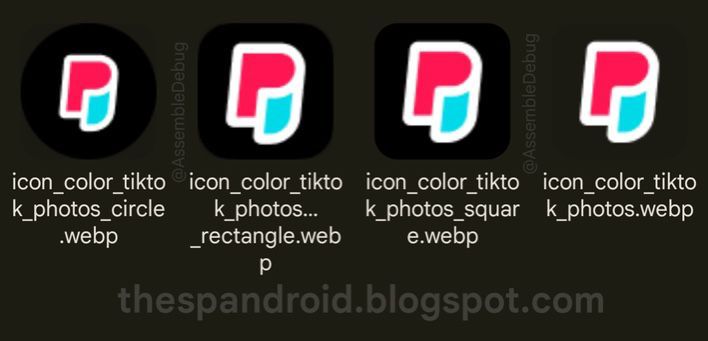
Also concealed within the current TikTok app is the new TikTok Photos icon, shown in AssmbleDebug’s capture
Enhanced Market Presence: By diversifying its offerings, TikTok could solidify its status as a comprehensive social media giant, directly challenging Instagram’s dominance in the photo-sharing domain.
Community and Creator Support: Addressing the needs of users and creators disillusioned with Instagram’s shift towards video, TikTok Photos may offer a new haven for photo enthusiasts.
Regulatory Hurdles: The impending legislative decisions in the U.S. pose a significant challenge to TikTok’s expansion plans, potentially impacting the launch and adoption of TikTok Photos.
FAQs
What is the TikTok Photos app?
The TikTok Photos app is a new platform developed by TikTok, enabling users to share photos and connect with others through a dedicated photo-sharing space, similar to Instagram’s photo feed.
How does TikTok Photos differ from Instagram?
While Instagram supports both photo and video content, the TikTok Photos app focuses exclusively on photographs, offering a specialized community for users preferring this medium.
Can I share content between TikTok and TikTok Photos?
Yes, the apps are designed for integrated use, allowing content to be shared seamlessly between TikTok’s original video app and the new TikTok Photos app.
Why is TikTok launching a photo-sharing app now?
The launch comes as a strategic move to appeal to users and creators who feel Instagram has shifted its focus more towards video content, providing an alternative platform dedicated to photos.
What are the challenges facing the launch of TikTok Photos?
The app’s introduction coincides with potential regulatory challenges in the US, including a possible ban on TikTok, which could impact the new app’s reach and adoption.
Intuitive interfaces and real-time editing across platforms.
AI-powered tools for automatic enhancements and creative freedom.
Solutions for both beginners and professionals in photo editing.
Features like image restoration, unique filters, and non-destructive editing.
The integration of AI into photo editing software has basically changed the playing field completely.
The once complex tasks have become exceedingly simple and also accessible to both novices and professionals alike.
With the rise in competition and the industry’s growth, it won’t be out of place to say that the world of photography has been reshaped.
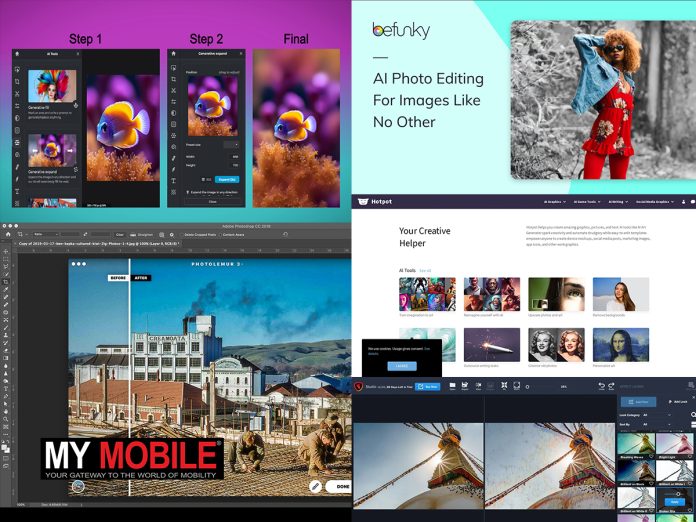
You are now just a click away from tools equipped with advanced filters, diverse backgrounds, and creative templates. Here are our top 5 AI photo editors that are changing the game.
It offers a variety of formats for creative projects and features real-time editing and content-sharing capabilities.
Designed with an intuitive drag-and-drop interface, Pixlr facilitates a smooth editing experience across desktop and mobile platforms.
Its adaptability extends beyond its comprehensive toolset. Its cloud-based nature makes sure that your projects are always within reach, regardless of the device you’re using.
This makes Pixlr not just a photo editing tool, but a reliable partner for all your creative endeavors, providing you with the freedom to create and innovate wherever you are.
Pros:
Intuitive user interface, suitable for users of all skill levels.
Supports a wide range of formats, enhancing versatility.
Features real-time editing for efficient workflow.
Accessible without account creation, with optimized mobile use.
Cons:
Limited advanced editing features for professional use.
Presence of ads can be distracting and interrupt the editing process.
Befunky
Befunky
Befunky is an online AI photo editor that emphasises simplicity and creativity. It offers comprehensive tools for colour correction, collage creation, and photo enhancement without the need for account registration.
As such, this platform is particularly appealing for beginners looking for an accessible entry point into photo editing.
The app also goes beyond just being a photo editor by fostering creativity and encouraging users to experiment with their photos. Its AI-powered tools take the guesswork out of complex editing tasks, allowing users to focus on their artistic vision.
The platform’s commitment to simplicity extends to its UI, which is designed to be intuitive and easy to navigate, even for those new to photo editing.
Pros:
Comprehensive set of editing tools and features.
No need for account creation, facilitating easy access.
Advanced collage making and photo enhancement capabilities.
Cons:
Intrusive pop-up advertisements can hinder the editing experience.
Many features are locked behind a paywall, limiting free version utility.
Photolemur
Photolemur
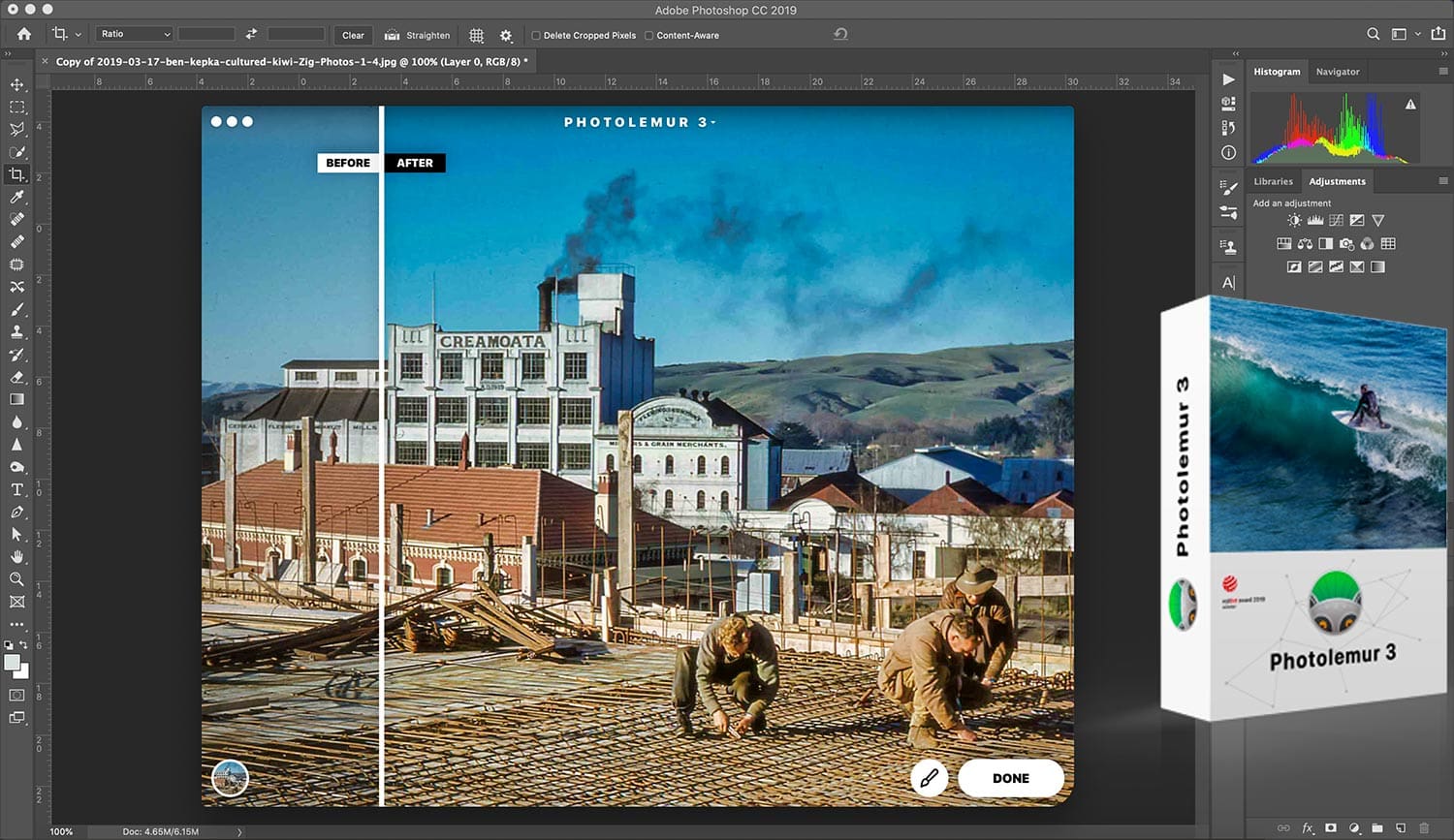
Skylum’s Photolemur stands out in the realm of photo editing software by automating many of the tasks that can be time-consuming in other programs. Its intelligent algorithms analyze each photo and apply the necessary adjustments, such as color correction, exposure adjustment, and noise reduction.
This automation allows users to enhance their photos with minimal effort, making Photolemur an excellent choice for those who want high-quality results without the need for extensive manual editing.
Pros:
Automates photo enhancements, saving time and effort.
Capable of processing multiple images simultaneously for consistent editing.
Affordable, offering good value for users new to photo editing.
Cons:
Limited manual editing controls, reducing flexibility for advanced users.
Slower processing speeds for raw files, which can impact efficiency.
Hotpot
Hotpot
Hotpot is also one of the best tools for restoring and enhancing images through AI-powered tools. Its Picture Restorer feature is particularly notable for its ability to repair and rejuvenate old or damaged photos.
The platform is free to use and offers API access for developers, making it a go-to option for professionals for various image editing needs.
In addition to its restoration capabilities, Hotpot also offers a range of other AI-powered tools that automate and enhance the image editing process.
This includes features like background removal, object removal, picture colorization, and image upscaling. Hotpot’s AI-driven approach not only simplifies the editing process but also ensures high-quality results, making it a valuable tool for both individual users and developers
Pros:
Specializes in restoring damaged or old photos to their former glory.
Completely free to use, offering high accessibility.
Provides API access, allowing for integration with other apps and services.
Cons:
Images are removed after a certain period, necessitating external storage solutions.
Maximum resolution limitations may not meet the needs of users requiring high-resolution outputs.
Topaz Studio 2
Topaz Studio 2
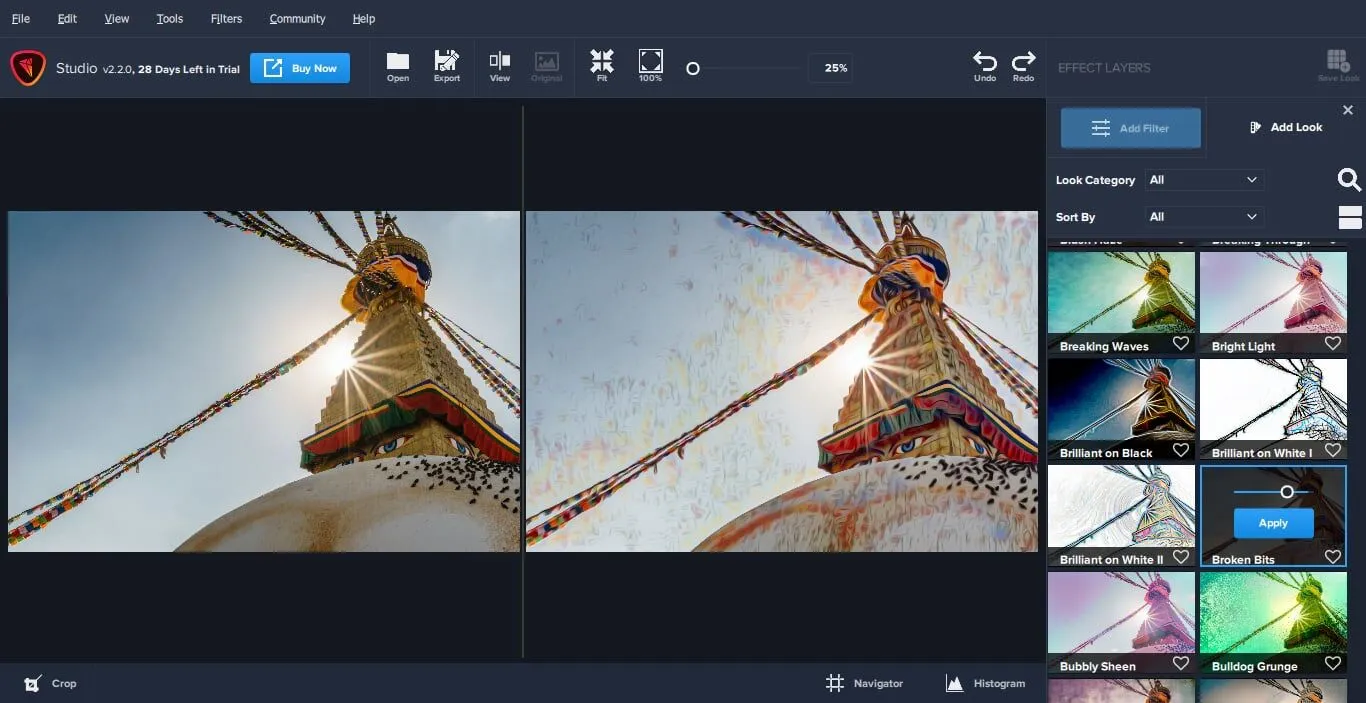
Topaz Studio 2 is a creative photo editing solution that integrates automatic technology with unique filters and easy masking. It is designed to streamline the workflow for designers and small business owners, offering features that enhance efficiency and creativity in photo editing.
Apart from that, the app is also recognized for its non-destructive editing approach. This means that all edits and adjustments made within the software do not permanently alter the original image, allowing users to experiment freely without fear of losing their original work.
Also, Topaz Studio 2’s AI-powered tools and unique filters not only simplify the editing process but also open up a world of creative possibilities, making it a powerful tool in the hands of the right user.
Pros:
Offers creative filters and frictionless masking for enhanced photo editing.
Features sharpening tools that significantly improve image quality.
Fast functionality makes it suitable for time-sensitive projects.
Cons:
Does not support raw image formats, limiting its use for professional photography.
May experience performance issues on older hardware, affecting editing speed.
FAQs
What are AI Photo Editors?
AI photo editors are software tools that use artificial intelligence to automate and enhance the photo editing process, making it faster and accessible to users of all skill levels.
How do AI Photo Editors simplify photo editing?
They automate complex tasks like color correction, background removal, and image restoration, allowing users to achieve professional-quality results with minimal effort.
Can beginners use AI Photo Editors effectively?
Yes, AI photo editors are designed with intuitive interfaces and automatic enhancements, making them ideal for beginners looking to improve their photos with ease.
Are there free AI Photo Editors available?
Yes, some AI photo editors offer free versions with basic features, while others may provide more advanced tools through a paid subscription.
Do AI Photo Editors support raw image formats?
While many AI photo editors support a range of formats, some may not support raw images, which is an important consideration for professional photographers.
As Google harnesses the capabilities of its advanced AI model, Gemini, the Android ecosystem is poised for a transformative upgrade that promises to make our interactions with devices more seamless and engaging than ever before.
AI Android Auto
AI Android Auto
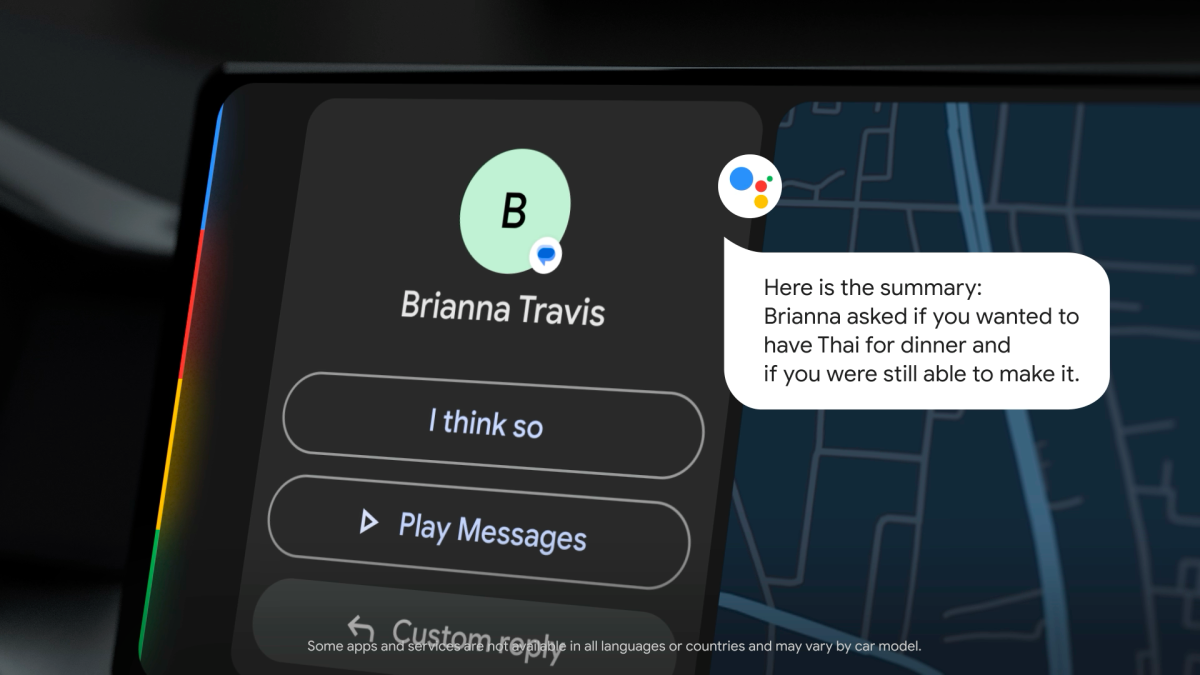
The integration of AI into Android Auto introduces a groundbreaking approach to driver safety and information management.
By leveraging AI to read aloud, summarize, and offer quick response suggestions to messages, this feature aims to reduce driver distraction and make communication on the go safer and more efficient.
This innovation can be a boon for safety-conscious drivers and also extends its benefits to individuals with visual impairments, offering them a more accessible way to stay connected while on the move.
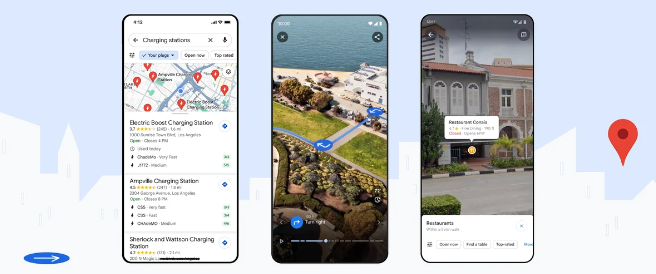
This feature allows users to point their camera at places of interest to access a wealth of information, including ratings and operational hours, directly overlayed on the live camera feed.
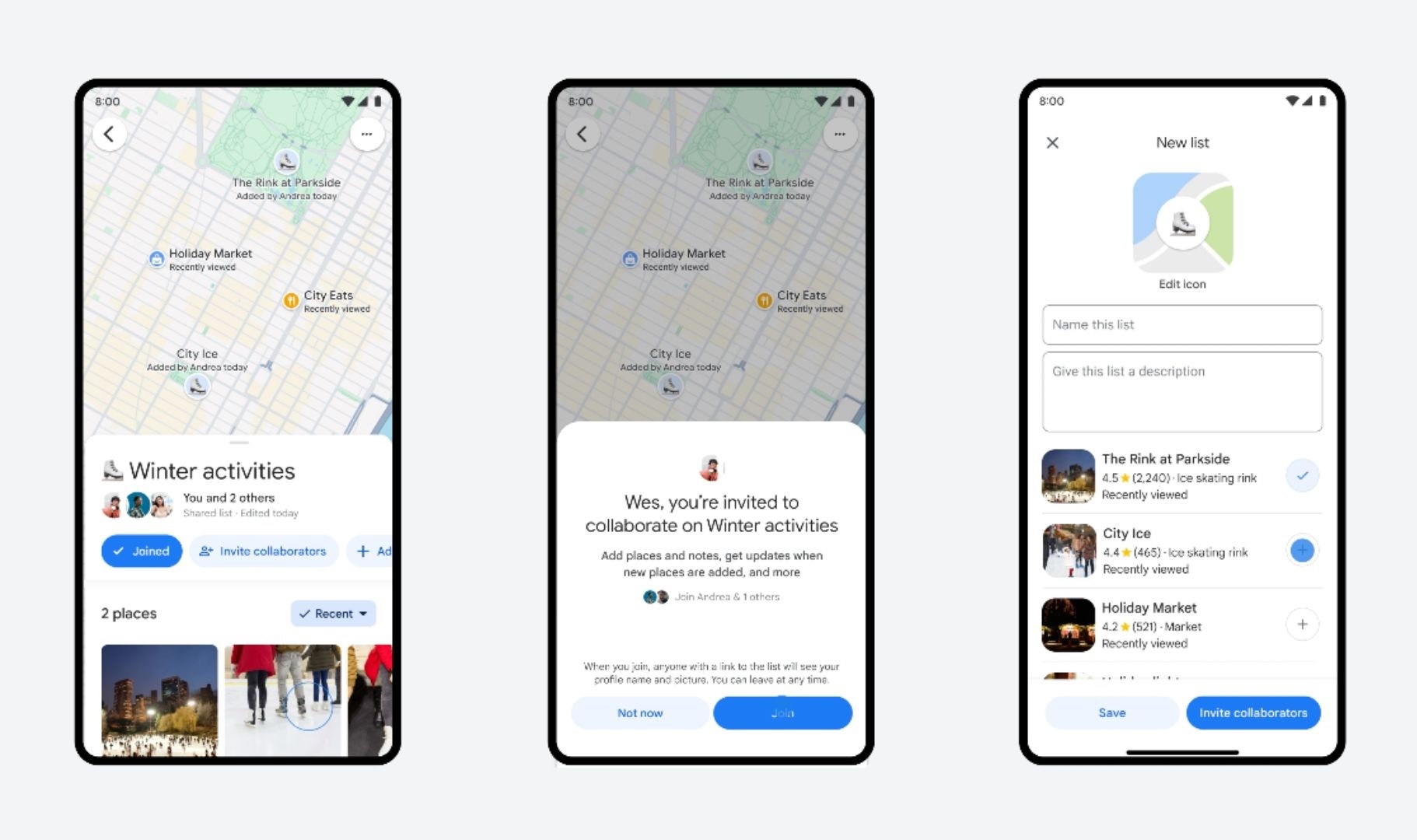
This feature enables users to jointly curate lists of places, share insights, and react with emojis, facilitating a new level of engagement in trip planning and shared experiences.
For content creators, YouTube Create offers a suite of video editing tools powered by AI, including subtitle addition, audio enhancement, and music integration.
This tool is designed to streamline content creation, making it more accessible to aspiring videographers looking to share their stories on social media and YouTube.
Gmail on Wear OS
Gmail on Wear OS
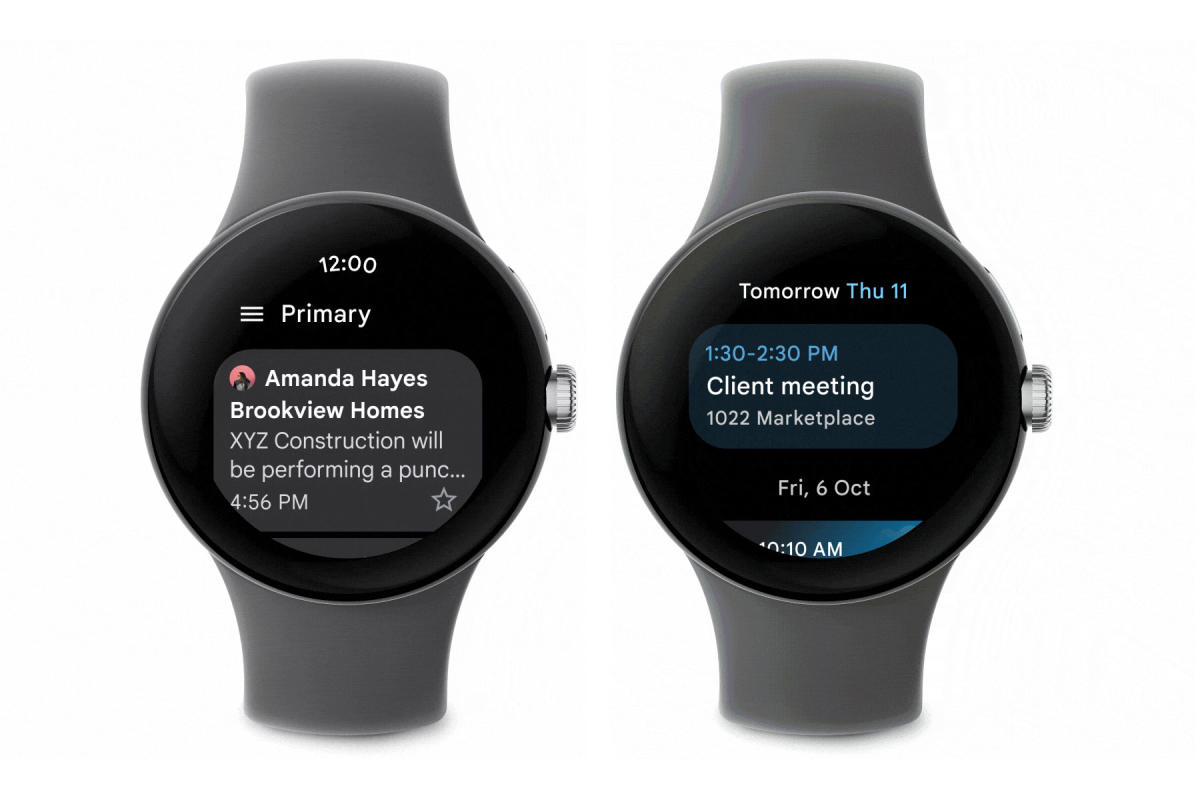
The introduction of the Gmail app on Wear OS is pretty significant step that can enhance wrist-worn communication.
This app allows users to manage their emails directly from their smartwatches, marking a move towards more integrated and convenient digital communication tools.
By focusing on enhancing user interaction, safety, and content creation, Google is paving the way for a future where technology adapts to individual needs and preferences, making our digital lives more connected and enjoyable.
How does AI improve Android Auto for safer driving?
AI integration into Android Auto minimizes distractions by reading messages aloud, summarizing them, and suggesting quick responses, making it easier and safer for drivers to stay connected without taking their eyes off the road.
What unique functionality does Google Lens bring to Maps?
By combining Google Lens with Maps, users can now point their camera at locations to see overlaid information like ratings and hours of operation on their live camera feed, enriching their exploration and interaction with the environment.
How do collaborative lists on Google Maps enhance trip planning?
Collaborative lists on Google Maps allow users to create, share, and modify lists of favorite places together, adding a social dimension to trip planning with shared insights and reactions, making it a collective experience.
What makes AI an effective image narrator in Android?
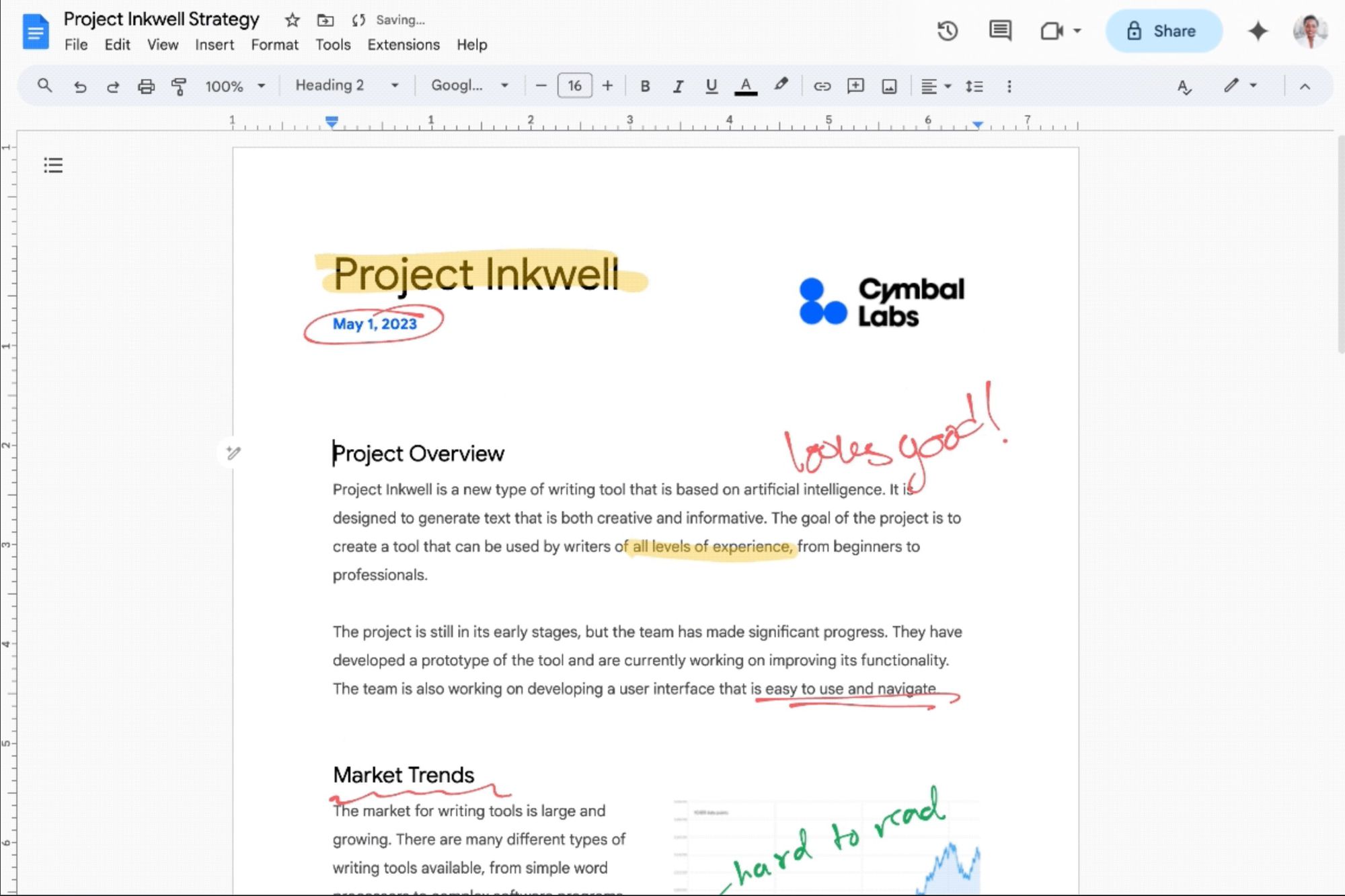
AI’s ability to describe the content of photos transforms accessibility, offering detailed image descriptions for users with visual impairments and enhancing the overall digital content experience for all users.
How does Gmail on Wear OS redefine communication on smartwatches?
The Gmail app on Wear OS allows users to manage their emails directly from their wrists, marking a significant advancement in integrating and streamlining digital communication across devices.
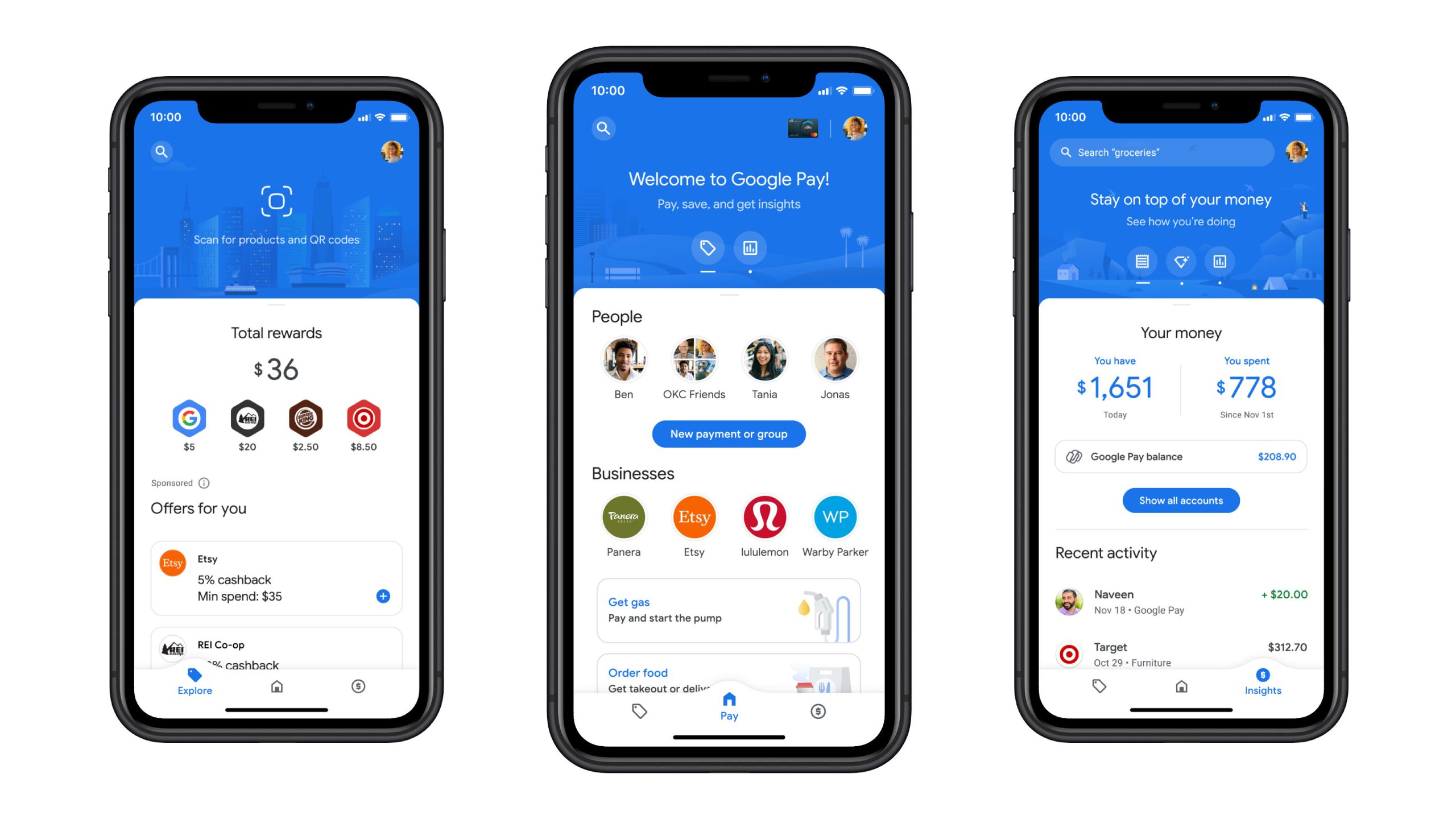
It also allows peer-to-peer transactions between individuals. In addition, Google Pay uses near field communication (NFC) to transmit card information facilitating funds transfer to the retailer.
Pros:
User-friendly interface, making it easy for new users to navigate.
Offers rewards like cashback and discount coupons, enhancing user engagement.
Supports innovative payment options such as UPI Lite and NFC for tap-and-pay.
Pre-installed on Android devices, ensuring wide accessibility.
Cons:
Some users may experience delays in receiving rewards.
Might not offer as extensive merchant-specific deals as some other platforms.
It provides a single view of your orders and transactions, allows you to shop from thousands of merchants, and helps you keep track of your shopping, orders, and shipments.
It also offers features like instant checkout, balance tracking, faster balance refund, and adding Gift Card balance to your account.
Pros:
Integrated with Amazon, offering a seamless shopping and payment experience.
Accumulates cashback and rewards directly in the wallet, usable across Amazon.
Supports a broad range of services including bill payments and UPI transactions.
Cons:
Primarily benefits Amazon customers, might not be the primary choice for non-Amazon users.
Wallet balance cannot be withdrawn to a bank account.
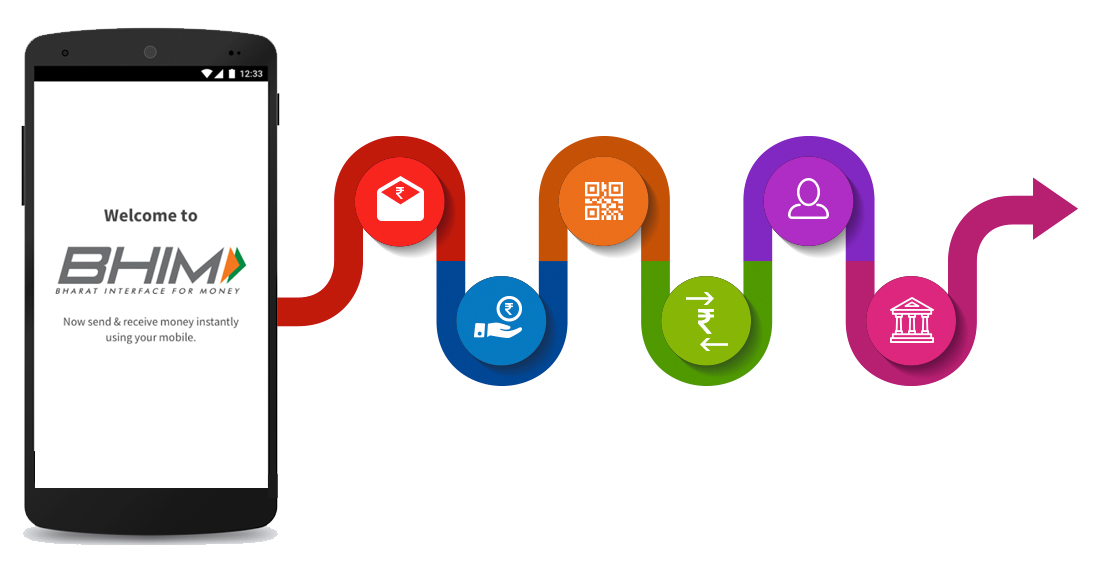
It facilitates e-payments directly through banks and drives towards a cashless society.
The app supports all Indian banks that use UPI, which is built over the Immediate Payment Service (IMPS) infrastructure and allows the user to instantly transfer money between bank accounts of any two parties.
Pros:
Government-backed, ensuring high security and reliability.
Minimalist design, easy to use for basic UPI transactions and bill payments.
Supports multiple languages, making it accessible to a wider audience.
Cons:
Lacks some of the advanced features and rewards offered by private competitors.
User experience may not be as polished as in other apps.
CRED
CRED
CRED is a members-only app that offers exclusive rewards for every credit card bill payment.
It provides a platform for users to manage all their credit cards in one place and win rewards on every credit card bill payment.
Focuses on credit card payments, offering rewards and cashbacks for timely payments.
Allows management of multiple credit cards in one place.
Offers exclusive deals and discounts on premium brands.
Cons:
Limited to credit card users, not a comprehensive digital wallet solution.
Rewards primarily cater to high-spending users.
JioMoney Wallet
JioMoney Wallet
JioMoney Wallet is a digital wallet offered by Reliance Jio.
It offers a range of digital services like fast and secure online recharges and bill payments, sending/receiving money, making payments at local stores, and many more.
It also provides a secure way to store your documents and cards digitally.
Pros:
Offers a range of services including recharges, bill payments, and ticket bookings.
Provides cashback and rewards, enhancing user value.
No bank account needed for recharging the JioMoney wallet.
Cons:
Mainly designed for Jio users, with some features restricted to them.
Accepted at a limited number of merchants outside the Reliance ecosystem.
MobiKwik
MobiKwik
MobiKwik is a digital wallet and online payment system where a user can store money to make mobile and DTH recharge, pay utility bills, and shop at various online merchants.
MobiKwik wallet can also be used for transferring money to other MobiKwik wallets and bank accounts.
Pros:
Offers a ‘Zip’ pay-later feature, providing users with a short-term credit option.
Extensive cashback and rewards system, encouraging regular use.
Supports a wide range of services including bill payments, recharges, and money transfers.
Cons:
The interface may seem cluttered due to the multitude of features.
Cash pick-up service limited to select cities.
Freecharge
Freecharge
Freecharge is a digital marketplace for financial services.
With Freecharge, you can do online recharges, make donations, do utility bill payments, invest in mutual funds, get easy credit, and much more.
It also provides a platform for users to manage all their bills and payments in one place.
Pros
Instant notifications for transactions, keeping users informed.
Provides a smooth and quick payment experience with minimal steps.
Offers a pay-later option for seamless transactions.
Cons
Cashback and rewards are not as competitive as some other platforms.
Some users report issues with customer service responsiveness.
Airtel Thanks
Airtel Thanks
Airtel Thanks is an exclusive rewards program for Airtel customers.
It offers a variety of benefits such as exclusive offers, premium content, e-books, device protection, and more.
It also provides a platform for users to manage all their Airtel services in one place.
Pros:
Integrated services for Airtel users including bill payments, recharges, and banking.
Offers exclusive Airtel rewards and benefits.
Allows opening of Airtel Payments Bank accounts directly through the app.
Cons:
Primarily beneficial for Airtel users, offering limited advantages to others.
Some services within the app may require additional verification steps.
It allows merchants to accept payments from any UPI app like Paytm, PhonePe, Google Pay, etc.
It also provides a platform for merchants to manage all their payments and customers in one place.
Pros:
Tailored for merchants, allowing acceptance of payments from all UPI apps without fees.
Offers instant loan facilities to merchants based on transaction history.
Simple and easy-to-use interface for business transactions.
Cons:
Focused more on merchants than on consumer usage.
Limited appeal for regular users not engaged in business.
FAQs
What makes Google Pay a preferred choice for UPI transactions?
Google Pay simplifies transactions with its user-friendly interface and rewards system, including cashback and coupons, making it a popular choice for Android users.
How does PhonePe enhance the digital payment experience?
PhonePe offers a comprehensive digital payment platform with a wide range of services, including bill payments, recharges, and online shopping, backed by a large user base for trust and reliability.
Can Amazon Pay be used for transactions outside of Amazon?
Yes, Amazon Pay extends its services beyond Amazon purchases, supporting bill payments, UPI transactions, and offering cashback on a wide array of services.
What are the advantages of using the BHIM app for UPI transactions?
The BHIM app stands out for its security features, government backing, and support for multiple languages, making it accessible and reliable for a broad audience.
Is there any fee associated with using these UPI apps for transactions?
Most UPI apps offer fee-free transactions for users, making them a cost-effective choice for digital payments. However, certain transactions like money transfers to bank accounts may incur nominal charges depending on the app and the specific transaction type.
Can I use multiple UPI apps with the same bank account?
Yes, you can link the same bank account to multiple UPI apps. This flexibility allows users to take advantage of different features and rewards offered by various apps while managing transactions from a single account.
How do UPI apps ensure the security of transactions?
UPI apps implement several layers of security, including device binding, two-factor authentication, and encryption, to protect user data and transactions. Regular audits and compliance with RBI guidelines further enhance transaction security.
What happens to Paytm FASTag after RBI’s directive?
Following the RBI’s instruction, Paytm Payments Bank will cease operations, impacting FASTag services. Users are advised to close their Paytm FASTag accounts and switch to another provider before the February 29, 2024 deadline.
How can I close my Paytm FASTag account?
You can close your Paytm FASTag account by calling Paytm customer service or through the Paytm app. Follow the steps provided in the app or give the necessary information to customer service to initiate closure.
Where can I find a new FASTag provider?
A comprehensive list of authorized NETC FASTag issuers is available for users looking to switch from Paytm. Choose a bank from the list and open a new FASTag account with them.
What is required to update FASTag KYC?
To update your FASTag KYC, visit the official FASTag portal or your new provider’s website, log in, and submit the required ID and address proof documents in the “KYC” section under “My Profile.”
How to steps to close your Paytm FASTag account?
Open the Paytm app on your phone and click on the search icon (magnifying lens) on top.
Type FASTag in the search bar and click on the Manage Fastag option under the Paytm Payments Bank header.
You will see all FASTag accounts associated with the Paytm account. Tap on the ones you want to deactivate on the next page where Management Options are displayed.
To close a FASTag account, scroll to the bottom of the page showing all FASTag accounts and click on Help & Support.
Scroll to the bottom again and select Need help with non-order-related queries.
On the next page, select I want to close my FASTag and select the FASTag VRN.
You will see the Close FASTag button on the next page at the bottom, click on it.
Permit to open a web browser and select the VRN on the page that opens in the browser.
Select the appropriate reason for closing from the list (It will be service-related issues with my FASTag in this case.)
Click on Close FASTag.
Once you have finished the above steps, Paytm will inform you that the account will be closed in 5-7 business days and the security deposit of Rs 250 along with the FASTag balance will be refunded to the Paytm Wallet.
Do remember that once you deactivate your Paytm FASTag account, you cannot reactivate it and will have to open a new account.
How to Port From Paytm FASTag?
There is currently no system in place to port from one FASTag provider to another.
However, Paytm FASTag users can deactivate their accounts using the steps above and open a new FASTag account with their bank. Below is the complete list of the NETC FASTag providers in India.
AU Small Finance Bank
Axis Bank Ltd
Bandhan Bank
Bank of Baroda
Bank of Maharashtra
Canara Bank
Central Bank of India
City Union Bank Ltd
Cosmos Bank
Dombivli Nagari Sahakari Bank
Equitas Small Finance Bank
Federal Bank
FINO Payments Bank
HDFC Bank
ICICI Bank
IDBI Bank
IDFC First Bank
Indian Bank
Indian Overseas Bank
IndusInd Bank Ltd.
Jammu and Kashmir Bank
Karnataka Bank
Karur Vysya Bank
Kotak Mahindra Bank
Nagpur Nagarik Sahakari Bank
Punjab National Bank
Saraswat Bank
South Indian Bank
State Bank of India
The Jalgaon People Co-op Bank
Thrissur District Cooperative Bank (Kerala Bank)
UCO Bank
Union Bank of India
Yes Bank Ltd
LivQuik/QuikWallet
How to check FASTag KYC status?
To check your FASTag KYC status:
Visit .
Log in using your registered mobile number and password, or opt for OTP-based validation.
Navigate to the Dashboard Menu, select “My Profile,” and view your KYC status.
How to update FASTag KYC?
Visit and log in with your registered mobile number and password or OTP.
In the Dashboard Menu, choose “My Profile” and click on the ‘KYC’ sub-section.
Select “Customer Type” and complete the mandatory fields by submitting the required ID Proof and Address Proof documents.
Tick the declaration confirming document authenticity to proceed with the KYC verification process.
How to Update KYC for FASTags from Specific Banks?
Visit .
Under “Request for NETC FASTag,” select your FASTag issuer bank and visit the bank’s website.
Log in to the respective FASTag issuer bank.
Update KYC online.
Note: The KYC takes about 7 working days to get approved.
What are the RBI’s restrictions on Paytm Payments Bank?
The RBI has prohibited Paytm Payments Bank from onboarding new customers, accepting fresh deposits, and conducting debit or credit transactions through wallets, FASTags, and NCMC cards.
How will Paytm’s operations change in response to RBI’s directive?
Paytm’s parent company, One97 Communications, announced a strategic shift to work with various banks other than Paytm Payments Bank. This move aims to comply with RBI’s directives while continuing its payment and financial services.
What is the impact on Paytm Fastag and NCMC card users?
Users of Paytm Fastag are advised to purchase a new tag from other issuers as the existing tags will be deactivated. NCMC card users can use the existing balance but cannot infuse new funds after February 29.
Will Paytm UPI services be affected by the RBI’s restrictions?
The impact on Paytm UPI services is not entirely clear. UPI transactions linked to external bank accounts might still be operational, but those linked to Paytm Payments Bank might face disruptions.
Are mutual fund investments and SIPs via Paytm affected by these restrictions?
Mutual fund investments and SIPs via Paytm, managed by Paytm Money regulated by SEBI, are not expected to be affected by the RBI’s action on Paytm Payments Bank.
What are Advantages of Online Payment Apps ?
Allows contactless payments so users don’t have to deal with the hassle of cash or cards.
Digital payments are faster and more efficient.
Payment apps use data encryption or protected code systems to safeguard the personal information of users. Ways like PIN, fingerprint, etc. are used to add an extra layer to security.
The recurring payment option allows the user to set up automatic payments for tasks that are regular. This way tracking finances is easier.
E-payments are transparent as every detail about the transaction is stored in the system.
What are the disadvantages of Online Payment Apps?
Cybercriminals manipulate users, obtain private information, and rob people of their money.
Technical glitches like server down, bugs, and other network issues are common.
Online payment apps are dependent on the internet. If you live in remote areas or don’t have access to the internet, it might pose problems.
What is UPI?
Unified Payment Interface (UPI) is a platform developed by the National Payments Corporation of India (NPCI) under the guidelines of the Reserve Bank of India (RBI). It enables real-time money transfers between bank accounts using a Virtual Payment Address (VPA) instead of traditional IFSC codes. UPI has revolutionized the way we handle financial transactions, making them faster, safer, and more convenient.
What are the Key Features of Google Pay ?
AutoPay Feature: Provides a facility to auto-recharge or pay for monthly subscriptions for OTT apps.
UPI Lite: UPI lite can be used to initiate transactions of small amounts without the security pin.
CIBIL Score: Users can check their CIBIL score easily for free.
What are Key Features of PhonePe ?
UPI International: It allows users to make international transactions. Currently accepting countries – Bhutan, Singapore, Nepal, UAE, and Mauritius.
UPI payments with Credit Cards: Usually, UPI payments with credit cards are not supported. But using this feature, we can make payments using Rupay Credit Cards.
Cashbacks on One Tap Subscription Payment
Insurance & Investment Facility
PhonePe Smart Speaker: A voice-alert device that alerts confirmation of the payment and currently supports 11 languages including English.