It’s alarming to find that someone you don’t know has accessed your images, texts, and other sensitive information without your permission. Here’s what you should do if your Facebook account is compromised.
Your Facebook account is a personal space that should not be accessed without your authorization. However, it is fairly unusual for Facebook accounts to be hacked.
Perhaps someone can gain access to your Facebook account only by guessing your password or utilizing their hacking skills. There are various methods to detect whether your account has been hacked.
Your account may have been hacked if you see the following:
Your email or password has been modified.
Your name or date of birth has changed.
Friend invitations have been issued to individuals you have never met.
Messages that you did not compose have been delivered.
Posts or advertisements that you did not make have been made.
After you get confirmation that your account has been hacked, try to change your password.
Steps to change your Facebook password
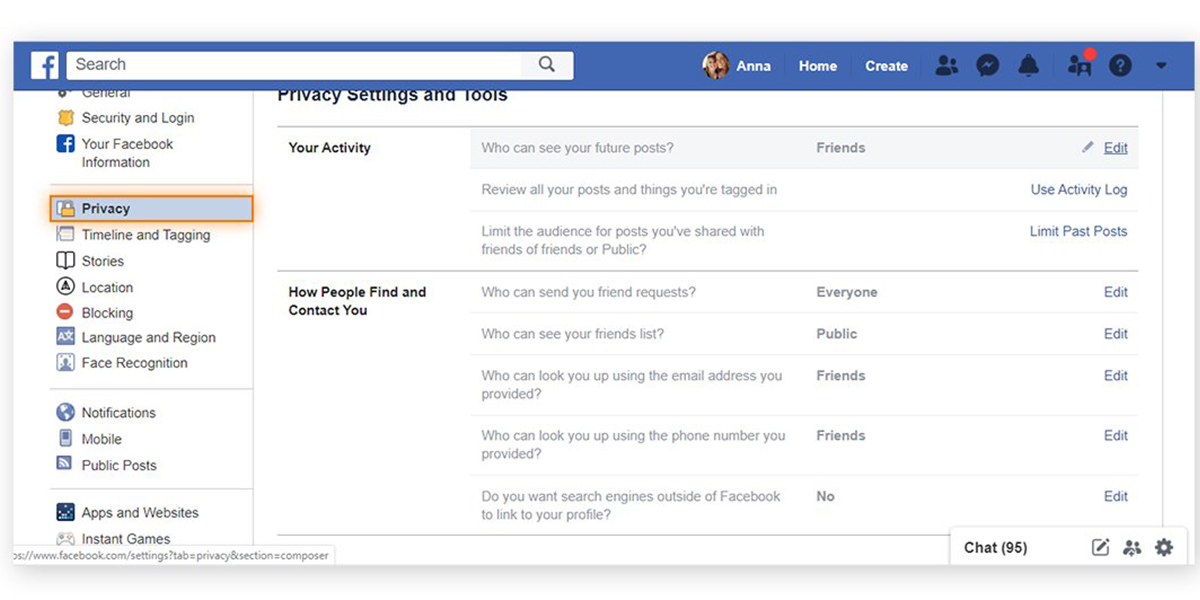
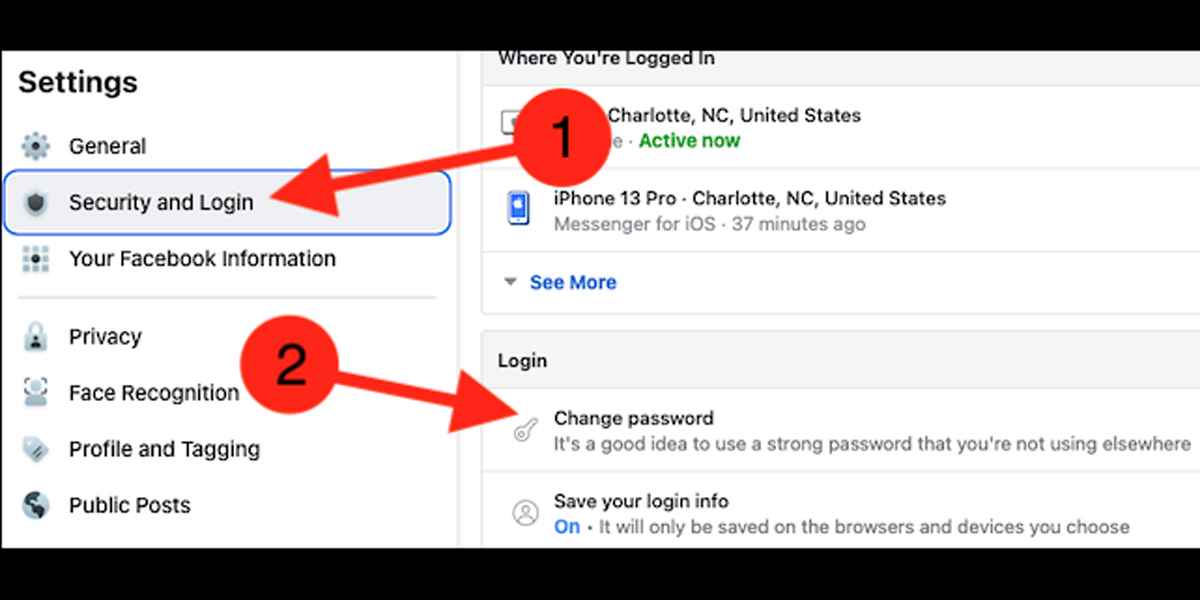
Go to “Privacy and Settings.”
Choose “Password and Security”
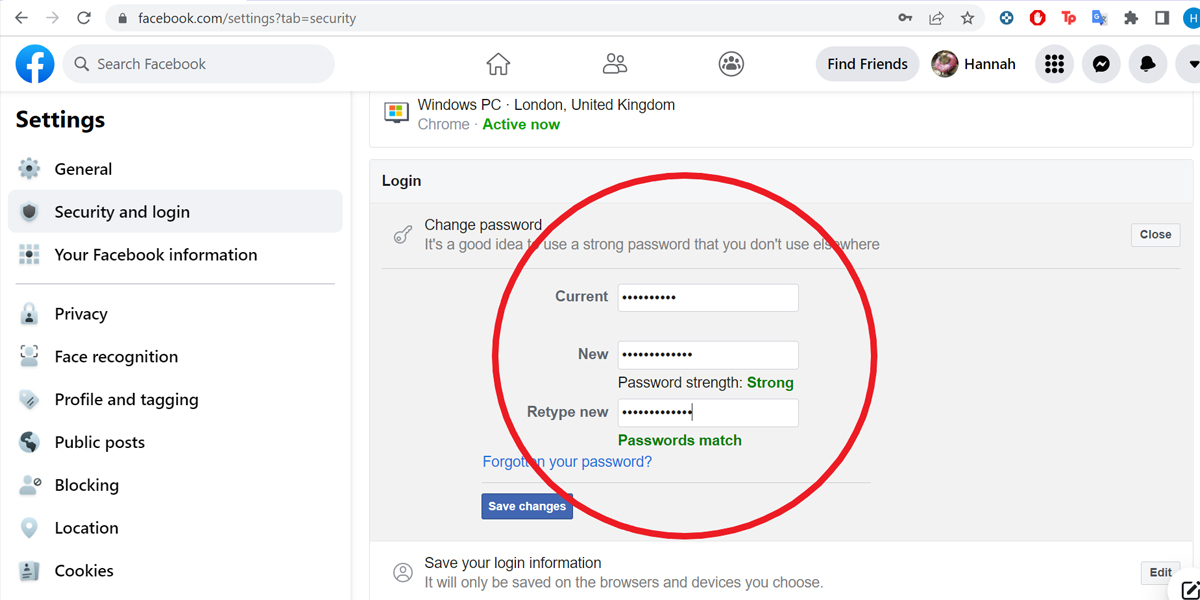
Then click “Change Password.”
Keep a note of your existing password.
You can also check the list of devices where you are signed in on the same “Password and Security” page.
Click on the “Where You’re Logged in” list. If you discover a device that does not belong to you or a system that you have not used, you must delete your account from that system immediately.
Select “Suspicious Login”
Then follow the steps that Facebook will provide you as you move to safeguard your account.
You might also contact Facebook via their help page.
Navigate to the Password and Security page.
Click “Get Help”
Then report that your account has been attacked.
If the hacker has logged you out of your account, go to Facebook.com/hacked. You will be asked to provide the phone number linked to your Facebook account. If the phone number you enter matches your authorized phone number, Facebook will help you restore access to your account.
Xiaomi has been on a roll as of late bringing out new devices in the past few years that have been largely successful among users and with the MIUI 14 smartphone just round the corner, there is a lot of anticipation among users as to what all new features its going to have.
However, the latest report is that there has been a leak of the list of devices supported by MIUI 14 that include smartphones of many a renowned brand that has aroused curiosity among many users as they’ll get to learn more about them.
Being a reputed tech giant from China, Xiaomi wants to make sure that all arrangements are on the dot regarding the release of its new custom Android skin as it has pinned high hopes on MIUI 14 becoming a humungous success like its previous counterparts.
MIUI 14 is slated to be released next year but Xiaomi has plans to release an Android 12 based version of MIUI 14 very soon but now with the leaked list of smartphones, it becomes clear that they are going to get MIUI 14 update as well.
The list includes leaks from Rock and Redmi, two well known subsidiaries of Xiaomi while the new features of MIUI 14 are being released as beta updates of MIUI 13 that are currently in testing phase.
The reported list of leaked smartphones are given below. It will give users an idea as to what all devices they can try out and they can select anyone of them based on their preference.
List:
Xiaomi 13 Pro
Xiaomi 13
Xiaomi 12
Xiaomi 12 Pro
Xiaomi 12X
Xiaomi 12 Ultra
Xiaomi 12S
Xiaomi 12S Pro
Xiaomi 12S Pro Dimensity Edition
Xiaomi 12 Lite
Xiaomi 12T
Xiaomi 12T Pro
Xiaomi 11T
Xiaomi 11T Pro
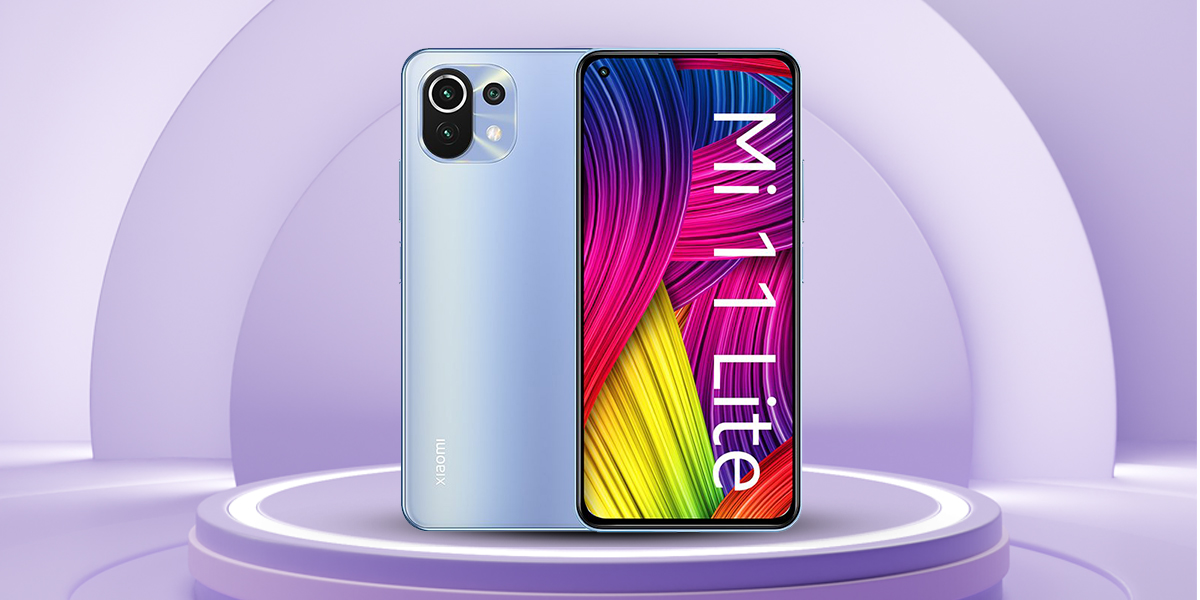
Xiaomi Mi 11 Lite 4G
Xiaomi Mi 11 Lite 5G
Xiaomi 11 Lite 5G NE
Xiaomi Mi 11 LE
Xiaomi Mi 11
Xiaomi Mi 11i
Xiaomi 11i
Xiaomi 11i Hypercharge
Xiaomi Mi 11 Ultra
Redmi Note 11
Redmi Note 11 5G
Redmi Note 11 SE
Redmi Note 11 4G
Redmi Note 11T 5G
Redmi Note 11 Pro
Redmi Note 11 Pro+ 5G
Redmi Note 11S
Redmi Note 11S 5G
Redmi Note 11 Pro
Redmi Note 11 Pro 5G
Redmi Note 10 Pro
Redmi Note 10 Pro Max
Redmi Note 10
Redmi Note 10S
Redmi Note 10 Lite
Poco M2
Poco M2 Reloaded
Poco M3
Poco M4 Pro 4g
Poco M4 5g
Poco M5
Poco M5s
Poco X4 Pro 5g
Poco M2 Pro
Redmi K50 Ultra sets new benchmark
Xiaomi 12S series of smartphones did excellent business upon releasing in China and is all set for preparing brand new Redmi contenders in the flagship range because K50 series are on their radar since long to continue with the momentum.
The name will be either Redmi S Pro or Redmi K50 Ultra that will have a Qualcomm Snapdragon 8+ Gen 1 SoC with Lu Weibing, General Manager at Redmi, dropping subtle hints regarding the device.
Weibing opines that K50 series of smartphones will be a masterpiece and users will go gaga over its excellent features once it launches in August of 2022. The executive has aroused intrigue by publishing cryptic teasers on Weibo.
The teaser showed two smartphones, Xiaomi 12S Ultra and a new variant, where it was confirmed by a tipster that the latter, dubbed as Redmi K50 Universe, will bring the Qualcomm Snapdragon 8+ Gen 1 SoC.
Apart from that, he also confirmed that another Redmi Note series smartphone will be released very soon. Rumours are rife that a 100W fast-charging large battery will come with the device although smartphone OEMs are finding it difficult to pair ultra-fast charging with large batteries.
The true capacity of the battery is still unclear although it is speculated to be a 5,000 mAh battery and Redmi K50 Ultra will be launched in China with these features and more and only time will tell how it will perform once it is launched.
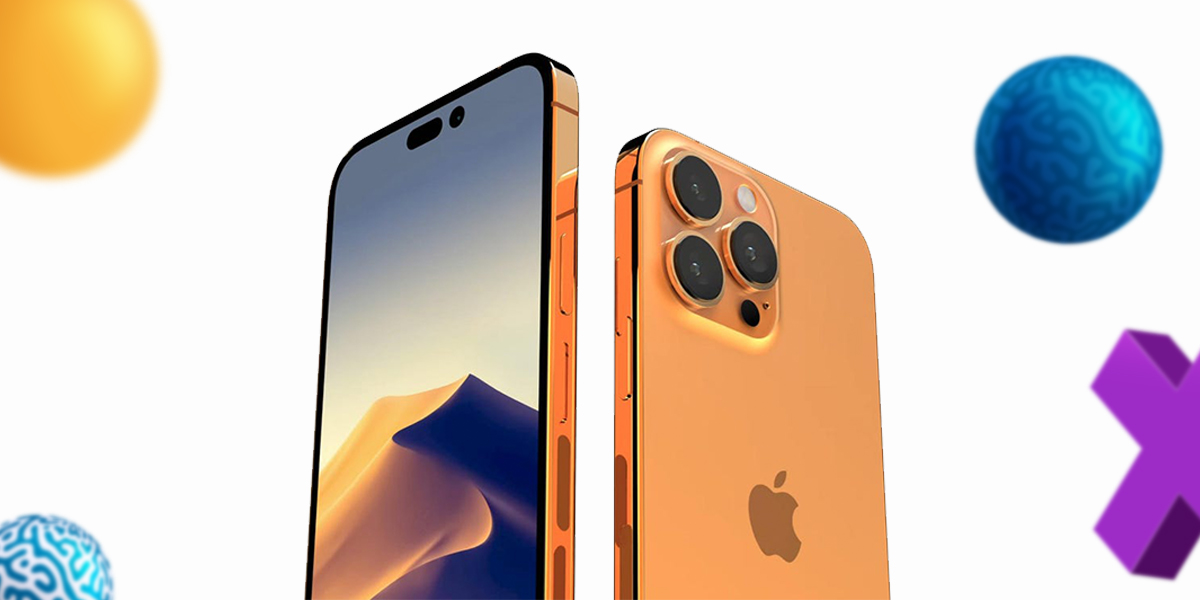
The iPhone 14 series is reportedly launching in September of 2022 and expectations are set to be sky high as Apple hopes that it will be just as successful as the previous series of smartphones.
The tech giant wants to leave no stone unturned whatsoever with the launch being a few months away and has decided to expand its component suppliers to prevent any delay in the launch.
This gives a tremendous advantage to Apple as they won’t have to depend on a single supplier and will be in an excellent negotiating position but they won’t have to worry much as their list of suppliers has increased ahead of the launch of iPhone14.
It is due to SG Micro already passing the quality inspections for the more exorbitant iPhone 14 models and they are likely to supply the PMICs for both iPhone 14 Pro and iPhone 14 Pro Max.
SG Micro has provided the essential helping hand to Apple by not only preventing the delay of iPhone shipments due to component shortages but will also see an increase in profit and income if it receives orders for shipments from Apple for both models.
Garena Free Fire Redeem Codes for July 26
When it comes to the best action adventure games, Garena Free Fire wins by a huge margin given its massive popularity with the people and as it enters its fifth anniversary on August 27, 2022, one can expect a big celebration in the offing.
Even though such events and celebrations take place every other day, this will be a special occasion for any company that sustains for even half a decade and continues to go strong has to have something.
There is this contest called ‘Light up the map’ where players can add their own aesthetics to it and participate in the community event in order to win a Dino suit bundle as a reward with many other perks.
You can also win a diamond royale voucher in ‘one in a million’ activity and this is without including the side events that include incubators and their ilk but the main purpose of such events is to entertain and have fun.
Redeem codes for July 26, 2022 are out and they are the aces that change the fate of a game in a jiffy where each contains a unique reward that include skins, diamonds, bundles and many others but a player can use only one code at a time.
The codes are as follows:
FFX6-0C2I-IVYU: Arctic blue
FFA0-ES11-YL2D: Poker MP40
FFXV-GG8N-U4YB: Custom Room
FFE4-E0DI-KX2D: Gloo Wall Skin
HK9X-P6XT-E2ET: Game Streamer Weapon Loot Crate
FFPLNZUWMALS: Bonus 50 Points
FFMC2SJLKXSB: 2x Scorching Sands Weapon Loot Crate
FFPLOWHANSMA: Triple Captain power up
C23Q2AGP9PH: 2x Carnival Carnage Weapon Loot Crate
FFMCLJESSCR7: 2x MP40 New Year Weapon Loot Crate
FFPLFMSJDKEL: Triple Captain power-up
F2AYSAH5CCQH: 1x Weapon Royale Voucher
5FBKP6U2A6VD: 4x MP40 Crazy Bunny Weapon Loot Crate
5XMJPG7RH49R: 3x Incubator Voucher
SARG-886A-V5GR: Egg Day Banner, Egg Day Headpic avatar, Egghunter Loot Box, Phantom Bear- Bundle
FFBC-T7P7-N2P2: Party Animal Weapon Loot Crate
FFPL-PQXX-ENMS: Bonus 50 points power up
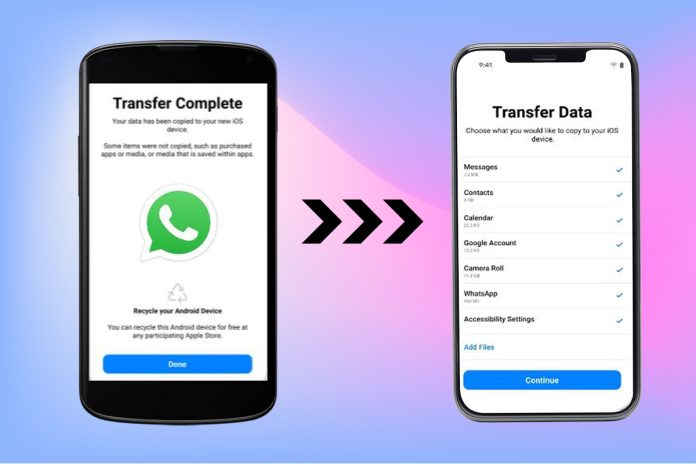
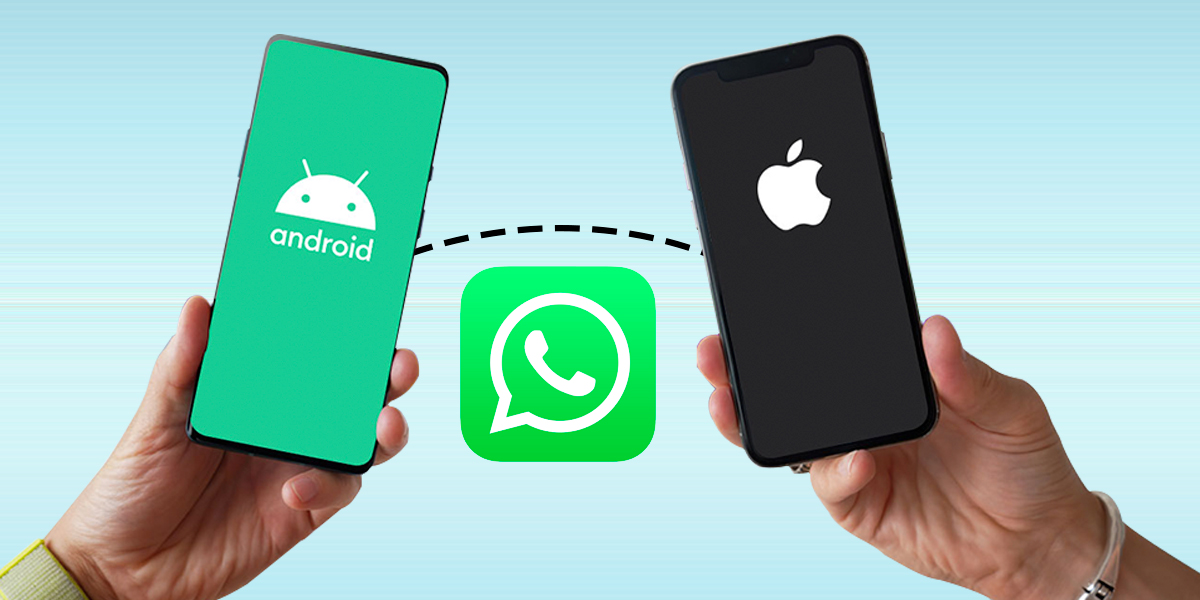
Individuals regularly switch from Android phones to iPhones to enjoy Apple’s premium hardware and seamless software experience. However, one common complaint we hear from consumers making the transition, particularly in locations like India, is that there is no way to transfer previous WhatsApp chats from your Android phone to your iPhone. WhatsApp has finally listened to our repeated pleas and is now offering an easy solution to transfer your chats from Android to iPhone. If you’ve been hunting for a solution to this problem or relying on pricey products to migrate your valuable chats, you’re in luck.
How to Transfer WhatsApp from Android to iOS Using a Backup
Here are the methods to backup and transfer WhatsApp chats and data from Android to iOS.
Step 1: Use a USB cord to connect your old Android handset, such as a Samsung S10, to your computer.
Step 2: To proceed, launch MobileTrans, pick the Backup & Restore module, and then click the Backup option from App Backup & Restore.
Step 3: Click on Backup WhatsApp and press the Start button to begin the backup procedure.
Step 4: Within a few minutes, MobileTrans would complete the operation.
When your new iPhone comes, follow these steps to restore WhatsApp to your iPhone:
Step 1: Connect your iPhone to the computer via the Lightning cord.
Step 2: Launch MobileTrans on your PC, select the Backup & Restore function, and then select Restore from App Backup & Restore.
Step 3: Select your most recent WhatsApp Backup and restore it to your iPhone.
Transfer WhatsApp from Android to iPhone without the use of a PC.
If you do not want to use a computer to transfer your WhatsApp data, you can use the Wutsapper application. You may get it through Google Play.
Wutsapper allows you to transfer WhatsApp data from Android to iPhone 13 without using a computer. All you need are two phones and one OTG cable or USB-C to Lightning cable, and then launch Wutsapper to transfer the data!
Step 1: Install Wutsapper from Google Play. After the installation is complete, launch the app.
Step 2: The app will determine whether your phone has a WhatsApp backup. If not, Wutsapper will demonstrate how to backup WhatsApp on your phone. Remember to bring an OTG or USB-C to Lightning cable.
Step 3: After connecting the two phones through the OTG cable, on both phones, click “Trust” and provide your phone number. The mobile number must be the same as the one used to sign in to your backup WhatsApp.
Then you may begin transferring! Wutsapper will begin by parsing your WhatsApp backup. Try to be patient during the entire process.
Step 4: Parsing is finished! Wait for a while after clicking “Start” to transfer your WhatsApp.
Even if you can’t immediately restore an Android backup to an iPhone, it’s still a good idea to keep a backup. This ensures that you always have a duplicate of your WhatsApp conversations. You may later see your chats on a machine by using a WhatsApp restore extractor.
If you’re looking for a brand new launch of a new gadget, you’re in luck because the Sony XR OLED A80K TV series has been launched in India where the size range goes up to 77 inches.
When it comes to technologically advanced Smart TVs, the Ultra-HD OLED TVs are one of the best you can find and being powered by a Cognitive Processor XR, they’re highly expensive.
This new TV series has been launched in three different sizes viz. 55 inches, 65 inches and 77 inches, which are all Ultra-HD sets and have identical specifications and features aside from the size difference.
They come, obviously, with different prices where the 65 inch TV variant is Rs 2,79,990, while the 77 inch variant is Rs 6,99,900 and both can be purchased across Sony Center stores, electronic stores and numerous e-commerce portals in India.
There is little info available about the 55 inch variant as the makers haven’t yet specified the price but have clarified that it will go on sale soon in India and will receive stiff competition from the launches of reputed brands like LG and Samsung.
Features & Specifications
Due to being powered by the Cognitive Processor XR, it will give an excellent and adaptive performance based on content and viewing conditions. There are many televisions across the range that have Ultra-HD OLED screens that support high dynamic range content with Dolby vision, HLG and HDR10 formats.
You need an Android TV software to run A80K series along with the Google TV interface on top as most key applications receive support through Google Play Store for Android TV, which also include Amazon Prime, Netflix, Disney + Hotstar, YouTube and other platforms.
If you want to cast from compatible devices, you will need the built-in Google Chromecast along with the HomeKit Support and Apple AirPlay 2 for connecting to external devices, which are quite important for various reasons.
The remote control has a Google Assistant support that extends to the television whereas for sound, the TV series has an Acoustic Surface Audio and XR surround technologies with around 50W as the total rated output on both 55 inch and 65 inch variants.
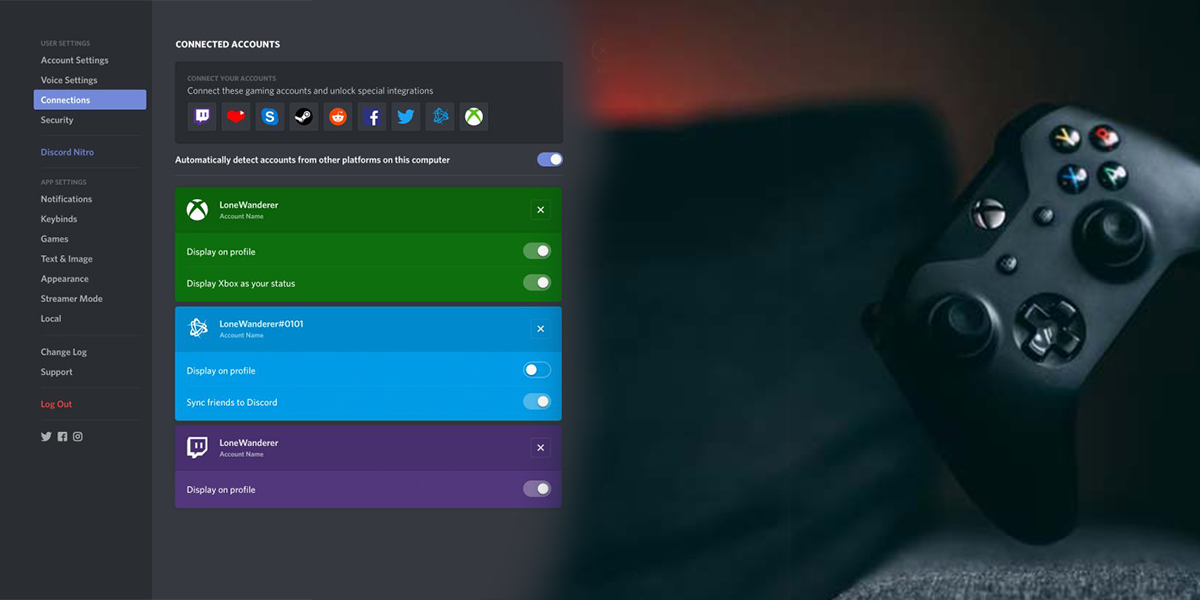
The arrival of Discord voice chat for Xbox Series X and Xbox One consoles was announced by Microsoft on Wednesday.
Discord, a popular messaging software among gamers, has only a limited amount of connection with gaming consoles in the past.
Now that voice chat functionality has been officially revealed by Xbox, it is now rolling out to participants in the Xbox Insiders beta programme.
Many gamers are amazed that Microsoft surpassed Sony’s Playstation system integration with the software after using Discord for years.
How will the new Discord voice chat integration for Xbox work?
It just takes a few minutes to set up the new Discord voice chat connection with Xbox, and only a few straightforward steps are required.
Install the mobile version of the Xbox Application
Open a Discord voice channel and choose “Transfer Discord audio” to your Xbox.
When prompted to confirm the modification, select “yes.” Your console will now be linked to your Discord.
You may also complete the identical steps for server voice channels, group direct messages, and direct messaging using the mobile app.
When will Xbox support for Discord voice chat be available?
The question on every Xbox users is when can they use this cool new features. At present only the members in the Xbox Insiders beta program probably have the access to Discord voice chat integration.
You will have to wait till the greater rollout later in the year if you are not a member and do not wish to become one.
Kellyn Slone the manager of the product communications group at Discord on July 20, 2022, said “Today’s launch is going out to Xbox Insiders for early Alpha testing, and we’ll continue to iterate depending on the input we get.”
As a result, it is currently unknown when the functionality will be available to all users of Xbox consoles.
The Xbox Insider programme is free to join, but the games and features you have access to will vary depending on your rank.
In order to join the Xbox Insider follow the steps
Simply download the Xbox Insider Hub and log in on your computer or Xbox console to get started.
Go to the shop and type “insider” into the search box if you want to download it to your console.
There is a lot of anticipation as the new OnePlus 10T is all set for launch next week as the makers have confirmed the official date of release for the new handset. Although certain rumours speculated that the launch had been delayed, official sources put an end to such claims.
OnePlus 10T is going to launch next week on August 3, 2022, not only in India but globally thereby giving users a chance to rejoice as the tension and excitement had been gnawing at their patience for a long time by waiting anxiously for any news of the release date.
Although the official launch event is going to take place in New York City, Indian consumers will be able to watch it livestream on the official YouTube channel of OnePlus India aside from the official website and other official social media platforms of the company at 7:30pm IST.
T-series is going to come out after quite some time as the last model was OnePlus 8T with no OnePlus 9T to look forward to but there are strong rumours circulating around the new model OnePlus 10T even though official reports are yet to be confirmed.
It will come with the Qualcomm Snapdragon 8+ Gen 1 chipset, AMOLED display screen, triple rear camera system apart from other details that we are now going to look into to make people aware.
OnePlus 9T will have three storage options in India during its launch where the base model will be packed with 8GB RAM and 128GB internal storage with the starting price being Rs 49,999.
The other two models are reported to have 12GB RAM + 256GB storage and 16GB RAM + 512GB storage that cost Rs 54,999 and Rs 55,999, respectively apart from certain other features.
The colour options are Jade Green and Moonstone Black while the handset is expected to go on sale starting August 6, 2022 on Amazon India, OnePlus India official website and other experience stores.
Garena Free Fire Max Redeem Codes for July 25
If you’re looking for a legitimate battle royale action adventure replete with thrills and adrenaline rush then Garena Free Fire Max is the best option you can find in current times as it guarantees both along with many others.
To say that online gamers are crazy about the game would be an understatement as they cater to everything that the game has to offer and absolutely don’t mind sitting in front of the screen for hours together.
The credit goes to the excellent online graphics, intriguing and taut gameplay, regular new updates and, above all, redemption coupons but when you want to sail through the rigorous adventures then you need to have redeem codes to pull through.
In order to unlock new characters, weapons, skins and other necessary features, you need to have redeem codes and it is to the company’s credit that it regularly brings out new codes so that players can easily unlock any character or level of their choice.
To make sure that you give your best in the game, here are some of the best Free Fire redeem codes for July 25, 2022, so that the going becomes easier with each level.
iPhone users have a reason to celebrate big time as Apple has released the iOS 16 beta version for all users that have a compatible handset although it was earlier limited to app developers but the stable version is expected to be out within a few months.
Some important features that we can expect in the iPhones deserve to be mentioned as it will allow the users to know about them beforehand even though they are the regular ones featured in many devices.
iOS 16 Lock Screen is going to have a refreshing look as Apple wants to leave no stone unturned to make it a success and with the users already aware that Apple has experimented with widgets, they will be happy to know about the new lock screen look.
Weather is the native iPhone app where you’ll get the widgets on the lock screen where you need to long press it and tap customize where the users will find the boxes underneath and press them to add the widgets.
Next we have the notifications that’ll appear directly on the lock screen and you need to swipe the screen from bottom to top for gaining access to it following which they can start going further.
Now certain users have expressed doubts on this features but they need to know that smartphones are getting bigger in size due to which swiping up from down is getting more and more difficult.
iOS 16 Keyboard isn’t considered as supple and reliable as Google’s GBoard but Apple has improved the feature that converts speech to text so that users can type simultaneously just in case the dictation feature can’t recognize regional lingo and works on Gmail and Whatsapp.
Finally we come to the Privacy feature where Apple has added an App tracking data and native VPN but this new feature is called Lockdown mode that protects the device from spyware like Pegasus and you have to go to ‘Settings’, tap ‘Privacy’ and then tap ‘lockdown mode’ to enable it.
When it comes to messaging apps, Whatsapp is comfortably at the top position with very little competition from any other application and is arguably the most used messaging app worldwide and one reason for it is that it keeps adding new and upgraded features to it.
There is a process before a new feature is launched in an application, which is that it has to undergo numerous tests before the makers make it safe for users and their data is secure from malicious influence.
There is a new feature in the pipeline that is being tested and expected to change the working of group chats on Whatsapp. It is called Past Participants that will inform group participants who’ve all left the chat within the past 60 days.
If you ‘ve just joined a new Whatsapp group, Whatsapp will tell you the past participants that were part of it, which’ll be an interesting way for people to gauge what the group is all about and what sort of people were part of it.
WhatsApp has not yet given explicit details on how this feature works as it is still in beta phase, which means it is available for selecting people that have enrolled into the programme.
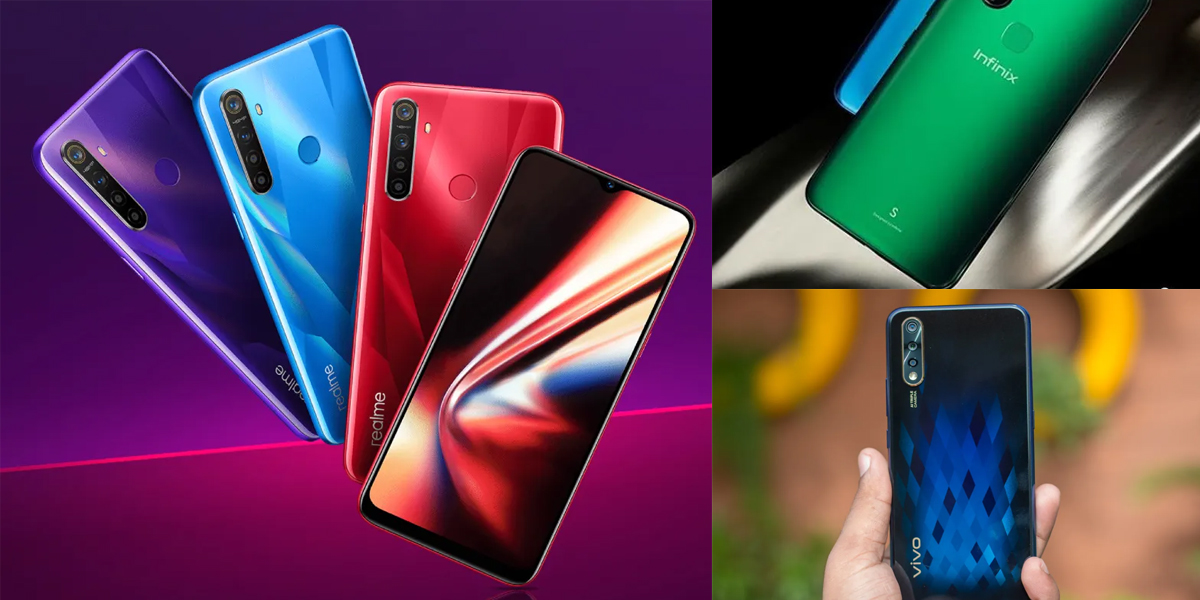
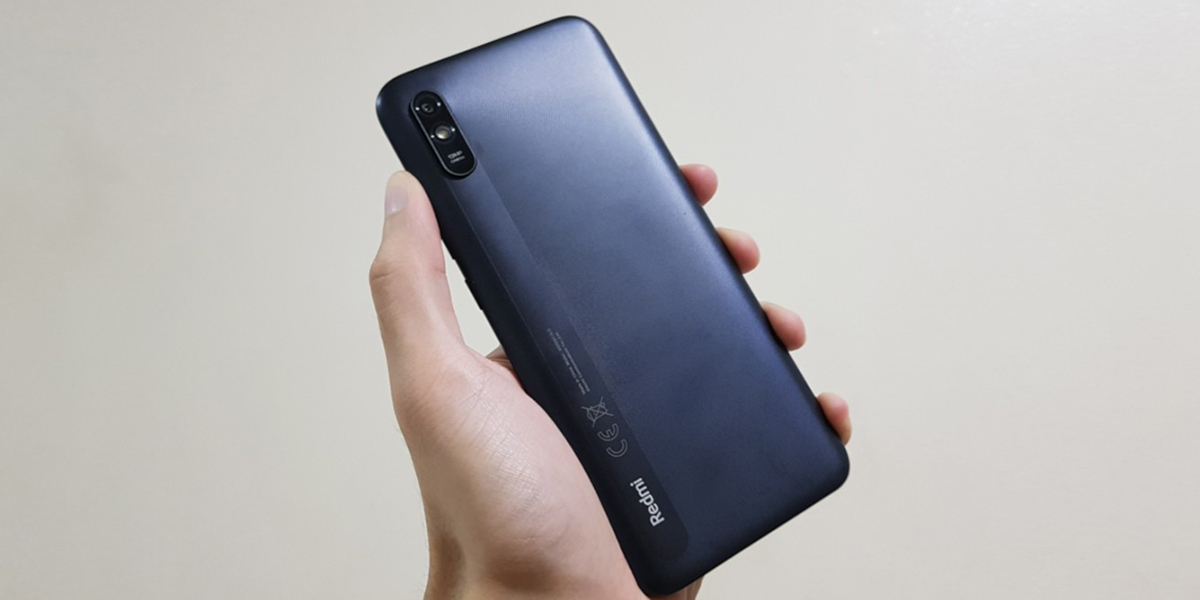
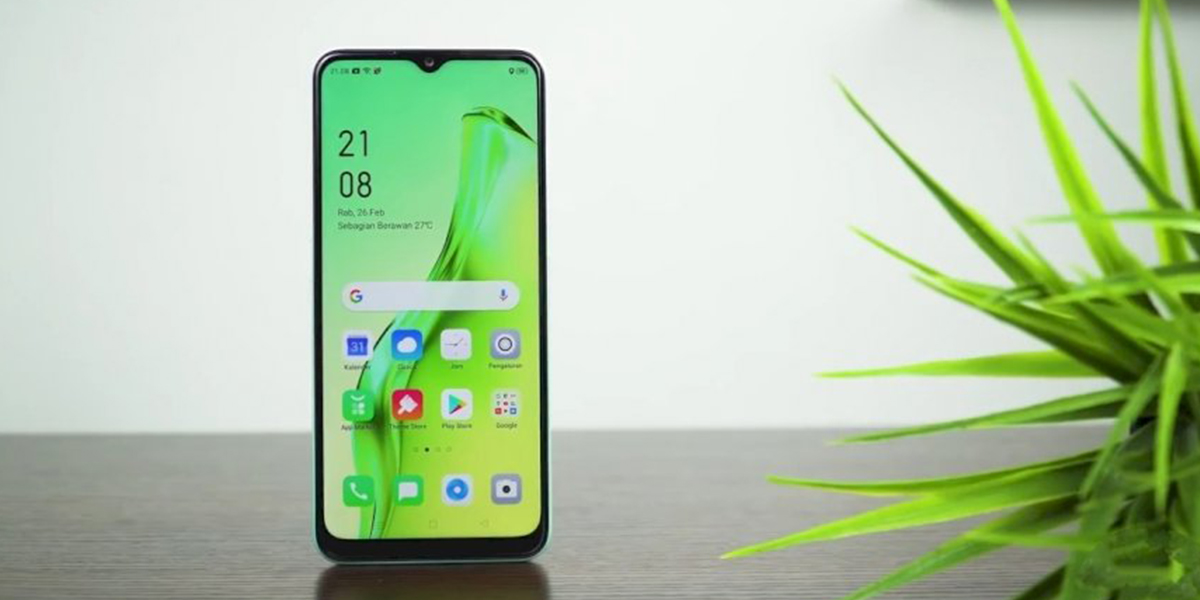
A smartphone today offers a variety of capabilities and is more than simply a tool for making calls. Therefore, the value of the functions a phone offers will determine its pricing. The top 10 smartphones in India that cost less than 12000 rs will be discussed in this post.
One of the most crucial considerations when buying new electrical devices is the money. This post is just for you if your new smartphone budget is Rs 12,000 and you’re seeking for the top models from the top Indian companies in this price range. We will go into great detail about the features and specs of the top phones in this post. The phones included on this list have been chosen by experts to be the finest phones under $12,000 in price. You may review the information and identify the phone that not only satisfies your requirements but also falls inside your price range.
Price List of Best Latest Smartphones under 12000 in 2022
All of the items that are mentioned in this article are listed in this section. You may quickly review the top cellphones under 12000 on this list, along with their costs. This table allows you to compare various goods depending on their cost.
Product
Price in India
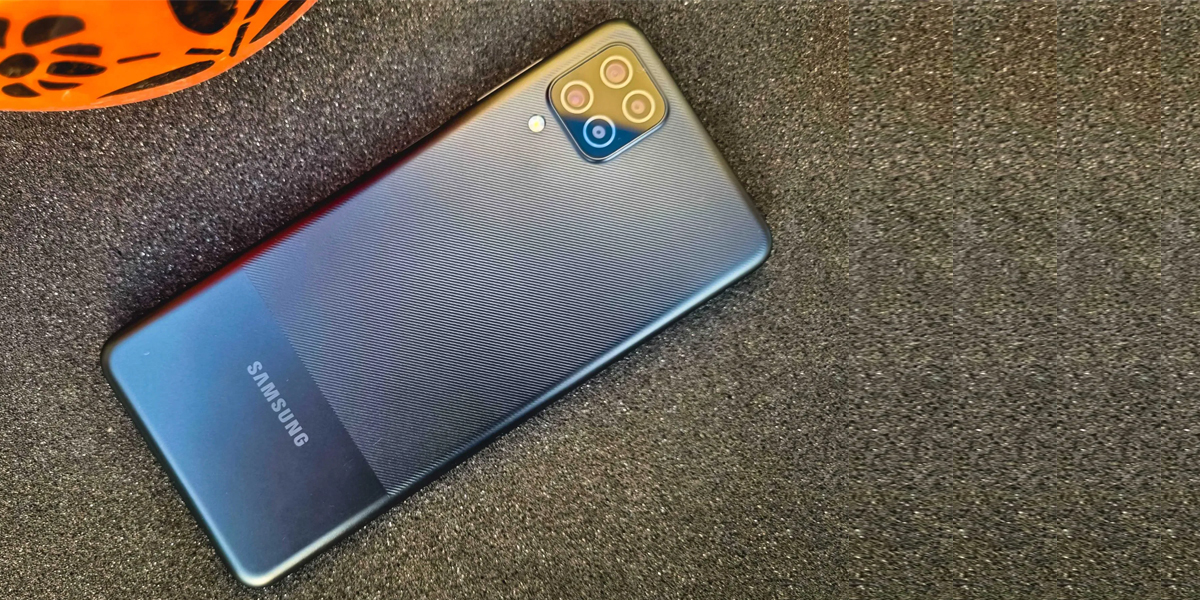
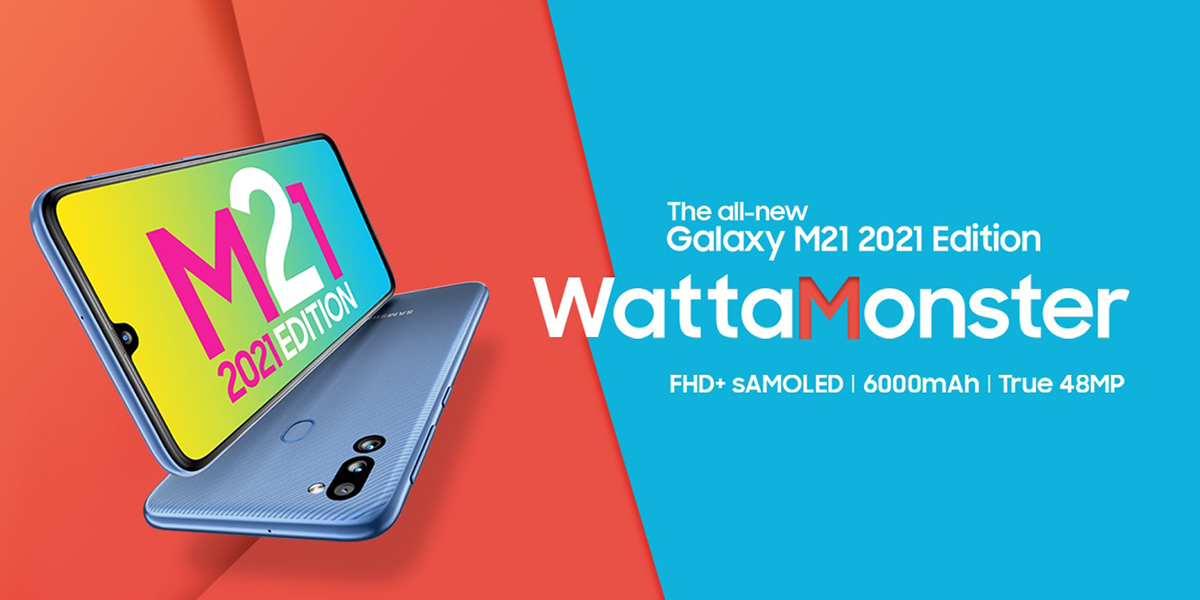
Samsung Galaxy M12 (White,4GB RAM, 64GB Storage) 6000 mAh with 8nm Processor | True 48 MP Quad Camera | 90Hz Refresh Rate)
This section includes a list of the top 10 smartphones available for less than Rs. 12000. Regarding aspects like camera quality, display, memory and storage, sim card slots, and more, we have provided all the required information. The budget, the necessary specifications, the warranty provided, and the functionality of the item were all taken into consideration while compiling this list. Now let’s quickly review the top smartphones from the top manufacturers in this price range.
Samsung Galaxy M12
(White,4 GB RAM, 64 GB Storage) 6000 mAh with 8nm Processor | True 48 MP Quad Camera | 90 Hz Refresh Rate
Price: 9,499
Product Dimensions and Weight: 1 x 7.6 x 16.4 cm; 221 g
Display Size and Type: 5 inches; LCD screen
Warranty: 1-year
Pros:- long-lasting battery, Face unlocking function
Product Dimensions and Weight: 9 x 7.5 x 15.9 cm; 192 g
Display Size and Type: 4 inches; AMOLED screen
Warranty: 1-year
Pros:- A superior display, 24/7 client support
Cons:- Not good for gaming
Important things to consider before buying a Smartphone
Considerations that should be made before purchasing a smartphone
It is a difficult challenge for you to select a smartphone that meets your demands. It might be difficult to find all the necessary features and requirements at a reasonable price. Ten smartphones with the finest features with affordable prices are covered.
Battery
Batteries typically deplete faster when used heavily online. If you fall into this group of users, you should get a phone with a powerful battery.
Memory
It follows that phones with more RAM will operate more quickly, while those with more ROM will provide more storage. A 2 GB RAM and 16 GB ROM should be sufficient for the majority of users. However, if you use your phone frequently, get one with at least 3–4 GB RAM and 64–GB ROM.
Camera
If you anticipate taking many photos, choose a phone with a 12 or 16 MP camera and an aperture of f/2.0 or less for excellent images even in dim lighting. If you don’t anticipate using the camera frequently, a phone with an 8–12 MP camera and an aperture of f/2.2 should work for you.
Processor
Take a look at the processing speed that is specified in GigaHertz (GHz). The CPU runs more quickly the higher the speed. Choose a speedier CPU if you want to stream videos, play online games, or edit lots of photos and videos.
Display
Typically, a phone with a 5.5–6-inch HD or QHD display is the best choice. This will make it possible for you to encounter rich media while yet being portable enough to fit in your pocket or handbag.
Operating Systems
There are just two OS options available: Android or iOS. If you choose iOS, an Apple iPhone is automatically your choice. Other smartphone manufacturers all use the Android operating system.
Price of the Device
As mentioned earlier, smartphones come at price points that vary greatly. Obviously, prices tend to go up as you go higher up the value chain in terms of processor speeds, memory, camera and display.
More than ever, PC users rely on having access to a microphone and camera. After all, tools like Zoom and Microsoft Teams open the door for remote work. They also make staying in contact with far-off family members and friends smoother than ever.
But the quality of these apps depends entirely on the technology you’re utilising. To prepare your microphone for speaking with friends, family, and coworkers, you might need to alter the settings for your surroundings.
Windows 11 has a built-in application to make it simple for you to test your mic. Here’s how to test a microphone on a Windows 11 computer if you’re not sure how.
There is a convenient way to test your audio input device and check its input level in Windows Settings if a microphone attached to your Windows 11 computer is too loud, too quiet, or simply not working. We’ll demonstrate how.
In order to set up a new microphone, do the following:
Make sure your microphone and desktop are paired.
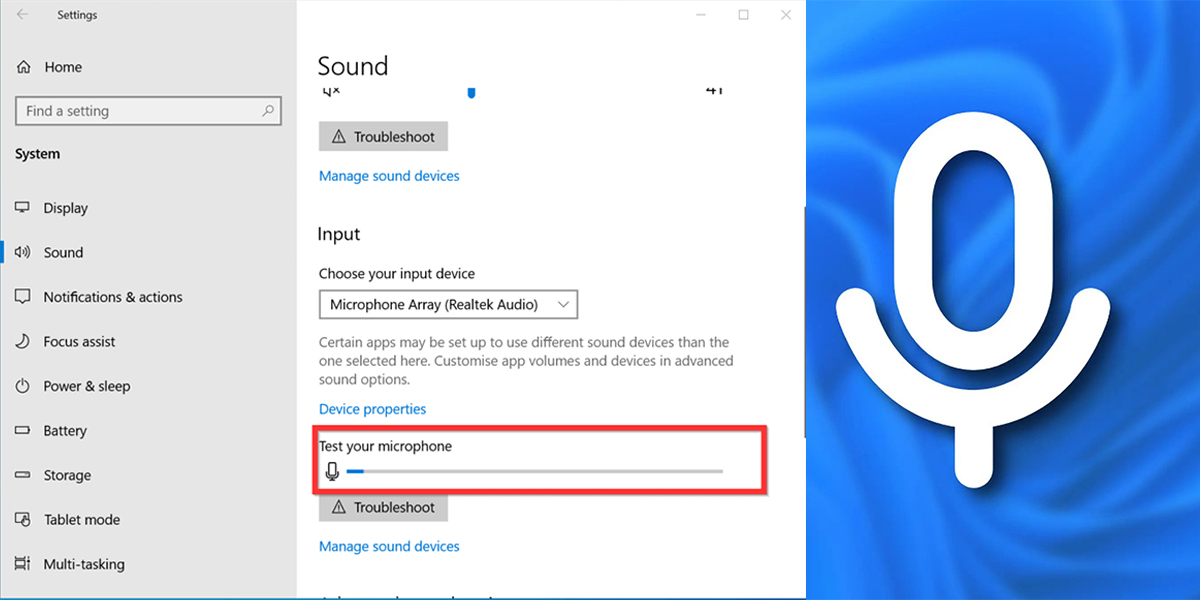
From the menu, choose Start > Settings > System > Sound.
Navigate to Input in the Sound settings to see your connected microphones. If the device is a Bluetooth microphone, choose Add device.
You should always check your microphone to make sure it is in functioning order and is adjusted to an ideal audio input level before every crucial meeting, call, or interview.
Using the Windows settings interface, you can quickly test the microphone in Windows 11 to make sure it is functioning properly. I’ll address that in this guide and demonstrate how to test the microphone on Windows 11 PCs.
Testing of Micro Phone on Windows 11
Launch the Start menu, then choose Settings.
Select Sound under System in Settings.
In the Input section, choose your microphone.
Verify the input volume settings are accurate by adjusting the slider in the Properties menu for your microphone.
Verify further options as necessary, such as the audio format settings.
Press the Start test button to start testing your microphone.
Press Stop test after speaking into your microphone for a few seconds.
If your microphone accurately captured the sound, a result % should appear next to the Start test button.
You must raise the input volume slider to increase the loudness if the result percentage is less than 75%.
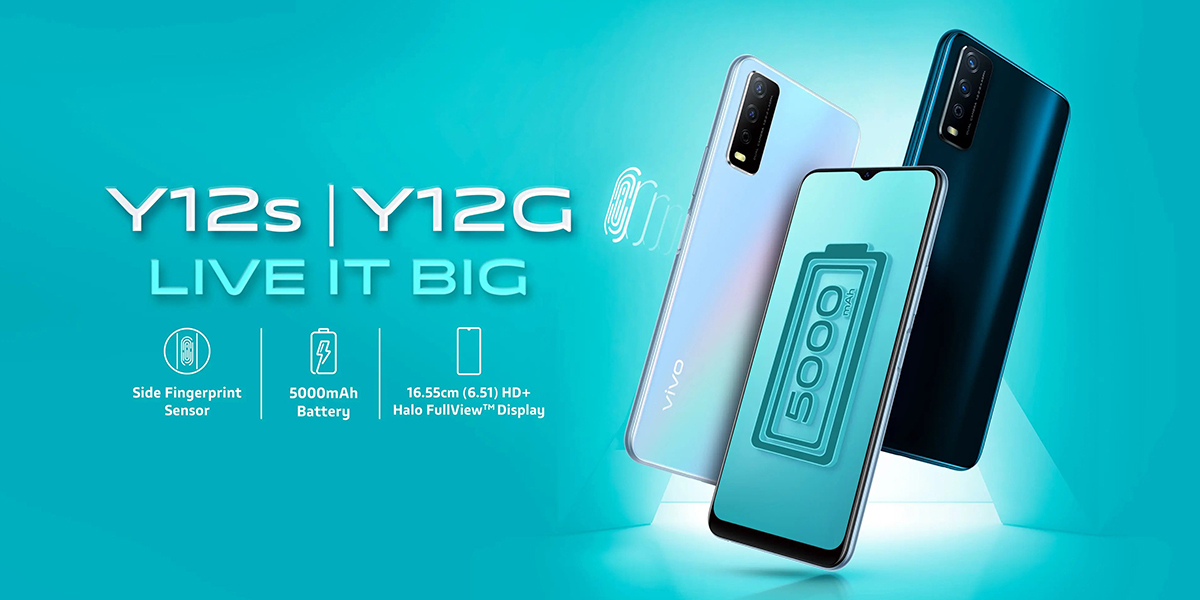
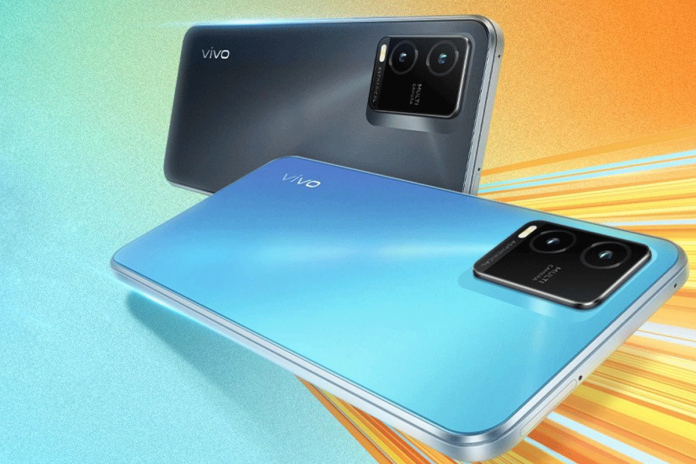
Vivo has launched its new T-Series smartphone in India in the form of Vivo T1x with a slim and delicate design but also powered by a Qualcomm Snapdragon 680 chipset. The handset comes with an Ultra game mode and multi turbo 5.0 feature that guarantee an excellent performance.
Apart from the regular features, it is also equipped with a four layer cooling system that seamlessly adapts itself according to the system processes thereby providing an optimal cooling solution so that the players can enjoy gameplay without tedious interruptions.
Feature Comparison
Vivo T1x comes with VEG Technology that houses a 5000mAh battery and since VEG is classified as a smart engine that saves power, it proves of great help in expanding the battery’s life that does not allow it to get damaged due to excessive charging as many have the bad habit of charging their battery long after its full.
Once the smartphone reaches its full potential of 100% battery after charging, it stops giving power automatically to the phone, which, by the way, supports 18W fast charging that ensures a longer shelf life.
The device comes with a 50MP primary camera, 2MP macro camera and lastly, an 8MP front selfie camera. Vivo T1x supports a dual camera setup and comes at the cost of Rs 11,999 but the catch is that it is going to face stiff competition from Redmi Note 11.
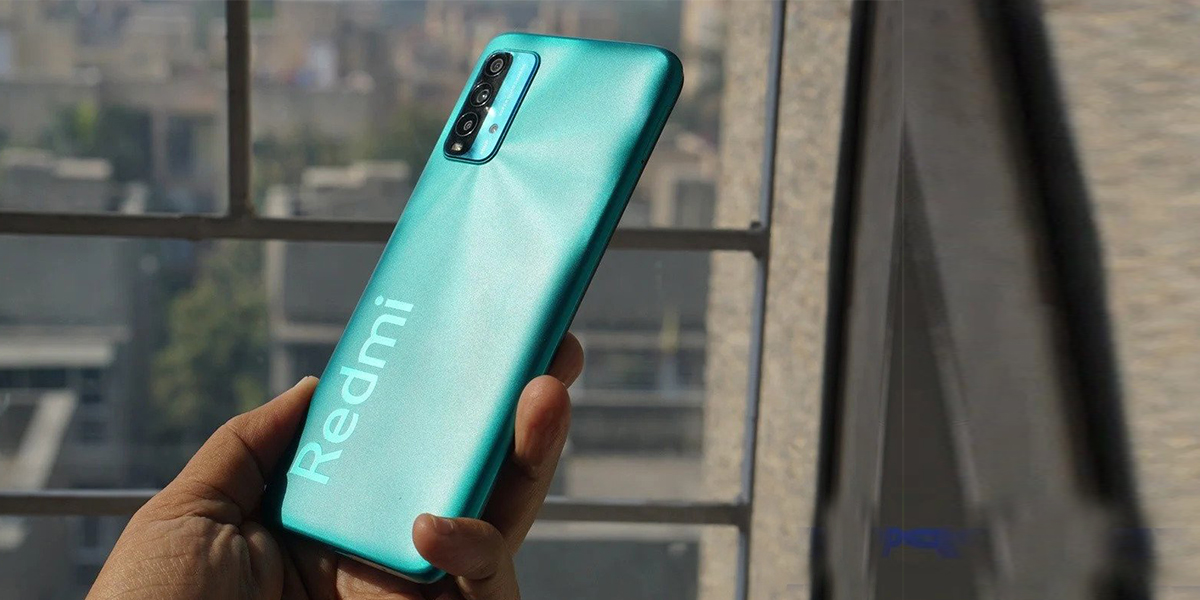
Redmi Note 11 is powered by Qualcomm Snapdragon 680 chipset just like VivoT1x and has the many identical features to the latter like a 5000mAh battery with fast charging support and a 50MP main camera.
As far as comparisons go, there are many similarities and differences between VivoT1x and Redmi Note 11 like for example they have a display screen of 6.58 inch and 6.43 inch, respectively and an operating system of Android 11 and Android 12, respectively.
It all comes down to preference as to which of the two you prefer but it goes without saying that both have their own uniqueness that appeals to their users, which is why they constantly wait for a new version to come out.
Since practically all of our vital activities are now completed through our smartphones, it is essential to have software that can prevent our confidential info passwords and financial data from being misused by malicious attackers.
In order to protect your device from malicious viruses and attacks, the installation of Antivirus Software is the best solution.
Top 11 Free Antivirus Apps for Your Android Devices in 2022
An antivirus is software that detects, blocks, and removes all forms of threats from a device. Viruses, malware, spyware, bloatware, and other hazards may infiltrate your smartphone via harmful websites, links, or programs that can be removed with help of Antiviruses.
Here is a ranking of the top free antivirus apps for Android Phones:
1. Bitdefender Antivirus
It offers malware and virus protection for your Android device while having little to no negative battery effect. Bitdefender is one of the most recommended antivirus apps because of its features. The app has both free and paid versions. The app allows the users to surf the internet at a speed of 200 MB per day with the help of a secure VPN.
Top Features of Bitdefender
It provides a secure VPN for online browsing.
It allows you to locate, lock, or format your device in the event that it is stolen or misplaced.
The app has no or little influence on the battery life.
Bitdefender most helpful in maintaining the privacy of your account and check to see if your email has been compromised.
It is compatible with Android 5.0 or later.
It can only operate with an Internet connection.
2. Avira Antivirus
Avira is one of the best antivirus apps for free privacy protection. It offers a free VPN of 100 MB per day, protects your privacy, blocks harmful apps and websites, and does a lot more. Avira is without a doubt one of the most suggested antivirus for Android devices, with more than 20 million users globally and a 4.6/5 rating on the Google Play store.
Top Features of Avira:
Get a free VPN with 100 MB of daily internet use with the use of Avira.
Tools to aid in recovering your phone in the event of theft.
It notifies you right away if your info is compromised.
Put a password on your phone to lock the applications.
The app blocks any websites that appear to pose a danger to your device.
3. Norton Antivirus
For the protection of your Android mobile devices, Norton Mobile Security is a cost-effective and dependable option. For personal use,Norton antivirus works exceptionally on your Android device.It provides protection against cybercrime and risky Wi-Fi networks, and keeps your device secured while using internet.
Top Features of Norton:
Your phone is secured from any threats by their patented app screening technology.
It protects your device from online criminals.
It alerts you if you join an unreliable Wi-Fi network.
It identifies harmful websites.
The privacy concerns may be checked before installing an app from Google Play.
4. Avast Antivirus
Popular, lightweight, and effective antivirus programme Avast Mobile Security offers free protection for Android smartphones. This antivirus software attempts to keep your Android smartphone operating with the highest levels of privacy, security, and performance.
Top Features of Avast:
It detects harmful applications
Avast guards your device from links on the internet that might be harmful.
evaluates a Wi-Fi network’s security.
It utilises Avast’s VPN to keep your surfing history confidential.
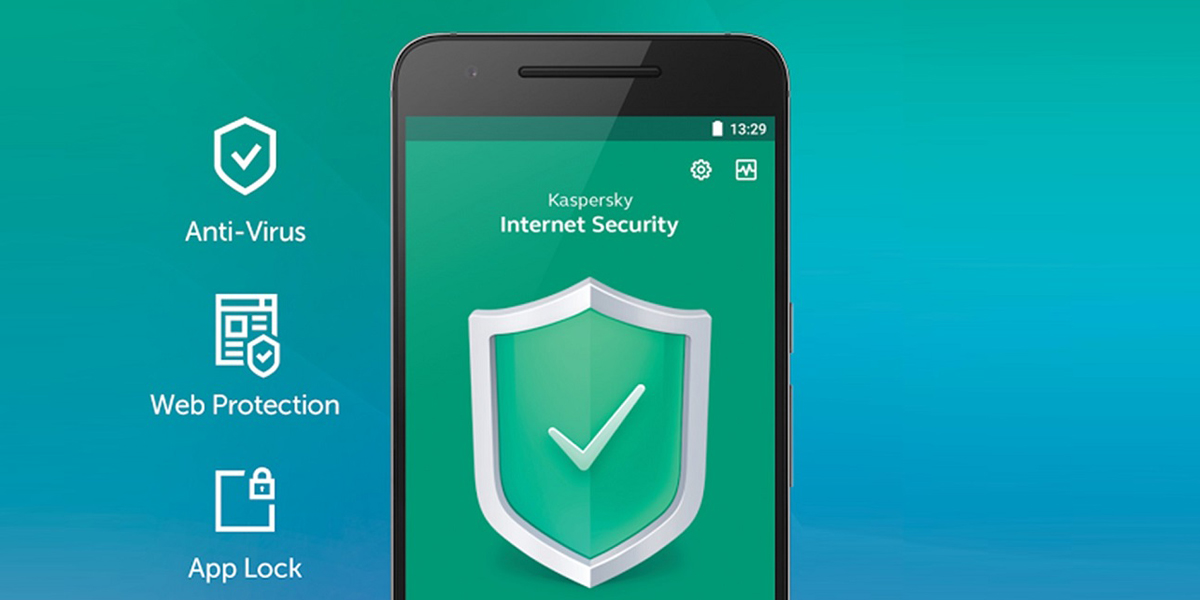
5. Kaspersky Antivirus
Kaspersky offers mobile security For Android smartphones. It provides you with antivirus software and solutions for guarding your identity and privacy. The app uses artificial intelligence to constantly identify and stop possible threats to your device.
Top Features of Kaspersky:
Kaspersky monitors the risks on your device 24/7.
The app has features that prevent theft, such as locking, tracking down, and erasing a stolen device.
It also determines the applications that are monitoring your calls or texts.
It notifies the user if the user stumbles upon an URL that is stealing your data.
It automates the scanning of your apps.
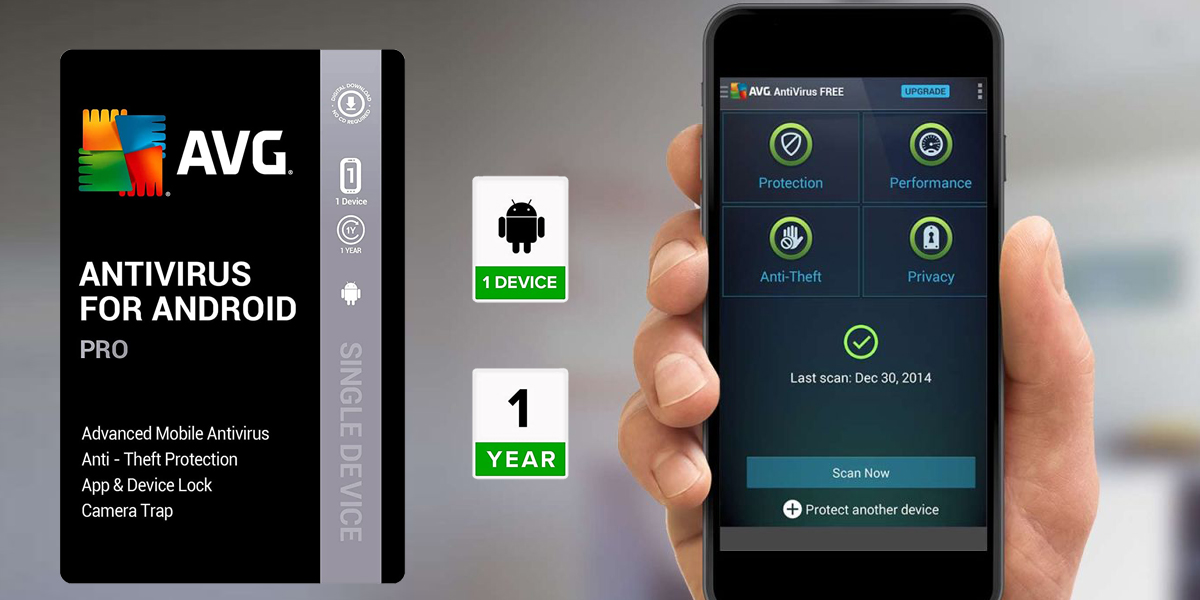
6. AVG Antivirus
The popular free antivirus for Android is AVG Antivirus. Additionally, they do provide premium features that are available for 30 days free of charge. The users Android device is shielded against viruses and theft with this application. By password-protecting your apps, you also receive options for privacy protection.
Top Features of AVG Antivirus:
The application helps in finding your Android device in case of theft.
Your phone’s apps can be password-protected.
On your phone, if someone enters the wrong password three times, the app will automatically snap his picture and mail it to you together with the date and place of the occurrence.
your smartphone locks itself when the sim is changed.
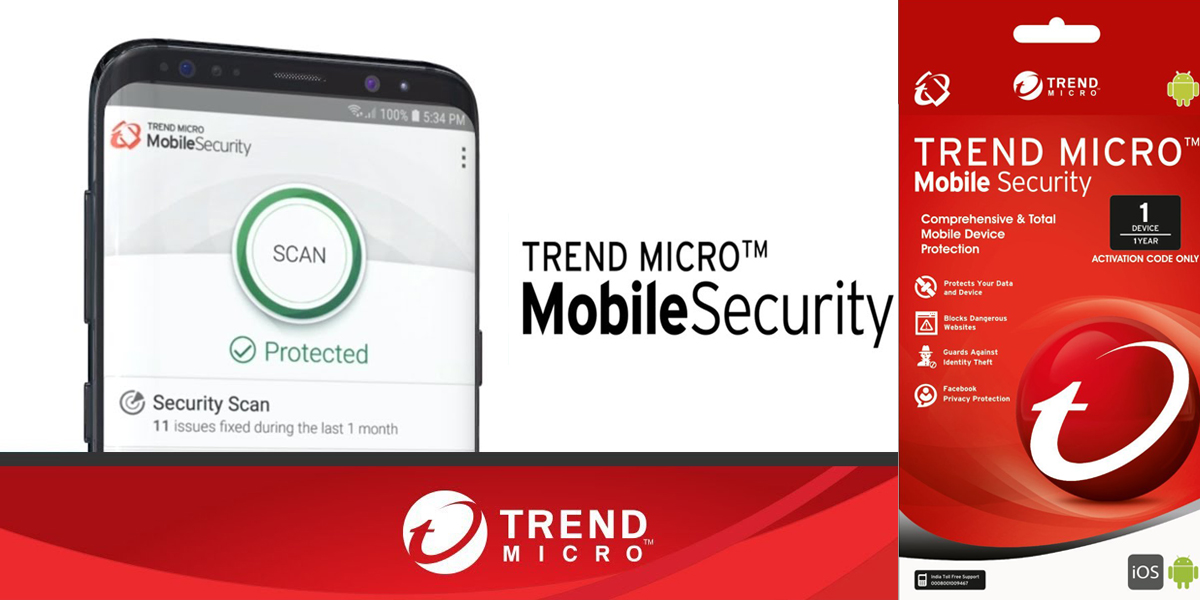
7. Trend Micro Antivirus
Trend Micro provides solutions for Windows, Mac, Android, iOS, and Chromebooks. They are a 30-year-old Internet security software providers. They are expertise in providing services for home and business. The antivirus software is free of cost.
Top Features of Trend Micro:
The functionality of your smartphone is enhanced by optimization features.
Threats are stopped before they can reach your device through a clever cloud-based network.
prevents spies from using your identity against you.
safeguards for children.
works with iOS 11 or later and Android 4.1 or later.
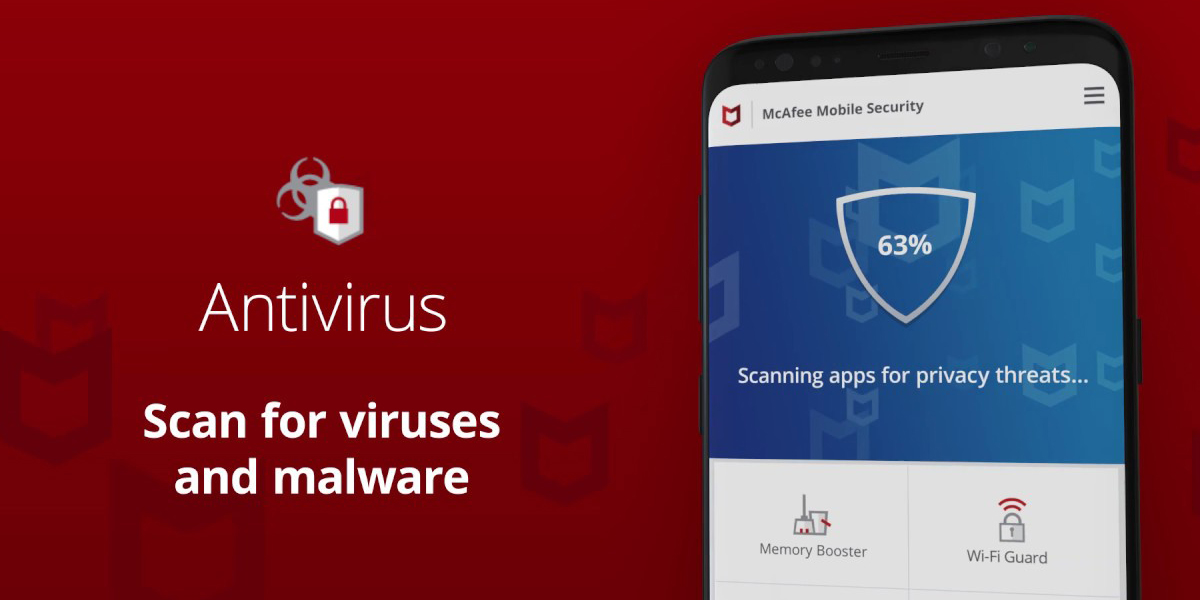
8. McAfee Antivirus
Award-winning antivirus service provider McAfee offers a variety of benefits for its Android users. It provides services that are of utmost importance for your device performance and safe surfing. McAfee is highly recommended for Android devices because of its exclusive features.
Top Features of McAfee:
It defends you from dangers like harmful links and websites, etc.
Get access to McAfee’s VPN to shield your login credentials and financial data from identity thieves.
Check your device’s applications frequently for risks and disable them.
It safeguards your personal data from connections or websites that are not reliable.
9. Malwarebytes Antivirus
The most effective antivirus software for Android is Malwarebytes. It provides you with tools that are helpful for the removal of vulnerabilities from your device. It also detects phishing URLs, and much more.
Top Features of Malwarebytes
Threats are automatically detected and eliminated.
The privacy audit function searches for applications that track your movements.
Removes bloatware from your Android handset to make it more functional.
It gives you access to a VPN so you can safeguard your privacy.
10. Google Play Protect Antivirus
The Google Play store has an internal security mechanism called Google Play Protect. It blocks shady apps, aids in device recovery in the event of theft, and has a lot more features to offer.
Top Features of Google Play Protect:
Cloud-based app verification makes sure that the applications are not PHAs (PHAs).
Immediately removes and disables a PHA if it determines that the user will not benefit from it.
Aids you in locating your gadget in the event of theft
Allows you to remotely lock the device or delete data.
11. Sophos Intercept Antivirus
Sophos provides a great service with many attractive features. Additionally, there are no commercials on it. The Anti Virus software is relatively new to the Android users,but the app is highly effective as a Ad blocker and in threat detection.
Top Features of Sophos:
Screening for malware in operating systems
A link checker for protection against dangerous links blocks a malicious web page.
Scanning for WiFi networks and a privacy monitor.
Why are Anti Viruses a good option for an Android user?
Choosing an antivirus for your android device is always a sensible move in these times of rising cybercrime and password hacks. The majority of antivirus apps for Android give away or charge little for their basic functionality. As a result, anyone may readily obtain an Android antivirus. Bitdefender Mobile Security is the top antivirus for Android. It provides the most features at the most competitive costs.
AVG Antivirus Free’s Camera Trap function stands out among antivirus programs. Even though this function is only accessible in the premium edition, it has a lot of advantages.
Installation of Anti Virus Application on your Android Device
Open the Google Play Store app on your smartphone and perform a search of the above-mentioned applications.
The search shows a list of all these top antivirus apps mentioned above. Click on the application icon.
Select Install to download and install the application. After the installation process is complete click on open to run the app.
Check the box next which displays all the user agreements and Privacy Policy, then tap Start before selecting Next.