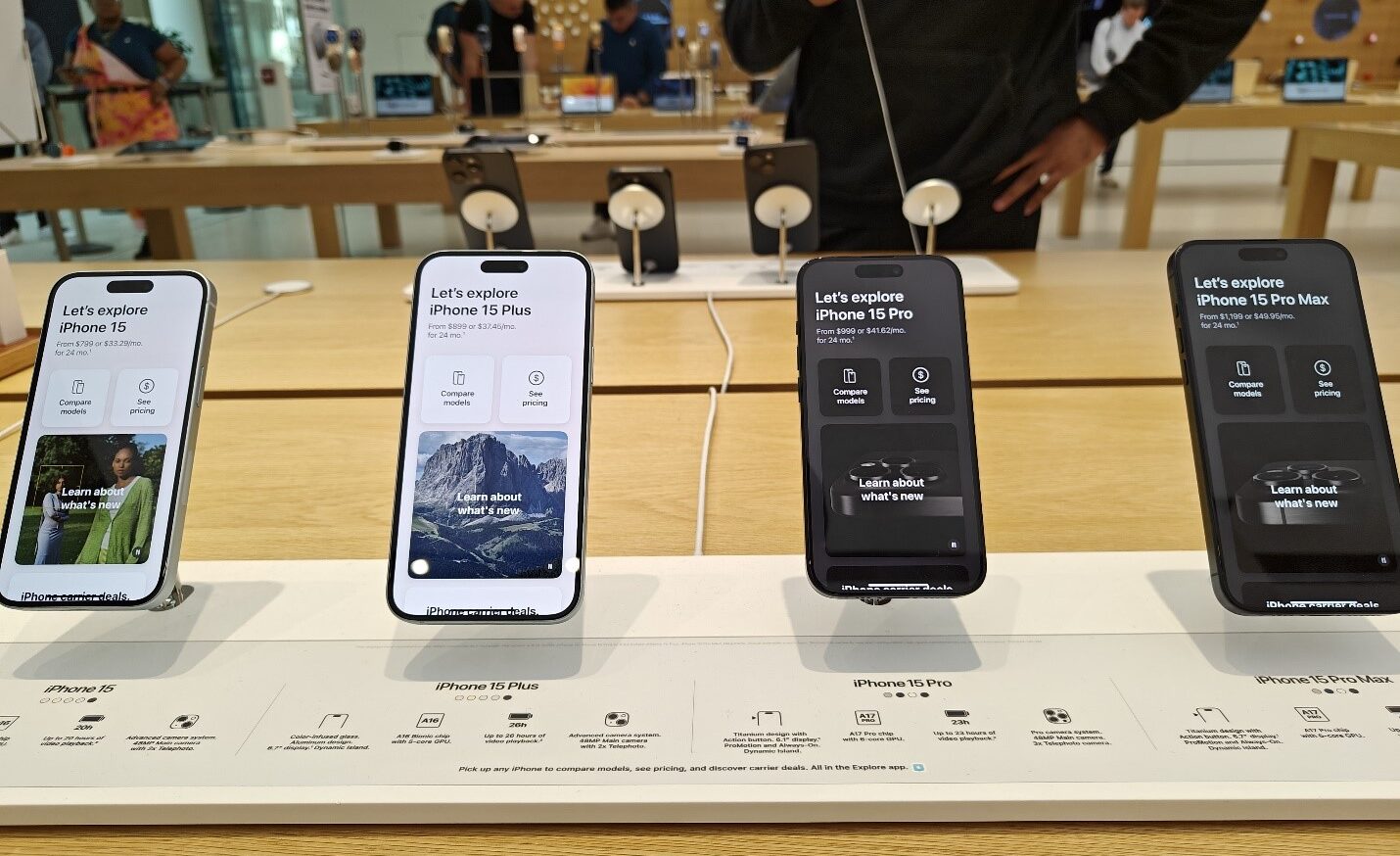
In China, the demand for the iPhone 15 is heavily reliant on discounts and promotional offers.
Competitors like Samsung, Oppo, and Huawei have surged ahead with innovations such as foldable designs, leaving Apple facing criticism for its iterative design approach and lack of groundbreaking features.
This has been especially noticeable in a market that values rapid technological advancements.
Sales and Strategies
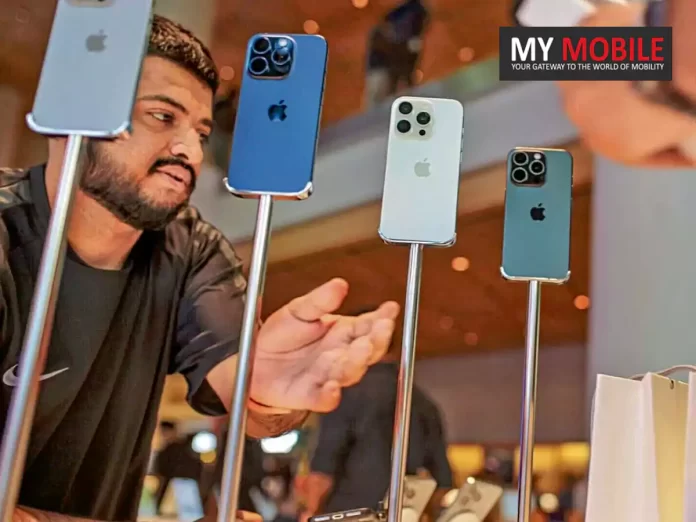
iPhone 15 sees price cuts up to $180 by resellers in China to boost demand
Despite efforts to boost sales through seasonal discounts, including significant price cuts during the Lunar New Year holiday, Apple’s sales in Chinahave seen a 13% decline, dropping to $20.8 billion in the last quarter.
This downturn is notable compared to the anticipated $23 billion revenue, signaling a pressing need for Apple to revisit its strategy in the Chinese market.
Innovation and Future Prospects
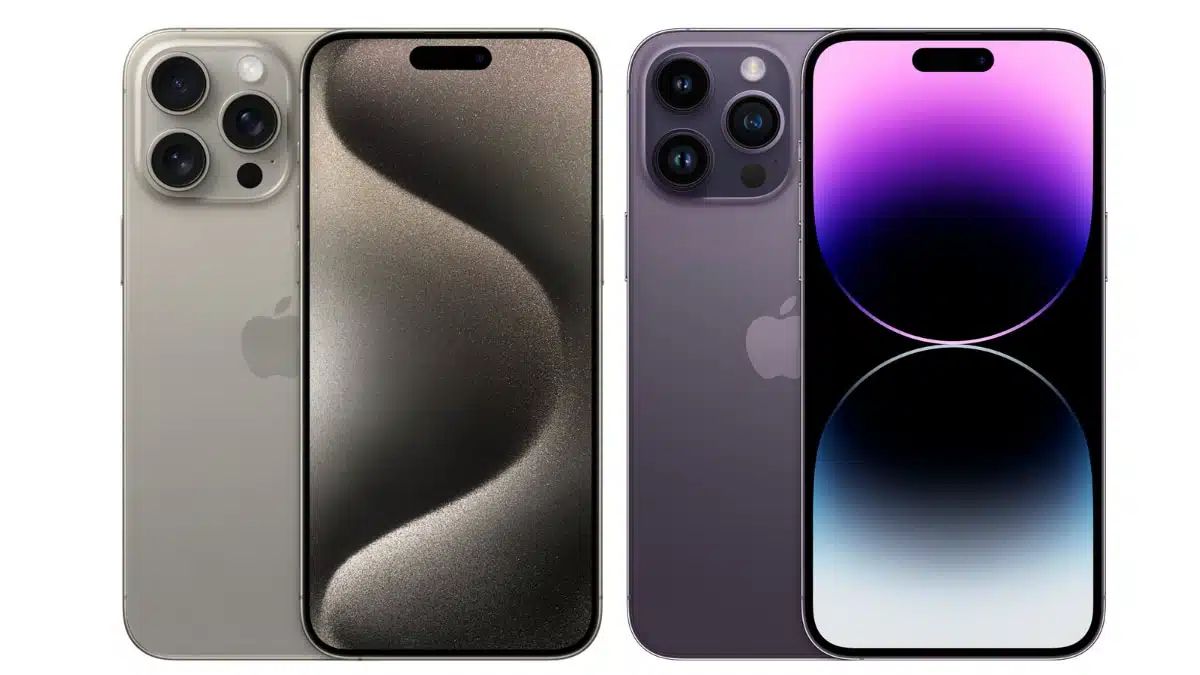
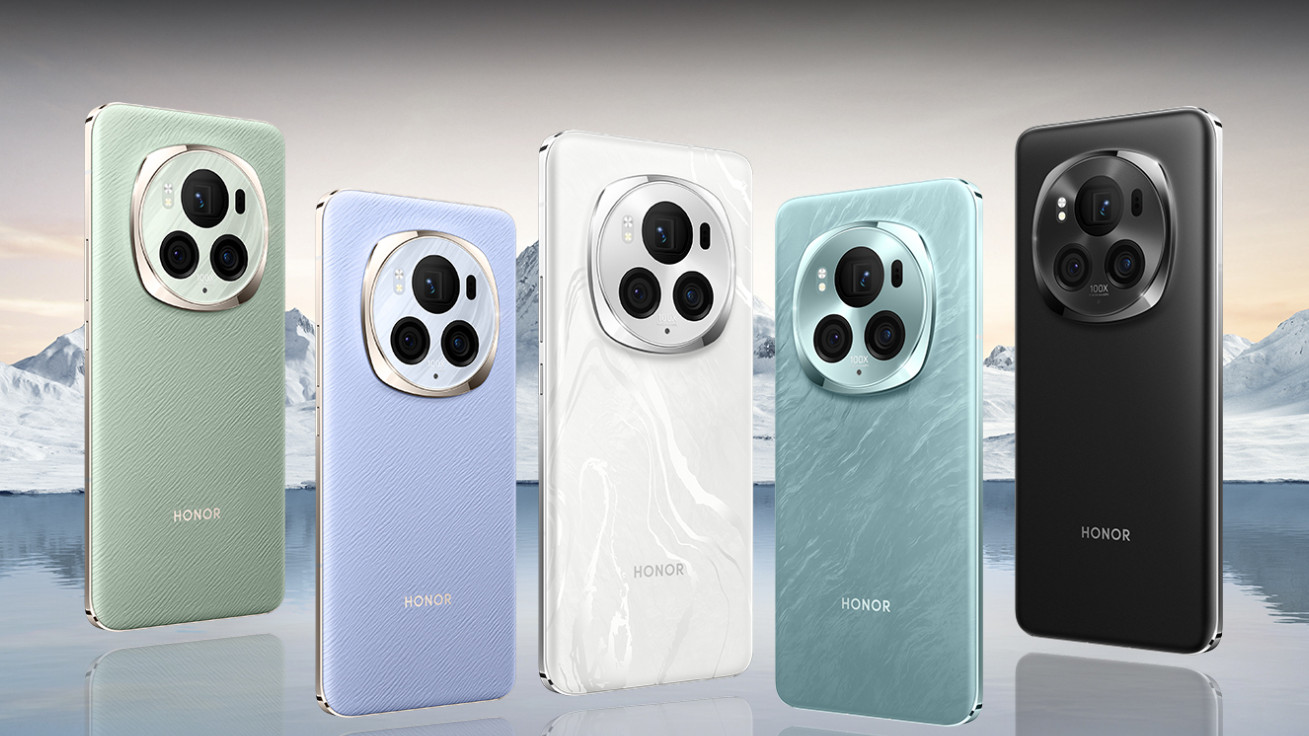
Apple faces tough competition from foldable designs of Samsung, Oppo, and Huawei
However, the company is reportedly developing generative AI features for its upcoming iOS 18, aiming to revitalize interest in both new and older iPhone models.
This move could potentially align Apple with competitors who have already embraced AI technologies, such as Samsung with its Galaxy S24 series.
Looking Ahead
Apple to introduce generative AI features in iOS 18, potentially rejuvenating interest
As the tech giant prepares to launch the iPhone 16, it remains to be seen whether these innovations will be enough to rekindle interest among Chinese consumers and regain lost market share.
FAQs
Why are iPhone 15 sales lower in China?
iPhone 15 sales in China are underwhelming due to strong competition from Android manufacturers who offer innovative features like foldable designs, which Apple has yet to match.
What is Apple doing to increase iPhone 15 demand in China?
Resellers in China are offering significant discounts on iPhone 15 models, and Apple is working on introducing generative AI features in the upcoming iOS 18 to make its devices more appealing.
How much are iPhone 15 models being discounted in China?
Reports indicate that iPhone 15 models are being discounted by up to $180 by resellers in China, aiming to stimulate consumer interest and sales.
Will older iPhone models receive the new AI features?
Apple plans to roll out generative AI features with iOS 18, which could also be available on older iPhone models, although specific details about compatibility have not been disclosed.
How has Apple’s market performance in China been affected recently?
Apple’s sales in China have dropped by 13%, reflecting a decrease in demand and highlighting the challenges Apple faces in competing with more innovative smartphone brands.
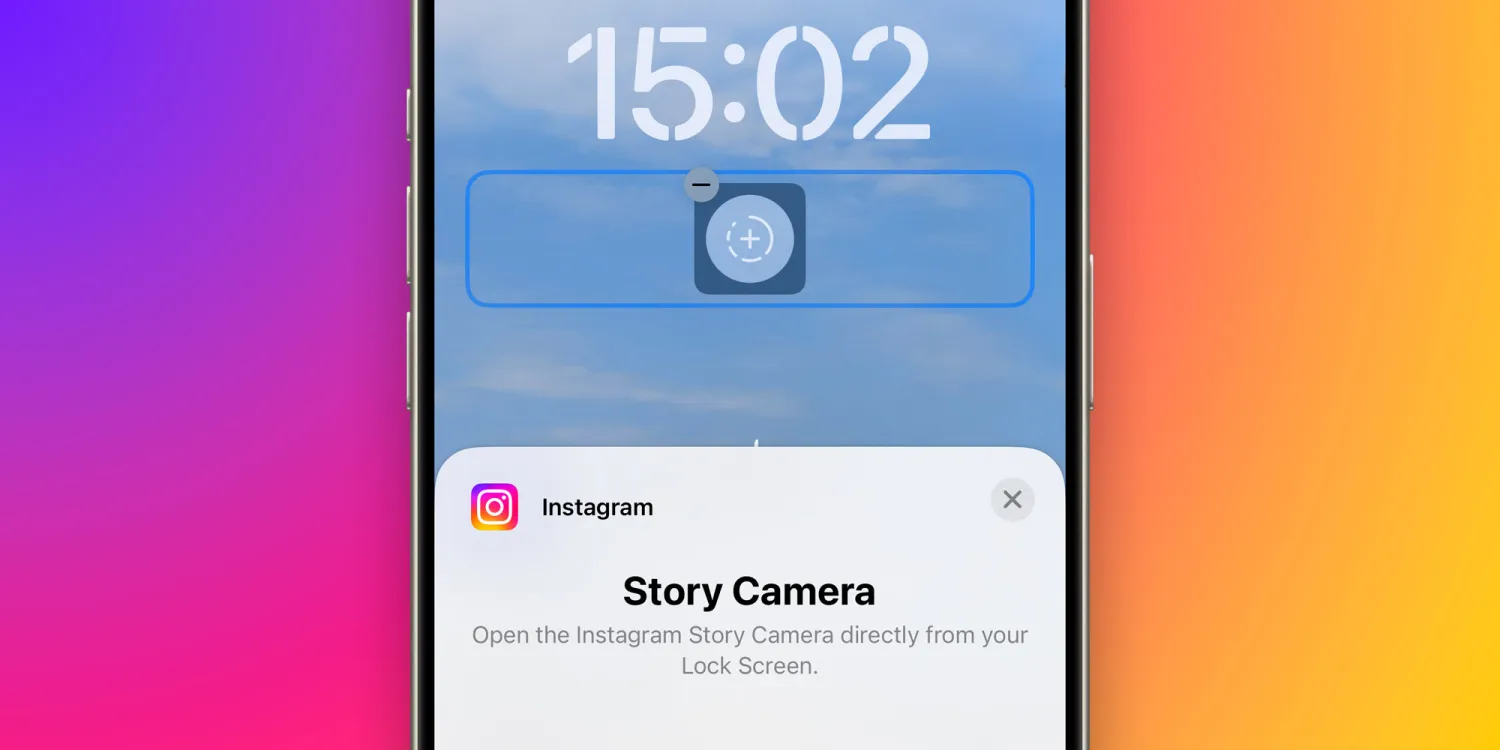
This development, highlighted by users and confirmed by 9to5Mac, aims to streamline the content creation process on the platform, offering a swift shortcut to capturing moments without the need to navigate through the phone’s interface.
Key Highlights
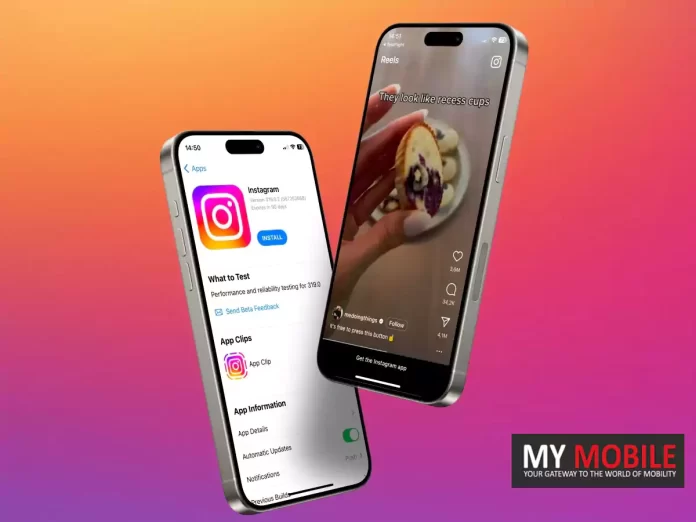
Instagram Introduces New iOS Lock Screen Widget for Instant Story Camera Access
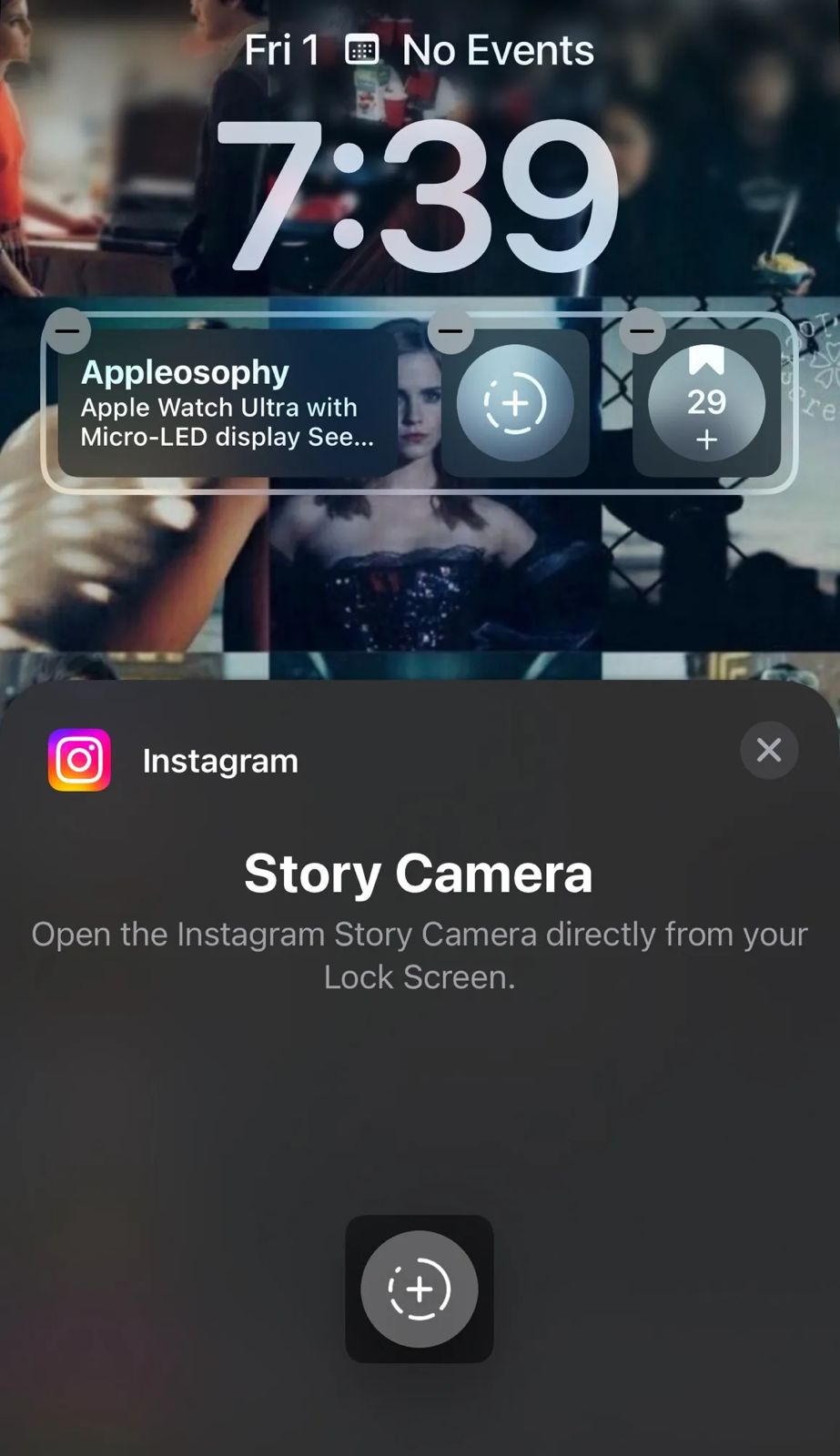
Instant Access to Story Camera: The newly introduced Lock Screen widget allows users to jump straight into the Instagram Story Camera from the iOS Lock Screen, facilitating immediate photo and video capture.
Enhanced User Convenience: This feature significantly reduces the steps required to post Stories on Instagram, eliminating the need to unlock the phone and search for the app, thereby catering to avid Story posters.
Optimization for Content Creators: While the iPhone’s native Camera app remains the preferred choice for high-resolution images and videos, the Instagram Story Camera, with its array of filters and effects, presents a favored alternative for many. The ease of access from the Lock Screen adds to its appeal.
Additional Instagram Innovations
Instantly open Instagram Story Camera from iOS Lock Screen with new widget
Instagram is not stopping at the Lock Screen widget.
Recent reports from 9to5Mac indicate that the platform is experimenting with an App Clip for its Reels feature, allowing users to sample the short video experience without the app installed.
The platform has previously integrated Live Activities support, enhancing user engagement by displaying the upload progress of posts or stories when multitasking across apps.
Noteworthy Absence
Despite these advancements, Instagram has yet to release a dedicated app for iPad users, a gap in its device coverage that remains a point of contention.
Feature requires iOS 16 and the latest Instagram app version for optimal use
This feature requires iOS 16 or later and is accessible for free via the App Store.
This strategic move by Instagram to embed direct access features into the iOS ecosystem underscores the platform’s commitment to enhancing user experience and content engagement.
The Instagram Lock Screen Widget is a new feature for iPhone users that allows direct access to the Instagram Story Camera from the Lock Screen, enabling quick photo and video capture.
How can I use the new Instagram widget on my iPhone?
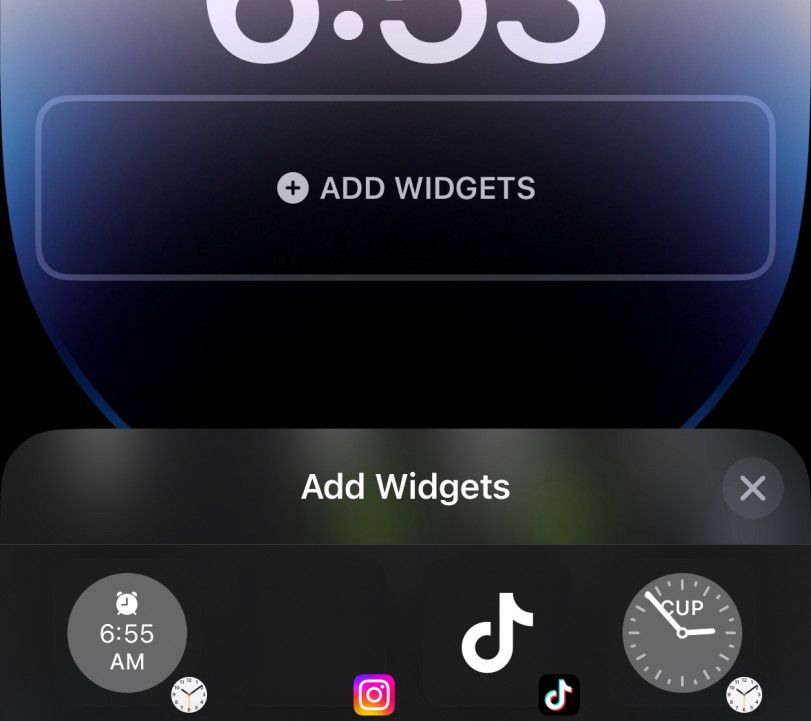
To use the new Instagram Lock Screen Widget, update your Instagram app to the latest version, ensure your iPhone runs on iOS 16 or later, and add the widget to your Lock Screen through the customization options.
Why is the Instagram Lock Screen Widget beneficial for Instagram users?
The widget offers a convenient shortcut for users who frequently post stories, allowing them to instantly access the Story Camera without navigating through their phone, saving time and enhancing the content creation process.
Can I use the Instagram Lock Screen Widget without updating my iPhone?
The Instagram Lock Screen Widget requires iOS 16 or later to function. Users with earlier iOS versions will need to update their iPhone to access this feature.
Is there an Instagram app available for iPad users?
Despite the introduction of new features like the Lock Screen Widget, Instagram has not yet released a dedicated app for iPad users, focusing instead on enhancing the iPhone app experience.
Step-by-step guide to enhance Airtel signal strength and coverage.
Tips on managing mobile data and Wi-Fi settings for optimal connectivity.
Importance of APN settings adjustment and software updates.
Contacting Airtel customer care for unresolved network issues.
Airtel,one of the giants in the telecommunications industry, serves millions of users across the globe.
Given its vast user base, the impact of network issues can be profound, not just on an individual level but also on businesses and services that rely on uninterrupted connectivity.
Understanding the Essence of Network Troubleshooting
Understanding the Essence of Network Troubleshooting
Before diving into the solutions, it’s crucial to grasp the importance of a systematic approach to troubleshooting.
Network issues can stem from a myriad of sources –from simple signal strength problems to more complex issues tied to your device settings or the network infrastructure itself.
Therefore, addressing these issues in a sequential manner not only saves time but also isolates the exact problem, making the solution more effective.
Step-by-Step Guide to Resolving Airtel Network Issues
Step-by-Step Guide to Resolving Airtel Network Issues
Signal Strength and Network Coverage: The first step in troubleshooting should always be to check the signal strength. A low signal strength indicator on your device could mean you are in a poorly covered area. A quick check of Airtel’s network coverage map can confirm if you’re in a low-coverage area, suggesting a simple move might solve your issue.
Active Connection Check: It’s not uncommon for network issues to arise from an inactive connection. Whether due to an expired plan or a newly activated SIM, ensuring your connection is active is a foundational step. Newly ported or activated SIM cards may also have a brief waiting period before full service is resumed.
Airplane Mode Toggle: This might seem like a rudimentary step, but toggling Airplane Mode on and then off can effectively reset your device’s network connection, often resolving transient connectivity issues.
Mobile Data Management: Similarly, switching your mobile data off and back on can kickstart stalled connections, clearing minor glitches in the process.
Wi-Fi Interference: Sometimes, the preference settings on your device might favor Wi-Fi connections over mobile data, leading to issues when Wi-Fi is unavailable or unstable. Disabling Wi-Fi can help in such scenarios, allowing mobile data to take precedence.
Device Restart: The age-old advice of turning it off and on again holds true for network issues. A restart can clear up any temporary software glitches that might be affecting connectivity.
SIM Card Slot Swap: For dual-SIM devices, switching the SIM card to a different slot can sometimes resolve detection issues, ensuring the device properly recognizes the Airtel network.
APN Settings Adjustment: Incorrect APN settings are a common culprit behind connectivity issues. Ensuring these settings match Airtel’s recommended configuration can often restore normal service.
Software Updates: Outdated software can lead to compatibility issues with network services. Keeping your device updated is not just good practice for security but can also ensure optimal connectivity.
Network Settings Reset: As a more drastic measure, resetting your device’s network settings can clear any corrupt configurations that might be causing issues.
Customer Care Support: When all else fails, Airtel’s customer care is your go-to. Their support teams can provide insights into potential network outages or account-specific issues that might be affecting your service.
The Bigger Picture
The Bigger Picture
While the steps outlined above provide a roadmap to resolving most common network issues, they also highlight the complex interplay between device settings, network infrastructure, and user actions.
In an era where connectivity is a cornerstone of daily life, understanding how to navigate these challenges is invaluable.
However, it’s also a reminder of the broader challenges facing the telecommunications industry as it strives to provide seamless connectivity in an ever-expanding digital landscape.
The dialogue between users and service providers is crucial in this context, with user feedback driving improvements and innovations in network service delivery.
FAQs
Why is my Airtel network signal weak?
Your Airtel network signal may be weak due to being in a low coverage area or due to physical obstructions. Checking the network coverage map and moving to a different location can help improve signal strength.
How can I fix connectivity issues with my Airtel network?
Start by checking your signal strength, ensure your connection is active, toggle Airplane Mode, and restart your device. If issues persist, check your APN settings or contact Airtel customer care for assistance.
What should I do if my Airtel mobile data is not working?
First, ensure your mobile data is turned on and you have an active plan. Toggle mobile data off and on, check for any network restrictions, and ensure your APN settings are correctly configured.
How do I update APN settings for my Airtel connection?
APN settings can be updated by accessing the mobile network settings on your device. Ensure the settings match those recommended by Airtel for your specific device model and region.
Can restarting my device solve Airtel network issues?
Yes, restarting your device can solve temporary network issues by refreshing your connection to the Airtel network and clearing minor software glitches.
How to fix ‘mobile network not available’ error?
The following methods are troubleshooting techniques to fix your phone. They don’t require proper technical know-how.
On/Off Airplane mode
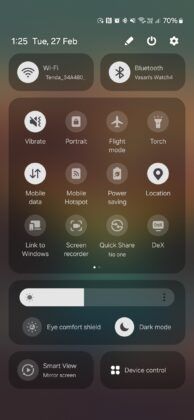
The Airplane mode switches on and off your mobile network. If you switch it off and on again, it can help your phone to connect to the cellular network easily. Most of the Android devices have the Airplane mode shortcut in the slide menu showing time and date details.
Just slide down from the top of your home or lock screen and click on Airplane mode to switch it on. Wait for 5-10 seconds and switch it off by clicking on it again. If it was a small error, your cellular network will restart again, and mobile network not available error will stop.
Restart your phone
Simply restarting your phone can also fix mobile network not available error. By restarting your phone, background apps or memory leaks causing the error are cleared. It helps the phone to fix crashes. Haven’t we all tried restarting our phones for every phone error whatsoever? Use the same logic and see if it helps with your issue.
Remove your sim card and put it back in the slot
Sometimes, your sim card might have shifted from its original place due to high impact fall or shift. Therefore, the SIM card finds it difficult to connect with a cellular network. All you need to do is open your sim card slot by using a pin. Adjust your sim. Use this opportunity to clean the tray with a soft cloth. Put your sim properly in the tray and close the tray.
You can also try isolating the issue by putting in another sim card in your phone. If you are getting network using the other sim, the issue is probably with your sim. It can be damaged. In this case, you will need to contact your telco partner to get a new sim immediately.
Switch off data roaming
Data roaming should only be enabled if you are outside your primary network circle. It should only be enabled when traveling abroad. A turned-on data roaming feature can interfere with your mobile network. Therefore, you should turn if off and check once. Both Apple and Android phones usually have this feature in the ‘Settings’ section.
Update the phone’s software to fix mobile network not available issue
Often considered as waste of data, contrarily software updates are very important to fix existing bugs and introduce new advanced features in the phone. Go to the ‘Settings’ section, tap on System>System update to see if there are any pending updates. Updating your firmware can fix your mobile network problem. Do try this step.
Move to another place
This is by far one of the simplest methods to fix your mobile network issue. Sometimes, simply moving to a different location can help you get better network. We all have done it! Try this simple method.
The above-mentioned were a few easy troubleshooting methods. If none of these steps work for you, the issue might be deep rooted.
How to fix ‘mobile network unavailable’ error using advanced methods?
Tweak and reset network settings
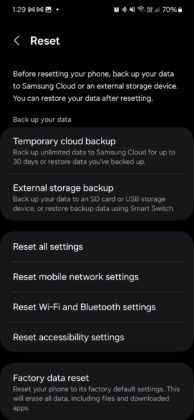
Sometimes, you need to reset your network from the settings app in your phone.
Go to Connection and Sharing>Reset Wi-Fi, mobile networks, and Bluetooth.
Tap on Reset settings.
Your phone will restart. Now, check if your network issue is solved or not. These steps are applicable only for the latest version of Android phones. You can find these options in the settings app in any other phone.
Connect with your telco partner
This step will help you to understand if the issue is from your end or simply a downtime in your locality. If you are an Airtel user and are facing mobile network not available in Airtel sim, you can reach out to our customer care by calling 121 or take live chat support from the Airtel Thanks app.
Try out Factory Reset to fix mobile network not available issue
If the above steps don’t fix your problem, you will need to format your phone. Factory reset will wipe all your data including pictures, documents, videos, saved accounts, etc. It basically brings your phone back to its original state.
Before performing this step, we suggest you take a backup. You can reset your phone from the settings app in your phone. It is better you perform this step under the supervision of a customer care support executive.
Why mobile network is not available?
In most of the cases, poor reception in your area can be the main culprit. In addition to this, any incorrect mobile network setting or a damaged/displaced SIM card can be the culprits of your issue. Old software/firmware can also be a contributing factor.
To sum up, keep your firmware updated and SIM card protected to make sure something like this doesn’t happen again. Or you can just go for our postpaid connection which never fails to offer seamless connectivity.
Why is my mobile network not available on my Android?
There could be plenty of reasons why you are not getting a mobile network on your Android device and keep seeing the unable to detect SIM card message. Here are some of the reasons that may have led to it:
Physical damage to the smartphone
Internal errors within your smartphone
Unpaid mobile bills
Poor network connectivity
Now, whatever may be the reason for the no SIM card detected message, there are many ways to fix it.
What are the ways to fix mobile networks not available on my Android?
Stressed about how to fix a SIM card not detected issue or how to fix an Airtel SIM card not detected error? Simply follow the below steps and you should be okay!
Toggle Airplane mode on and off
Restart your Android smartphone
Remove your SIM card from the device, clean it and insert it back
Checking for software updates could also help
Turn off additional services, such as data roaming, if it is not required
Try changing your location and see if the cell phone service is better
Reset Wi-Fi, mobile and Bluetooth settings
Choose the preferred network type
Contact your service provider
Finally, perform a factory reset on your Android device
Remember that the factory reset feature is only meant for you in case none of the previous methods work.
Why is my mobile network not available on my iPhone?
Just like Android devices, iPhones or iOS devices could also deal with the same issue of SIM that is not detected in iPhone, or SIM card not readable, or unable to detect SIM card issues. Here are some of the reasons why your iOS device possibly cannot read the SIM:
Network congestion or bad telecom service
Software or hardware issues within your iOS device
Unpaid mobile bills
Whatever the reason may be, you should not have to worry. Let us tell you how to fix the ‘SIM card not detected’ issue on your iPhone.
What are the ways to fix mobile network not available on iPhone?
You may want to try out these methods to fix the SIM card not detected error:
Ensure that you have a working mobile plan with your telecom operator. Do a quick recharge, if required.
Restart your iPhone and check if the service is back.
Check if your phone is eligible for a carrier settings update. Download it and go through it.
If you do not have an eSIM, remove the SIM card from the SIM tray. Inspect for dust or any form of physical damage. Insert it back once done.
Port your number if everything else fails
If any of the above methods do not work out, then you will have to port your number to a different telecom operator. Porting is a great option for those who are regularly facing SIM card not detected issues on their devices.
When you port your SIM, you keep the same phone number. However, just the telecom operator changes. As a result, you get access to better mobile plans, be it prepaid or postpaid, different sets of benefits, many additional features and a lot more.
Motorola teases the Moto X50 Ultra, an AI-driven flagship smartphone.
Features include advanced AI for text summarization and photo editing.
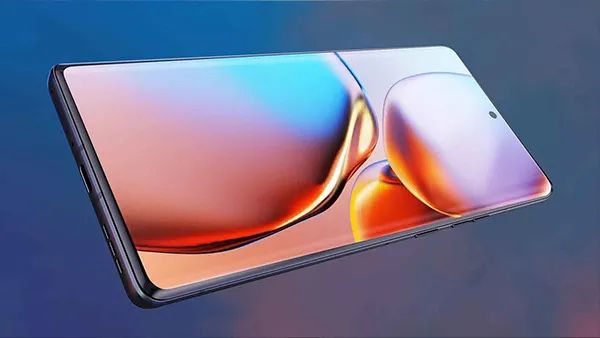
The device sports a premium pleather back, hinting at elegant design choices.
Moto X50 Ultra pioneers the “Ultra” category in Motorola’s X series lineup.
Motorola has been on an upward trajectory with its flagship smartphones, achieving notable success with the Motorola Edge Plus 2023, hailed as one of its best flagships to date.
Now, it appears the company is set to elevate its portfolio even further with an upcoming high-end device.
Introducing the Moto X50 Ultra: A New AI Powerhouse
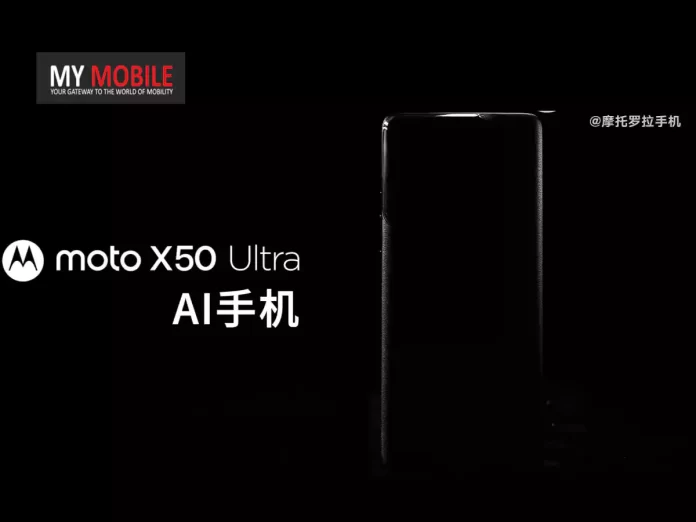
In a recent teaser on its Weibo account, Motorola unveiled a sneak peek of the Moto X50 Ultra.
The video, themed around Formula 1, brands the new device as an “AI phone,” hinting at a focus on artificial intelligence capabilities.
Motorola has been on an upward trajectory with its flagship smartphones
Although specifics about the AI features were not disclosed, expectations lean towards functionalities such as text summarization and advanced AI-driven photo editing, aligning with trends set by competitors.
Moto X50 Ultra’s F1-Themed Teaser Shared on Weibo Hinting at Imminent Arrival
The teaser provides brief glimpses of the phone, with most shots cleverly concealing the camera setup. However, it’s evident from the visuals that the Moto X50 Ultra will feature a distinguished pleather back, suggesting a premium design approach.
Interestingly, the Moto X series skipped a “Pro” and “Ultra” model last year, offering only the Moto X40, which, with minor adjustments, was introduced globally as the Moto Edge 40 Pro.
Motorola teases the Moto X50 Ultra, an AI-driven flagship smartphone
This pattern follows from the previous iteration, where the Moto X30 Pro transitioned into the Moto Edge 30 Ultra. The introduction of the Moto X50 Ultra marks a new chapter, as it’s the first device to bear the “Ultra” designation in the X series.
Features include advanced AI for text summarization and photo editing
Rumours around the Motorola Edge 50 Pro suggest a 4,500mAh battery equipped with 125W wired and 50W wireless charging capabilities.
This is a slight enhancement over the Edge 40 Pro’s 4,600mAh battery, which supported 125W wired but only 15W wireless charging. While it’s speculated that the Edge 50 Pro could be based on the Moto X50, the debut of the Moto X50 Ultra indicates a significant leap forward.
Moto X50 Ultra pioneers the “Ultra” category in Motorola’s X series lineup
FAQs
What is the Moto X50 Ultra?
The Moto X50 Ultra is Motorola’s latest flagship smartphone, teased as an AI-focused device. It’s expected to feature cutting-edge AI capabilities for enhanced user experiences in areas like text summarization and photo editing.
What new features does the Moto X50 Ultra offer?
While specific details are yet to be announced, the Moto X50 Ultra is anticipated to include advanced AI features, a premium design with a pleather back, and potentially groundbreaking camera technologies.
How does the Moto X50 Ultra compare to previous Motorola flagships?
The Moto X50 Ultra represents a significant evolution from its predecessors, being the first to carry the “Ultra” designation. It builds on the success of models like the Motorola Edge Plus 2023, with enhancements in AI capabilities and design.
Will the Moto X50 Ultra support fast charging?
Rumors suggest that the related Motorola Edge 50 Pro will feature a 4,500mAh battery with 125W wired and 50W wireless charging, implying that the Moto X50 Ultra could offer similar, if not more advanced, charging technologies.
When can we expect the Moto X50 Ultra to be available?
The release date for the Moto X50 Ultra has not been officially announced. However, its teaser on Motorola’s Weibo account suggests that more details could be revealed soon.
Spotify introduces Song Psychic, a unique feature for music-based fortune telling.
Users can select from nine topics and pre-set questions for personalized song recommendations.
The feature is designed for easy sharing on social media platforms like WhatsApp and Instagram.
Available to both free and Premium Spotify users in 64 markets and 21 languages.
Spotify has announced the launch of the Song Psychic feature, a novel addition aimed at providing users with a unique, fun way to engage with their music streaming experience.
This feature introduces a playful twist to getting personalized music recommendations by answering user queries with songs.
What is Song Psychic?
Spotify Launches Song Psychic Feature for Personalized Music Fortune Telling
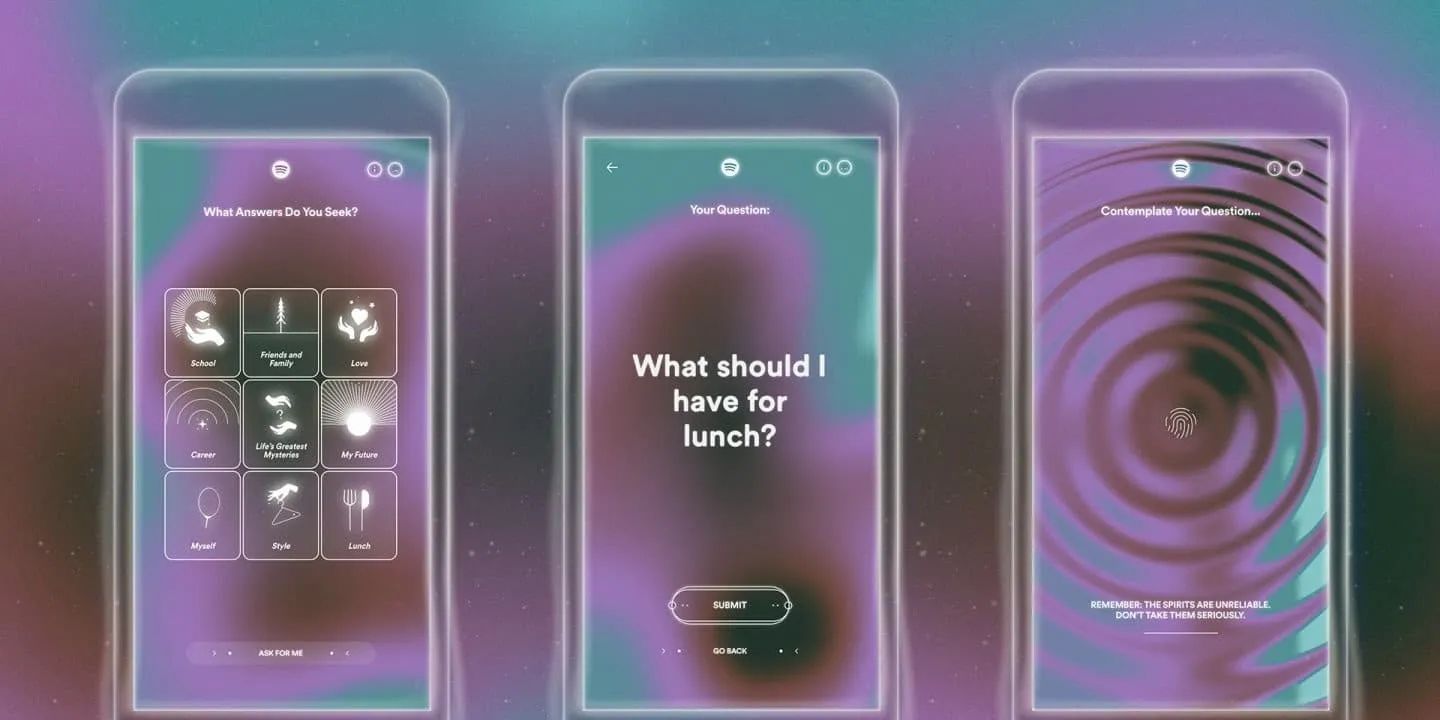
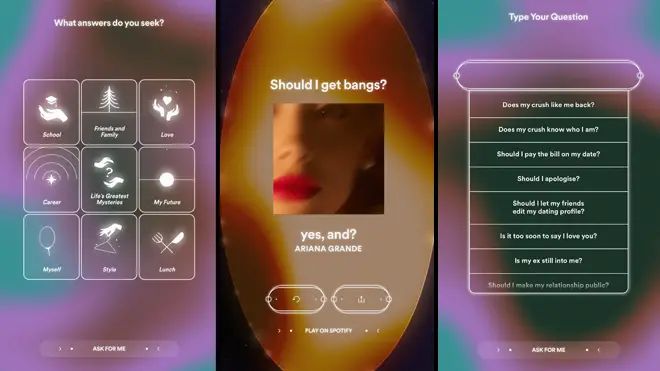
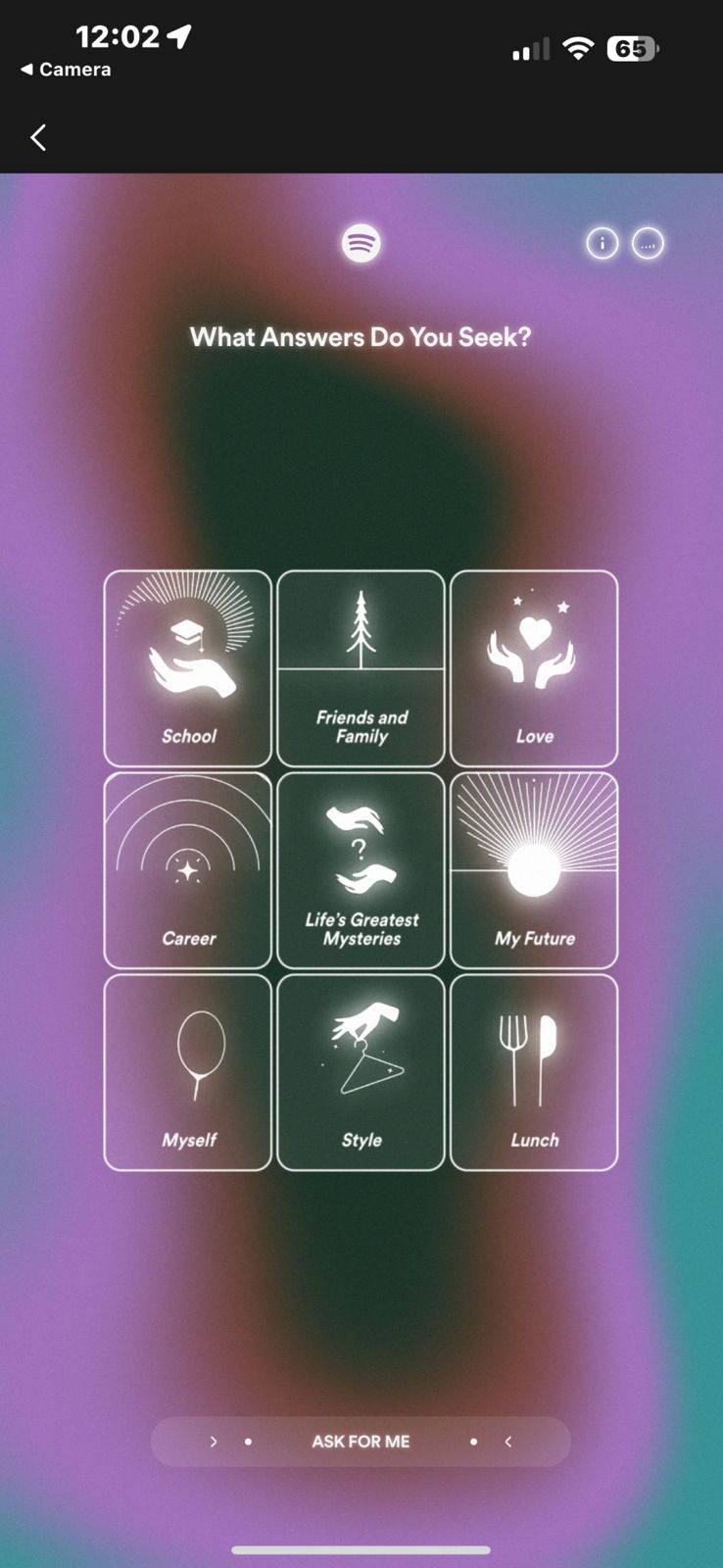
Users coming to the Song Psychic’s website, are greeted with a choice of nine broad categories, including but not limited to School, Love, Career, and even Lunch.
Spotify introduces Song Psychic, a unique feature for music-based fortune telling
Navigate to spotify.com/songpsychic using a mobile device.
Select a topic from options like School, Style, Lunch, Love, Career, Myself, My Future, Friends & Family, Life’s Greatest Mysteries, or opt for Song Psychic to intuitively choose for you.
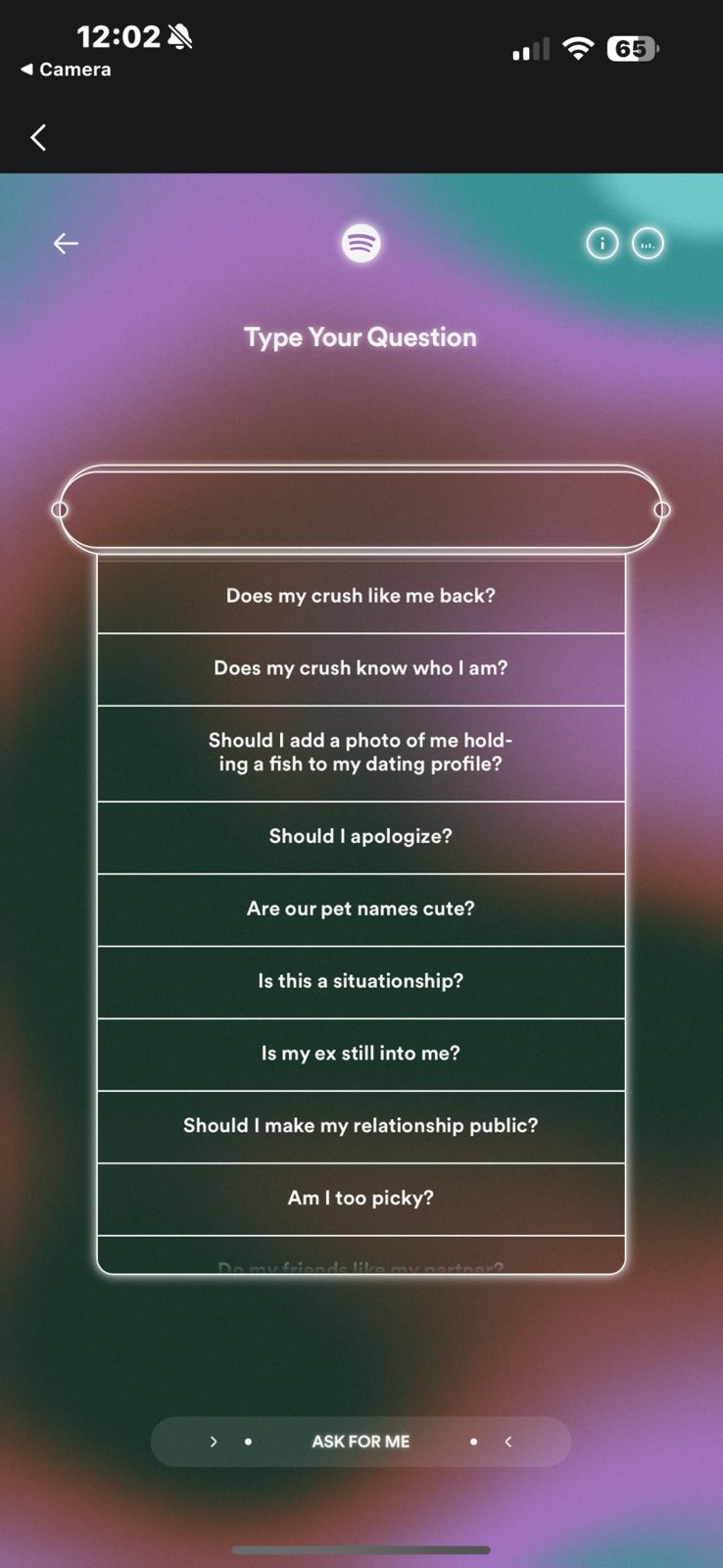
Choose a question from a list of pre-set queries such as “Should I go on this date?”, “Should I book a vacation?”, or “What should I have for lunch?”.
Wait as the contemplation screen displays, indicating Song Psychic is selecting the ideal song as your answer.
Once the song is revealed, listen to it on Spotify, pose another question if you wish, and share your musical fortune on social media platforms.
The feature is designed for easy sharing on social media platforms like WhatsApp and Instagram
Inspired by the popularity of Spotify’s Wrapped feature, which offers personalized year-end music summaries, Song Psychic’s responses are designed to be shared across social media platforms.
With just a tap, users can broadcast their musical fortunes to friends and followers on WhatsApp, Instagram, Facebook, and more, thanks to an intuitive sharing feature.
Spotify ensures that the Song Psychic feature is inclusive, making it available to both free and Premium subscribers across 64 markets and in 21 languages.
This global rollout is a way for Spoitfy to gauge the universal appeal of music and its potential to connect and entertain in innovative ways.
Available to both free and Premium Spotify users in 64 markets and 21 languages
FAQs
What is Spotify Song Psychic?
Spotify Song Psychic is an innovative feature that provides music recommendations based on user queries.
By selecting a topic and a question, users receive song-based answers that offer insight into various life aspects.
How do I use Spotify Song Psychic?
To use Spotify Song Psychic, visit spotify.com/songpsychic on a mobile device, choose a topic and a question, and wait for the feature to recommend a song as your answer. You can then listen to the song on Spotify and share your results on social media.
Can I share my Spotify Song Psychic results?
Yes, Spotify Song Psychic allows users to easily share their musical fortunes on popular social media platforms such as WhatsApp, Instagram, Facebook, and more, with a simple tap on the sharing feature.
Is Spotify Song Psychic available for all users?
Spotify Song Psychic is accessible to both free and Premium subscribers, making it a universal feature designed to engage a wide range of Spotify users across 64 markets and in 21 languages.
What kind of questions can I ask Spotify Song Psychic?
Spotify Song Psychic offers a variety of pre-set questions related to topics like School, Love, Career, and Lunch, enabling users to explore different facets of their lives through music recommendations.
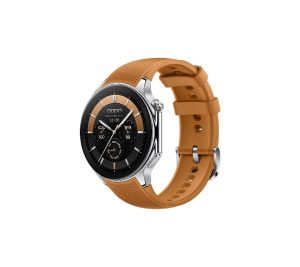
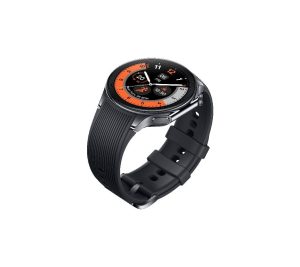
It promises impressive battery longevity, with up to 48 hours of heavy usage in Smart Mode, up to 100 hours of standard usage in Smart Mode, and an impressive 12 days in Power Saving Mode.
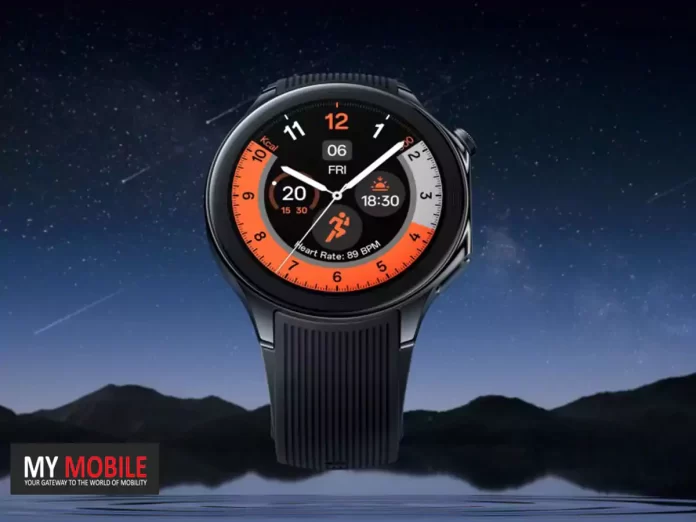
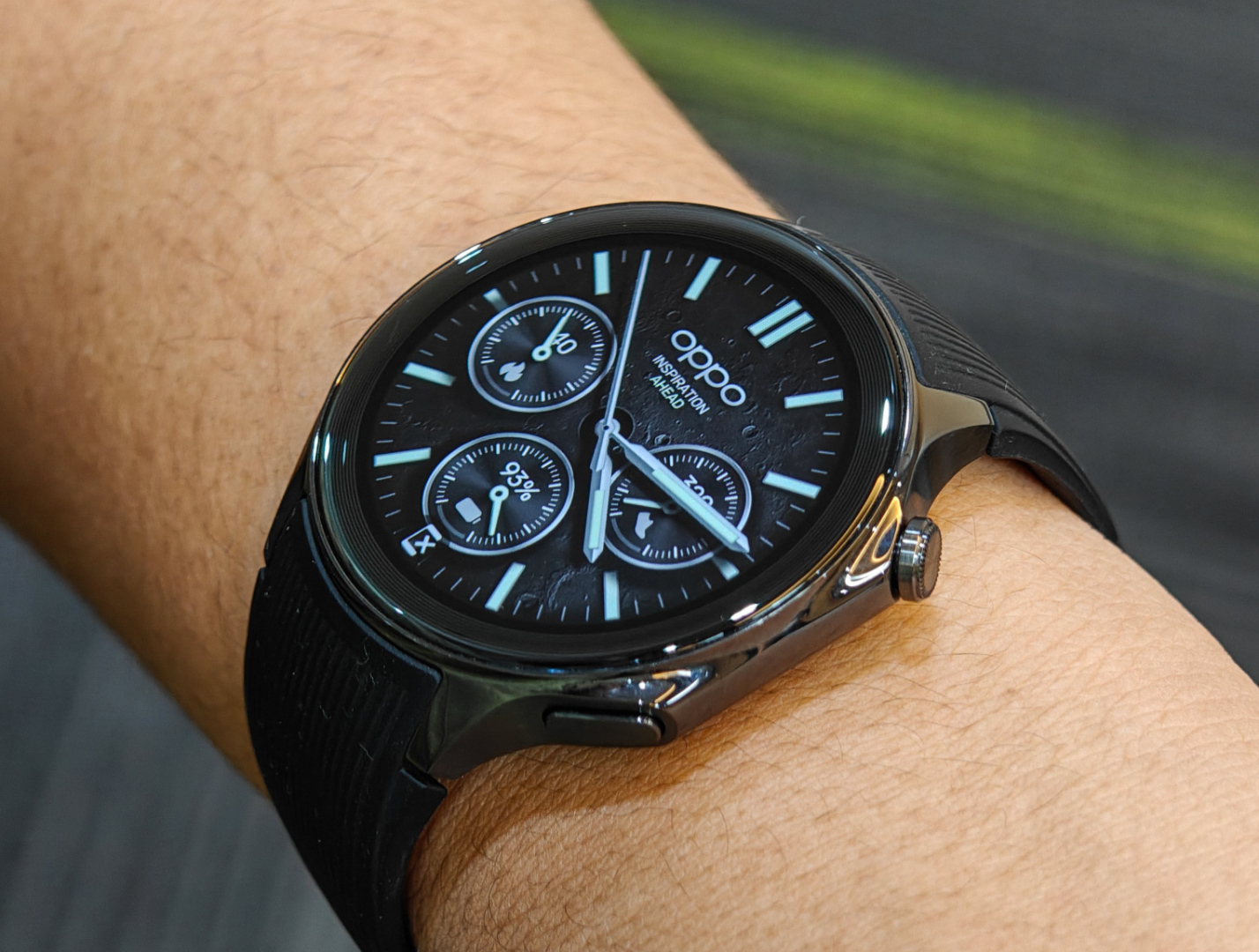
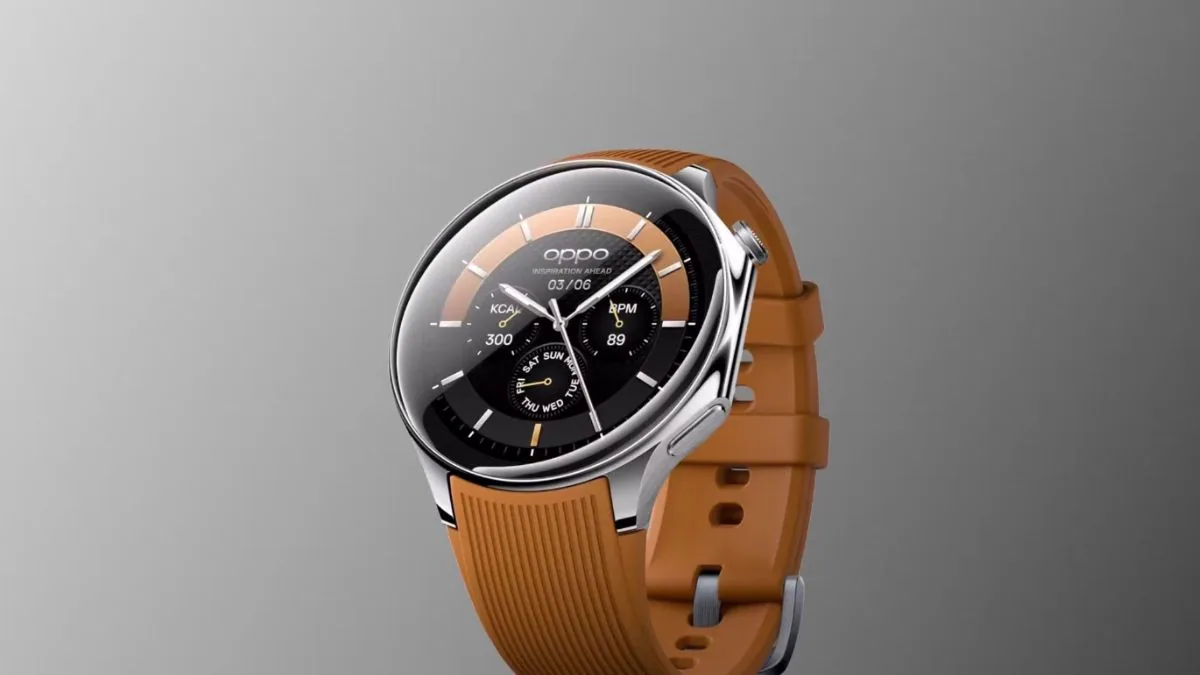
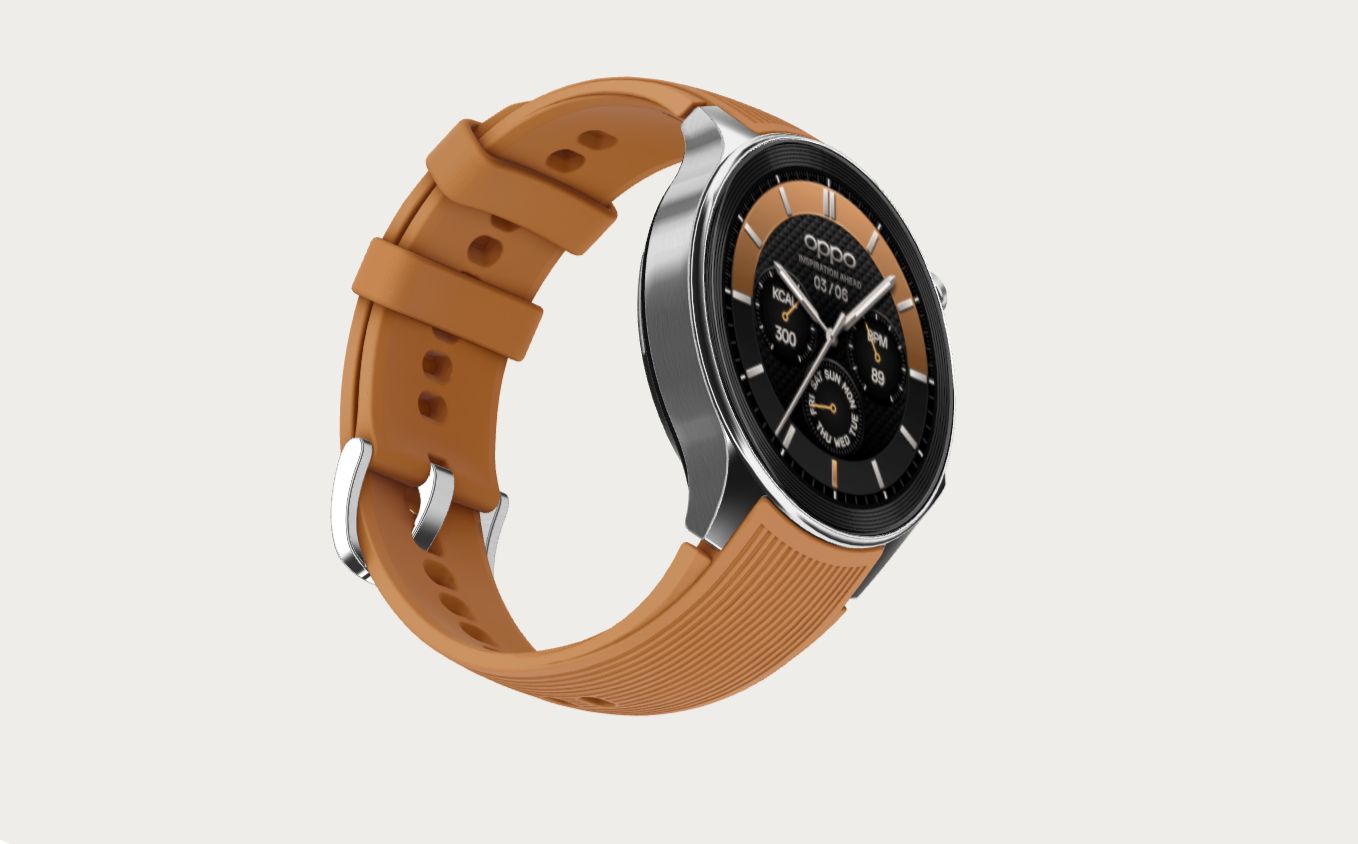
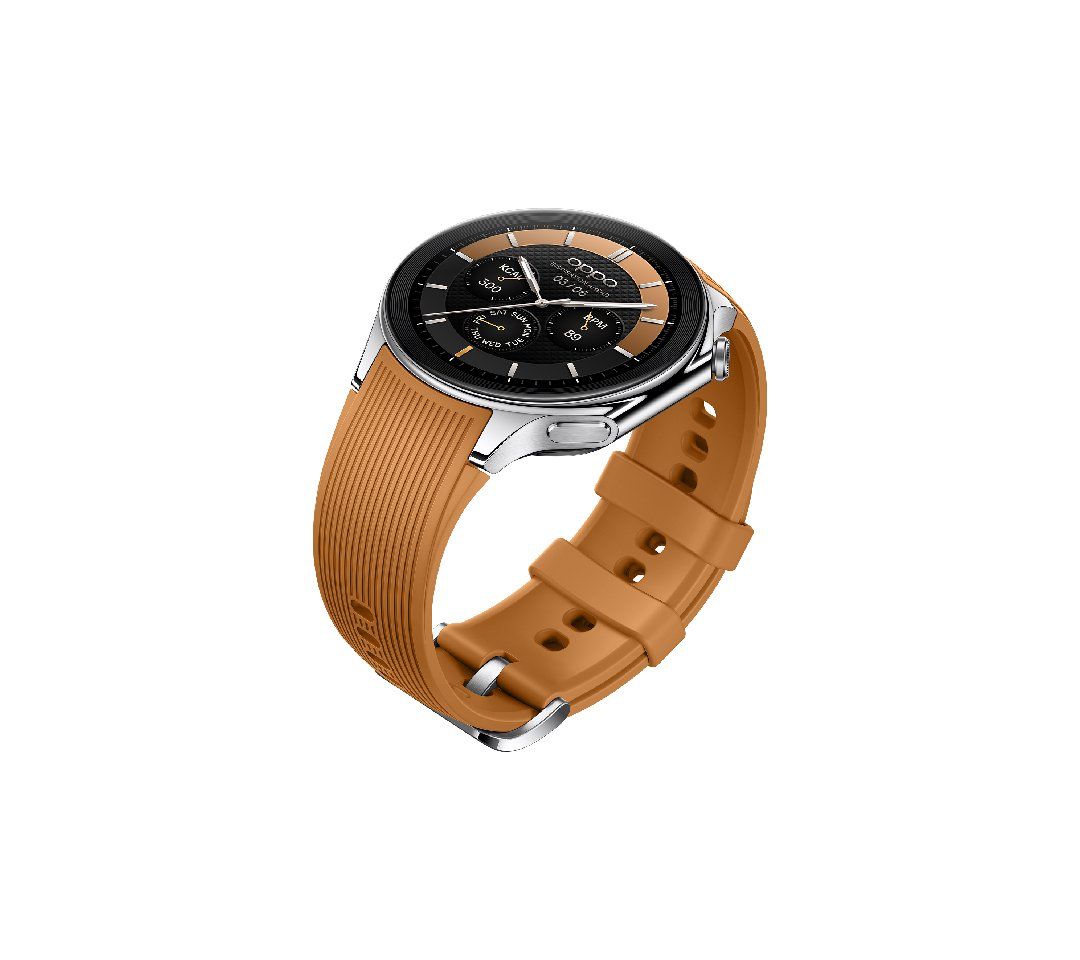
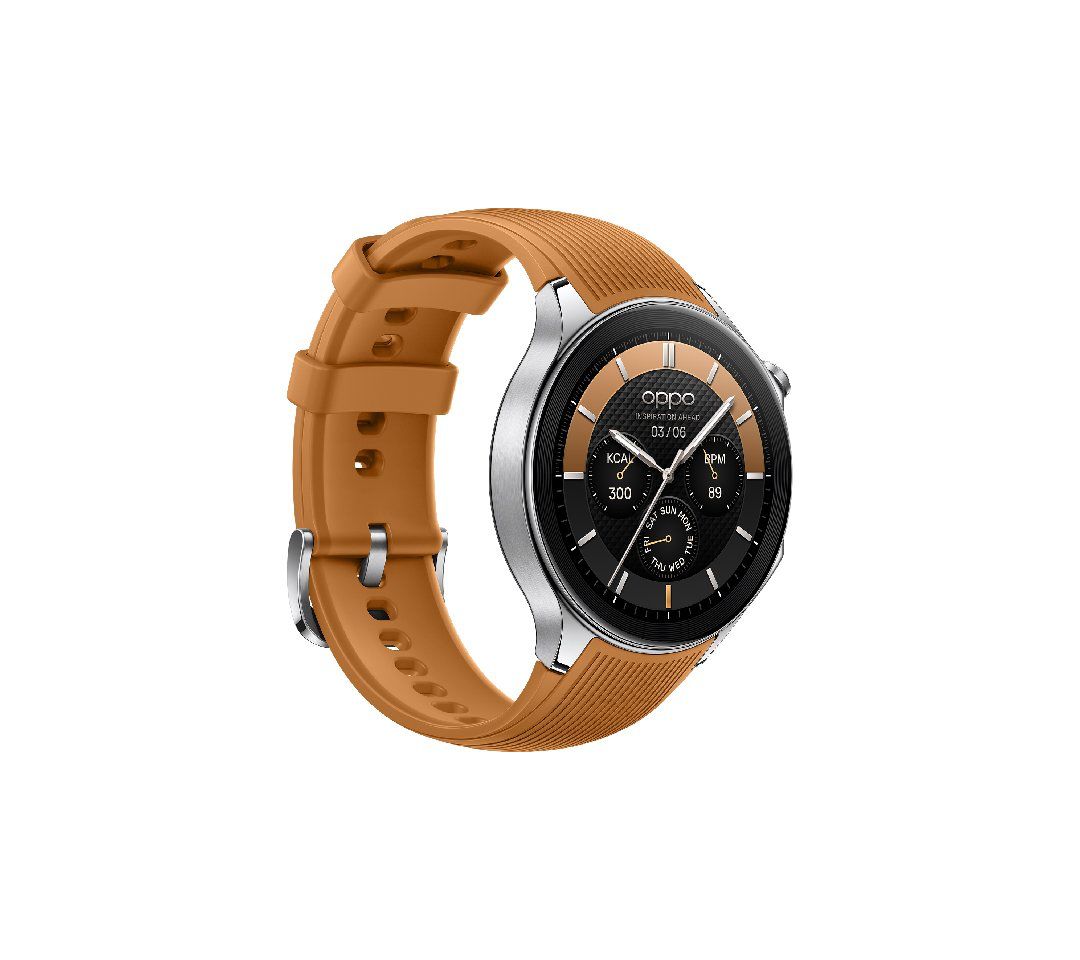
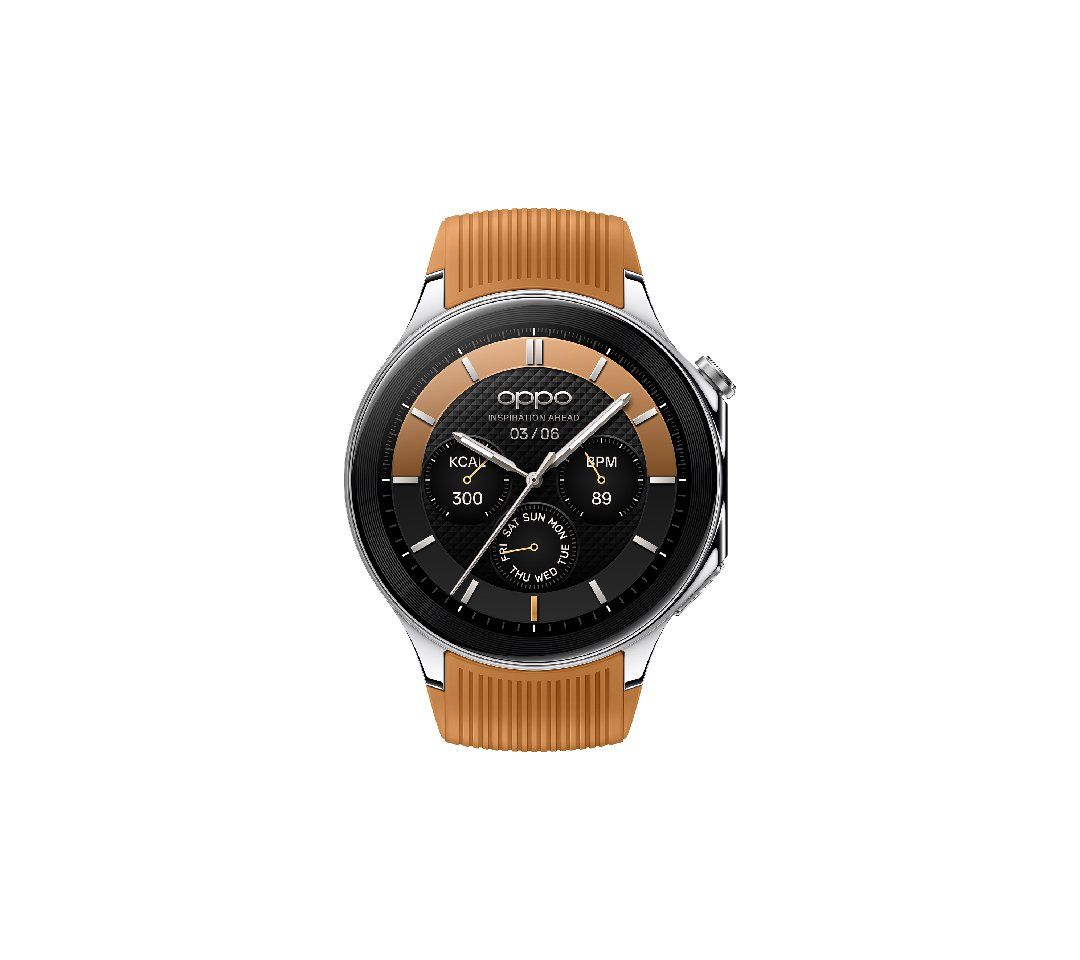
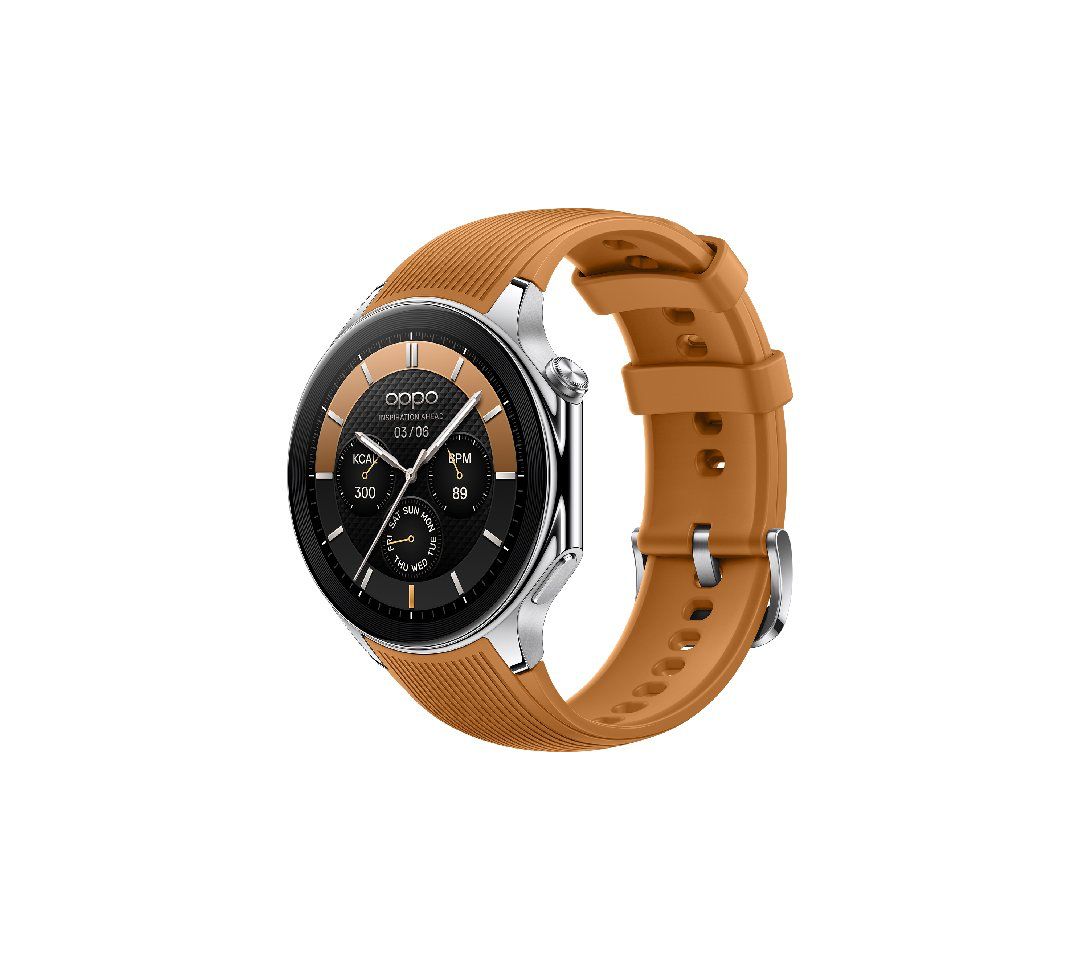
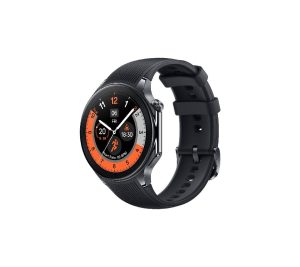
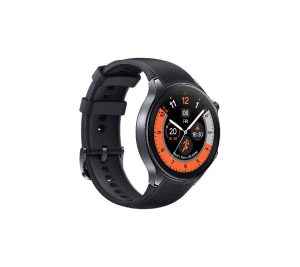
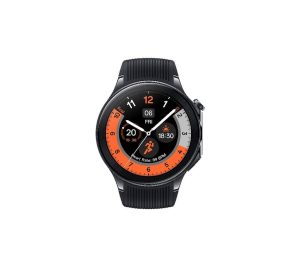
Oppo Watch X Launched in Malaysia with Wear OS and Snapdragon W5 Gen 1
The health and fitness features of the Oppo Watch X are comprehensive.
It offers all-day sleep tracking that monitors various aspects of sleep including quality, breathing rate, and snoring risk assessment.
It also includes heart rate monitoring, a blood oxygen (SpO2) tracker, and daily activity reminders.
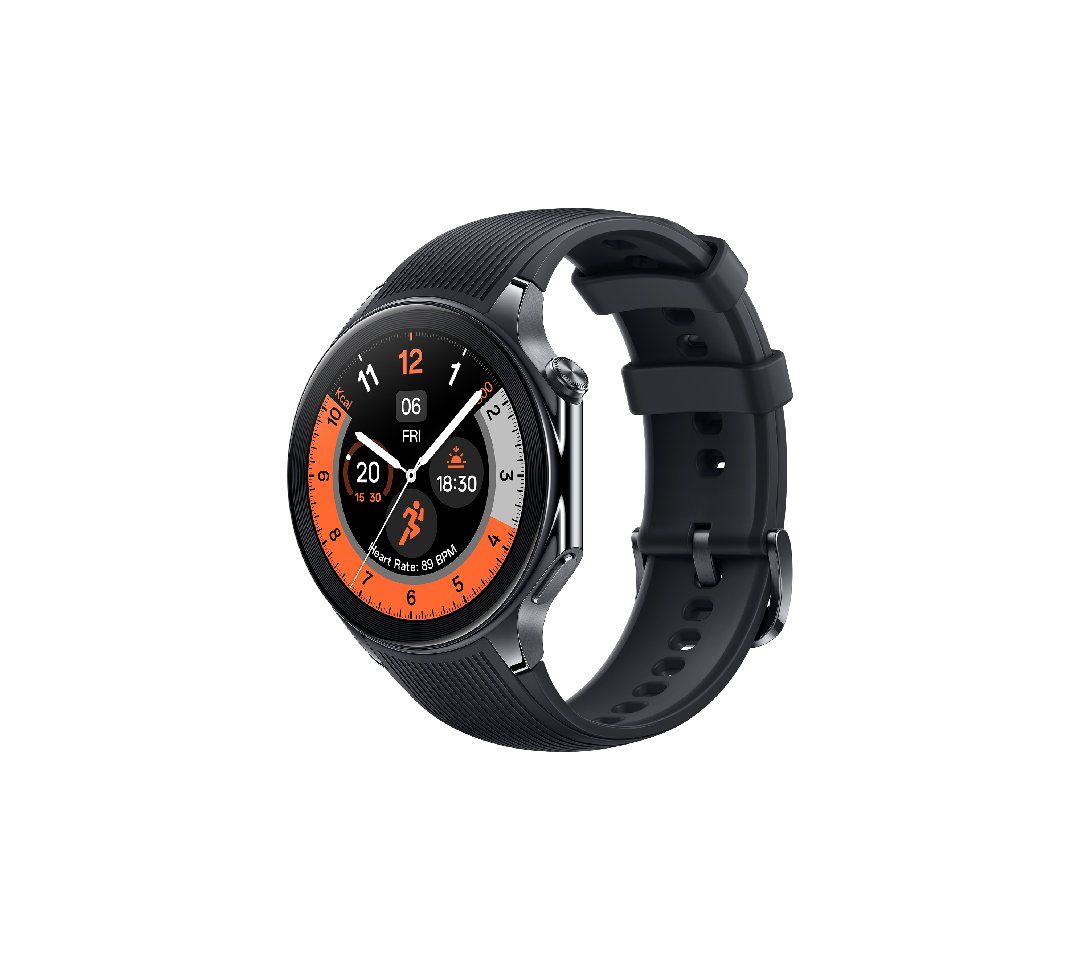
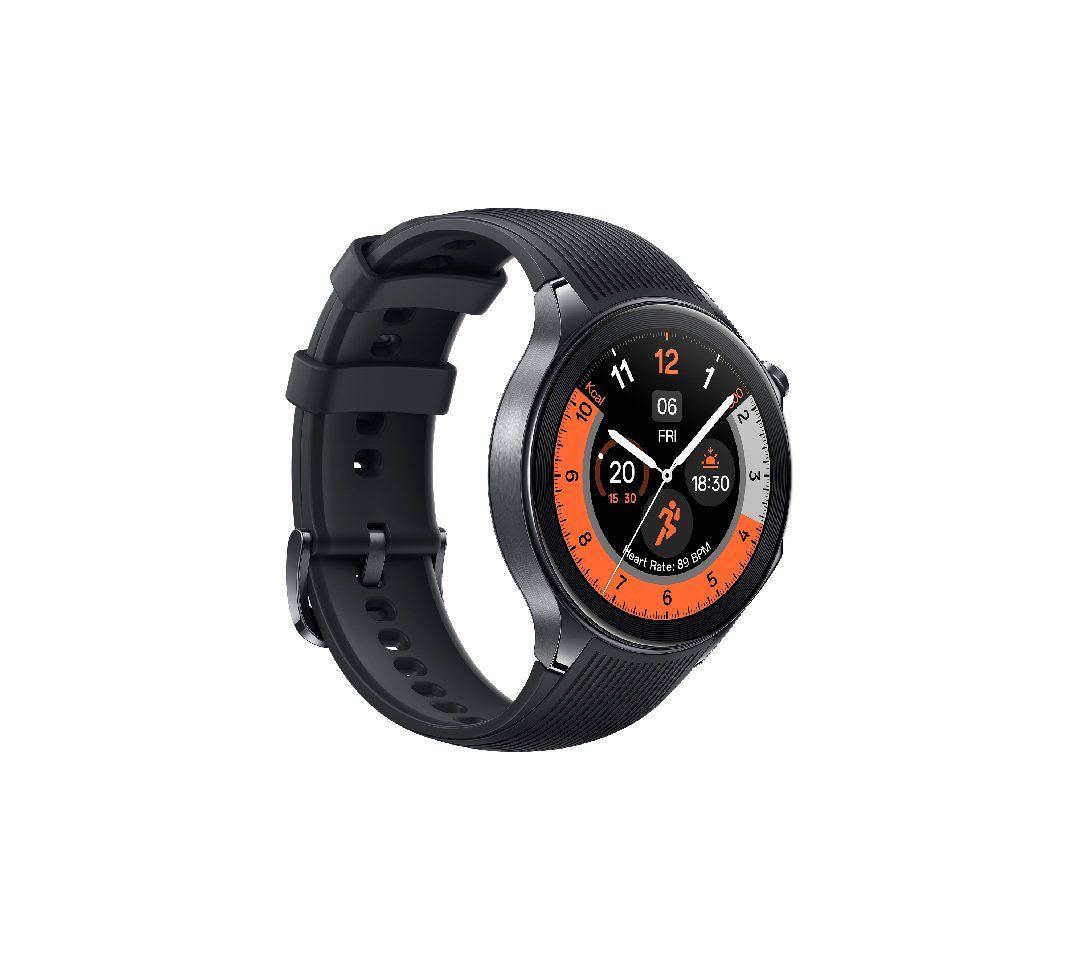
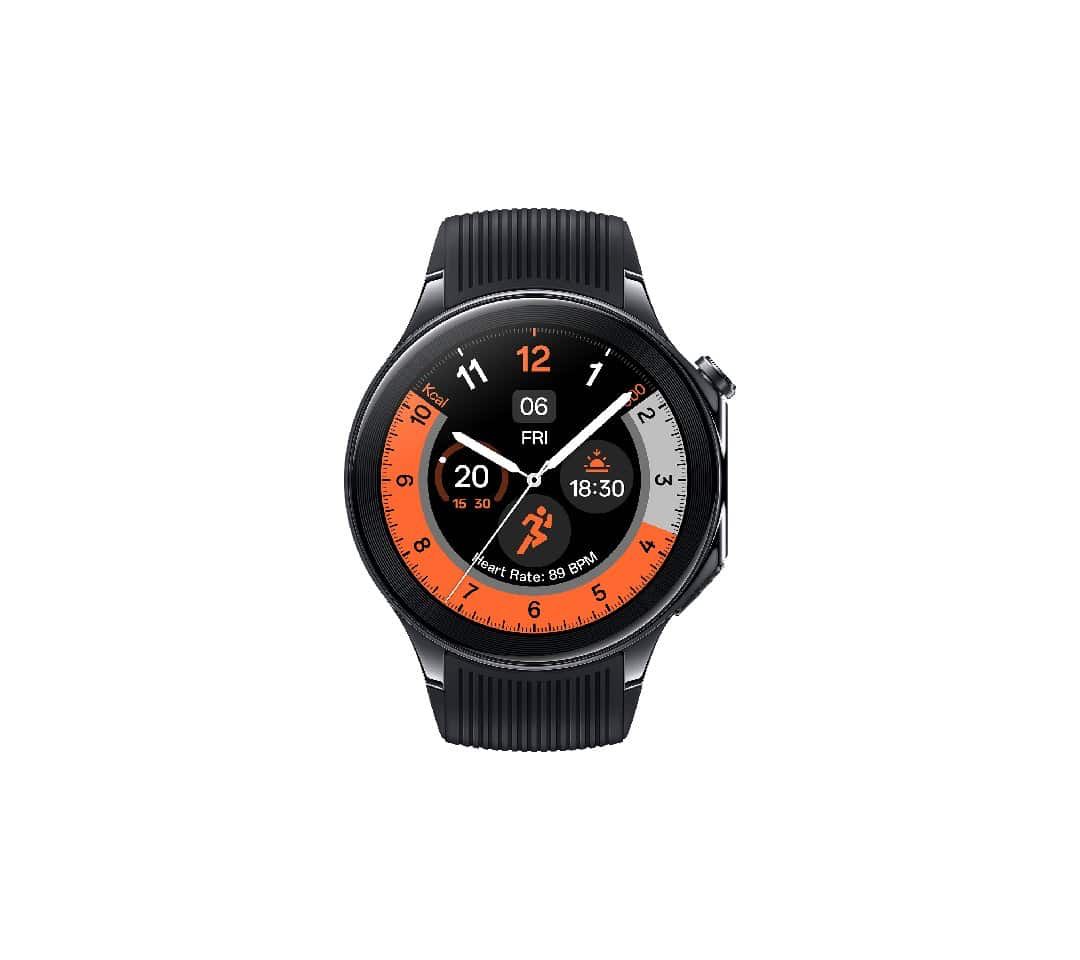
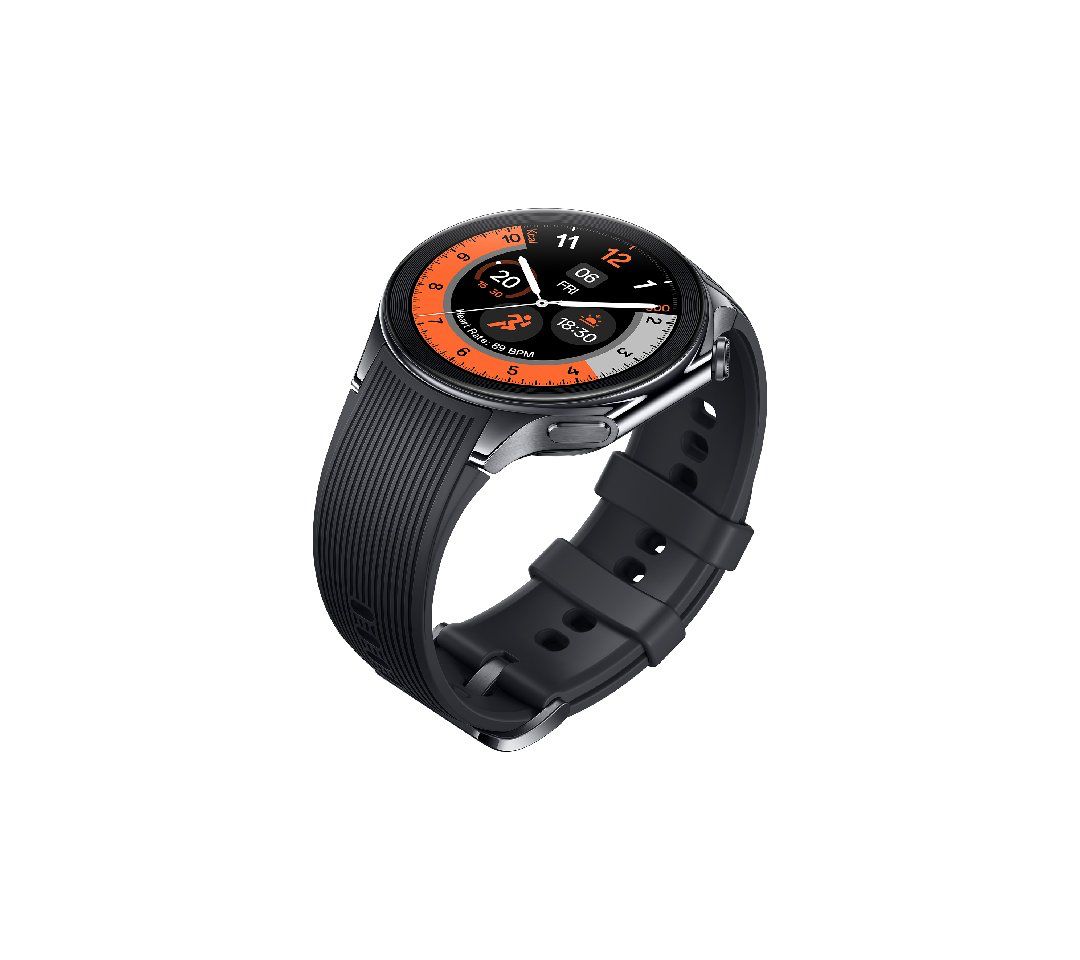
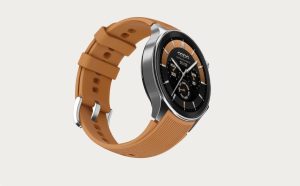
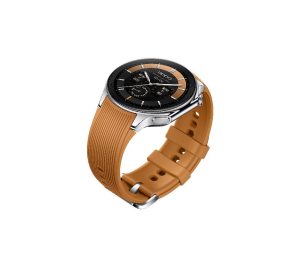
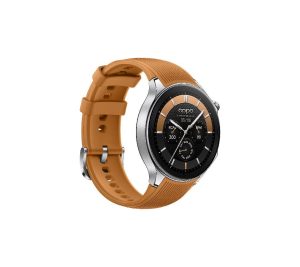
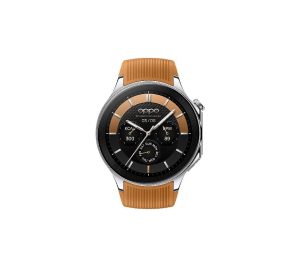
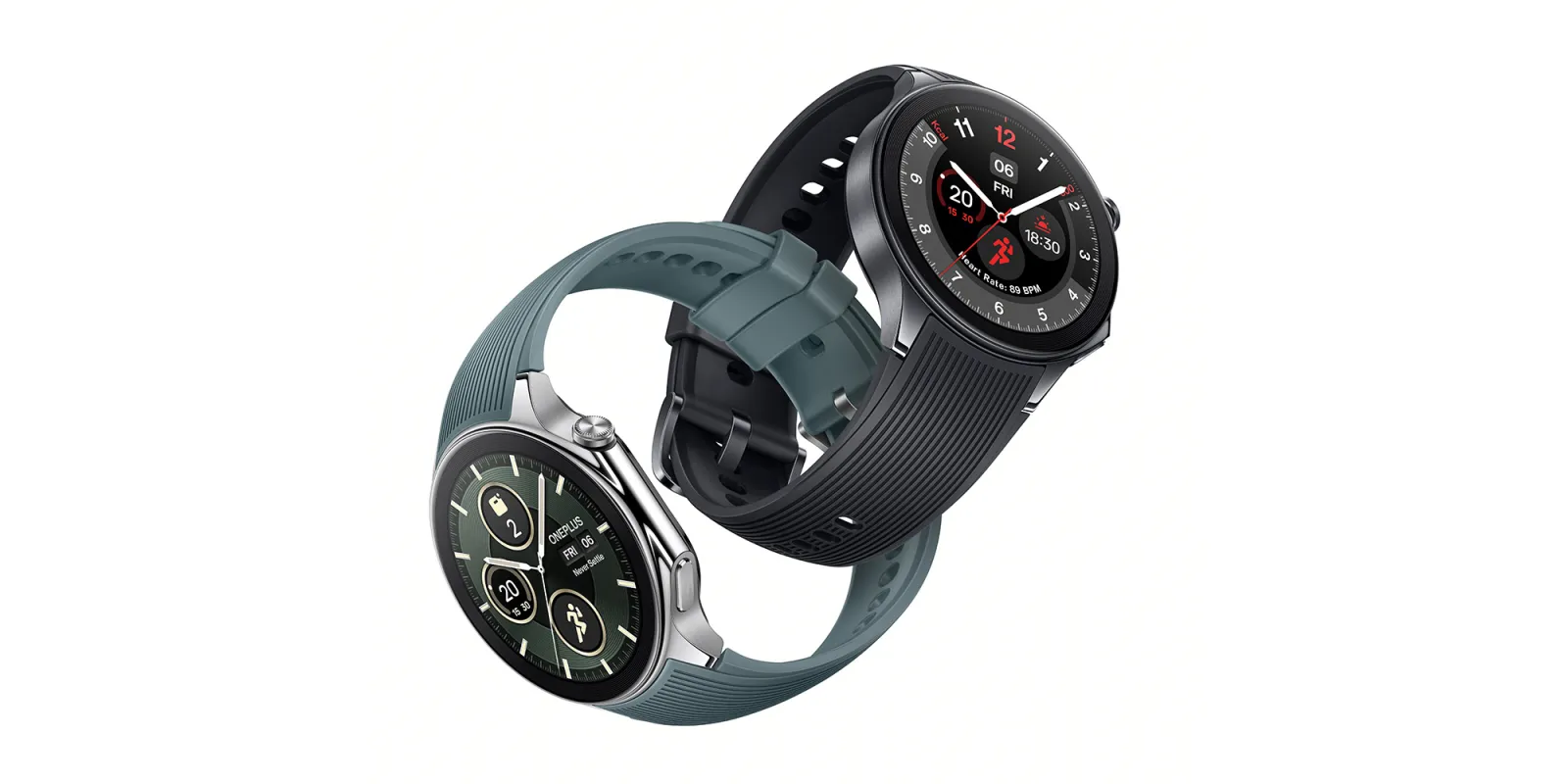
Oppo Watch X is identical to the OnePlus Watch 2 down to the design and specs.
For fitness enthusiasts, it offers over 100 sports modes, recognition for six types of cardio machines, and professional sports modes.
The Oppo Watch X has a 1.43-inch round AMOLED display with a resolution of 466 x 466 pixels, a maximum brightness of 1,000 nits, and a 2.5D sapphire crystal screen. T
Oppo’s new watch features dual-band GPS, Wi-Fi, Bluetooth, and NFC.
It also offers 2GB of RAM and 32GB of built-in storage.
The device is powered by a 500mAh battery and can be fully charged from zero to 100 in just 60 minutes.
The battery life is impressive, offering up to 48 hours of heavy usage, up to 100 hours in Smart Mode, and up to 12 days in Power Saver mode.
FAQs
What makes the Oppo Watch X stand out in the smartwatch market?
The Oppo Watch X stands out with its stylish design, advanced Snapdragon W5 Gen 1 processor, comprehensive health and fitness tracking features, and impressive battery life, making it a competitive choice in the smartwatch market.
How long does the battery last on the Oppo Watch X?
The Oppo Watch X boasts a 500mAh battery, offering up to 48 hours of heavy usage, 100 hours in Smart Mode, and up to 12 days in Power Saver mode, providing users with long-lasting performance.
What health and fitness features does the Oppo Watch X offer?
It includes all-day sleep tracking, heart rate monitoring, SpO2 tracking, daily activity reminders, and over 100 sports modes, catering to a wide range of fitness and health monitoring needs.
Where can I buy the Oppo Watch X?
The Oppo Watch X is currently available for purchase on the official Oppo website in Malaysia. There are plans for a launch in China, but details for an Indian launch have not been confirmed.
Does the Oppo Watch X support Wear OS apps?
Yes, the Oppo Watch X runs on a Snapdragon W5 chipset that supports Wear OS apps, alongside RTOS for efficient background task management, offering a versatile and user-friendly experience.
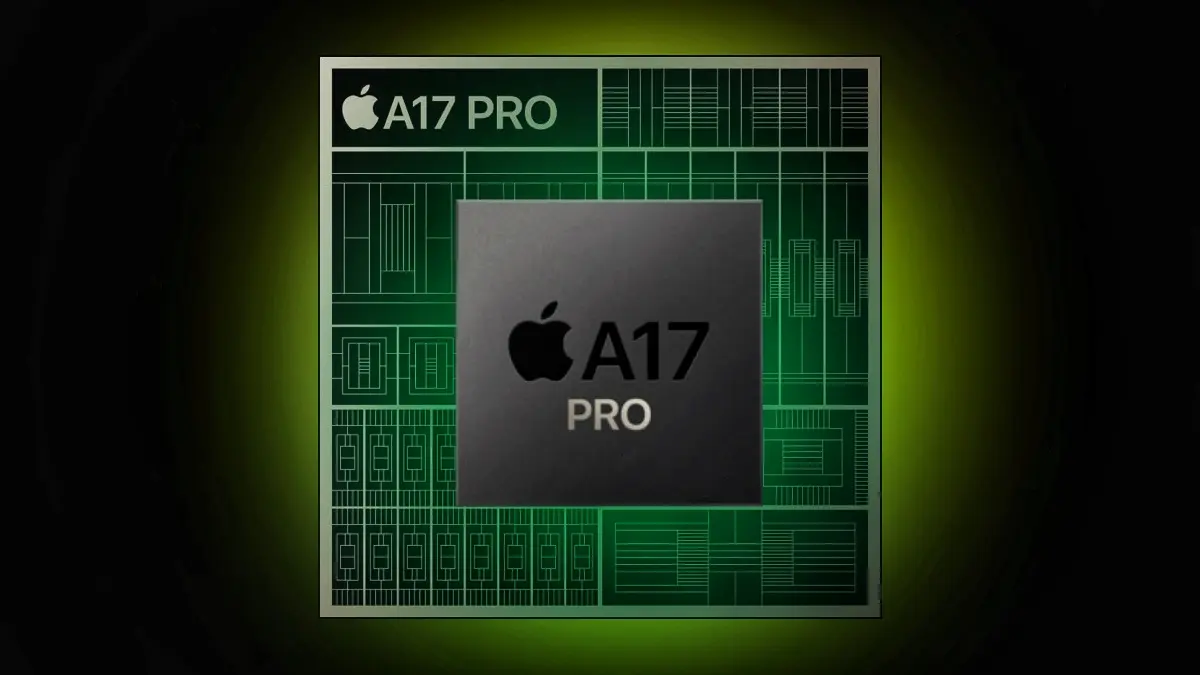
As we stand at the threshold of the 3nm era with theA17 Pro Bionic chipsets, it’s worth exploring how far we can push the boundaries of manufacturing processes.
The Current State of Chipsets
The Current State of Chipsets
The A17 Pro Bionic chipset,announced on September 12, 2023, is a 64-bit ARM-based system on a chip (SoC) designed by Apple Inc. and manufactured by TSMC.
It’s the first widely available SoC to be built on a 3nm process.
The A17 Pro features an Apple-designed 64-bit six-core CPU with two high-performance cores running at 3.78 GHz, and four energy-efficient cores running at 2.11 GHz
The Roadmap to the Future
The Roadmap to the Future
Intel’s roadmap until 2025 outlines a transition to Intel 7 and Intel 4, with Intel 3, 20A, and 18A coming in the next few years.
The company aims to achieve “process leadership” in 2025.
The 20A (the company’s 2nm process) is said to be where Intel will reach “process parity” and will debut with Arrow Lake and the company’s first usage of PowerVia and RibbonFET.
Then 18A will be 1.8nm using both PowerVia and RibbonFET.
The Challenges Ahead
The Future of Chipsets: Pushing the Boundaries of Manufacturing Processes
The cost of building and operating fabs has risen significantly.
The government incentives landscape is still being pondered upon across multiple parts of the world, new, more aggressive financial support programs will be critical to make the economics of these massive capital-intense projects viable.
Moreover, the global $450 billion semiconductors industry was blindsided due to the global pandemic after a massive demand for semiconductors.
The crunch led to supply chain issues as the industry relied on a few giant players.
The Future Beyond 2nm
The Future Beyond 2nm
IBM researchershave presented a set of innovations showing a future beyond nanosheet devices and copper interconnects.
However, it should be noted that all of this work is currently highly theoretical.
FAQs
What does the 3nm process mean for chipset manufacturing?
The 3nm process represents a significant leap in semiconductor technology, offering higher efficiency and performance.
The A17 Pro Bionic chipset is the first to adopt this advanced manufacturing process, setting a new standard for power and efficiency in SoCs.
How is Intel planning to achieve process leadership in the semiconductor industry?
Intel’s roadmap outlines a transition through several technological milestones, including Intel 7, Intel 4, and eventually reaching 1.8nm processes with Arrow Lake.
These developments aim to position Intel as a leader in chipset manufacturing by 2025.
What are the major challenges facing the semiconductor industry today?
The semiconductor industry faces challenges including escalating fabrication costs, dependence on a few major players for supply, and the need for significant government incentives to support the economics of high-capital projects.
What does IBM’s research indicate about the future of chipsets?
IBM’s research suggests that innovations beyond current nanosheet devices and copper interconnects could enable semiconductor manufacturing at 1nm and smaller scales. This theoretical work paves the way for future advancements in chipset technology.
Why is the semiconductor industry crucial for technological advancement?
Semiconductors are the backbone of modern electronics, powering devices from smartphones to supercomputers.
Advances in chipset technology drive progress in computing power, energy efficiency, and the overall capabilities of electronic devices.
What are Qualcomm’s Plans for the Future?
Qualcomm has always been at the forefront of innovation in the mobile industry, and the company has ambitious plans for the future.
One of Qualcomm’s key focus areas is research and development. The company invests heavily in R&D to drive advancements in mobile technology and stay ahead of the competition.
Qualcomm’s research efforts are focused on several key areas, including 5G connectivity, artificial intelligence, and power efficiency.
The company is working on developing chipsets that can deliver even faster data speeds, lower latency, and improved network coverage. Qualcomm is also investing in AI research to enable new features and capabilities in mobile devices.
Additionally, the company is exploring ways to improve power efficiency in its chipsets to address concerns about battery life.
In addition to its research efforts, Qualcomm is also actively collaborating with other industry players to drive innovation.
The company works closely with smartphone manufacturers, network operators, and software developers to ensure that its chipsets are optimized for the latest technologies and standards.
By fostering these partnerships, Qualcomm aims to create a seamless ecosystem that benefits both consumers and manufacturers.
What are The Impact of a New Chipset on Mobile Devices ?
A new chipset from Qualcomm in 2024 would have a significant impact on mobile devices. Firstly, it would improve overall performance and responsiveness.
With faster CPUs and GPUs, users would experience smoother multitasking, faster app launches, and improved gaming performance. This would make mobile devices more powerful and capable than ever before.
Secondly, a new chipset could enhance the multimedia capabilities of mobile devices. With improved graphics processing, devices would be able to deliver stunning visuals and support high-resolution displays.
This would result in a more immersive viewing experience for users, whether they are watching movies, playing games, or browsing the web.
Furthermore, a new chipset could improve battery life and power efficiency. Qualcomm has been working on developing chipsets that consume less power without compromising performance.
A new chipset in 2024 could introduce even more power-efficient technologies, allowing users to enjoy longer battery life and reducing the need for frequent charging.
What are The Benefits for Consumers and Manufacturers of a new chipset ?
A new chipset from Qualcomm in 2024 would bring several benefits for both consumers and manufacturers. For consumers, the improved performance and capabilities of mobile devices would enhance the overall user experience.
Whether it’s faster app launches, smoother gaming experiences, or better camera performance, users would be able to do more with their smartphones and enjoy a more seamless and enjoyable mobile experience.
Manufacturers would also benefit from a new chipset. With improved performance and capabilities, manufacturers would be able to create more innovative and feature-rich devices.
This would give them a competitive edge in the market and attract more customers. Additionally, a new chipset could enable manufacturers to differentiate their products by offering unique features and capabilities that are not available on other devices.
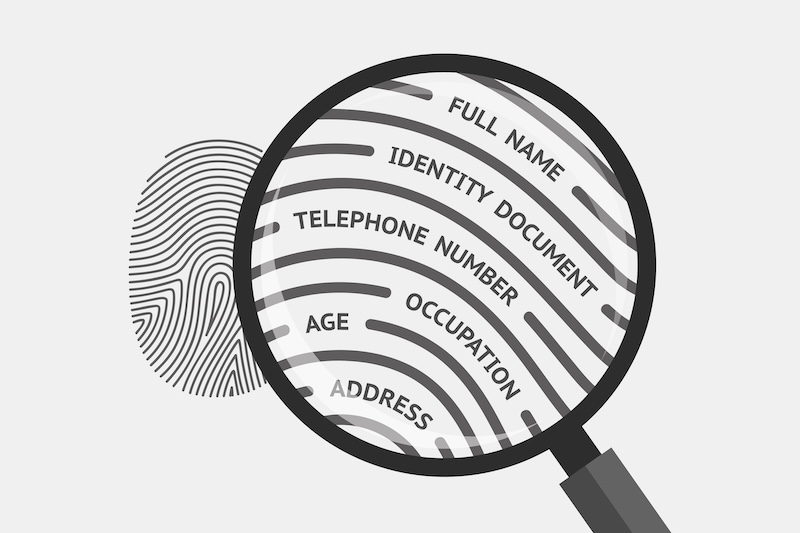
The privacy of our personal information, including things like our home addresses and more, has become a paramount concern.
With data aggregators and brokers constantly scraping and selling personal data, the question of how to remove one’s address from the Internet has never been more relevant.
The Problem at Hand
The Problem at Hand
Our personal addresses, once considered information shared only with trusted entities, are now commodities traded on the Internet.
This not only poses a privacy risk but also increases the chances of identity theft,spamming, and unwanted solicitations.
The root of the problem lies in the practices of data brokers and online directories that compile and sell personal information without explicit consent from individuals.
How Your Data is Scrubbed and Sold
How Your Data is Scrubbed and Sold
Data brokers operate by collecting personal information from various sources, including public records, social media profiles, and other online activities.
This data is then cleaned, categorized, and packaged into profiles that are sold to the highest bidder.
The process is largely unregulated, making it difficult for individuals to know who has their personal information and for what purpose it is being used.
So what can be done?
Below we have identified some solutions.
Steps to Remove Your Address from the Internet
Steps to Remove Your Address from the Internet
Identify the Sources: Start by searching for your name and address on search engines and note down the websites that list your information. Pay special attention to data broker websites and online directories.
Opt-Out from Data Brokers: Most data brokers have an opt-out procedure that allows individuals to request the removal of their information. This process can be tedious, as it involves navigating through each site’s privacy policy and opt-out instructions.
Remove Information from Websites: For websites outside of data broker control, you might need to contact the site’s administrator directly to request the removal of your information. Be prepared to provide proof of identity and, in some cases, a valid reason for the removal.
Consider a Professional Service: Due to the complexity and time-consuming nature of removing personal information from the Internet, there are professional services that specialize in data removal. These services can streamline the process, though they come with a cost.
Secure Your Social Media: Adjust your privacy settings on social media platforms to limit what information is publicly visible. Be cautious about what personal information you share online in the future.
Monitor Your Digital Footprint: Regularly search for your personal information online to ensure that it doesn’t reappear. Consider setting up Google Alerts for your name to monitor new mentions.
Challenges and Considerations
Learn to identify and opt-out from data brokers selling your information
While taking steps to remove your address and personal information from the Internet can reduce your digital footprint, it’s essential to understand that complete removal is nearly impossible.
Information can resurface or be held by entities that do not honor removal requests.
Furthermore, some information, like certain public records, cannot be removed.
FAQs
How can I remove my address from the Internet?
To remove your address from the Internet, start by identifying websites that list your information, including data brokers and online directories, and follow their opt-out procedures.
You may also need to contact individual websites directly to request information removal.
Is it possible to completely erase my personal information from the Internet?
Completely erasing your personal information from the Internet is challenging due to the widespread distribution of data across various platforms and the nature of public records. However, you can significantly reduce your digital footprint by following the outlined steps.
What are data brokers, and how do they affect my privacy?
Data brokers are companies that collect, package, and sell personal information to third parties. This practice can lead to privacy breaches and unwanted solicitations, making it crucial to opt-out from their services to protect your privacy.
Why is it important to adjust my social media privacy settings?
Adjusting your social media privacy settings is essential to control what information is publicly visible and reduce the risk of your personal data being harvested by data brokers and other entities.
Can professional services help in removing my address from the Internet?
Yes, professional services specialize in data removal and can help streamline the process of removing your address and other personal information from the Internet. They handle the tedious task of dealing with data brokers and websites on your behalf.
How to Find your personal contact info in Google Search results?
Step 1: Find results about you
Go to “Results about you” page.
In the Google app:
Log in to the Google app.
To open the menu, click your Google Account avatar.
From the menu, select Results about you.
From mobile web or desktop:
Log in to your Google account.
To open the menu, click your Google Account avatar.
From the menu, select Manage your Google Account and then Data & privacy.
In the “History settings,” select My Activity and then Other activity.
Scroll down to the “Results about you” section, and select “Manage results about you.”
Select Get started or Settings.
Enter your name and the contact info that you want to find in search results.
Google uses this information to check for search results that show this info.
Tip: You can also enter these types of contact info in the form:
Nickname
Maiden name
Multiple personal phone numbers
Multiple addresses
Multiple email address
Set up notifications.
You can choose to receive email notifications if Google finds results with your contact info. You can also receive push notifications through the Google app.
If you have notifications on, you’ll receive a notification to let you know if the results match your info. After that, you’ll receive a new notification when new results are found that match your contact info.
Step 2: Review results about you
If you have notifications on, you’ll get a notification within a few hours to let you know if any search results matched your name and personal contact info. You can also check directly from the “Results about you” page.
To view your results, from the “Results about you” page, go to the “Results to review” tab.
When you select a result, you can learn more about it, like the website it’s from, or the contact info it contains.
Step 3: Request removal of results about you
If you see a result that you’d rather keep private, you can request to remove it from search results.
To remove more than one result, select the checkbox next to each result and then Request to remove.
To remove a single result, select the result to expand and then Request to remove.
If you don’t want to start a removal request, you can also choose “Mark as reviewed.”
Google considers some results valuable to the public. These can include government or educational websites, online newspapers, or business websites.
If your result is from a website like this, you won’t find a “Remove result” option.
To confirm your removal request and for status updates when your request has been reviewed, you’ll get an email.
You can check the status of your requests anytime from “Results about you” under “Removal requests.”
How to Remove results when you use Google Search?
Step 1: Report URLs on Google Search
On desktop or mobile, log in with your Google Account.
You’ll get an update on the status of your requests through the email address associated with your account.
If you want to request removal of a result for someone else, or if you don’t want to log in, you can use the detailed removal request form instead.
On Google Search, search for your name.
To find results that show your personal contact info, you can search for your name and your home city, or your name and your home address.
To reach “About this result” panel, click More.
Select Remove result and thenIt shows my personal contact info.
Go through the reporting flow.
Submit your request.
After you submit your request, select I’m done.
Tip: Make sure to enter your name and the personal contact info shown on the result page exactly as they appear on the result. For example, if the result shows:
Your nickname: Enter your nickname in the form.
An old home address: Enter the old home address in the form.
More than one type of contact info: You only need to include one type of contact info in your request form. This includes your phone number and your home address.
More than one type of contact info: You don’t need to submit multiple removal requests for the same URL.
Step 2: Check for email confirmation
Within the next few hours, you’ll receive an email confirmation that your request was submitted.
Step 3: Monitor the status of your requests
In the “Results about you” page, you can check if your request is:
In progress
Approved
Denied
Undone
After you select on a specific request, you can check details like the:
Link to the page you flagged
Submission day and time
Request ID
Contact info you flagged on the page
Tip: There may be a delay between when a request is approved and the result is removed from search results. You can check if your info is already removed within a few hours after it was approved.
What does Google do with the data you provide in your removal requests?
When you submit removal requests, you must provide the contact info that you want to be removed. Google uses this info to make sure it matches the info that appears on a result’s web page.
Google doesn’t share this info or use it to personalize your experience across other Google products. This means it isn’t used to inform what type of ads you can check on Google or what type of search results you can check for other types of queries.
It’s used and stored to process your requests, improve the removal request process, and to allow you to view the status of your past removal requests over time.
What happens to URLs after they’re approved for removal?
When URLs are approved for removal, one of the following will happen:
The URL won’t appear for any search query. This is what happens most of the time.
The URL won’t appear for search queries that contain your name.
This is called query-based removal. This happens when the info on the page that violates the policy is accompanied by content that’s considered valuable to the public or has contact info that belongs to other individuals or businesses.
When you remove a result that shows your personal contact info from Google Search, it doesn’t mean that the info is gone from the internet. Whether your request is approved or denied, the info still exists on the source web page.
How to remove personal information from the internet?
In short, do the following to remove your info from the internet:
Opt out of data broker sites and people search sites
Remove your personal information from Google
Remove personal information from your browser
Delete your social media accounts or make them private
Delete any apps you don’t need
Delete any online accounts you aren’t using
Delete any email accounts you are no longer using
Opt out of marketing associations
Remove personal details from AI training models
Restrict personal data collection on your phone
Restrict personal information sharing on smart devices
Erase public records
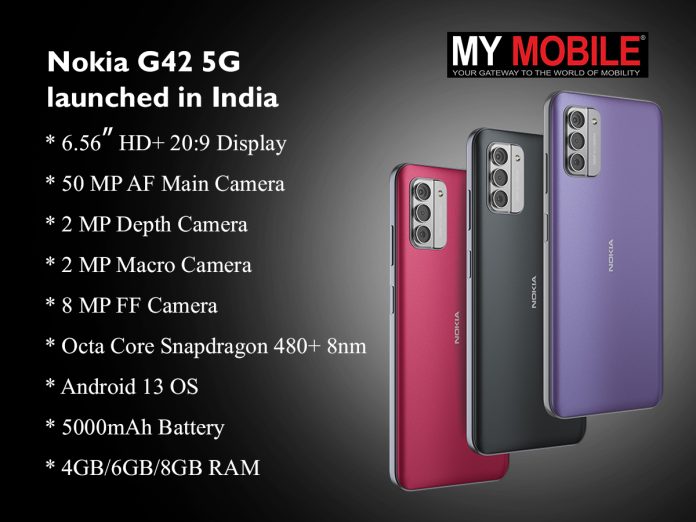
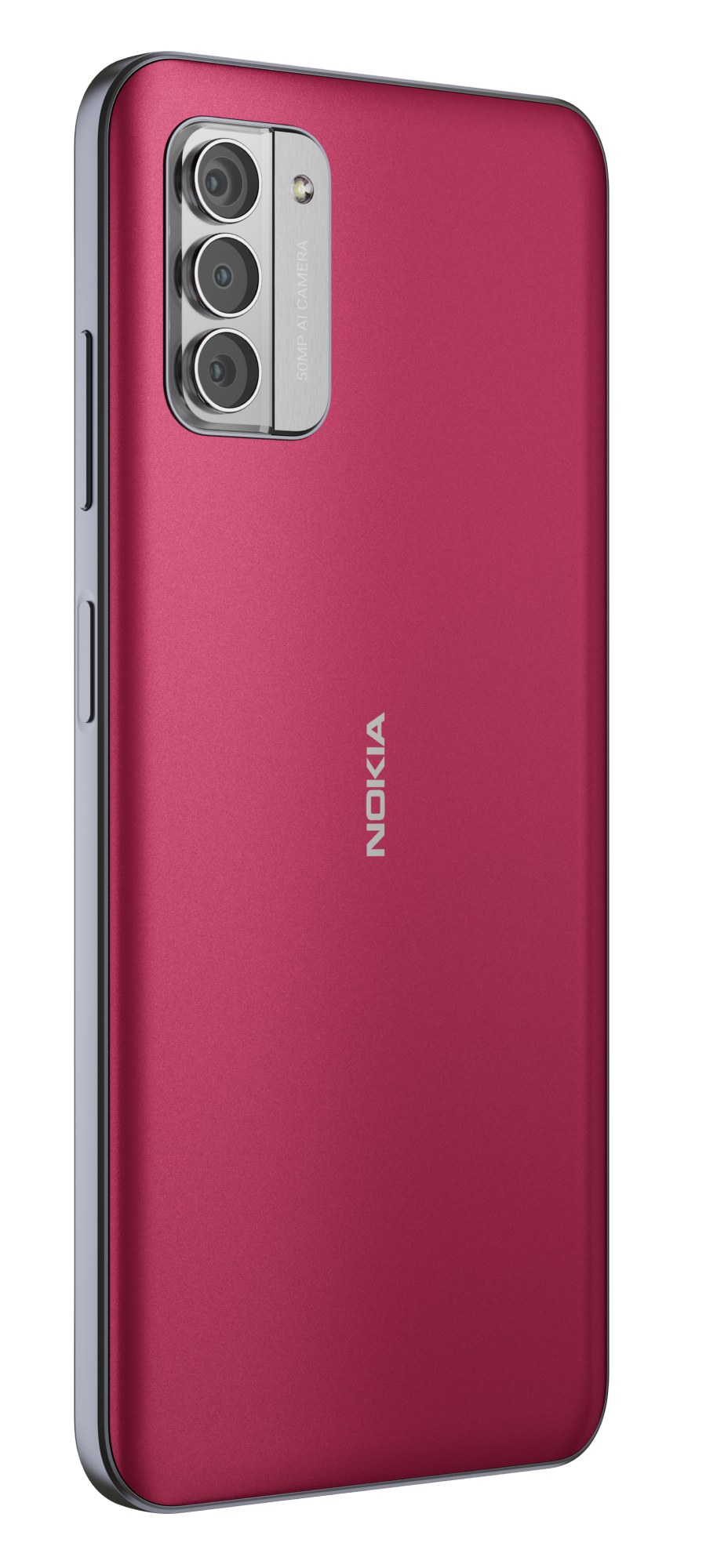
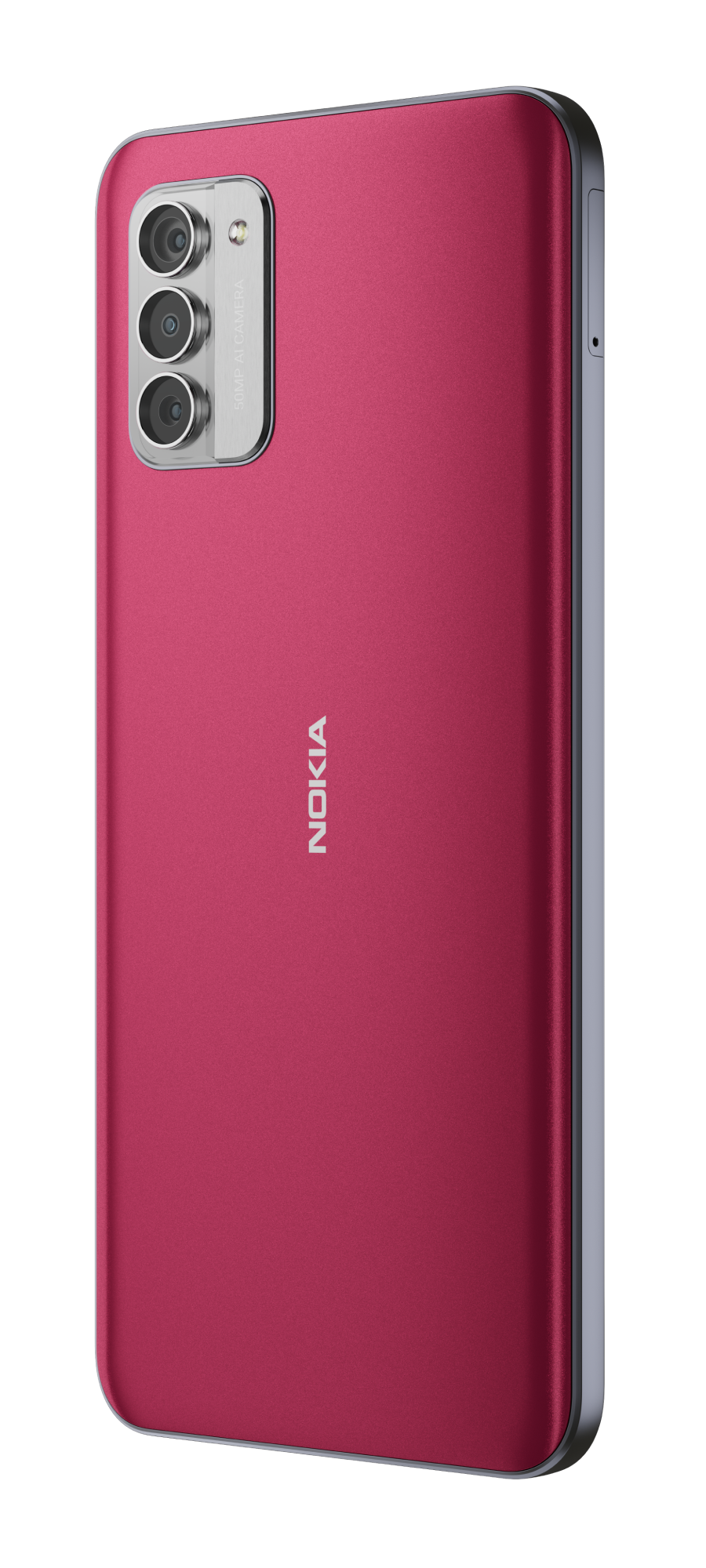
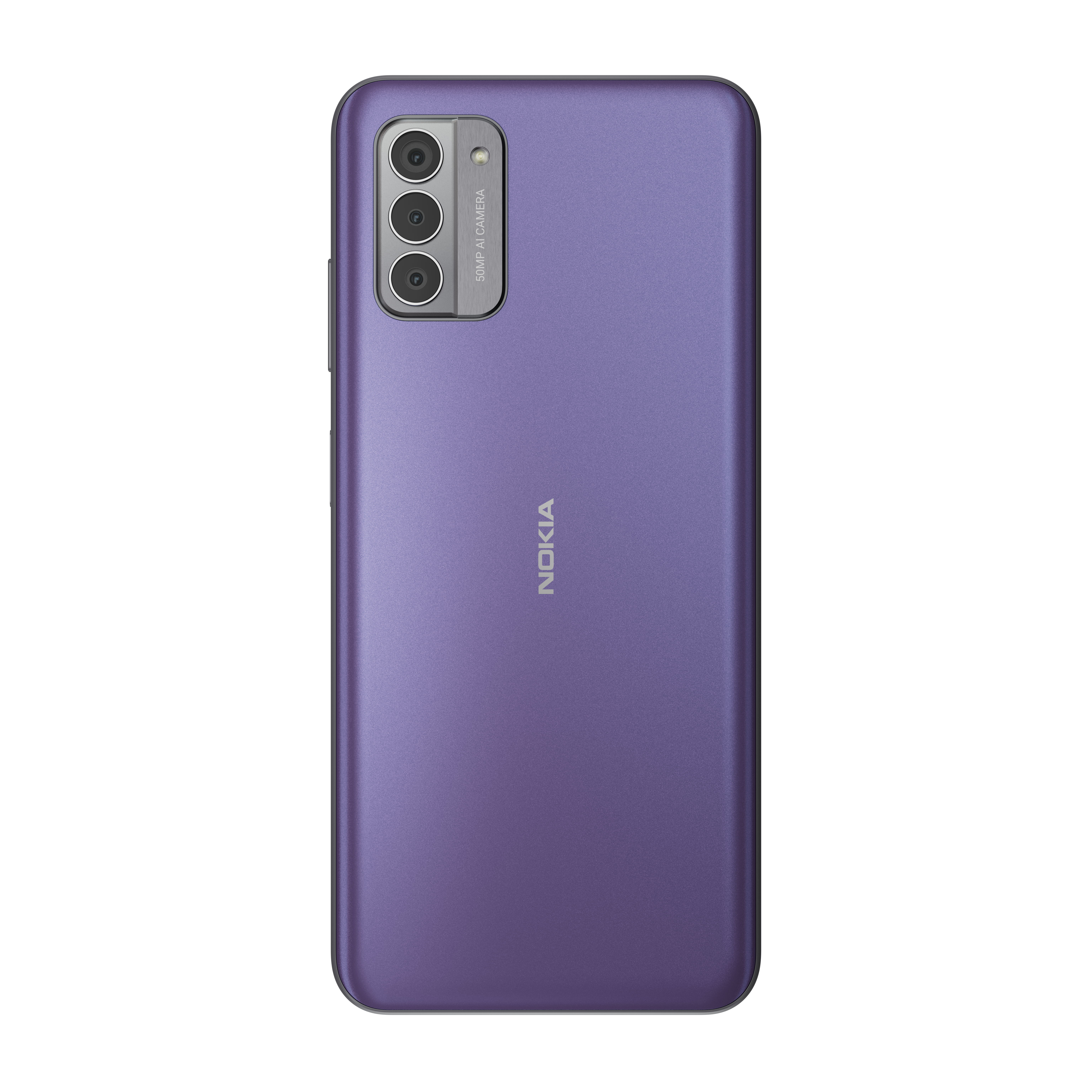
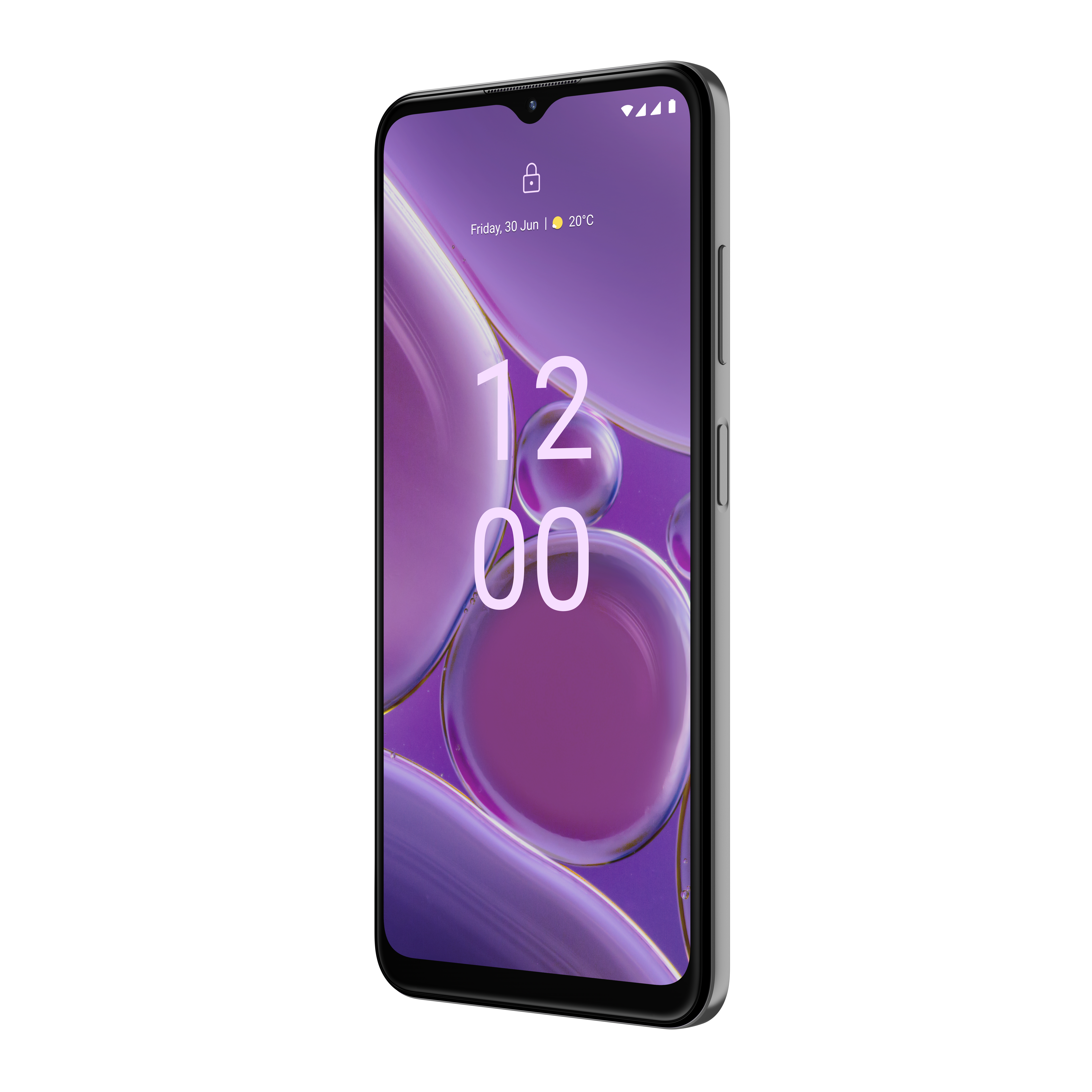
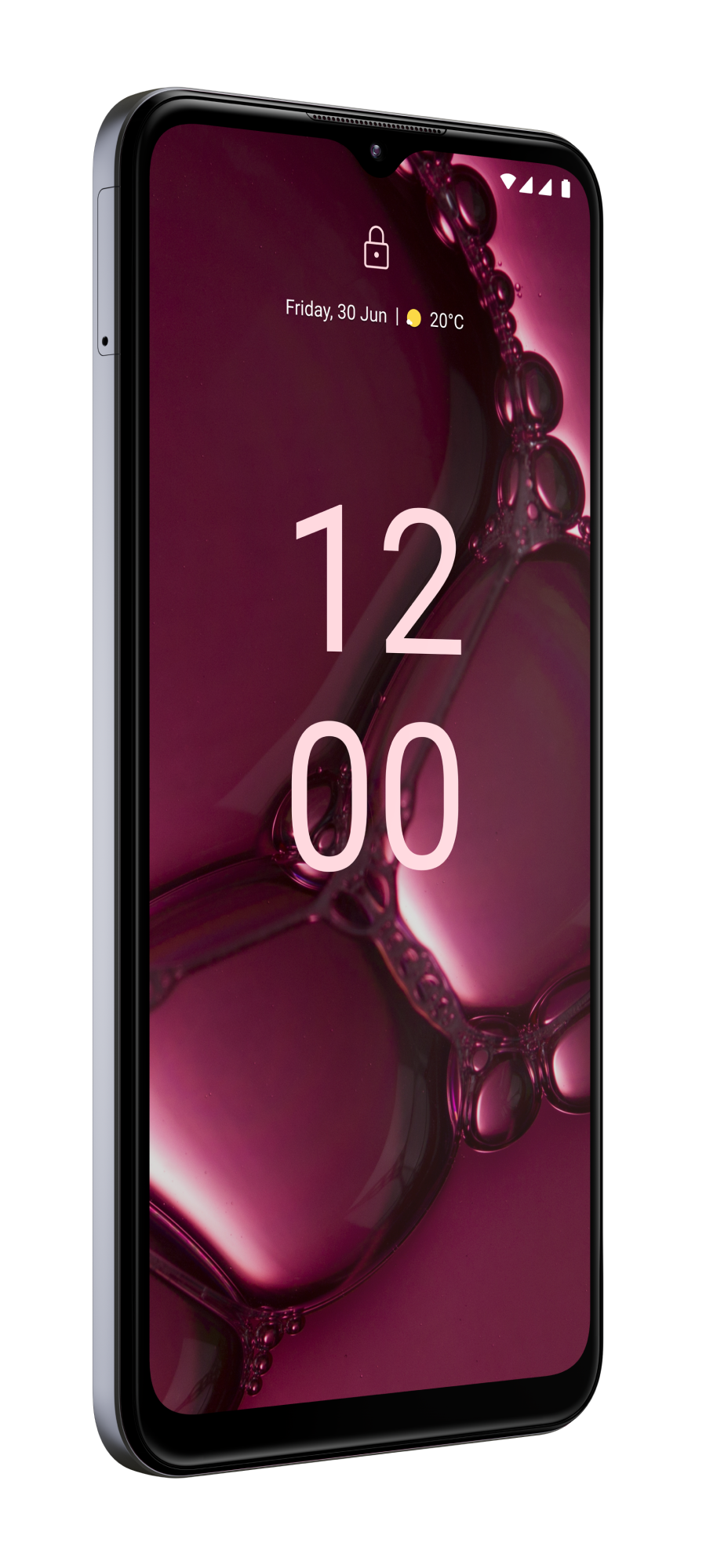
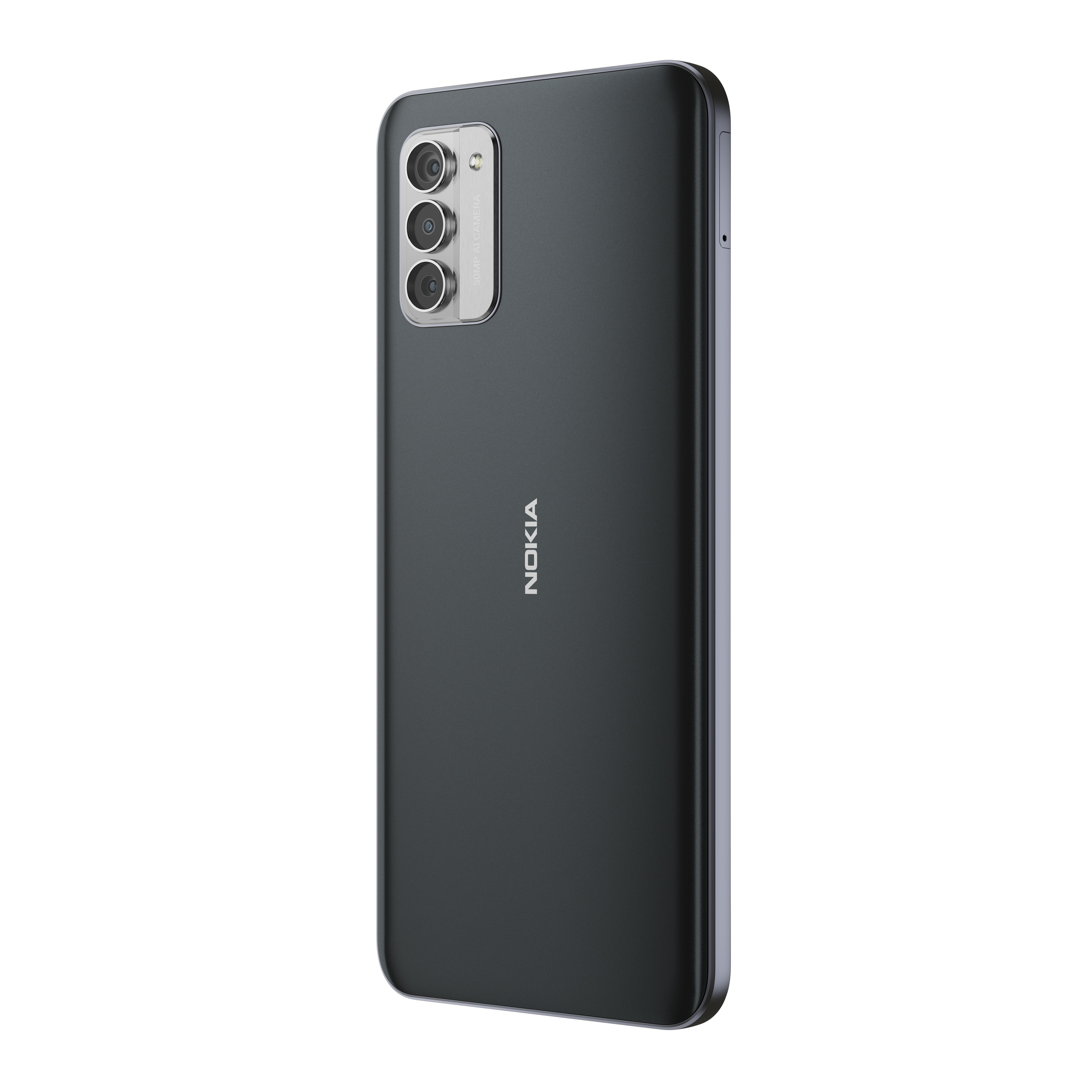
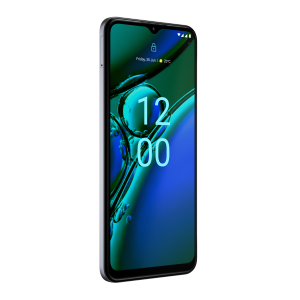
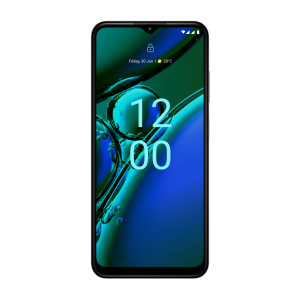
* Nokia G42 5G features a 6.56-inch HD+ LCD screen. * The smartphone ships with Android 13. * The Nokia G42 5G is backed by a 5,000mAh battery. * HMD Global has launched a new 4GB of RAM (2GB of additional virtual RAM) with 128GB storage version in India. * The company launched the phone in 6GB of RAM (5GB of additional virtual RAM) with 128GB storage version in September last year. * It also launched a 8GB of RAM (8GB of additional virtual RAM) with 256GB storage version in the country in October.
The new variant will be available exclusively via Amazon.
Commenting on the launch, Ravi Kunwar, Vice President – India & APAC at HMD Global, said: We are delighted to launch our new Nokia G42 5G smartphone variant in India on International Women’s Day 2024.
This feature-rich and sustainably designed device represents the company’s commitment to providing innovation and progressive tech that empowers our customers. We would also want you to look forward to a great line-up of additional devices coming soon.
Nokia G42 5G Pricing and Availability
Nokia G42 5G Pricing and Availability
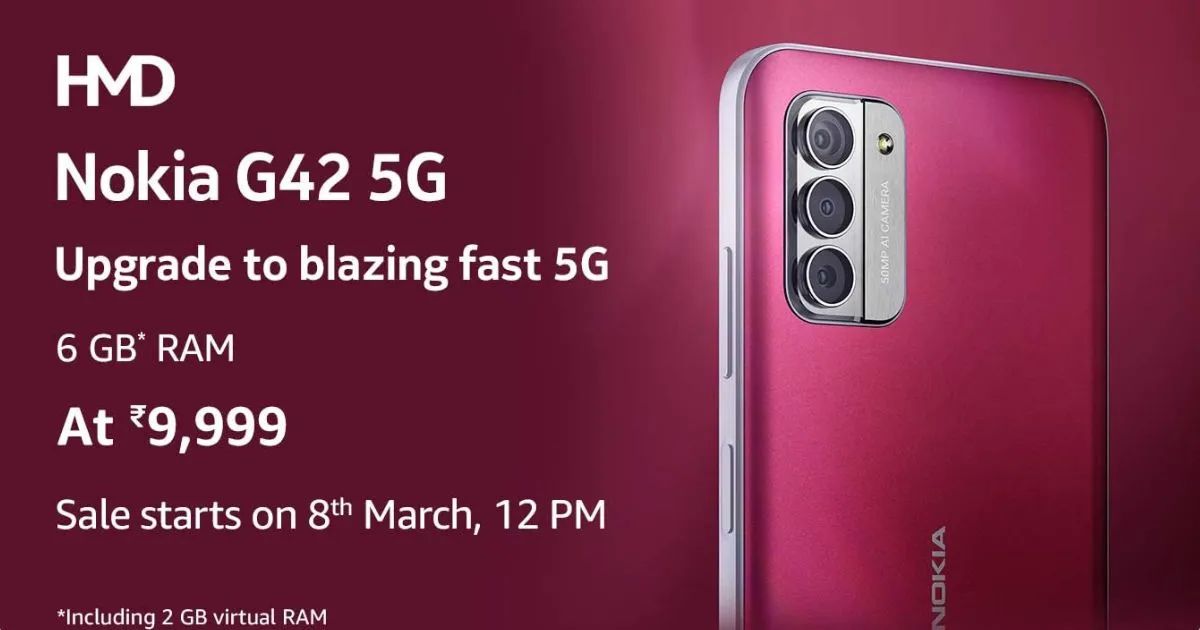
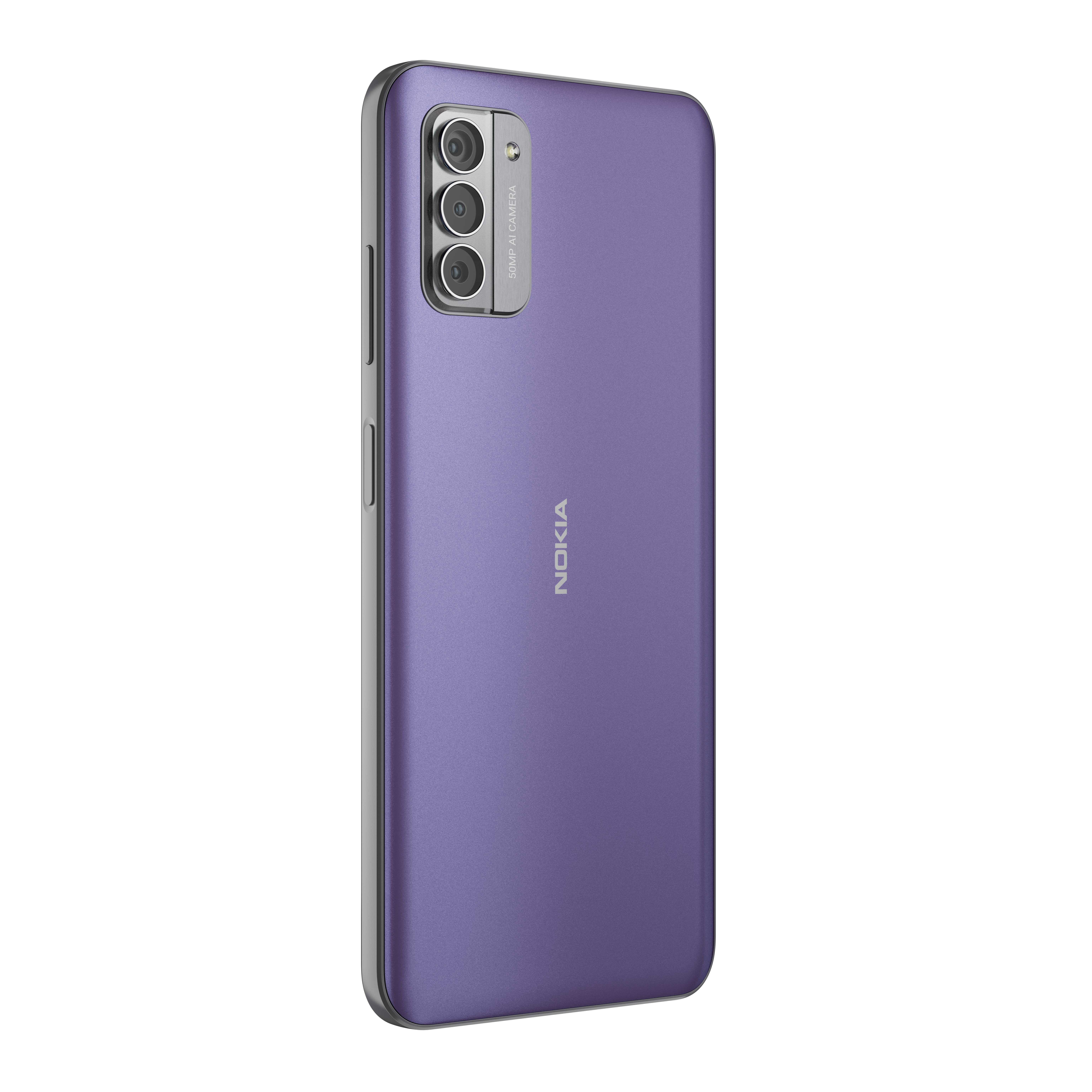
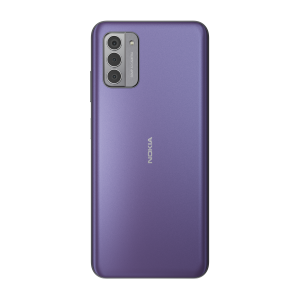
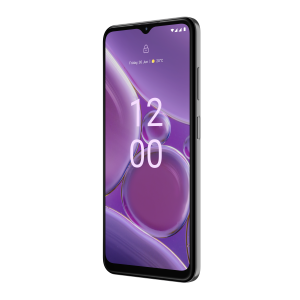
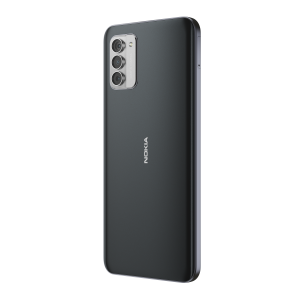
The new Nokia G42 5G (6GB (2GB virtual RAM) + 128GB) variant comes in So Purple and So Grey colours and will be available exclusively on Amazon.in, with its first sale in India on Women’s Day, March 8th, 2024.
Nokia G42 5G Specifications
Nokia G42 5G Specifications
The Nokia G42 5G has a 6.56-inch IPS LCD panel that offers an HD+ resolution and a 90Hz refresh rate.
It ships with LPDDR4x RAM, UFS 2.2 storage, and a 5,000mAh battery with 20W fast charging.
The G42 has a 50-megapixel + 2-megapixel (macro) + 2-megapixel (depth) triple camera unit.
On the front, it has an 8-megapixel selfie camera.
The device is equipped with other features, such as a microSD card, up to 5 GB of virtual RAM, face unlock, NFC, a USB-C port, and a 3.5mm audio jack, and OZO playback-enabled dual speakers.
Nokia G42 5G Quick Specifications
Nokia G42 5G Quick Specifications
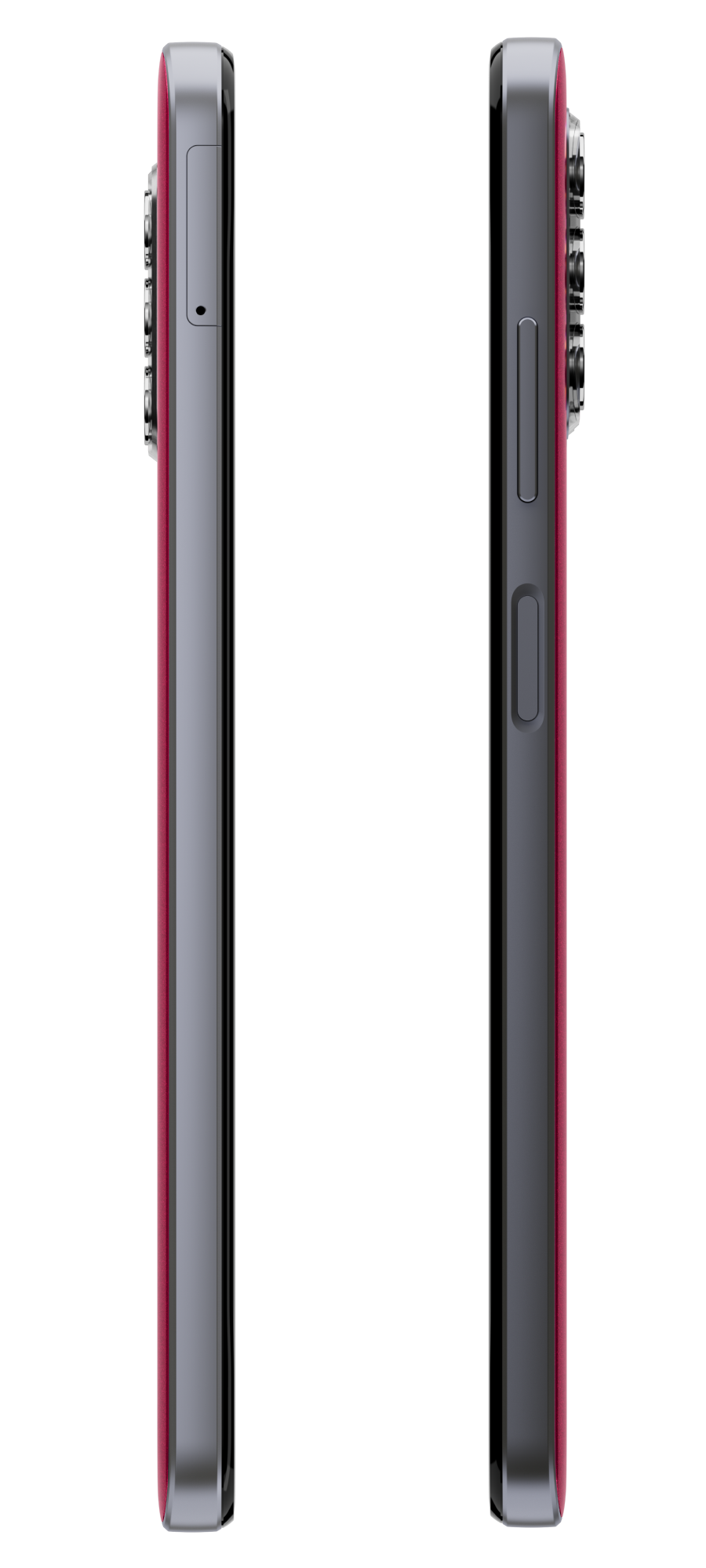
* 6.56″ HD+ 20:9 (720 x 1612), 90Hz refresh rate, Brightness 450 nits (typ.), 560 nits with brightness boost, Gorilla Glass 3 * Octa Core Snapdragon 480+ 8nm Mobile Platform with Adreno 619 GPU * 4GB RAM (2GB virtual RAM) / 6GB RAM (5GB virtual RAM) with 128GB storage, 8GB RAM (8GB virtual RAM) with 256GB storage, microSD card support up to 1TB * Android 13 * Hybrid Dual SIM (nano + nano / microSD) * 50 MP AF Main camera with f/1.8 aperture, 2 MP Depth and 2 MP Macro cameras with f/2.4 aperture, LED flash, Night mode 2.0, AI Portrait and OZO 3D audio capture * 8MP FF front camera * 3.5mm audio jack * Side-mounted fingerprint sensor * Dimensions: 165.0 x 75. 8 x 8.55mm; Weight 193.8g * Dust and splash resistant (IP52 Rated) * 5G SA / NSA, Dual 4G VoLTE, Wi-Fi 802.11 ac (2.4GHz + 5GHz), Bluetooth 5.1, GPS/ GLONASS/ Beidou, USB Type-C 2.0 * 5000mAh battery with 20W fast charging support (QC3.0 & PD3.0)
FAQs
The popular Nokia G42 5G from HMD gets a new 4GB variant (plus 2GB virtual RAM) at just INR 9999. Details?
Hold onto your hats because we’re about to drop something seriously cool! Get ready to meet the Nokia G42 5G new Variant, the smartphone that’s about to become your new best friend. Bracing for its first sale in India on Women’s Day, March 8th, 2024, this sleek and sustainable device is here.
Picture this: you’ve got 6GB of RAM +128GB ROM including 2GB Virtual RAM at your fingertips, ensuring your multitasking game is on point. With the Snapdragon 480 Plus 5G chipset under the hood, saying goodbye to lag is just the beginning.
It has a battery life that lasts for days, powering through 800 full charging cycles like a champ. And let’s not forget that stunning 6.56HD+ 90 Hz Corning Gorilla Glass 3 display – talk about seeing the world in high definition!
But wait, there’s more! Say cheese to the 50MP AF Main Camera, perfect for capturing all those Instagram-worthy moments. Plus, with two additional 2MP cameras and an 8MP front camera, your selfie game just got a serious upgrade.
Oh, and did we mention two years of guaranteed OS upgrades? Yeah, we’ve got your back.
Now, let’s talk style. The Nokia G42 5G 6GB Variant isn’t just good for the planet – it’s good-looking too. With a 2-piece Unibody design made from 65% recycled plastic, you can feel good about your tech choices.
And hey, we’re throwing in a 20W Fast charger, cable, and a jelly case because we believe in going the extra mile.
So, what are you waiting for? Get ready to step up your tech game with the Nokia G42 5G new Variant, available in So Purple and So Grey. Device would be available exclusively on Amazon, with its first sale in India on Women’s Day, March 8th, 2024.
Additionally, this upcoming summer, HMD is all set to launch a range of its own original devices including the upcoming Barbie Flip Phone in partnership with Mattel.
So, Get ready to laugh, love, and live your best life – HMD’s got you covered!
What is Nokia G42 5G price in India?
The new 4GB + 128GB configuration of the Nokia G42 5G is priced at Rs. 9,999. The 6GB + 128GB option is currently priced in India at Rs. 12,999, while the 8GB + 256GB variant is listed at Rs. 16,999.
What is Nokia G42 5G 4GB + 128GB configuration?
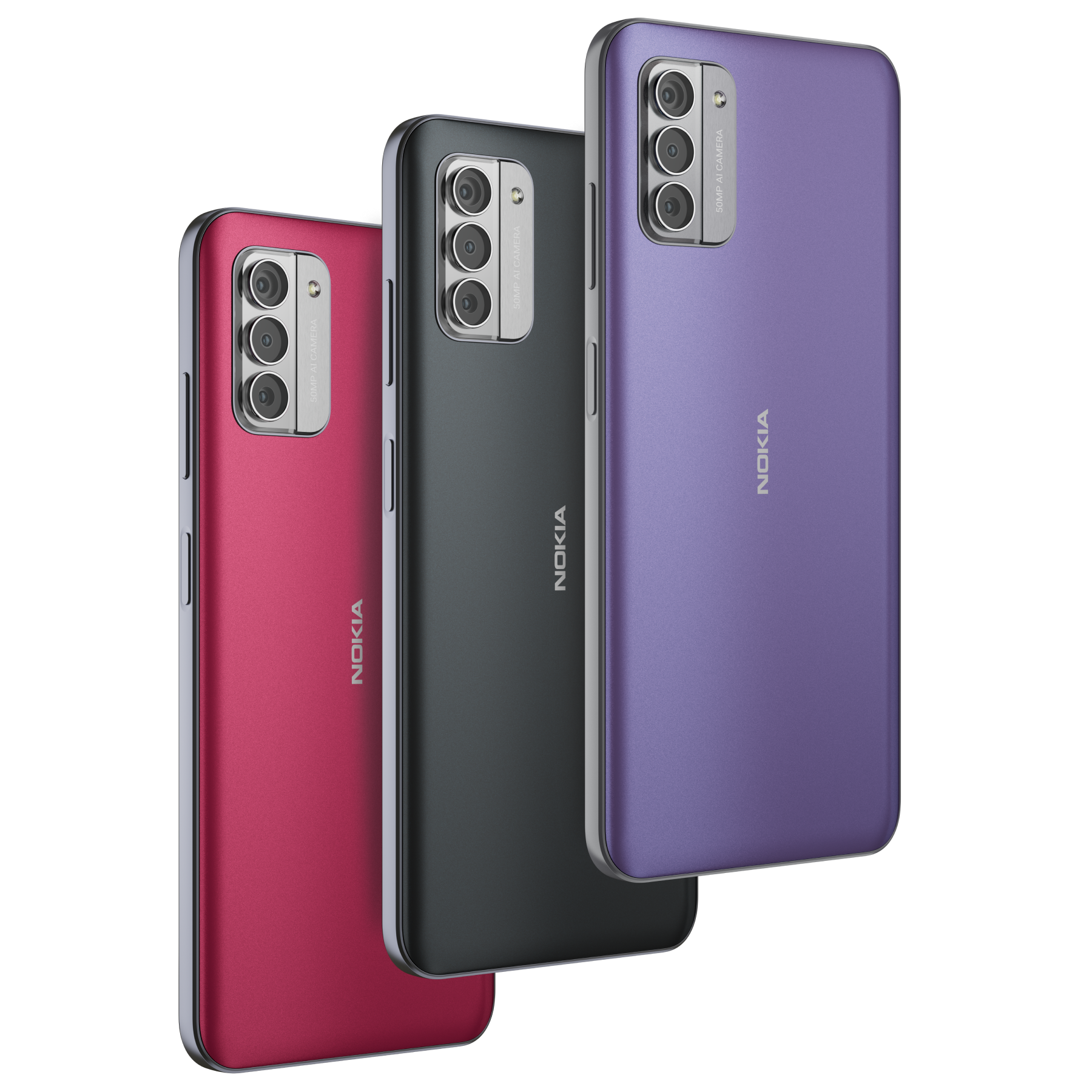
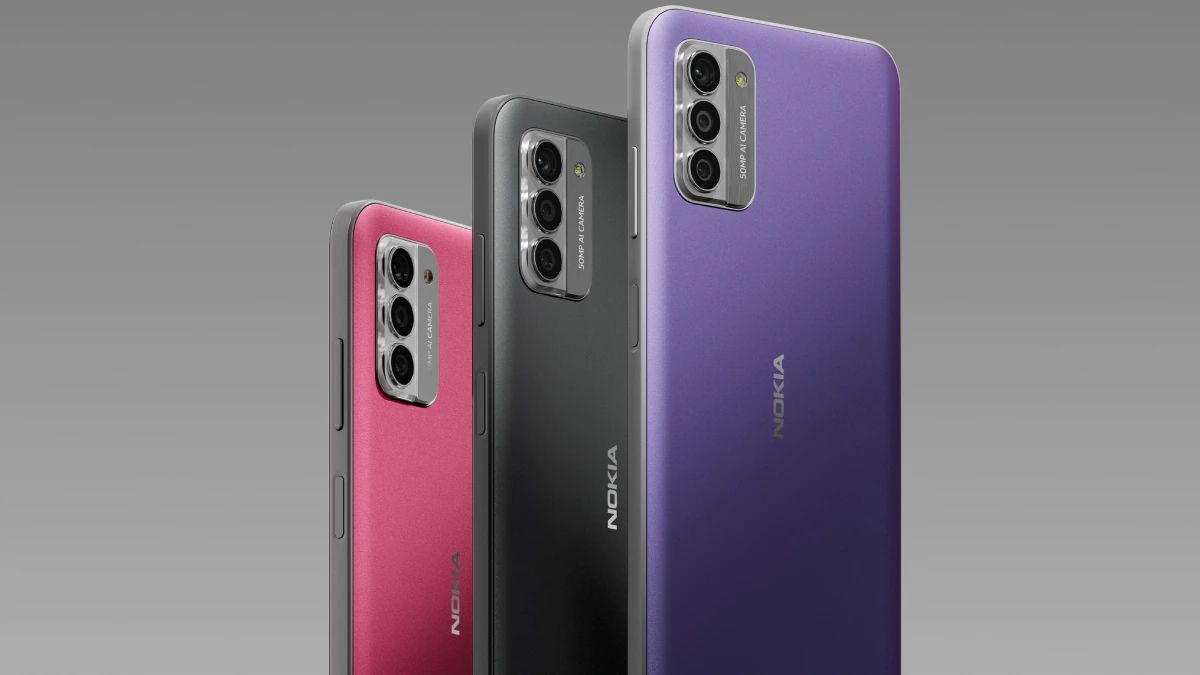
Nokia will sell the new variant via Amazon and the HMD website starting March 8. The phone is offered in three colour options – So Grey, So Pink, and So Purple.
What are Nokia G42 5G specifications & features?
The Nokia G42 5G comes with a 6.56-inch HD+ (720 x 1,612 pixels) LCD screen with a 90Hz refresh rate, a 560 nits peak brightness level, and Corning Gorilla Glass 3 protection.
It is powered by an octa-core Qualcomm Snapdragon 480+ chipset paired with up to 8GB of RAM and up to 256GB of onboard storage. The phone ships with Android 13.
In the camera department, the Nokia G42 5G carries a 50-megapixel primary sensor and two 2-megapixel sensors alongside an LED flash unit at the back, while the front camera is equipped with an 8-megapixel sensor.
The Nokia G42 5G is backed by a 5,000mAh battery with support for 20W wired fast charging. The phone also supports 5G, GPS, Bluetooth 5.1, Wi-Fi, and USB Type-C connectivity.
It arrives with an IP52 rating for dust and splash resistance and a side-mounted fingerprint sensor for security. The handset measures 165mm x 8.55mm x 75.8mm in size and weighs 193.8g.
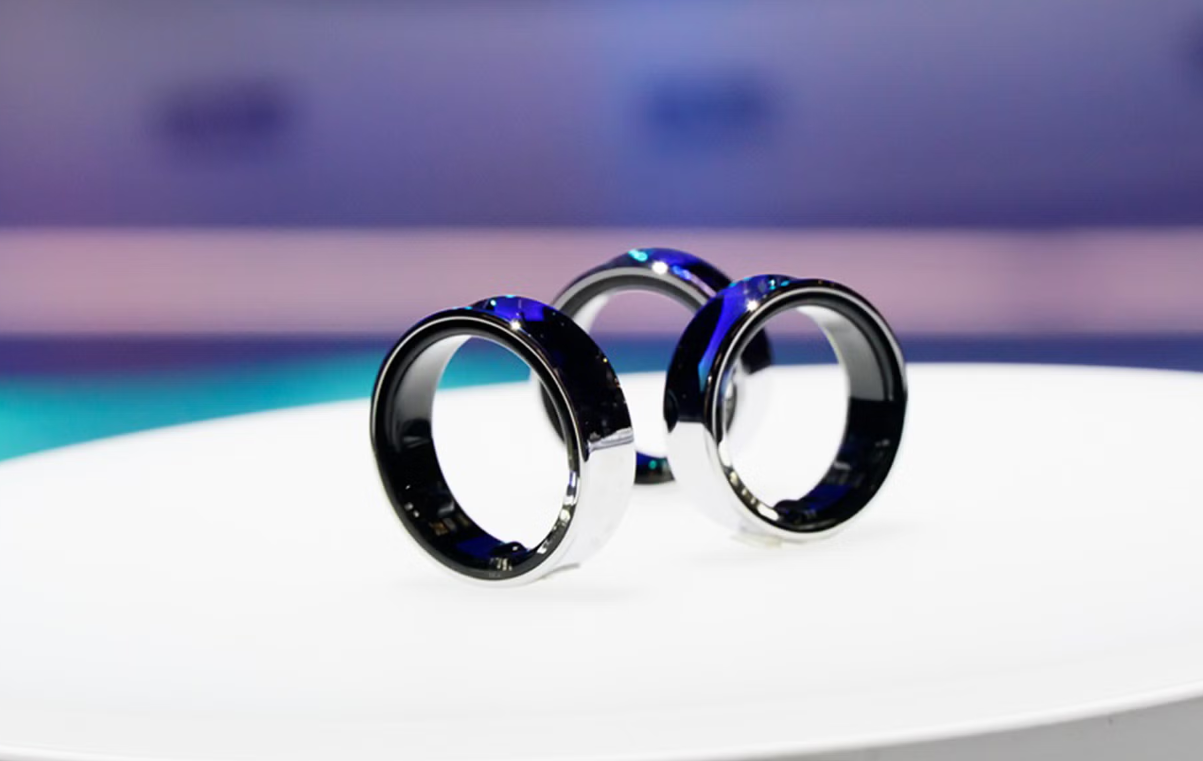
Samsung Galaxy Ring offers discreet health tracking in a minimalist design.
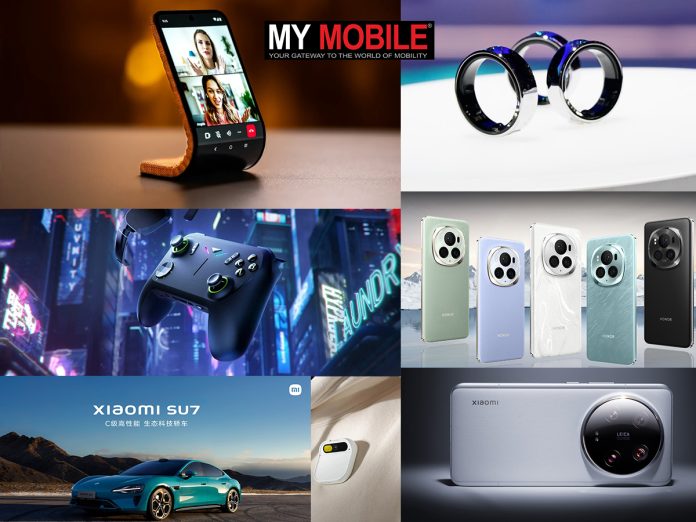
The Mobile World Congress (MWC) 2024, the annual tech extravaganza held in Barcelona, was a showcase of innovation and cutting-edge technology.
From AI-powered smartphones to groundbreaking display concepts, the eventwas a testament to the rapid pace of technological advancement.
Here’s a look at some of some of the standout gadgets that made a significant impact at MWC 2024.
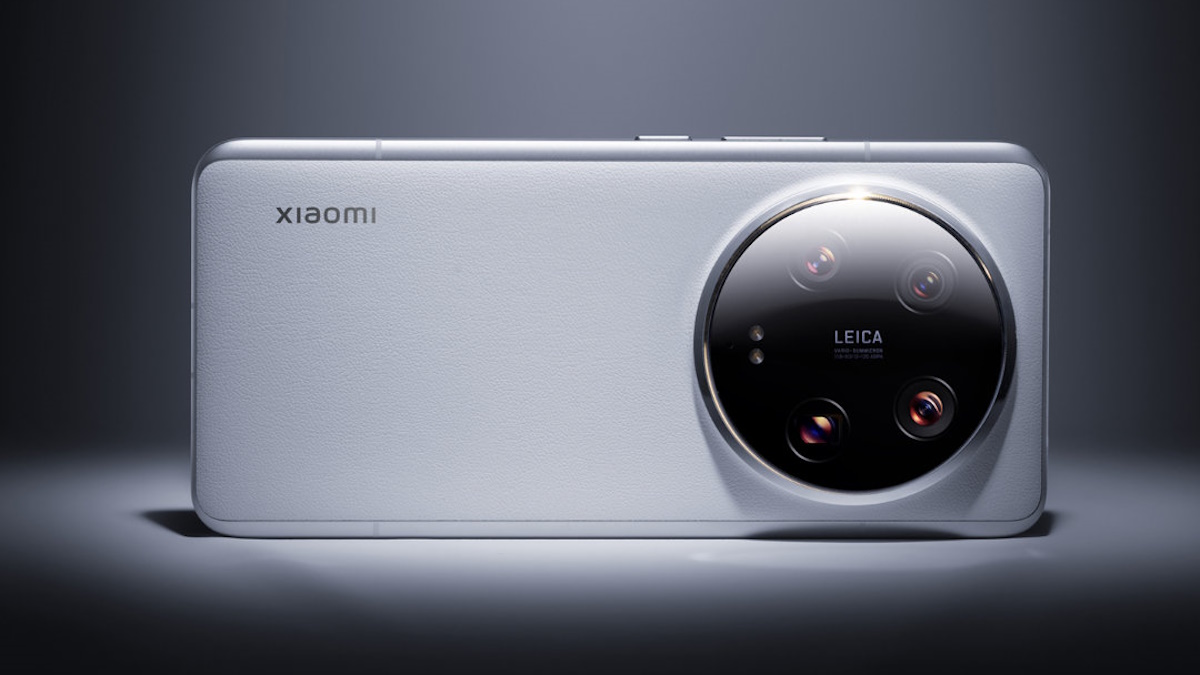
Xiaomi 14 Ultra
Xiaomi 14 Ultra
This smartphone, unveiled globally just before MWC 2024, boasts Qualcomm’s latest Snapdragon 8 Gen 3 chipset, a quartet of rear 50MP cameras with Leica co-engineered optical tech, and a suite of new AI abilities.
The device is expected to deliver superior performance and enhanced photography capabilities.
This efficiency is the highest globally, according to Xiaomi, and provides a maximum battery capacity of up to 150 kWh and a theoretical CLTC recharge range that goes at 1200 km2.
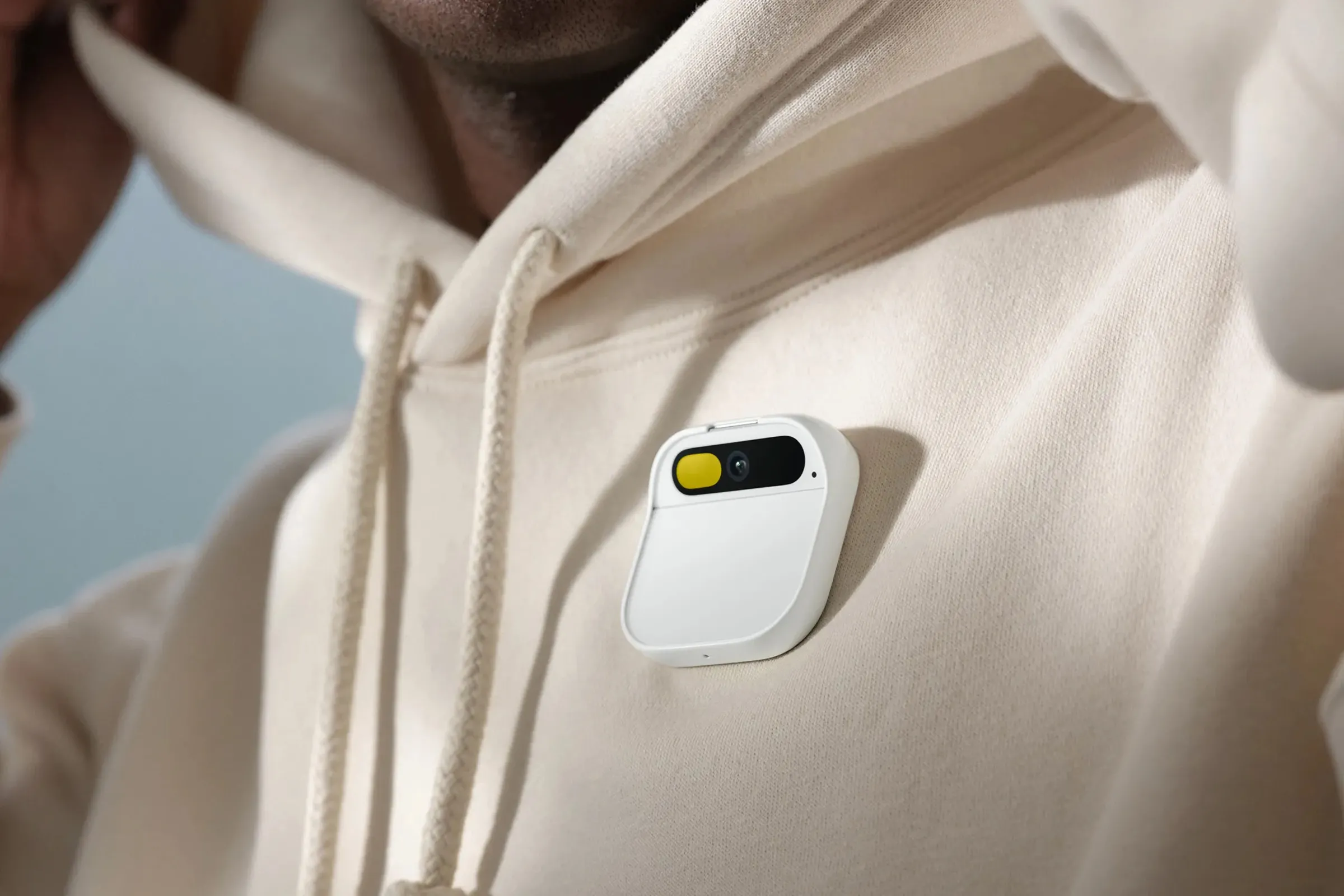
It can project images or text on your hands, perform tasks, and even click photos without a smartphone.
This device, priced at $699, is expected to ship in March 2024.
FAQs
What makes the Xiaomi 14 Ultra a significant release at Mobile World Congress 2024?
The Xiaomi 14 Ultra, featuring the Snapdragon 8 Gen 3 chipset and AI-powered photography enhancements, showcases the future of smartphone technology with its advanced performance and camera capabilities.
How does the Honor Magic V2 redefine smartphone design?
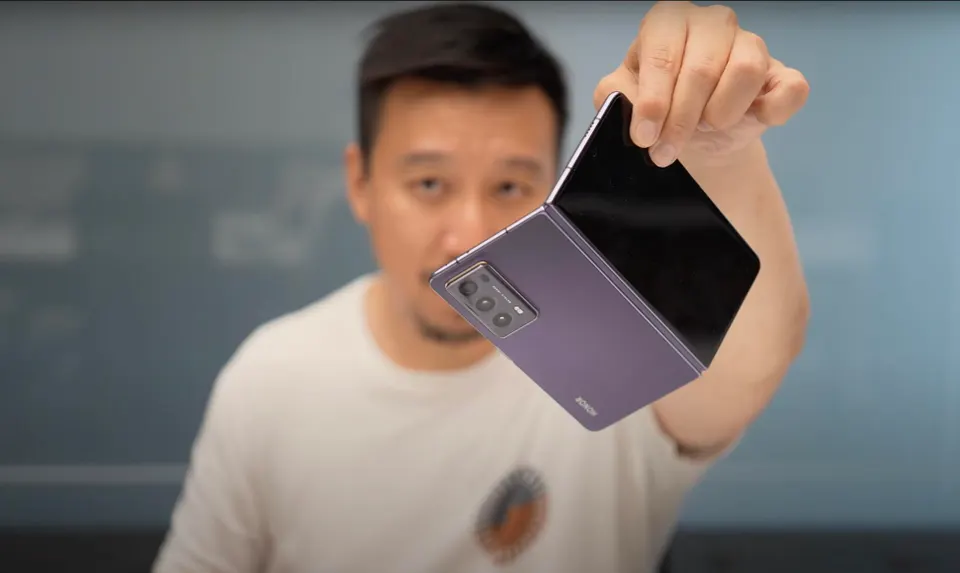
As the world’s thinnest and lightest inward-folding smartphone, the Honor Magic V2 combines elegance with cutting-edge technology, offering a unique blend of style and functionality.
What is unique about Lenovo’s transparent display laptop concept?
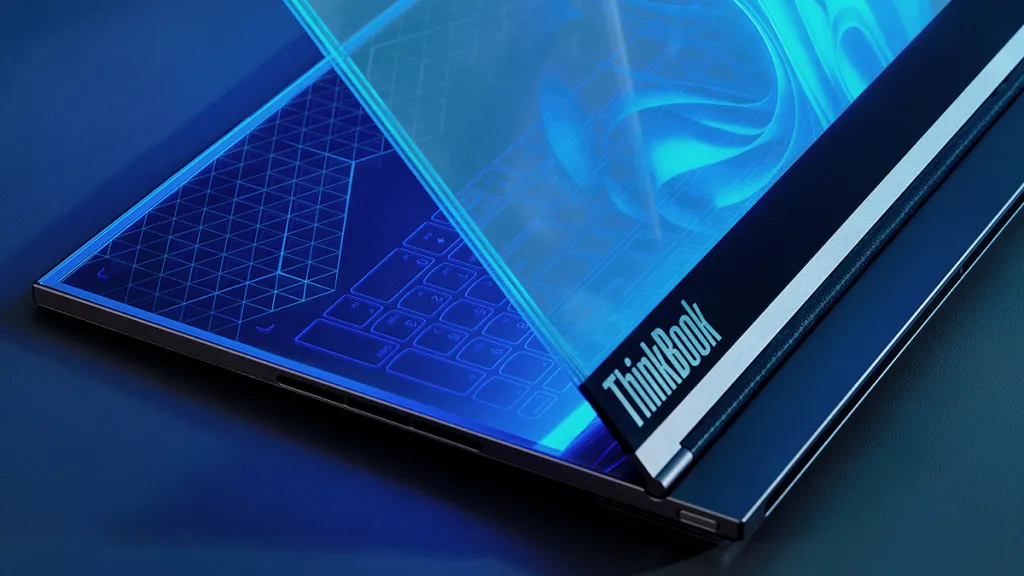
Lenovo’s laptop concept with a transparent display introduces a novel way of interacting with digital content, potentially transforming how we multitask and engage with multimedia applications.
How does the Samsung Galaxy Ring innovate in health tracking?
The Samsung Galaxy Ring presents a low-profile, minimalist solution for health monitoring, emphasizing discreet and continuous tracking without sacrificing style or comfort.
What potential does the Motorola Rollable Concept Phone offer?
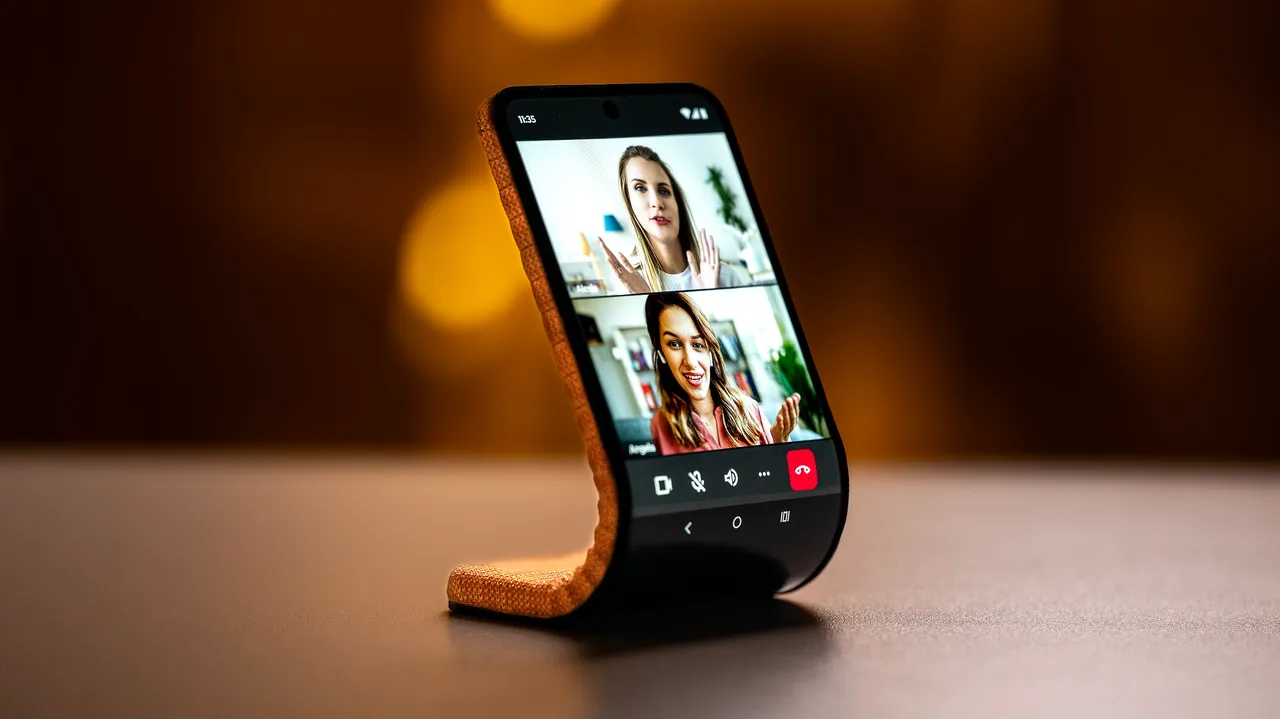
Motorola’s concept phone that wraps around the wrist could revolutionize the concept of mobile portability, offering a wearable device that merges the convenience of a smartwatch with the functionality of a smartphone.