As per a report from the technology market research firm Canalys, the country saw 15% year-over-year growth in the first quarter of 2024 (January to March).
India’s Smartphone Market on the Rise
Indian Smartphone Market Experiences Significant Growth in Early 2024
During this period, a total of 35.3 million smartphone units were sold in India.
Indian smartphone market sees 15% growth with 35.3 million units sold
Samsung’s success can be attributed to the positive reception of its Galaxy S24 launch, a strong AI-focused marketing campaign, and attractive pre-sale incentives.
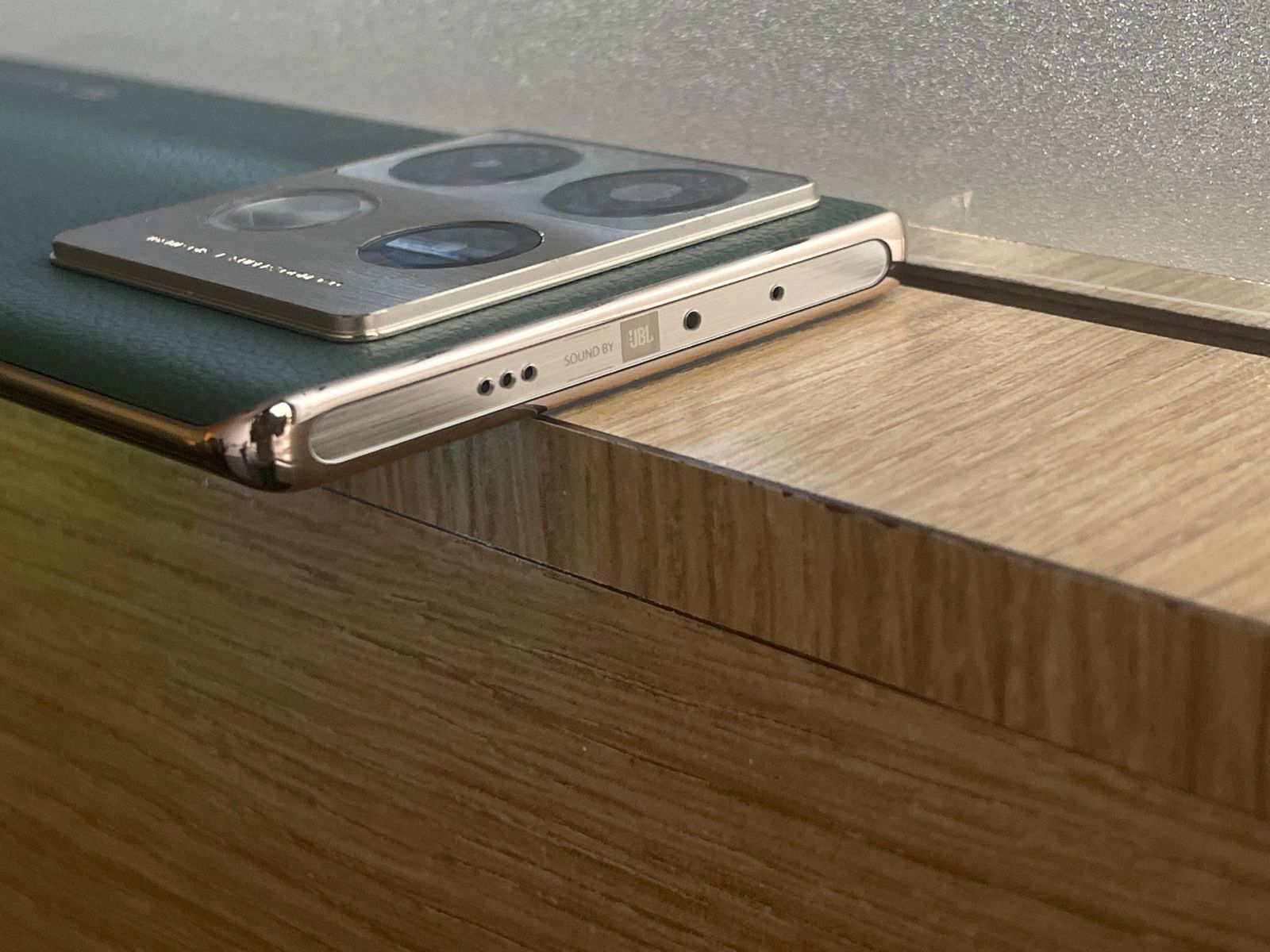
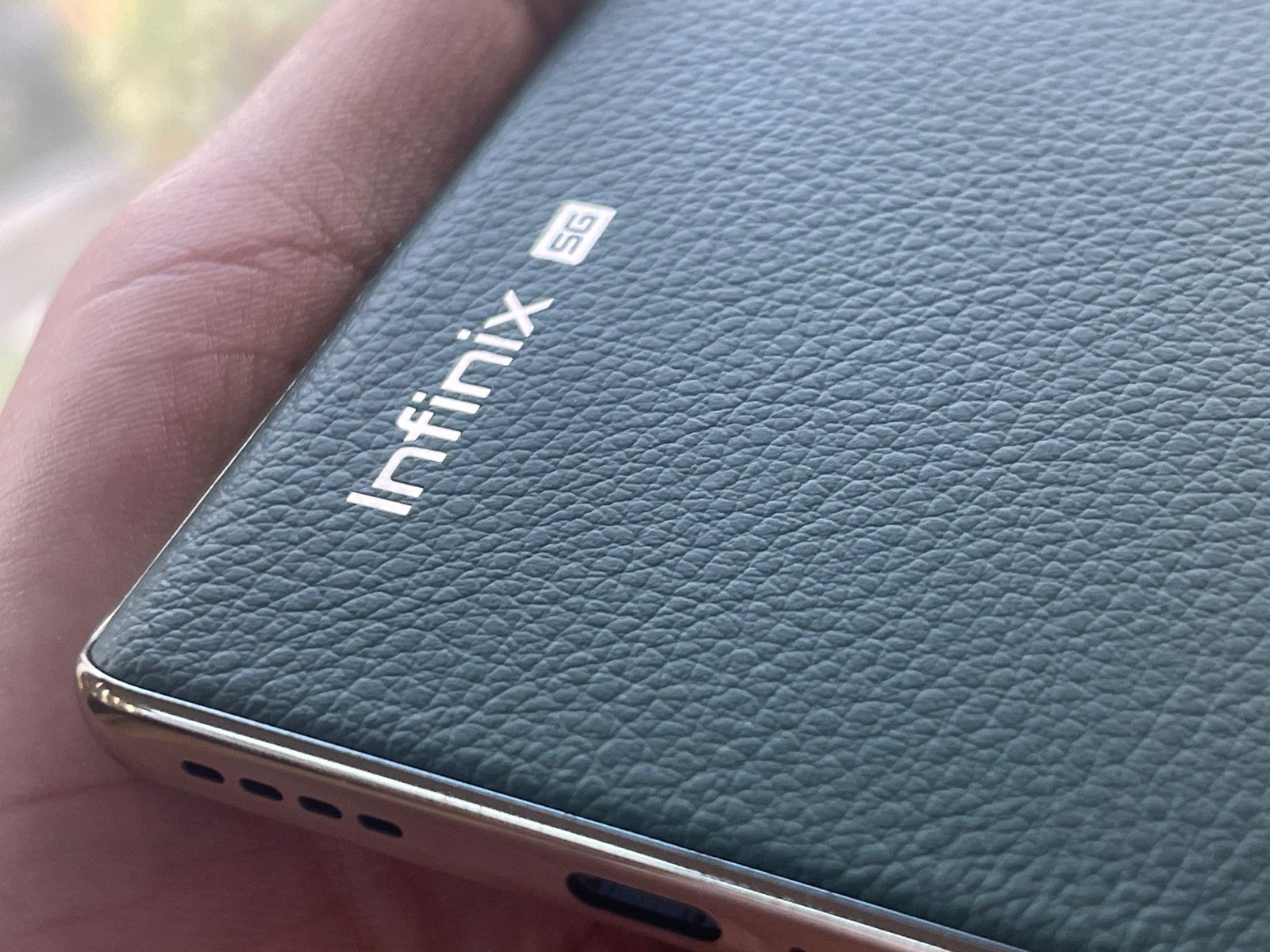
Notably, brands such as Motorola, Infinix, and Apple achieved double-digit growth in the Indian market during this quarter.
Apple’s iPhone 15 model particularly stood out due to multiple price reductions and promotional offers.
FAQs
What was the total number of smartphones sold in India during the first quarter of 2024?
In the first quarter of 2024, from January to March, the Indian smartphone market saw the sale of 35.3 million units.
Which company led the Indian smartphone market in early 2024?
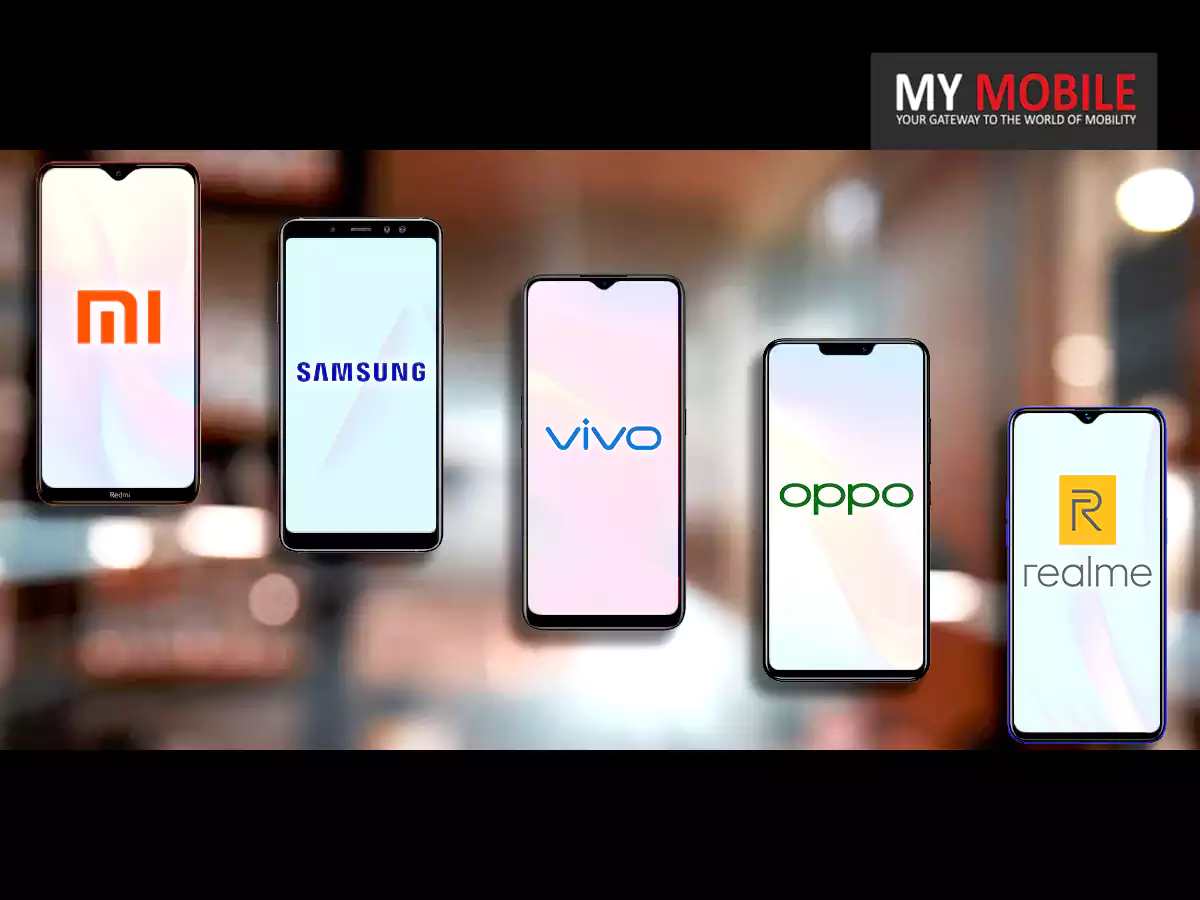
Samsung maintained its lead in the Indian smartphone market during the first quarter of 2024, shipping 6.7 million units and capturing a 19% market share.
What strategies contributed to Xiaomi’s performance in the Indian market?
Xiaomi secured the second spot in the Indian market by focusing on mass-market 5G smartphones, highlighted by models like the Redmi 13C 5G and Redmi Note 13 5G series.
How did Apple perform in the Indian smartphone market during this period?
Apple achieved double-digit growth in the Indian market, significantly boosted by multiple price reductions and promotional offers for its iPhone 15 model.
What were the total shipments and market share for other notable smartphone brands in India?
vivo, OPPO, and realme were also top performers, with vivo shipping 6.2 million units, OPPO (excluding OnePlus) 3.7 million, and realme 3.4 million units in early 2024.
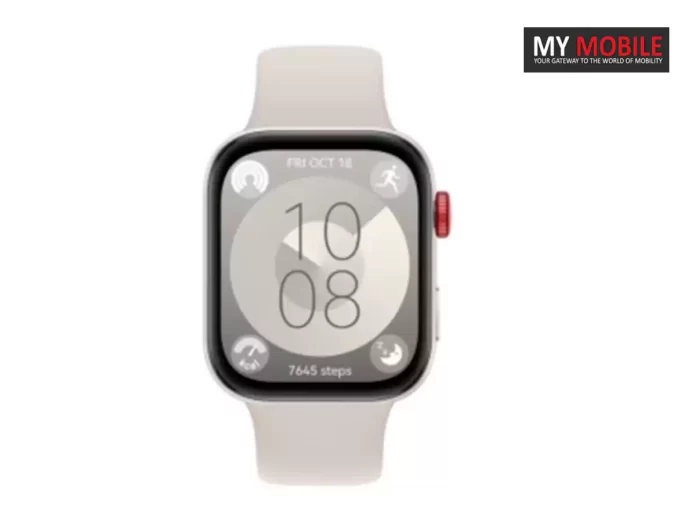
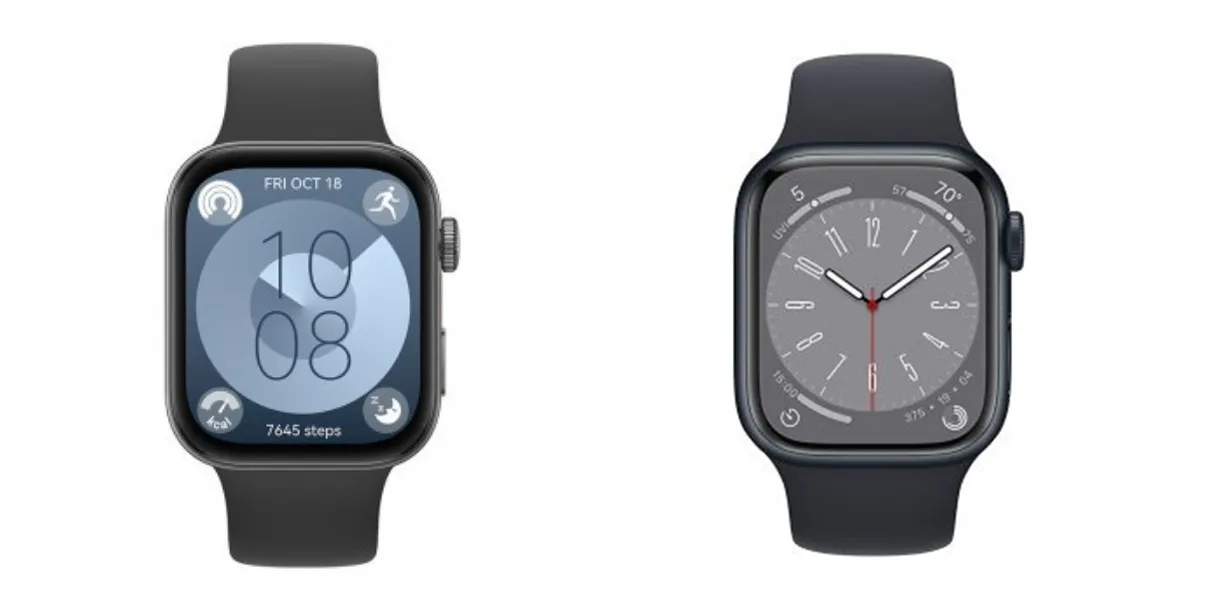
It runs a lightweight version of HarmonyOS, with support for basic apps, fitness and sleep tracking, and delivering notifications and calls from your phone.
While the Huawei Watch Fit 3 may offer impressive battery life, rumoured to last up to 10 days on a single charge, it’s unlikely to match the comprehensive software experience of the Apple Watch or even modern Wear OS watches.
FAQs
What are the main design similarities between the Huawei Watch Fit 3 and the Apple Watch?
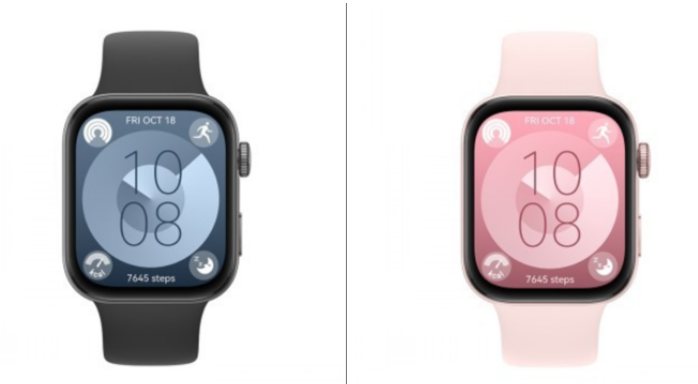
The Huawei Watch Fit 3 and the Apple Watch share several design elements, including a square-ish body, thin bezels, rounded corners, and the positioning of the side buttons, which include a rotating crown.
How does the band attachment system of the Huawei Watch Fit 3 compare to the Apple Watch?
The Huawei Watch Fit 3 adopts a unique band attachment system very similar to that of the Apple Watch, which allows for seamless band interchangeability without the use of traditional watch lugs.
What operating system does the Huawei Watch Fit 3 use, and what are its capabilities?
Huawei’s Watch Fit 3 runs on a lightweight version of HarmonyOS, designed primarily for fitness tracking, delivering notifications, and handling calls, with a simpler interface compared to more advanced smartwatches like the Apple Watch.
Can the Huawei Watch Fit 3 match the performance of other leading smartwatches in the market?
While the Huawei Watch Fit 3 is efficient in fitness tracking and basic smartwatch tasks, it may not offer the same breadth of software capabilities and app support found in the Apple Watch or leading Wear OS devices.
Priced as low as $499, Quest 3 today is the biggest competitor of Apple Vision Pro.
Taking the competition in stride, Meta CEO Mark Zuckerberg recently posted a video on his Instagram account and gave his verdict on Apple’s “Spatial Computer” aka Vision Pro VR headset.
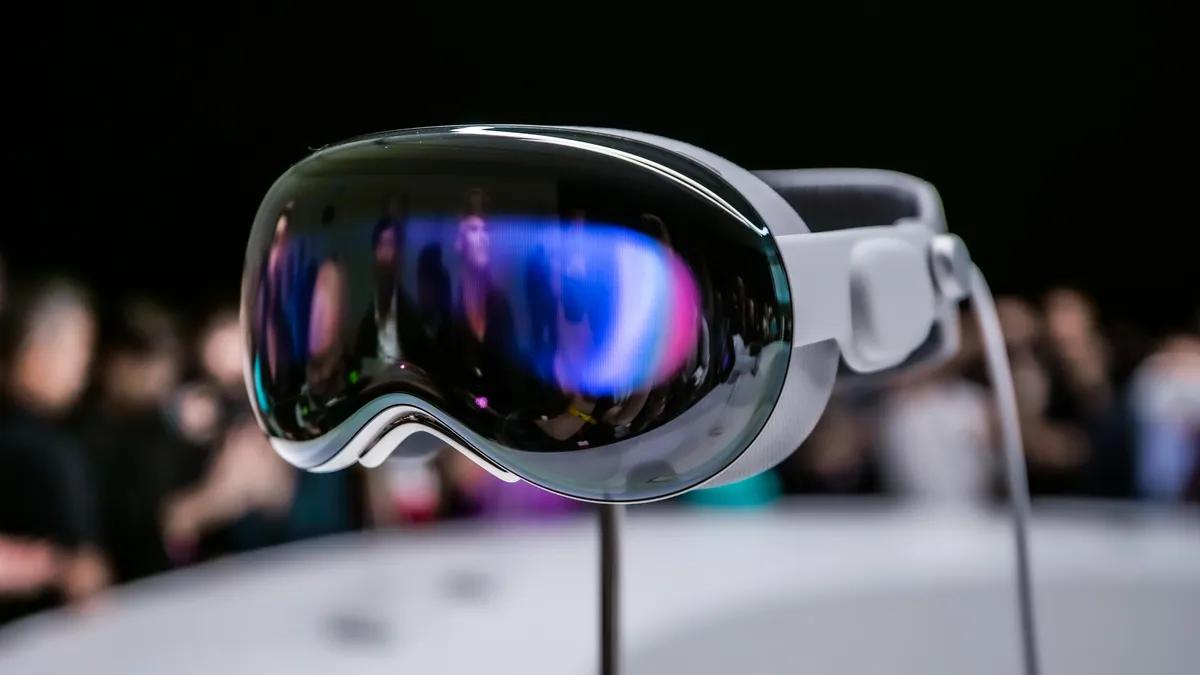
Apple Vision Pro, a “spatial computer”, was officially launched to the public on February 2, 2024.
Although Zuckerberg may not be unbiased, the Meta chief didn’t hesitate when he said, “I have to say that before this, I expected that Quest would be the better value for most people since it’s really good and like seven times less expensive, but after using it, I don’t just think that Quest is the better value, it’s the better product, period,”
Moving on from Zuckerberg’s relatively negative review of Apple Vision Pro, let’s deduce whether Quest 3 is the “better product”?
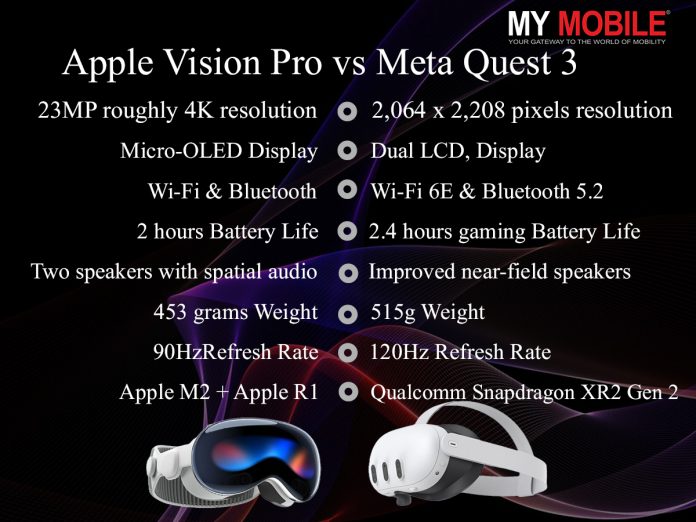
To help make this choice easier, here’s a full comparison between the Apple Vision Pro and the Meta Quest 3.
Apple Vision Pro vs Meta Quest 3 – Feature Comparison
Apple Vision Pro
Meta Quest 3
Resolution (per eye)
23MP per eye, roughly 4K resolution
2,064 x 2,208 pixels per eye
Display Type
Micro-OLED
Dual LCD, Pancake lenses
Storage
1TB / 2TB / 4TB
128GB / 512GB
Connectivity
Wi-Fi and Bluetooth
Wi-Fi 6E, Bluetooth 5.2
Battery Life
2 hours (estimated)
2.4 hours gaming
Tracking Technology
LEDs and infrared cameras
NA
Audio
Two speakers with spatial audio
Improved near-field speakers
Weight
453 grams
515g
Refresh Rate
90Hz
120Hz
Processor
Apple M2 + Apple R1
Qualcomm Snapdragon XR2 Gen 2
RAM
Not Specified
8GB
Lenses
Custom catadioptric lenses and ZEISS Optical Inserts
As for Meta Quest 3, it utilizes Touch Plus controllers but incorporates AI and field-of-view technology for hand tracking, eliminating the need for tracking rings seen in previous models.
It employs seven cameras and sensors: four front-facing, two on the bottom/sides, and one depth sensor.
Apple Vision Pro vs Meta Quest 3 – Multitasking
Apple Vision Pro vs Meta Quest 3 – Multitasking
To compare both devices in terms of multitasking, we had to start with Apple Vision Pro.
To understand its ability to hold up multiple tasks, we got to know that it can open a bunch of browser windows at once.
You can have your music, Twitter, email, text messages and the Apple website open simultaneously.
A cool feature is that you can take the iPhone from the Apple website out with a pinch gesture and place it in your environment.
You can rotate the iPhone around and check it from all angles.
Overall, multitasking on Apple Vision Pro is good.
Now let’s check Meta Quest 3.
In this device, you can open only three browsers at once.
It doesn’t allow you to take out objects from the screen to the environment and you can only check devices on the browsers when using Quest 3.
Although when compared to Vision Pro, Quest 3 might seem lacking in the aspect of multitasking, the huge price difference between the two devices explains why Quest 3 is at par with Vision Pro.
On the other hand, the Meta Quest 3 is equipped with an advanced six-camera setup to focus on mixed reality and spatial tracking.
It has an array of four cameras arranged in two vertical stacks on the front face of the headset, two cameras for spatial tracking and two for full-colour mixed-reality viewing.
The Quest 3 also incorporates two more spatial cameras on its bottom edge.
The biggest when it comes to the battery in both devices is its form.
Contrary to Meta Quest 3’s head strap battery, the Apple Vision Pro requires an external battery. The battery is connected to the Vision Pro with a woven USB-C cable.
As for battery life, the Meta Quest provides up to 2.2 hours of usage for general usage and social activities, 2.4 hours for gaming, 1.5 hours for productivity tasks, and 2.9 hours for media consumption.
On the other hand, Vision Pro provides up to 2 hours of general use or video watching for up to 2.5 hours.
Apple Vision Pro vs Meta Quest 3: Price
Apple Vision Pro vs Meta Quest 3: Price
Price is where both devices are nowhere close to each other’s lane.
Meta Quest 3, available in two variants, has a base model with 128 GB storage priced at $499.99 and a higher-end model with 512 GB storage at $649.99.
However, as a standalone device, Meta Quest 3 seems to be the device that caters to a large section of the consumer.
FAQs
Q1. Is Apple Vision Pro available in India?
Answer. At the time of writing this answer (Feb 2024), neither the Meta Quest 3 nor the Vision Pro headset is officially available in India.
However, one can easily find the Meta Quest 3 for around Rs 50,000 on platforms like Amazon, while one has to import Vision Pro, which is currently limited to the US.
Q2. Will Apple specially launch Vision Pro in India?
Answer. Apple is yet to announce retail availability for the headset in other parts of the world, including India.
The tech giant first announced Vision Pro last year at its annual Worldwide Developers Conference.
It stated that the headset would go on sale in “early 2024” without sharing specific details on the launch date.
Q3. Is Meta Quest 3 4K?
Answer. The Meta Quest 3 VR headset features a 4K screen with a display resolution of 2064×2208 pixels per eye.
Q4. Can I use Apple Vision Pro if I wear glasses?
Answer. “Apple Vision Pro supports a wide range of vision needs. Certain prescription needs and conditions might impact the viewing experience.
If you require vision correction, you must either wear contact lenses or purchase compatible ZEISS Optical Inserts, as eyeglasses are not compatible with the device.”
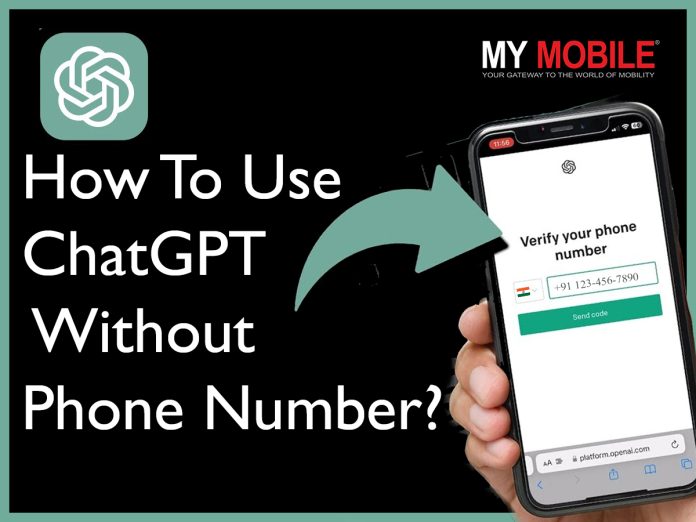
In case you are also apprehensive about entering your phone number on ChatGPT, you have landed on the right webpage.
In this blog, we’re going to explore how to use ChatGPT for free without needing a phone number.
Can You Trust ChatGPT With Your Phone Number?
ChatGPT With Your Phone Number
Not everyone is comfortable sharing personal information online to access tools and services, even when you’re accessing a largely trustworthy tool such as ChatGPT.
To answer the question of whether you can trust ChatGPT with your phone number or not, we have to first understand what the platform does with the user information.
As an AI model developed by OpenAI, ChatGPT itself doesn’t require or store phone numbers. The phone number is required for verification and identification only.
In such cases, it’s essential to consider the platform’s privacy policy, security measures, and reputation before deciding whether to trust it with your phone number.
Why Does ChatGPT Ask for Your Phone Number?
ChatGPT Ask for Your Phone Number?
Here are some common reasons why ChatGPT asks for your phone number –
Verification: ChatGPT may request phone number verification as a security measure to confirm users’ identities and prevent unauthorized access.
User Authentication: Providing a phone number may be required for user authentication purposes, ensuring that only authorized individuals can access certain features or services.
Spam Prevention: Phone number verification helps deter spam, bots, and abusive behaviour. This in return enhances the overall user experience of the platform by maintaining a safe and secure environment.
Communication Channel: Your phone number also works as a communication channel for sending important notifications, updates, or account-related information to users.
Compliance: The phone numbers can also work for legal or regulatory compliance purposes. This includes ensuring age verification or adhering to data protection laws.
Can You Use ChatGPT Without a Phone Number?
ChatGPT Without a Phone Number
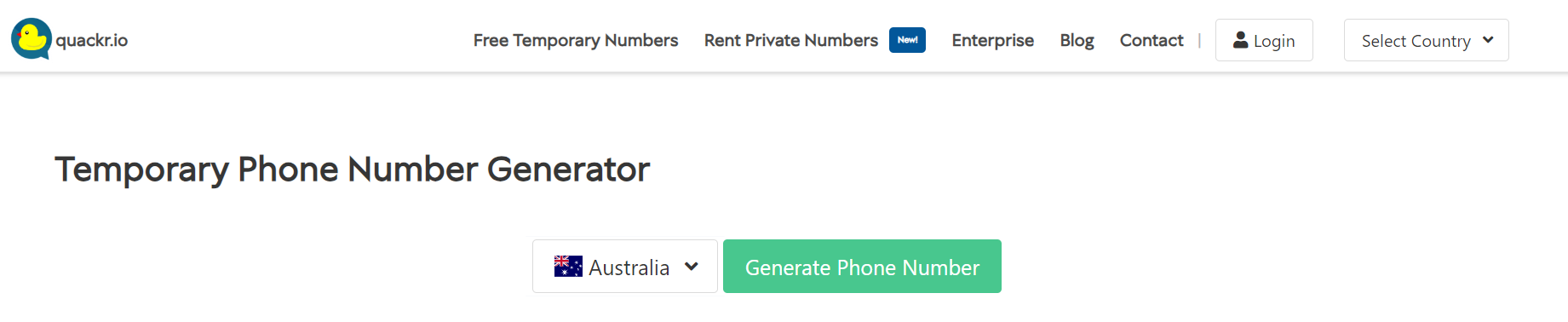
Yes, even though your phone number is required for the ChatGPT signup process, you can still use the service without providing it.
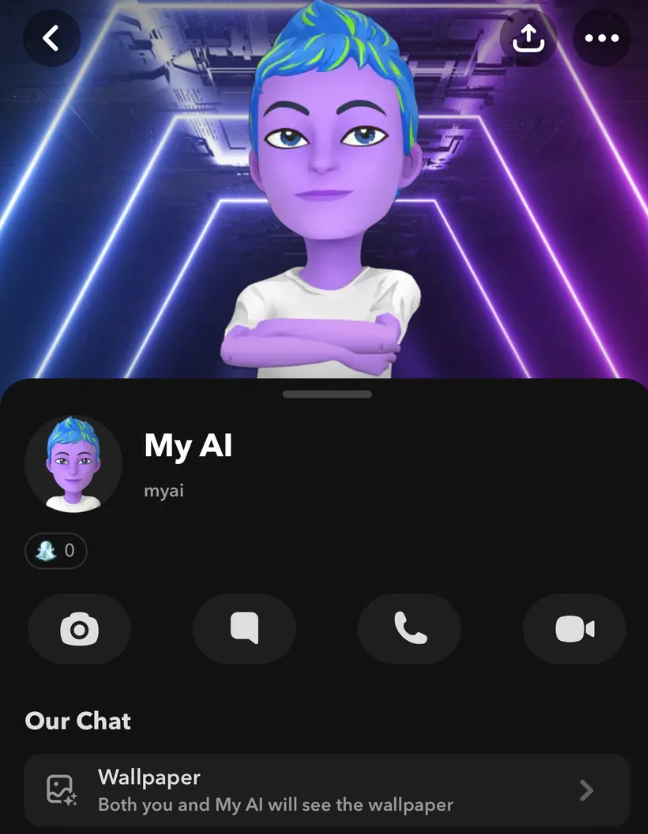
Snapchat does not require a phone number to sign up, and users can access ChatGPT without any phone verification.
The new feature has already been deployed on the Snapchat app and the web.
Try an Online SMS Verification Tool
Try an Online SMS Verification Tool
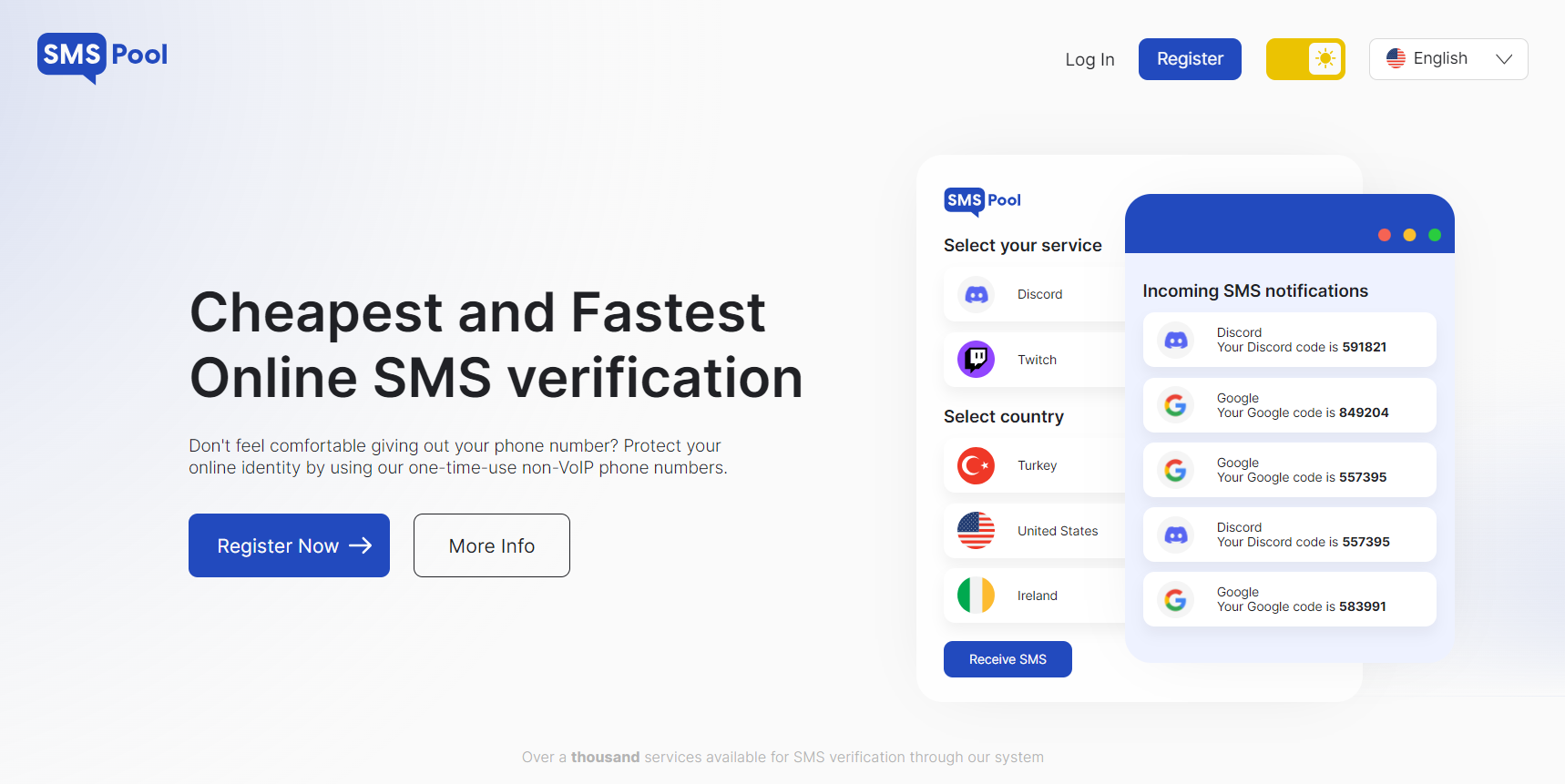
There are many SMS verification tools available online that can be used to bypass the verification code step during the ChatGPT signup process.
However, please note that this method may or may not work for all locations.
This will surely not work if a certain tool is already identified and blocked by the ChatGPT team.
In the past, many users have reported success using online SMS verification tools such as SMSPool.net and Autofications.com.
These online tools provide phone numbers from real cellular carriers instead of VoIP.
To use these tools, you will have register on their website first.
Reddit ChatGPT Discord Channel
Reddit ChatGPT Discord Channel
Discover ChatGPT bots on the /r/ChatGPT subreddit’s Discord server. All you have to do is –
Navigate to
Choose the Discord tab
Accept the invite.
Once you’ve set up your Discord account or logged in, you’ll find various chatbots available, such as ChatGPT-1, ChatGPT-2, Bing-AI-1, and Bing-AI-2.
The best part of this method is that you can engage with these bots without having to provide your phone number. A couple of points to keep in mind while trying to access this –
The Discord tab will be on the right side of the page if you’re not signed in to Reddit
You will have to tap “See community info” at the top of /r/ChatGPT, tap Menu, and then tap Discord if you’re using the Reddit mobile app.
How To Use ChatGPT for Free?
How To Use ChatGPT for Free?
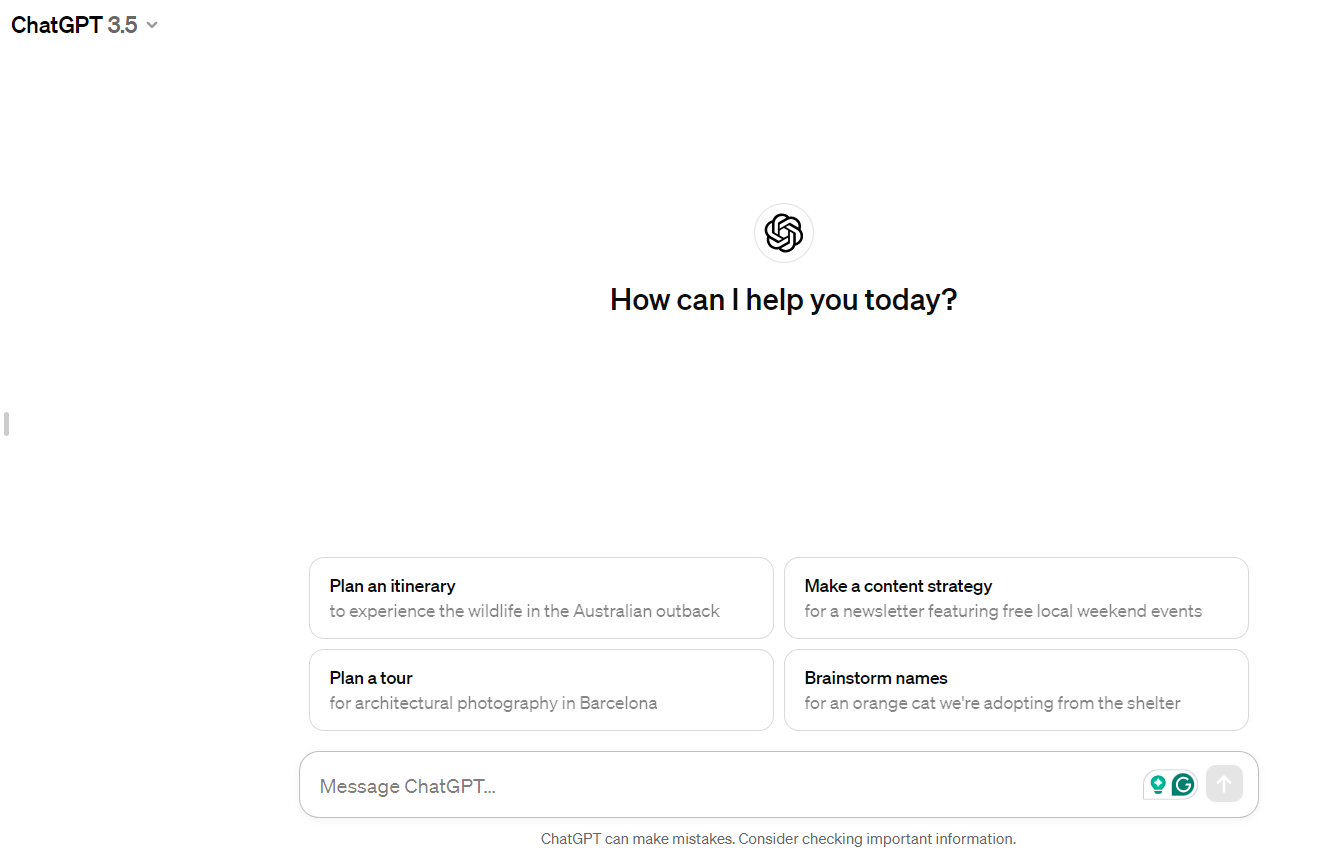
ChatGPT v3.5 is available for free to all users with an account on the OpenAI website.
You can easily create a free account using your email, Google, or Microsoft credentials.
As of now, there are no restrictions on usage for the free edition of ChatGPT.
Here’s the step-by-step process of how you can use ChatGPT for free:
Visit chat.openai.com in your web browser or you can also download the mobile app for Android or iPhone.
Visit chat.openai.com in your web browser or you can also download the mobile app for Android or iPhone.
Sign up for a free OpenAI account.
Sign up for a free OpenAI account.
Click “New Chat” at the top-left corner of the page.
Type a question or prompt and press enter to start using ChatGPT.
FAQs
Q1. What is ChatGPT Plus?
Answer. ChatGPT Plus is a subscription plan for $20 per month.
It includes reliable availability when demand is high, faster response speeds, and priority access to new features like plugins.
It also now gives you access to GPT-4, which is a more capable model that will often give better results.
Q2. Does ChatGPT Save Data?
Answer. OpenAI says it does not save data from individual interactions with ChatGPT for its own use.
When you have conversations with ChatGPT, your input is processed to generate a response, and your conversation is saved in your account.
But once you delete your account, the conversation is gone forever.
Q3. Does ChatGPT Use Real-Time Current Events?
Answer. ChatGPT is not up to date on current events. At the time of writing, the dataset of the current version of ChatGPT only goes up to 2021.
Q4. Is ChatGPT free?
Answer. Yes, version 3.5 of ChatGPT is free for public use. Currently, it is in the research and feedback collection phase.
It also has a premium version, which is known as ChatGPT Plus.
Currently, those in the US can now summon images into existence through the power of their imagination…well, aided by some advanced AI trickery, that is.
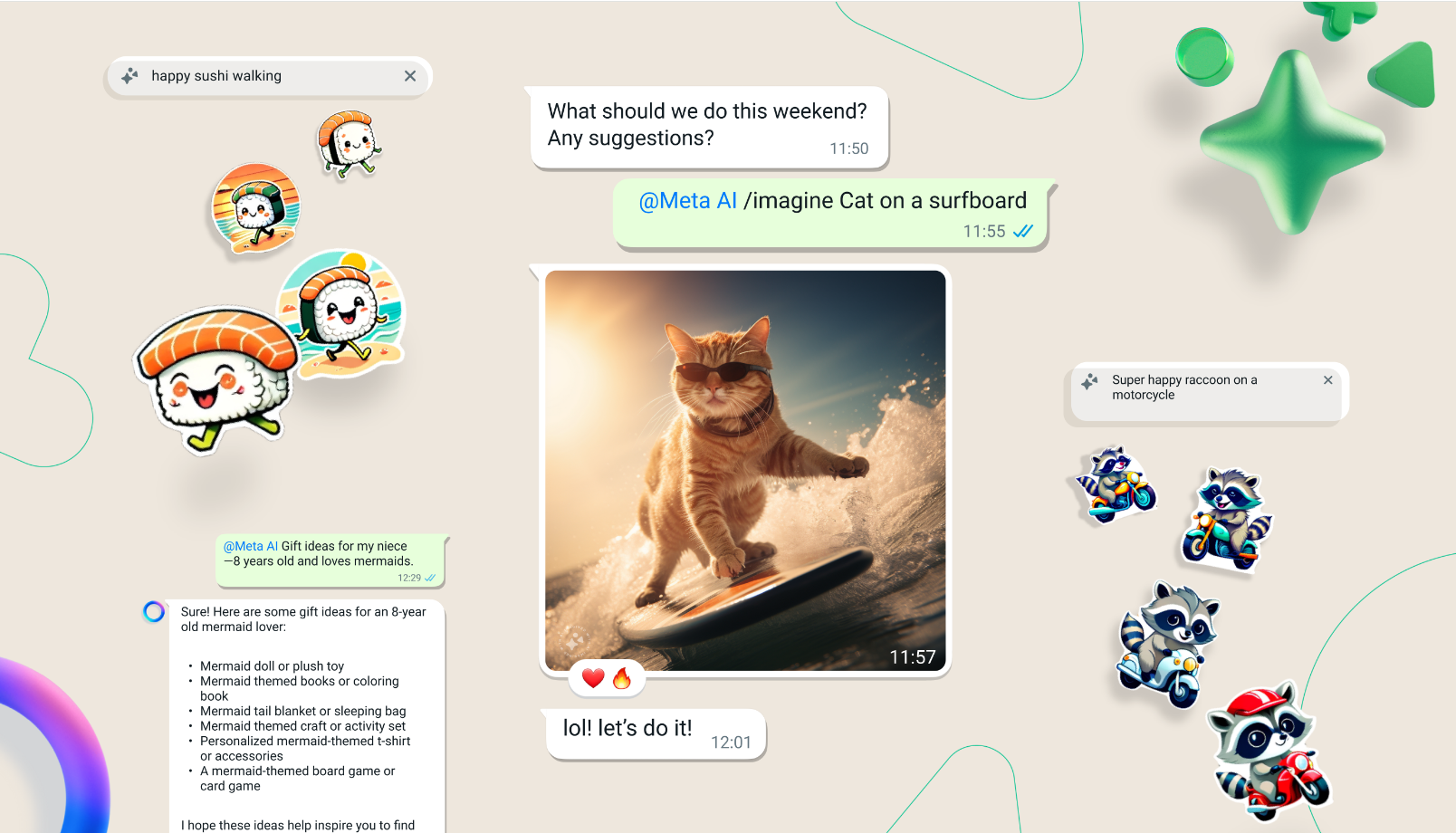
Here’s how it works: fire up a chat with Meta’s AI assistant, then kick things off with the magic word “Imagine” followed by whatever scene you wish to manifest.
How does the new AI image feature work in WhatsApp?
In WhatsApp, users can start a chat with Meta’s AI assistant, use the prompt “Imagine,” and describe any scene to generate images.
The AI uses diffusion models like Dall-E3 and MidJourney to create and adapt visuals based on user input.
What are the capabilities of Meta’s Llama 3 model in the new WhatsApp feature?
The Llama 3 model by Meta is capable of rendering sharp, high-definition visuals and handling text within images with greater accuracy, enhancing the overall quality and detail of the AI-generated content.
Is the AI image feature available worldwide?
Currently, the AI image feature is available for beta testing exclusively in the US and can also be accessed through Meta’s web AI interface for users within the United States.
Can the AI generate animations from images in WhatsApp?
Yes, one of the exciting capabilities of this new feature is turning any static image into a dynamic GIF, bringing visuals to life directly within WhatsApp conversations.
What potential does this feature hold for other Meta platforms?
Meta plans to integrate advanced AI capabilities across its suite of applications, including Instagram and Facebook, suggesting that this image creation feature could eventually expand to other platforms enhancing user interaction.
AAC, WAV, MP3, MP2, MP1, MIDI, Vorbis, APE, FLAC, OPUS
Video
MP4, 3GP, AVI, TS, MKV, FLV
FM Radio
No
Document Reader
Yes
BATTERY
Type
Non-Removable Battery
Size
5000 mAh, Li-Po Battery
Fast Charging
Yes, 44W Fast Charging
FAQs
What are the storage options and pricing for the Vivo Y200i?
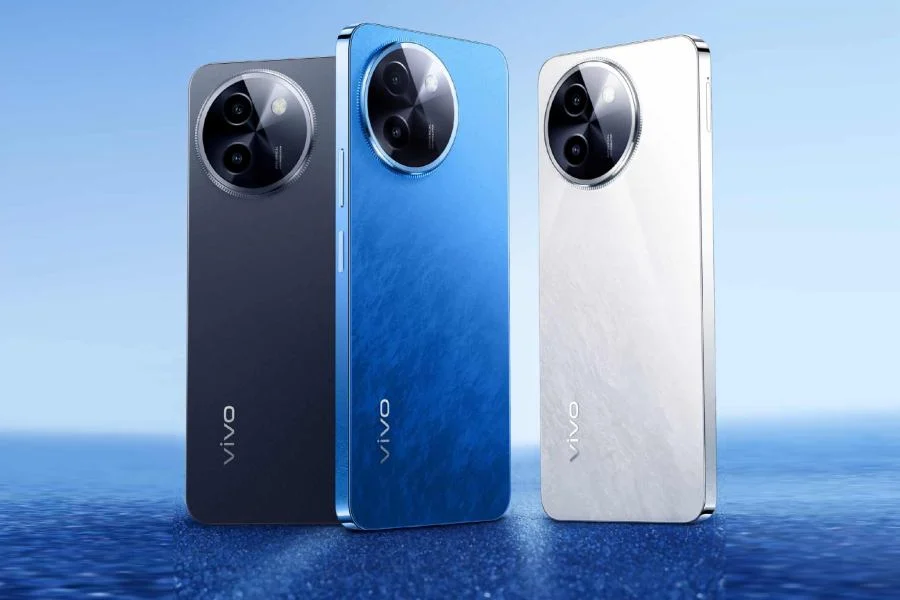
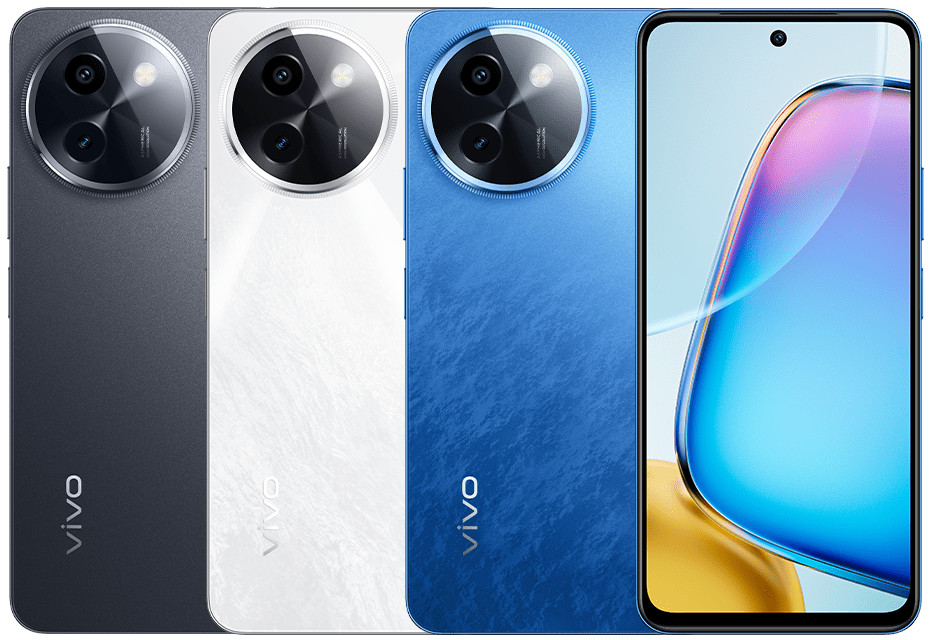
The Vivo Y200i is available in three configurations: 8GB+256GB priced at 1599 CNY, 12GB+256GB at 1799 CNY, and 12GB+512GB at 1999 CNY, making it a versatile choice for different budget ranges.
What type of display does the Vivo Y200i have?
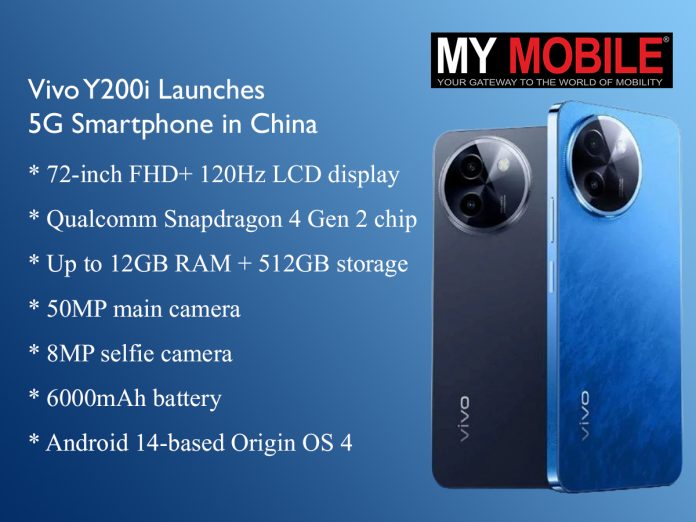
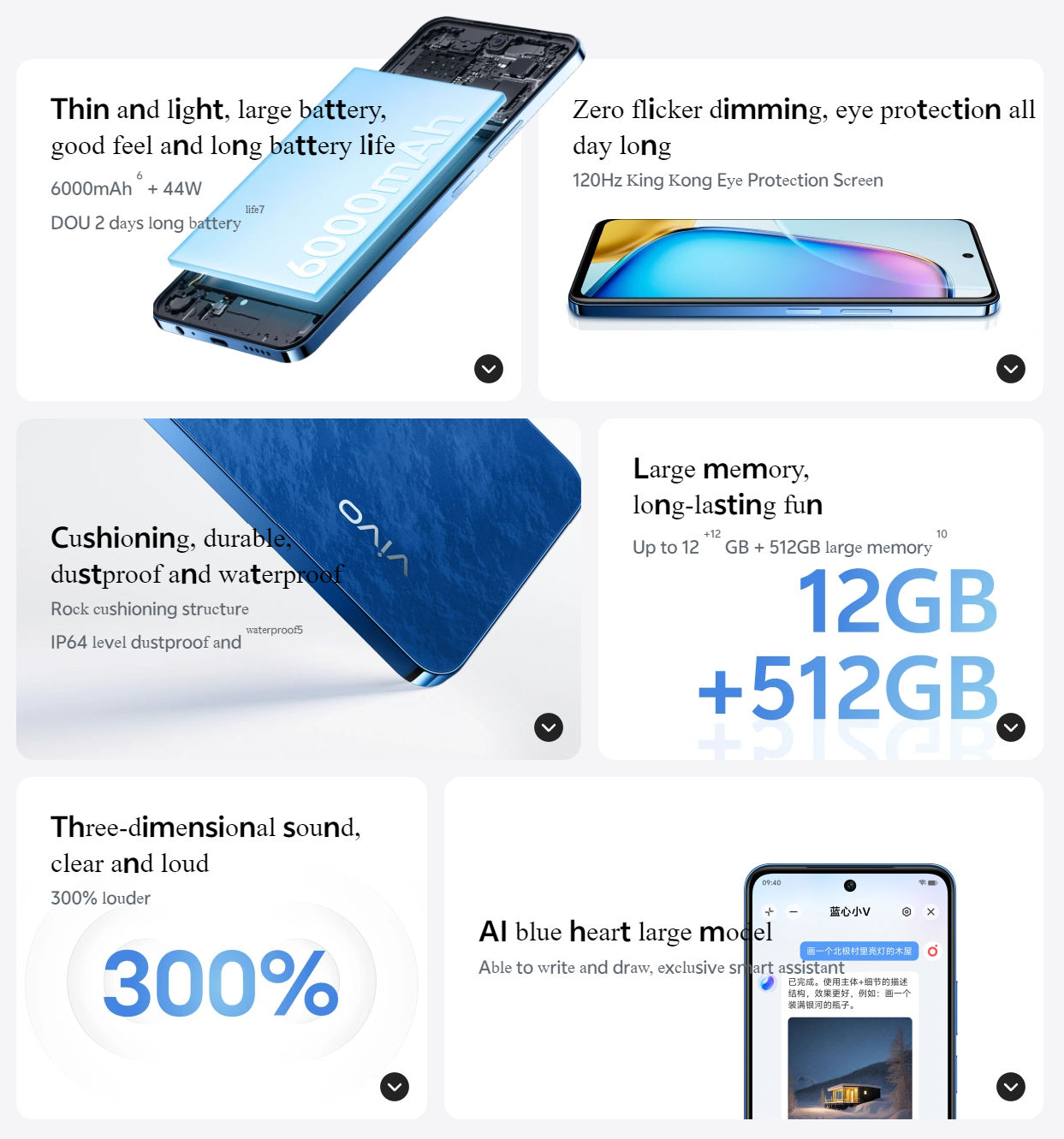
The Vivo Y200i boasts a 6.72-inch FHD+ LCD display with a 120Hz refresh rate, providing a fluid and crisp viewing experience ideal for media consumption and gaming.
Can you describe the camera specifications of the Vivo Y200i?
This smartphone features a dual-camera setup with a 50MP main sensor for high-resolution photos and a 2MP depth sensor for portrait shots, complemented by an 8MP front-facing camera.
What are the battery specifications and charging capabilities of the Vivo Y200i?
The Vivo Y200i is powered by a 6000mAh battery, supporting 44W fast charging that can recharge the battery to 50% in just 36 minutes, ensuring quick power-ups and extended usage.
What software does the Vivo Y200i run on?
It runs on Vivo’s Origin OS 4, which is based on Android 14, offering a modern interface with enhanced features and improved user experience.
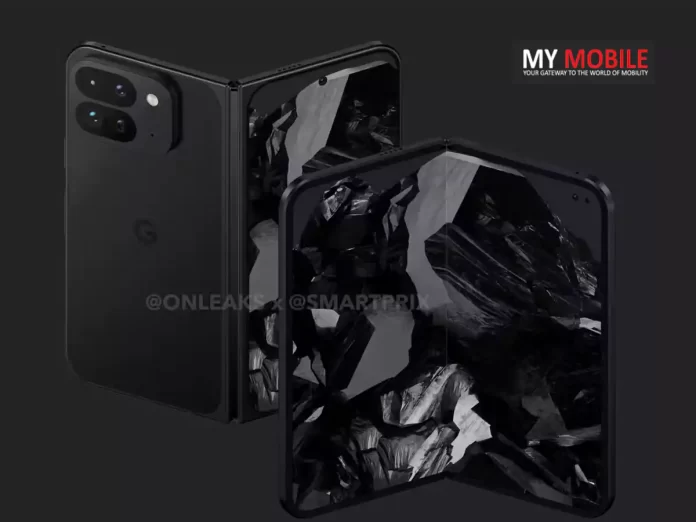
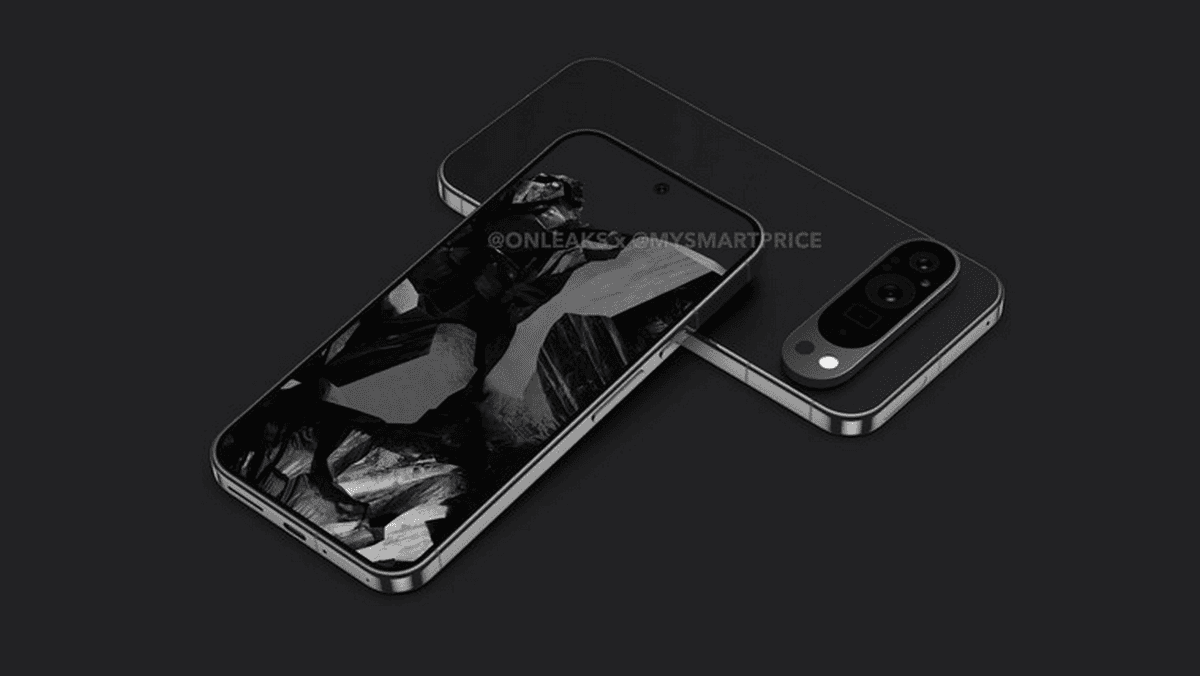
Instead, the 9 Pro opts for a more traditional camera bump in an oval shape that doesn’t stretch to the edges.
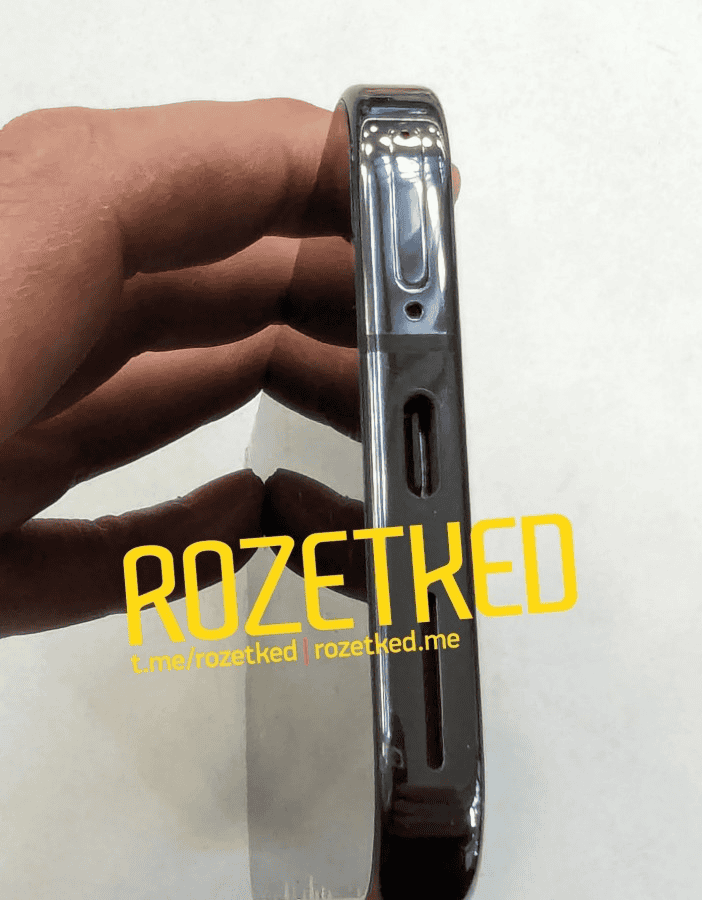
The device has a sleek flat metal frame too.
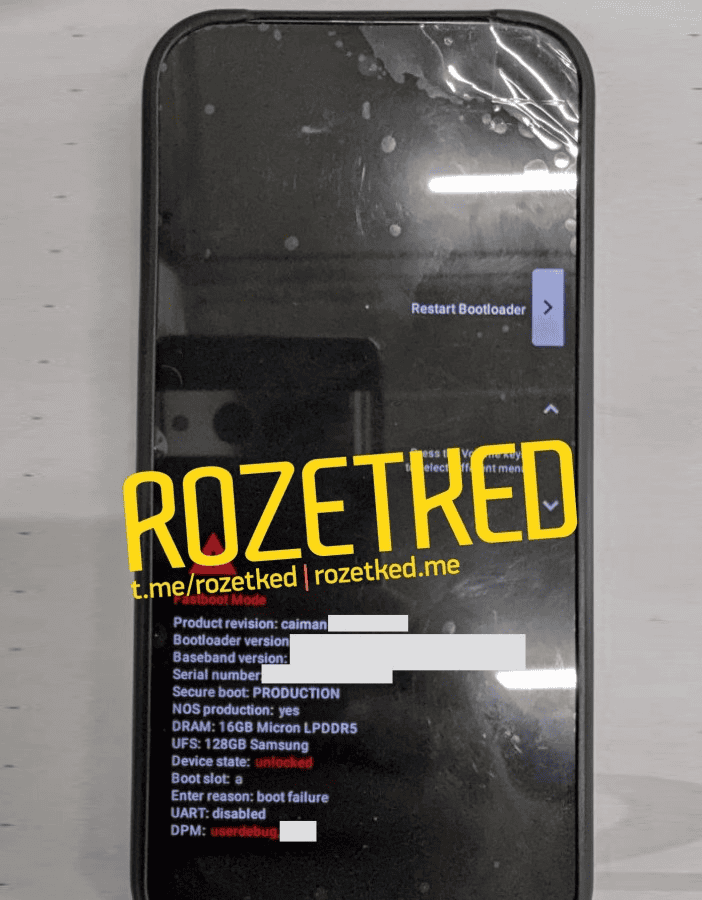
Under the hood, the 9 Pro is tipped to pack Google’s latest Tensor G4 chip and a hefty 16GB of RAM from Micron – that’s 4GB more than the standard Pro model.
It should also boast blazing-fast UFS storage tech courtesy of Samsung.
New camera design features a noticeable oval bump
By the sounds of it, Google hasn’t cut any corners on the internal specs.
Magic Eraser18, Motion Mode, Real Tone, Face Unblur, Panorama, Manual white balancing, Locked Folder, Portrait Mode, Portrait Light, Super Res Zoom, Motion autofocus, Frequent Faces, Dual exposure controls, Live HDR+
Video Recording
4K, 1080p
Flash
Yes, Dual LED
Front Camera
Punch Hole 12 MP (Wide Angle)
Front Video Recording
1080p @ 30 fps FHD
TECHNICAL
OS
Android v14
Chipset
Google Tensor 4
CPU
Octa Core Processor
GPU
Mali-GU
IP Rating
IP68
Java
No
Browser
Yes
MULTIMEDIA
Email
Yes
Music
Yes
Video
Yes
FM Radio
No
Document Reader
Yes
BATTERY
Type
Non-Removable Battery
Size
5000 mAh, Li-Po Battery
Fast Charging
Yes, 80W Fast Charging
Wireless Charging
Yes, 45W
Reverse Charging
Yes
FAQs
What are the key design changes in the Google Pixel 9 Pro?
The Pixel 9 Pro features a new camera design with an oval bump and sleek flat metal frame, moving away from the older “visor” look.
What performance enhancements does the Pixel 9 Pro offer?
Equipped with Google’s Tensor G4 chip and 16GB of RAM, the Pixel 9 Pro is designed for high-performance applications and multitasking.
Does the Google Pixel 9 Pro offer satellite connectivity?
Yes, the Pixel 9 Pro includes Samsung’s Exynos Modem 5400, enabling satellite connectivity for enhanced communication capabilities.
What is the display like on the Google Pixel 9 Pro?
The Pixel 9 Pro’s display boasts slim bezels and a centralized punch-hole for the selfie camera, optimizing screen space.
How does the Pixel 9 Pro compare in size to other smartphones?
Leaked images show the Pixel 9 Pro as being compact, even slightly smaller than the iPhone 15 Pro, making it an attractive option for users seeking a smaller high-end smartphone.
The 120Hz refresh rate provides smooth scrolling and gaming, and the peak brightness of 1300 nits ensures excellent visibility even in bright outdoor conditions.
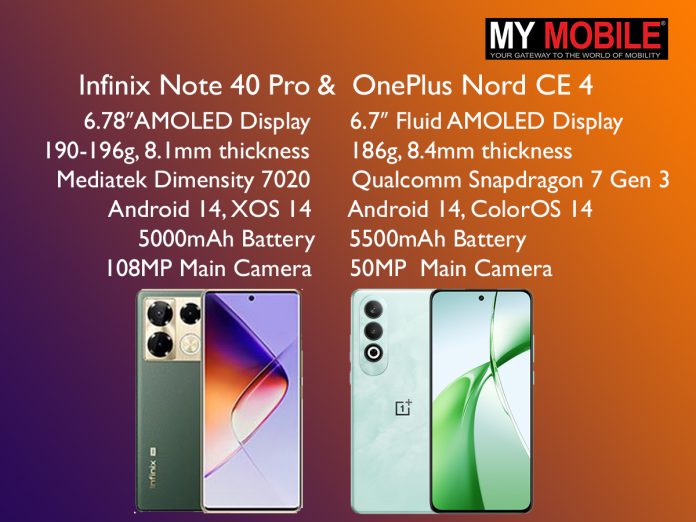
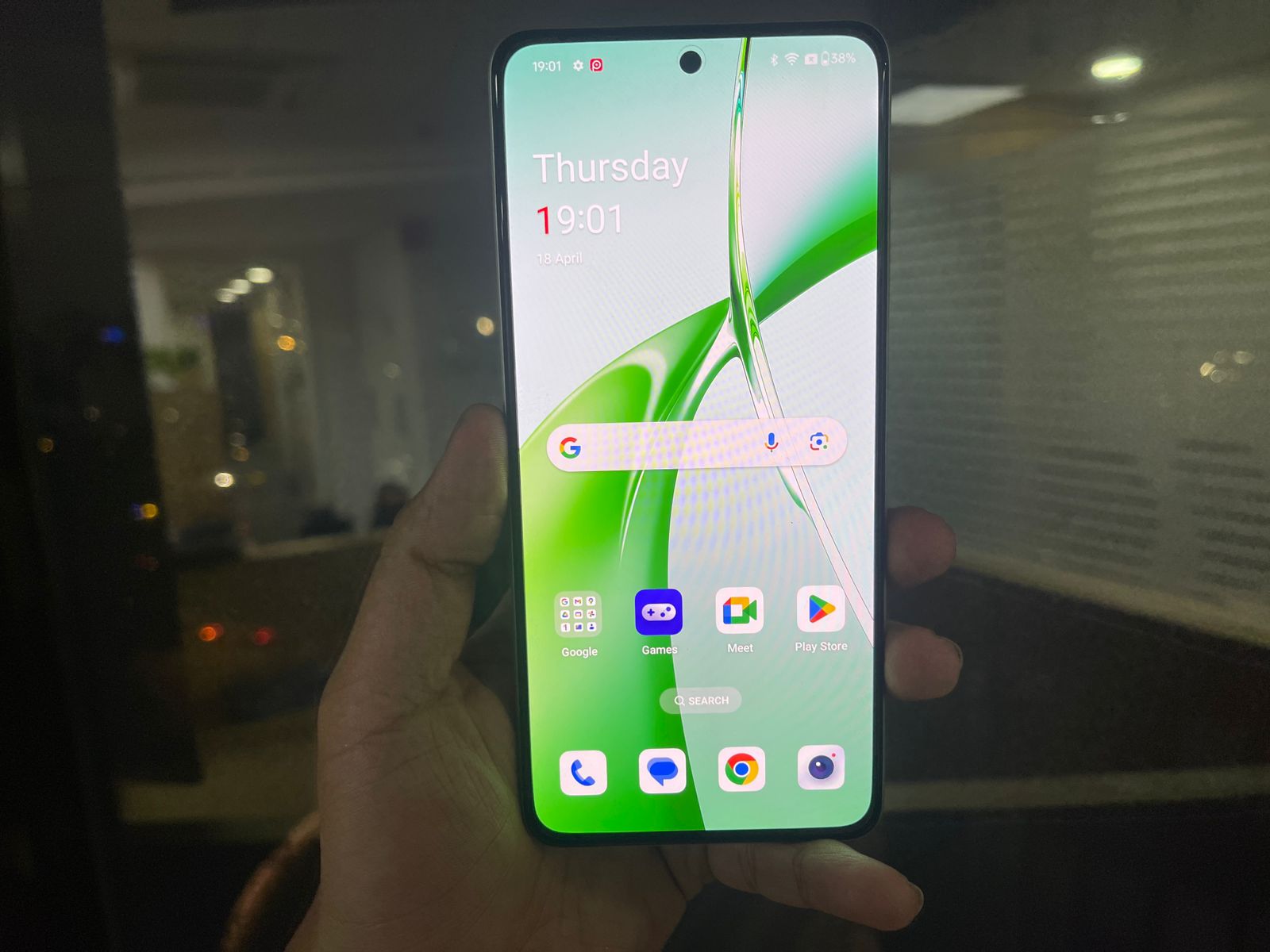
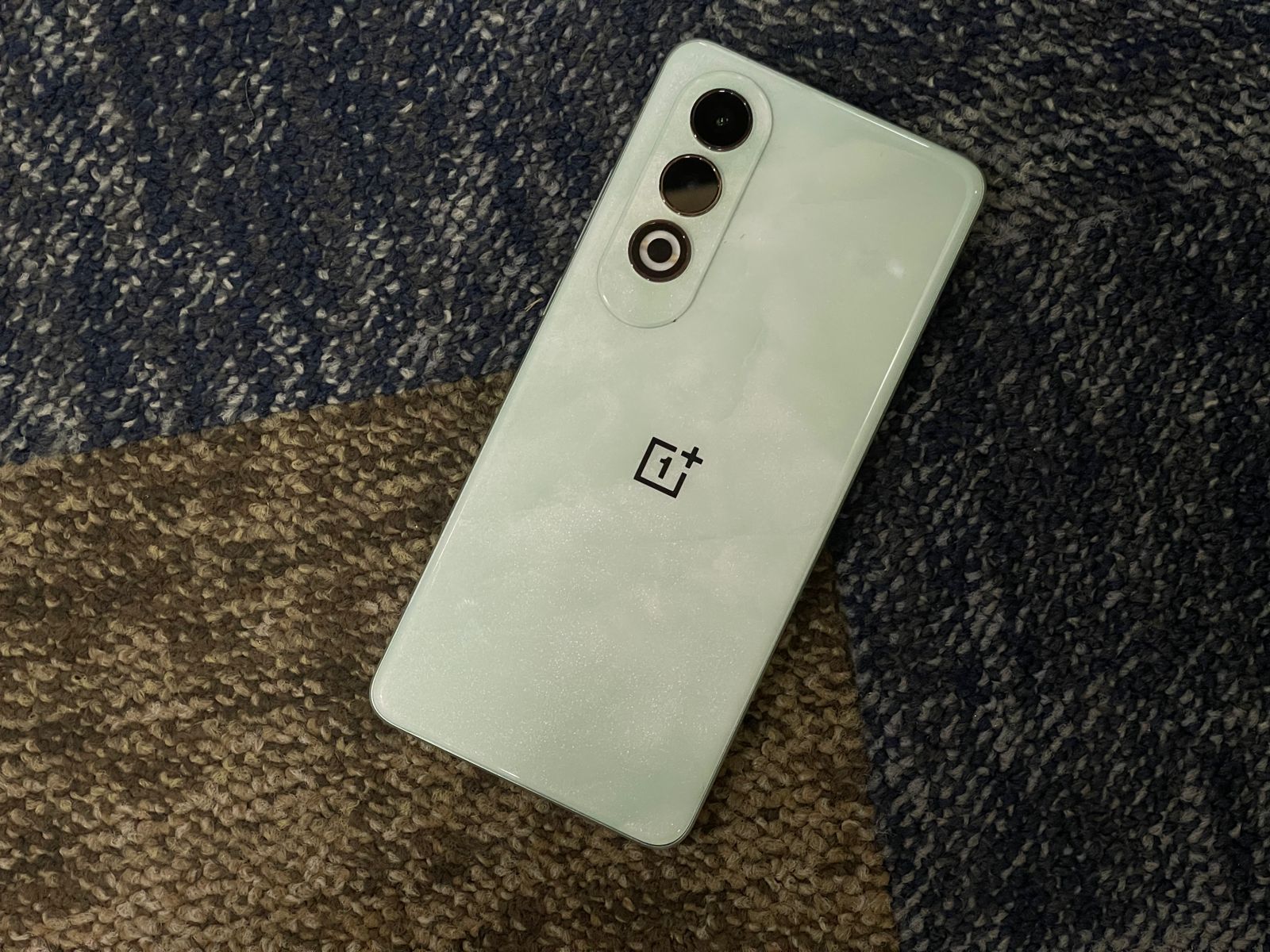
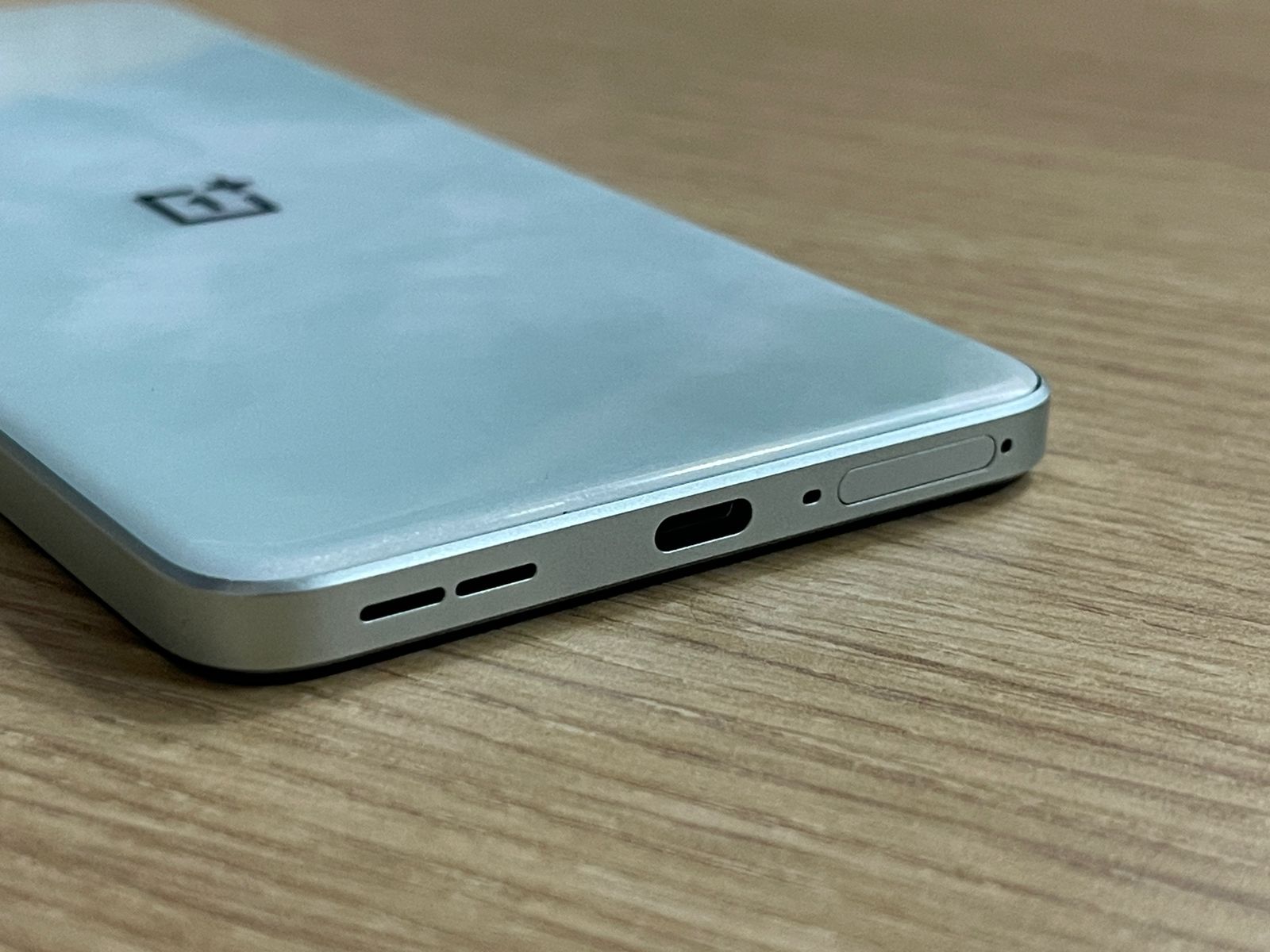
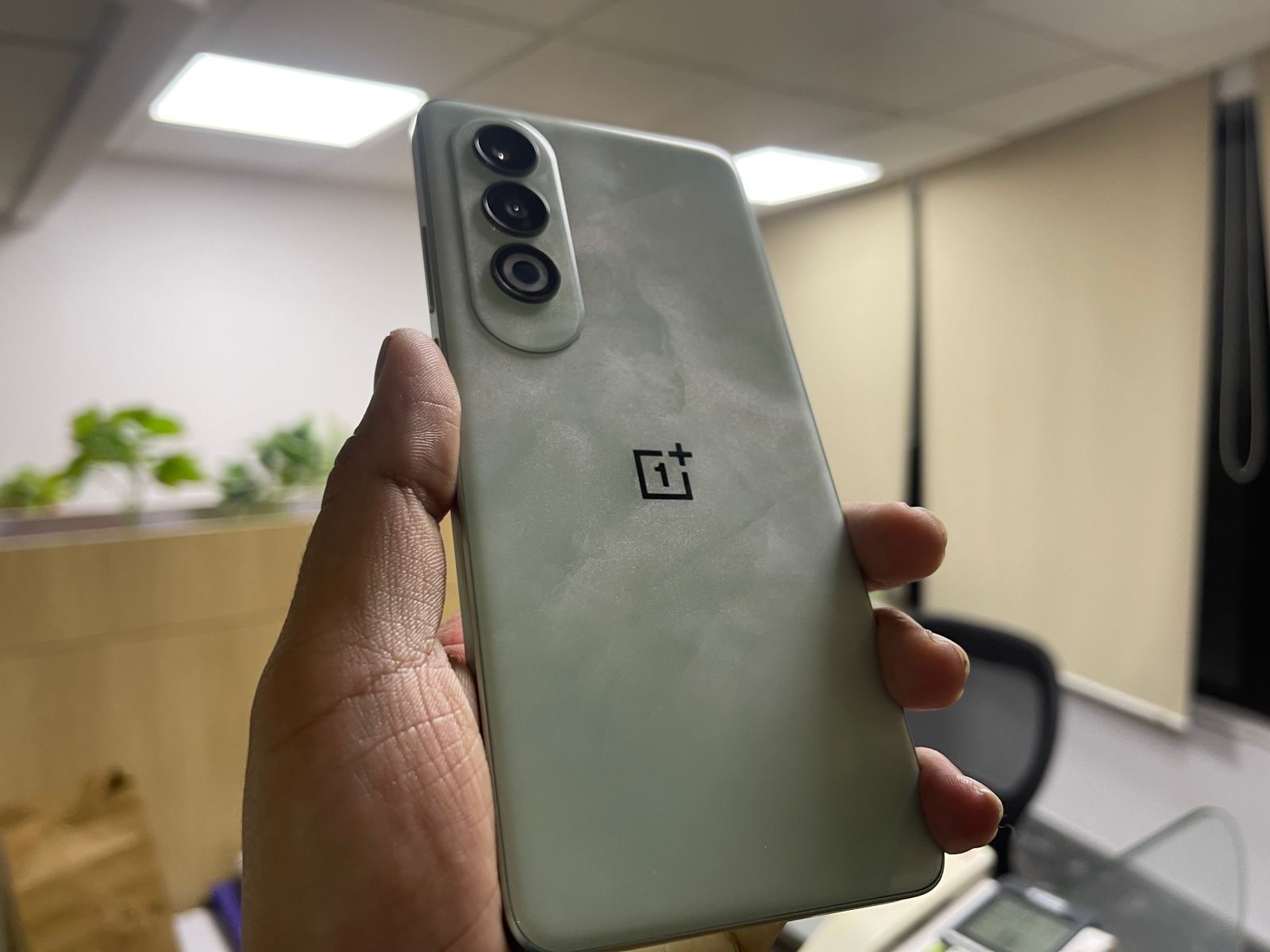
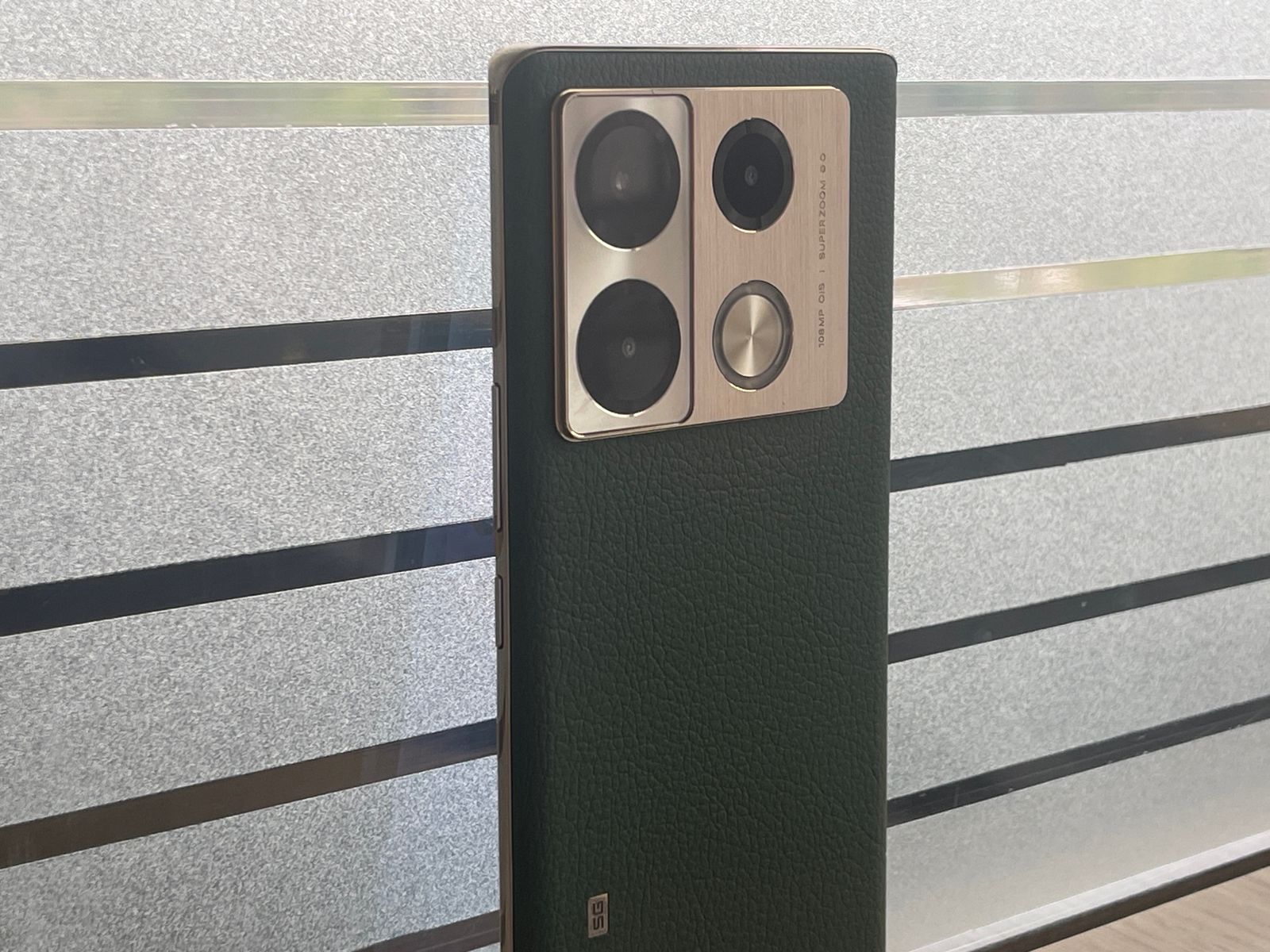
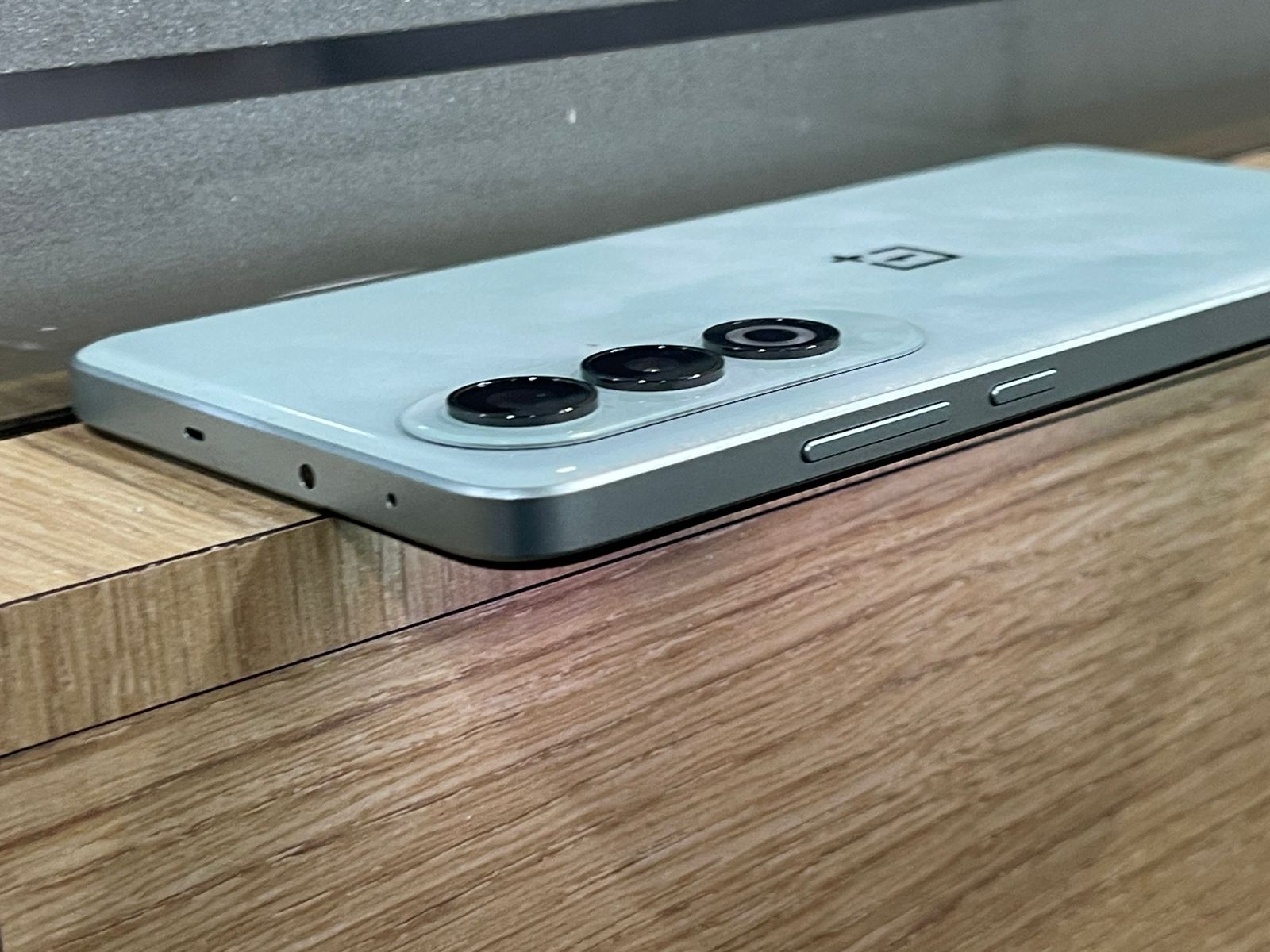
The OnePlus Nord CE 4, on the other hand, comes with a slightly smaller 6.7-inch Fluid AMOLED display.
While it has a lower resolution main sensor compared to the Infinix Note 40 Pro, it still captures high-quality photos and offers features like ultra-wide mode, night mode, and AI enhancements.
Verdict?
OnePlus Nord CE 4 5G: Final VerdictInfinix Note 40 Pro 5G: Final Verdict
Your choice between the two will depend on your specific needs and preferences.
Whether it’s the superior camera of the Infinix Note 40 Pro or the faster charging of the OnePlus Nord CE 4, both phones deliver excellent value for their price.
OnePlus Nord CE 4 5G Specs
GENERAL
Sim Type
Dual Sim, GSM+GSM
Dual Sim
Yes
Sim Size
Nano+Nano SIM
Device Type
Smartphone
Release Date
April 01, 2024 (Expected)
DESIGN
Bezel less
Yes
DISPLAY
Type
Color AMOLED Screen (1B Colors)
Touch
Yes
Size
6.73 inches, 1080 x 2412 pixels, 120 Hz
Aspect Ratio
20:9
PPI
~ 393 PPI
Screen to Body Ratio
~ 89%
Glass Type
Corning Gorilla Glass
Features
Ambient Display, Dark Mode, AI Color Enhancement, Support sRGB, Display P3, HDR10+
Film Mode, Video, AI Cam, Beauty, Portrait, Super Night, AR Shot, Short Video, Pro, Slow Motion, Dual Video, Panorama, Documents, Timelapse, Sky Shop, Wide Selfie, Digital Zoom Upto 10X
Video Recording
1440p @ 30 fps QHD, 1080p @ 30 fps FHD
Flash
Yes, Triple LED
Front Camera
Punch Hole 32 MP f/2 (Wide Angle) with Dual LED Flash
What are the display features of the OnePlus Nord CE 4 and Infinix Note 40 Pro?
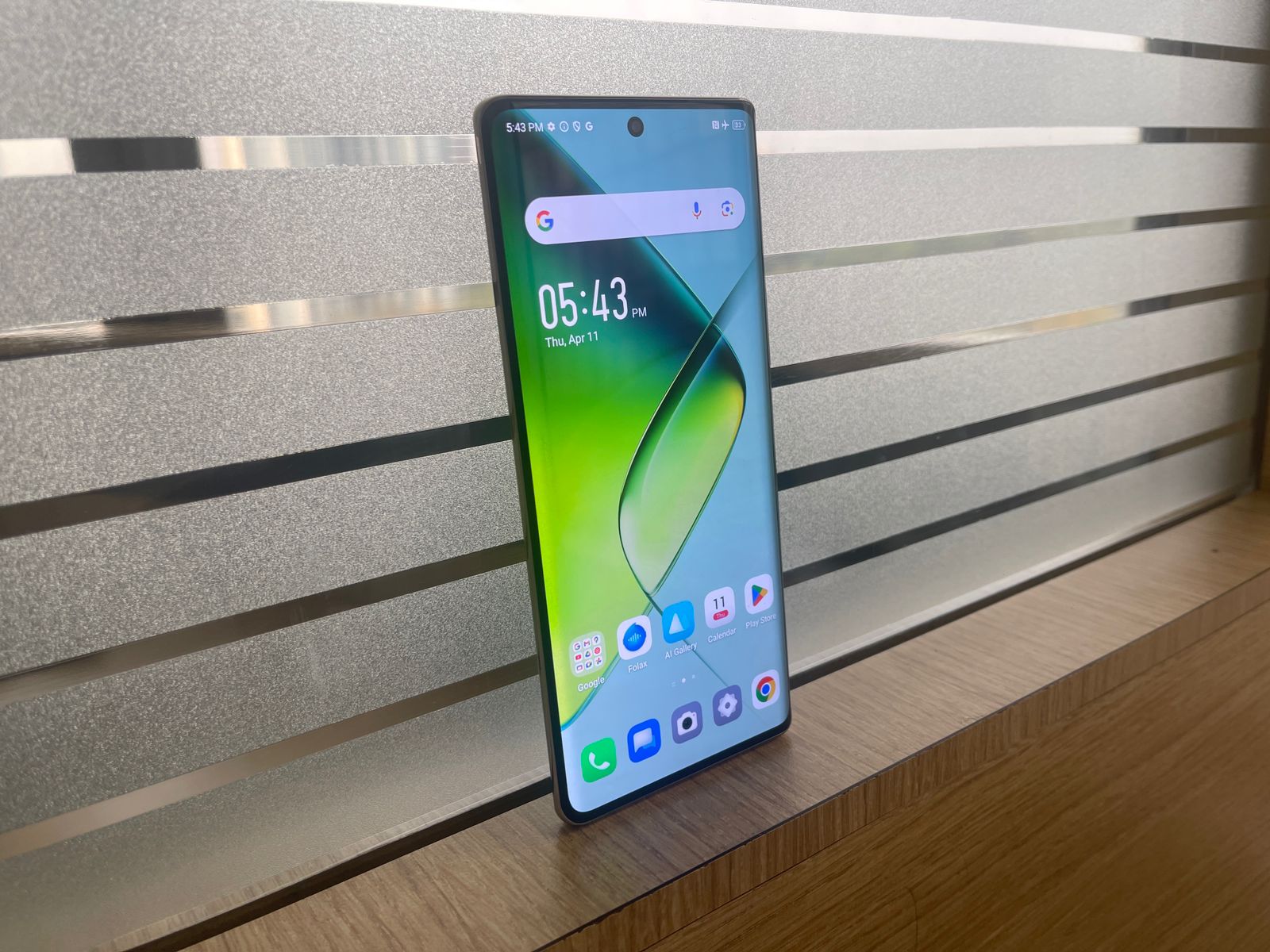
The OnePlus Nord CE 4 features a 6.7-inch Fluid AMOLED display, while the Infinix Note 40 Pro has a slightly larger 6.78-inch AMOLED screen.
Both displays offer a 120Hz refresh rate, ensuring smooth scrolling and responsive touch interactions, making them ideal for gaming and multimedia consumption.
How do the camera setups differ between the two models?
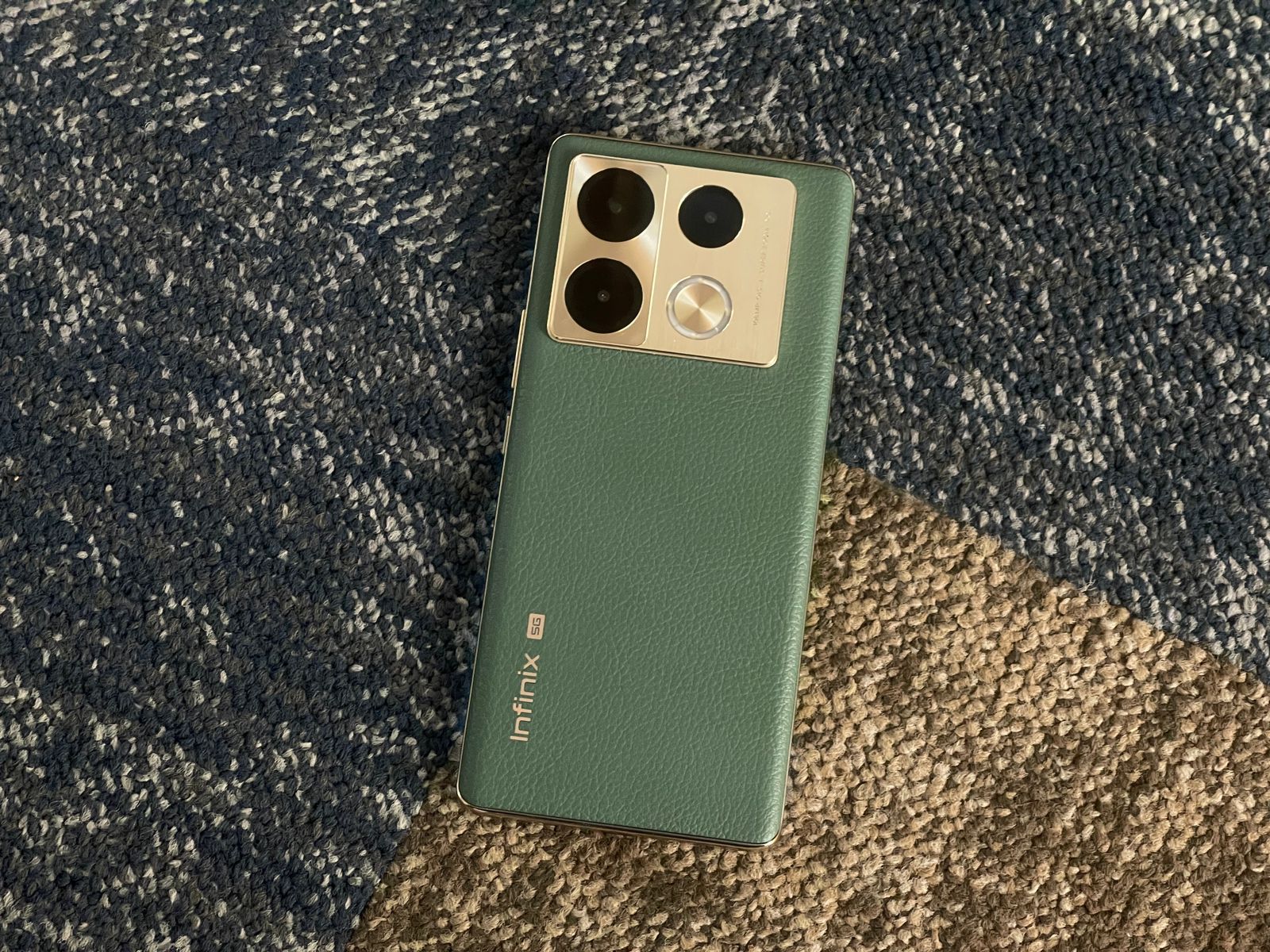
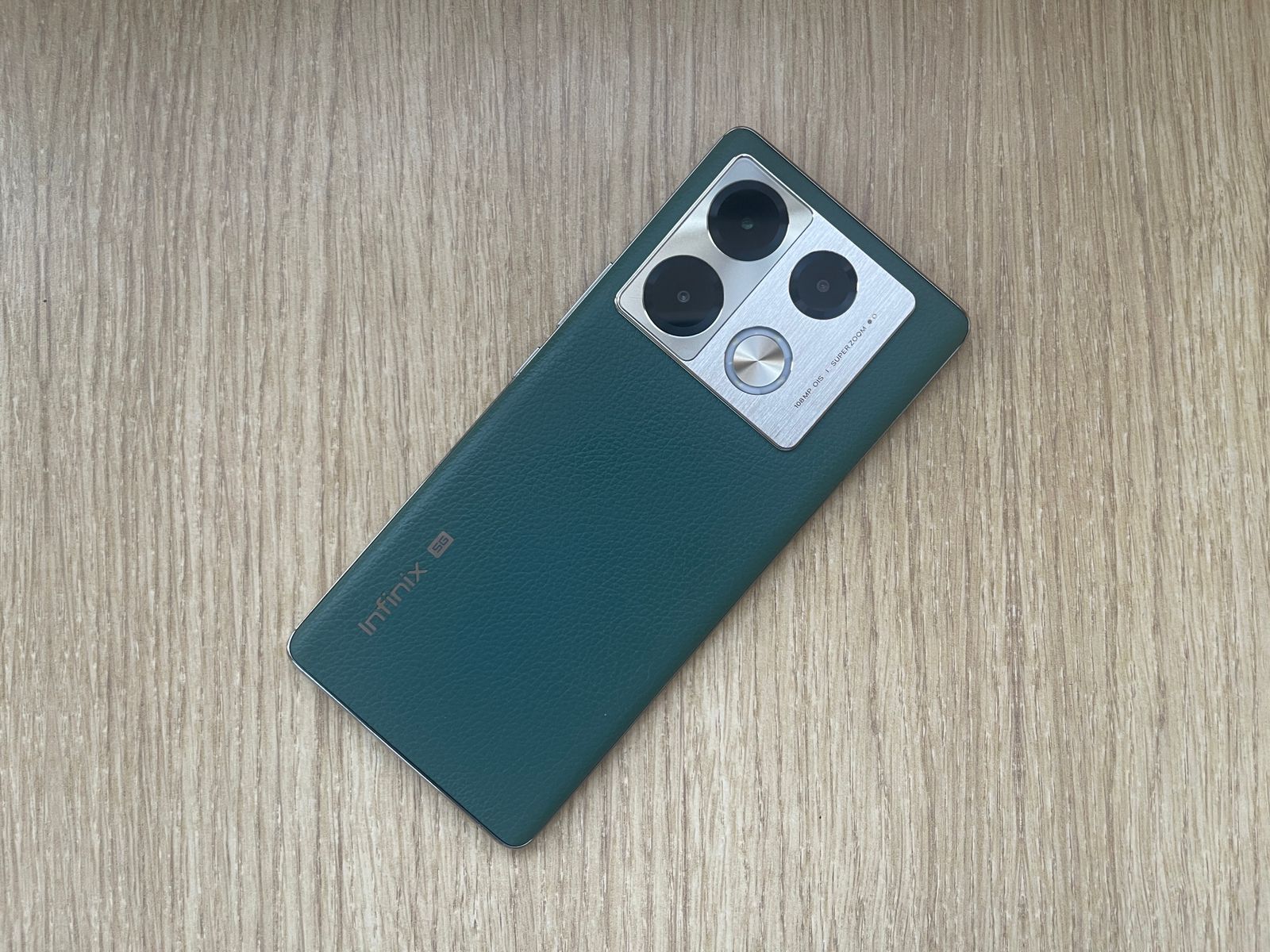
The Infinix Note 40 Pro features a more powerful 108MP main camera, compared to the 50MP main camera on the OnePlus Nord CE 4.
The Infinix also includes additional sensors for depth and macro shots, providing versatility in photography. The OnePlus, however, focuses on quality with fewer lenses.
Can you compare the battery specifications and charging capabilities of each model?
The Infinix Note 40 Pro is equipped with a 5000mAh battery and supports 45W fast charging, while the OnePlus Nord CE 4 includes a larger 5500mAh battery with an impressive 100W fast charging capability.
This makes the OnePlus Nord CE 4 a better option for those needing quick power boosts.
What software do these smartphones run?
Both smartphones run on Android 14, but with different overlays: the Infinix Note 40 Pro uses XOS 14, which offers a customized, feature-rich experience, and the OnePlus Nord CE 4 uses ColorOS 14, known for its smooth performance and extensive customization options.
Which smartphone offers better value for money?
Choosing between the OnePlus Nord CE 4 and the Infinix Note 40 Pro depends on what features are most important to you.
The Infinix offers a higher-resolution camera and slightly larger screen size, potentially better for photography enthusiasts.
The OnePlus, on the other hand, has faster charging and a slightly sleeker design, which might appeal more to those with busy lifestyles needing quick charges.
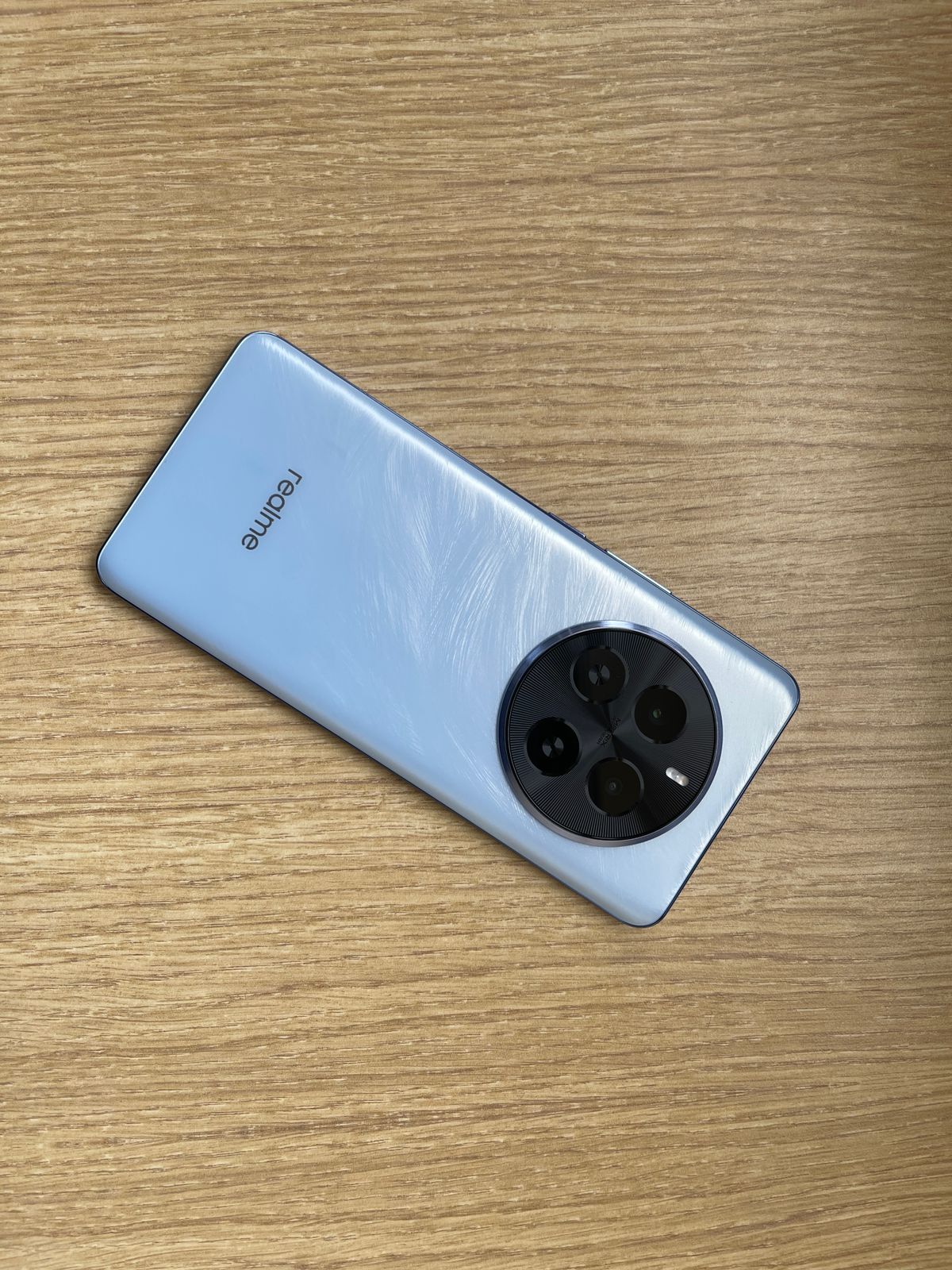
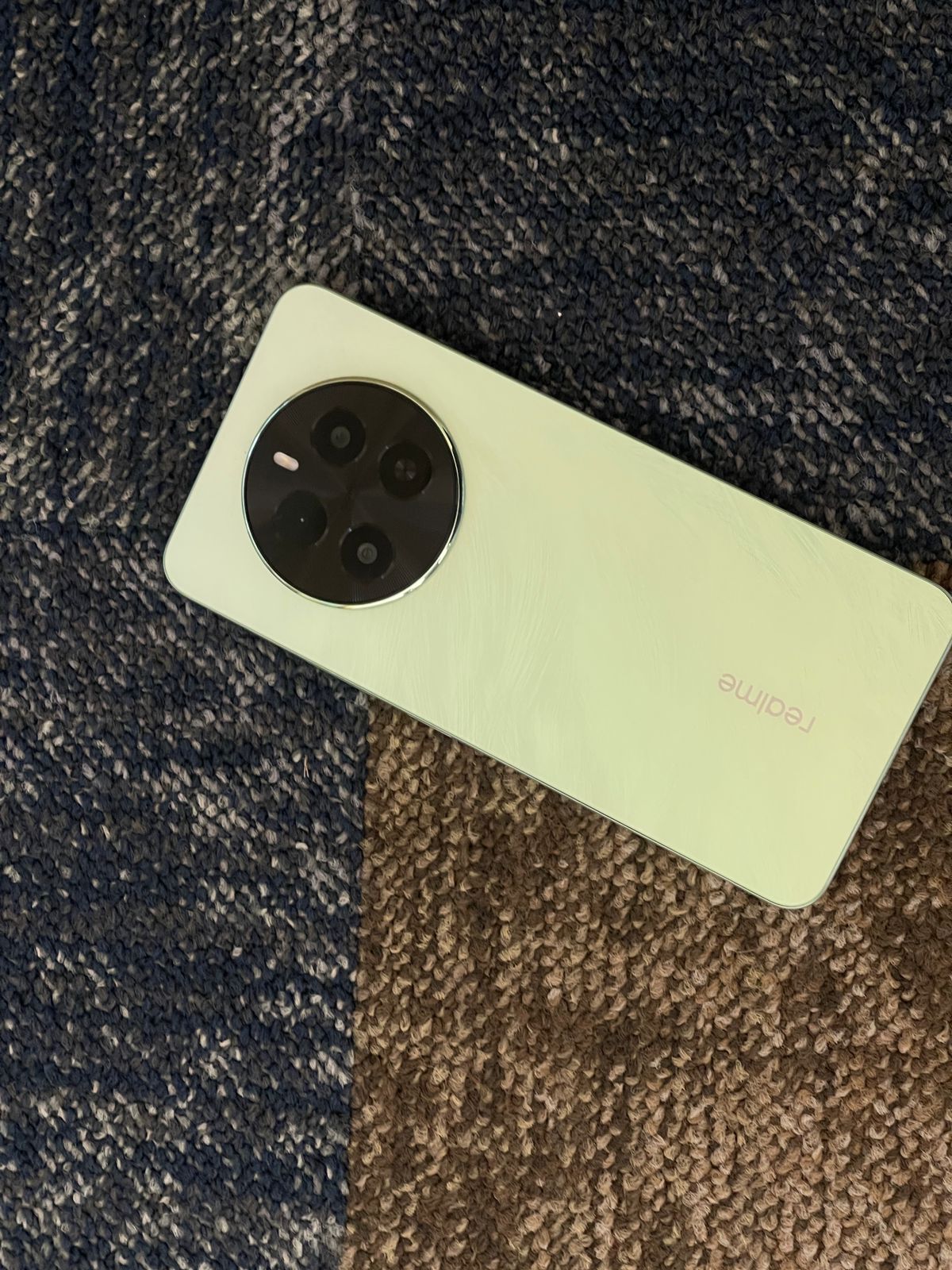
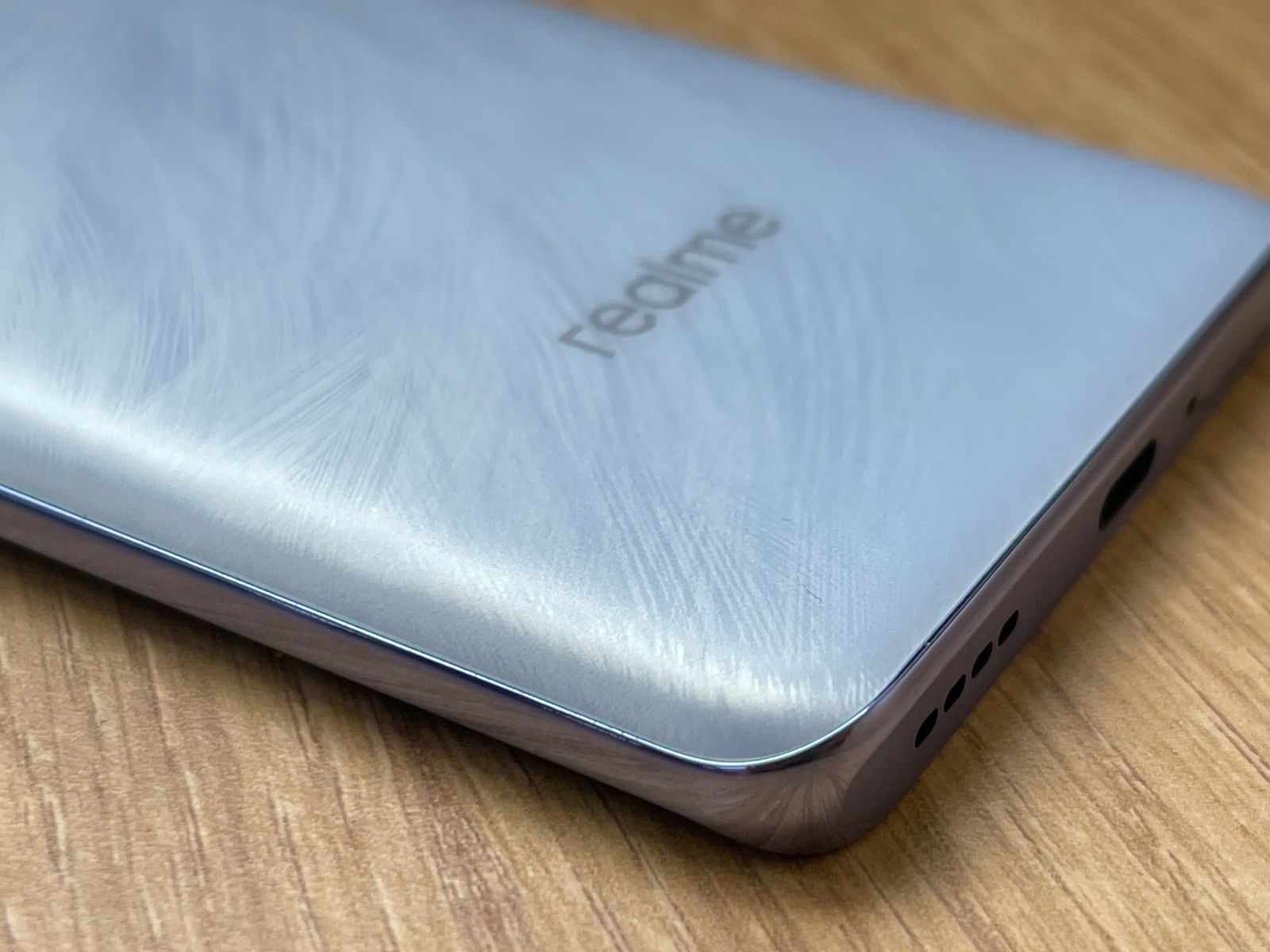
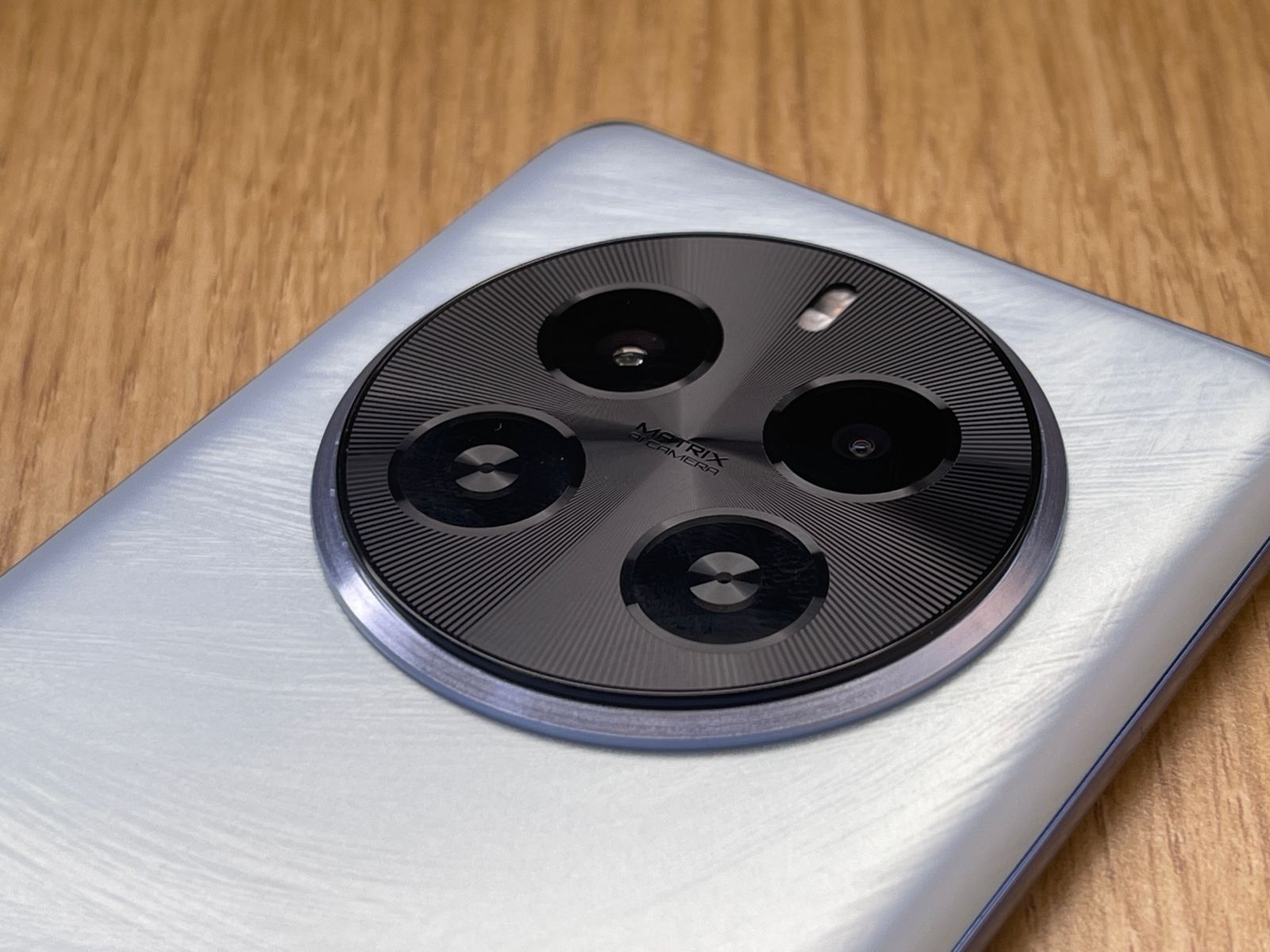
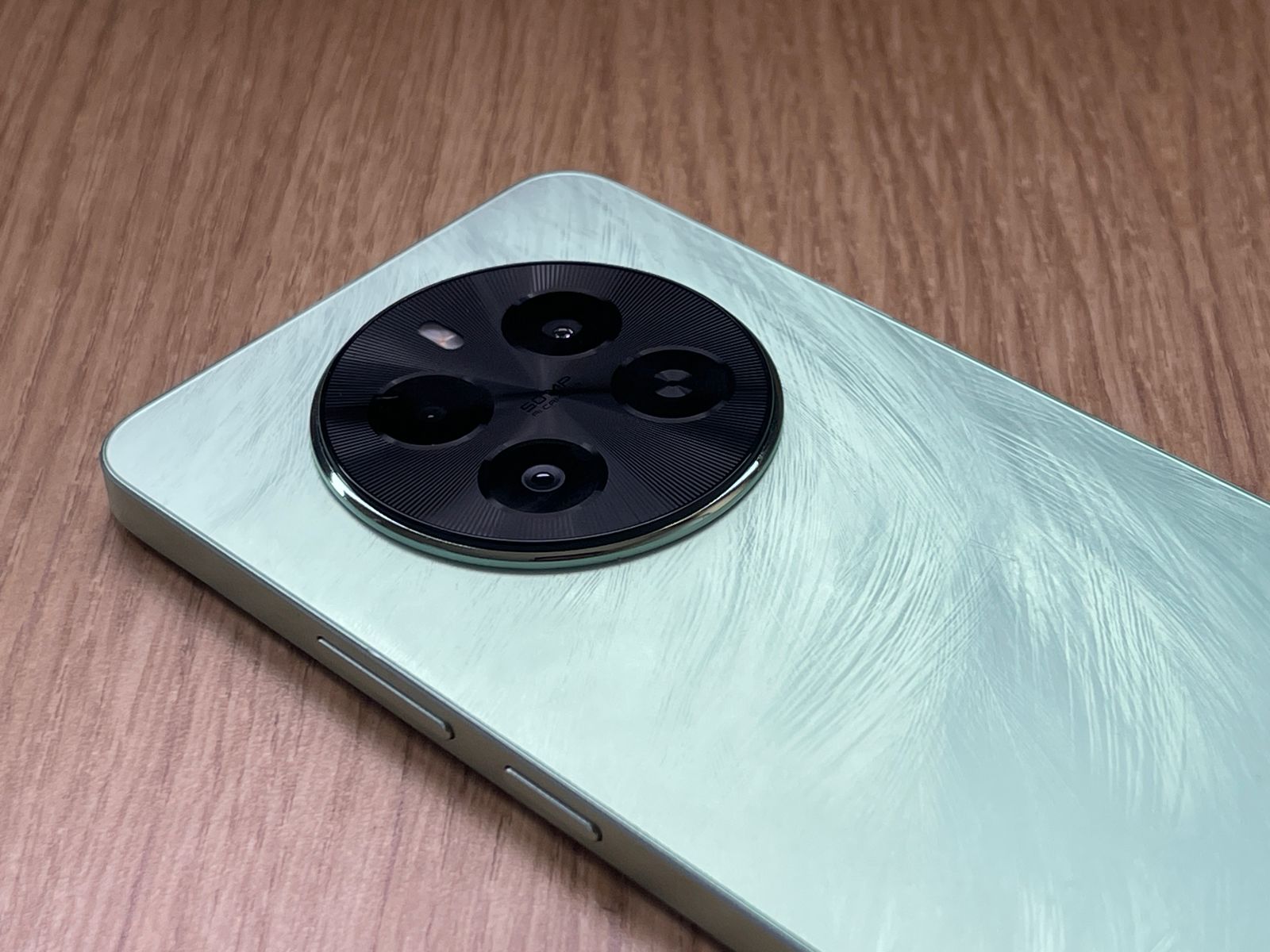
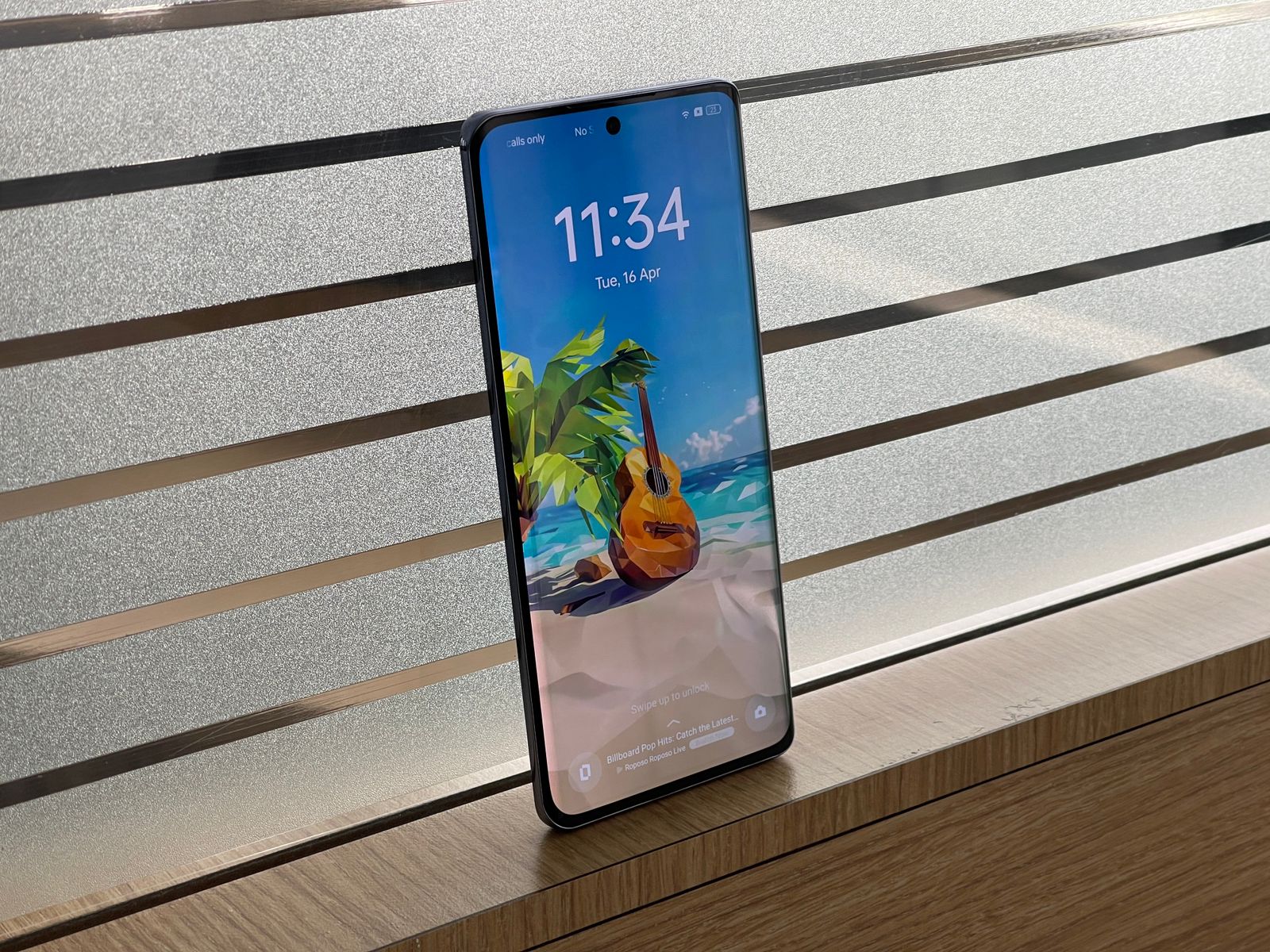
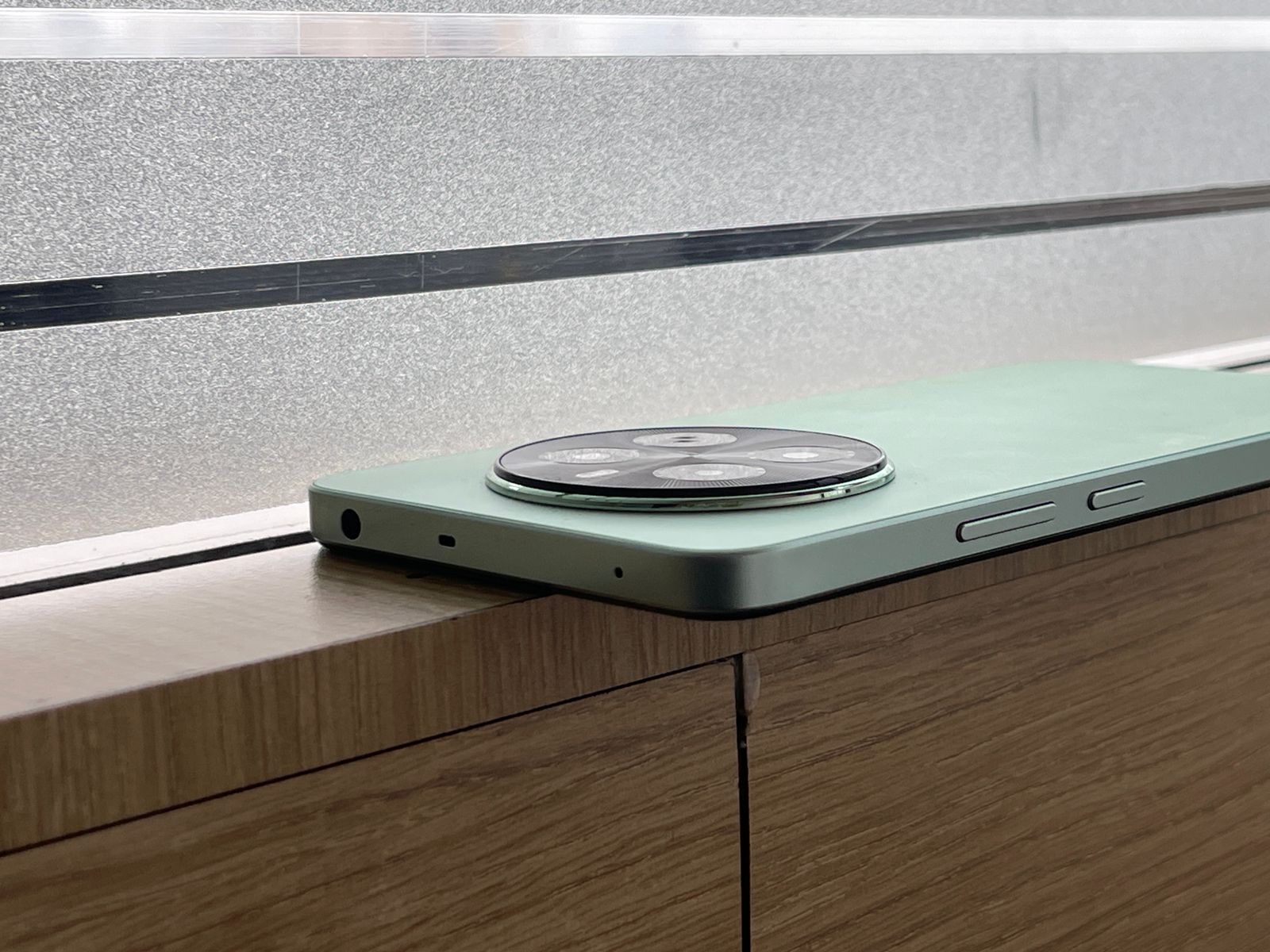
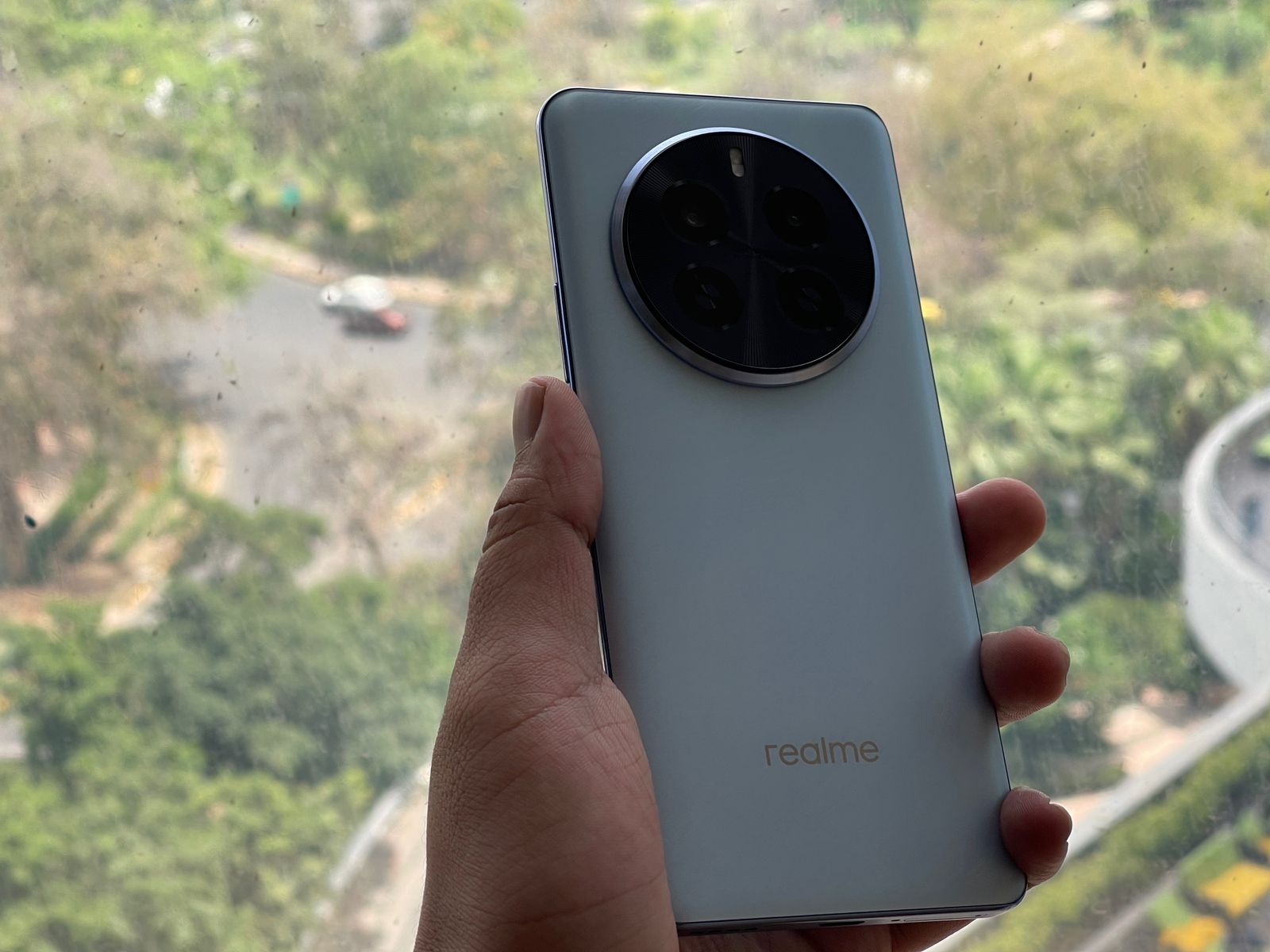
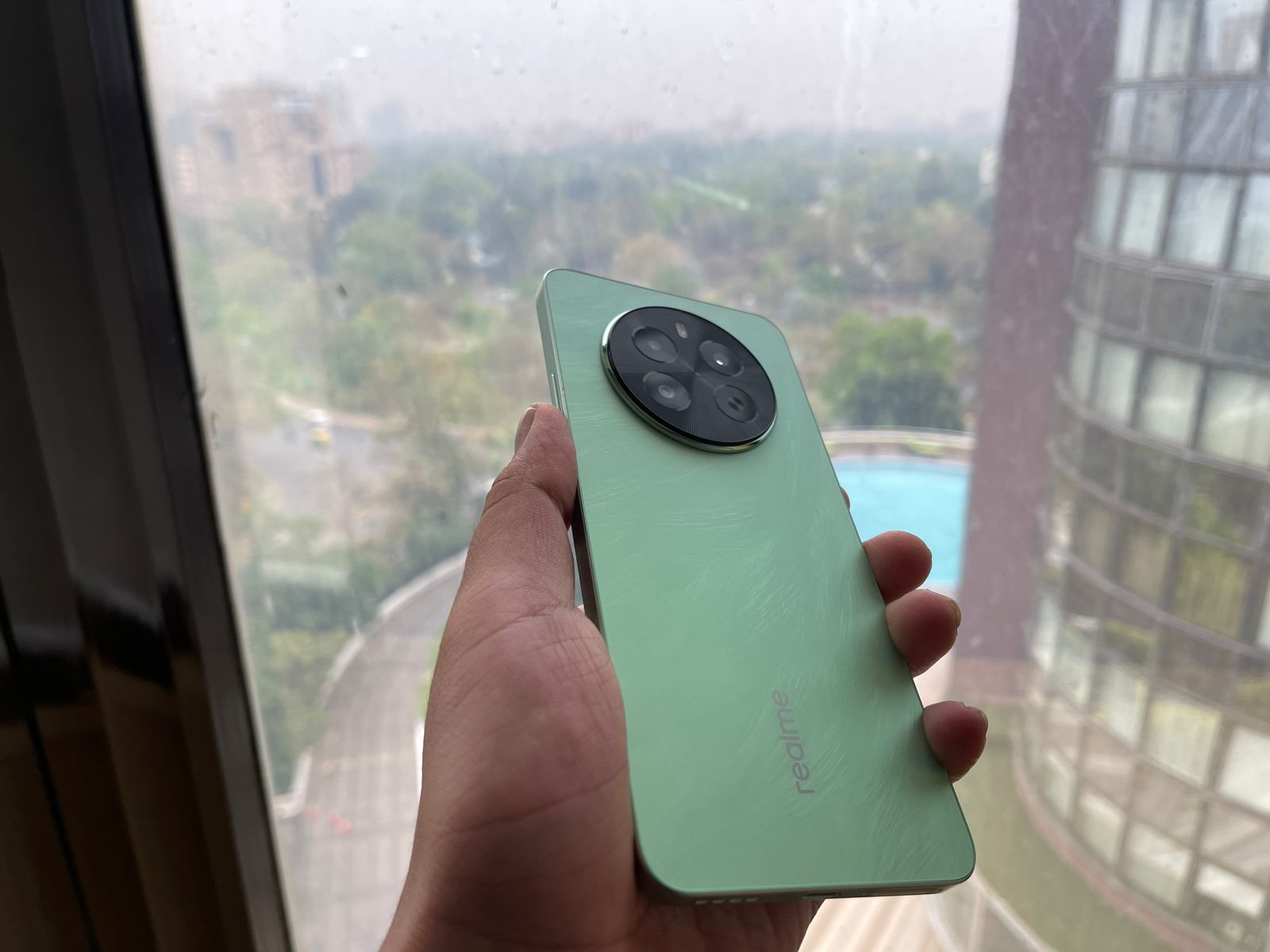
The Micro-Crystal Sparrow Feather Texture in Peacock Green, Phoenix Red, and Parrot Blue finishes, combined with a smooth matte finish, create an aesthetic that is sure to turn heads.
Realme P1 5G and P1 Pro 5G: Performance Powerhouses
No real surprises there, Realme has always endured itself to the fans with its software service.
Realme P1 5G and P1 Pro 5G: Pricing and Availability: Catering to Every Wallet
Realme P1 5G and P1 Pro 5G: Pricing and Availability
One of the most significant factors influencing consumer decisions is pricing, and Realme has struck a delicate balance between affordability and premium features.
On the other hand, the Realme P1 Pro 5G commands a premium with its pricing set at Rs. 21,999 for the 8GB + 128GB variant and Rs. 22,999 for the 8GB + 256GB model.
While more expensive than its sibling, the P1 Pro 5G justifies its price tag with its curved display, superior camera capabilities, and the more powerful Snapdragon 6 Gen 1 SoC, catering to those seeking a more premium and feature-packed experience.
Realme P1 5G and P1 Pro 5G: Conclusion: Choices for Every Preference
Realme P1 Pro: VerdictRealme P1 5G: Verdict
Whether you’re a photography enthusiast, a performance junkie, or simply seeking a reliable daily driver, the Realme P1 5G and P1 Pro 5G have something to offer.
The P1 5G strikes a perfect balance between affordability and capable hardware, making it an excellent choice for those on a budget or seeking a well-rounded mid-ranger.
On the other hand, the P1 Pro 5G caters to those who demand a little extra in terms of design, camera performance, and raw processing power.
With its curved display, advanced camera setup, and the potent Snapdragon 6 Gen 1 SoC, the P1 Pro 5G represents the pinnacle of Realme’s mid-range offerings, delivering a premium experience without breaking the bank.
Night Mode, Photo Mode, Street Shooting Mode, Portrait Mode, High Pixel, Professional Mode, Panoramic View, Macro, Super Text, Super Group Portrait, Tilt Shift, Long Exposure Photo, Video Features: Video, Movie Mode, Slow Motion, Timelapse, Multi View Video, Tilt Shift
What are the main differences in display between the Realme P1 5G and P1 Pro 5G?
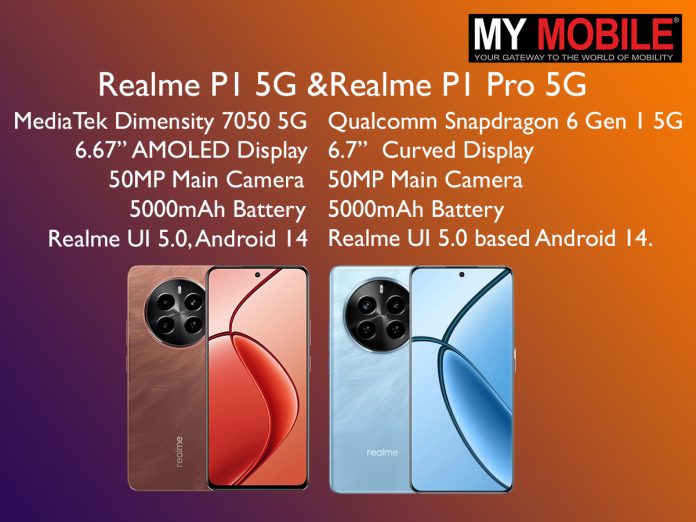
The Realme P1 5G features a 6.7-inch FHD+ AMOLED display with a 120Hz refresh rate, while the P1 Pro 5G enhances the visual experience with a curved display of the same size and specifications.
The curved screen on the P1 Pro adds an extra layer of elegance and offers a more immersive viewing experience.
How do the camera setups in the Realme P1 and P1 Pro differ?
The Realme P1 is equipped with a 50MP main camera and a 2MP depth sensor, providing solid photography capabilities.
In contrast, the P1 Pro features a more advanced setup with a 50MP Sony LYT-600 main sensor with OIS, an 8MP ultra-wide camera, and a 2MP macro camera, catering to more serious photography enthusiasts with its enhanced versatility.
Can you compare the performance specs of the Realme P1 and P1 Pro?
The Realme P1 is powered by the MediaTek Dimensity 7050 SoC, suitable for everyday tasks and some gaming.
The P1 Pro, however, steps up the performance with the Snapdragon 6 Gen 1 SoC, offering better efficiency and handling more demanding applications and games, making it ideal for users who need extra power.
What are the battery and charging capabilities of both devices?
Both the Realme P1 and P1 Pro 5G house a 5000mAh battery supporting 45W SuperVOOC fast charging.
This technology enables the phones to charge up to 28% in just 30 minutes and reach full charge in about 65 minutes, ensuring minimal downtime and extended usability.
What is the price range of the Realme P1 5G and P1 Pro 5G, and who are they for?
The Realme P1 5G is more budget-friendly, starting at Rs. 15,999, making it ideal for consumers looking for high-value features at a lower cost.
The P1 Pro 5G starts at Rs. 21,999, appealing to those who prefer premium features like a curved display and advanced camera technology in a mid-range phone.
What are the key features of Realme P1 Pro 5G ?
Best 120Hz Curved Vision Display in the segment
The Realme P1 Pro 5G boasts a 6.7-inch FHD+ OLED display. The stunning display offers a refresh rate of up to 120Hz, providing users with a seamless and smooth content-watching experience.
It also features an impressive 20000 levels of brightness adjustment and can reach a peak brightness of 950 Nits, ensuring optimal visibility in various lighting conditions.
In low-brightness conditions, Realme P1 Pro 5G employs high-frequency 2160Hz PWM dimming, offering a 4.5 times increase in dimming efficiency compared to conventional 480Hz methods.
The smartphone also comes with an Eye Protection Certificate by TÜV Rheinland, which will help the users to operate the device for a longer period while comforting and protecting their eyes.
Dynamic 50 MP Main Camera with Sony LYT 600
The Realme P1 Pro 5G is equipped with a superior camera system. The 50MP main camera features a Sony LYT-600 sensor that captures stunningly detailed and vibrant images.
In addition, there’s an 8MP Ultra-wide camera for capturing expansive landscapes and a 16 MP selfie camera for high-quality self-portraits.
The camera system also includes unique imaging functions like Auto-zoom Technology and HyperTone Image Engine for enhanced photography experiences.
Design Inspired by nature and birds
Inspired by the beauty of nature, the design of the Realme P1 Pro 5G incorporates elements from bird culture.
The device features a Micro-Crystal Sparrow Feather Texture and a Large Circular 3D LDI Texture Design, giving it a unique and sophisticated look. It is available in two eye-catching colors – Parrot Blue and Phoenix Red.
The intricate structure, designed through considerable data programming, preserves the essence of feather shafts and barbs, replicating their subtle swing in the breeze and conveying a sense of lightness and freedom.
Superfast 45W SUPERVOOC charger and massive 5000mAh battery
One of the standout features of the Realme P1 Pro 5G is its massive 5000mAh battery paired with a 45W SUPERVOOC charger.
This combination ensures extended usage time and superfast charging speeds. The device can be fully charged to 100% in just 67 minutes or reach 50% charge in just 30 minutes.
The massive 5000mAh battery capacity allows for up to 473.58 hours of standby time, 35 hours of phone calls, 20.14 hours of movie playing, 85 hours of music playback, and 12.62 hours of navigation, making it incredibly convenient for users who are always on the go.
Powerful Snapdragon 6 Gen 1 5G Chipset
Powering the Realme P1 Pro 5G is the high-performance Snapdragon 6 Gen 1 5G Chipset processor.
This powerful chipset is based on Samsung’s 4nm-core process and includes a 64-bit 4+4 8-core architecture with a main frequency of 2.2GHz. This robust configuration ensures fast and efficient performance for all tasks.
Flagship level experience with 3D VC Cooling System
The Realme P1 Pro 5G features a 3394mm² stainless steel vapor chamber, which increases heat dissipation efficiency and offers a large surface for heat dissipation, leading to a more stable performance.
What are Key features of Realme P1 5G ?
Powerful MediaTek Dimensity 7050 5G Chipset
The Realme P1 5G smartphone is powered by the MediaTek Dimensity 7050 5G Chipset, which is based on the TSMC 6mm advanced process. This chipset features an 8-core 64-bit processor that includes 2 ARM® Cortex-A78 @2.6GHz and 6 ARM® Cortex-A55 @2.0GHz.
It also includes a Mali-G68 GPU to enhance its image processing capabilities. The phone comes in three different versions, each scoring over 603,000 in the AnTuTu Benchmark, indicating superior performance.
Best in the segment AMOLED display
The device boasts a stunning 6.67-inch AMOLED display with a resolution ratio of FHD+ 2400*1080, providing users with a clear image display. The display supports 16.7 million colors and a 100% P3 Color Gamut, making it perfect for viewing photos and videos.
It also includes 4096 levels of brightness adjustment and a peak brightness of 2000 Nits with a Turbo Charged Touch Sampling Rate of up to 2200Hz.
The Realme P1 5G also introduces the segment’s first Rainwater Smart Touch feature, improving user experience through greater touch input accuracy.
Bird Culture Inspired Design
In terms of design, the Realme P1 5G draws inspiration from bird culture, specifically sparrow feathers. The texture is reminiscent of light, soft yet strong feathers gleaming subtly under sunlight.
The device comes in two vibrant colors – Peacock Green and Phoenix Red, both reflecting dazzling hues through their micro-crystal glass texture and nano ink printing.
Despite housing a large 5000mAh battery, the device maintains an ultra-thin and lightweight body, measuring approximately 7.97mm in thickness and weighing around 188g.
Powerful 50 MP AI Camera
The Realme P1 5G features a 50MP main primary camera and a 16MP selfie camera. The high-resolution primary camera can produce large-pixel photos up to 8160*6144, ensuring clear and detailed images.
It offers a variety of photography modes including Night Mode, Street Mode, Photograph Mode, Portrait Mode, Professional Mode, Panorama Mode, Long Exposure Photo, Text Scanner, Super Group Portrait, and Tilt Shift.
The device also includes various video recording modes such as Dual-view Video, Film Mode, Tilt Shift, Slow Motion, Timelapse, and Video Mode.
Superfast 45W SUPERVOOC charger and massive 5000mAh battery
Another standout features of the Realme P1 5G is its 45W SUPERVOOC charging and massive 5000mAh battery. With 45W SUPERVOOC charging, the device can be fully charged to 100% in just 65 minutes or reach 50% charge in just 28 minutes.
The massive 5000mAh battery provides extended usage time, offering up to 518 hours in standby, 31 hours for phone calls, 8 hours of camera recording, 17 hours of video playback, 85 hours of music playback, and 14 hours of navigation.
The device also features intelligent algorithms for efficient and safe charging.
Flagship level experience with 3D VC Cooling System
The Realme P1 5G is equipped with a 7-layer heat dissipation architecture, a high-performance graphite heat dissipation system measuring 10231 mm², and a stainless steel vapor chamber of 4356.52 mm.
This ensures a more steady performance by including a wide heat dissipation surface and greatly improving heat dissipation efficiency.
Step 2: Open the app of your choice – WhatsApp or Instagram.
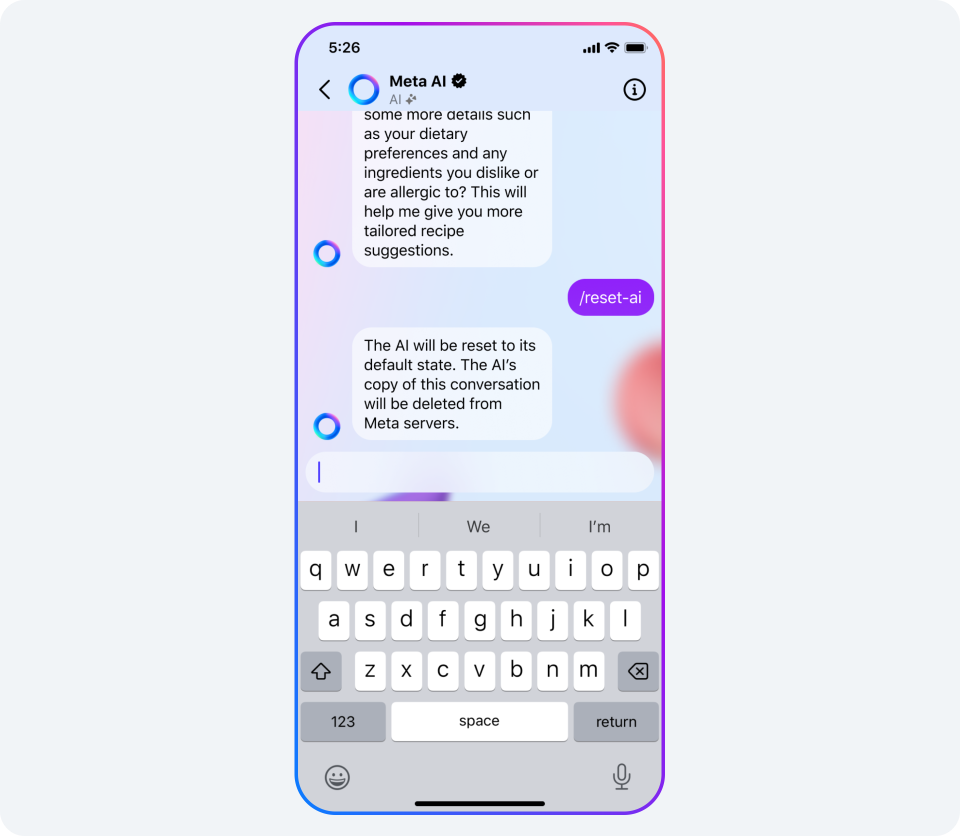
Step 3: For WhatsApp users, look for the Meta AI icon, marked by a blue ring, located at the bottom corner on Android devices and at the top on iOS devices. Tapping this will open the Meta AI chat interface.
Instagram users will find Meta AI integrated into the DM screen, noticeable both as a top search bar and as a direct message option.
Interacting with Meta AI
Interacting with Meta AI
To start a conversation with Meta AI:
Step 1: Access Meta AI by following the activation steps for either WhatsApp or Instagram.
Step 2: Enter your query or instruction in the text box provided.
Step 3: Press the send button to dispatch your message and await Meta AI’s response. You can continue the dialogue with additional questions or commands.
Features of Meta AI for Enhanced Communication
Features of Meta AI for Enhanced Communication
Meta AI offers several functionalities to enrich your messaging experience:
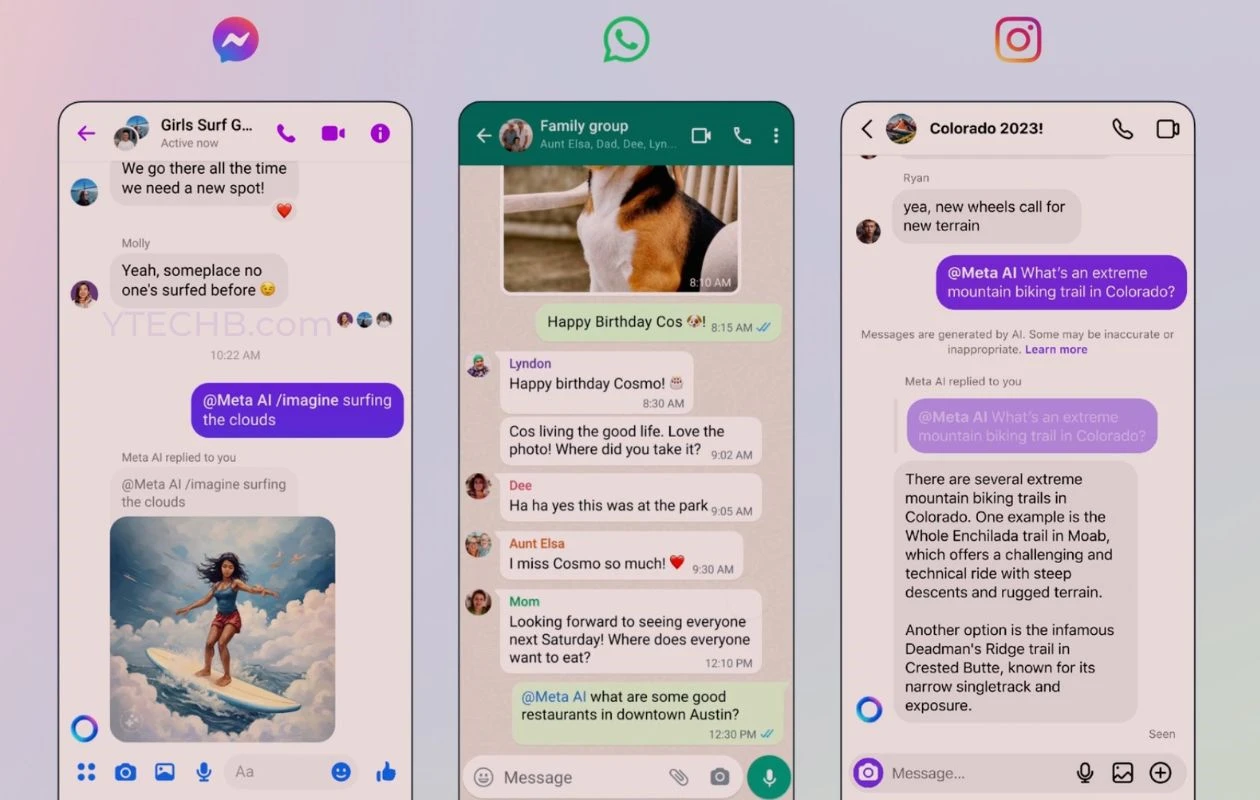
Query Assistance: Directly ask Meta AI any questions by typing @MetaAI in any chat window; it will promptly respond with information.
Web Search: Meta AI uses Bing to perform web searches, providing links and answers directly in your chat window.
Casual Interaction: Engage in everyday conversations with Meta AI for a more interactive and personable chat experience.
Image Generation: Invoke Meta AI’s creativity to generate photorealistic images based on your prompts.
Creating Images with Meta AI
Creating Images with Meta AI
To use Meta AI’s image creation feature:
Step 1: Open the Meta AI chat interface on either WhatsApp or Instagram.
Step 2: For WhatsApp, activate the Meta AI chat window and request an image, or on Instagram, use a follower’s DM window to send your image prompt using @/imagine “your prompt”.
The generated images will be 1024×1024 pixels in resolution, featuring a watermark.
Meta AI is set to transform how we interact, retrieve information, and express creativity across social media platforms, making digital communication not only more efficient but also more enjoyable.
FAQs
What is Meta AI and on which platforms is it available?
Meta AI is a sophisticated AI assistant designed to enhance user interactions on WhatsApp, Instagram, and Messenger.
It assists users by fetching information from the web, answering questions, providing real-time data, and even generating images based on descriptions.
This integration aims to make digital communication more efficient and engaging.
How do I activate Meta AI on WhatsApp?
To activate Meta AI on WhatsApp, first ensure your app is updated to the latest version. Then, open WhatsApp and locate the Meta AI icon, which appears as a blue ring.
For Android, it’s at the bottom corner, and for iOS, at the top. Tap this icon to start interacting with Meta AI through its dedicated chat interface.
Can Meta AI create images directly in my chats?
Yes, Meta AI can generate photorealistic images based on user prompts.
To use this feature, activate the Meta AI chat interface on either WhatsApp or Instagram, send a prompt using the structured command like @/imagine followed by your description, and Meta AI will create and send an image directly in the chat.
What types of questions can I ask Meta AI?
Meta AI is capable of handling a wide range of queries from simple factual questions to complex requests for specific information.
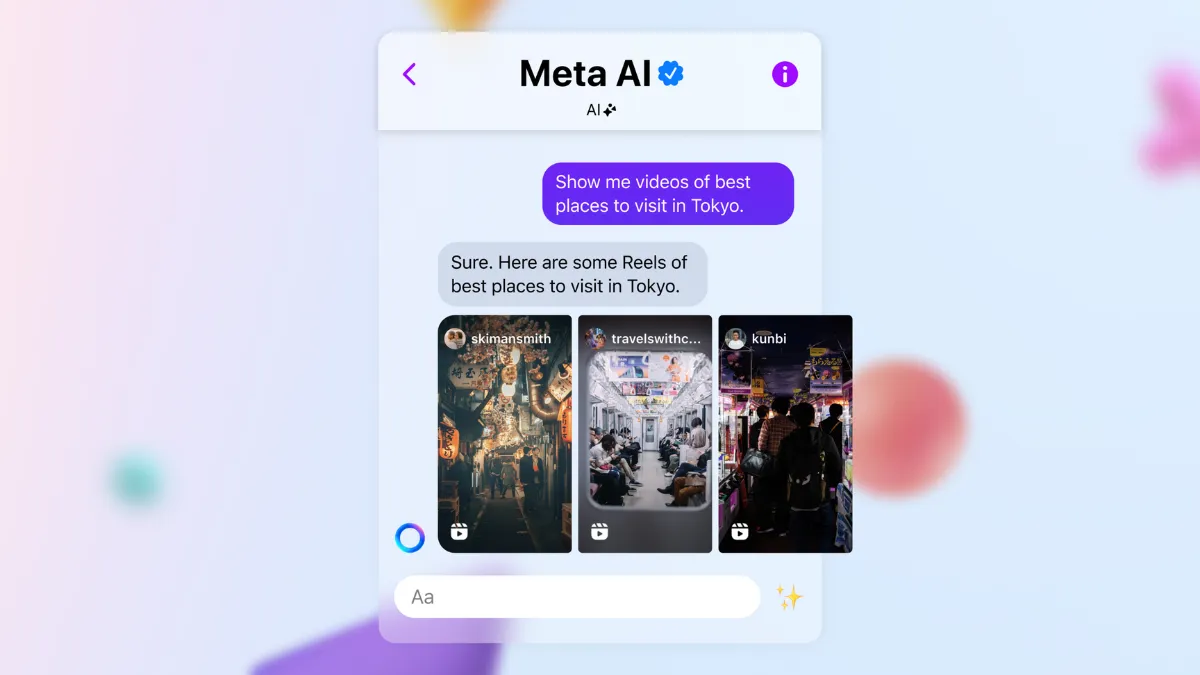
You can ask about the weather, news updates, general knowledge, or even request content suggestions such as travel videos or local event recommendations.
What is Meta AI and what can it do?
Meta AI is a generative AI chatbot developed by Meta, powered by the Llama AI model.
It is designed to perform a variety of tasks such as engaging in natural language conversations, answering questions, generating images, writing essays, and even assisting with coding.
It’s a versatile tool intended to enhance user interaction on various Meta platforms.
Where can users find Meta AI on Instagram?
On Instagram, Meta AI can be accessed in the direct message (DM) search bar, where it is represented by an icon featuring a blue ring with pink hues.
This allows users to utilize the chatbot directly within their messaging interface to streamline communication and task management.
Why is access to Meta AI limited in India?
Although Meta AI has been introduced in India, access remains limited as Meta continues to test the chatbot’s features and capabilities.
The company aims to ensure stability and functionality across diverse user interactions before a broader rollout, as stated in their announcement regarding ongoing public tests in limited capacities.
How does Meta AI compare to other AI chatbots available in India?
With its debut, Meta AI joins other prominent AI chatbots like OpenAI’s ChatGPT, Google Gemini, and Microsoft’s Copilot, available in India.
Meta AI is distinctive because it integrates directly with popular social media platforms and offers image generation capabilities, making it a comprehensive AI tool for users.