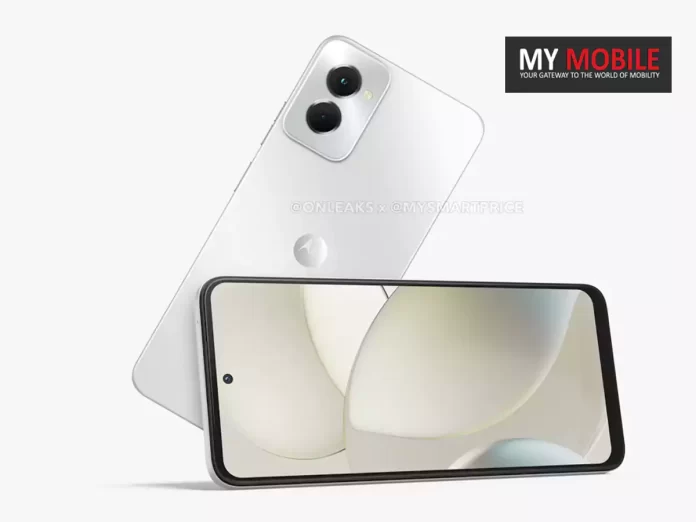
New 5K renders give insight into Moto G Power 5G (2024) design.
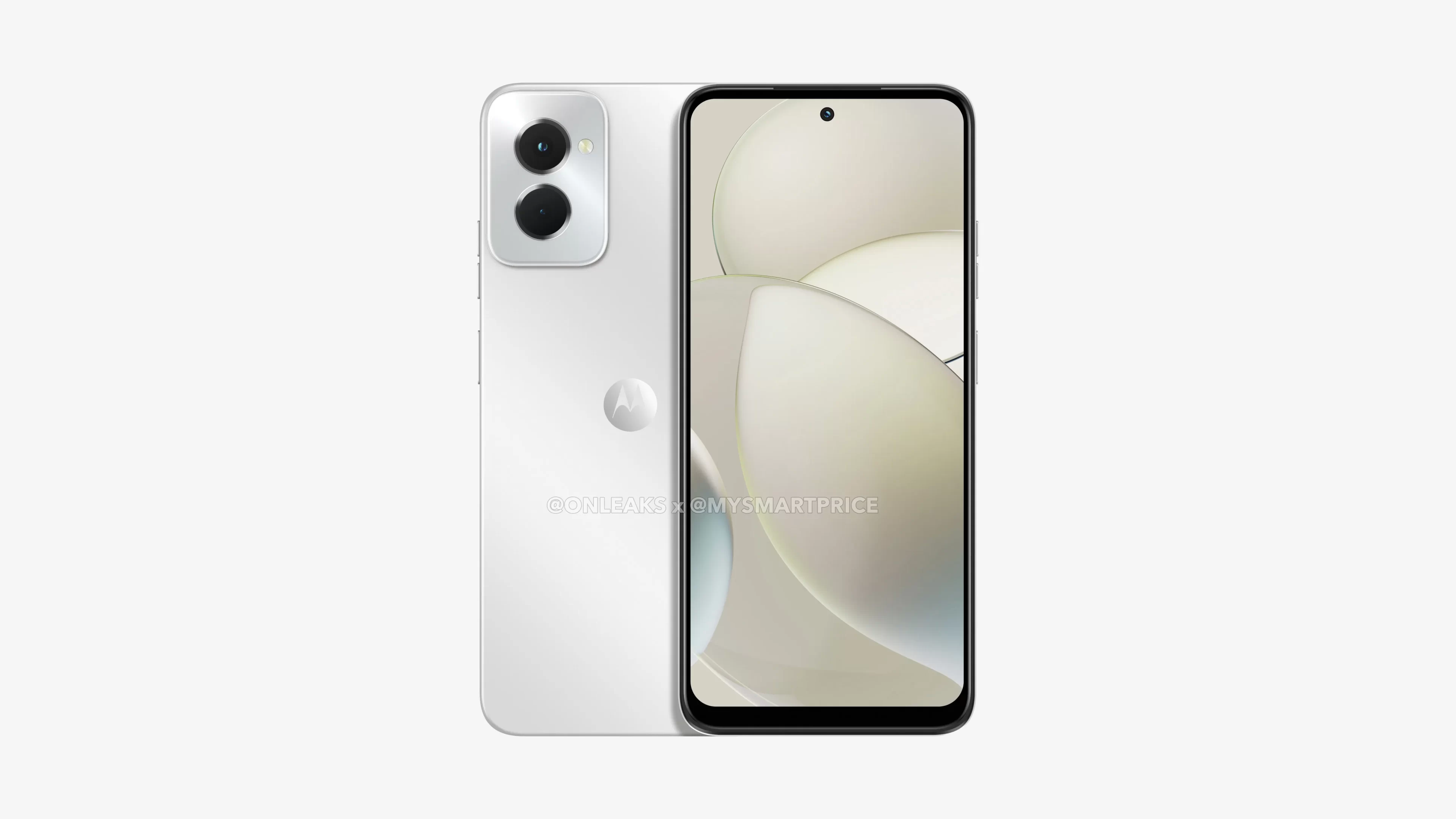
Features a 6.7-inch display with a central punch-hole selfie camera.
Distinct rectangular module houses dual sensors and LED flash.
Classic Moto dimple graces the back.
A sneak peek into the anticipated Moto G Power 5G (2024) has been offered, with 5K renders and a comprehensive 360-degree view making waves online.
These early glimpses come as a partnership between MySmartPriceandOnLeaks.
The design nuances, especially the iconic Moto dimple, are reminiscent of the familiar Moto aesthetics we’ve come to appreciate.
Sporting dimensions of 167.3 x 76.4 x 8.5mm, the handset is speculated to feature a generous 6.7-inch display.
What catches the eye immediately is the central punch-hole design, specifically reserved for the front-facing camera.
The phone retains noticeable bezels, with a pronounced one at its lower edge.
Moto G Power 5G (2024)
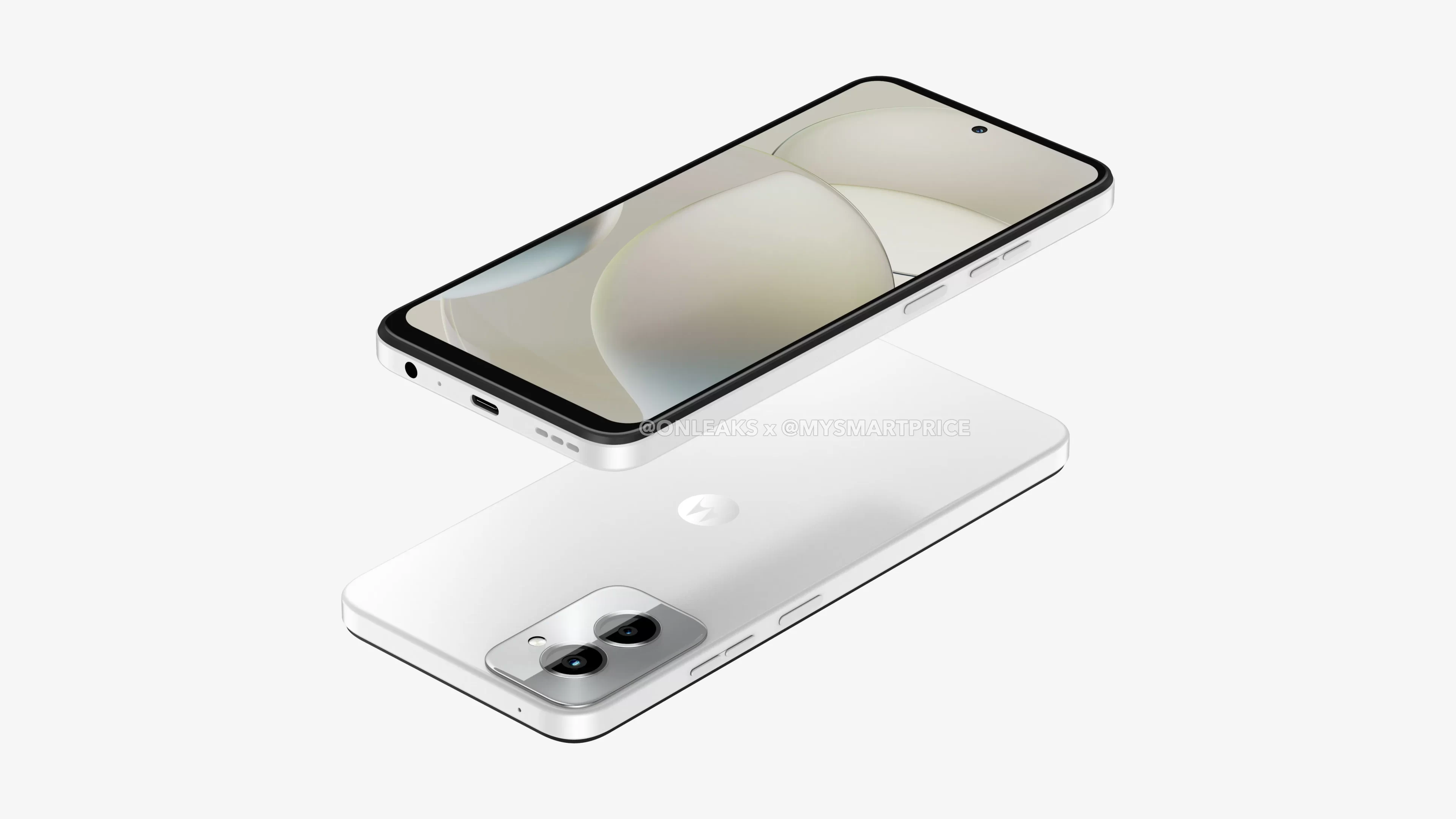
In terms of placement, the right edge of the deviceholds the power and volume buttons, while the opposite side nestles the SIM tray.
A well-positioned USB Type-C port is found at the base, flanked by a 3.5mm headphone jack, primary microphone, and speaker vents.
Video enthusiasts will appreciate the top-mounted secondary microphone dedicated to ensuring crisp audio during video captures.
The back of the device showcases a rectangular module, comfortably accommodating dual camera sensors and an LED flash.
This is elegantly placed towards the top left corner. While these visuals paint a vivid picture, the tech community awaits further details on the device’s specs.
With such early revelations, more comprehensive insights are expected to emerge shortly.
What’s new about the Moto G Power 5G (2024) design?
The upcoming Moto G Power 5G (2024) design features a 6.7-inch display, central punch-hole camera, and familiar Moto aesthetics including the iconic dimple.
Have the specifications been revealed yet?
As of now, only the design has been showcased via 5K renders. Comprehensive specifications are expected to follow shortly.
What are the phone’s dimensions?
The phone measures 167.3 x 76.4 x 8.5mm, offering a spacious screen space with pronounced bezels, especially at the bottom.
Where can I see these 5K renders?
The 5K renders and 360-degree view are a collaborative reveal by MySmartPrice and OnLeaks.
Justin Gutmann files lawsuit in the UK alleging Apple “throttled” iPhones with software updates.
Lawsuit represents over 20 million iPhone users in the UK.
Apple denies the claims, stating they wouldn’t degrade product lifespan or user experience.
Previous similar lawsuit in the US settled in 2020, with Apple not admitting fault.
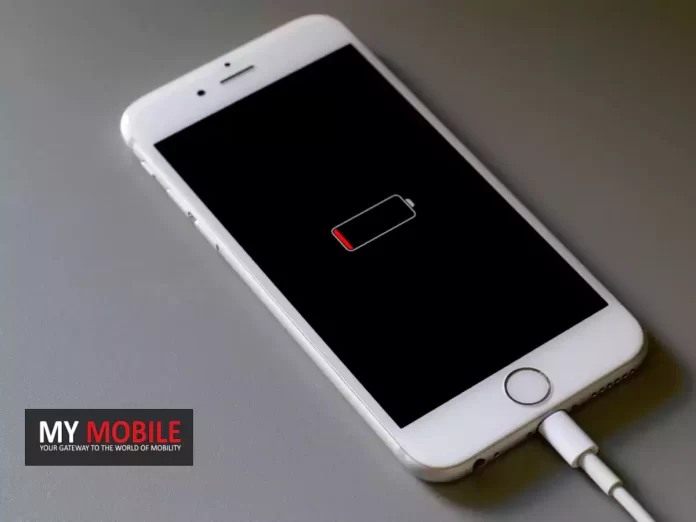
Apple finds itself amidst legal challenges in the UK, as allegations arise over the company’s treatment of iPhone batteries.
The core of the dispute centers on claims that Apple deliberately slowed down iPhones via software updates, a move speculated to cover up issues with faulty batteries.
Justin Gutmann, an employee at a consumer welfare and market research firm, spearheaded the lawsuit against Apple in the UK.
Gutmann’s primary contention is that a specific software update, impacting models like the iPhone 6 series, SE, and 7 series, degraded the performance of these devices.
Such an act, as per the lawsuit, misleads customers—making them believe they’re getting a certain product quality, while the reality might be different.
Putting the enormity of the situation into perspective, this case seeks to be the voice for over 20 million iPhone users in the UK.
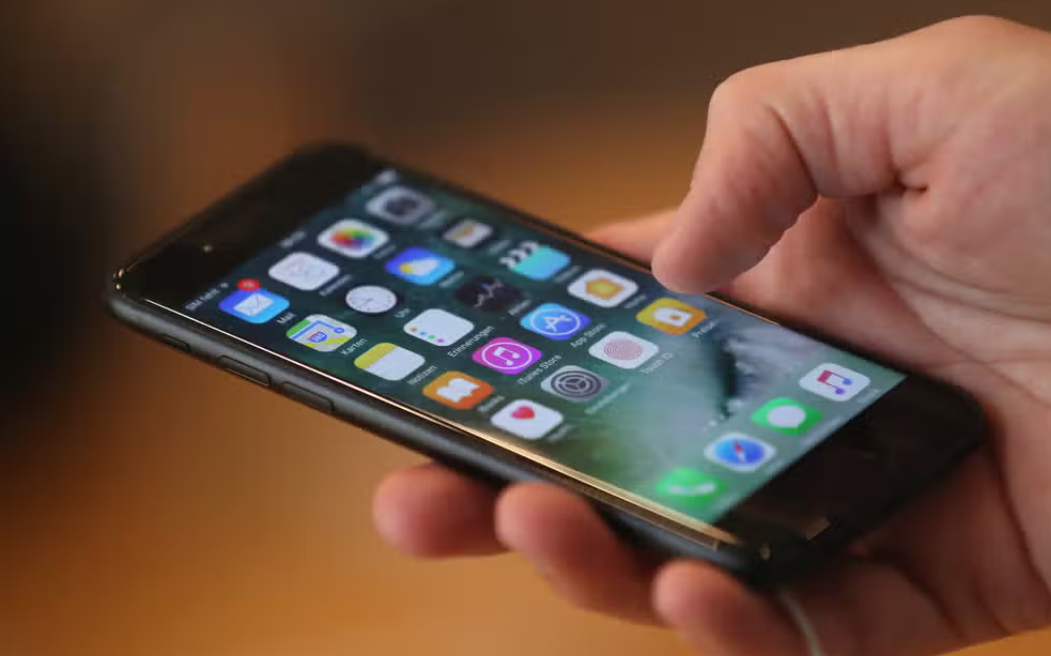
Apple Battery
The U.K.’s Competition Appeals Tribunal, an institution dedicated to cases centered on competition and regulatory matters, is presently overseeing the matter.
Apple, for its part, has categorically denied these allegations.
A representative of the tech giant articulated the company’s stance to Forbes, emphasizing that Apple would never consciously act to diminish its product lifespan or degrade user experience to push consumers towards newer models.
While this lawsuit, initiated in 2022, has painted Apple’s practices in the UK as “exploitative and unfair”, it’s worth noting that it’s not an isolated event.
Apple found itself in a similar situation in the US in 2020.
What is the main contention of the lawsuit against Apple in the UK?
The lawsuit alleges that Apple intentionally slowed down certain iPhone models using software updates to mask issues with faulty batteries.
Who is the key person behind the UK lawsuit?
Justin Gutmann, who is associated with a consumer welfare and market research firm, has spearheaded the lawsuit against Apple.
How many iPhone users does this lawsuit seek to represent?
The case aims to be the voice for more than 20 million iPhone users across the UK.
Has Apple faced similar legal challenges before?
Yes, in 2020, Apple settled a US class-action lawsuit that raised similar claims about suppressing iPhone performance, though the company never admitted to any wrongdoing.
• OnePlus Open smartphone to entertainment centric tablets and affordable OnePlus Nord daily drivers are perfect gifts for your loved ones during this festive season .
•The OnePlus Offerings will make these festivities light up your & your loved ones World of technology.
As the festival of lights approaches, it’s the perfect time to spread joy and celebrate with your loved ones.
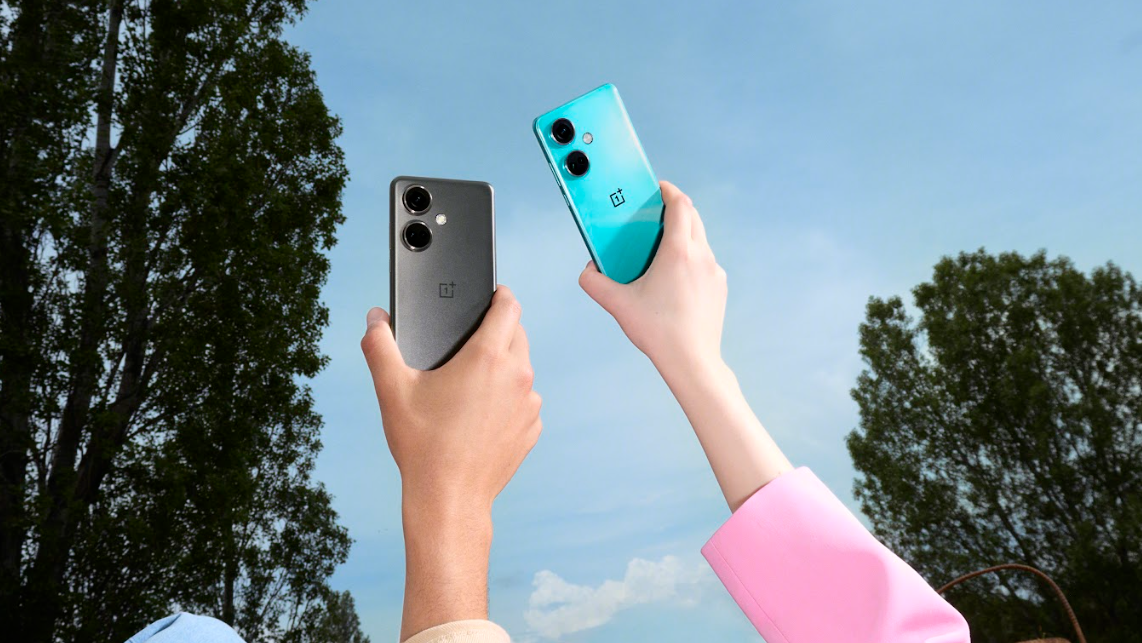
Whether you’re looking for the ideal gift for a tech-savvy family member or a close friend, OnePlus has come with a range of products from latest OnePlus Open smartphone to entertainment centric tablets and affordable OnePlus Nord daily drivers.
OnePlus offerings make for fantastic Diwali gifts, from cutting-edge smartphones to stylish accessories that will light up your festivities.
Let’s dive into OnePlus’ Diwali gifting ideas to make this celebration truly special.
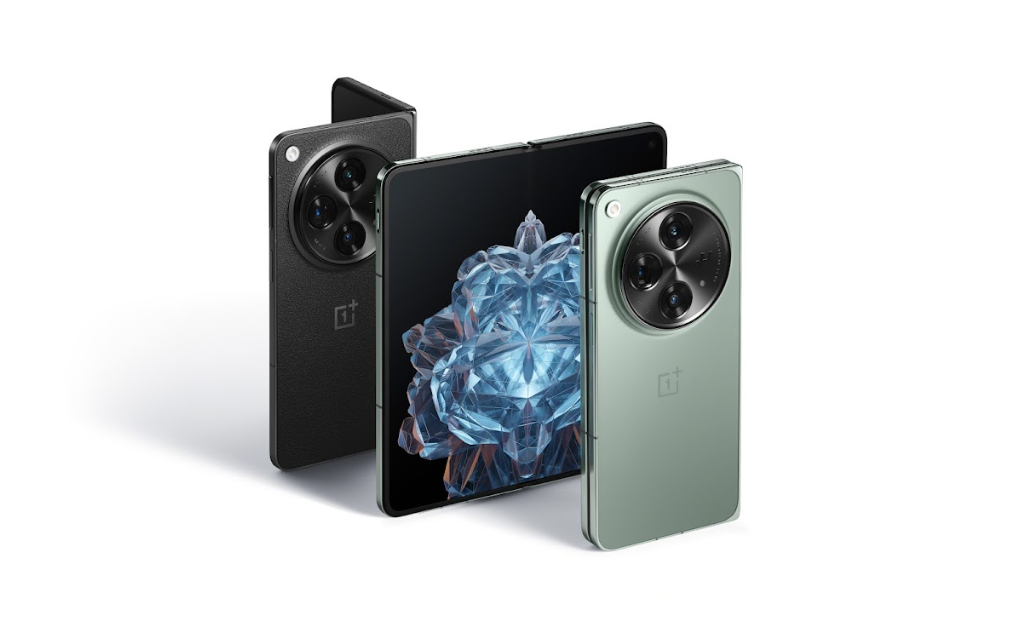
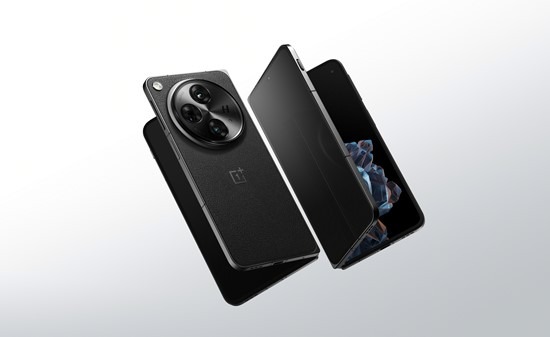
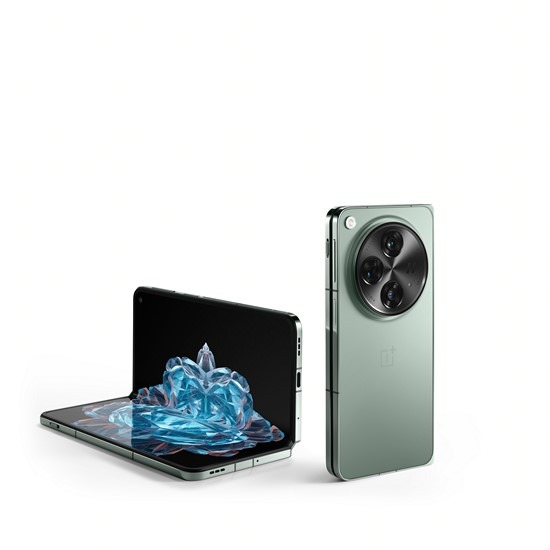
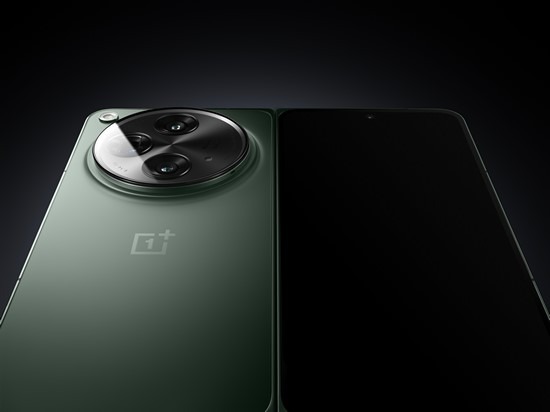
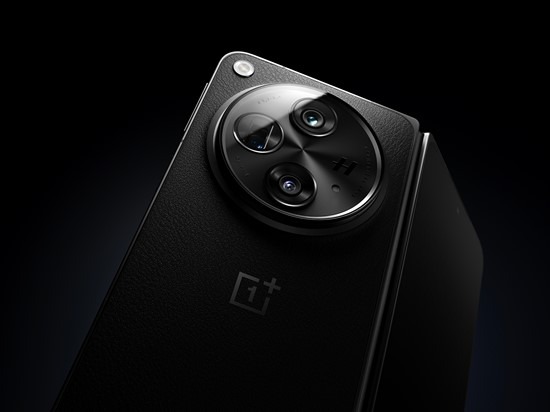
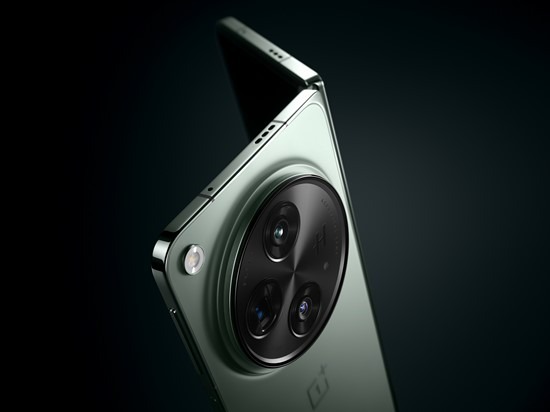
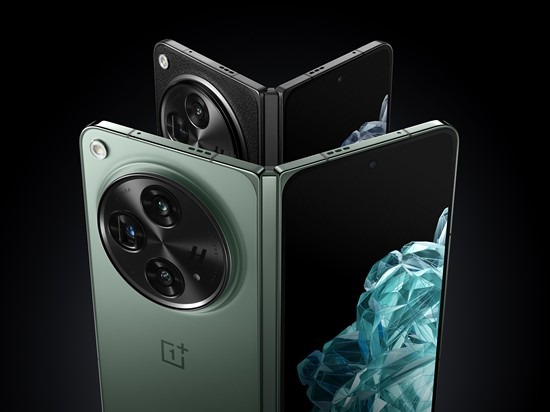
OnePlus Open
OnePlus Open
OnePlus’ most recently launched OnePlus Open was launched in the Indian market on October 27th.
OnePlus Open boasts dual 2K 120Hz fluid AMOLED ProXDR displays, providing a flagship-level cover screen at 6.31″ with a peak brightness of 2800 nits, complemented by a main 7.82″ display with an impressive 89.6% screen-to-body ratio.
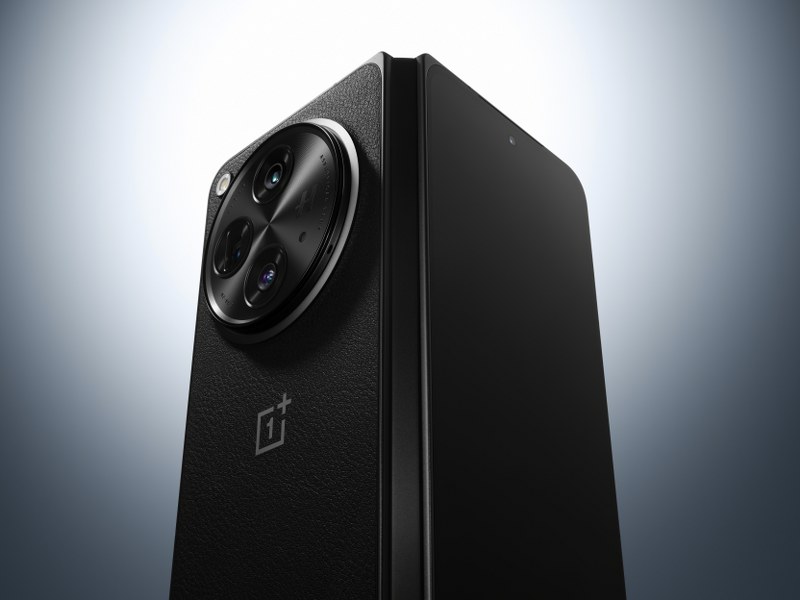
This device stays true to OnePlus’ iconic design philosophy,effortlessly blending industrial minimalism with elegance.
Under the hood, the OnePlus Open is powered by the Snapdragon® 8 Gen 2 Mobile Platform, paired with a remarkable 16GB of LPDDR5X RAM, boosted by OnePlus’s proprietary RAM-Vita software, and 512GB of UFS 4.0 read-only memory (ROM).
These robust components are supported by a substantial 4,805mAh battery and the lightning-fast 67W SUPERVOOC charging technology, capable of charging the OnePlus Open from 1% to 100% in approximately 42 minutes.
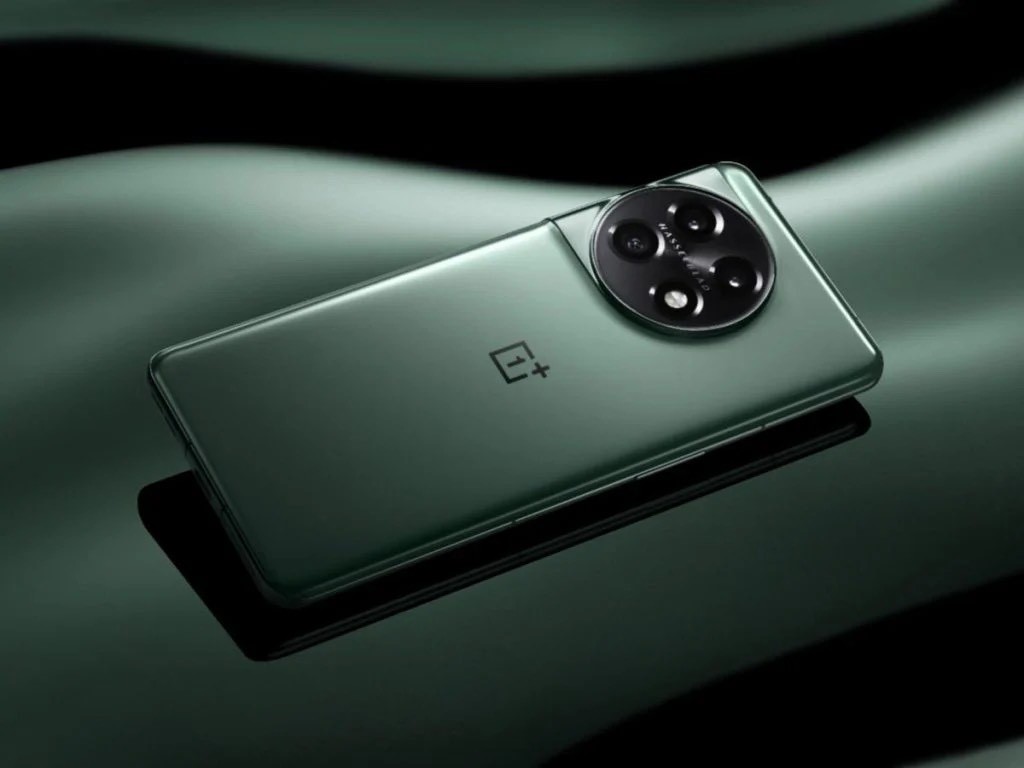
OnePlus Flagship Smartphones
OnePlus Flagship Smartphones
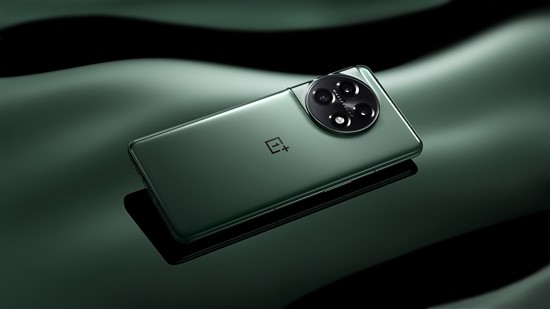
At the Cloud 11 event this year, OnePlus unveiled two highly anticipated flagship smartphones, the OnePlus 11 5G and OnePlus 11R 5G, expanding their flagship lineup.
The OnePlus 11 5G is renowned for its exceptional camera quality and flawless performance, delivering a user experience with lightning-fast speed and outstanding imaging capabilities.
It achieves this with the Snapdragon® 8 Gen 1 Mobile Platform, boasting a 35% CPU improvement and a 25% GPU improvement while enhancing power efficiency.
To ensure extended usage, it features a seamless 100W SUPERVOOC fast charging system and a 5000 mAh dual-cell battery.
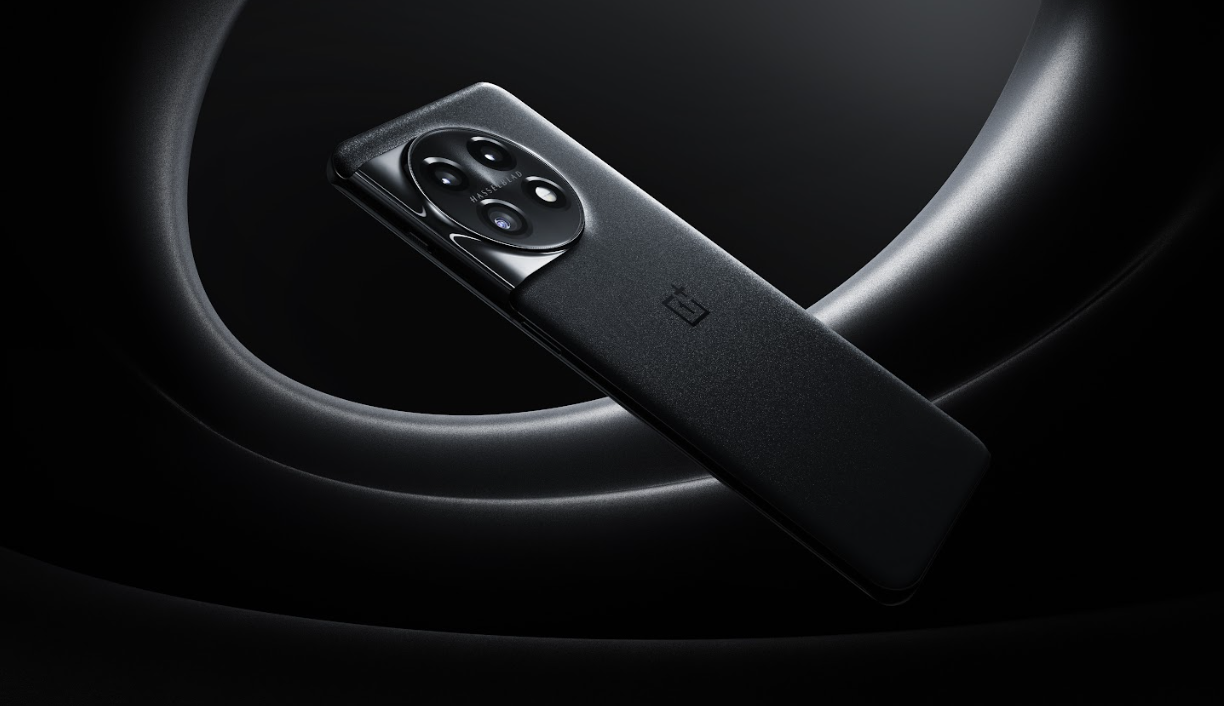
That’s not all, the OnePlus 11 5G Marble Odyssey offers a unique ownership experience which is exclusively available in India.
Each device is a one-of-a-kind masterpiece, infused with a raw “visual texture” inspired by microcrystalline rock material.
This meticulous process results in a mesmerizing rear panel showcasing the elegance of natural marble, ensuring each device possesses its own set of exclusive distinguishing features.
The OnePlus 11R 5G, a true powerhouse, boasts a robust chipset, efficient cooling, rapid charging, and intelligent software that completely redefines the boundaries of what’s possible.
Users can anticipate unparalleled performance and limitless capabilities, all thanks to cutting-edge technology.
With a whopping 16 GB of LPDDR5X RAM and the innovative RAM-Vita technology, this phone ensures tasks, whether gaming, multitasking, or social media browsing, are executed faster and more efficiently.
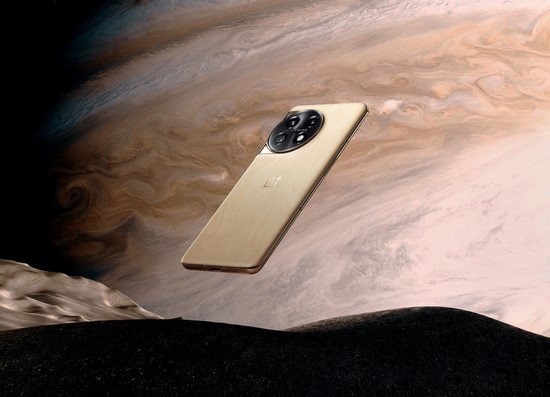
Adding to its allure, OnePlushas introduced a special edition known as Solar Red for the OnePlus 11R 5G, offering a vibrant and eye-catching colour option for those seeking a unique style statement.
The OnePlus 11R Solar Red builds upon the hardware process of the original OnePlus 11R with generous 18GB of RAM and a spacious 512GB of ROM for a robust performance.
OnePlus Nord Smartphones
OnePlus Nord Smartphones
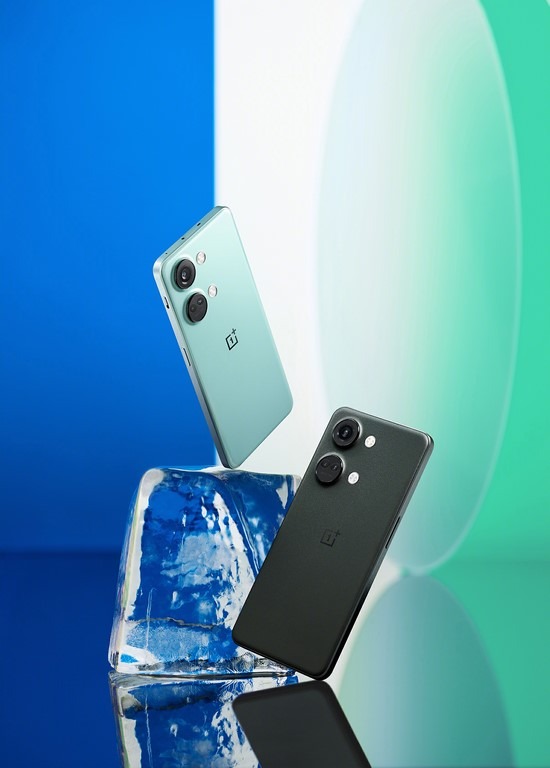
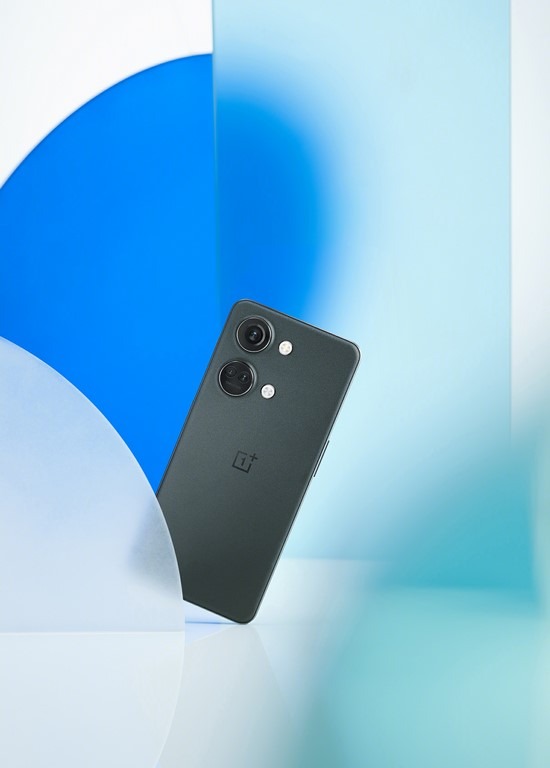
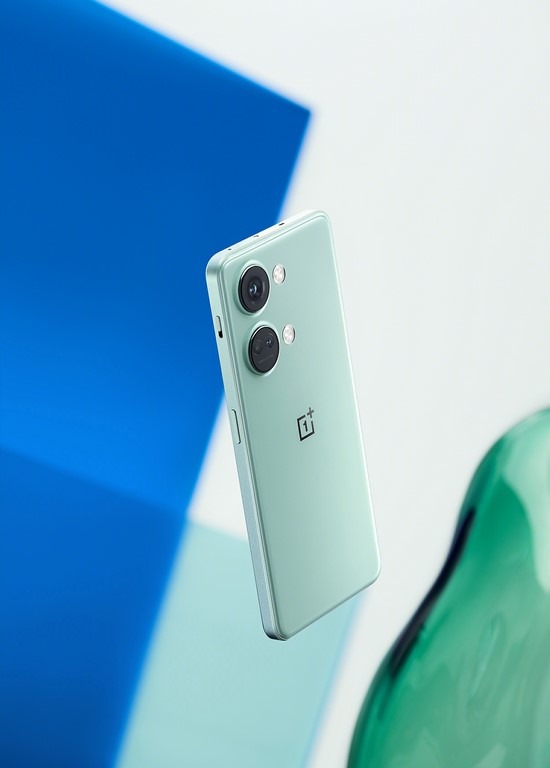
The OnePlus Nord 3 5Gaims to deliver an all-encompassing smartphone experience. It boasts a prominent 6.74-inch 120Hz AMOLED display and a 93.5% screen-to-body ratio which ensures outstanding visuals and fluid interactions.
Moreover, the device inherits the same high-quality imaging hardware featured in the popular OnePlus 11 5G, incorporating a 50-megapixel Sony IMX890 sensor and OnePlus-developed algorithms, guaranteeing exceptional photography results on every occasion.
And yes, it features the beloved Alert Slider.
The Nord 3 5G is available at a starting price of INR 33,999.
The OnePlus Nord CE 3 5G , Powered by a Qualcomm Snapdragon 782G processor, this smartphone strikes an ideal balance between superior performance and efficient power management.
The device comes with up to 12GB of RAM, ensuring a fast and smooth user experience.
With its sizable 5000mAh battery and 80W SUPERVOOC charging capability, the OnePlus Nord CE 3 provides users with a day’s worth of power in as little as 15 minutes, catering to those who need their devices ready at a moment’s notice.
The Nord CE 3 incorporates the same flagship 50-megapixel Sony IMX890 sensor as the Nord 3, 11R and the 11.
The Nord CE 3 5G is available at a starting price of INR 26,999.
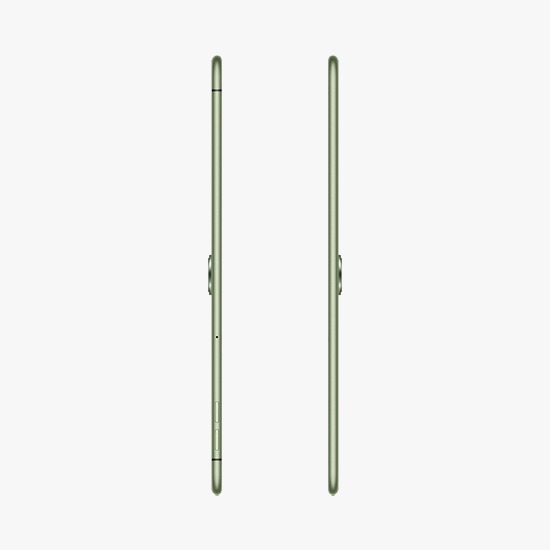
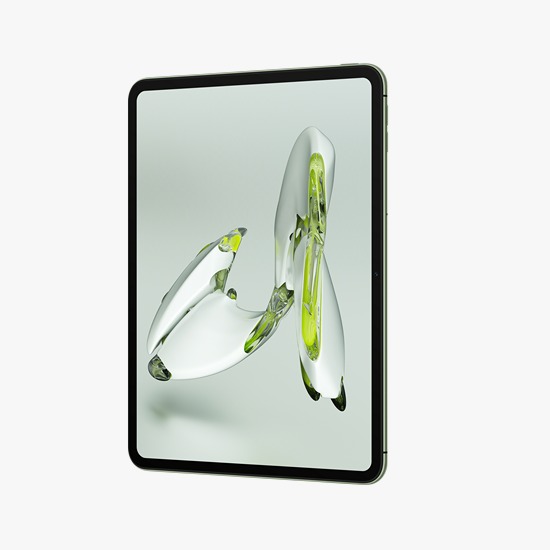
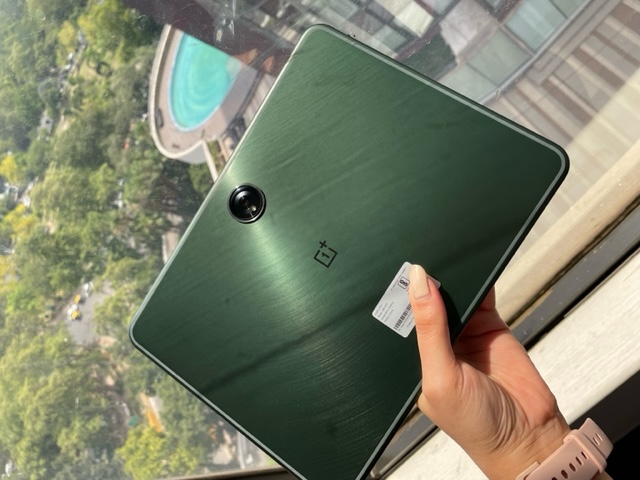
OnePlus Pad Go
OnePlus Pad Go
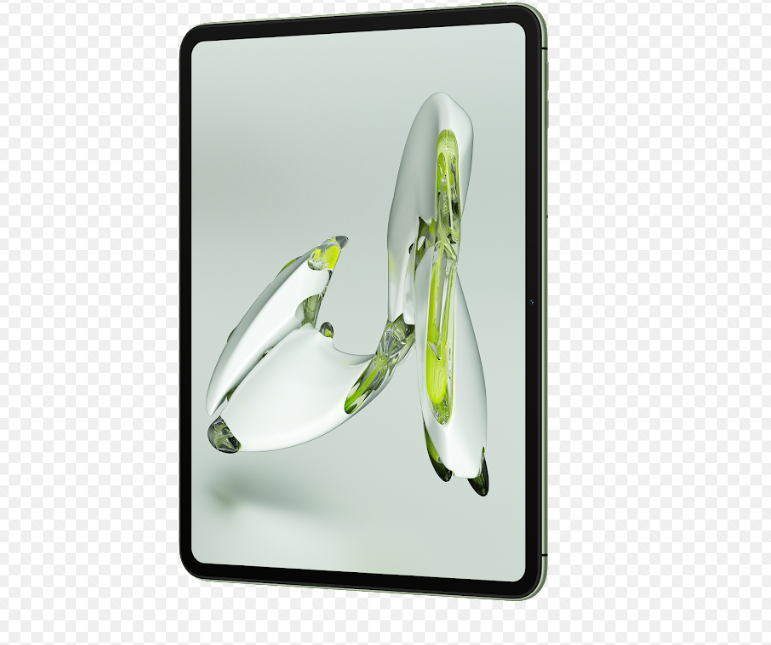
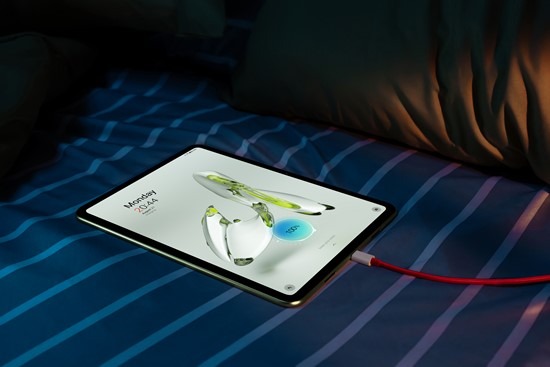
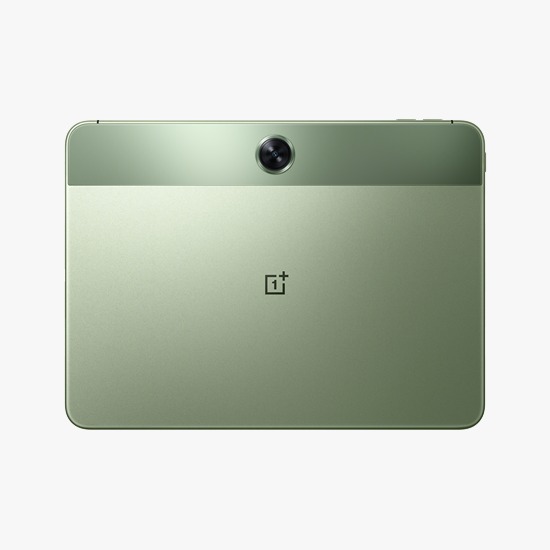
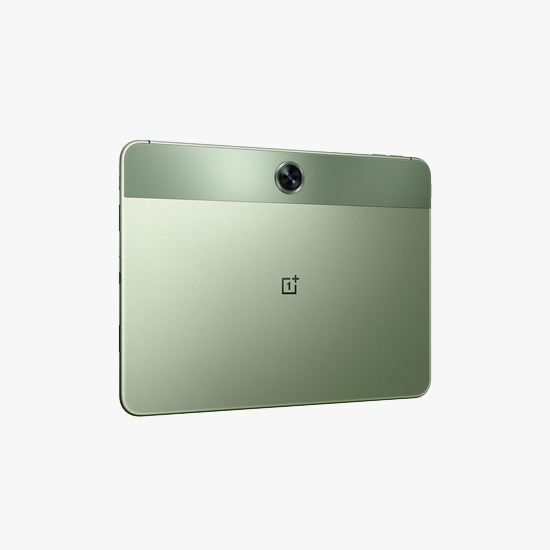
With the OnePlus Pad Go, OnePlus diversified its tablet line-up, aiming to make big-screen entertainment all the more immersive and affordable.
The tablet brings the OnePlus ecosystemcloser to the larger user base without having to compromise with the overall user experience or design.
Equipped with Industry-Leading stunning 2.4K resolution, the Pad Go offers outstanding visual quality without breaking the bank. The OnePlus Pad Go is available at a starting price of INR 19,999.
With 12.4mm Extra Large Drivers, they provide rich and detailed sound quality for an immersive music experience.
The earbuds also feature Dual Mics and an AI Clear Call Algorithm, ensuring clear phone calls by filtering out ambient noise and capturing human voices accurately.
They come with a long-lasting battery, IP55 water, and sweat resistance. They deliver high performance without compromising on durability and functionality. The Nord Buds 2r are available at a starting price of INR 1,799.
The Nord Buds 2 were the first Nord TWS to support active noise cancellation (ANC), launched earlier this year. The buds aim to deliver an impactful bass and immense clarity in audio quality.
With a BassWave™ Enhancement, the OnePlus Nord Buds 2 allows audio content to stay true to its original quality and exhibit a broad bass.
It’s equipped with a 12.4mm extra-large enhancement driver unit to increase bass quality for bolder beats, bringing the audio experience a notch above.
It provides up to 7 hours and 30 minutes of listening time from a single charge. The Nord Buds 2 are available at a starting price of INR 2,4999.
The OnePlus Buds Pro 2 offers an immersive experience with dual drivers, powerful noise cancellation, and low latency. It provides spatial audio, connects via Bluetooth 5.3, and has a 39-hour battery life.
OnePlus Audio Blue
Inspired by community favourites, the OnePlus Bullets Wireless Z2 combines elements from previous models, offering faster charging, extended battery life, and larger drivers for enhanced sound quality.
With 12.4mm drivers, they deliver rich bass and anti-distortion technology for increased volume without distortion.
These earphones also feature an AI scene-model algorithm in their microphone for effective noise reduction during calls.
They are designed for comfort and durability with IP55-rated water and dust resistance, making them ideal for active users.
Built on the processors of OnePlus Bullets Wireless Z2, the latest, OnePlus Bullets Wireless Z2 ANC delivers advanced noise cancellation, excellent sound quality, and a 20-hour battery life.
With 45dB Hybrid Noise Cancellation and a substantial 12.4mm dynamic driver featuring a titanium-coated dome, perfect for extended listening sessions.
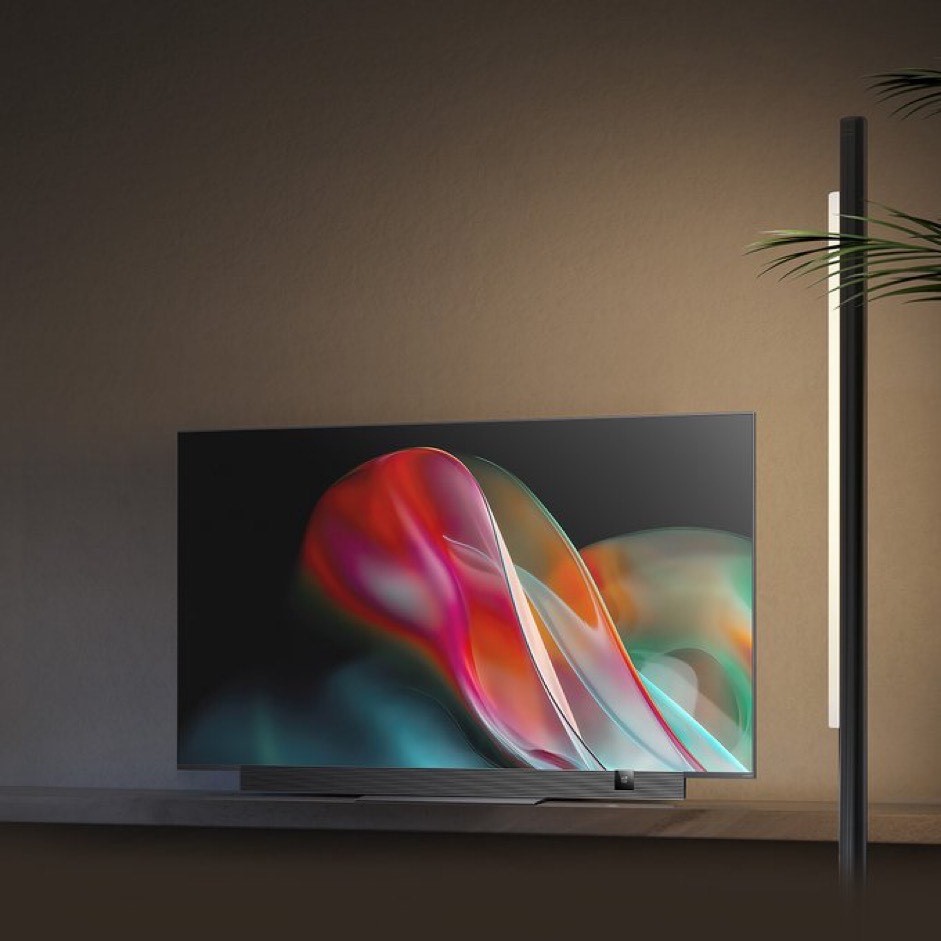
OnePlus TV
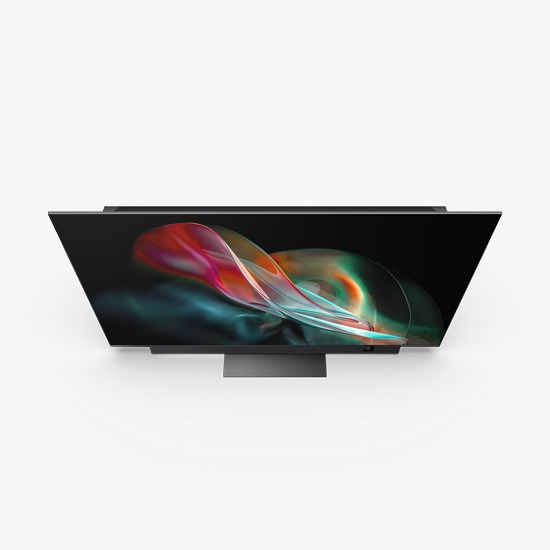
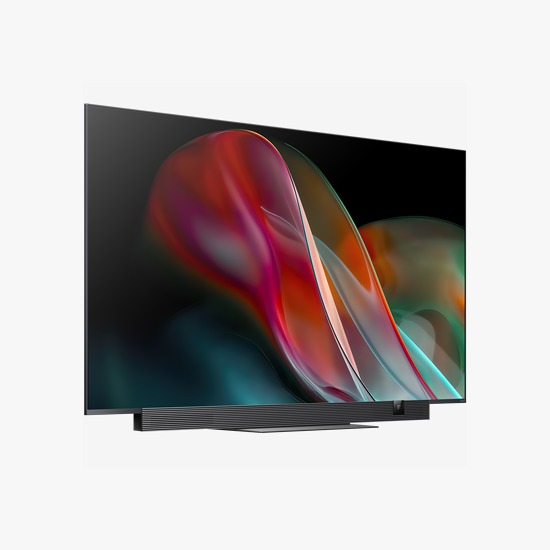
OnePlus TVs
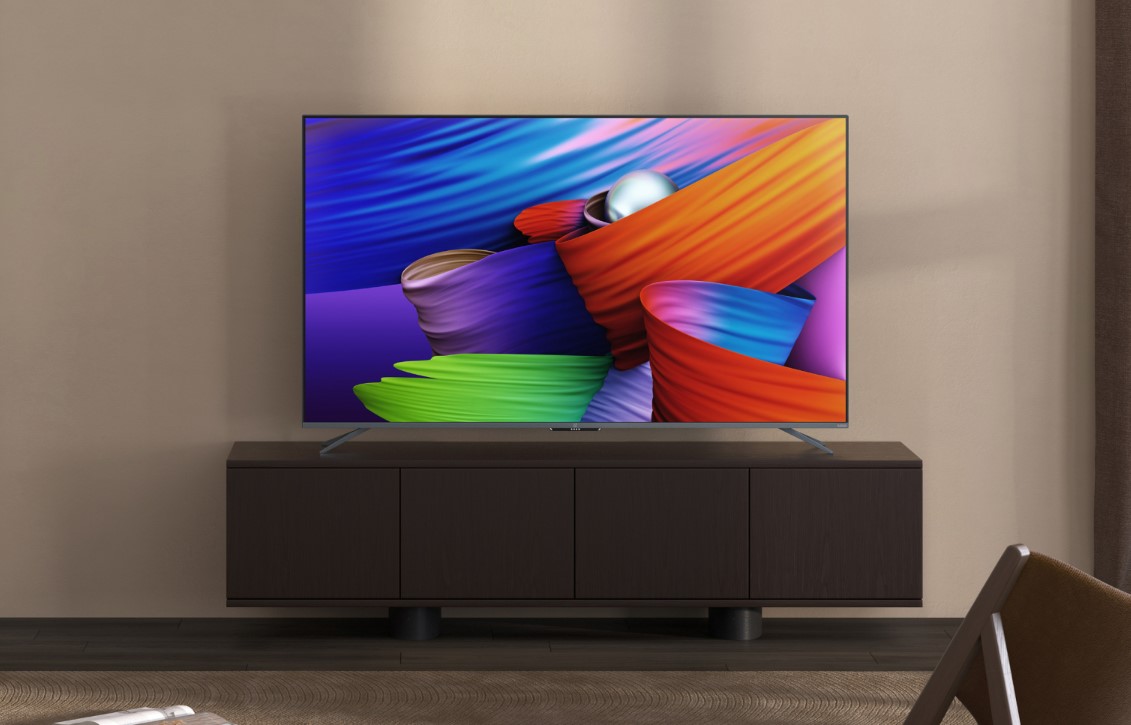
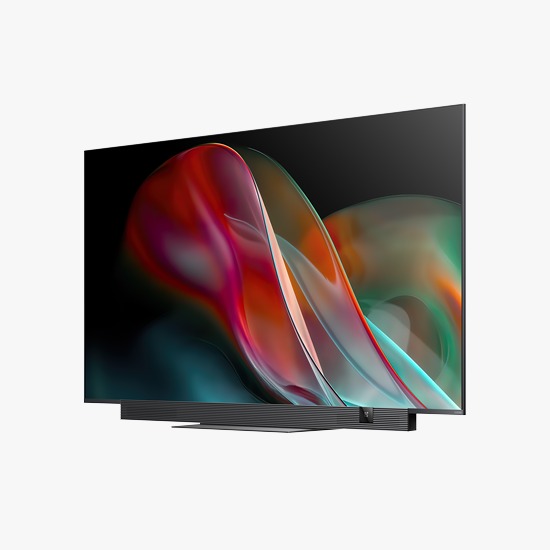
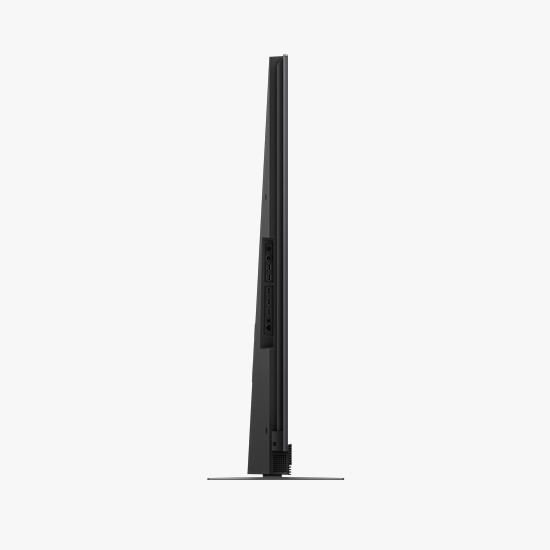
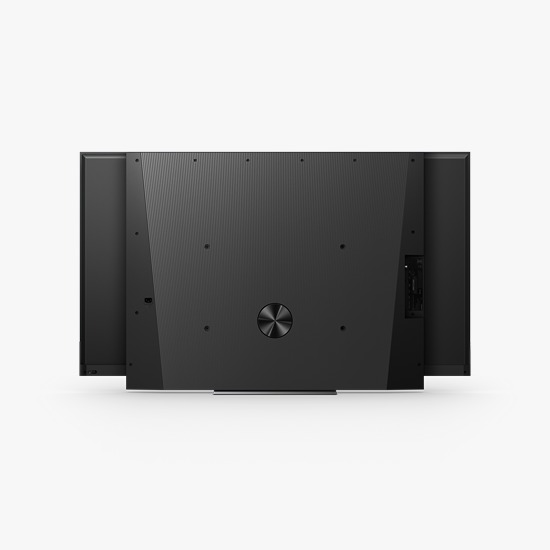
OnePlus’s latest premium TV, the OnePlus TV 65 Q2 Pro serves as an extension of the premium Q Series portfolio which debuted in 2019.
The OnePlus TV 65 Q2 Pro boasts flagship-level 4K QLED display technology with an industry-leading wide color gamut of DCI-P3 97%. It’s optimized with Gamma Engine Ultra and features 120 local dimming zones for striking contrast.
The 120 Hz Refresh Rate and MEMC Technology ensure smooth viewing. The OnePlus TV 65 Q2 Pro also offers a powerful 70W output, co-tuned with Dynaudio, plus Dolby Atmos and a 30W subwoofer for a truly immersive audio experience.
The latest addition, the OnePlus TV Y Series 40 Y1S, expands upon the OnePlus TV Y series, offering an immersive display, beautiful design, and a seamless smart TV experience, all within an affordable price range.
The new OnePlus TV offers all of the above, along with a series of seamless smarter features, and much more, thereby further strengthening OnePlus’ connected ecosystem portfolio.
What can users expect from the battery life on OnePlus Pad Go?
The OnePlus Pad Go comes equipped with an 8000mAh battery that is designed to last. In moderate usage conditions, which may include browsing the web, streaming videos, and using various applications, the device can easily last up to two days. However, heavy gaming or continuous video playback may reduce this time frame slightly.
Does the OnePlus Pad Go support HD streaming on platforms like Netflix and Amazon Prime?
Absolutely, the device comes with Widevine L1 certification, which is a requirement for HD streaming on popular platforms such as Netflix, Amazon Prime Video, and Disney+. The high-resolution 2K display complements the HD content, offering an immersive viewing experience.
What is the display size and refresh rate of the OnePlus Nord CE 3 5G?
The OnePlus Nord CE 3 5G features a 6.7-inch display with a refresh rate that can be switched between 60Hz, 90Hz, and 120Hz, offering a smooth and immersive viewing experience.
Does the OnePlus Nord CE 3 5G support 5G connectivity?
Yes, the OnePlus Nord CE 3 5G supports 5G connectivity, providing faster data speeds and improved network performance in compatible regions.
What is the price of the OnePlus Nord 3 in India?
The base variant of the OnePlus Nord 3 is priced at Rs. 33,999, while the variant with 16GB RAM and 256GB storage costs Rs. 37,999.
How is the camera performance of the OnePlus Nord 3?
The OnePlus Nord 3’s primary camera performs excellently. However, its ultra-wide and macro lenses could use some improvements.
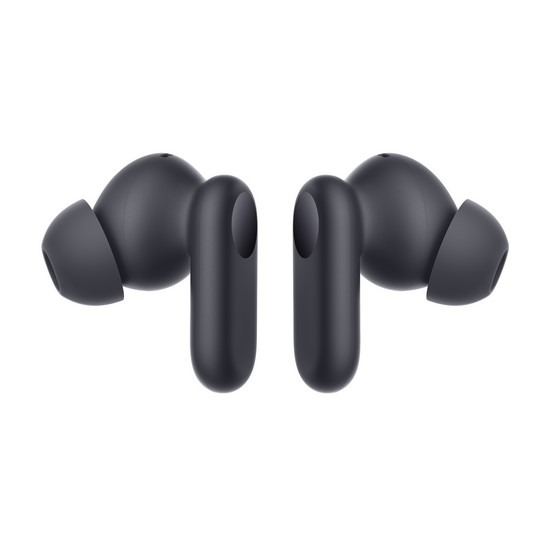
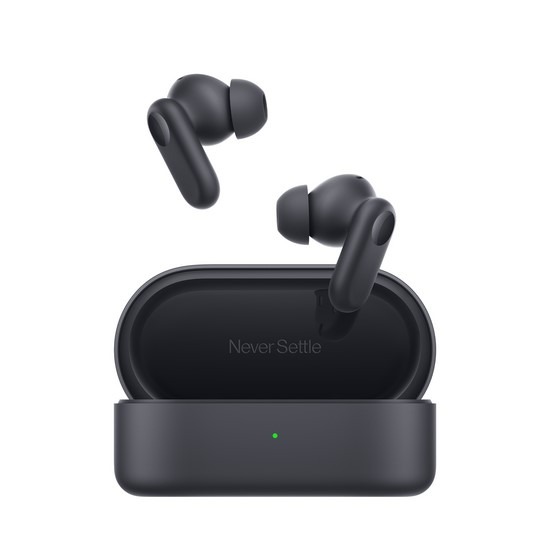
What distinguishes the Nord Buds 2r from the Nord Buds 2 in terms of design?
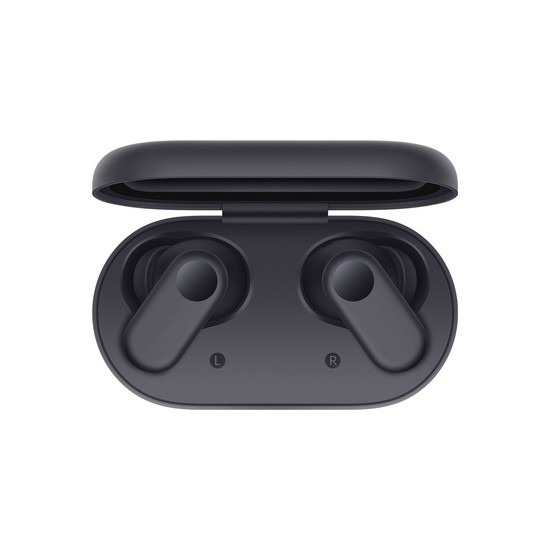
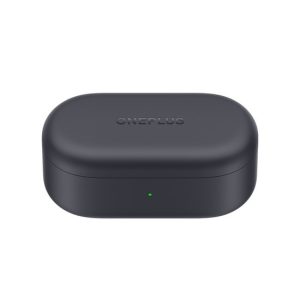
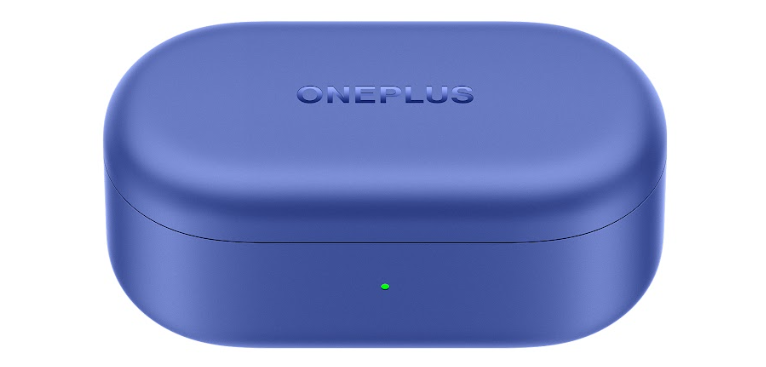
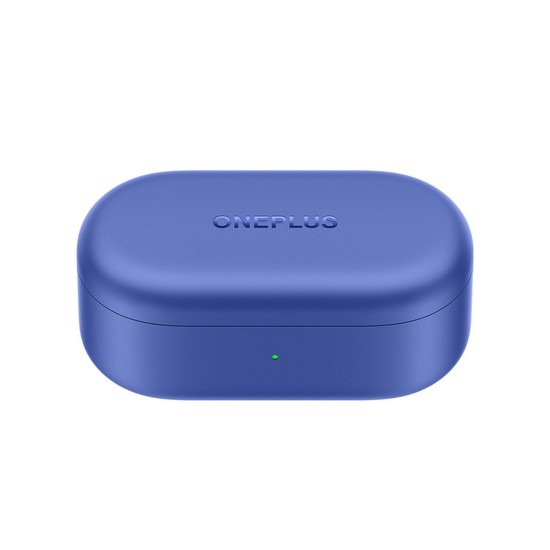
The Nord Buds 2r have a similar shape to the Nord Buds 2 but are slightly smaller. The stalks are rounded, and the colors have changed to Deep Gray and Triple Blue. The 2r’s case is also slightly smaller with a redesigned interior.
How does the sound quality of the Nord Buds 2r compare with other earbuds in the same price range?
The Nord Buds 2r offer a boomy bass and mellow mids but have dull highs. The sound is suitable for bass lovers but may not satisfy those looking for bright highs or a more balanced sound. Compared to wired earbuds in the same price range, they might be seen as underperforming.
What is the difference between the OnePlus TV Y1S and Y1S Edge?
The OnePlus TV Y1S speakers output is 20W, while the OnePlus TV Y1S Edge speakers output a maximum of 24W. Besides, the OnePlus TV Y1S Edge has an additional feature – TÜV Rheinland Certification for low blue light.
Is the OnePlus TV installation free of charge?
The installation of the TV is free for Tabletop and chargeable for wall Mount.
You can purchase Wall Mount from the technician at the time of installation by paying the price as below:
A brand authorized wall mount can be easily recognized by finding a OnePlus Logo on the wall mount bracket.
What is the significance of the textured vegan leather back?
The vegan leather back provides a tactile, comfortable grip while exuding a sense of luxury. It adds to the device’s overall aesthetics and brings a nostalgic touch resembling OnePlus’s classic sandstone feel.
Is the OnePlus 11R 5G Solar Red available for discounted rates?
Yes, the device will be available for purchase at a discounted rate during Amazon’s Great Indian Festival Sale. Although exact pricing details are not yet revealed, it’s a chance to get the device at a special price.
What are the specifications of the OnePlus 11 5G Marble Odyssey?
It is powered by the Qualcomm Snapdragon 8 Gen 2 SoC and features a 6.7-inch 120Hz AMOLED panel, a triple-camera setup, 16GB RAM, 256GB internal storage, and a 5,000mAh battery with 100W charging.
What’s included in the OnePlus 11 5G Marble Odyssey box?
Apart from the device, the box includes Marble Odyssey-themed packaging, a specialized SIM tray ejector, unique Marble Odyssey stickers, a clear silicone case, a 100W charging adapter, and OnePlus’s signature red cable.
What is the significance of the textured vegan leather back?
The vegan leather back provides a tactile, comfortable grip while exuding a sense of luxury. It adds to the device’s overall aesthetics and brings a nostalgic touch resembling OnePlus’s classic sandstone feel.
Is the OnePlus 11R 5G Solar Red available for discounted rates?
Yes, the device will be available for purchase at a discounted rate during Amazon’s Great Indian Festival Sale. Although exact pricing details are not yet revealed, it’s a chance to get the device at a special price.
TikToker @legends_gio orders four iPhone 15 Pro Max units but receives 60.
The accidental delivery amounts to a whopping $96,000.
Apple has the capability to remotely disable unauthorized iPhones.
Questions arise about Apple’s dispatch process and the potential aftermath of such a mix-up.
TikTok user @legends_gio, like many tech aficionados, placed an order for the much-coveted iPhone 15 Pro Max.
His cart included a 1TB model for his personal use and three additional 256GB variants for his team.
However, when the anticipated delivery arrived, it was much, much heavier than expected.
Unboxing his order, he was met with a sight that would make any Apple enthusiast’s heart skip a beat: not just the four iPhones he’d ordered, but a staggering 60 units of the 1TB iPhone 15 Pro Max!
That’s a jaw-dropping $96,000 worth of cutting-edge tech.
Talk about a tech jackpot!
You might wonder how such a glaring oversight could occur from a tech behemoth like Apple.
With meticulous systems and processes in place, how did a small order turn into a small fortune’s worth of devices?
Perhaps there was a mix-up in the dispatch centre, or maybe someone at Apple felt unusually generous.
Whatever the reason, it’s a blunder that’s sure to leave a mark in Apple’s dispatch logs.
But before we picture @legends_gio living the dream, buried in a mountain ofiPhones or starting a spontaneous iPhone giveaway, there’s a catch.
Unexpected Apple Delivery
Apple, with its omnipotent tech tools, has the authority to remotely disable any iPhone that it deems to be in unauthorized hands.
This means that those gleaming 60 iPhones could transform from cutting-edge communication devices to the world’s most expensive set of domino tiles.
One has to muse over the ripple effect of this delivery mix-up.
Will there be tightened checks and balances in Apple’s delivery system?
Is someone currently navigating the tricky waters of explaining this hiccup to their manager?
While these questions loom, one can’t help but chuckle at the situation.
That said, if @legends_gio, in a show of integrity, chooses to return the extra iPhones to their rightful tech overlords, it would only be fitting for Apple to tip their hat in gratitude.
FAQs
Who unexpectedly received the 60 iPhone 15 Pro Max units?
TikToker @legends_gio unexpectedly received 60 units, instead of the four he ordered.
How much is the total worth of the mistakenly delivered iPhones?
The unexpected delivery totals around $96,000, considering the 1TB iPhone 15 Pro Max models.
What could be the consequences of this delivery error for @legends_gio?
While initially exciting, Apple has the ability to remotely disable any unauthorized iPhone, making the excitement potentially short-lived.
Could this oversight impact Apple’s delivery system?
While it’s unclear how such an error occurred, it might lead to enhanced checks and balances in Apple’s dispatch and delivery systems.
Apple introduces health coaching to secure recurring subscription revenues.
Integrated blood pressure sensor coming to the next Apple Watch model.
The first Apple Watch aimed to feature blood sugar monitoring.
Shift in strategy to focus on pattern recognition for health metrics, bypassing regulatory hurdles.
Apple, always at the forefront of tech innovation, is slated to reinforce its position in the health technology segment.
Recent insights from Bloombergindicate that Apple has big plans in store for the next iteration of the Apple Watch.
These enhancements comprise a dedicated health coaching platform, an integrated blood pressure sensor, and a mechanism to track sleep apnea.
Broadening the Horizon with Health Services
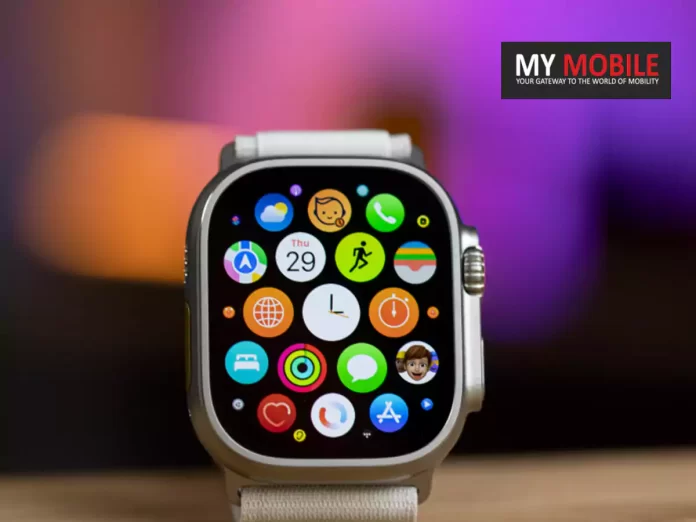
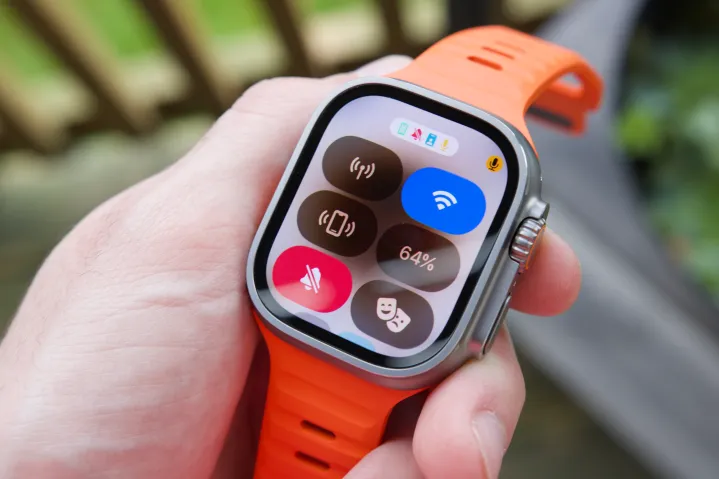
Apple Watch with Health Services
Entering into this health coaching segment potentially signals Apple’s move to tap into steady subscription-based revenue streams.
Sources suggest that this novel service will emphasize tailored workout guidance, potentially linking with the Fitness+ ecosystem, accompanied by dietary plan propositions.
The economic implications of this foray are significant.
To contextualize, Apple’s services division, trailing just behind its flagship iPhone, reported a staggering $19.6 billion for the third quarter, marking a 12 percent growth YoY.
The introduction of this health-centric feature is poised to augment this surge.
The Apple Watch’s blood pressure monitoring facet, in its initial phase, is anticipated to alert wearers about spikes in blood pressure, albeit without delving into exact metrics.
However, a dedicated rollout focusing on detailed systolic and diastolic values is on the horizon.
Competitors, with Samsung leading the pack, have already initiated this feature in certain markets.
Furthermore, established health entities like Omron have pioneered wrist-worn devices specializing in blood pressure monitoring.
A Retrospective Look: The Blood Sugar Monitoring Ambition
Apple Watch with Blood Sugar Monitoring Ambition
Apple’s profound allegiance to health-centric innovations is further underscored by revelations from insider circles.
An interesting revelation emerges: the inaugural Apple Watch was envisaged to pioneer non-invasive blood glucose monitoring as its marquee offering.
The initial strategy of the Watch seemed nebulous, oscillating from prioritizing wrist notifications to eventually zeroing in on health and wellness as its core proposition.
Apple’s ambitions to integrate both glucose and blood pressure monitoring into subsequent Apple Watch editions are evident.
Yet, the scope seems recalibrated. Rather than delivering clinical-grade accuracy instrumental for health diagnostics, the revised aim is to discern and highlight anomalies, prompting users to seek specialized medical assessments.
Two pivotal reasons underlie this shift in strategy.
The intricate and prolonged regulatory approvals associated with medical devices emerge as a primary concern.
Additionally, there are likely to be apprehensions regarding the delivery of impeccable accuracy in health readings play a role.
FAQs
What major health tech feature is Apple introducing in its next watch?
Apple is integrating a health coaching service, a blood pressure sensor, and a system to detect sleep apnea in its upcoming Apple Watch model.
How is the new health coaching feature expected to impact Apple’s revenues?
With the introduction of health coaching, Apple aims to tap into a steady stream of subscription-based revenues, aligning with its Fitness+ ecosystem and dietary recommendations.
Was blood sugar monitoring initially planned for the first Apple Watch?
Yes, reports suggest that Apple initially envisioned the first Apple Watch to have non-invasive blood sugar monitoring as a key feature. Over time, the focus shifted to health and fitness.
Why did Apple recalibrate its approach to blood sugar and pressure monitoring?
The strategy was redefined mainly due to the stringent regulatory landscape of medical tech and concerns over delivering the utmost accuracy in health readings.
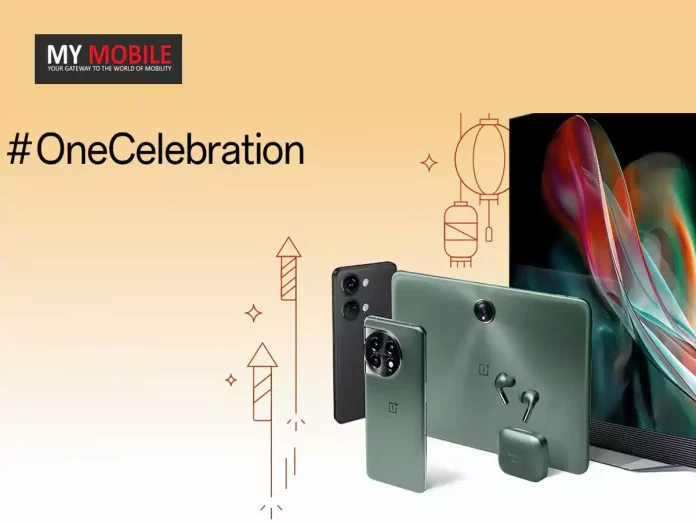
In accordance with #OneCelebration, the brand’s ongoing Diwali campaign showcasing the spirit of celebration and togetherness, OnePlus has brought in latest set of festive offers on its popular Nord 3, Nord CE3, the recently launched flagship OnePlus 11 series, the new OnePlus Pad Go and many more devices.
The OnePlus festive campaign, #OneCelebration, highlights the central role OnePlus products play in every household and family to connect with loved ones, irrespective of the location.
OnePlus’ diverse range of products continue to bring joy and help create cherished memories in every home they arrive.
OnePlus Flagship Smartphones
OnePlus Flagship Smartphones
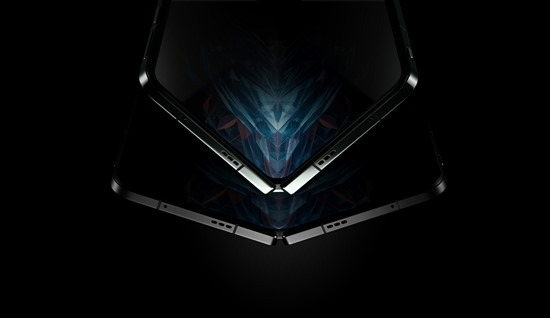
OnePlus recently launched its groundbreaking foldable flagship smartphone, the OnePlus Open, which is set to disrupt the foldable market with its top-tier specifications.
Combining OnePlus’ hallmark ‘Fast & Smooth’ user experience, a Hasselblad Camera, and captivating spatial entertainment in an ultra-portable and modern design, OnePlus Open embodies the “Never Settle” brand ethos.
With dual 2K 120Hz fluid AMOLED ProXDR displays, the OnePlus Open offers a stunning 6.31″ cover screen with a peak brightness of 2800 nits, along with a spacious 7.82″ main display featuring an impressive 89.6% screen-to-body ratio.
This device perfectly encapsulates OnePlus’ iconic design philosophy, seamlessly blending industrial minimalism with elegance.
Earlier this year, OnePlus introduced two highly anticipated flagship smartphones, the OnePlus 11 5G and OnePlus 11R 5G, further expanding their flagship lineup.
It also boasts a remarkable 100W SUPERVOOC fast charging system and a 5000 mAh dual-cell battery.
Additionally, the OnePlus 11 5G Marble Odyssey offers a unique ownership experience, each device being a one-of-a-kind masterpiece.
On the other hand, the OnePlus 11R 5G is a powerhouse featuring a robust chipset, efficient cooling, rapid charging, and innovative RAM technology, delivering exceptional performance and limitless capabilities.
* Customers purchasing the OnePlus Open can avail an INR 5000 Instant Bank Discount and can also avail no cost EMI option of upto 12 months. Customers can further enjoy additional INR 5000 off when exchanging select devices during purchase of device.
* Customers purchasing the OnePlus 11 5G and the OnePlus Marble Odyssey can avail an INR 3000 Instant Bank Discount and special price coupon of INR 4000.
* Customers purchasing the OnePlus 11 5G can avail no cost EMI option of up to 12 months, while those opting for the OnePlus 11 5G Marble Odyssey also avail no cost EMI option of up to 18 months.
* All Customers purchasing the OnePlus 11R 5G and the OnePlus 11R 5G Solar Red Special Edition can avail INR 2000 Instant Bank Discount. Customers can avail no cost EMI up to 9 Months upon purchasing the mentioned devices.
* Customers purchasing the OnePlus 10 Pro 5G and OnePlus 10T 5G can avail INR 5000 Instant Bank Discounts and special price coupon of INR 14,000 and INR 10,000 respectively. Customers can avail no cost EMI upto 12 Months.
* Customers purchasing the OnePlus 10R 5G can avail an INR 3000 Instant Bank Discount and special price coupon of INR 7000. Customers can avail no cost EMI upto 6 Months.
* ICICI Bank & OneCard customers can avail the mentioned bank offers on Amazon, OnePlus Experience Stores, OnePlus.in & offline partner stores.
*The OnePlus flagship offers are valid up to 10th November
OnePlus Nord Smartphones
OnePlus Nord Smartphone
This year, OnePlus unveiled a range of Nord smartphones – OnePlus Nord 3 5G and OnePlus Nord CE 3 5G.
Both smartphones offer high-performance features at industry-challenging prices, without compromising on essential functionalities.
OnePlus Nord 3 5Gis the most powerful OnePlus Nord smartphone ever, combining blazing-fast performance with impressive photography and a beautiful and timeless OnePlus design.
On the other hand, the latest addition to the OnePlus Nord Core Edition Family – the OnePlus Nord CE 3 5G offers all the essentials a user needs and much more, all packed at an affordable price, making the community’s favourite flagship technology and the signature OnePlus experience available to a wider set of users.
OnePlus Nord Offers
OnePlus Nord Offers
* Customers purchasing the OnePlus Nord 3 5G can avail an Instant Bank Discount of INR 3000, along with a special price coupon discount of INR 3,000. Customers can also avail no cost EMI for OnePlus Nord 3 for upto 6 months.
* Customers purchasing the OnePlus Nord CE 3 can avail an Instant Bank Discount of INR 2000, along with a special price coupon discount of up to INR 2,500.
* Customers purchasing the OnePlus Nord CE 3 Lite and OnePlus Nord CE 2 Lite can avail an Instant Bank Discount of INR 1,500 with ICICI Bank on Amazon. Customers can also avail no cost EMI for OnePlus Nord CE 2 Lite for upto 3 months.
* ICICI Bank & OneCard customers can avail the bank offers on Amazon, OnePlus Experience Stores and OnePlus.in.
*The OnePlus Nord offers are valid up to 10th November
OnePlus Pad Series
OnePlus Pad Series
At the OnePlus Cloud 11 event earlier this year, OnePlus launched its first-ever flagship Tablet – the OnePlus Pad, making its entry into the tablet market.
Today, OnePlus further diversified its tablet line-up with the launch of the OnePlus Pad Go, which aims to make big-screen entertainment even more immersive and affordable.
The tablet brings the OnePlus ecosystemcloser to the larger user base without having to compromise with the overall user experience or design.
Equipped with Industry-Leading stunning 2.4K resolution, the Pad Go offers outstanding visual quality without breaking the bank.
* Customers purchasing the OnePlus Pad can avail an INR 3,000 Instant Bank Discount, along with a temporary price discount of INR 2,500 on the 12 GB + 256 GB Variant and a temporary price discount of INR 1,500 on the 8 GB + 126 GB variant
* Customers purchasing the OnePlus Pad Go can avail an INR 2,000 Instant Bank Discount
* ICICI Bank & OneCard customers can avail the bank offers on OnePlus Experience Stores, OnePlus.in & offline partner stores. ICICI Bank customers can avail the bank offers on Amazon as part of the Amazon Great Indian Festival. ICICI Bank, Kotak Bank & Axis Bank customers can avail the bank offers on Flipkart.
* RCC members gain benefit up to INR 2000 on purchase of OnePlus Pad and OnePlus Pad Go on OnePlus.in.
OnePlus Audio
OnePlus Audio
OnePlus also launched the all-new OnePlus Nord Buds 2r during the Nord Summer launch Event. These True Wireless Stereo (TWS) earbuds deliver outstanding bass performance.
With 12.4mm Extra Large Drivers, they provide rich and detailed sound quality for an immersive music experience.
OnePlus has introduced a range of innovative audio solutions this year.
The OnePlus Buds Pro 2 offers an immersive experience with dual drivers, powerful noise cancellation, and low latency, along with spatial audio and Bluetooth 5.3 connectivity, all wrapped up in an impressive 39-hour battery life.
Meanwhile, the OnePlus Bullets Wireless Z2 ANCdelivers advanced noise cancellation, and excellent sound quality, perfect for extended listening sessions.
Audio Offers
OnePlus Audio Offers
OnePlus Buds Offers
* For a limited time, the OnePlus Buds Pro 2 is available to customers at a special price of INR 9999 from November 3rd to 10th. In celebration of the festive season, we’re offering an even more enticing deal: customers can grab the OnePlus Buds Pro 2 at a discounted rate of INR 8999 on November 2nd and November 11th – 12th.
* This festive season, the OnePlus Buds Z2 is available at a special price of INR 3999 until November 12th.
* The OnePlus Bullets Wireless Z2 is now on offer at a special price of INR 1599, accessible between November 3rd to 10th. Embracing the festive spirit, customers can take advantage of an additional special deal, securing the OnePlus Bullets Wireless Z2 at a reduced rate of INR 1499 on November 1st – 2nd and November 11th – 12th.
* This Diwali season, customers can now seize a remarkable deal on the OnePlus Bullets Wireless Z2 ANC in the Grand Green color, priced at just INR 1599, available until November 12th.
* To add more cheer to the festive season, OnePlus has also introduced an exciting offer on the OnePlus Nord Buds 2. Customers can get their hands on the TWS at a special price of INR 2,499 until 2nd November and on 11th and 12 November. Between 3rd to 10th November, the OnePlus Nord Buds 2 will be available for purchase at just INR 2,599
* The latest OnePlus Nord Buds 2r will be available for purchase at the special price of INR 1,799 on 1st & 2nd November and 11th & 12 November. On 3rd to 10th November consumers can get their hands on the TWS at the discounted price of INR 1,899.
* Lastly, consumers can buy the OnePlus Nord Wired at an exciting price of just INR 599 on 1st & 2nd November and 11th & 12th November. Consumers can also purchase OnePlus Nord Wired from 3rd to 10th November for INR 649.
OnePlus TVs
OnePlus TVs
OnePlus’s latest premium TV, the OnePlus TV 65 Q2 Pro serves as an extension of the premium Q Series portfolio which debuted in 2019.
The OnePlus TV 65 Q2 Pro boasts flagship-level 4K QLED display technology with an industry-leading wide color gamut of DCI-P3 97%.
The 120 Hz Refresh Rate and MEMC Technology ensure smooth viewing.
The OnePlus TV 65 Q2 Pro also offers a powerful 70W output, co-tuned with Dynaudio, plus Dolby Atmos for a truly immersive audio experience.
Below are a series of offers on the latest OnePlus TV 65 Q2 Pro and the rest of the OnePlus TV portfolio.
OnePlus TV Offers
OnePlus TV Offers
* Customers purchasing the OnePlus TVs 55 U1S as well as 65 U1S can benefit from Instant Bank Discounts up to 10% on Flipkart and worth INR 3000 and INR 4000 respectively; and are also eligible for No-Cost EMI of 3, 6, 9 and 12 months on other platforms.
* Customers purchasing the OnePlus TVs 43 Y1S Pro, 50 Y1S Pro can benefit from Instant Bank Discounts worth INR 2000 and INR 2500 respectively; and are also eligible for No Cost EMI of 3 and 6 months. Customers purchasing the OnePlus TVs 55 Y1S Pro can benefit from Instant Bank Discounts worth INR 3000 and are eligible for a No Cost EMI of 3,6 and 9 months.
* Customers looking to buy 65 Q2 Pro are eligible for INR 5000 Instant Bank Discount and can avail No Cost EMI of 3,6,9, and 18 months. Additionally, RCC members gain benefit up to INR 5000 upon purchase of OnePlus TV 65 Q2 Pro on OnePlus.in.
* In addition to the above, customers can also avail a series of exciting instant bank offers and No Cost EMI offers across the other OnePlus TVs such as 32 Y1S Edge, 43 Y1S Edge, 32 Y1S, 43 Y1S and other OnePlus TVs.
* ICICI Bank & OneCard customers can avail bank offers on amazon.in, OnePlus Experience Stores, OnePlus.in & offline partner stores. SBI customers can avail the bank offers on Flipkart.
The mentioned TV offer is not applicable on Flipkart.
Ans) The OnePlus Pad Go price in India starts at Rs 19,999 for the 8GB RAM + 128GB storage option.
This pricing is applicable for the Wi-Fi model.
The LTE variant which comes with 8GB of RAM and 128GB of internal storage is priced at Rs 21,999, while the Wi-Fi model with the same RAM and 256GB of internal storage costs Rs 23,999.
2) Where is the tablet OnePlus Pad Go available for purchase?
Ans) The tablet will be available for purchase via the OnePlus India website, the OnePlus Store app, Flipkart, Amazon, Reliance, Croma and other key offline outlets.
3) What makes the OnePlus 11 5G Marble Odyssey unique?
Ans) The OnePlus 11 5G Marble Odyssey boasts a distinctive marble-like back cover, crafted from a rare microcrystalline rock material that mimics marble, providing a luxurious and exclusive look and feel.
4) What are the specifications of the OnePlus 11 5G Marble Odyssey?
Ans) It is powered by the Qualcomm Snapdragon 8 Gen 2 SoC and features a 6.7-inch 120Hz AMOLED panel, a triple-camera setup, 16GB RAM, 256GB internal storage, and a 5,000mAh battery with 100W charging.
5) Does OnePlus Nord 3 5G have a good display?
Ans) Yes, the OnePlus Nord 3 5G has a 6.74-inch AMOLED display with an FHD+ resolution and a 120Hz refresh rate for a smooth viewing experience.
6) Is OnePlus Nord 3 5G good for gaming?
Ans) Yes, the device houses the MediaTek Dimensity 9000 chipset which can handle intensive gaming tasks with ease.
7) What makes the OnePlus 11R 5G Solar Red different from the original OnePlus 11R 5G?
The Solar Red variant offers an enhanced 18GB of RAM and 512GB of storage, as compared to its predecessor. It also comes with RAM-Vita technology which can efficiently run up to 50 apps at once.
8) Is the OnePlus 11R 5G Solar Red available for discounted rates?
Yes, the device will be available for purchase at a discounted rate during Amazon’s Great Indian Festival Sale. Although exact pricing details are not yet revealed, it’s a chance to get the device at a special price.
Starting from the upcoming year, viewers who indulge in three consecutive episodes will be treated to a subsequent episode without any ad interruptions even while being on the platform’s ad-supported tier.
This move is very much aiming to retain the audience’s attention and discourage them from switching to other content or platforms.
Previously, Netflix had emphasized its intent to maintain viewer engagement, citing its “bingeable release model” as a significant driver for this commitment.
Such strategies seem to underscore the streaming giant’s understanding of evolving user preferences and their consumption patterns.
Also Netflix’s recent data reveals a promising trajectory for its ad-supported plan.
Within a year of its introduction, this tier has garnered an impressive 15 million monthly active users.
This growth appears exponential, considering that only five months earlier, in May, the platform reported 5 million users for the same.
Interestingly, Netflix’s recent pricing revisions seem to be channelling users towards the $6.99-per-month ad-inclusive plan.
Netflix is Planning Fewer Ads for Continuous Binge Sessions
This strategy appears to be paying off, with the company reaping considerable benefits. The surge to 15 million global monthly users can arguably be attributed to the allure of this plan.
These enhancements certainly are looking to entice subscribers and make sure that existing users get more value.
However, as of right now, there hasn’t been any official communication regarding the extension of these changes to the Indian market.
The company’s trajectory hints at an even more user-centric approach in the forthcoming years.
And while the ad-supported plan requires viewers to tolerate periodic interruptions, Netflix is ensuring that, for those willing, it remains a cost-effective avenue for premium content access.
FAQs
What is Netflix’s new initiative for binge-watchers?
Starting next year, Netflix aims to offer an ad-free episode to viewers who watch three episodes consecutively.
How successful is Netflix’s ad-supported plan?
Within a year of its introduction, the ad-supported tier has amassed a commendable 15 million monthly active users.
How much does the ad-inclusive plan cost?
Netflix’s ad-supported subscription is priced at $6.99 per month, offering a cost-effective solution for premium content access.
Will these ad-reducing features be available in markets outside the US?
As of now, Netflix has not announced any plans regarding the extension of these ad-related changes to the Indian market or other regions.
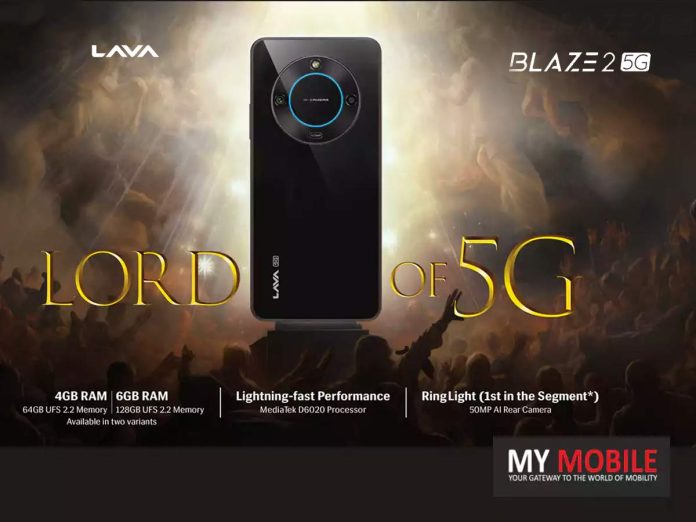
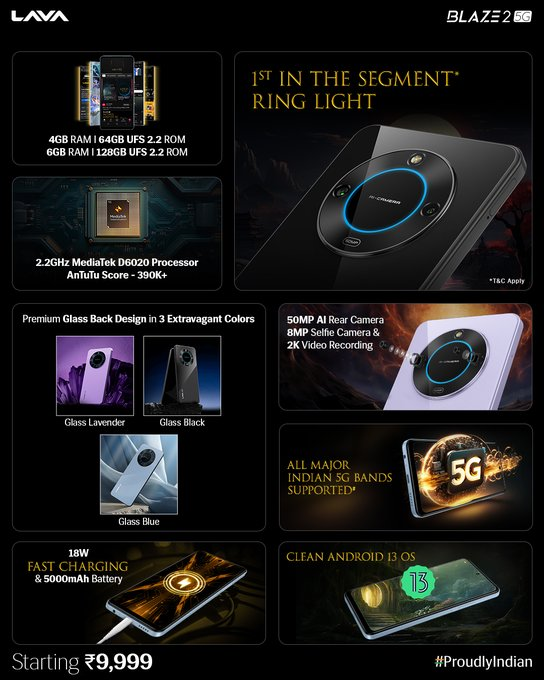
MediaTek Dimensity 6020 processor powers the Blaze 2 5G.
Unique segment-first Ring Light feature introduced.
Expandable storage options up to 1TB.
Robust 5000mAh battery with 18W Fast Charging.
Lavahas once again manifested its commitment to innovation and affordability by unveiling the Blaze 2 5G, a smartphone that’s set to redefine segment expectations, priced attractively at Rs 9,999.
Prospective buyers won’t have to wait long.
Starting 9th November 2023, the Blaze 2 5G will grace the shelves of Lava’s extensive retail network and will be up for grabs on Amazon.in and Lavamobiles.com.
Lava Blaze 2 5G: Features
Lava Blaze 2 5G: Features
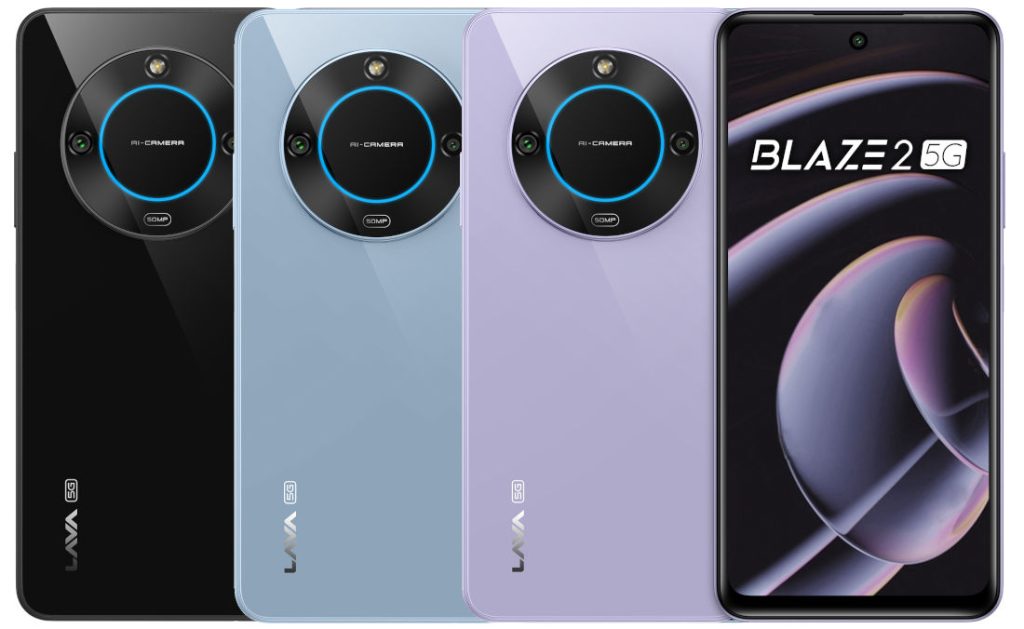
Not just another smartphone, the Blaze 2 5G, with its distinguished glass back, promises to stand out in the crowd.
The device’s aesthetic appeal is further amplified with the introduction of a segment-first Ring Light, allowing users to capture perfect lighting in every frame.
Set to paint the town in three vivid shades, Glass Black, Glass Blue, and Glass Lavender, the smartphone ensures that style goes hand in hand with substance.
Lava Blaze 2 5G: Key Specs
Processor: MediaTek Dimensity 6020
Variants: 4GB/64GB and 6GB/128GB, expandable up to 1 TB
Display: 6.55-inch HD+ IPS Punch Hole with 90Hz refresh rate
Operating System: Android 13, with a planned upgrade to Android 14
The device, ensuring fluidity in performance, offers two variant options.
Users can choose between a 4GB/64GB combination or the more expansive 6GB/128GB variant which will cost Rs 10,999.
Both ensure ample storage, with expandability options that stretch up to a whopping 1 TB.
Photography enthusiasts have a lot to cheer for.
The 50MP Rear Camera, combined with an 8MP front camera with screen flash, ensures every moment is captured with precision.
The diverse array of in-built camera modes, from Slow Motion and Timelapse to Night and Portrait, ensures every shot is nothing short of perfect.
Visual experience remains paramount, and the smartphone does not disappoint.
The 6.56-inch HD+ IPS punch-hole display is accentuated by a 2.5D Curved Screen and a refresh rate of 90Hz for seamless navigation and vivid image reproduction.
Running on Android 13, Lava says users can expect a bloatware-free environment with added features like anonymous & auto-call recording.
Lava pledges not just an upgrade to Android 14 but also two years of consistent quarterly security updates, marking its commitment to user safety and device longevity.
Despite the plethora of features, the Blaze 2 5G does not compromise on battery life.
Its 5000mAh powerhouse can ensure prolonged usage and it is supported by 18W Fast Charging capabilities via a Type-C port.
Google phases out legacy note and list system for a seamless Google Keep experience.
Automatic migration of most notes and lists to Google Keep announced.
Certain extensive notes and lists may face migration challenges.
Integration allows Google Assistant access to Google Keep data with user permission.
Google has ushered in changes to its legacy note and list system, paving the way for Google Keep to take the helm.
A transformation long overdue, given the outdated and somewhat cumbersome user experience previously offered throughassistant.google.com/lists/mainview and the separate Google Shopping List found at shoppinglist.google.com.
At the heart of this shift is the seamless integration of the two aforementioned platforms into Google Keep.
Users can breathe a sigh of relief, as Google assures that the transition of notes and lists will occur automatically, with minimal intervention required.
This means the vast majority of content stored in the legacy system will find its way into the more modern and cohesive Google Keep environment.
However, it’s not all smooth sailing.
Google did sound a note of caution regarding potential hiccups during the migration.
Items that might face migration challenges include:
Family notes crafted on Smart Displays.
Notes or lists having titles that exceed 999 characters.
Notes sprawling beyond 19,999 characters.
Lists populated with over 999 items or any item whose length surpasses 999 characters.
Google Keep Integration with AI
For those who find themselves in such edge cases, there’s no cause for alarm.
Google will retain this data, making it accessible through Google Takeout until May 1, 2024.
Once safely nestled in Google Keep, users will find their migrated content marked distinctly, helping them identify notes and lists from the legacy system.
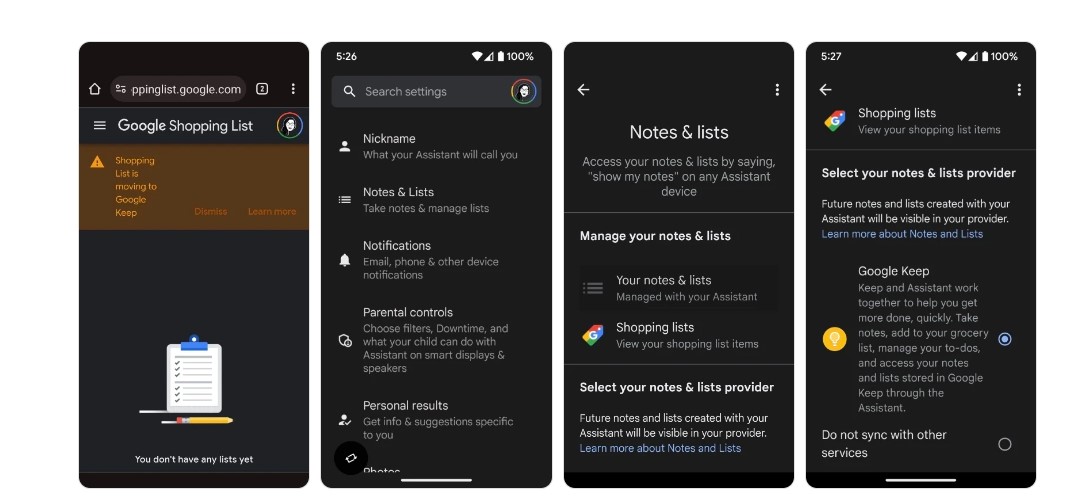
Another compelling aspect of this shift is the synergy betweenGoogle Keep and Google Assistant.
Users keen on leveraging this partnership will, however, need to grant explicit permissions to Google Assistant.
This can be conveniently managed through the Assistant settings available on both iOS and Android devices, allowing users to opt for Google Keep as their primary notes and lists provider.
FAQs
What changes are happening to Google’s note and list system?
Google is integrating its legacy note and list system, including the Shopping List, into Google Keep for a unified user experience.
Do users have to manually transfer their notes to Google Keep?
No, the majority of notes and lists will be migrated automatically. However, some larger notes and lists might not be moved.
How can users access notes that couldn’t be migrated?
Notes that face migration challenges will be available through Google Takeout until May 1, 2024.
Can Google Assistant access my Google Keep data?
Yes, but only with explicit user permission. This can be managed through Assistant settings on iOS or Android devices.
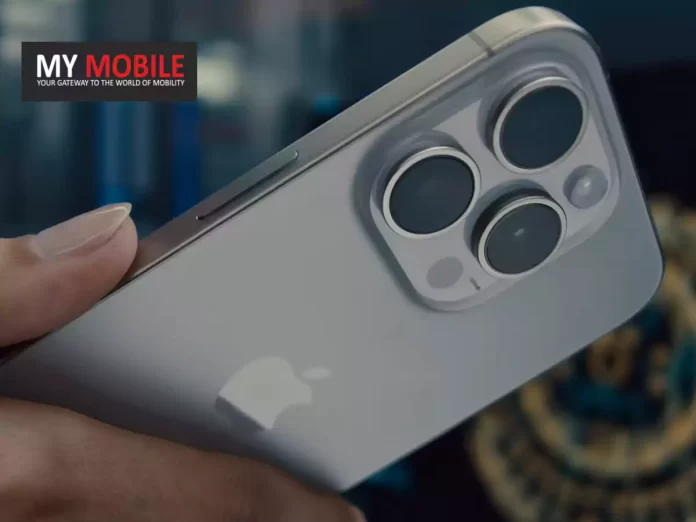
14 percent of iPhones shipped in 2023 were manufactured in India.
Foxconn, the primary manufacturer, produced 80 percent of these India-assembled iPhones.
Luxshare is gradually moving its production to India.
Apple aims to begin iPhone 17’s initial production in India by late 2024.
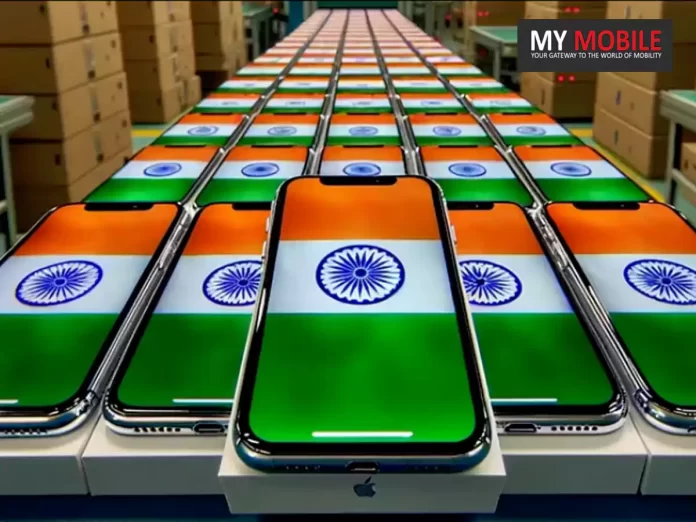
In an unprecedented shift in Apple’s global production chain, renowned analyst Ming-Chi Kuo disclosed that a staggering 14 percent of all iPhone units shipped in 2023 bore the “Made in India” tag.
Breaking down the numbers, Foxconn, a chief player in the tech manufacturing sector, accounted for a whopping 80 percent of these Indian-assembled iPhones.
But with the changing tides, Kuo anticipates significant production declines for Foxconn in Zhengzhou and Taiyuan by 2024, foreseeing dips of 35-45 percent and 75-85 percent, respectively.
Interestingly, Luxshare, another key manufacturer serving Apple, has been shifting parts of its production arsenal to India, further emphasizing the subcontinent’s growing relevance.
Beyond China: Apple’s Global Shift
Historically, Apple’s heavy dependence on China for its iPhone assembly met hurdles, especially during the COVID-19 pandemic, where several manufacturing facilities faced temporary shutdowns.
This pause reportedly drained Apple’s coffers by a billion dollars weekly.
Moreover, geopolitical friction between the US and China added another layer of complexity for Apple’s Chinese suppliers.
Beyond China: Apple’s Global Shift
Diversification then became the need of the hour.
While Apple has spread its wings to Brazil and Vietnam in recent years, India’s potential as a long-term global manufacturing contender seems undeniable.
Apple’s Affinity for India
A look back reveals Apple’s budding relationship with India began nearly half a decade ago when it initiated iPhone assembly.
The tech giant’s rapport with Indian consumers also seems to be flourishing.
A report from Counterpoint highlighted a record-breaking quarter for Apple in India, with shipments surpassing 2.5 million units between July and September.
2023’s iPhones “Made in India”
What’s Next for Apple in India?
Ming-Chi Kuo dropped another significant forecast: the initiation of the standard iPhone 17’s preliminary production is slated for India by the latter half of 2024.
If Kuo’s prediction holds, this would be Apple’s maiden venture of kickstarting the development of a new iPhone model outside China.
FAQs
What percentage of iPhones were made in India in 2023?
In 2023, 14% of all iPhones shipped globally were produced in India, marking a significant increase in the company’s manufacturing diversification.
Which major tech manufacturer is responsible for most of the Indian iPhone production?
Foxconn, a key player in tech manufacturing, is behind 80% of the iPhone production in India.
How has the COVID-19 pandemic affected Apple’s production?
The pandemic caused many of Apple’s manufacturing units in China to halt operations, resulting in significant financial impacts and urging Apple to diversify its production base.
When is Apple planning to start the production of iPhone 17 in India?
As per analyst Ming-Chi Kuo, Apple aims to commence the preliminary production of the standard iPhone 17 in India by the second half of 2024.