Although the phone’s price has not been tipped yet, a new report states that the phone will be available for pre-booking on Flipkart starting July 12, 2022.
The UK-based technology company Nothing is all set to launch its first smartphone Phone 1 in India on July 12. According to the report, the upcoming smartphone can be pre-booked on the e-commerce platform Flipkart. The report also claims that Nothing Phone 1 can be pre-booked by paying an amount of Rs 2000. The pre-booking news has been confirmed by tipster Mukul Sharma.
According to a post on the official website of Nothing, the launch event of the Nothing Phone 1 will be held online on July 12 at 20.30 IST. Flipkart has already created a dedicated webpage to tease the launch of the upcoming phone.
As per the listing page, Nothing Phone 1 will run a custom Android version called Nothing OS and will be powered by a Qualcomm Snapdragon SoC.
Reported to be a mid-range smartphone, the price of the upcoming 5G smartphone is yet to be revealed.
Nothing Phone 1 Specifications
Going by leaks, Nothing Phone 1 is expected to feature a 6.55-inch Full-HD+ OLED panel with 90Hz refresh rate with a resolution of 2400×1080 pixels. To be powered by a Qualcomm Snapdragon 7 Gen 1 chipset coupled with up to 8GB of RAM, the Nothing Phone 1 runs on Android 12 out of the box.
Talking about the camera, Nothing Phone 1 is likely to have a feature a 50-megapixel primary camera coupled with two sensors. The device is expected to come up with a 32-megapixel camera on the front.
Nothing Phone 1 Availability in India
The upcoming smartphone will be available in India through Flipkart. While in the UK and Germany the Nothing Phone 1 can be purchased via O2 and Telekom Deutschland, respectively.
Last year, Nothing partnered with Flipkart for selling the Nothing Ear 1 earbuds. Nothing Ear 1 truly wireless stereo (TWS) earbuds is the first offering to the market last year.
Nothing had earlier launched the Ear 1 as truly wireless earbuds and the phone 1 is expected to feature a similar transparent design.
Have you seen images with really fascinating texts that you wish you could read? Or so many times we come across any important quote or phrases that you’d want to send directly to someone, saving the time and effort of typing them. Currently, there are not many known tools or apps that let you copy that same text from any image. Of course, there are tools that let you translate any language, but not all of them offer to copy that same text. But now you have the option with apps like google lens and many more.
There are a lot of tools and apps like Google Lens that let you copy text from an image and use it wherever you want on Android, iOS and PC. So, if you too are interested to know how to copy text from any image, here’s your quick guide. Check it out!
How to copy text from images on Android, iPhone & PC
There are two easiest ways to copy text from any image on Android, iOS, and PC. Check it out:
Google Lens
Step1: Open the app “Google Lens” and the image you wish to copy the text from
Step2: Select the required area on the image you wish to copy your text by swiping up
Step3: Now long press on the text you want to copy and adjust the length with the selector
Step4: Once done, tap on the “Copy Text” option at appears at the bottom of the screen
Step5: Now simply paste it in the form of text wherever you want
The required text will be copied to your clipboard and then you can use this text on any app. Like you can paste and send this text to any of your WhatsApp chats, Instagram and so on via long press.
Google Photos web
This one is the most familiar one to you. We have been using Google Photos for so long to back up our photos, videos and other multimedia. Did you know this can also be used to copy any text from an image? Well, it can and here’s how to use it:
Step1: Open the browser and go to Google Photos web and sign in to your account
Step2: Now select and open the image with text
Step3: Click on the “Copy Text from Image” option placed at the top right corner. The option pops up only if there is text in the photo
Step4: Now select the image that is to be dished out and click on “Copy text”
And that is it! Your text has been copied to the clipboard. You can use this text on any of your other social apps just like we told you now.
Notably, copying text from an image can come in handy when you want to copy handwritten notes, copying text from a pdf file or a screenshot, or trying to read a direction in a different language. iOS users who do not use Google Photos can follow the same procedure for Apple’s gallery app.
Apart from both the mentioned ways, you also have options like online OCR services, onlineocr.net, brandfolder.com, imagetotext.info and more to copy text from any image.
A great mobile phone will help you save on that expensive camera, help you stay updated on what’s happening in the world, and will entertain you on the move. However, finding the right one isn’t this easy as it sounds. You have got so many options out there that eventually, you have to list them down to choose the right phone for you.
Choosing can become such a complicated thing, therefore, we have this comprehensive guide to choosing the best mobile phone for you.
What is Your Price Range for Your Smartphone?
Once you have your price range decided, selection becomes easy. Now you can check which one would you like to go for. If you’re an iPhone user, you’d already know they are way costlier than the android so, you would like to plan accordingly. Also, be flexible about your budget with 2-3k as this could help you make a better choice. For instance, A person having a budget of 25K INR is better off buying One plus 3 for 27999 and that extra 2999 is absolutely worth it.
What Type of Features in Smartphone Are You Looking For…?
After deciding on a range for yourself, it’s essential to look for the required features. Start drafting a list of features you’re looking to have in your smartphone. Do you need a good camera, or should the screen size be small or large? Would you like extended battery life in it or prefer to use it one-handedly. If you’re a traveller, you would need a dual sim-slot phone. Additionally, you can also look for the storage that you require. If you’re a photographer, 256GN would be the right one for you! Sit for some time and give these things a great thought.
What do you want to use the phone for primarily?
The days when phones were used primarily for making and receiving calls are long gone. These days, many people use their smartphones for a variety of other things besides calling. If you’re looking to buy a new phone, you need to know what you’re going to use it for most, so that you can satisfy those needs.
Important Things To Consider Before Buying Mobile Phone in 2022
Some other prominent factors to consider while buying the best smartphone for you.
Operating system: iOS or android?
The operating system or the OS is the focal software that helps power your phone, and the choice boils down to two options – Android or iOS. Both the systems support numerous apps and games. Also, you can switch up between both systems as they do offer many learning curves. So, how to decide which one to go for? Here’s a summary highlighting the best features both possess-
Android
It offers a wide range of options within different price ranges and has more customisation options.
If you enjoy flexibility, android is the right choice for you!
iOS
It offers a more standard, uniform, and secure user experience.
Appstore and app qualities are slightly better due to Apple’s supervision of the app process.
Numerous choices of accessories.
Smartphone Performance
It usually depends on two main factors- Processor and RAM. Let’s discuss both separately.
Processor
The performance of any smartphone directly correlates to its processor. The processor is also known as the chipset or SoC. The newer is generally faster and considered to be power efficient. A-series chipset in Apple tends to surpass the competition. Whereas, for an Android phone, Qualcomm Snapdragon 865+ is the current cream of the crop. Other top processors include Apple A13 Bionic, Exynos 990, and Kirin 990. These come with in-built AI capabilities that certainly makes your smartphone “smart”.
RAM
RAM refers to the system memory that your smartphone holds. Therefore, a higher RAM ensures more applications run on your device. If you’re a light user, someone only using a few social media apps and answering phone calls, a 3-4GB RAM would be best for you. In case you’re the one over the top PUBG lover, go for rather a 4-6 GB RAM.
How Good is The Display?
Considering the current situation, we spent maximum time on our phone screens. From waking up and before dozing off at the end of the day, we are using phones consistently. Therefore, brands invest plenty of time upgrading their display game for a better user experience.
Considering the time one spends on screen, these are some of the vital factors to consider:
Screen Size
It depends on the usage pattern of the user. Small screen phones are handy however, browsing sometimes becomes difficult. Similarly, big screens are easy to work with, but they feel bulky.
Display Type
There are many display types available in smartphones like LCD, OLED, AMOLED, Super AMOLED, TFT, and IPS. The best display is the super AMOLED displays that Samsung offers. Moreover, OLEDs are also high-quality display available.
Resolution
It refers to the number of pixels present on a display. The higher the count of the pixels, the sharper would be the image quality.
Screen Protection
Screen protection protects the screen from breaking into pieces. Gorilla Glass 6 is the cult favourite drop protection for the devices.
How Much Storage Do you Need?
Most smartphones come with a storage capacity of 32 GB to 64 GB ranges up to 128 GB TO 512 GB. More storage does increase the cost of the device, but also make sure there’s enough space for all your favourite applications. You can also keep an eye on the expandable storage ones.
Camera Quality
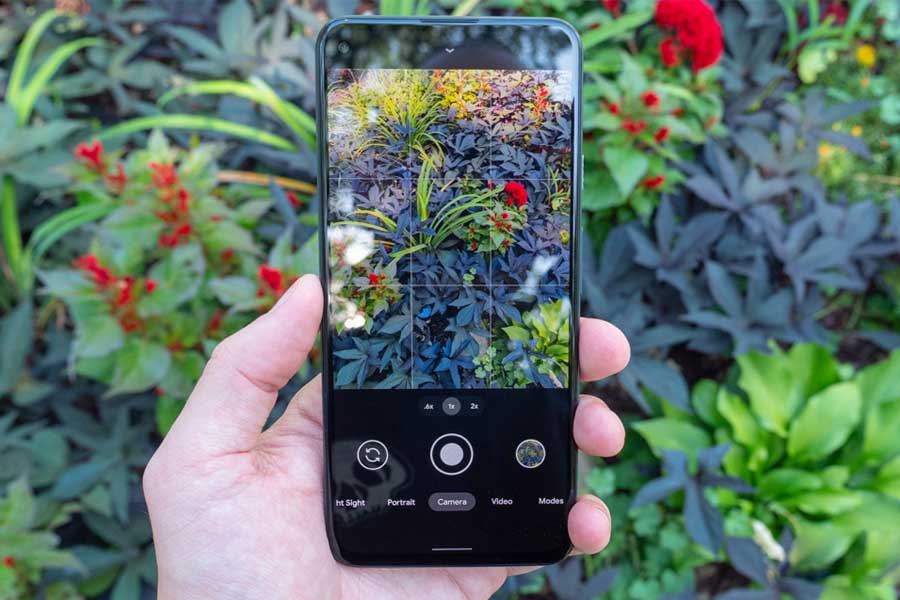
It is one of the main reasons why people buy a smartphone. You can easily find the right one by searching for some online photos taken by that specific mobile model. If you are likely to take many pictures, then you may go for one with a 12 or 16 MP camera with an aperture of f/2.0 or lower. It also gives good results even in low light. Furthermore, if your camera use isn’t that heavy, a smartphone with an 8-12 MP camera and aperture of f/2.2 is also going to work fine for you.
Battery Life
With the improvements in technologies, the battery life is extensively increasing in smartphones. Some flagship android phones allow users 8-10 hours of screentime which is amazing. So do check at the mAH tab. It will give you some indication of the battery performance throughout the day.
Miscellaneous Things To Consider while buying a smartphone
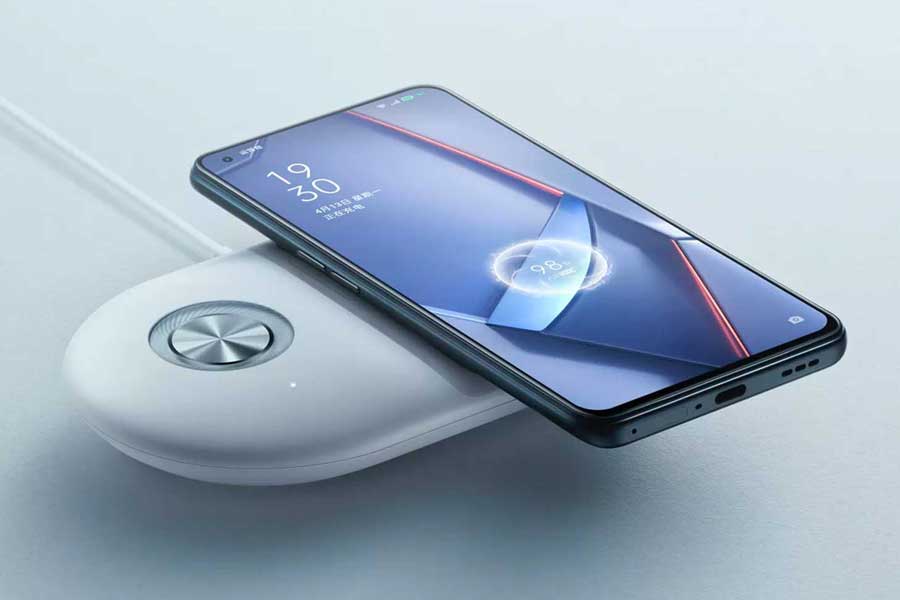
Wireless charging
It refers to power transmission from one power outlet to your device without a cable or USB. It’s a well-known technology now and is available in all the latest devices like Apple iPhone 12 Pro, One Plus 9 pro, Samsung Galaxy S21 Ultra etc. It is one of the convenient charging techniques as you don’t need a cable. Simply put your phone on the pad and you’re good to go.
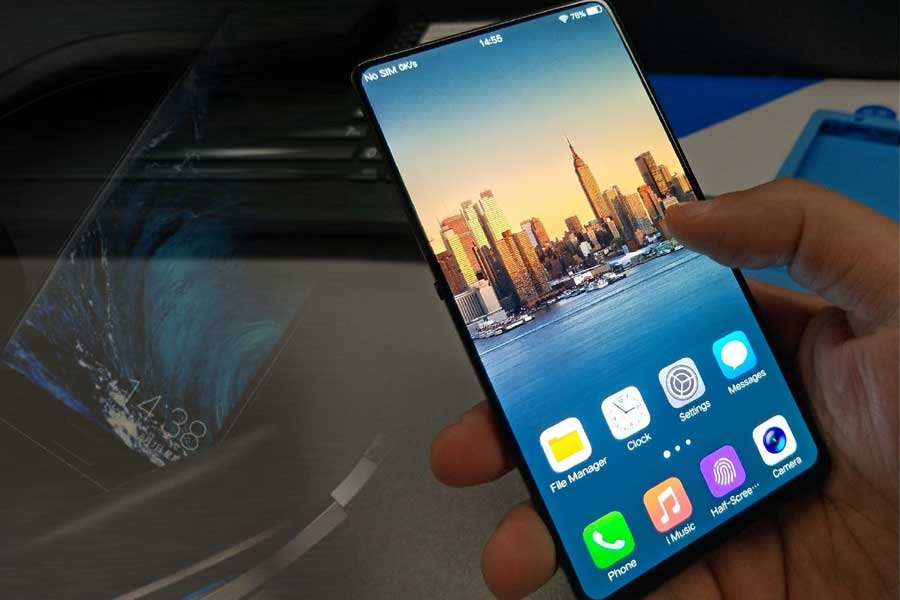
Fingerprint / Face Unlock
Both fingerprint scanners and face recognition have become an integral part of the smartphone world. Fingerprint sensors are ruling the market for quite a long time now. Whereas, face recognition has become a sensation after it was launched with iPhone X.
Bluetooth Version
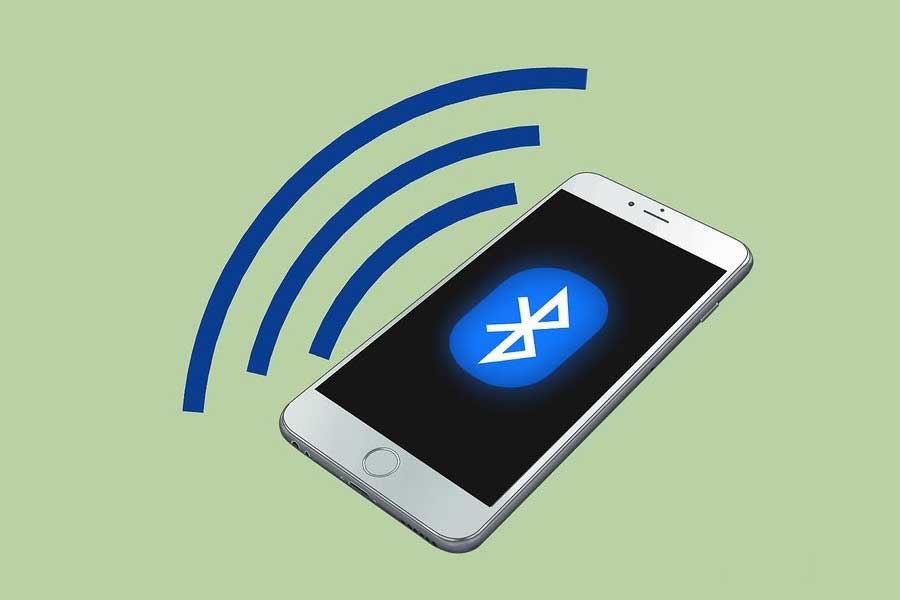
Not many people talk about Bluetooth, however, it is one of the prominent features in any mobile. Make sure your device has a 5.0 version as it provides fundamental benefits such as improved speed and significant range.
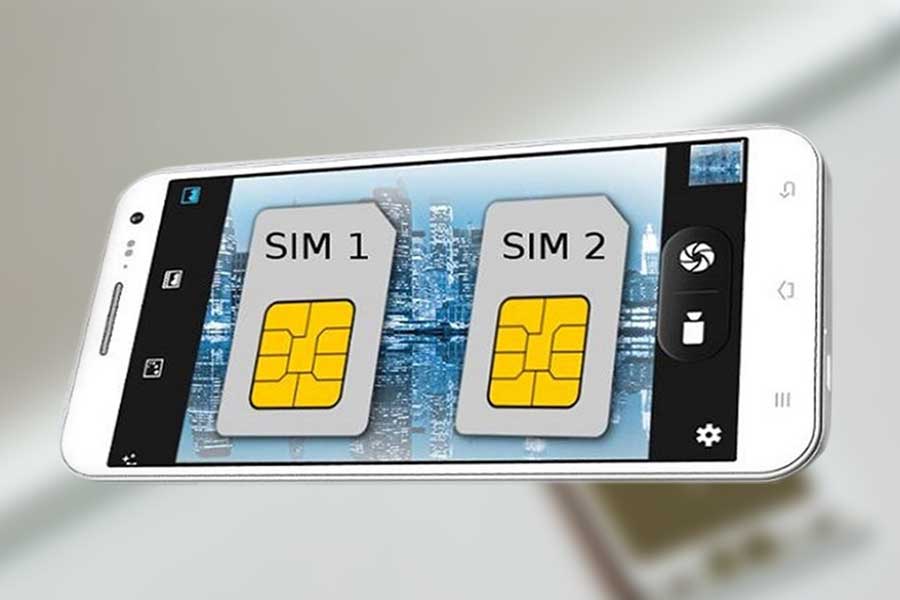
Dual sim
A dual sim device gives you better network coverage, with internet access to remote areas as well. Also, you get to choose which contacts you would like to connect to regularly or which ones to keep formal.
Choosing the best smartphone is a complex job. But, if you have the right list, you can definitely get the best one for yourself.
Also, Read:
Top 10 Wireless Earphones Under 2000
Upcoming 5G Mobiles in India – Specifications, Expected Date, and Price List in India
Samsung 5G Mobile Price in India – Choose Best Samsung Phone For You!
Best 5G Phones in India – Check Latest 5G Mobiles Specifications, Features, and Price
Boult Audio ‘AirBass Propods X’ launched in India at Rs 1,499
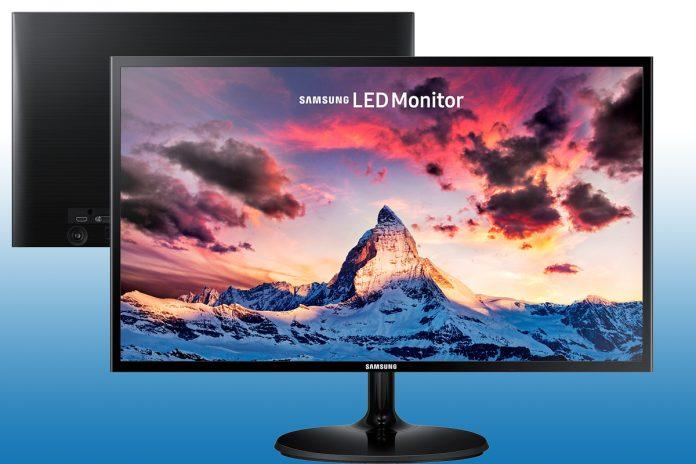
Samsung on Friday launched the Smart Monitor M8, its latest addition to the Smart Monitor series with an upgraded design. The Smart Monitor M8 is from a family of the world’s first smart monitors that not only offer a PC-less experience for seamless working but also allow users to enjoy a variety of OTT services, including Netflix, Amazon Prime Video, Disney+ and Apple TV via Wi-Fi without connecting to a PC or TV.
Samsung Smart Monitor M8: Price, colour and availability
Smart Monitor M8 in Sunset Pink and Spring Green will be available from June 15, 2022, in India at a starting price of Rs 59,999 on Samsung’s official online store Samsung Shop, Amazon and all leading retail stores, while the Daylight Blue and Warm White variants will be available later this year.
“Our new Smart Monitor M8 is built for a PC-less experience for work and entertainment. Its iconic stylish design is meant to complement and enhance all living spaces. Built-in with consumers’ favourite content, productivity and video call apps, we are confident that it will be a joy to use every time,” Puneet Sethi, Vice President, Consumer Electronics Enterprise Business, Samsung India said in a statement.
Consumers pre-booking Smart Monitor M8 from today will get Galaxy Buds2 worth Rs 11,999 and Samsung smart wireless keyboard worth Rs 3,499 absolutely free along with and Rs 3,000 instant cart discount.
Samsung Smart Monitor M8: Features and specs
The Samsung Smart Monitor M8 features a 32-inch 4K Ultra HD display with a 60Hz refresh rate that supports 99% sRGB colour, 400 nits of brightness, HDR 10+ and 1.07 billion colours. The monitor can double as a Smart TV as it runs on the Tizen OS and comes with an IR remote.
The M8 has a magnetic and removable SlimFit Cam that can attach to the monitor. The SlimFit camera can be easily attached to the monitor and can also be moved around. The Smart Monitor M8 has an IoT hub called SmartThings Hub, where users can connect all their IoT devices wirelessly.
For connectivity, the monitor offers the monitor comes with a micro HDMI port and two USB-C ports which are capable of 65W reverse charging. Wireless connectivity offered on the monitor includes Bluetooth 4.2 and WiFi 5. The smart monitor also has two 5W speakers.
Also Read: Garmin launches fitness band Vivosmart 5, up for sale on e-commerce platforms
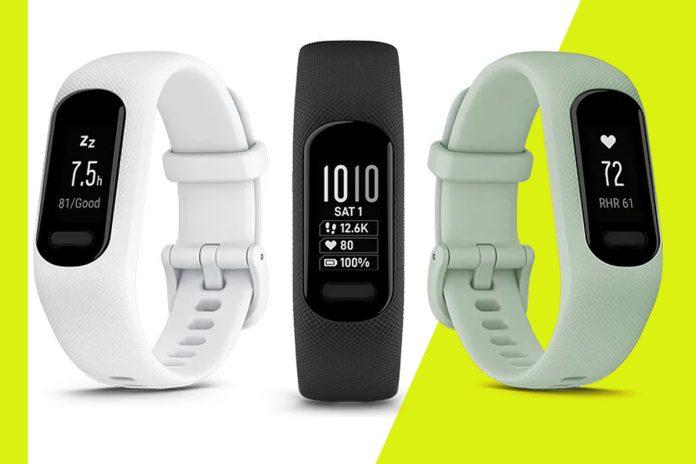
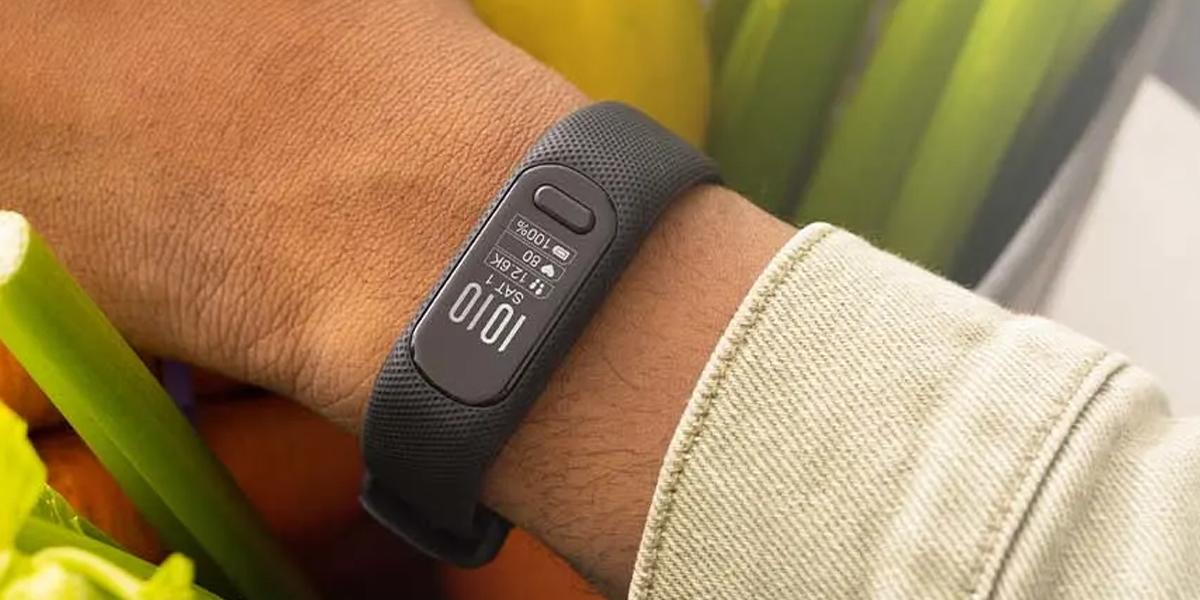
US-based technology company Garmin has unveiled a new fitness band in India. Dubbed as Garmin Vivosmart 5, the fitness band is available to purchase on the Garmin store, Amazon, Flipkart, and select stores. Amazon and Flipkart are offering a sale offer on the purchase of the Garmin Vivosmart 5.
According to Garmin, this premium fitness band will offer users a personalized ‘Morning Report’, which includes information like sleep score and step goals.
Garmin Vivosmart 5 Price in India
The Garmin Vivosmart 5 has been launched with a price tag of Rs 14,990. At this price point, Garmin Vivosmart 5 will intensify competition for Fitbit Charge 5, which is priced similarly. Amazon is offering Fitbit at Rs 13,900. In addition to Garmin, several other prominent smartwatches like the OnePlus is available at the same price point.
Colours of Garmin Vivosmart 5
Compatible with Android and iOS, the brand has launched the fitness band in two colours Mint and Black. The newly launched Garmin fitness band is available in small, medium, and large wrist sizes. The small and medium wrist bands are appropriate for customers with a wrist circumference of 122-188mm. While the large band is good for customers with a wrist circumference of 148-228mm. With the help of the band, users will be able to view text messages, calendar notifications, social media alerts, news alerts, and more through the smartwatch.
Garmin Vivosmart 5 Specifications
Featuring an OLED display, Garmin Vivosmart 5 is made of polycarbonate, and the strap material is silicone. According to the company, the new fitness band offers seven days of battery life on a single charge.
Recently, Garmin emerged among the top performers in the Global smartwatch market which grew 13% YoY in Q1 2022. Garmin ranked fifth in terms of shipments but ranked third in terms of revenues thanks to its higher ASP. Garmin occupies the majority portion in the premium segment over $500.
In addition to Garmin, Samsung and Amazfit recorded higher growth than the market average, although Apple remained the undisputed leader. The Indian market quadrupled YoY thanks to the notable growth of local brands such as Noise.
WhatsApp has been coming up with lots of new features to give ease to the users in ways missing for a long time. The platform has recently introduced a message reaction feature to save from all unnecessary situations. It is also currently working to bring an edit button to help you rectify all your typos even from sent messages. A few days back, WhatsApp also announced its coming update where the users will be able to add 512 members to a group. Well, the platform has finally started to roll out the same for many users. Check the details below:
WhatsApp update: Add 512 members to a group
WhatsApp recently announced a feature to completely change the group dynamics. Earlier there was a limit of 256 participants that you can add to one group, but what about your big MNC? Was it enough, absolutely no! So, rescuing you and keeping your team intact, WhatsApp has now doubled the number of participants that you can add to one group. The feature was announced a few months back and now it is finally available to the users globally.
The new feature was first spotted by WABetaInfo, which in a post noted that shortly after its announcement last month, the Meta-owned had rolled out the feature to the beta version of WhatsApp‘s Android, iOS, and Desktop-based apps. Now, a month later, the company has started rolling out this feature to all its users across the globe.
How to check
If you want to check whether you have received the functionality the trick is very simple and straight. You can follow these simple steps to check whether your WhatsApp account has updated to the latest feature or not:
Step1: Go to create group options and make one.
(The most simple step to check the new feature is you creating a new group or tapping on the new group option).
Step2: Go to the list of all your WhatsApp contacts who can be added in the group.
(The same screen will show you the list of contacts you can add to the new group).
Step3: The screen will show you the increased number of participants that can be added to the group.
If you see that you can add up to 512 members, it means that you have received the update, if not, you can try updating the app to get the feature.
WhatsApp users can add up to 512 members to a group: How to update on iOS?
If you are confused on how to update your WhatsApp on your operating system then don’t worry. Here’s an easy guide you can follow:
Step1: Head over to App store.
Step2: Search for WhatsApp using the search bar.
Step3: You will see an update option, hit the option.
Once you hit the update option, you will get the new function on your account. In a similar way you can also update your WhatsApp on your Android phone. Just go to the Play Store and search WhatsApp. Then click on the update options appearing on the screen.
Major updates on WhatsApp: Communities for iOS, edit feature, and more
Notably, the ability to add 512 members to a group is not the only feature that the platform is introducing. There are many more in the pipeline. here’s a quick overview of all.
File sharing up to 2GB
The platform has finally increased its file sharing limit to 2GB. Now we don’t have to face any difficulty and send all the big files on WhatsApp only. Earlier the limit was only 100MB.
Communities for iOS
In addition to that, the company has also announced Communities, which according to the company will enable people to bring together separate groups under one umbrella with a structure that works for them. This feature is expected to arrive in the app soon.
Edit sent messages
WhatsApp is soon to roll out edit button for all the sent messages. The reported option in WhatsApp will allow users to edit their text messages after sending them. Currently, users can only delete the message sent by them.
There are more like Undo button, reaction feature, and soon to come the double verification code. If you want to know in detail, you can also follow the link below:
Also Read: WhatsApp to get these three important features soon
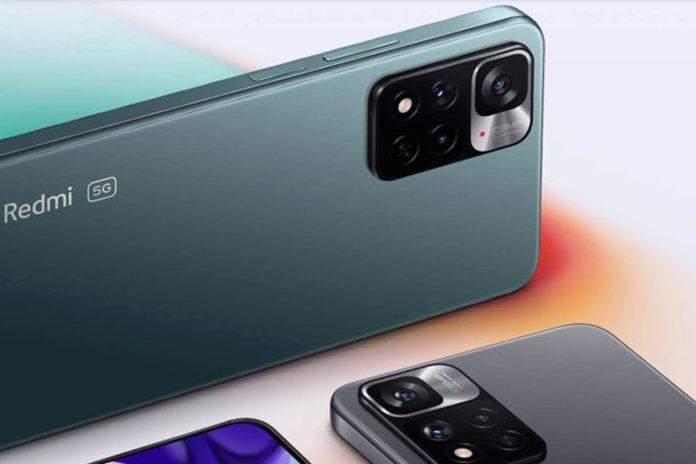
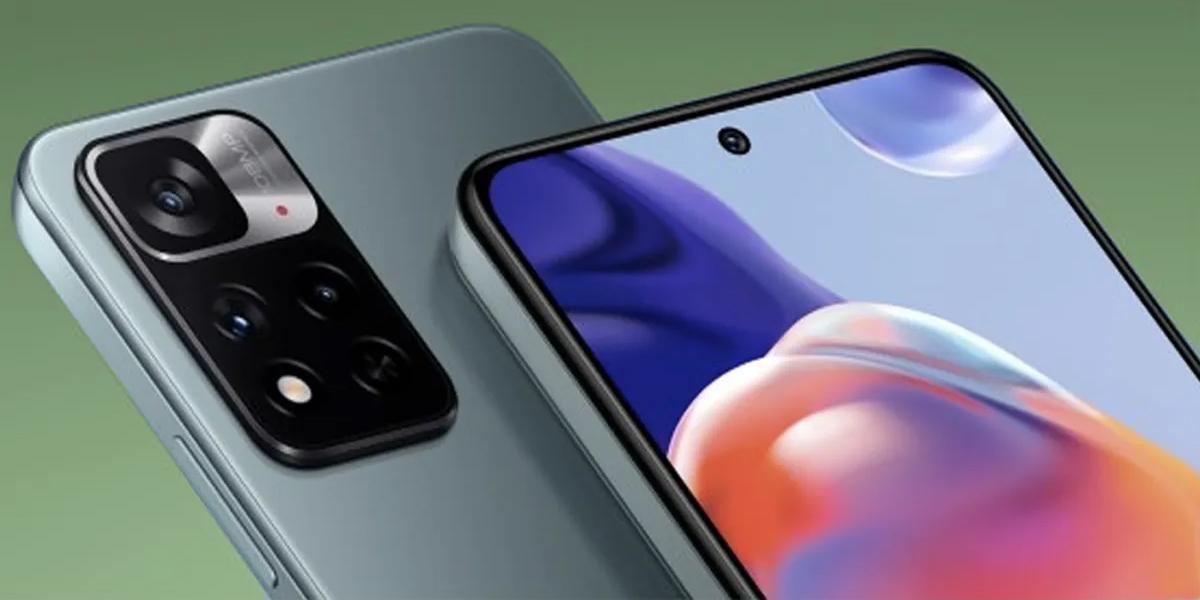
Redmi is reportedly preparing to launch its mid-range device Redmi Note 12. According to the report, the device is expected to be launched in China first, followed by other global markets including India.
Digital Chat Station, a well-known tipster has claimed that the Redmi Note 12 will be announced this year. According to the tipster, Redmi Note 12 is likely to be launched in the second half of 2022.
In view of the recent launches including Redmi Note 11T Pro and Redmi Note 11T Pro+ phones in India in March this year, it is believed that the smartphone maker will not launch the Redmi Note 12 anytime soon in India.
Key features ofRedmi Note 12
Ahead of the launch, the key features of the upcoming Redmi Note series phone have been revealed by the tipster. According to the tipster, the upcoming device is expected to feature a triple rear camera setup, including a 50-megapixel primary camera. The phone is expected to be accompanied by an ultra-wide-angle sensor and a macro camera.
Other details of the Redmi Note 12 is yet to be revealed.
In addition to Redmi Note 12, the smartphone maker is also preparing to launch its other flagship under its premium K50 series. According to the report, Redmi is working on its forthcoming smartphone: Redmi K50 Ultra.
Redmi has already launched the base variant Redmi K50 and its higher version Redmi K50 Pro in Q1 of 2022.
The Redmi K50 Ultra is said to include a Snapdragon 8+ Gen 1 SoC, which means Redmi will join the list of smartphone makers who have announced the new flagship chipset, which includes Realme, OnePlus, and Asus. Let’s take a closer look at the Redmi K50 Ultra.
Coming to the specifications, the Redmi K50 Ultra is tipped to debut with a 2K OLED panel paired with a 120Hz refresh rate for smooth multi-tasking. This is the same flat screen retained from the K50 Pro variant. It will also come with the retained 120W fast-charging so you don’t have to wait long for your mobile to regain its power.
One thing that is for sure great about this upcoming smartphone is that it is coming with the improved version of this generation’s snapdragon processor. It will feature the recently announced octa-core Qualcomm Snapdragon 8+ Gen 1 processor. The tipster has also revealed that the Redmi K50 Ultra comes with Dolby Vision support as well.
Tecno Mobile has confirmed launch of its POVA 3 smartphone in India. A landing page of the Tecno POVA 3 has been created by the e-commerce platform Amazon. Key specifications and features of the upcoming smartphone has been revealed at the landing page.
To be launched as the successor of Tecno POVA 2, launched last year, the POVA 3 will be available at Amazon.
It is pertinent to note here that the Tecno POVA 3 introduce in the Philippines market last month.
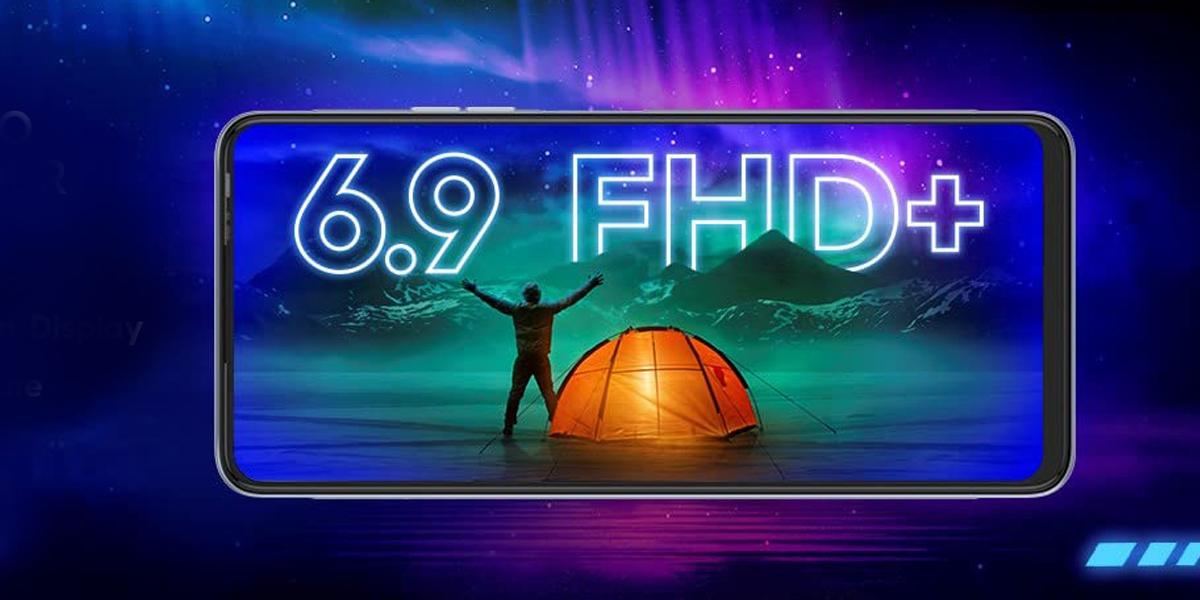
According to the Amazon listing, the Indian variant will have specifications similar to Indonesian variant. The upcoming Tecno POVA 3 will have a 6.9-inch FHD+ display with a punch-hole cut-out and a 90Hz refresh rate. Featuring gradient design and a vertical running strip in the centre, the device will be equipped with a MediaTek Helio G88 processor.
The upcoming smartphone will have 6GB RAM along with 5GB extendable RAM technology and offer 128GB onboard storage. The soon to be launched Tecno POVA 3 is teased to be backed by a massive 7,000mAh battery with support for 33W fast charging
The Amazon listing also reveals that the Tecno POVA 3 will come with a triple rear camera setup comprising a 50MP main sensor and dual stereo speakers and Z-Axis linear motor for 4D vibration.
Previous launch of TECNO POVA
In February this year, Tecno Mobile launched its POVA 5G phone. Claimed as fastest 5G smartphone, the POVA 5G is on Amazon. Tecno Pova 5G phone was launched on February 8. The key specifications include a 6000 mAh battery, Super-Fast 5G Dimensity 900 processor, Ultra-fast LPDDR5 8GB + 3GB Virtual RAM, 11 5G band support and 6.9 FHD+ Dot-in display with 120Hz refresh rate. Additionally, Federal Bank debit card and credit card users can avail 10% instant discount on the purchase of POVA 5G.
The POVA 5G phone is powered by the MediaTek Dimensity 900 on POVA 5G, coupled with 11 GB RAM with Memory Fusion + LPDDR5 RAM.
Meta-owned instant messaging app WhatsApp has become one of the most popular platform to send message to anyone. The Android and iOS compatible messaging platform allows users to send text message, video or photo to those only who are already available in your phone’s contact list.
Normally, WhatsApp users first need to save the number and then look for the contact in the WhatsApp contact list to send a message to anyone. What if you have to send message to someone who is not added in your contact list?
As it is said where there is a will, there is a way. Yes, there are ways which let users to send message directly to someone who is not available in your contact list.
However, there are ways where you can skip both these steps to send a message directly to an unsaved contact.
With the help of third party app users can send messages to a new contact without saving the number. However, it is advised not to download any third party app as it may be a faulty one and invite risk to your personal data. One more thing, to send message to an unsaved number users need to login through WhatsApp, it means you must an access to WhatsApp web. Follow these steps to send WhatsApp message to anyone who is not in your contact list.
Step-wise guide to send WhatsApp number without saving it
Step 1: The very first thing that you need to do is to access WhatsApp Web on any browser.
Step 2: Login into your WhatsApp after scanning the QR code using your smartphone.
Step 3: After login into WhatsApp web, you need to type the URL: . Users may use the same window to type
Step 4: Now type your phone number to replace Xs in the given URL. You need to enter country code also. Indian users need to type +91 before their mobile number.
After filling all the details, you will be diverted on a WhatsApp page asking you to confirm if you want to open the chat. Users just need to agree to it to get an access to a new chat window on WhatsApp.
Now users can initiate the chat and later continue chatting on the phone as the chat will be available in the list of conservation.
Entertainment and creators sound synonyms for each other. Both are working to make your life easier and a little lighter. Uplive is also one such platform encouraging local creators to live stream fresh and innovative social content. Now, the platforms have come up with their new campaign “Live it Up” to support live stream entertainment at a massive level.
Also, one good thing about the same is it not only motivates the native creators but also encourages International creators to perform and create better engagements with the crowd. It is considered the most innovative, new-age live streaming app in India. The app enables a more robust, equitable, and effective creator economy by restoring the relationship and accountability between the creator and user. Here’s what the campaign holds for everyone:
Uplive announces Live it Up campaign
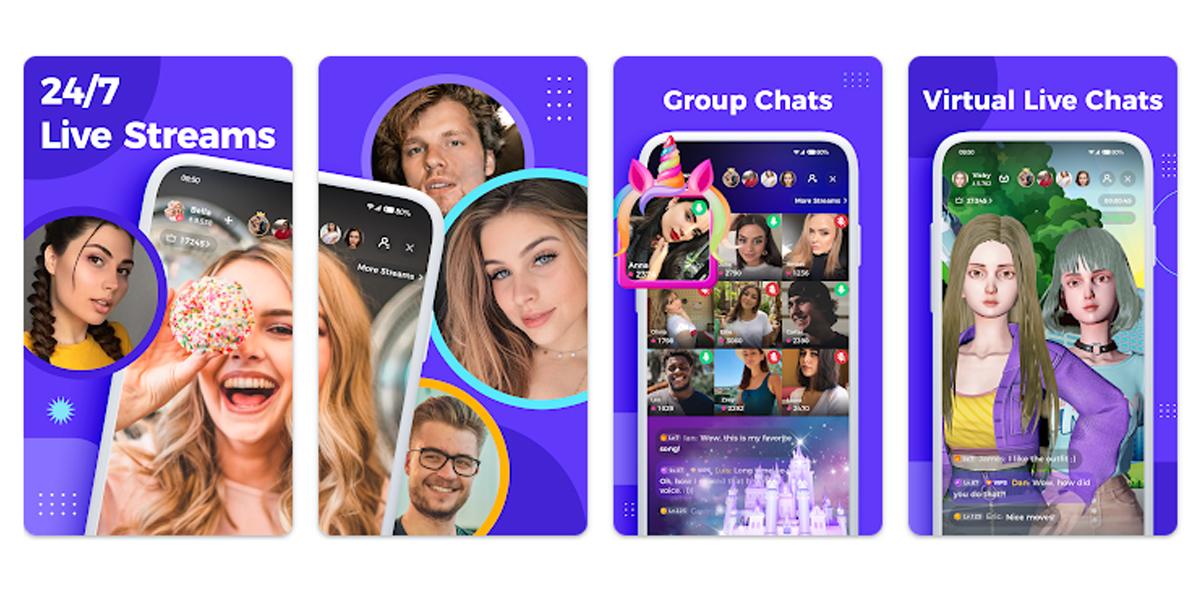
Recently, Uplive has launched a new TVC “Live it Up” aiming around its primary app to create the new age go-to-hub for all types of live stream entertainment. It includes every activity that makes you feel light and groovy. Like it includes music, dance, social networking, PK competition, and group chat, motivating youth to be able to demonstrate their talent while also earning money.
One advantage of the platform is its ad-free video streaming. So, you don’t have to wait to skip every unnecessary ad that, might come your way for entertainment. Also, this has benefits for both the users and the creators. The creators do not get interrupted by advertisers and it allows all their viewers to enjoy the diverse content and flawless content, with real-time social experience. Uplive app also obliges social video hosts to broadcast to the world, sharing their talents and building connections in real-time with users across the globe.
The video forum rapidly extended operations to Asia-Pacific, the Middle East and North Africa, North America, Latin America, and other global hubs. Uplive allows content creators to broadcast to the world, sharing their talents and building connections in real-time with users across the globe. The purpose is to empower local content creators to earn a living from the comfort of their own homes via mobile phones.
Andy Tian, co-founder, and CEO of Asia Innovations Group commented on the new TV commercial. The objective is to provide a platform where users can enjoy healthy, fun content, a safe social and engagement space, and nurture local talent. As the youth population persists to grow and the scarcity of jobs continues to grow, we need to boost the local youth to tap into their skills and use Uplive to market themselves to an international audience and earn a decent living out of it.
Nishant Sapkale, Box Office Entertainment said, we as a team worked on the TVC with an objective that focuses on how Uplive provides easy access to the creator and user and offers live opportunities for authentic interaction and fun content. The gig economy is a resource that needs support through innovation. Recognizing the opportunity to serve the region’s multi-cultural diaspora, Uplive has combined its algorithms with local features to help regional content creators and users.