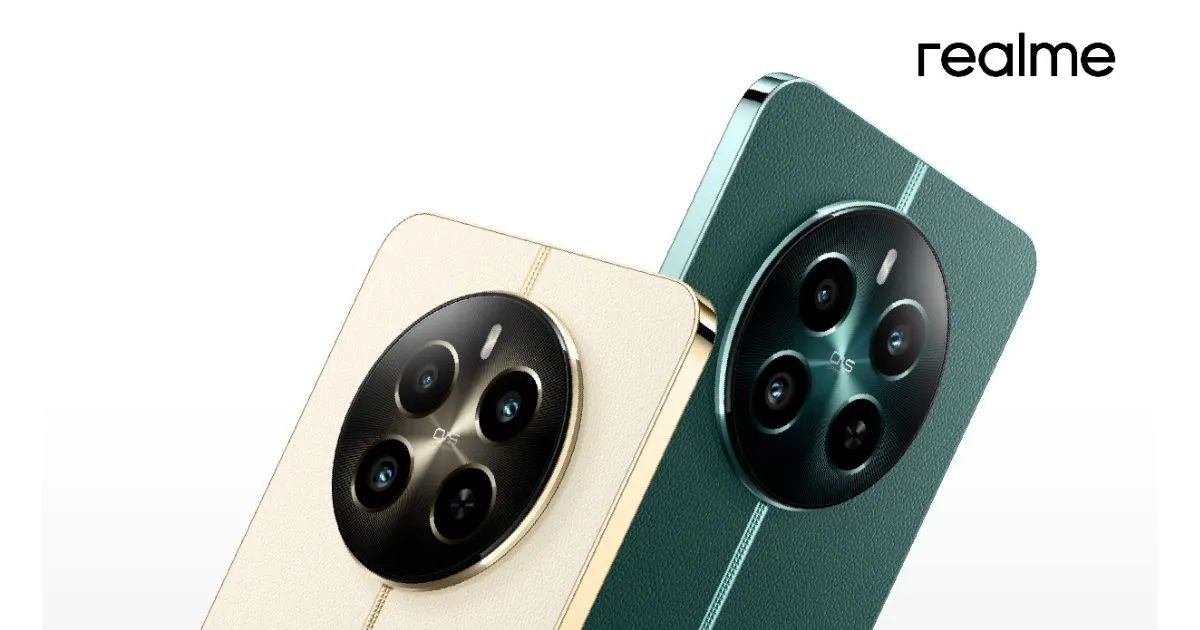
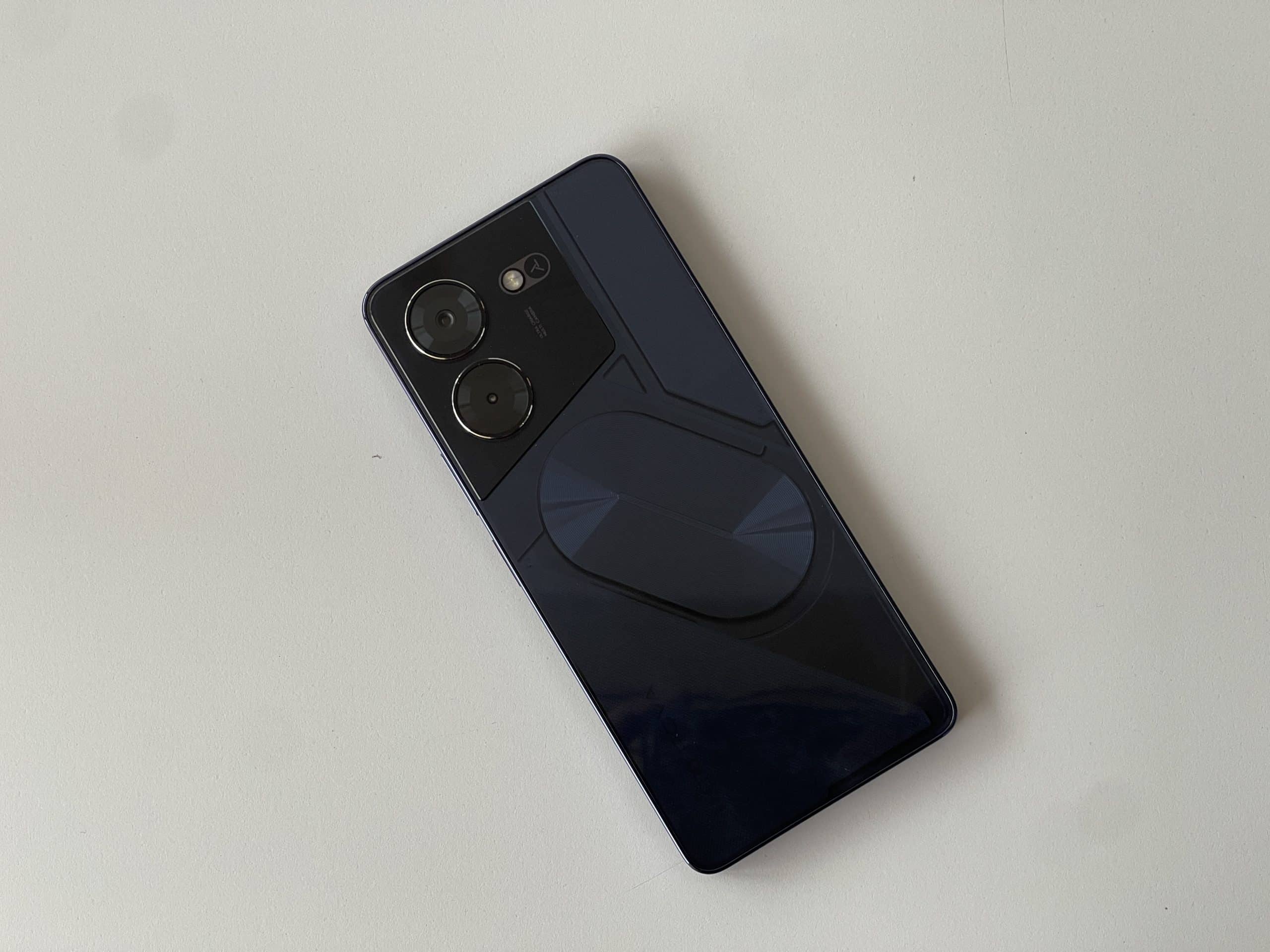
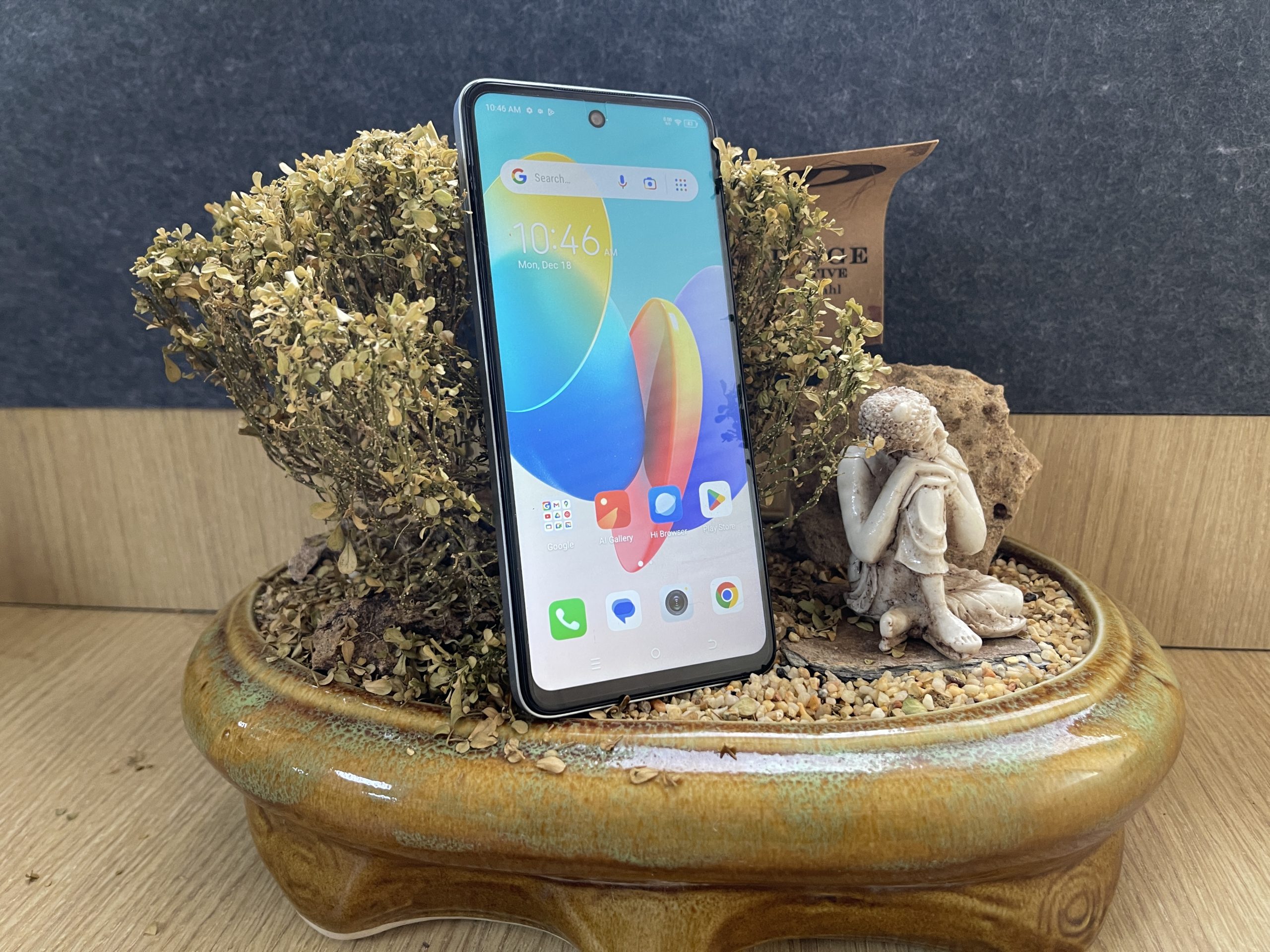
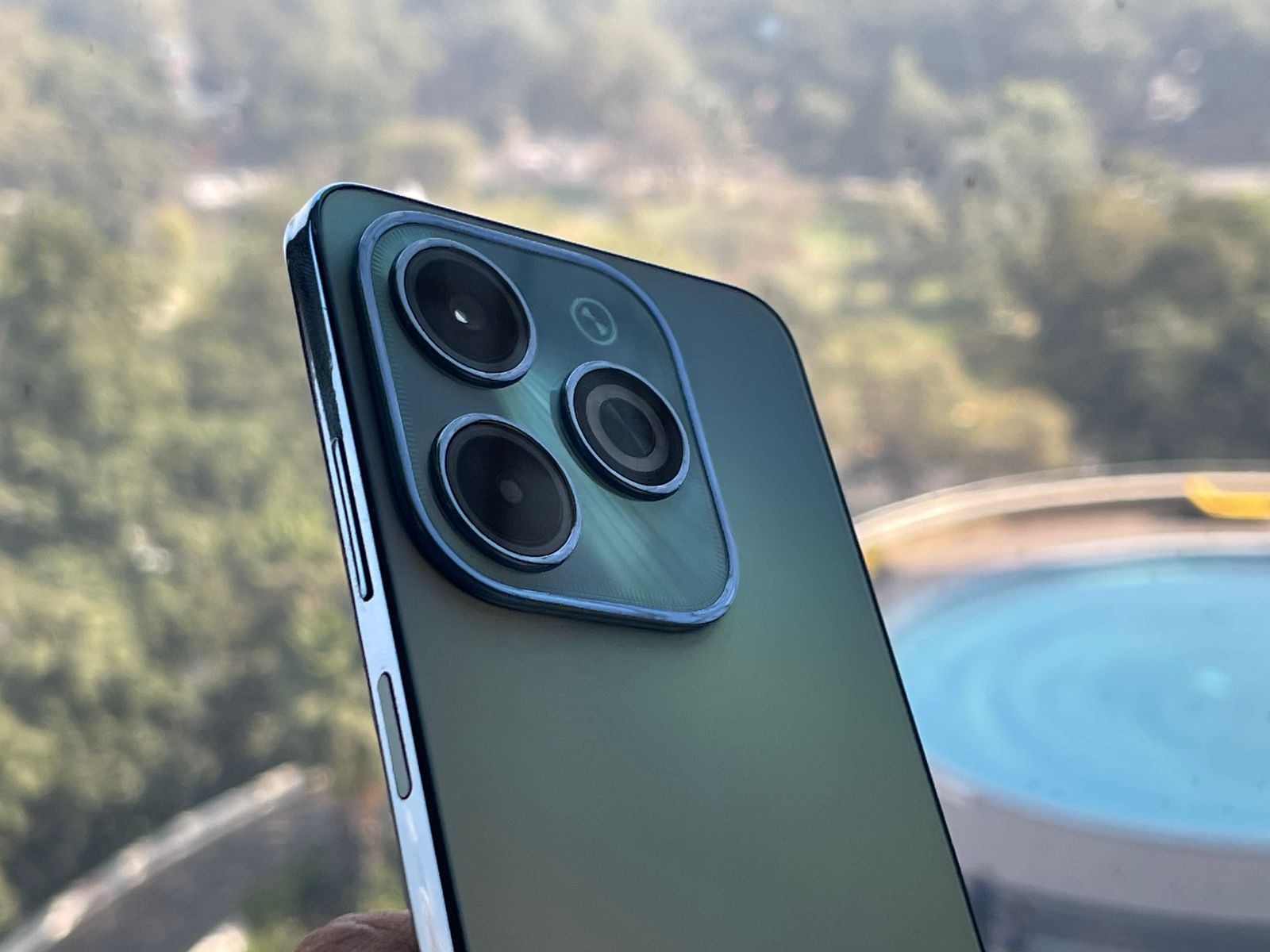
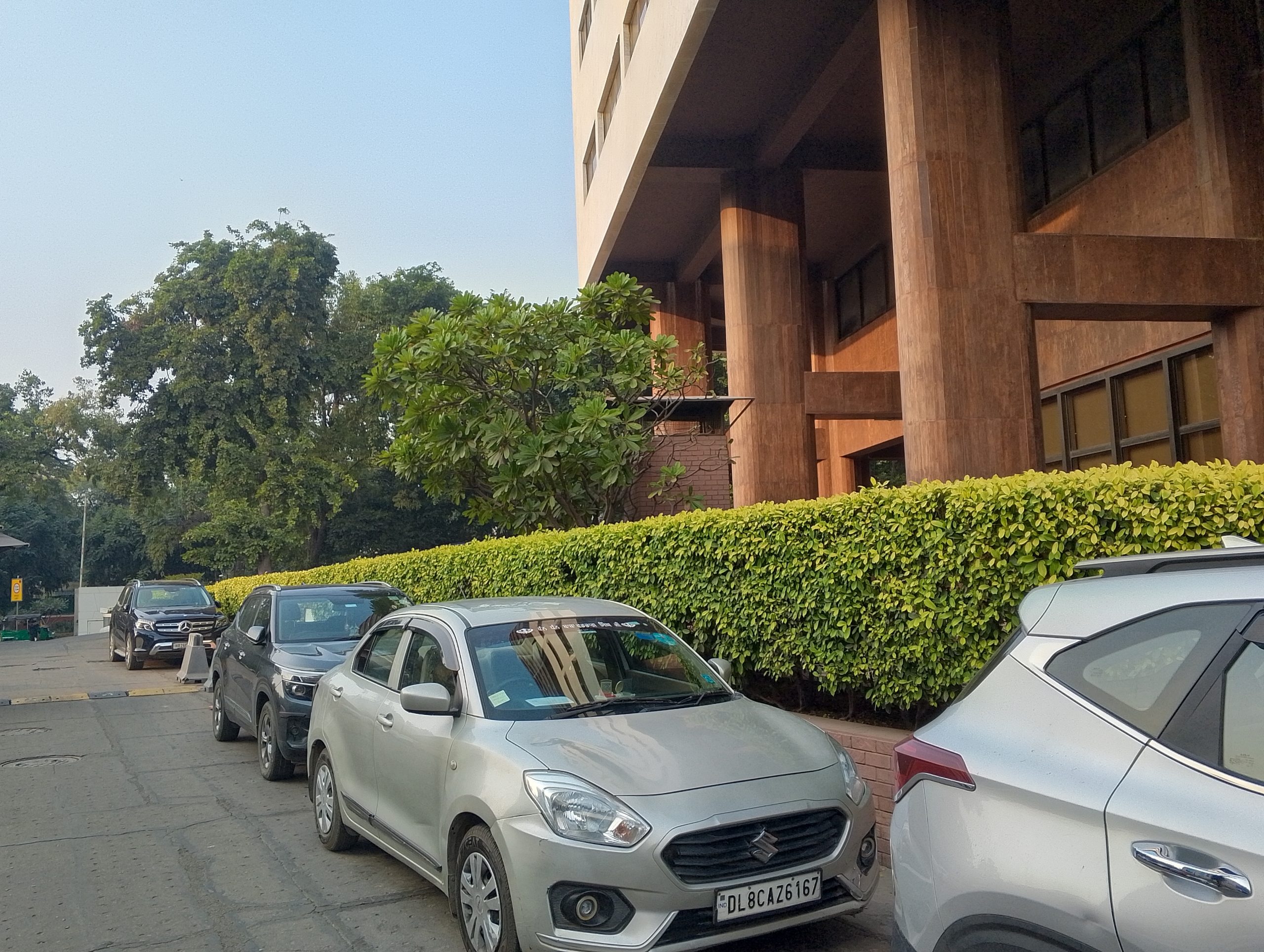
The camera setup is rumoured to include a 50MP main sensor with OIS, an 8MP ultrawide lens, and a 2MP macro lens.
It’s also expected to come with a 5,000mAh battery supported by 67W SuperVOOC fast charging, as indicated by the FCC database.
Device to feature MediaTek Dimensity 7050 SoC
FAQs
When is the Realme 12+ 5G launching in India?
Realme India’s website teaser suggests the Realme 12+ 5G is launching soon, following its global debut in Malaysia on February 29. The exact date for India is yet to be announced.
What specifications can we expect from the Realme 12+ 5G?
Rumors point to the Realme 12+ 5G featuring a MediaTek Dimensity 7050 SoC, a 6.67-inch AMOLED display with FHD+ resolution and 120Hz refresh rate, and a leatherette back finish.
What camera features does the Realme 12+ 5G offer?
The Realme 12+ 5G is expected to come with a 50MP main camera with OIS, an 8MP ultrawide lens, and a 2MP macro lens, catering to various photography needs.
How does the Realme 12+ 5G’s battery and charging capability compare to competitors?
With a 5,000mAh battery and 67W SuperVOOC fast charging, the Realme 12+ 5G aims to provide long battery life and rapid charging speeds, placing it competitively in the mid-range market.
What makes the Realme 12+ 5G a standout in the mid-range smartphone segment?
The Realme 12+ 5G seeks to offer exceptional value through its high refresh rate AMOLED display, powerful camera setup, and quick charging, positioning it as a strong contender in the mid-range market.
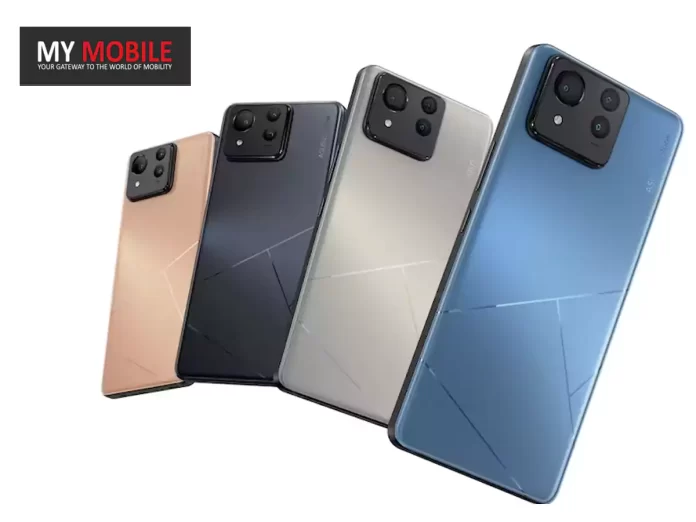
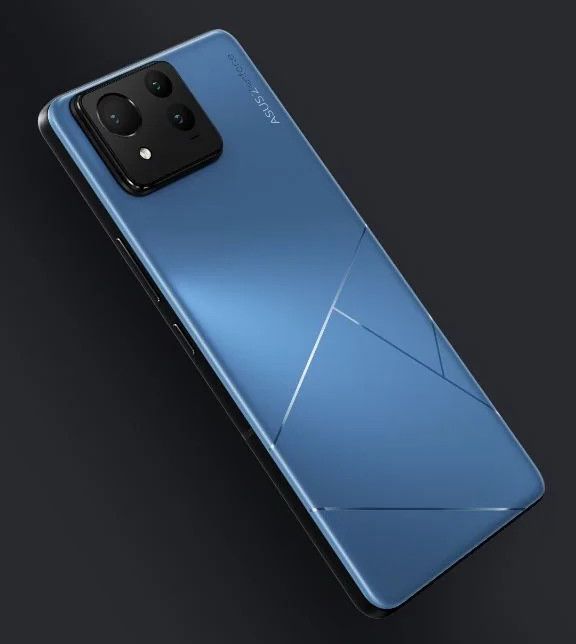
With its specs laid bare for all to see, the Zenfone 11 Ultra is shaping up to be a powerhouse in the smartphone market, boasting top-tier components that are likely to make it a formidable contender in the flagship arena.
Asus Zenfone 11 Ultra: Glimpse into the Powerhouse
Asus Zenfone 11 Ultra: Glimpse into the Powerhouse
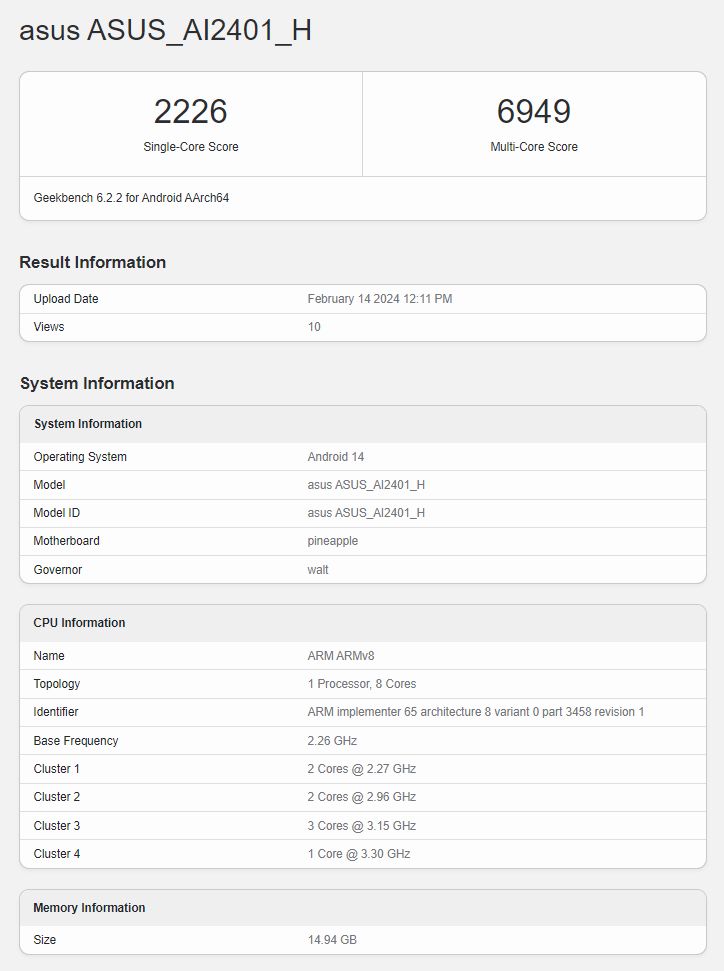
The device is accompanied by 16GB of RAM which alludes to the fact that the Zenfone 11 Ultra is geared towards handling the most demanding applications and multitasking scenarios with ease.
Asus Zenfone 11 Ultra Spotted on Geekbench
While the Geekbench listing only confirms these two aspects, it’s speculated that Asus may offer different variants at launch, potentially catering to a wider range of preferences and budgets.
Asus Zenfone 11 Ultra: Other Expected Specs
Asus Zenfone 11 Ultra: Other Expected Specs
The Zenfone 11 Ultra is rumoured to feature a versatile triple camera setup.
This includes a 50MP main camera equipped with a Sony IMX890 sensor, a 13MP ultra-wide lens, and a 32MP telephoto lens.
Complementing its photographic capabilities is likely to be a 6.78-inch FHD+ AMOLED display, boasting a 120Hz refresh rate for buttery-smooth visuals.
Powering the Zenfone 11 Ultra might be a massive 5,500mAh battery, ensuring that users can go through their day without worrying about running out of juice.
Zenfone 11 Ultra confirmed to have Snapdragon 8 Gen 3 processor
The inclusion of 65W wired HyperCharge technology means that the device can be recharged rapidly.
For added convenience, the phone might also support 15W wireless charging.
Well whatever be the final specs, the ZenFone 11 Ultra is shaping up to be an exciting launch.
What processor does the Asus Zenfone 11 Ultra use?
The Asus Zenfone 11 Ultra is confirmed to be powered by Qualcomm’s Snapdragon 8 Gen 3 processor, ensuring top-tier performance for users.
How much RAM will the Zenfone 11 Ultra have?
According to the Geekbench listing, the Zenfone 11 Ultra will come with 16GB of RAM, indicating that it’s designed for heavy multitasking and high-end gaming.
What kind of camera can we expect on the Zenfone 11 Ultra?
The Zenfone 11 Ultra is rumored to feature a triple camera setup, including a 50MP main camera, a 13MP ultra-wide lens, and a 32MP telephoto lens, promising versatile photography capabilities.
What are the display specifications of the Zenfone 11 Ultra?
It’s expected to boast a 6.78-inch FHD+ AMOLED display with a 120Hz refresh rate, offering smooth and vibrant visuals for an immersive viewing experience.
What battery specifications does the Zenfone 11 Ultra offer?
The device is rumored to be powered by a massive 5,500 mAh battery, supported by 65W wired HyperCharge and 15W wireless charging, ensuring long-lasting usage and quick power-ups.
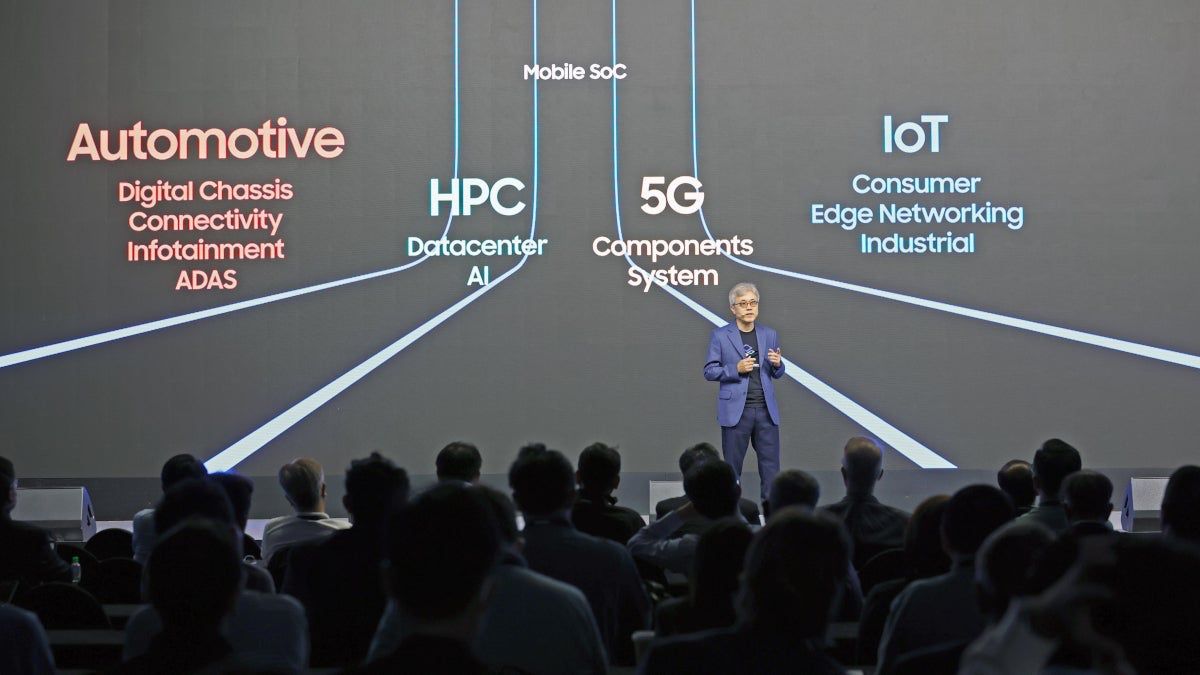
Qualcomm Could Partner with Samsung for next year’s 2nm Snapdragon 8 Gen 5 Chipset
Qualcomm’s ‘For Galaxy’ versionshave historically offered superior performance, tailored to optimize Samsung’s flagship smartphones and tablets.
Looking back at the Snapdragon 8 Gen 4, Qualcomm reportedly opted for TSMC’s second-generation 3nm process (N3E) to achieve better power efficiency and yield rates, a strategic move to stay ahead in the competitive chipset landscape.
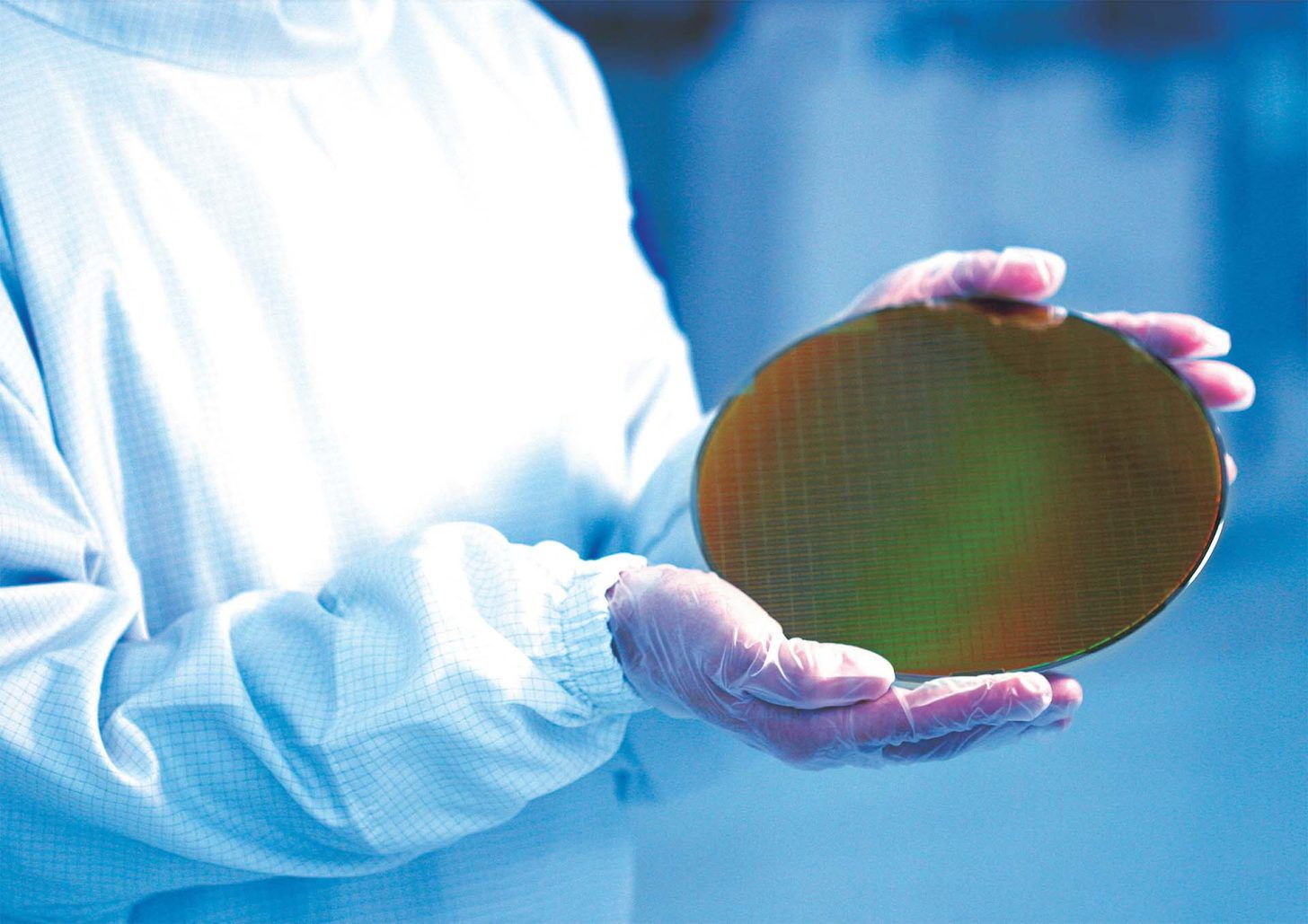
Qualcomm selects Samsung to develop a 2nm Snapdragon 8 Gen 5 trial product
However, the narrative seems to be shifting for the Snapdragon 8 Gen 5, with Qualcomm poised to utilize both.
‘For Galaxy’ Snapdragon 8 Gen 5 variant to enhance Galaxy S26 series performance
FAQs
Why is Qualcomm collaborating with Samsung for the Snapdragon 8 Gen 5 chipset?
Qualcomm’s collaboration with Samsung on the Snapdragon 8 Gen 5 chipset, using a 2nm process, aims to leverage Samsung’s advanced semiconductor manufacturing capabilities for next-generation chip technology.
What is the significance of the ‘For Galaxy’ variant of the Snapdragon 8 Gen 5?
The ‘For Galaxy’ variant of the Snapdragon 8 Gen 5 is specially designed to optimize performance in Samsung’s Galaxy smartphones and tablets, offering higher CPU and GPU clock speeds compared to regular versions.
How does the Snapdragon 8 Gen 5 compare to its predecessor?
While the Snapdragon 8 Gen 4 utilized TSMC’s 3nm process for improved efficiency, the Snapdragon 8 Gen 5 is expected to further advance in performance and power efficiency by utilizing a 2nm process developed in collaboration with Samsung and TSMC.
Will Qualcomm exclusively use Samsung Foundry for the Snapdragon 8 Gen 5 production?
Qualcomm plans to use both Samsung Foundry and TSMC for the Snapdragon 8 Gen 5 production, diversifying its manufacturing strategy to ensure the highest quality and efficiency in its chipsets.
What does the Snapdragon 8 Gen 5 mean for future smartphones?
The Snapdragon 8 Gen 5 chipset represents a leap forward in processing power and efficiency, promising to deliver unparalleled performance and battery life in future smartphones, particularly in the Galaxy S26 series.
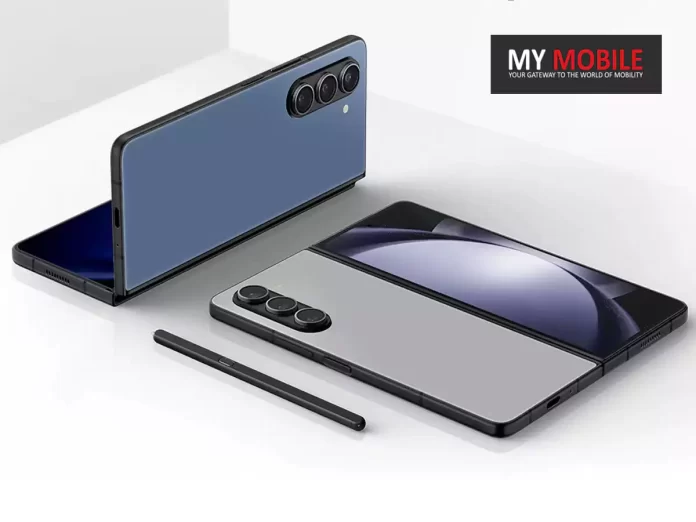
Samsung’s foldable for this year ie. the Galaxy Z Fold 6
Galaxy Z Fold6: Potential Optical Hardware
Galaxy Z Fold6: Potential Optical Hardware
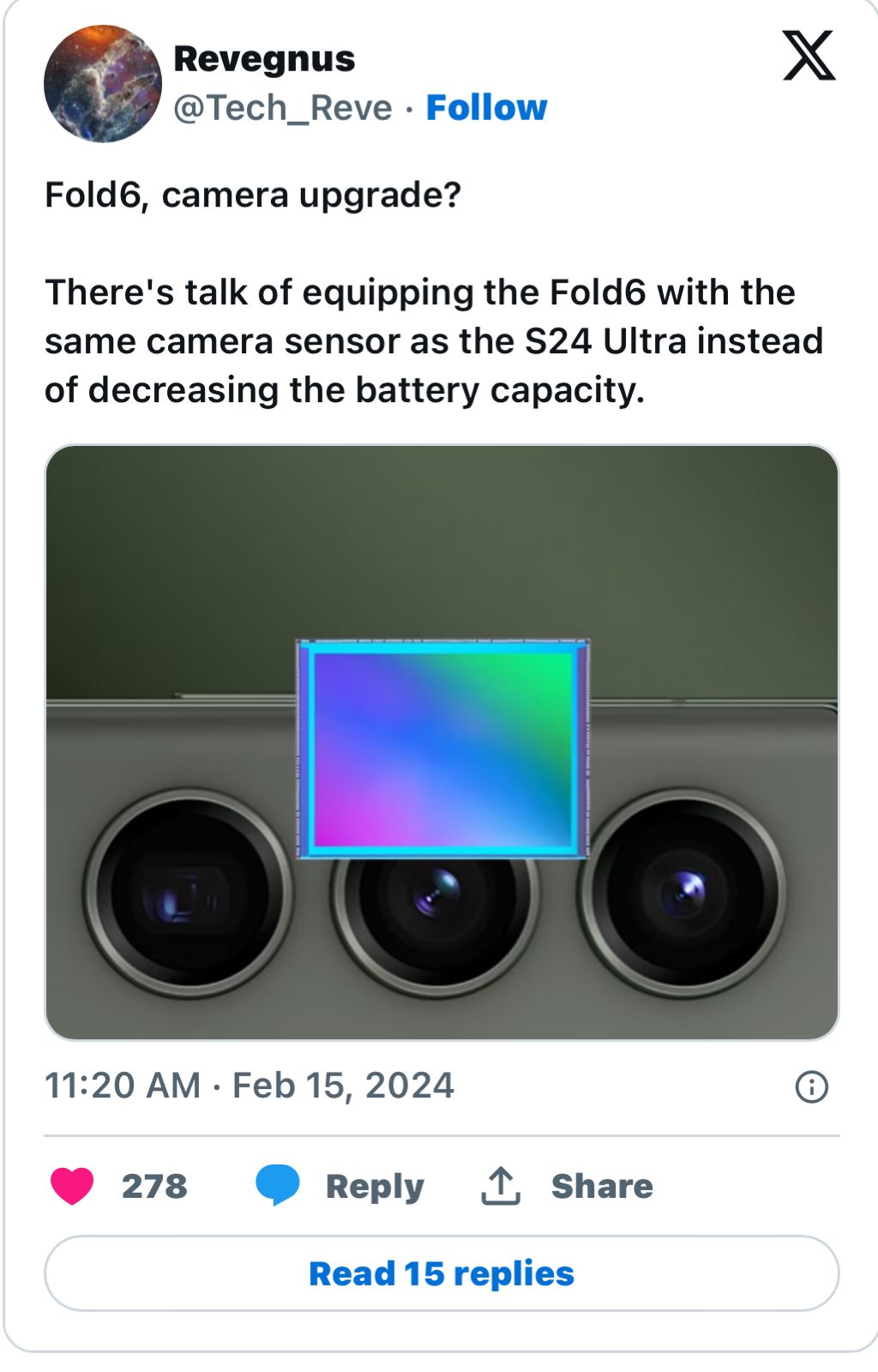
Initial reports by the tipster Revegnus, a tipster known in the leaker community for accurate information, suggested continuity with the previous Galaxy Z Fold 5’s 50MP ISOCELL GN3 image sensor, a sentiment echoed by Ice Universe, another well-regarded leaker, indicating no significant camera upgrades were expected.
Contrastingly, recent whispers spurred by Revegnus among others, have ignited discussions about the Galaxy Z Fold 6 possibly sharing the same 200MP main camera sensor as its Galaxy S24 Ultra counterpart.
Leaks offer conflicting views, with some suggesting continuity of the 50MP sensor
Again,GalaxyClub, also known for its reliable information, tempers expectations by maintaining that Samsung plans to equip the Z Fold 6 with a 50MP main camera, identical to that of the Samsung Galaxy S24.
The rationale for possibly retaining the 50MP sensor could be attributed to the physical dimensions and design ambitions for the Z Fold 6.
Galaxy Z Fold 6 Rumoured to Feature 200MP Camera Sensor
It’s understood that Samsungaims for an even sleeker profile for their new foldable, potentially achieving a thickness of approximately 11 mm when folded—down from the Z Fold 5’s 13.4 mm.
A 200MP Sensor Unsustainable?
A 200MP Sensor Unsustainable?
Integrating a larger 200MP sensor, which necessitates a longer focal length and thus a more pronounced camera bump, could compromise the sleek, slim aesthetic Samsung is striving for with its next-generation foldable.
This is exemplified by the OnePlus Open, which, despite its mainstream flagship appearance, has a noticeable camera module protrusion due to its larger 64MP sensor for the 3x telephoto lens and an 11.7 mm thickness when closed.
Design constraints may influence the decision between a 200MP sensor and a sleeker profile
Given that the 200MP sensor is significantly larger than the Galaxy Z Fold 5’s 10MP telephoto sensor, adopting such a sensor for the Z Fold 6 could indeed alter its design profile.
Speculation grows about Galaxy Z Fold 6 adopting a 200MP main camera sensor
Samsung Galaxy Z Fold 6 Specs
GENERAL
Sim Type
Dual Sim, GSM+GSM
Dual Sim
Yes
Sim Size
Nano + eSim
Device Type
Smartphone
Release Date
July 26, 2024 (Expected)
DESIGN
Dimensions
–
DISPLAY
Type
Color Dynamic AMOLED 2X (1B)
Touch
Yes, 560 Hz Touch Sampling Rate
Size
8 inches, 1812 x 2176 pixels, 144 Hz
Aspect Ratio
23.1:9
PPI
~ 374 PPI
Screen to Body Ratio
~ 90.9%
Features
Infinity Flex Display, HDR10+, 1200 nits (peak)
Notch
Yes, Punch Hole
Foldable Display
Yes
Dual Display
Yes, Dynamic AMOLED 2X, 6.67 inches, 904 x 2316 pixels, 387 PPI, 23.1:9 Aspect Ratio
What are the current rumours about the Galaxy Z Fold 6’s camera?
There’s growing speculation that the Galaxy Z Fold 6 might include a 200MP main camera sensor, akin to the Galaxy S24 Ultra, despite initial leaks suggesting it would retain the Z Fold 5’s 50MP sensor.
Why might Samsung choose not to upgrade the Galaxy Z Fold 6’s camera to 200MP?
Design considerations, particularly the aim for a slimmer foldable profile, may limit the inclusion of a larger 200MP sensor, which would require a more prominent camera bump.
How does the camera sensor size affect the design of foldable smartphones?
Larger sensors like the 200MP require longer focal lengths, leading to a more pronounced camera bump. This could compromise the sleek, slim design Samsung is reportedly targeting for the Z Fold 6.
What impact would a 200MP sensor have on the Galaxy Z Fold 6’s thickness?
Integrating a 200MP sensor could necessitate a thicker device to accommodate the larger camera module, potentially moving away from the desired slim aesthetic.
Is there any confirmation from Samsung about the Galaxy Z Fold 6’s camera specifications?
As of now, Samsung has not officially confirmed the camera specifications for the Galaxy Z Fold 6. The information available is based on leaks and speculation from the tech community.
Unlike its counterparts Netflix and YouTube, which have remained relatively passive towards the Vision Pro ecosystem, TikTok’s dedicated app offers users a novel way to engage with their favorite content.
The app promises an enhanced ‘For You’ feed experience, tailored for the immersive environment of Vision Pro,potentially setting a new benchmark for content interaction within virtual spaces.
However, the introduction of TikTok’s appto Apple Vision Pro comes with its caveats.
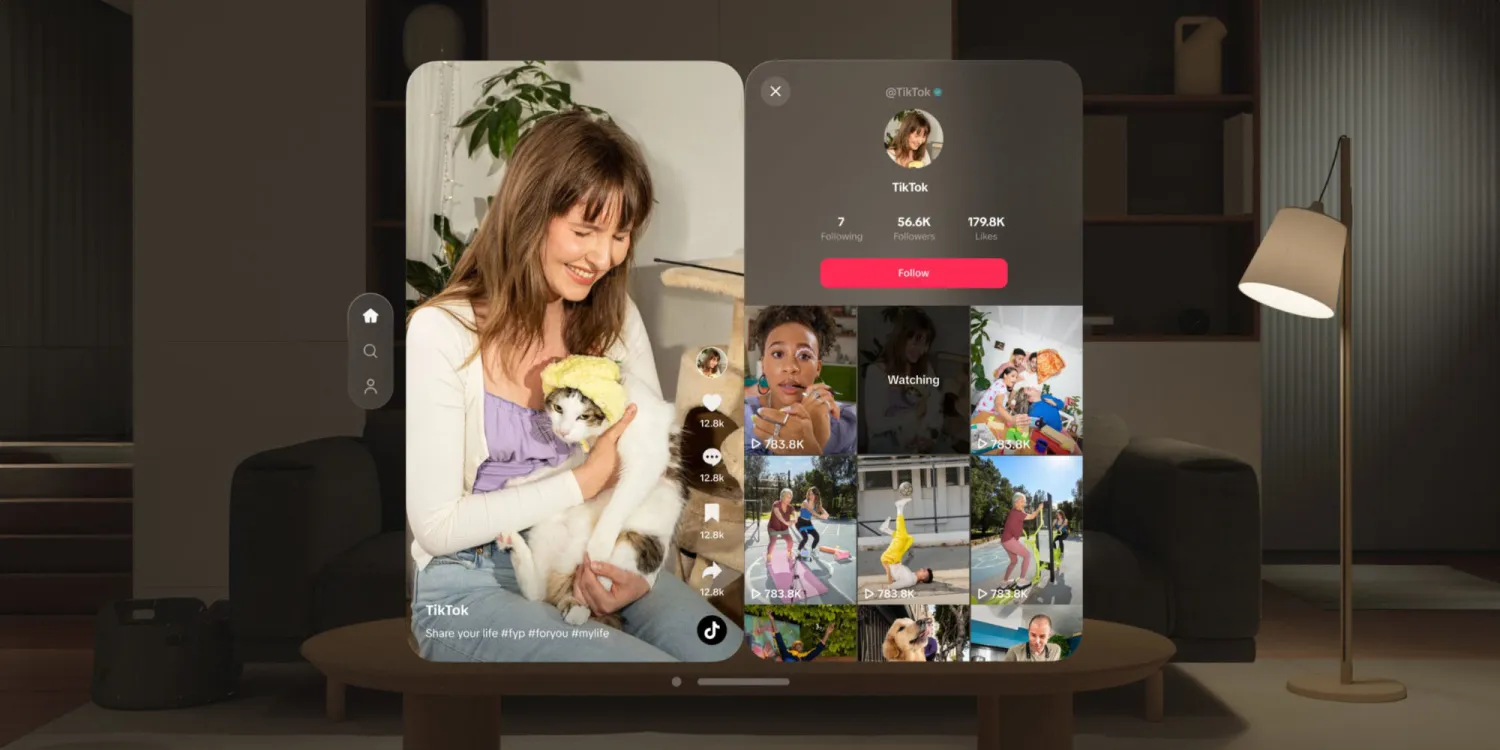
Profile pages can also be shown alongside a vertical video
Users of the device have reported losing track of time, a phenomenon exacerbated by the platform’s engaging content and the headset’s design, which does not prominently display the time.
This could lead to extended periods of usage without breaks, highlighting the need for mindful consumption practices in immersive environments.
Early adopters are experiencing a wave of buyer’s remorse as they navigate the device’s practicality and physical comfort.
Reports of headaches, motion sickness, and other discomforts have emerged, with some users citing the device’s weight and front-loaded design as major detractors from its usability.
Users have pointed out limitations in productivity features and difficulties in adapting to digital workspaces, such as Figma, within the virtual realm.
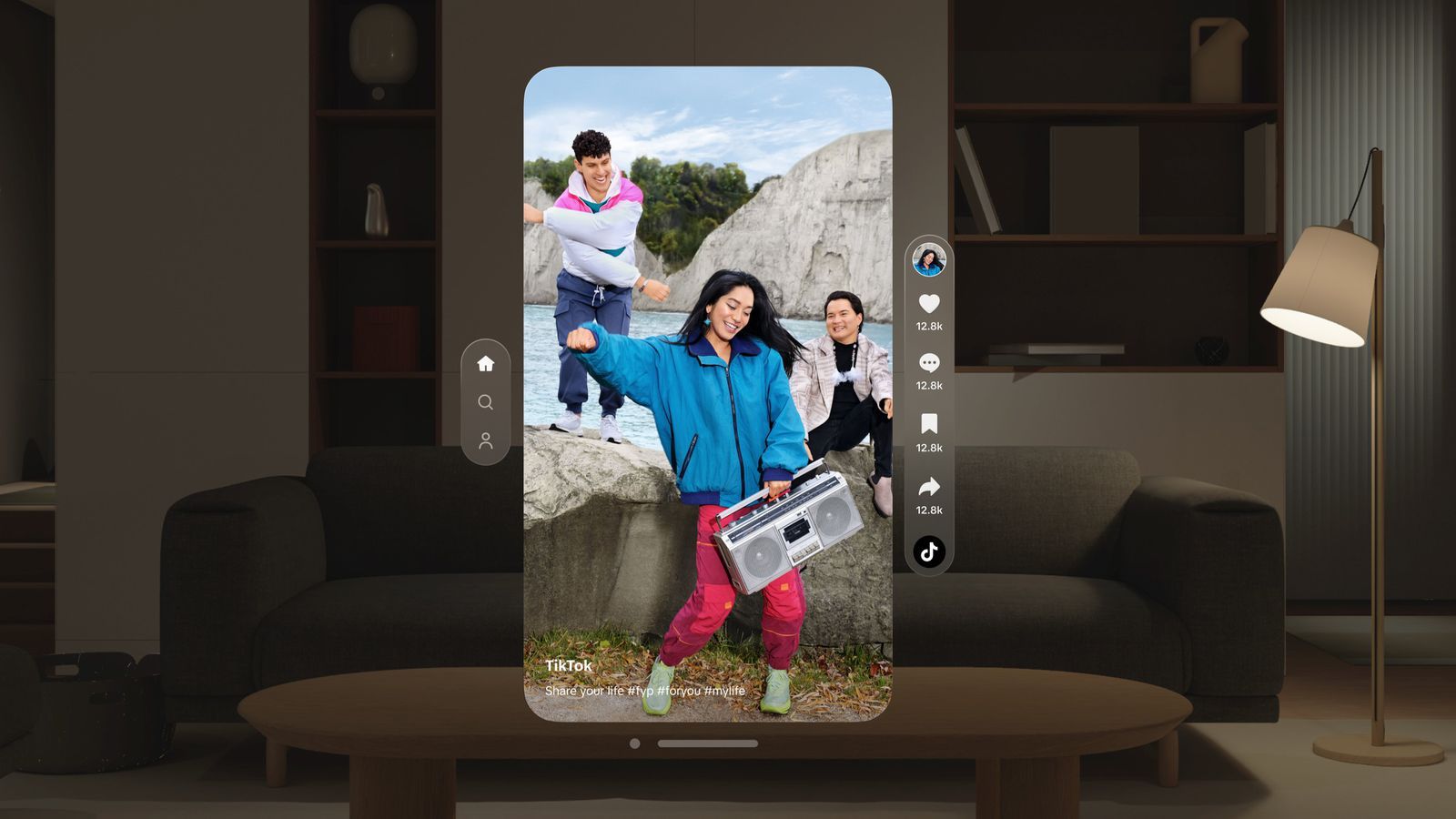
The app introduces an enhanced ‘For You’ feed specifically tailored for Vision Pro’s immersive environment
FAQs
What makes the TikTok app for Apple Vision Pro different from its mobile version?
The TikTok app for Apple Vision Pro is designed to leverage the headset’s spatial reality capabilities, offering users an immersive way to engage with content that goes beyond traditional video viewing experiences.
Have Netflix and YouTube developed apps for the Apple Vision Pro?
As of now, Netflix and YouTube have not released apps for the Apple Vision Pro, making TikTok one of the first major content platforms to venture into this new immersive ecosystem.
What are some user concerns with the TikTok Apple Vision Pro app?
While the app offers an immersive experience, some users have expressed concerns about losing track of time due to the engaging nature of the content and the Vision Pro’s design, which doesn’t prominently display time.
How does the immersive experience of the TikTok app impact content interaction?
The TikTok app for Apple Vision Pro potentially sets a new benchmark for how users interact with content in virtual spaces, promising a more engaging and tailored experience through its enhanced ‘For You’ feed.
What challenges have Apple Vision Pro users faced with the device?
Early adopters of the Apple Vision Pro have reported issues such as headaches, motion sickness, and discomfort related to the device’s weight and design, raising questions about its practicality and comfort for extended use.
TikTok Releases Vision Pro App With ‘Immersive’ Viewing Experience. Details?
TikTok today announced that it has released an app for Apple’s Vision Pro headset. The app is optimized for visionOS’s spatial design style, with TikTok promising a more “immersive” viewing experience for its short-form videos.
“Experience your For You feed in an entirely new way through this immersive content view,” said TikTok, in a post on social media platform X, formerly known as Twitter.
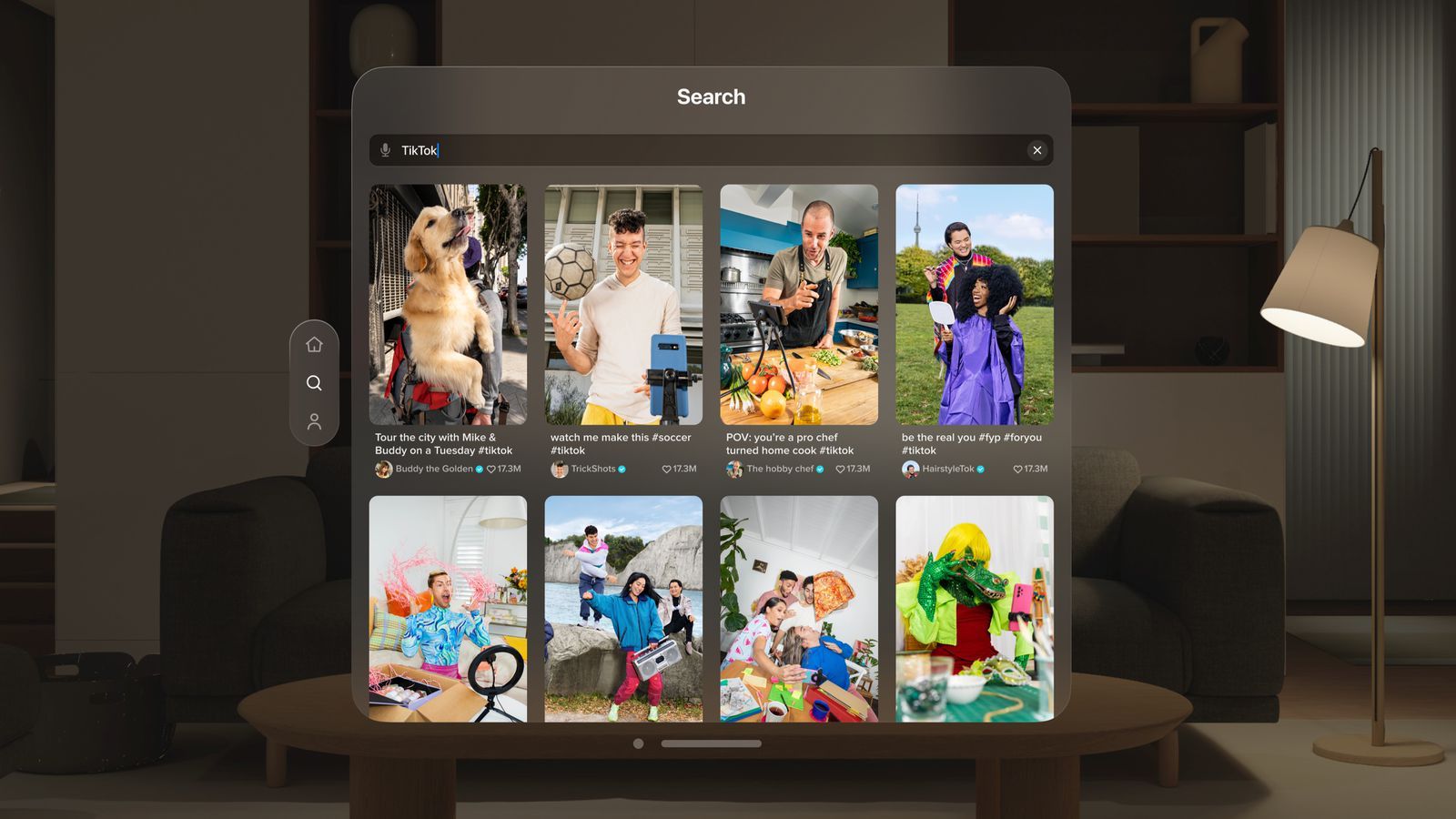
The app has a familiar layout on the Vision Pro, with a main “For You” video feed, along with profiles, comments, search, and more.
TikTok is available now on the Vision Pro’s App Store, and additional images of the app can be found below.
There are still a handful of major social media, streaming video, and streaming music apps that are entirely unavailable on the Vision Pro, including Instagram, Facebook, YouTube, Netflix, Spotify, and WhatsApp.
In the meantime, developer Christian Selig created an app called Juno for watching YouTube videos on the Vision Pro.
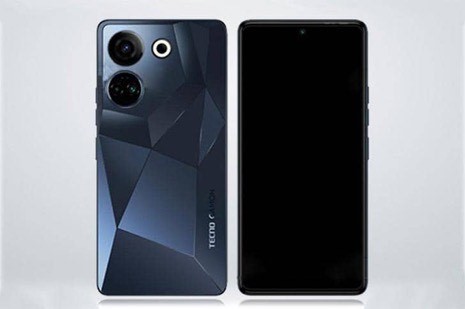
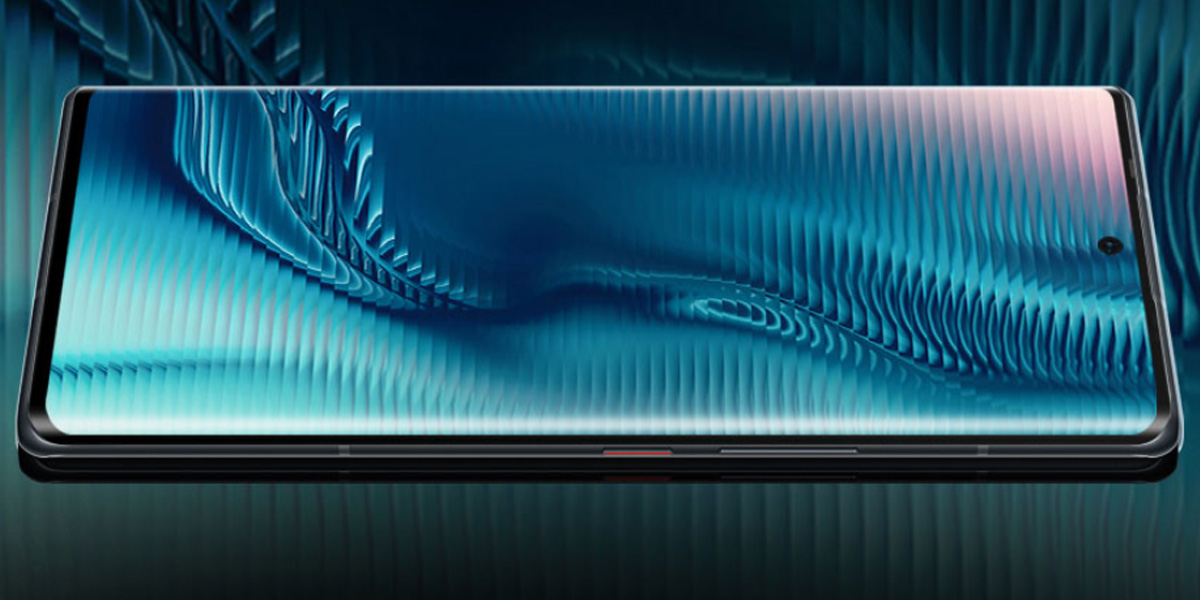
* TECNO is set to offer amazing limited-time deals on its best-selling CAMON, PHANTOM, POVA, and SPARK range of smartphones. * TECNO Days special offers for customers will go live from February 19th till February 25th.
TECNO Mobile, has announced “TECNO Days”, a one-of-a-kind property on Amazon, bringing unbeatable deals and offers on its well-rounded line-up of smartphones, every month.
Leaving no stone unturned to delight the customers, “TECNO Days” is aimed at further providing the best value to the customers.
This special 7-day sale event on Amazon, with amazing offers, will be starting February 19, 2024, for consumers to benefit from exclusive discounts and bank offers across a star-studded line-up that includes the PHANTOM, POVA, CAMON, and SPARK series.
Tecno Days Sale Offers
CAMON 20 Pro 5G
CAMON 20 Pro 5G
Capture every adventure through the TECNO CAMON 20 Pro 5G’s 64MP RGBW (G+P) lens captures moments with exceptional detail, utilizing its ability to attract 200% more light for perfect lighting, with the OIS Anti-Shaking Technology ensuring crisp photos and video despite slight hand movement.
Additionally, the device features a 32MP UHD Selfie camera for stunning self-portraits.
Available in two variants, the 8+256GB model is offered at ₹19,999, while the 8+128GB variant is offered at ₹17,999, after exciting bank offers of ₹2,000.
Fuelled by the MediaTek Dimensity 9000+ chipset, this beyond-the-extraordinary smartphone will be available to purchase at an unbeatable price of ₹59,999 after an offer of ₹10,000 on account of the TECNO Days.
So now users can enjoy a foldable smartphone at just the price of a brick phone!
Its sleek perfect-in-pocket design specifically targets individuals who value both fashion and cutting-edge technology!
Now available at only ₹44,999.
Phantom X2 Pro
Phantom X2 Pro
TECNO’s Phantom X2 Pro is designed for modern-day users. It boasts an industry-first retractable rear camera setup.
The triple rear camera setup consists of a 50MP main lens, a 50MP retractable portrait lens, and a 13MP tertiary camera.
This TECNO Day Sale, don’t forget to grab your Phantom X2 Pro at just ₹44,999.
Offer Details
•Instant Bank Discount of up to ₹2000 on Camon 20 series, SPARK Go 2024 and SPARK 20. •An exchange sweetener of ₹10,000 is available on the Phantom X2 and ₹7,000 on the Phantom X2 Pro. •An Amazon coupon worth ₹10,000 is available on the Phantom V Fold and Phantom V Flip. •An Amazon coupon worth ₹1,500 is available on the POVA 5 and POVA 5 Pro. •An Amazon coupon worth ₹1,000 is available on the Spark 10C
And when it comes to speed, it offers a smooth experience with the octa-core MediaTek Dimensity 6080 processor. Get all this and more at ₹13,499 for POVA 5 Pro (8+128) and ₹14,999 for POVA 5 Pro (8+256) after TECNO Day offers!
Designed for those who want it all without breaking the bank, one can now buy the all-new SPARK Go 2024 at just ₹6,099 for the SPARK Go 2024 (3+64), ₹6,799 for SPARK GO 2024 (4+128) and ₹6,599 for the SPARK Go 2024 (4+64) range.
SPARK 20 The TECNO SPARK 20 boasts the segment’s biggest whopping 256GB internal storage.
Additionally, the phone features a 32MP Front and a 50MP Rear camera setup, ensuring stunning photography.
Get all these features and more at an incredible price of ₹10,499 after a special TECNO Day bank offer of ₹1,000 on the latest TECNO SPARK 20 (8+256GB).
Don’t forget to seize these exclusive, limited-time offers!
TECNO is ramping up the excitement for users to grab their favorite smartphone for themselves and their loved ones every month with TECNO Days!
Device
Introductory Price (₹)
Net Effective Price on Amazon (₹)
Camon 20 Premier
29,999
24,999
Camon 20 Pro (8/128)
19,999
17,999
Camon 20 Pro (8/256)
21,999
19,999
Camon 20
12,999
11,999
Phantom V Fold
69,999
59,999
Phantom V Flip
54,999
44,999
POVA 5
11,999
10,499
POVA 5 Pro (8/128)
14,999
13,499
POVA 5 Pro (8/256)
15,999
14,499
Spark Go 2024 (3/64)
6,799
6,099
Spark Go 2024 (4/64)
7,099
6,599
Spark Go 2024 (4/128)
7,299
6,799
Spark 20 (8/256)
11,499
10,499
Spark 10C
8,999
7,999
Offer Details:
● Instant Bank Discount of up to ₹2000 on Camon 20 series, SPARK Go 2024 and SPARK 20.
● An exchange sweetener of ₹10,000 is available on the Phantom X2 and ₹7,000 on the Phantom X2 Pro.
● An Amazon coupon worth ₹10,000 is available on the Phantom V Fold and Phantom V Flip.
● An Amazon coupon worth ₹1,500 is available on the POVA 5 and POVA 5 Pro.
● An Amazon coupon worth ₹1,000 is available on the Spark 10C.
FAQs
Can Tecno Spark 20 handle heavy gaming?
While the Tecno Spark 20 is capable of handling everyday tasks smoothly thanks to its Helio G85 processor and 16GB RAM, it may not be the best choice for very intensive gaming.
How is the camera performance of the Tecno Spark 20 in low light?
The Tecno Spark 20 features a 50MP primary camera that manages decent daylight captures, but it struggles in low-light conditions, although using the flash can improve photo quality.
What are the standout features of Tecno Spark 20?
Standout features include a 256GB internal storage, expandable to 1TB, a 50MP primary camera, a 5000mAh battery with 18W fast charging, and a Helio G85 processor with 16GB RAM.
Does the Tecno Spark 20 come with any pre-installed apps or bloatware?
The Tecno Spark 20 runs HiOS 13.5 based on Android 13 and focuses on reducing bloatware, but it includes essential pre-installed apps like Google’s productivity suite.
How does the Tecno Spark Go 2024 perform in terms of battery life and charging capabilities?
The device is equipped with a 5000mAh battery, promising extended usage times – Tecno claims up to 32 days of standby time.
In practical day-to-day usage, the phone can last a couple of days on a single charge, depending on usage patterns. It supports Type C charging with a 10W adaptor included.
Can the Tecno Spark Go 2024 meet the demands of users looking for a phone with good storage and memory options?
Yes, the Tecno Spark Go 2024 caters well to users needing ample storage and memory. It offers up to 128GB of internal storage, with the option to expand it by 1TB using a microSD card.
This feature is particularly beneficial for users who store a lot of media or use multiple apps. Additionally, the phone comes with up to 4GB of RAM, which can be virtually expanded to 8GB, providing sufficient memory for smooth app performance and basic multitasking.
How does the Tecno Spark Go 2024’s camera system compare with other smartphones in its category?
The Tecno Spark Go 2024 features a 13MP main camera and an AI lens, which perform reasonably well in daylight, offering satisfactory photo quality with adequate clarity and color.
However, in low-light conditions, the camera’s performance is average, with images appearing dull and lacking in sharpness. This is a common limitation in the entry-level smartphone segment.
What is the price of Tecno Spark Go 2024 in India?
The Tecno Spark Go 2024 is priced at Rs. 6,699 for its 3GB RAM + 64GB storage variant. Prices for the 8GB RAM + 64GB and 8GB RAM + 128GB storage models will be announced later.
What sets the Tecno POVA 5 Pro’s design apart from other devices?
The Tecno POVA 5 Pro features an unconventional design with multi-colored LED strips on the back, which respond to incoming calls, notifications, and in-game actions. The unique camera housing and bold aesthetics give it a distinctive appearance.
Does the Tecno POVA 5 Pro support high refresh rates?
Yes, the device comes with a 6.78-inch FHD+ IPS LCD panel that offers a 120Hz refresh rate and 240Hz touch sampling rate, ensuring a smooth and responsive experience.
What are Tecno Phantom X2 Pro – Highlights?
Special Eco-friendly edition – World’s first renewable fibre back cover with 50 recycled and 100% renewable materials World’s first ever retractable portrait lens on a smartphone Camera – 50 MP + 50 MP, 2.5x optical zoom, retractable lens + 13 MP, f/2.2, (ultrawide), 1/1.3″, 1.12µm, AF MediaTek Dimensity 9000 (4 nm) chipset 64GB 4GB RAM, 128GB 4GB RAM, 256GB 12GB RAM 8-inch AMOLED display with 120Hz refresh rate, 500 nits, 1080 x 2400 pixels resolution, 20:9 ratio screen ratio 5G connectivity Android 12, HIOS 12 5160 mAh Li-Po non-removable battery
What makes the Tecno Phantom V Flip’s display unique?
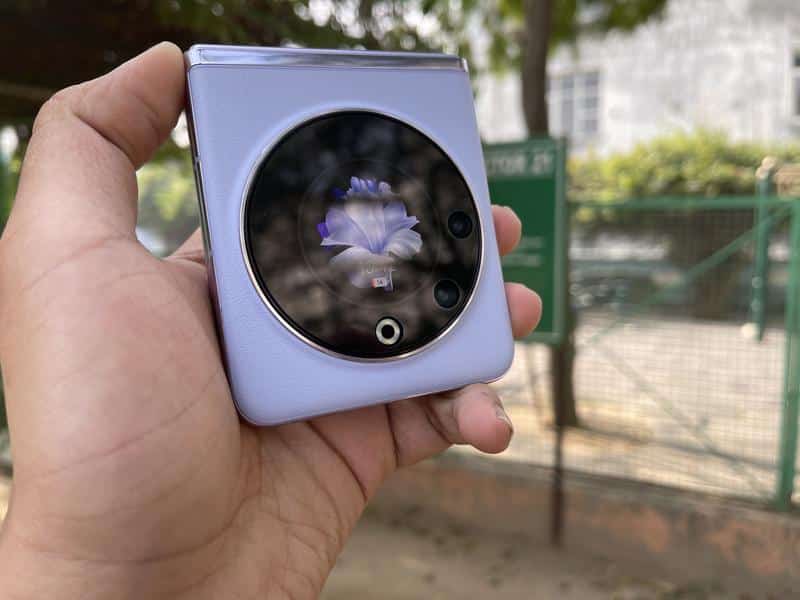
The Tecno Phantom V Flip boasts a dual-display setup with a primary 6.9-inch AMOLED screen offering a 120Hz refresh rate for smooth visuals.
Additionally, it features a novel 1.32-inch outer display, similar to a smartwatch screen, for quick access to apps and notifications.
How does the camera performance of the Tecno Phantom V Flip stand out?
The smartphone is equipped with a 64MP primary camera and a 13MP ultra-wide-angle camera, offering sharp and detailed photos.
Its 32MP front-facing camera delivers high-quality selfies and is complemented by unique features like Micro-slit Dual-flash and Super Night mode for low-light photography.
What are the key performance features of the Tecno Phantom V Flip?
The device is powered by a Mediatek Dimensity 8050 chipset and comes with 8GB of RAM, which can be expanded to 16GB.
It handles demanding applications and games smoothly, and the HiOS 13.5 interface based on Android 13 enhances the user experience with additional features and customization options.
What are Tecno Phantom V Fold: Specifications & features?
The company claims that its foldable phone has an aerospace-grade innovative drop-shaped hinge that has a fixed-axis rotate and slide tech and a reverse snap structure, which Tecno says will offer a smooth folding and crease-free experience. If you compare it with the Samsung Galaxy Z Fold 4, you will find that most of the features are the same.
The difference lies in terms of chipset, faster-charging tech, and battery. Under the hood is MediaTek’s flagship Dimensity 9000+ chipset.
The chipset is backed by up to 12GB LPDDR5 RAM and 512GB UFS 3.1 storage, which is not the latest storage version and seen on last year’s flagship phones.
The foldable phone sports a big enough 5,000mAh battery with 45W fast charging support.
Samsung’s foldable phone comparatively has a 4,400mAh battery unit with support for 25W fast charge and a Snapdragon 8+ Gen 1 SoC under the hood.
The Tecno Phantom V Fold features a 6.42-inch LTPO outer AMOLED display. This one is an FHD+ panel, unlike the Samsung device.
There is a 7.65-inch 2K LTPO AMOLED foldable display with a 2296 X 2000 pixels resolution. The device can automatically switch between 10Hz to 120Hz based on the content seen on the screen.
As for the photography, there is a triple camera setup at the back. It includes a 50-megapixel primary camera. It is accompanied by a 13-megapixel ultra-wide-angle sensor, and a 50-megapixel 2x portrait camera. One will see a 32-megapixel camera on the outer screen and a 16-megapixel sensor on the front when the device is unfolded. There is an in-display fingerprint sensor, as well as stereo speakers.
What is Tecno Phantom V Fold Review ? Is Tecno Phantom V Fold Worth buying ?
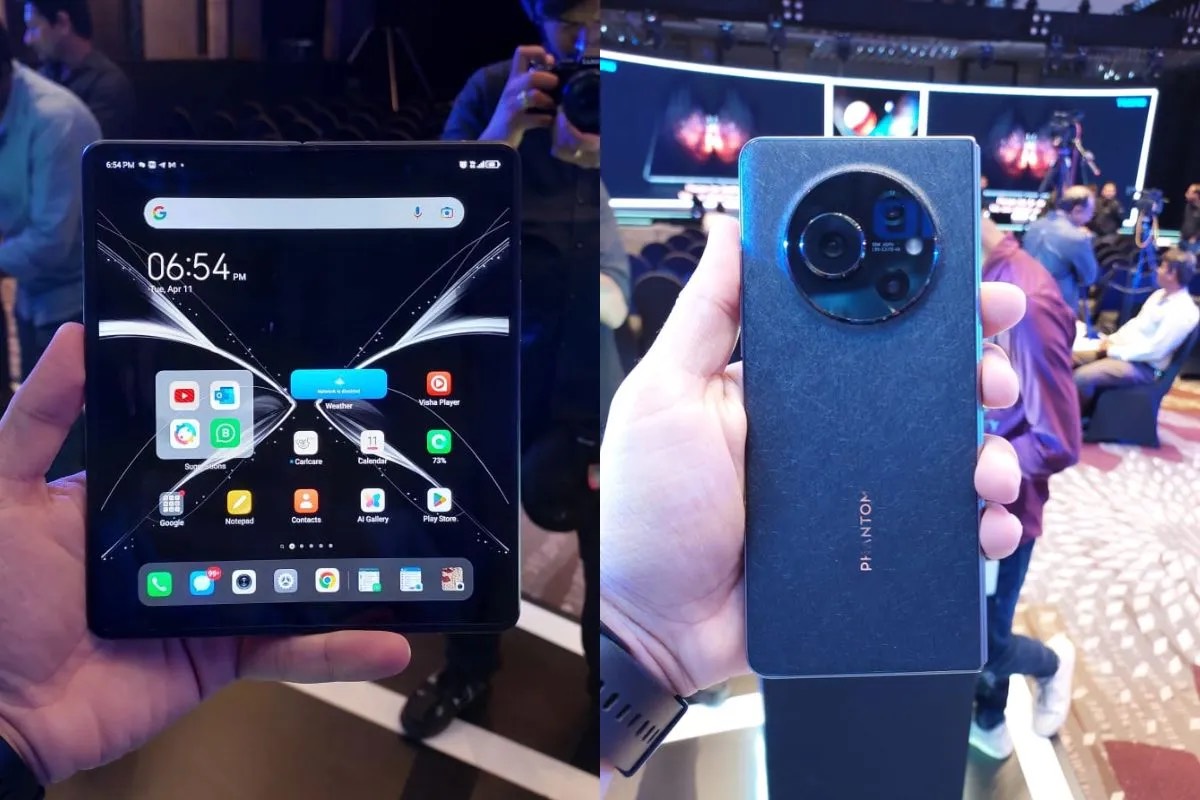
The Tecno Phantom V Fold looks good in the hands and has some sort of premium factor as well.
When folded, it looks just like a traditional smartphone. It has a textured back panel with curved and chiseled edges, which offers a better grip on the device.
I was pretty much impressed with the fact that there is no gap when the device is folded.
Both sides lay completely flat when folded, which is something that we haven’t seen in its rivals.
As you can see, this one has a thick profile. I guess seeing slim foldable phones is still a dream as the foldable tech is still in its initial stage and it will take years for the companies to master it.
It is not easy to put in all the hardware and even offer a slim device with a folding mechanism.
I can say that the Techno Phantom V Fold felt pretty light compared to some other devices in the market, purely because of the plastic build. It has a metallic frame as well. The rear camera module is quite prominent and I’m scared that if a user accidentally drops the phone, then the rear sensors could get scratches. The good thing is the company is shipping a case for free, unlike Samsung.
I would like to mention that it takes a lot of effort to unfold the phone, which is a bit annoying. The hinge seems pretty durable, though.
I must say, the company has done an overall good job in creating a practical enough phone with optimized software for easier multitasking. I used the phone for more than 30 minutes and could multi-task easily.
The split mode works seamlessly.
One can simply drag and drop photos from Gallery app to Gmail in this mode. This cuts down the extra process of going back and forth to add photos. You can view photos and add them at the same time.
Tecno is claiming that it has optimized more than 1,000 apps to offer a smooth experience to users. I could not test the performance rigorously. Since it is using MediaTek’s flagship Dimensity 9000+ chipset, you can expect to get a fast performance.
While using the phone, I couldn’t see creases. These were almost non-visible, which is commendable.
Though, we have seen that Samsung’s foldable phones tend to get bad creases in the long run, which hampers daily experience as the marks get pretty annoying and you start witnessing sharp creases in daylight. We hope this won’t be an issue with the Tecno phone. The device is backed by 12GB LPDDR5X RAM, and up to 512GB UFS 3.1 storage.
While UFS 3.1 is the storage version seen on last year’s flagship phones, we are still fine considering people are getting a foldable phone at a very lower price and this won’t create much of a difference to average consumers.
The company has included a 5,000mAh battery under the hood with support for 45W fast charging, which is much higher than what Samsung is giving with its Galaxy X Fold 4. In terms of photography, I clicked a few photos and felt that the camera could take good enough shots in ideal lighting conditions.
Although, the details and sharpness are a bit lost in tricky situations. I would like to comment on this when we get the device for review.
All-in-all, Tecno has done a good job in terms of software, general performance and design. This is seemingly a good deal for people who want to use a foldable phone by not spending more than Rs 1.5 lakh.
Though, how it will perform in the long run and in terms of camera as well as battery optimization are something that we can’t comment on right now because we haven’t reviewed it yet. The Tecno Phantom V Fold has been launched in India for Rs 89,999 and interested consumers will be able to buy it at a discounted price of Rs 77,777 initially.
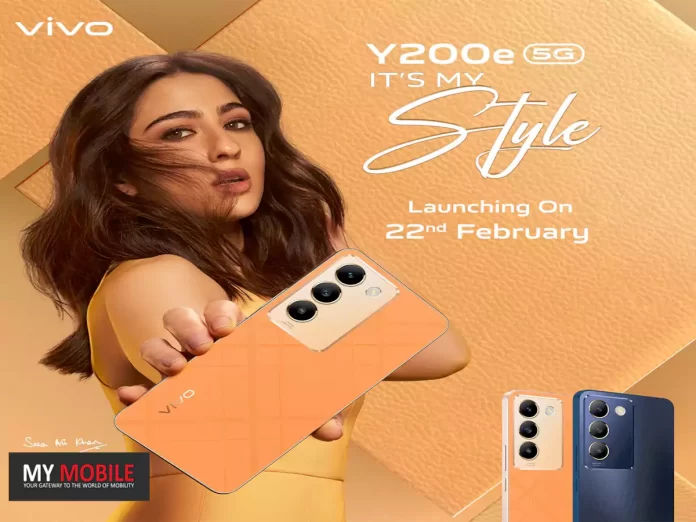
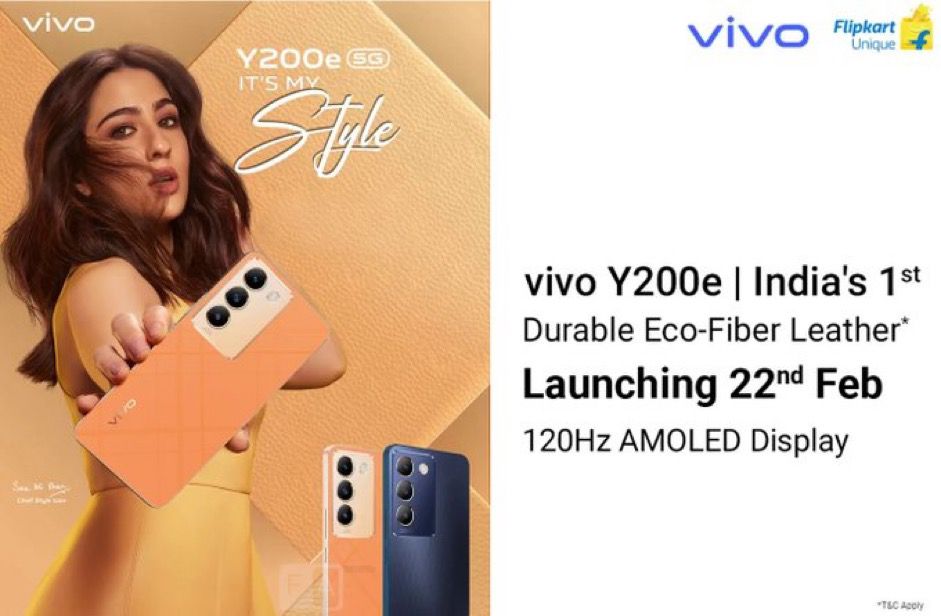
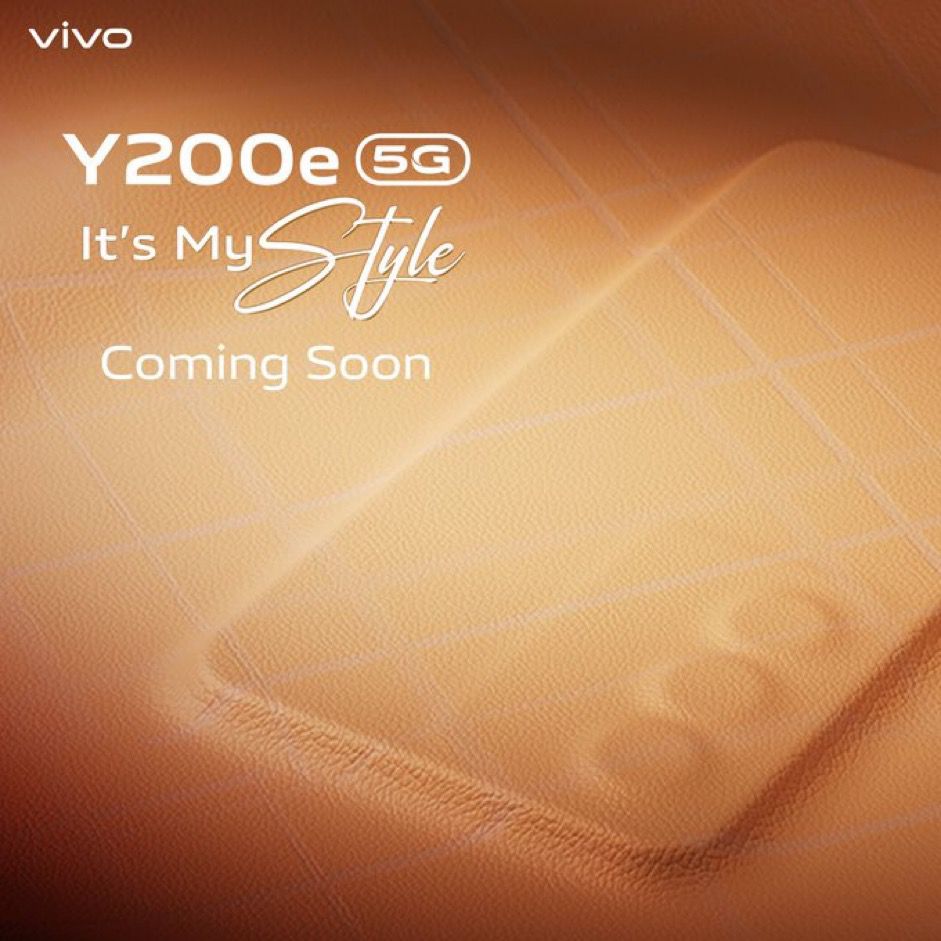
With a recently unveiled launch trailer, anticipation is building around this possible new addition to Vivo’s smartphone lineup.
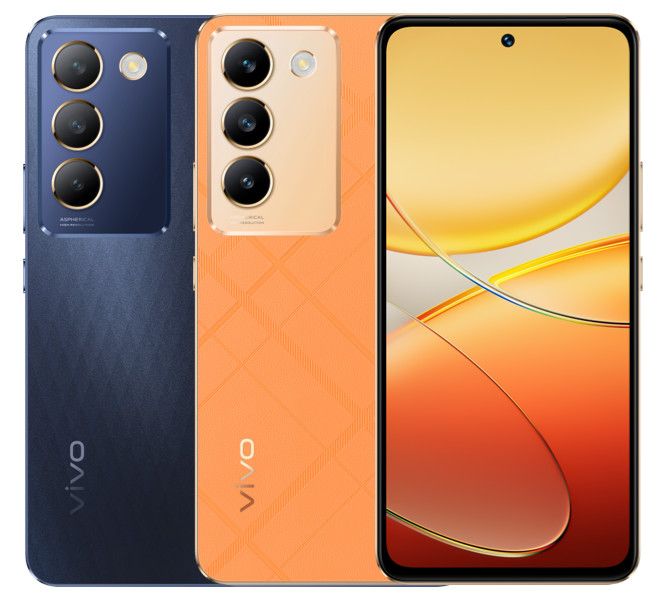
The teaser provides a sneak peek into the device’s design elements, showcasing a prominent rectangular camera setup on the back and a unique leatherette finish, hinting at the phone’s stylish aesthetics.
Vivo Y200e 5G Features include a 6.67-inch AMOLED display
Vivo has come out and confirmed that the device is to launch in India on 22nd February.
Positioned as a variant of the Vivo V200 5G series, the Y200e 5G has already garnered attention with its BIS certification, carrying the model number V2336.
Insights from tech tipster Abhisek Yadav hint at an aggressive pricing strategy, with the smartphone expected to launch in the sub-Rs 20,000 category, making it a compelling option.
Vivo Y200e 5G Teaser Unveiled Ahead of India Launch Ahead of February 22nd Launch
Leaked specifications suggest the Vivo Y200e 5G will boast a 6.67-inch AMOLED display, offering FHD+ resolution and a smooth 120Hz refresh rate.
The screen is designed to impress with a peak brightness of 1,200 nits and features a centered punch-hole for the selfie camera, promising a premium viewing experience.
Vivo teases the upcoming Y200e 5G with a stylish leatherette back panel
As for the Y200e 5G’s camera capabilities, the device will likely include a 50MP triple rear camera setup, promising versatile shooting options.
Additionally, the smartphone is expected to come equipped with a robust 5,000mAh battery supported by 44W fast charging, offering extended usage timesand quick power-ups.
Vivo Y200e 5G Expected to be priced under Rs 20,000
Vivo Y200e 5G Specs
GENERAL
Sim Type
Dual Sim, GSM+GSM (Hybrid Slot)
Dual Sim
Yes
Sim Size
Nano+Nano SIM
Device Type
Smartphone
Release Date
October 23, 2023
DESIGN
Dimensions
74.85 x 162.35 x 7.69 mm
Weight
190 g
Colors
Jungle Green, Desert Gold
DISPLAY
Type
Color AMOLED Screen (1B Colors)
Touch
Yes
Size
6.67 inches, 1080 x 2400 pixels, 120 Hz
Aspect Ratio
20:9
PPI
~ 394 PPI
Screen to Body Ratio
~ 91.04%
Features
Local Peak Brightness: 800 nit, Color Gamut: 100% P3
AAC, WAV, MP3, MP2, MP1, MIDI, Vorbis, APE, FLAC, OPUS
Video
MP4, 3GP, AVI, TS, MKV, FLV
FM Radio
No
Document Reader
Yes
BATTERY
Type
Non-Removable Battery
Size
5000 mAh, Li-Po Battery
Fast Charging
Yes, 44W Fast Charging
FAQs
What design features were revealed in the Vivo Y200e 5G teaser?
The teaser showcased the Vivo Y200e 5G’s unique leatherette back panel and a prominent rectangular camera setup, hinting at a blend of style and functionality.
When is the Vivo Y200e 5G expected to launch in India?
While an exact date hasn’t been confirmed, the Vivo Y200e 5G is tipped to debut by the end of February in India, as per the launch teaser.
What price range is the Vivo Y200e 5G expected to fall into?
The Vivo Y200e 5G is anticipated to launch in the sub-Rs 20,000 category, making it an attractive option for consumers seeking affordable 5G smartphones.
Can you list some key specifications of the Vivo Y200e 5G?
The Vivo Y200e 5G is expected to feature a 6.67-inch AMOLED display with a 120Hz refresh rate, Qualcomm Snapdragon 4 Gen 2 SoC, up to 8GB RAM with virtual expansion, and 50MP triple rear cameras.
How does the Vivo Y200e 5G stand out among other budget 5G smartphones?
With its stylish design, high-refresh-rate AMOLED display, powerful camera setup, and competitive pricing, the Vivo Y200e 5G is poised to offer a compelling combination of aesthetics and performance in the budget 5G segment.
This groundbreaking tool not only showcases the advancements in AIbut more importantly has opened up a new realm of possibilities for creators across various domains.
1) What
— Sam Altman (@sama) February 15, 2024
Let’s dive into what Sora is and if it presents some ethical conundrums.
“We’re teaching AI to understand and simulate the physical world in motion, with the goal of training models that help people solve problems that require real-world interaction,” OpenAI wrote in the post.
“Sora is able to generate complex scenes with multiple characters, specific types of motion, and accurate details of the subject and background,” OpenAI added in the post. “The model understands not only what the user has asked for in the prompt, but also how those things exist in the physical world.”
Sora builds on past research in DALL·E and GPT models
“We are working with red teamers — domain experts in areas like misinformation, hateful content and bias — who will be adversarially testing the model,” the post said. “We’re also building tools to help detect misleading content such as a detection classifier that can tell when a video was generated by Sora. We plan to include C2PA metadata in the future if we deploy the model in an OpenAI product.”
“The agency is taking this action in light of surging complaints around impersonation fraud, as well as public outcry about the harms caused to consumers and to impersonated individuals,” the FTC wrote in a news release. “Emerging technology — including AI-generated deepfakes — threatens to turbocharge this scourge, and the FTC is committed to using all of its tools to detect, deter, and halt impersonation fraud.”
ChatGPT maker OpenAI launches Sora
Sora: A New Way To Generate Videos
pic.twitter.com/EvngqF2ZIX
— Sam Altman (@sama) February 15, 2024
Sora stands out by its ability to craft complex scenes filled with multiple characters in motion, interpreting and expressing emotions derived directly from textual descriptions.
The technology underlying Sora remains a closely guarded secret, but its potential applications span content creation, filmmaking, animations, and beyond, signaling a significant leap forward in the field of generative AI.
More than the amount of extensive processing requirements it would put on OpenAI’s servers, the decision to limit access is a cautious approach towards deploying such powerful technology, ensuring that it’s used responsibly and ethically.
Sora can also create multiple shots within a single generated video that accurately persist characters and visual style
This interaction not only successfully demonstrated Sora’s capabilities but also its potential to exceed expectations in rendering detailed and emotionally resonant videos.
pic.twitter.com/JB4zOjmbTp
— Sam Altman (@sama) February 15, 2024
However, the excitement surrounding Sora’s capabilities must be tempered by concerns over potential misuse.
OpenAI has proactively addressed these worries by implementing robust safety measures to filter out prompts that could lead to the creation of harmful content, including violence, adult media, and celebrity-related deepfakes.
The Race for AI Video and Ethical Boundaries
Sora uses a transformer architecture, unlocking superior scaling performance
The announcement of Sora comes shortly after Google revealed its text-to-video generator, VideoPoet, marking a burgeoning interest in AI-powered content generation tools within the tech industry.
OpenAI employee Evan Morikawa posted a Sora-generated sample
As OpenAI continues to refine Sora, the technology space awaits further details on its eventual release.
The promise of an AI-powered video generatorlike Sora raises compelling questions about the future of creativity, the ethics of AI, and how we engage with digital media.
Sora builds on past research in DALL·E and GPT models
FAQs
What is Sora, and how does it work?
Sora is OpenAI’s latest AI model that generates one-minute videos from text prompts.
While specific details about its technology are not disclosed, Sora can create complex scenes with emotional depth, marking a significant advancement in AI.
Who can access Sora currently?
As of now, Sora is available to a select group of creators chosen by OpenAI. The limitation on access ensures responsible use and allows OpenAI to manage the ethical implications of this powerful tool.
What kind of content can Sora create?
Sora is designed to generate videos across a broad spectrum of uses, including content creation, filmmaking, and animations. It interprets text prompts to produce videos with multiple characters and emotions.
How is OpenAI addressing potential misuse of Sora?
OpenAI has implemented stringent safety measures to filter out prompts leading to violence, adult content, celebrity deepfakes, or any harmful material, ensuring Sora’s ethical application.
What sets Sora apart from other AI video generators like Google’s VideoPoet?
Sora and Google’s VideoPoet both represent the forefront of AI-generated video content.
However, Sora’s unique capability to interpret and express complex emotions in videos differentiates it, showcasing OpenAI’s emphasis on creating emotionally resonant AI-generated content.
Is Sora safe?
On its official website, OpenAI has stated that it has been taking several safety measures before making Sora accessible in its products.
The company went on to assert that they are working with a team of domain experts specific to misinformation, hateful content, and bias.
These experts will be adversarially testing Sora. Besides, the company is also building tools like a detection classifier that can detect misleading content and tell if a video was generated by Sora.
“We’ll be engaging policymakers, educators, and artists around the world to understand their concerns and to identify positive use cases for this new technology.
Despite extensive research and testing, we cannot predict all of the beneficial ways people will use our technology, nor all the ways people will abuse it. That’s why we believe that learning from real-world use is a critical component of creating and releasing increasingly safe Al systems over time,” reads the official website.
OpenAl also said that it will be including C2PA metadata in the future if we deploy the model in an OpenAI product. In simple terms, C2PA is an open technical standard that allows publishers, companies, and others to embed metadata in media to verify its origin and related information.
The company has also said that it is leveraging the existing safety measures that have been built into its products that use DALL E-3.
Besides, the text classifier deployed by OpenAI will keep a check and even reject prompts that violate the company’s usage policy which include, requests of extreme violence, sexual content, hateful imagery, celebrity likeness, or IP of others.
The company also has strong image classifiers that will review the frames of every video to ensure that they align with the company’s usage policy.
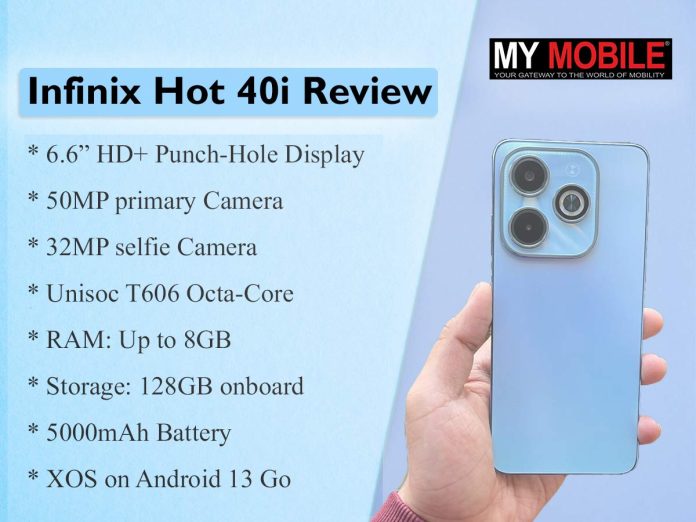
In this review, I’ll dive deep into this Infinix Hot 40i to discover what makes it stand out.
Infinix Hot 40i: Pricing and Availability
Infinix Hot 40i: Pros and Cons
Pros
Cons
Solid Battery Life
Limited Performance Under Load
Expandable RAM
Average Display Brightness
Durable Design
90Hz Refresh Rate
Infinix Hot 40i: Key Specs
Infinix Hot 40i: Key Specs
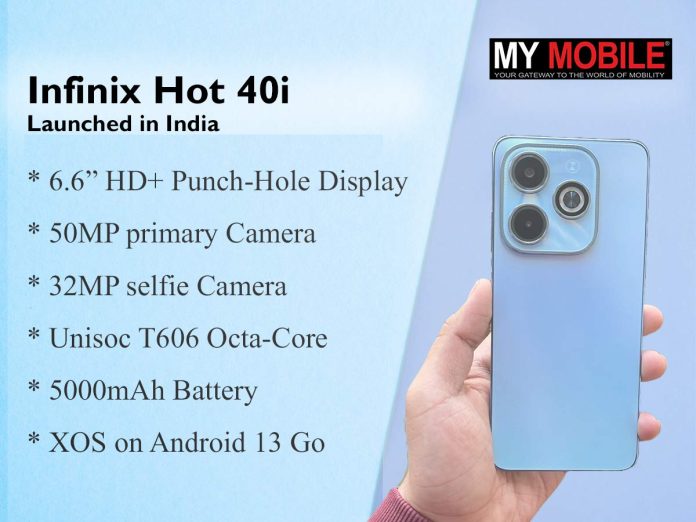
Processor: Unisoc T606 Octa-Core
RAM: Up to 8GB, expandable to 16GB
Storage: 128GB onboard
Display: 6.6-inch HD+ Punch-Hole, 90Hz
Camera: 50MP primary, 32MP selfie
Battery: 5000mAh with 18W charging
Software: XOS on Android 13 Go
Infinix Hot 40i: Unboxing
Infinix Hot 40i: Unboxing
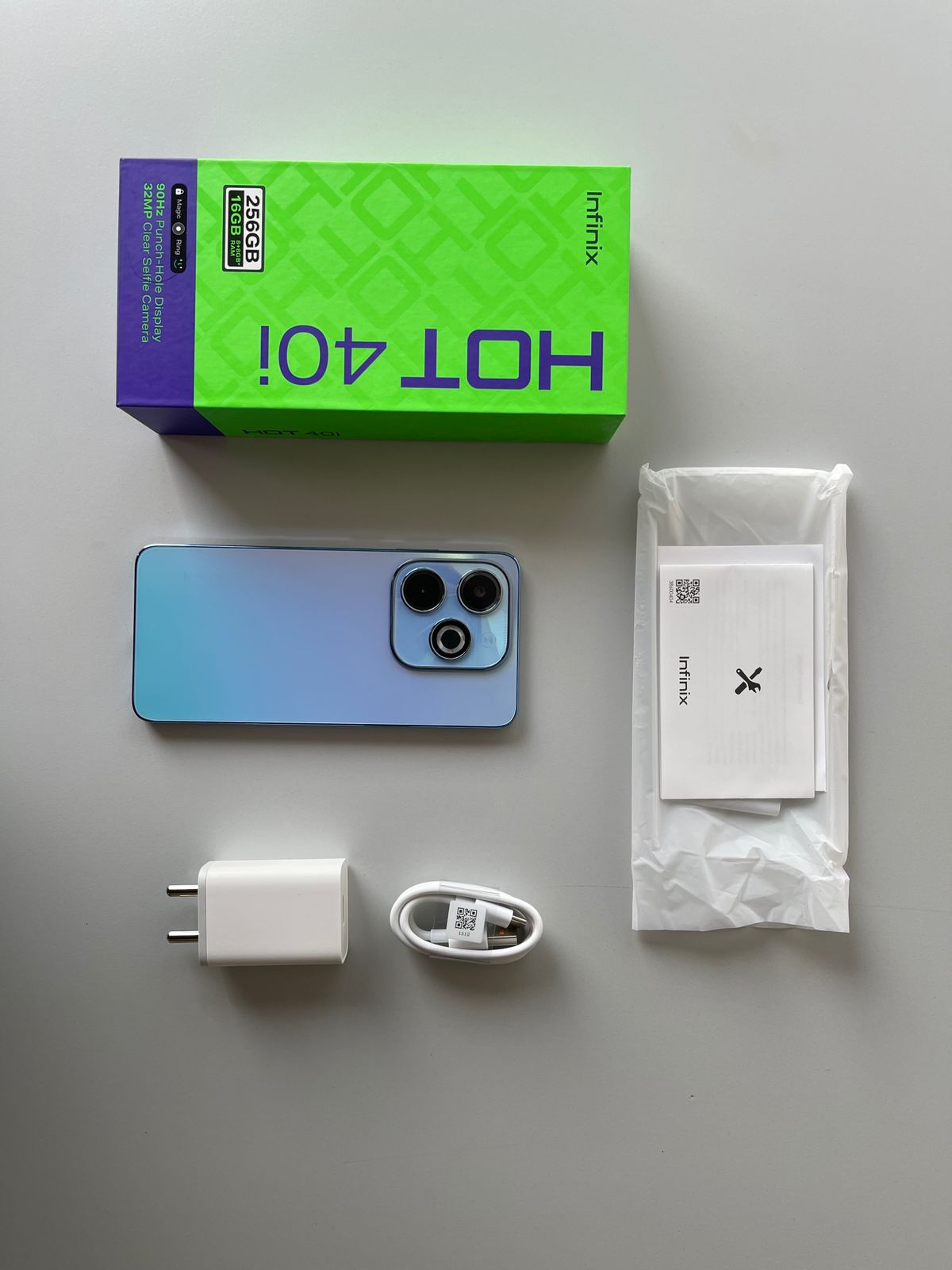
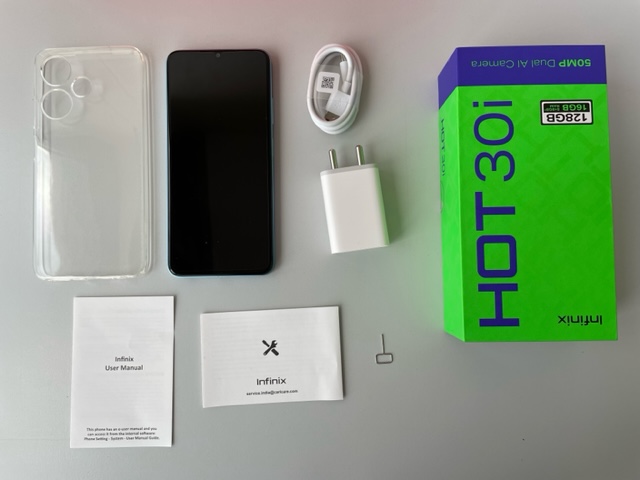
The Hot 40i arrives with everything you’d expect: a USB Type-C cable, a charging brick, a clear silicone case for added protection, and tempered glass.
Also included are the usual paperwork and a SIM ejector toolkit.
The unboxing experience is not anything out of the ordinary and is as expected from an Infinix device.
Infinix Hot 40i: Unboxing Video
Infinix Hot 40i: Design and Display
Infinix Hot 40i: Design
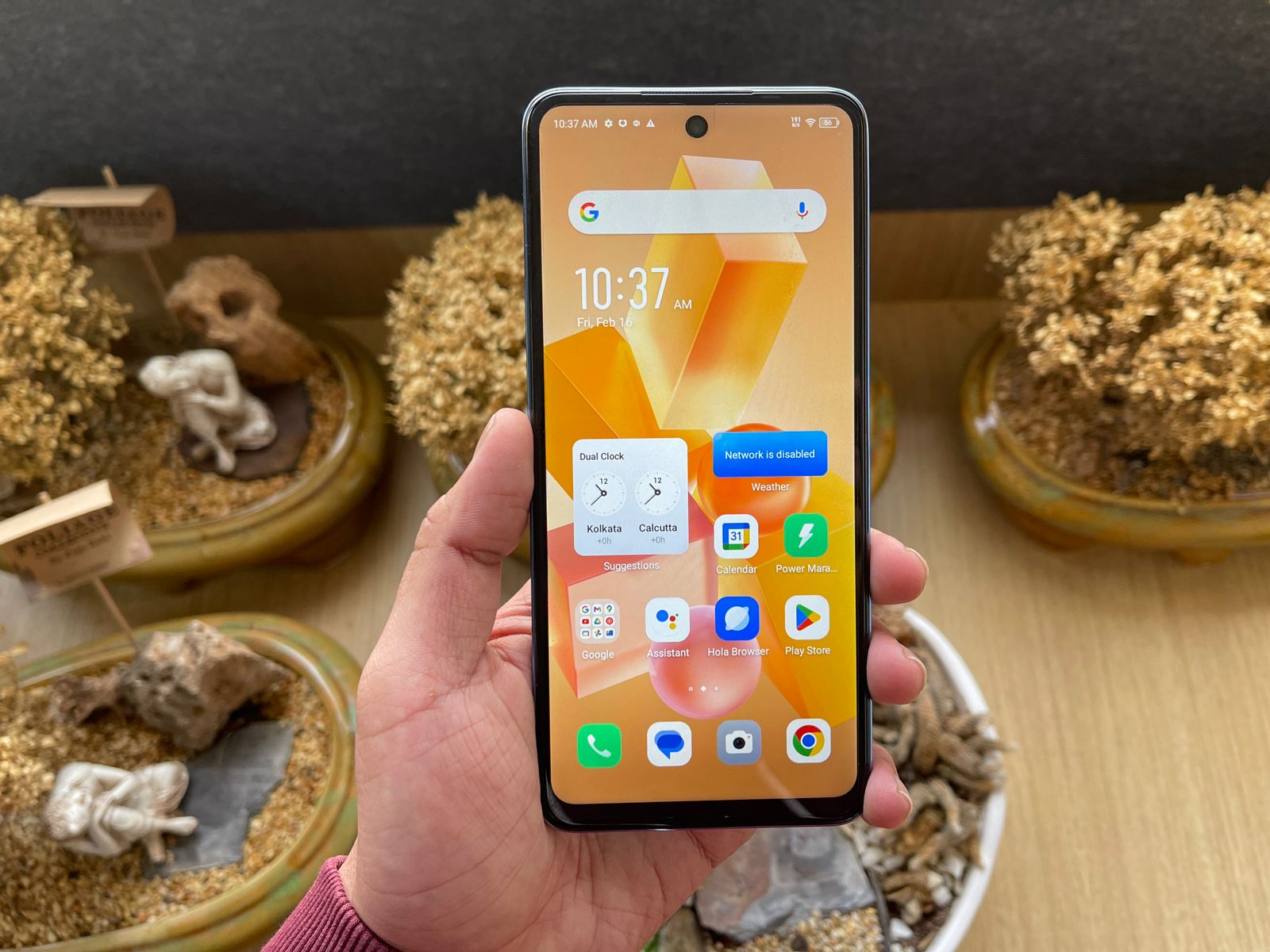
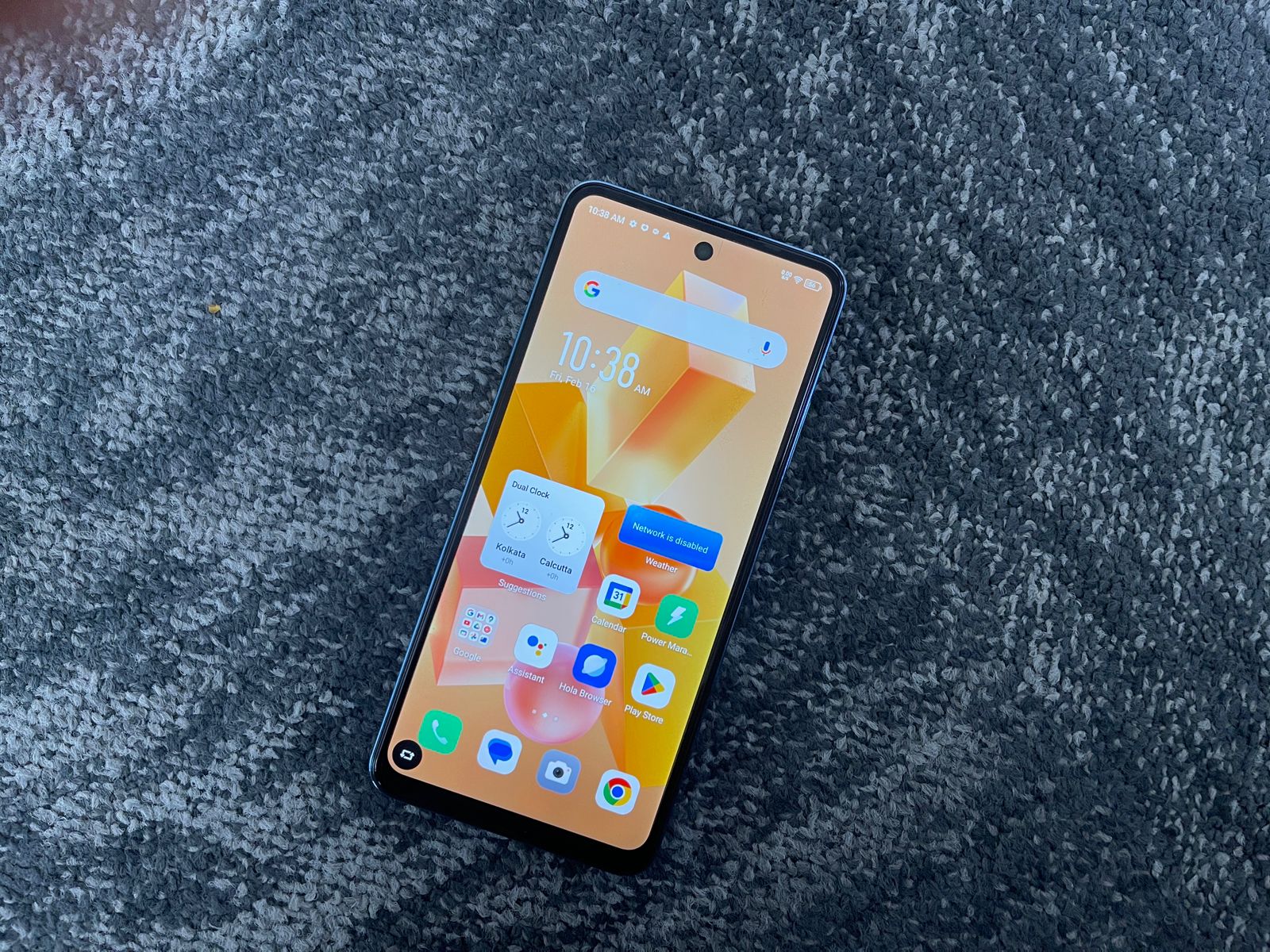
Exploring the Infinix Hot 40i has been a familiar journey for me, especially when it comes to its design and display.
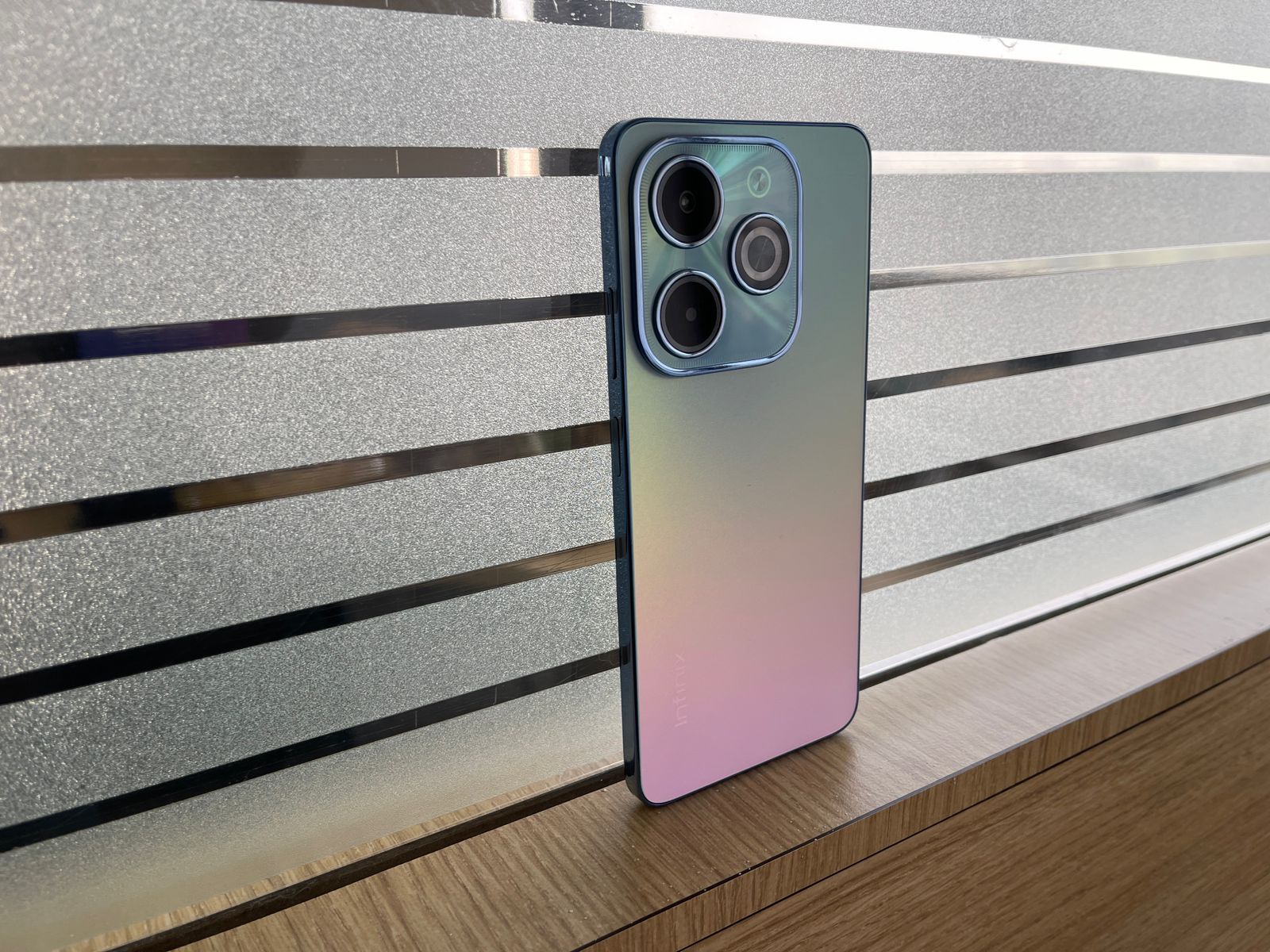
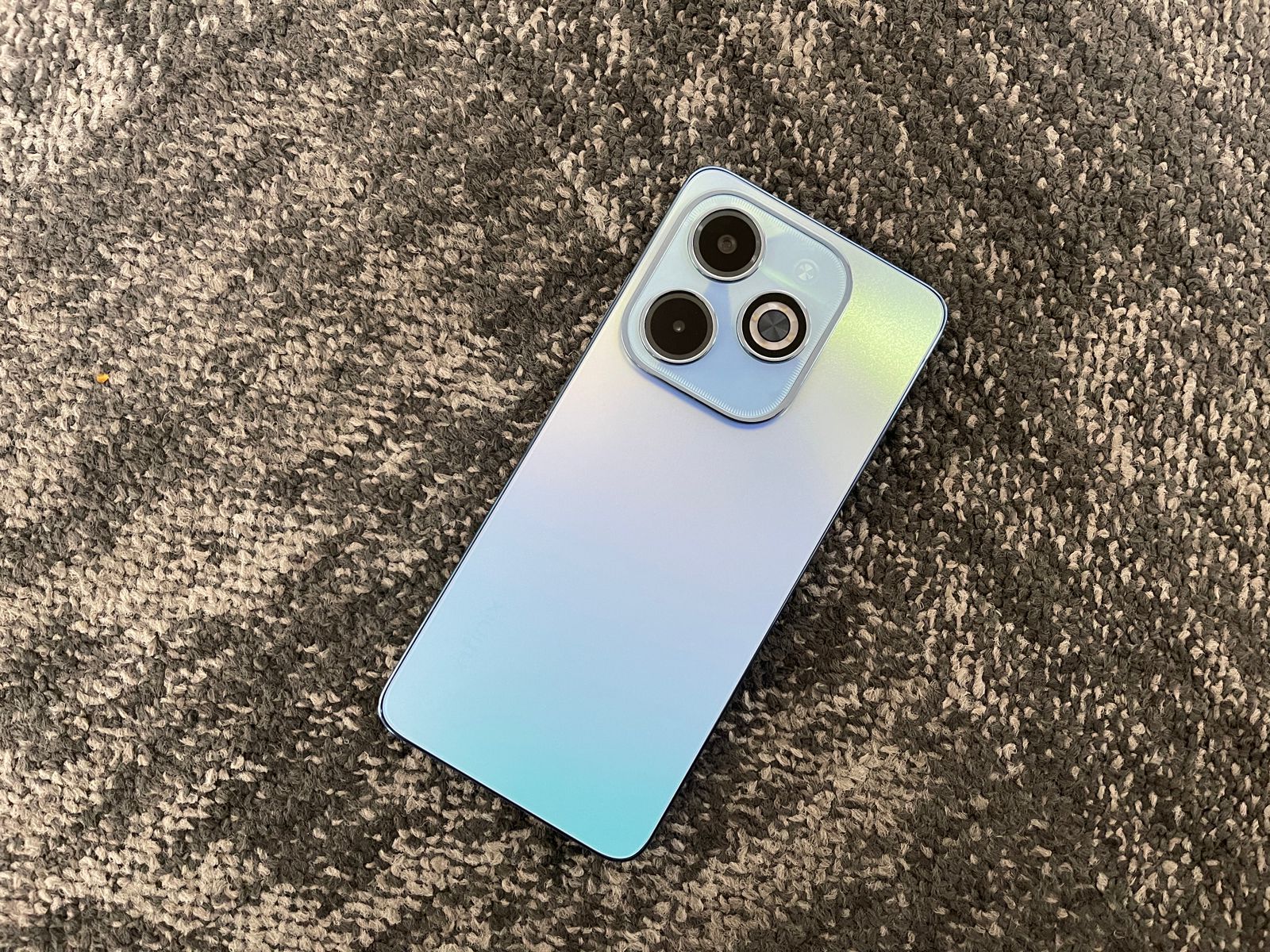
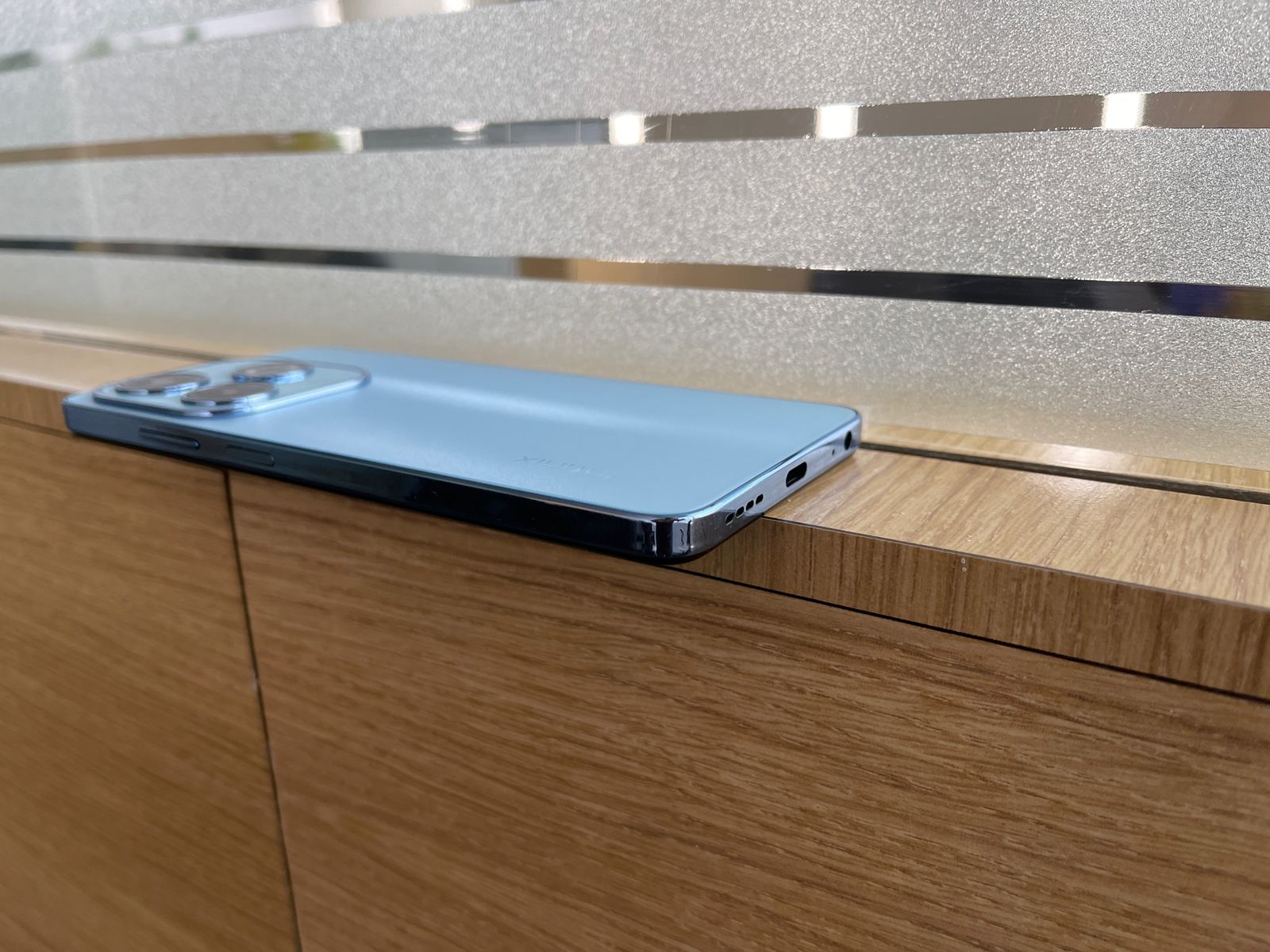
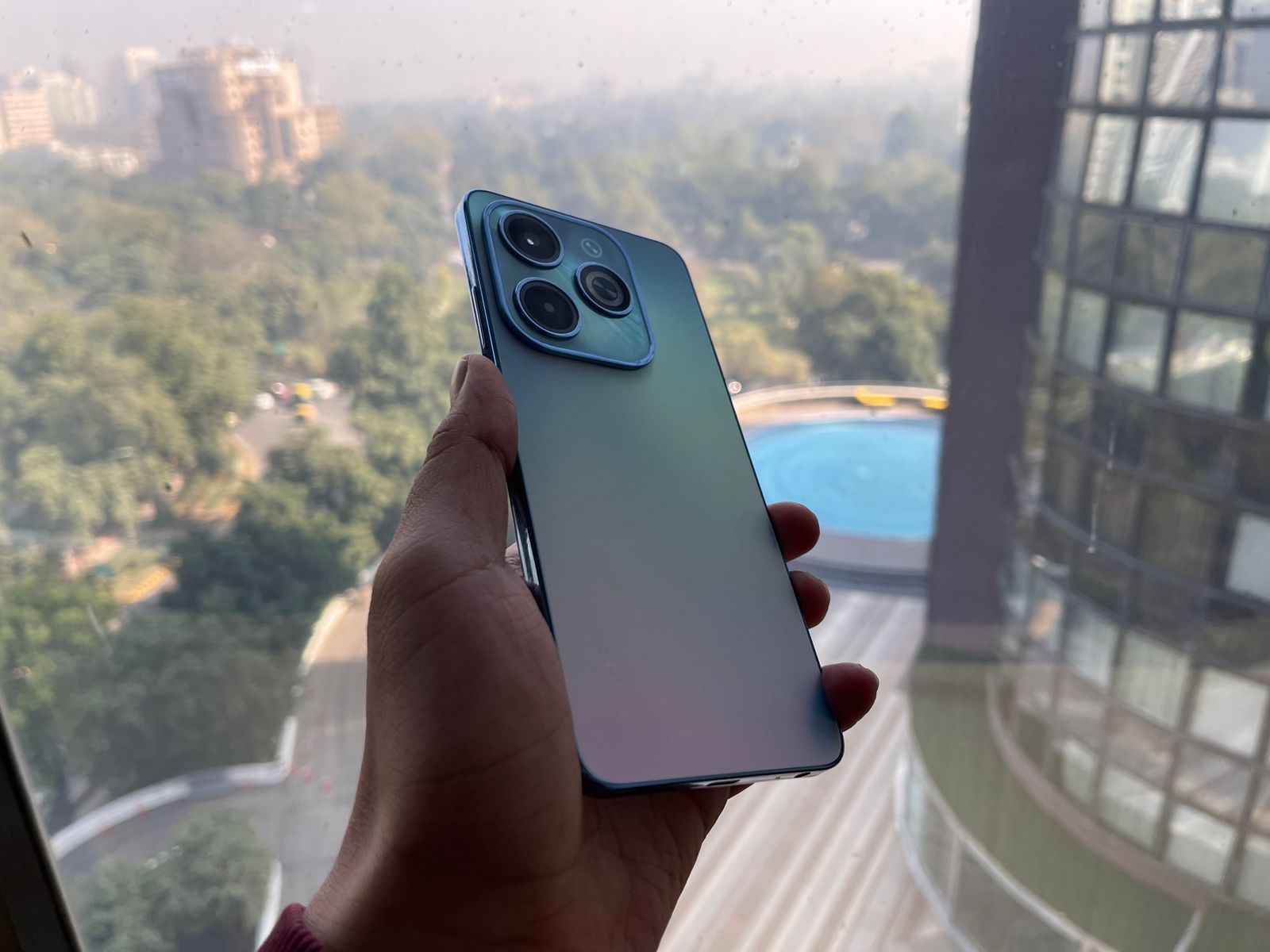
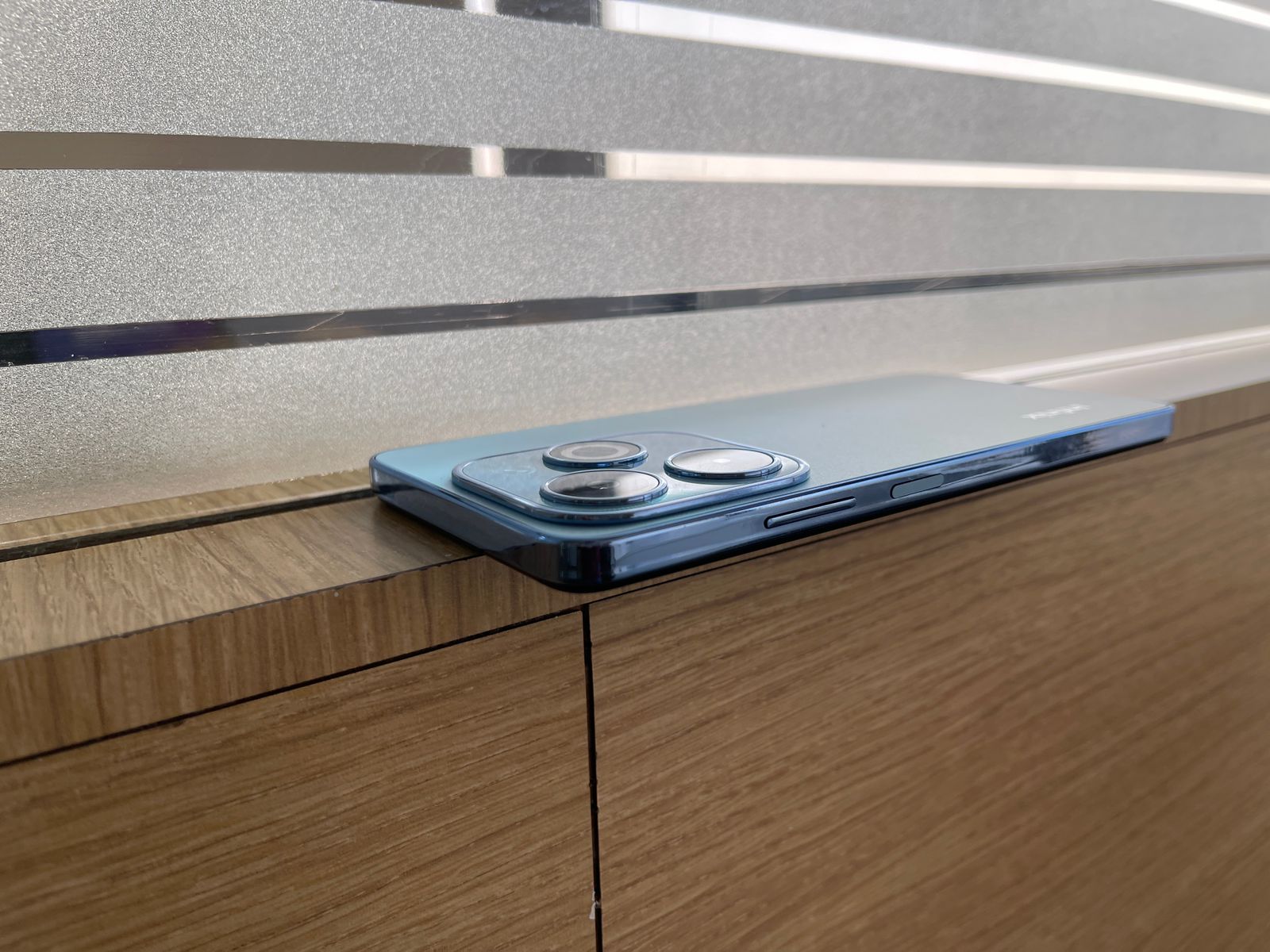
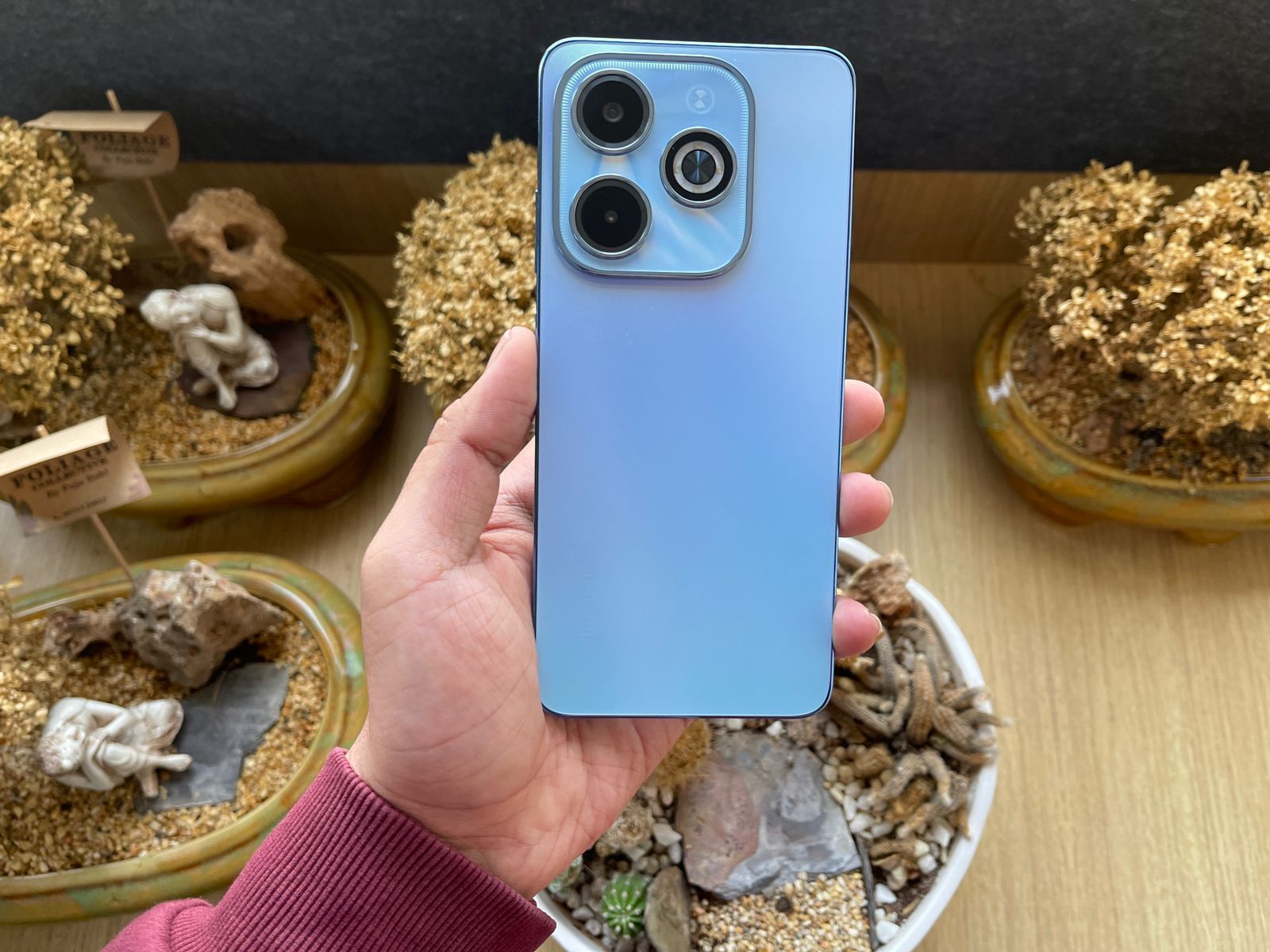
Holding the phone, I immediately noticed a robust plastic unibody chassis, which feels both sturdy and premium to the touch.
The Starfall Design caught my eye with its unique colour combination, and does make the phone stand out visually amongst its competitors.
The rest of the design elements are like you would expect – a USB Type-C port at the bottom, a speaker grill beside it, a 3.5mm headphone jack, and a side-mounted fingerprint sensor, thoughtfully placed for easy access.
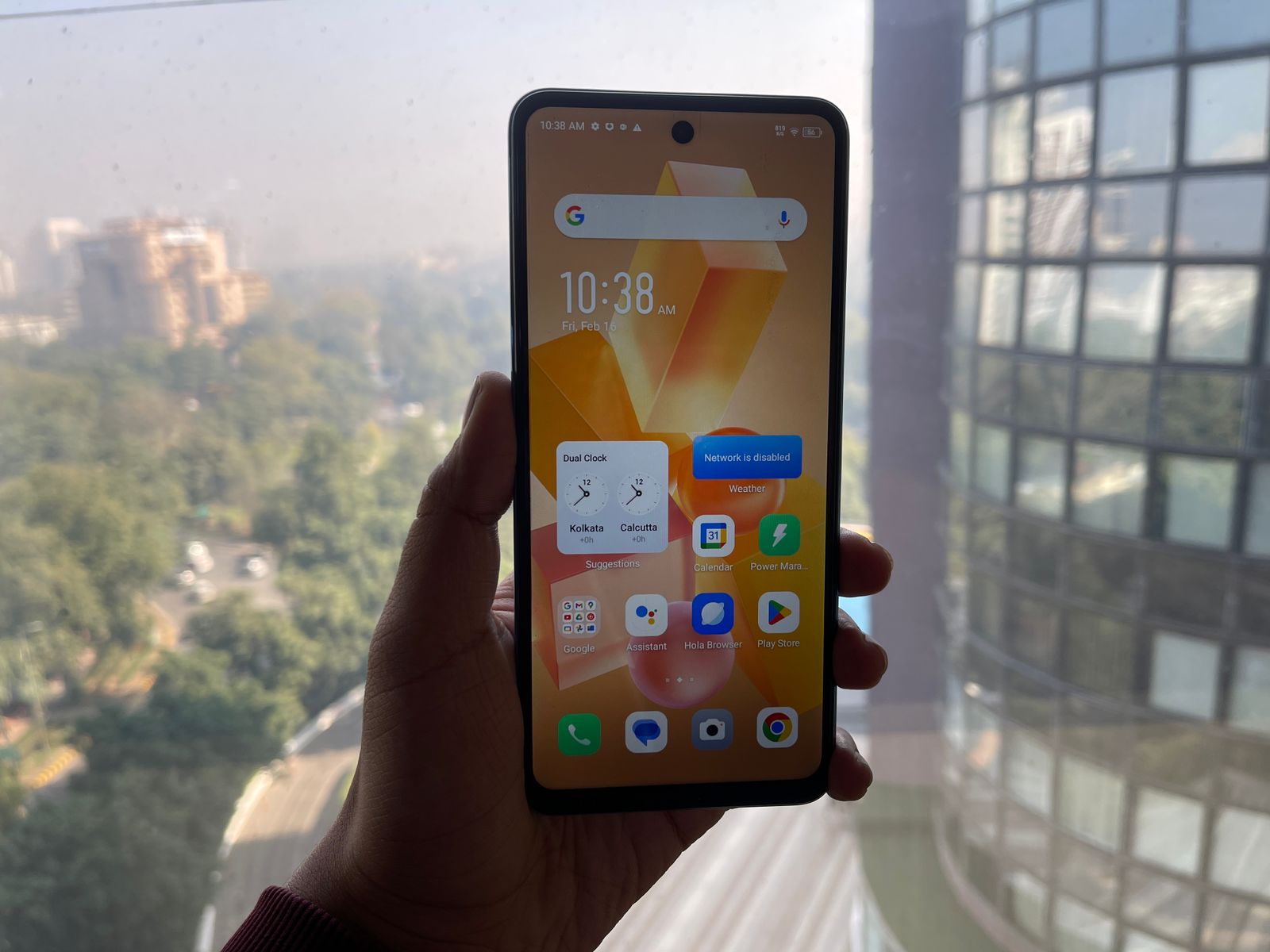
The 6.6-inch HD+ Punch-Hole display is another highlight, offering a 90Hz refresh rate that makes scrolling and animations noticeably smoother.
Infinix Hot 40i: Display
Although it doesn’t feature HDR certification, the display quality is more than satisfactory for its price range, with vibrant colours and adequate brightness for everyday use.
Nonetheless, it’s an interesting addition that I hope to see refined in future iterations.
The brightness levels are not exactly the best leaving me to squint a bit to make the display legible under harsh sunlight.
Furthermore, the IP53 splash resistance is a practical feature, ensuring the phone can withstand minor splashes or rain, adding to its durability and making it more reliable for everyday mishaps.
Low-light photography, a common challenge for budget smartphones, is where the Hot 40i struggles.
The Quad-LED ring flash does help illuminate subjects in darker settings, though the Super Night Mode doesn’t significantly improve detail capture.
On a brighter note, the 32MP selfie camera stands out as one of the best in its segment, adding fine details to facial features and managing exposure behind the subject quite well.
It also includes a screen flash feature for improved low-light selfies.
The dual quad-core setup, accentuated by the potential to virtually expand RAM from 8GB to an impressive 16GB, places it ahead in its class, particularly in memory configuration.
In my usage, this enhancement not only supports smoother operation for standard tasks but also offers a buffer against the demands of more intense applications, albeit within the expected constraints of its segment.
Infinix Hot 40i: Features
While the device navigates everyday usage with ease, pushing its limits with even moderate games or excessive multitasking reveals its boundaries.
Benchmarking nuances aside, with Geekbench providing a snapshot of its performance, the Hot 40i stands as a capable contender.
Additionally, the audio output quality and 4G connectivity, tested on Airtel’s Delhi network, affirm its competence in delivering a satisfactory multimedia and online experience.
The swift andreliable fingerprint sensor rounds off the user interface, ensuring secure and efficient access.
This approach results in a cleaner, more intuitive interface.
The phone’s 5000mAh battery is a highlight, offering robust support for daily activities.
During testing, it consistently provided around six hours of screen-on time, covering web browsing, email management, and video streaming.
However, its charging speed, while slow compared to other segments, is commendable within its price range, supporting an 18W charging solution that requires over two hours for a full charge from zero to one hundred percent.
Its design and display offer a balance of aesthetics and functionality, with features like the IP53 splash resistance adding to its durability.
The camera setup, led by a 50MP primary sensor, performs well in daylight and the 32MP selfie camera is impressive.
Performance-wise, the Unisoc T606 and the option to expand RAM to 16GB make it a smooth operator for everyday tasks, though it has its limits with more demanding applications.
The software experience is clean, thanks to minimized bloatware, and the battery life is solid, even if charging times are longer.
Considering its price point, the Infinix Hot 40i stands out as a strong option for those seeking reliable performance and features without breaking the bank.
5 Reasons to Buy
5 Reasons to Buy
Solid Battery Life: With a 5000mAh battery, it ensures robust support for daily activities.
Decent Camera Performance: The 50MP primary camera and 32MP selfie camera are standout features in its segment.
Expandable RAM: Offers up to 16GB via virtual swap, enhancing multitasking capabilities.
Clean Software Experience: Minimized bloatware for a more user-friendly interface.
Durable Design: IP53 splash resistance adds a layer of durability for everyday use.
3 Reasons Not to Buy
3 Reasons Not to Buy
Slow Charging: Over two hours needed for a full charge might be a drawback for some.
Limited Performance Under Load: Struggles with heavy GPU tasks and extensive multitasking.
Average Display Brightness: The screen can be hard to view under bright sunlight.
Top 5 Alternatives
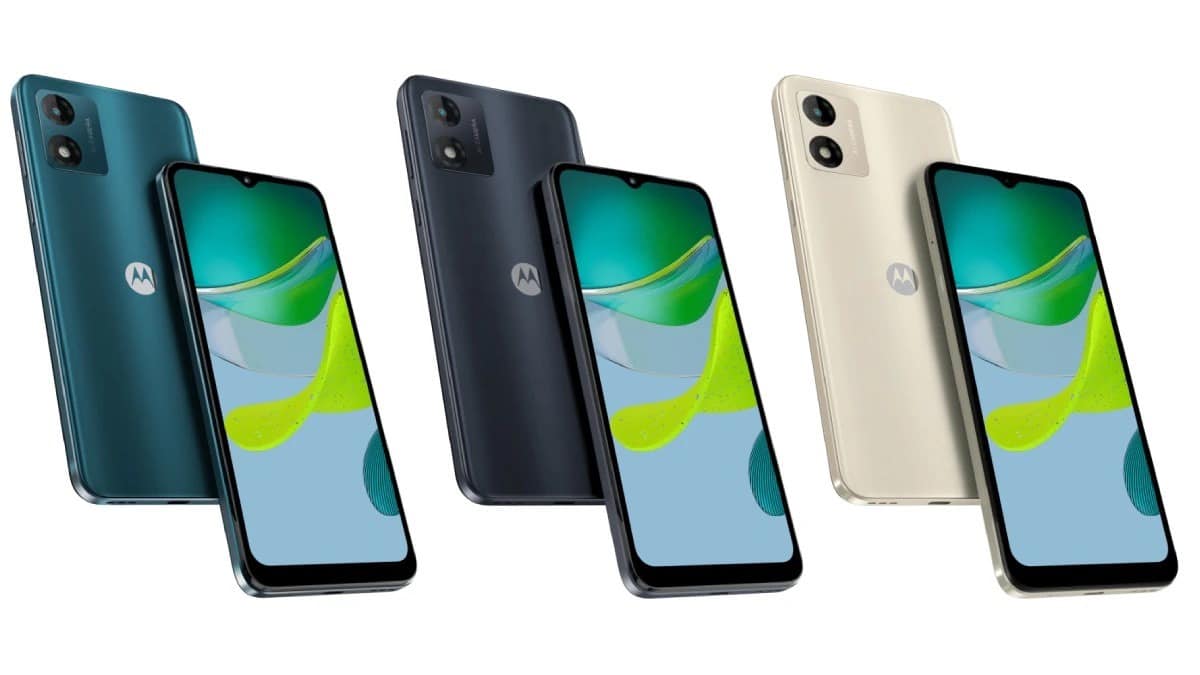
Moto E13
Moto E13
Processor: Octa-core Unisoc T606
RAM/Storage: 2GB RAM, 64GB storage
Display: 6.5-inch IPS LCD, 60Hz
Camera: 13MP rear, 5MP front
Battery: 5000mAh
Price: Rs. 6,190
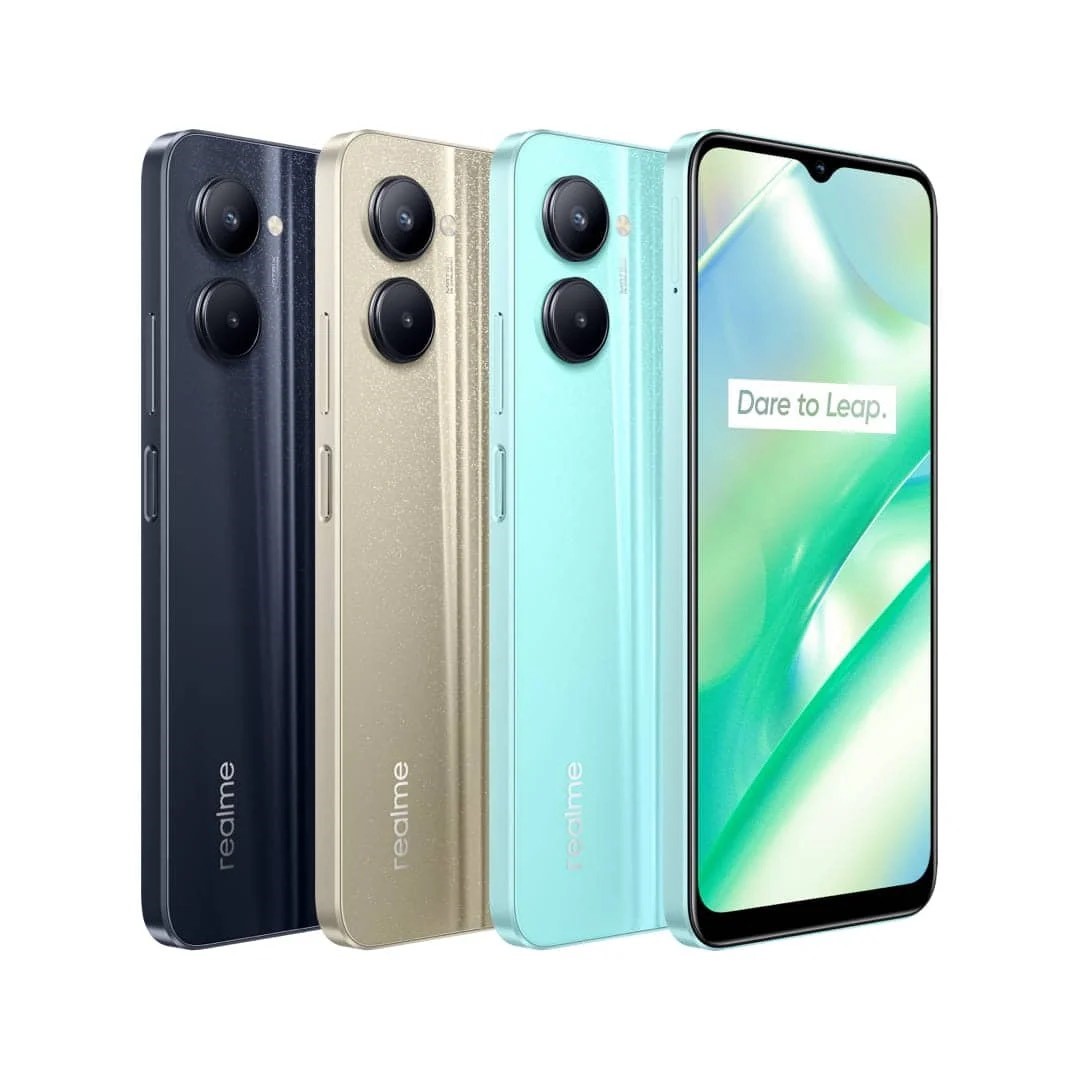
Realme C33
Realme C33
Processor: Unisoc T612
RAM/Storage: 3GB RAM, up to 64GB storage
Display: 6.5-inch LCD, 60Hz
Camera: 50MP + 0.3MP dual rear, 5MP front
Battery: 5000mAh
Price: Rs. 8,940
Infinix Hot 30i
Infinix Hot 30i
Processor: MediaTek Helio G37
RAM/Storage: 8GB RAM, up to 128GB storage
Display: 6.6-inch IPS LCD, 90Hz
Camera: 50MP + 0.08MP dual rear, 5MP front
Battery: 5000mAh
Price: Rs. 8,240
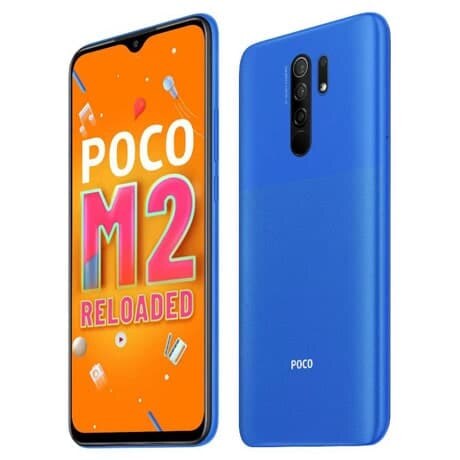
POCO M2
POCO M2
Processor: MediaTek Helio G80
RAM/Storage: 4GB RAM, 64GB storage
Display: 6.53-inch IPS LCD, 60Hz
Camera: Quad rear (13MP+8MP+5MP+2MP), 8MP front
Battery: 5000mAh, fast charging
Price: Rs. 9,989
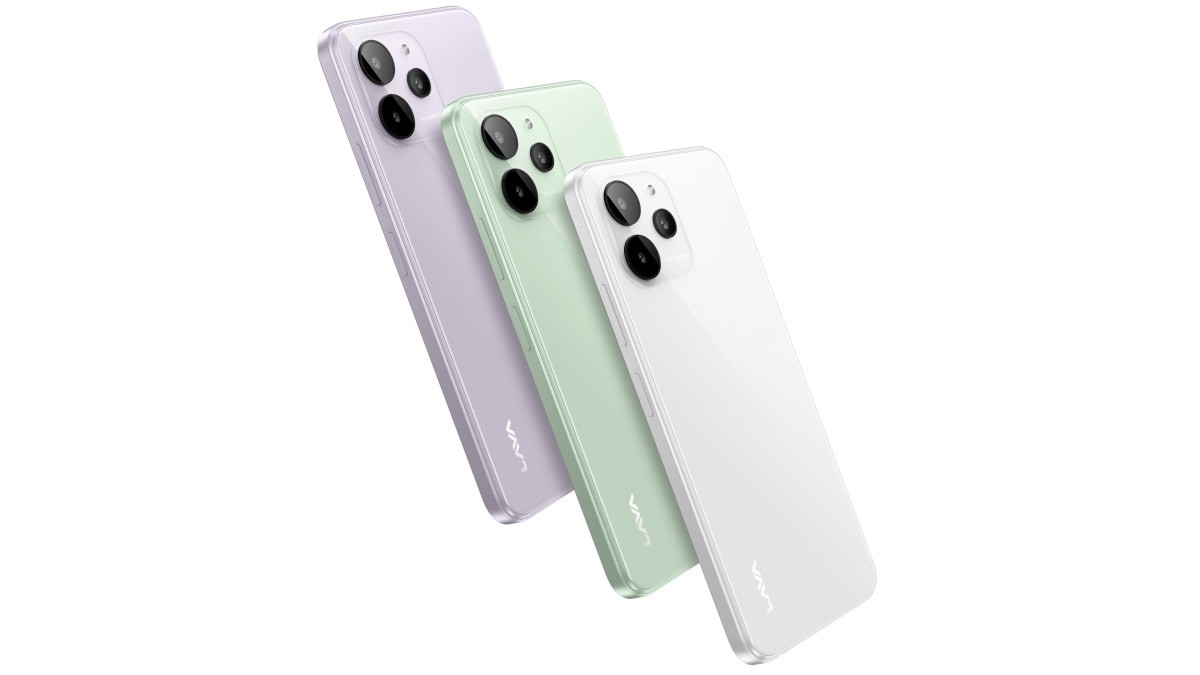
Lava Yuva 2 Pro
Lava Yuva 2 Pro
Processor: UnisocT606
RAM/Storage: 4GB RAM, 64GB storage
Display: 6.5-inch, 720×1600 pixels
Camera: 13MP rear, 5MP front
Battery: 5000mAh
Price: Rs. 7,620
Infinix Hot 40i Specs
GENERAL
Sim Type
Dual Sim, GSM+GSM
Dual Sim
Yes
Sim Size
Nano SIM
Device Type
Smartphone
Release Date
December 27 ,2024 (Expected)
DESIGN
Bezel less
Yes
Colors
Mirror Black, Glacier Blue
DISPLAY
Type
Color IPS Screen (16M Colors)
Touch
Yes, 180 Hz Touch Sampling Rate
Size
6.67 inches, 720 x 1612 pixels, 120 Hz
Aspect Ratio
20.5:9
PPI
~ 395 PPI
Screen to Body Ratio
~ 92.01%
Glass Type
Panda Glass Protection
Features
Brightness upto 500 NITS, Color Contrast Ratio: 1500:1
Portrait, AI HDR, Beauty, Panorama, Document, Video Features: Slo-Mo Video, Timelapse, AR Shot, Video Recording, Filters
Video Recording
1440p, 1080p
Flash
Yes, Dual LED
Front Camera
32 MP with Dual LED Flash
Front Video Recording
1080p @ 30 fps FHD
TECHNICAL
OS
Android v14
Custom UI
XOS 13
Chipset
Mediatek Helio G88
CPU
2 GHz, Octa Core Processor
Core Details
2×2.0 GHz Cortex-A75 & 6×1.8 GHz Cortex-A55
GPU
Arm Mali-G52 MC2
Java
No
Browser
Yes, supports HTML5
MULTIMEDIA
Email
Yes
Music
MP3, MIDI, AMR, WAV
Video
3GP, AVI, FLV, MKV, MP4, WMV, WEBM
FM Radio
Yes
Document Reader
Yes
BATTERY
Type
Non-Removable Battery
Size
5000 mAh, Li-Po Battery
Fast Charging
Yes, 18W Fast Charger
Reverse Charging
Yes, 5W
FAQs
What makes the Infinix Hot 40i stand out in the budget segment?
The Infinix Hot 40i distinguishes itself with a durable design, a high-refresh-rate display, expandable RAM, and a solid battery life, offering great value at a competitive price.
How does the Infinix Hot 40i’s camera performance fare?
The Hot 40i’s 50MP primary camera delivers good daylight images, and its 32MP selfie camera is notably strong in its segment, though low-light performance could be improved.
Can the Infinix Hot 40i handle heavy apps and games?
While the Hot 40i manages everyday tasks with ease thanks to its Unisoc T606 chipset and expandable RAM, it may show limitations when pushed with high-demand applications or games.
Is the Infinix Hot 40i’s battery life sufficient for daily use?
Yes, the phone’s 5000mAh battery supports around six hours of screen-on time, covering typical daily activities efficiently, making it a reliable choice for budget-conscious users.
What are the software features of the Infinix Hot 40i?
Running on XOS over Android 13 Go, the Hot 40i offers a streamlined user experience with minimized bloatware, contributing to a clean and intuitive interface.
How is the design of Infinix Hot 40i ?
Premium Design, Iconic Camera Module
The Infinix Hot 40i boasts a Premium Design featuring the premium Skyfall Design crafted with PMMA material.
The device’s iconic camera module is enhanced with a Quad-LED Ring Flash, providing users with unparalleled photography experiences. The Side Fingerprint Sensor with a Chromed Frame adds a touch of sophistication to the overall design.
What are the camera specs of Infinix Hot 40 i?
Capture Every Moment with India’s first 32-MP selfie
The Hot 40i redefines mobile photography with its 50MP Dual AI Camera, Quad LED Ring Flash and 12+ camera modes including Pro mode, delivering stunning and detailed images.
For selfie enthusiasts, the device features a market-first 32MP Crystal Clear Selfie Cam with Flash, ensuring every selfie is a masterpiece.
How is the storage capacity & RAM of Infinix hot40i ?
Mega Storage and Virtual RAM
The device comes with a Mega Storage capacity of 256GB, coupled with a Dedicated MicroSD Slot supporting expansion up to 2TB, providing ample space for all your needs.
With up to 16GB RAM, including 8GB + 8GB Virtual RAM, the Hot 40i ensures seamless multitasking and enhanced overall performance.
How is Infinix Hot 40i give a Seamless & Smart Experience ?
The Hot 40i introduces a range of seamless and smart features, including the Magic Ring for Face Unlock, Background Call, Charging Animation, Charge Reminder, and Low Battery Reminder.
These intuitive functionalities enhance the user experience, making interactions with the device more convenient and enjoyable.
How is the display of Infinix Hot40i ?
Premium and smooth 90Hz Punch-Hole Display
Breaking new ground, Infinix introduces a 90Hz Punch-Hole Display on the Hot 40i, offering a smooth and responsive visual experience.
The 6.6HD+ Sunlight Readable display ensures clarity even in bright outdoor conditions. It also comes with a side-mounted fingerprint sensor and an IP 53 rating.
Does Infinix Hot 40i give a Powerful Performance ?
Equipped with the UniSOC T606 and a 2x A75 Performance Core Quad-Core Processor, the Hot 40i achieves an impressive AnTuTu V10 score of 254,990.
The device is powered by a robust 5000 mAh Battery, supported by 18W Type-C Fast Charge with Power Marathon capability and reverse charging feature, ensuring long-lasting performance throughout the day.
How is the software of Infinix Hot 40i ?
Latest Software and Optimization
The Infinix Hot 40i runs on the latest Android 13, providing an intuitive and smooth user interface. Loaded with the latest XOS 13 Version on top of Android, the device is optimized to deliver better performance and a seamless user experience.
Infinix continues to push boundaries and set new standards with the Hot 40i, combining cutting-edge technology with elegant design.
The device is set to redefine the smartphone landscape, offering users an unmatched and delightful mobile experience.
under Infinix Lab conditions
Infinix Launches #SmartphoneKaBaap Hot 40i; boasts India’s first 32MP Selfie Cam in the segment. Details?
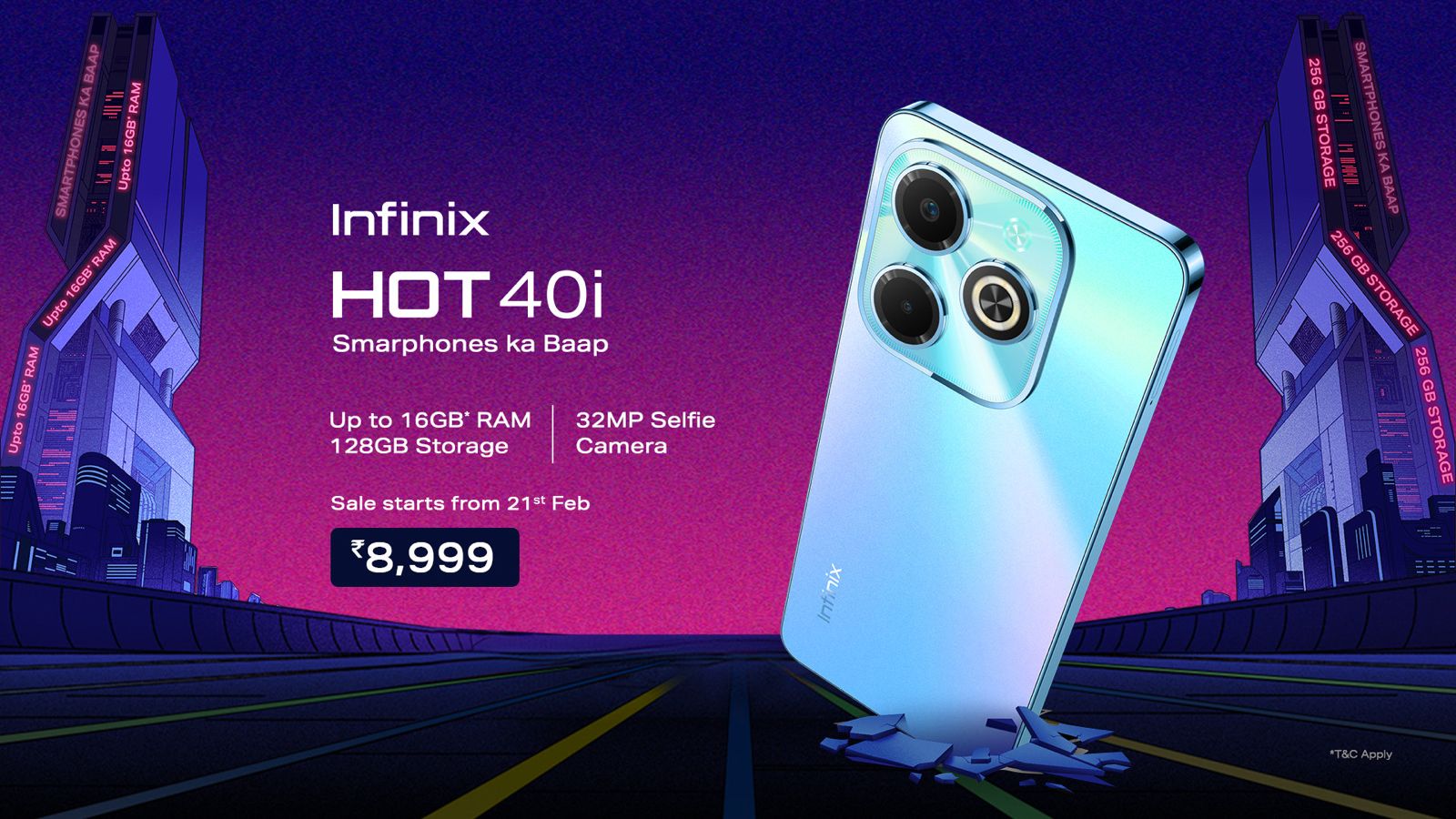
Infinix, a leading global smartphone brand, is thrilled to announce the launch of its latest flagship device, the Infinix Hot 40i. Packed with Segment’s first 32 MP selfie camera and 256 GB of storage, the Hot40i sets new industry benchmarks, catering to the needs of discerning users who demand both style and substance.
Priced at INR INR 8,999 INR (including bank offers), the Infinix Hot 40i will be available in 4 color variants (Palm Blue, Starfall Green, Horizon Gold, and Starlit Black).
● Features the biggest memory in the segment- up to 16 GB RAM and 256 GB ROM ● Features 50MP Dual AI Camera with Quad LED Ring Flash ● Unparalleled visuals with a 90Hz Punch-Hole Display and a 6.6HD+ Sunlight Readable screen ● Magic Ring for Face Unlock, Background Call, Charging Animation, Charge Reminder, and Low Battery Reminder ● 5000 mAh Battery with 18W Type-C Fast Charge with Reverse Charging and Power Marathon capability ● Android 13 with XOS 13 Version for an intuitive, smooth UI, and optimized performance ● Premium Skyfall Design, PMMA material, and an Iconic Camera Module featuring a Quad-LED Ring Flash ● Priced at INR 8,999 INR with bank offers, available in 04 color variants ● The smartphone will be available on sale from 21st February 2024.
What are the Color’s available in Infinix hot 40i ?
Infinix Hot 40i will be available in 4 color variants (Palm Blue, Starfall Green, Horizon Gold, and Starlit Black).
This latest offering from Infinix brings together performance, design, and functionality at a price point designed to be accessible to a wide range of users.
Here’s what you should know about the device.
Infinix Hot 40i: Pricing and Availability
Infinix Hot 40i: Pricing and Availability
The Infinix Hot 40i will be priced at Rs 8,999 for the single 8GB + 128GB variant although this pricing includes bank offers.
As for the sale date, customers can expect to get their hands on the Hot 40i starting from the 21st of February on online and offline channels.
Infinix Hot 40i: Key Specs
Infinix Hot 40i: Key Specs
Processor: Unisoc T606 Octa-Core
Memory: Up to 8GB RAM, expandable to 16GB via virtual swap
Users will benefit from the flexibility of up to 8GB of RAM, which can be virtually expanded to 16GB, a feature that stands out in its category for enhancing multitasking capabilities.
The storage on the device is ample at 128GB, providing plenty of space for apps, media, and documents.
This is complemented by the device’s 6.6-inch HD+ display, which offers a 90Hz refresh rate, ensuring that scrolling and transitions are smoother and a more enjoyable viewing and gaming experience.
Infinix Hot 40i: Software and Battery
For photography needs, the Hot 40i’s camera setup features a 50MP primary shooter capable of capturing detailed and vibrant images.
The device is equipped with a durable 5000mAh battery supported by 18W fast charging, balancing longevity with the convenience of quick power-ups.
Lastly, the Hot 40i runs on the latest XOS software atop Android 13 Go, delivering a clean, intuitive, and user-friendly interface optimized for efficiency and ease of use.
5 Reasons to Buy the Infinix Hot 40i
5 Reasons to Buy the Infinix Hot 40i
Long-lasting Battery Life: The 5000mAh battery of the Infinix Hot 40i guarantees extensive support for all your daily activities, from browsing and streaming to calls and texts, ensuring you stay connected throughout the day without frequent recharges.
Impressive Camera Capabilities: Featuring a 50MP primary camera along with a 32MP front camera, the Hot 40i stands out in its price segment for delivering high-quality photos and selfies, capturing detailed and vibrant images even in varied lighting conditions.
Enhanced Multitasking with Expandable RAM: The device offers the innovative option to expand its RAM from 8GB to 16GB through virtual memory, significantly boosting its multitasking capabilities and allowing for a smoother operation of multiple apps simultaneously.
Robust and Durable Design: The phone’s design incorporates IP53 splash resistance, providing added durability against everyday spills and splashes, ensuring your device remains safe in various environments.
Smooth and Responsive Display: The inclusion of a 90Hz refresh rate on its 6.6-inch HD+ display ensures fluid and smooth scrolling, enhancing the overall user experience, especially when browsing the web or playing games.
Infinix Hot 40i Specs
GENERAL
Sim Type
Dual Sim, GSM+GSM
Dual Sim
Yes
Sim Size
Nano SIM
Device Type
Smartphone
Release Date
December 27 ,2024 (Expected)
DESIGN
Bezel less
Yes
Colors
Mirror Black, Glacier Blue
DISPLAY
Type
Color IPS Screen (16M Colors)
Touch
Yes, 180 Hz Touch Sampling Rate
Size
6.67 inches, 720 x 1612 pixels, 120 Hz
Aspect Ratio
20.5:9
PPI
~ 395 PPI
Screen to Body Ratio
~ 92.01%
Glass Type
Panda Glass Protection
Features
Brightness upto 500 NITS, Color Contrast Ratio: 1500:1
Portrait, AI HDR, Beauty, Panorama, Document, Video Features: Slo-Mo Video, Timelapse, AR Shot, Video Recording, Filters
Video Recording
1440p, 1080p
Flash
Yes, Dual LED
Front Camera
32 MP with Dual LED Flash
Front Video Recording
1080p @ 30 fps FHD
TECHNICAL
OS
Android v14
Custom UI
XOS 13
Chipset
Mediatek Helio G88
CPU
2 GHz, Octa Core Processor
Core Details
2×2.0 GHz Cortex-A75 & 6×1.8 GHz Cortex-A55
GPU
Arm Mali-G52 MC2
Java
No
Browser
Yes, supports HTML5
MULTIMEDIA
Email
Yes
Music
MP3, MIDI, AMR, WAV
Video
3GP, AVI, FLV, MKV, MP4, WMV, WEBM
FM Radio
Yes
Document Reader
Yes
BATTERY
Type
Non-Removable Battery
Size
5000 mAh, Li-Po Battery
Fast Charging
Yes, 18W Fast Charger
Reverse Charging
Yes, 5W
FAQs
What makes the Infinix Hot 40i stand out in the budget smartphone market?
The Infinix Hot 40i brings exceptional features such as an octa-core processor, expandable RAM up to 16GB, and a high-refresh-rate display at an accessible price point, redefining expectations for affordable smartphones.
When and where can I buy the Infinix Hot 40i?
The Infinix Hot 40i will be available for purchase starting February 21st, through both online and offline channels, making it easily accessible to a broad audience.
How does the camera performance of the Infinix Hot 40i compare to other budget smartphones?
With a 50MP primary camera and a 32MP front camera, the Hot 40i is poised to deliver superior image quality, positioning it as a strong contender in the budget segment for photography enthusiasts.
What are the battery life and charging capabilities of the Infinix Hot 40i?
The 5000mAh battery coupled with 18W fast charging ensures the Hot 40i can keep up with users’ busy lifestyles, offering a blend of longevity and convenience.
How does the software experience of the Infinix Hot 40i enhance its usability?
Running XOS on Android 13 Go, the Hot 40i offers a streamlined and intuitive user interface, enhancing the overall software experience with efficiency and ease of use for its users.
How is the design of Infinix Hot 40i ?
Premium Design, Iconic Camera Module
The Infinix Hot 40i boasts a Premium Design featuring the premium Skyfall Design crafted with PMMA material.
The device’s iconic camera module is enhanced with a Quad-LED Ring Flash, providing users with unparalleled photography experiences. The Side Fingerprint Sensor with a Chromed Frame adds a touch of sophistication to the overall design.
What are the camera specs of Infinix Hot 40 i?
Capture Every Moment with India’s first 32-MP selfie
The Hot 40i redefines mobile photography with its 50MP Dual AI Camera, Quad LED Ring Flash and 12+ camera modes including Pro mode, delivering stunning and detailed images.
For selfie enthusiasts, the device features a market-first 32MP Crystal Clear Selfie Cam with Flash, ensuring every selfie is a masterpiece.
How is the storage capacity & RAM of Infinix hot40i ?
Mega Storage and Virtual RAM
The device comes with a Mega Storage capacity of 256GB, coupled with a Dedicated MicroSD Slot supporting expansion up to 2TB, providing ample space for all your needs.
With up to 16GB RAM, including 8GB + 8GB Virtual RAM, the Hot 40i ensures seamless multitasking and enhanced overall performance.
How is Infinix Hot 40i give a Seamless & Smart Experience ?
The Hot 40i introduces a range of seamless and smart features, including the Magic Ring for Face Unlock, Background Call, Charging Animation, Charge Reminder, and Low Battery Reminder.
These intuitive functionalities enhance the user experience, making interactions with the device more convenient and enjoyable.
How is the display of Infinix Hot40i ?
Premium and smooth 90Hz Punch-Hole Display
Breaking new ground, Infinix introduces a 90Hz Punch-Hole Display on the Hot 40i, offering a smooth and responsive visual experience.
The 6.6HD+ Sunlight Readable display ensures clarity even in bright outdoor conditions. It also comes with a side-mounted fingerprint sensor and an IP 53 rating.
Does Infinix Hot 40i give a Powerful Performance ?
Equipped with the UniSOC T606 and a 2x A75 Performance Core Quad-Core Processor, the Hot 40i achieves an impressive AnTuTu V10 score of 254,990.
The device is powered by a robust 5000 mAh Battery, supported by 18W Type-C Fast Charge with Power Marathon capability and reverse charging feature, ensuring long-lasting performance throughout the day.
How is the software of Infinix Hot 40i ?
Latest Software and Optimization
The Infinix Hot 40i runs on the latest Android 13, providing an intuitive and smooth user interface. Loaded with the latest XOS 13 Version on top of Android, the device is optimized to deliver better performance and a seamless user experience.
Infinix continues to push boundaries and set new standards with the Hot 40i, combining cutting-edge technology with elegant design.
The device is set to redefine the smartphone landscape, offering users an unmatched and delightful mobile experience.
under Infinix Lab conditions
Infinix Launches #SmartphoneKaBaap Hot 40i; boasts India’s first 32MP Selfie Cam in the segment. Details?
Infinix, a leading global smartphone brand, is thrilled to announce the launch of its latest flagship device, the Infinix Hot 40i. Packed with Segment’s first 32 MP selfie camera and 256 GB of storage, the Hot40i sets new industry benchmarks, catering to the needs of discerning users who demand both style and substance.
Priced at INR INR 8,999 INR (including bank offers), the Infinix Hot 40i will be available in 4 color variants (Palm Blue, Starfall Green, Horizon Gold, and Starlit Black).
● Features the biggest memory in the segment- up to 16 GB RAM and 256 GB ROM ● Features 50MP Dual AI Camera with Quad LED Ring Flash ● Unparalleled visuals with a 90Hz Punch-Hole Display and a 6.6HD+ Sunlight Readable screen ● Magic Ring for Face Unlock, Background Call, Charging Animation, Charge Reminder, and Low Battery Reminder ● 5000 mAh Battery with 18W Type-C Fast Charge with Reverse Charging and Power Marathon capability ● Android 13 with XOS 13 Version for an intuitive, smooth UI, and optimized performance ● Premium Skyfall Design, PMMA material, and an Iconic Camera Module featuring a Quad-LED Ring Flash ● Priced at INR 8,999 INR with bank offers, available in 04 color variants ● The smartphone will be available on sale from 21st February 2024.
What are the Color’s available in Infinix hot 40i ?
Infinix Hot 40i will be available in 4 color variants (Palm Blue, Starfall Green, Horizon Gold, and Starlit Black).