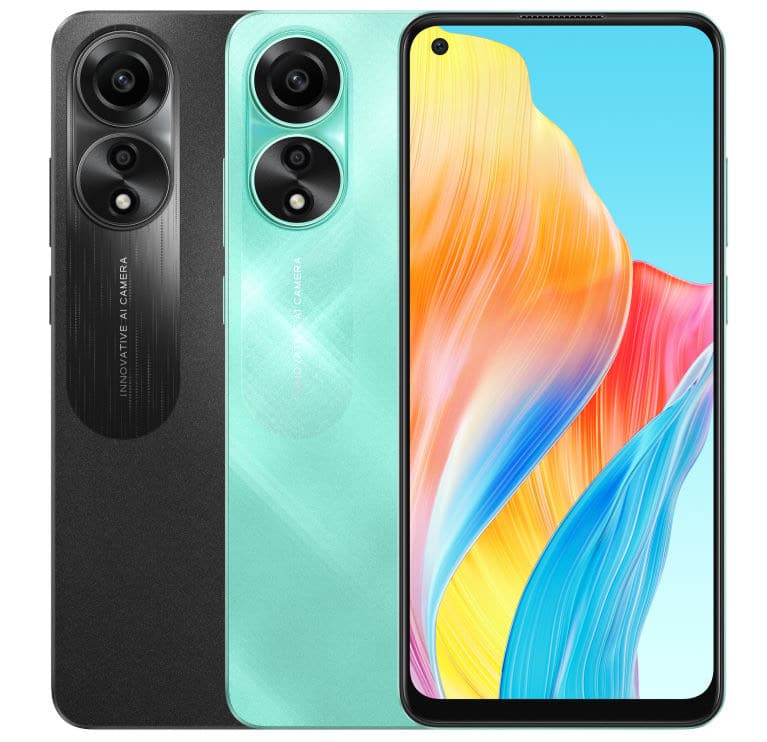
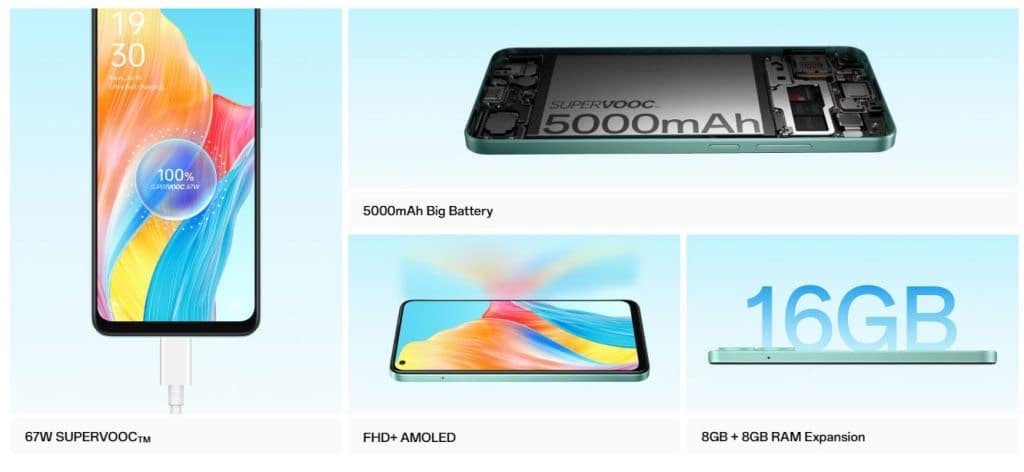
* The OPPO A78 comes with a Snapdragon 680 SoC and has 8GB Virtual RAM support. * The device features a 50MP primary camera and an 8MP selfie camera. * The smartphone packs a 5,000mAh battery which supports 67W fast charging. * The OPPO A78 4G comes in a single storage variant – 8GB+128GB. * The OPPO A78 4G has been launched in two colour options in India.
The OPPO A78 4G smartphone has been launched in India today.
This latest A-series smartphone from OPPO comes with a 6.43-inch display. The device has a punch-hole cutout at the centre and a 90Hz refresh rate.
Powering the smartphone under the hood there’s an octa-core chipset.
Furthermore, the device also has 8GB Virtual RAM support, an 8MP front-facing camera, and an in-display fingerprint sensor.
OPPO A78 Price In India, Availability
OPPO A78 Price In India, Availability
The OPPO A78 comes in Aqua Green and Mist Black colours.
The device is priced at Rs 17,499 in India, and it will be available for purchase via the OPPO India website, retail outlets, and Flipkart.
As a part of the launch offer, customers can avail of a cashback of up to 10% ( Rs 1500) from retail outlets and no-cost EMI for up to 3 months from banks such as SBI, Kotak Mahindra Bank and Bank of Baroda and One Card.
Customers can avail Rs 1,500 discount on Flipkart from leading banks and a no-cost EMI for up to 3 months.
Launch offer
Oppo A78 Smartphone
* Customers can avail a cashback of up to 10% (INR1500) from mainline retail outlets and no-cost EMI for up to 3 months from leading banks like SBI Cards, Kotak Mahindra Bank and Bank of Baroda and One Card. Additionally, customers can enjoy attractive EMI schemes from leading financiers.
* Customers can avail instant INR 1500 discount on Flipkart from leading bank cardholders and a no-cost EMI for up to 3 months.
* OPPO customers can avail an Exchange + Loyalty Bonus of up to INR 500 from Offline and Online stores.
OPPO A78 Specifications
OPPO A78 Specifications
* 6.43-inch (2400×108 pixels) FHD+ AMOLED screen, 90Hz Refresh rate,98% NTSC, 95% DCI-P3 color gamut, up to 600 nits peak brightness, Corning Gorilla Glass 5 protection * Qualcomm Snapdragon 680 Mobile Platform with Adreno 610 GPU * 8GB LPDDR4X RAM, 128GB UFS 2.2 storage, expandable memory up to 1TB with microSD * Android 13 with ColorOS 13.1 * Dual SIM (nano + nano + microSD) * 50MP rear camera with f/1.8 aperture, 2MP portrait camera with f/2.4 aperture, LED Flash * 8MP front-facing camera with f/2.0 aperture * In-display fingerprint scanner * 3.5mm audio jack, Stereo speakers * Dimensions: 160.01×73.23×7.99mm (Green) / 7.93mm (Black); Weight: 180g * Dual 4G VoLTE, Wi-Fi 802.11 ac (2.4GHz + 5GHz), Bluetooth 5.0, GPS, USB Type-C * 5000mAh battery with 67W SuperVOOC fast charging
50 MP f/1.8, Wide Angle, Primary Camera
2 MP f/2.4, Depth Camera
Autofocus
Yes
Flash
Yes, LED Flash
Image Resolution
8150 x 6150 Pixels
Settings
Exposure compensation, ISO control
Shooting Modes
Continuous Shooting
High Dynamic Range mode (HDR)
Camera Features
Digital Zoom
Auto Flash
Face detection
Video Recording
1920×1080 @ 30 fps
FRONT CAMERA
Camera Setup
Single
Resolution
8 MP f/2.0, Wide Angle, Primary Camera
Flash
Yes, Screen flash
Video Recording
1920×1080 @ 30 fps
Battery
Capacity
5000 mAh
Type
Li-Polymer
Removable
No
Quick Charging
Yes, Fast, 67W
USB Type-C
Yes
Storage
Internal Memory
128 GB
Expandable Memory
Yes, Up to 1 TB
Network & Connectivity
SIM Slot(s)
Dual SIM, GSM+GSM
SIM Size
SIM1: Nano, SIM2: Nano
Network Support
5G Not Supported in India, 4G Supported in India, 3G, 2G
VoLTE
Yes
SIM 1
4G Bands:
TD-LTE 2300(band 40) FD-LTE 1800(band 3)
3G Bands:
UMTS 1900 / 2100 / 850 / 900 MHz
2G Bands:
GSM 1800 / 1900 / 850 / 900 MHz
GPRS:
Available
EDGE:
Available
SIM 2
4G Bands:
TD-LTE 2300(band 40) FD-LTE 1800(band 3)
3G Bands:
UMTS 1900 / 2100 / 850 / 900 MHz
2G Bands:
GSM 1800 / 1900 / 850 / 900 MHz
GPRS:
Available
EDGE:
Available
Wi-Fi
Yes, Wi-Fi 4 (802.11 b/g/n)
Wi-Fi Features
Mobile Hotspot
Bluetooth
Yes, v5.0
GPS
Yes with A-GPS, Glonass
USB Connectivity
Mass storage device, USB charging
Multimedia
Loudspeaker
Yes
Audio Jack
3.5 mm
Sensors
Fingerprint Sensor
Yes
Fingerprint Sensor Position
Side
Other Sensors
Light sensor, Proximity sensor, Accelerometer
Faqs
1) What is OPPO A78 4G price in India & availability?
* The all-new OPPO A78 4G has been launched at Rs 17,499 and it comes in an 8GB+128GB variant.
* The smartphone will be available in India via the company’s official website, the e-commerce platform Flipkart and offline stores.
* When buying the phone from retail outlets, users can get a cashback of up to 10 percent (Rs 1,500). They can also opt for a no-cost EMI plan for up to 3 months from banks like SBI Cards, Kotak Mahindra Bank, Bank of Baroda, and One Card.
* Flipkart users can also avail an instant discount of Rs 1,500 on purchasing the phone from the platform.
* The smartphone has been launched in two colour options – Aqua Green and Mist Black.
2) What is OPPO A78 Specifications & Features?
Ans)The OPPO A78 features a 6.43-inch AMOLED display with a Full HD+ 2400 × 1080 pixels resolution. The screen has a 90Hz refresh rate, 95% DCI-P3 colour gamut, and 430 nits peak brightness. Under the hood, the device is powered by an octa-core Snapdragon 680 SoC which is paired with Adreno 610 GPU. The smartphone comes with 8GB of LPDDR4X RAM and 128GB of UFS 2.2 internal storage. The device also has a microSD card slot and 8GB Virtual RAM support.
When it comes to imaging, the A78 features a dual-camera setup which consists of a 50MP primary camera with f/1.8 aperture. The rear-facing camera module also includes a 2MP portrait camera which has f/2.4 aperture. On the front side, the handset boasts an 8MP selfie camera. The other key features that the A78 offers include an in-display fingerprint sensor, a 3.5mm audio jack, a stereo speaker, and dual 4G VoLTE support. The smartphone packs a 5,000mAh battery which has 67W fast charging support.
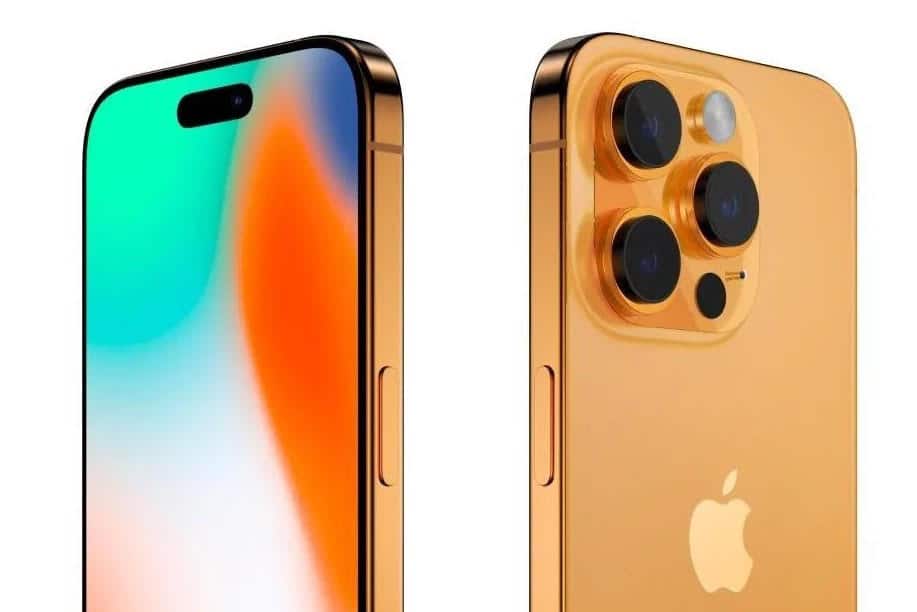
*New titanium build for the iPhone 15 Pro Max, offering a lighter yet durable design. *Larger batteries across the iPhone 15 Pro series for improved battery life. *3nm A17 Bionic chipset promising faster processing speeds and power efficiency in the 15 Pro devices. *Introduction of a customisable Action button replacing the traditional mute switch for 15 Pro and Pro Max. *Transition to USB Type-C ports for faster data transfer rates on both 15 Pro devices.
This year’s collection is likely to present an intriguing divergence from the past, with the fundamental differences between the standard and pro versions becoming more nuanced, yet intriguingly distinct.
It would seem that for this year, based on leaks, the quality of the iPhone 15 will be such that many consumers might consider it over the Pro version.
That’s largely because the new base model will bear many similarities to the previous year’s Pro-grade models.
Be it the display or even the primary camera, Apple looks to be making sure more users gravitate towards its more budget offering, if indeed nearly $800 can be called a budget.
However, theiPhone 15 Pro versions aren’t without their own allure. For those willing to extend their budget, the Pro models promise a series of exclusive features.
Here are five aspects that are fueling the excitement around the iPhone 15 Pro and Pro Max:
Titanium Build
iPhone 15 Pro Titanium Build
The titanium build of the iPhone has sparked a lot of interest. It’s a step up from the stainless steel case of the previous models, which, while robust and durable, had a significant weight that some users found cumbersome.
Titanium is known for its strength but most importantly, its lightness and it seems like a logical progression in the evolution of the iPhone’s design.
Using Titanium will likely reduce the weight of the phone without compromising its durability.
However, only the iPhone 15 Pro Max versionis slated to get this build and sadly not the normal Pro moniker. Perhaps next year with the iPhone 16, the material will be ubiquitous across the entire lineup.
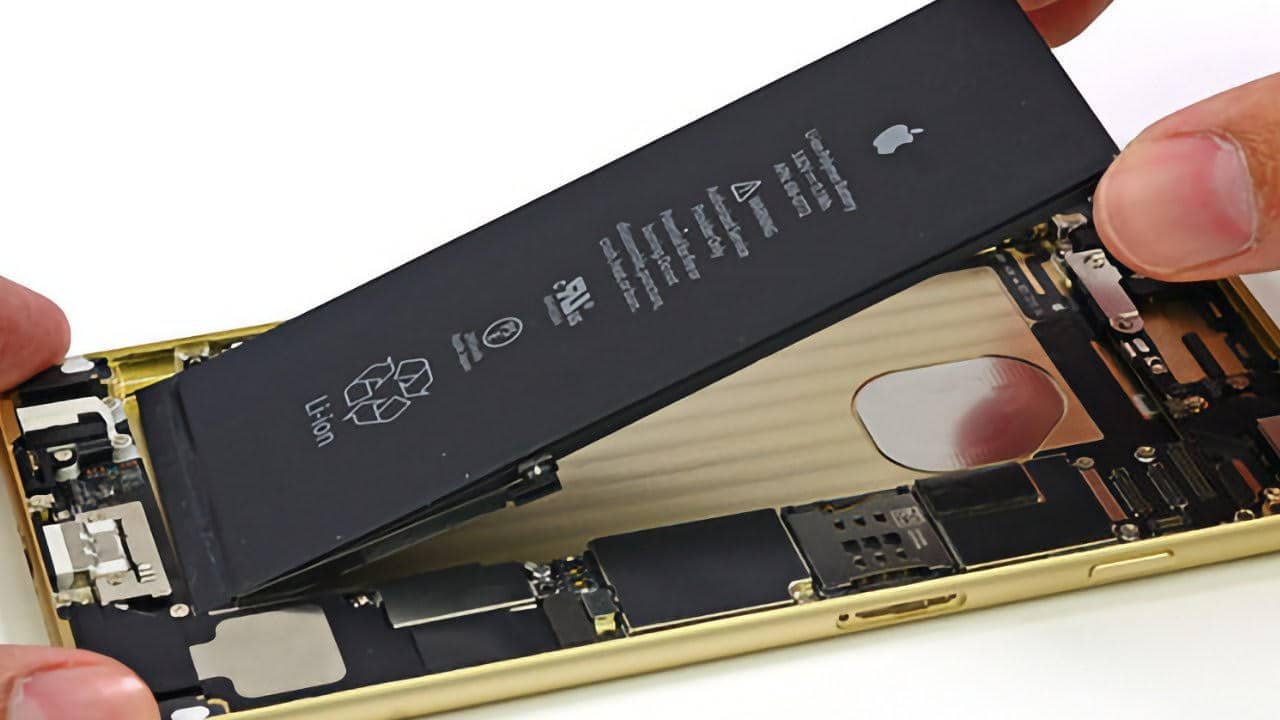
Bigger Battery
iPhone 15 Pro Bigger Battery
As per leaks, it appears that all the new models will have a noticeable increase in thickness compared to their predecessors.
This change would be especially prominent with both theiPhone 15 Pro devices. Speculation suggests that all iPhone 15 models will be equipped with larger batteries than their previous counterparts.
The Pro phonescould get an even bigger battery jump, if leaks are anything to go by. Given this, the slight increase in thickness is a trade-off that many would gladly accept.
While the larger batteries might add to the overall weight of the phone, the introduction of the lightweight titanium case is hoped to offset this, at least in the iPhone 15 Pro Max.
3nm Transition
A17 Bionic Chipset
The transition to a 3nm process for the A17 Bionic chipset in the iPhone 15 Pro series represents a significant leap forward in Apple’s chip technology.
What this means for the iPhone 15 Pro is the potential for faster processing speeds and more efficient power usage, translating to a smoother, quicker user experience and possibly an increase in battery life.
The A17 Bionic will be Apple’s most advanced chip yet, potentially setting a new benchmark for smartphone performance.
The Pro Max, with its larger thermal envelope, could possibly be the fastest phone on the planet when it is released in September of this year.
Solid-State Mute Switch
Solid-State Mute Switch
The forthcoming iPhone 15 Pro series marks one of the first steps towards Apple’s goal of a completely button-less and port-less iPhone. Among the anticipated changes, the traditional mute switch is slated to be replaced by an Action button.
The customisable Action button, which would work on a capacitive touch response, opens up a new realm of personalised interactions, where the button could be set to perform different actions based on the user’s preferences.
There are also reports that Apple AI could possibly become self-aware and change the Action button’s functionality depending on what the user is accessing.
USB Type-C
iPhone 15 Pro USB Type-C
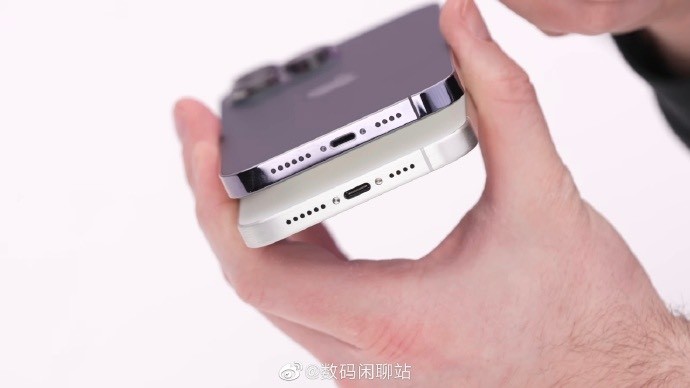
While it is all but confirmed that all models of the upcoming iPhone 15 will be transitioning to USB Type-C, the 15 Pro models in particular are going to get fast Thunderbolt speeds.
This is very likely going to shoot up the data transfer rate on theiPhone 15 Pro devices and make it work in sync with MacBooks more efficiently.
FAQs
Q: What is the expected build material for the iPhone 15 Pro Max?
A: The iPhone 15 Pro Max is expected to feature a titanium build for a lighter yet robust design.
Q: What are the changes in the battery for the iPhone 15 Pro series?
A: Rumors suggest the iPhone 15 Pro models will house larger batteries than their predecessors, justifying a slight increase in thickness.
Q: How does the new A17 Bionic chipset enhance the iPhone 15 Pro’s performance?
A: The A17 Bionic chipset, utilizing a 3nm process, is expected to increase processing speeds and power efficiency, potentially setting new performance benchmarks.
Q: What is the function of the new Action button on the iPhone 15 Pro?
A: The new Action button, replacing the traditional mute switch, is a customizable feature that might adapt its functionality based on the user’s activity and context.
Q: How will the transition to USB Type-C ports affect the iPhone 15 Pro?
A: The transition to USB Type-C ports with fast Thunderbolt speeds is expected to significantly increase the data transfer rate, streamlining data exchanges with other devices.
Also Read:5 Reasons to Wait for iPhone 15: Anticipated Features Worth the Patience
* The Redmi Watch 3 Active has over 200 customized watch faces. * The smartwatch features a 1.83-inch AMOLED display. * The Redmi Watch 3 Active has 100+ sports modes and 5ATM water resistance. * Redmi Watch 3 Active is priced at Rs 2,999. * It’s a budget smartwatch with heart rate monitoring, Bluetooth calling, an LCD display and more. * Redmi Watch 3 Active was launched alongside the Redmi 12 smartphones and the Xiaomi TV X series.
Xiaomion Tuesday launched a new smartwatch in India, the Redmi Watch 3Active.
The new wearable was launched alongside the Redmi 12 series smartphones and the Xiaomi TV X series.
Redmi Watch 3 Active
The Redmi Watch 3 Active had already made its global debut, and it’s the same smartwatch that’s made its way to India.
Speaking about the specifications, the newly launched Redmi Watch 3 Active comes with a 1.83-inch HD display.
The smartwatch has a rectangular dial, over 200 customized watch faces, Bluetooth calling support, and several health monitoring features. It also has 100+ sports mode support and a 5 ATM water resistance.
Redmi Watch 3 Active India Price, Sale Details
Redmi Watch 3 Active India Price
Redmi Watch 3 Active is priced at Rs 2,999. The smartwatchwill go on sale on August 3rd at 12 noon, and it will be able to purchase via mi.com and Xiaomi retail stores.
Redmi Watch 3 Active comes in two colour options of Platinum Grey and Charcoal Black. It also has three straps in the same colours including an Olive Green option.
Xiaomihas an introductory offer where it’s offering the Olive Green strap for just Rs 99. It’s originally priced at Rs 499.
Redmi Watch 3 Active Specifications, Features
Redmi Watch 3 Active Specifications
The Redmi Watch 3Active comes with a 1.83-inch HD display. The screen has a 240×280 pixel resolution and 450 nits brightness.
Furthermore, the smartwatch also has a premium metal finish, rectangular dial,Bluetooth calling support as well as over 200 customized watch faces.
It also has heart rate monitoring support, SpO2 monitoring support, sleep monitoring, and women’s health functions.
Redmi Watch 3 Active Colours
The smartwatch also has 5ATM water resistance, a microphone, a speaker and Bluetooth v5.3 support. As far as the other features go, the Redmi Watch 3 Active has 100+ sportsmodes. The smartwatch is equipped with a 289mAh battery.
It offers 12 days of battery life on normal usage, and it can last for 8 days on heavy usage.
The Redmi Watch 3 Active is compatible with devices running Android 6.0 and above as well as with iOS 12.0 and above.
Redmi Watch 3 Active Launch
Faqs
1) What is Redmi Watch 3 Active Price In India & Availability?
Ans)The Redmi Watch 3 Active is priced at Rs 2,999 in India. The smartwatch comes in Platinum Grey and Charcoal Black colour options. It will go on sale in India starting from August 3 via the Xiaomi India website and Xiaomi retail outlet. For a limited period of time, customers can grab an Olive Green strap worth Rs 499 for Rs 99.
2) What are Redmi Watch 3 Active Specifications?
* 1.83-inch HD display, 240×280 pixel resolution, 450 nits brightness.
* 200+ customized watch faces, 100+ sports mode.
* Bluetooth calling, Bluetooth v5.3 support, Microphone, speaker,
* 5ATM water resistance, Compatible with devices running Android 6.0+ and iOS 12.0 and above.
* Heart rate monitoring support, SpO2 monitoring support, and sleep monitoring.
* Dimensions And Weight: 46.94 x 38.88 x 10.94mm; 41.67 grams.
* 289mAh battery, 12 days battery life on normal usage, 8 days battery life on heavy usage.
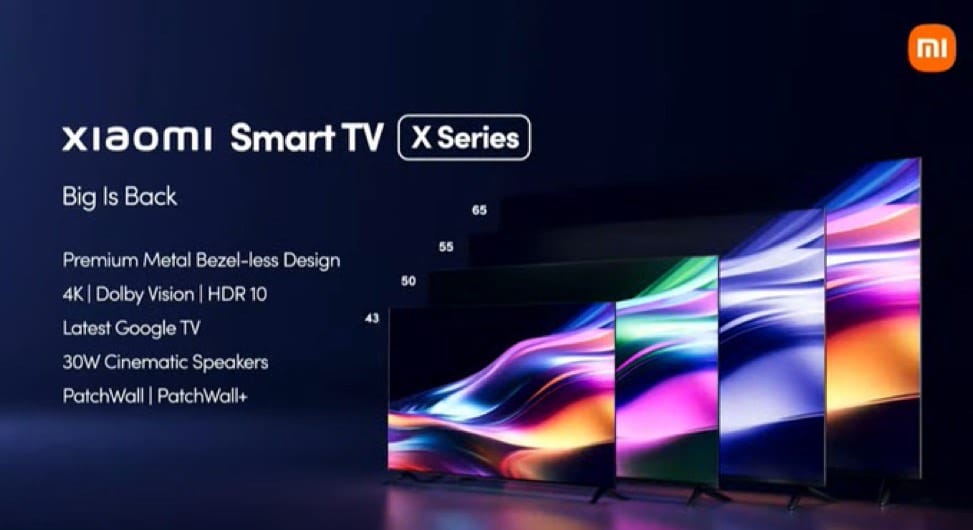
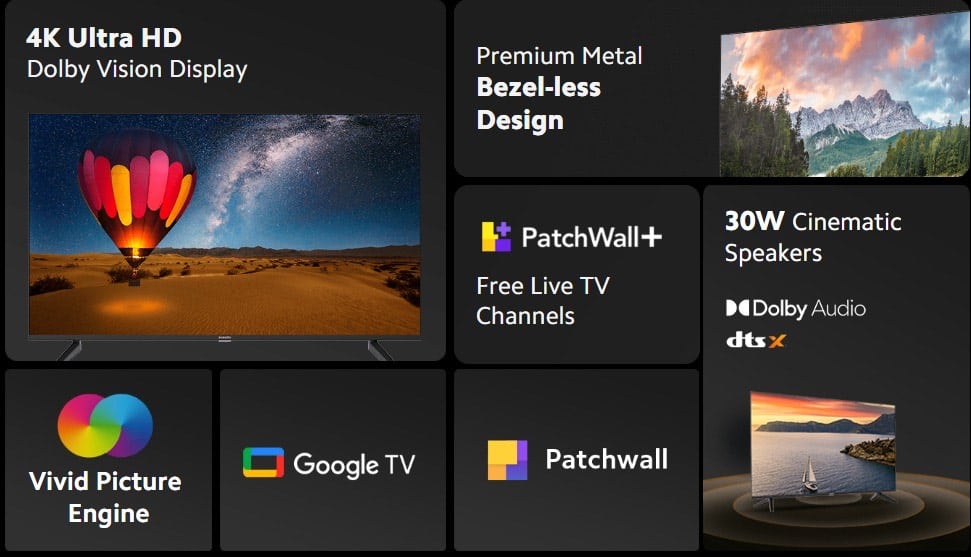
* The new Xiaomi Smart TV S Series comes with a 4K Dolby Vision panel as standard. * The audio setup is powered by 30W Dolby Audio speakers. * Newly introduced Patchwall+ lets you stream 200+ live channels for free. * Xiaomi TV X series comes in 43-inch, 50-inch, 55-inch, and 65-inch sizes. * The new Xiaomi TV series has an effective starting price of Rs 26,999 after bank offers. * The new Xiaomi TV X series comes with the latest Google TV OS paired with PatchWall.
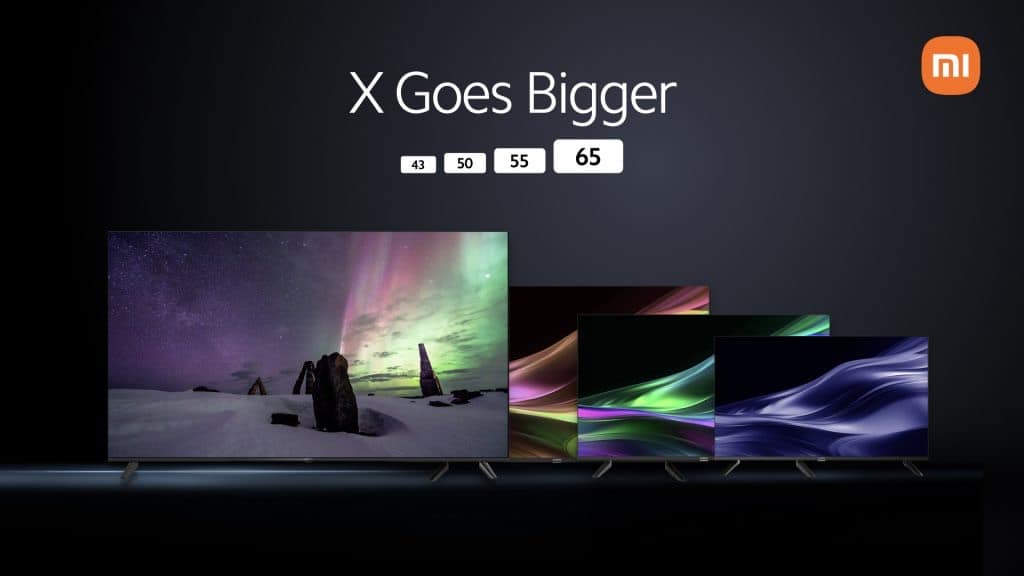
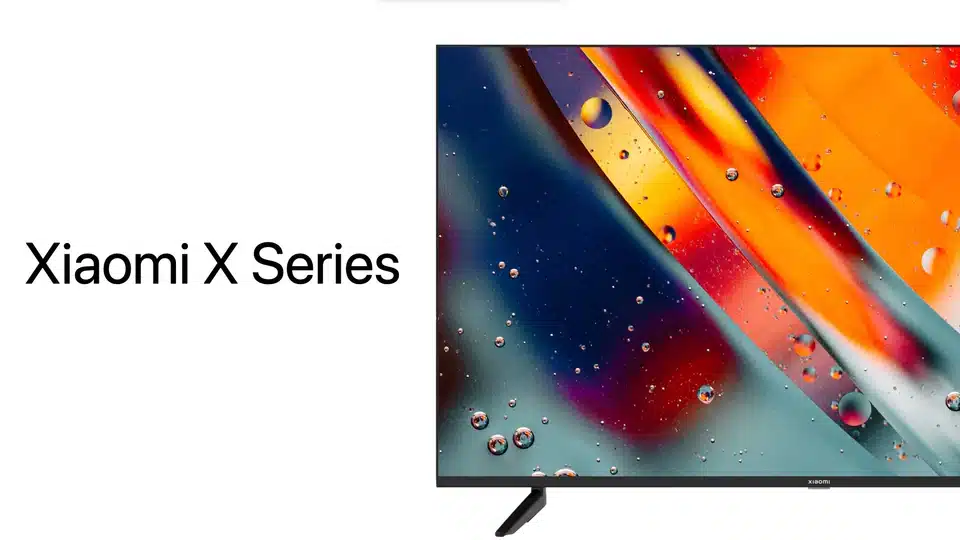
Xiaomion Tuesday launched a new smart TV series in India. The Xiaomi TV X series comes in four sizes: 43-inch, 50-inch, 55-inch, and 65-inch. Xiaomi launched the new TVs alongside the Redmi 12 smartphone series, and the Redmi Watch 3 Active.
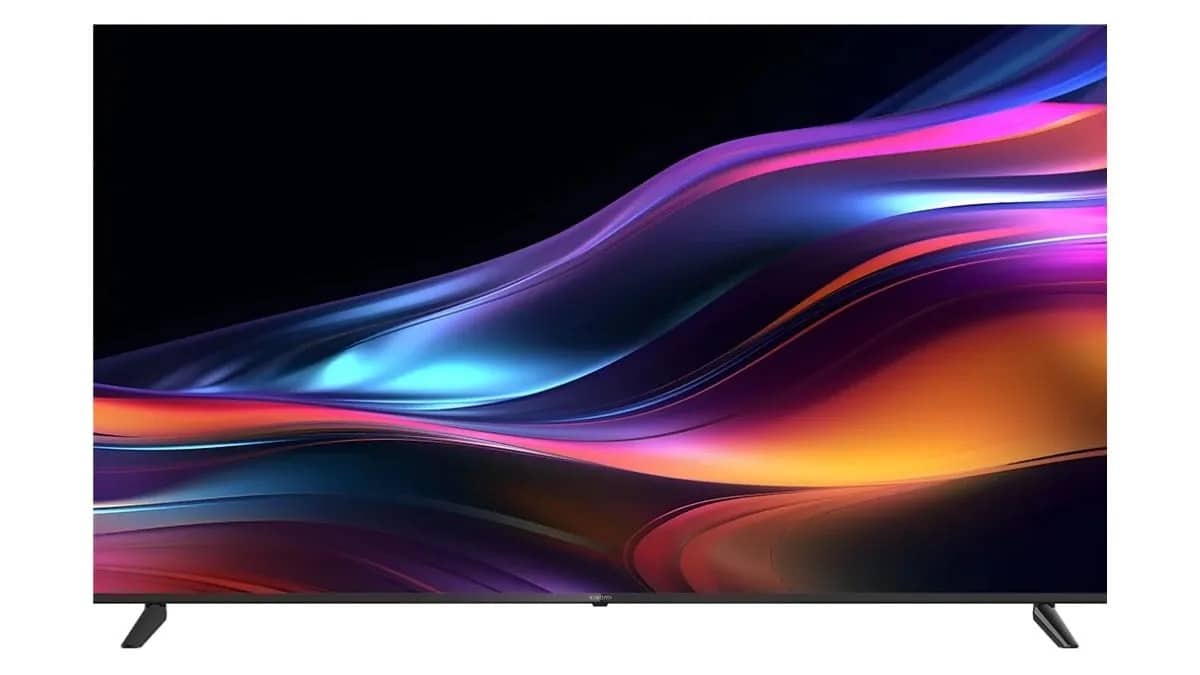
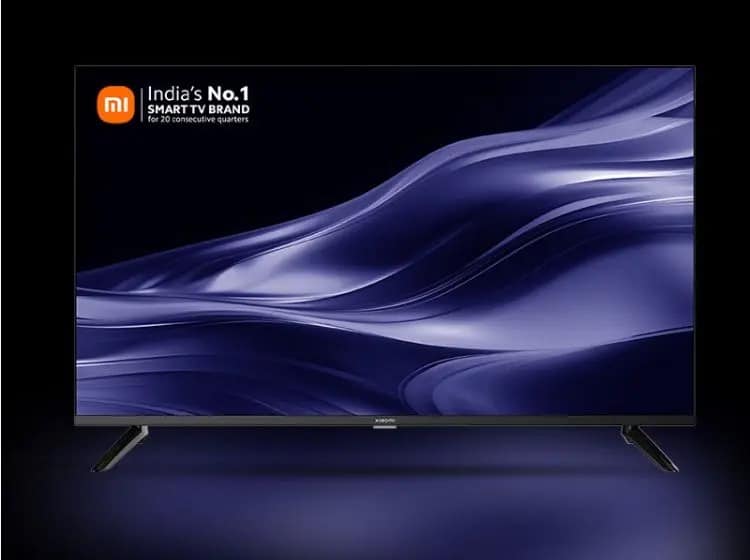
The new Xiaomi TV X series comes with bezel-less displays, Google TV OS, Dolby Vision, and more.
Xiaomi X Series 4K Smart TVs
Xiaomi has launched the Xiaomi Smart TV X Series in India in an offline event, alongside the Redmi 12 5G and a few other products.
Xiaomi TV X Series India Price, Sale Details
Xiaomi TV X Series India Price
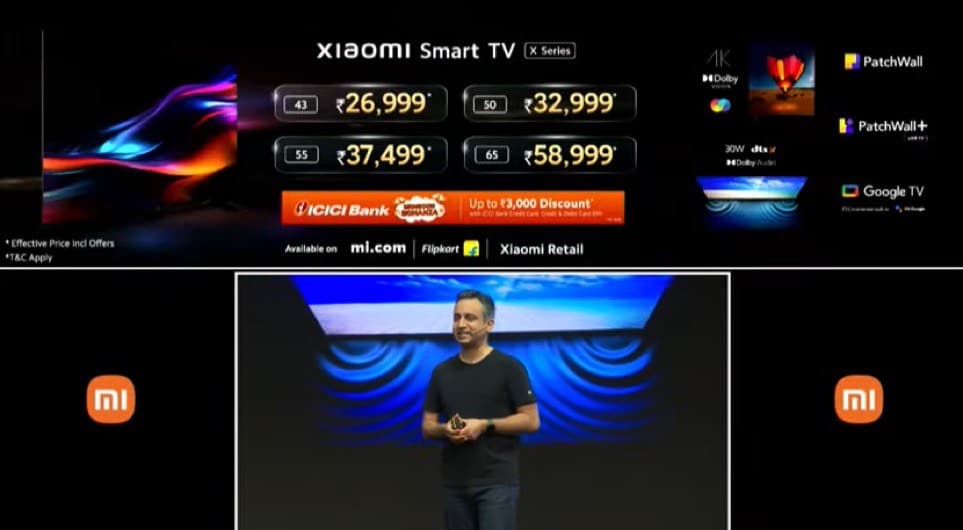
Xiaomi TV X series comes in four sizes starting at Rs 29,999 for the 43-inch model. The 50-inch and 55-inch models are priced at Rs 35,999, and Rs 40,499, respectively.
The biggest 65-inch model carries a price tag of Rs 61,999. The first three Xiaomi TV X models will be available starting August 4th, while the 65-inch variant will be available from August 5th.
Xiaomi TVs
The new Xiaomi TVs can be purchased from mi.com, Flipkart, and Xiaomiretail stores.
There’s also a discount of up to Rs 3,000 for ICICI Bank credit and debit card holders. This brings their effective prices down, starting from Rs 26,999.
Xiaomi Smart TV X Series: Specifications
Xiaomi Smart TV X Series: Specifications
All four size variants of the Xiaomi Smart TV X Series share the same specifications. The new Smart TV X comes with a 4K panel with a resolution of 3840×2160 and a refresh rate of 60Hz. The panel is certified forDolby Vision, HDR10, and HLG.
The display panel also covers a Wide Colour Gamut with a DCPI-P3 94% rating. Xiaomi says that this panel comes with its own VividPicture Engine for enhanced colours and sharper picture quality.
The Xiaomi Smart TV XSeries comes with dual stereo speakers with a combined output of 30W. These speakers are Dolby Audio certified, along with support for DTS-HD and DTS Virtual: X audio support.
Connectivity options on the Xiaomi Smart TV X Series include Bluetooth 5.0 and dual-band WiFi with 2×2 MIMO support. They also come with 3x HDMI 2.1 ports, 2x USB-A ports,1 ethernet port,3.5mm headphone jack, AV input, and an audio port.
The Xiaomi Smart TV X Series comes with Patchwall OS based on Android TV 10. It is powered with a quad-core A55 CPU paired with the MaliG52 MC1 GPU. The TV comes with 2GB of RAM and 8GB of storage.
Xiaomi Smart TV X Series 43, 50, 55 and 65 Quick specifications
Xiaomi Smart TV X Series 43, 50, 55 and 65 Quick specifications
* 43 / 50 / 55 / 65-inch (3840 × 2160 pixels) 4K display with 178-degree viewing angle, 94% DCPI-3 color gamut, Dolby Vision, HDR 10, HLG, Reality Flow, ALLM (Auto Low Latency Mode), Vivid Picture Engine, 60Hz refresh rate * Video formats: AV1, H.265, H.264, H.263, VP8/VP9/VC1, MPEG1/2/4 * Quad core (A55) processor with Mali G52 MP1 GPU * 2GB RAM, 16GB storage * Mi Home support * Google TV, PatchWall * WiFi 802.11 ac (2.4GHz / 5GHz) (2×2 MIMO), Bluetooth 5.0, 3 x HDMI 2.1 with eARC, 2 x USB, Optical, AUX port, Ethernet * AV1, H.265, H.264, H.263, VP8/VP9. MPEG1/2 etc * Xiaomi Voice remote * 30W stereo speakers, Dolby Audio, DTS Virtual:X, DTS X
Xiaomi Smart TV
Faqs
1) What is Xiaomi Smart TV X Price and Availability in India?
Ans) The pricing for the Xiaomi Smart TV X is as follows:
* Xiaomi Smart TV X 43 inches: Rs 26,999/-
* Xiaomi Smart TV X 50 inches: Rs 32,999/-
* Xiaomi Smart TV X 55 inches: Rs 37,499/-
* Xiaomi Smart TV X 65 inches: Rs 58,999/-
The Xiaomi Smart TV X Series will go on sale on the 4th of August on Flipkart, mi.com, and Xiaomi Partner Stores offline. The 65-inch variant will be available for purchase from August 5. ICICI Bank users can avail a discount of Rs 3000 on their credit card, along with EMI transactions on both credit and debit cards.
2) What are Xiaomi TV X series specs, features?
Ans) * Display: The new Xiaomi TV X series is available in four different sizes, 43-inch, 50-inch, 55-inch, and 65-inch. All four TVs feature 4K bezel-less displays with HDR10 and Dolby Vision.
* Audio: The Xiaomi TV X series is equipped with 30W stereo speakers along with Dolby Audio, DTS Virtual:X, and DTS:X.
* Software: All four TVs run on the latest Google TV software with features such as multiple profiles, ambient mode, Google Assistant, and Chromecast built-in.
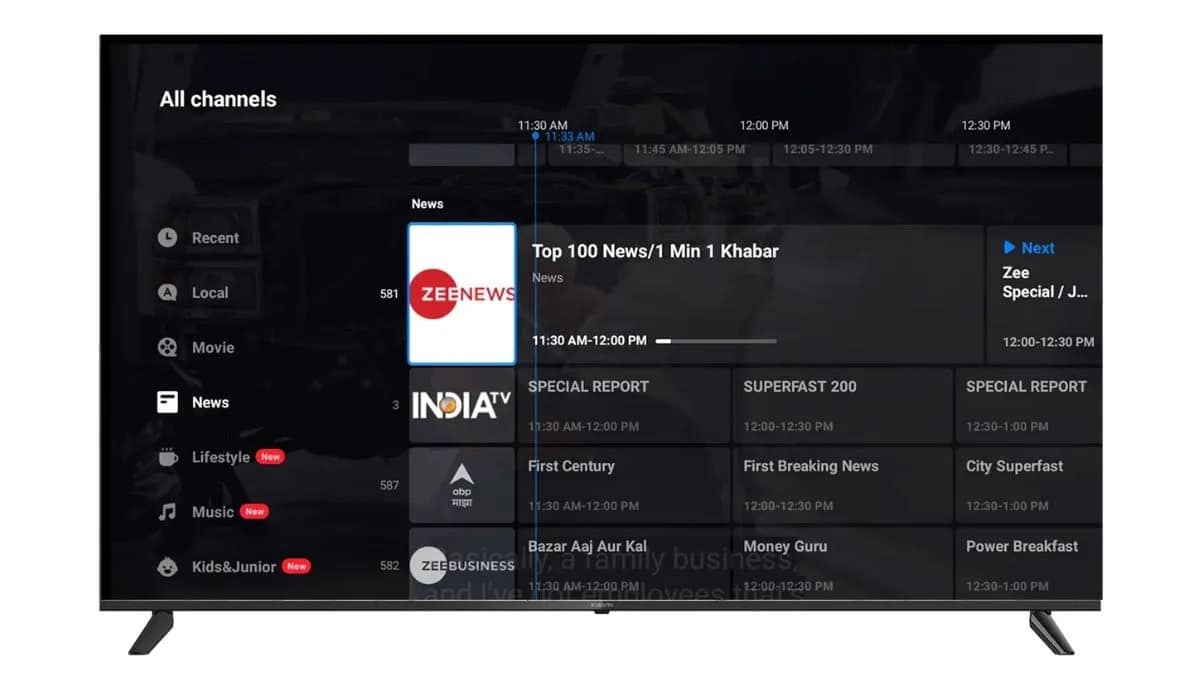
* PatchWall: The new Xiaomi TVs are also equipped with the in-house PatchWall system along with a new PatchWall+ software for live TV. With this you get more than 200 live TV channels and for free. PatchWall+ will be available across all Xiaomi TVs.
* Connectivity: You get three HDMI 2.1 ports, two USB ports, one Ethernet, AV, optical, 3.5mm, and an antenna port on the new Xiaomi TVs.
* Processor, RAM, and storage: Under the hood of the Xiaomi TV X series runs the ARM Cortex-A55 processor paired with Mali G52 MP1 GPU. The TVs also pack 2GB of RAM and 8GB of onboard storage.
3) Patchwall+ announced for all Xiaomi TVs.Details
Ans) During the launch of the Xiaomi Smart TV X Series, Xiaomi announced Patchwall+ which includes 200 live TV channels in India for free. Users can stream these channels for free using the internet, without a set-top box.
Xiaomi also says that they have improved the user interface of Patchwall to make it more friendly. They have also introduced a dedicated section for music from where users will get better controls for streaming music on their Xiaomi TVs.
•The iPhone 15 is set to bring the Dynamic Island feature to all users. •USB-C connectivity expected in all iPhone 15 series models. •The device is predicted to include Apple’s second-fastest mobile silicon, the A16 chipset. •Camera setup of the iPhone 15 is anticipated to feature a 48MP primary camera. •Exciting new colour variants likely to be introduced with the iPhone 15.
If you’re contemplating purchasing a new iPhone , the thought of buying the upcoming iPhone 15, is likely to cross your mind, even if it means waiting until it’s released in September 2023.
Apart from that you can also go for the iPhone 13 series, iPhone 12 and the iPhone SE 2, all of which are currently being sold by the American electronics giant.
While some of you might be content choosing one of theseiPhones, or even a phone from a different brand altogether, it could be beneficial for many to hold off for the unveiling of the 2023 iPhone.
Speculations surrounding the iPhone 15 have been circulating for a while now, and the anticipated models seem poised to continue the success of the iPhone 14 series.
It’s probable that Apple will keep the four model lineup, so we could anticipate the launch of the iPhone 15, iPhone 15 Plus, iPhone 15 Pro, and iPhone 15 Pro Maxlater this year. Also leaks have suggested that Apple is going to maintain the screen sizes in tandem with the company’s current lineup of iPhones.
So, should you wait for the iPhone 15? Here are five reasons why.
Dynamic Island For All
iPhone 15
It can be said with a high degree of certainty that the most significant enhancement in the iPhone 15 to be the introduction of the Dynamic Island, a feature we’ve already seen in the iPhone 14 Pro and iPhone 14 Pro Max.
There are widespread rumours that the iPhone 15 will incorporate this Dynamic Island, making it a likely upgrade.
This suggests that the iPhone 15 could bid goodbye to the classic notch that came with the iPhone Xnearly six years ago, substituting it with a modern, practical in-screen camera cut-out.
Ingeniously, Applehas integrated this feature into its interface, allowing it to display useful information like timers or the track you’re currently playing. So if you want a dynamic island experience while on a budget, the iPhone 15 is your best shot.
It’s finally USB-C Time
iPhone 15 Series
Reports have been very reliable in suggesting that finally, Apple is taking the big transition towards USB-C and move away from its proprietary lighting port.
The iPads were the first to make this move and Apple’s biggest revenue generator, the iPhone, is next.
All phones in the iPhone 15 series are going to get USB-C connectivity, negating the need for you to carry that extra lighting cable whenever you go out.
Apple’s Second-Fastest Mobile Silicon
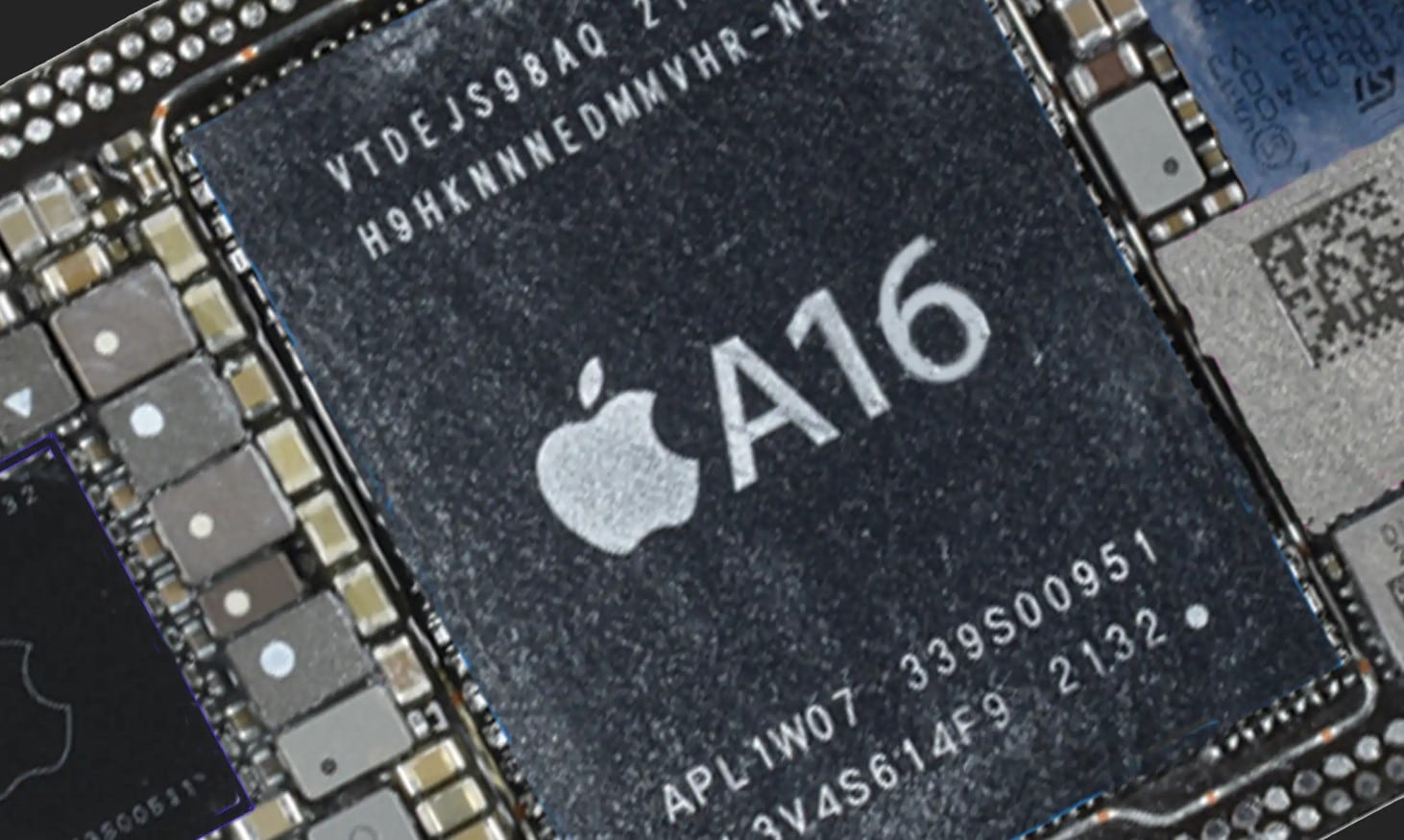
A16 chipset
It’s been nearly two years since the non-pro iPhones got a processor bump as both the iPhone 13 and 14 ran on the same Apple A15 platform.
However, the iPhone 15 will be getting the A16 chipset that came on the iPhone 14 Pro series.
Granted the performance jump is not the greatest, but the A16 is based on a smaller 4nm architecture which is likely to not only improve the processing capability but also power efficiency.
Upgrade to the Camera Setup
Upgrade to the Camera Setup
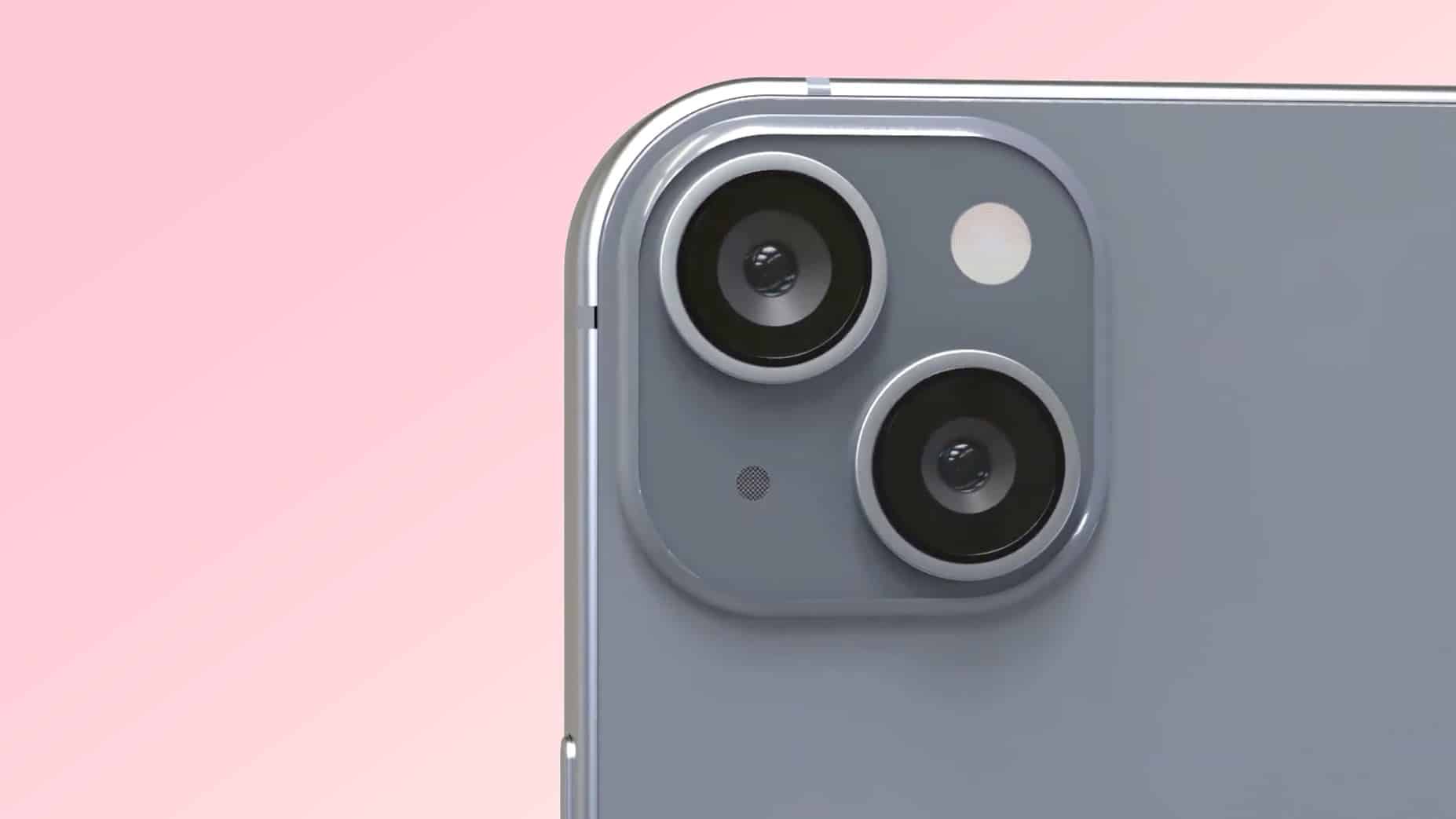
The iPhone 15 is rumoured to shed the dual 12MP cameras that have been staple on all non-pro handsets since the iPhone 1.
It is believed that a 48MP shooter could be made available for primary image taking responsibilities while the 12MP ultra-wide would remain the same.
This does indicate that camera performance is likely going to be a highlight of the iPhone 15.
Whether it would be significantly better, is something we will see after the device is in the hands of reviewers.
Exciting New Colours
Exciting New Colours
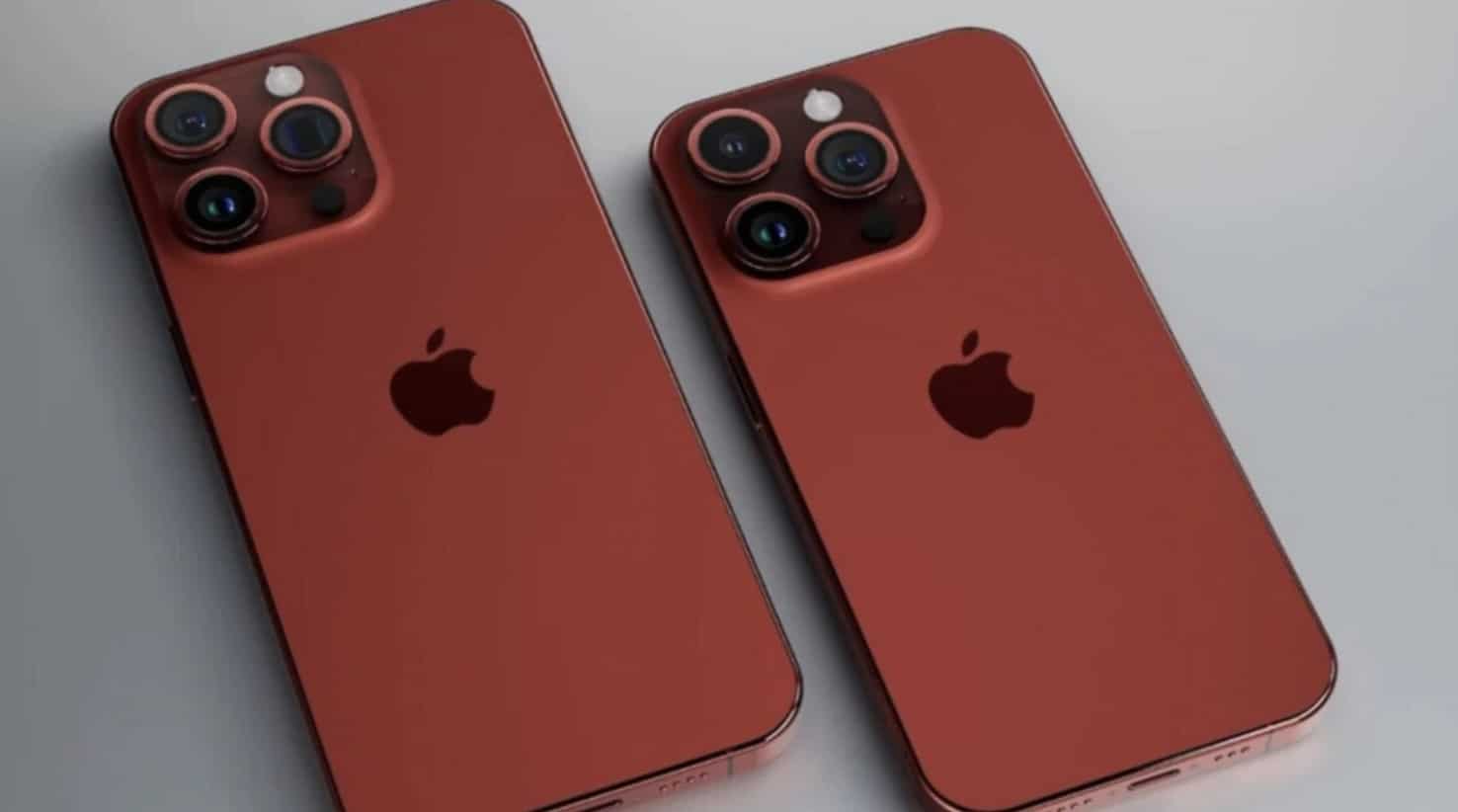
The iPhone 15 is likely to get at least one or two new colour options as per reports. The full range of variants could include Midnight, Starlight,Green, Light Yellow, Pink, and Product (RED).
This should be reason enough for people to become excited for the upcoming iPhone 15.
FAQs:
Q: When is the iPhone 15 expected to be launched?
A: The iPhone 15 is expected to be launched in September 2023.
Q: What is the Dynamic Island feature expected in the iPhone 15?
A: Dynamic Island refers to an in-screen camera cut-out that replaces the traditional notch, integrating it into the interface to display useful information.
Q: Is iPhone 15 likely to support USB-C?
A: Yes, there are reliable reports that suggest Apple will transition to USB-C with the iPhone 15 series.
Q: What can we expect in terms of the iPhone 15’s processor?
A: The iPhone 15 is expected to come with the A16 chipset, which was previously seen in the iPhone 14 Pro series.
Q: Will there be new colour options for the iPhone 15?
A: Yes, reports suggest that the iPhone 15 will introduce at least one or two new colour variants.
•Redmi 12 4G base variant (4GB + 128GB) is priced at Rs 9,999, and the 6GB + 128GB variant at Rs 11,499. •Redmi 12 5G is priced at Rs 11,999 for the 4GB + 128GB version, Rs 13,499 for the 6GB + 128GB version, and Rs 15,499 for the top variant with 8GB RAM and 256GB storage. •The Redmi 12 Series presents competitive pricing strategy in the budget smartphone segment, with models available for both 4G and 5G network users. •With bank discounts on offer, consumers may be able to get these devices at even lower prices.
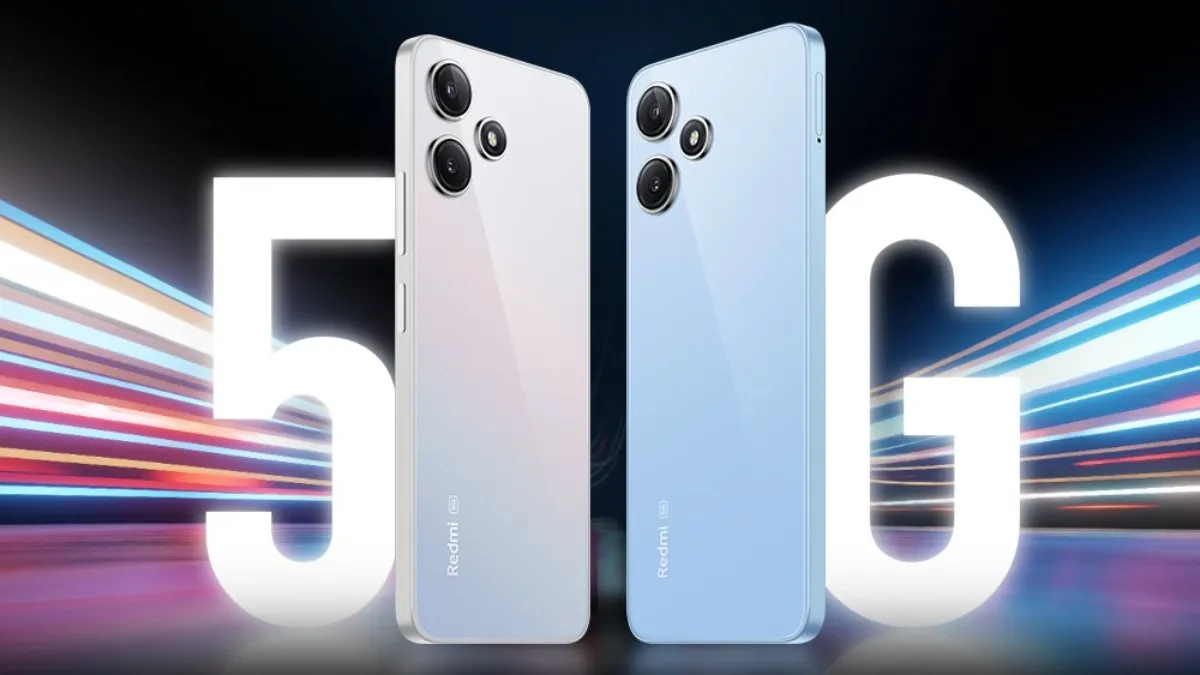
Redmihas announced the newest additions to its smartphone lineup in the form of the Redmi 12 5Gand Redmi 12 4G.
Apart from just the smartphones, the Chinese smartphone giant also revealed the Redmi Watch 3 Active and the Xiaomi Smart TV X as well.
The Redmi 12 5G’s unveiling today is a global one and with the promise of a Snapdragon chipset and high-end features, this device seems ready to tackle the increasingly competitive smartphone market.
As for the Redmi 12 4G, the device looks more than identical to its 5G moniker, with the difference being the processing and camera capabilities.
Let’s take a look at the specifications surrounding both the devices and also some impressions that we have.
Redmi 12 5G and 4G: Price and Availability
Redmi 12 5G and 4G: Price and AvailabilityRedmi 12 5G and 4G: Price
Redmi 12 4G
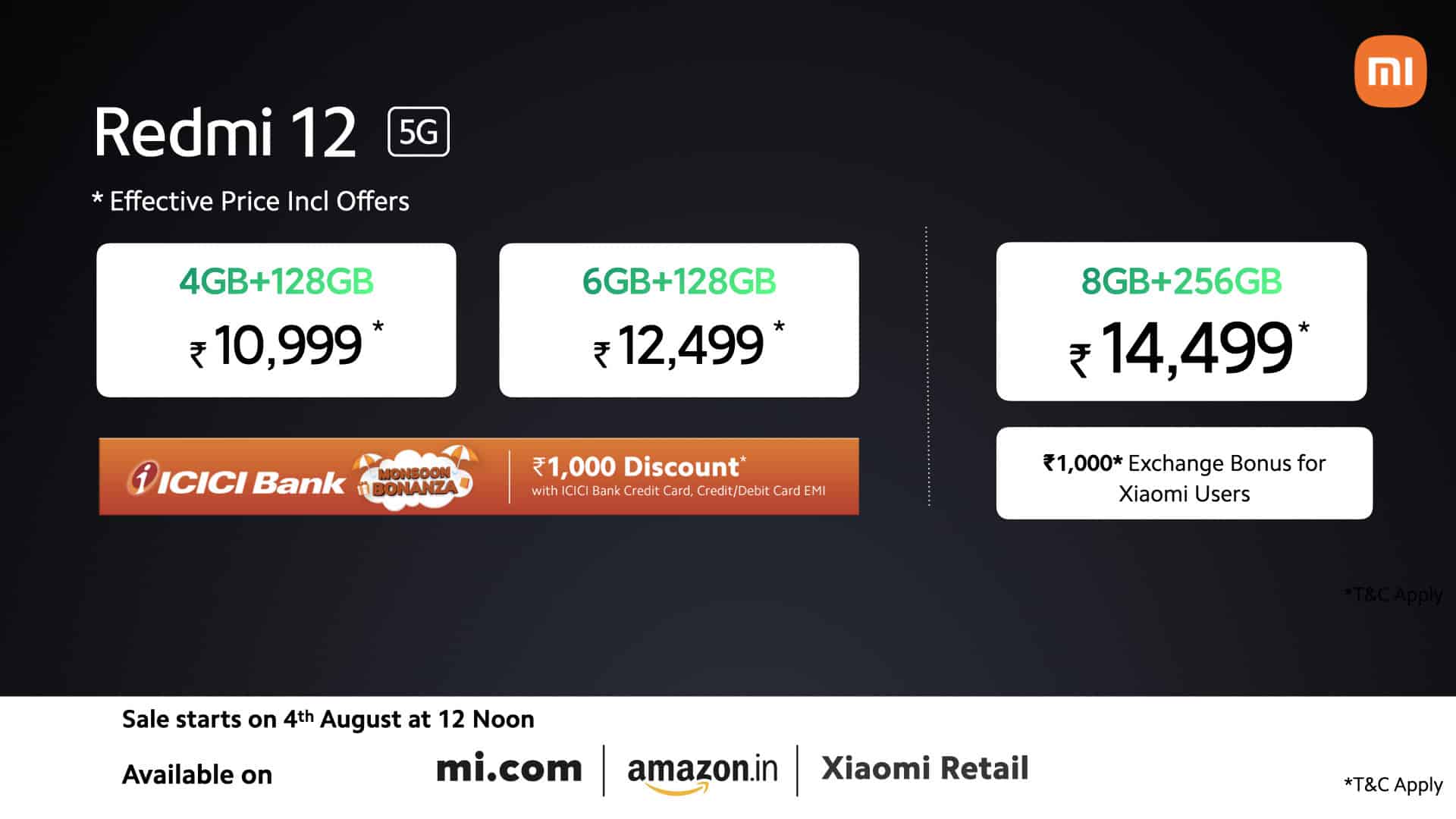
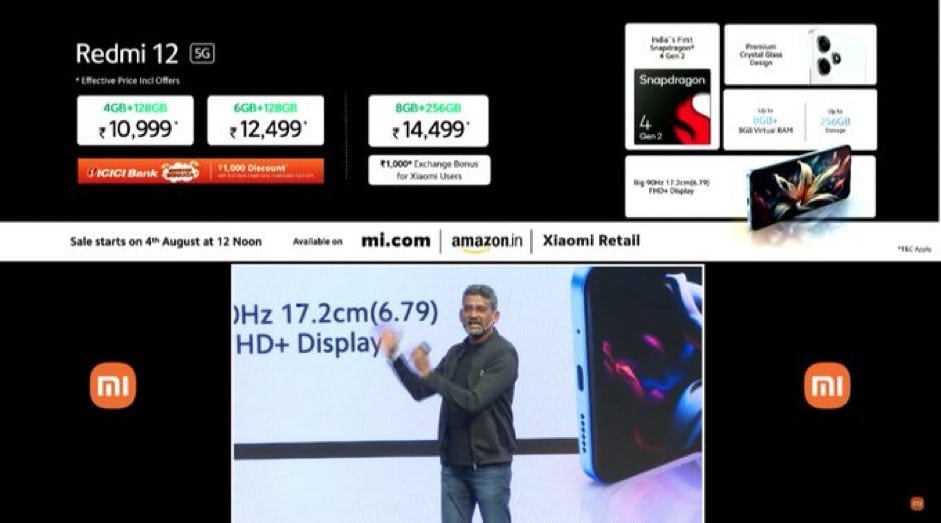
Xiaomihas revealed that the Redmi 12 4G will start at Rs 9,999 for the 4GB + 128GB variant and Rs 11,499 for the 6GB + 128GB version.
There will be bank discounts on offer that will reduce the price of the device.
The sale of the Redmi 12 4G will commence on 4th August 12.00PM on Flipkartand Mi.com.
As for the Redmi 12 5G the 4GB + 128GB is priced at Rs 11,999, 6GB + 128GB is at Rs 13,499, and the 8GB + 256GB is priced at Rs 15,499. The device will go on sale starting from 4th August 12.00PM (Flipkart, Mi.com) as well.
Redmi 12 5G: Specs
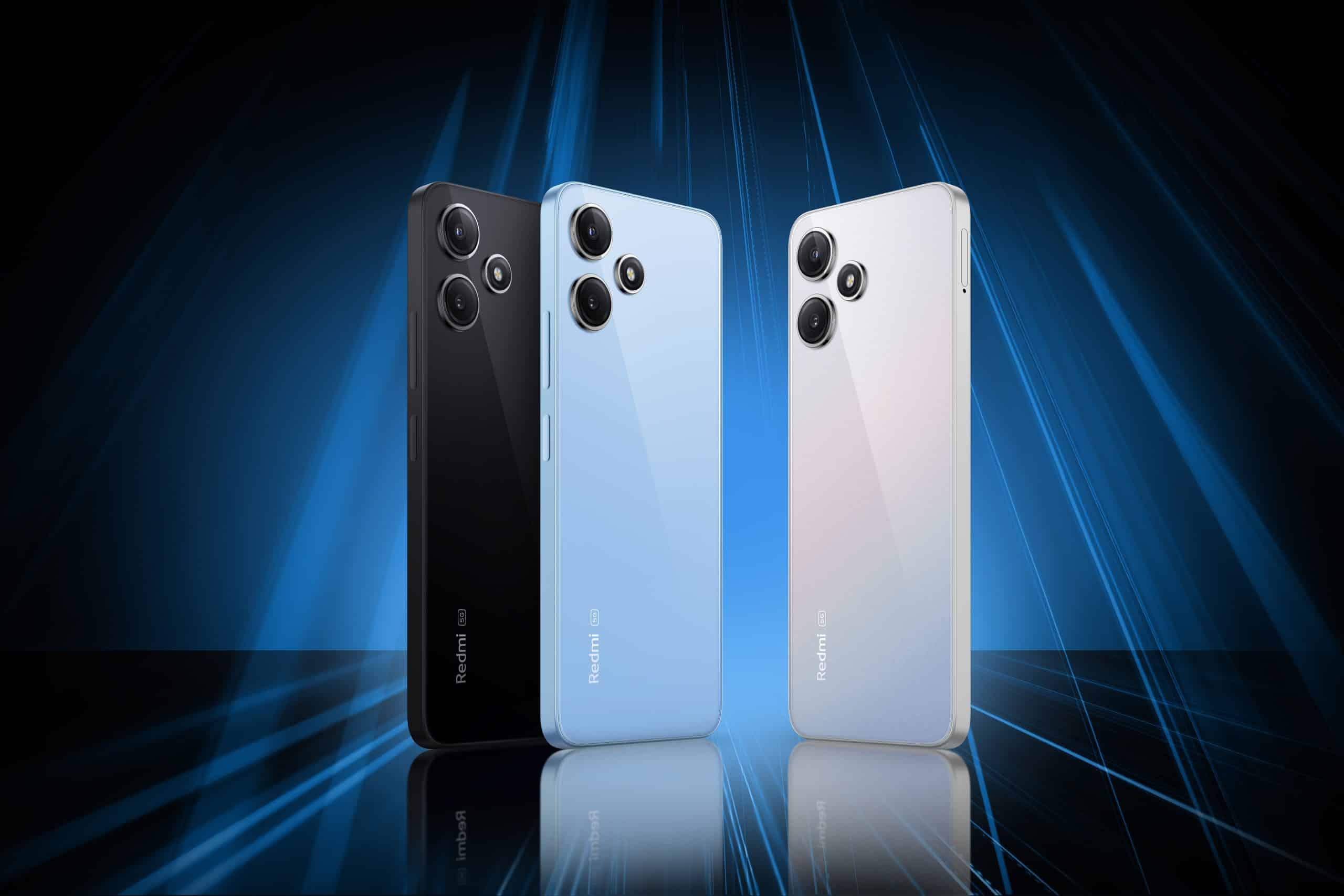
Redmi 12 5G
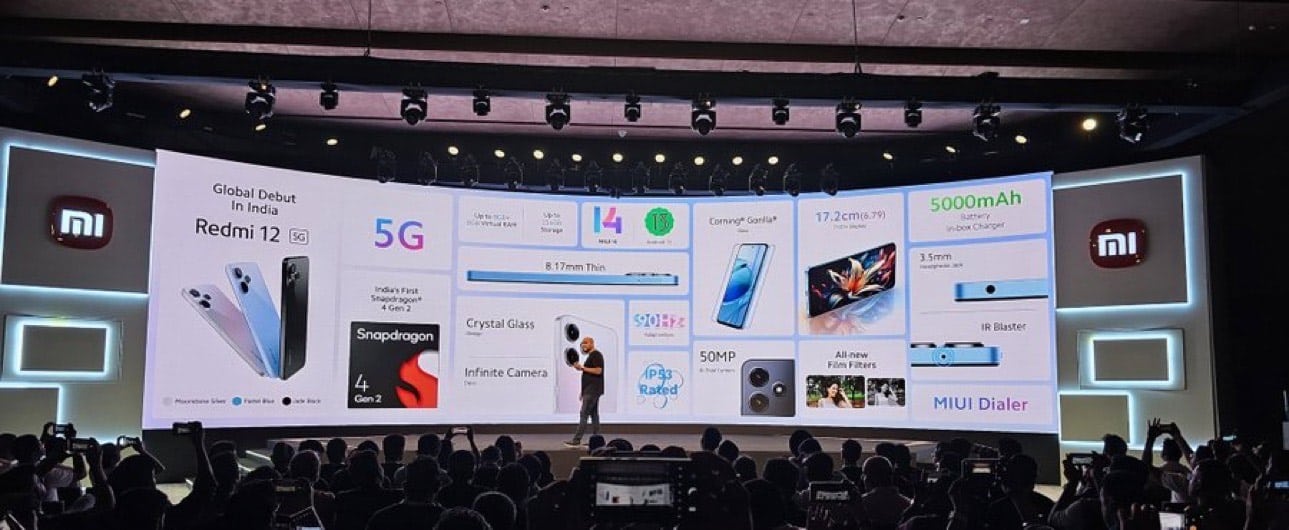
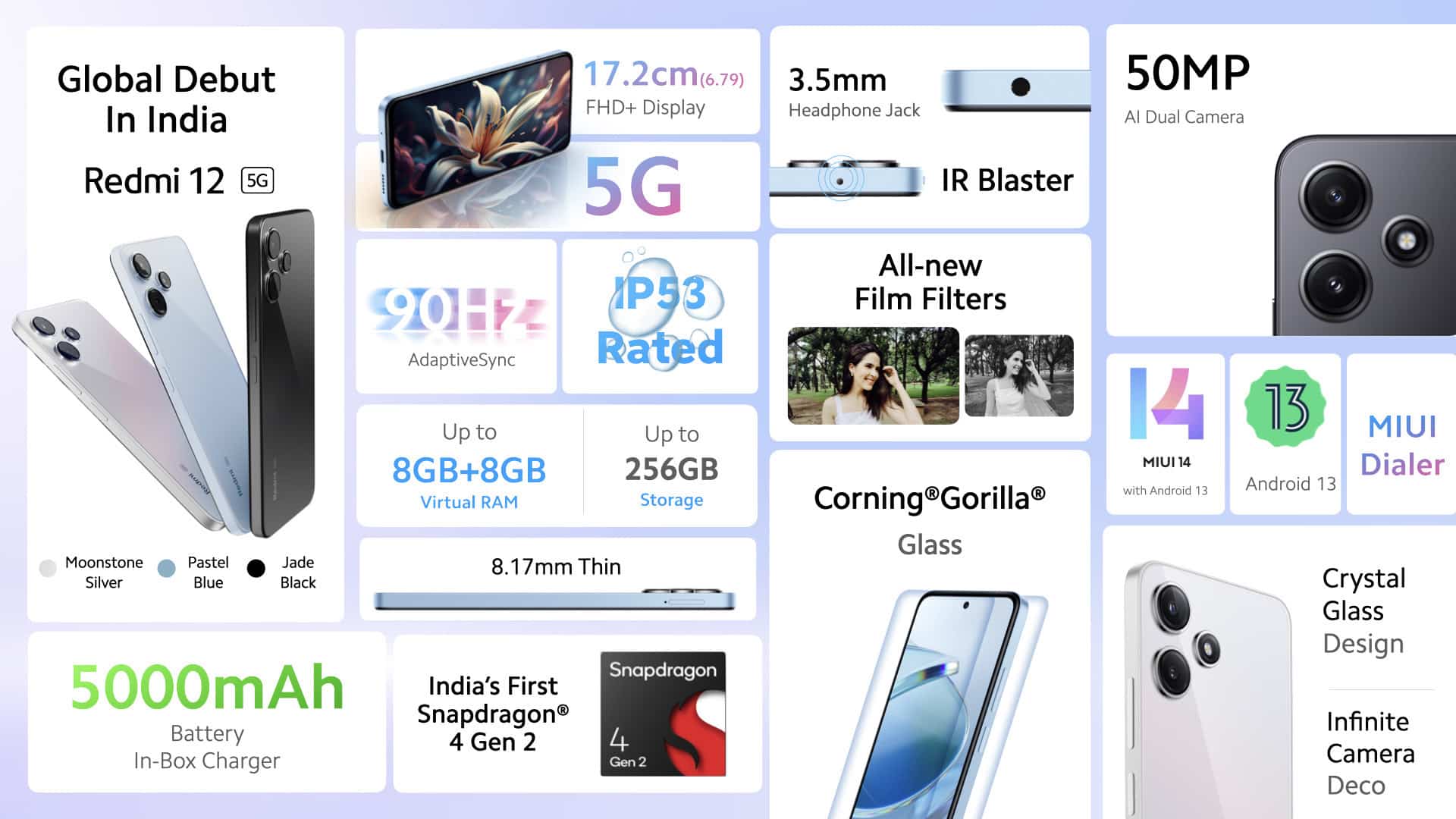
Snapdragon 4 Gen 2 4GB+128GB, 6GB+128GB, 8GB+256GB 6.71-inch FHD+ 550 nits, 90Hz refresh rate display 50MP + 8MP camera 8MP front camera 5,000mAh battery 22.5W fast charging IP53 rating
Redmi 12 5G: Overview
Redmi 12 5G: Overview
The Redmi 12 5G, at least on paper, looks to be a game-changer in the smartphone market. Backed by the Snapdragon 4 Gen 2 chipset, the first phone in India to have this SoC, it promises to deliver speed, efficiency, and powerful performance, while being light on the wallet.
But most importantly, the device is 5G ready, making it one of the cheapest devices in the market to have this capability.
There are three variants on offer ie. the base model of 4GB RAM and 128GB storage, a middle-range model with 6GB RAM, and the high-end model with an impressive 8GB RAM and 256GB storage.
TRedmi 12 6.71-inch FHD+ Display
There is a 6.71-inch FHD+ display which offers a smooth user experience thanks to a 90Hz refresh rate.
The company also claims to have 550nits of peak brightness which will be handy for sunny outdoor conditions.
The Redmi 12 5G also doesn’t compromise on camera quality with its 50MP primary camera, complemented by an 8MP secondary lens.
And for selfie lovers, there’s an 8MP front camera housed in the punch-hole up top.
Android 13
A phone with these high-end specs needs a battery that can keep up, and the Redmi 12 5G delivers with a sizeable 5,000mAh battery.
It’s also equipped with 22.5W fast charging, ensuring that you spend reasonably less time tethered to the power socket.
Furthermore, it comes with an IP53 rating for dust and water resistance, offering some level of protection against accidental spills or splashes. As for the software, the device will run Android 13-based MIUI 14 out-of-the-box.
Redmi 12 4G: Specs
Redmi 12 4G: Specs
Helio G88 4GB+128GB, 6GB+128GB 6.71-inch FHD+, 90Hz refresh rate display 50MP + 8MP + 2MP camera 8MP front camera 5,000mAh battery 18 W fast charging IP53 rating
Redmi 12 5G: Our Spec Impressions
Redmi 12 5G: Our Spec Impressions
The Redmi 12 5G appears to be a highly promising smartphone, offering impressive features often found in higher-end models.
The Redmi 12 has been strategically priced for its market segment, making it a potentially strong contender for everyday tasks, gaming, and photography.
It houses the new Snapdragon 4 Gen 2 SoC, offers a smooth user experience with its high refresh rate display, and features a solid camera setup.
Familiar Redmi features like the 3.5mm headphone jack andIR blasteralso make their return in this model.
With an ample battery capacity and quick charging capabilities, it caters to the needs of those leading fast-paced lives. We’ll explore the device’s features and capabilities in greater depth in our forthcoming comprehensive review.
Redmi 12 4G: Overview
Designed To Amaze
As for the 4G moniker of the device, theRedmi 12 4Ghas a few differences as compared to its 5 version. It actually has a triple-camera setup with a 50MP primary sensor, 8MP ultra-wide and 2MP macro.
The selfie shooter remains the same at 8MP, as does the battery capacity of 5,000mAh.
Charging speeds are a bit a slower at 18W, but apart from that all design and display aspects of the Redmi 12 4G, are exactly the same as the Redmi 12 5G.
Designed To Dazzle
The biggest difference is however, the device’s processing capabilities. You get the MediaTek Helio G88 SoC with the Redmi 12 4G and up to 6GB of RAM.
Storage is limited to 128GB and there is no slot for expansion using a microSD card slot.
Software-wise the Redmi 12 4G has the same MIUI 14-based Android 13running and it also has an IR blaster and a 3.5mm headphone jack.
Redmi 12 4G: Our spec impressions
Redmi 12 Snapdragon 4 Gen 2 SoC
Based on the device’s price point, the specs being offered are quite good. The Helio G88 should offer decent performance for the price, and you will have no trouble in app-switching thanks to the up to 6GB RAM on offer.
The design, battery backup and charging speeds, all seem in line with smartphones that start under Rs 10,000. Of course, only a full review can give a definite answer to the Redmi 12 4G’s utility, so stay tune for that.
Q: When will the Redmi 12 Series be available for purchase?
A: The Redmi 12 Series will be available for sale starting from 4th August at 12.00PM on Flipkart and Mi.com.
Q: What is the main difference between the Redmi 12 5G and 4G models?
A: The Redmi 12 5G comes with a Snapdragon 4 Gen 2 chipset and 5G capabilities, while the Redmi 12 4G uses a Helio G88 chipset and offers 4G connectivity.
Q: What are the key features of the Redmi 12 Series?
A: The Redmi 12 Series features a 6.71-inch FHD+ display, a high capacity 5,000mAh battery, a 50MP primary camera, and IP53 dust and water resistance. The 5G model offers up to 8GB RAM and 256GB storage.
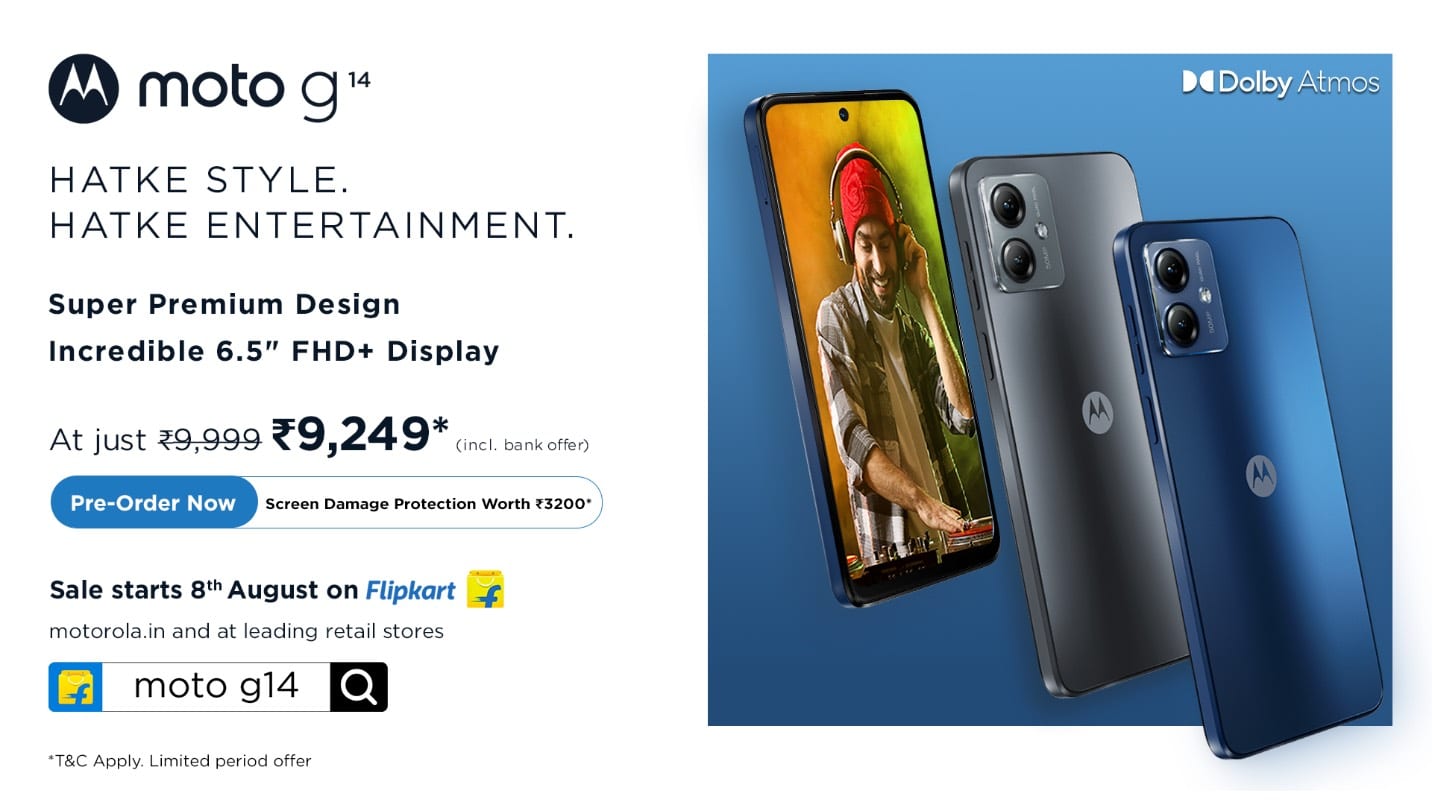
* The moto g14 comes with a super premium acrylic glass design that is extremely slim and lightweight (only 7.99mm and 177g). * The product will also be available in the segment’s first and uber premium vegan leather finish in the subsequent weeks. * The moto g14 also brings an exceptional entertainment experience with an incredibly sharp and vivid 16.5 cm (6.5”) FHD+ display, plus stereo speakers tuned with Dolby Atmos. * moto g14 also comes with various segment leading features such as a 5000mAH battery with a 20W TurboPower charger in-box, 50MP Quad Pixel Camera, IP52 water repellant design, UFS 2.2 storage and more. * moto g14 will be available for pre-orders on Flipkart, starting today with an exclusive screen damage protection plan for a screen worth Rs.3,200 at an effective price of just Rs. 9,249* including a Rs. 750 instant discount on ICICI bank cards. * The product will go on open sale starting 8th August, on Flipkart, Motorola.in and leading retail stores.
Motorolahas officially launched the Moto G14 smartphone in India today as promised earlier.
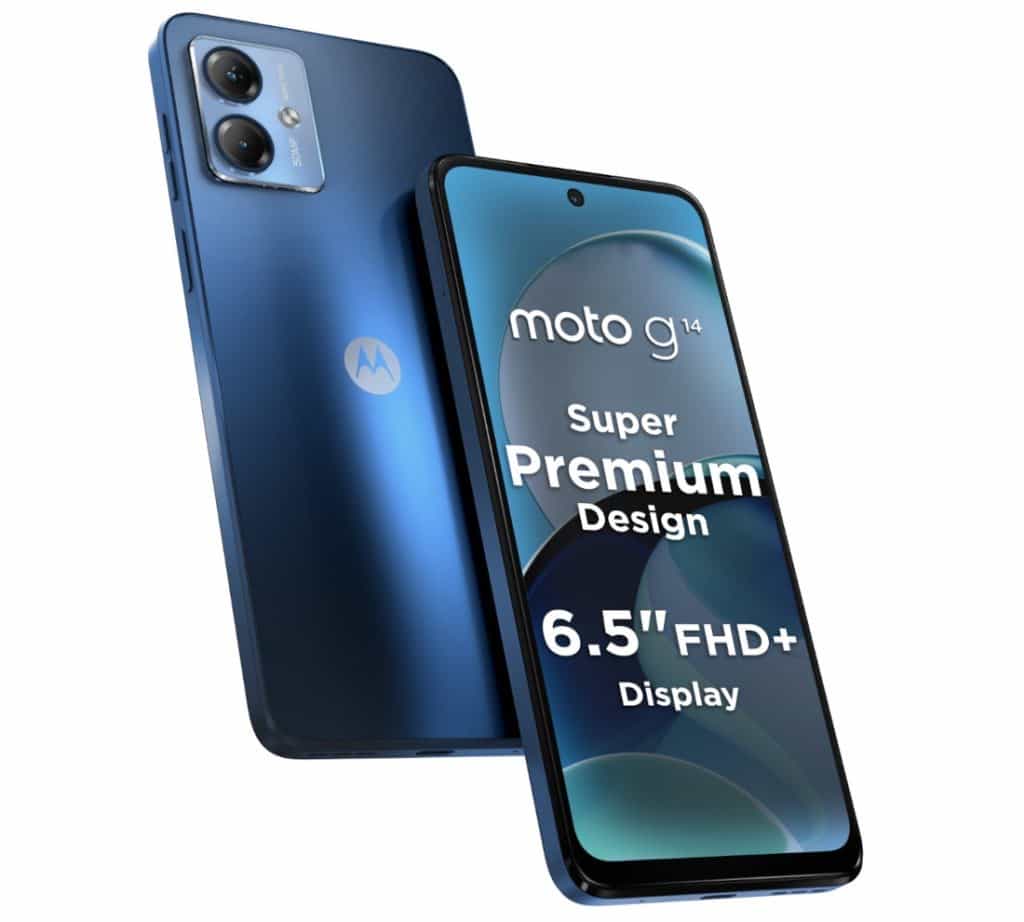
The newly launched Moto G14 is an entry-level smartphone from Motorola which comes with a 6.5-inch FHD+ display.
The device comes with 4GB of RAM and has 128GB of UFS 2.2 internal storage. It also has a microSD card slot, a dual-SIM card slot, 4G VoLTE support, and a dual-camera setup.
The handset features a side-mounted fingerprint sensor for security purposes.
Commenting on the launch, Mr. Prashanth Mani,Executive Director – Motorola Asia Pacific, said, “We are delighted to announce the launch of our latest offering in the g series franchise, the moto g14. Through our g series smartphones, we democratise premium smartphone experiences by offering advanced features at affordable price points, catering to the growing demands of the Indian mobile phone consumer. Staying true to this promise, the moto g14 comes with segment leading, premium design and an exceptionally immersive entertainment experience. We are confident that this product will set new benchmarks in the affordable segment of the Indian smartphone industry.”
Motorola, India’s best 5G smartphone brand, today announced the launch of its latest entry level smartphone in the g series franchise, the moto g14.
A smartphone with an extremely premium design that is super sleek and lightweight and is sure to make heads turn.
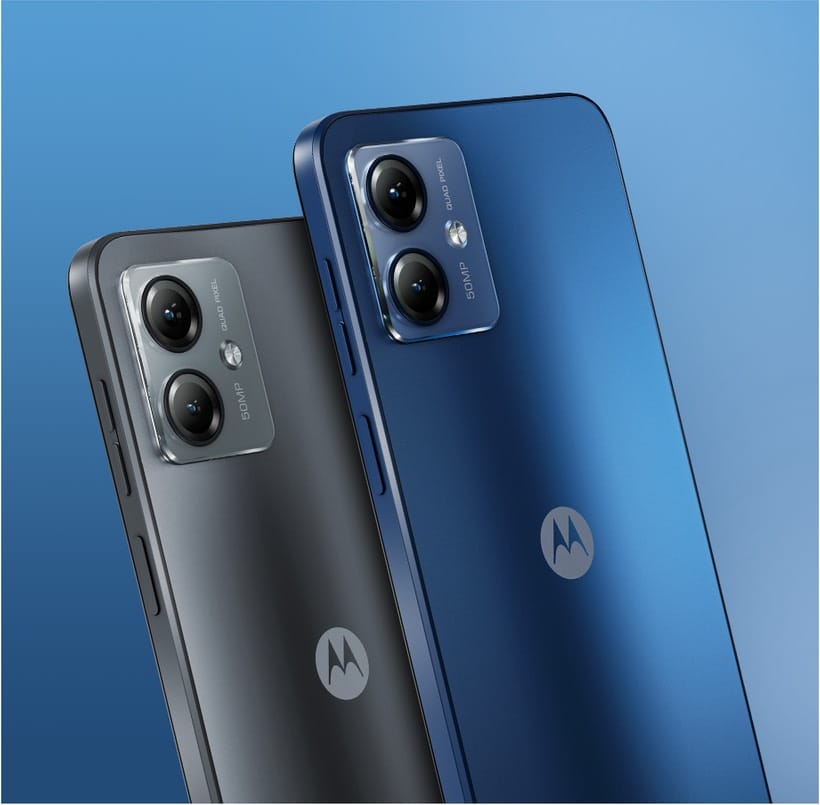
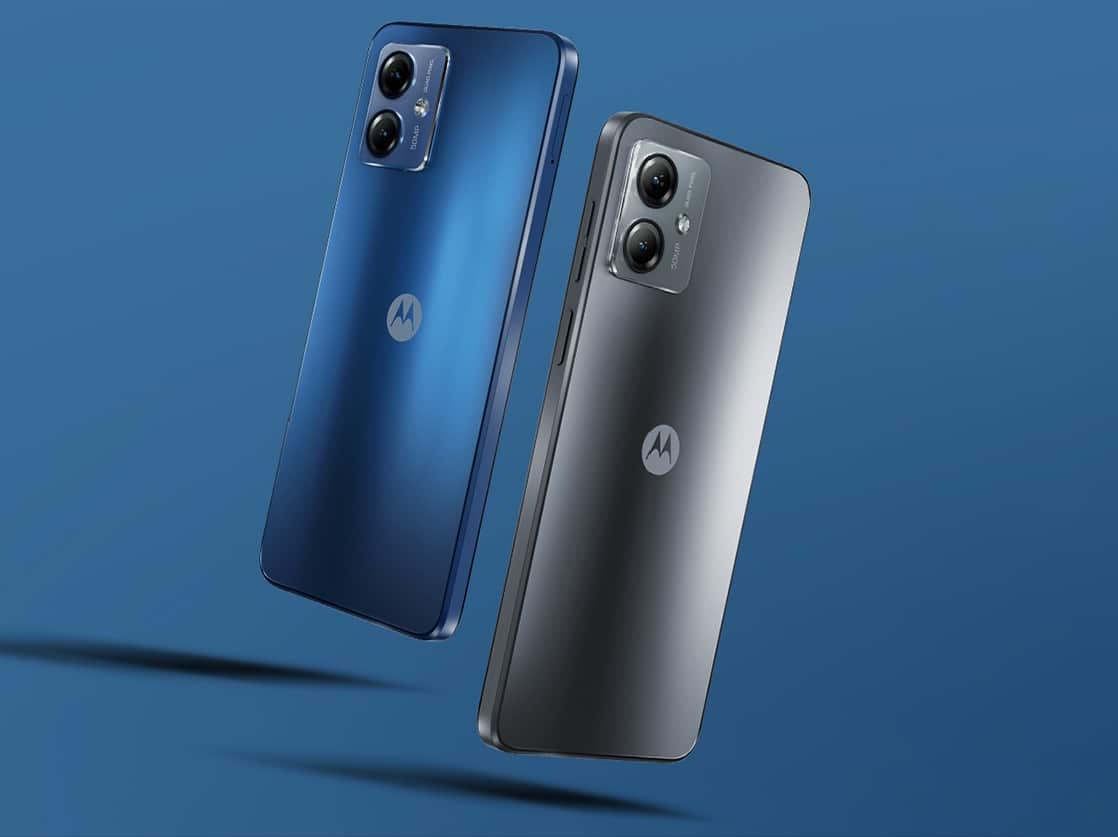
The rear panel is made of attractive acrylic glass material (PMMA) which makes this device stand out in its segment.
The device will also be available in the segment’s first vegan leather finish later in the month.
Moto G14
The stunning 16.5cm (6.5”) Full HD+ display brings visual content with picture-perfect clarity allowing the user to immerse themselves in the beautiful details without compromising on image quality.
moto g14 redefines high definition, featuring a 20:9 aspect ratio, punch hole design with extremely slim bezels, leaving more room to work and play.
It also goes easy on the eyes, thanks to Night Light which tints the screen amber, making the display easier to view in dim light.
Along with a stunning display, the device also gives users a new auditory dimension to dive into with its remarkable speakers. The stereo speakers with Dolby Atmos® enhance the overall sound experience.
With Spatial Sound by Moto, the audio output feels more immersive and filling.
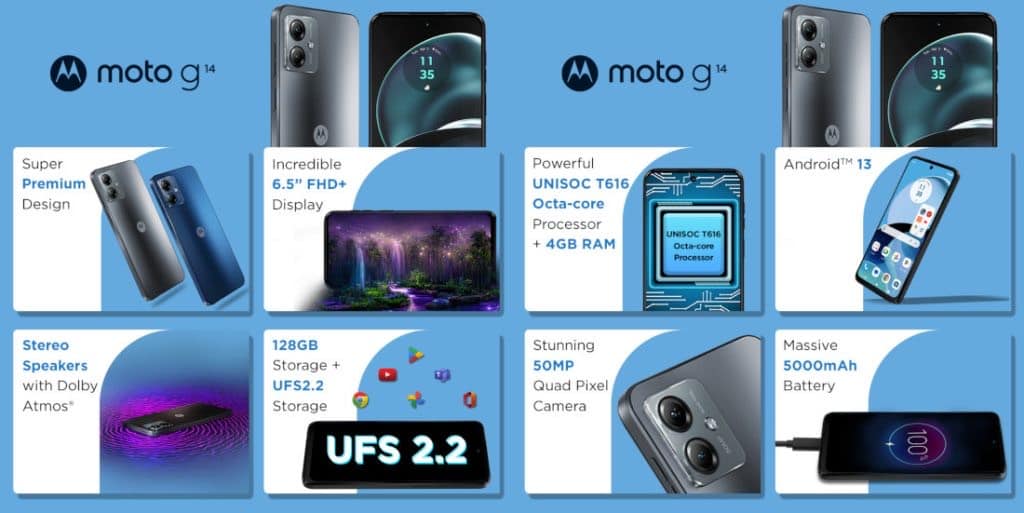
Under the hood, users will find a powerful UNISOC T616 octa-core processor with 4GB RAM powering the moto g14.
Engineered to deliver an ultra-smooth experience, the 4GB LPDDR4X RAM makes the phone respond instantly to every single touch, tap, and swipe.
It also comes with a large and 128GB storage with segment leading UFS 2.2 technology to enable faster read write speeds.
For those who need more space, the device comes with a dedicated micro SD slot that can be expanded up to 1TB, in addition to two SIM slots.
Quad Pixel Technology
Furthermore, the moto g14 comes with a robust 5000mAH battery which also fuels up fast, owing to the 20W Type-c TurboPower™ charger that comes in the box.
With such multimedia prowess, one is bound to expect an equally incredible camera and the moto g14 does not disappoint, it comes equipped with a dual camera setup.
A 50MP primary camera featuring Quad Pixel technology to get 4x better low light sensitivity for sharper, more vibrant photos – day or night, and a dedicated Macro Vision camera that captures all the tiny details a standard lens would miss.
On the front, consumers get an 8MP sensor to shoot beautiful and picture-perfect selfies and videos every single time.
Additionally, the moto g14 also comes with an IP52rated water repellant design, Side fingerprint sensor and face unlock, dual band WiFi, all your favourite moto gestures and more.
The device also comes with the latest Android 13 and comes with an assured upgrade to Android 14 plus 3 years or security updates.
Let us take a look at the pricing and detailed specifications of the Moto G14 ahead:
Moto G14 Price In India, Offers, Discounts, And Other Details:
Moto G14 Price In India
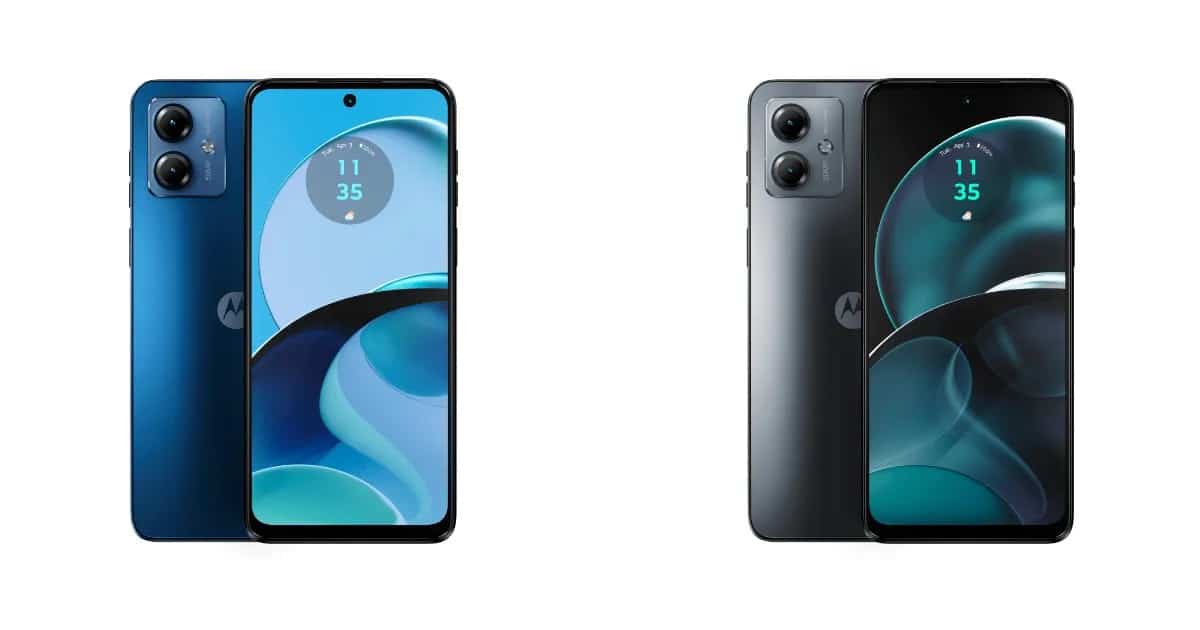
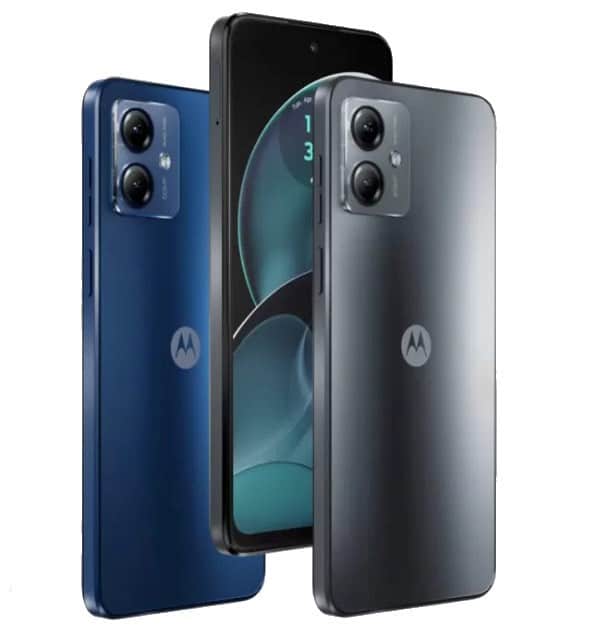
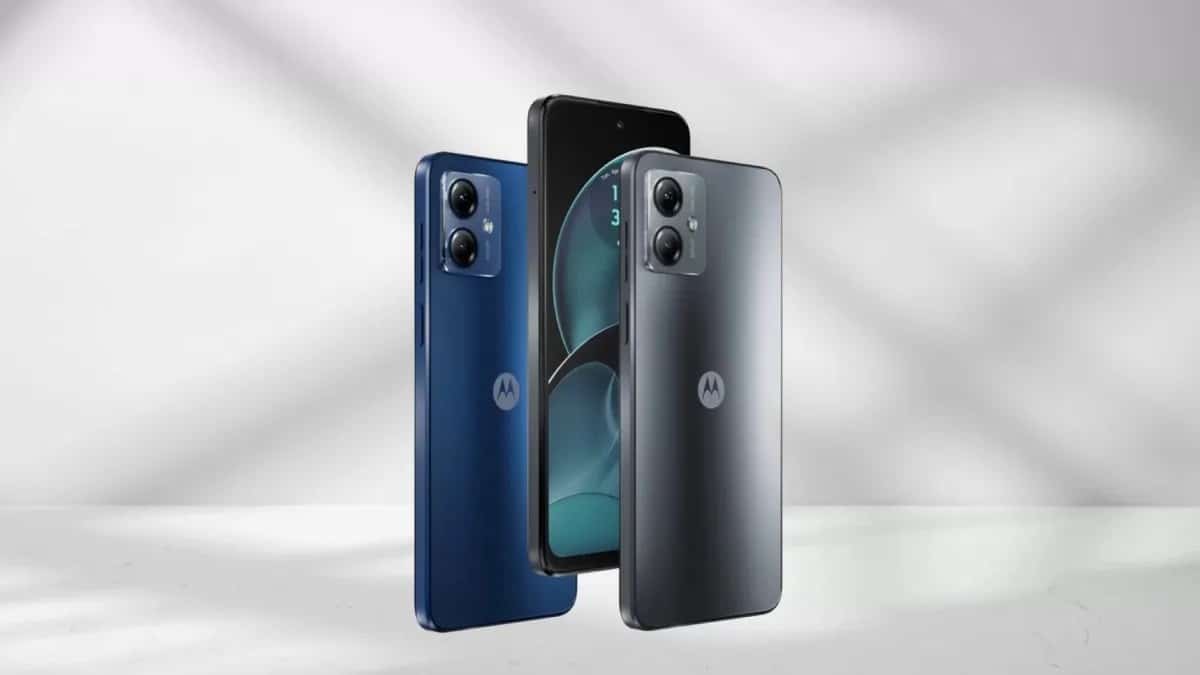
The Moto G14 comes in Sky Blue and Steel Grey colour options.
The smartphone is priced at Rs 9,999 in India, and it will be available for purchase in the country via Flipkart, Motorola India website, and retail outlets starting from August 8. Customers can avail 10% instant discount through ICICI bank credit card on the purchase of the G14.
Pre-order Offers
Moto G14 Pre-order Offers
The product will be available for pre-orders starting 1st August, 12 PM onwards, with the following exclusive pre-booking offers, only on Flipkart:
* Free Screen Damage protection worth 3200* * Rs. 750 Instant Discount on ICICI Bank Cards, making the effective price just Rs. 9,249*
Launch Offers
Launch Offers
The product will go on sale starting 8th August, 12PM onwards, with the following limited period offer, exclusively on Flipkart:
* Rs. 750 Instant Discount on ICICI Bank Cards, making the effective price just Rs. 9,249*
To know more about the Jio offer: www.jio.com/en-in/jio-motorola-g14-offer-2023
Moto G14 Specifications, Features ,Hardware, Connectivity And More:
Moto G14 Specifications
The Moto G14 runs Android 13out of the box. The device is also promised to receive the Android 14 update and 3 years of security updates. Under the hood, the G14 is powered by an octa-core Unisoc T616 processor.
The smartphone ships with 4GB of RAM and has 64GB of internal storage. It also has a microSD card slot which allows storage expansion up to 1TB.
The device features a 6.5-inch display that has a Full HD+ resolution. The screen has a punch-hole cutout at the centre which accommodates the selfie camera.
Moto G14 Rear View
When it comes to imaging, the G14 features a dual-camera setup. The camera module includes a 50MPprimary camera and a 2MP macro sensor.
On the front side, the handset flaunts an 8MP selfie camera. The device also has an IP52 rating for dust and splash resistance.
For security purposes, the smartphone also has a side-mounted fingerprint sensor which is embedded in a power button.
A 5,000mAh battery is equipped with the device which supports 20W fast charging. Connectivity-wise, the handset has a host of features such as a dual-SIM card slot, 4GVoLTE, Wi-Fi 802.11 b/g/n/ac, Bluetooth, GPS, a 3.5mm audio jack, and a USB Type-C port.
Moto G14 Quick Specifications
Moto G14 Quick Specifications
* Display: 6.5-inch display, Full HD+ resolution, Punch-hole cutout, 60Hz refresh rate, 89.47% Screen-to-body ratio, Panda glass protection * Processor: Octa-core Unisoc T616 SoC with Mali G57 MP1 GPU. * RAM And Storage: 4GB RAM, 64GB of internal storage, microSD card slot for storage expansion up to 1TB. * Rear-facing camera: 50MP primary camera, 2MP macro sensor, dual-LED flash. * Front-facing camera: 8MP. * Other Features: IP52 rating for splash and dust resistance, Side-mounted fingerprint sensor, stereo speaker, Dolby Atmos. * Dimensions And Weight: 161.46×73.82×7.99mm; 177g * Connectivity: dual-SIM card slot, Bluetooth, GPS, Wi-Fi 802.11 b/g/n/ac, a 3.5mm audio jack, USB Type-C port. * Battery: 5,000mAh, 20W fast charging support.
Moto G14 Specification
Operating system
Android™ 13 (Assured update to Android 14, 3 years of security updates)
System architecture / Processor
UNISOC T616 processor with 2xA75 2.0GHz + 6xA55 1.8GHz octa-core CPU, 750MHz Arm Mali-G57 MP1 GPU
Memory
4GB LPDDR4X
Storage
128GB built-in* | UFS 2.2 | up to 1TB microSD card* expandable
50MP sensor (f/1.8, 0.64μm) 4 in 1 with 1.28μm | PDAF | Quad Pixel technology
Camera 2
Macro Vision | 2MP (f/2.4, 1.75μm) | FF
Flash
Single LED flash
Rear camera software
Shooting modes: PhotoNight Vision
Portrait
Live Filters
Panorama
Pro Mode (w/ Long Exposure) Digital Zoom (up to 4x) Artificial intelligence: Auto Smile Capture
Google Lens™ integrationOther features: HDR
Timer
Assistive Grid
Leveler
Watermark
Barcode scanner
Rear camera video capture
Rear main camera: FHD (30fps) | HD (30fps) Rear macro camera: HD (30fps)
Rear camera video software
Shooting modes:
VideoSlow MotionDual Capture VideoTimelapseDigital Zoom (up to 4x)Other features:
Snap in Video Recording
Front camera hardware
8MP (f/2.0, 1.12μm) | FF
Front camera software
Shooting modes: Photo
Portrait
Live Filters Artificial intelligence: Auto Smile Capture
Face Beauty Other features: HDR
Timer
Assistive Grid
Leveler
WatermarkMirror
Front camera video capture
FHD (30fps) | HD (30fps)
Front camera video software
Shooting modes:
VideoDual Capture VideoTimelapseOther features:
Snap in Video Recording
SIM card
Dual SIM (2 Nano SIMs + 1 microSD)
FM radio
Yes
Speakers
Stereo speakers and Dolby Atmos® support | Moto Spatial Sound support
Display: Ambient display Gestures: Quick capture, Fast flashlight, Three-finger screenshot, Sidebar, Double press power key, Press and hold power button
1)What is the Availability , Pricing & Colours of Moto g14?
Ans)Moto g14 will be available in two beautiful colours, in a super-premium acrylic glass finish, namely – Sky Blue and Steel grey, on Flipkart, Motorola.in and leading retail stores at an incredible launch price of just Rs. 9,999.
2)What are sale details of Moto G14 4G in India ?
* Moto G14 is priced at Rs 9,999 for the single 4GB + 128GB model.
* The handset comes in two colours: Sky Blue and Steel Grey.
* The handset is already up for pre-orders.
* The sale of the phone will start on August 8th at 12 PM.
* The company is offering free screen damage protection worth Rs 3,200 for pre-ordered customers and an instant discount of Rs 750 when paid through ICICI Bank Cards. These benefits are exclusively available via Flipkart.
* The company is offering a total of benefits worth Rs 3,000 from Reliance Jio (applicable on a post-paid Plan of Rs 399), 100GB additional data benefits worth Rs 1000, and partner coupons worth Rs 2,000.
3)What are moto g14 Quick specifications?
* 6.5-inch (2400×1080 Pixels) FHD+ 20:9 aspect ratio LCD screen, 60Hz refresh rate, 120Hz touch sampling rate, 89.47% Screen-to-body ratio, Panda glass protection
* 2GHz UNISOC T616 Octa-Core 12nm processor with Mali-G57 GPU
* 4GB LPDDR4X RAM, 128GB UFS 2.2 storage, expandable memory up to 1TB with microSD
* Android 13
* Dual SIM (nano + nano + microSD)
* 50MP rear camera with f/1.8 aperture, 2MP macro camera with f/2.4 aperture
* 8MP front camera with f/2.4 aperture
* 3.5mm audio jack, Stereo speakers, Dolby Atmos
* Side-mounted fingerprint scanner
* Dimensions: 161.46×73.82×7.99mm; Weight: 177g
* Splash resistant (IP52)
* Dual 4G VoLTE, Wi-Fi 802.11 ac (2.4GHz + 5GHz), Bluetooth 5.0, GPS, USB Type-C
* 5000mAh battery with 20W fast charging
OnePlus has launched the OnePlus Nord CE3 5G, alongside the OnePlus Nord 3 5G and the OnePlus Nord Buds 2R, at their Summer Launch event.
Priced starting at Rs. 26,999, the Nord CE3 features a 6.7-inch fluid AMOLED display with a 120Hz refresh rate.
It is powered by a Qualcomm Snapdragon 782G SoC with up to 12GB of RAM and up to 256GB of internal storage.
Runs on Android 13-based OxygenOS 13.1, the device has a triple camera setup, led by a 50-megapixel primary sensor and a 5,000mAh battery that supports 80W SUPERVOOC charging.
The OnePlus Nord CE3 5G has been officially launched alongside the OnePlus Nord 3 5G and the OnePlus Nord Buds 2R at the company’s Summer Launch event.
The Chinese smartphone maker, OnePlus introduced the Nord CE3 at a starting price of Rs. 26,999. In case you are wondering whether this phone is worth considering, we are here to clear all your doubts.
In this blog, we are sharing our OnePlus Nord CE3 5G First Impression while taking a deeper look at its feature, specifications and performance.
So, let’s start with a quick overview.
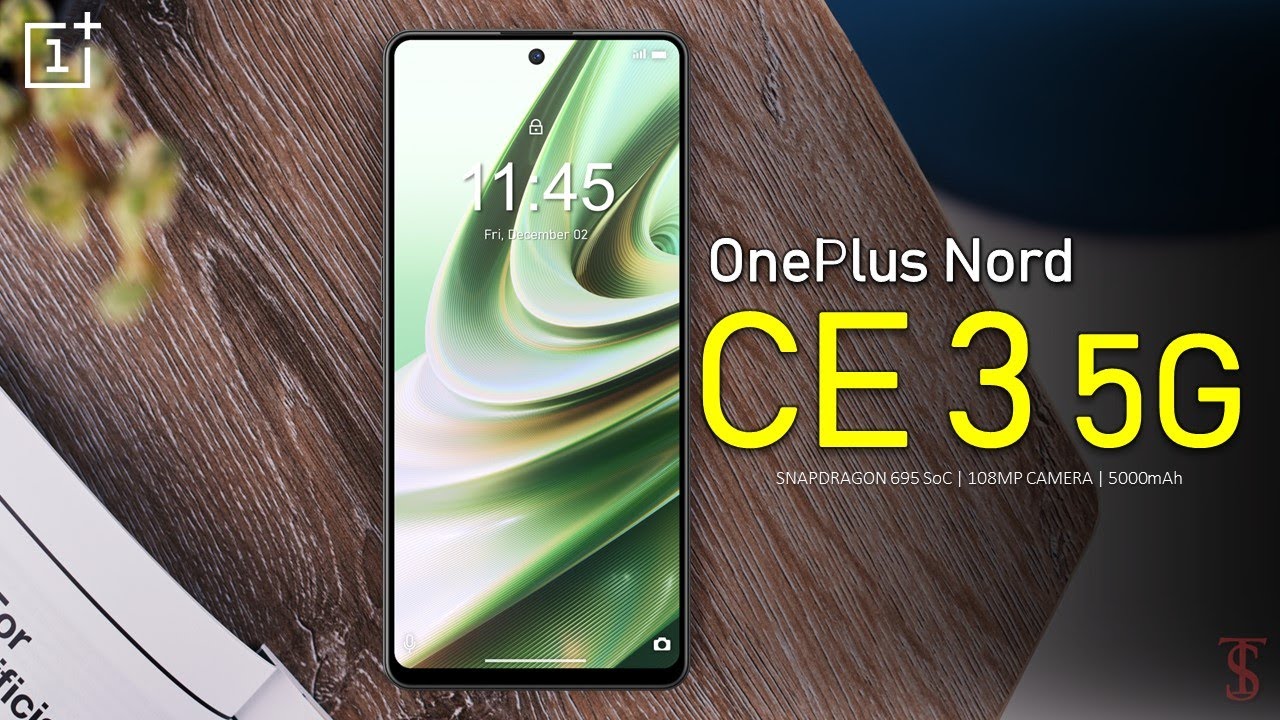
OnePlus Nord CE 3 is sporting a 6.7-inch fluid AMOLED display with a refresh rate of 120Hz.
The smartphone is powered by a Qualcomm Snapdragon 782G SoC, coupled with up to 12GB of RAM and up to 256 GB of internal storage. It runs Android 13-based OxygenOS 13.1 out-of-the-box.
OnePlus Nord CE 3 5G Impressions
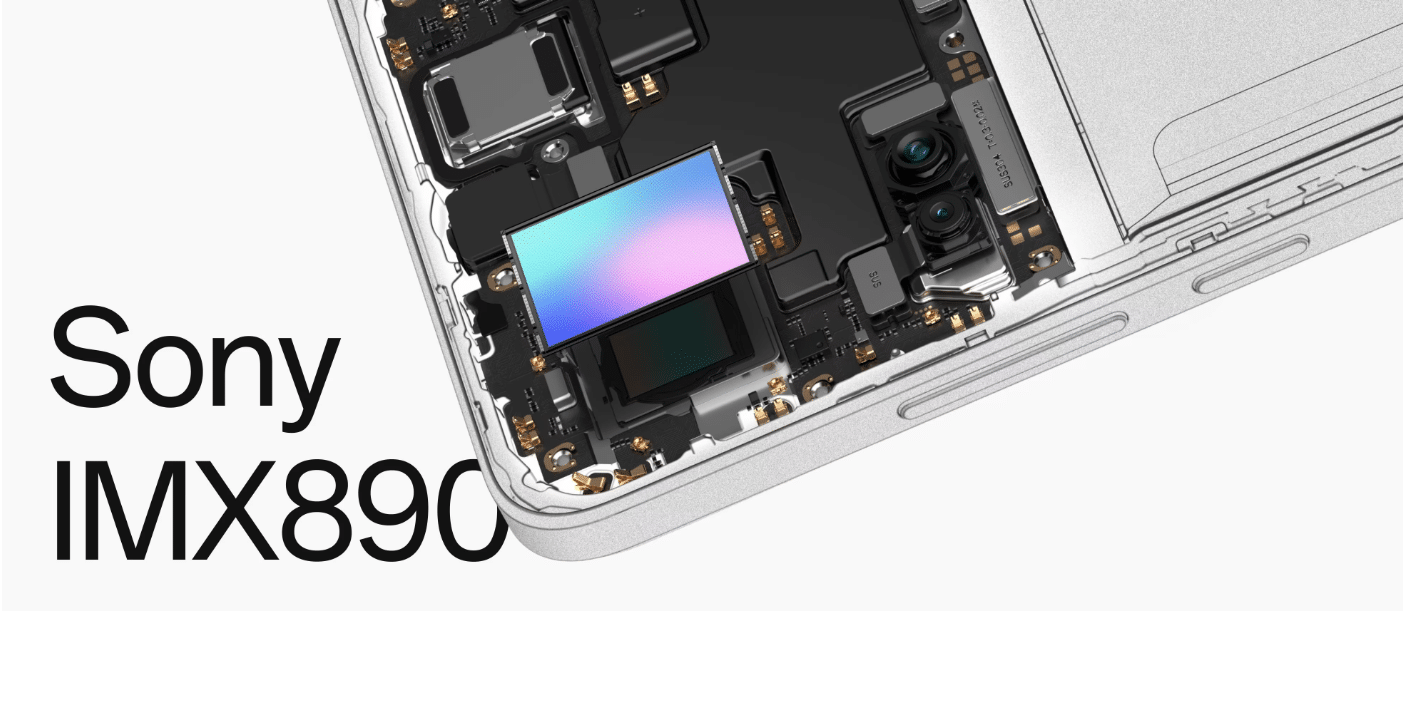
Furthermore, Nord CE 3 gets a triple camera unit, led by a 50-megapixel Sony IMX890 primary sensor. Complimenting this is an 8-megapixel ultra-wide lens and a 2-megapixel macro lens, which is a classic feature in almost every OnePlus phone.
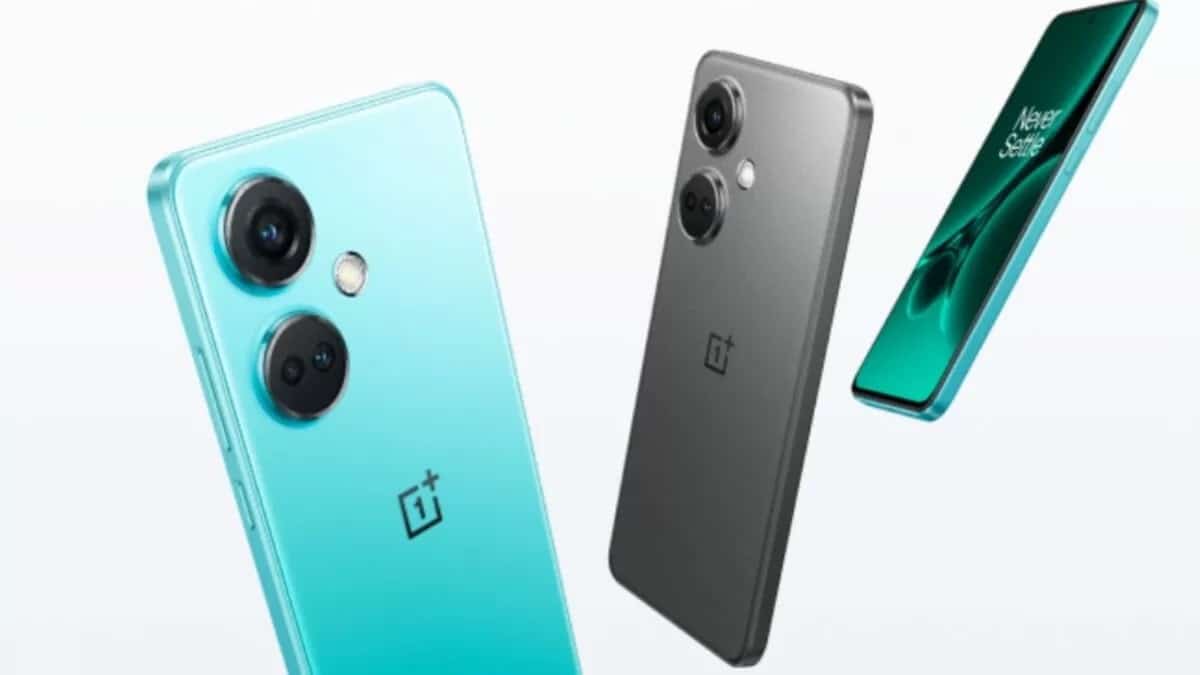
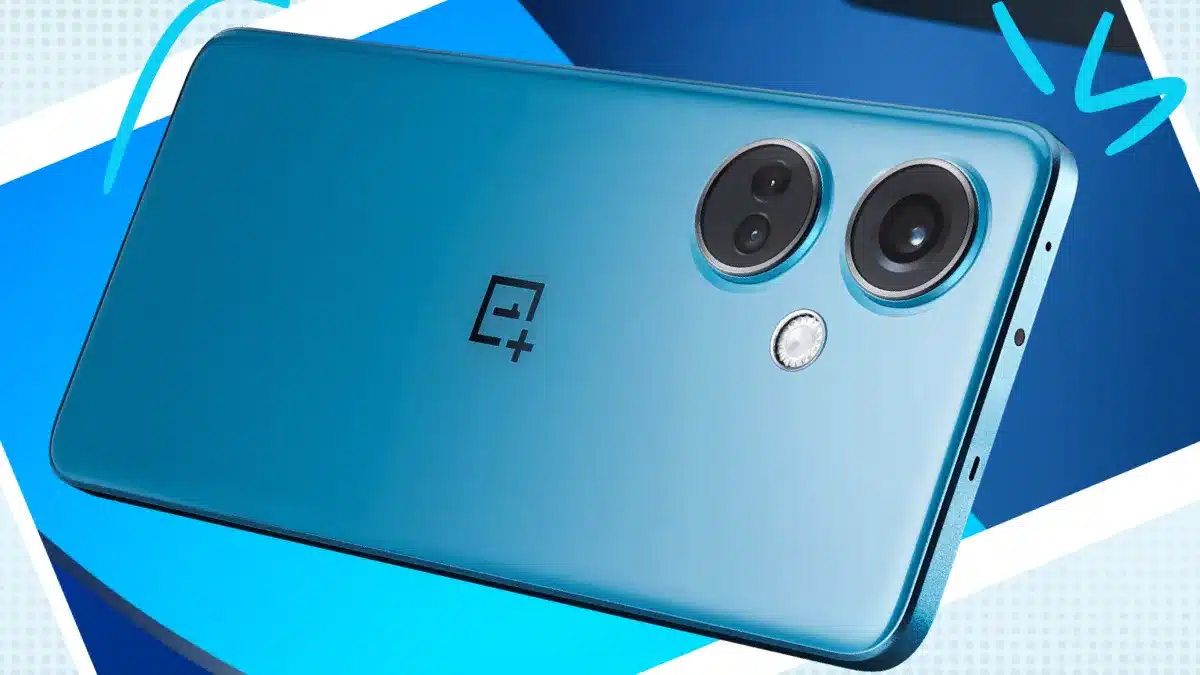
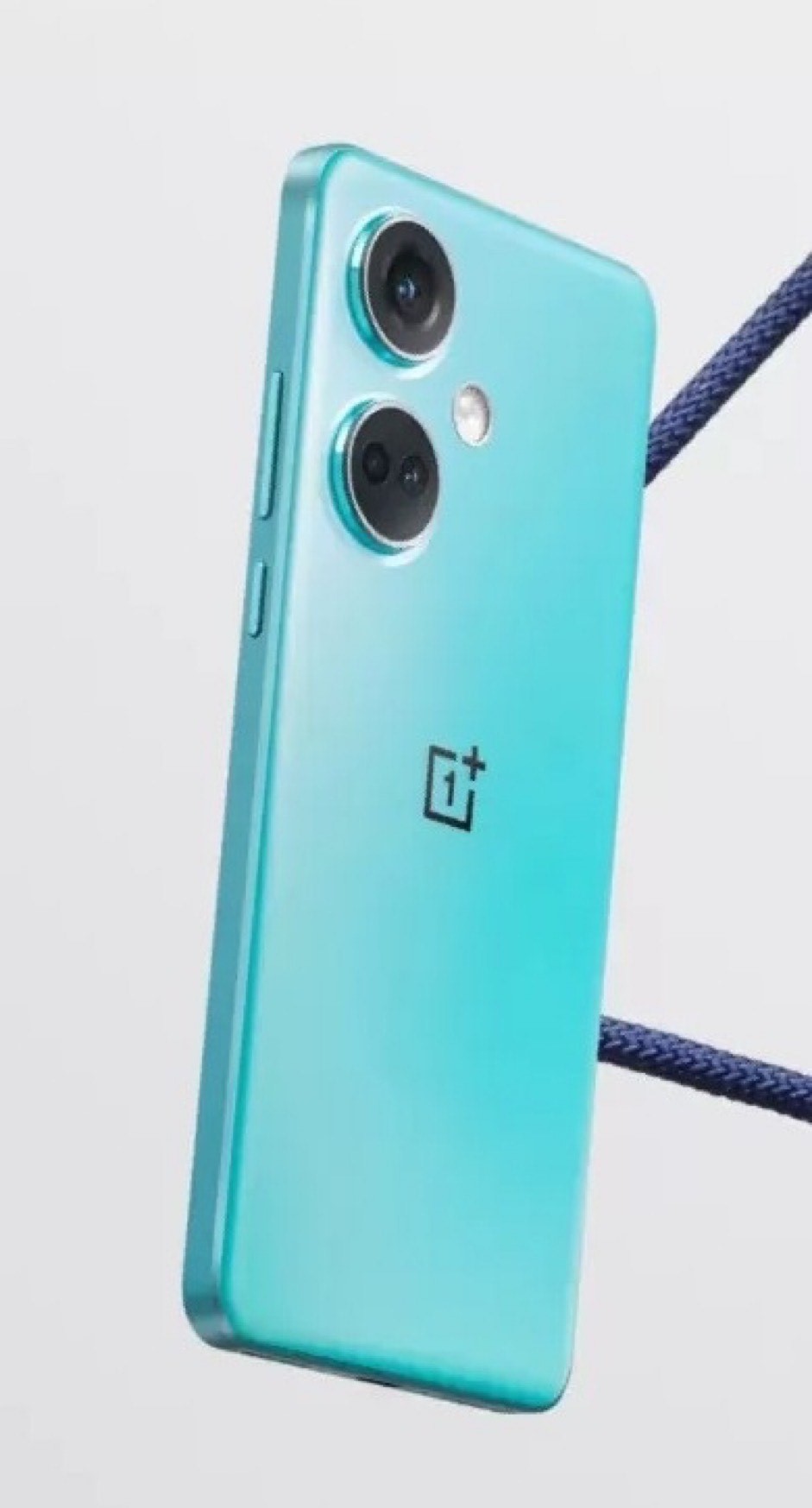
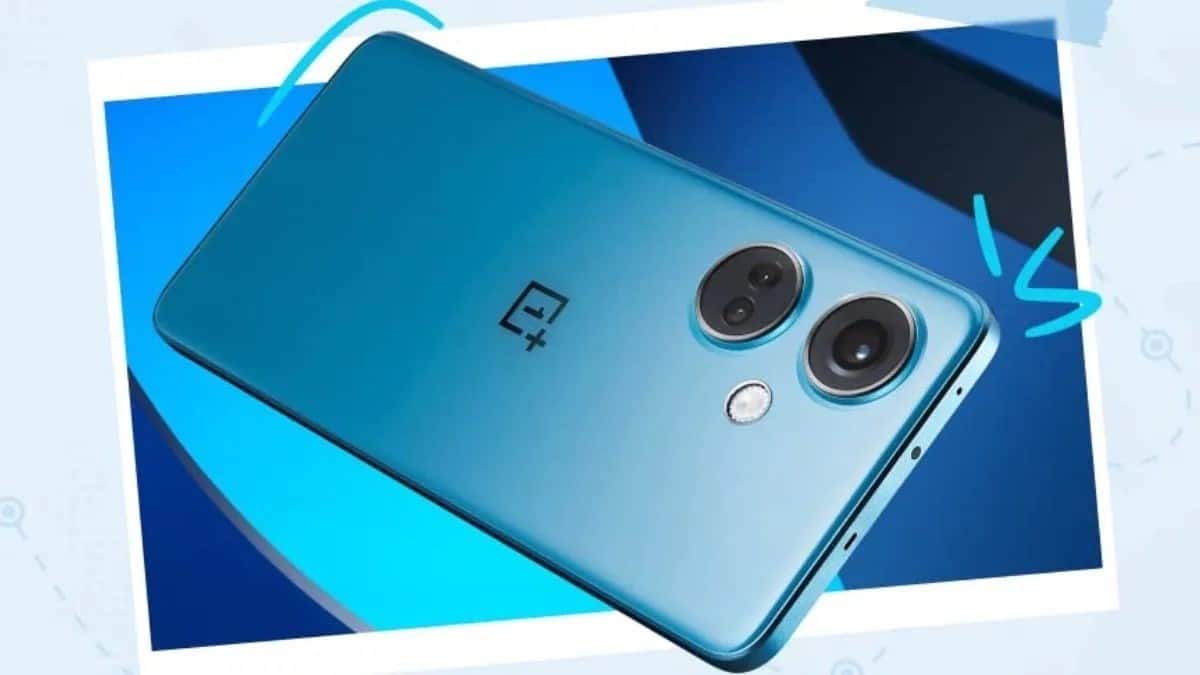
The three cameras are housed in two circular modules on the top-left side of the rear panel. There is also an LED Flash alongside the lens and a OnePlus branding in the centre of the back panel.
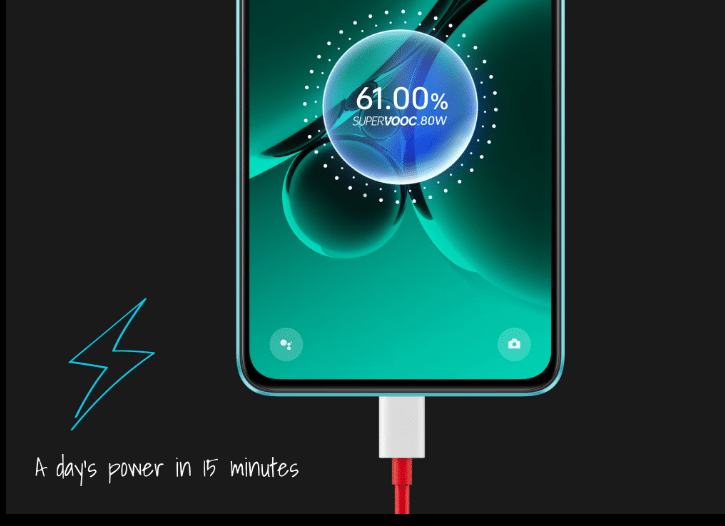
OnePlus has packed a 5,000mAh battery with 80W SUPERVOOC charging support, enabling users to fully charge their device in just 15 minutes.
The smartphone is available in two colour options, which include Aqua Surge and Gray Shimmer.
OnePlus Nord CE3 5G – Key Features
OnePlus Nord CE3 5G – Key Features
7-inch Fluid AMOLED Display with 120Hz refresh rate
Qualcomm Snapdragon 782G (6 nm)
Up to 12 GB RAM + RAM-Vita
Up to 256 GB of Internal Storage
Triple Rear Camera Setup – 50MP Sony IMX890 + 8 MP Ultra Wide + 2 MP Macro
5000mAh battery with 80W SuperVOOC chargers
OxygenOS 13.1
TUV SUD 48-month Fluency Rating A
OnePlus Nord CE3 5G – Pros & Cons
OnePlus Nord CE3 5G – Pros & Cons
Pros
Cons
● Fluid AMOLED Display with 120Hz refresh rate
● 50MP Sony IMX890 Primary sensor with OIS
● Dolby Atmos, Hi-Res Audio (wired + wireless)
● 5000mAh battery with 80W SuperVOOC chargers
● TUV SUD 48-month Fluency Rating A
● Regular Design
● No IP Rating
● Average front camera
OnePlus Nord CE3 5G – Design
OnePlus Nord CE3 5G – Design
Flat edges and the curved rear cover help Nord CE3 fit smoothly in the palm of your hand.
It has two shiny metal rings to protect the camera and a glitzy diamond-shaped flash for added bling.
Nord CE3 comes with a built-in IR remote that can run everything from your TV to your air conditioner.
The OnePlus Nord CE 3 have a clean yet eye-catching design concept. It combines edginess and ergonomics while providing a seamless user experience.
With its flat edges and subtly curved rear cover, this smartphone effortlessly fits into the palm of your hand, making it comfortable and easy to use.
Nord CE3 comes in two colour variants, Aqua Surge and Gray Shimmer. Both variants, especially the Gray variant have a glossy dark finish that gives off extremely premium vibes. Both variant back panels come with increased fingerprint resistance.
OnePlus Nord CE3 5G – Front & Rear View
The presence of protective metal rings surrounding the camera module at the back of the Nord CE 3 adds a touch of elegance but it also serves the practical purpose of safeguarding the camera lenses.
The camera module doesn’t stick out too much and blends into the back without any large camera house. Right next to the lens is the glitzy diamond-shaped flash that provides a delightful touch of bling.
As far as materials used, the back panel is made using glossy plastic which can scratch a bit easier. The phone has a moderate thickness of about 8.2mm and weighs 184g, which makes it a pretty lightweight device.
As for other design elements, the bottom of the device houses a dual SIM tray, microphone, Type-C port, and a single speaker.
And you’ll find an IR Blaster, microphone, and another speaker, providing a balanced audio experience at the top. The power button is on the right side of the phone, while the volume rockers are positioned on the left.
OnePlus Nord CE3 5G – Display and Multimedia Experience
OnePlus Nord CE3 5G Multimedia
7-inch Fluid AMOLED display with 120Hz refresh rate, HDR10+ support, 93.4% Screen-to-body ratio and 2160 Hz PWM Dimming8
Dual stereo speakers and Dolby Atmos® HiRes Audio for a bold, dynamic listening experience that hits in all the right ways
X-axis linear motor enhancing touch response and 4D haptic vibration for ultra-immersive gaming
At first glance, the OnePlus Nord CE3 offers an impressive display and multimedia experience with immersive audio capabilities.
The device features a 6.7-inch Fluid AMOLED display with a 120Hz refresh rate, ensuring stunning visuals and ultra-responsive touch interactions.
With a screen-to-body ratio of 93.4%, the Nord CE3 maximizes the display area, providing an immersive viewing experience. The minimal bezels and large display size create an expansive canvas for content consumption, whether it’s watching movies, playing games, or browsing the web.
The display supports HDR10+, delivering vibrant colours and enhanced contrast for a lifelike visual experience. HDR10+ compatibility ensures that content with HDR support appears more realistic and captivating, with improved colour accuracy and dynamic range.
OnePlus Nord CE3 5G Multimedia
Furthermore, the Nord CE3 incorporatesdual stereo speakers, elevating the audio experience to new heights. With the addition of Dolby Atmos® sound, the device produces bold and dynamic audio that surrounds the user.
Whether you’re listening to music or watching movies, the dual speakers deliver immersive sound that hits all the right notes.
To enhance the audio experience further, the Nord CE3 supports HiRes Audio which promises high-quality sound reproduction with excellent detail and clarity in sound.
For gamers, the Nord CE3’s X-axis linear motor enhances touch response and offers 4D haptic vibrations, providing an ultra-immersive gaming experience.
The enhanced touch sensitivity allows for precise control, while the haptic feedback adds a tactile dimension to gaming, making it more engaging and immersive.
OnePlus Nord CE3 5G – Hardware, Software and Performance
OnePlus Nord CE3 5G – Hardware, Software and Performance
Qualcomm Snapdragon 782G chipset
up to 12GB RAM with OnePlus RAM-Vita feature and UFS 3.1 storage
OxygenOS 13.1 is backed up by two years of software updates and three years of security updates11
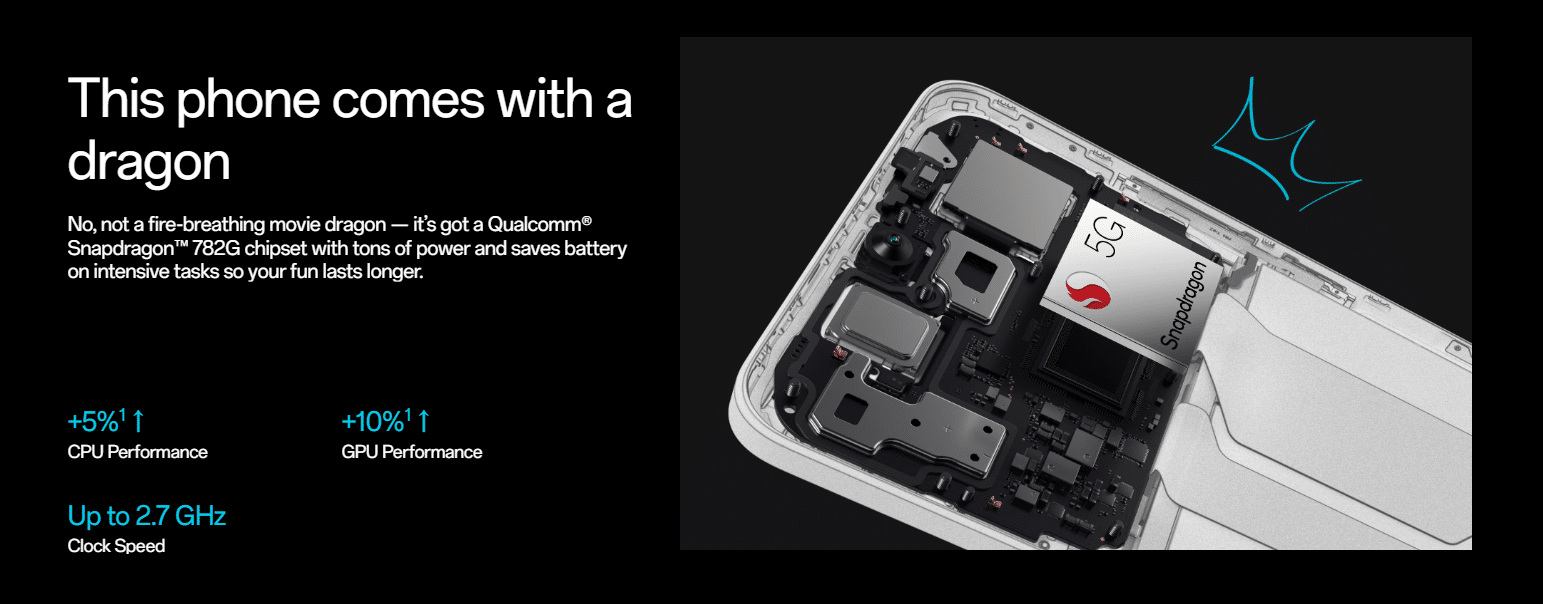
Under the hood, the Nord CE3 is equipped with a Qualcomm Snapdragon™ 782G chipset, providing an abundance of processing power. This chipset ensures smooth and lag-free performance, even during intensive tasks, while also optimizing battery usage for extended usage.
The improved CPU performance,with a 5% increase, and GPU performance, with a 10% increase, elevate the device’s overall performance capabilities.
With a clock speed of up to 2.7 GHz, the Nord CE3 delivers fast and responsive performance across various applications and tasks.
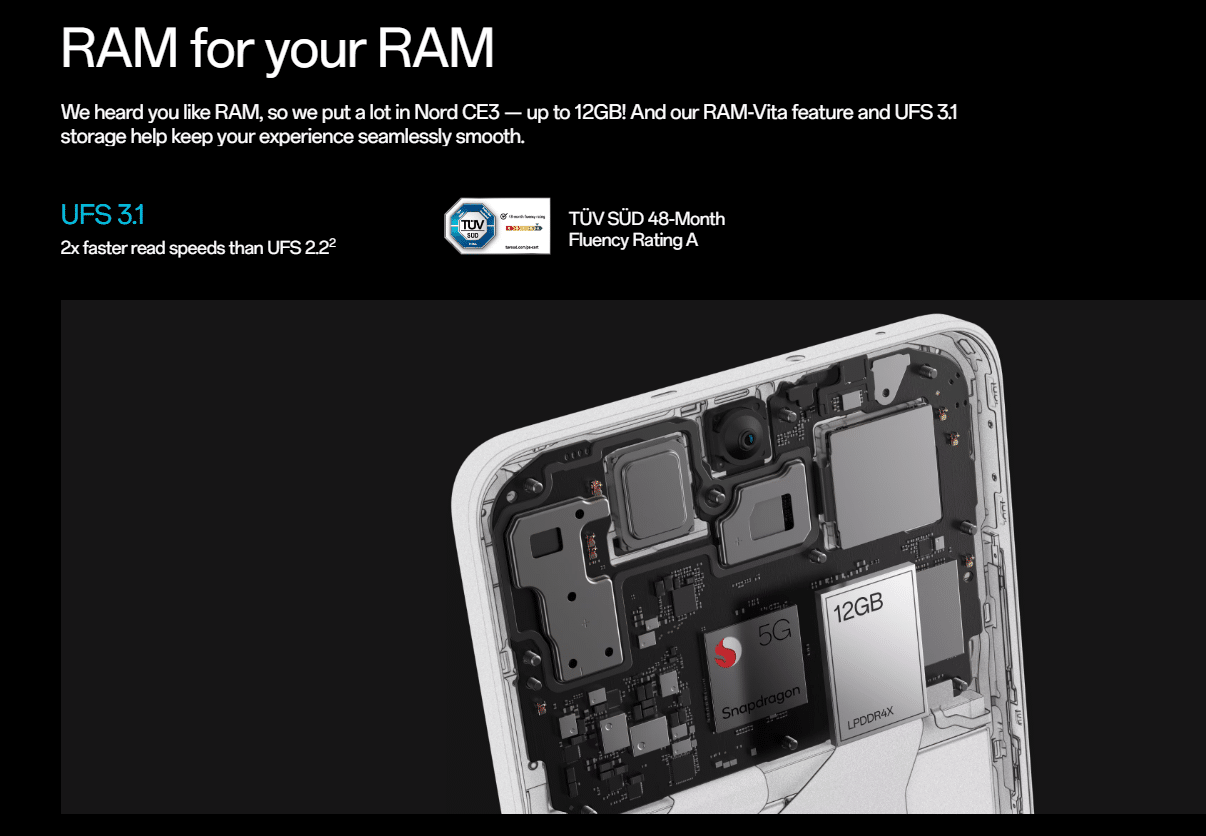
To complement the powerful chipset, the Nord CE3 offers up to 12GB of RAM depending on the variant you get.
The ample RAM capacity ensures efficient multitasking and smooth app-switching, allowing users to seamlessly navigate between different applications.
The inclusion of RAM-Vita feature only enhances the overall experience. It optimises RAM usage and improves system performance.
OnePlus Nord CE3 5G Performance
Additionally, the UFS 3.1 storage technology provides faster read speeds compared to UFS 2.2, resulting in quicker app launches and data access.
OnePlus has incorporated a VC cooling system in Nord CE3. For gamers and heavy multitaskers, this cooling system is vital in maintaining optimal temperature levels during intensive usage.
It helps in smooth and efficient performance for long hours without overheating concerns.
The Nord CE3 also boasts a TÜV SÜD 48-Month Fluency Rating A, indicating a high level of performance and smooth operation over an extended period.
This rating confirms the device’s ability to maintain optimal performance and responsiveness, even after long-term usage.
In terms of software, the Nord CE3 comes with OxygenOS 13.1, providing an upgraded and seamless user experience. The software is designed with nature-inspired elements, offering a visually pleasing and intuitive interface.
Moreover, the OnePlus comes with two years of software updates for easy access to the latest features and improvements. Additionally, it offers three years of security updates for protection against potential vulnerabilities.
OnePlus Nord CE 3 5G – Camera
OnePlus Nord CE 3 5G – Camera
Triple Rear Camera Setup – 50MP Sony IMX890 + 8 MP Ultra Wide + 2 MP Macro. The 50 MP Sony IMX890 has got OIS for stable, high-resolution shooting.
Front camera – 16 MP f/2.4 Wide Angle Sensor
The rear camera setup of the Nord CE3 comprises a 50MP Sony IMX890 sensor, an 8MP ultra-wide lens, and a 2MP macro lens. The star of the show is the 50MP Sony IMX890 sensor, which boasts Optical Image Stabilization (OIS).
The inclusion of OIS is for stable, high-resolution shooting, minimizing camera shake and producing sharper images. This feature would be useful for capturing detailed shots in various lighting conditions.
The ultra-wide lenswith an 8MP resolution allows users to capture wider scenes, ideal for landscape photography or fitting more elements into the frame.
The macro lens, with its 2MP resolution, enables close-up shots with intricate details, allowing users to explore the world of tiny subjects.
Our first impression of the cameras is delightful. The daylight images will always be good with decent dynamic range.
The focus and shutter speeds should also be fine and the colour output might not have been the best. In any case, this should be definitely one of the best camera setups in this segment.
Nord CE3’s front and rear cameras
For selfie enthusiasts, the Nord CE3 features a 16MP front camera with an f/2.4 wide-angle sensor. This front camera captures vibrant selfies, making it suitable for capturing individual or group shots.
However, the front camera shots were a little more refined. These mostly look over-saturated and over-enhanced.
An interesting feature is the TurboRAW algorithm Nord CE3 incorporates. This enhances the low-light shooting capabilities of the phone.
This algorithm works in conjunction with the flagship main sensor and OIS and enables capturing clearer and more detailed photos in Night Mode.
Although advantageous for low-light photography enthusiasts, whether it improves image quality in challenging lighting conditions or not is something that can only be known after thorough usage.
Lastly, OnePlus has upgraded the Portrait mode on this phonefor the front and rear cameras for more accurate background blurring, bokeh effects, and bokeh flare filters. Furthermore, the inclusion of ICE 2.0 further aids in reducing blurring, ensuring sharp and high-detail photos.
OnePlus Nord CE3 5G – Battery Life
OnePlus Nord CE3 5G – Battery Life
5,000mAh battery
80W SUPERVOOC fast charging for charging up to a day’s power in 15 minutes
11 temperature sensors, a smart charging chip, and a charging encryption algorithm for a safer charging experience
The device is powered by a 5,000mAh battery, providing ample power to keep you going throughout the day. To enhance the charging experience, the Nord CE3 supports 80W SUPERVOOC fast charging.
With this technology, users can boost their battery up to a day’s power in just 15 minutes of charging.
The Nord CE3 incorporates 11 temperature sensors, a smart charging chip, and a charging encryption algorithm. These measures help prevent overheating and protect the battery from excessive stress during charging.
By monitoring temperature levels and employing smart charging techniques, the device offers a safer and more efficient charging process.
Verdict
OnePlus Nord CE 3
Overall, the OnePlus Nord CE 3 impresses with its seriously edgy design, combining flat edges and a subtly curved rear cover for a comfortable grip.
The camera system, featuring a 50MP Sony IMX890 sensor with OIS and enhanced low-light capabilities, delivers stunning photos and clear portraits.
The 6.7-inch 120 Hz Fluid AMOLED display offers a vibrant and responsive viewing experience, while the dual stereo speakers with Dolby Atmos® sound provide immersive audio.
Powered by the Snapdragon 782G chipset, 12GB RAM, and UFS 3.1 storage, the device delivers smooth performance. The 5,000 mAh battery with 80W SUPERVOOC fast charging ensures a long-lasting and efficient power experience.
All-in-all, the OnePlus Nord CE3 combines style, performance, and functionality to deliver a compelling smartphone package.
OnePlus Nord CE3 5G – My Mobiles Rating
Design – 3.5/5
Display – 3.5/5
Hardware – 3.5/5
Camera – 4/5
Battery – 4/5
Overall Performance – 3.5/5
OnePlus Nord CE3 5G – Price and Availability
OnePlus Nord CE3 5G – Price and Availability
OnePlus Nord CE 3 5G price in India starts at Rs. 26,999. Expected to be available for purchase from Aug 2023, the starting price is for the 8 GB RAM / 128 GB internal storage base variant.
OnePlus Nord CE3 5G will be available in two colour variants that include Aqua Surge and Gray Shimmer colour options.
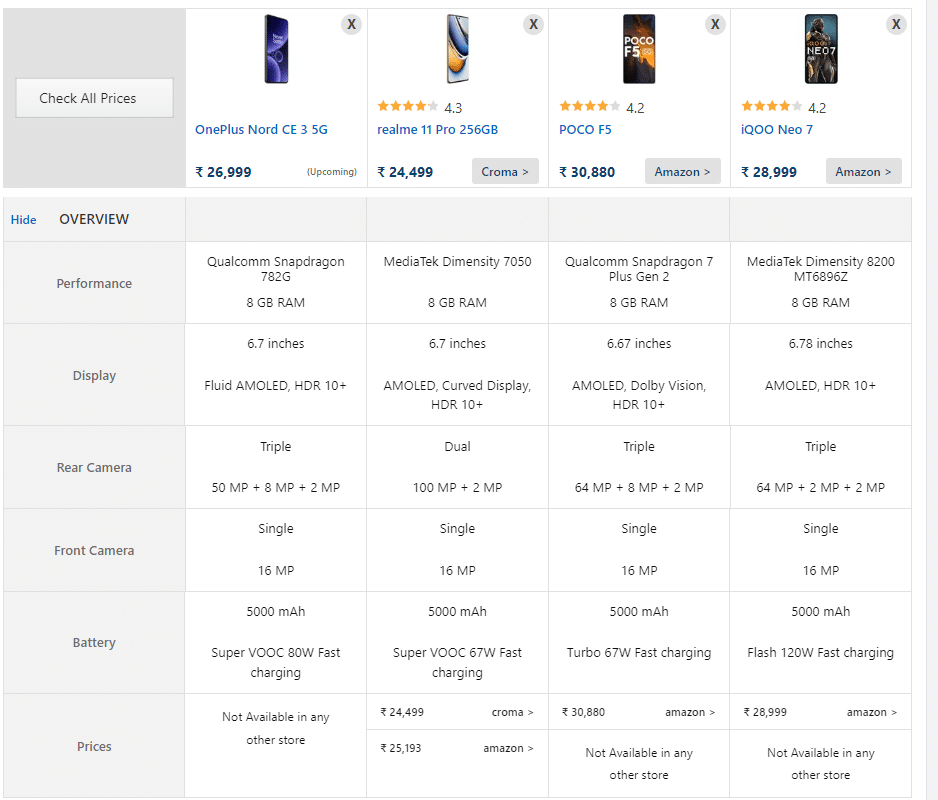
OnePlus Nord CE3 5G – A Comparison With Leading Alternatives in the Segment
Realme 11 Pro
Realme 11 Pro
Realme 11 Pro comes with a generous 6.7-inch AMOLED 120Hz curved vision display. The smartphone is powered by the advanced Dimensity 7050 5G chipset, which ensures lightning-fast connectivity and smooth performance.
The Realme 11 Pro runs on the Android v13 operating system, offering an intuitive and customizable user interface.
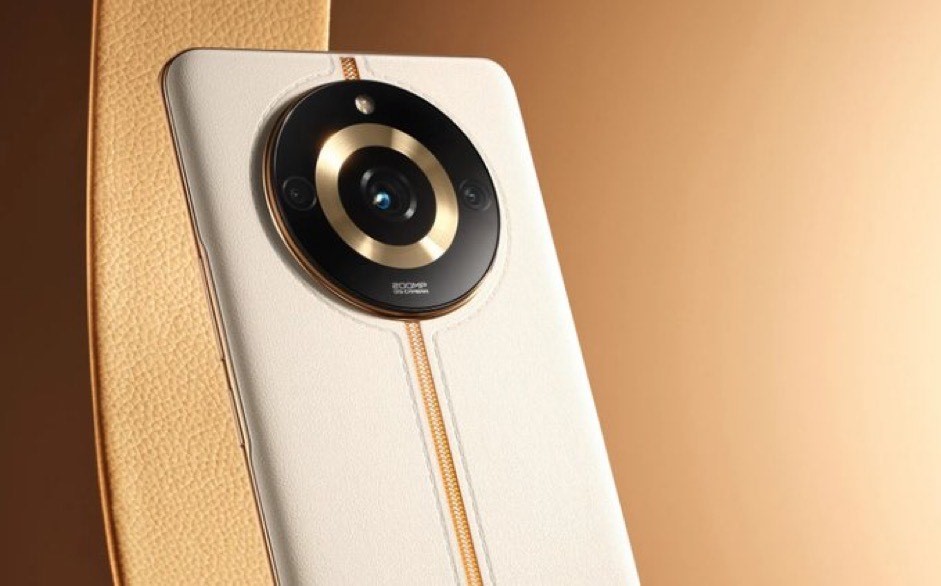
Capture every moment in stunning detail is the revolutionary 100MP OIS ProLight camera with a couple of additional lenses. It also has a massive 16MP front camera for preserving your precious selfie moments and enjoying video calls with your loved ones.
Furthermore, Realme has also equipped Dolby Atmos dual speakers for enhanced streaming and multimedia experience. It promises an immersive and high-quality sound that enhances your entertainment experience.
The Realme 11 Pro has a 5000mAh battery and features 67W SUPERVOOC charging technology. This device charges at an incredible speed, keeping you connected and powered up throughout the day.
Price – Starts Rs 23.999
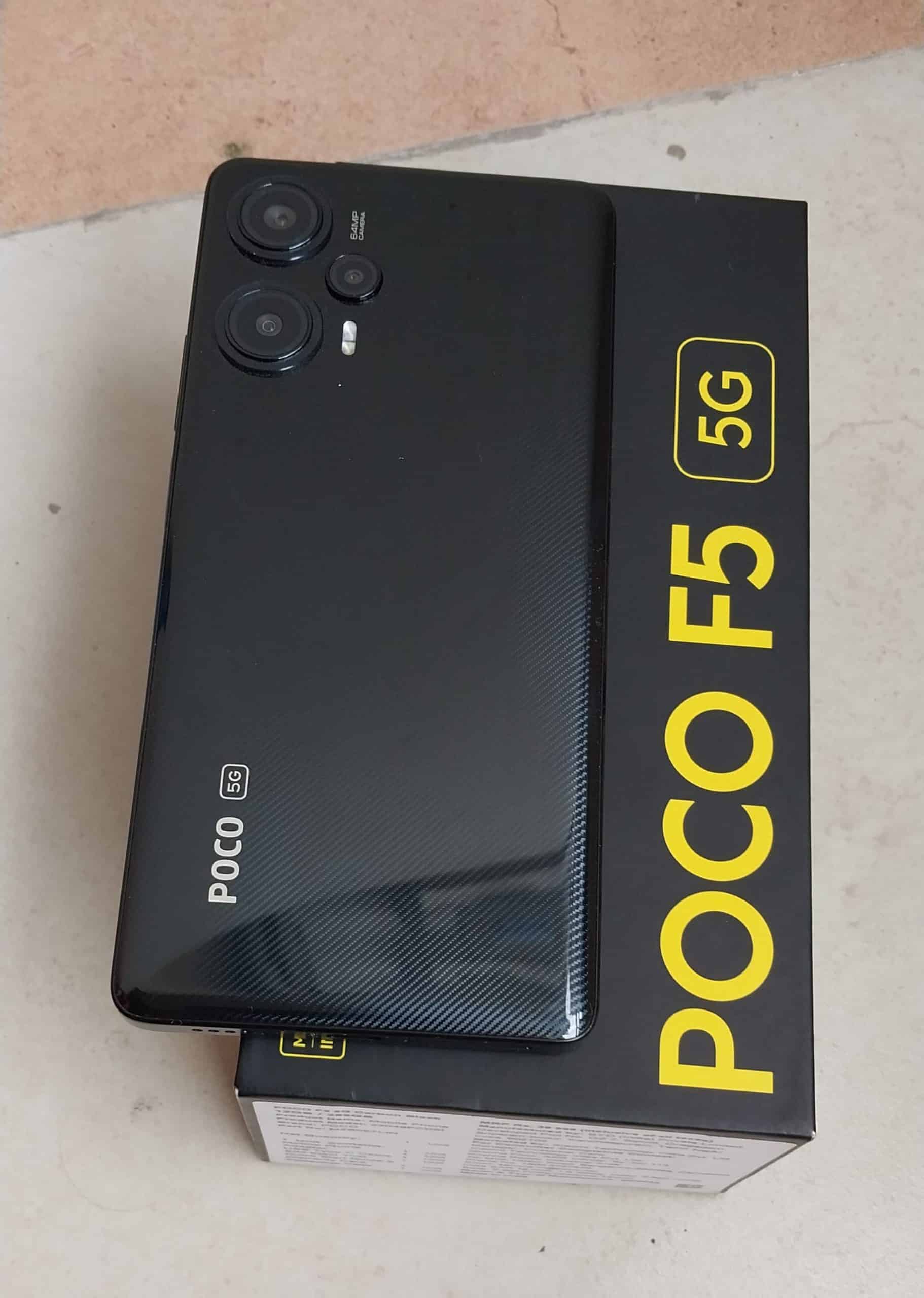
Poco F5
Poco F5
The Poco F5 5G features a large 6.67-inch AMOLED display with a 120Hz refresh rate, which promises to deliver an immersive viewing experience with vibrant colours and sharp details.
Under the hood, the Qualcomm Snapdragon 7 Plus Gen 2 processor ensures smooth and lag-free performance. It handles multitasking effortlessly, thanks to its 8 GB RAM and 256 GB of internal storage.
The latest Poco smartphone is also impressive in the camera department. It boasts a triple rear camera setup, including a 64-megapixel primary lens, an 8-megapixel ultra-wide lens, and a 2-megapixel depth sensor.
The camera system seems capable of shooting landscapes, portraits, or close-ups while delivering exceptional clarity and detail. On the front, Poco has included a 16-megapixel selfie camera to ensure that your self-portraits are on point.
Powering the Poco F5 is a robust 5000 mAh battery, providing you with all-day usage without needing frequent recharging. It also comes with a 67W turbocharger in the box to make sure the device keeps up with your active lifestyle.
Running on the latest Android v13 operating system, this smartphone is 5G enabled along with other connectivity options such as 4G, Bluetooth v5.3, Wi-Fi and Dual active SIM slots for connectivity.
Price – Starts Rs 29,999
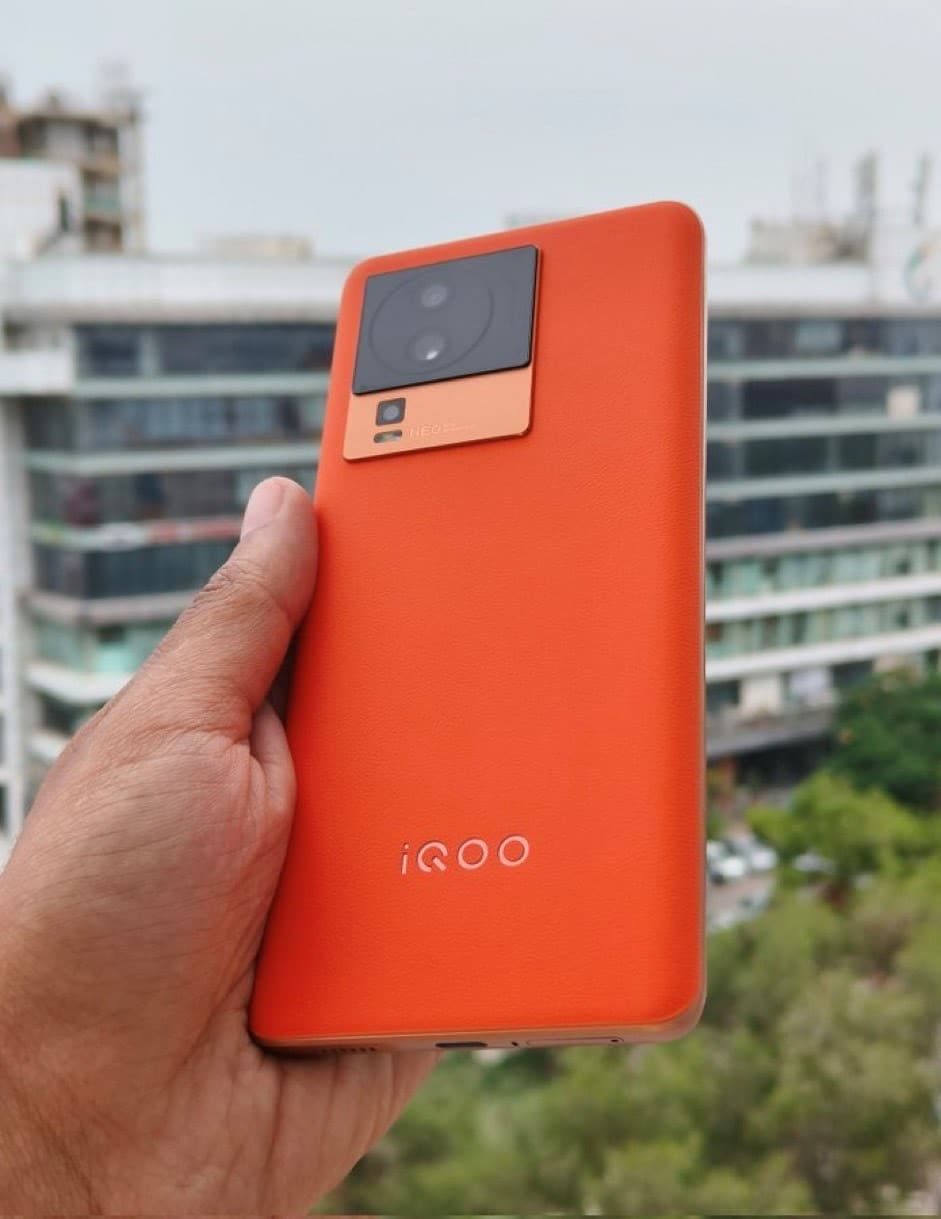
iQOO Neo 7
iQOO Neo 7
iQOO Neo 7 comes with a 120 Hz refresh rate 6.78-inch touchscreen display offering a resolution of 1080×2400 pixels (FHD+) at a pixel density of 388 pixels per inch (ppi).iQOO Neo 7 5G is powered by an octa-core processor.
It comes with 8GB, 12GB of RAM. The iQOO Neo 7 5G runs Android 13 and is powered by a 5000mAh removable battery. The iQOO Neo 7 5G supports proprietary fast charging.
As far as the cameras are concerned, the iQOO Neo 7 5G on the rear packs a triple camera setup featuring a 64-megapixel primary camera; a 2-megapixel camera, and a 2-megapixel camera. It has a single front camera setup for selfies, featuring an Unspecified sensor.
The iQOO Neo 7 5G runs Funtouch OS 13 is based on Android 13 and packs 128GB, 256GB of inbuilt storage.
Q1. What is the display size and technology of the OnePlus Nord CE3?
Answer. The OnePlus Nord CE3 features a 6.7-inch 120 Hz Fluid AMOLED display, providing stunning visuals and ultra-responsive touch interactions.
Q2. Does the OnePlus Nord CE3 have a good camera system?
Answer. Yes, the OnePlus Nord CE3 boasts a triple rear camera setup, including a 50MP Sony IMX890 sensor with OIS for stable, high-resolution shooting. It also offers enhanced low-light capabilities and an upgraded Portrait mode for clearer and more natural portrait shots.
Q3. How fast does the OnePlus Nord CE3 charge?
Answer. The OnePlus Nord CE3 supports 80W SUPERVOOC fast charging, allowing you to boost the battery to up to a day’s power in just 15 minutes of charging.
Q4. How long does the battery last on the OnePlus Nord CE3?
Answer. The OnePlus Nord CE3 is equipped with a 5,000 mAh4 equivalent battery, providing ample power for a day of usage.
Q5. What software updates can I expect for the OnePlus Nord CE3?
Answer. The OnePlus Nord CE3 comes with OxygenOS 13.1, and it is backed up by two years of software updates and three years of security updates, ensuring access to the latest features and ongoing protection against vulnerabilities.
Redmi 12 Series set to launch in India on August 1st.
Redmi 12 5G to make its global debut in India.
Redmi 12 4G and 5G models primarily differ in their processors.
Redmi Watch 3 Active and Xiaomi TV X Series to accompany the phone series launch.
Redmi 12 5G starting price likely at Rs 13,999; Redmi 12 4G expected from Rs 9,999.
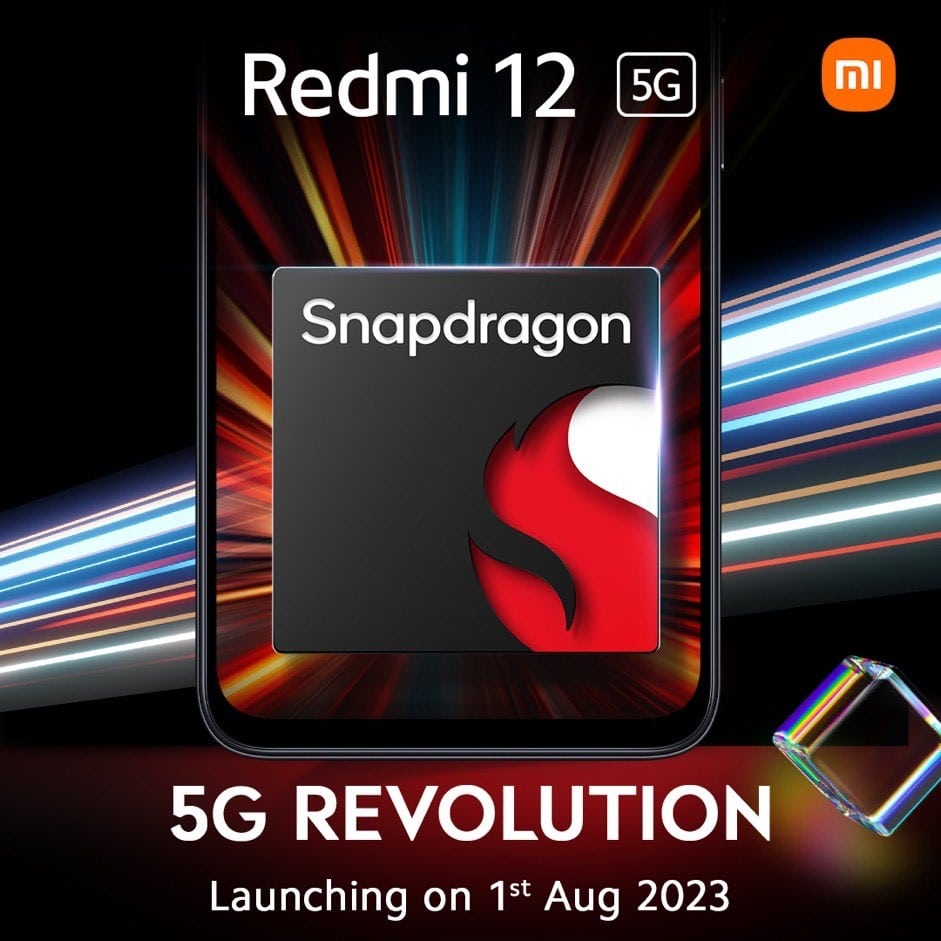
Xiaomi sub-brand Redmi is ready to introduce its latest Redmi 12 series in the Indian market , with a promise of “5G revolution”. The company is going to announce two models, ie the Redmi 12 4G and Redmi 12 5G.
Anticipated along with these phones are additional ecosystem products, notably the Redmi Watch 3 Activeand the Xiaomi TV X series.
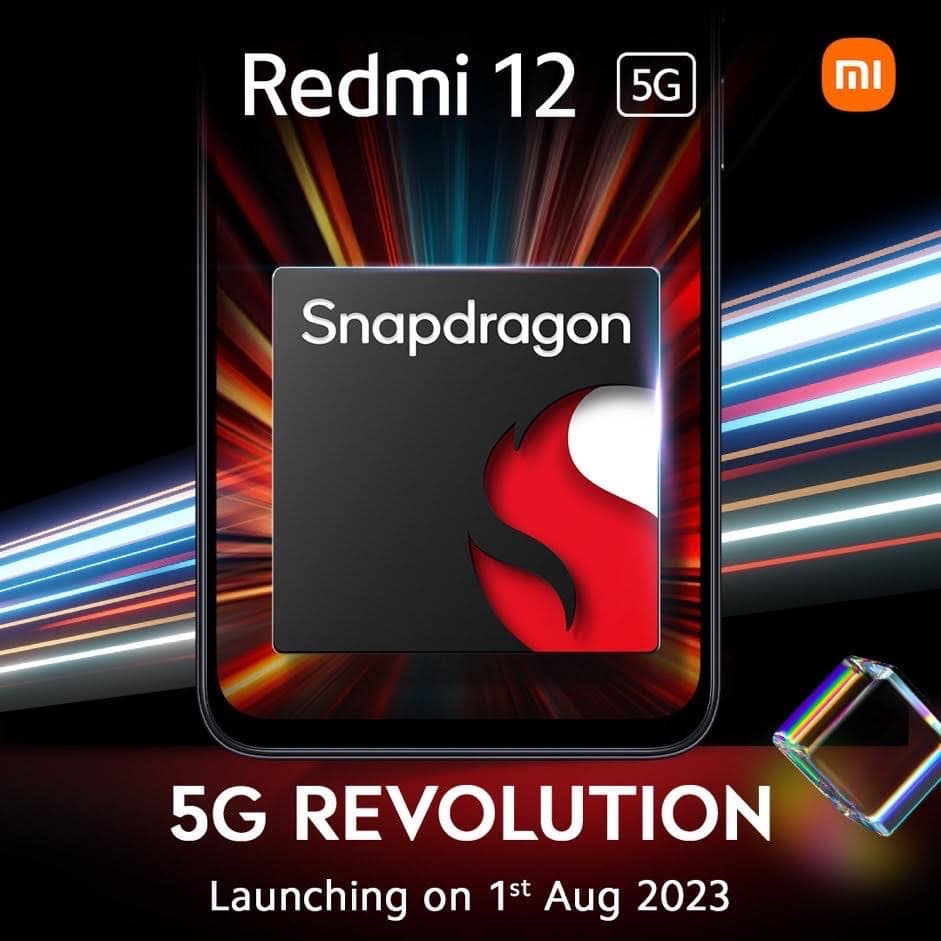
The Redmi 12 5G, which is the star of the show, will mark its global debut in India. It’s been confirmed by Redmi that this device will feature a Snapdragon chipset.
Redmi 12 Snapdragon chipset
As for other details, the device had earlier been spotted on Geekbench outfitted with a 4nmSnapdragon 4 Gen 2 chipset, which is likely what will power the handset.
As mentioned above the Redmi 12 series includes two variants, distinguished by their 4G and 5G connectivity options.
The 4G variant is likely to have the Helio G88 SoC but beyond that would just be guesswork until the device is officially unveiled.
In any case, we have prepared a complete round up of what we know about the two phone before the launch today.
Redmi 12 launch: When and Where to Watch
Redmi 12 launch: When and Where to Watch
The Redmi 12 series launch is scheduled to start at 12.00 PM today. Those interested in catching the event live can do so on Redmi India’s official YouTube channel. The link to this live stream has been attached here.
As you can see from the rumoured specs above, there is basically only one difference between the two Redmi 12 variants, which is the processor.
Based on this, and other hardware inclusions in the two device, along with past pricing of Redmi products, we can take an educated guess on what the pricing is.
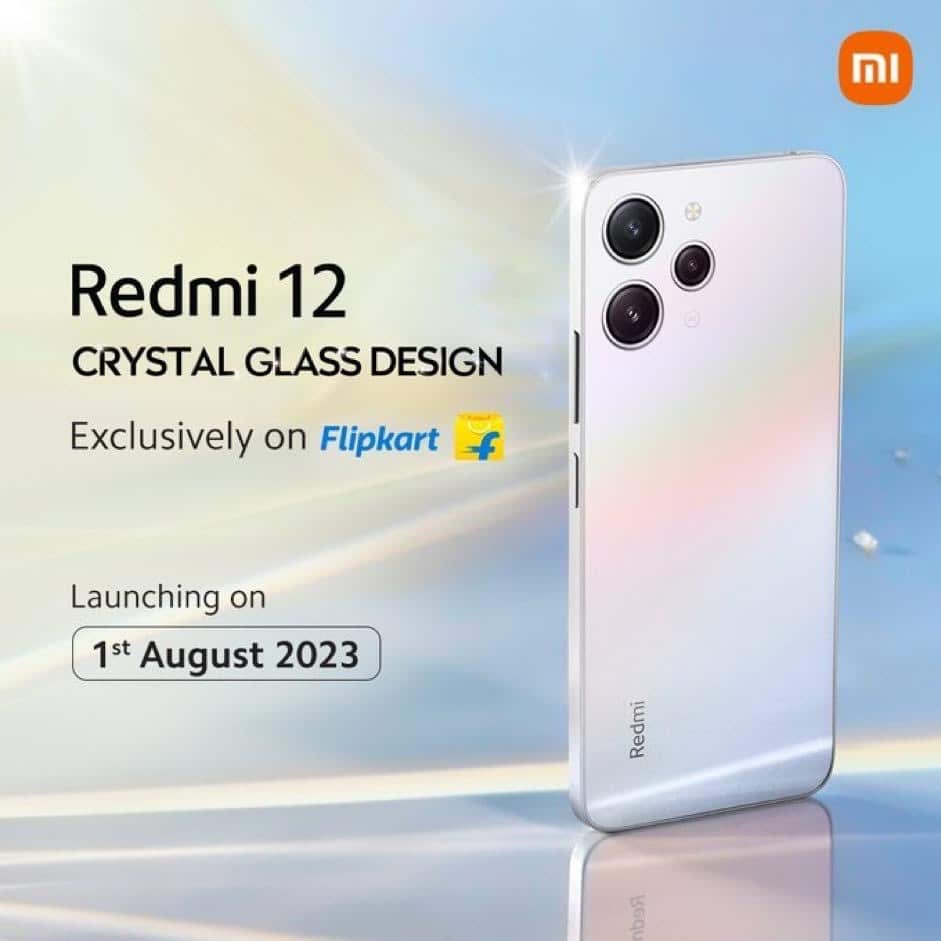
Redmi 12 Crystal Glass Design
According to leaks, the Redmi 12 5G is likely going to be offered starting at Rs 13,999 for the 6GB RAM + 128GB storage variant and could go up to 15,999 for the 8GB + 256GB version.
On the other hand the Redmi 12 4G is likely to be priced starting at Rs 9,999 for the 4GB RAM + 128GB storage version and there will likely be a higher variant with 6GB RAM as well.
Redmi Watch 3 Active: Rumoured Specs and Price
Redmi Watch 3 Active: Rumoured Specs and Price
Xiaomi India’s Twitter account has stated that along with the new Redmi 12 devices, a new budget-friendly smartwatch is also likely to be revealed.
The Redmi Watch 3 Active, which has piqued interest among consumers, is anticipated to mirror the specifications of its globally released model, thereby promising a similar user experience.
Redmi Watch 3 Active
Furthermore, the Redmi Watch 3 Active is likely to be available in two different colour options, providing buyers with the opportunity to choose the one that best fits their style and personal preferences.
Pricing expectations for the smartwatch are based on its existing overseas market prices. In India, the device is forecasted to be attractively priced under Rs 5,000, making it a viable option for those who are budget-conscious but are still looking for high-tech features.
Xiaomi TV X Series: Rumours and Specs
Xiaomi TV X Series: Rumours and Specs
Xiaomi has also been teasing about an upcoming smart TV lineup in its promotional activity. The new models are likely to feature a high-end, bezel-less metal design which provides a sleek and modern look.
The software powering these TVs is likely going to be Google TV, known for its user-friendly interface and extensive content selection.
In terms of the display, the device will have a 4K Dolby Vision panel that promises to deliver stunning visuals with superior color depth and contrast.
This combination of high-end hardware and advanced software elements is expected to offer users an immersive, high-quality viewing experience.
As for the pricing, it is anticipated that the new TV X series will be priced comparably to its predecessor, which was launched the previous year.
Ques: What is the expected launch date for the Redmi 12 Series?
Ans: The Redmi 12 Series is set to be launched in India on August 1st.
Ques: What is the primary difference between the Redmi 12 5G and Redmi 12 4G?
Ans:The main difference lies in their processors. The 5G variant is expected to feature a Snapdragon chipset, while the 4G variant is likely to include the Helio G88 SoC.
Ques: What are the additional products anticipated to be launched alongside the Redmi 12 Series?
Ans: Alongside the Redmi 12 series, Redmi is also expected to unveil the Redmi Watch 3 Active and the Xiaomi TV X Series.
Ques: What is the expected price range for the Redmi 12 5G and 4G models?
Ans: The Redmi 12 5G is expected to start at Rs 13,999, and the Redmi 12 4G is anticipated to begin at Rs 9,999.
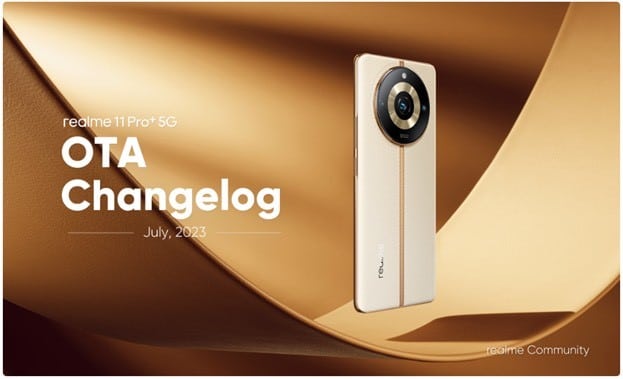
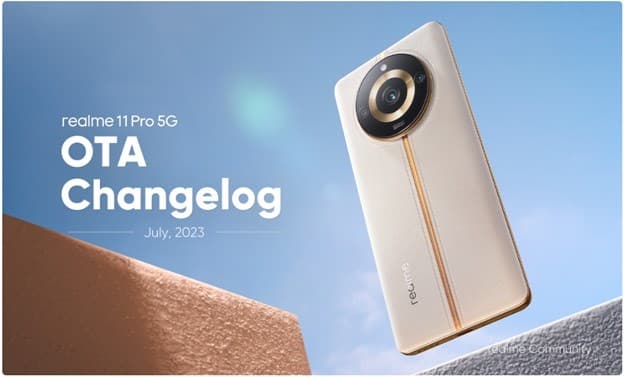
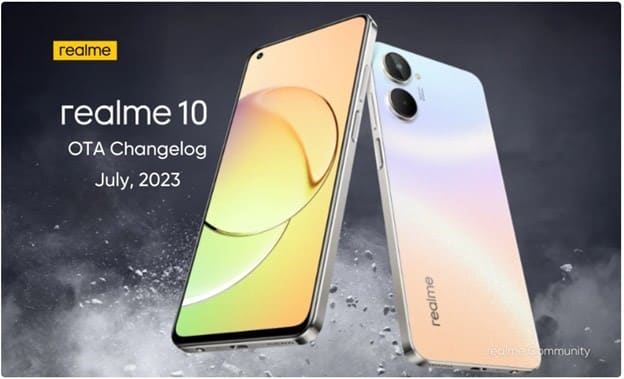
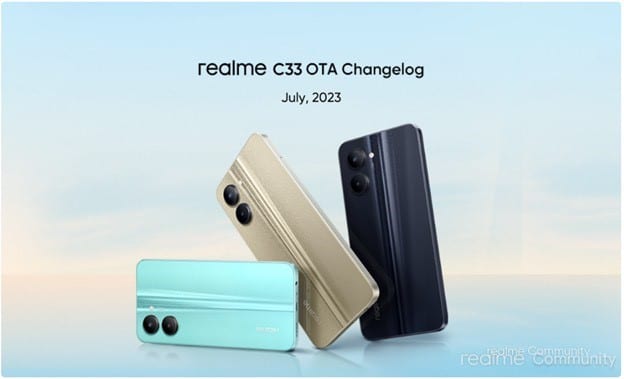
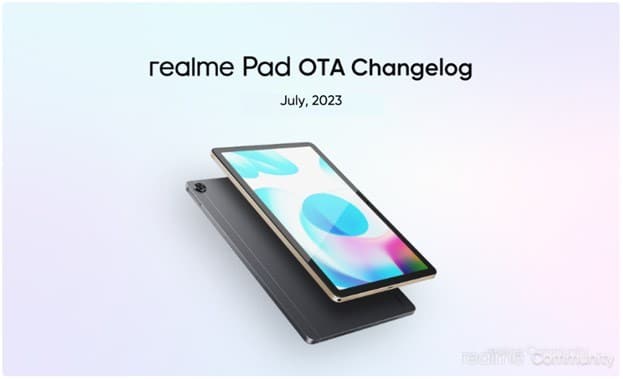
Realme, the most reliable smartphone service provider, has rolled out the new OTA Changelog update for the users of Realme C53, Realme 11 Pro+ 5G, Realme 11 Pro 5G, Realme 10, Realme C33, Realme 9i 5G, Realme narzo 50 5G, Realme Pad, Realme X7 Max 5G and Realme 8 Pro for the month of July.
The update offers several new features, optimized network compatibility, and will provide system stability.
The update reaffirms Realme’s commitment to providing regular and timely updates to its devices.
Continuing the trend, Realme C53, Realme 11 Pro+ 5G,Realme 11 Pro 5G, Realme 10, Realme C33, Realme 9i 5G, Realme narzo 50 5G, Realme Pad, Realme X7 Max 5G and Realme 8 Pro launched in June 2023, May 2023, January 2023, September 2022, August 2022, May 2022, September 2021, May 2021 and March 2021 respectively are now fetching the July OTA Changelog update.
The OTA update is being rolled out in phases, with users receiving a push message to download it.The upgrade will be rolled out to a select group of users today, with a wider distribution following in a few days.
Alternatively, it can also be checked by going to Settings > About Phone > System update.
● Integrates the July 2023 Android Security patch.
System
● Optimizes system stability. ● Optimizes the fluency of some scenes ● Fixes some other known issues Camera
● Optimizes the clarity of some scenes ● Optimizes the color problem of some scenes ● Fixes some other known issues Network ● Optimizes calls, signal, and data instability issues Realme 11 Pro 5G UI Version: RMX3771_13.1.0.534(EX01)
Realme 11 Pro 5G OTA Changelog
Security
● Integrates the July 2023 Android Security patch. System ● Optimizes system stability. ● Optimizes the fluency of some scenes ● Fixes some other known issues
Camera
● Optimizes the clarity of some scenes ● Optimizes the color problem of some scenes ● Fixes some other known issues Network ● Optimizes calls, signal, and data instability issues
Realme 10 UI Version: RMX3630_11.C.13
Realme 10 OTA Changelog July 2023
Security
● Updated Android security patch: June 2023 and July 2023
System
● Fixes some known issues. ● Optimizes system stability.
Realme C33UI Version: RMX3624_12.A.89
Realme C33UI Version
Security
● Integrates the June 2023 and July 2023 Android security patch.
System
● Improves system performance and stability.
Realme 9i 5GUI Version: RMX3612_11.C.10
Realme 9i 5G OTA Changelog
Security
● Integrates the June and July 2023 Android security patches.
System
● Optimizes system performance and improves system stability.
Realme narzo 50 5GUI Version: RMX3571_11.C.06
Realme Narzo 50 5G
Security
● Integrates the June and July 2023 Android security patches.
System
● Optimizes system performance and improves system stability.
Realme Pad UI Version: Realme Pad LTE – RMP2102_11_A.14 | Realme Pad Wi-Fi – RMP2103_11_A.14
Realme Pad UI Version
Security
● Updated Android security patch: June and July 2023
System
● Fixed some known issues and improved system stability.
Realme X7 Max 5GUI Version: RMX3031_11.F.19
Realme X7 Max 5G UI
Security
• Updated Android security patch: July 2023 and June 2023
System • Improves system performance and stability.
Realme 8 Pro UI Version: RMX3081_11.F.05
Realme 8 Pro
Security
● Integrates the July 2023 Android security patch to enhance system security.
Q1. What is the display size and resolution of the Realme C53?
Answer. The Realme C53 features a 6.74-inch display with a resolution of HD 720 x 1600 pixels. This provides a sharp and vibrant visual experience for various tasks such as browsing, gaming, and multimedia consumption.
Q2. What is the camera setup on the Realme C53?
Answer. The Realme C53 is equipped with an impressive camera setup. It features a 108MP primary camera with an f/1.75 aperture and a B&W lens with an f/2.4 aperture. This combination allows for detailed and high-quality photography, capturing stunning images in various lighting conditions.
Q3. How much storage does the Realme C53 offer?
Answer. The Realme C53 provides 64GB of internal storage, allowing you to store a significant amount of apps, photos, videos, and files. Additionally, the device supports expandable storage via a microSD card, offering even more space for your digital content.
Q 4) How is the audio and sound quality of Realme 11 Pro?
Answer. Calling quality is decent as the antenna matrix 2.0 increases signal strength even when the device is in any underground area. The voices are clear on both ends and there is no hanging up due to low/weak signals. The Realme 11 Pro comes with Dolby Atmos stereo speakers and though they are loud and audible in a crowded room, the quality of the audio when watching content is not at par with the video quality. The audio lacks character, especially at higher volumes. This small niggle could have been avoided to make the overall content-watching experience even smoother.
Q 5)What connectivity options are available in Realme 11 Pro?
Answer. Realme 11 Pro is a dual-SIM mobile that accepts Nano-SIM and Nano-SIM cards. Other connectivity options on the Realme 11 Pro include 5G, Wi-Fi, GPS, Bluetooth v5.20, NFC, and USB Type-C. Sensors on the phone include accelerometer, ambient light sensor, compass/ magnetometer, gyroscope, proximity sensor, and in-display fingerprint sensor.