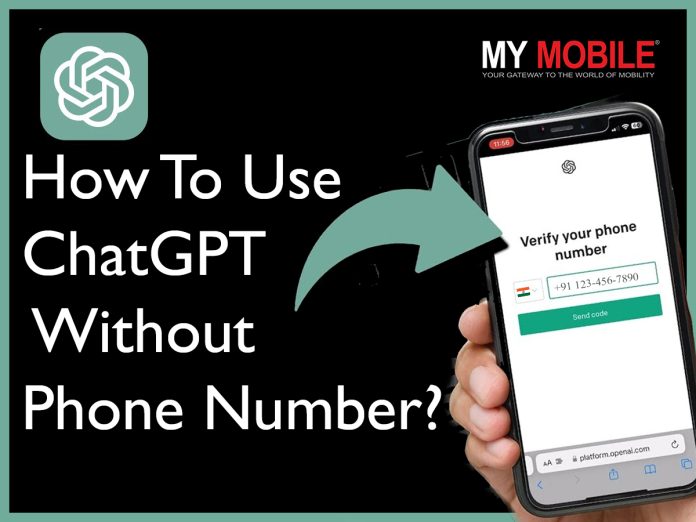
In case you are also apprehensive about entering your phone number on ChatGPT, you have landed on the right webpage.
In this blog, we’re going to explore how to use ChatGPT for free without needing a phone number.
Can You Trust ChatGPT With Your Phone Number?
ChatGPT With Your Phone Number
Not everyone is comfortable sharing personal information online to access tools and services, even when you’re accessing a largely trustworthy tool such as ChatGPT.
To answer the question of whether you can trust ChatGPT with your phone number or not, we have to first understand what the platform does with the user information.
As an AI model developed by OpenAI, ChatGPT itself doesn’t require or store phone numbers. The phone number is required for verification and identification only.
In such cases, it’s essential to consider the platform’s privacy policy, security measures, and reputation before deciding whether to trust it with your phone number.
Why Does ChatGPT Ask for Your Phone Number?
ChatGPT Ask for Your Phone Number?
Here are some common reasons why ChatGPT asks for your phone number –
Verification: ChatGPT may request phone number verification as a security measure to confirm users’ identities and prevent unauthorized access.
User Authentication: Providing a phone number may be required for user authentication purposes, ensuring that only authorized individuals can access certain features or services.
Spam Prevention: Phone number verification helps deter spam, bots, and abusive behaviour. This in return enhances the overall user experience of the platform by maintaining a safe and secure environment.
Communication Channel: Your phone number also works as a communication channel for sending important notifications, updates, or account-related information to users.
Compliance: The phone numbers can also work for legal or regulatory compliance purposes. This includes ensuring age verification or adhering to data protection laws.
Can You Use ChatGPT Without a Phone Number?
ChatGPT Without a Phone Number
Yes, even though your phone number is required for the ChatGPT signup process, you can still use the service without providing it.
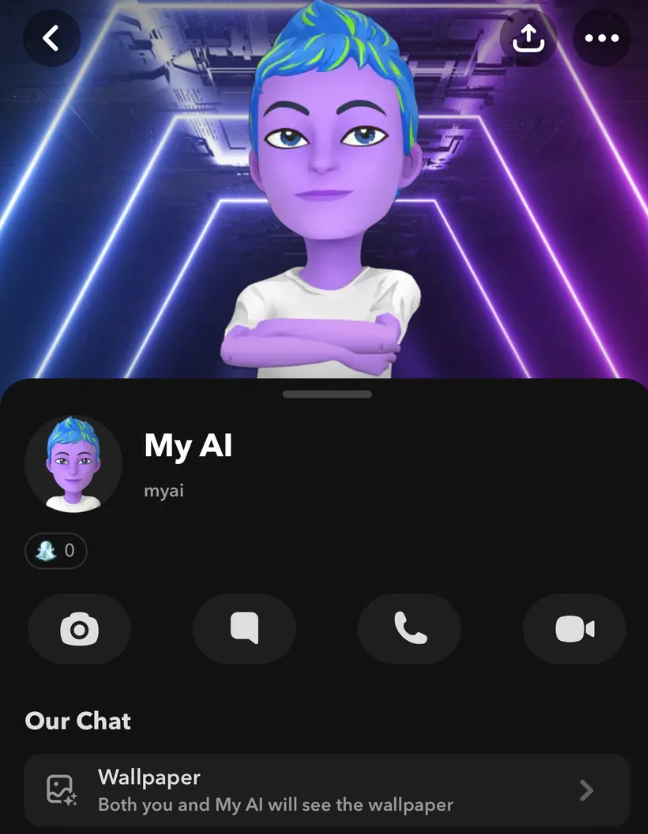
Snapchat does not require a phone number to sign up, and users can access ChatGPT without any phone verification.
The new feature has already been deployed on the Snapchat app and the web.
Try an Online SMS Verification Tool
Try an Online SMS Verification Tool
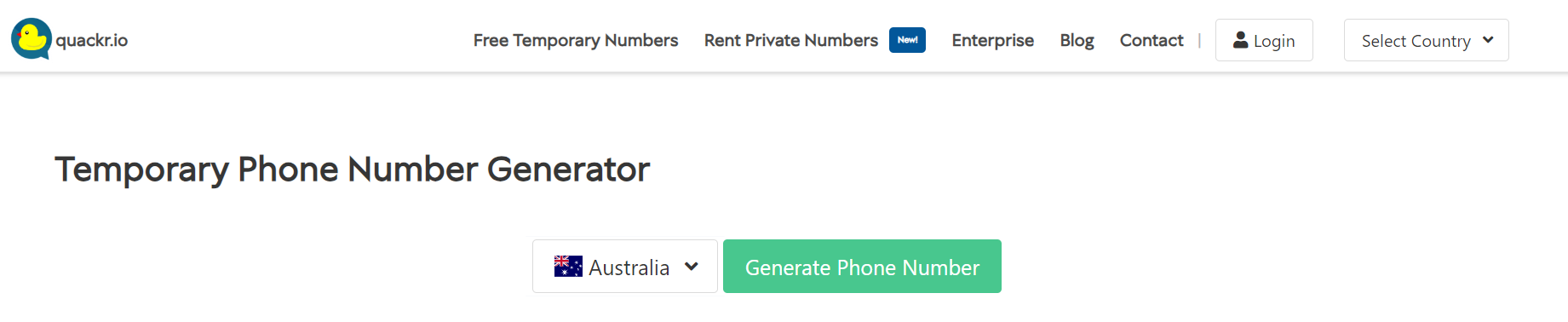
There are many SMS verification tools available online that can be used to bypass the verification code step during the ChatGPT signup process.
However, please note that this method may or may not work for all locations.
This will surely not work if a certain tool is already identified and blocked by the ChatGPT team.
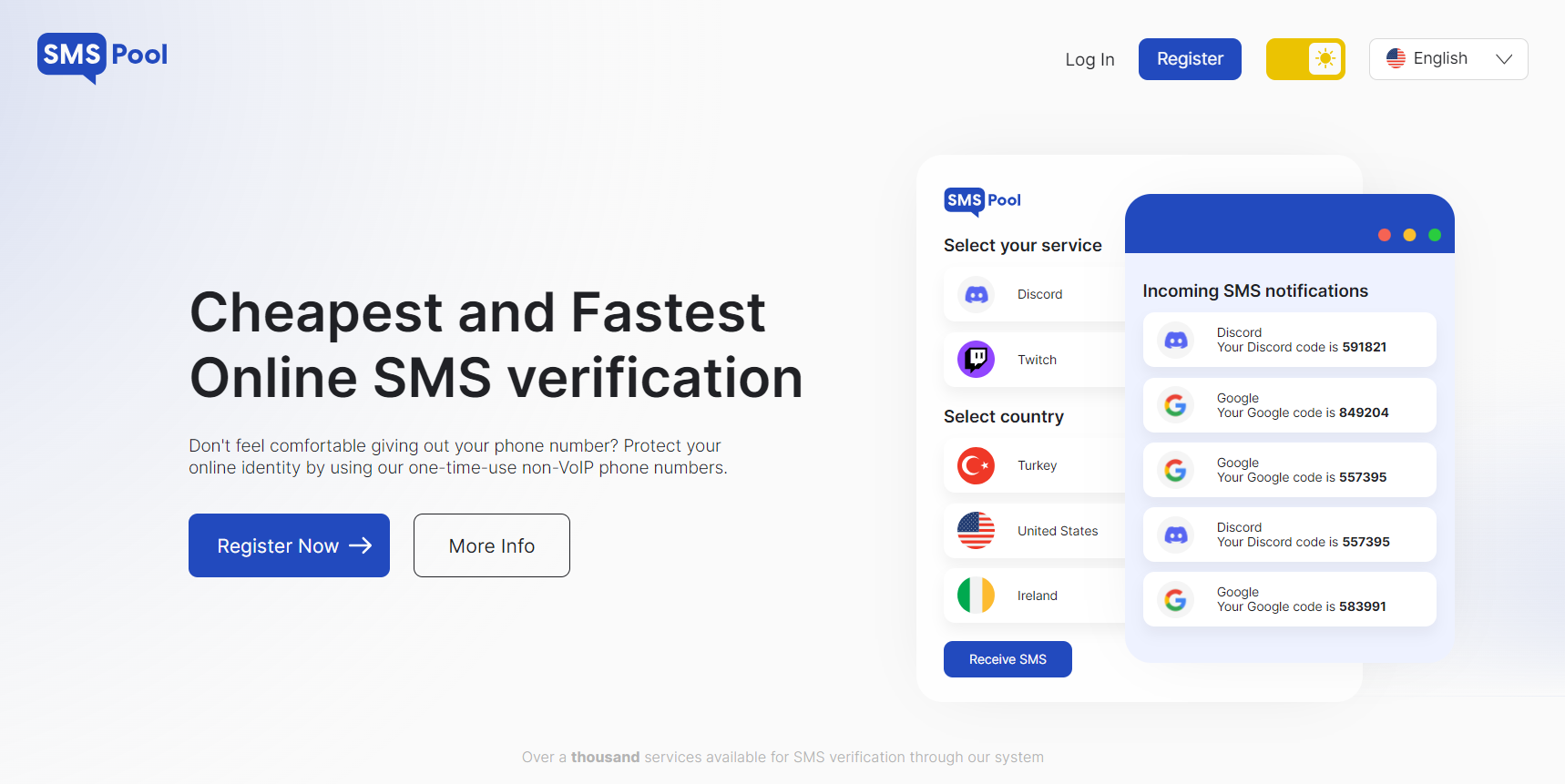
In the past, many users have reported success using online SMS verification tools such as SMSPool.net and Autofications.com.
These online tools provide phone numbers from real cellular carriers instead of VoIP.
To use these tools, you will have register on their website first.
Reddit ChatGPT Discord Channel
Reddit ChatGPT Discord Channel
Discover ChatGPT bots on the /r/ChatGPT subreddit’s Discord server. All you have to do is –
Navigate to
Choose the Discord tab
Accept the invite.
Once you’ve set up your Discord account or logged in, you’ll find various chatbots available, such as ChatGPT-1, ChatGPT-2, Bing-AI-1, and Bing-AI-2.
The best part of this method is that you can engage with these bots without having to provide your phone number. A couple of points to keep in mind while trying to access this –
The Discord tab will be on the right side of the page if you’re not signed in to Reddit
You will have to tap “See community info” at the top of /r/ChatGPT, tap Menu, and then tap Discord if you’re using the Reddit mobile app.
How To Use ChatGPT for Free?
How To Use ChatGPT for Free?
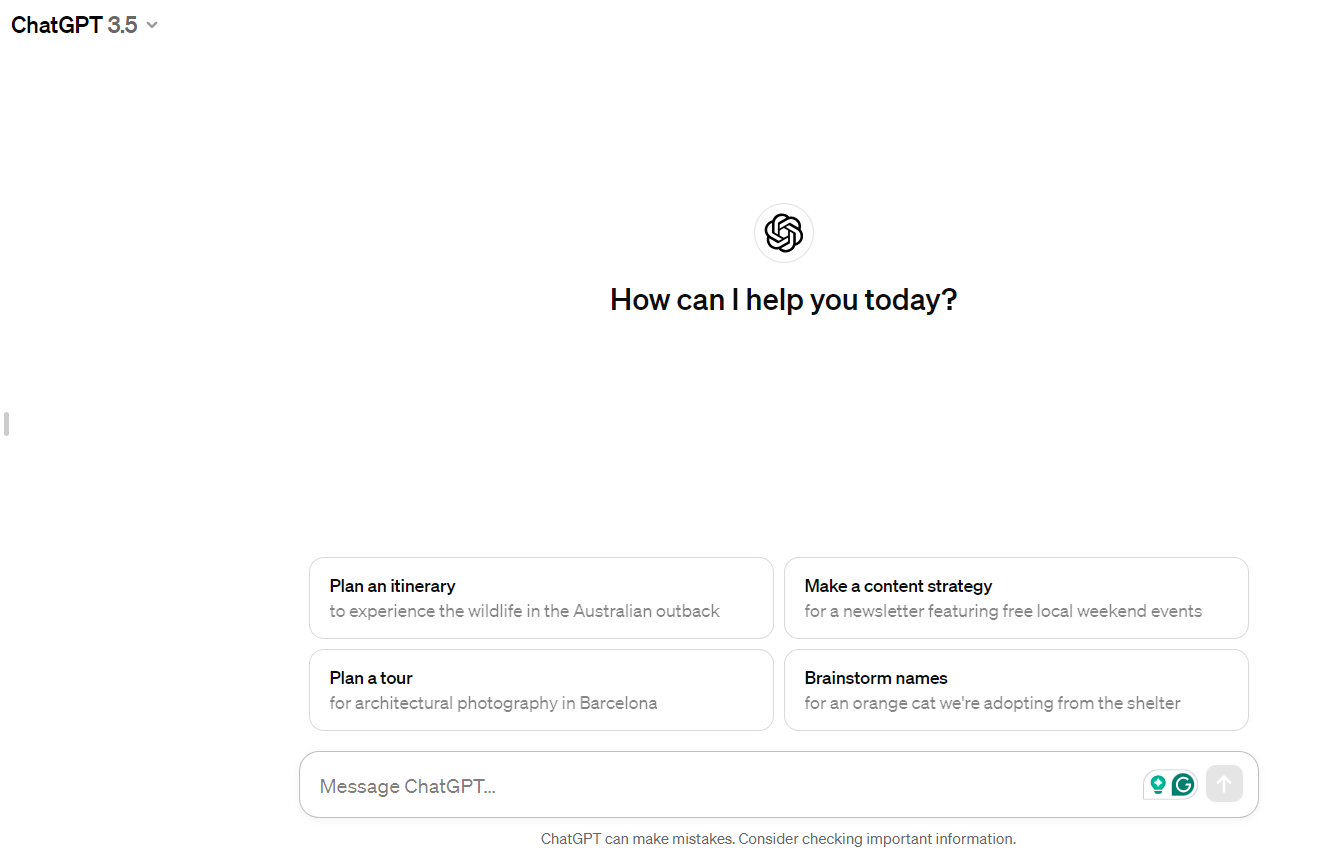
ChatGPT v3.5 is available for free to all users with an account on the OpenAI website.
You can easily create a free account using your email, Google, or Microsoft credentials.
As of now, there are no restrictions on usage for the free edition of ChatGPT.
Here’s the step-by-step process of how you can use ChatGPT for free:
Visit chat.openai.com in your web browser or you can also download the mobile app for Android or iPhone.
Visit chat.openai.com in your web browser or you can also download the mobile app for Android or iPhone.
Sign up for a free OpenAI account.
Sign up for a free OpenAI account.
Click “New Chat” at the top-left corner of the page.
Type a question or prompt and press enter to start using ChatGPT.
FAQs
Q1. What is ChatGPT Plus?
Answer. ChatGPT Plus is a subscription plan for $20 per month.
It includes reliable availability when demand is high, faster response speeds, and priority access to new features like plugins.
It also now gives you access to GPT-4, which is a more capable model that will often give better results.
Q2. Does ChatGPT Save Data?
Answer. OpenAI says it does not save data from individual interactions with ChatGPT for its own use.
When you have conversations with ChatGPT, your input is processed to generate a response, and your conversation is saved in your account.
But once you delete your account, the conversation is gone forever.
Q3. Does ChatGPT Use Real-Time Current Events?
Answer. ChatGPT is not up to date on current events. At the time of writing, the dataset of the current version of ChatGPT only goes up to 2021.
Q4. Is ChatGPT free?
Answer. Yes, version 3.5 of ChatGPT is free for public use. Currently, it is in the research and feedback collection phase.
It also has a premium version, which is known as ChatGPT Plus.
Currently, those in the US can now summon images into existence through the power of their imagination…well, aided by some advanced AI trickery, that is.
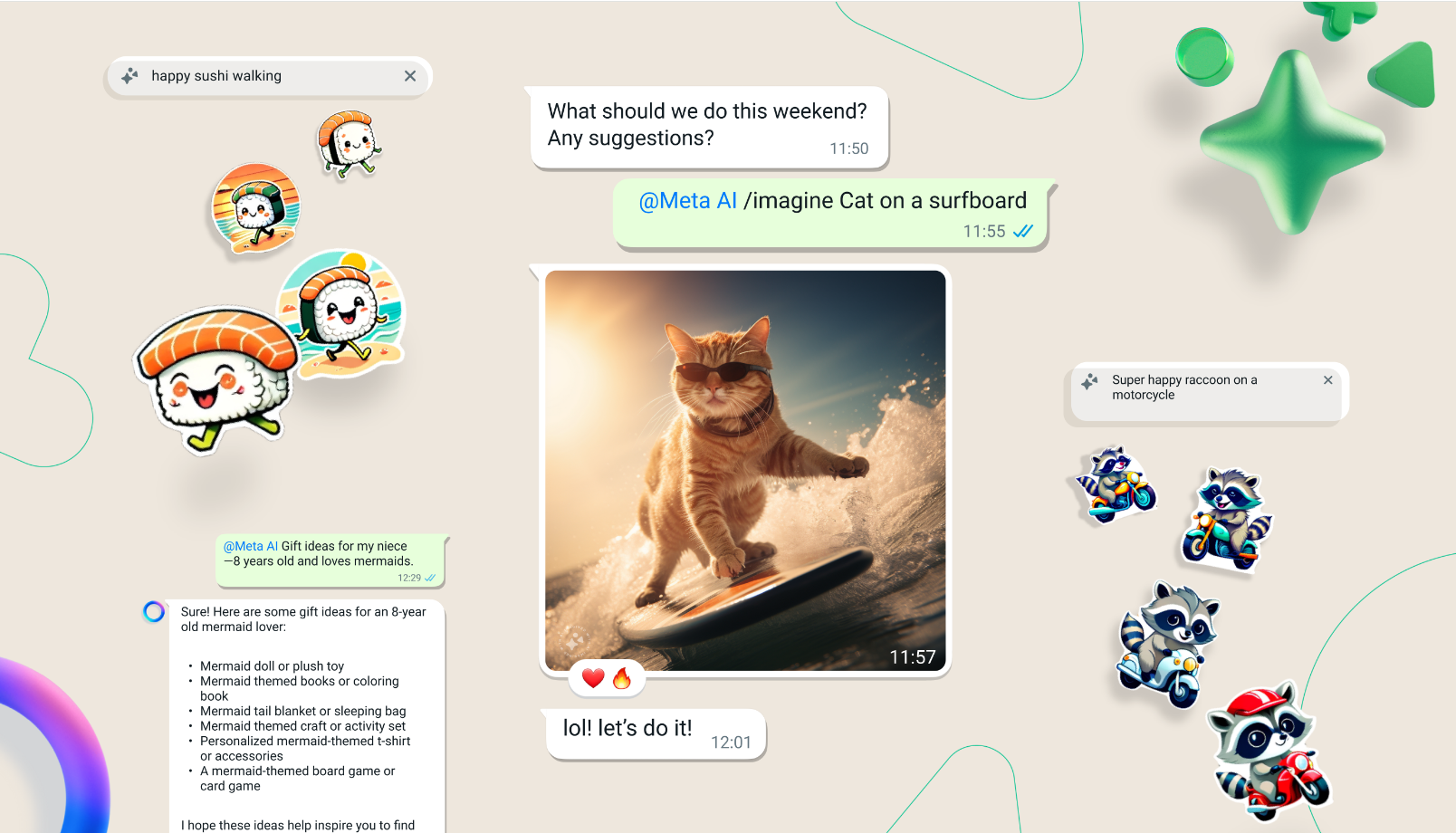
Here’s how it works: fire up a chat with Meta’s AI assistant, then kick things off with the magic word “Imagine” followed by whatever scene you wish to manifest.
How does the new AI image feature work in WhatsApp?
In WhatsApp, users can start a chat with Meta’s AI assistant, use the prompt “Imagine,” and describe any scene to generate images.
The AI uses diffusion models like Dall-E3 and MidJourney to create and adapt visuals based on user input.
What are the capabilities of Meta’s Llama 3 model in the new WhatsApp feature?
The Llama 3 model by Meta is capable of rendering sharp, high-definition visuals and handling text within images with greater accuracy, enhancing the overall quality and detail of the AI-generated content.
Is the AI image feature available worldwide?
Currently, the AI image feature is available for beta testing exclusively in the US and can also be accessed through Meta’s web AI interface for users within the United States.
Can the AI generate animations from images in WhatsApp?
Yes, one of the exciting capabilities of this new feature is turning any static image into a dynamic GIF, bringing visuals to life directly within WhatsApp conversations.
What potential does this feature hold for other Meta platforms?
Meta plans to integrate advanced AI capabilities across its suite of applications, including Instagram and Facebook, suggesting that this image creation feature could eventually expand to other platforms enhancing user interaction.
AAC, WAV, MP3, MP2, MP1, MIDI, Vorbis, APE, FLAC, OPUS
Video
MP4, 3GP, AVI, TS, MKV, FLV
FM Radio
No
Document Reader
Yes
BATTERY
Type
Non-Removable Battery
Size
5000 mAh, Li-Po Battery
Fast Charging
Yes, 44W Fast Charging
FAQs
What are the storage options and pricing for the Vivo Y200i?
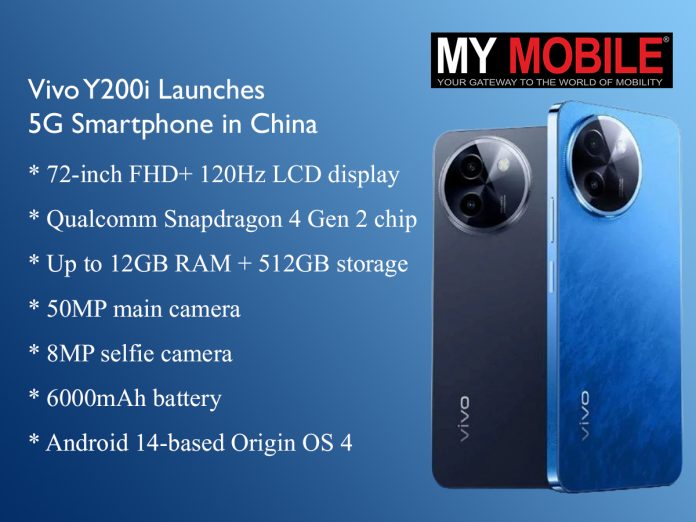
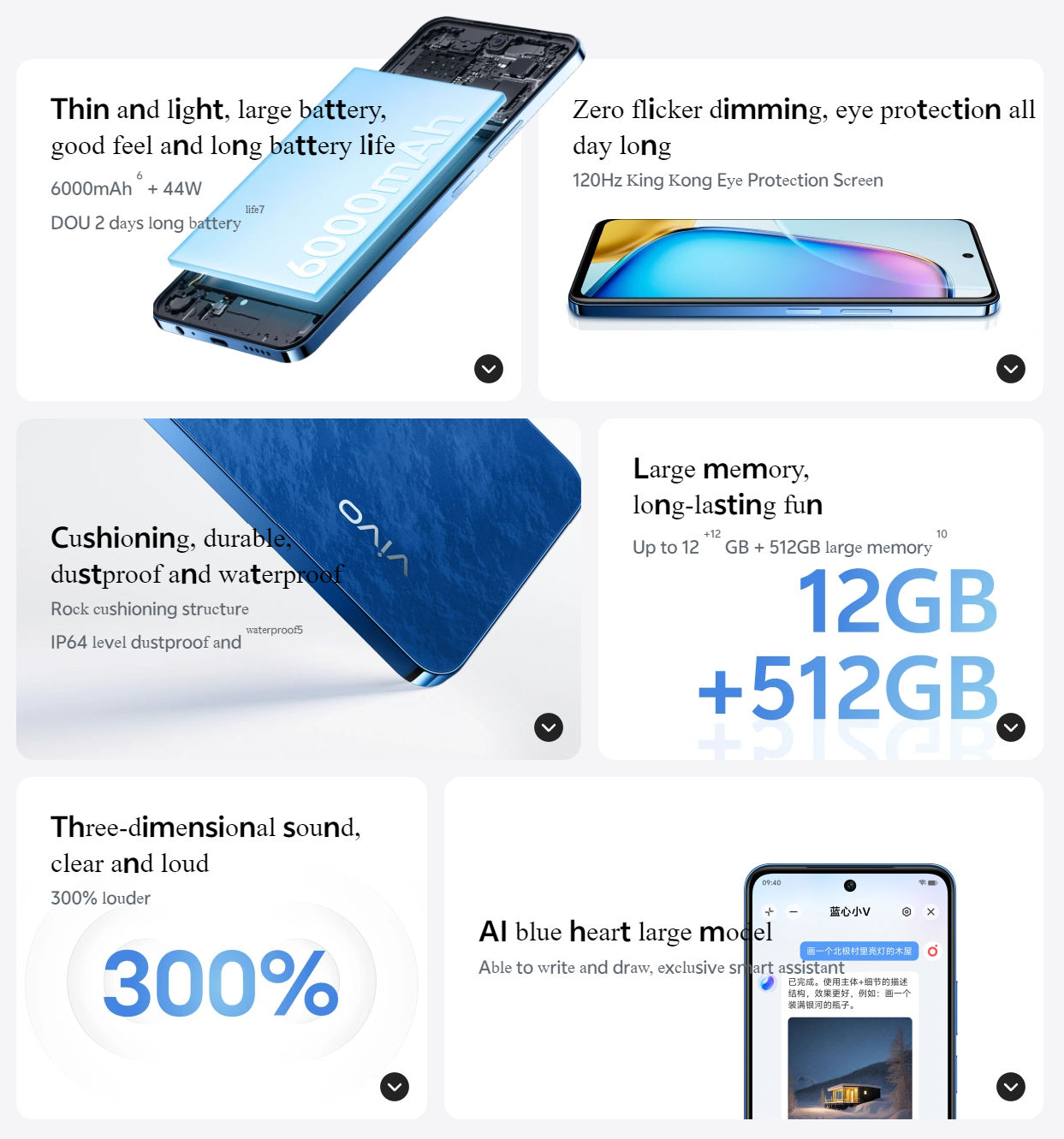
The Vivo Y200i is available in three configurations: 8GB+256GB priced at 1599 CNY, 12GB+256GB at 1799 CNY, and 12GB+512GB at 1999 CNY, making it a versatile choice for different budget ranges.
What type of display does the Vivo Y200i have?
The Vivo Y200i boasts a 6.72-inch FHD+ LCD display with a 120Hz refresh rate, providing a fluid and crisp viewing experience ideal for media consumption and gaming.
Can you describe the camera specifications of the Vivo Y200i?
This smartphone features a dual-camera setup with a 50MP main sensor for high-resolution photos and a 2MP depth sensor for portrait shots, complemented by an 8MP front-facing camera.
What are the battery specifications and charging capabilities of the Vivo Y200i?
The Vivo Y200i is powered by a 6000mAh battery, supporting 44W fast charging that can recharge the battery to 50% in just 36 minutes, ensuring quick power-ups and extended usage.
What software does the Vivo Y200i run on?
It runs on Vivo’s Origin OS 4, which is based on Android 14, offering a modern interface with enhanced features and improved user experience.
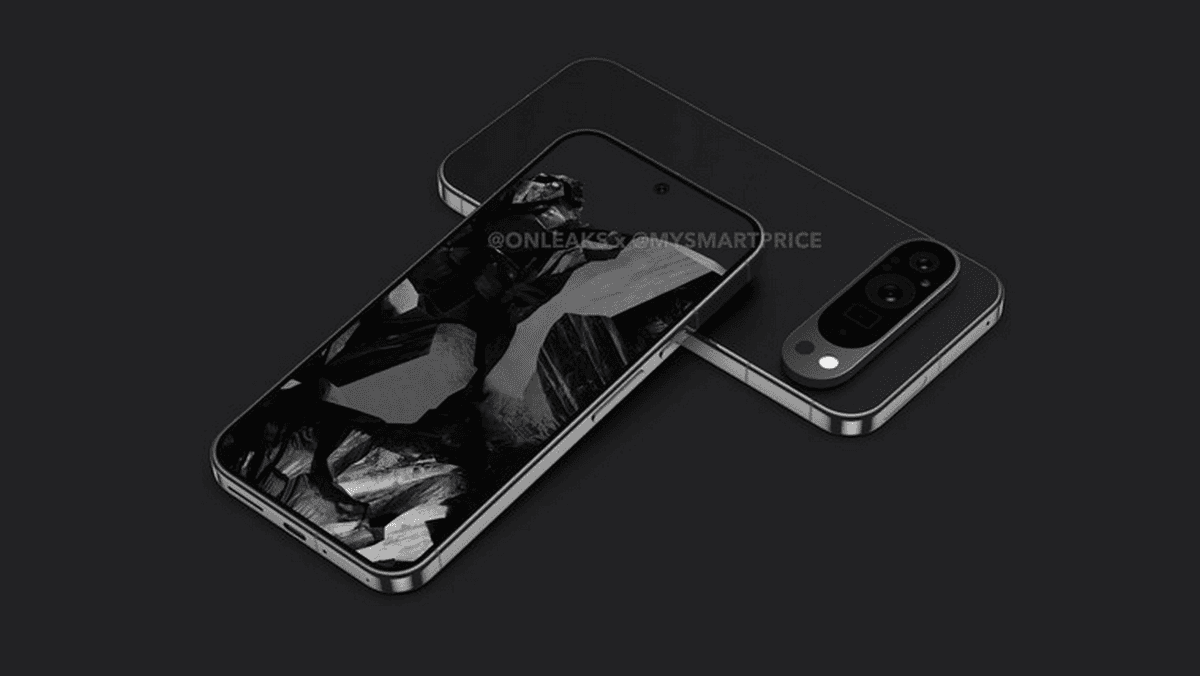
Instead, the 9 Pro opts for a more traditional camera bump in an oval shape that doesn’t stretch to the edges.
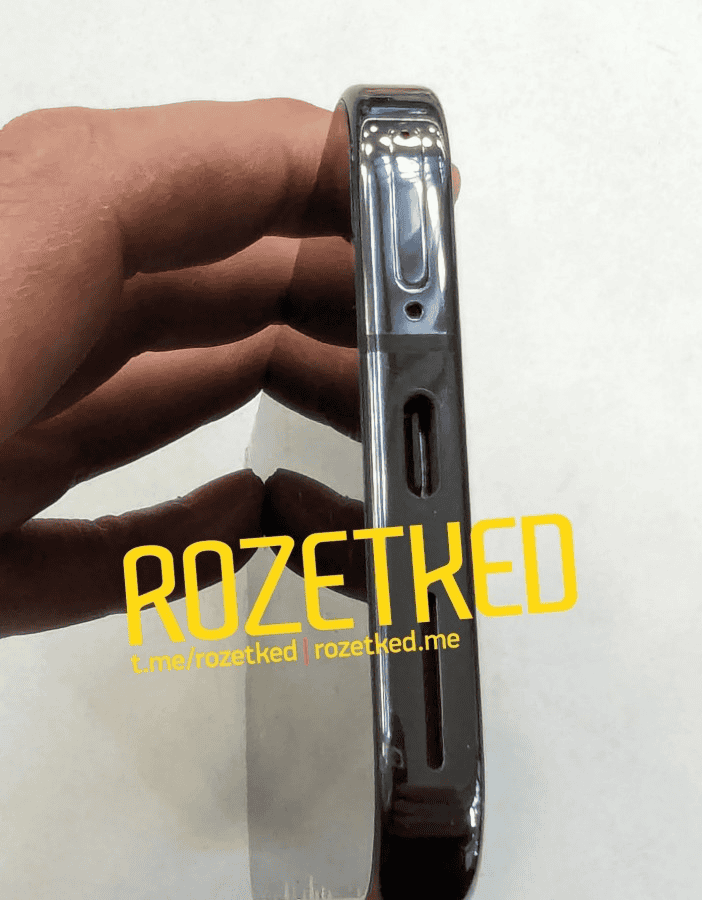
The device has a sleek flat metal frame too.
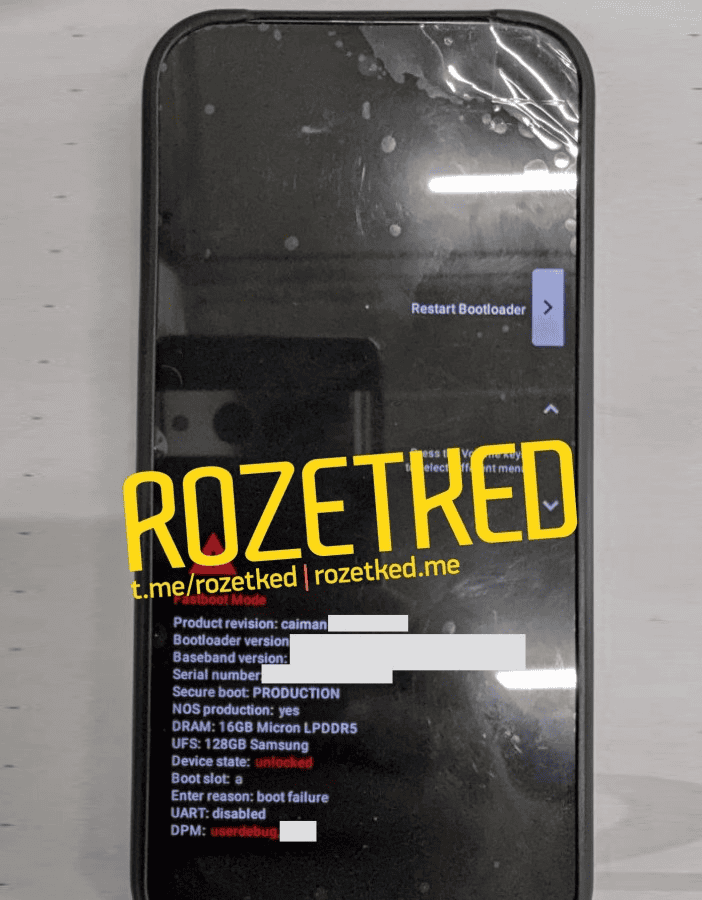
Under the hood, the 9 Pro is tipped to pack Google’s latest Tensor G4 chip and a hefty 16GB of RAM from Micron – that’s 4GB more than the standard Pro model.
It should also boast blazing-fast UFS storage tech courtesy of Samsung.
New camera design features a noticeable oval bump
By the sounds of it, Google hasn’t cut any corners on the internal specs.
Magic Eraser18, Motion Mode, Real Tone, Face Unblur, Panorama, Manual white balancing, Locked Folder, Portrait Mode, Portrait Light, Super Res Zoom, Motion autofocus, Frequent Faces, Dual exposure controls, Live HDR+
Video Recording
4K, 1080p
Flash
Yes, Dual LED
Front Camera
Punch Hole 12 MP (Wide Angle)
Front Video Recording
1080p @ 30 fps FHD
TECHNICAL
OS
Android v14
Chipset
Google Tensor 4
CPU
Octa Core Processor
GPU
Mali-GU
IP Rating
IP68
Java
No
Browser
Yes
MULTIMEDIA
Email
Yes
Music
Yes
Video
Yes
FM Radio
No
Document Reader
Yes
BATTERY
Type
Non-Removable Battery
Size
5000 mAh, Li-Po Battery
Fast Charging
Yes, 80W Fast Charging
Wireless Charging
Yes, 45W
Reverse Charging
Yes
FAQs
What are the key design changes in the Google Pixel 9 Pro?
The Pixel 9 Pro features a new camera design with an oval bump and sleek flat metal frame, moving away from the older “visor” look.
What performance enhancements does the Pixel 9 Pro offer?
Equipped with Google’s Tensor G4 chip and 16GB of RAM, the Pixel 9 Pro is designed for high-performance applications and multitasking.
Does the Google Pixel 9 Pro offer satellite connectivity?
Yes, the Pixel 9 Pro includes Samsung’s Exynos Modem 5400, enabling satellite connectivity for enhanced communication capabilities.
What is the display like on the Google Pixel 9 Pro?
The Pixel 9 Pro’s display boasts slim bezels and a centralized punch-hole for the selfie camera, optimizing screen space.
How does the Pixel 9 Pro compare in size to other smartphones?
Leaked images show the Pixel 9 Pro as being compact, even slightly smaller than the iPhone 15 Pro, making it an attractive option for users seeking a smaller high-end smartphone.
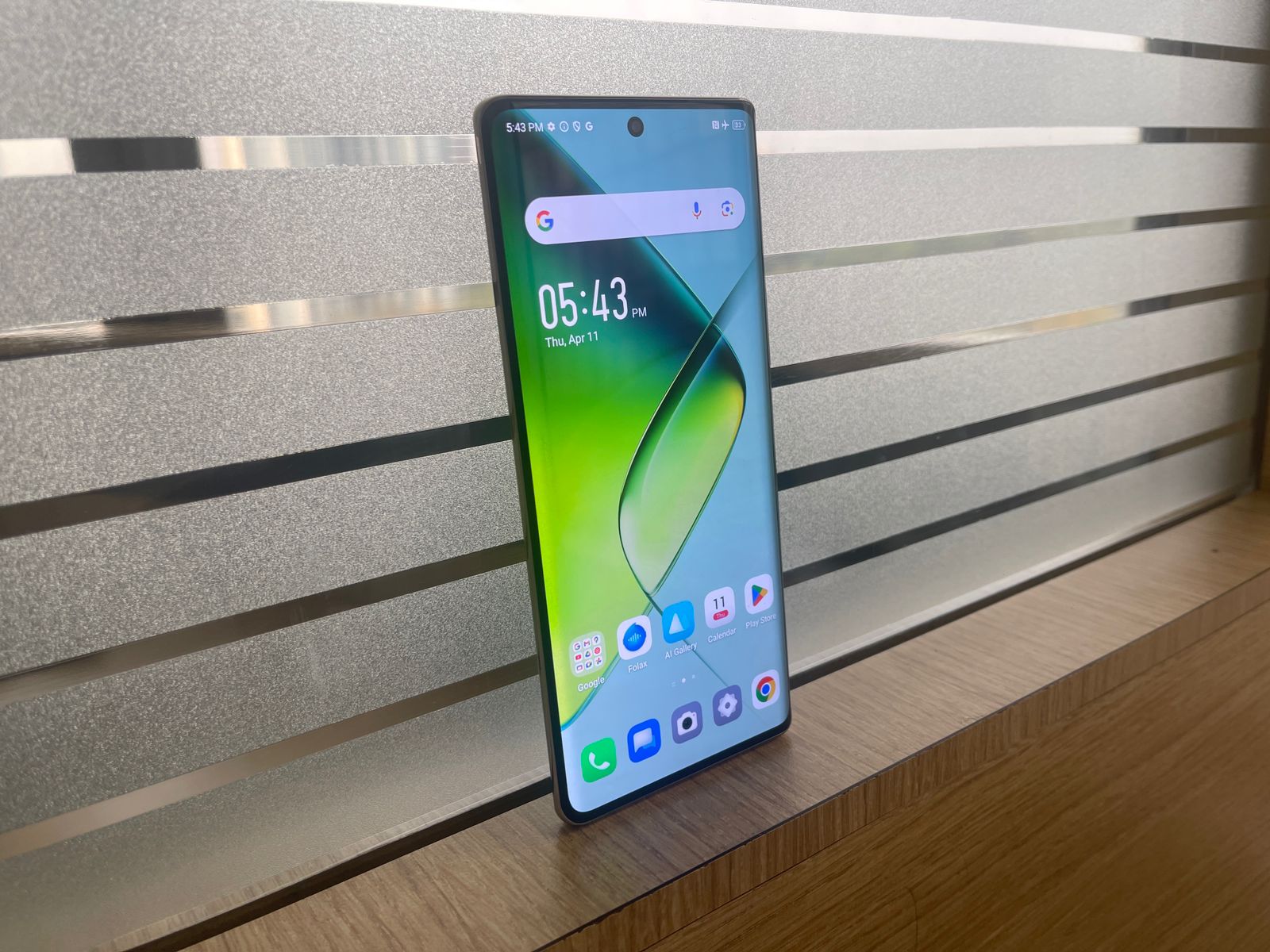
The 120Hz refresh rate provides smooth scrolling and gaming, and the peak brightness of 1300 nits ensures excellent visibility even in bright outdoor conditions.
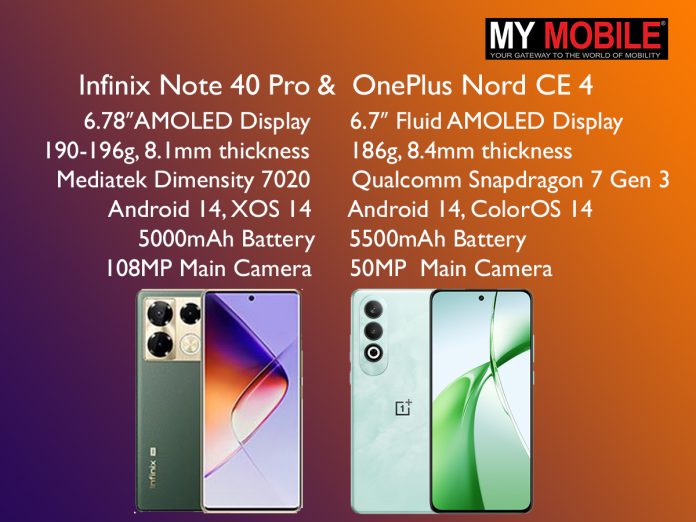
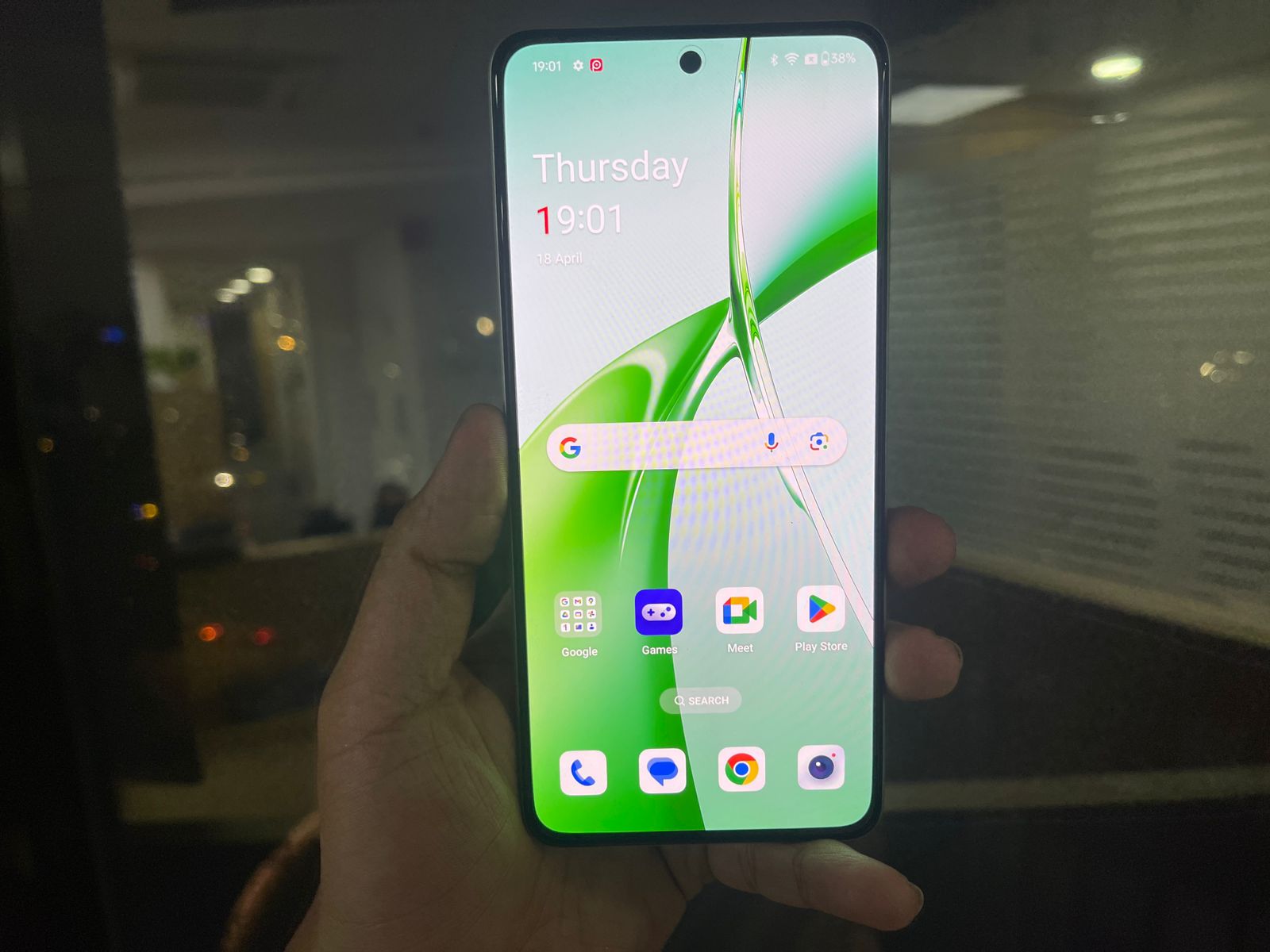
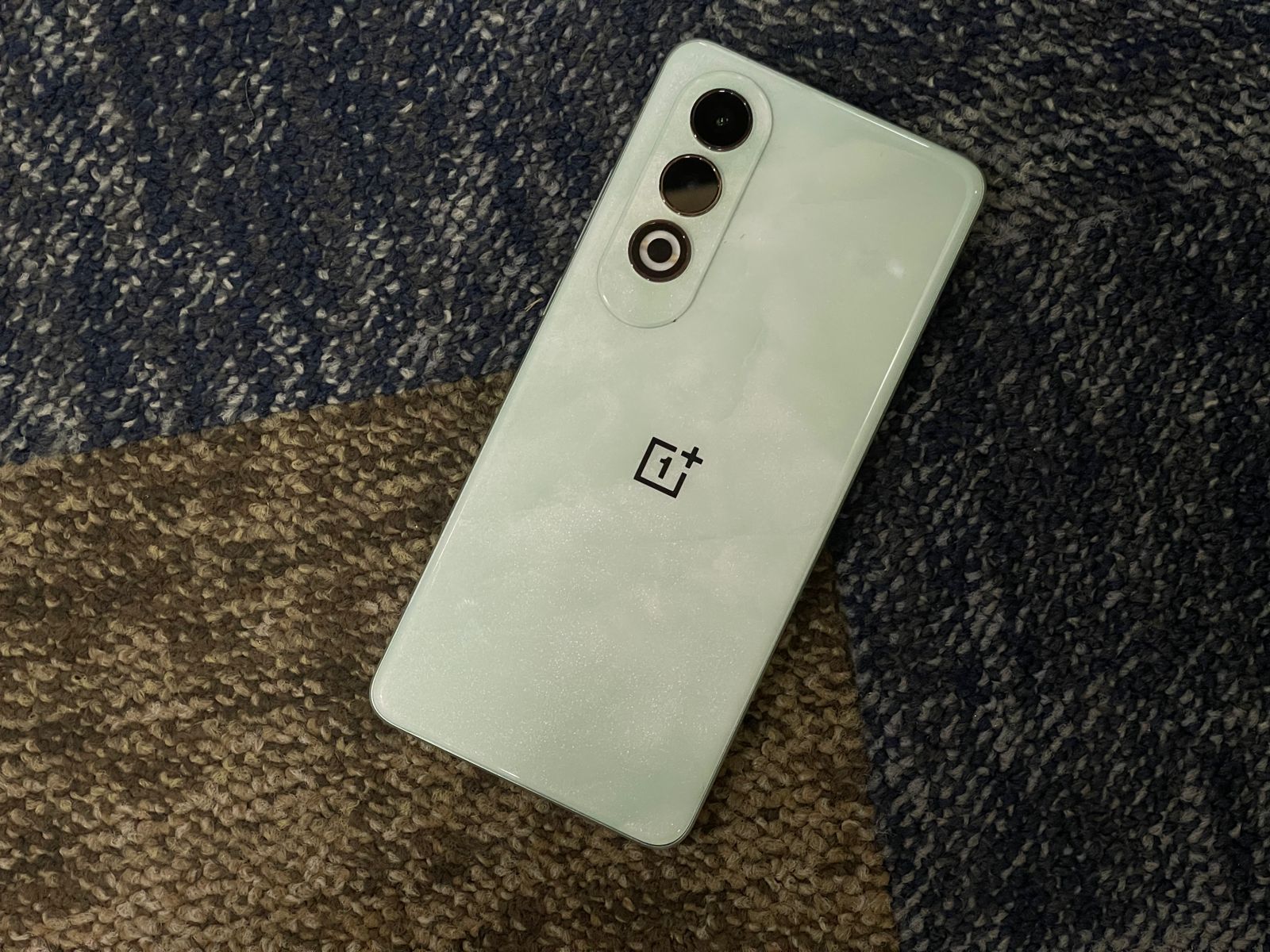
The OnePlus Nord CE 4, on the other hand, comes with a slightly smaller 6.7-inch Fluid AMOLED display.
While it has a lower resolution main sensor compared to the Infinix Note 40 Pro, it still captures high-quality photos and offers features like ultra-wide mode, night mode, and AI enhancements.
Verdict?
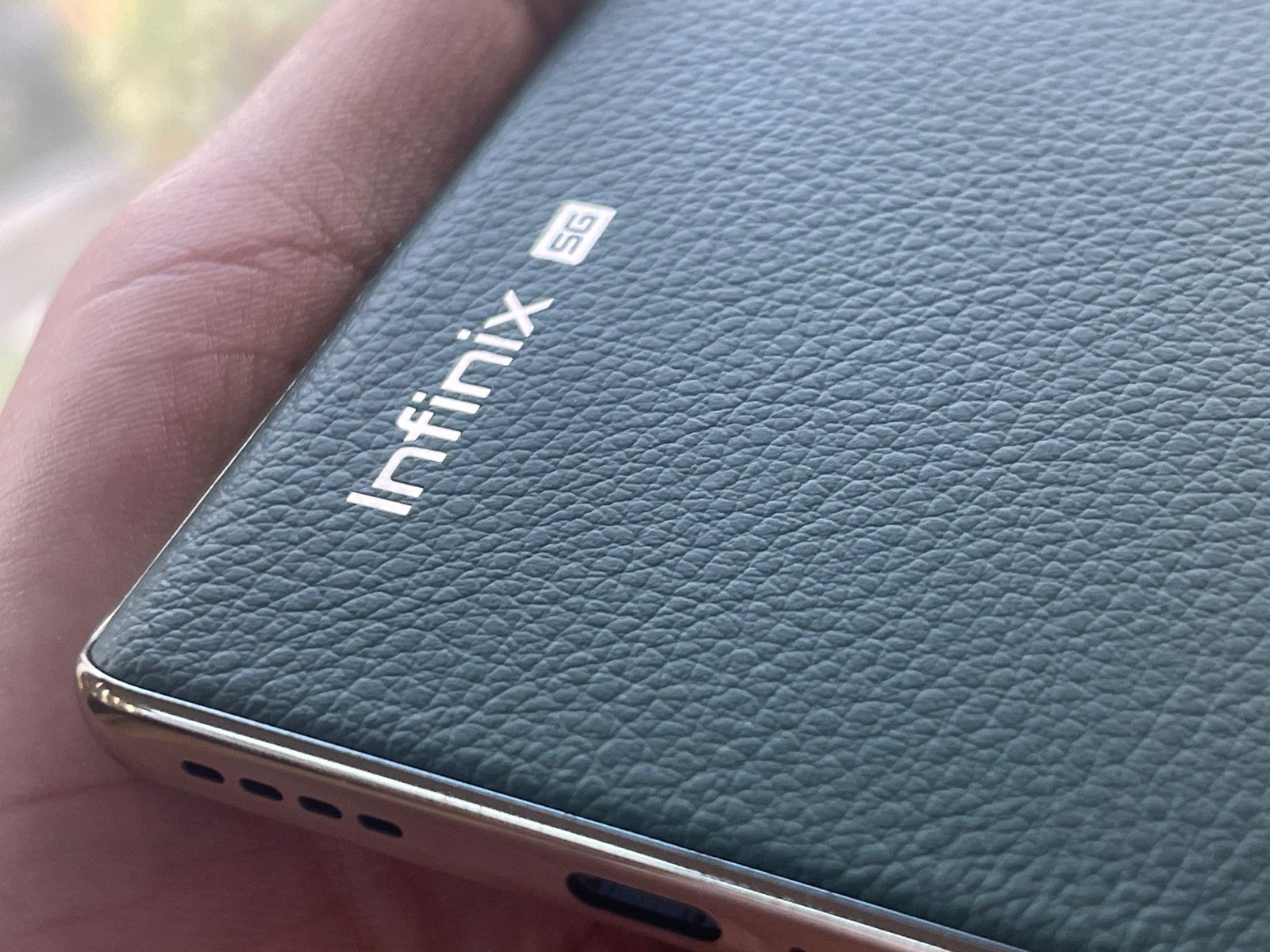
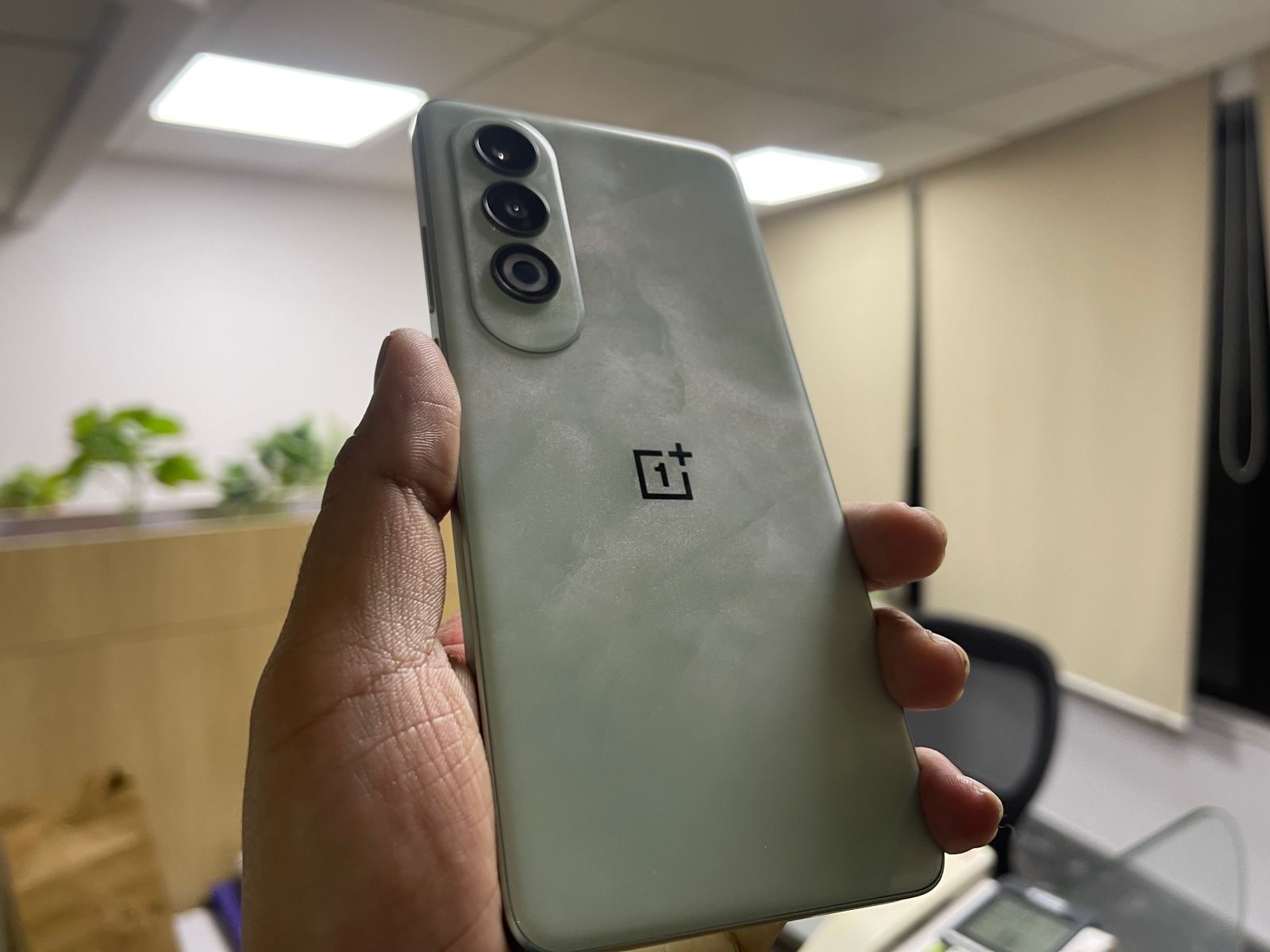
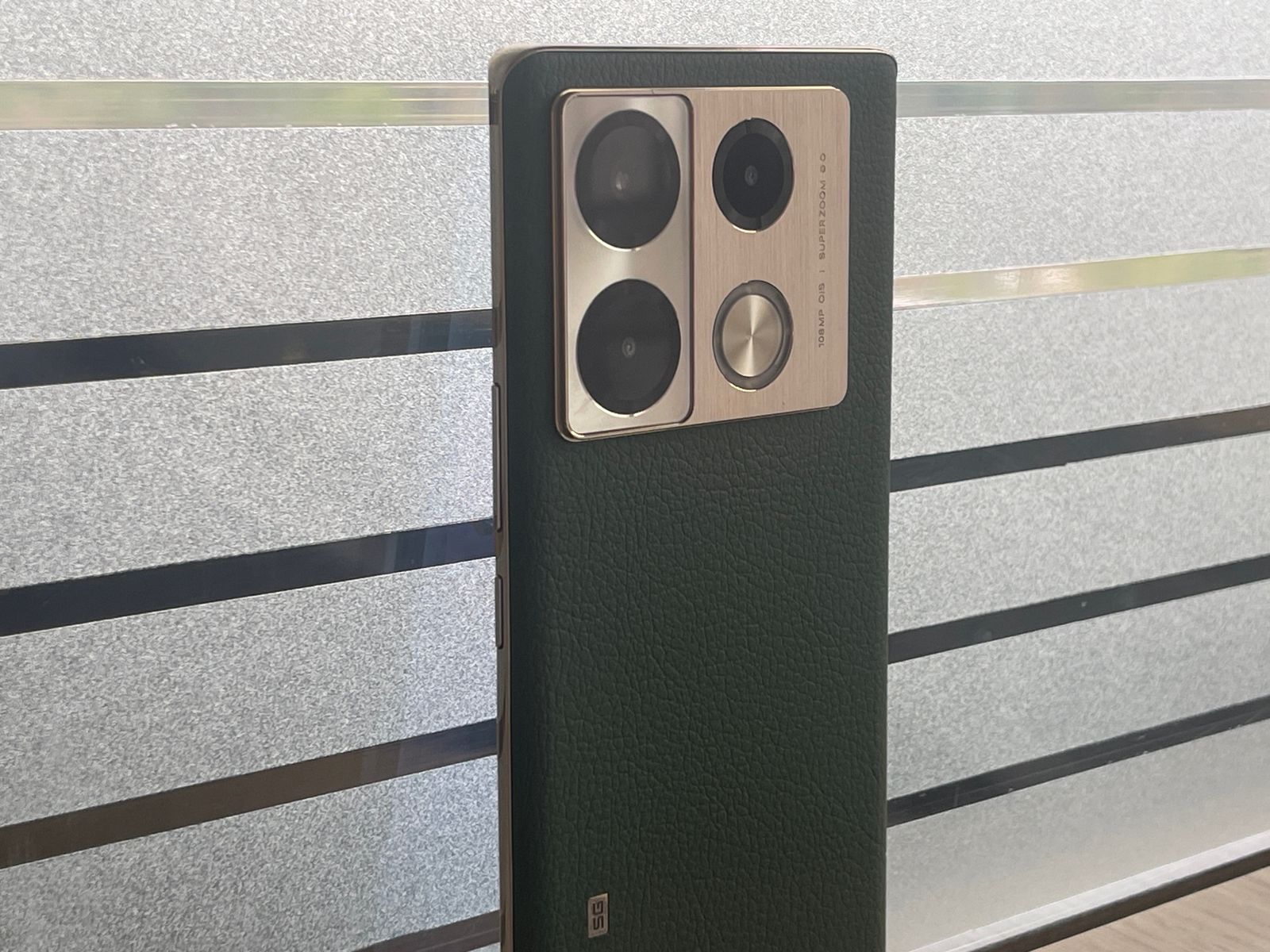
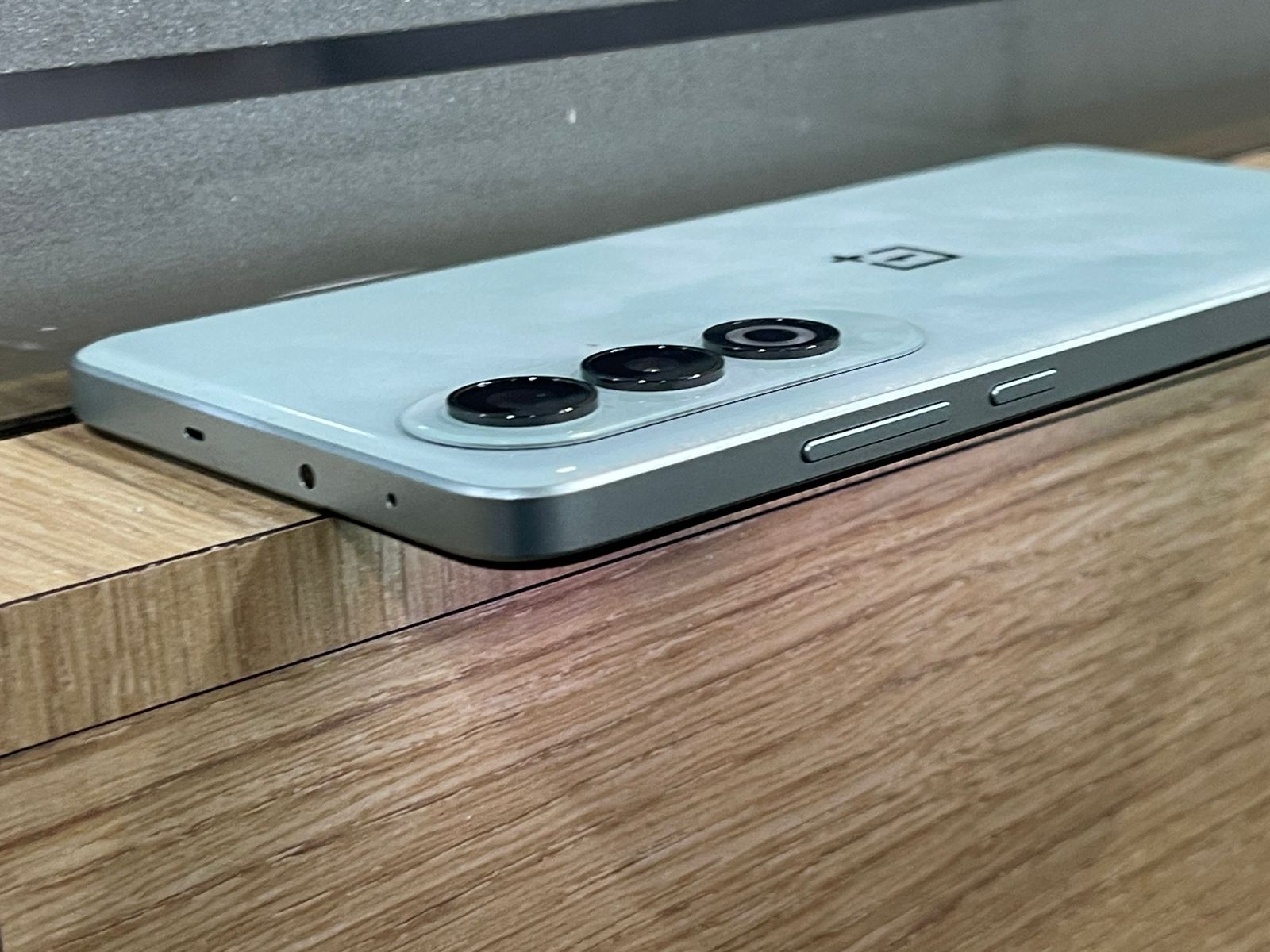
OnePlus Nord CE 4 5G: Final VerdictInfinix Note 40 Pro 5G: Final Verdict
Your choice between the two will depend on your specific needs and preferences.
Whether it’s the superior camera of the Infinix Note 40 Pro or the faster charging of the OnePlus Nord CE 4, both phones deliver excellent value for their price.
OnePlus Nord CE 4 5G Specs
GENERAL
Sim Type
Dual Sim, GSM+GSM
Dual Sim
Yes
Sim Size
Nano+Nano SIM
Device Type
Smartphone
Release Date
April 01, 2024 (Expected)
DESIGN
Bezel less
Yes
DISPLAY
Type
Color AMOLED Screen (1B Colors)
Touch
Yes
Size
6.73 inches, 1080 x 2412 pixels, 120 Hz
Aspect Ratio
20:9
PPI
~ 393 PPI
Screen to Body Ratio
~ 89%
Glass Type
Corning Gorilla Glass
Features
Ambient Display, Dark Mode, AI Color Enhancement, Support sRGB, Display P3, HDR10+
Film Mode, Video, AI Cam, Beauty, Portrait, Super Night, AR Shot, Short Video, Pro, Slow Motion, Dual Video, Panorama, Documents, Timelapse, Sky Shop, Wide Selfie, Digital Zoom Upto 10X
Video Recording
1440p @ 30 fps QHD, 1080p @ 30 fps FHD
Flash
Yes, Triple LED
Front Camera
Punch Hole 32 MP f/2 (Wide Angle) with Dual LED Flash
What are the display features of the OnePlus Nord CE 4 and Infinix Note 40 Pro?
The OnePlus Nord CE 4 features a 6.7-inch Fluid AMOLED display, while the Infinix Note 40 Pro has a slightly larger 6.78-inch AMOLED screen.
Both displays offer a 120Hz refresh rate, ensuring smooth scrolling and responsive touch interactions, making them ideal for gaming and multimedia consumption.
How do the camera setups differ between the two models?
The Infinix Note 40 Pro features a more powerful 108MP main camera, compared to the 50MP main camera on the OnePlus Nord CE 4.
The Infinix also includes additional sensors for depth and macro shots, providing versatility in photography. The OnePlus, however, focuses on quality with fewer lenses.
Can you compare the battery specifications and charging capabilities of each model?
The Infinix Note 40 Pro is equipped with a 5000mAh battery and supports 45W fast charging, while the OnePlus Nord CE 4 includes a larger 5500mAh battery with an impressive 100W fast charging capability.
This makes the OnePlus Nord CE 4 a better option for those needing quick power boosts.
What software do these smartphones run?
Both smartphones run on Android 14, but with different overlays: the Infinix Note 40 Pro uses XOS 14, which offers a customized, feature-rich experience, and the OnePlus Nord CE 4 uses ColorOS 14, known for its smooth performance and extensive customization options.
Which smartphone offers better value for money?
Choosing between the OnePlus Nord CE 4 and the Infinix Note 40 Pro depends on what features are most important to you.
The Infinix offers a higher-resolution camera and slightly larger screen size, potentially better for photography enthusiasts.
The OnePlus, on the other hand, has faster charging and a slightly sleeker design, which might appeal more to those with busy lifestyles needing quick charges.
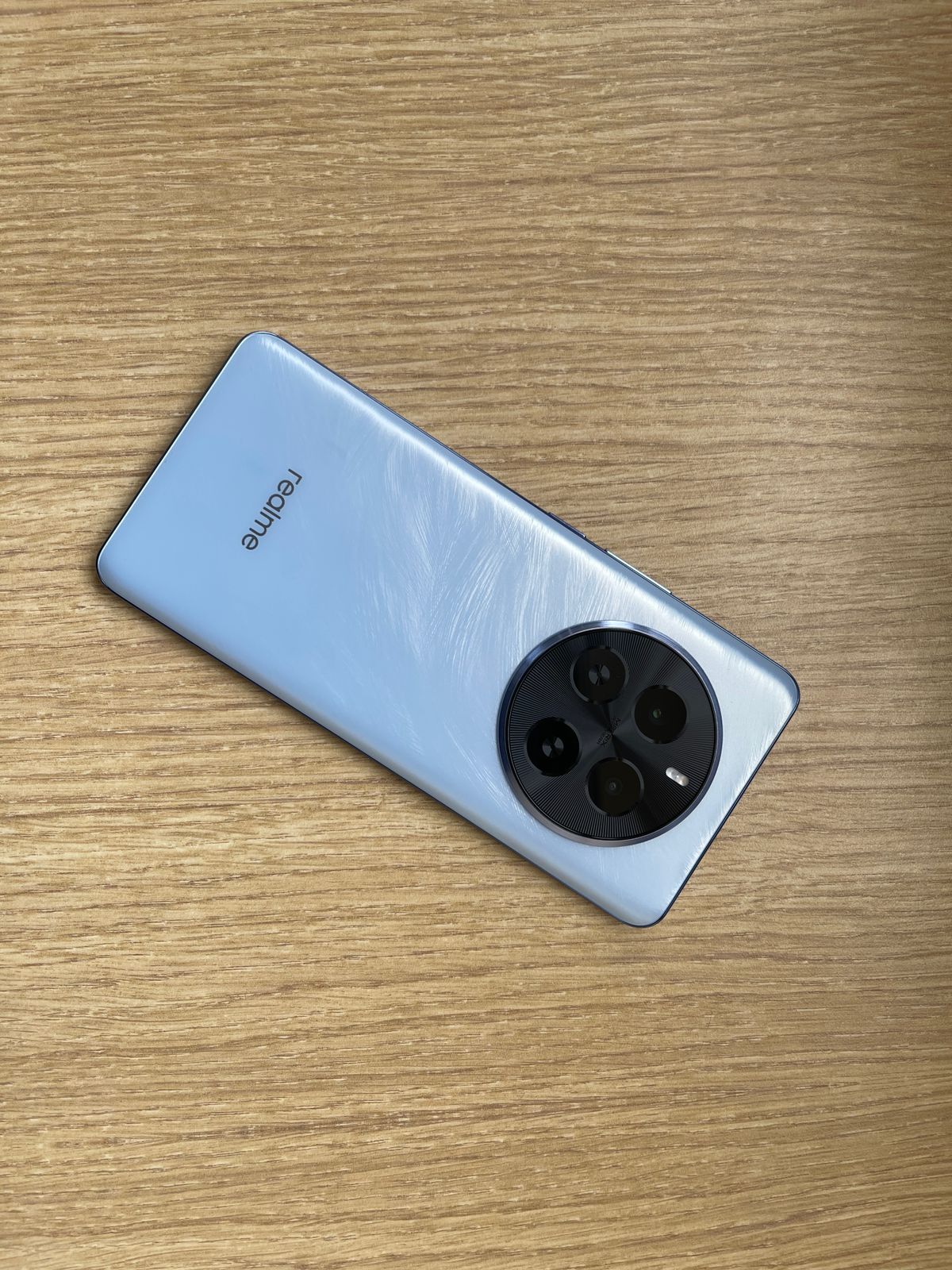
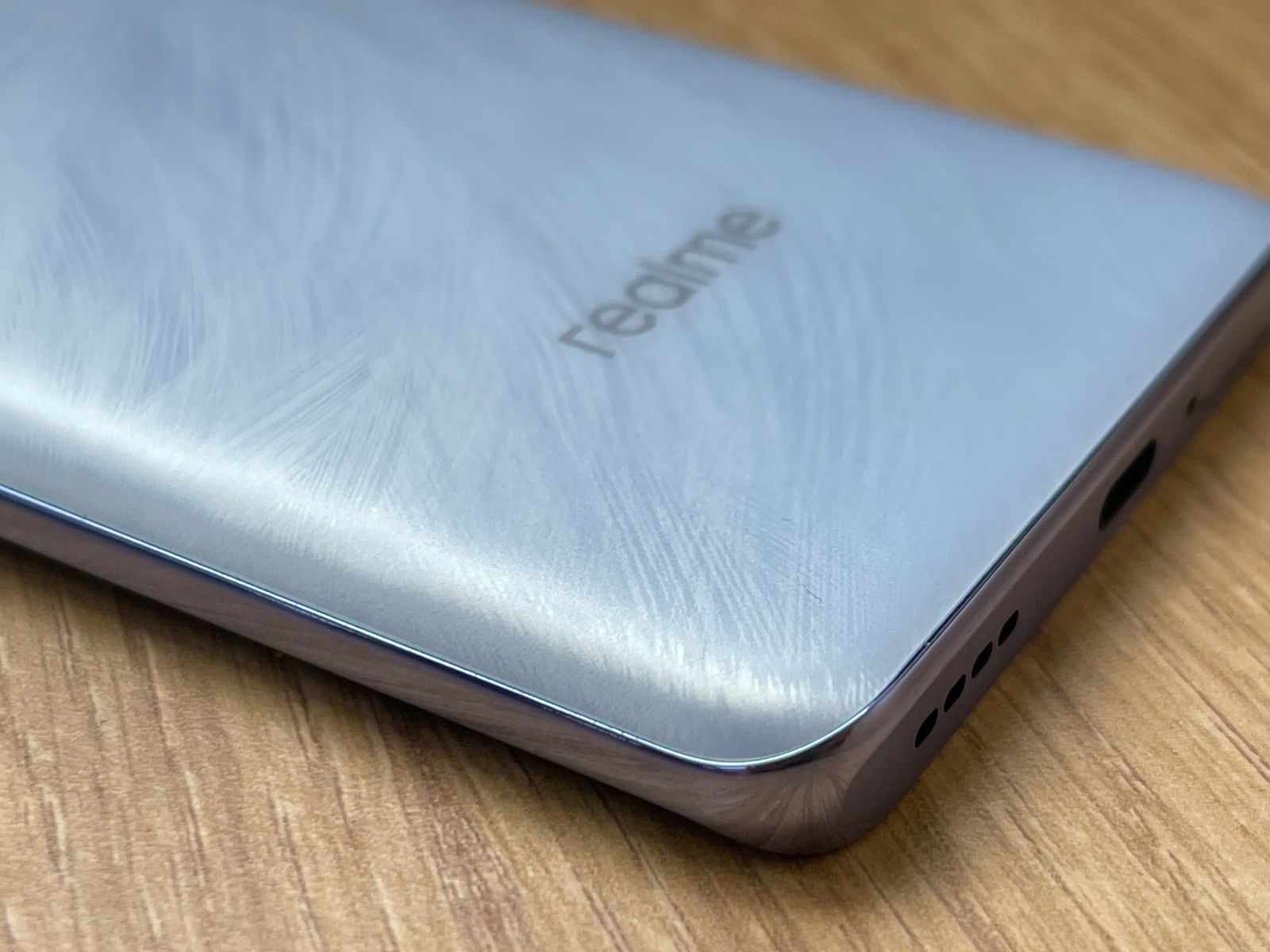
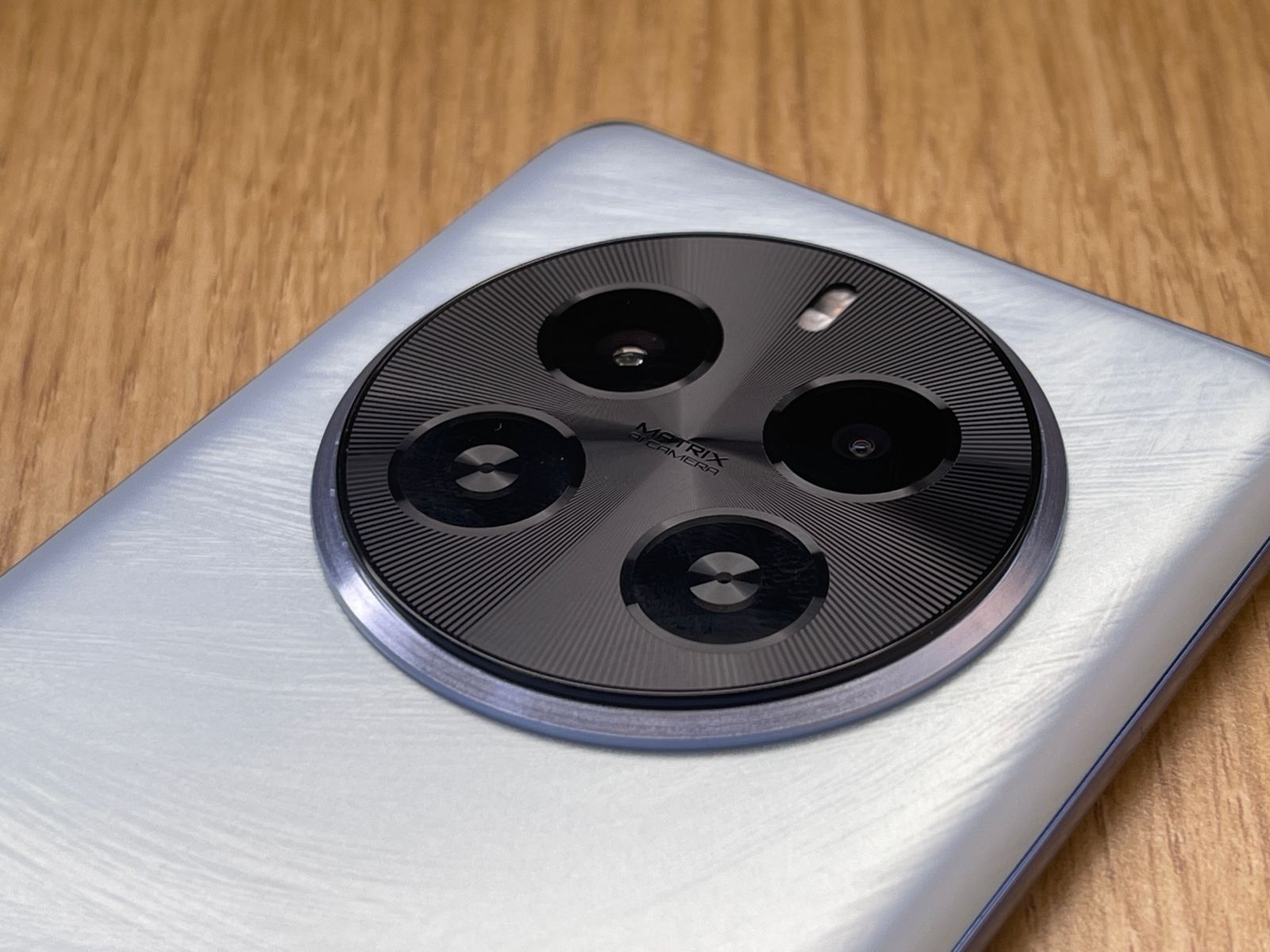
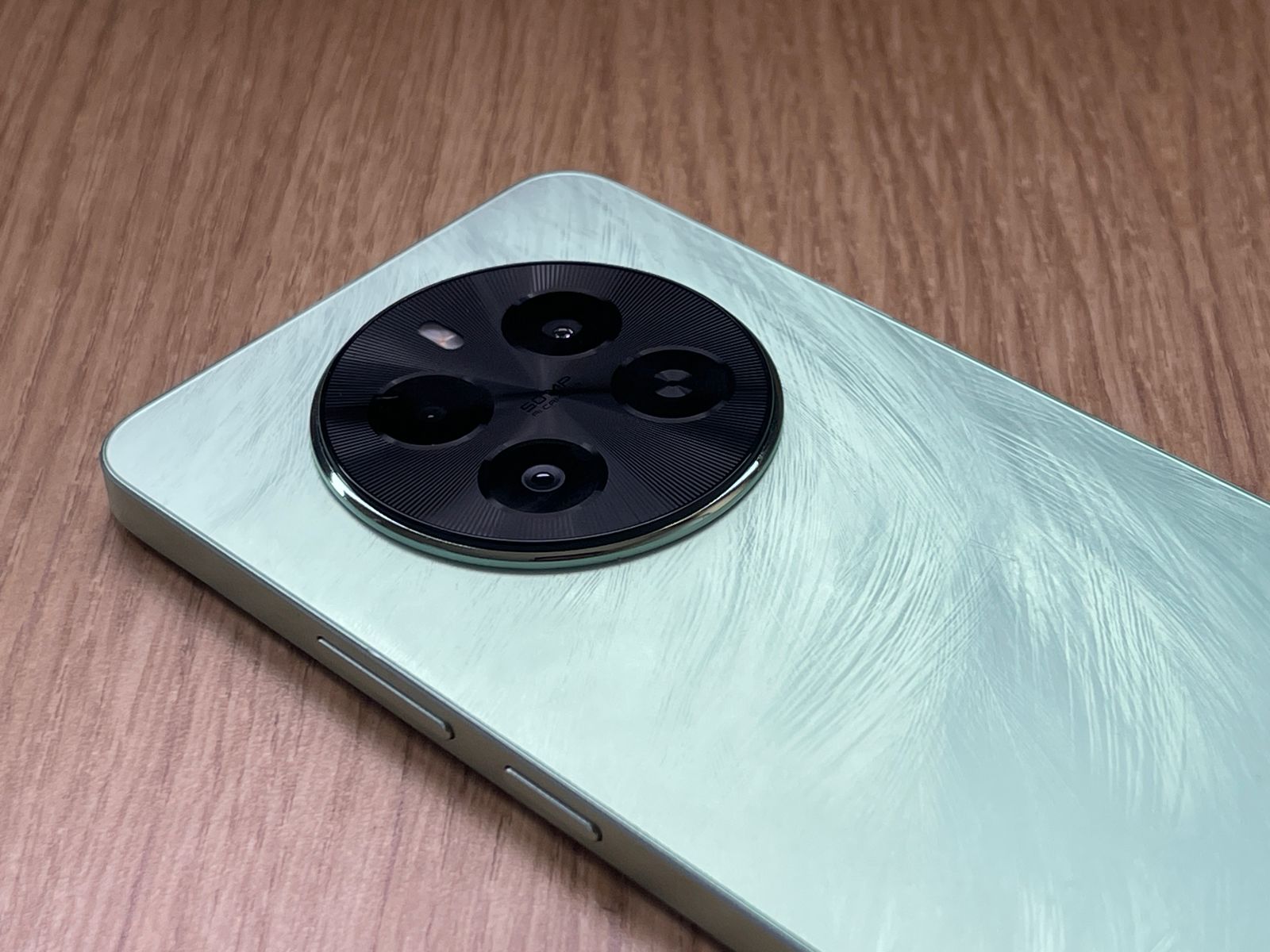
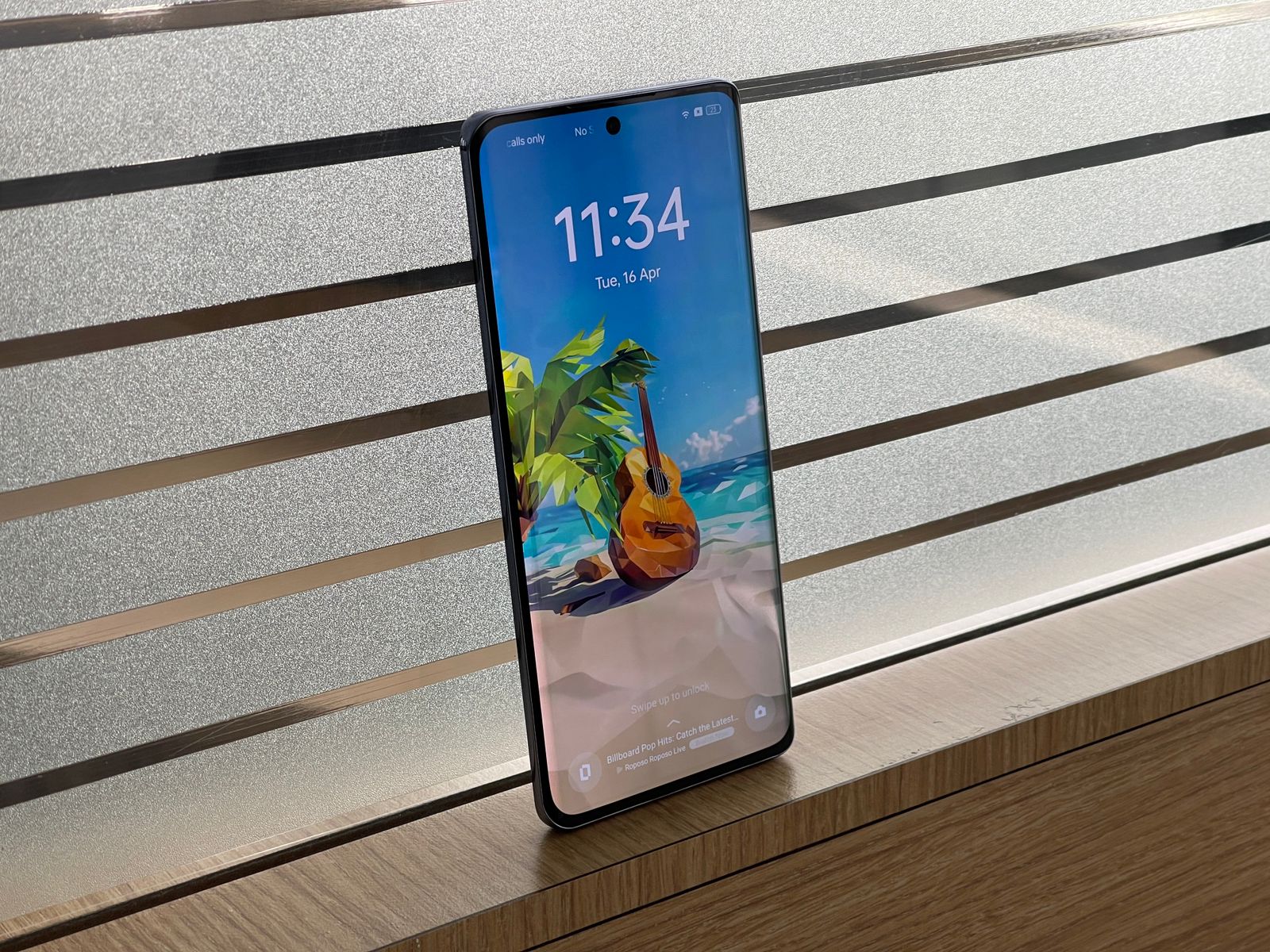
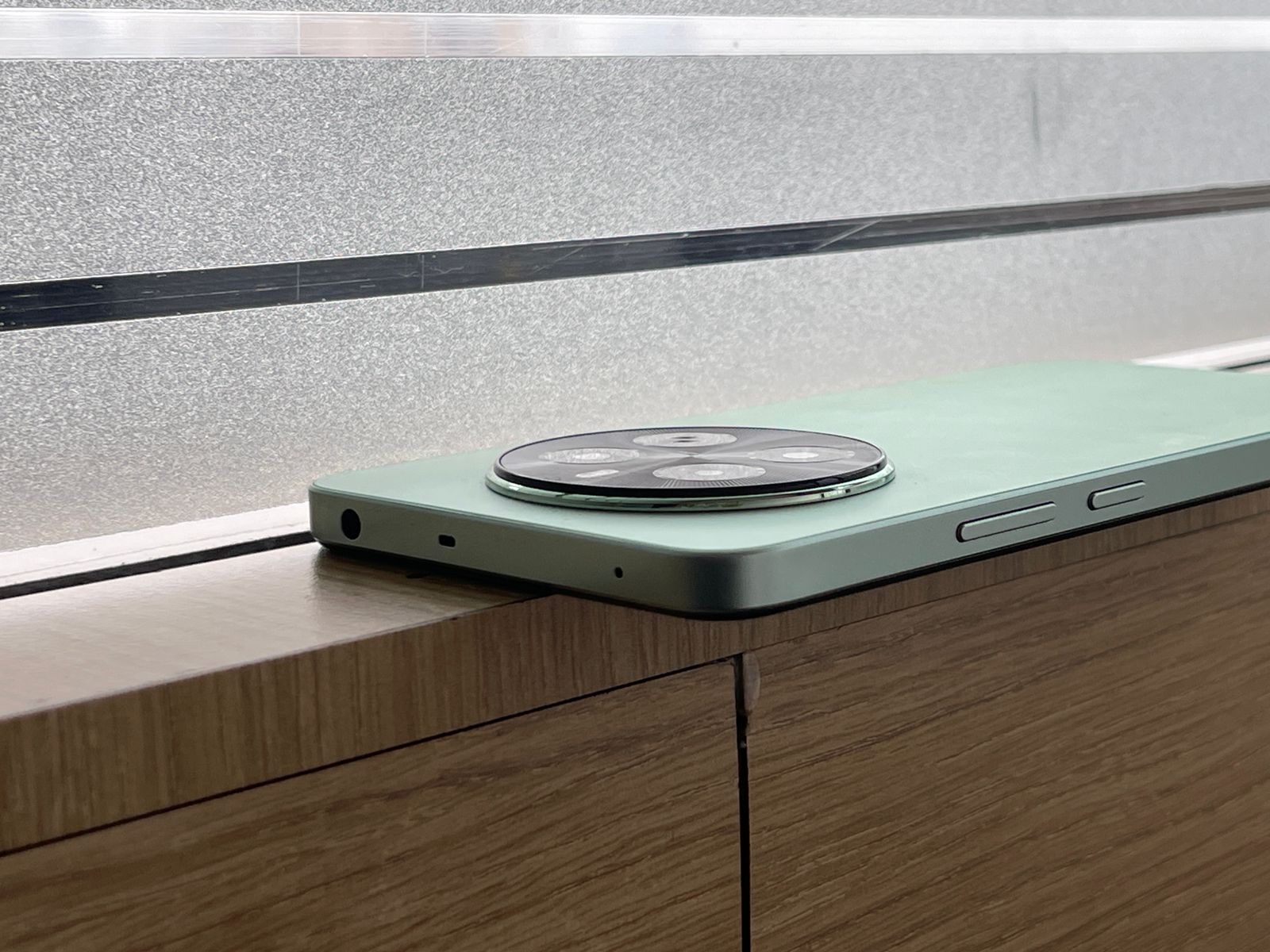
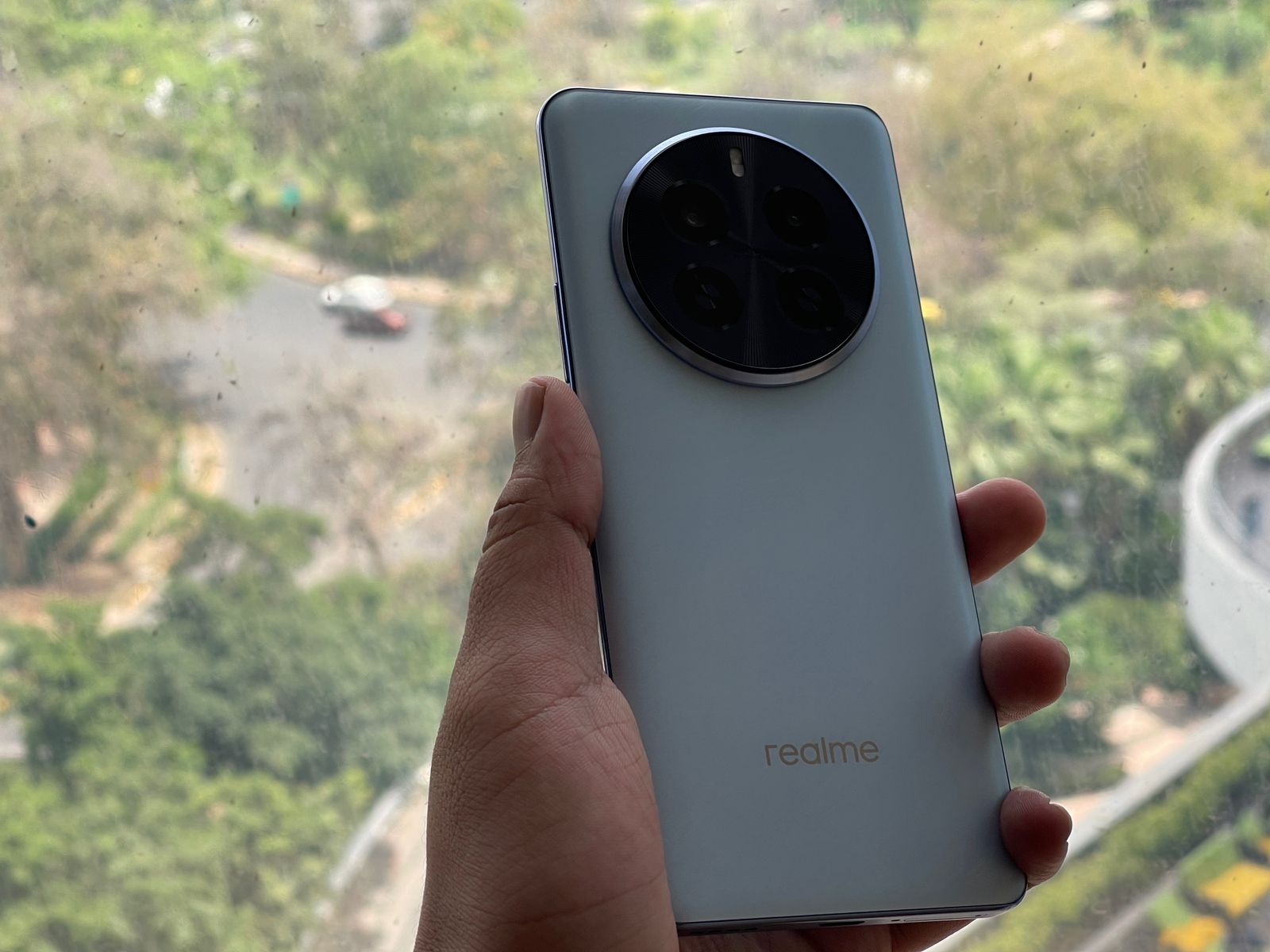
The Micro-Crystal Sparrow Feather Texture in Peacock Green, Phoenix Red, and Parrot Blue finishes, combined with a smooth matte finish, create an aesthetic that is sure to turn heads.
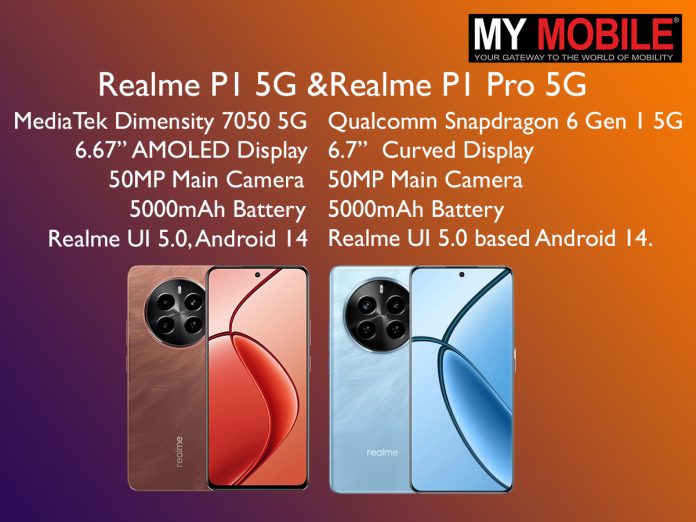
Realme P1 5G and P1 Pro 5G: Performance Powerhouses
No real surprises there, Realme has always endured itself to the fans with its software service.
Realme P1 5G and P1 Pro 5G: Pricing and Availability: Catering to Every Wallet
Realme P1 5G and P1 Pro 5G: Pricing and Availability
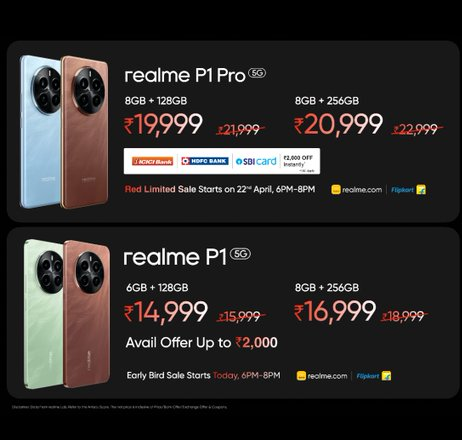
One of the most significant factors influencing consumer decisions is pricing, and Realme has struck a delicate balance between affordability and premium features.
On the other hand, the Realme P1 Pro 5G commands a premium with its pricing set at Rs. 21,999 for the 8GB + 128GB variant and Rs. 22,999 for the 8GB + 256GB model.
While more expensive than its sibling, the P1 Pro 5G justifies its price tag with its curved display, superior camera capabilities, and the more powerful Snapdragon 6 Gen 1 SoC, catering to those seeking a more premium and feature-packed experience.
Realme P1 5G and P1 Pro 5G: Conclusion: Choices for Every Preference
Realme P1 Pro: VerdictRealme P1 5G: Verdict
Whether you’re a photography enthusiast, a performance junkie, or simply seeking a reliable daily driver, the Realme P1 5G and P1 Pro 5G have something to offer.
The P1 5G strikes a perfect balance between affordability and capable hardware, making it an excellent choice for those on a budget or seeking a well-rounded mid-ranger.
On the other hand, the P1 Pro 5G caters to those who demand a little extra in terms of design, camera performance, and raw processing power.
With its curved display, advanced camera setup, and the potent Snapdragon 6 Gen 1 SoC, the P1 Pro 5G represents the pinnacle of Realme’s mid-range offerings, delivering a premium experience without breaking the bank.
Night Mode, Photo Mode, Street Shooting Mode, Portrait Mode, High Pixel, Professional Mode, Panoramic View, Macro, Super Text, Super Group Portrait, Tilt Shift, Long Exposure Photo, Video Features: Video, Movie Mode, Slow Motion, Timelapse, Multi View Video, Tilt Shift
What are the main differences in display between the Realme P1 5G and P1 Pro 5G?
The Realme P1 5G features a 6.7-inch FHD+ AMOLED display with a 120Hz refresh rate, while the P1 Pro 5G enhances the visual experience with a curved display of the same size and specifications.
The curved screen on the P1 Pro adds an extra layer of elegance and offers a more immersive viewing experience.
How do the camera setups in the Realme P1 and P1 Pro differ?
The Realme P1 is equipped with a 50MP main camera and a 2MP depth sensor, providing solid photography capabilities.
In contrast, the P1 Pro features a more advanced setup with a 50MP Sony LYT-600 main sensor with OIS, an 8MP ultra-wide camera, and a 2MP macro camera, catering to more serious photography enthusiasts with its enhanced versatility.
Can you compare the performance specs of the Realme P1 and P1 Pro?
The Realme P1 is powered by the MediaTek Dimensity 7050 SoC, suitable for everyday tasks and some gaming.
The P1 Pro, however, steps up the performance with the Snapdragon 6 Gen 1 SoC, offering better efficiency and handling more demanding applications and games, making it ideal for users who need extra power.
What are the battery and charging capabilities of both devices?
Both the Realme P1 and P1 Pro 5G house a 5000mAh battery supporting 45W SuperVOOC fast charging.
This technology enables the phones to charge up to 28% in just 30 minutes and reach full charge in about 65 minutes, ensuring minimal downtime and extended usability.
What is the price range of the Realme P1 5G and P1 Pro 5G, and who are they for?
The Realme P1 5G is more budget-friendly, starting at Rs. 15,999, making it ideal for consumers looking for high-value features at a lower cost.
The P1 Pro 5G starts at Rs. 21,999, appealing to those who prefer premium features like a curved display and advanced camera technology in a mid-range phone.
What are the key features of Realme P1 Pro 5G ?
Best 120Hz Curved Vision Display in the segment
The Realme P1 Pro 5G boasts a 6.7-inch FHD+ OLED display. The stunning display offers a refresh rate of up to 120Hz, providing users with a seamless and smooth content-watching experience.
It also features an impressive 20000 levels of brightness adjustment and can reach a peak brightness of 950 Nits, ensuring optimal visibility in various lighting conditions.
In low-brightness conditions, Realme P1 Pro 5G employs high-frequency 2160Hz PWM dimming, offering a 4.5 times increase in dimming efficiency compared to conventional 480Hz methods.
The smartphone also comes with an Eye Protection Certificate by TÜV Rheinland, which will help the users to operate the device for a longer period while comforting and protecting their eyes.
Dynamic 50 MP Main Camera with Sony LYT 600
The Realme P1 Pro 5G is equipped with a superior camera system. The 50MP main camera features a Sony LYT-600 sensor that captures stunningly detailed and vibrant images.
In addition, there’s an 8MP Ultra-wide camera for capturing expansive landscapes and a 16 MP selfie camera for high-quality self-portraits.
The camera system also includes unique imaging functions like Auto-zoom Technology and HyperTone Image Engine for enhanced photography experiences.
Design Inspired by nature and birds
Inspired by the beauty of nature, the design of the Realme P1 Pro 5G incorporates elements from bird culture.
The device features a Micro-Crystal Sparrow Feather Texture and a Large Circular 3D LDI Texture Design, giving it a unique and sophisticated look. It is available in two eye-catching colors – Parrot Blue and Phoenix Red.
The intricate structure, designed through considerable data programming, preserves the essence of feather shafts and barbs, replicating their subtle swing in the breeze and conveying a sense of lightness and freedom.
Superfast 45W SUPERVOOC charger and massive 5000mAh battery
One of the standout features of the Realme P1 Pro 5G is its massive 5000mAh battery paired with a 45W SUPERVOOC charger.
This combination ensures extended usage time and superfast charging speeds. The device can be fully charged to 100% in just 67 minutes or reach 50% charge in just 30 minutes.
The massive 5000mAh battery capacity allows for up to 473.58 hours of standby time, 35 hours of phone calls, 20.14 hours of movie playing, 85 hours of music playback, and 12.62 hours of navigation, making it incredibly convenient for users who are always on the go.
Powerful Snapdragon 6 Gen 1 5G Chipset
Powering the Realme P1 Pro 5G is the high-performance Snapdragon 6 Gen 1 5G Chipset processor.
This powerful chipset is based on Samsung’s 4nm-core process and includes a 64-bit 4+4 8-core architecture with a main frequency of 2.2GHz. This robust configuration ensures fast and efficient performance for all tasks.
Flagship level experience with 3D VC Cooling System
The Realme P1 Pro 5G features a 3394mm² stainless steel vapor chamber, which increases heat dissipation efficiency and offers a large surface for heat dissipation, leading to a more stable performance.
What are Key features of Realme P1 5G ?
Powerful MediaTek Dimensity 7050 5G Chipset
The Realme P1 5G smartphone is powered by the MediaTek Dimensity 7050 5G Chipset, which is based on the TSMC 6mm advanced process. This chipset features an 8-core 64-bit processor that includes 2 ARM® Cortex-A78 @2.6GHz and 6 ARM® Cortex-A55 @2.0GHz.
It also includes a Mali-G68 GPU to enhance its image processing capabilities. The phone comes in three different versions, each scoring over 603,000 in the AnTuTu Benchmark, indicating superior performance.
Best in the segment AMOLED display
The device boasts a stunning 6.67-inch AMOLED display with a resolution ratio of FHD+ 2400*1080, providing users with a clear image display. The display supports 16.7 million colors and a 100% P3 Color Gamut, making it perfect for viewing photos and videos.
It also includes 4096 levels of brightness adjustment and a peak brightness of 2000 Nits with a Turbo Charged Touch Sampling Rate of up to 2200Hz.
The Realme P1 5G also introduces the segment’s first Rainwater Smart Touch feature, improving user experience through greater touch input accuracy.
Bird Culture Inspired Design
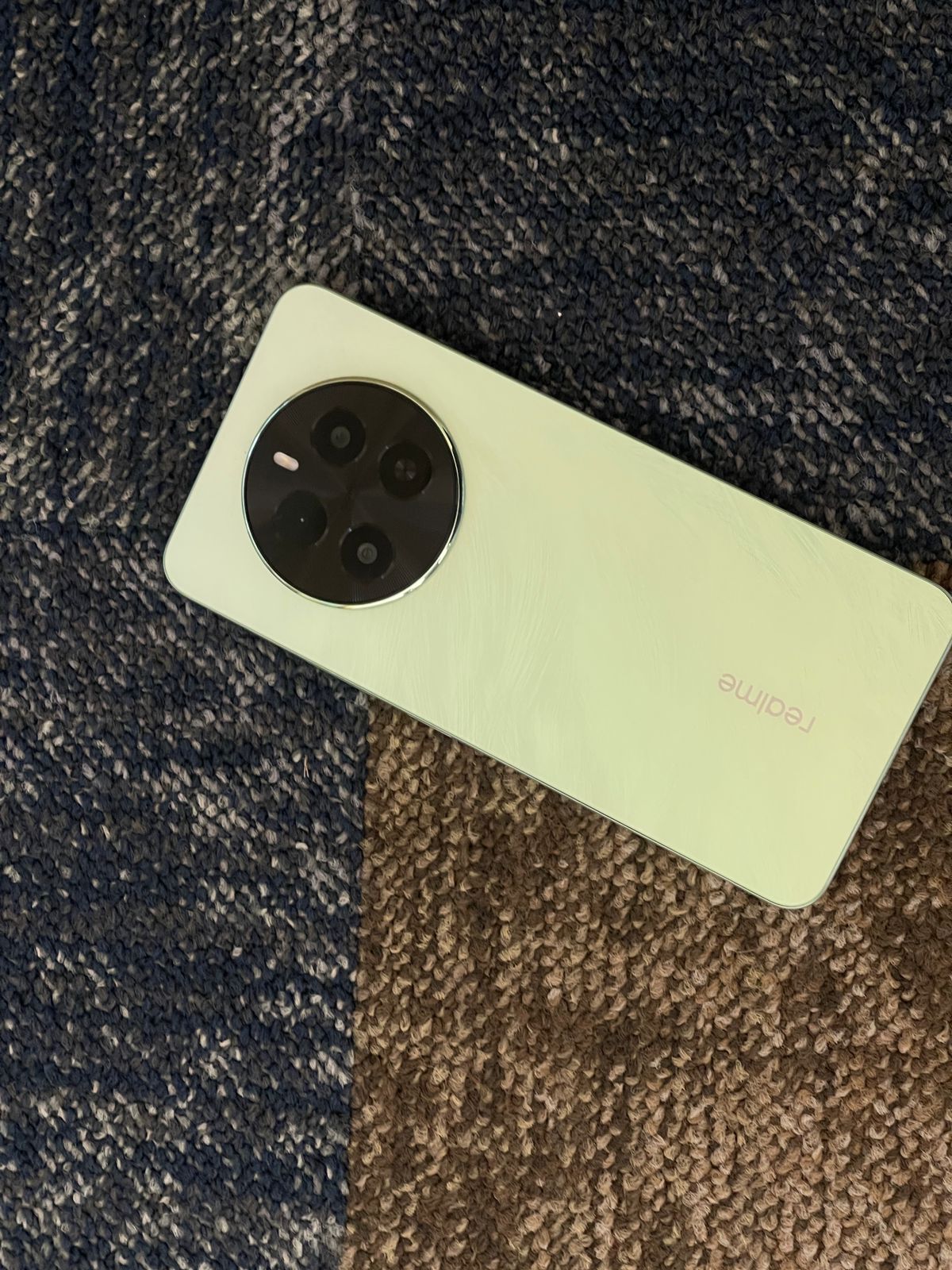
In terms of design, the Realme P1 5G draws inspiration from bird culture, specifically sparrow feathers. The texture is reminiscent of light, soft yet strong feathers gleaming subtly under sunlight.
The device comes in two vibrant colors – Peacock Green and Phoenix Red, both reflecting dazzling hues through their micro-crystal glass texture and nano ink printing.
Despite housing a large 5000mAh battery, the device maintains an ultra-thin and lightweight body, measuring approximately 7.97mm in thickness and weighing around 188g.
Powerful 50 MP AI Camera
The Realme P1 5G features a 50MP main primary camera and a 16MP selfie camera. The high-resolution primary camera can produce large-pixel photos up to 8160*6144, ensuring clear and detailed images.
It offers a variety of photography modes including Night Mode, Street Mode, Photograph Mode, Portrait Mode, Professional Mode, Panorama Mode, Long Exposure Photo, Text Scanner, Super Group Portrait, and Tilt Shift.
The device also includes various video recording modes such as Dual-view Video, Film Mode, Tilt Shift, Slow Motion, Timelapse, and Video Mode.
Superfast 45W SUPERVOOC charger and massive 5000mAh battery
Another standout features of the Realme P1 5G is its 45W SUPERVOOC charging and massive 5000mAh battery. With 45W SUPERVOOC charging, the device can be fully charged to 100% in just 65 minutes or reach 50% charge in just 28 minutes.
The massive 5000mAh battery provides extended usage time, offering up to 518 hours in standby, 31 hours for phone calls, 8 hours of camera recording, 17 hours of video playback, 85 hours of music playback, and 14 hours of navigation.
The device also features intelligent algorithms for efficient and safe charging.
Flagship level experience with 3D VC Cooling System
The Realme P1 5G is equipped with a 7-layer heat dissipation architecture, a high-performance graphite heat dissipation system measuring 10231 mm², and a stainless steel vapor chamber of 4356.52 mm.
This ensures a more steady performance by including a wide heat dissipation surface and greatly improving heat dissipation efficiency.
Step 2: Open the app of your choice – WhatsApp or Instagram.
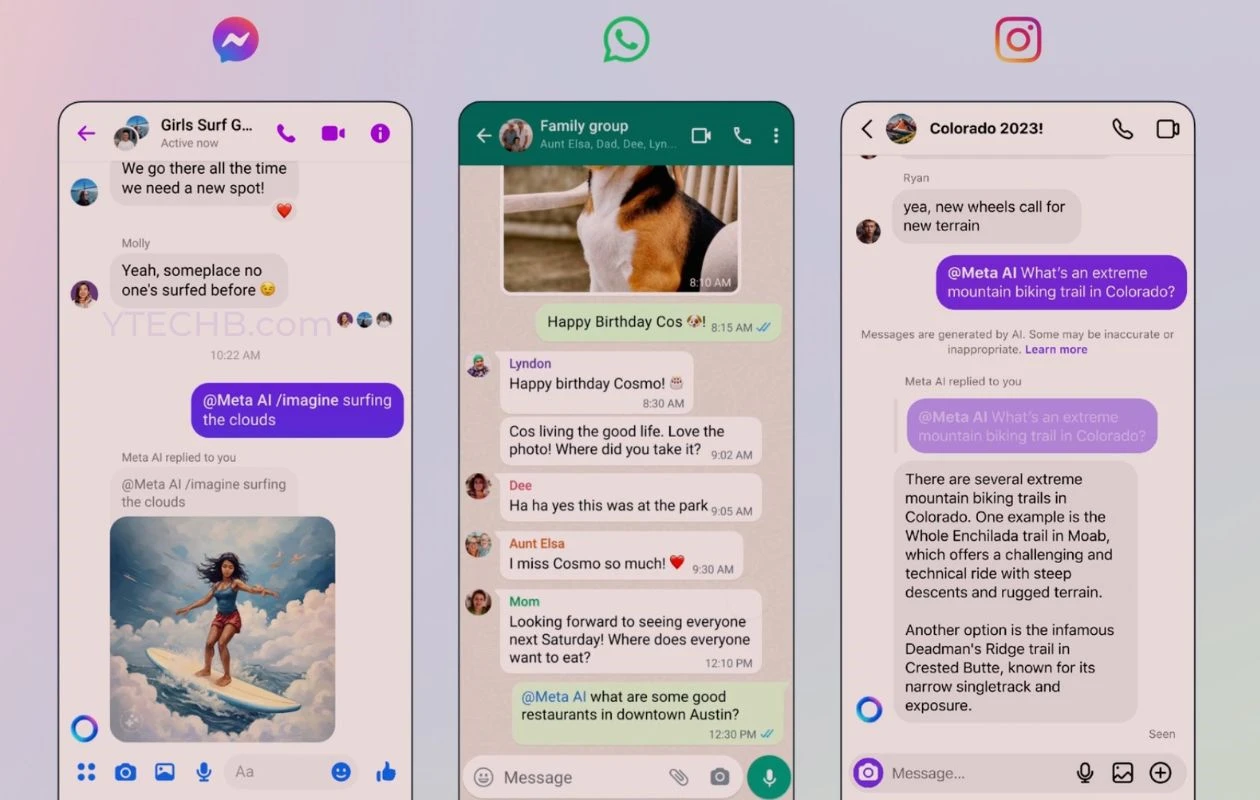
Step 3: For WhatsApp users, look for the Meta AI icon, marked by a blue ring, located at the bottom corner on Android devices and at the top on iOS devices. Tapping this will open the Meta AI chat interface.
Instagram users will find Meta AI integrated into the DM screen, noticeable both as a top search bar and as a direct message option.
Interacting with Meta AI
Interacting with Meta AI
To start a conversation with Meta AI:
Step 1: Access Meta AI by following the activation steps for either WhatsApp or Instagram.
Step 2: Enter your query or instruction in the text box provided.
Step 3: Press the send button to dispatch your message and await Meta AI’s response. You can continue the dialogue with additional questions or commands.
Features of Meta AI for Enhanced Communication
Features of Meta AI for Enhanced Communication
Meta AI offers several functionalities to enrich your messaging experience:
Query Assistance: Directly ask Meta AI any questions by typing @MetaAI in any chat window; it will promptly respond with information.
Web Search: Meta AI uses Bing to perform web searches, providing links and answers directly in your chat window.
Casual Interaction: Engage in everyday conversations with Meta AI for a more interactive and personable chat experience.
Image Generation: Invoke Meta AI’s creativity to generate photorealistic images based on your prompts.
Creating Images with Meta AI
Creating Images with Meta AI
To use Meta AI’s image creation feature:
Step 1: Open the Meta AI chat interface on either WhatsApp or Instagram.
Step 2: For WhatsApp, activate the Meta AI chat window and request an image, or on Instagram, use a follower’s DM window to send your image prompt using @/imagine “your prompt”.
The generated images will be 1024×1024 pixels in resolution, featuring a watermark.
Meta AI is set to transform how we interact, retrieve information, and express creativity across social media platforms, making digital communication not only more efficient but also more enjoyable.
FAQs
What is Meta AI and on which platforms is it available?
Meta AI is a sophisticated AI assistant designed to enhance user interactions on WhatsApp, Instagram, and Messenger.
It assists users by fetching information from the web, answering questions, providing real-time data, and even generating images based on descriptions.
This integration aims to make digital communication more efficient and engaging.
How do I activate Meta AI on WhatsApp?
To activate Meta AI on WhatsApp, first ensure your app is updated to the latest version. Then, open WhatsApp and locate the Meta AI icon, which appears as a blue ring.
For Android, it’s at the bottom corner, and for iOS, at the top. Tap this icon to start interacting with Meta AI through its dedicated chat interface.
Can Meta AI create images directly in my chats?
Yes, Meta AI can generate photorealistic images based on user prompts.
To use this feature, activate the Meta AI chat interface on either WhatsApp or Instagram, send a prompt using the structured command like @/imagine followed by your description, and Meta AI will create and send an image directly in the chat.
What types of questions can I ask Meta AI?
Meta AI is capable of handling a wide range of queries from simple factual questions to complex requests for specific information.
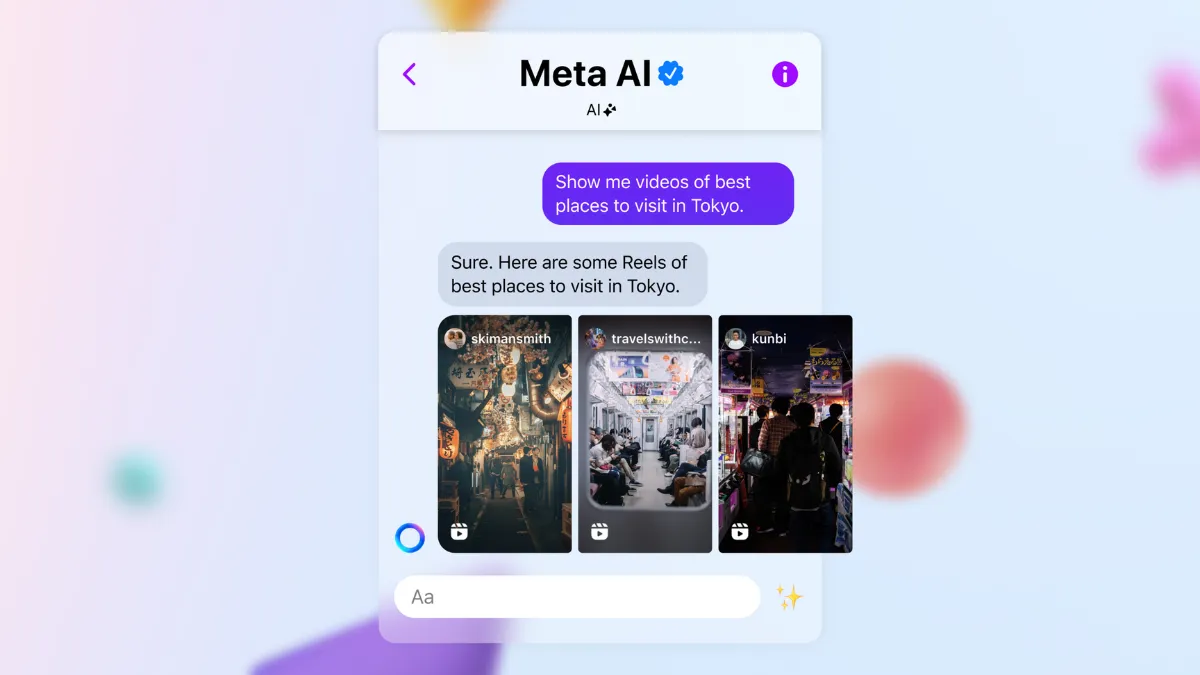
You can ask about the weather, news updates, general knowledge, or even request content suggestions such as travel videos or local event recommendations.
What is Meta AI and what can it do?
Meta AI is a generative AI chatbot developed by Meta, powered by the Llama AI model.
It is designed to perform a variety of tasks such as engaging in natural language conversations, answering questions, generating images, writing essays, and even assisting with coding.
It’s a versatile tool intended to enhance user interaction on various Meta platforms.
Where can users find Meta AI on Instagram?
On Instagram, Meta AI can be accessed in the direct message (DM) search bar, where it is represented by an icon featuring a blue ring with pink hues.
This allows users to utilize the chatbot directly within their messaging interface to streamline communication and task management.
Why is access to Meta AI limited in India?
Although Meta AI has been introduced in India, access remains limited as Meta continues to test the chatbot’s features and capabilities.
The company aims to ensure stability and functionality across diverse user interactions before a broader rollout, as stated in their announcement regarding ongoing public tests in limited capacities.
How does Meta AI compare to other AI chatbots available in India?
With its debut, Meta AI joins other prominent AI chatbots like OpenAI’s ChatGPT, Google Gemini, and Microsoft’s Copilot, available in India.
Meta AI is distinctive because it integrates directly with popular social media platforms and offers image generation capabilities, making it a comprehensive AI tool for users.
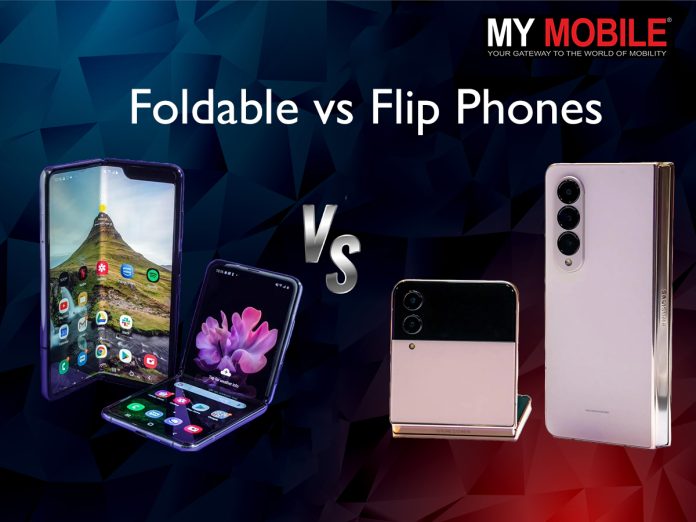
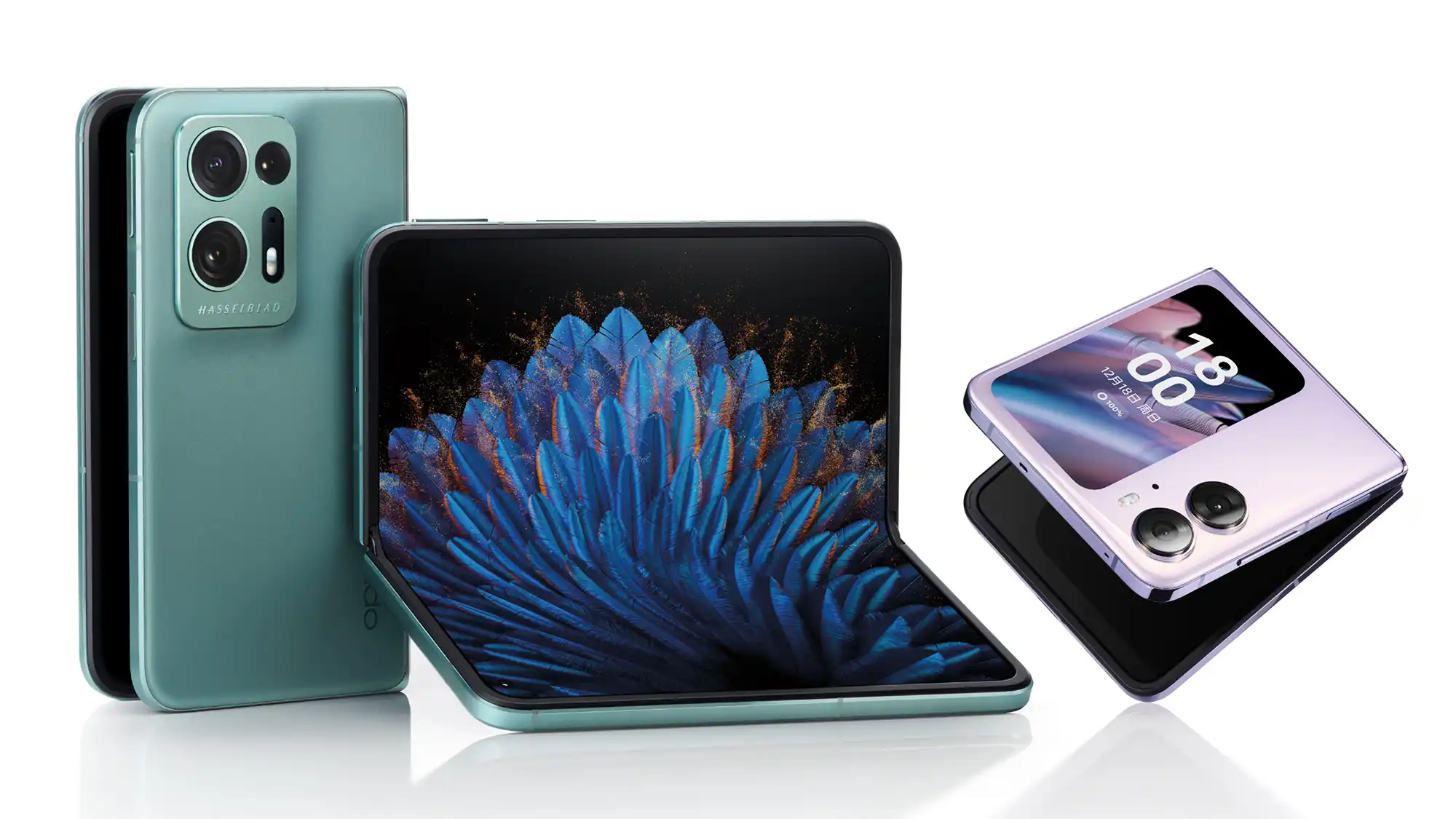
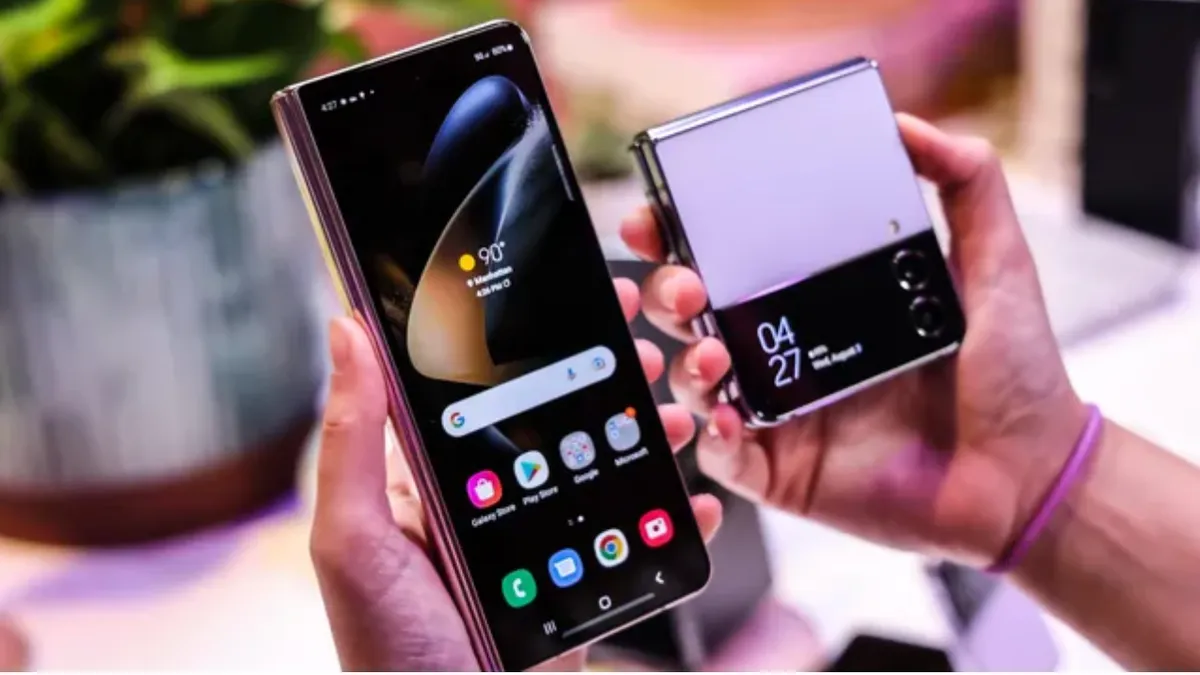
This feature is facilitated by a large inner display that folds inward, protected when closed by a secondary outer screen.
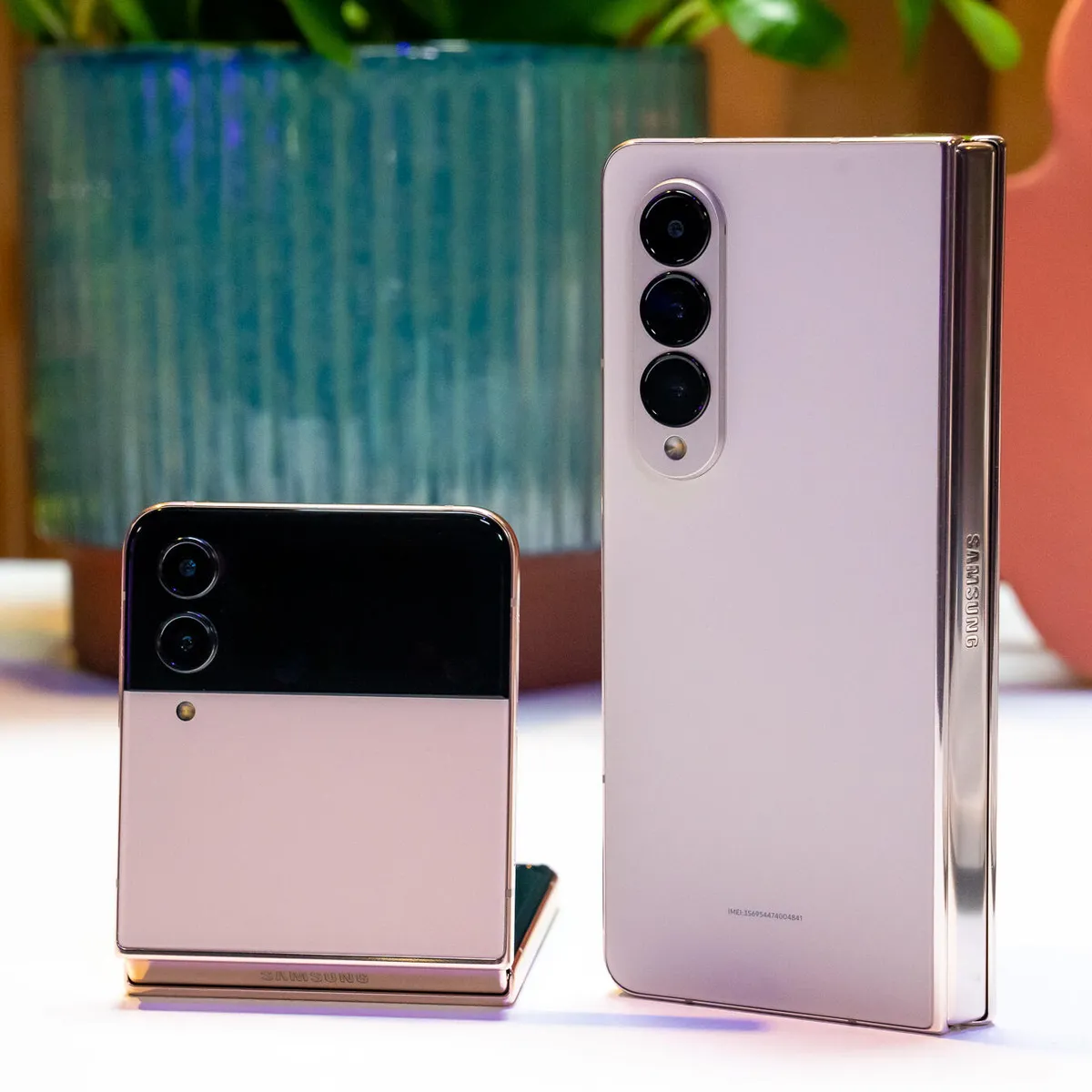
Devices such as the Samsung Galaxy Z Fold 5 or the OnePlus Open epitomize this design, offering a dual-display that allows the device to function as both a smartphone and a mini-tablet.
The presence of a large outer screen ensures that even when folded, the device operates effectively as a conventional smartphone.
Defining Flip Phones
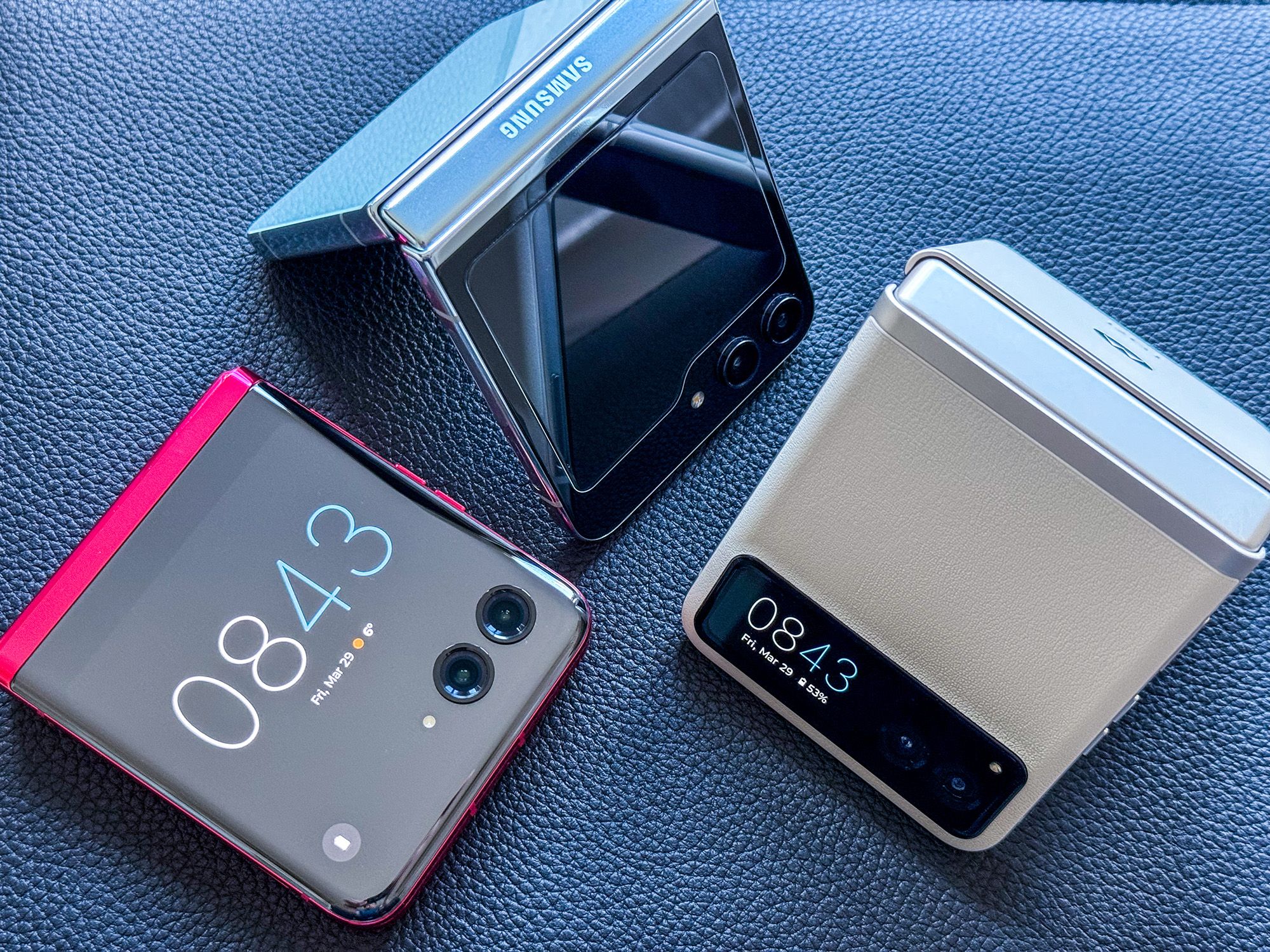
Flip phones offer a compact design with quick accessibility and high portability
On the other side of the foldable spectrum are the flip phones, modern takes on a classic design that compact a regular-sized smartphone into half its size through a horizontal fold.
This design is typified by devices like the Samsung Galaxy Z Flip 5, which features a primary display that folds inward from top to bottom.
Flip phones typically include a smaller secondary screen on the outside.
This screen, while limited in functionality compared to the main display, offers quick access to notifications, time, and other simple tasks without needing to unfold the phone
It’s an ideal setup for those who prioritize portability and quick accessibility in a more traditional phone size.
Comparing Foldables and Flips
Foldables feature large, dual-display setups for enhanced productivity
The main distinction between these two designs lies in their intended use case and form factor.
They are particularly convenient for users who value discretion and portability, along with the added bonus of using the external display for quick functions like selfies, which can be taken using the superior rear cameras.
Choosing Between Foldable and Flip Phones
Flip phones provide a nostalgic design with modern technology for easy use
The choice between a foldable and a flip phone largely depends on personal preference and intended use.
As the market for these innovative devices grows, potential buyers should consider how the advantages of each model align with their daily needs and habits.
What are foldable phones and how do they differ from standard smartphones?
Foldable phones, like the Samsung Galaxy Z Fold 5, have a large inner screen that folds to a smartphone size.
Unlike regular smartphones, these devices can transition from a phone to a mini-tablet, offering extensive screen space for tasks that benefit from a larger display, such as watching videos or multitasking with multiple apps.
What defines a flip phone in today’s market?
Today’s flip phones, such as the Samsung Galaxy Z Flip 5, are modern versions of the classic flip phone design.
They feature a primary screen that folds horizontally, and a secondary, smaller external screen for accessing notifications and other simple functions.
This makes them ideal for those prioritizing a compact, easy-to-carry device.
How do foldable phones enhance user productivity?
Foldable phones are designed with large screens that support running multiple apps simultaneously, which mirrors a desktop computing experience.
This makes them particularly useful for users who need more screen real estate for their work or personal tasks, enabling more effective multitasking and productivity on the go.
Why might someone choose a flip phone over a foldable phone?
Flip phones are best suited for individuals who value simplicity and compactness. They fit easily into smaller spaces, making them convenient to carry around.
Additionally, the smaller external screen allows for quick access to essential phone functions without the need to unfold the device, which enhances usability in fast-paced environments.
What is the life of a foldable phone?
The life of a foldable can’t be predicted as such. We also don’t have enough user reviews or data to draw a conclusion about the life of foldable phones.
However, Samsung has claimed that the screens in both devices have been certified to fold up to 200,000 times.
How many types of foldable phones are available?
There are two main types of foldable phones available in the market: the clamshell design and the book-style design.
Are foldable phones durable?
Foldable phones have made significant strides in terms of durability, but they can still be more vulnerable to screen damage compared to traditional smartphones.
The durability of a foldable phone largely depends on factors like the quality of materials used, the design of the hinge mechanism, and how well the user takes care of the device.
Many modern foldable phones come with improved screen protection, such as ultra-thin glass, which makes them more resistant to scratches and damage.
However, it’s essential to handle them with care, avoid applying excessive pressure, and keep them away from dust and debris to prolong their lifespan.
Are there enough apps optimized for foldable phones?
While the number of apps optimized for foldable phones has been increasing, there is still room for improvement.
Many popular apps have started offering better support for foldable screens, allowing for a smoother user experience.
However, not all apps are fully optimized, and users may encounter compatibility issues or awkward layouts on some apps when using a foldable phone.
It’s essential to check app compatibility before purchasing a foldable device and keep an eye on software updates, as manufacturers and app developers continue to work on enhancing the foldable phone experience.
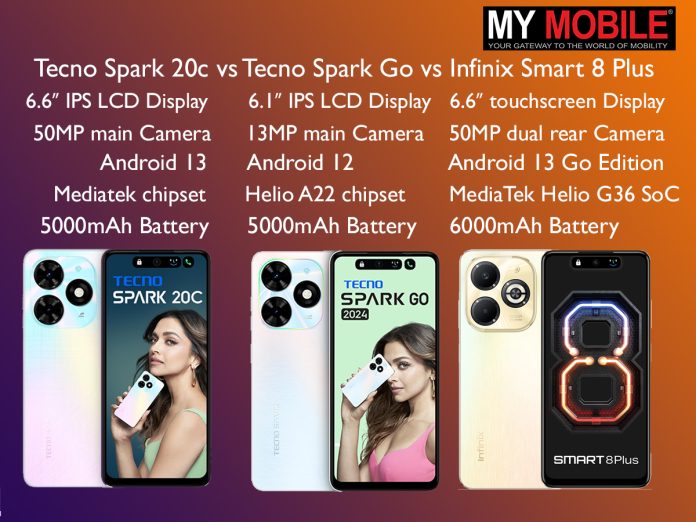
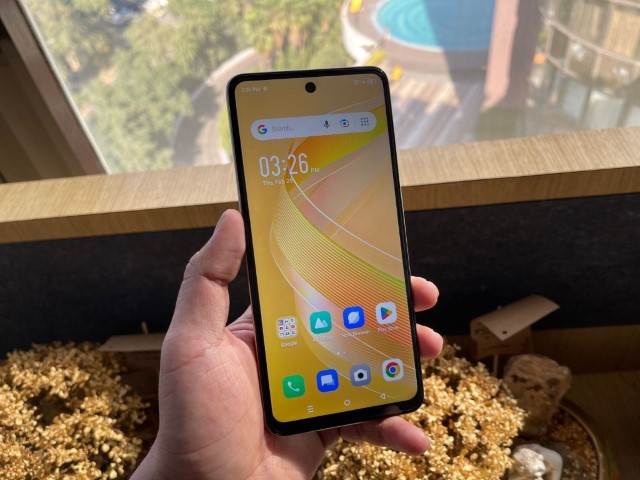
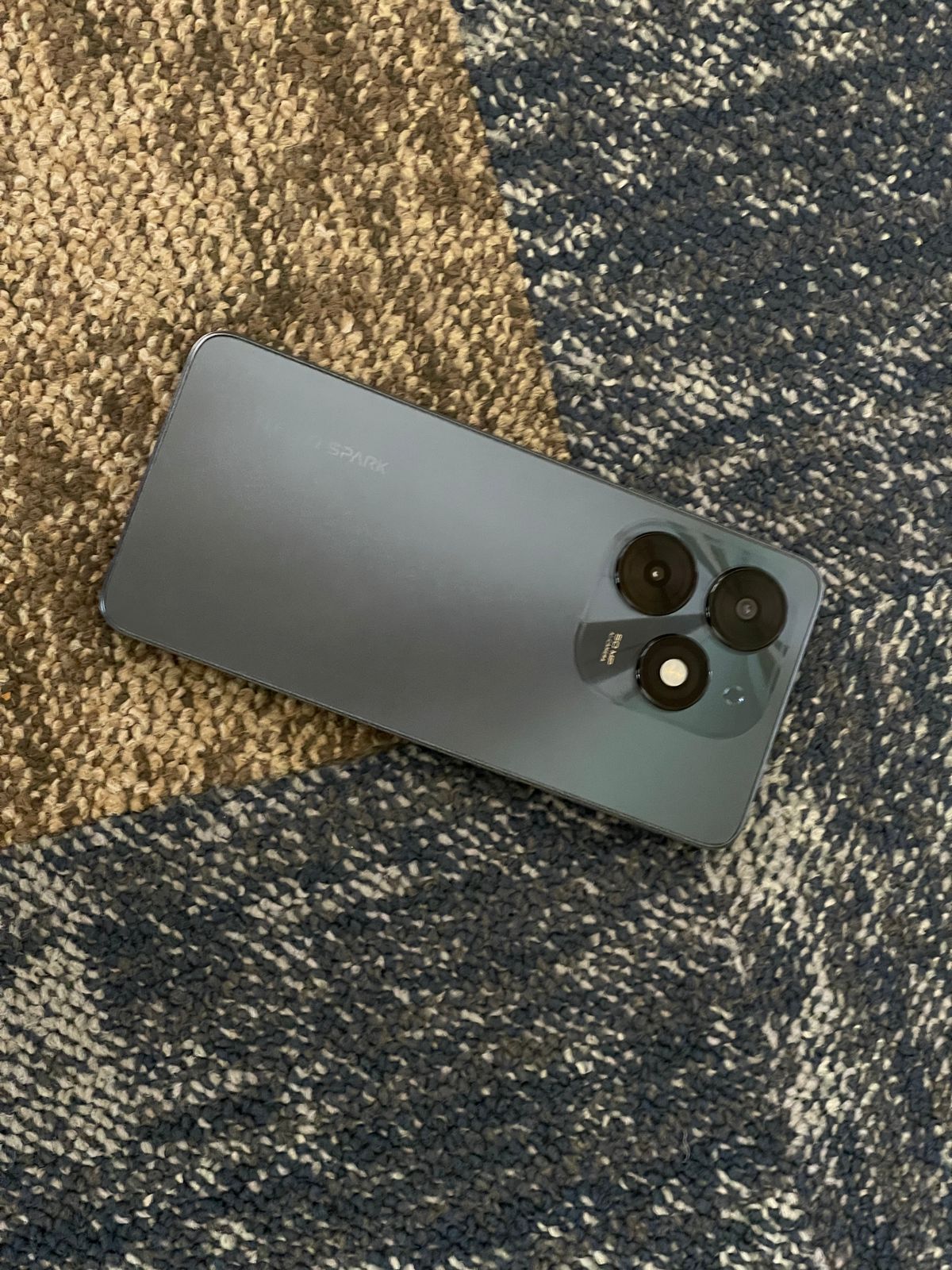
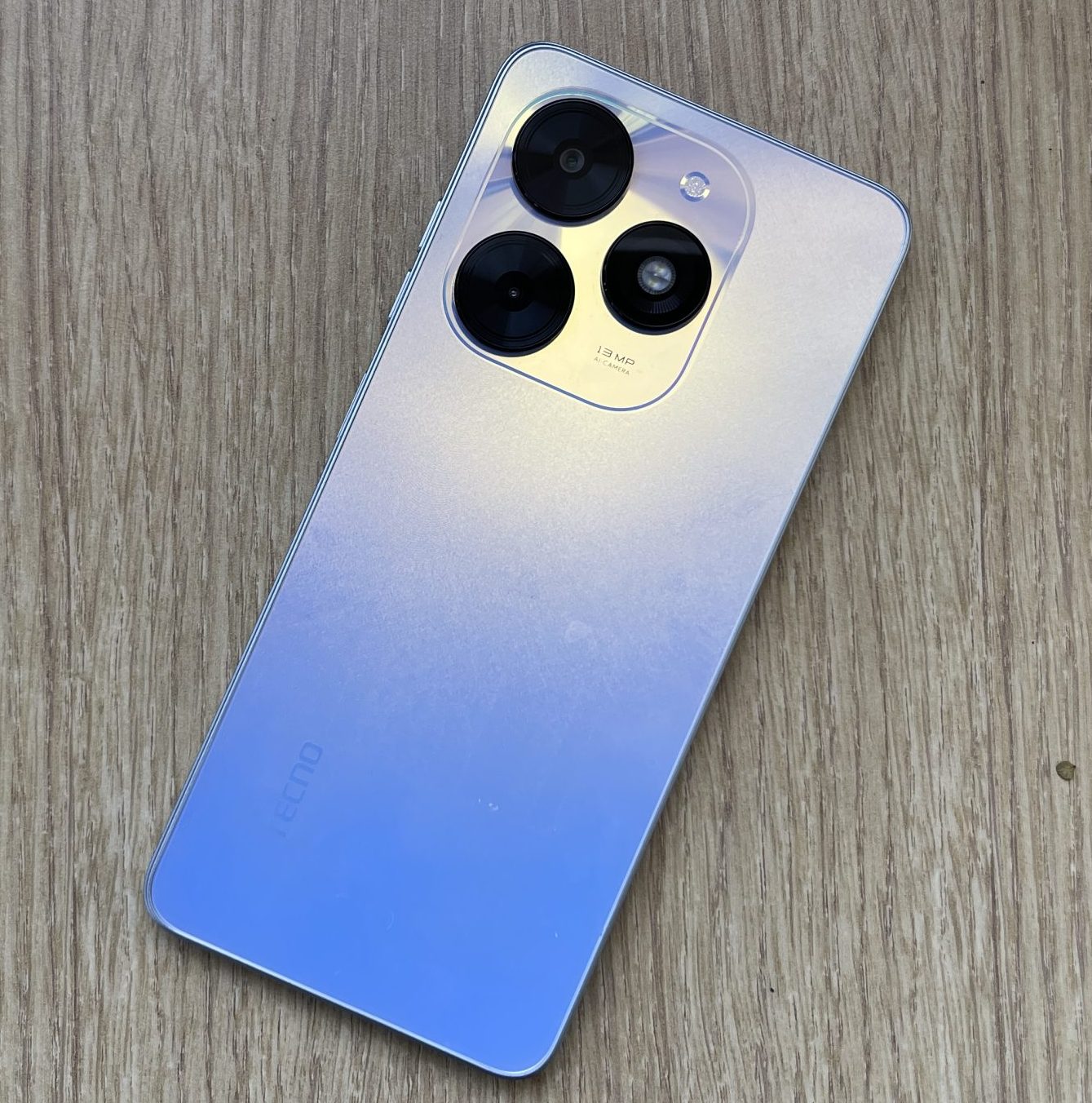
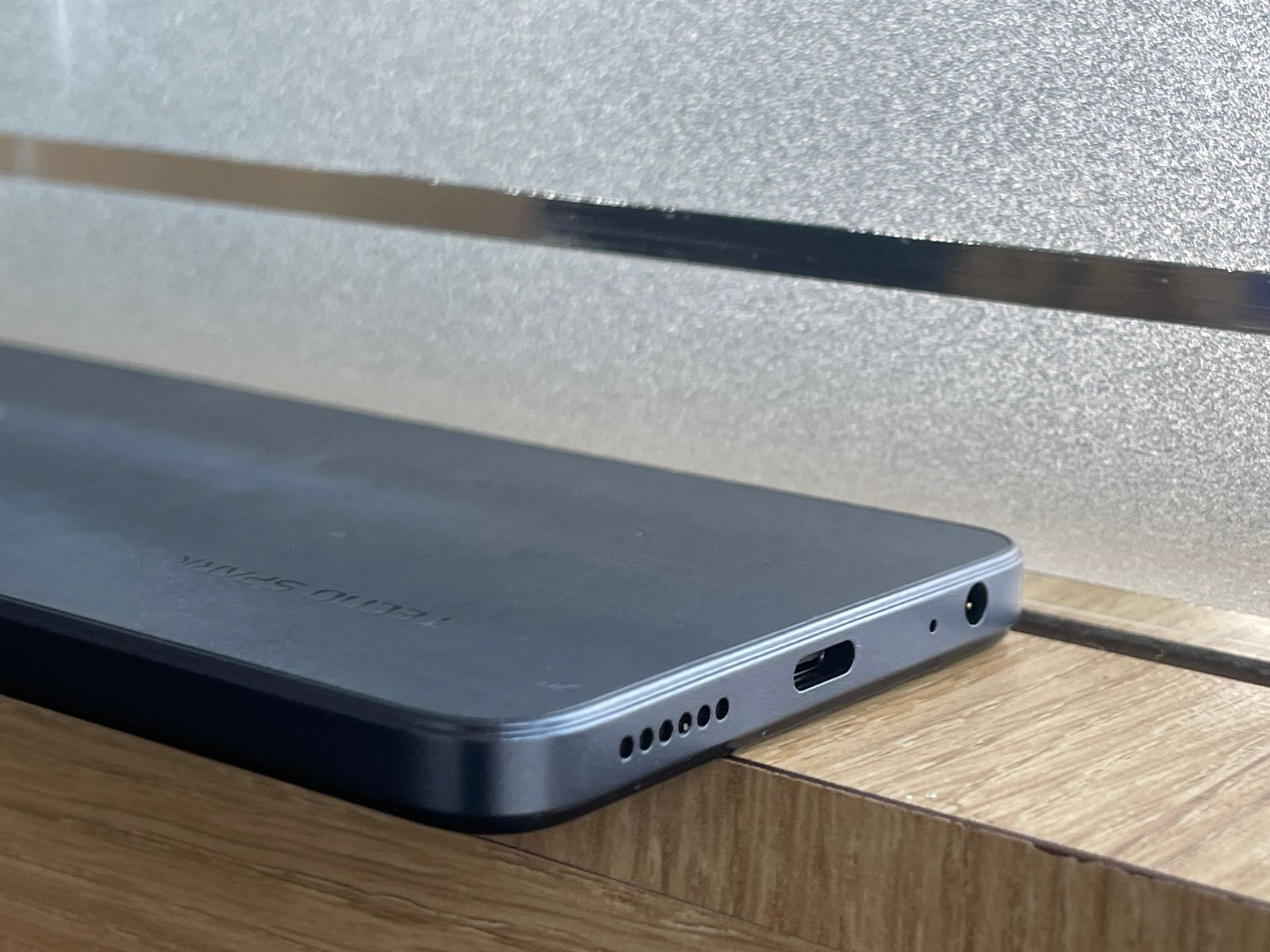
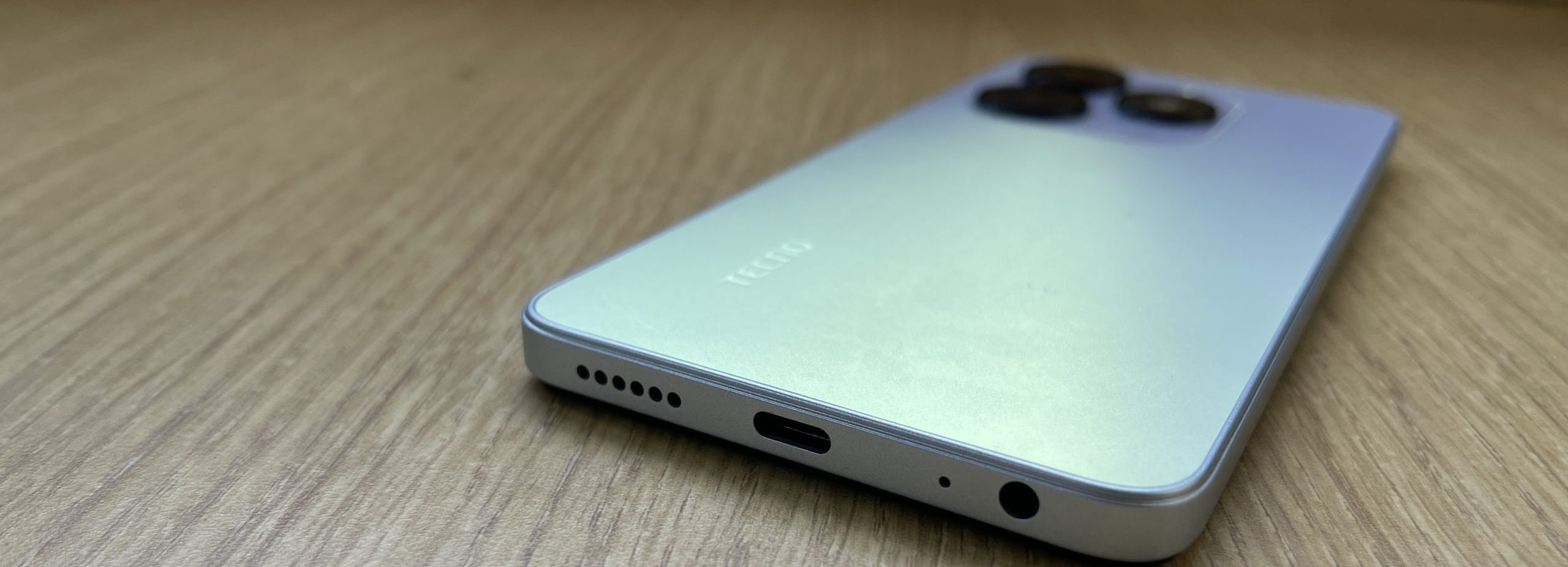
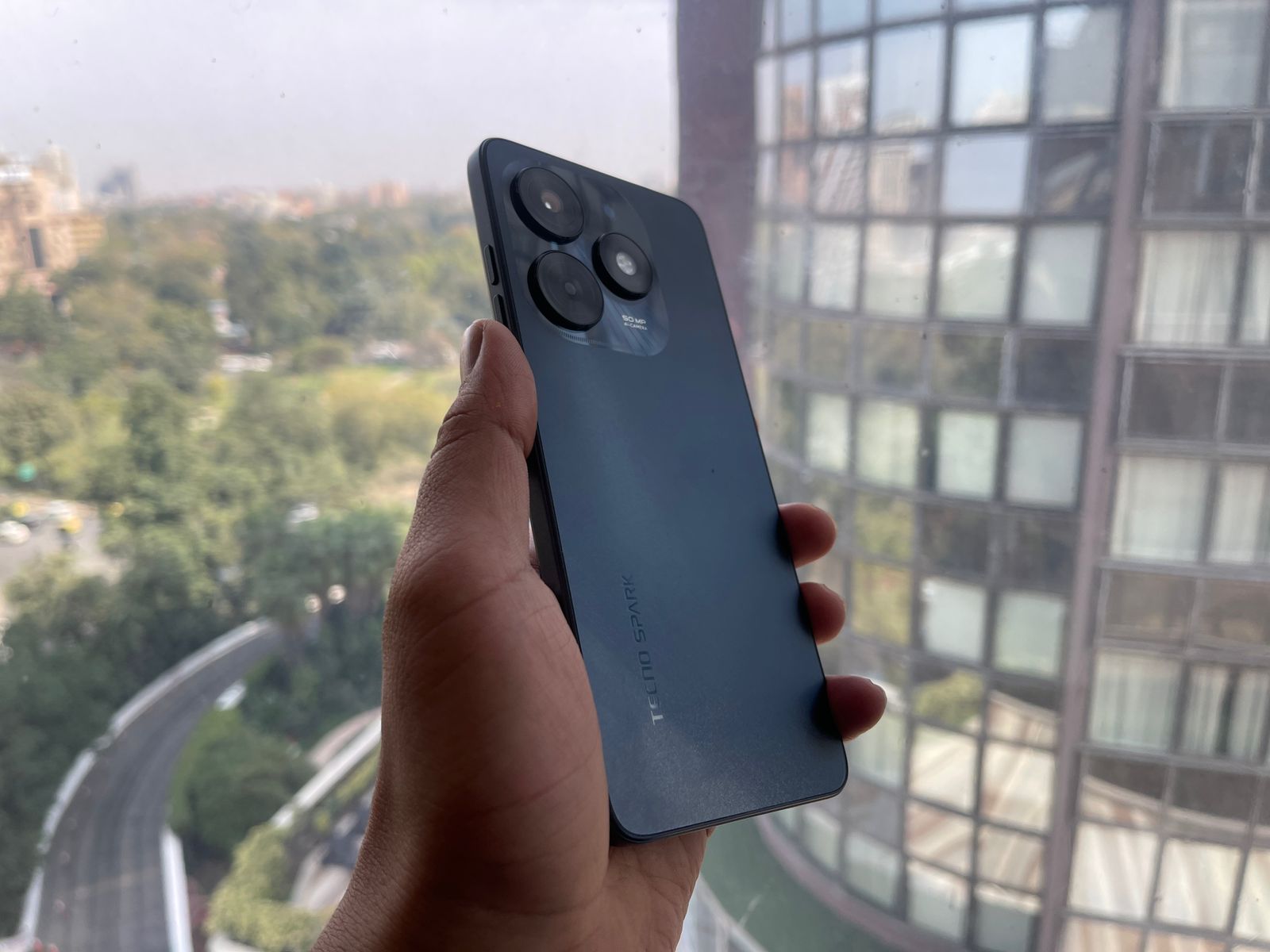
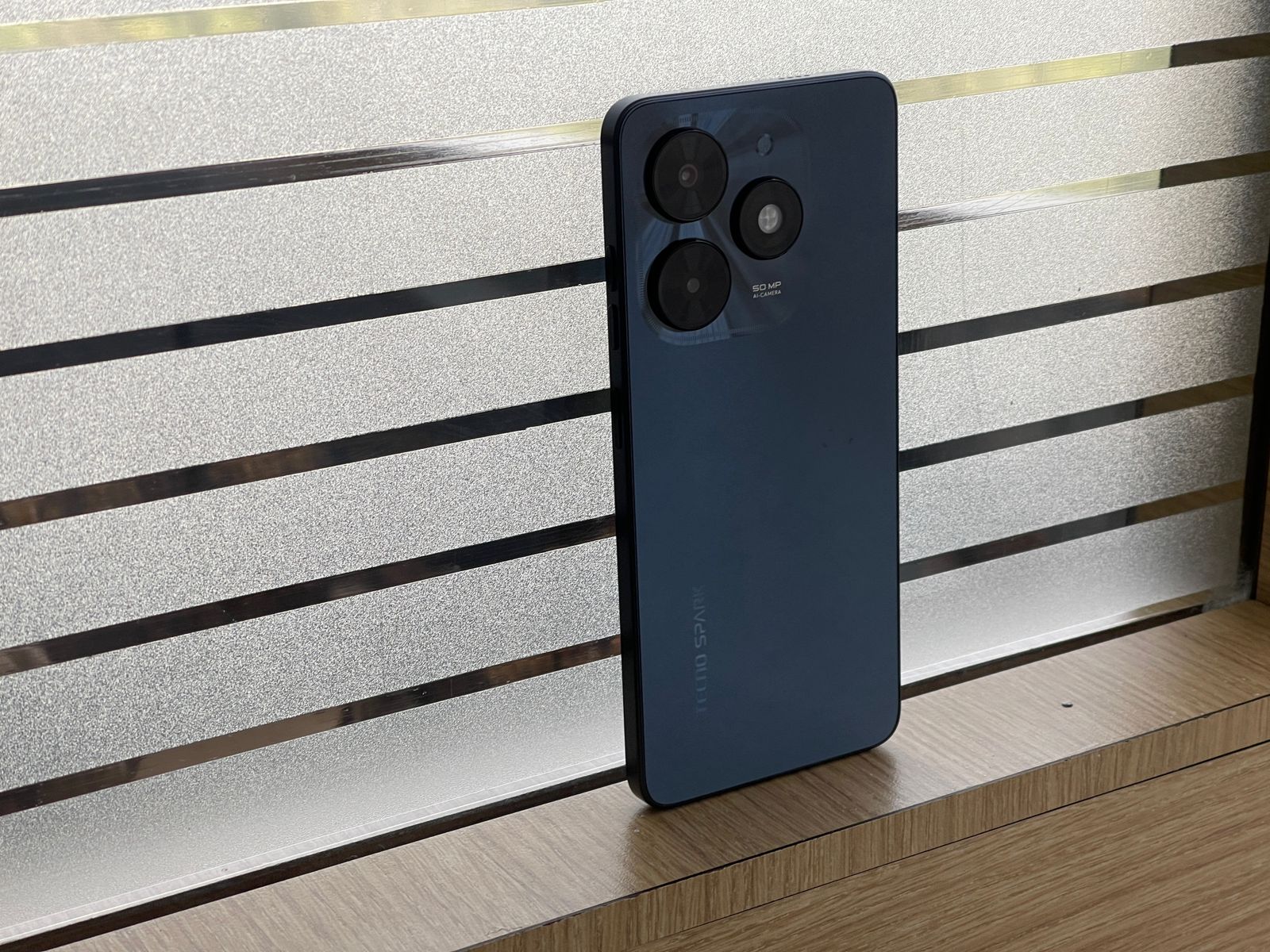
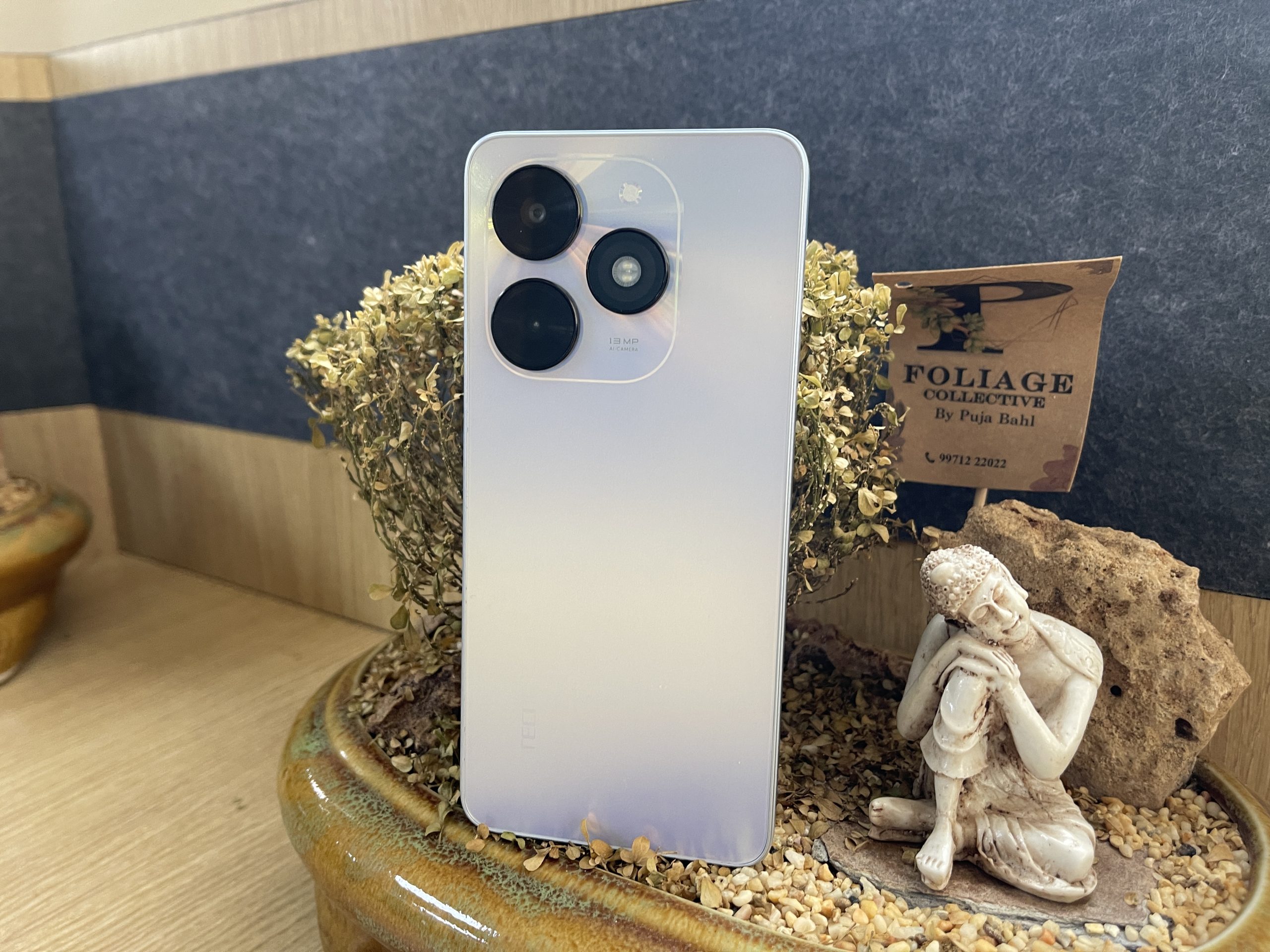
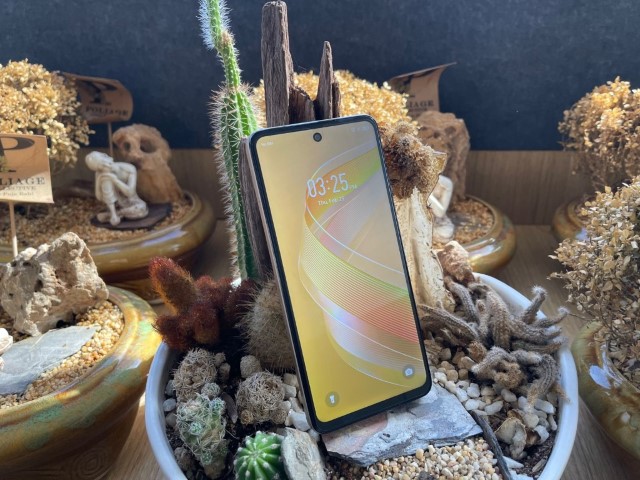
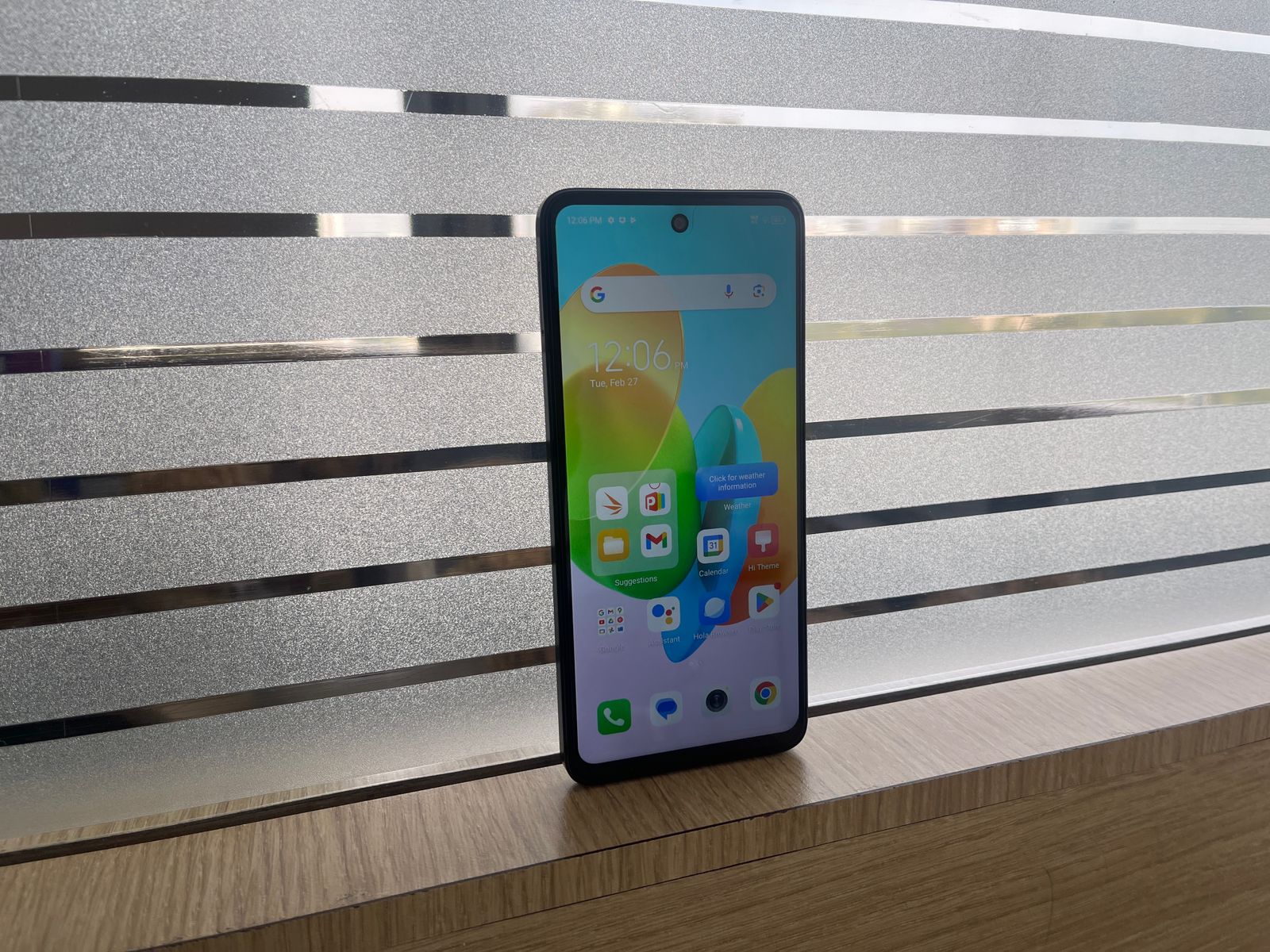
Tecno Spark 20c: The Spark 20c features a 6.6-inch IPS LCD display with a resolution of 720×1612 pixels. It also boasts a 90Hz refresh rate, providing a smooth visual experience.
Spark Go: The Spark Go comes in two versions. The 2019 model has a 6.1-inch IPS LCD display with a resolution of 720×1560 pixels, while the 2023 model offers a 6.6-inch display with a resolution of 720×1600 pixels.
Infinix Smart 8 Plus: This phone comes with a 6.6-inch touchscreen display offering a resolution of 1612×720 pixels. It also features a 90Hz refresh rate.
Verdict: If a high refresh rate is a priority, the Tecno Spark 20c and Infinix Smart 8 Plus are the winners.
However, if you prefer flexibility in display size, the Spark Go could be a better choice.
Tecno Spark 20C vs Tecno Spark Go vs Infinix Smart 8 Plus: Design
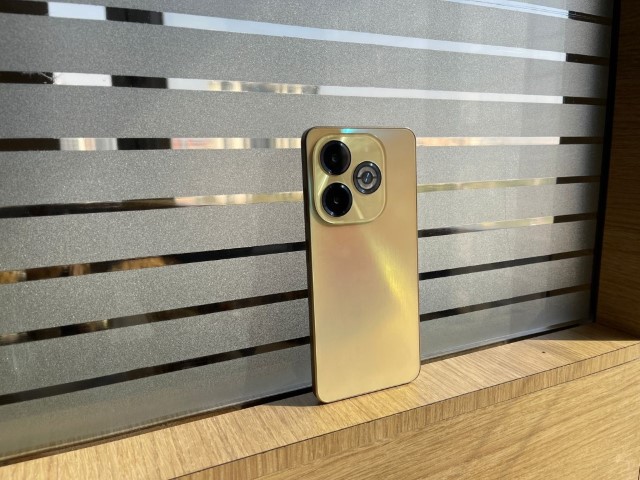
Tecno Spark 20c: The Spark 20c has a glass front, plastic back, and plastic frame. It is available in several colours: Mystery White, Alpenglow Gold, Magic Skin, and Gravity Black.
Spark Go: The Spark Go has a similar design with a glass front and plastic back. It is available in Nebula Black and Royal Purple.
Infinix Smart 8 Plus: The Smart 8 Plus also features a glass front, plastic back, and plastic frame. It is available in Galaxy White, Shiny Gold, Timber Black.
Verdict: If colour options are important to you, the Tecno Spark 20c would be the best choice.
However, all three models maintain a sleek and modern design.
Tecno Spark 20C vs Tecno Spark Go vs Infinix Smart 8 Plus: Performance
Tecno Spark 20C: Performance
Tecno Spark Go 2024: Performance
Infinix Smart 8 Plus: Performance
Tecno Spark 20c: Powered by a Mediatek chipset and an octa-core 2.2 GHz Cortex-A53 CPU. It comes with either 4GB or 8GB of RAM and 128GB of storage.
Spark Go: The 2019 model is powered by a Helio A22 chipset with either 1GB or 2GB of RAM, while the 2023 model features the same chipset with either 3GB or 4GB of RAM.
Verdict: If you’re looking for a phone with a wide range of features, all three models are good choices. However, the Tecno Spark 20c stands out with its dual speakers.
Tecno Spark 20C vs Tecno Spark Go vs Infinix Smart 8 Plus: Final Verdict
Tecno Spark 20C: Final VerdictTecno Spark Go 2024: Final VerdictInfinix Smart 8 Plus: Final Verdict
The choice between them will depend on your specific needs and preferences.
Whether you prioritize display quality, performance, battery life, camera capabilities, or software, there’s a phone among these three that will meet your needs.
Tecno Spark 20C: Unboxing Video
Infinix Smart 8 Plus Unboxing Video
TECNO Spark 20c Product Specs
Display & design
16.66cms (6.56”) HD+Dot-in Display (720×1612)90Hz refresh Rate | 180Hz Touch Sampling rate | Dynamic Port | IPX2 Resistant |480 nits Max. Brightness | 20:9 screen aspect ratio | 93.5% screen to body ratio
Dimensions
163.69×75.6×8.55mm | weight 189gm
Front Camera
8MP AI Selfie Camera (ƒ/2.0), Dual Flash
Front Camera features
AI Portrait ,AI Beauty, Filters, Wide Selfie, HDR, AI Scene Detection, Continuous Shot, Time-lapse, AR Shot, Dual Flash
Li-Polymer 5000mAh Battery, 18W Type C Flash Charger, 50% charge in just 50 Minutes, Up to 34+ days long standby| up to30 Hours calling time
OS
HiOS 13 based on Android 13
Special Features
Dual Stereo Speakers powered by DTS, up to 400% louder sound, Darwin Engine, Time Lapse, Social Turbo, Kids mode, Video Assistant, Peek Proof and many more
Processor
Helio G36, Octa-Core – 2.2 GHz octa core CPU with HyperEngine 2.0
Sensors
Accelerometer, Ambient Light, Distance, E-Compass, Virtual Gyro, Side Fingerprint sensor
₹7999* (after ₹1000 off as part of bank offers applicable for a limited period)
Tecno Spark Go 2024 Specs
GENERAL
Country of Origin
India
Sim Type
Dual Sim, GSM+GSM
Dual Sim
Yes
Sim Size
Nano+Nano SIM
Device Type
Smartphone
Release Date
December 07, 2023
DESIGN
Dimensions
75.6 x 163.69 x 8.55 mm
Weight
186 g
Bezel less
No
Colors
Mystery White, Gravity Black
DISPLAY
Type
Color IPS Screen (16M Colors)
Touch
Yes, 180 Hz Touch Sampling Rate
Size
6.56 inches, 720 x 1600 pixels, 90 Hz
Aspect Ratio
89.7
PPI
~ 263 PPI
Screen to Body Ratio
~ 89%
Notch
Yes, Punch Hole
MEMORY
RAM
3 GB
Expandable RAM
Upto 3 GB Extra Virtual RAM
Storage
64 GB
Card Slot
Yes, upto 1 TB
CONNECTIVITY
GPRS
Yes
EDGE
Yes
3G
Yes
4G
Yes
VoLTE
Yes
Wifi
Yes, with wifi-hotspot
Bluetooth
Yes, v5.3
USB
Yes, USB-C v2.0
USB Features
USB on-the-go, USB Charging
EXTRA
GPS
yes with A-GPS, Beidou, Glonass, Galileo
Fingerprint Sensor
Yes, Side
Face Unlock
Yes
Sensors
Accelerometer, Proximity
3.5mm Headphone Jack
Yes
Extra Features
Stereo Dual DTS Speakers
CAMERA
Rear Camera
13 MP f/1.8 (Wide Angle)
(AI Lens) with autofocus
Features
Panorama, HDR, Slow-Mo
Video Recording
1080p @ 30 fps FHD
Flash
Yes, Dual LED
Front Camera
Punch Hole 8 MP with Dual LED Flash
Front Video Recording
720p
TECHNICAL
OS
Android v13
Custom UI
HiOS
Chipset
Unisoc T606
CPU
1.6 GHz, Octa Core Processor
Core Details
2×2.0 GHz Cortex-A75 & 6×1.8 GHz Cortex-A55
GPU
Mali-G57 MP1
Java
No
Browser
Yes, supports HTML5
MULTIMEDIA
Email
Yes
Music
MP3, AAC, AMR, MID, FLAC, OGG, 3GPP
Video
MP4, 3GP, FLV, WEBM
FM Radio
Yes
Document Reader
Yes
BATTERY
Type
Non-Removable Battery
Size
5000 mAh, Li-ion Battery
Fast Charging
Yes, 10W
Infinix Smart 8 Plus Specs
GENERAL
Sim Type
Dual Sim, GSM+GSM
Dual Sim
Yes
Sim Size
Nano+Nano SIM
Device Type
Smartphone
Release Date
January 30, 2024
DESIGN
Dimensions
75.7 x 163.7 x 9 mm
Weight
204 g
Bezel less
No
Colors
Galaxy White, Shiny Gold, Timber Black
DISPLAY
Type
Color IPS Screen (16M Colors)
Touch
Yes
Size
6.6 inches, 720 x 1612 pixels, 90 Hz
Aspect Ratio
20:9
PPI
~ 267 PPI
Screen to Body Ratio
~ 84.4%
Features
500nits Brightness
Notch
Yes, Punch Hole
MEMORY
RAM
4 GB
Storage
64 GB
Card Slot
Yes
CONNECTIVITY
GPRS
Yes
EDGE
Yes
3G
Yes
4G
Yes
VoLTE
Yes
Wifi
Yes, with wifi-hotspot
Bluetooth
Yes, v5.0
USB
Yes, USB-C v2.0
USB Features
USB Charging
EXTRA
GPS
Yes
Fingerprint Sensor
Yes, Side
Face Unlock
Yes
Sensors
Accelerometer, Proximity, Compass
3.5mm Headphone Jack
Yes
CAMERA
Rear Camera
50 MP f/1.9 (Wide Angle)
0.08 MP with autofocus
Features
Ring- HDR, panorama
Video Recording
1080p @ 30 fps FHD
Flash
Yes, LED
Front Camera
Punch Hole 8 MP f/2 (Wide Angle)
TECHNICAL
OS
Android v13
Custom UI
XOS 13
Chipset
Mediatek Helio G36
CPU
2.2 GHz, Octa Core Processor
Core Details
4x Cortex-A53@2.2 GHz & 4x Cortex-A53@1.7 GHz
GPU
PowerVR GE8320
Java
No
Browser
Yes
MULTIMEDIA
Email
Yes
Music
Yes
Video
Yes
FM Radio
Yes
Document Reader
Yes
BATTERY
Type
Non-Removable Battery
Size
6000 mAh, Li-Po Battery
Fast Charging
Yes, 18W
FAQs
What are the price points for the Tecno Spark 20c, Spark Go, and Infinix Smart 8 Plus?
The Tecno Spark 20c is priced at Rs 8,999, the Tecno Spark Go at Rs 7,999, and the Infinix Smart 8 Plus at Rs 7,799.
These competitive prices position them as attractive options for budget-conscious consumers looking for functional smartphones without a hefty price tag.
Which device among Tecno Spark 20c, Spark Go, and Infinix Smart 8 Plus offers the best battery life?
The Infinix Smart 8 Plus leads in battery capacity with a 6000mAh battery, suggesting a longer battery life suitable for extended usage.
Both the Tecno Spark 20c and the 2023 Spark Go model offer a 5000mAh battery, providing substantial power for daily tasks.
What are the display features of the Tecno Spark 20c, Spark Go, and Infinix Smart 8 Plus?
The Tecno Spark 20c features a 6.6-inch IPS LCD with a 720×1612 resolution. The Spark Go has options between a 6.1-inch and a 6.6-inch display, depending on the model year.
The Infinix Smart 8 Plus also comes with a 6.6-inch display. Both the Spark 20c and Smart 8 Plus support a 90Hz refresh rate, enhancing the smoothness of visual transitions.
Can you describe the camera capabilities of these budget smartphones?
The Tecno Spark 20c and the Infinix Smart 8 Plus both boast a 50MP main camera, providing high-resolution photography suitable for various lighting conditions.
The Spark Go, depending on the model, offers an 8MP or 13MP main camera.
These smartphones cater to basic photography needs with added features like portrait mode and macro shots on select models.
What operating systems do these smartphones run?
The Tecno Spark 20c runs Android 13, providing the latest Android experience.
The Spark Go has models running either Android 9.0 or Android 12, depending on the year.
The Infinix Smart 8 Plus runs on the streamlined Android 13 Go Edition, optimized for budget devices with less powerful hardware.
What makes the Infinix Smart 8 Plus stand out in the budget smartphone segment?
The Infinix Smart 8 Plus distinguishes itself with its affordable pricing, powerful battery, and high-resolution camera, making it a compelling choice for value-conscious consumers.
How does the camera performance of the Infinix Smart 8 Plus compare to other budget smartphones?
With a 50MP Dual AI Camera, the Infinix Smart 8 Plus aims to deliver superior photography capabilities, offering crisp, vibrant photos that stand out among budget smartphones.
What battery life can users expect from the Infinix Smart 8 Plus?
Users can enjoy extended battery life thanks to the 6000mAh battery, ensuring that the device can easily last through a day of heavy use without needing a recharge.
Is the Infinix Smart 8 Plus suitable for gaming and multimedia consumption?
Yes, the MediaTek Helio G36 processor, coupled with a 90Hz display, makes the Infinix Smart 8 Plus a solid choice for casual gaming and smooth video playback.
How does the Infinix Smart 8 Plus enhance the user experience with its software?
Running on Android 13 Go with XOS skin, the Infinix Smart 8 Plus offers a clean, bloatware-minimized interface, enhancing usability and ensuring a fluid user experience.
What are the key features of the Tecno Spark Go 2024’s display?
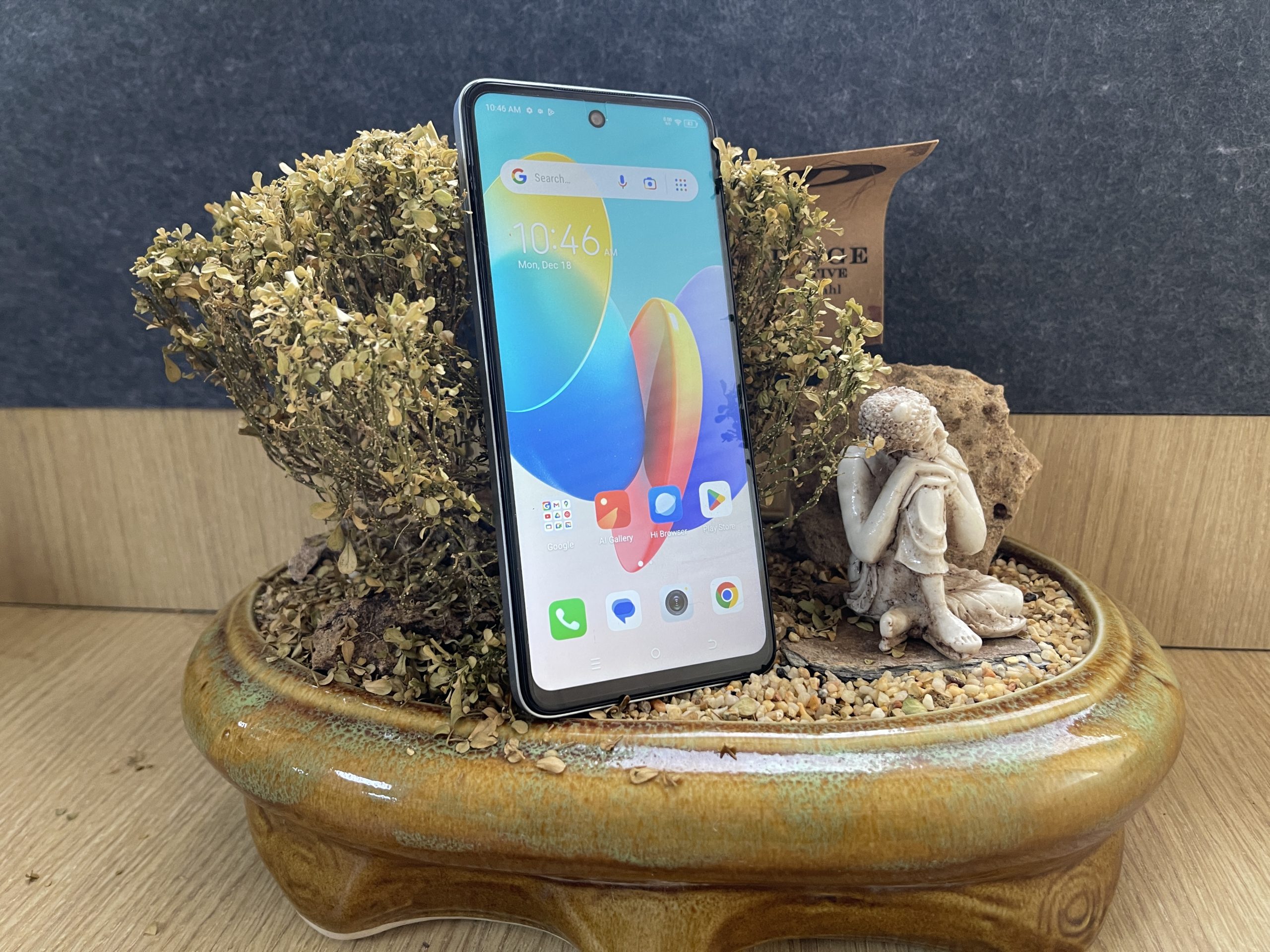
The Tecno Spark Go 2024 boasts a 6.56-inch HD+ Dot-In IPS display, which is a significant feature for a phone in its price range.
The inclusion of a punch-hole design for the front camera not only provides a modern aesthetic but also maximizes screen real estate for a more immersive viewing experience.
While the brightness levels might not be optimal for outdoor conditions, the overall display quality is suitable for casual media consumption and browsing, offering a good balance between size and clarity.
How does the Tecno Spark Go 2024 perform in terms of battery life and charging capabilities?
The device is equipped with a 5000mAh battery, promising extended usage times – Tecno claims up to 32 days of standby time.
In practical day-to-day usage, the phone can last a couple of days on a single charge, depending on usage patterns. It supports Type C charging with a 10W adaptor included.
Can the Tecno Spark Go 2024 meet the demands of users looking for a phone with good storage and memory options?
Yes, the Tecno Spark Go 2024 caters well to users needing ample storage and memory. It offers up to 128GB of internal storage, with the option to expand it by 1TB using a microSD card.
This feature is particularly beneficial for users who store a lot of media or use multiple apps. Additionally, the phone comes with up to 4GB of RAM, which can be virtually expanded to 8GB, providing sufficient memory for smooth app performance and basic multitasking.
How does the Tecno Spark Go 2024’s camera system compare with other smartphones in its category?
The Tecno Spark Go 2024 features a 13MP main camera and an AI lens, which perform reasonably well in daylight, offering satisfactory photo quality with adequate clarity and color.
However, in low-light conditions, the camera’s performance is average, with images appearing dull and lacking in sharpness. This is a common limitation in the entry-level smartphone segment.
What is the price of Tecno Spark Go 2024 in India?
The Tecno Spark Go 2024 is priced at Rs. 6,699 for its 3GB RAM + 64GB storage variant. Prices for the 8GB RAM + 64GB and 8GB RAM + 128GB storage models will be announced later.
What are the color options for Tecno Spark Go 2024?
The smartphone is available in Gravity Black and Mystery White color options. It will be available for purchase starting December 7 on Amazon and other major retail outlets.
What makes Tecno Spark Go 2024 stand out in its segment?
Tecno Spark Go 2024 stands out with its 6.6-inch 90Hz refresh rate display, a first for its price bracket. It also features DTS Dual Stereo speakers and a Dynamic Port for enhanced notification functionalities.
What makes the Tecno Spark 20C stand out in the budget smartphone market?
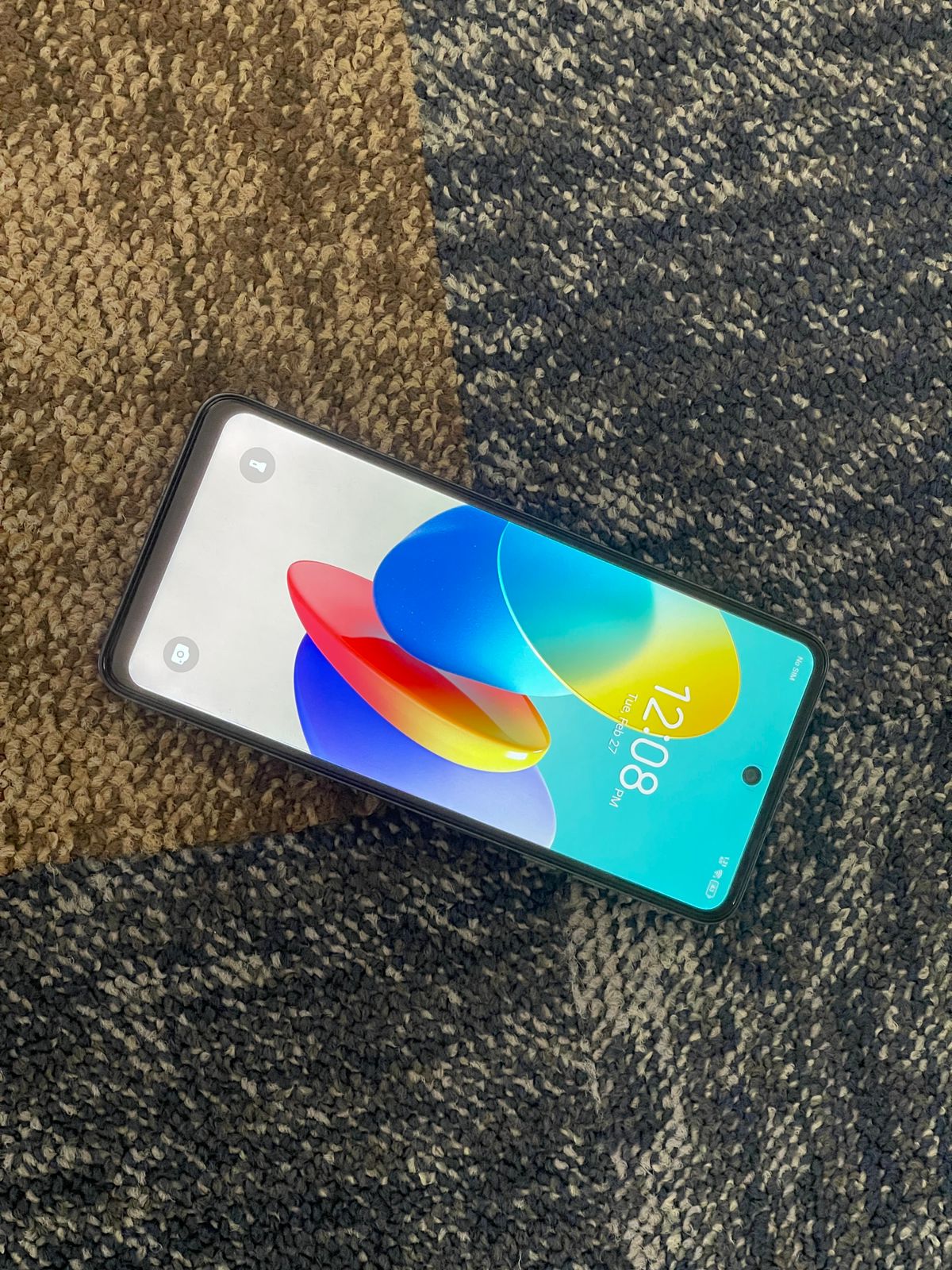
The Tecno Spark 20C distinguishes itself with a robust design, a 50MP primary camera, and a large 5000mAh battery, all at an affordable price point, making it an attractive option for budget-conscious consumers.
How does the camera performance of the Tecno Spark 20C measure up?
The Tecno Spark 20C’s 50MP primary camera delivers decent daylight photography, and the 8MP selfie camera provides satisfactory details. However, low-light photography can be challenging, although the device includes features to aid in such conditions.
Can the Tecno Spark 20C handle heavy gaming and multitasking?
While the Tecno Spark 20C performs smoothly for daily tasks and moderate gaming, it may experience limitations with heavy GPU-intensive games or multitasking with multiple apps due to its budget-oriented hardware.
What are the battery life and charging capabilities of the Tecno Spark 20C?
The device boasts a 5000mAh battery, offering around six hours of screen-on-time, and supports an 18W charging solution, fully charging from 0 to 100% in just over two hours.
Does the Tecno Spark 20C offer good value for its price?
Yes, the Tecno Spark 20C provides excellent value in the sub-Rs 10,000 segment, balancing affordability with essential features like a good camera setup, reliable performance, and robust battery life.
Westinghouse leverages economies of scale to handle rising raw material costs.
Anticipated sales boost during major sports events with a focus on larger TVs.
Strategic marketing to enhance consumer engagement and brand presence.
Pallavi Singh Marwah discusses overcoming challenges as a woman in the white goods sector.
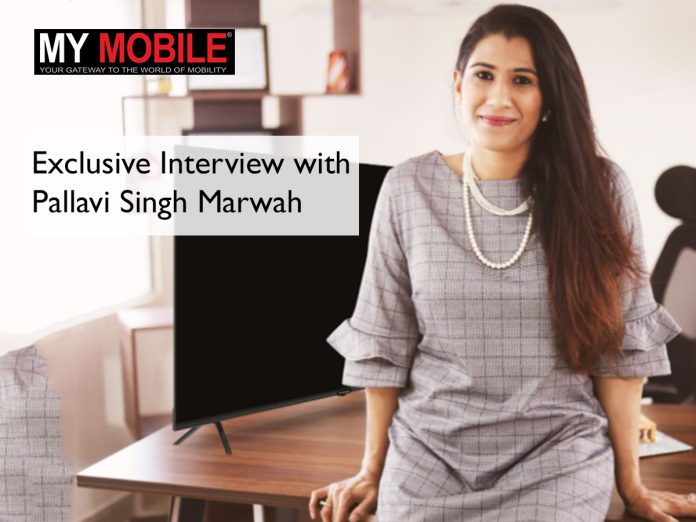
In an insightful conversation with Pallavi Singh Marwah, Senior Vice President of SPPL Pvt. Ltd., the exclusive brand licensee for Westinghouse TVs in India, we explore the approaches and unique challenges faced by the brand in a competitive market.
With a focus on maintaining the legacy of Westinghouse’s 100-year American history, the brand seeks to navigate the rising costs of raw materials without compromising on affordability for consumers.
Pallavi also sheds light on the evolving consumer behaviors in 2024, the dynamics of operating as a woman in a male-dominated sector, and the ambitious plans for Westinghouse’s expansion in India over the next five years.
What sets Westinghouse TVs apart from other brands in the market? In light of increasing raw material costs, how does Westinghouse plan to maintain its competitiveness in the affordable TV segment?
Westinghouse leverages economies of scale to handle rising raw material costs
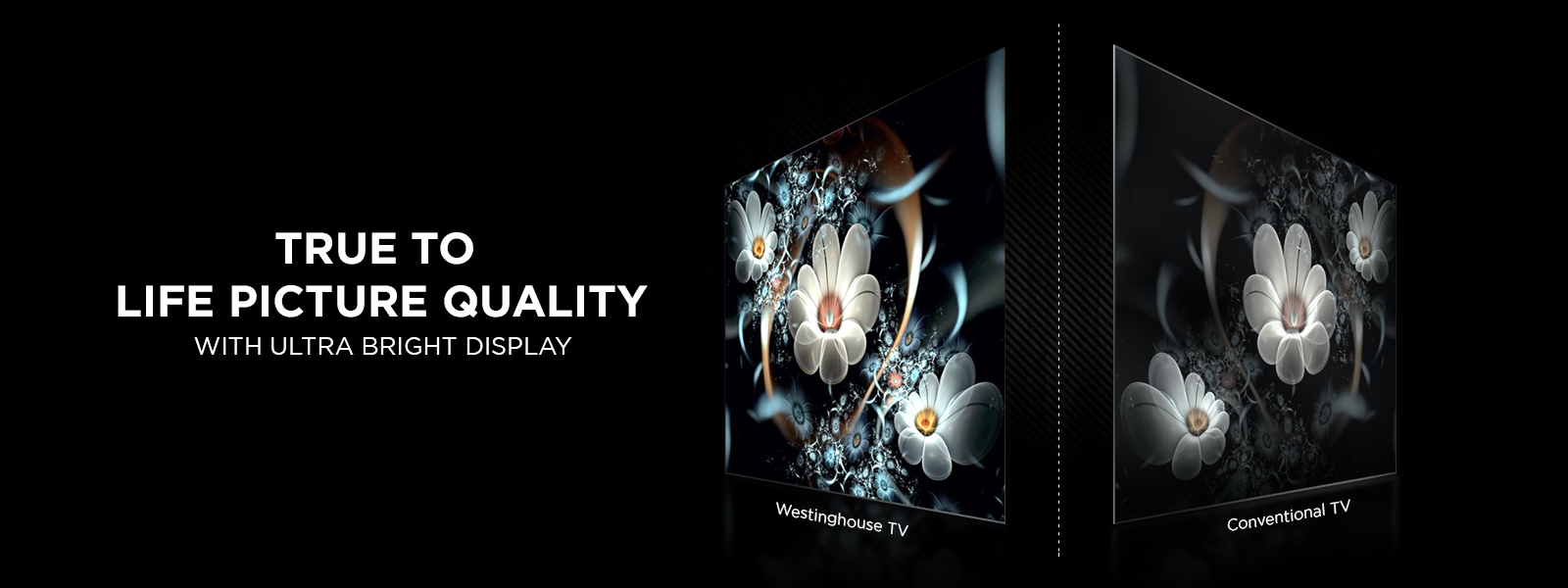
Westinghouse is powered by 100 years of American-rooted legacy.
It is a globally renowned brand with not just Televisions but also various categories of Home, and kitchen appliancesalong with outdoor and indoor components under its belt which is known and has brought power to the United States.
Talking about the increase in raw material costs, this is obviously a strain to not just us but many manufacturing set-ups in the market but in order to be price competitive with other brands, we don’t believe in increasing our prices to absorb 100% of the increment in costs.
This is the reason we believe in playing on economies of scale, which means we will only have a marginal increase in the sale price that will help cover the increment to an extent and also the consumer remains unaffected.
The consumer will always be our priority and we believe in delivering quality unhindered.
As expected with the approaching major sports events such as IPL, the Olympics, and the Euro Cup, the sales of TVs will increase. Kindly share your insights on this?
Anticipated sales boost during major sports events with a focus on larger TVs.
Yes, with the upcoming major sports events, especially during the Indian Premier League happening this month.
We expect a surge in sales, specifically in our larger screen sizes as customers would like to have a great viewing experience.
The White Goods market is seen to be a male-dominated sector, As a woman entrepreneur in this sector, do you encounter any particular challenges?
Westinghouse unveils five new smart Google TVs
As a woman entrepreneur in the white goods sector, I’ve encountered unique challenges due to its male-dominated nature.
The industry has a long history, and while there are few women entrepreneurs, those who do enter are often relatively new players.
Making my voice heard and establishing a presence in this space has indeed been challenging.
It requires dedication and persistence to carve out a space in the business landscape traditionally dominated by men.
However, with determination and a focus on delivering quality products and services, I believe we can overcome these obstacles and thrive in the industry.
Looking ahead, where do you envision the Westinghouse brand positioned in the next 5 years?
US company Westinghouse enters Indian smart TV market
Our strategy for growth involves gradually expanding our network by collaborating with local dealers and distributors.
Our vision is to establish our brand as a household name in the country, with aspirations to diversify into additional product categories in the near future.
This approach will enable us to strengthen our market presence and cater to the evolving needs of Indian consumers effectively.
FAQs
How is Westinghouse managing the impact of rising raw material costs on its TV pricing?
Westinghouse TVs have strategically decided not to pass the full burden of rising raw material costs onto the consumer.
Instead, by leveraging economies of scale, the brand manages to keep price increases minimal, ensuring that their TVs remain affordable without compromising on quality.
What impact do major sporting events have on Westinghouse TV sales?
Major sporting events significantly boost the demand for larger TV screens as consumers look to enhance their viewing experience.
Events like the IPL are particularly influential, driving consumers to upgrade to larger, more immersive display technologies.
What consumer behavior trends is Westinghouse observing in 2024?
In 2024, Westinghouse is focusing on increasing brand awareness and engagement through targeted marketing initiatives.
The brand has noticed a more informed consumer base, who value both product features and pricing, prompting a strategic response in advertising and customer interaction.
What challenges do you face as a woman in the white goods sector, and how do you address them?
Operating in a male-dominated industry, challenges include establishing credibility and making one’s voice heard.
Pallavi Singh Marwah emphasizes persistence and dedication to quality as her strategies for overcoming these barriers and making a mark in the sector.
Where does Westinghouse see itself in the Indian market in the next five years?
Westinghouse aims to become a household name in India, expanding its market presence through both digital and traditional marketing, along with strengthening local dealer and distributor networks.
The brand also plans to diversify its product offerings to meet the evolving needs of Indian consumers.