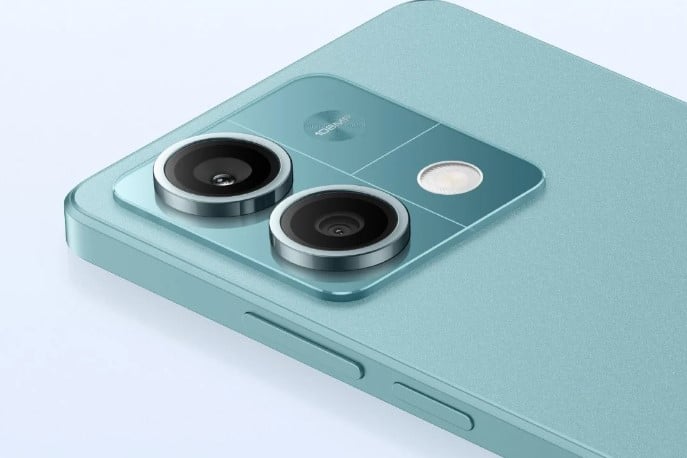
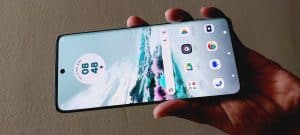
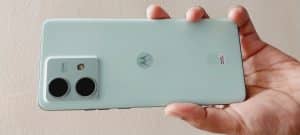
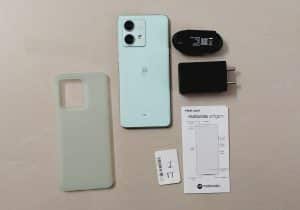
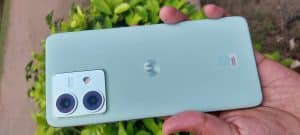
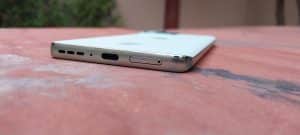
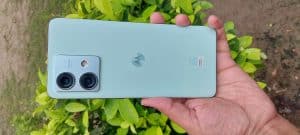
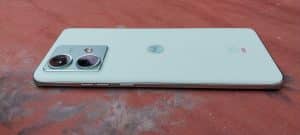
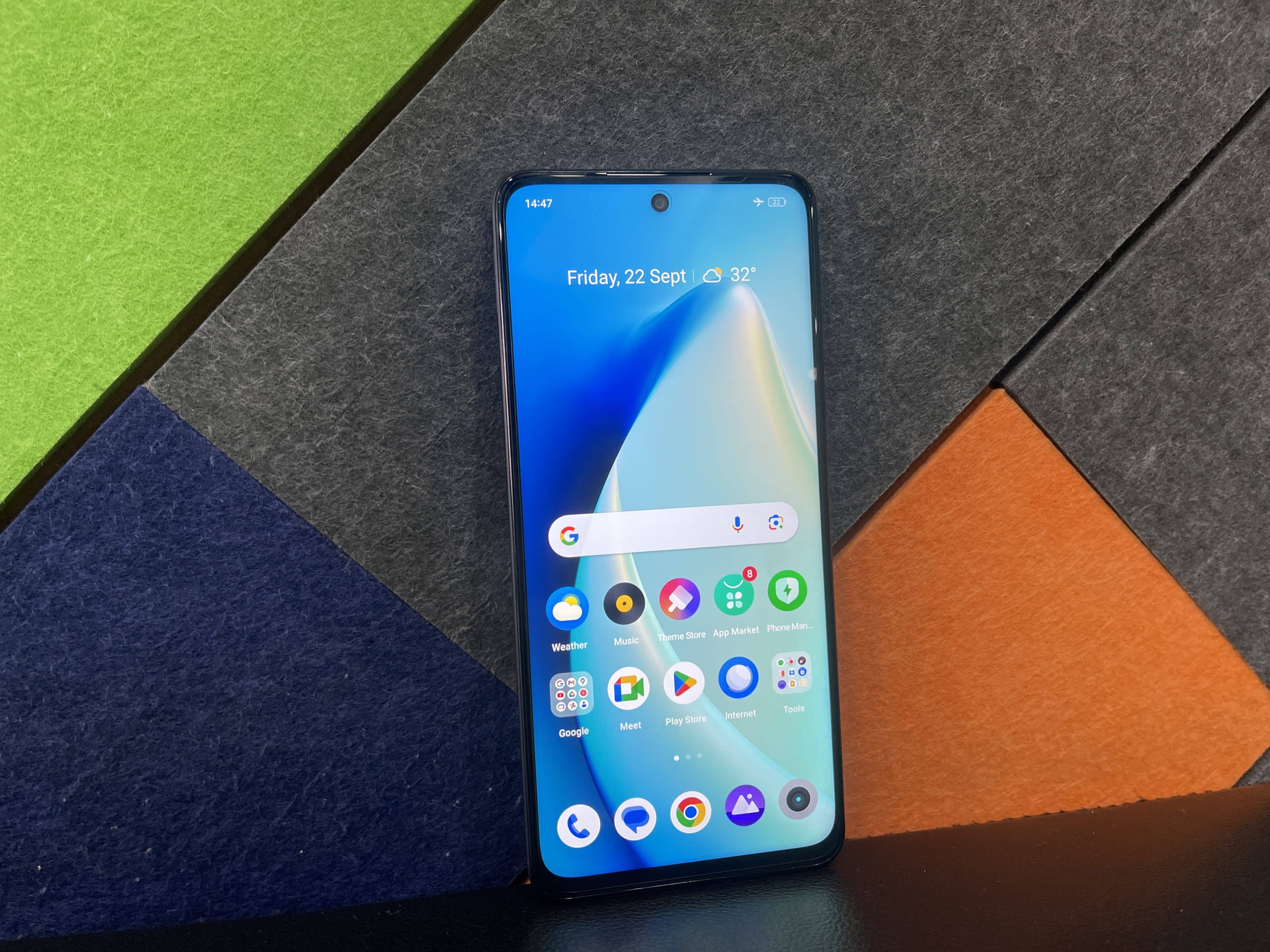
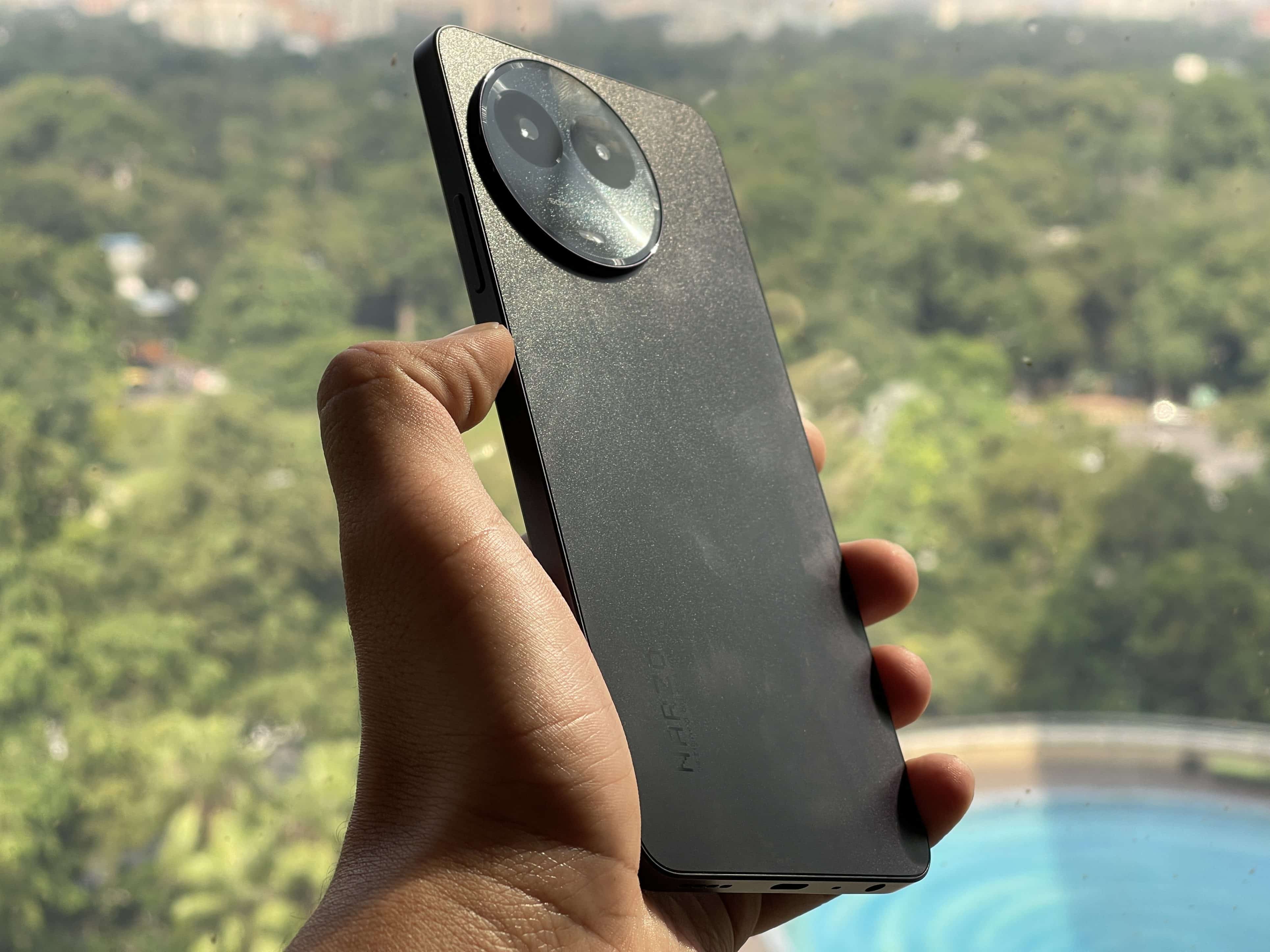
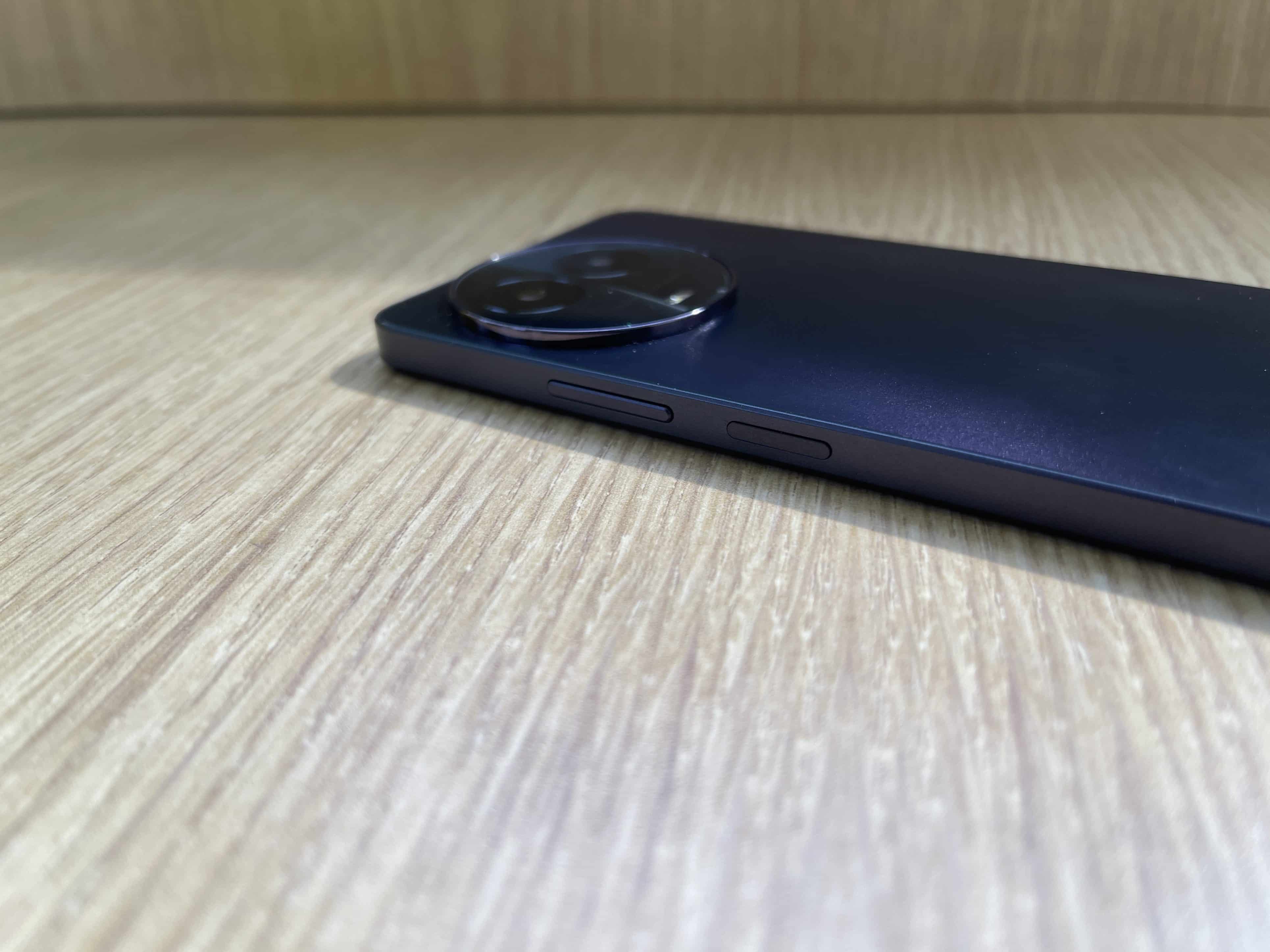
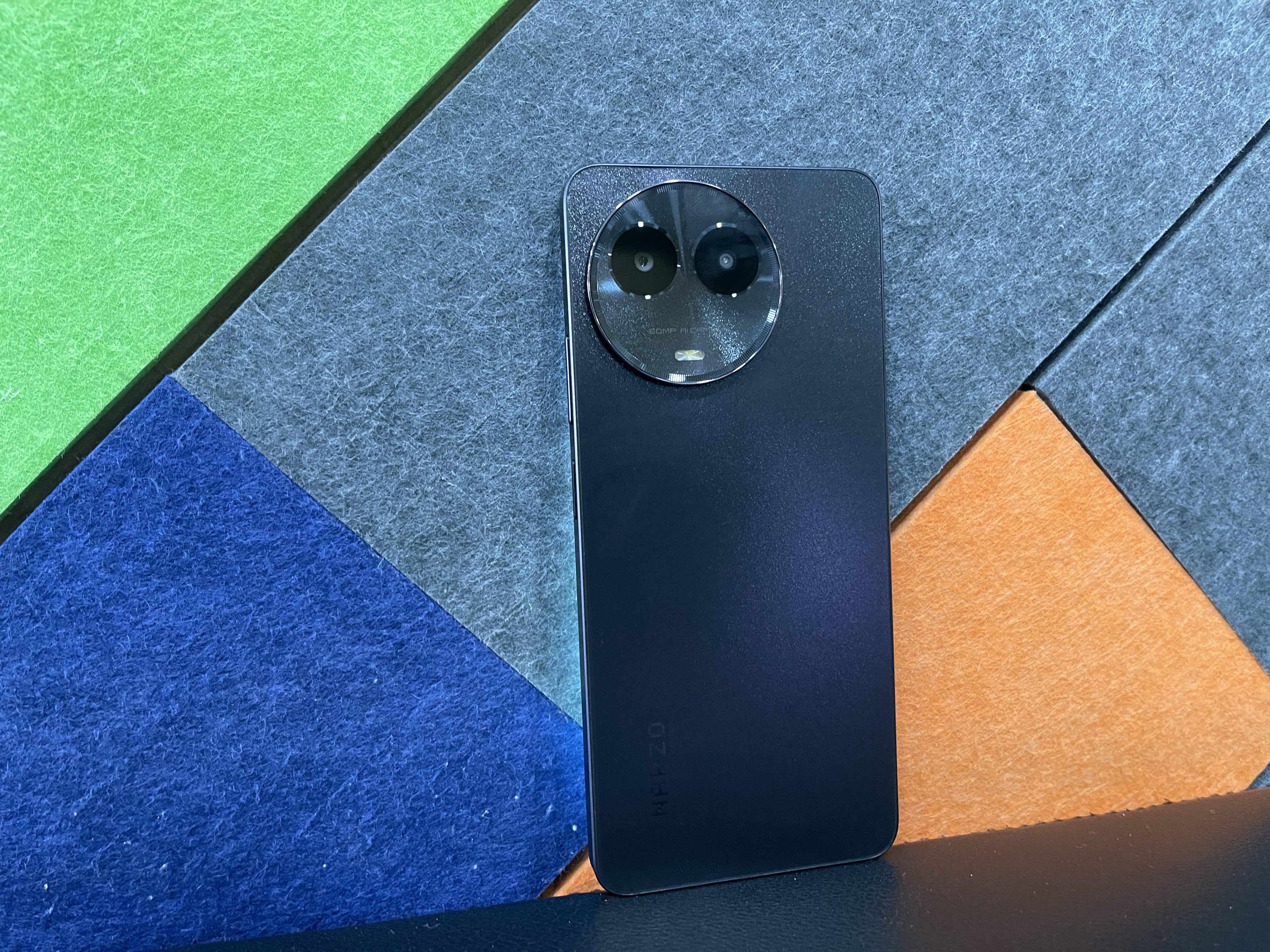
Redmi Note 13 Pro tipped to launch as Poco X6 5G in global markets.
Device expected to feature a 64MP primary camera, unlike Redmi Note 13’s 108MP shooter.
Key specs include MediaTek Dimensity 6080 chip, 6.67-inch OLED display, and 33W fast charging.
TheRedmi Note 13 seriesis stirring excitement as it gears up for global release after having been announced in China.
However, it’s not just the Redmi brandthat’s in the spotlight; thePoco brandis also sharing some of the limelight.
According toinsider sources, a variant of the Redmi Note 13 Pro is expected to be marketed as the Poco X6 5G in global markets.
Unveiling the Poco X6 5G
Codenamed ‘iron_p’, the Poco X6 5G is listed in the IMEI database with model numbers 2312DRAF3G (Global) and 2312DRAF3I (India).
The first four digits of these model numbers indicate a possible launch inDecember or later.
This Pocovariant is said to share similarities with the Redmi Note 13 Pro.
Key Specifications
Poco X6 5G Key Specifications
A variety of leaks suggest some interesting details about the device that could potentially be known as the Poco X6 5G.
Unlike the 108MP camera on the Redmi Note 13, this variant is said to sport a 64MP primary shooter.
The iPhone 15’s second-generation Ultra Wideband chip triples the tracking range.
Simple and dynamic user experience with real-time updates.
Maximum precision search range extended to 60 meters.
Anticipated adoption of the new chip in future AirTags models.
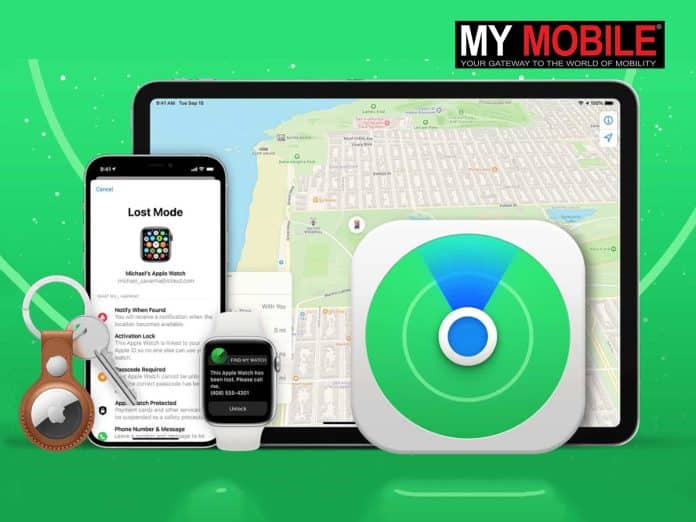
Apple’siPhone 15 Find My feature is making waves in the tech industry by allowing users to locate their friends up to a remarkable 60 meters away.
This leap in distance tracking is powered by the second-generation Ultra Wideband chip included in the new iPhone 15 series.
Unpacking the New Ultra-Wideband Chip
Setting the iPhone 15 Find My feature apart from previous iterations is the introduction of the second-generation Ultra Wideband chip.
This new chip is a game-changer, boasting capabilities that are three times more powerful than the U1 chip found in earlieriPhone models and AirTags.
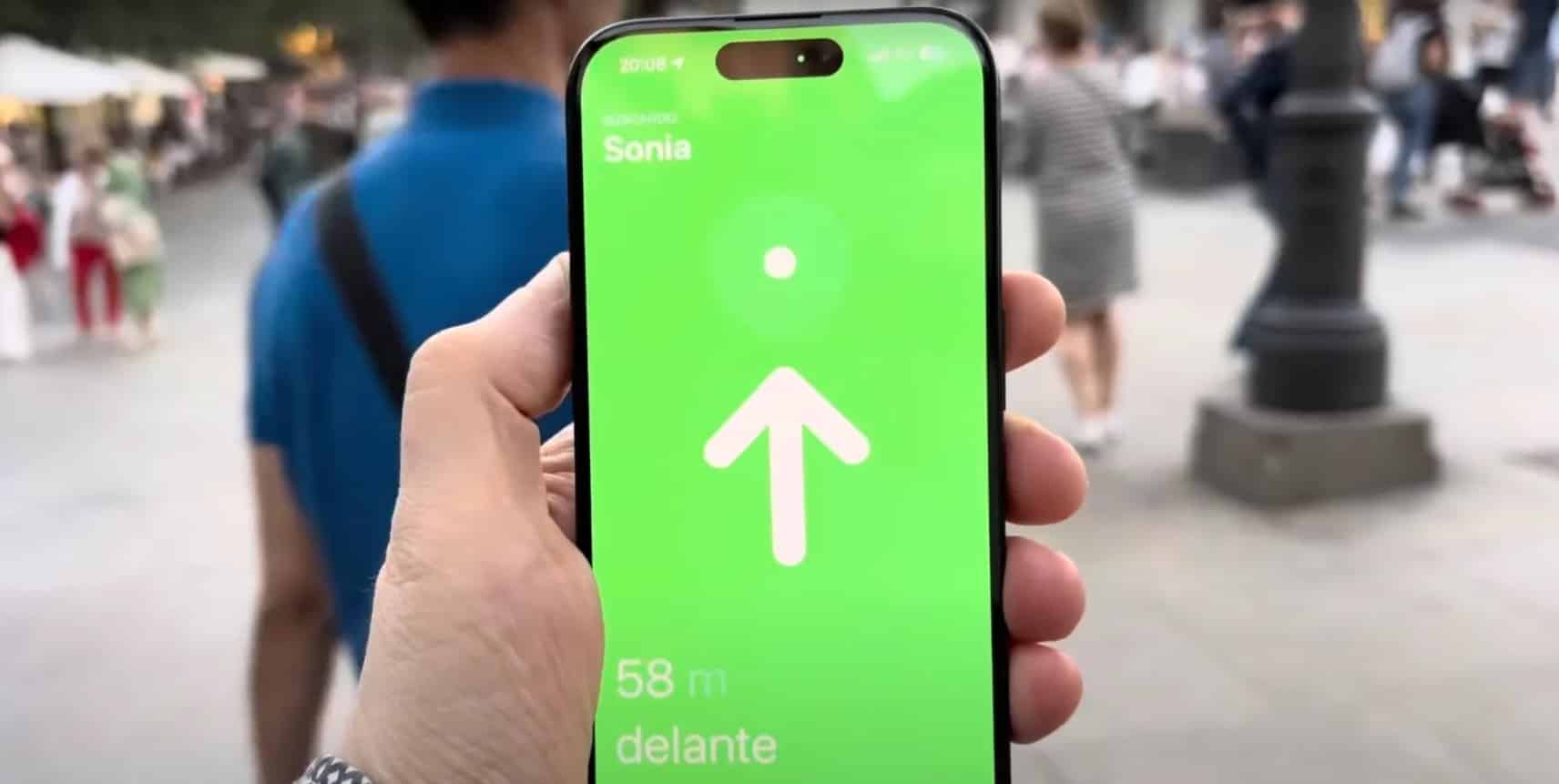
Teknofilo’s recent demonstration confirmed Apple’s claims, showcasing that the iPhone 15 Find My feature can accurately locate friends up to 60 meters away.
The iPhone 15 Find My Feature in Action
Apple Find My Feature
Using the iPhone 15 Find My feature is a straightforward process. WheniPhone 15 users open the Find My app and select a friend who also owns the device, a “Find: Nearby” button appears on the details card.
This initiates the Precision Finding interface, which continuously updates with real-time distance and directional indicators.
This makes for a user experience that is both intuitive and dynamic.
How it Stacks Up: Range Comparisons
When comparing the latest Find My feature to its predecessors, the improvement is substantial.
Previous-generation iPhones and AirTags, equipped with the Ultra Wideband U1 chip, had a maximum precision search range of 10–15 meters.
The new chip triples this range, enhancing the ability to find not only lost items but also friends in more expansive locations.
This evolution in range has significant implications for future AirTags models, which are expected to incorporate this advanced chip.
Future Implications and Uses
This improvement feature signifies more than just a technological advance; it represents Apple’s dedication to improving user convenience and safety.
The extended 60-meter range can be crucial in various situations, from navigating through crowded festivals to emergency scenarios where immediate location tracking could be lifesaving.
FAQs
Ques) What sets the iPhone 15 Find My feature apart from previous versions?
The feature utilizes a second-generation Ultra Wideband chip that triples the tracking range compared to the older U1 chip, extending it to 60 meters.
Ques) How do you activate the iPhone 15 Find My feature?
Open the Find My app and select a friend who also owns an iPhone 15. A “Find: Nearby” button will appear, initiating the Precision Finding interface with real-time distance and directional updates.
Ques) How does the new Ultra Wideband chip compare to the older U1 chip?
The new chip is three times more powerful than the U1 chip, boosting the maximum precision search range from 10-15 meters to an impressive 60 meters.
Ques) What are the future implications of this advanced tracking feature?
The feature signifies Apple’s commitment to improving user safety and convenience. The extended range has applications in various scenarios, such as locating friends in crowded areas or emergency situations.
New promo video reveals comprehensive camera features for Pixel 8 and Pixel 8 Pro.
Pro controls, Real Tone, Night Sight, and more camera functionalities are highlighted.
Camera specs detail 50MP Octa PD wide camera for both models, with additional 48MP Quad PD cameras for the Pro variant.
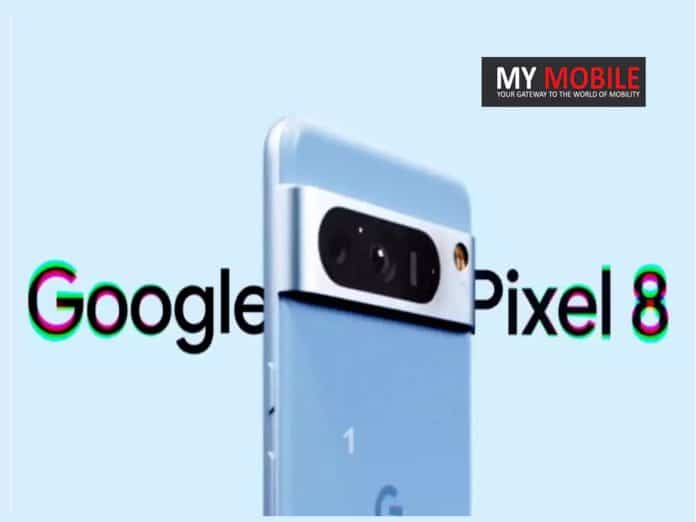
The trend of Google Pixelleaks is far from over, as a fresh promotional video revealing the camera features of the upcoming Pixel 8 and Pixel 8 Pro comes to light. Shared with 91mobiles by tipster Kamila Wojciechowska, the video was likely planned for an upcoming Google release.
Features like Pro controls, exclusive to the Pixel 8 Pro, as well as Night Sight, Real Tone, and Astrophotography, make an appearance.
Google is also planning to introduce Magic Editor, likely to allow users to swap faces in photos seamlessly.
Added functionalities for video, such as Video Boost and Audio Eraser, were also outlined, giving content creators more tools for higher-quality production.
Camera Specs Unveiled
But what do the technical specs say? According to Wojciechowska, the Pixel 8 will sport a 50MP Octa PD wide camera with an aperture of f/1.68 and an 82-degree field of view.
Its Pro sibling will not only match these specs but also bring a 48MP Quad PD ultrawide and telephoto camera into the mix, the latter offering up to 30x Super Res Zoom.
Google Pixel 8 Series
For selfie aficionados, both models will come equipped with a 10.5MP Dual PD selfie camera, though the Pro variant will have autofocus capabilities.
Gearing Up for the Official Launch
With Google’s official event set for October 4th and pre-orders in India opening on October 5th, the industry is abuzz with speculation and excitement.
Both phones continue the design legacy of their predecessors, featuring the classic rear camera visor and punch-hole display.
As we move closer to the official event, more leaks—perhaps even from Google—are expected to roll out, further completing the picture of what to expect from the Pixel 8 series.
FAQs
What camera features does the new promo video reveal for the Pixel 8 series?
The video highlights various camera features including Pro controls, exclusive to Pixel 8 Pro, Real Tone, Night Sight, Astrophotography, and Magic Editor for face swapping in photos.
Are there any unique features in the Pixel 8 Pro’s camera?
Yes, the Pixel 8 Pro will feature additional 48MP Quad PD ultrawide and telephoto cameras and offer up to 30x Super Res Zoom.
When is the official launch date and when do pre-orders begin in India?
Google’s official event is slated for October 4, with pre-orders in India commencing on October 5.
What do we know about the Pixel 8 series’ design?
Both phones continue the design legacy of their predecessors, retaining the rear camera visor and featuring a punch-hole display.
Stunning 1.78-inch AMOLED display with always-on feature.
Bluetooth calling with built-in microphone and speaker.
Comprehensive health tracking including SpO2 and heart rate monitoring.
Impressive battery life of up to 9 days on a single charge.
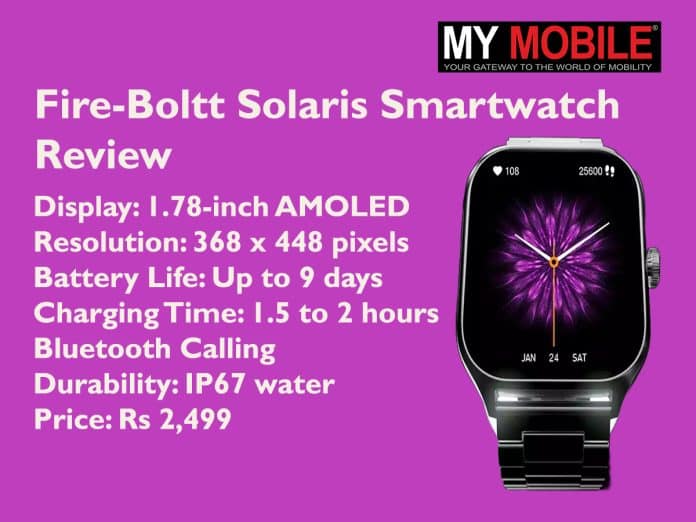
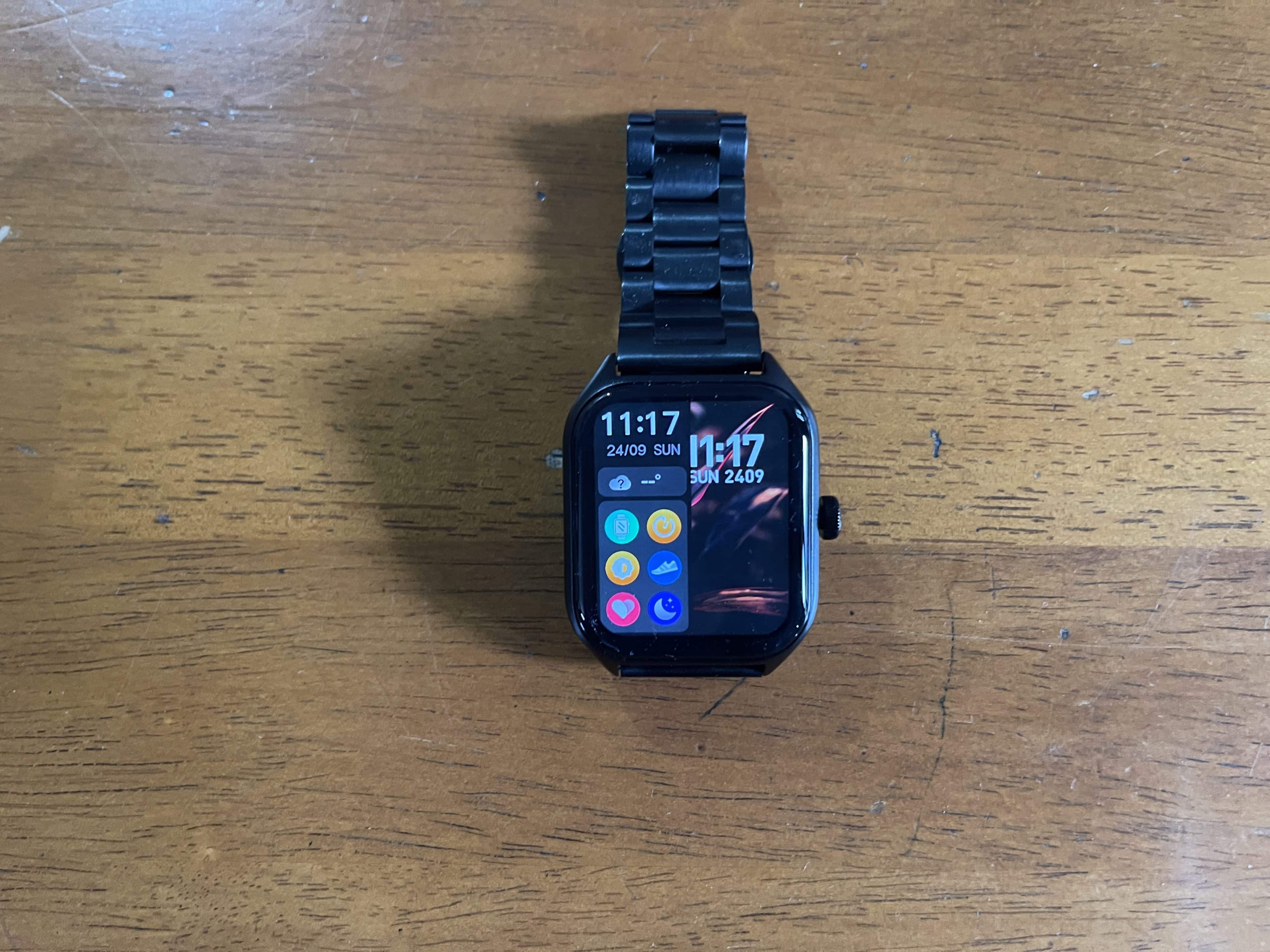
The Fire-Boltt Solaris smartwatch has entered the competitive wearable market with an attractive price tag of Rs 2,499.
From the outside, it looks like it has been designed to offer a multitude of features without breaking the bank.
The Solaris appears to position itself as an appealing option for those looking to get started with smartwatches or seeking a budget-friendly alternative.
Fire-Boltt Solaris Smartwatch Review
This comprehensive review breaks down the device’s key aspects, from design and display to features and battery life, to give you a well-rounded understanding of what this smartwatch brings to the table.
Pros
Cons
Budget-friendly
Inconsistent ‘raise to wake’
Vibrant AMOLED display
Some sensor quality is average
Bluetooth calling feature
Decent battery life
Key Specs
Fire-Boltt Solaris Smartwatch Review: Key Features
Price: Rs 2,499
Display: 1.78-inch AMOLED
Resolution: 368 x 448 pixels
Build Material: Stainless steel casing
Battery Life: Up to 9 days
Charging Time: 1.5 to 2 hours
Bluetooth Calling: Integrated microphone and speaker
Extra Features: Always-on display, rotating crown for navigation, 123 sports modes
Connectivity: Bluetooth, smartphone pairing for GPS tracking
Design and Display
Fire-Boltt Solaris Smartwatch Review: Design
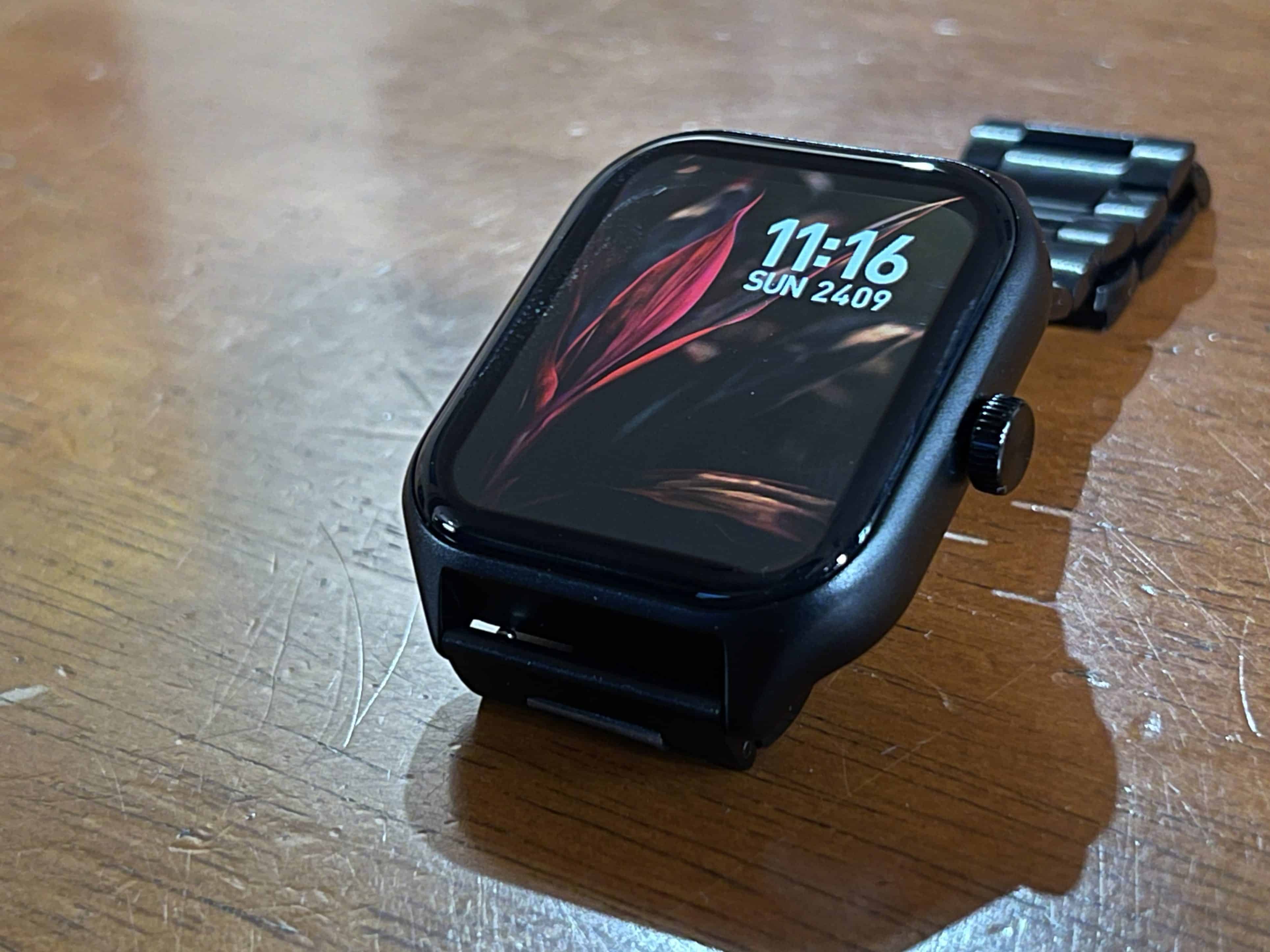
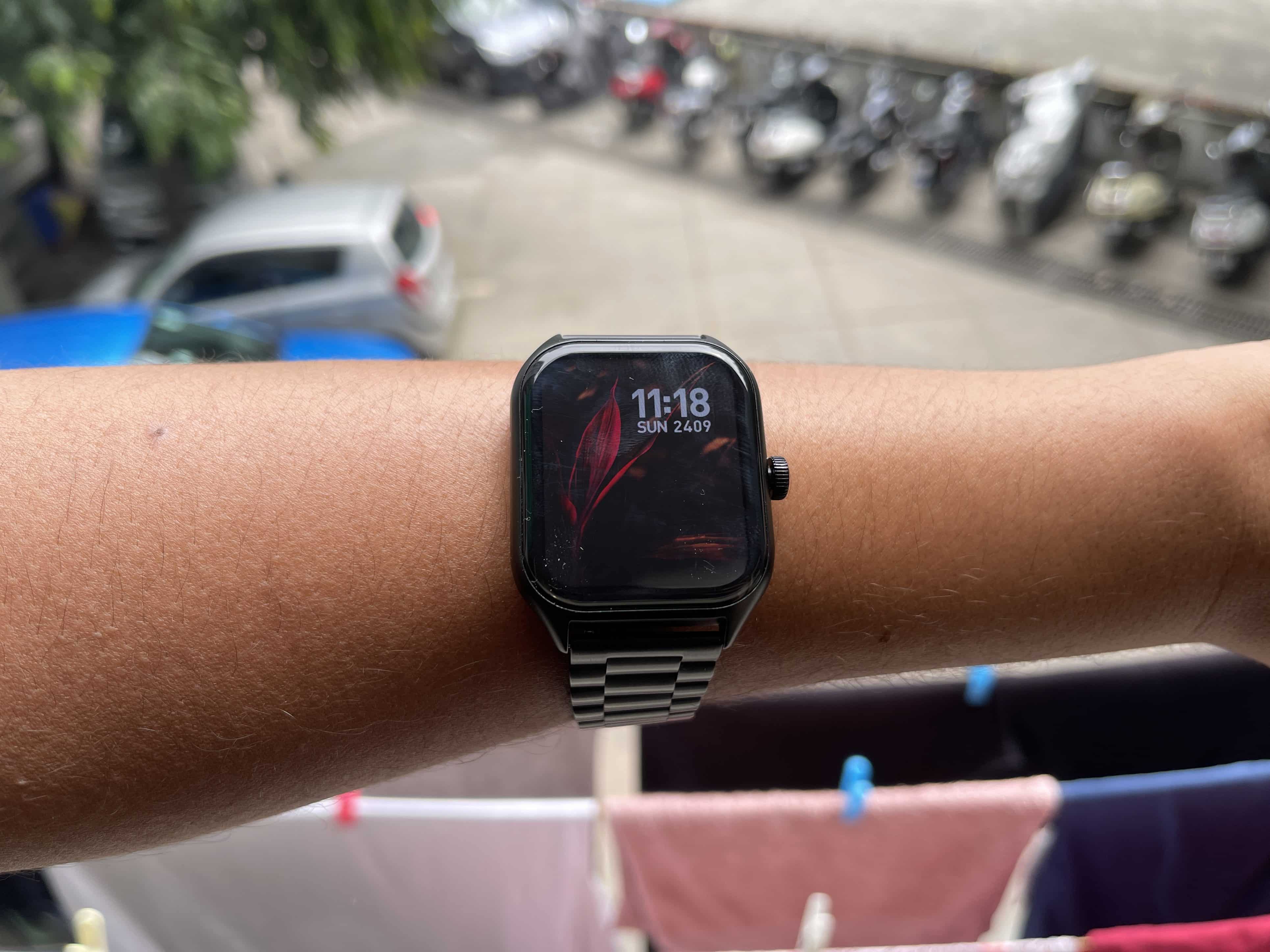
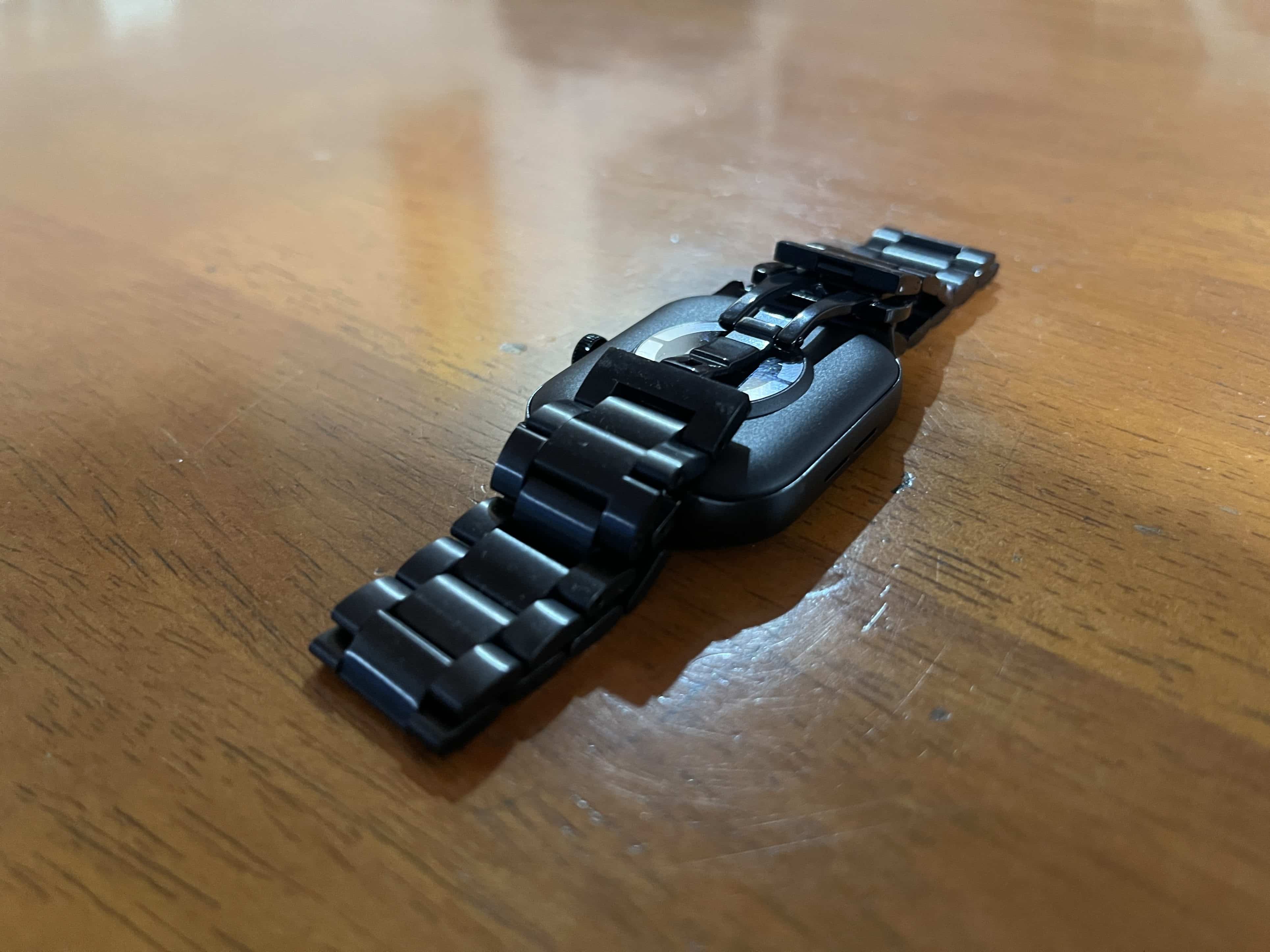
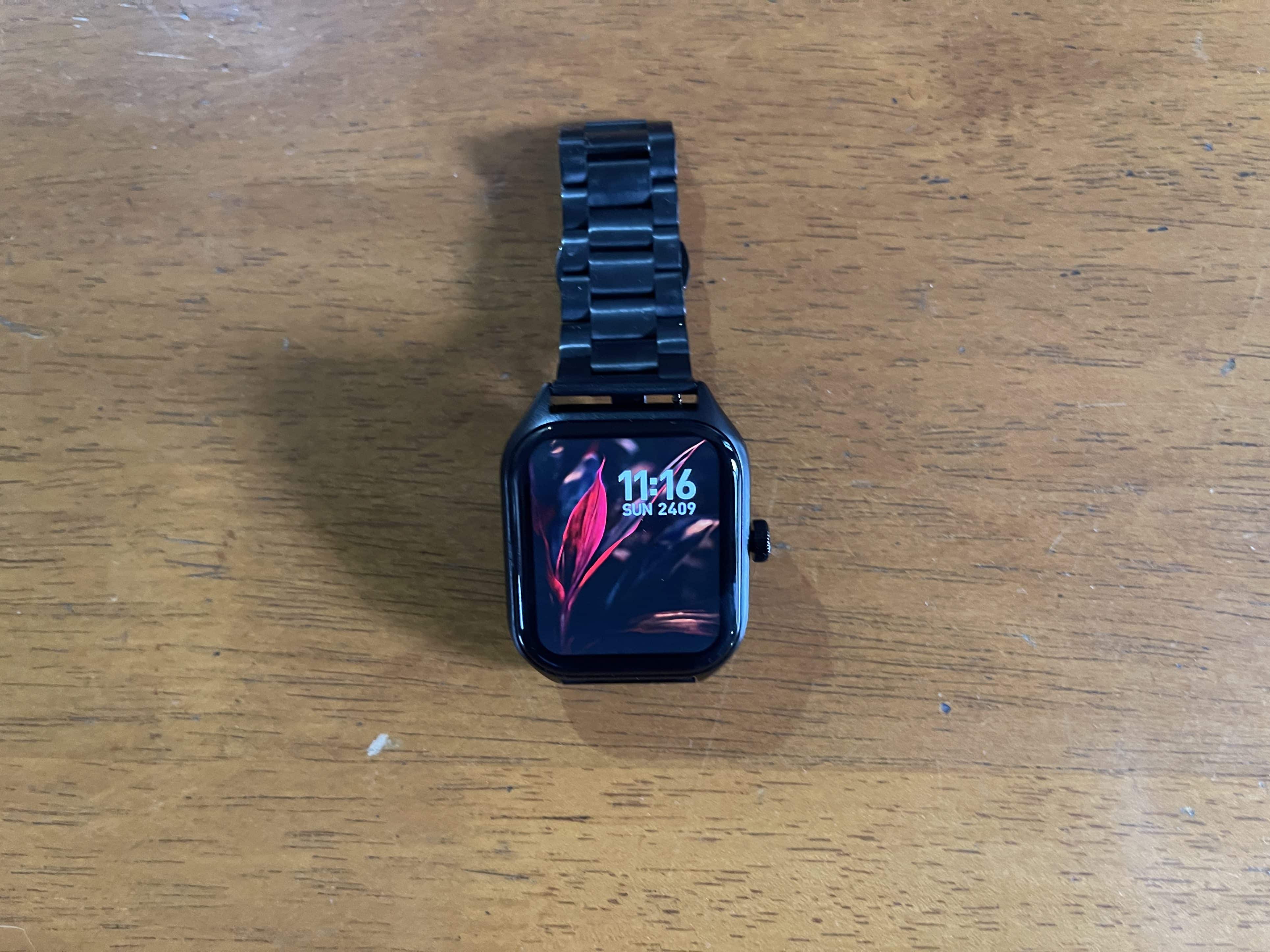
The Fire-Boltt Solaris makes a strong impression with its stainless-steel casing, striking a balance between durability and aesthetic appeal.
Its design appears to be highly versatile, fitting for both casual outings and formal events.
The device is adorned with a 1.78-inch AMOLED display that boasts a sharp resolution of 368 x 448 pixels.
In our opinion this vibrant screen delivers reasonably good visibility in various lighting conditions, thanks to the AMOLED technologythat ensures deep blacks and vibrant colours.
Features and Health Tracking
Fire-Boltt Solaris Smartwatch Review: Features
One of the standout features of this smartwatch is its Bluetooth calling capability. Enabled with an integrated microphone and speaker, it allows for hands-free phone calls right from your wrist.
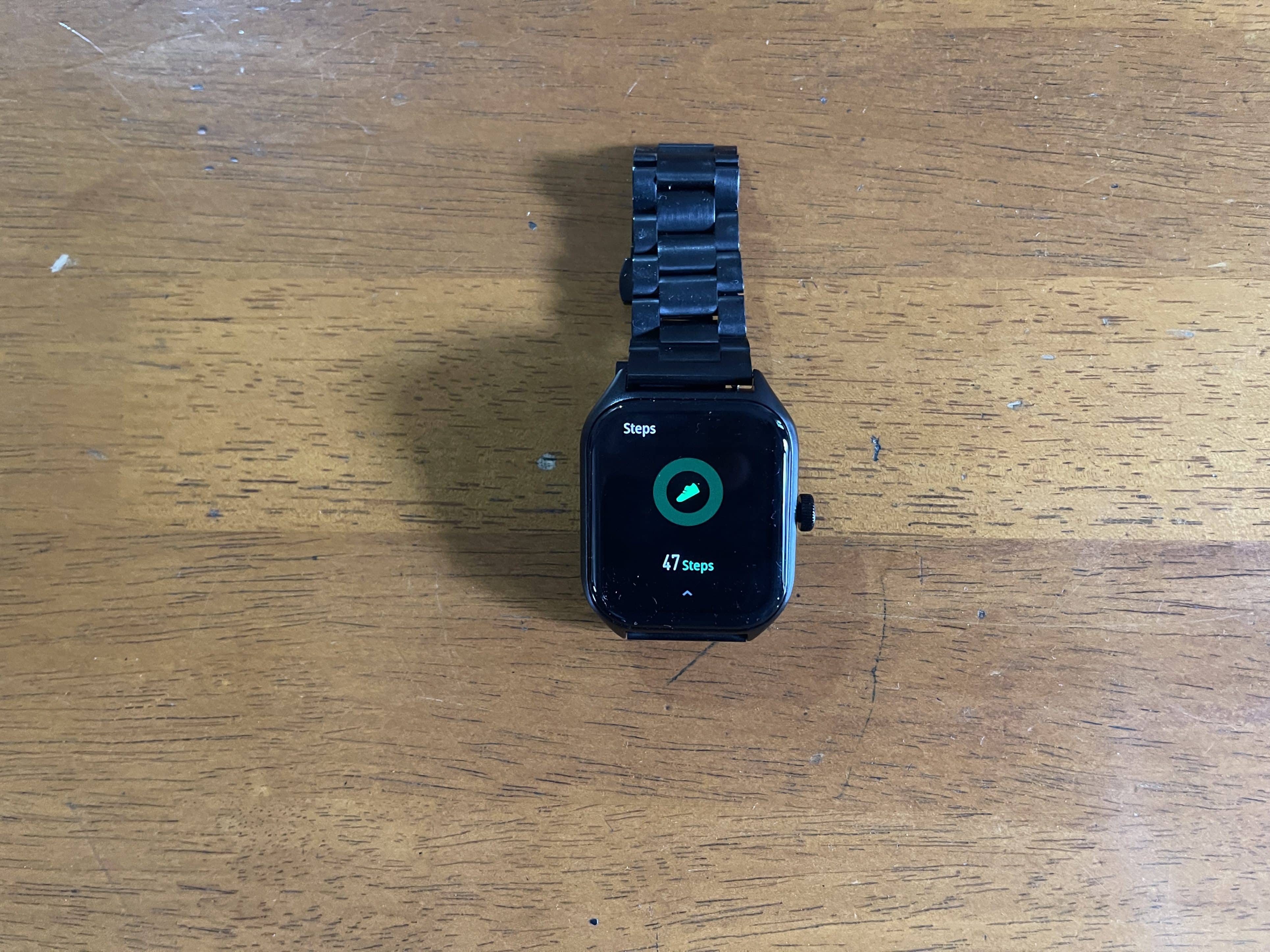
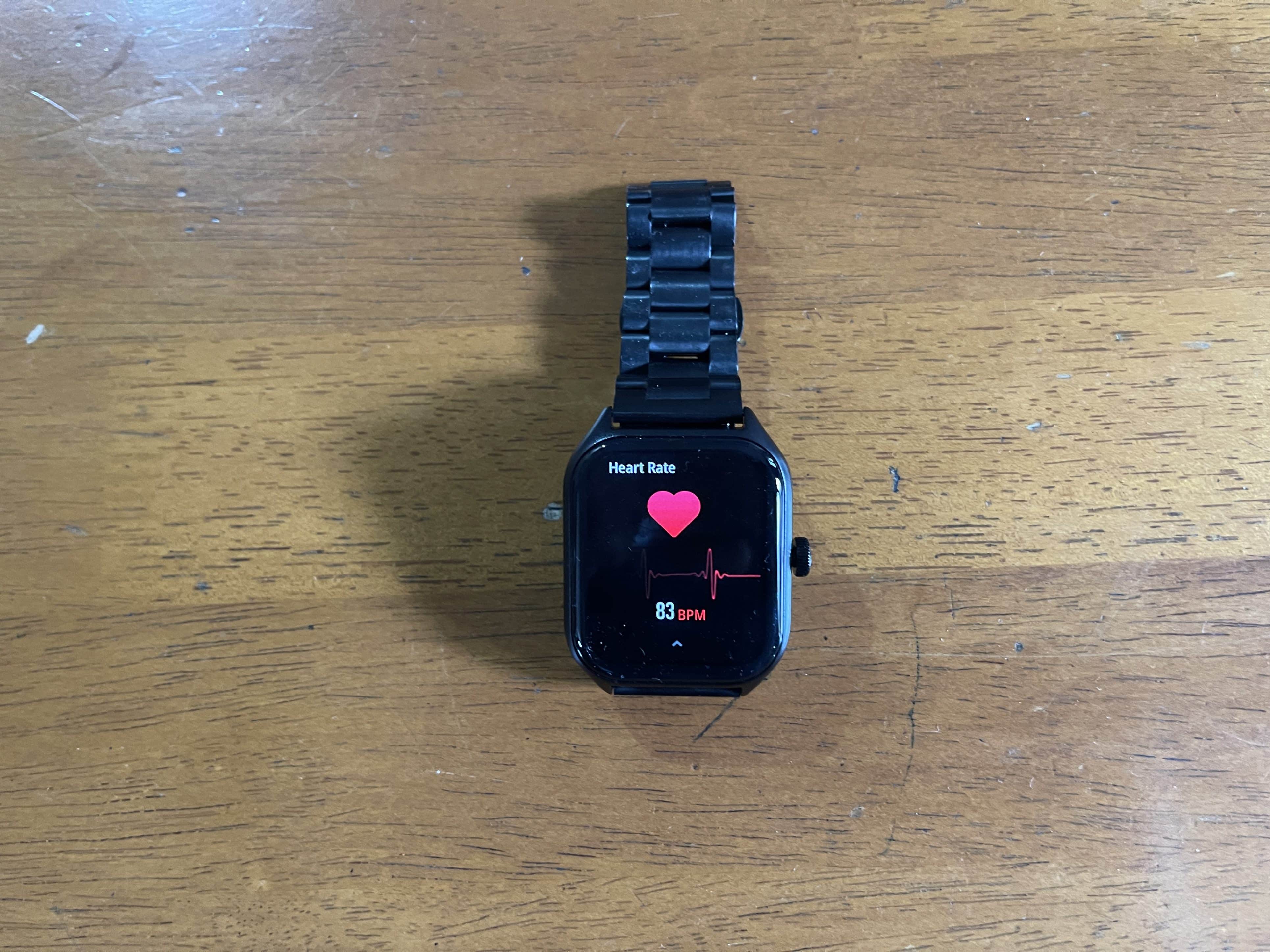
The device offers a quick dial pad, access to call history, and a contact list to facilitate call management. In terms of health and fitness, the Solaris pairs with the Da Fit app, delivering a range of tracking services.
These include SpO2 monitoring, heart rate sensing, sleep tracking, and a step counter. While the quality of the sensors may not be top-tier, they do provide reasonably accurate readings.
The device even includes sleep tracking, providing a basic yet adequate overview of your sleep patterns.
User Interface
Fire-Boltt Solaris Smartwatch Review: User Interface
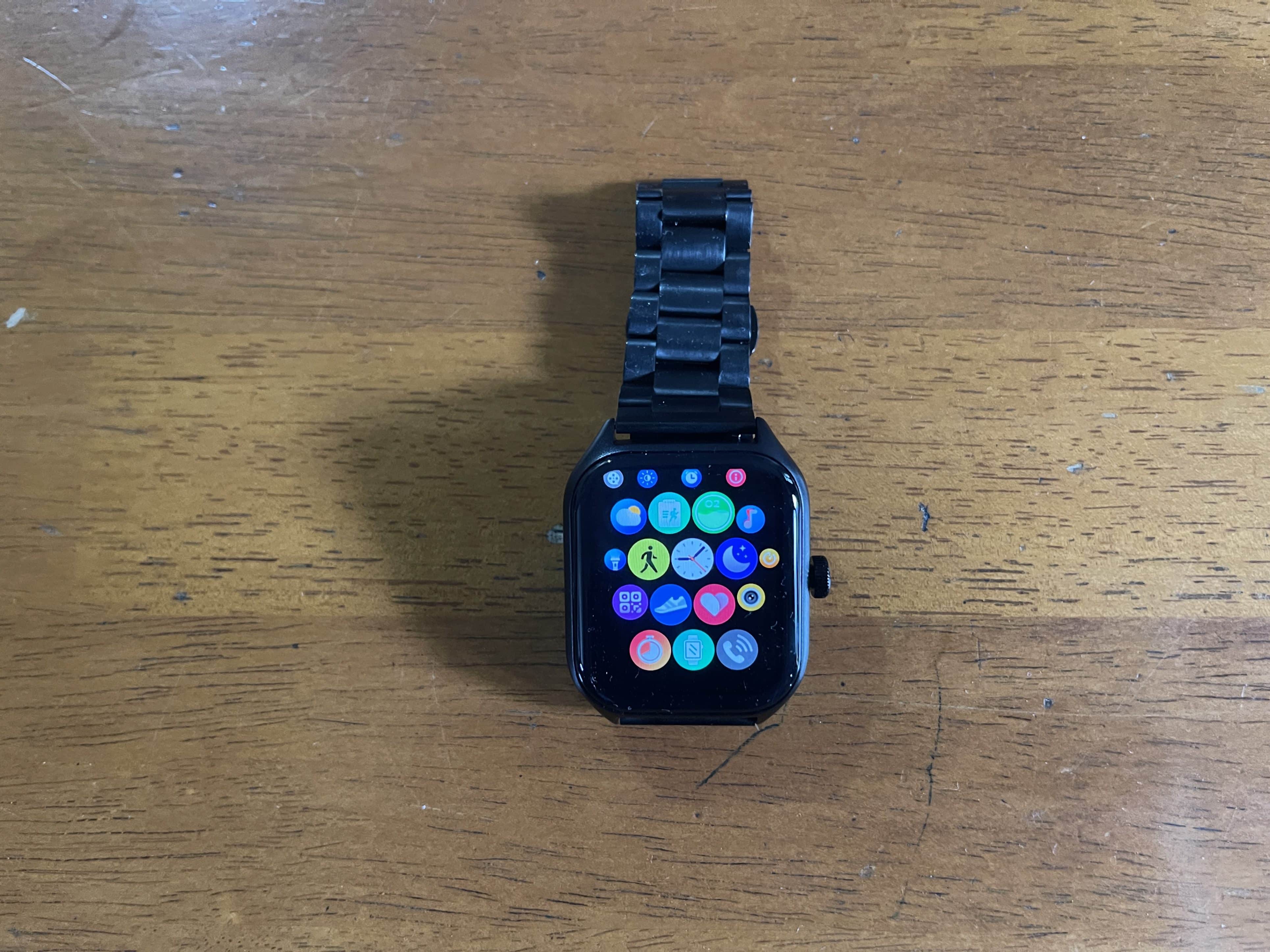
The Solaris smartwatch’s interface takes cues from Apple’s WatchOS in terms of app arrangement and overall layout. Users can navigate through various functionalities by simply swiping on the home screen.
Additional features include the ability to control the smartphone camera remotely, manage music playback, and receive notifications from selected apps.
While the always-on display offers convenience, the ‘raise to wake’ feature could be optimized further for better consistency.
Battery Life
Fire-Boltt Solaris Smartwatch Review: Battery
Fire-Boltt claims that the device can last up to 9 days on a full charge. During our testing, this claim proved to be relatively accurate; with the always-on display feature enabled, the battery level remained at around 40 percent after five days of use.
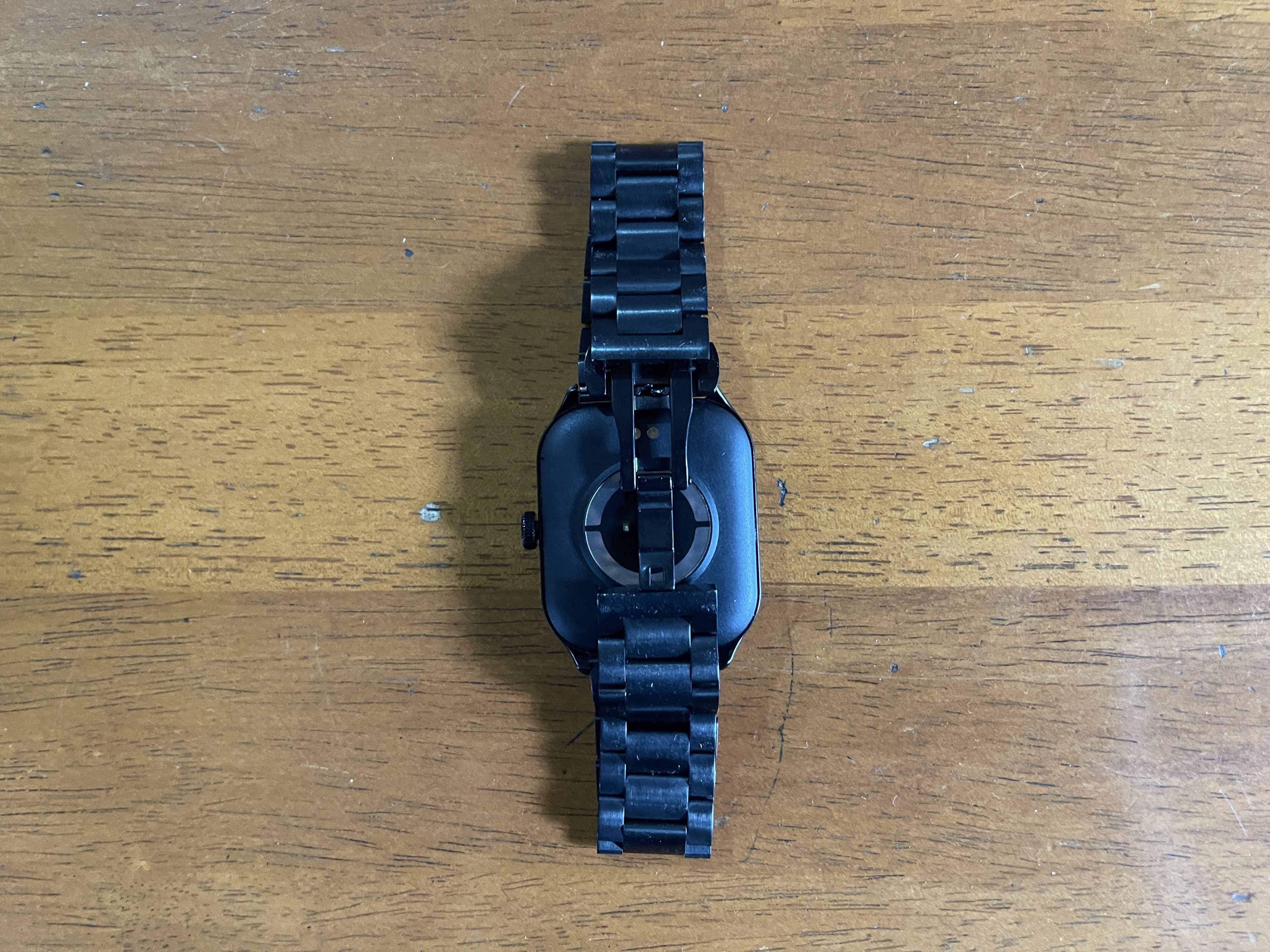
The watch employs magnetic pogo-pins at the back for charging, typically requiring about 1.5 to 2 hours to reach full capacity.
Final Verdict
Fire-Boltt Solaris Smartwatch Review: Verdict
The Fire-Boltt Solaris smartwatch offers a compelling package for its Rs 2,499 price tag. While it may not have the premium sensors or high-end build of more expensive models, it delivers on essential features and offers reasonable accuracy in health tracking.
It’s an excellent choice for budget-consciousconsumers looking for a versatile and functional smartwatch.
My Mobile Rating
My Mobile Rating
Design – 4/5
Display – 3.5/5
Feature – 3.5/5
Calling – 3.5/5
Comfort – 3/5
Performance – 3/5
Fire-Boltt Solaris Smartwatch
FAQs
Is the Fire-Boltt Solaris fully waterproof?
No, the smartwatch is not fully waterproof but has an IP67 rating, which makes it resistant to water and dust.
How accurate are the health tracking features on the Solaris?
While the device offers a range of health tracking options such as SpO2, heart rate, and sleep tracking, it provides reasonably accurate readings, considering its budget-friendly price.
Can you make calls directly from the smartwatch?
Yes, the Fire-Boltt Solaris features Bluetooth calling, allowing you to make and receive calls directly from your wrist.
How long does it take to charge the Fire-Boltt Solaris?
The smartwatch takes about 1.5 to 2 hours to charge fully via magnetic pogo-pins. much more—all for just Rs 2,499.
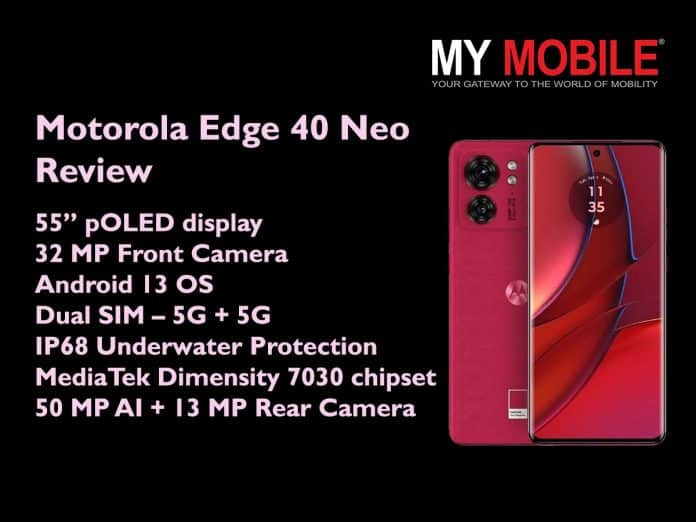
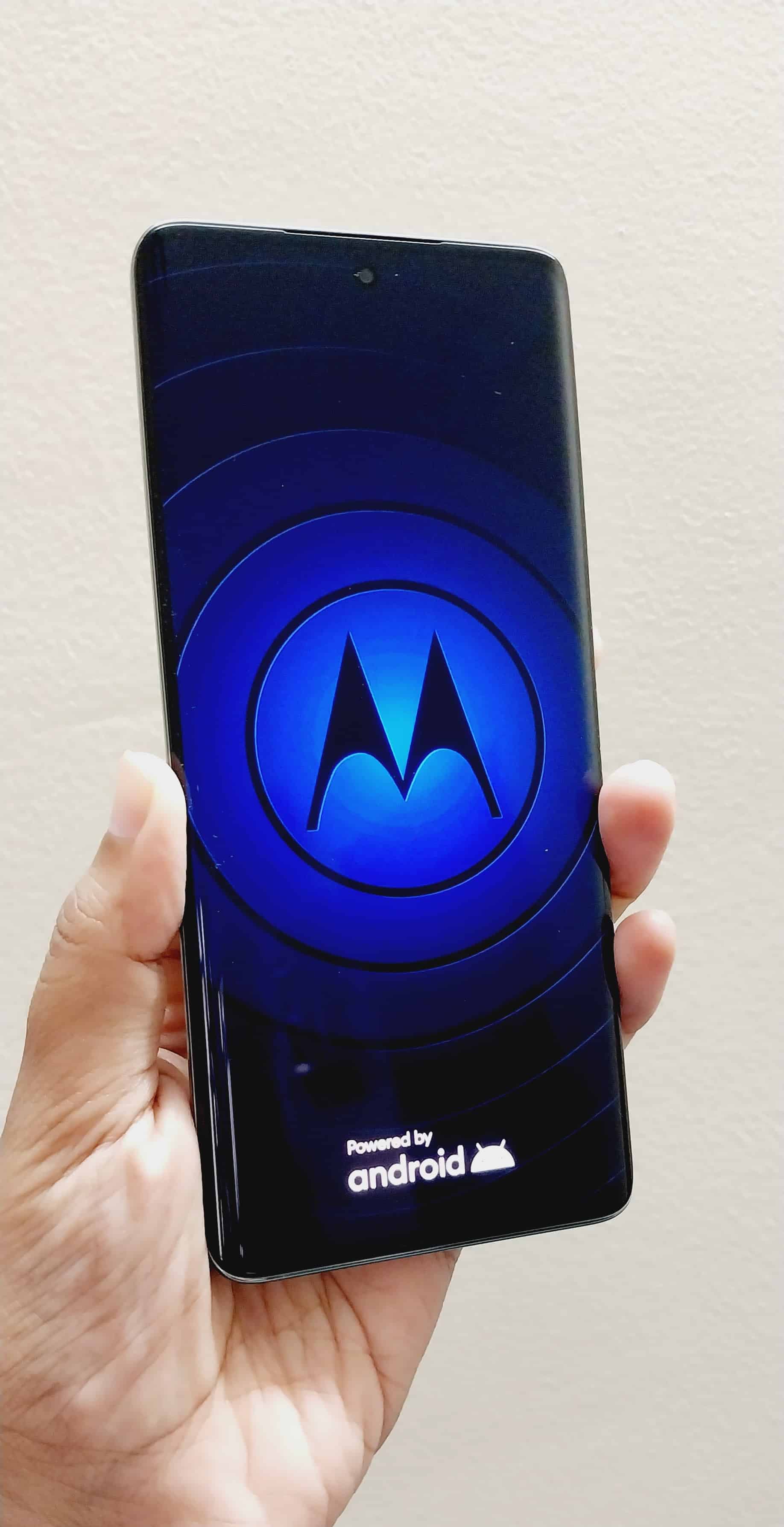
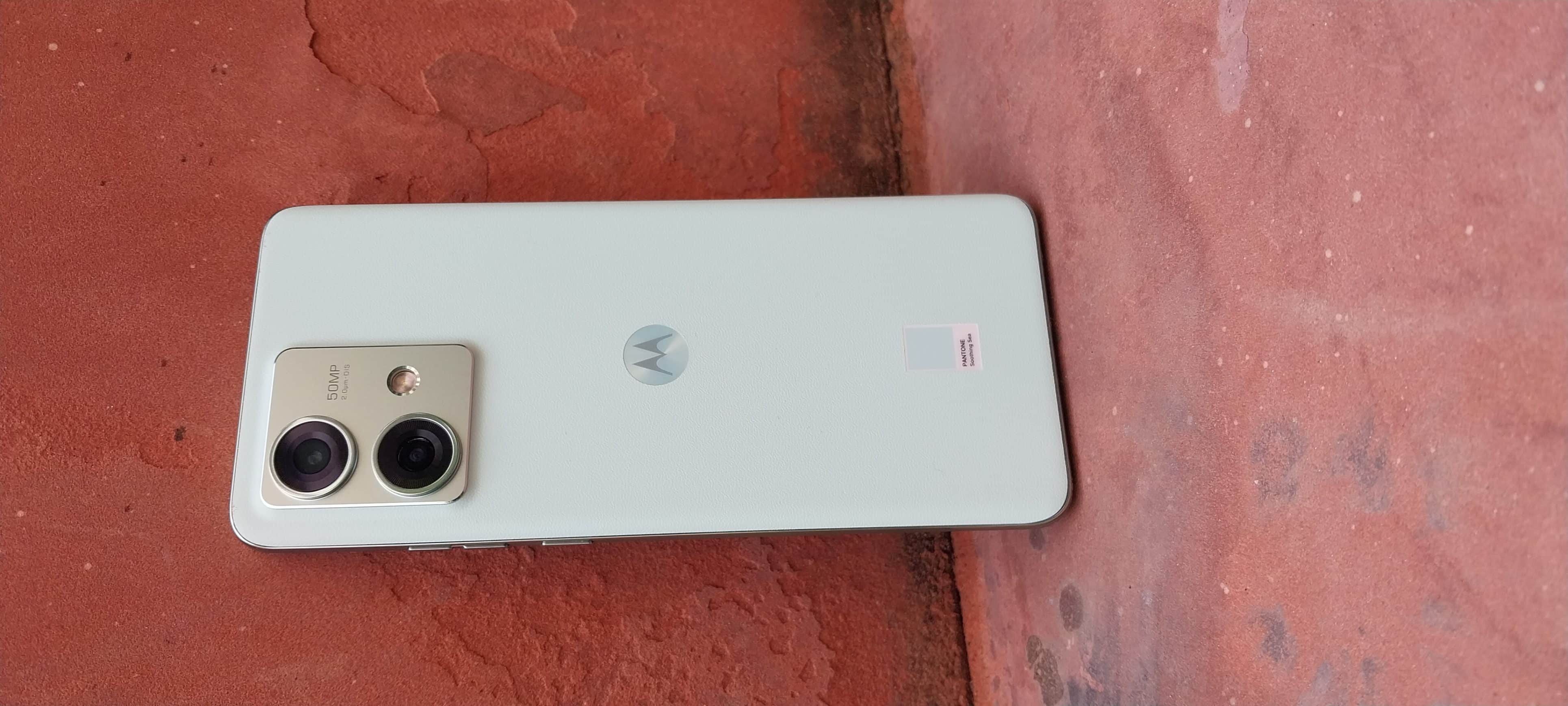
Motorola has unveiled the Motorola Edge 40 Neo at a special festive launch price starting at Rs 20,999 for the 8GB + 128GB variant.
Touted by Motorola as the “World’s Lightest 5G smartphone”, Edge 40 Neo comes with the World’s 1st MTK Dimensity 7030 (6nm) processor, up to 12GB RAM, 144Hz curved display, 50MP AI Camera and IP68 rating.
The smartphone will go on sale from 28th September 2023, 7 PM on Flipkart, Motorola’s official website and leading retail stores including Reliance Digital.
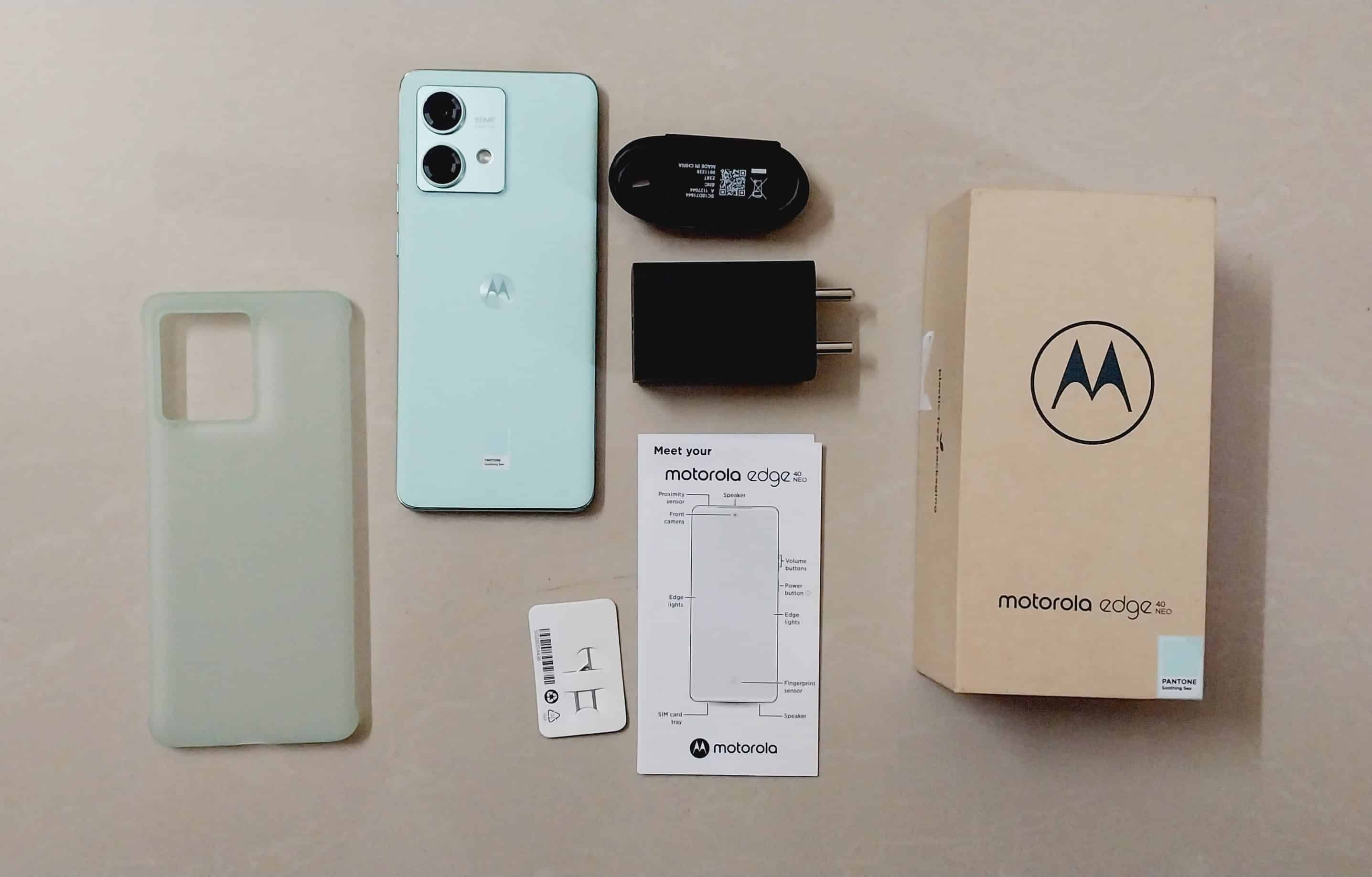
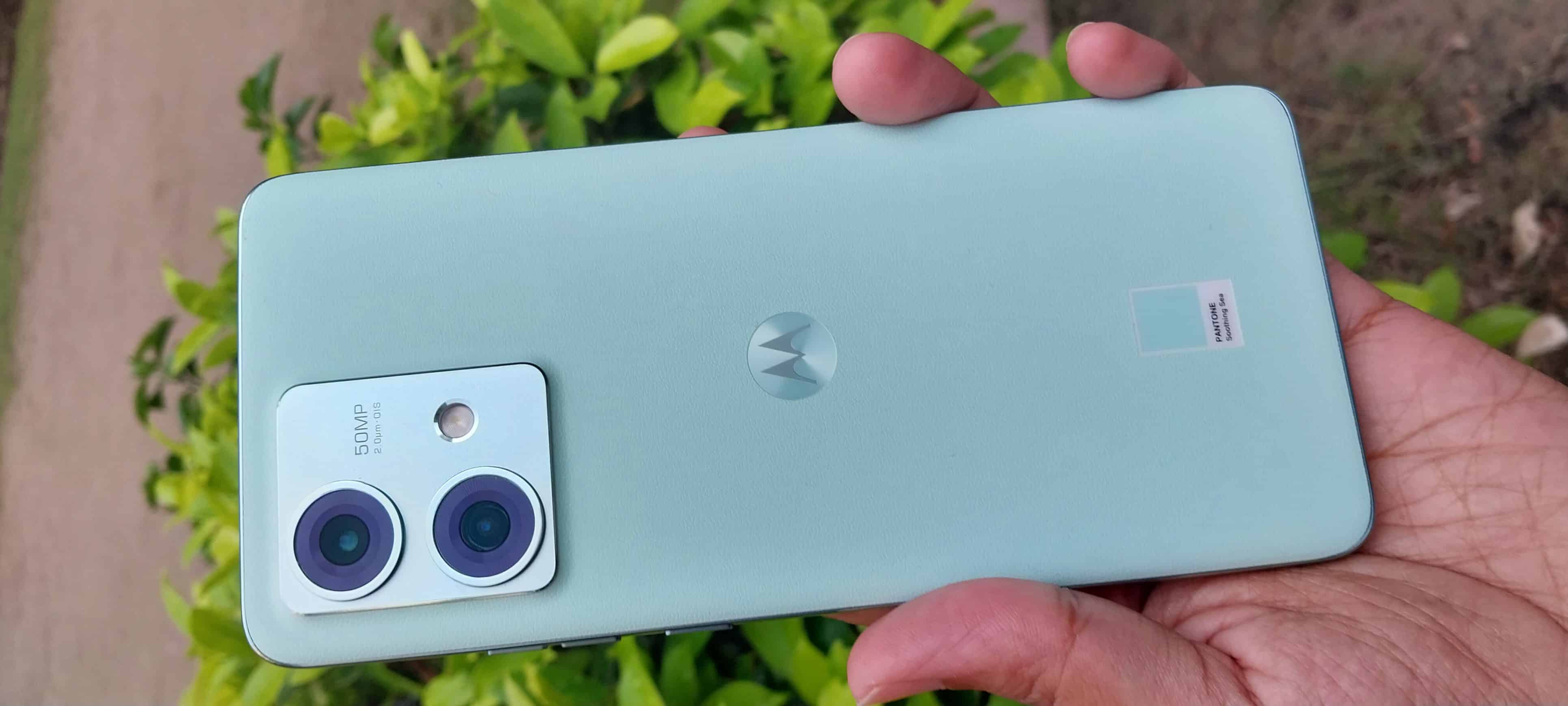
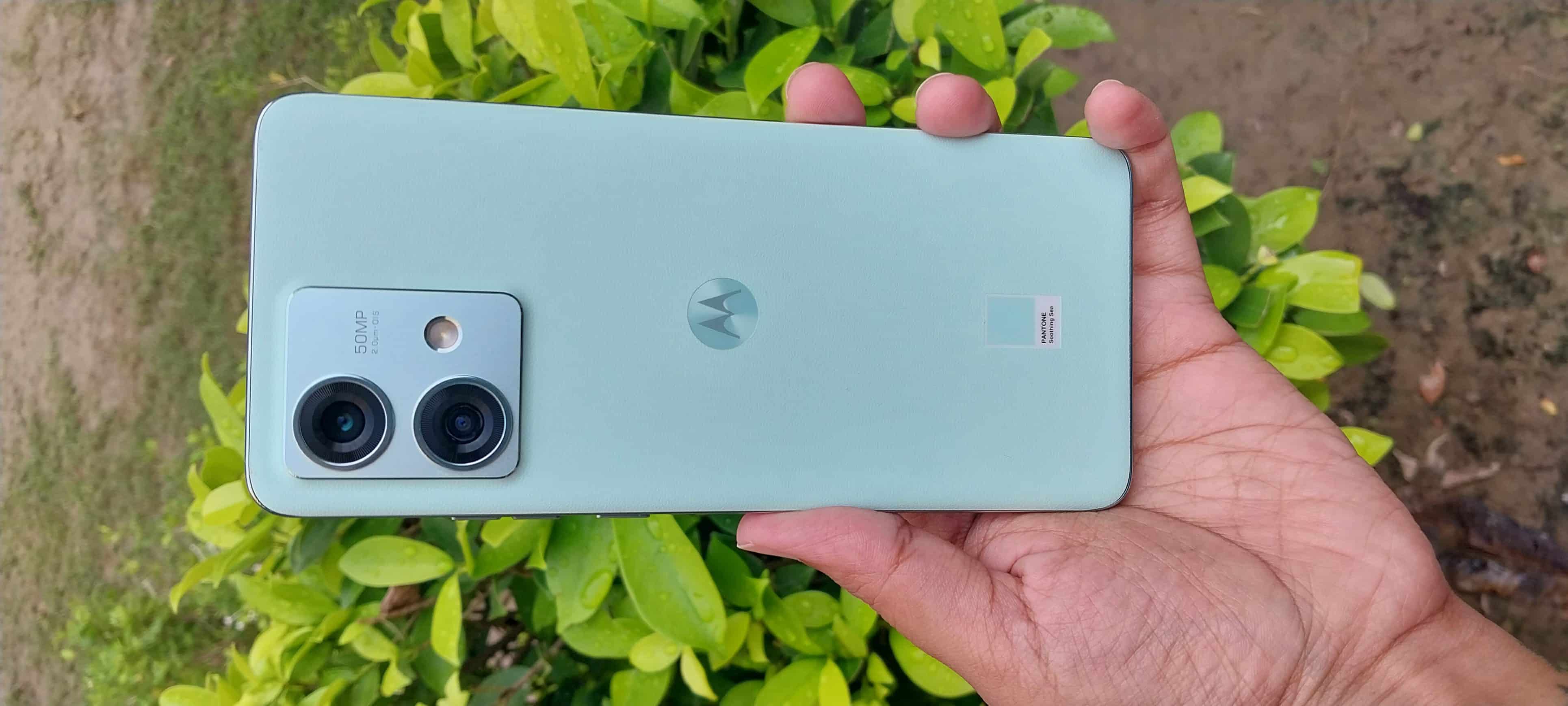
It will be available in stunning PantoneTM colour variants – Caneel Bay and Soothing Sea.
After the mid-ranger Edge 40, Motorola is back in the ring with another model from the same family – Motorola Edge 40 Neo.
This latest Moto launch comes with a more aggressive price tag. The question that arises is – whether this phone at Rs 20,999 is a good option for you to consider during your next smartphone upgrade. Well…. we are here to help.
We have been using the Motorola Edge 40 Neo for a few days now and here’s our hands-on review of the device.
Motorola Edge 40 Neo – Key Features
Motorola Edge 40 Neo Review: Key Features
55-inch pOLED 144Hz curved display
MediaTek Dimensity 7030 (6nm) chipset
8 GB/ 12 GB RAM
128 GB/ 256 GB Internal Storage
50 MP AI + 13 MP Ultrawide Rear Camera Setup
32 MP Front Camera
IP68 Underwater Protection
Dual SIM – 5G + 5G
Android 13 OS
Motorola Edge 40 Neo Unboxing Video
Motorola Edge 40 Neo – Pros & Cons
Pros
Cons
● Premium looking lightweight design
● Available in three super cool colour variants
● Segment’s first super vibrant 6.55” pOLED curved display
● High 144Hz refresh rate
● World’s 1st MTK Dimensity 7030 (6nm) processor
● Good output for low-light photography
● Dual 5G network support
● IP68 Underwater Protection
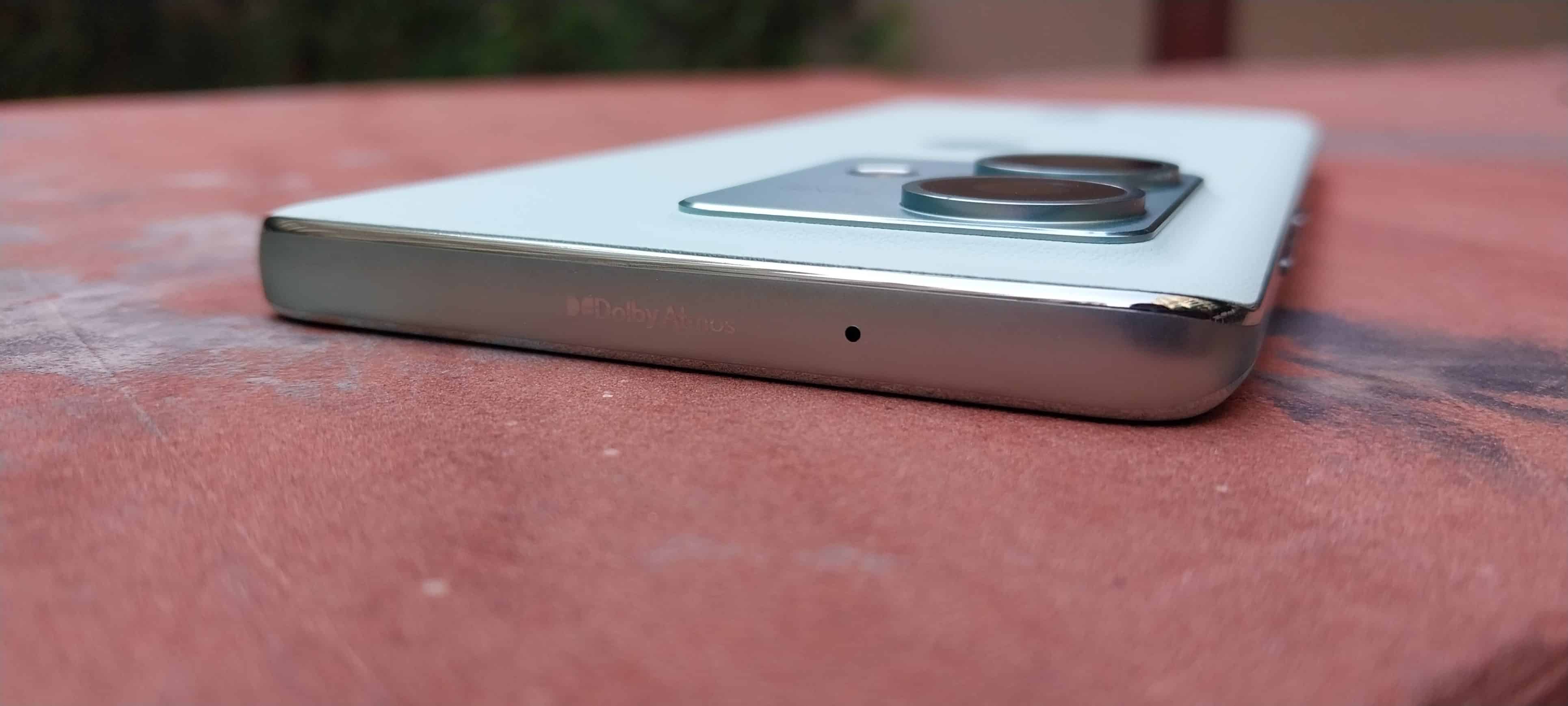
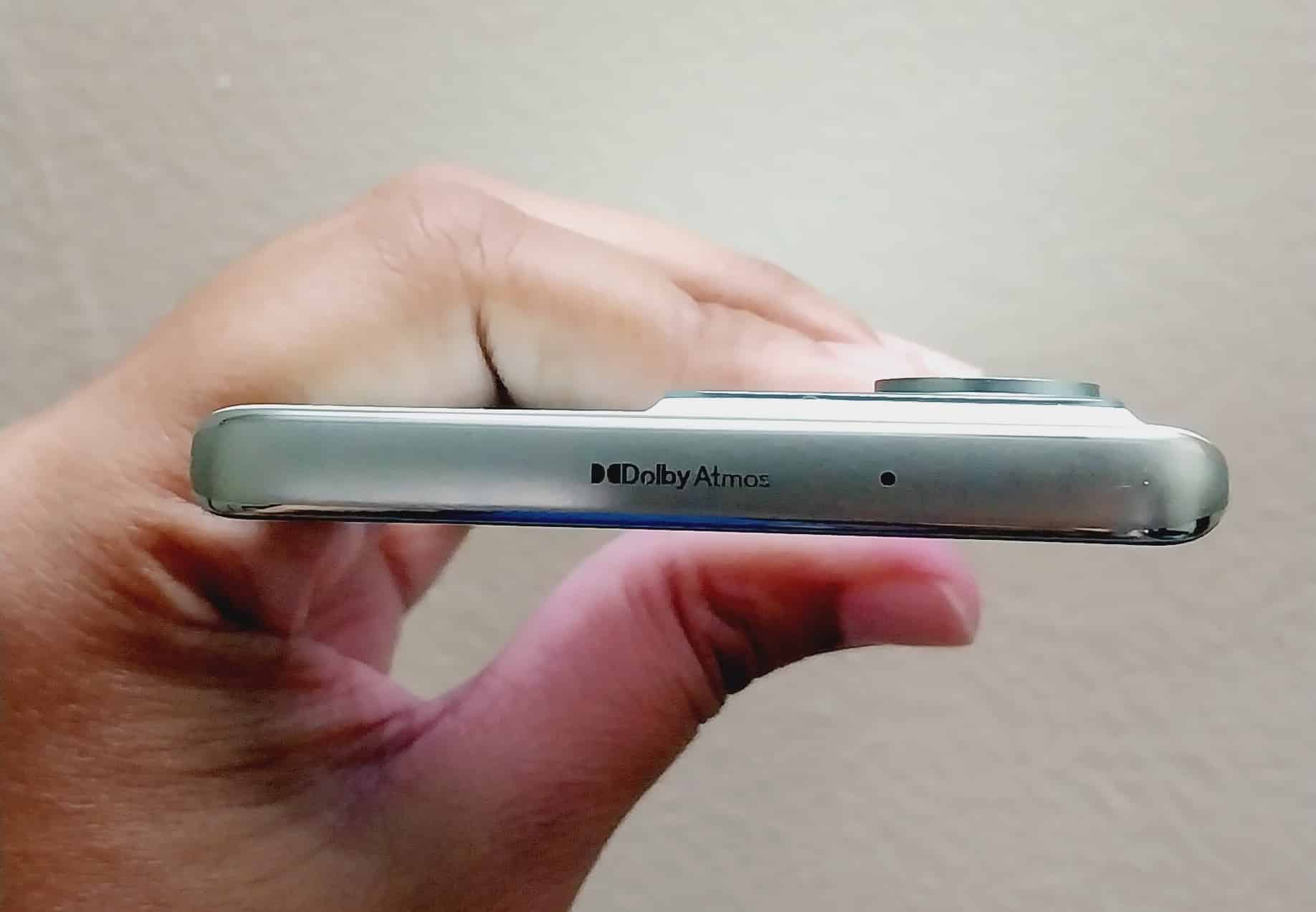
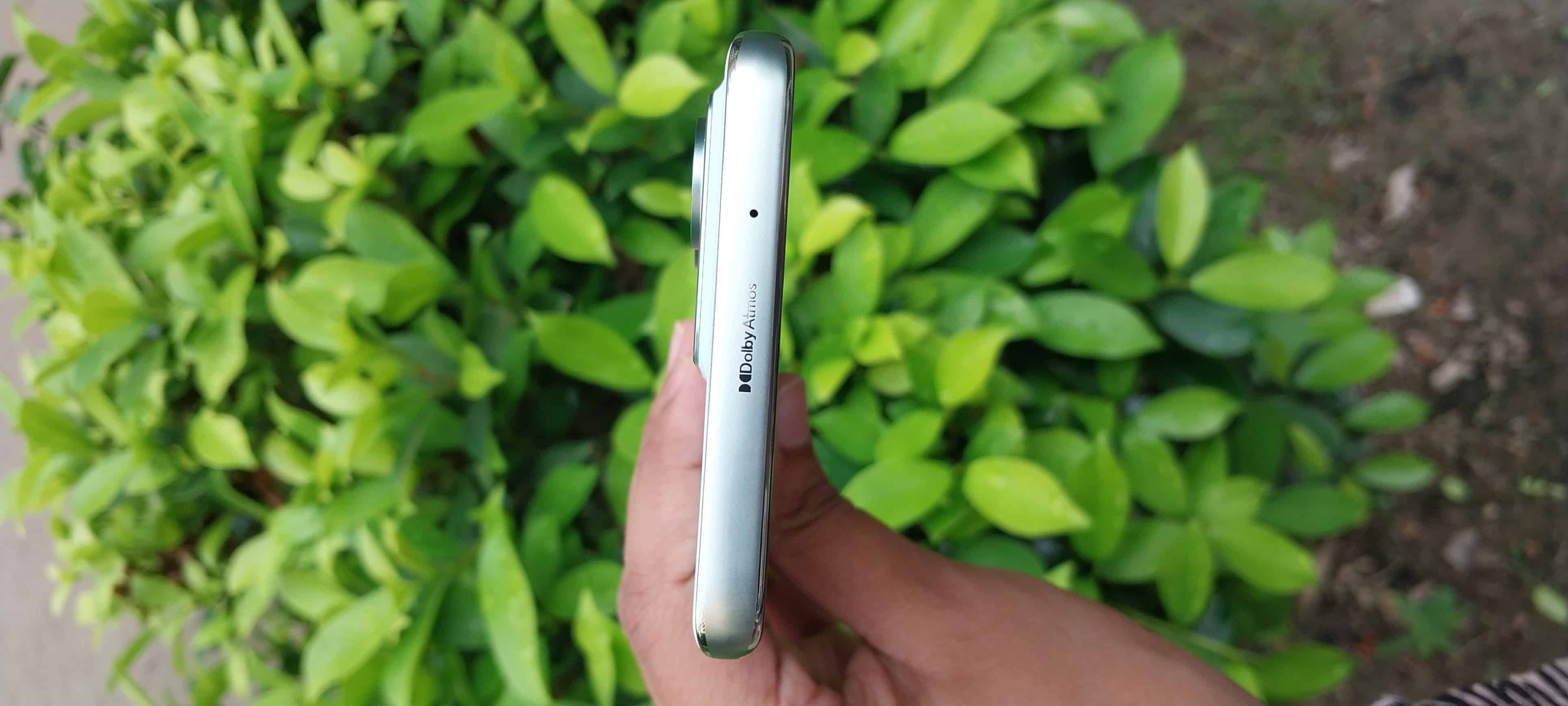
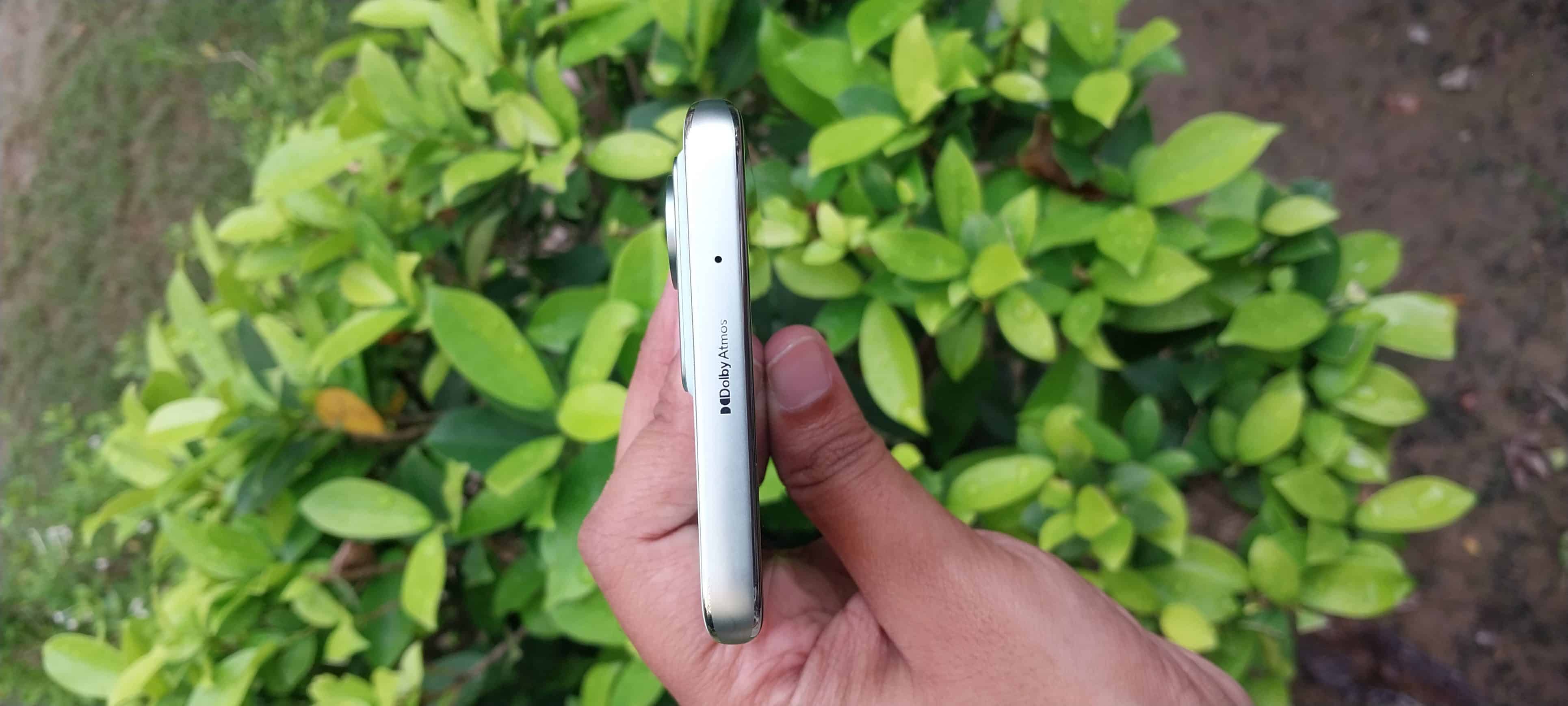
● Dual Dolby Atmos Speakers
● Clear UT
● Auto-tune AI Camera setting changes the natural tone
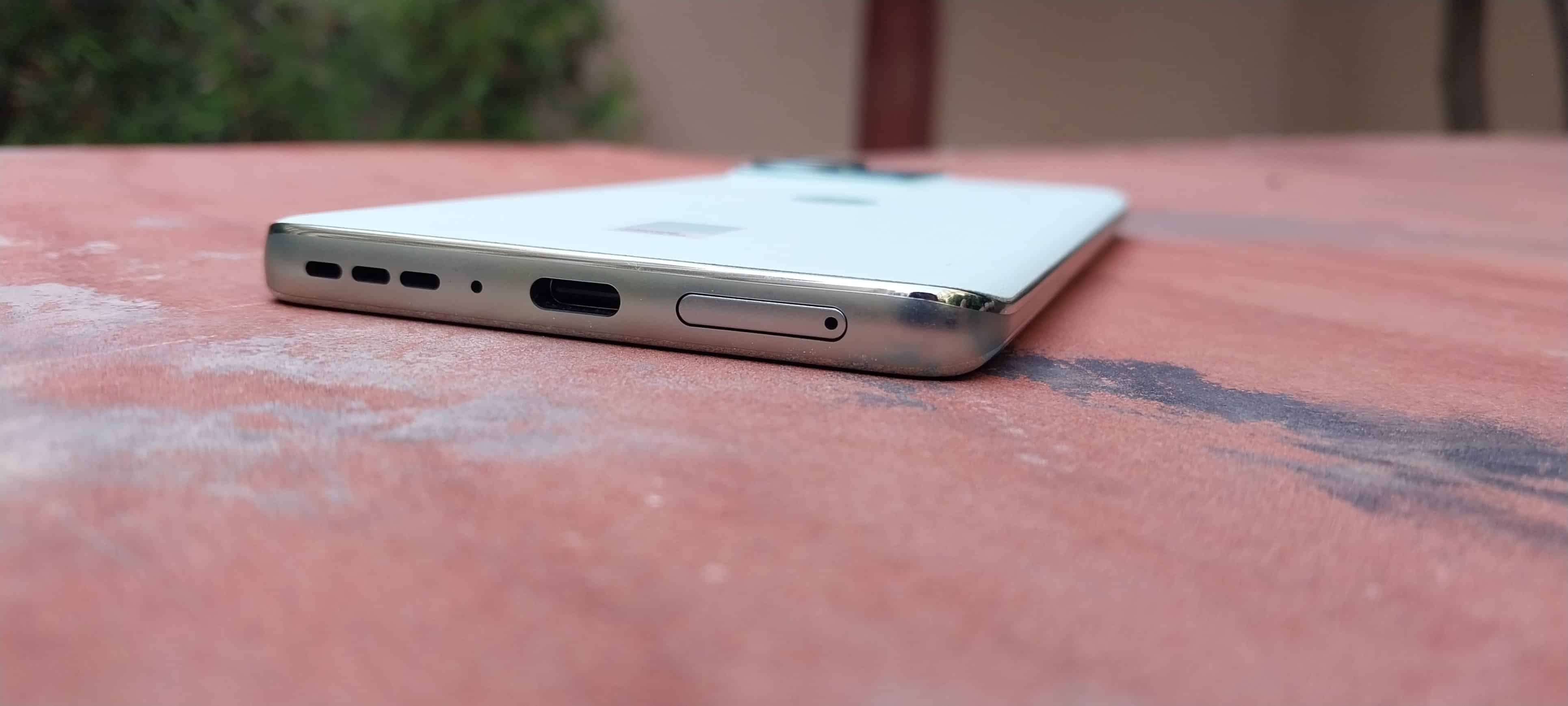
● No Audio Jack
● No HDR support for Netflix
Special mention to the plastic-free packaging of Motorola Edge 40 Neo. It looks impressive and is appreciable. We hope more brands come forward and join hands to offer a more eco-friendly experience to the users.
Motorola Edge 40 Neo – Design & Build Quality
Motorola Edge 40 Neo Review: Design
About the design, Edge 40 Neo perfectly emulates a flagship vibe with its sleek and refined appearance. Although it is nearly identical to Edge 40 and you are not getting anything new design-wise, there are many aspects to appreciate.
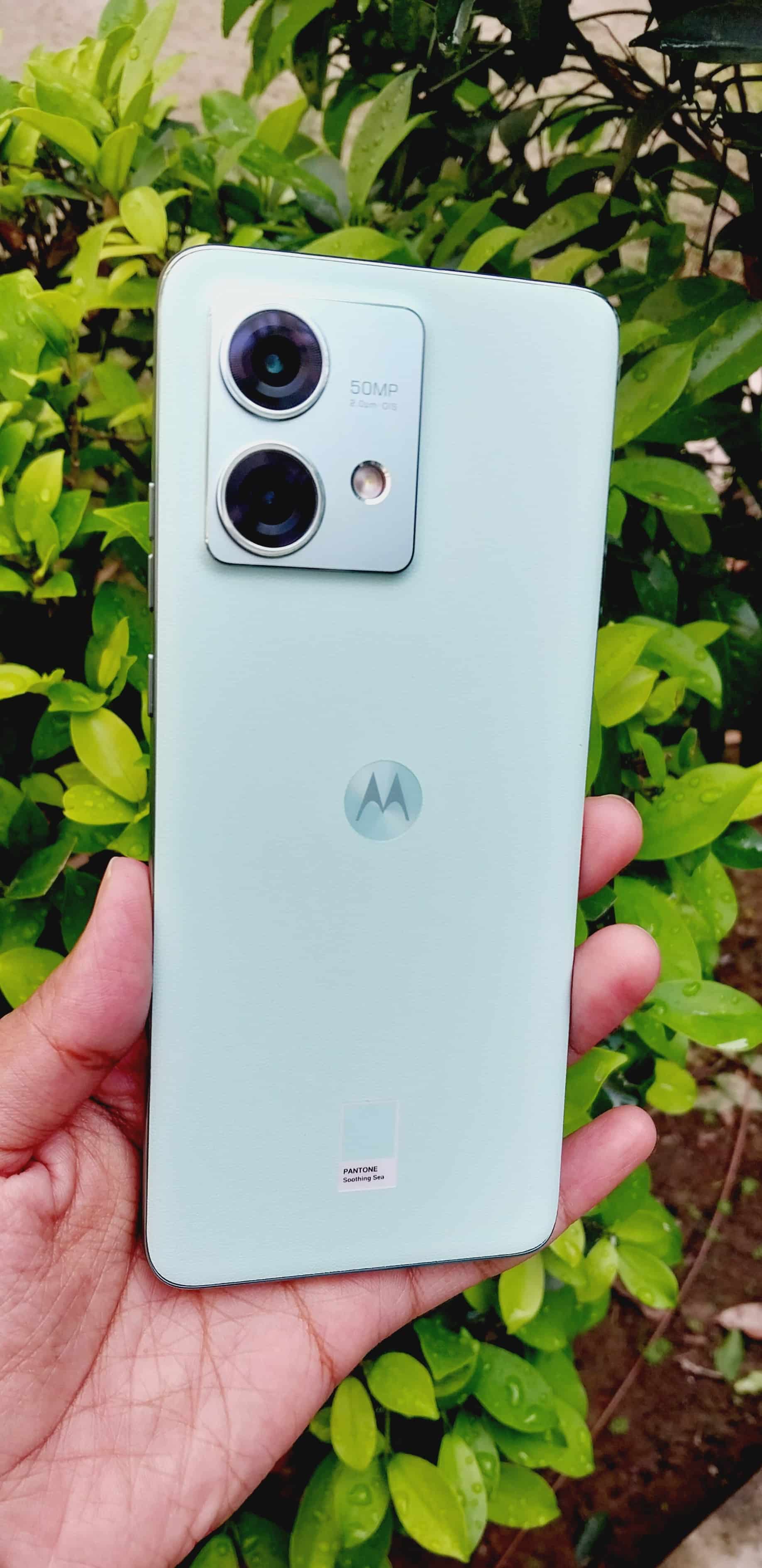
To start with, Motorola’s collaboration with Pantone truly shines in the Edge 40 Neo’s design.
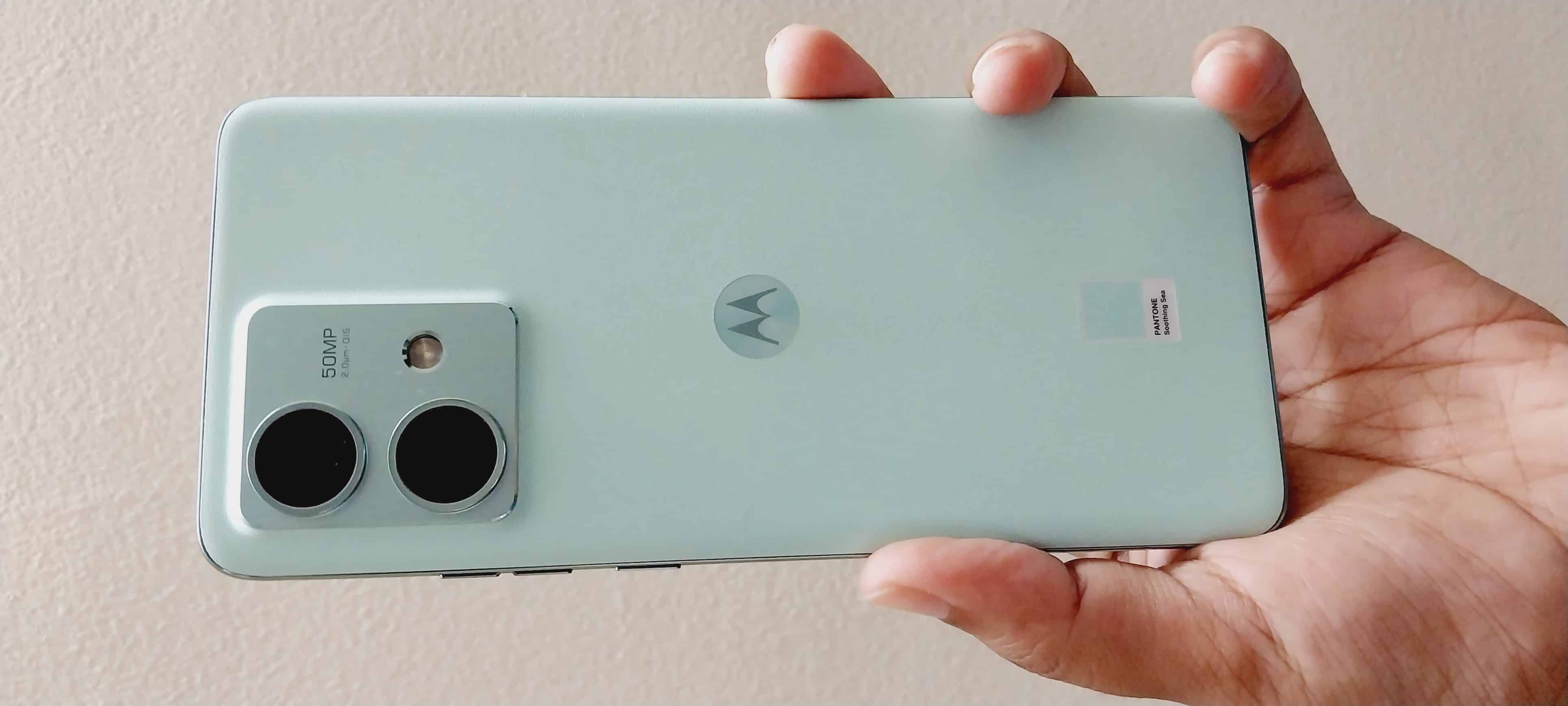
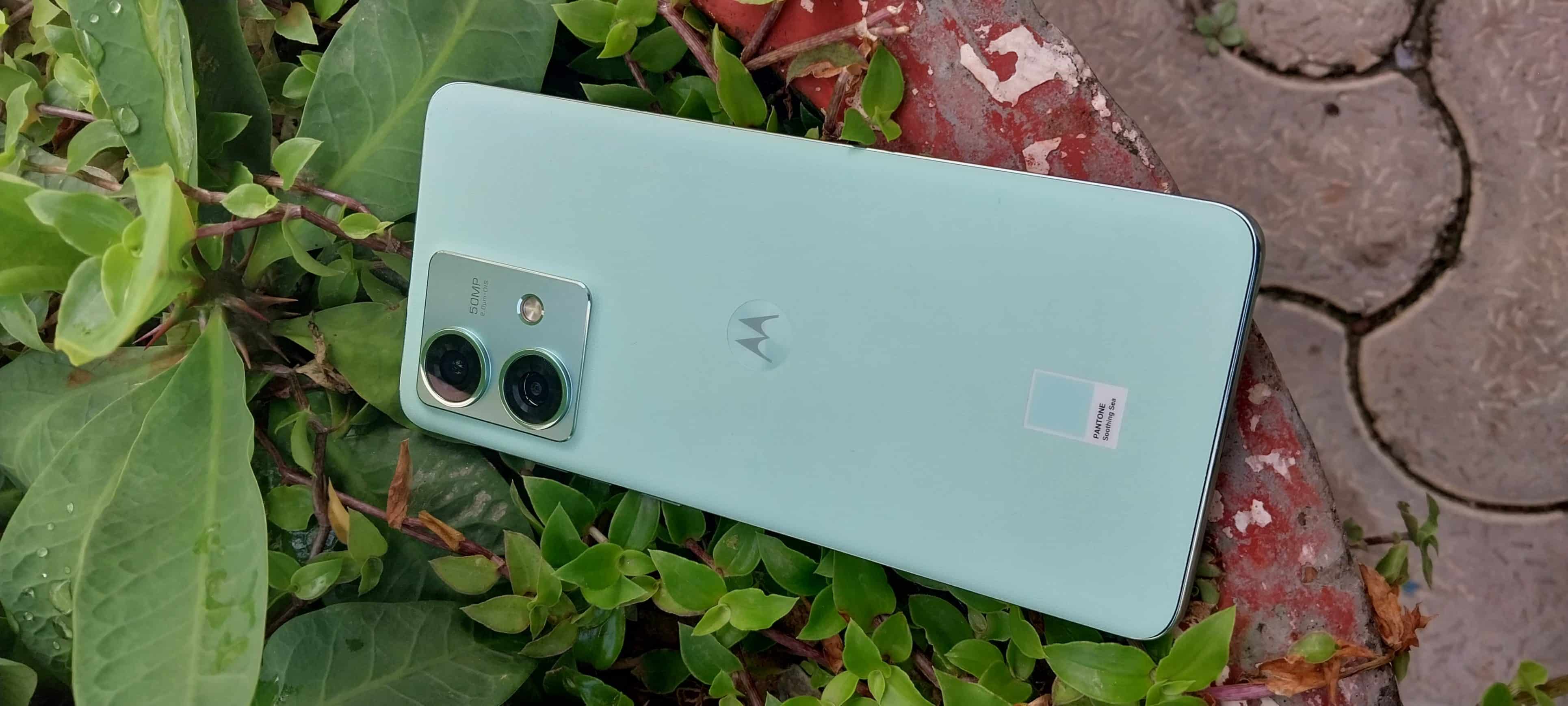
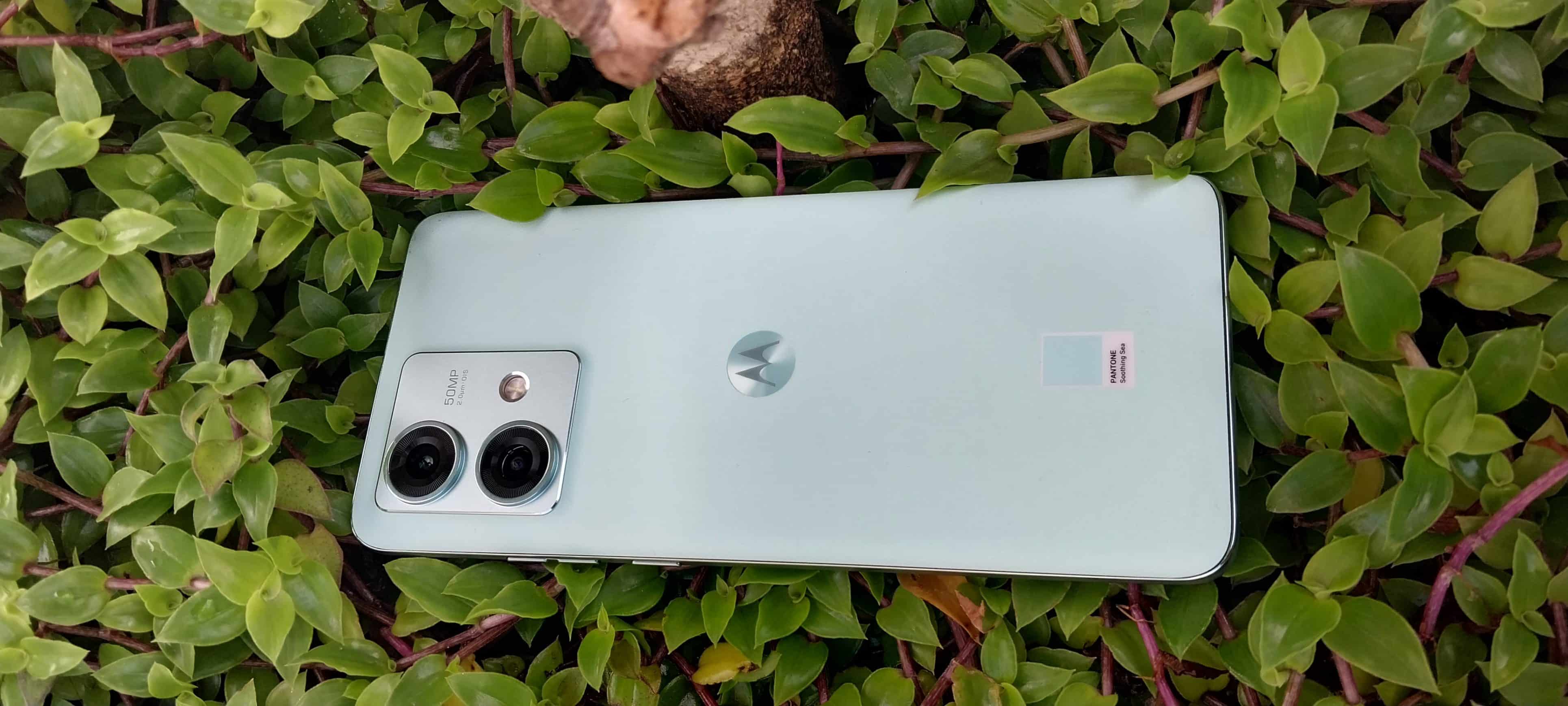
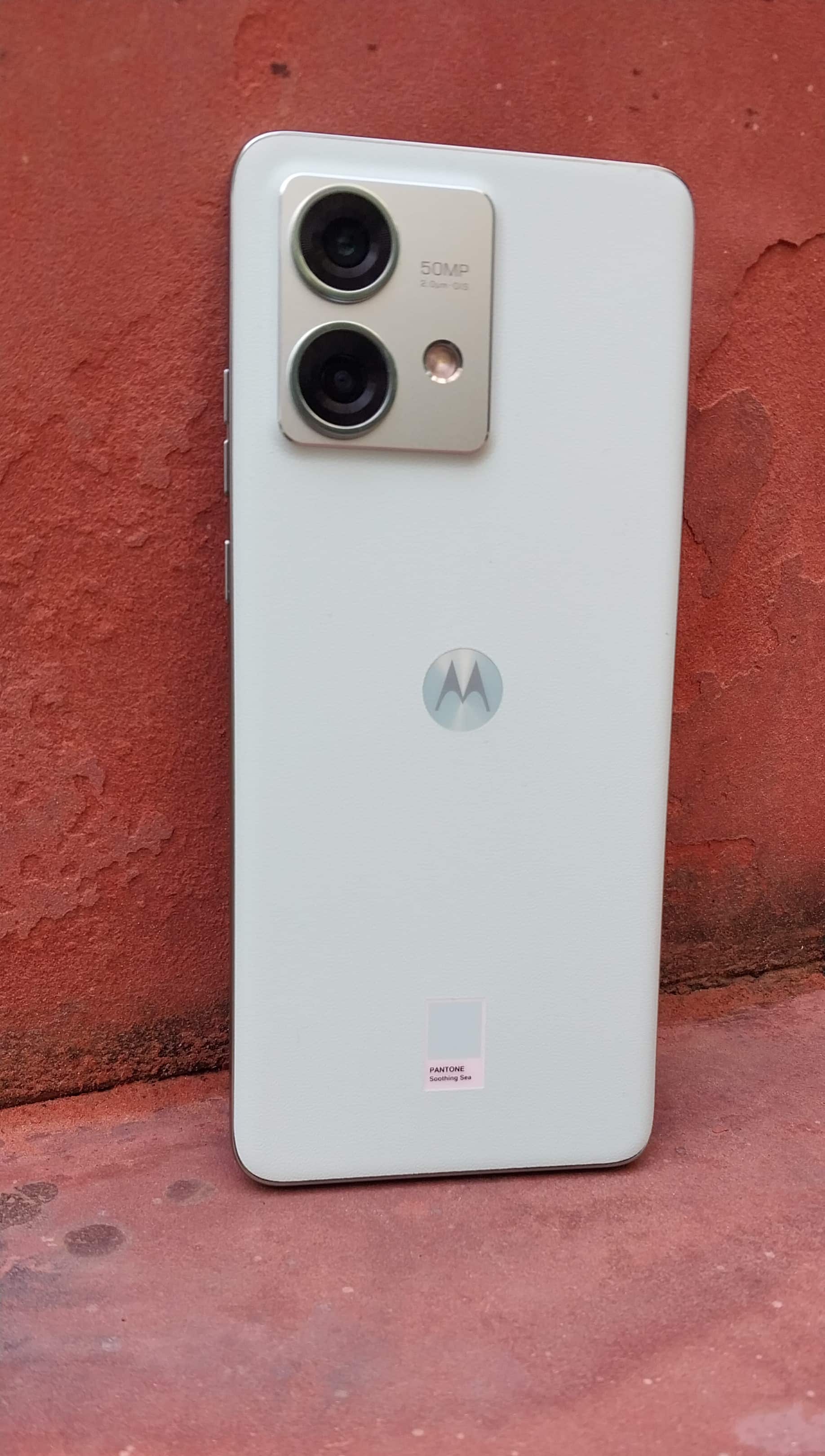
The use of Pantone-curated colours in different variants adds a touch of sophistication to the device. The Soothing Sea colour variant, which we had for this review, exudes elegance right from the first glance.
The incorporation of vegan leather on the back adds a distinctive soft texture. The back is scratch and fingerprint-resistant, ensuring that the phone maintains its pristine appearance over time.
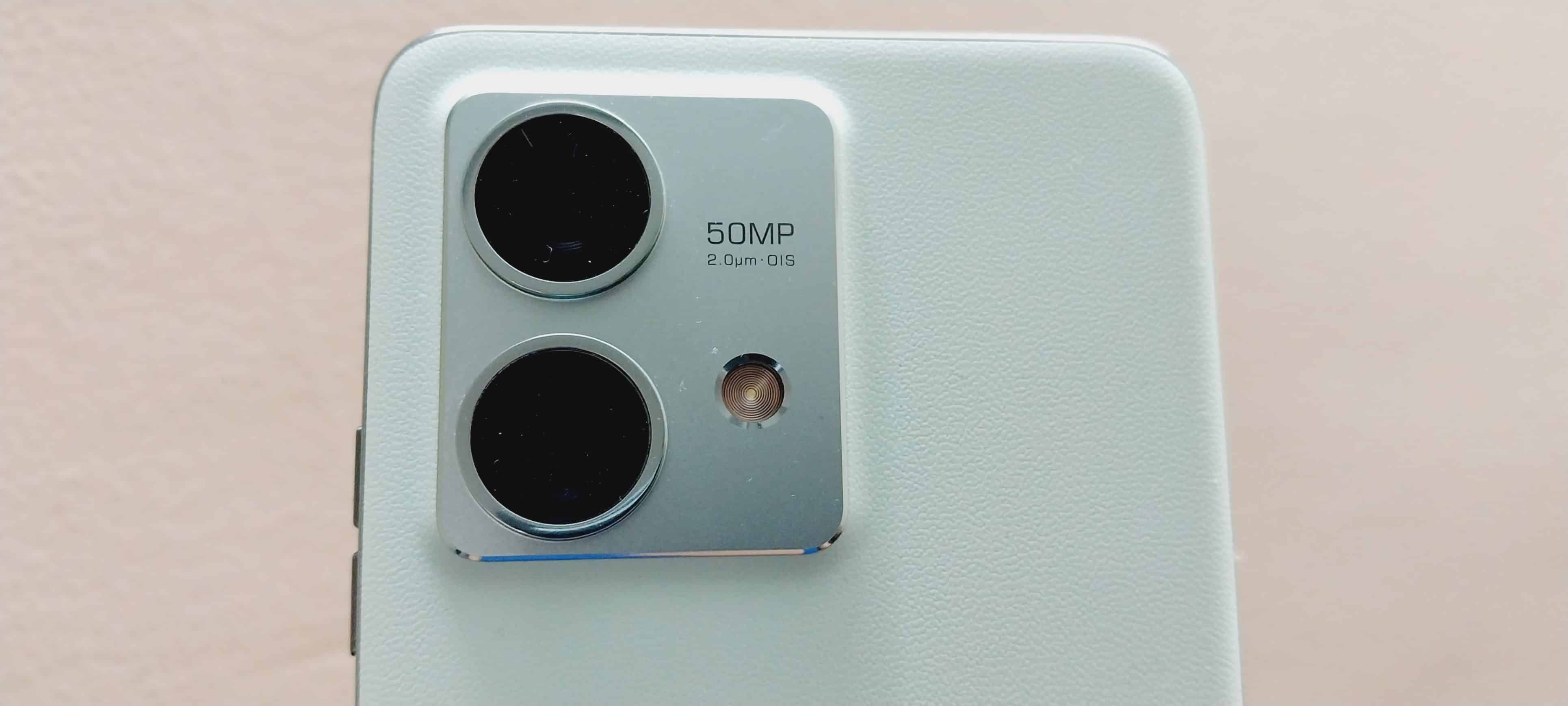
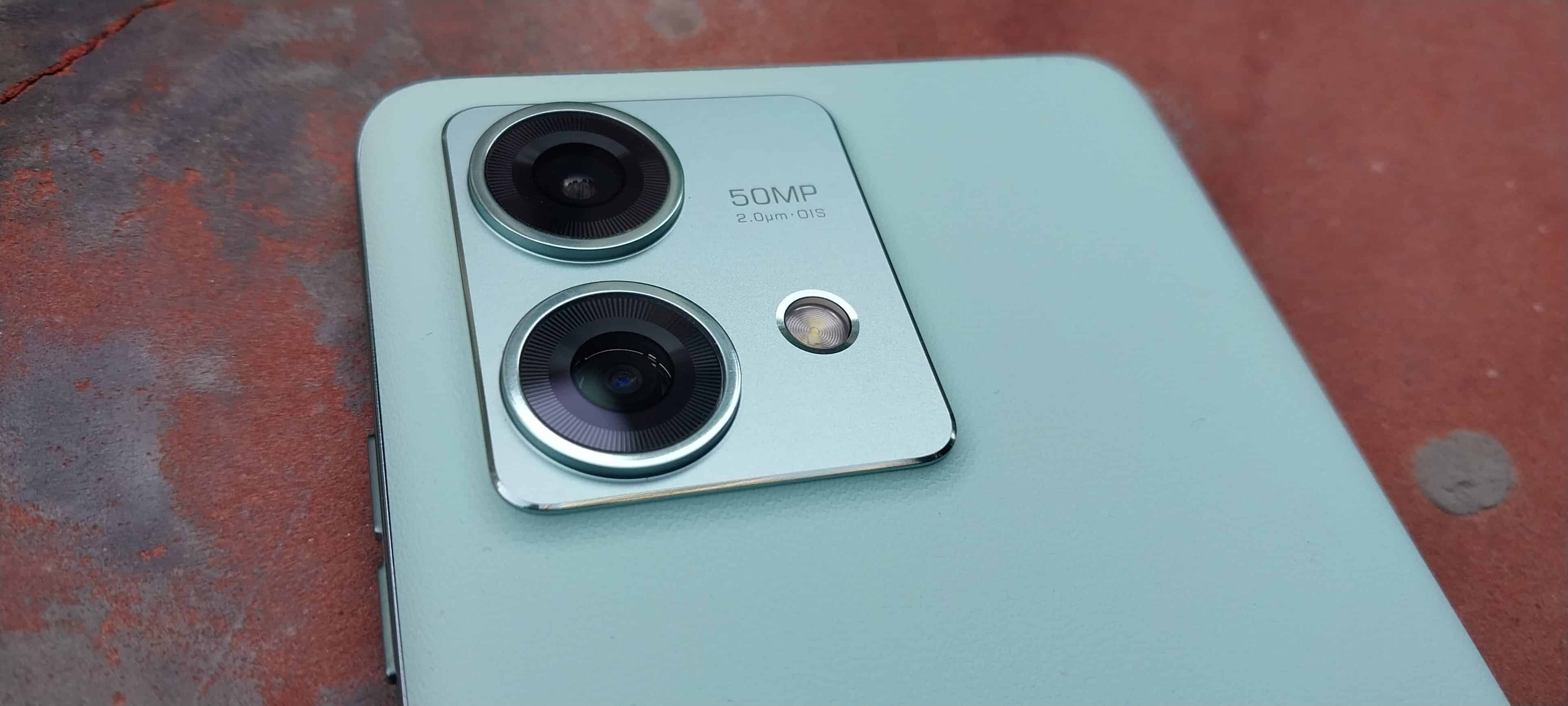
The square-shaped camera island on the back blends seamlessly with the phone’s aesthetics. The Motorola logo in the centre of the back and the Pantone colour seal at the bottom complete the back design.
The design choices are backed by the strong build of the device. The phone’s IP68 rating adds an extra layer of durability by making it resistant to dust, dirt, sand, and even submersion in shallow water for up to 30 minutes.
This feature adds peace of mind for users in various environments.
A concern for some users could be the curved display, which can also pose a challenge when it comes to screen protection.
To address this and enhance the phone’s overall durability, Motorola has used NEG glass protection for the curved display.
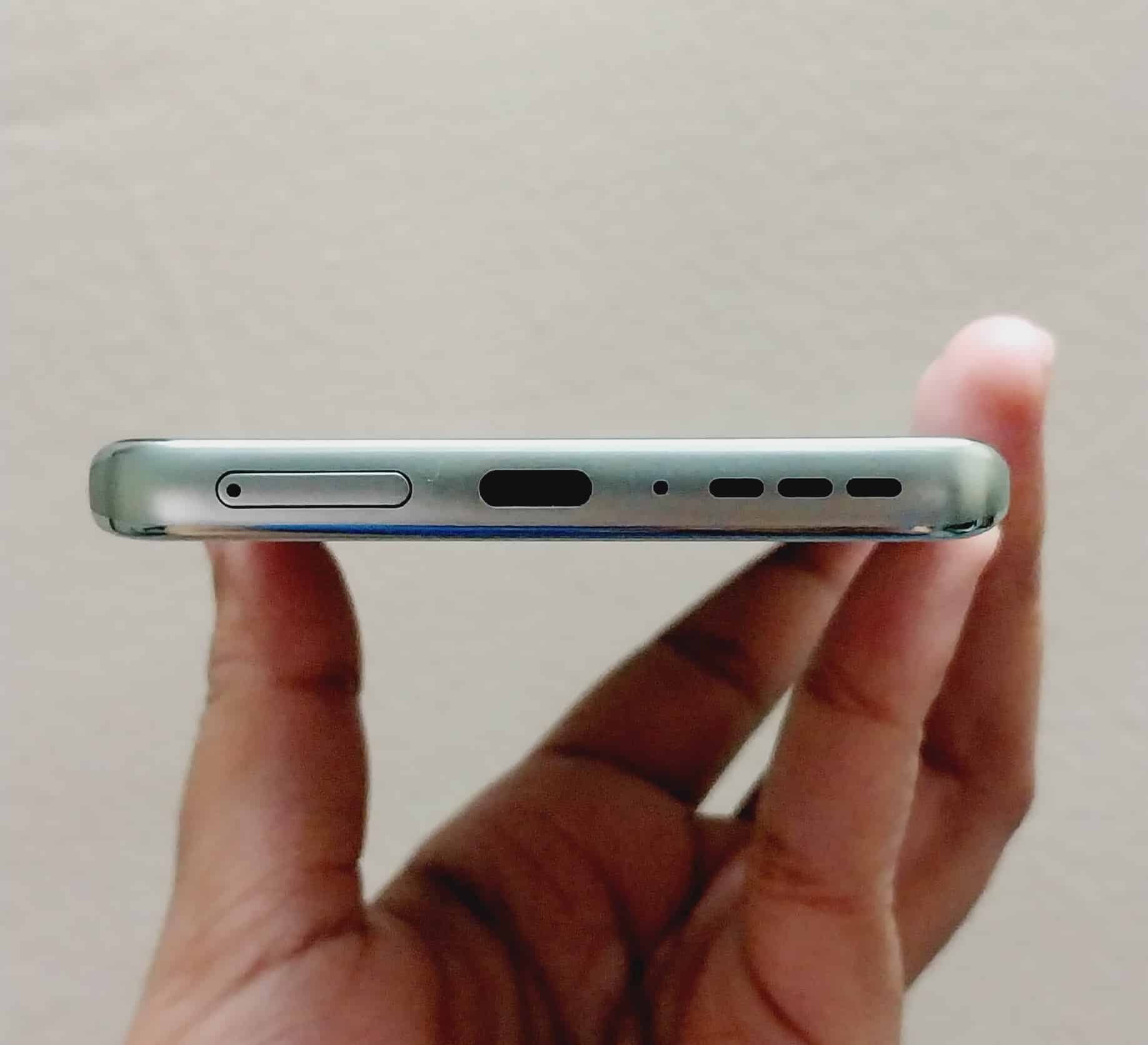
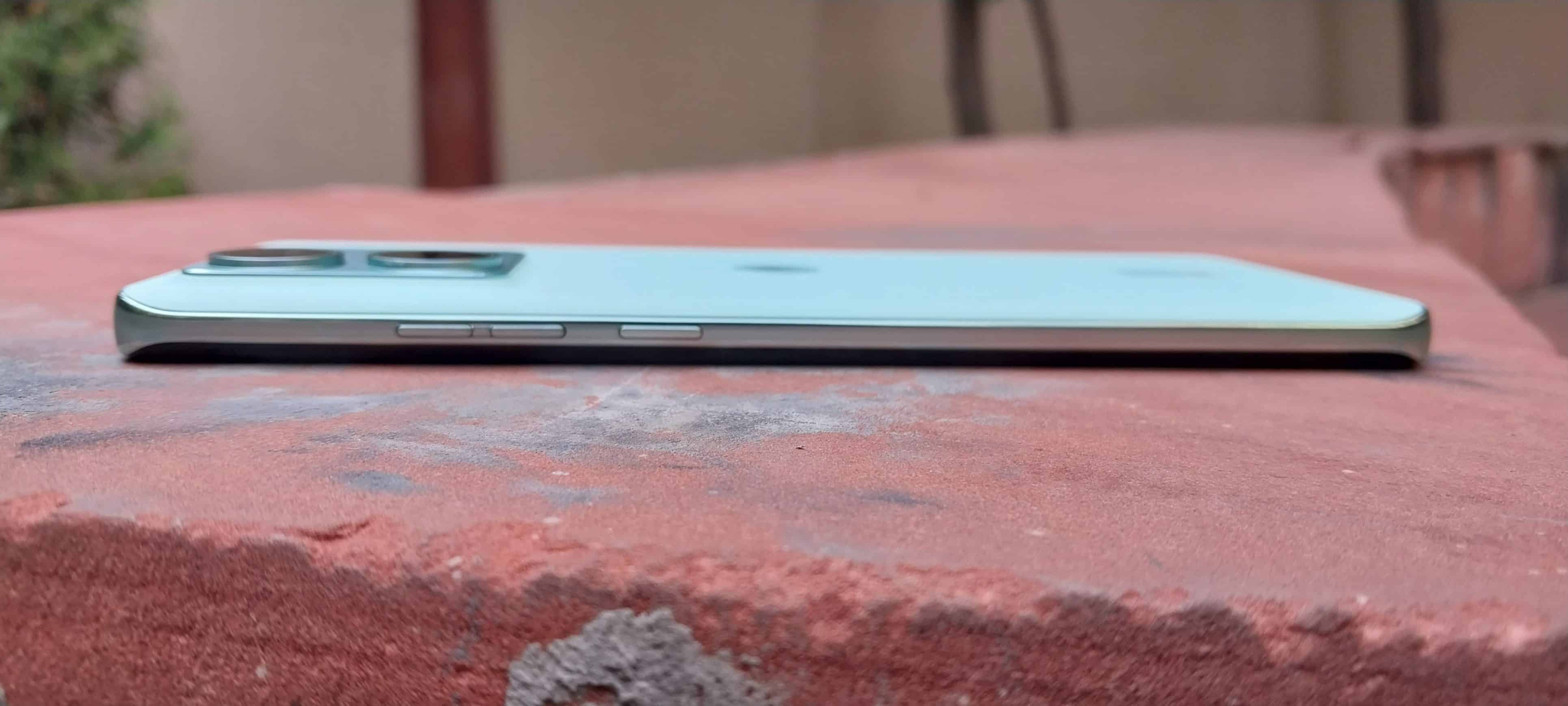
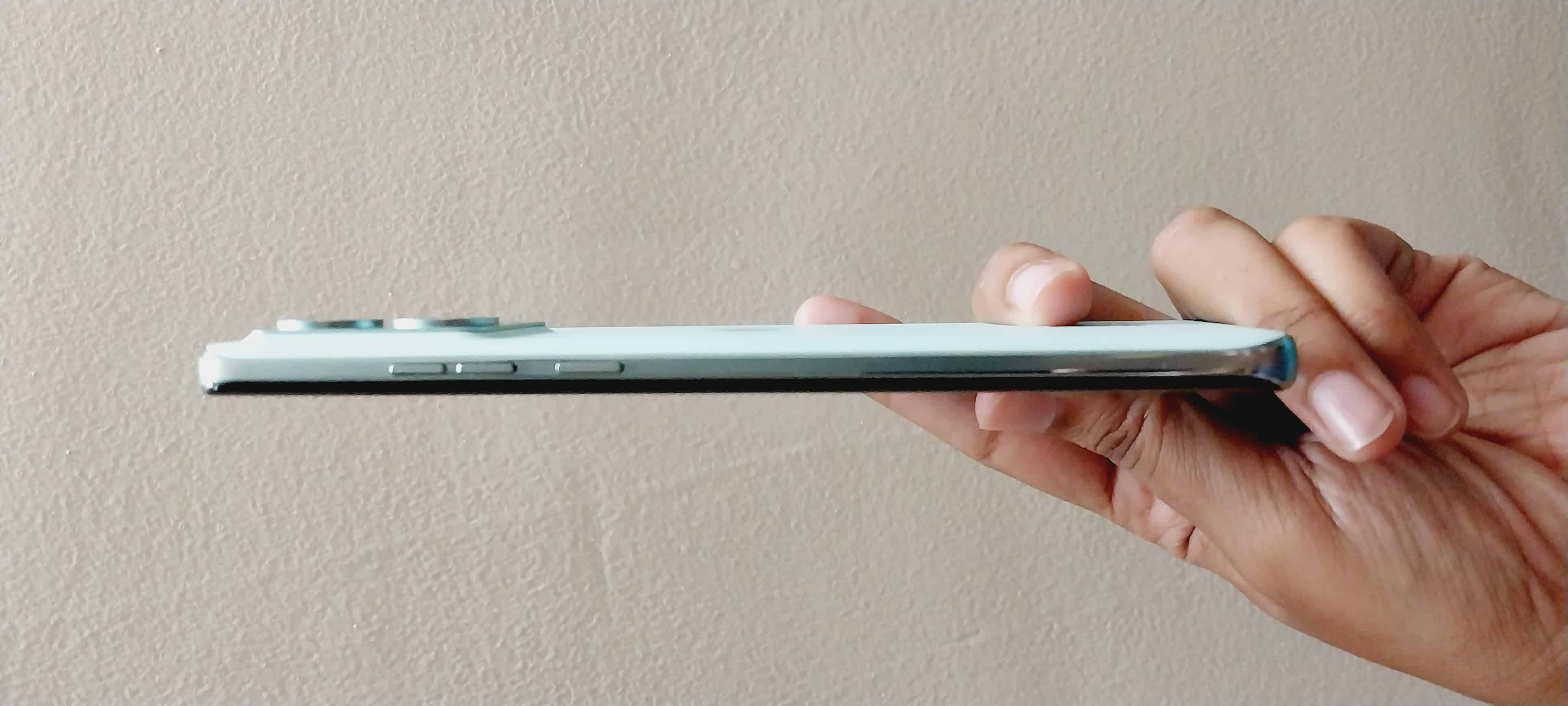
Moreover, the phone offers an exceptional in-hand feel, owing to its curved shape both on the front and back. It is slim and lightweight. This ergonomic design ensures comfort during prolonged usage and enhances the overall user experience.
Motorola Edge 40 Neo – Display and Multimedia Experience
Motorola Edge 40 Neo Review: Display
The segment-leading 6.55-inch FHD+ pOLED Endless Curved Edge display is definitely a standout feature. The use of pOLED technology results in vibrant colours and deep blacks, which is ideal for multimedia consumption.
The curved display not only adds to the aesthetics of the device but also enhances the immersive experience when watching videos or playing games. It seamlessly blends into the device’s edges, giving the impression of a borderless screen.
The phone boasts an impressive refresh rate of up to 144Hz, which provides incredibly smooth and responsive touch interactions.
However, it’s important to note that the 144Hz refresh rate must be manually selected from the display settings, as the default Auto Refresh Rate mode is capped at 120Hz.
The 10-bit billion colours ensure a wide colour gamut with stunning accuracy. This enhances the visual experience, making colours appear more vivid and true to life.
With a peak brightness of 1300 nits, the display ensures excellent visibility even in bright outdoor conditions. We tried using the phone in direct sunlight and didn’t find any major reasons for concern with the visibility. It matches the segment’s expectations.
While the device is equipped with HDR capabilities, it’s worth noting that it may not support HDR on all streaming apps. For example, Netflix might not fully utilize the HDR feature, but you can still enjoy HDR content on platforms like YouTube.
The multimedia experience is elevated to the next level with the Dolby Atmos dual speakers. These speakers deliver rich and immersive audio quality.
Motorola Edge 40 Neo Youtube Stream Video
Motorola Edge 40 Neo – Chipset and Performance
The chipset is where Edge 40 Neo becomes a game changer for the segment. It is the MediaTek Dimensity 7030 Processor, making this phone the world’s first smartphone to harness the power of this advanced 6nm chipset.
The 6nm process technology contributes to improved energy efficiency and overall performance.
It’s efficient in performance and handles multitasking, demanding applications, and everyday tasks with ease.
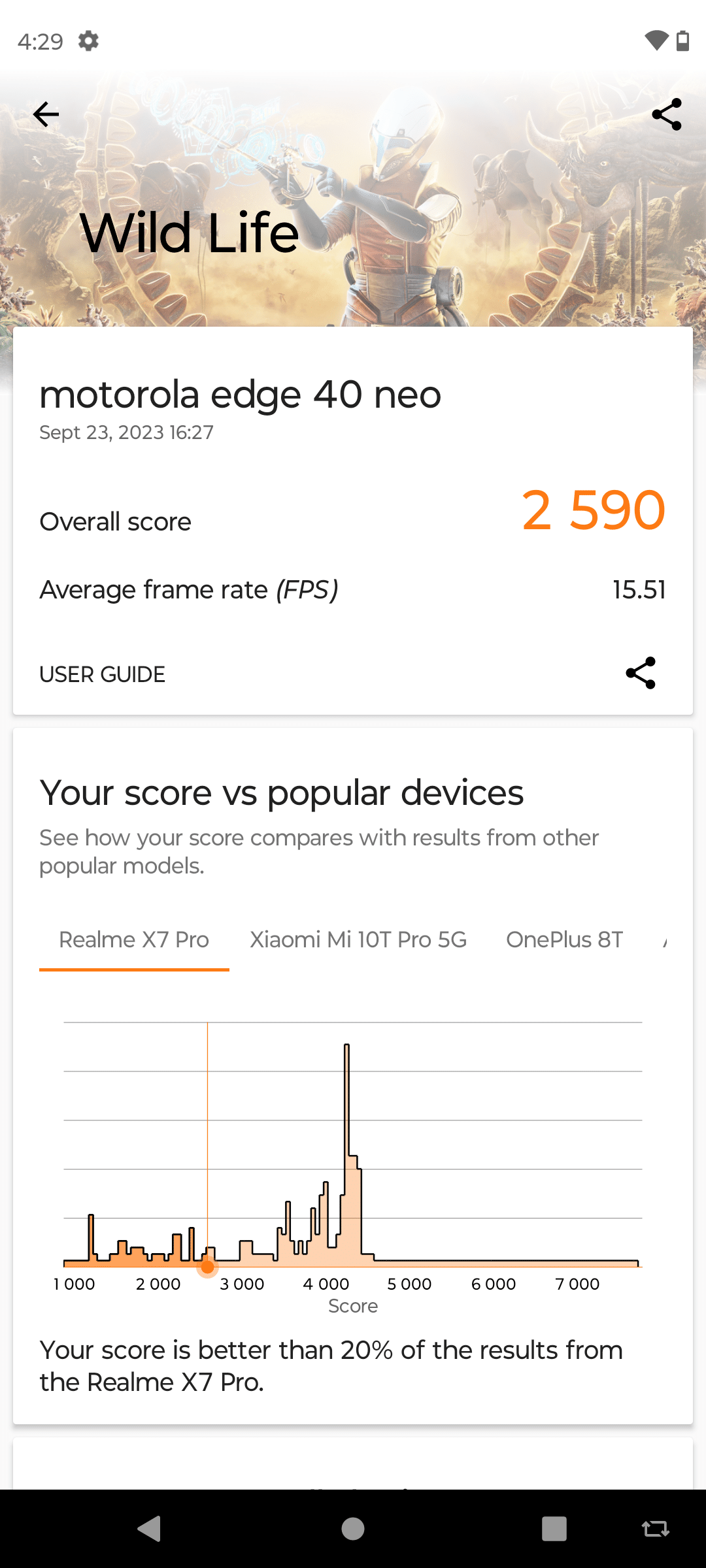
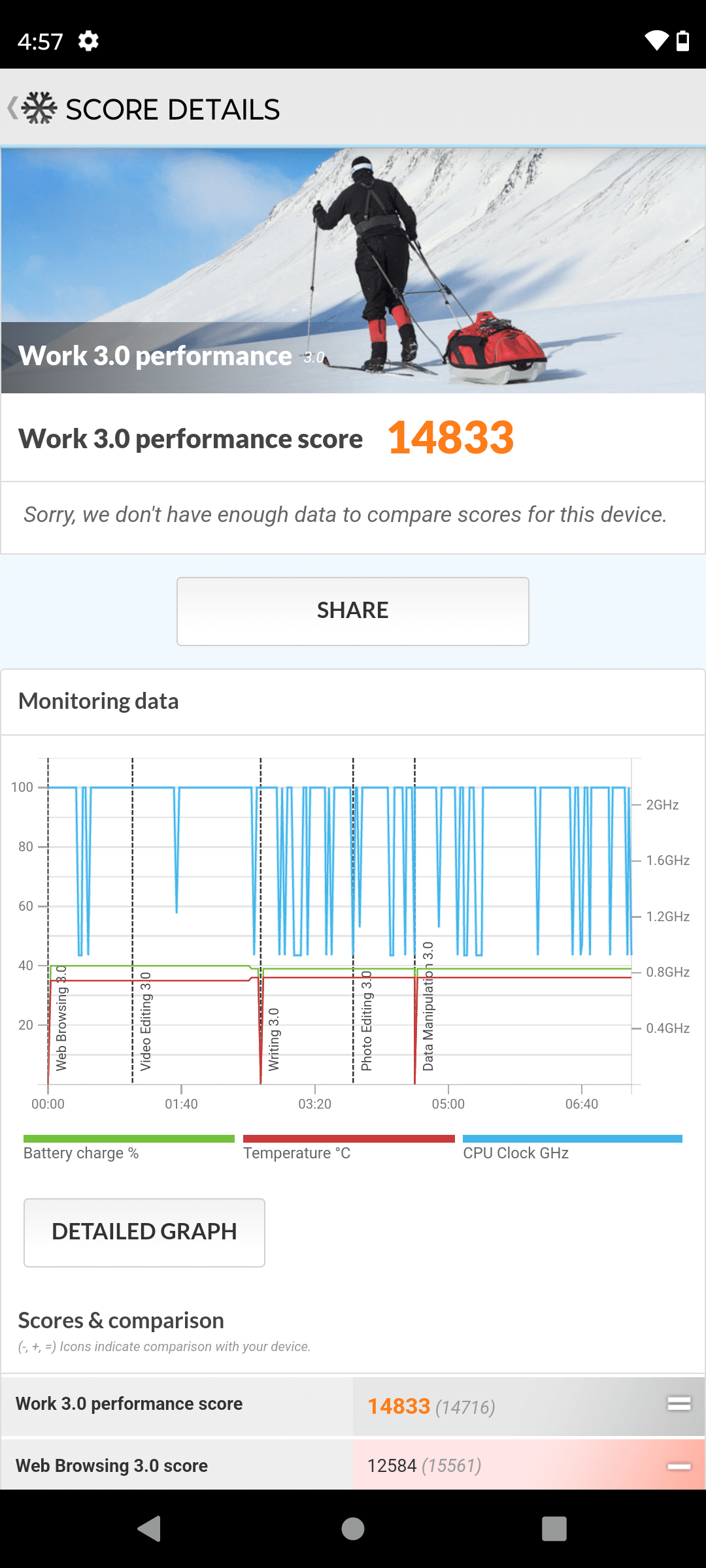
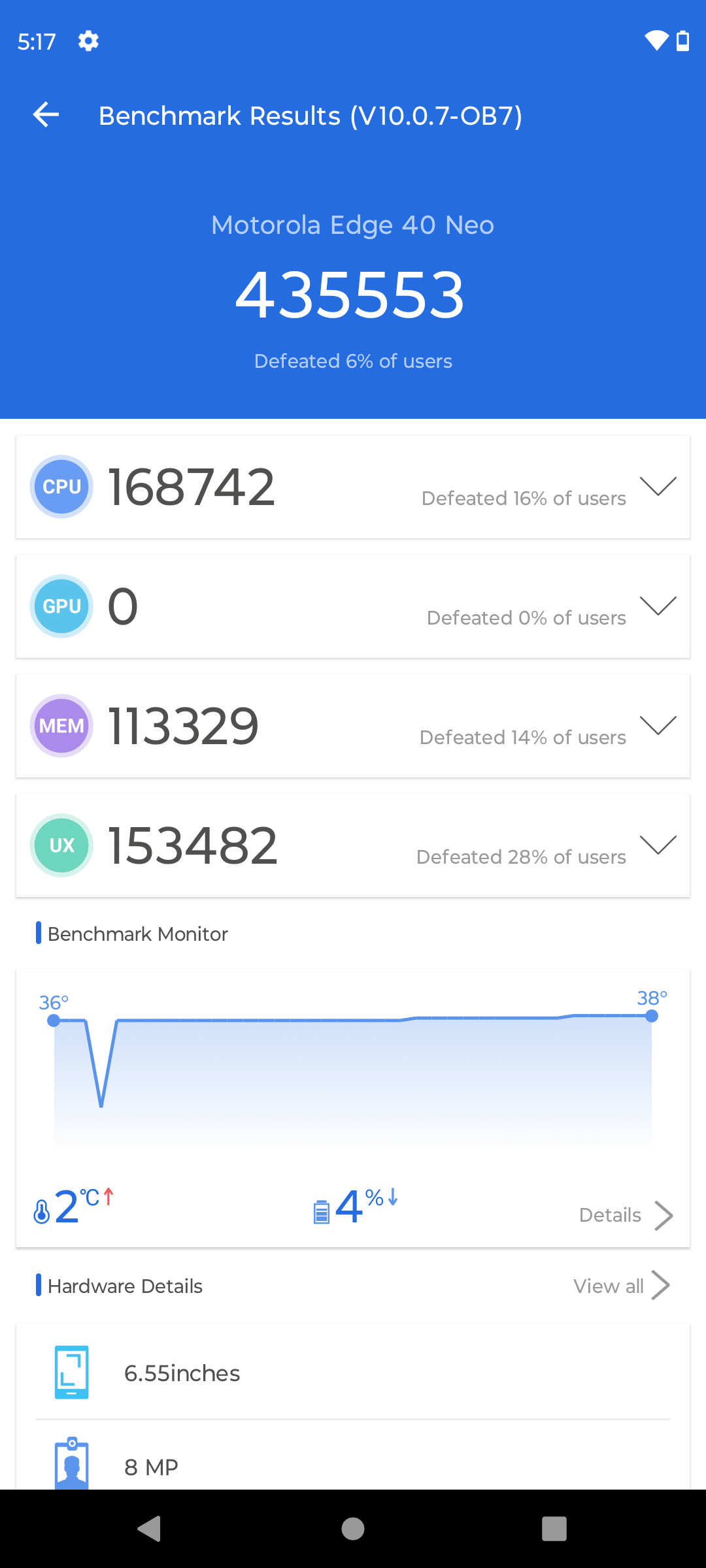
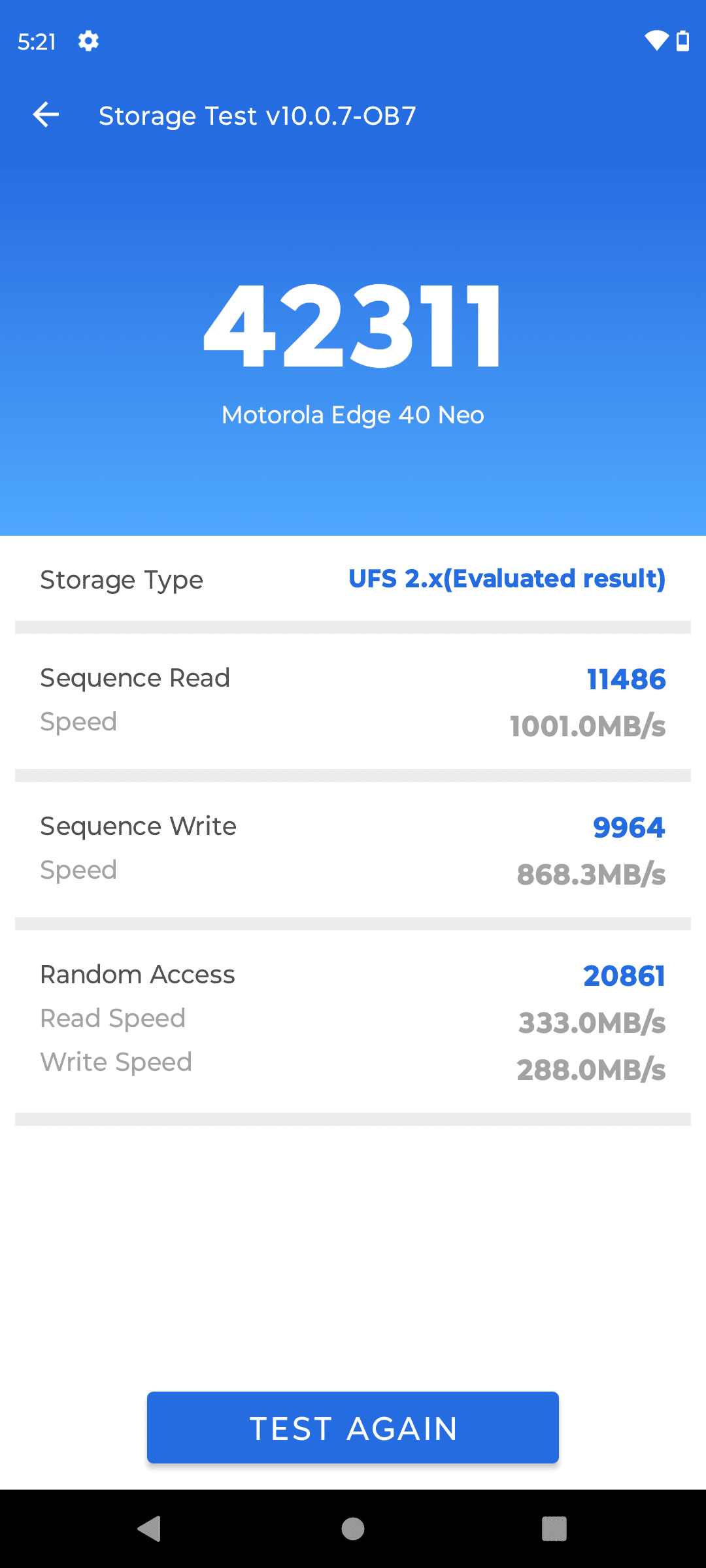
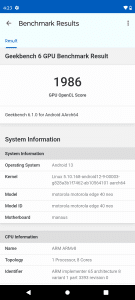
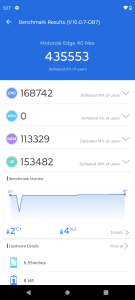
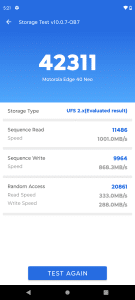
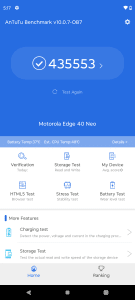
On basic benchmark tests, the device displayed decent performance with around 435553 AnTuTu v10 score. Below are some other benchmark test results.
The device supports a whopping 14 5G bands, which is the highest in its segment. This expansive 5G support ensures that users can experience lightning-fast data speeds and low latency, crucial for lag-free online activities and video streaming.
Moreover, the Wi-Fi 6e support provides users with incredible Wi-Fi speeds and improved connectivity.
The phone also incorporates MediaTek HyperEngineTM Game Technology. This technology optimizes gaming performance by ensuring smooth gameplay. We tried playing graphics-heavy games such as BGMI and Asphalt 9.
The gaming experience was lag-free with minimum-to-no frame drops and reduced latency. It also offers cloud gaming capabilities. Users can leverage their smartphone as a handheld console and enjoy powerful games streamed directly from the cloud.
Overall, Edge 40 Neo has a responsive and snappy user interface, reducing lag and ensuring peak performance for various activities.
Motorola Edge 40 Neo – Camera Capability
Motorola Edge 40 Neo – Camera Capability
The Edge 40 Neo has a dual-camera rear setup. The 50-megapixel primary camera equipped with Omni-directional PDAF (Phase Detection Autofocus) and Optical Image Stabilization (OIS) delivers sharp and stable images.
Secondly, you get a 13-megapixel ultrawide angle camera with a 120° field of view, which is perfect for capturing wide scenic shots and group photos.
The overall camera output is decent. You get detailed and vibrant photos in well-lit conditions.
The dual rear setup with macro vision adds versatility to your photography, allowing you to fit more into the frame. It captures intricate details and small subjects nearly perfect. Here are some shots taken from the rear camera in different lighting conditions.
The device excels in low-light photography, producing well-exposed and noise-free images, thanks in part to the OIS.
However, we found the AI enhancementof pictures a little too distracting. While it might improve picture output in some scenarios, we found that auto-tuning in Edge 40 Neo oversharpens the edges and takes away from the natural look.
The 32-megapixel front camera delivers high-resolution selfies with sharp details. It’s a great choice for selfie enthusiasts who want to capture their best moments in high clarity.
Let’s talk about video recording capability, starting with two sample videos shot in two different lighting conditions.
The rear camera can record in 4K UHD at 30fps, offering high-resolution video capture. Additionally, it provides flexibility with FHD recording at both 60fps and 30fps. The videos come out decent with enough scope for artistic or casual requirements.
The front camera also supports video recording in 4K UHD at 30fps and FHD at 30fps. This means you can create high-quality video content with the front camera as well.
Motorola Edge 40 Neo Daylight Video
Motorola Edge 40 Neo Night Video
Motorola Edge 40 Neo – Battery Life
Motorola Edge 40 Neo – Battery Life
The 5000mAh battery capacity in mid-range smartphones has now become a norm and Edge 40 Neo follows suit.
This substantial capacity ensures that you can confidently go about your day without constantly worrying about running out of battery.
The inclusion of a 68W TurboPower™ fast charger in the box is a significant advantage. It can charge the battery to 50% in just 15 minutes.
Motorola has features like adaptive battery management and power-saving modes to further enhance battery efficiency.
Verdict – Should You Buy Motorola Edge 40 Neo?
Verdict – Should You Buy Motorola Edge 40 Neo?
The Motorola Edge 40 Neo stands as a compelling choice for those seeking a smartphone that excels in various aspects. Its distinctive design, powered by Pantone-curated colours and vegan leather, is a standout.
The MediaTek Dimensity 7030 Processor ensures top-tier performance, particularly for gaming and multitasking.
A feature-rich camera system captures impressive photos and videos, complemented by a remarkable battery that easily lasts all day, with rapid charging capabilities. While AI auto-tuning may not suit everyone’s taste, it’s a minor quibble.
Overall, the Motorola Edge 40 Neo offers a premium experience across the board, making it a strong buy in its segment.
Decent 50MP Ultra Pixel Night Vision primary camera
5000mAh battery with a 68W TurboPower™ fast charger
FAQs
Q1. What is the key feature of the Motorola Edge 40 Neo’s display?
Answer. The Motorola Edge 40 Neo boasts a 6.55-inch FHD+ pOLED Endless Edge Display with a curved design, offering an immersive and borderless visual experience.
Q2. Does the Motorola Edge 40 Neo support high refresh rates for smoother interactions?
Answer. Yes, it supports a refresh rate of up to 144Hz, ensuring incredibly smooth and responsive touch interactions. However, the default Auto Refresh Rate mode is capped at 120Hz.
Q3. What camera features make the Motorola Edge 40 Neo stand out?
Answer. The phone features a versatile camera system with a 50MP main camera, ultrawide angle lens, and macro vision. It excels in low-light photography and offers various video recording options, including 4K UHD and slow motion.
Q4. How does the Motorola Edge 40 Neo handle battery life and charging?
Answer. The device comes with a substantial 5000mAh battery that offers all-day usage. Additionally, it includes a 68W TurboPower™ fast charger in the box, capable of charging the battery to 50% in just 15 minutes.
Q5. What chipset powers the Motorola Edge 40 Neo, and what makes it unique?
Answer. The Edge 40 Neo is powered by the MediaTek Dimensity 7030 Processor, a 6nm chipset. It offers support for an extensive range of 5G bands, Wi-Fi 6e, MediaTek HyperEngineTM Game Technology for gaming, and cloud gaming capabilities, making it a standout in terms of performance and connectivity.
The reason behind smartphone screen blackouts could be anything from software to hardware.
Smartphone screen blackouts can be troubleshooted effectively.
With simple tips, you can revive your device and regain access to your smartphone’s functionalities when faced with a black screen issue.
When the screen of your smartphone suddenly goes black, you should know it is a matter of concern.
A blacked-out smartphone screen can occur for various reasons, but the good news is that many of these issues are fixable without resorting to professional help.
In this blog post, we’ll explore common causes of a black smartphone screen and provide solutions to get your device back up and running.
Causes of an Android Smartphone Screen to Black Out
Android Smartphone Screen to Black Out
A black screen on your Androidcan be attributed to various factors, and there is no single specific cause. Some potential causes to consider include:
Loose connections within the screen’s LCD
Occurrence of a critical system error
Installation of incompatible apps
Prolonged overcharging of the phone
Accumulated app caches requiring clearing
Exposure of the phone to extreme heat, like being left in a hot vehicle
Causes of an iPhone Screen Black Out
iPhone Screen Black Out
Experiencing a black screen on your iPhonecan be a perplexing and frustrating situation. Here are some common causes that could be behind this issue –
Software glitches or crashes when an app or the operating system encounters an error
Physical damage to the iPhone’s display or internal components
Resource-intensive tasks or exposure to high temperatures
Exposure to moisture or water can cause a black screen
Installing a problematic software update
Common Smartphone Screen Black Out Causes and Solutions
Battery Depletion
Device Battery
One of the most common reasons for a black screen on your smartphone is a depleted battery. If your device’s battery is completely drained, it may not respond when you press the power button.
Solution
Connect your smartphone to a charger and leave it for at least 15-20 minutes. If the battery was the issue, you should see the charging indicator on the screen.
Once the battery has gained enough charge, turn on your device.
Software Glitches
Software Glitches
Software glitches or crashes can cause your smartphone’s screen to go black. This often happens when an app or the operating system itself encounters an error.
Solution
Perform a forced restart by holding down the power button and the volume down button (or equivalent buttons for your device) simultaneously for about 10-15 seconds. This should force the phone to restart and resolve any software issues.
Screen Lock or Sleep Mode
Sleep Mode
Sometimes, your smartphone’s screen may appear black simply because it’s in sleep mode or locked. This is a common occurrence when the screen timeout or sleep settings are too short.
Solution
Press the power button or the home button (depending on your device) to wake up the screen. If your device is locked, enter your PIN, or pattern, or use biometric authentication (fingerprint or face recognition) to unlock it.
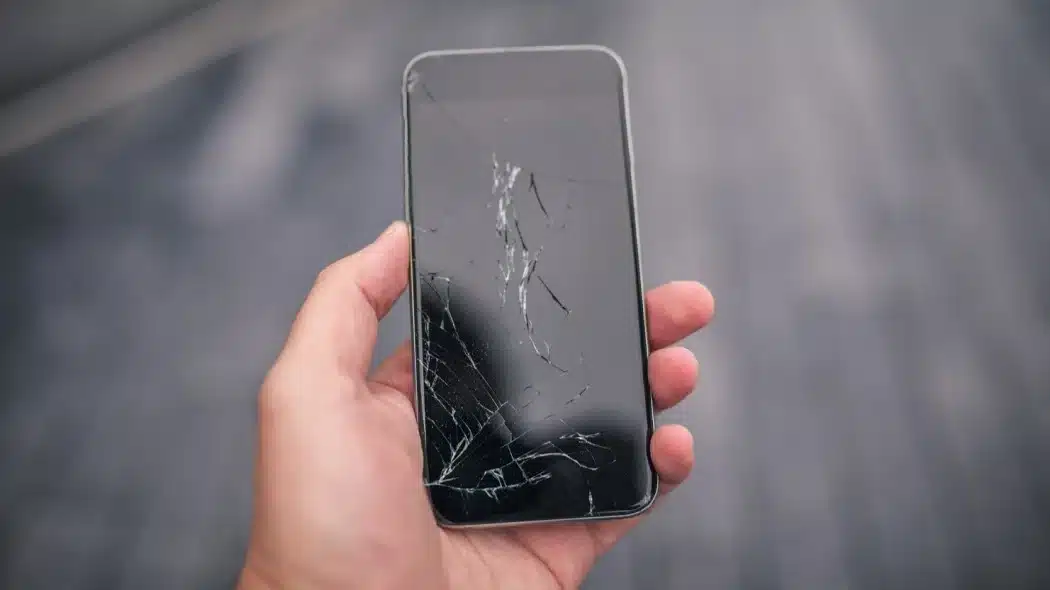
Physical Damage
Physical Damage
Physical damage, such as a cracked or damaged screen, can lead to a blacked-out display. The damage may interfere with the device’s ability to function properly.
Solution
If your screen is physically damaged, you may need to have it repaired or replaced by a professional technician.
Be sure to back up your data before sending it for repairs, as they may need to reset the device during the process.
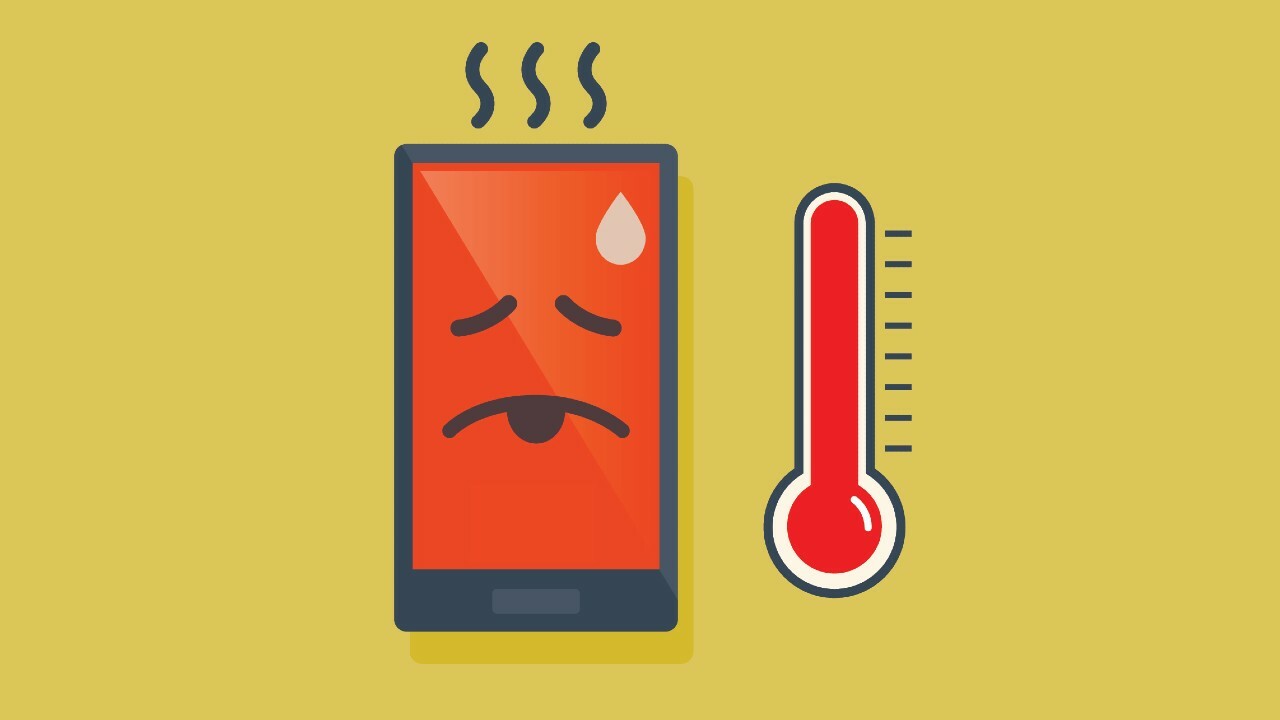
Overheating
Overheating
Smartphones can overheat when running resource-intensive applications or being exposed to high temperatures for extended periods. Overheating can trigger a black screen as a protective measure.
Solution
Allow your smartphone to cool down by moving it to a cooler environment and turning it off for a while. Avoid using resource-intensive apps or games for an extended period.
Hardware Malfunction
Hardware Malfunction
In some cases, a black screen can be the result of a hardware malfunction, such as a faulty display or motherboard component.
Solution
If you suspect a hardware issue, it’s best to consult with a professional technician or the device’s manufacturer for a diagnosis and repair. Attempting to fix hardware problems yourself can often lead to further damage.
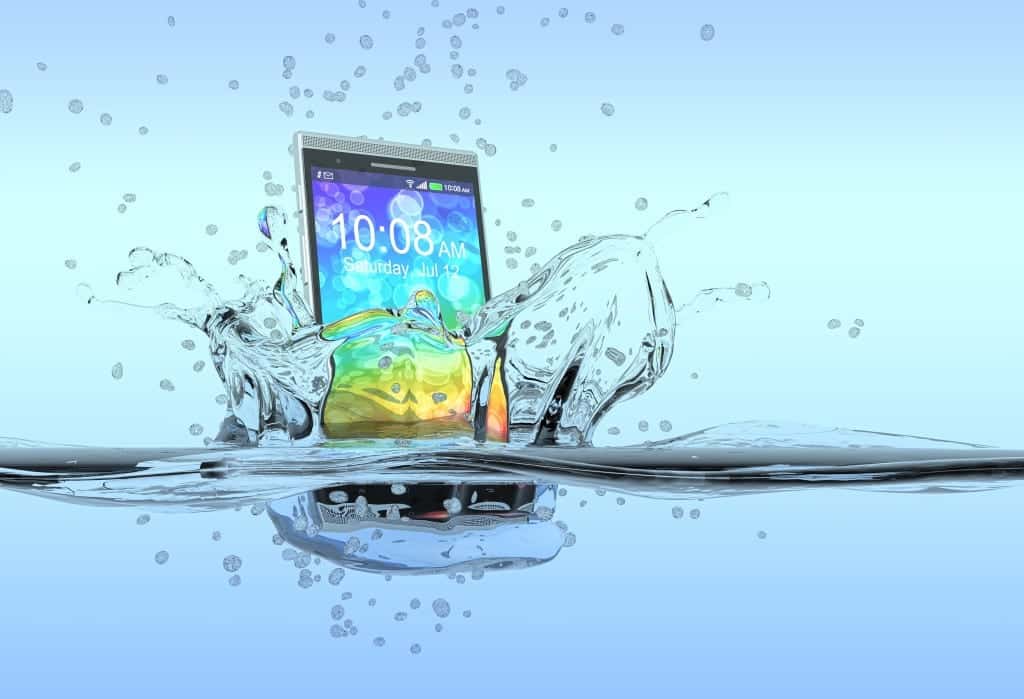
Water Damage
Water Damage
Exposure to moisture or water can lead to a black screen or other malfunctions in a smartphone.
Solution
If your device has been exposed to water, power it off immediately, and do not attempt to charge or turn it on until it has thoroughly dried.
You can use methods like placing it in a bag of rice to help absorb the moisture, but consult a professional if you suspect significant water damage.
A blacked-out smartphone screen can be concerning, but it’s essential not to panic. Many issues causing a black screen can be resolved with simple troubleshooting steps.
However, if you’re unable to identify or fix the problem, or if you suspect a hardware issue, it’s best to seek professional assistance to ensure the long-term health and functionality of your device.
Remember always to back up your data regularly to avoid data loss during troubleshooting or repairs.
FAQs
Q1. How to forcefully shut down your smartphone when the screen goes black?
Answer. Forcing a shutdown on your smartphone when the screen goes black can be a handy trick to reboot the device. Here’s how you can do it on different mobile platforms:
For Android:
Soft Reset (Most Android Phones): Press and hold the power button and volume down button simultaneously for about 10-15 seconds. This should force your Android device to restart. If your device has a dedicated Bixby or Google Assistant button, you might need to press and hold those buttons instead.
Battery Removal (For Devices with Removable Batteries): If your Android phone has a removable battery, you can open the back cover and remove the battery for a few seconds. Then, reinsert it and power on the device.
For iPhones (iOS):
Force Restart (iPhone 8 and Later): Quickly press and release the volume up button, then quickly press and release the volume down button. Finally, press and hold the side button until you see the Apple logo on the screen. Release the button, and your iPhone should restart.
Force Restart (iPhone 7 and 7 Plus): Simultaneously press and hold the volume down button and the sleep/wake (power) button until you see the Apple logo.
Force Restart (iPhone 6s and Earlier): Simultaneously press and hold the home button and the sleep/wake (power) button until you see the Apple logo.
Remember that performing a forced shutdown should only be used when your phone becomes unresponsive or the screen goes black, as it’s essentially a hard reboot.
Q2. How do you restart an Android phone?
Answer. To restart an Android phone, follow these steps:
Using the Power Button:
Press and hold the power button on the side or top of your Android device.
A menu should appear on the screen with options like “Power Off,” “Restart,” or “Reboot.”
Tap “Restart” or “Reboot” to initiate the restart process.
Using the Hardware Buttons (If the Screen Is Unresponsive):
Force restart by pressing and holding the power button and the volume down button simultaneously for about 10-15 seconds.
Release the buttons when you see the device’s logo or feel it vibrate, indicating that the phone is restarting.
Using the System Settings:
Open the “Settings” app on your Android device.
Scroll down and tap on “System” (or “About phone” on some devices).
Tap on “Restart” or “Restart phone.”
Q3. Can a factory reset solve the smartphone screen black out issue?
Answer. A factory reset can potentially resolve a smartphone screen black out issue, but it should be considered as a last resort. It erases all data and settings on the device, returning it to its original state. Before performing a factory reset, try less drastic troubleshooting steps, such as force restarting the device, checking for software updates, or seeking professional assistance, as a factory reset should only be used when all other options have been exhausted.
Q4. What to do if my smartphone screen doesn’t turn on after restart?
Answer. If your smartphone screen doesn’t turn on after a restart, try these steps:
Ensure the battery is charged.
Perform a forced restart (hard reset).
Check for physical damage or water exposure.
Boot into safe mode to rule out app-related issues.
If the problem persists, consider seeking professional repair or contacting the manufacturer’s support.
5) How to fix a black screen On Samsung Galaxy S9/S10?
Ans) Press and hold the Power button.
When Power off prompt appears, press and hold on the Power off until the
Safe mode prompt appears then release.
Tap Safe mode.
When changing up which buttons you’re holding, you may have to try a few times to get the timing exactly right. It should be about 10 seconds before you switch to the new buttons (but keep the power button depressed all the time), but switching too soon or too late will cause the phone not to boot into Recovery Mode.
6) How to fix a black screen On Samsung Galaxy S8/S7/S6/S5?
Ans) Press and hold Power button until Power off appears.
Press and hold the Power off icon until a Safe mode prompt appears.
Select Safe Mode to confirm.
7) How to fix a black screen On Other Android Phones?
Ans) Press and hold Power button until Power off.
Press and hold on Power off until Safe mode prompt.
OK.
8) How to fix a black screen on Pixel Phones?
Ans) Press and hold the Power button until Power off appears the release button.
Touch and hold Power off until prompt “Reboot to safe mode” appears, then release.
Tap OK to confirm.
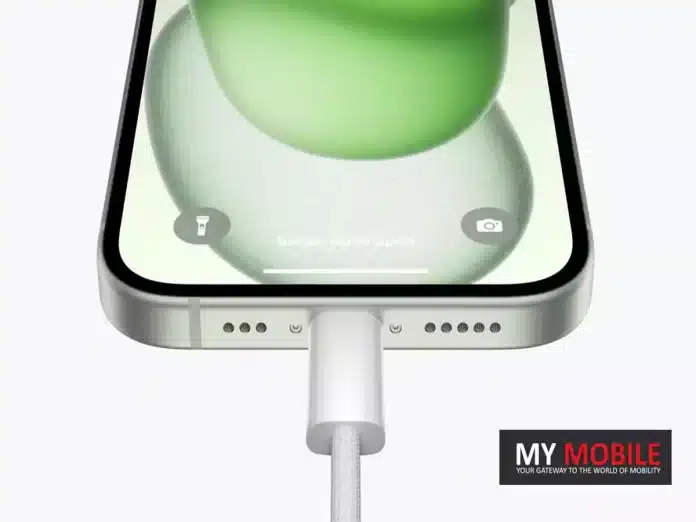
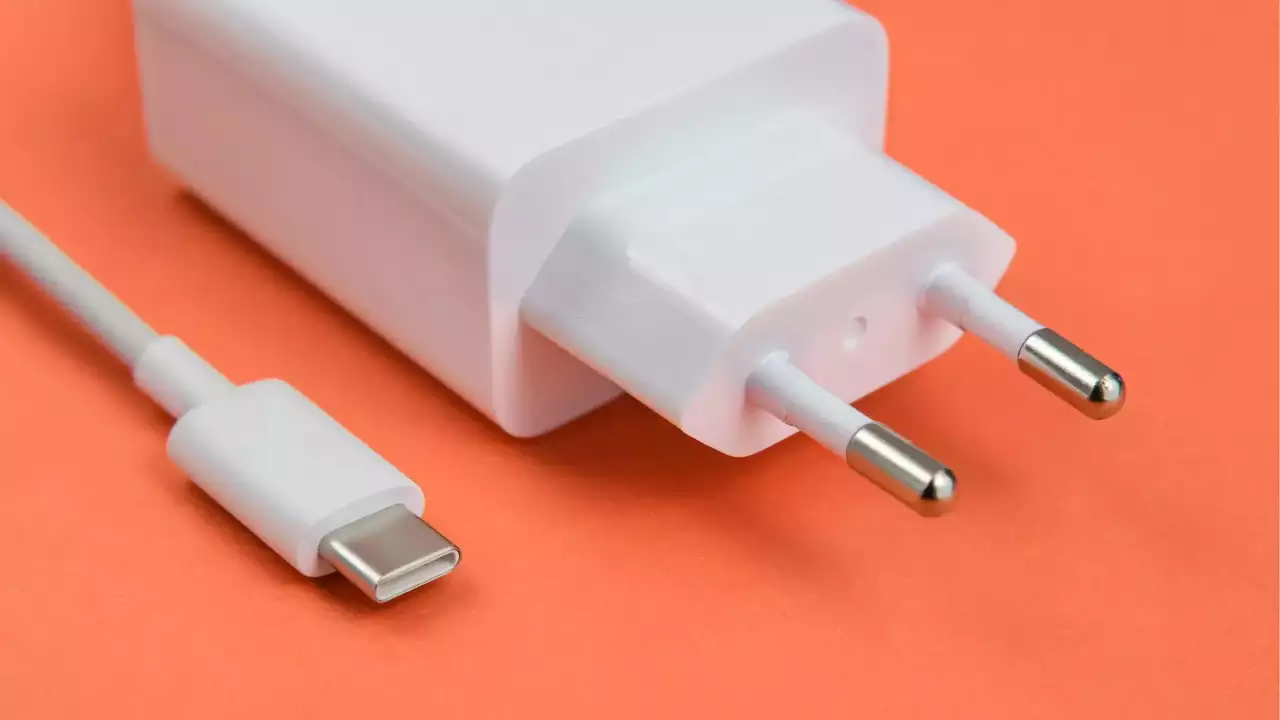
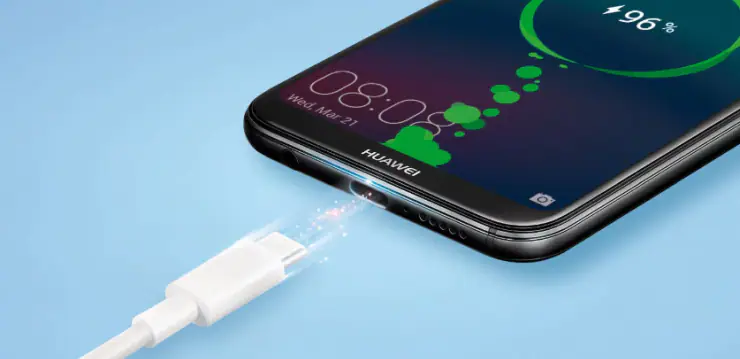
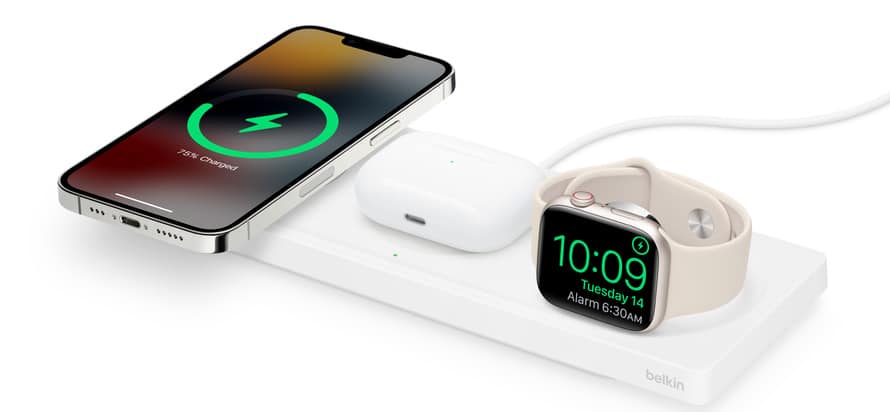
As per the latest Apple unveiling, all models in the iPhone 15 series will be able to charge the Apple Watch, AirPods case, and other accessories that support power delivery through USB-C.
The baseline iPhone 15 models, the iPhone 15 and iPhone 15 Plus have USB 2.0, and the Pro models get USB 3.2.
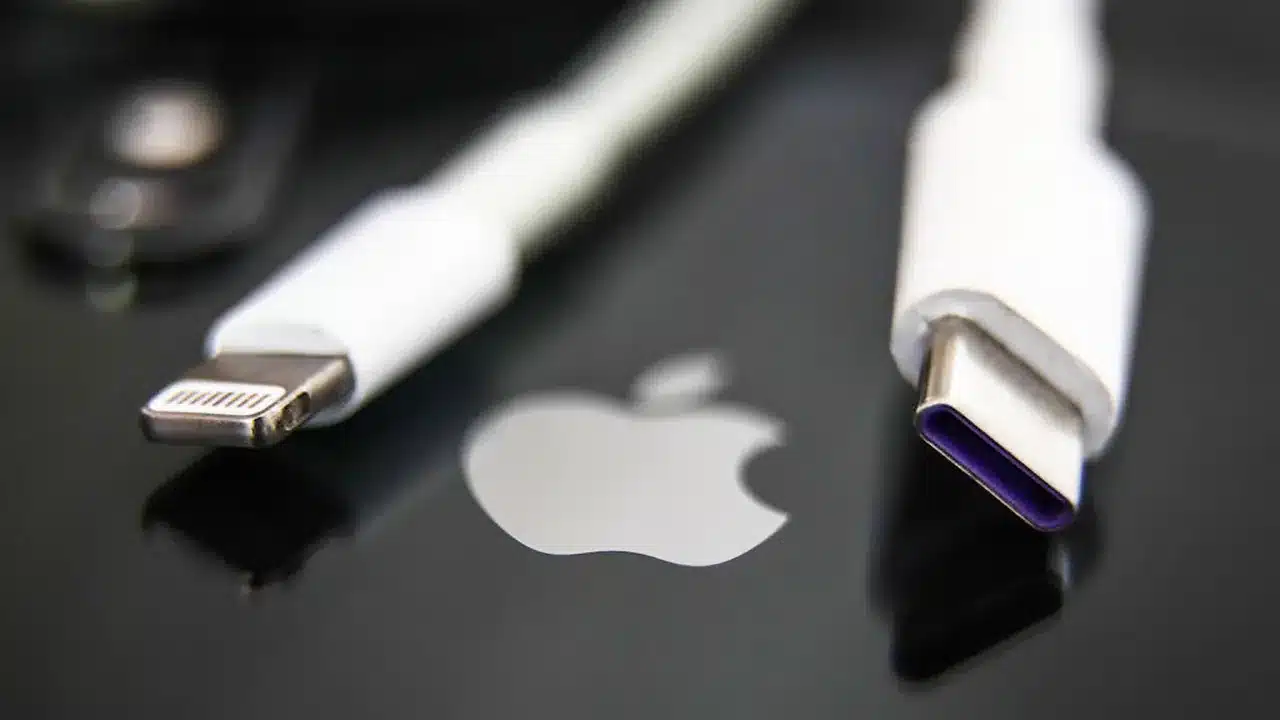
Given that this represents a departure from Apple’s traditional connection standard, it’s important to understand the reasons behind this change and how it could impact you.
USB-C stands as a universally accepted standard, facilitating a wide range of functions such as charging, data synchronization, and audio and video playback.
With the iPhone 15 series featuring a USB-C connector, you gain the versatility to charge and connect to an array of devices, including Mac computers, iPads, the second-generation AirPods Pro, external storage devices, and displays.
If you’ve been a loyal iPhone user for many years and have invested in a collection of Lightning cables for various Apple devices, this shift becomes even more significant for you. In this blog, we’ll explore why Apple has chosen to make this shift now and what advantages it may offer.
iPhone 15 Series USB-C Specifications
iPhone 15 Series USB-C Specifications
According to Apple’s support document titled “Charging and Connecting with the USB-C Connector on Your iPhone 15,” the following are the USB-C specifications of the iPhone 15 series –
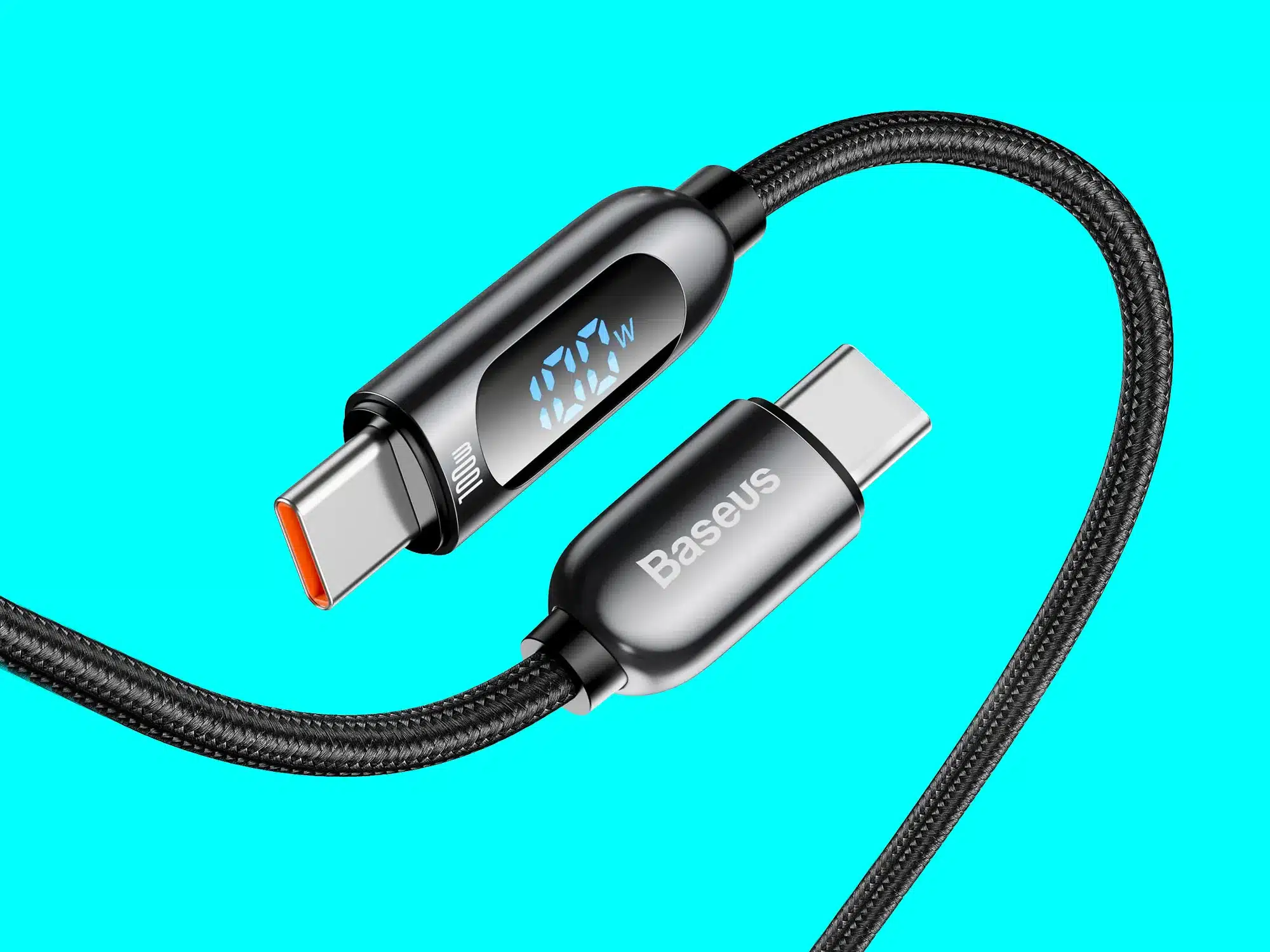
Charge your iPhone using any USB-C cable that supports the USB-PD standard.
iPhone 15 Pro and iPhone 15 Pro Max will be equipped with the USB 3.2 Gen 2 standard, allowing for data transfer speeds of up to 10Gbps.
Charge Apple accessories like AirPods and Apple Watch, delivering power at up to 4.5 watts by connecting them to iPhone 15 models.
Establish a connection using both an Apple USB-C to 3.5 mm Headphone Jack Adapter and an Apple USB-C to Lightning Adapter.
Support connections to external displays with USB-C ports as well as HDMI ports. These displays can deliver video in either SDR or HDR formats (Dolby Vision, HDR10) at 4K resolution and a 60Hz refresh rate. For USB-C Displays, you’ll need a USB 3.1 or higher cable, while for HDMI Displays or TVs, you’ll require cables and adapters supporting HDMI 2.0 output.
Connect a variety of devices, including CarPlay stereos, external storage devices, microphones, external battery packs, USB to Ethernet adapters, and SD cards through the use of SD card adapters.
10 Benefits the USB Type-C will bring to the iPhone 15 Series
Here are 10 benefits that the USB Type-C will bring to the iPhone 15 Series –
Universal Compatibility
USB Type-C will bring to the iPhone 15 Series
USB Type-C is a universally accepted standard, meaning it’s not exclusive to Appleproducts.
This ensures that you will now be able to use a wide range of cables and accessories from various manufacturers with your iPhone 15. This will significantly reduce the need for proprietary connectors and increase versatility.
Fast Charging
Fast Charging
USB-C supports higher power delivery, allowing for faster charging of your iPhone 15. This means you can now top up your battery more quickly, which is especially convenient when you’re in a hurry.
Data Transfer Speed
Data Transfer Speed
USB-C provides faster data transfer speeds compared to older connectors. This is especially beneficial when transferring large files, performing backups, or syncing your device. It saves you time and makes managing your data more efficient.
Versatile Connections
Versatile Connections
The USB-C port on the iPhone 15 allows you to connect your device to a wide range of peripherals.
You can easily link it to your MacBook,iPad, external hard drives, and even external displays, expanding your iPhone’s capabilities.
Apple Accessory Charging
Apple Accessory Charging
With USB-C, you can charge your Apple accessories like AirPods and Apple Watch directly from your iPhone 15.
This eliminates the need for separate charging adapters, simplifying your charging setup.
High-Quality Audio and Video
USB-C supports high-quality audio and video playback when connecting your iPhone 15to external speakers or displays. This ensures a rich multimedia experience with enhanced sound and vivid visuals.
Multi-Functionality
USB-C is a versatile port that can handle multiple functions. This means you can use it for charging, data transfer, audio and video output, and even connecting to accessories like external keyboards or controllers—all through a single connector.
Improved Durability
USB-C connectors are designed to be more robust and durable than previous connectors like the Lightning port. They can withstand more insertions and removals without wearing out, reducing the likelihood of connector-related issues over time.
Reversible Design
Reversible Design
USB-C connectors are reversible, meaning there’s no “wrong way” to plug them in. This eliminates the frustration of trying to connect your device in the dark or without looking.
Future-Proofing
As a widely adopted standard, USB-C is expected to remain relevant for years to come. Choosing the iPhone 15 Series with USB-C ensures that you’ll be able to use it with a wide range of accessories and devices as technology continues to evolve.
All-in-all, USB Type-C offers a multitude of benefits to the iPhone 15 Series, including improved compatibility, faster charging and data transfer, versatile connections, and enhanced durability, all of which enhance your overall user experience.
FAQs
Q1. What devices the USB-C featured iPhone 15 series can connect to?
Answer. The USB-C connector on your iPhone can also connect to a variety of devices that are compliant with the USB-C standard, such as:
CarPlay compatible cars
External storage devices
Monitors and external displays
Microphones
External battery packs
USB to Ethernet adapters
SD cards using SD card adapters
Q2. What is a USB-C port?
Answer: USB-C, short for “Universal Serial Bus Type-C,” is a standardized connector and cable system widely used for data transfer, charging, and connecting various electronic devices. It features a reversible design, making it easy to plug in without worrying about orientation.
Q3. How does USB-C differ from previous USB connectors?
Answer. USB-C differs from older USB connectors (like USB-A and USB-B) in several ways: it’s smaller, reversible, capable of faster data transfer and charging speeds, and can support multiple functions like video output and audio.
Q4. Can I charge my other Apple devices with an iPhone 15 series USB-C port?
Answer: Yes, USB-C ports in the iPhone 15 series will support charging. Many modern devices, including smartphones, laptops, and tablets, use USB-C for charging. The USB Power Delivery (PD) standard allows for fast and efficient charging.
Q5. Is USB-C backwards compatible with older USB devices?
Answer. USB-C devices are often backwards compatible with older USB-A and USB-B devices using the appropriate adapters or cables. However, the performance will be limited to the capabilities of the older USB version.
Q6. Are there any potential issues or drawbacks with USB-C ports?
Answer. While USB-C is versatile and widely adopted, there can be compatibility issues with some older devices and cables. It’s important to ensure that you have the right cables and adapters to avoid connectivity problems. Additionally, not all USB-C ports support the same features, so it’s essential to check the specifications of your devices.
Q7. iPhone 15 charging slowly? How to fast charge iPhone with USB-C?
Answer. To fast charge iPhone 15, you’ll need a higher wattage charging brick. The iPhone USB-C port can technically receive power up to 27 watt speeds, but practically speaking there are diminishing returns on charging speed above ~20-watts. So, with a USB-C cable and an Apple 20 W USB-C power adapter, you can charge the iPhone 15 from zero to 50% in about 30 minutes, and from zero to 100% in under 2 hours.
Sam Kohl of AppleTrack conducts head-to-head drop tests between iPhone 15 Pro and iPhone 14 Pro
Initial tests show iPhone 15 Pro’s black glass and camera lens are more prone to damage
As the drop tests escalated, the iPhone 15 Pro exhibited severe damage
While the tests were not in controlled conditions, the iPhone 14 Pro consistently outperformed its successor in durability.
The iPhone 15 Pro, while packed with a slew of new features like USB-C charging and enhanced cameras, raises concerns over its durability.
Despite Apple’s claims that the new titanium build should make the device sturdier and lighter, early drop tests show a less encouraging reality.
A Head-to-Head Drop Test: iPhone 15 Pro vs iPhone 14 Pro
Sam Kohl of AppleTrack YouTube channel took the initiative to compare the durability of the iPhone 15 Pro against its predecessor, the iPhone 14 Pro.
The tests were conducted in Australia, where Kohl traveled to obtain the phone early. Both phones were subjected to multiple drops from varying heights, with some surprising results.
During the initial rounds, minor damage was noticed on the iPhone 14 Pro, whereas the 15 Pro’s black glass experienced some shattering. Notably, the camera lens of the newer model was impacted as well.
As Kohl amplified the tests by dropping the phones from a higher elevation, the durability gap between the two models widened.
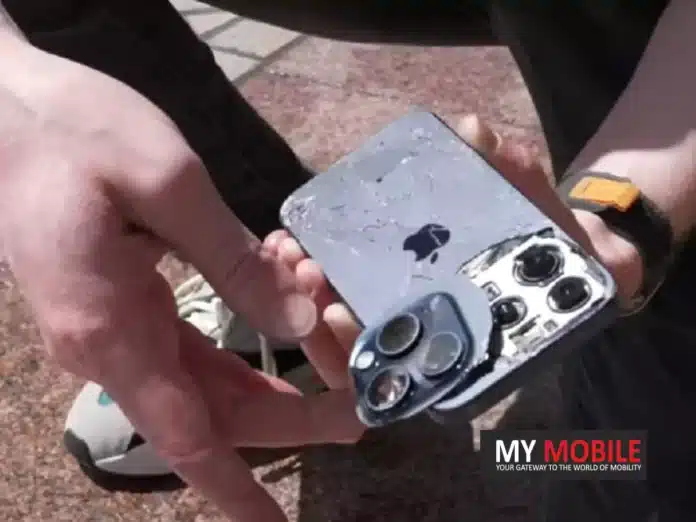
The back of the iPhone 15 Pro started to show spider web-like cracks and two camera lenses were severely damaged. In contrast, the iPhone 14 Pro merely showed some side chipping and minor lens impact.
Design Flaws Exposed: Rounded Edges vs Flat Edges
The new rounded design of the iPhone 15 Pro might be its downfall. Unlike the iPhone 14 Pro, whose flat edgesseemed to absorb impact better, the 15 Pro’s curved sides appeared to distribute the impact across the device, making it more prone to damage.
In a concluding test, the iPhone 15 Pro was dropped screen-down from around 15 feet. The result was a white screen at the bottom and a heavily damaged back, while the iPhone 14 Pro remained crack-free.
Caution Advised: Uncontrolled Testing Conditions
It’s crucial to remember that these tests were not performed under controlled conditions. However, after 15 rounds of drops, it was evident that the iPhone 14 Pro consistently outperformed its successor, a fact that’s hard to ignore.
FAQs
Who conducted the iPhone 15 Pro drop tests?
Sam Kohl from the AppleTrack YouTube channel conducted the tests in Australia. He used multiple drop heights to assess the phones’ durability.
What kinds of damage did the iPhone 15 Pro suffer from during these tests?
The iPhone 15 Pro exhibited black glass shattering, spider-web-like cracks on the back, and severe damage to two of its camera lenses.
How did the iPhone 14 Pro fare in the drop tests compared to the iPhone 15 Pro?
The iPhone 14 Pro showed minor damages like side chipping and slight lens impacts, outperforming its successor in each round of testing.
Were the tests conducted under controlled conditions?
No, the tests were not conducted under controlled circumstances, but the consistent outcomes over 15 rounds make the results hard to dismiss.
Stylish design with matte-finish black variant and slim profile
MediaTek Dimensity 6100+ SoC ensures solid performance for the budget category
50MP main camera excels in daylight photography but could improve in low-light settings
Long-lasting 5,000mAh battery with 33W fast charging support
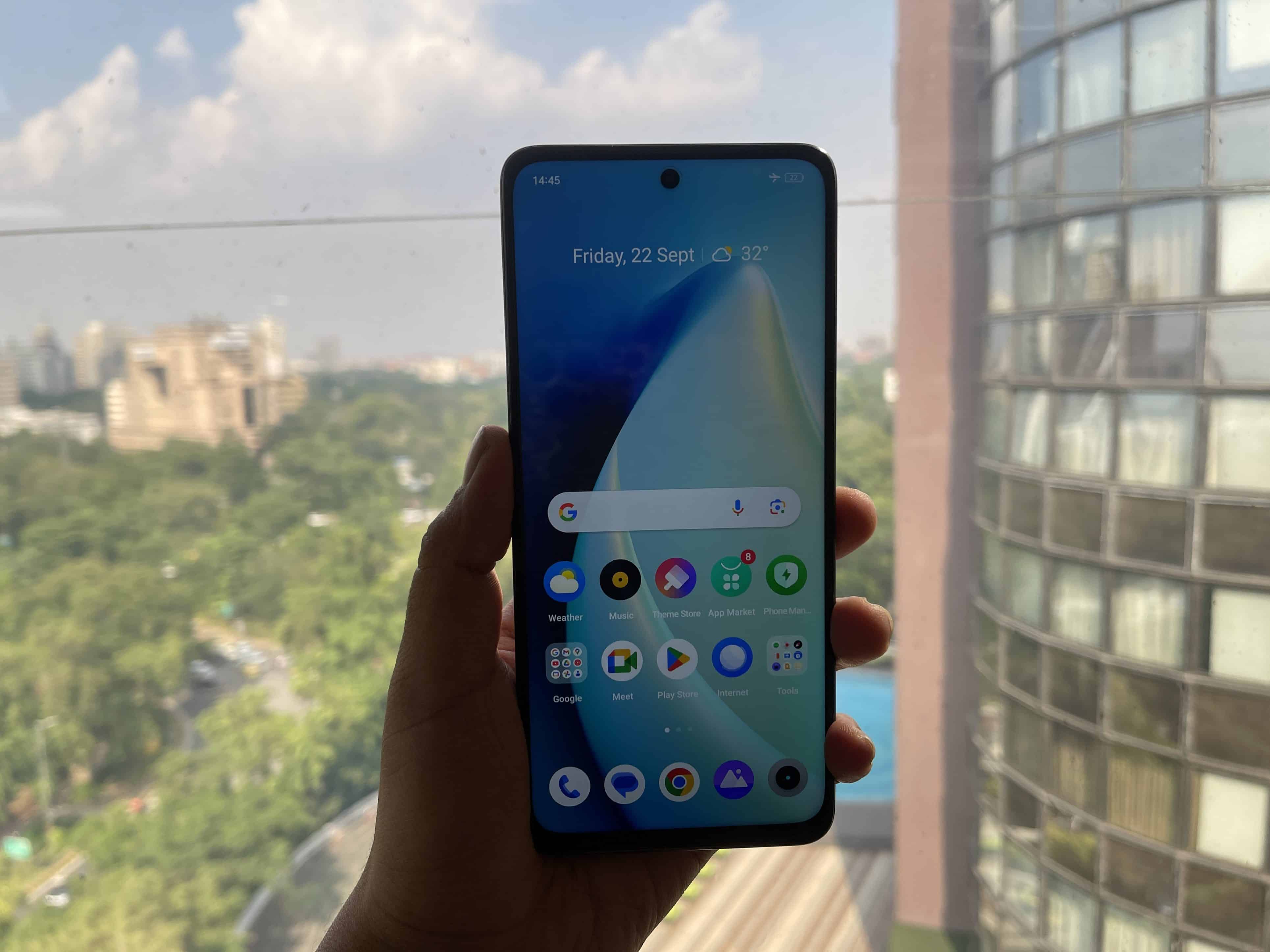
The Realme Narzo 60X, priced at Rs 12,999, aims to offer a blend of design sophistication and essential features to budget-conscious consumers.
From its premium design cues to robust performance capabilities, this smartphone presents a compelling case in the highly competitive budget segment.
Let’s see if this budget offering is perfect for you in this detailed review.
Verdict
Realme Narzo 60X Review: Verdict
The Realme Narzo 60X delivers more than its price tag suggests.
With its appealing design, decent camera setup, and all-day battery life, it offers good value for money, but isn’t without its drawbacks like software bloat and average low-light photography.
Pros and Cons
Realme Narzo 60X: Pros & Cons
Pros
Cons
Premium Design
Average Low-light Camera
Reliable Performance
Bloatware and Ads
Strong Battery Life
5G Connectivity
Key Specs
Realme Narzo 60X Review: Key Specs
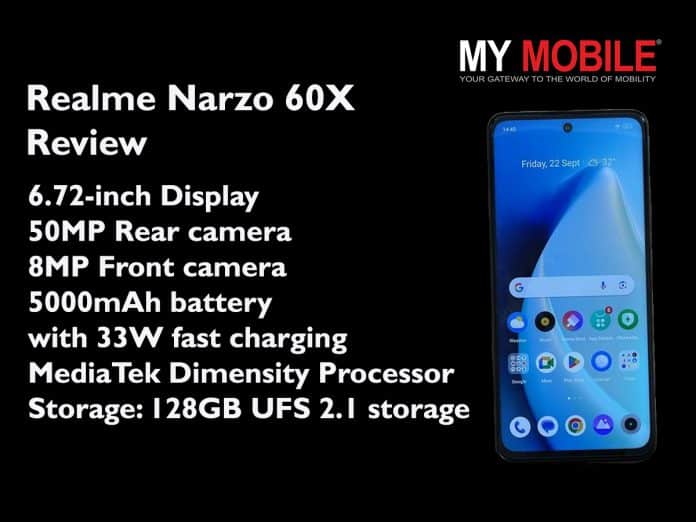
Display: 6.72-inch FHD+ LCD, 120Hz refresh rate
Processor: MediaTek Dimensity 6100+ SoC
Camera: 50MP Main, 8MP Front
Battery: 5,000mAh, 33W Fast Charging
RAM/Storage: Up to 6GB LPDDR4X RAM, 128GB UFS 2.1 Storage
Software: Android 13-based Realme UI 4.0
Realme Narzo 60X: Design and Display
Realme Narzo 60X: Design
The Realme Narzo 60X effortlessly blends premium design elements with essential features, all within a budget-friendly package.
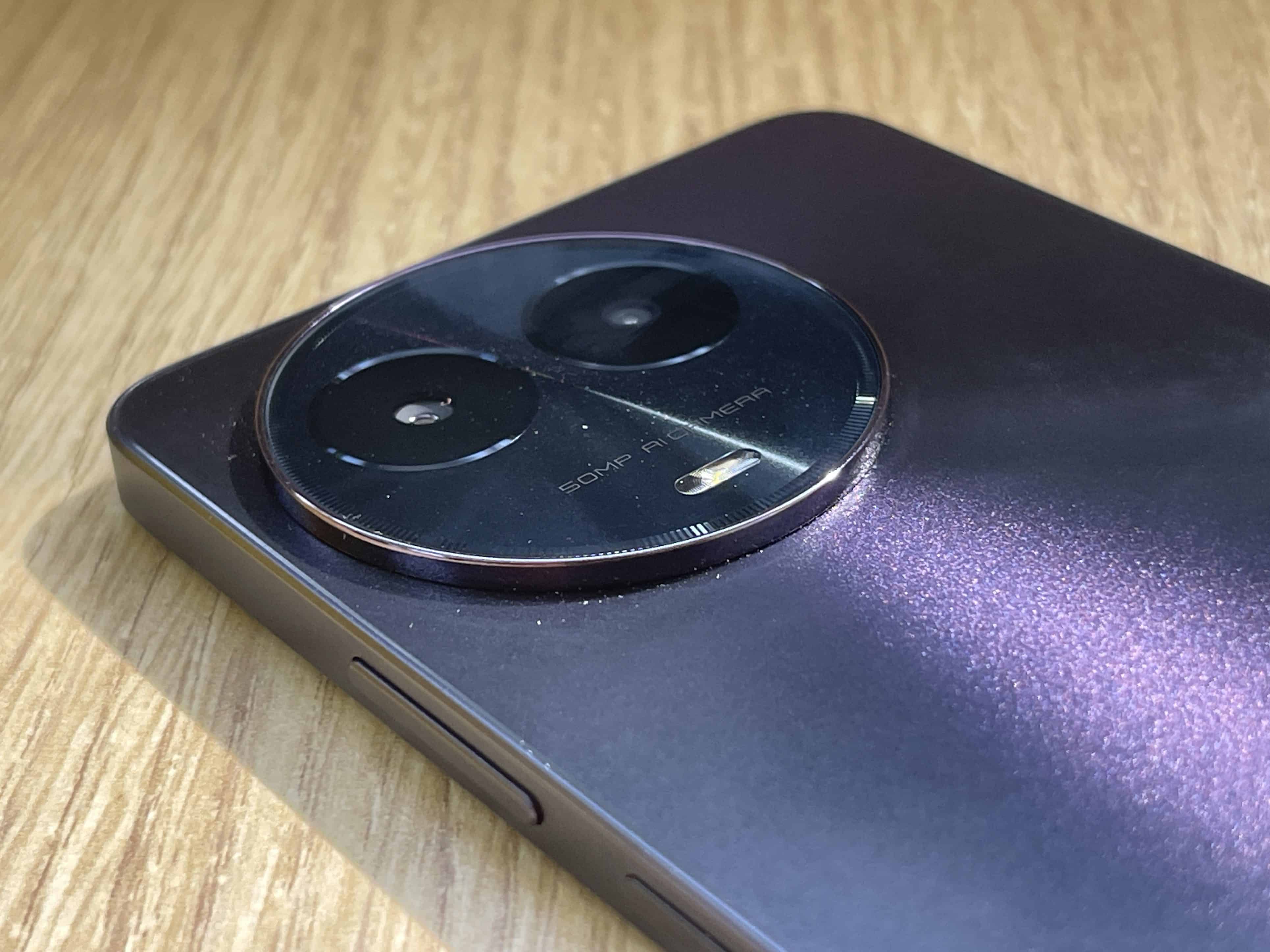
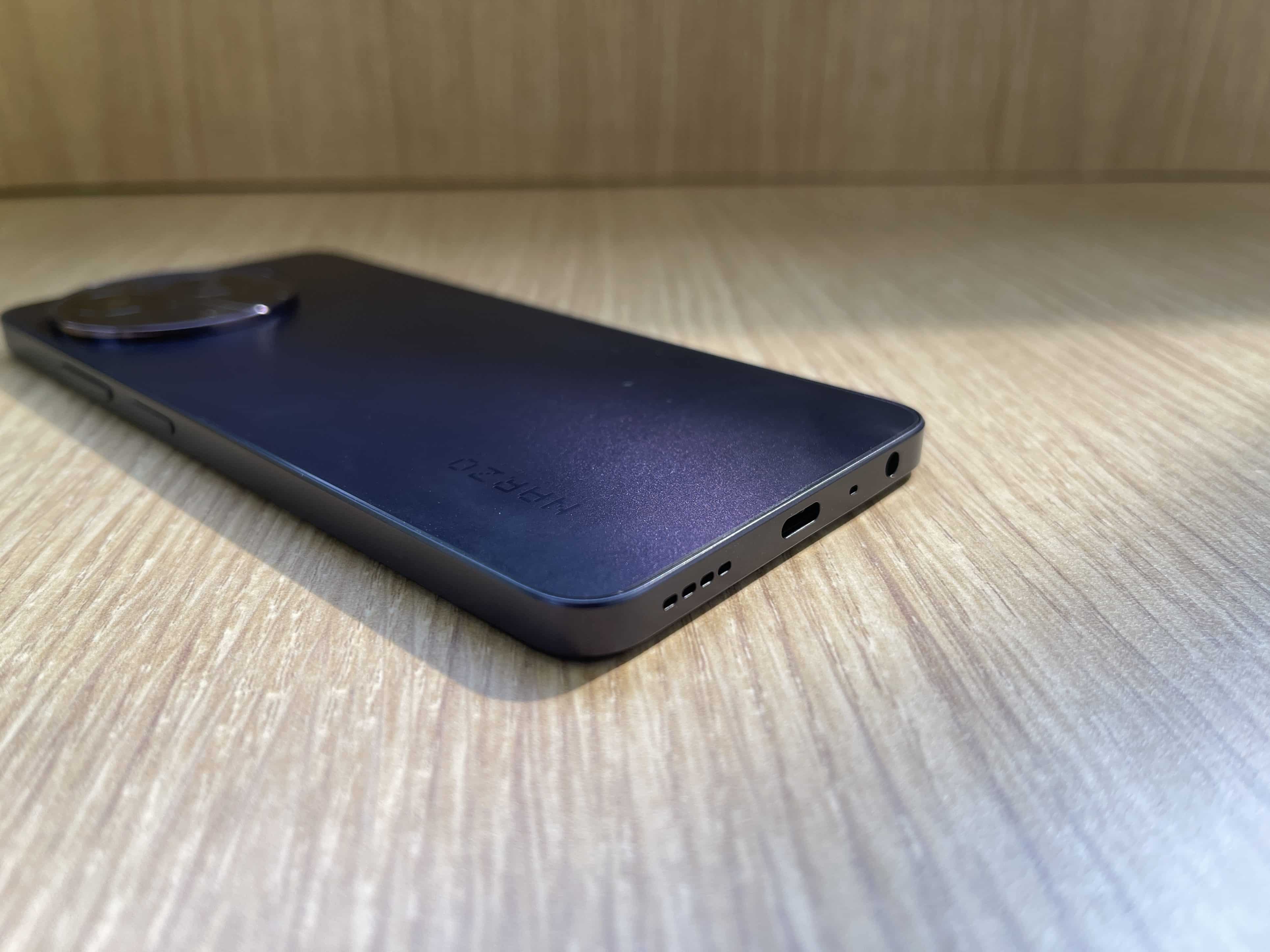
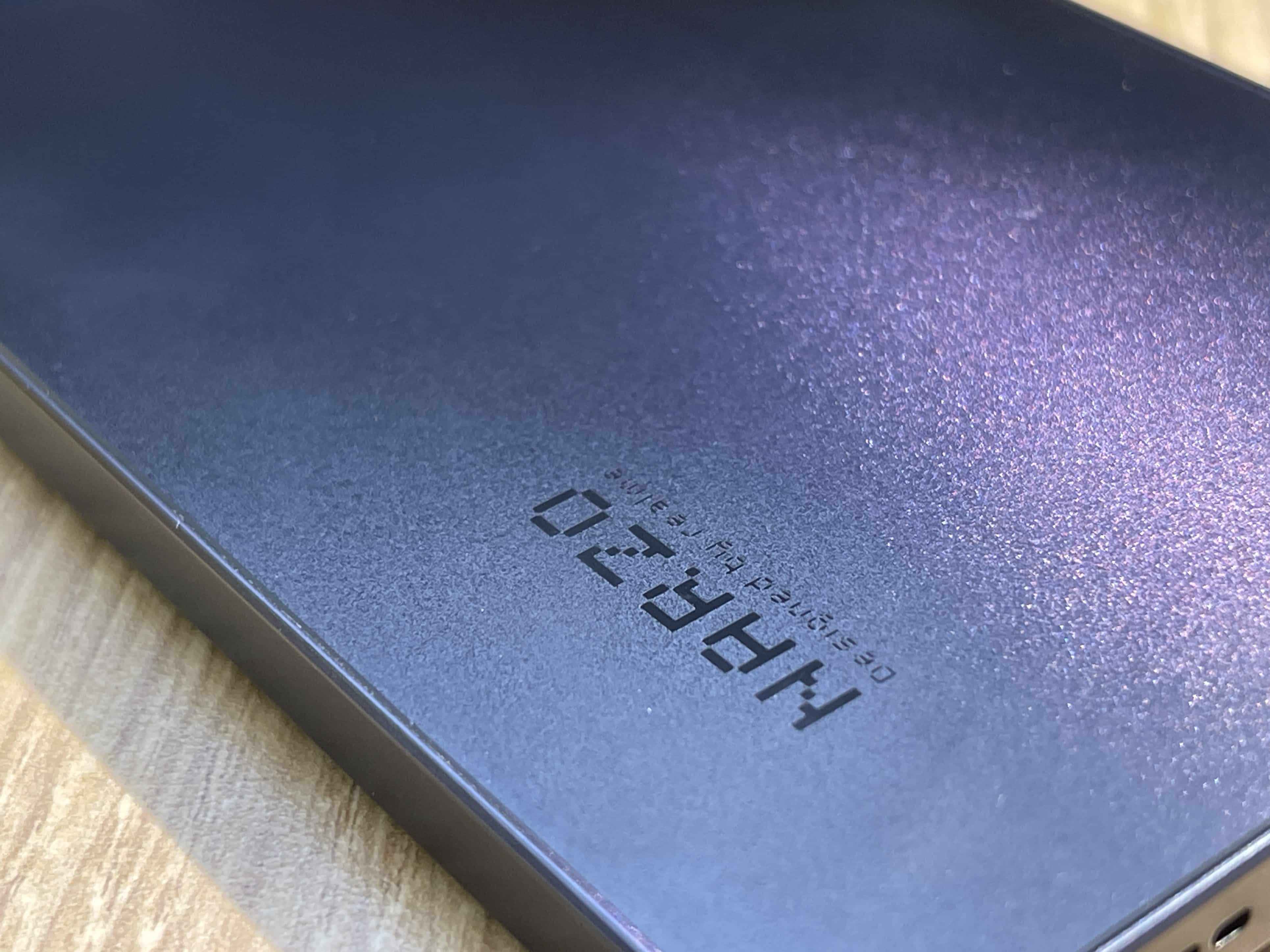
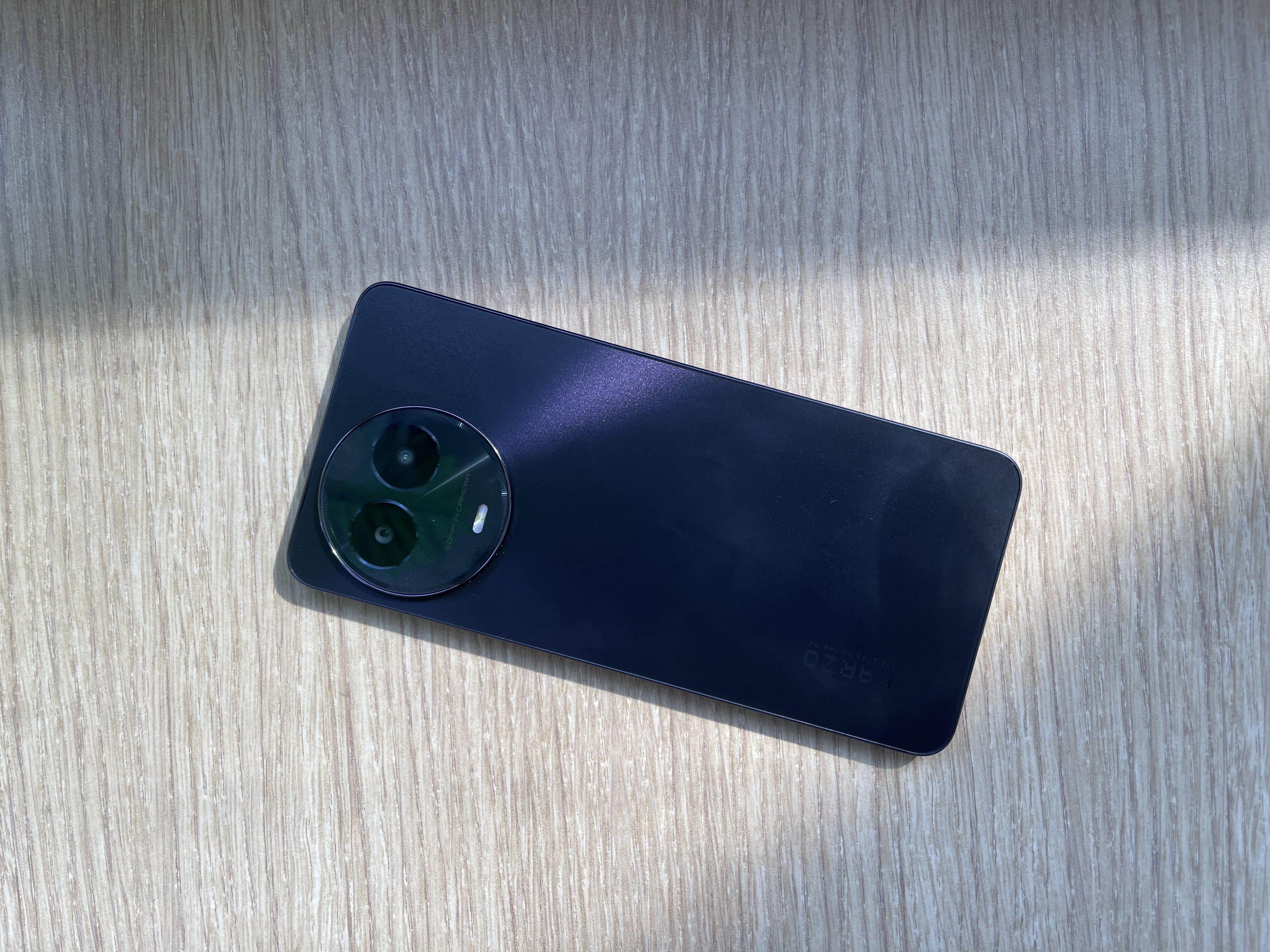
The phone’s matte-finish black color variant exudes sophistication, complemented by a camera ring design that takes cues from the Realme 11X. Weighing just 190 grams and measuring 7.89mm in thickness, this device is built for comfortable, extended usage.
In terms of functionality, the Narzo 60X is equipped with modern amenities like a USB Type-C port for efficient charging and data transfer.
It also retains a 3.5mm headphone jack, catering to those who still prefer wired audio. Conveniently located volume rockers and a side-mounted fingerprint sensorround out the feature set, making the phone as practical as it is stylish.
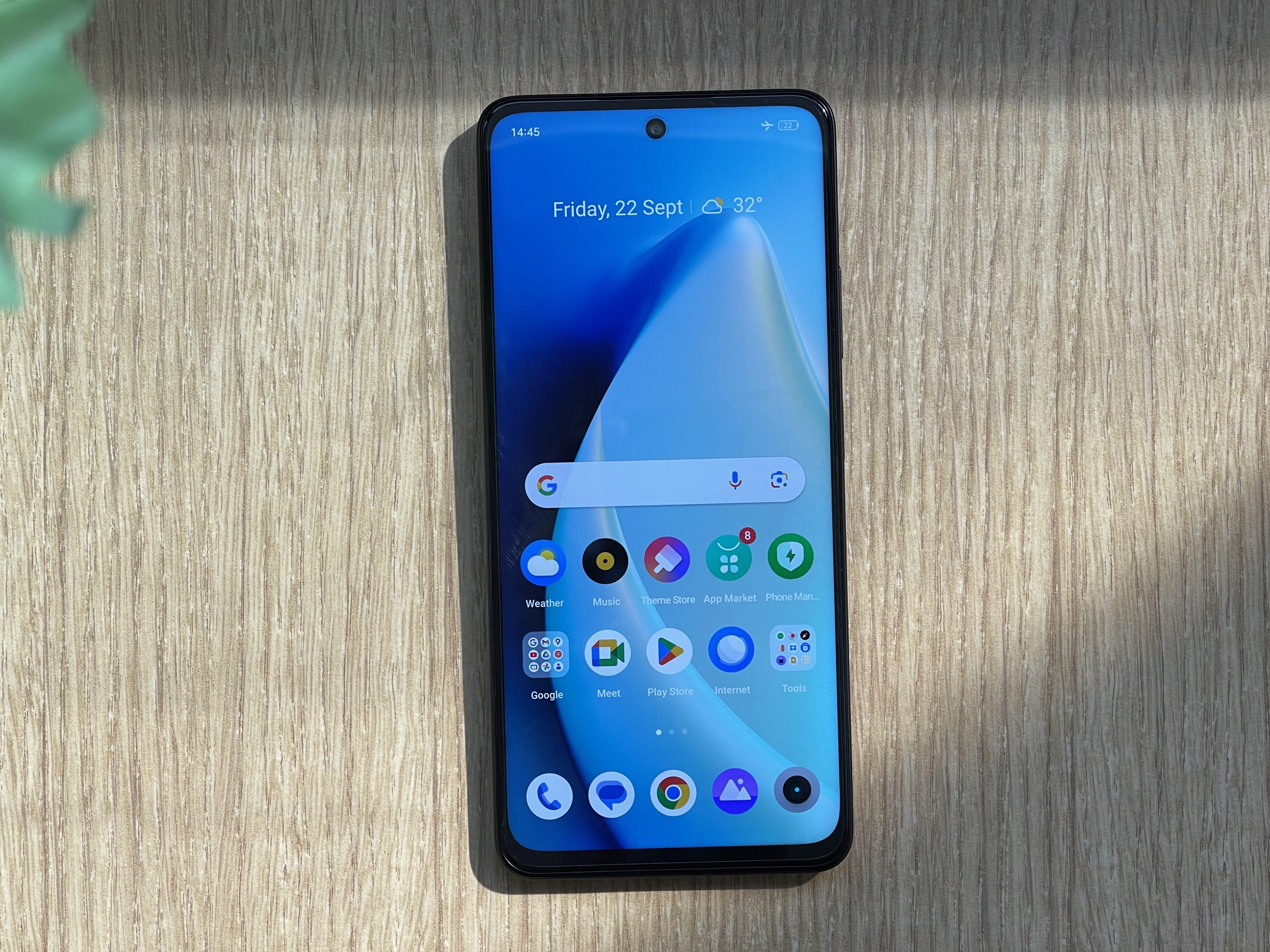
Realme Narzo 60X: Display
The device boasts of a 6.72-inch FHD+ LCD panel that delivers a respectable viewing experience. With a peak brightness of 650 nits, the display performs well in various lighting conditions.
Although it doesn’t support HDR, the phone comes with Widevine L1 certification, ensuring that HD content can be streamed without issue.
The screen’s 120Hz refresh rate enhances the fluidity of the user interface, making scrolling and animations notably smoother.
However, it’s worth noting that the display has some minor drawbacks. For instance, there is slight backlight bleeding around the punch-hole, which is relatively common for LCD panels in this category.
Additionally, in our opinion, the device has somewhat larger bezels around the chin area, but this is a minor aesthetic concern that does not significantly impact the overall experience.
The viewing angles are decent, making it easier to share content with friends or watch videos from different perspectives.
Realme Narzo 60X: Cameras
Realme Narzo 60X: Cameras
The Realme Narzo 60X features a 50MP main camera that performs commendably well in daylight conditions.
The dynamic range is moderate, and while there’s room for improvement in shutter speed and focus, the overall performance is quite decent for a budget phone.
One of the highlights is the color reproduction, which manages to maintain a good balance of vibrancy and accuracy.
We saw that sharpness in full-resolution 50MP shots adds an extra layer of detail, enhancing the quality of images.
The phone also has a 2MP dedicated sensor for portrait mode, producing reasonably well-executed shots, although edge detection could use some fine-tuning.
As for low-light photography, there are areas for improvement in terms of image quality and noise reduction.
We found that images taken in poorly lit conditions often appear overly processed, losing out on important details.
While the dedicated night mode attempts to compensate for the lack of natural light, its performance is somewhat limited.
On the front, the 8MP selfie camera holds its own, offering satisfactory results in capturing facial features and skin tones, especially considering the phone’s budget-friendly price point.
Realme Narzo 60X: Camera Samples
Realme Narzo 60X: Performance and Features
Realme Narzo 60X: Performance
In terms of performance, the Narzo 60X has MediaTek’s Dimensity 6100+ SoC, positioning it as a competent performer in the budget category.
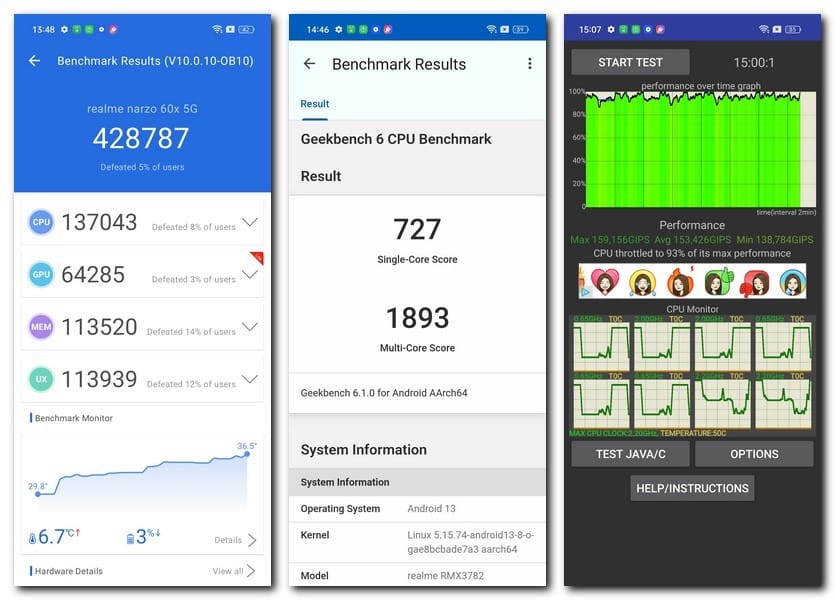
Benchmark tests reflect this, with Antutu V9 Lite scoring 428,787 and a 1,893 multi-core score on Geekbench 6.
The CPU Throttle benchmark indicates a 93 percent stability, which suggests that the device is reliable for general usage.
While the phone can handle low-level gaming on titles like BGMIfor extended periods, it’s not designed for high-end gaming experiences.
Realme Narzo 60X Review: Features
Performance can also be hindered when running multiple tasks, partly due to its hardware limits; it offers up to 6GB of LPDDR4X RAM and 128GB of non-expandable UFS 2.1 storage.
A unique feature is Dynamic RAM, which allocates an additional 6GB from storage to act as virtual RAM.
Connectivity features are quite robust, with support for both NSA and SA 5G bands in the country. The “5G Low Power Smart Hotspot” allows users to share their 5G network with others efficiently.
Audio and accessibility are also decent; the phone includes a 3.5mm headphone jack and the speakers, although average, get the job done.
The fingerprint sensor offers a reliable and quick way to unlock the device.
While the skin is customisable and could be user-friendly for those accustomed to Realme’s ecosystem, it’s not without its downsides.
Users may encounter advertisements when downloading apps, a caveat that could mar the experience for some.
Additionally, the device comes pre-loaded with bloatware, an issue that has long been a point of contention in the software experience.
Despite these drawbacks, the software is otherwise functional and may appeal to long-term Realme users.
Realme Narzo 60X: Software
The Realme Narzo 60X is equipped with a 5,000mAh battery that reliably lasts an entire day.
Users can expect screen-on times to hover between 6 to 7 hours, which is more than adequate for the phone’s target budget-conscious audience.
When it comes to recharging, the device supports 33W fast charging, allowing for a complete battery refill in approximately 90 minutes.
This rapid charging feature adds to the phone’s overall utility, especially for users who may not have consistent access to a charging outlet throughout the day.
Realme Narzo 60X: Final Verdict
Realme Narzo 60X: Final Verdict
Priced at Rs 12,999, the Realme Narzo 60X impresses on multiple fronts. Its design aesthetics stand out, encapsulating premium elements that are often hard to find in budget smartphones.
Performance-wise, the phone meets expectations, backed by MediaTek’s Dimensity 6100+ SoC and 6GB of RAM.
It excels in day-to-day tasks and even manages to handle low-level gaming, although it is not built for intense gaming sessions.
The 50MP primary camera captures good daylight shots but falls short in low-light conditions.
Software can be a mixed bag, with a customizable user interface but hindered by the presence of bloatware and ads.
The 5,000mAh battery is a strong point, ensuring that the phone lasts an entire day on a single charge.
With its 33W fast charging capabilities, you’re back in action in no time. Overall, if you can overlook its minor flaws, the Realme Narzo 60X is a well-rounded budget offeringthat punches above its weight in several key areas.
How is the Realme Narzo 60X’s camera performance in different lighting conditions?
The Realme Narzo 60X’s 50MP main camera performs well in daylight with moderate dynamic range and good color balance. However, low-light performance leaves room for improvement, with images often appearing overly processed.
What kind of performance can be expected from the Realme Narzo 60X for gaming?
The device is equipped with MediaTek’s Dimensity 6100+ SoC and can handle low-level gaming smoothly. However, it is not suitable for high-end, graphics-intensive gaming experiences.
Does the Realme Narzo 60X come with a 5G connectivity feature?
Yes, the phone supports both NSA and SA 5G bands and even offers a 5G Low Power Smart Hotspot feature, allowing users to share their 5G network efficiently.
Is the Realme Narzo 60X’s battery life sufficient for a full day?
The phone comes with a 5,000mAh battery that can easily last a full day with moderate to heavy usage. The device also supports 33W fast charging, which can fully recharge the battery in approximately 90 minutes.
Apple discovers a bug in iOS 17 that causes iPhone 15 and 15 Pro to get stuck on the Apple logo during initial setup.
The issue is not confined to the iPhone 15 series but affects all devices running iOS 17 using the data transfer option.
A temporary fix involves putting the device in DFU mode and restoring it through a computer.
Apple has pinpointed an iOS 17 bug that could potentially disrupt your iPhone 15 upgrade experience.
Specifically, the issue arises during the initial setup phase of new iPhonesthat come preinstalled with iOS 17.
The glitch is known to cause iPhones to get stuck in a boot loop, displaying the Apple logo on a black screen.
If your new iPhone 15 or iPhone 15 Pro encounters this bug during the data transfer process, you may find your device stuck on the Apple logo screen.
This issue is not limited to the new iPhone 15 series; it may also affect those who are switching to any phone that runs iOS 17 and uses the data transfer option.
The Fix: Using DFU Mode to Restore Your Device
iOS 17 Bug
To resolve the glitch, Apple advises putting the affected iPhone into DFU (Device Firmware Update) mode and initiating a restore via a computer.
To perform this, you need to connect the iPhone to a PC or Mac using a cable, press the volume up button, press the volume down button, and finally press and hold the side button until an icon appears, indicating that the device is in DFU mode.
Your device will then be recognizable through Finder on macOS or iTunes on Windows, where you have the option to click the ‘Restore’ button to reset the device.
Upon restoration, you can start the setup process from scratch.
A new software update may be available that will fix this iOS 17 bug, enabling you to safely transfer data to your new iPhone 15 or 15 Pro.
Caution for Older iPhone Models: iCloud Backup as an Alternative
iPhone Models
However, for those upgrading to an iPhone modelthat predates the iPhone 15 series, a permanent solution for the data transfer bug has not been rolled out yet.
As a workaround, Apple suggests using iCloud Backupto update your new iPhone. Ensure your previous device has a recent iCloud backup (which can be forced via the phone’s settings) and then proceed with the ‘From iCloud Backup’ option during the setup of your new iPhone.
The information about this software issue and its workaround is elaborated in a support document released by Apple.
This document was the first to shed light on this troubling iOS 17 bug.
Ques) What is the iOS 17 bug affecting iPhone 15 series?
The iOS 17 bug causes new iPhone 15 and 15 Pro devices to get stuck in a boot loop during the setup process, specifically while transferring data.
Ques) How can I resolve the issue if I encounter the iOS 17 bug?
Apple suggests putting the iPhone into DFU mode and restoring it using a computer. This involves a series of button presses while the device is connected to a computer via a cable.
Ques) Is the iOS 17 bug exclusive to the iPhone 15 series?
No, the issue may also affect users who are transitioning to any device running iOS 17 and opting for the data transfer method during setup.
Ques) What should I do if I have an older iPhone model?
Apple recommends using iCloud Backup to set up your device, as a permanent fix for the data transfer glitch on older models is not yet available.