Highlights
- Truke Buds ResonanceX are available at a special price of ₹1,699.
- They come in colour choices of Indigo Blue and Ash Black.
- You can buy them online at the brand’s official website and on Amazon.
We have been using the new Truke Buds ResonanceX for almost a week now. Read on to know more about our hands-on review of this very non-traditional audio accessory.
Truke Buds ResonanceX – Key Features
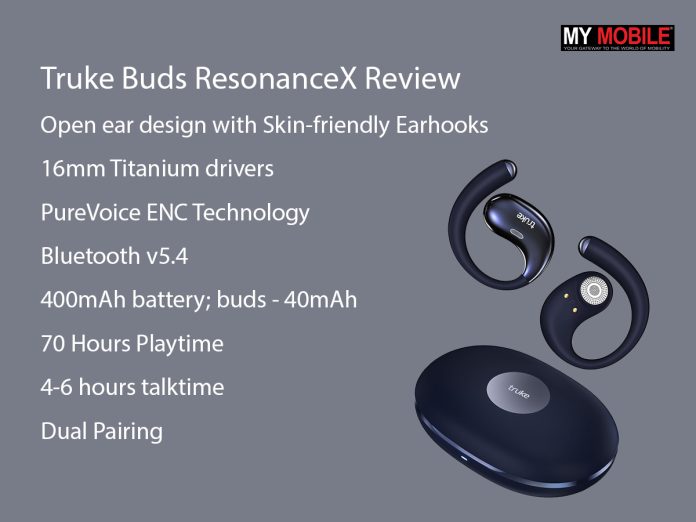
- Open ear design with Skin-friendly Earhooks
- 16mm Titanium drivers
- PureVoice ENC Technology
- Bluetooth v5.4
- Charging case – 400mAh battery; buds – 40mAh
- 70 Hours Playtime
- 4-6 hours talktime
- Dual Pairing
Truke Buds ResonanceX – Pros and Cons
| Pros | Cons |
| ● Premium design
● Comfortable fit ● Good sound quality ● Good battery |
● No app support
● Large case size |
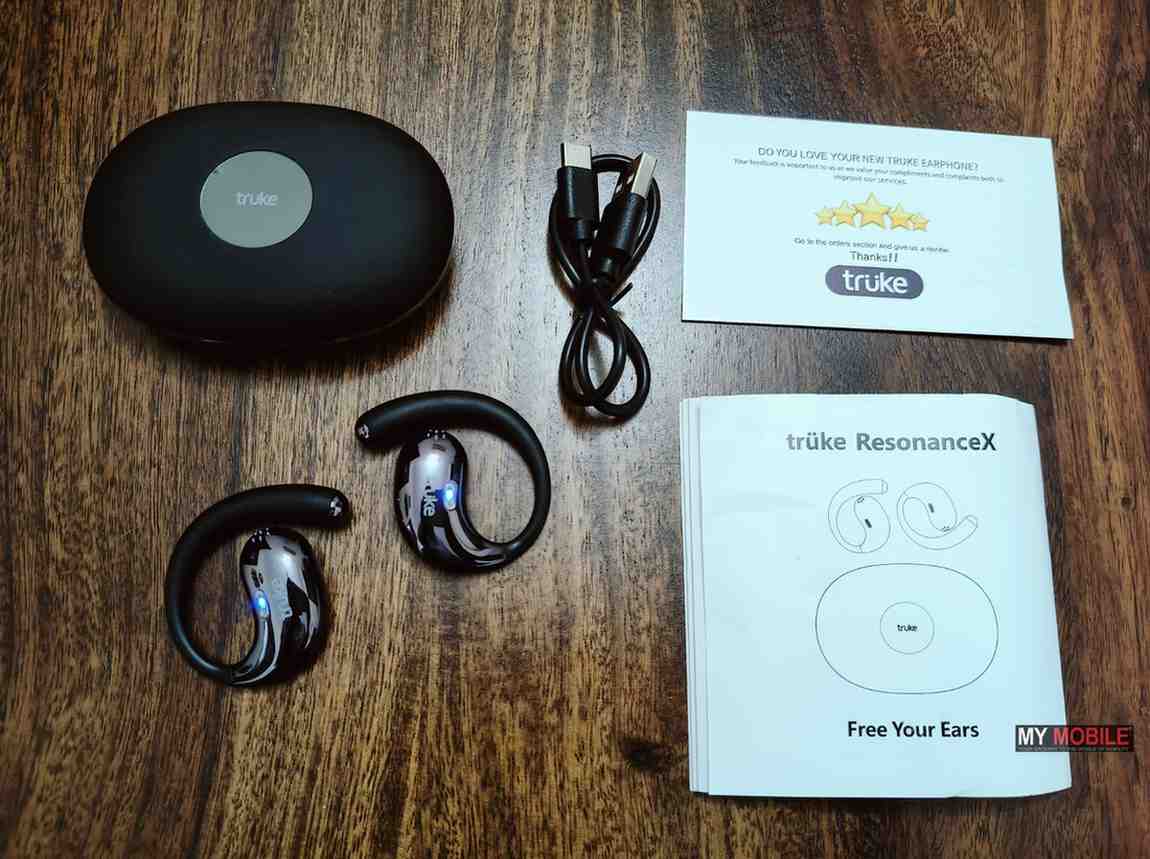
Truke Buds ResonanceX – Unboxing
Truke Buds ResonanceX – Design and Fit
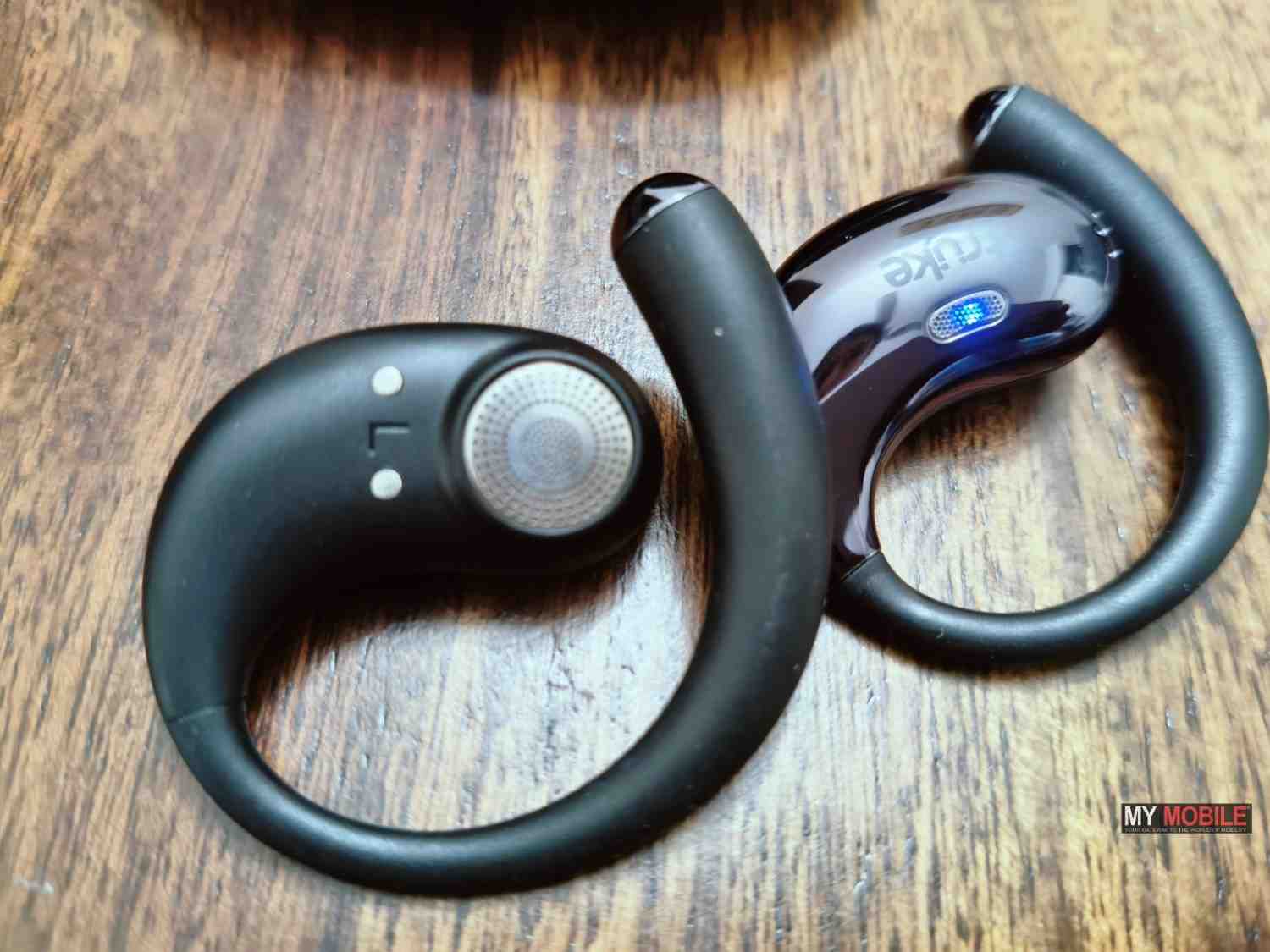
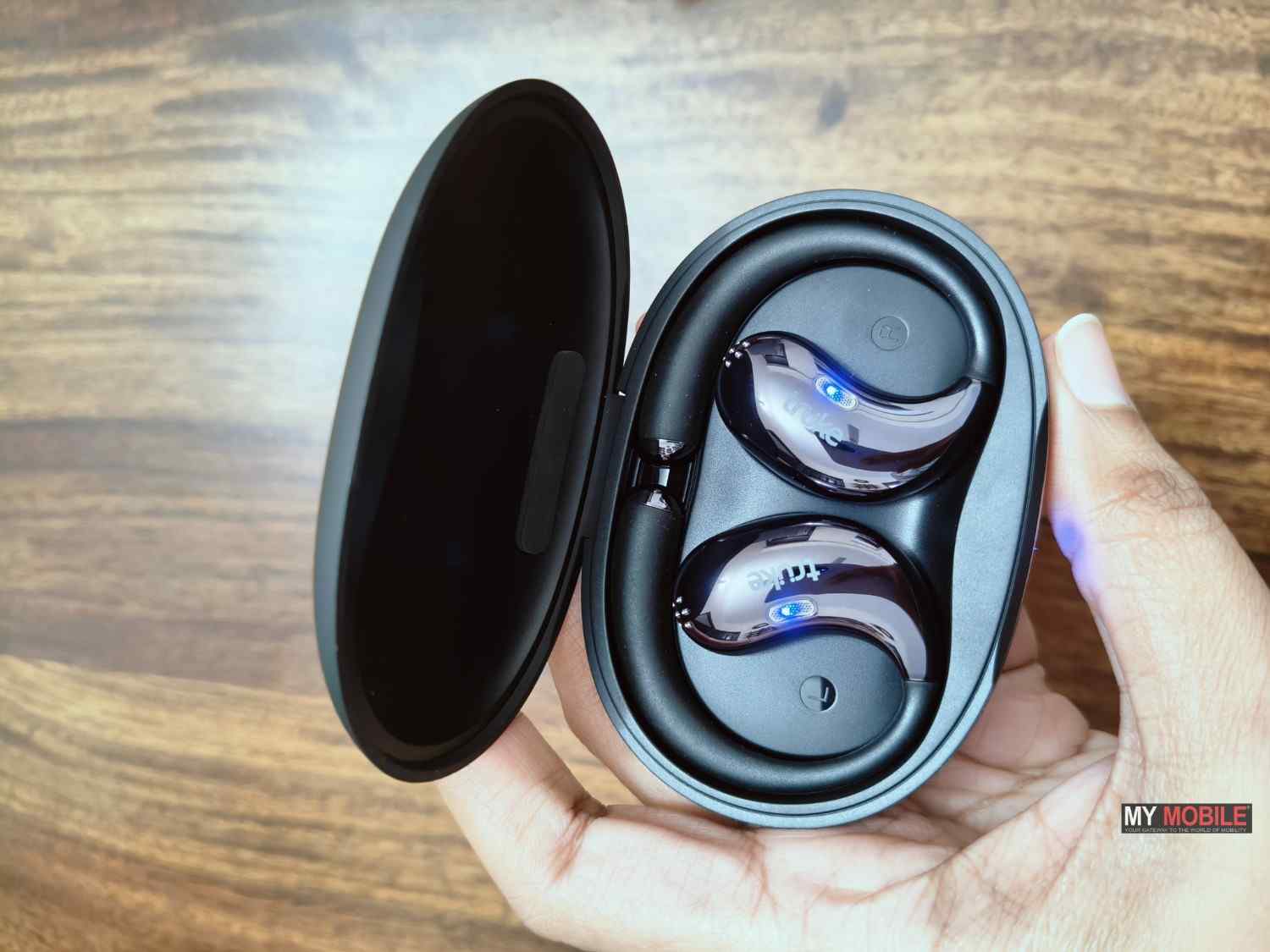
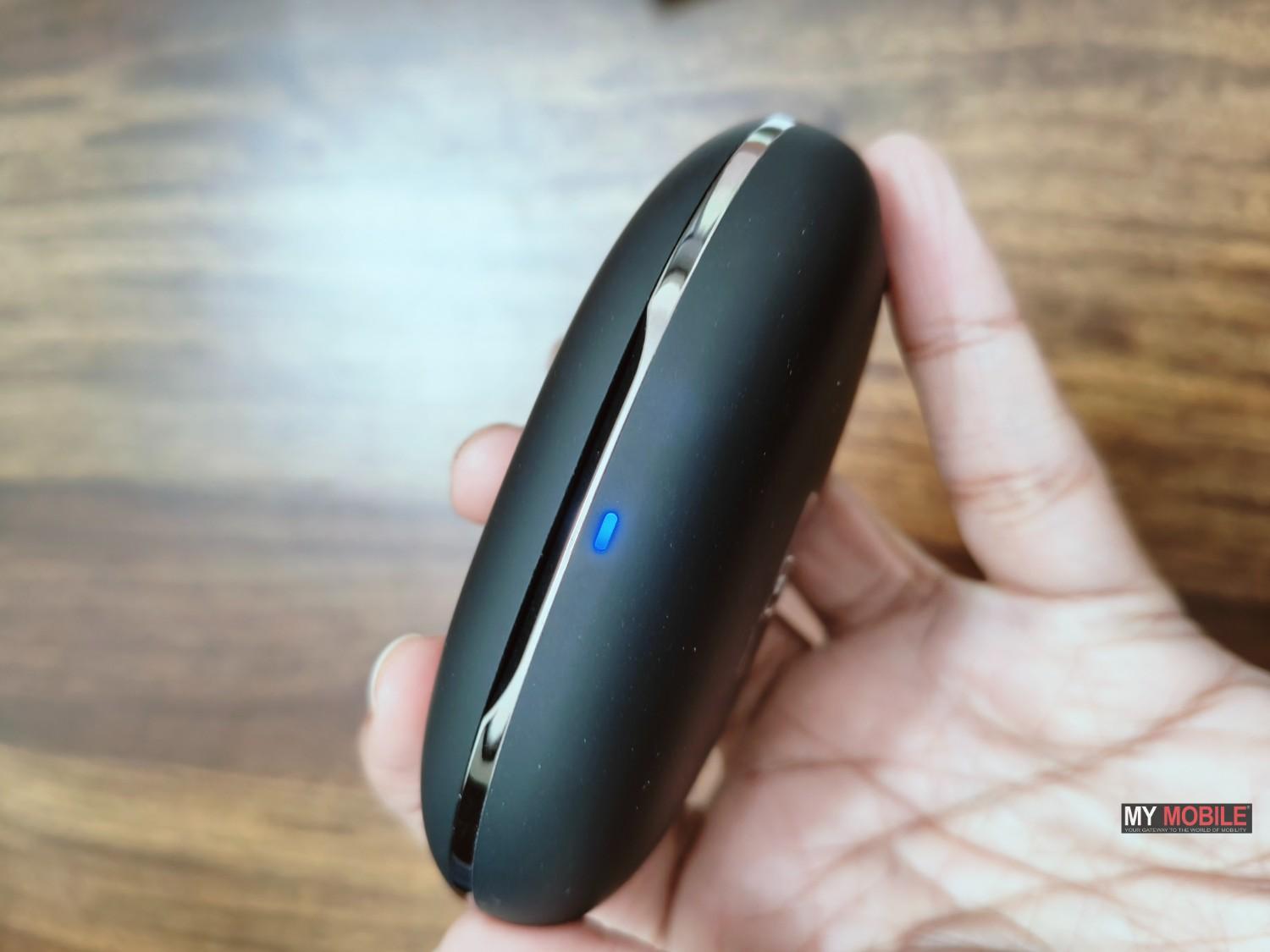
The Truke Buds ResonanceX come in a pebble-shaped charging case that feels nice in the hand. We had the Ash Black colour variant for this review. It has a soft and rubber-like matte finish. The good thing is that it does a good job of keeping fingerprints and smudges away.
The case is sleek and lightweight, though it is slightly larger than what you usually see with regular earbuds. The slimness makes it easy to carry around though. There is stylish Truke branding on the front in an otherwise simple and clean design.
The ResonanceX has open-ear earbuds and uses an ear-hook design for fit. The hook sits comfortably behind the upper part of the ear. There are no eartips involved in this design since it doesn’t go inside the ear canal. The ear hooks feel comfortable with no itchiness or skin irritation.
This is the design of earbuds that also ensures there is no pressure on the ears. You can also hear surrounding sounds, which makes them comfortable for longer use and safer for outdoor activities. If you are new to open-ear earbuds, the fit may not feel very tight at first. However, the earbuds stay in place and you will get used to them over time.
Truke Buds ResonanceX – Sound Quality

The earbuds are powered by 16mm Titanium drivers. After using the buds as a primary audio accessory for almost a week, we feel the sound output is quite good for an open-ear design.
Music and vocals sound clear at moderate volume levels. The sound quality is suitable for casual listening, podcasts, and calls.
The ResonanceX is worth considering if you are someone who dislikes how traditional earbuds completely block outside noise during walks. You can enjoy your music or podcasts while still staying alert. Voices in podcasts and calls come through clearly.
The open-ear design does come with a few compromises. You won’t get deep bass or an immersive, surround-like sound experience with these like you do with regular in-ear earbuds. The audio can sound a bit boxy if you push the volume too high.
However, the Truke Buds ResonanceX delivers a good sound experience for its price.
Truke Buds ResonanceX – Features
Truke Buds ResonanceX come with dual pairing feature, which means you can easily connect it with a smartphone or PC. The connection feels smooth without any unnecessary steps. Media handoff works well and you don’t have to manually disconnect from one device to use the other.
The earbuds support SBC and AAC audio codecs, which is fairly standard in this price range.
The calling experience is similar to what you would expect from budget wireless earbuds. The quad-mic setup along with ENC does a decent job of picking up your voice and reducing background noise.
There is a dedicated Gaming Mode for series gamers. Tapping the left earbud three times activates this mode and reduces latency to around 40ms. We did not notice any audio lag or delay during gameplay.
Truke Buds ResonanceX – Battery Life
Each earbud of Truke Buds ResonanceX packs a 40mAh battery. The charging case, on the other hand, houses a larger 400mAh battery.
Truke claims up to 70 hours of total battery life. We tried to track the exact battery output while we were using the buds and the results fall in the same range of 60 to 70 hours. The earbuds easily delivered around 4 to 6 hours of talk time on a single charge. Music playback lasted close to 8 to 10 hours at moderate volume levels. If you are a casual everyday user, you won’t need to charge the earbuds or the case very often.
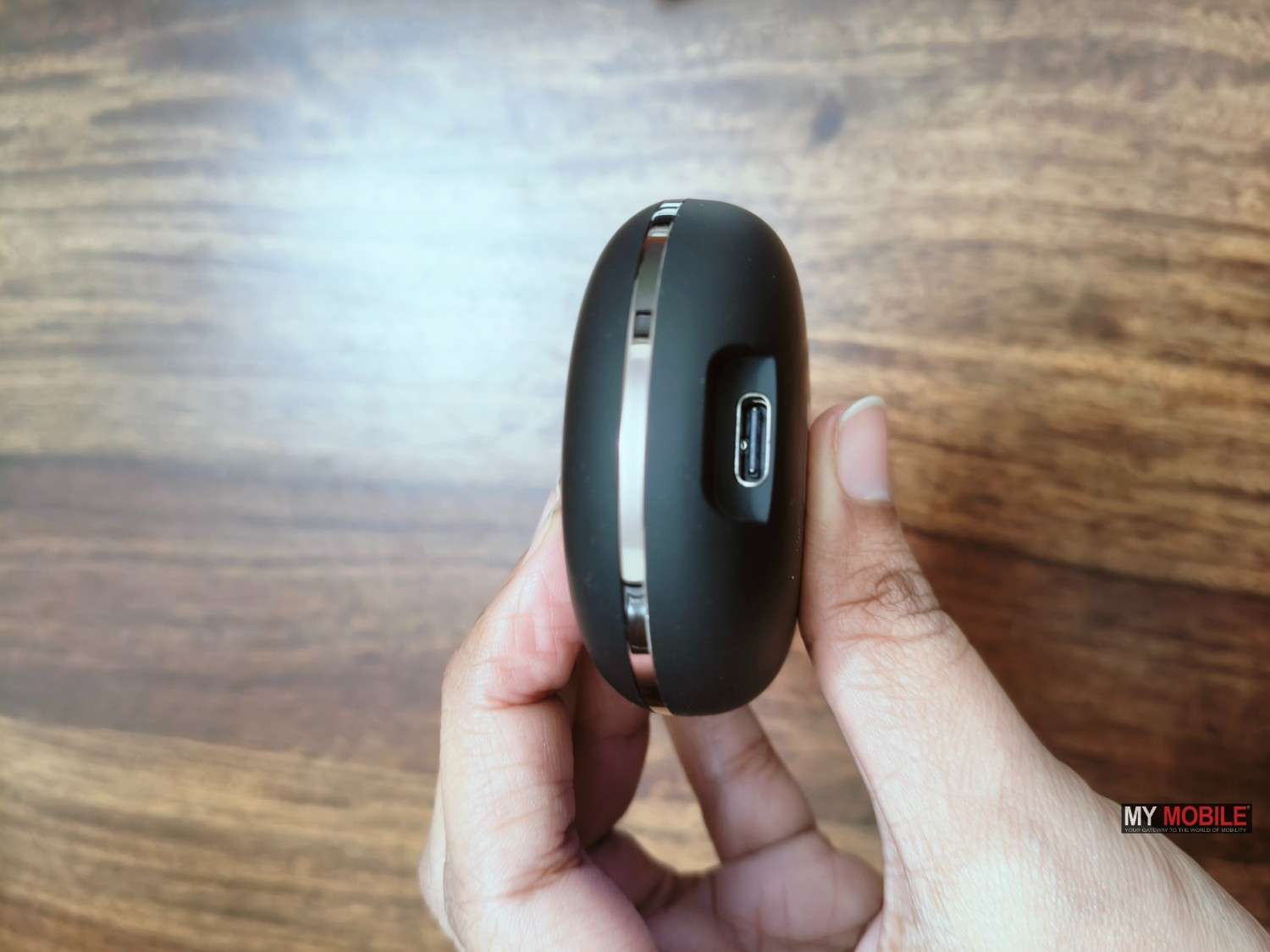
The case uses a Type-C USB cable for charging. The device takes up to two hours to fully charge. As for the earbuds themselves, it take around 90 minutes to reach a full charge once placed inside the case.
Overall, the battery life and charging performance of the Truke Buds ResonanceX feel reliable.
Verdict – Should You Buy Truke Buds ResonanceX?
The Truke Buds ResonanceX are a solid pick if you want open-ear earbuds that keep you aware of your surroundings. The open-ear design is comfortable. It comes with features like dual pairing and smooth media handoff. The dedicated Gaming Mode with low latency is a nice addition if you play games on your phone. Battery life is another strong point. It offers up to around 70 hours of overall playtime and a case that easily lasts through a week of regular use.
These aren’t earbuds for deep bass lovers or anyone expecting immersive, noise-isolating sound. They’re good for gym sessions, walks, commuting, and casual media use.
The standout point here is design. The ResonanceX is worth considering if you are looking for some non-traditional earbuds that feel comfortable for longer hours and don’t put too much stress on your pocket as well.
Reasons to Buy
- Premium design
- For casual listening
- Comfortable and safe for longer hours
- Good battery backup
Reasons Not to Buy
- Not for deep bass or immersive listening
- No noise isolation
Alternatives
- pTron Bassbuds Trendz Open Ear Wireless Earbuds – ₹799

- Noise Pure Pods Wireless Open Ear Earbuds – ₹1,999

- soundcore V20I by Anker Open Ear Headphones – ₹1,899

FAQs
Q1. Do the Truke Buds ResonanceX support dual device connectivity?
Answer. Yes, the Truke Buds ResonanceX support dual pairing. You can connect them to two devices at the same time, such as a smartphone and a laptop. The earbuds switch smoothly between devices without needing manual input.
Q2. What audio codecs are supported on the Truke Buds ResonanceX?
Answer. The earbuds support SBC and AAC audio codecs.
Q3. Is there a low-latency or gaming mode on the Truke Buds ResonanceX?
Answer. Yes, the earbuds come with a dedicated Gaming Mode. Tapping the left earbud three times activates this mode, reducing latency to around 40ms for a better audio and visual sync during gaming.
Q4. How is the calling quality on the Truke Buds ResonanceX?
Answer. The earbuds feature a quad-mic setup with PureVoice ENC technology. This helps reduce background noise and keeps your voice clear during calls.
Q5. How do the Truke Buds ResonanceX pair with devices?
Answer. Pairing is simple and quick. As soon as you take one of the earbuds out of the charging case, it automatically enters pairing mode.