Highlights
- Flexible Image Export lets you resize and compress photos before you share them.
- O+ Connect allows you connect an OPPO phone and a tablet to the same PC at the same time, and it can also automatically unlock your PC.
- OPPO ColorOS 17 November update is available across nine devices in India, including the Find X10, Find X9, and Find X8 series, plus the OPPO Reno16 5G.
OPPO India has officially released the November ColorOS 17 update for eligible smartphones in the country. The update makes it easier to manage your photos, translate text and connect your devices. OPPO aims to deliver a smarter and much smoother interface to its users with improvements to the Photos app, Calculator and OSee. The phased rollout began from November 1, 2026, and will continue to reach users until November 30, 2026.
OPPO ColorOS 17 November Update: What’s New?
In the November 2026 update, built-in system apps get practical upgrades that give users more control over their photos, camera, calls, translations, and daily calculations.
Flexible Image Export Adds More Photo Resolution and Quality Controls
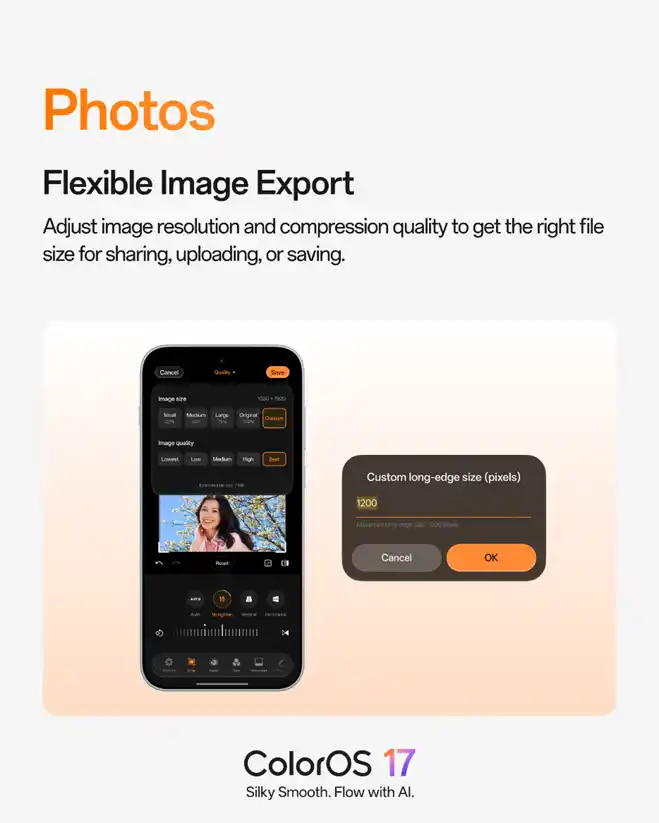
The Photos app lets you adjust image resolution and compression quality before you save or share a picture. There are standard presets to choose from, or you can create custom dimensions while maintaining the original aspect ratio, so it’s easy to find the right balance between file size and image clarity.
Customisable Photo Deletion Offers Better Storage Management
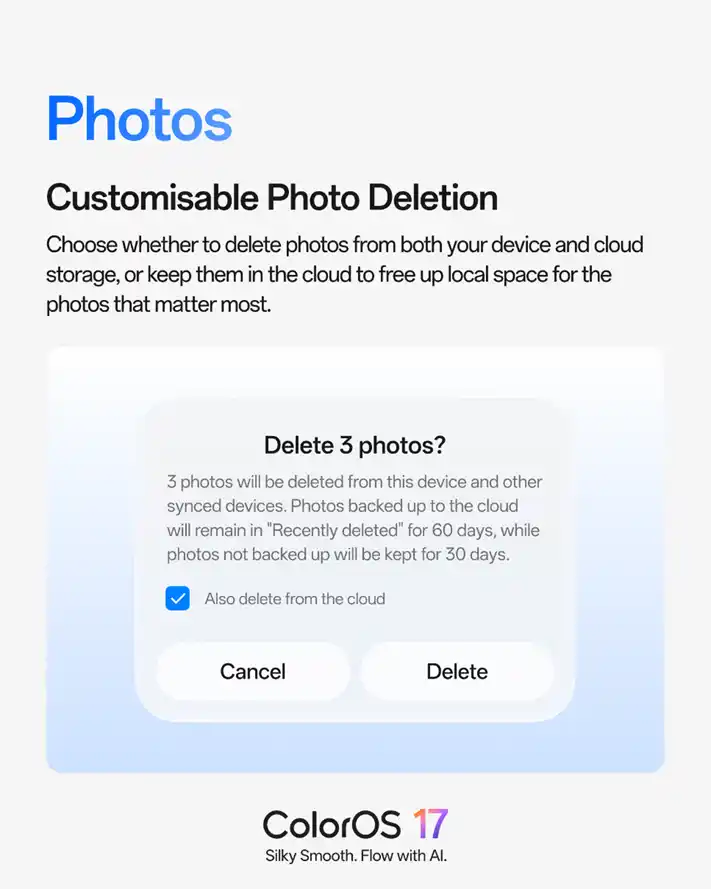
The ColorOS 17 November update introduces customisable photo deletion
The Photos app now makes managing phone storage much simpler. You can opt to delete images from both your phone and the cloud or just the local copy on your phone and keep your cloud backup safe. Backed-up photos will continue to be available in the “Recently Deleted” folder for 60 days before being deleted permanently, while unbacked local photos are still recoverable for 30 days.
OSee Gets Landscape Mode and Object Recognition
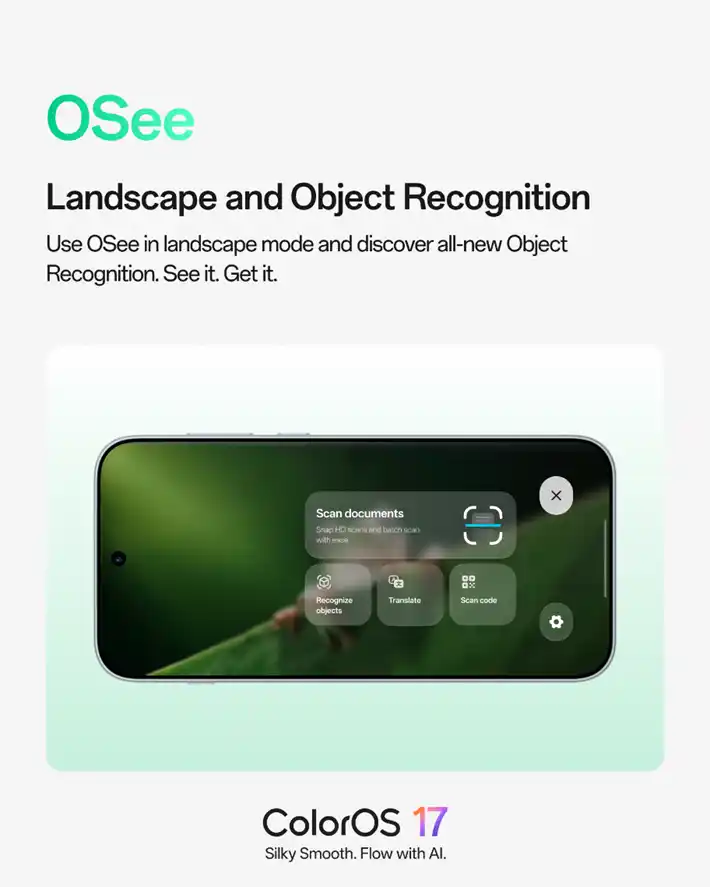
The ColorOS 17 November update brings Osee vision tool
The OSee vision tool from OPPO is now available in landscape mode, so it is easier to use sideways. There is also a new live object recognition feature that operates directly within the camera app, identifying and classifying real-world objects in real time.
Incoming Call Announcements Added to Phone App
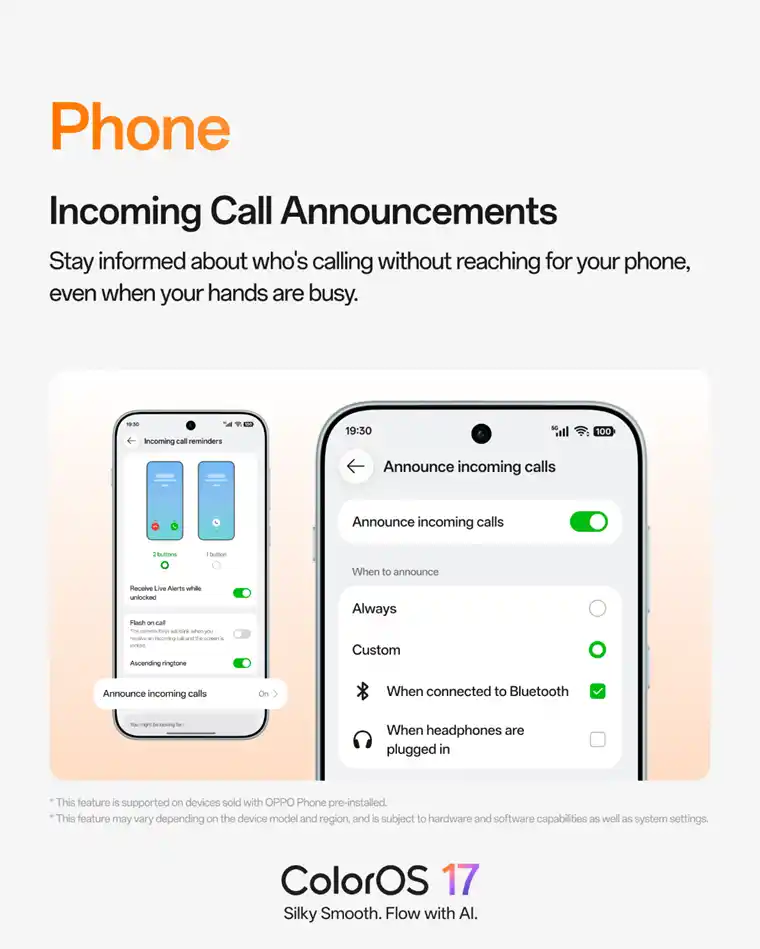
The ColorOS 17 November update brings upgraded communication and Productivity tools
With the latest ColorOS 17 November update, incoming call announcements are added to the Phone app when you cannot look at your screen, like when you are driving, walking or working. You can set your phone to announce who is calling all the time, or only when a Bluetooth device or wired headphones are connected.
AI-Powered Text Translation Gets Improved
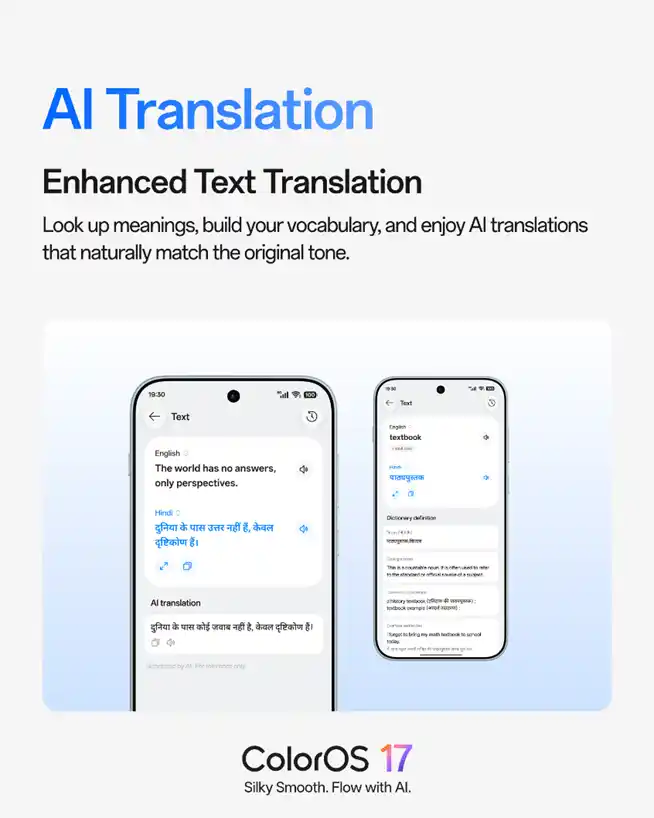
AI-Assisted Text Translation tool upgraded in the ColorOS 17 November update
The ColorOS 17 update has upgraded the AI translation tool to sound more natural and perfectly match the original tone of the text you are translating. You can also use it to find the meanings of words and build your vocabulary.
Calculator App Gets a New Interface and Conversion Tools
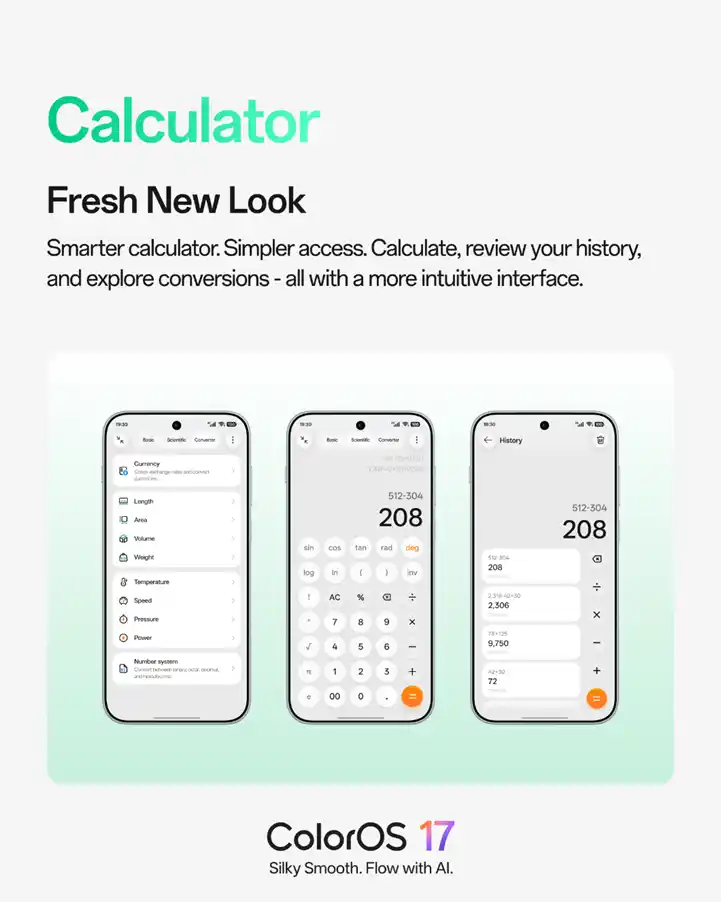
The November update brings redesigned Calculator interface
The Calculator app has a new look, making it much easier to switch between Basic, Scientific and Unit Converter modes. It also has a dedicated history log for past calculations, as well as adding currency, length, area, volume, weight, temperature, speed, pressure, power and different number bases to the converter.
ColorOS 17 Adds New Home Screen Widgets and Connectivity Features
In addition to core apps, the ColorOS 17 November update offers useful widgets for fast phone maintenance and tighter integration between your OPPO phone, tablet, and PC.
New One-Tap Boost and Storage Cleaner Widgets
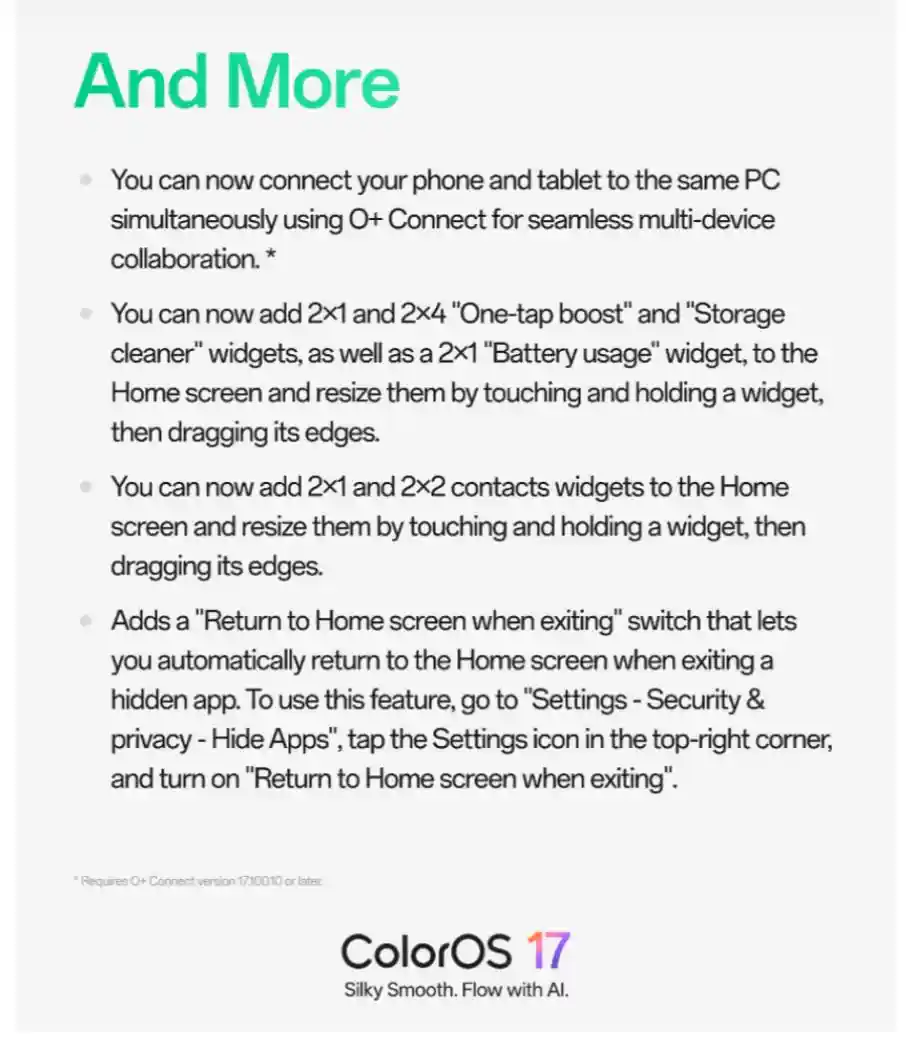
You can now add 2×1 and 2×4 “One-tap Boost” and “Storage Cleaner” widgets straight to your home screen. These widgets allow you to free up memory and space with a single tap and can be easily resized by dragging their edges.
Battery Usage and Contacts Widgets Added
OPPO has also added a 2×1 “Battery Usage” widget to track power drain, as well as “Contacts” widgets in 2×1 and 2×2 sizes for one-tap calling or messaging. Like the maintenance widgets, these are resizable directly on your home screen grid.
O+ Connect Supports Smartphone and Tablet on the Same PC
O+ Connect (version 17.100.10 or above) now supports connecting both an OPPO smartphone and a tablet to the same PC simultaneously. This makes it easy to share files and have your clipboard synced across all three devices.
Hidden Apps Get a New Return to Home Screen Setting
For enhanced privacy and smoother navigation, a new toggle allows your phone to jump back to the home screen immediately after you close a hidden app. Turn it on through Settings > Security & Privacy > Hide Apps > Settings > Return to Home Screen when exiting.
Automatic PC Unlocking Feature Added
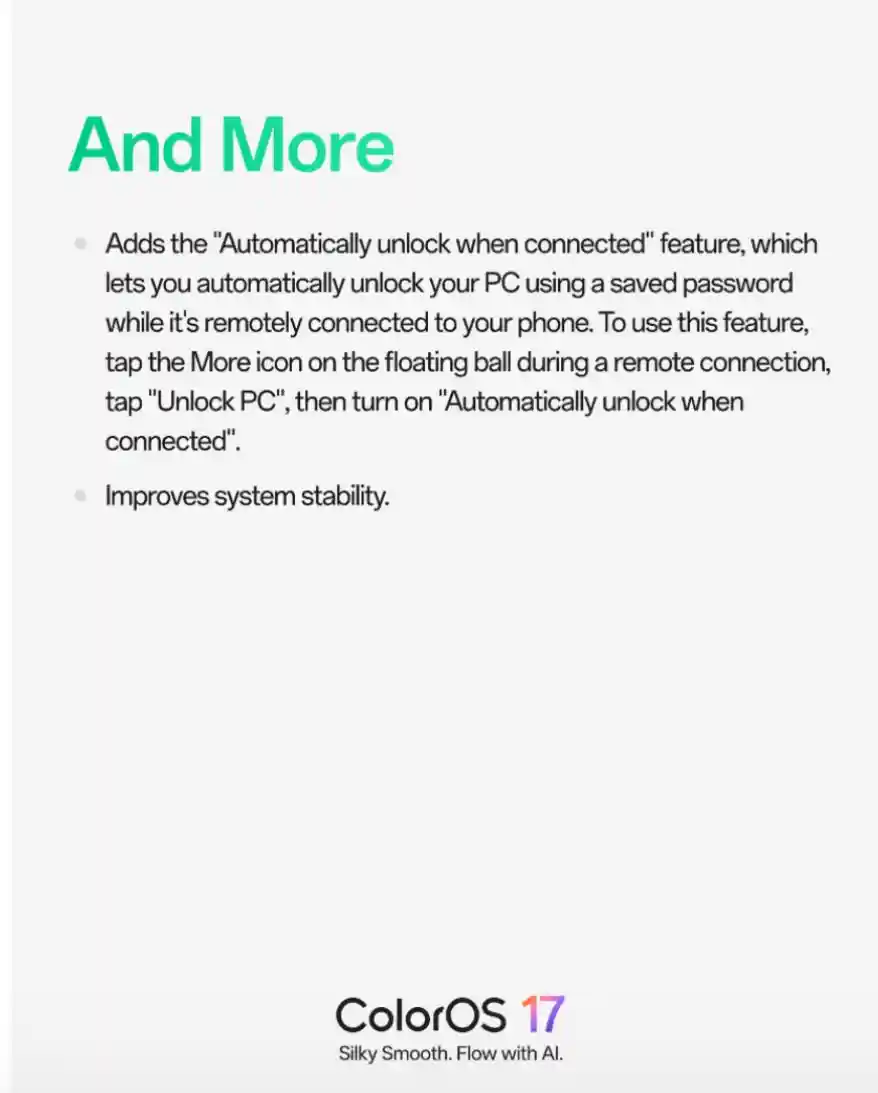
If your phone is linked to your PC via a remote connection, it can now unlock your computer automatically using stored login credentials. You can turn this handy shortcut on from the floating control menu, under More > Unlock PC > Automatically unlock when connected.
ColorOS 17 November Update Rollout Schedule in India
The OPPO November 2026 ColorOS 17 update is being released in phases to ensure a seamless experience for all users. The official OTA rollout started from November 1, 2026. It is a phased release, so instead of all at once, batches of devices are getting the update notification at different times. OPPO aims to complete the update’s rollout to all eligible models in India by November 20, 2026. If your phone has not been prompted yet, it should be within the next few weeks.
OPPO Phones Eligible for the ColorOS 17 November Update
| Series | Supported Models |
| Find X10 Series | OPPO Find X10 Pro Max, OPPO Find X10 |
| Find X9 Series | OPPO Find X9 Ultra, OPPO Find X9 Pro, OPPO Find X9s, OPPO Find X9 |
| Find X8 Series | OPPO Find X8 Pro, OPPO Find X8 |
| Reno Series | OPPO Reno16 5G |
How to Check for the Latest ColorOS 17 Update on Your OPPO Phone
- Open the Settings app on your OPPO phone.
- Scroll down and tap on About device (or System & update).
- To check for available updates, tap on the ColorOS banner at the top of the screen.
- If you see the November 2026 update, tap Download and install
You should make sure your phone is on Wi-Fi and has at least 30% battery charge before you start.