Highlights
- The Settings menu loses Display Zoom when you set up the iPhone Duo.
- When the device is activated, users can select Default, Medium, or Large zoom mode.
- The current software update also limits display zoom post setup.
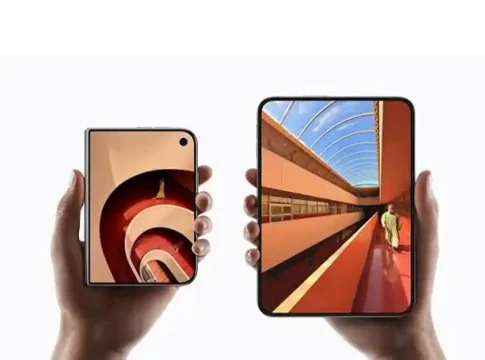
Apple’s latest foldable phone, the iPhone Duo, has an unexpected drawback for those who want to change the layout of their screen. The first time you set up the device, it will ask you to choose an “Appearance” mode, Default, Medium, or Large, to change the size of text and icons. However, after that configuration, the ability to modify this setting is completely removed from the Settings menu, meaning you cannot change your display settings on the go.
This restriction on configuration has frustrated early users of the iPhone Duo, who want to personalise screen scaling or tweak layout ratios for greater readability. Apple Support verified that there is no way to toggle Display Zoom on the iPhone Duo after setting it up on iOS. Until software upgrades solve the problem, users have to back up their data, wipe their device and re-configure it from scratch merely to change interface scaling.
How Display Zoom Works on iPhone Duo
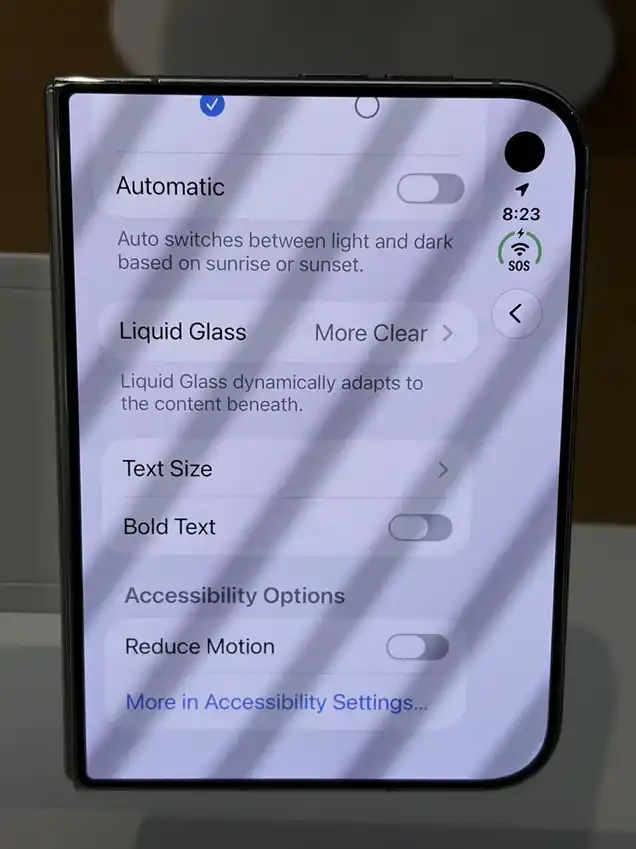
iPhone Duo Display Zoom setting after setup (Source: Reddit)
The iPhone Duo’s Display Zoom adjusts the size of items on the screen, such as app icons, buttons, menus, and system controls. When you first configure a device, you will see an Appearance screen and three scaling options: Default, Medium, and Large. Choosing any of these choices will change the visual density throughout the system on both the outer display and the main foldable display.
How to Change Display Zoom on iPhone Duo
iPhone Duo users cannot change the Display Zoom setting without restoring the device to its factory condition. Because there’s no setting inside the Display and Brightness menu for this foldable model, users need to back up all personal data to iCloud or a computer before starting a full device wipe. Here is the step-by-step process to change display zoom on the iPhone Duo:
- Back up all your data, pictures and applications to iCloud or a PC
- Go to Settings > General > Transfer or Reset iPhone
- Tap Erase All Content and Settings
- Go through the setup screen until you reach the Appearance section after restarting the device
- Choose your desired display scaling option and continue with the device setup.
iPhone Duo Display Zoom Limitation: What Users Should Know
The iPhone Duo doesn’t feature an In-Menu Toggle, so you cannot change display zoom on the go, unlike other iPhones. You will need to make a complete factory reset: Settings > Accessibility > Display and Text Size. The restriction still exists in the most recent releases of the software for the foldable.
iPhone Duo Specifications and Features
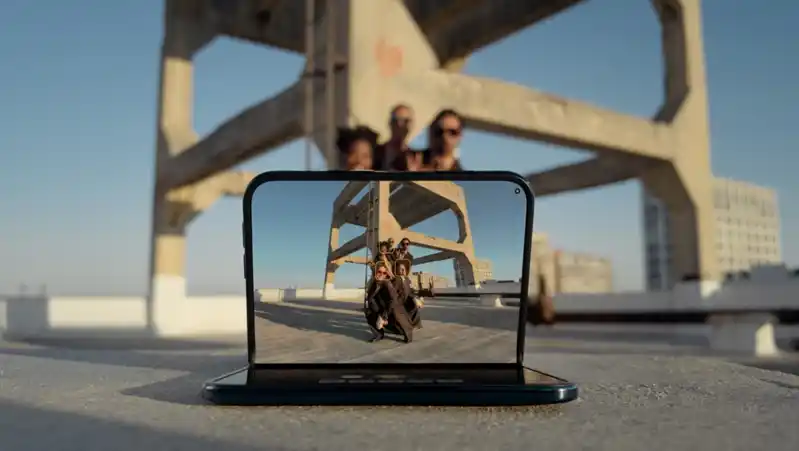
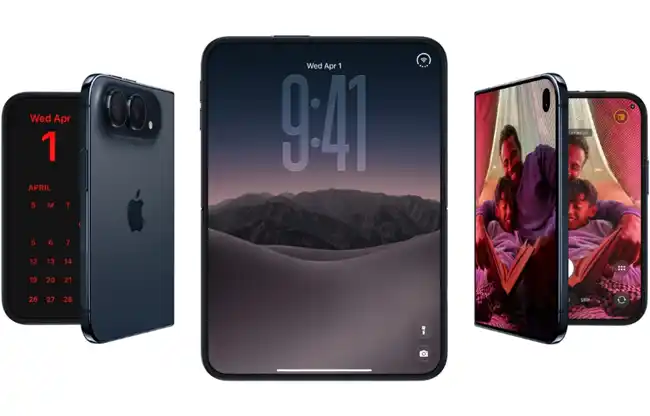
The iPhone Duo has a 7.6-inch Super Retina XDR inner folding display with a proprietary nano-texture surface and a 5.4-inch outer display. It has a Grade 5 titanium frame and hinge cover and is driven by the vapour-cooled A20 Pro processor with a Dual 16-core Neural Engine for improved Siri AI and Apple Intelligence functions. The foldable also has an iPhone-first dual-battery system that offers up to 31 hours of video playing, a side-mounted Touch ID sensor, eSIM-only design and supports the Apple Pencil (USB-C). It has 48MP Dual Fusion (Main and Ultra Wide), 12MP Center Stage front camera, and an under-display FaceTime camera with new flexible folding camera modes.