Highlights
- The latest update lets OnePlus phones and tablets to automatically unlock PCs.
- The update started rolling out on October 27, 2026 through November 19, 2026 on all eligible devices.
- The new feature supports OnePlus Open, OnePlus 10 Pro to 15 series, Nord models, N6x, and OnePlus Pad lineup.
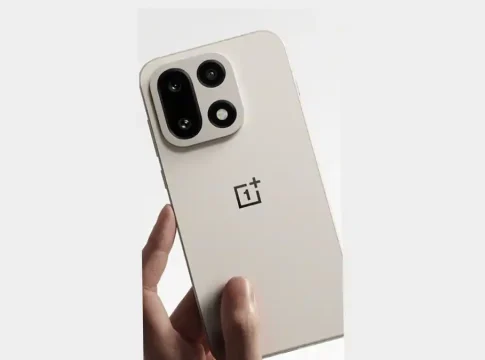
OnePlus has released a new software update that will let your OnePlus phone or tablet unlock your PC automatically without having to type in a password every time. The feature, dubbed “Automatically unlock when connected”, is rolling out with the November update (firmware version C20P01(BRB1EX01) for phones and C20P01(BRB3EX01) for tablets) for OxygenOS 16 or higher. OnePlus started the phased rollout on October 27, 2026, and expects that all eligible devices, including the OnePlus Open, OnePlus 10 Pro to 15 series, recent Nord models, and the OnePlus Pad lineup, will get it by around November 19, 2026.
OnePlus Introduces Automatic PC Unlock Feature
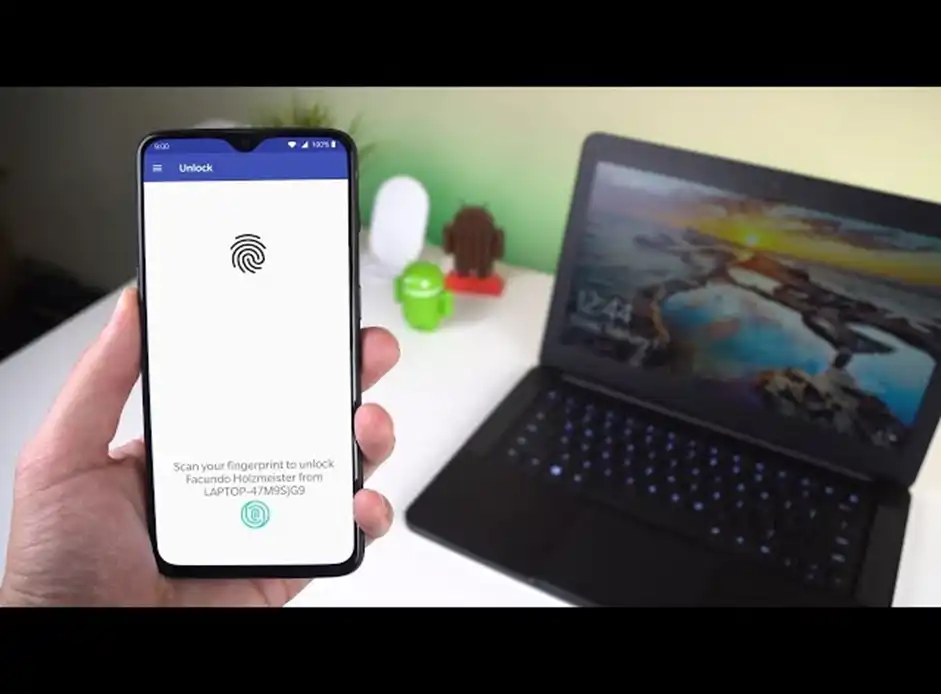
OnePlus is closing the gap between mobile and computers with a handy new update that aims to save time for everyday PC users. The new auto-unlock feature is rolling out on supported phones and tablets running OxygenOS 16 and higher, which means you will not have to deal with that repetitive hassle of typing your computer password dozens of times a day.
How OnePlus Automatic PC Unlock Works
The OnePlus Automatic PC Unlock feature relies on an active remote connection between your OnePlus device and your computer. Once connected, your phone or tablet will automatically bypass your PC’s lock screen with a saved password, letting you jump straight into your work as soon as a connection is established.
How to Set Up Automatic PC Unlock on OnePlus Devices
Once your OnePlus device is running the latest November software update, getting started with the auto-unlock feature takes just a few taps. Once you have made sure your tablet or phone is connected to your computer remotely, the setting can be turned on quickly from the floating menu on the screen.
OnePlus Automatic PC Unlock: Supported Phones, Tablets and PCs
OnePlus is extending this cross-device convenience to a wide range of its smartphones and tablets, from flagship foldables to budget-friendly Nord models. Here’s the complete list of compatible OnePlus devices and what you need on your computer to get everything up and running.
| OnePlus Open | OnePlus Nord 5 |
| OnePlus 15 series | OnePlus Nord CE5 |
| OnePlus 13 series | OnePlus Nord 4 |
| OnePlus 12 series | OnePlus Nord CE4 series |
| OnePlus 11 series | OnePlus Nord 3 |
| OnePlus 10 Pro | OnePlus N6x |
| OnePlus Nord 6 | OnePlus Pad 4 / OnePlus Pad 3 / OnePlus Pad 2 / OnePlus Pad |
| OnePlus Nord CE6 series | OnePlus Pad Go 2 |
OnePlus PC Unlock Feature: Requirements and Limitations
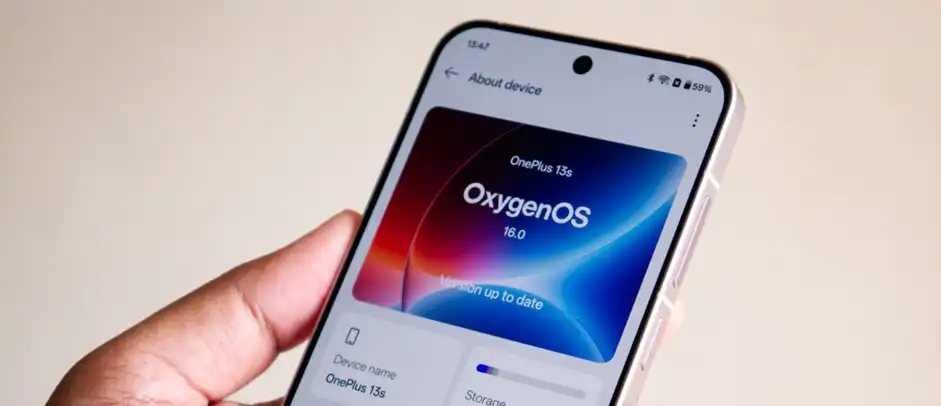
Before you begin the automatic PC unlock feature, there are some software requirements and practical limitations that you need to know about. Knowing what version of OxygenOS your device requires, and the behaviour of the saved-password connection, will help ensure that your experience is a smooth and trouble-free one.