
Highlights
- Nothing OS 5.0 is rolling out in phases to Phone (2a) and Phone (2a) Plus.
- The update includes widgets for Collector, Away Time and Glyph Timer, seven camera tuning effects and H.265 video.
- It is the third and final major Android version update for the 2024 Phone (2a) and Phone (2a) Plus.
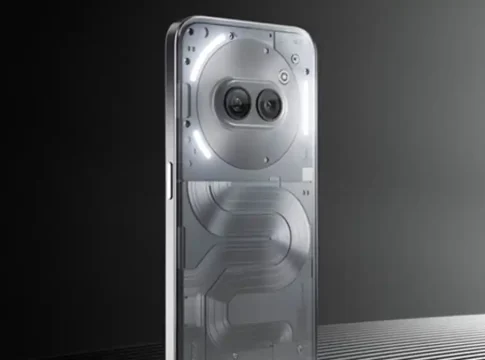
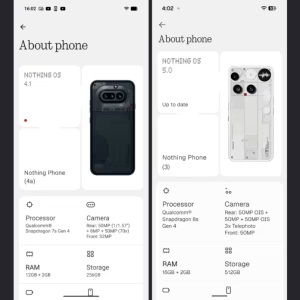
The Nothing Phone (2a) and Nothing Phone (2a) Plus have started receiving the stable Nothing OS 5.0 update based on Android 17. The release brings a fresh design, smarter tools, and smoother performance to both mid-range smartphones. The update is being rolled out in phases to allow the team to ensure a smooth experience for everyone and comes with firmware build number C5.0-261112-1938.
To download the update directly over-the-air, users can navigate through their phone’s Settings menu, tap on System and check under the Nothing OS tab. While the download size sits around 361 MB for beta testers, non-beta users will need to download a larger 3.15 GB package. The rollout is happening in batches for stability reasons, so it could take a few days before it reaches all devices. This is the third and final major Android OS upgrade for the Phone (2a) lineup.
Nothing OS 5.0 Stable Update Rolling Out to Phone (2a) and Phone (2a) Plus
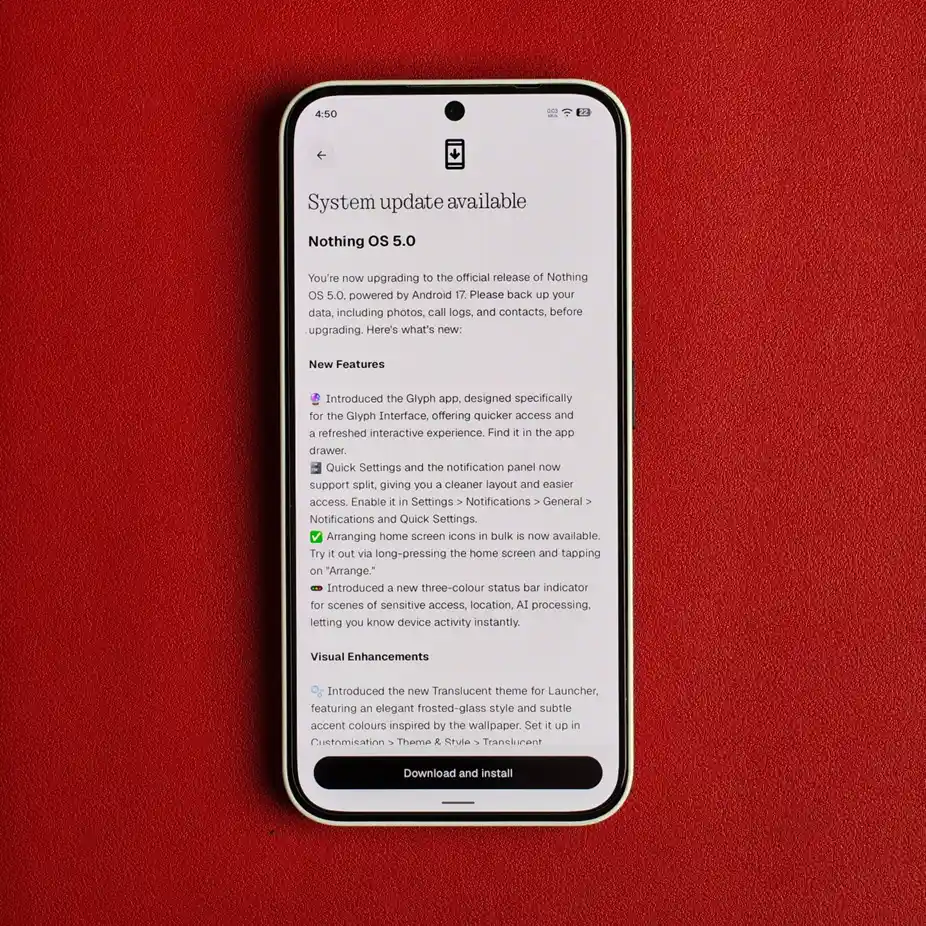
Nothing Phone (2a) and Phone (2a) Plus users have started getting the stable Nothing OS 5.0 prompt on their phones. The company rolls out software updates in batches, so the rollout will gradually expand to all regions over the next several days.
What’s New in Nothing OS 5.0 on Phone (2a) and Phone (2a) Plus?
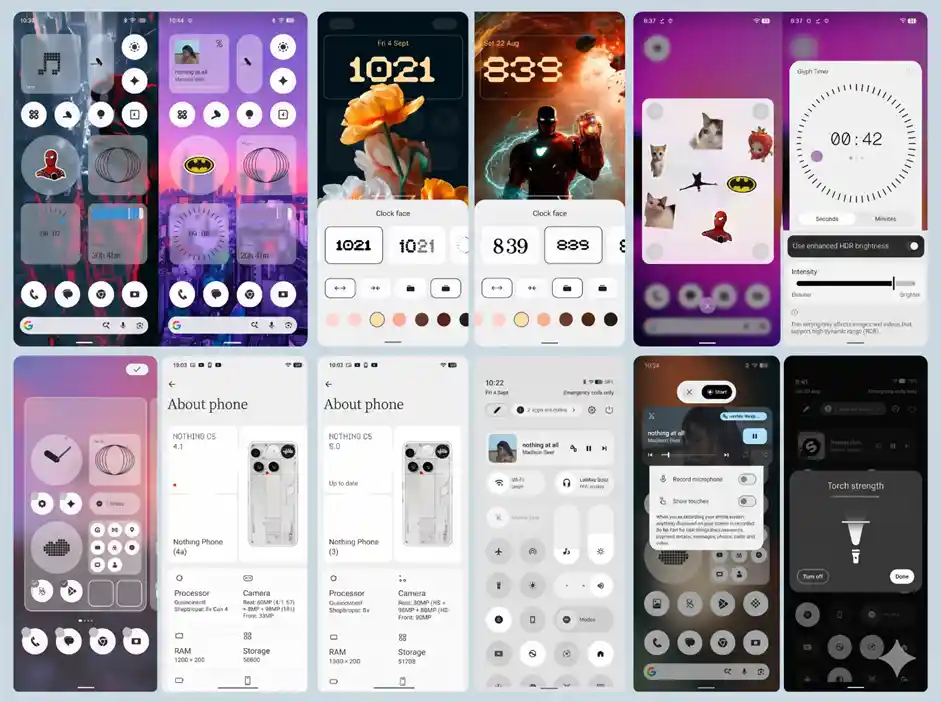
The Nothing OS 5.0 update brings a big visual refresh, as well as handy everyday upgrades to the Phone (2a) series. The update makes the phones feel faster, cleaner and much easier to personalise, with a new frosted-glass look, cleaner fonts, a dedicated Glyph app, split notification panels and major camera upgrades.
New Glyph App and Separate Quick Settings and Notification Panels
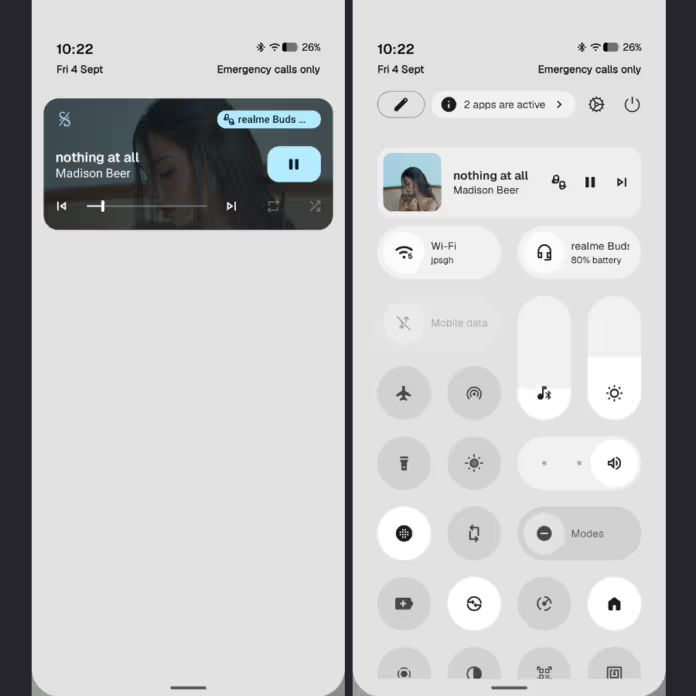
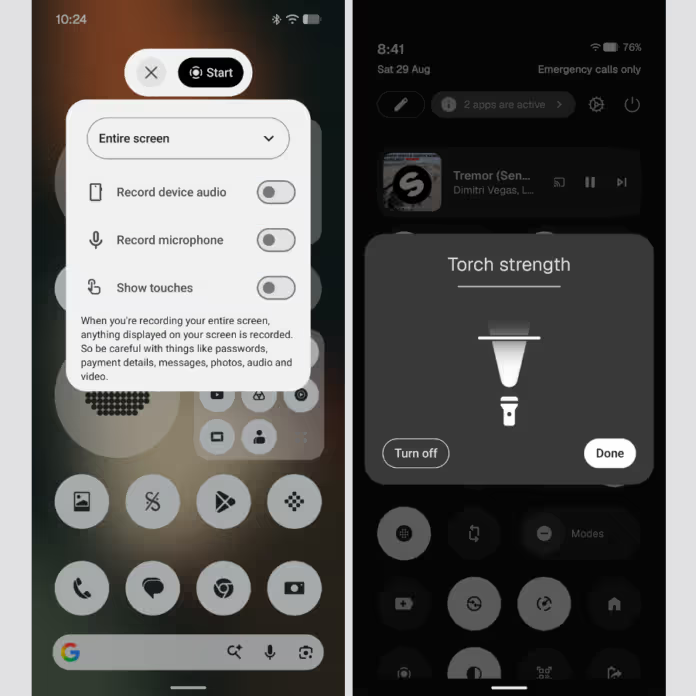
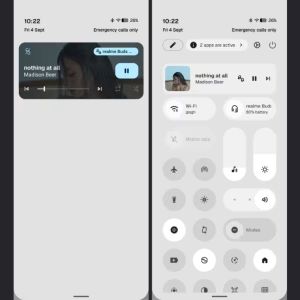
The rear LED lights get an update, and a brand-new Glyph app makes setting up custom light patterns much easier. It also split the pull-down shade into separate Quick Settings and Notification panels up front, so you can swipe from either side to see alerts or toggle Wi-Fi and Bluetooth on or off.
New Translucent Theme and Lock Screen Customisation
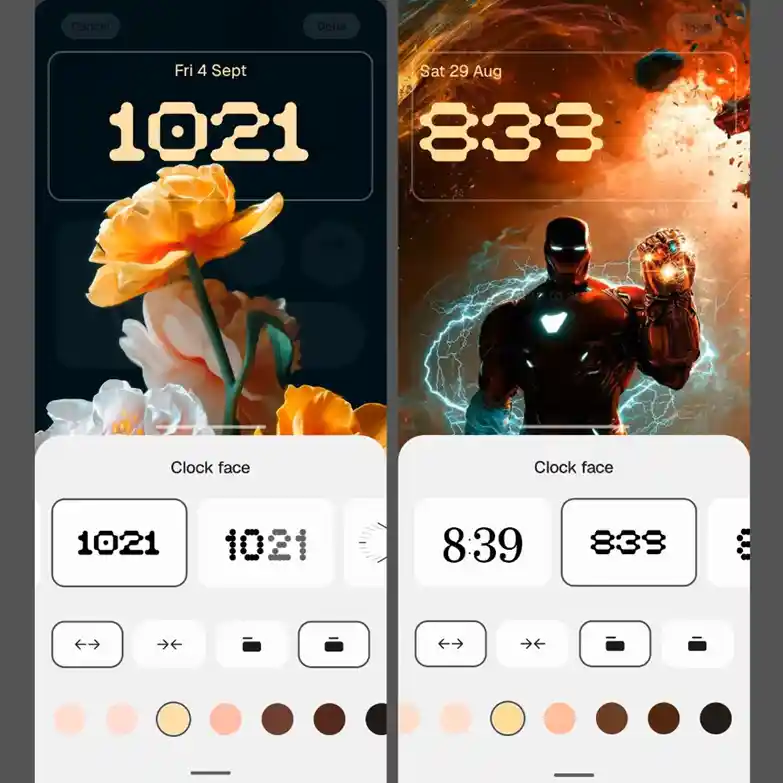
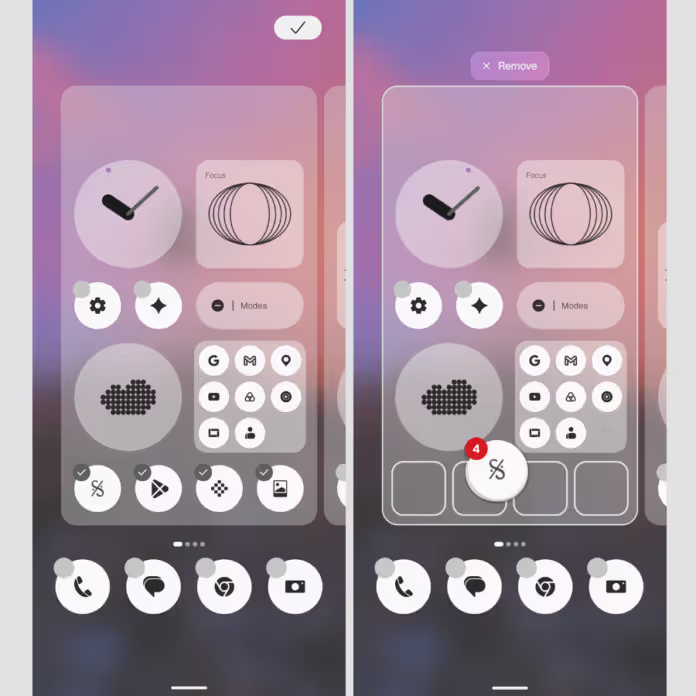
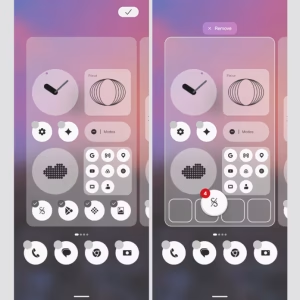
Nothing OS 5.0 features a sleek Translucent theme that makes your folders and widgets look like frosted glass with subtle accent colours taken directly from your wallpaper. The system also changes to the clean new Geist typeface, and the Settings menu and status bar icons are updated for better readability. On the lock screen, you can now choose between two new clock faces, Gooey and Micrographics, and change the clock colour to suit your style.
New Collector, Away Time and Glyph Timer Widgets
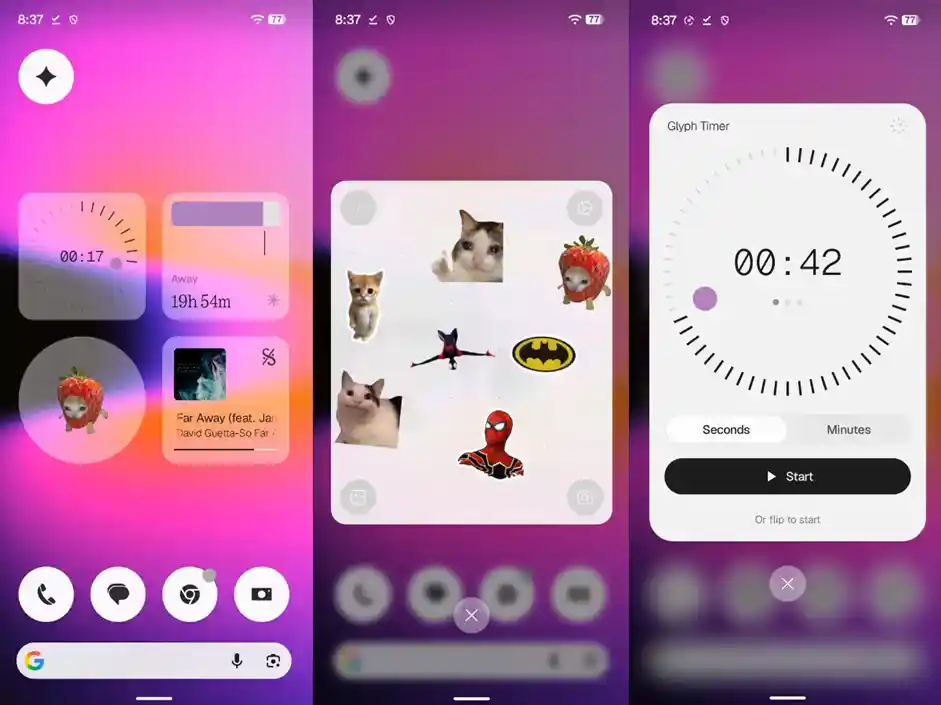
Right after updating, fans of the home screen have three handy new widgets to play with. Use the Glyph Timer to track countdowns on the back LEDs, Away Time to see how long you have been away from your screen, and Collector widgets to easily pin quick notes or media directly to your main display.
Camera Gets Seven Adjustable Tuning Effects and H.265 Video
Users will get a refreshed camera layout, plus a new tuning tool with seven adjustable effects and a quick reset. Presets are easier to edit, and there is a new 2×2 home screen widget. Video recording adds support for filters, tuning effects and space-saving H.265 video encoding. Nothing has also improved zoom quality, close-up shots, QR code scanning, Google Lens integration and Motion Photo playback.
Nothing OS 5.0 Brings Android 17 Features to Phone (2a) Series
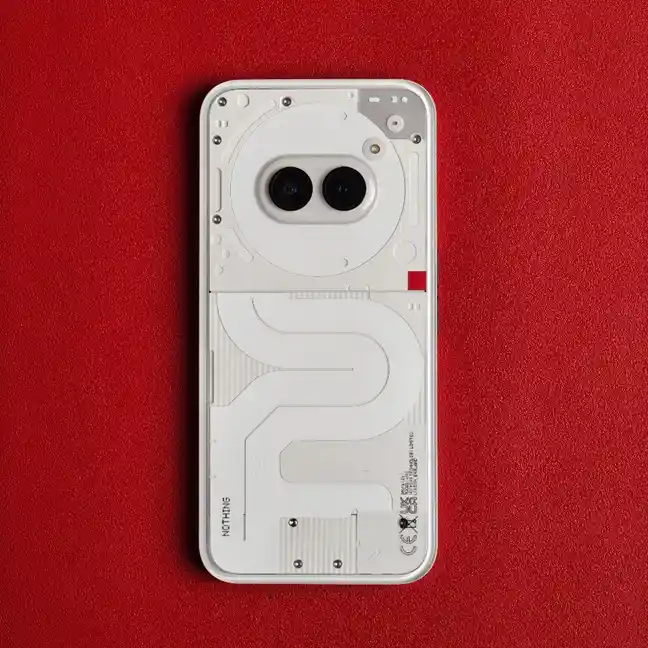
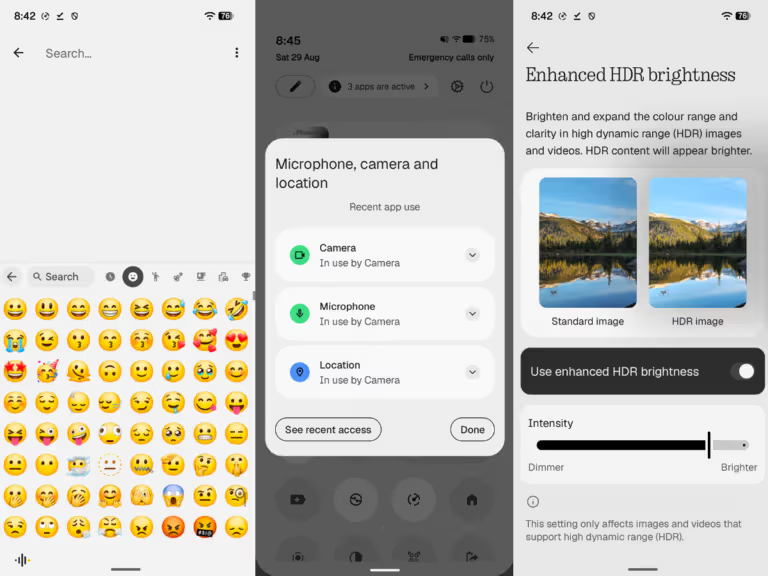
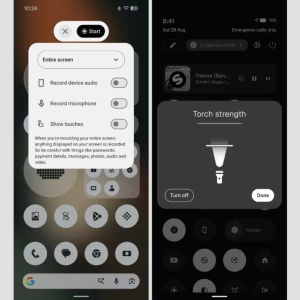
Android 17 powers several helpful system upgrades across the Phone (2a) and Phone (2a) Plus. You get an expanded dark theme which darkens apps without native dark mode support, enhanced HDR brightness controls, and Noto 3D emojis in Gboard. Privacy also gets a boost with a new 3-colour status bar dot that alerts you whenever an app uses your camera, mic, location or AI processing.
Nothing Phone (2a) and Phone (2a) Plus Nothing OS 5.0 Update Size and Build Number
If you are checking your phone to see whether the new software has arrived, here are the official build details and rollout facts to know before you update:
| Particulars | Details |
| Software | Nothing OS 5.0 |
| Android version | Android 17 |
| Firmware | C5.0-261112-1938 |
| Devices | Phone (2a), Phone (2a) Plus |
| Rollout | Phased |
| Update size | Depends on previous software version (361 MB for beta users; 3.15 GB for non-beta users) |
How to Download Nothing OS 5.0 on Phone (2a) and Phone (2a) Plus
It is quick and simple to update your phone, although it is advised to connect to Wi-Fi first and ensure your battery is at least 50%. Here’s how to download the update:
- Go to the Settings app on your Phone (2a) or Phone (2a) Plus
- Scroll down to the bottom and tap System
- Select System updates, then tap Check for updates
- If you see build C5.0-261112-1938, tap Download and install and let your phone restart once it finishes.
Is Nothing OS 5.0 the Last Major Android Update for Phone (2a) Series?
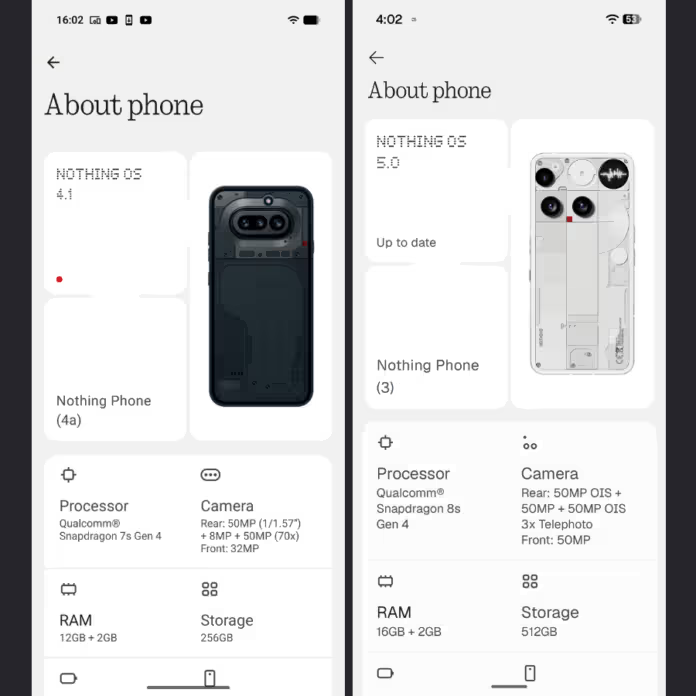
Nothing OS 5.0 based on Android 17 is the final major OS update for Phone (2a) and Phone (2a) Plus. Both phones shipped in 2024 with Android 14 and a promise of three big Android upgrades. With Android 15, Android 16 and now Android 17, they have completed their major upgrade cycle, though Nothing will continue to send out security patches and bug fixes until 2028 to keep the phones secure.

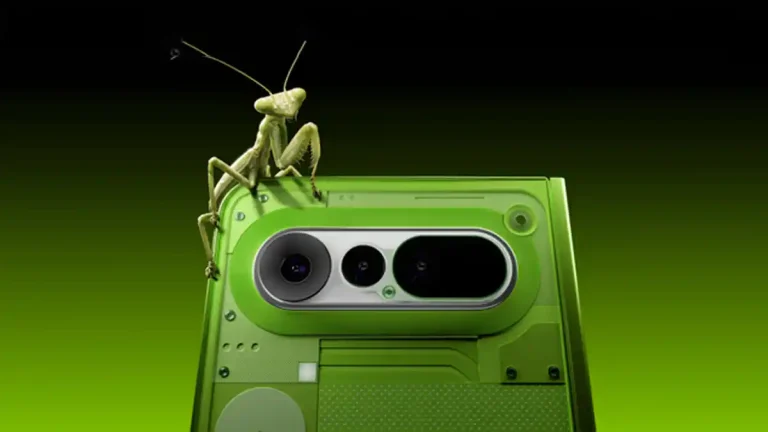





 and Phone (2a) Plus have started getting the stable Nothing OS 5.0 update with Android 17. Check new features, build number, and downloading process.)