


Highlights
- Gemini AI will automatically generate captions for photos and videos for Google Maps, giving users an easy way to share their experience
- Through the Contribute tab, users can now quickly upload photos and videos with smart suggestions
- This feature will enhance tracking while Local Guide levels help users monitor and showcase their contributions more effectively.

Google Maps users will get a whole new experience with Google’s news update, which will include Gemini captions for photos and videos they wish to share.
The new AI-powered feature will give users more than navigation.
Gemini AI’s captions will make it easier for Google Maps users to share their local experiences by contributing photos, videos, and reviews. It will also give them better visibility into their contribution.
Gemini-Powered Captions: Smarter Sharing Made Easy
The latest update on Google Maps is the captions generated by Gemini AI. Users can now upload photos or videos of places and receive automatic caption suggestions. The most important thing is that, despite being AI-powered, the control will be with the users only. Users can edit, refine, or even remove captions before posting photos or videos.
Google has introduced this feature to reduce the effort required to share meaningful content, particularly for users who struggle to describe their experiences.
Faster Photo & Video Sharing
Apart from this, Google Maps is also streamlining the process of sharing media. The app will automatically surface recent photos and videos directly within the “Contribute” tab once users enable media access. Such ease will eliminate manual image or video searches, making the posting process swift and more intuitive.
Furthermore, Google now recommends relevant photos and videos based on recent activity, encouraging users to share experiences while they are still fresh. This feature is already available globally on Android and is expanding to other platforms.
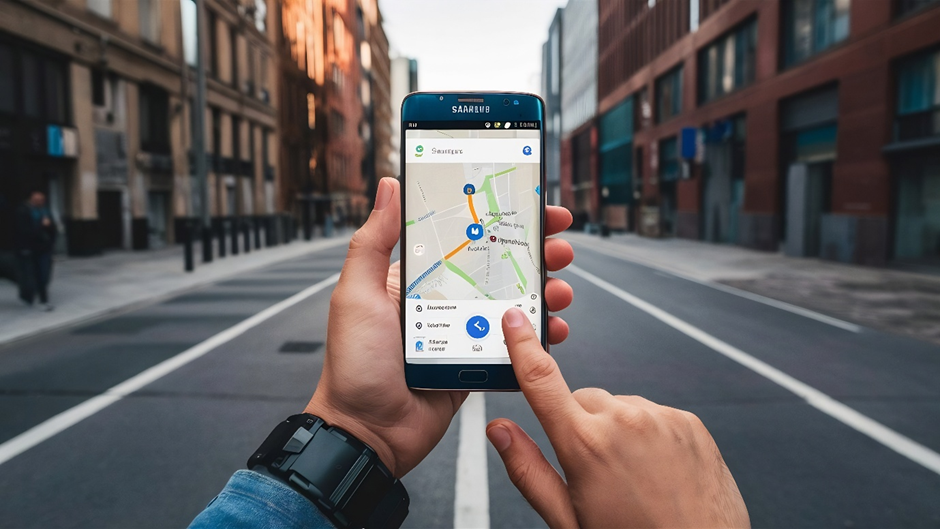
Better Contribution Tracking and Recognition
Along with this, there has been another major improvement in enhanced contribution tracking. It makes it easier for users to monitor their activity with Google Maps. The “Contribute” tab will show total contribution with clearly visible Local Guide levels on profile pages.
The achievement badges have also been refreshed by Google. This addition makes it easier to identify contributors based on their expertise. Those who have contributed massively to Google Maps are now highlighted with distinctive gold-coloured profiles. This will help other users to identify the trusted sources at once.
Built for a Massive Global Community
As Google Maps relies heavily on its vast community of contributors, over 500 million users who regularly share photos, reviews, and updates. These contributions play a crucial role in keeping the platform accurate and up to date.
By integrating AI into this ecosystem, Google is making it easier for users to participate, ultimately improving the quality and quantity of information available on the platform.
Why This Update Matters
The latest update has given a transitional shift to the functionality of Google Maps. It has moved beyond a navigation tool. It has now become a dynamic, AI-powered platform where users can discover and share real-world experiences.
With Gemini-powered captions, content creation becomes easier, and swift sharing ensures users can contribute without much effort. Also, the tracking and recognition system has been improved, so users will now be rewarded more for sharing their experiences or reviews.

Availability
Google’s new update will be rolled out in phases. As of now, it is available in English for select users. Gradually, it will expand globally, including Android devices. However, some features, such as photo recommendations and contribution-tracking updates, are already available across platforms.
Google Maps has taken a huge leap towards becoming an AI-powered community platform with its latest update. Google has not only simplified contributions by combining automation with user-generated content but has also enhanced the overall experience for millions of its users worldwide.
As AI continues to integrate into everyday apps, tools like Google Maps are showing how technology can make even simple actions, like sharing a photo, smarter, faster, and more meaningful.
FAQs
Q 1 What new features has Google Chrome introduced?
Google Chrome now features vertical tabs and a full-page reading mode to improve productivity and overall browsing experience.
Q 2 How do vertical tabs work in Chrome?
Vertical tabs move your open tabs to a left sidebar, making it easier to view and switch between multiple tabs without clutter.
Q 3 What is the new reading mode in Chrome?
The new reading mode offers a distraction-free, full-page experience by eliminating ads, images, and extraneous elements from webpages.
Q 4 How can I enable vertical tabs in Chrome?
To enable vertical tabs, right-click on the tab bar and choose the option to display them vertically.
Q 5 Who will benefit most from these features?
Users like students, researchers, and professionals who often multitask, have numerous tabs open, or read lengthy articles will gain the most advantage.