


Highlights
- Dell Pro 14 was earlier launched in India at the starting price of INR 74,849.
- It is part of the new Dell lineup that includes the Dell Pro 14 and 16, Dell Pro 13, 14, and 16 Plus and the Dell Pro 13 and 14 Premium.
- The laptop is specifically designed for professional-grade productivity.
We have been using the Dell Pro 14 (PC14255) from Dell’s new business PC portfolio for over a week now. In case you are curious about how this machine handles tasks and its overall performance, here’s our hands-on review to give you some clarity.
Dell Pro 14 (PC14255) – Key Features
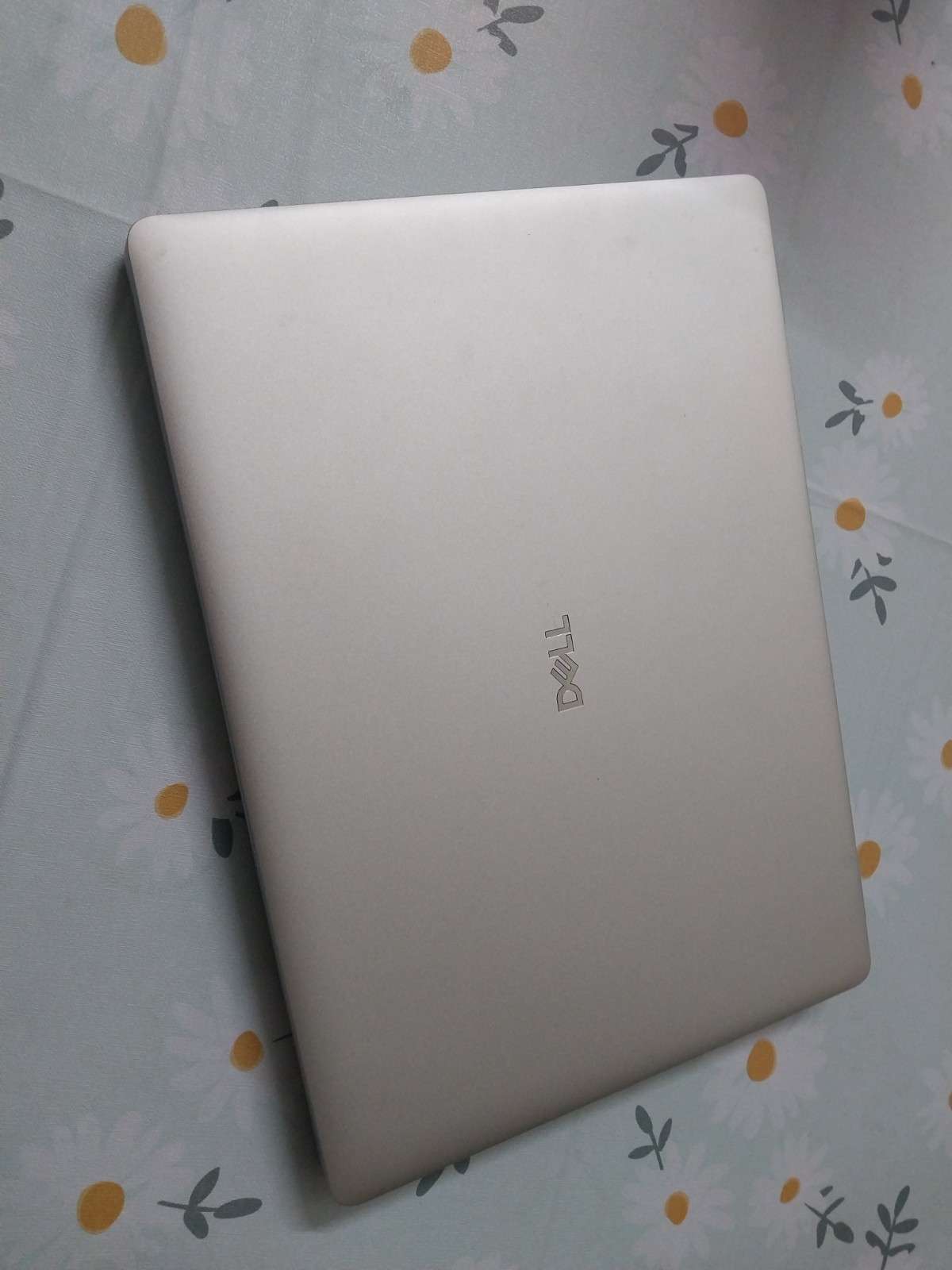
- Textured Magnetite and Sleek Platinum Silver design
- AMD Ryzen AI 7 Pro 350 Processor w/Radeon 860M
- 32 GB Installed RAM
- Integrated AMD RDNA 3.5 GPU
- Scalable AMD Ryzen Pro options
- Full HD IR camera with HDR capability
- Windows 11 Pro
Dell Pro 14 (PC14255) – Pros & Cons
| Pros | Cons |
| ● Clean, professional design
● Lightweight with solid build quality ● Strong performance with Ryzen AI 7 PRO processor ● Built-in NPU with 50 TOPS for local AI tasks ● Excellent port selection ● Long battery life with flexible charging |
● 512GB SSD feels limited
● No SD or microSD card slot ● Speaker quality could have been better |
Dell Pro 14 (PC14255) – Design and Display
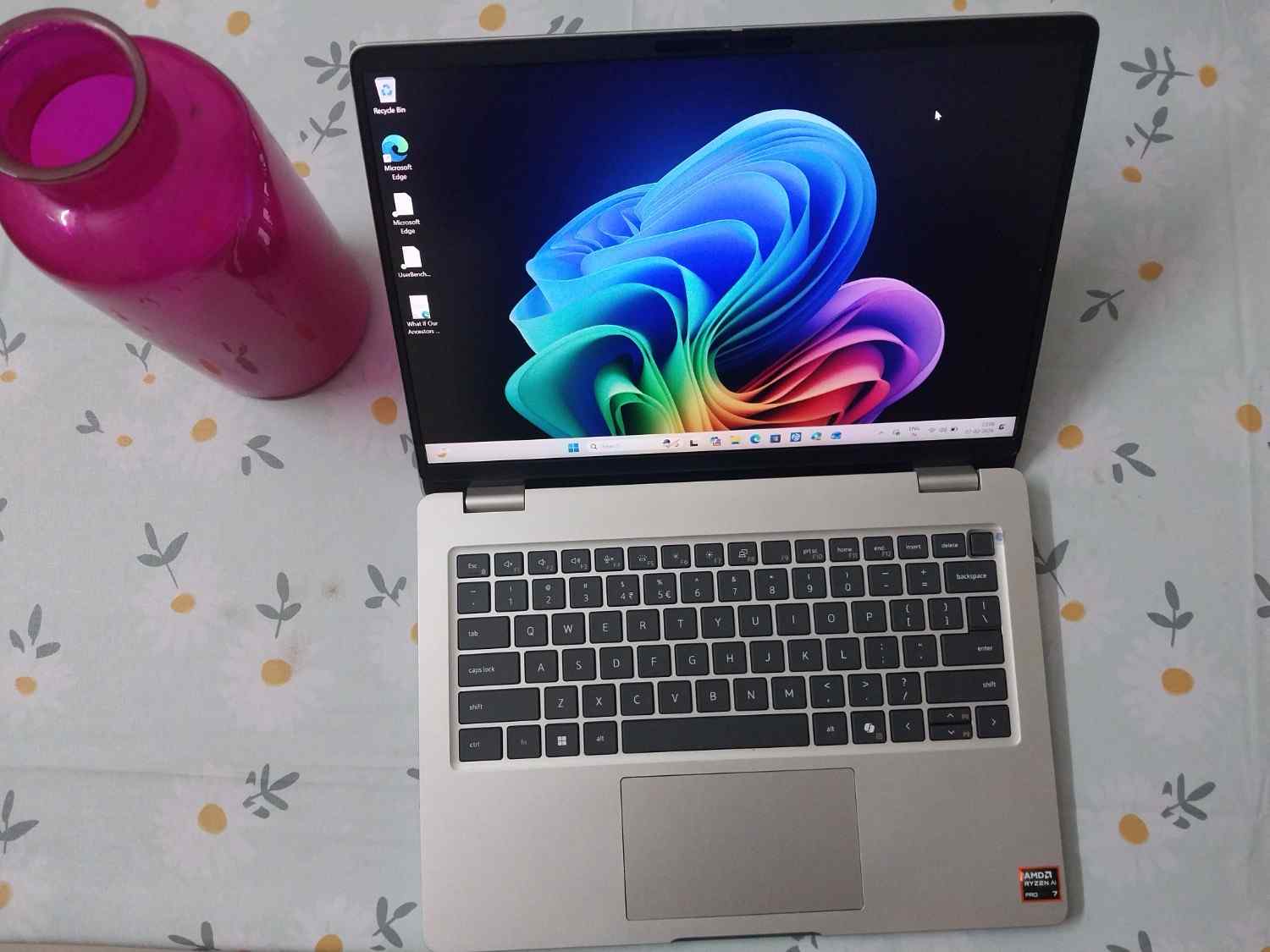
The Dell Pro 14 is a perfect-looking compact business laptop. It has a clean, no-nonsense appearance with primarily a simple design language. It isn’t too slim at 19mm thickness but doesn’t feel too bulky, thanks to the 14-inch size. There’s nothing flashy here, and that’s very much the point. The exterior is minimal and looks suitable for office environments, meetings and everyday professional use.
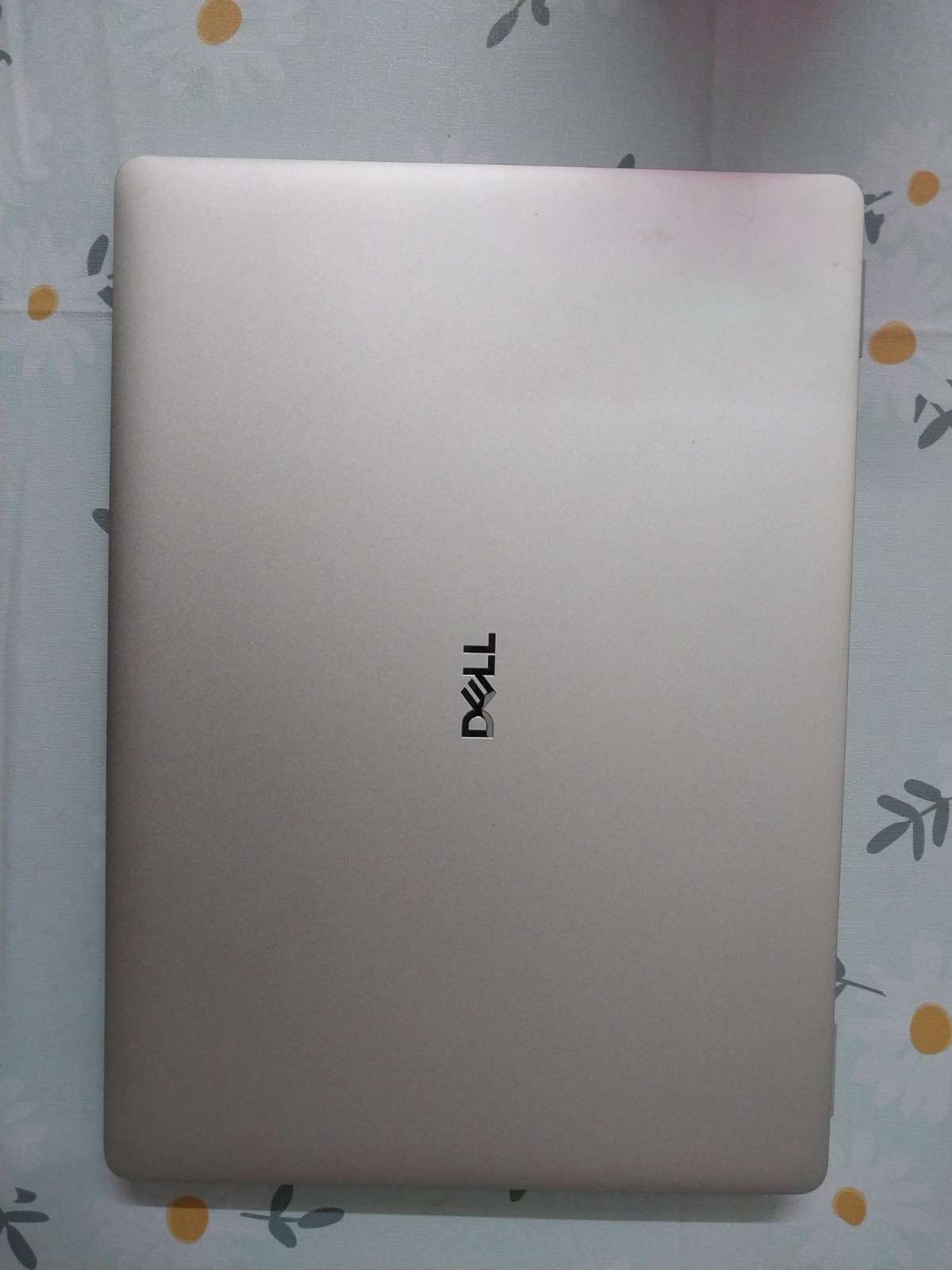
Dell has opted for a premium plastic build with a metallic finish. In daily use, it feels sturdy and well put together. The laptop comes in a platinum silver colourway with subtle Dell branding on the back and that’s about it. Weighing just around 1.3kg, it’s easy to carry around and fits snugly into a work backpack.
The laptop feels solid and it looks like a machine that can handle even a little rough use that often comes in modern work setups.
The 14-inch display uses a modern 16:10 aspect ratio. This space is genuinely useful for productivity, whether you’re working on documents, spreadsheets, or browsing the web.
The display peaks at 300 nits of brightness, which works well indoors and in shaded outdoor environments. Colour reproduction is limited with 45% NTSC coverage, so it’s not ideal for colour-critical work like photo or video editing. That said, for general office tasks, presentations, emails, and light media consumption, the screen is sharp and comfortable to use.
For audio, the Dell Pro 14 comes with dual 2W stereo speakers. The voices sound clear during video calls and meetings. These might not be meant for immersive entertainment but they get the job done well for everyday work needs.
Dell Pro 14 (PC14255) – Keyboard and Touchpad
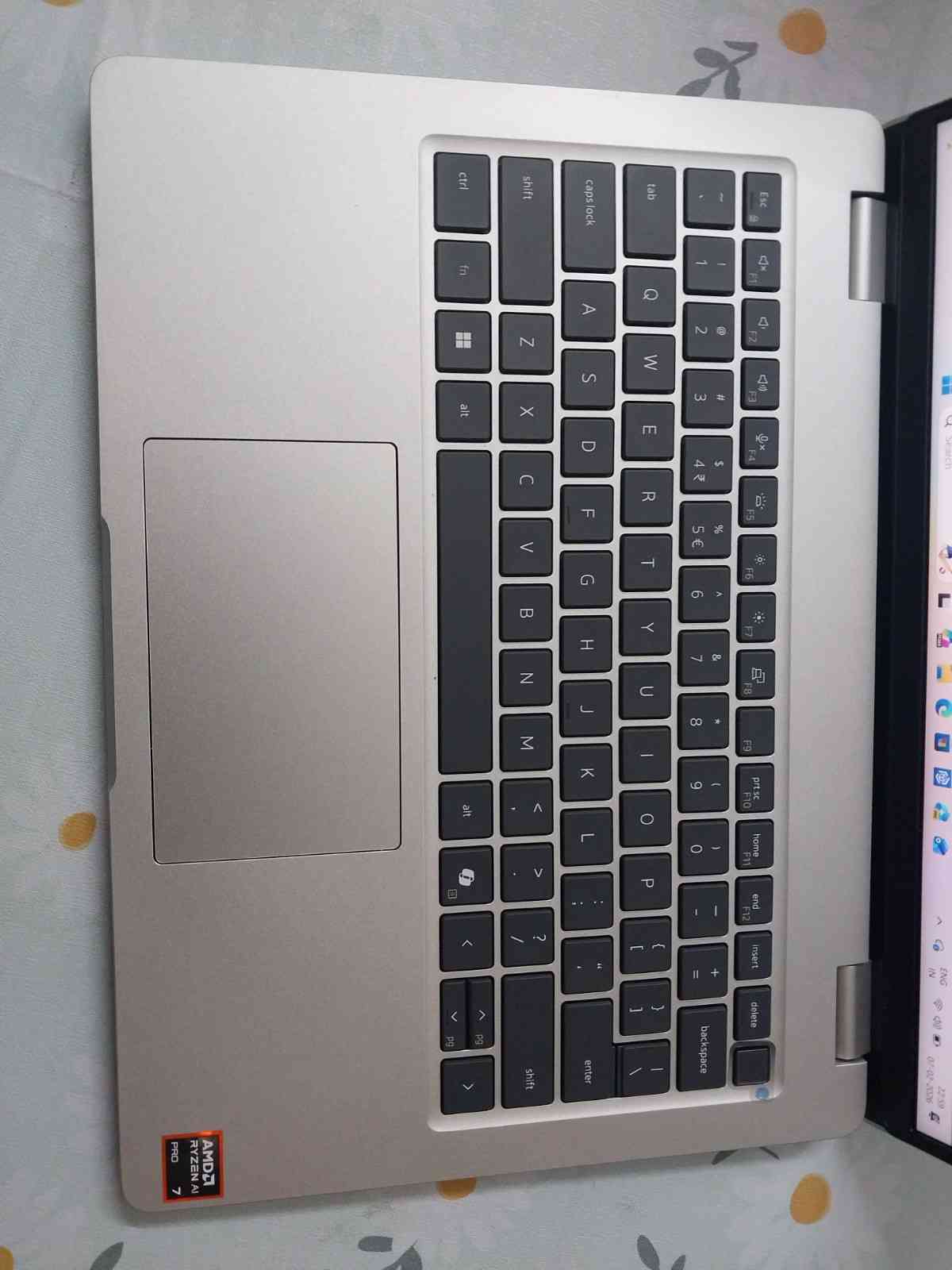
We found the Dell Pro 14 quite comfortable when it comes to typing experience. The compact 14-inch size might appear small, but it is ideal for the target customers. The keys are well-spaced and provide decent travel. The typing feels natural and consistent.
We used it for long work sessions as well as quick email replies on the go. It feels reliable and easy to get used to whether you’re drafting documents or catching up on emails during travel.
The backlight is bright enough to be genuinely useful in low-light conditions. It’s one of those things you really appreciate during late-night work sessions. Since this is a modern AI-focused PC, Dell has also added a dedicated Copilot key. It fits naturally into the layout and is easy to reach.
Coming to the touchpad, it complements the keyboard nicely. It’s wide and responsive with full support for Windows Precision gestures. It might feel small to some users and they might need a little time to adjust. But overall, it’s a clean, no-fuss setup that works well for everyday productivity.
Dell Pro 14 (PC14255) – Ports, I/O and Connectivity
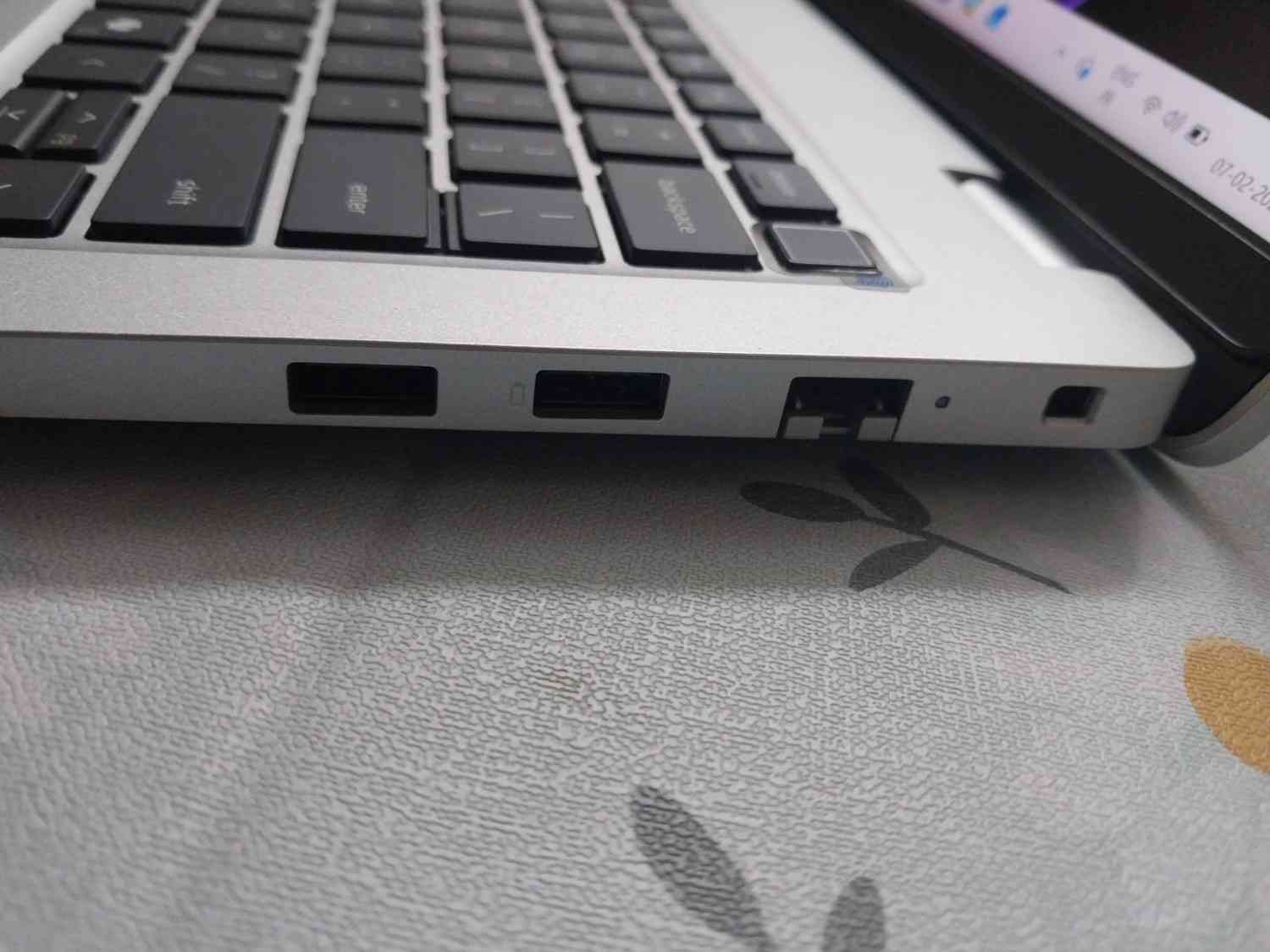
When it comes to ports, Dell has focused on giving users a practical and versatile set of ports. It is clear the company has designed the machine keeping in mind all the aspects the business users will appreciate.
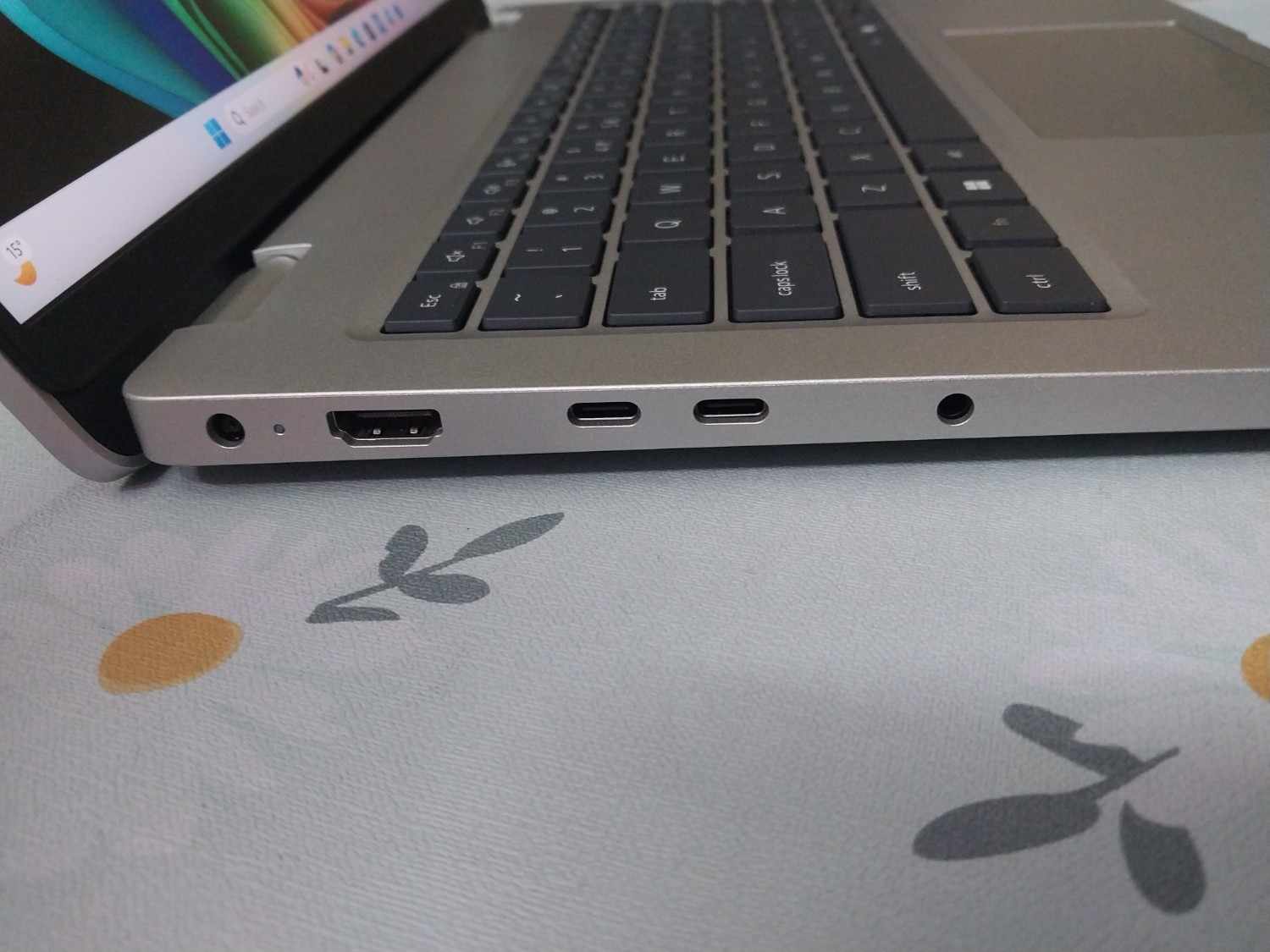
On the left side, you’ll find a barrel-style charging port, an HDMI 2.1 port for external displays, two USB-C Thunderbolt 4 ports, and a 3.5mm headphone jack. This already covers most day-to-day requirements, whether you’re connecting to a monitor, charging accessories, or plugging in headphones.
The right side adds even more flexibility with an RJ45 Ethernet port and two USB-A 3.2 Gen 1 ports. This makes it easy to connect wired networks and older peripherals without adapters. While an SD or microSD card slot would have been a nice addition, the overall port selection still feels well thought out.
Dell Pro 14 (PC14255) – Performance, Battery and Charging
Dell Pro 14 is powered by AMD’s Ryzen AI 7 PRO 350 processor, an 8-core, 16-thread chip that can boost up to 5.0GHz. It comes with a built-in NPU capable of delivering up to 50 TOPS of AI performance. The first thing you will notice about performance is that this laptop is well designed for local AI tasks without having to rely on the cloud.
The Pro 14 ships with a single 32GB DDR5 RAM stick and you can upgrade it all the way up to 64GB if needed. Storage is handled by a 512GB Micron 2500 PCIe Gen4 SSD, which offers fast read and write speeds. The only downside here is capacity. You can upgrade the SSD, but since there’s only one slot, you’ll need to replace the existing drive.
In day-to-day use, the laptop feels quick and responsive. Apps open fast, multitasking is smooth, and there’s plenty of headroom for demanding workloads. In synthetic benchmarks like Cinebench, Geekbench, and PCMark, the Dell Pro 14 delivers strong scores. All in all, it lines up well with how it performs in real-world usage.
Battery life is equally impressive. We use the machine as our primary laptop in regular work scenarios. It easily lasted a full workday. In our usage, it managed around 12 hours and 20 minutes, which is more than enough for meetings, documents, browsing, and light multitasking without reaching for the charger.
The 65W adapter can take the laptop from 0 to 80 percent in under an hour, which is very convenient when you’re in a rush. You can charge the laptop using either the USB-C port or the barrel-style charger.
Verdict – Should You Buy Dell Pro 14 (PC14255)?
If you want a dependable business laptop that gets the basics right and goes a step further with modern performance and versatility, the Dell Pro 14 is worth considering.
It brings a clean, professional design with a solid set of ports and a comfortable keyboard plus trackpad for long workdays. The Ryzen AI 7 PRO 350 chip delivers smooth everyday performance and handles local AI tasks well. Battery easily lasts a full workday and flexible charging options make life easier on the go. The display and audio are good enough for general productivity.
Overall, it is a reliable and work-focused laptop that is suitable for most professional tasks.
Reasons to Buy
- Ideal for professionals on the go
- Good choice for Content Creators
- Good for multitasking
- For AI tasks
Reasons Not to Buy
- Not for gaming
FAQs
Q1. What processor does the Dell Pro 14 use?
Answer. It is powered by the AMD Ryzen AI 7 PRO 350 processor with built-in NPU support.
Q2. Is the RAM upgradable on the Dell Pro 14?
Answer. Yes, the laptop supports RAM upgrades up to 64GB.
Q3. Does the Dell Pro 14 support Thunderbolt?
Answer. Yes, it features two USB-C Thunderbolt 4 ports.
Q4. How good is the battery life on the Dell Pro 14?
Answer. It can easily last a full workday, offering over 12 hours of usage.
Q5. Is the Dell Pro 14 suitable for business users?
Answer. Yes, its durable build, strong performance, and wide port selection make it ideal for professionals.
Also Read –
https://www.mymobileindia.com/dell-xps-16-9640-review-a-huge-and-appealing-premium-laptop/