


Highlights
- Users can now identify songs directly within ChatGPT using Shazam’s music recognition, without switching apps.
- After enabling Shazam in ChatGPT settings, users can type “Shazam” followed by a request to detect music.
- The feature works even without the Shazam app installed.
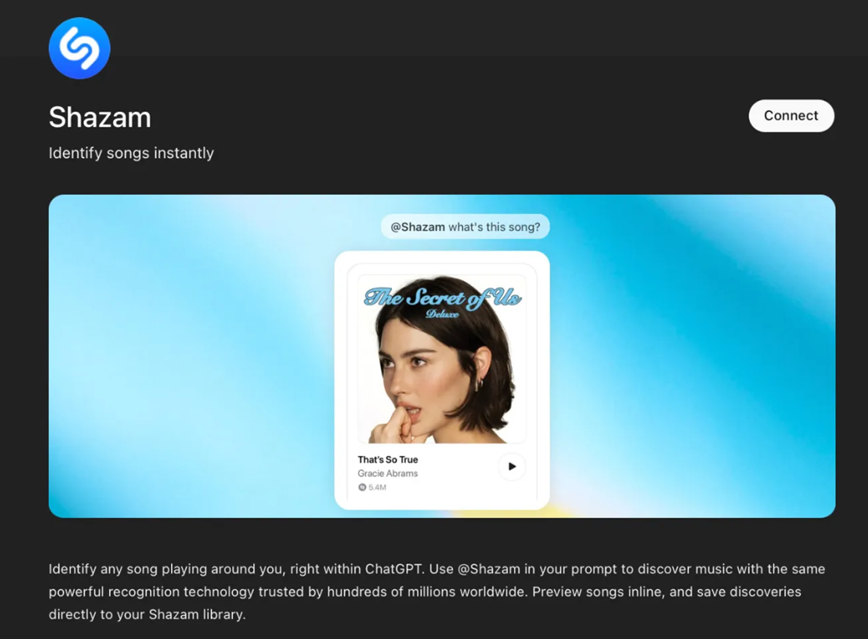
Apple’s music recognition service Shazam is now integrated into ChatGPT. It will allow users to identify songs directly within the AI chatbot without leaving the app. The new integration enables users to detect music that is playing nearby and instantly view the track’s title along with a preview. Here are more details.
Shazam Song Recognition Comes to ChatGPT
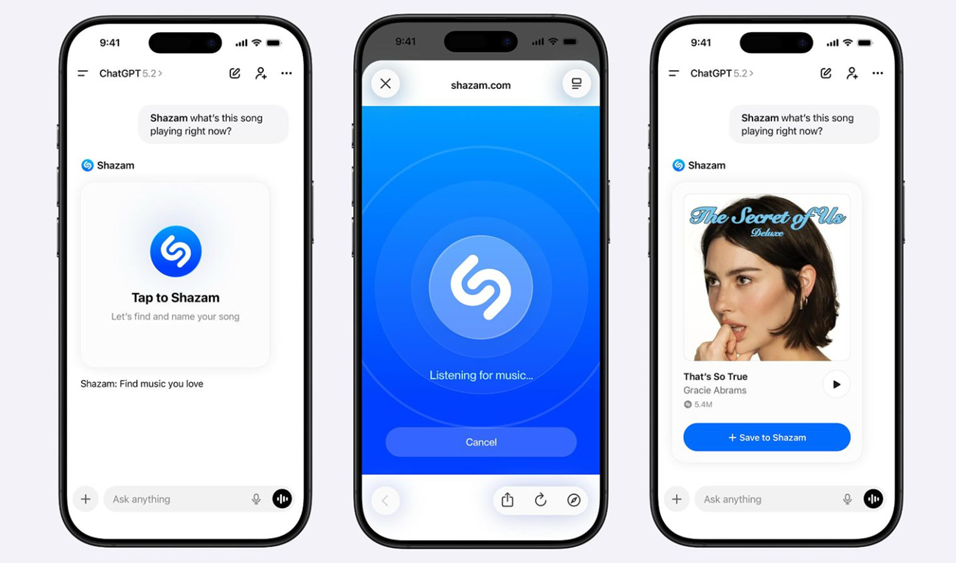
With the new integration, ChatGPT users can identify music simply by typing a request such as “Shazam, what is this song?” The command brings up a “Tap to Shazam” interface inside the app, enabling the chatbot to detect and recognise the track.
The integration brings Shazam’s full music recognition technology into ChatGPT. This means users no longer need to switch between apps to identify a song or preview it. Once a track is recognised, users can also listen to an inline preview directly within the ChatGPT interface.
How to Enable Shazam in ChatGPT?
To use Shazam in ChatGPT, users need to enable the integration through the app’s settings.
This can be done by opening ChatGPT settings, navigating to the Apps section, and searching for Shazam. After installing the integration, users can activate the feature by starting their request with the word “Shazam.”
Works Without Installing the Shazam App
The new functionality does not require the Shazam app to be installed on the device. Song recognition through ChatGPT works across platforms, making the feature accessible to a wide range of users.
However, if the Shazam app is installed, songs identified through ChatGPT will automatically be saved to the user’s Shazam library, allowing them to revisit the tracks later.
The Shazam integration is currently rolling out to ChatGPT users.
FAQs
Q1. How can I use Shazam inside ChatGPT?
Answer. You need to enable the Shazam integration in ChatGPT settings under the Apps section. Once installed, start your request with the word “Shazam” to identify a song.
Q2. Do I need the Shazam app installed to use this feature?
Answer. No, Shazam works directly within ChatGPT without requiring the standalone app. However, if the app is installed, identified songs will automatically be saved to your Shazam library.
Q3. What happens after ChatGPT recognises a song?
Answer. The chatbot displays the track’s title and provides an inline preview so you can listen instantly without leaving the ChatGPT interface.
Also Read –
https://www.mymobileindia.com/new-apple-shazam-update-improves-syncing-with-spotify-and-apple-music/