


Highlights
- Apple rolls out iOS 26.3 for iPhone, introducing a streamlined Android-to-iPhone migration tool, Apple Music updates, and bug fixes.
- watchOS 26.3, tvOS 26.3, and visionOS 26.3 also released, focusing mainly on performance improvements and stability enhancements.
- While 26.3 prioritises stability, bigger changes are expected in iOS 26.4 later this year including long-awaited AI upgrades for Siri.
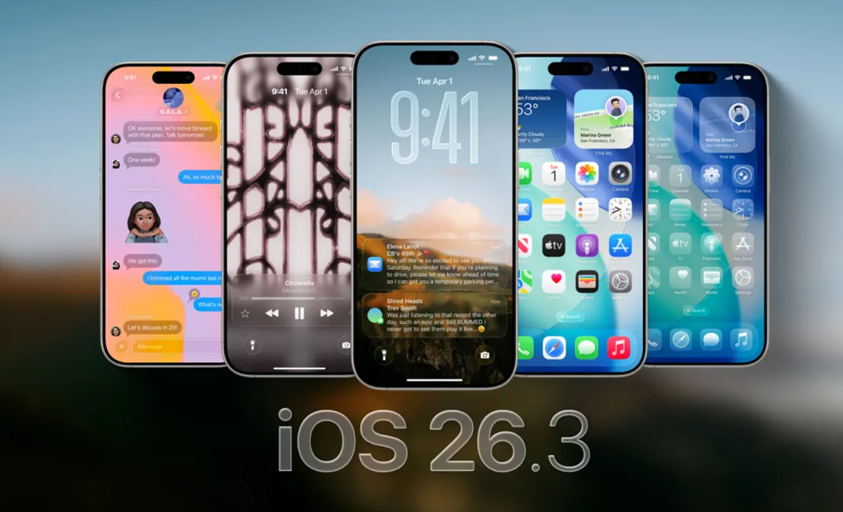
Apple has officially released iOS 26.3 for iPhone, marking the third major update to its latest mobile operating system that originally debuted in September. The Cupertino-based company had been testing the update through developer and public beta programs in recent weeks before making it available to users.
Alongside iOS 26.3, Apple has also rolled out watchOS 26.3 for Apple Watch, tvOS 26.3 for Apple TV, and visionOS 26.3 for Vision Pro.
iOS 26.3 – What’s New?
According to Apple’s release notes, iOS 26.3 introduces a new and more streamlined way for users to switch from Android to iPhone. The updated migration process allows users to transfer data without downloading additional apps from Apple or Google.
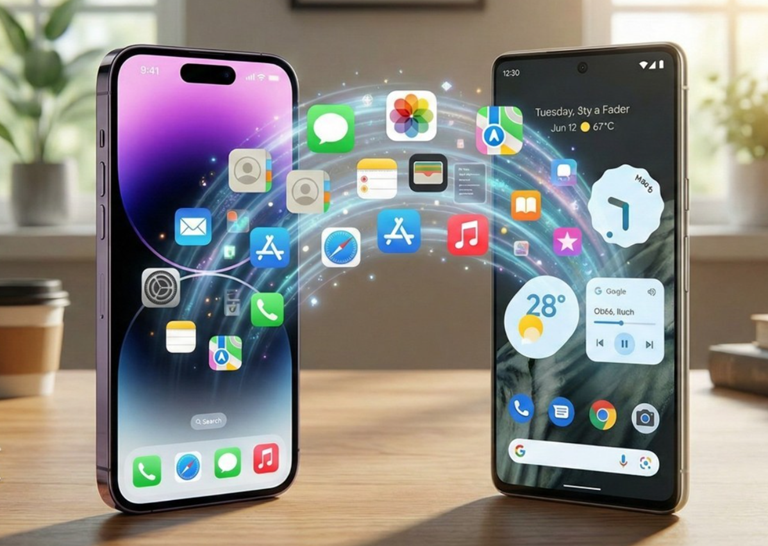
The transfer tool supports moving apps, messages, notes, passwords, phone numbers, photos, and more. However, a Macrumors report suggests that the process may not be as seamless as it sounds, which could explain why Apple has not widely promoted the feature.
The iOS 26.3 update also brings enhancements to the Apple Music app. The Favourite Songs playlist now appears in the Top Picks section on the app’s home screen. Additionally, users can download lyrics for tracks and access them offline without requiring an active internet connection.
Beyond these additions, iOS 26.3 addresses multiple bugs reported in earlier versions of the operating system, focusing on improving stability and performance.
How to Install iOS 26.3 on Your iPhone?
Apple says that all eligible iPhone models enrolled in the beta program and running the iOS 26.3 beta can now download the stable version. The update is currently available for iPhone 11 and later models.
To install iOS 26.3 on your iPhone –
- Open the Settings app.
- Navigate to General > Software Update.
- Your device will automatically check for available updates.
- Tap Download & Install, then review and accept the terms and conditions.
Wait for the update to complete. Your iPhone may restart multiple times during the installation process.
watchOS 26.3, tvOS 26.3, and visionOS 26.3 Also Released
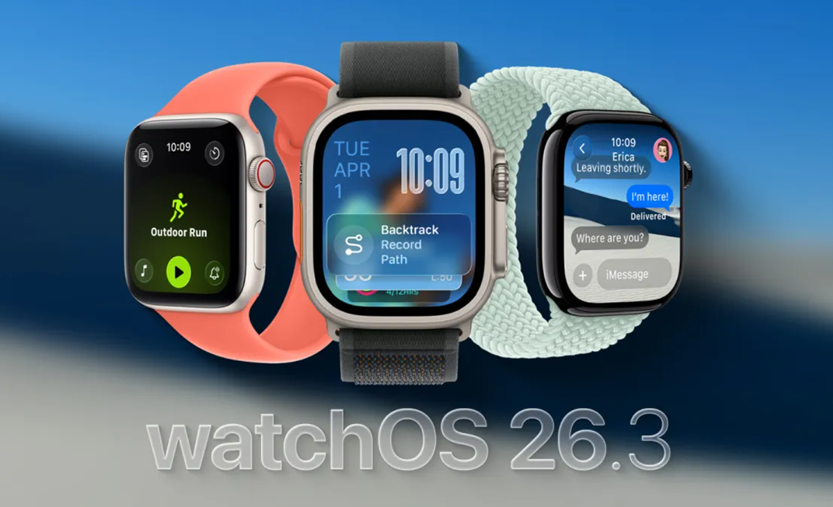
Apple has simultaneously released watchOS 26.3, tvOS 26.3, and visionOS 26.3 as part of its broader software refresh.
According to Apple’s official release notes, watchOS 26.3 “This update includes improvements and bug fixes for your Apple Watch.” Similarly, tvOS 26.3 and HomePod 26.3 updates state, “This update includes performance and stability improvements.”
These updates are largely centred on performance enhancements and bug fixes rather than introducing major new features. This approach aligns with Apple’s typical update cycle, where early point releases focus on refining the experience.
More substantial additions are expected with the upcoming iOS 26.4 update, which is rumoured to include long-awaited AI upgrades for Siri.
While the 26.3 updates appear to prioritise stability, it remains possible that minor new features exist but went unnoticed during beta testing. Apple’s release notes often omit smaller tweaks and refinements.
FAQs
Q1. What new feature does iOS 26.3 introduce for Android users switching to iPhone?
Answer. iOS 26.3 adds a streamlined migration tool that lets users transfer apps, messages, notes, passwords, photos, and more without needing extra apps.
Q2. What improvements were made to Apple Music in iOS 26.3?
Answer. The update adds a Favourite Songs playlist in the Top Picks section and allows users to download lyrics for offline access.
Q3. What other Apple devices received updates alongside iOS 26.3?
Answer. Apple also released watchOS 26.3, tvOS 26.3, and visionOS 26.3, focusing mainly on performance improvements and bug fixes