

Highlights
- iOS 26.2 update includes Apple music upgrades including favourite Songs playlist now appears in Top Picks, lyrics can be downloaded offline.
- Lock screen gains new clock opacity options for the Liquid Glass theme.
- Enhanced Safety Alerts (US‑only) warn of floods and disasters with maps, Reminders now support alarms with snooze and Live Activity.
- Podcasts get auto‑generated chapters and linked shows, Games app adds filters, score banners and better controller support.
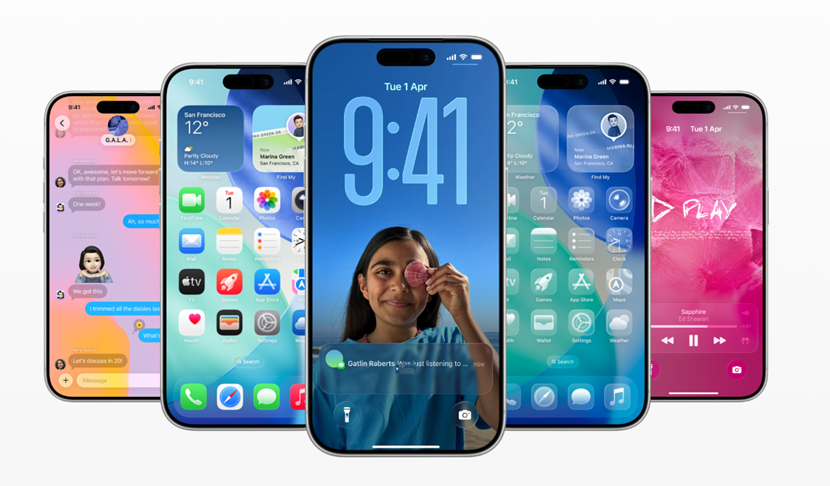

Caption – iOS 26.2 update is here. (Image credit – Apple)
Apple has rolled out the iOS 26.2 update for iPhone, marking the second major update to its latest mobile operating system. After weeks of testing through developer and public beta channels, the update is now available to eligible users. The iOS 26.2 update introduces several new features including deeper customisation for the Liquid Glass user interface, new Apple Music capabilities, and multiple system-wide improvements. Here’s everything you need to know about the new update.
iOS 26.2 Update for iPhone – What’s new?
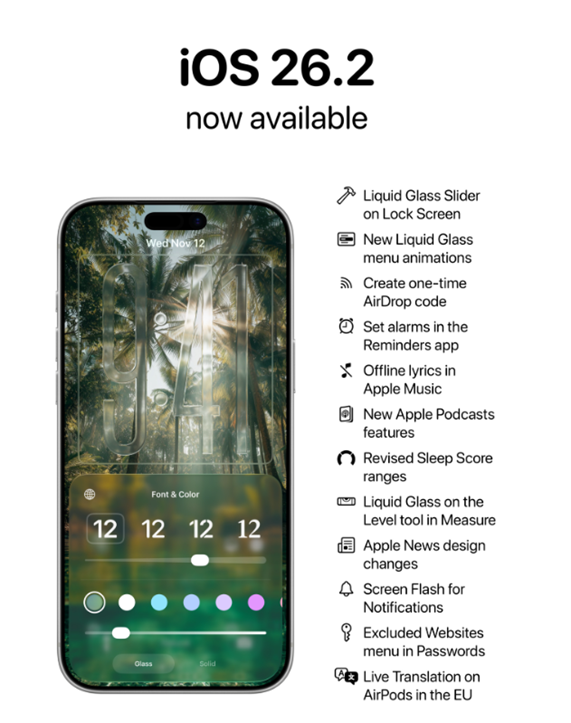
Caption – iOS 26.2 is now available. (Image credit – Apple Hub on X)
The iOS 26.2 update brings notable changes to Apple Music, starting with the Favourite Songs playlist now appearing in the Top Picks section of the Home tab. Apple Music users can also download lyrics for offline viewing, allowing them to access song lyrics even without an internet connection.
Apple has expanded lock screen customisation by adding new clock options that allow users to adjust the opacity of the Liquid Glass theme. The update also introduces Enhanced Safety Alerts, which notify users about imminent threats such as floods, natural disasters, and other emergencies. These alerts can display maps of affected areas and links to additional safety information, though the feature is currently limited to the US.
Reminders now support alarms, making it easier for users to manage urgent tasks. These alarms include snooze options and Live Activity support. AirDrop has also been updated with an added verification step when sending files to unknown users, requiring a code to be entered on the sender’s device for extra security.
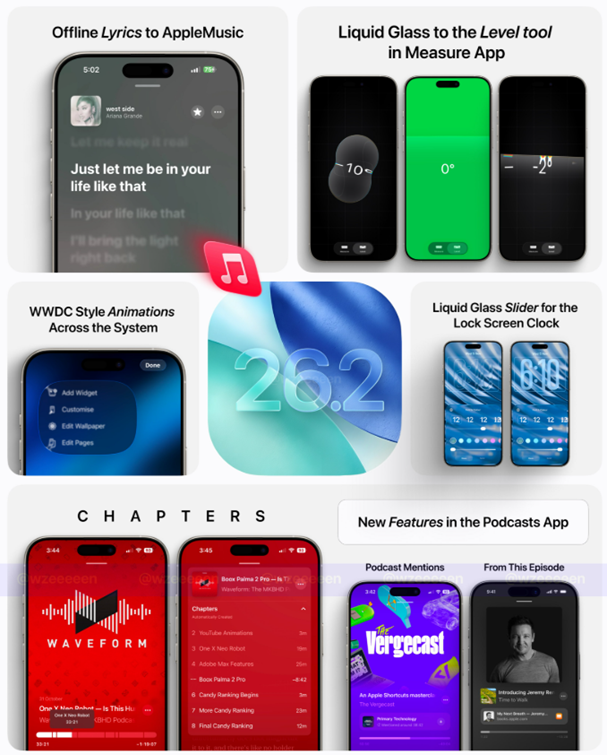
In the Podcasts app, Apple has added automatically generated chapters to help users navigate episodes more easily. The app also now includes links to podcasts mentioned within an episode, allowing listeners to view and follow those shows directly from the player or transcript.
The Games app has received several improvements including new filters to sort games by category, size, and other criteria. Apple has also added in-game challenge score banners for real-time updates, along with improved controller support for accessories such as Backbone and Razer controllers.
Additional features in the iOS 26.2 update include a screen flashing option under Flash for alerts in Accessibility settings, a new Apple News link placed at the top of the Today Feed and the ability to use the same setup code when pairing multipack accessories in the Home app.
iOS 26.2 Update for iPhone – How to Install?
Apple says all iPhone models that were enrolled in the beta programme and received the iOS 26.2 beta are eligible for the stable release.
Users can install the update by opening the Settings app, navigating to General > Software Update, and allowing the device to check for available updates. Once iOS 26.2 appears, users need to tap Download & Install, accept the terms and conditions and wait for the installation to complete. The iPhone may restart multiple times during the process.
FAQs
Q1. What new features does iOS 26.2 bring to iPhone?
Answer. The update adds Liquid Glass UI tweaks with new clock opacity options, Apple Music upgrades like offline lyrics and Favourite Songs in Top Picks, plus Enhanced Safety Alerts for emergencies (US‑only).
Q2. How has Apple improved apps like Music, Podcasts, and Games in iOS 26.2?
Answer. Apple Music now supports offline lyrics; Podcasts get auto‑generated chapters and linked shows; Games app adds filters, score banners, and better controller support.
Q3. How can users install the iOS 26.2 update?
Answer. Eligible iPhones can install by going to Settings > General > Software Update, tapping Download & Install, accepting terms, and waiting for the process to complete (the device may restart multiple times).