Highlights
- Apple rolled out iOS 16.7.15/iPadOS 16.7.15 and iOS 15.8.7/iPadOS 15.8.7 for older iPhones and iPads.
- These updates patch vulnerabilities tied to the “Coruna” exploit, ensuring older devices remain protected.
- Updates can be installed via Settings > General > Software Update.
Apple has released new software updates aimed at older iPhone and iPad models that are no longer eligible for the latest operating system versions. The company has rolled out iOS 16.7.15, iPadOS 16.7.15, iOS 15.8.7, and iPadOS 15.8.7 for devices that cannot upgrade to newer versions of iOS or iPadOS.
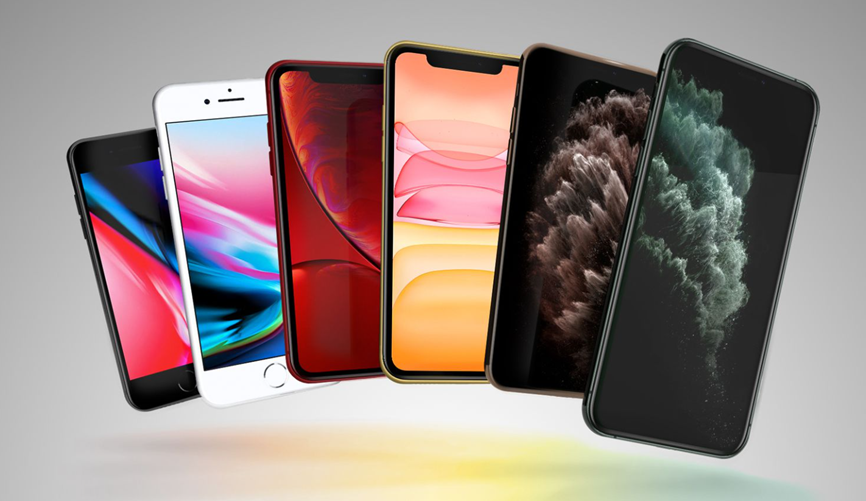
The latest updates are available for several older Apple devices including the iPhone X, iPhone 8, iPhone 8 Plus, iPhone 7, iPhone 7 Plus, iPhone SE (1st generation), iPhone 6s and iPhone 6s Plus.
On the tablet side, supported devices include the iPad (5th generation), iPad Pro (9.7-inch), iPad Pro (12.9-inch) (1st generation), and iPad mini 4.
Security Fixes Address Known Exploit
Keeping devices updated is always recommended, but it becomes even more critical for older hardware when Apple releases security patches.
Apple’s security notes for iOS/iPadOS 15.8.7 and iOS/iPadOS 16.7.15 mention that the updates address vulnerabilities linked to the sophisticated “Coruna” exploit, which was disclosed by Google last week.
Apple noted that these vulnerabilities had already been resolved in previous updates for iOS 16 and iOS 17. The newly released updates bring the same fixes to older devices that cannot upgrade to iOS 17 or newer versions.
How to Install the Latest Update?
Users with supported devices can download and install the update by opening the Settings app, navigating to General, and selecting Software Update. Devices that have automatic updates enabled will receive and install the new software automatically over the next few days.
According to Apple’s official release notes, these updates primarily focus on important security improvements.
Apple has previously stated that it intends to provide security updates for iPhones for at least five years after their launch. In many cases, however, the company continues offering security patches well beyond that timeframe.
Earlier this year, the iPhone 5s received a new software update nearly 13 years after it was first released.
FAQ
Q1. Which devices are eligible for the new iOS and iPadOS updates?
Answer. Supported devices include older iPhones like iPhone X, iPhone 8/8 Plus, iPhone 7/7 Plus, iPhone SE (1st gen), iPhone 6s/6s Plus, and iPads such as the iPad (5th gen), iPad Pro (9.7-inch, 12.9-inch 1st gen) and iPad mini 4.
Q2. What security issues do these iOS updates address?
Answer. The updates fix vulnerabilities linked to the “Coruna” exploit, a sophisticated threat disclosed by Google, ensuring older devices remain protected.
Q3. How can users install the latest updates on their devices?
Answer. Users can go to Settings > General > Software Update to manually install, or wait for automatic updates if enabled, which will roll out in the coming days.