Highlights
- HyperX Pulsefire Fuse is a performance-oriented budget gaming mouse.
- It is currently available on online retailers at ₹2,899.
- The mouse can be purchased in three colours i.e. Black, Fuse Black and White
A new addition to HyperX’s Pulsefire range of gaming mice is the HyperX Pulsefire Fuse Wireless Gaming Mouse. We have managed to get our hands on the device and based on our experience, here’s our hands-on review.
HyperX Pulsefire Fuse Wireless Gaming Mouse – Unboxing
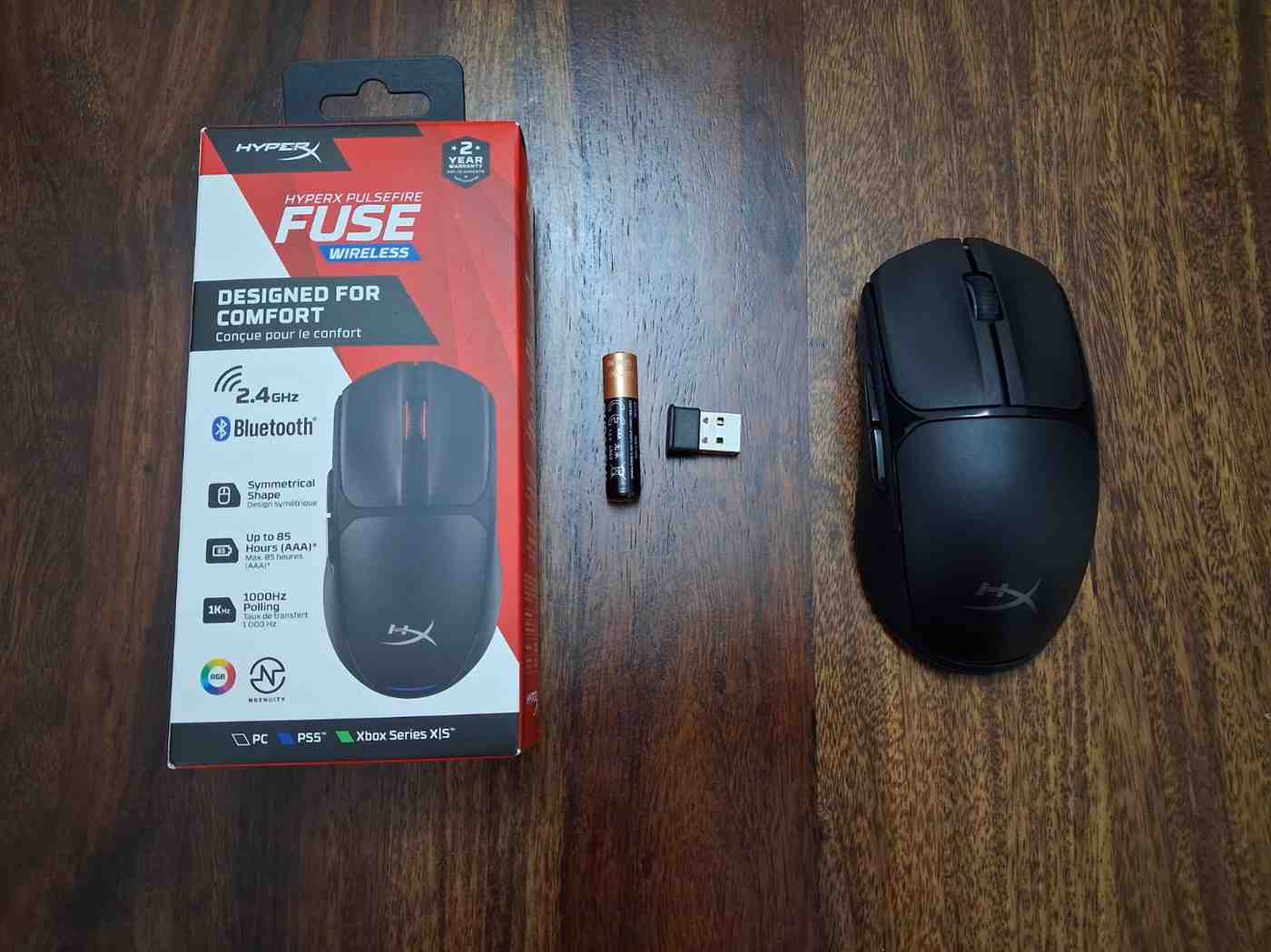
In-the-box content – HyperX Pulsefire Fuse, USB Wireless Dongle, AAA Alkaline Battery, Quick Start Guide
HyperX Pulsefire Fuse Wireless Gaming Mouse – Key Features
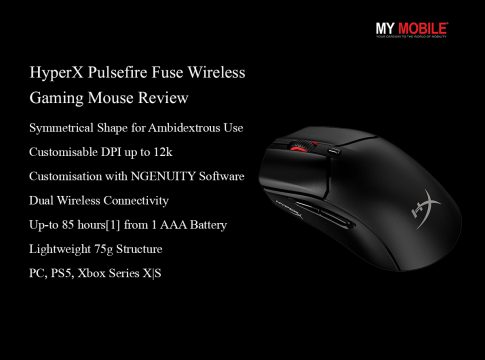
- Symmetrical Shape for Ambidextrous Use
- DPI Presets – 400 DPI; 800 DPI; 1600 DPI; 3200 DPI
- Customisable DPI up to 12k
- Customisation with NGENUITY Software
- Dual Wireless Connectivity
- Up-to 85 hours[1] from 1 AAA Battery
- Lightweight 75g Structure
- Compatibility: PC, PS5, Xbox Series X|S
HyperX Pulsefire Fuse Wireless Gaming Mouse – Pros and Cons
| Pros | Cons |
| ● Comfortable ambidextrous shape
● Textured side grips improve control ● Lightweight ● Dual wireless connectivity ● Reliable performance ● Good battery life |
● No rechargeable battery
● Not tuned for hardcore esports players
|
HyperX Pulsefire Fuse Wireless Gaming Mouse – Design and Comfort
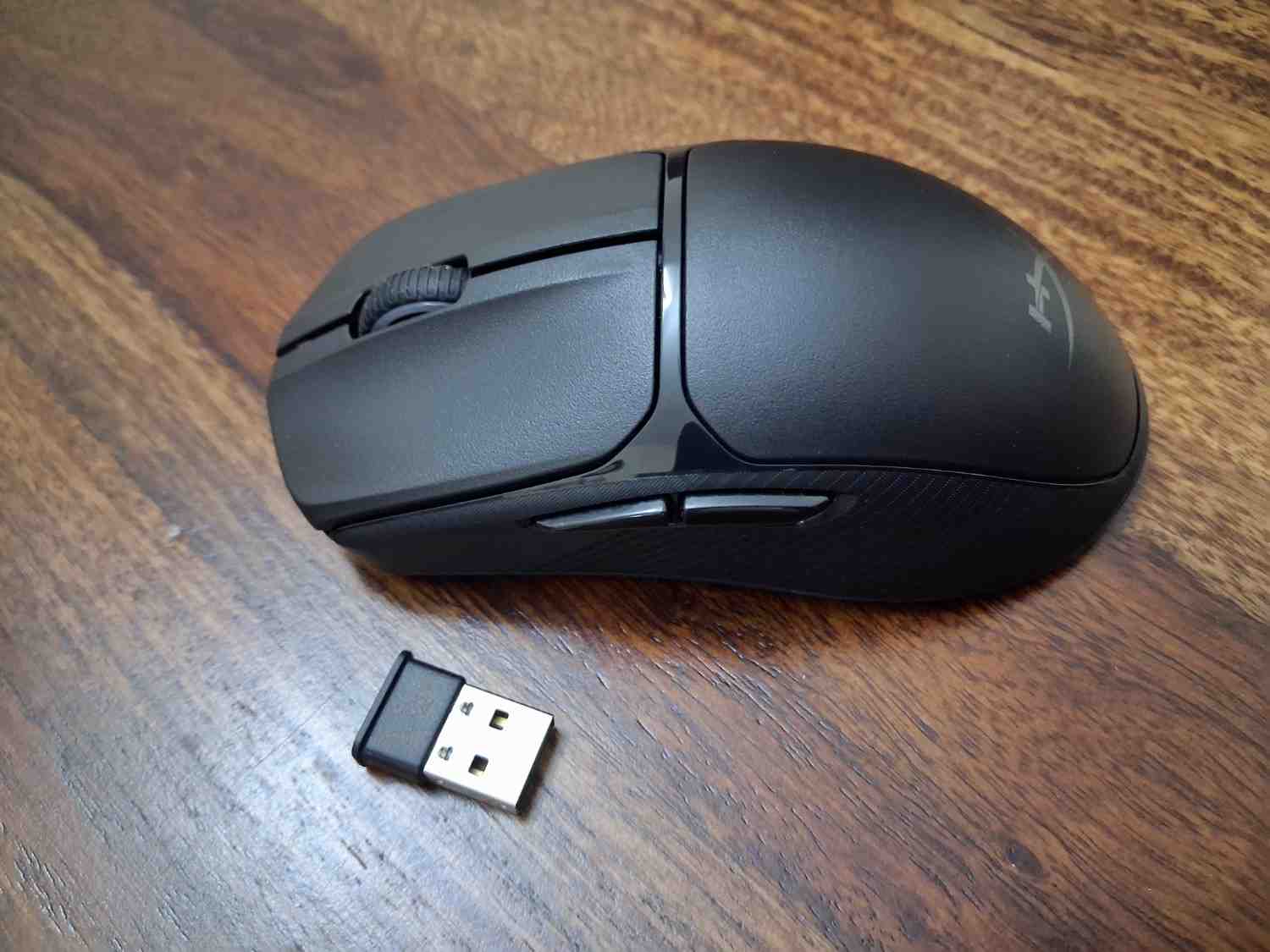
The Pulsefire Fuse Wireless keeps things clean and practical. It has an ambidextrous shape, which means both left- and right-handed users can use it comfortably. The overall look of this gaming mouse is sleek without being flashy. We had the black colour mouse for this review and it carries a classic look. It fits just as well on a work desk as it does in a gaming setup.
It is just 75 grams in weight including the AAA battery. This makes the mouse quite lightweight. It feels quick and easy to move around. During long gaming sessions, that lightweight design makes a noticeable difference. We have extensively used it in everyday setting as well and the wrist doesn’t feel strained. The fast flicks feel effortless, especially in shooter games.
The Microline textured grip panels on the sides are another smart design choice. It adds just enough texture to help you maintain control without feeling rough or uncomfortable. The smooth curves of the body of the mouse make it sit naturally in the hand. Whether you prefer palm, claw or fingertip grip, the shape is versatile enough to work for most users.
Overall, this HyperX gaming mouse focuses on comfort and control rather than flashy design. For a lightweight wireless gaming mouse, that’s exactly what you want.
HyperX Pulsefire Fuse Wireless Gaming Mouse – Performance and Sensor
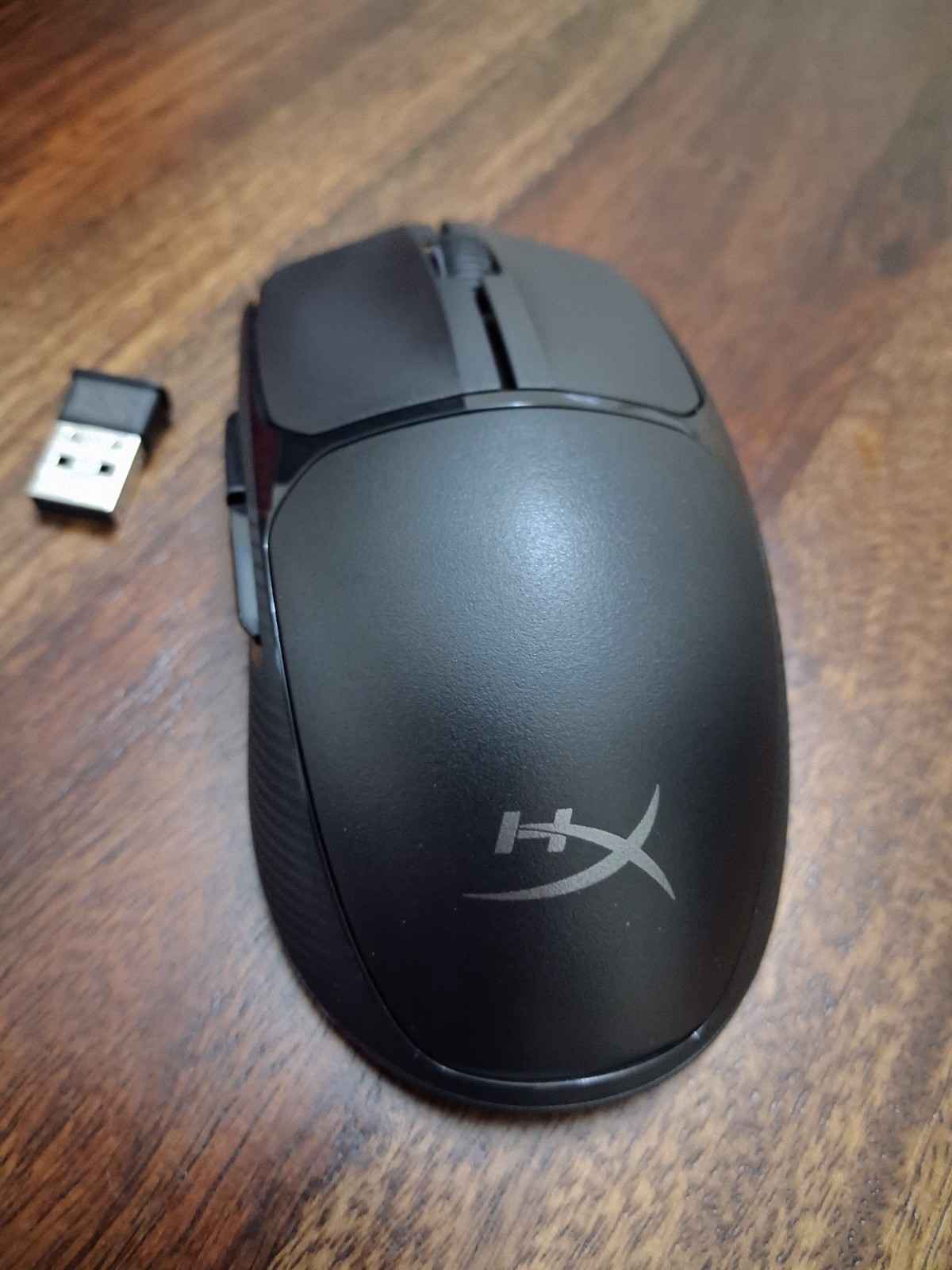
It’s powered by the Pixart PAW3311 sensor, which supports up to 12,000 DPI. We felt the tracking was smooth and reliable, whether in small adjustments while aiming or quick flicks during intense matches. The mouse supports a polling rate of up to 1000Hz, which means inputs feel fast and responsive.
We didn’t face any noticeable delay, especially when using the 2.4GHz wireless dongle. With a tracking speed of 300 IPS and 35G acceleration, it handles fast movements without losing accuracy. For casual and even competitive gaming, it feels consistent and dependable.
HyperX Pulsefire Fuse includes four DPI presets out of the box such as 400, 800, 1600, and 3200. These should cover most players’ needs. Switching between them is quick and easy, making it simple to adjust sensitivity depending on the game you’re playing.
The left and right buttons use Kailh switches rated for 20 million clicks. They feel crisp and tactile without being overly loud. Clicks are responsive and satisfying.
Overall, the Pulsefire Fuse may not be aimed at hardcore esports pros, but it delivers smooth performance for everyday gaming.
HyperX Pulsefire Fuse Wireless Gaming Mouse – Connectivity, Battery & Software
With Pulsefire Fuse, you get a high-speed 2.4GHz dongle for gaming and Bluetooth for more casual use. If you’re playing competitive titles, we would say the 2.4GHz mode is the one to use. We felt it was fast and responsive. Bluetooth, on the other hand, is handy if you want to connect to a laptop, tablet, or even switch between devices without juggling dongles.
Battery life is one of the strongest points of this peripheral. The mouse runs on a single AAA battery. The brand claim it is rated for up to 85 hours of usage. That’s more than enough for several days and even weeks of regular gaming before needing a replacement.
While it’s not rechargeable, swapping a AAA battery is quick and easy. An advantage is that it keeps the overall weight impressively low.
HyperX NGENUITY software gives you decent control over the mouse. You can tweak DPI levels, adjust RGB lighting and remap buttons to suit your playstyle. The interface is straightforward and easy to navigate, so you don’t have to dig through complicated menus just to make small changes.
Verdict – Should You Buy HyperX Pulsefire Fuse Wireless Gaming Mouse?
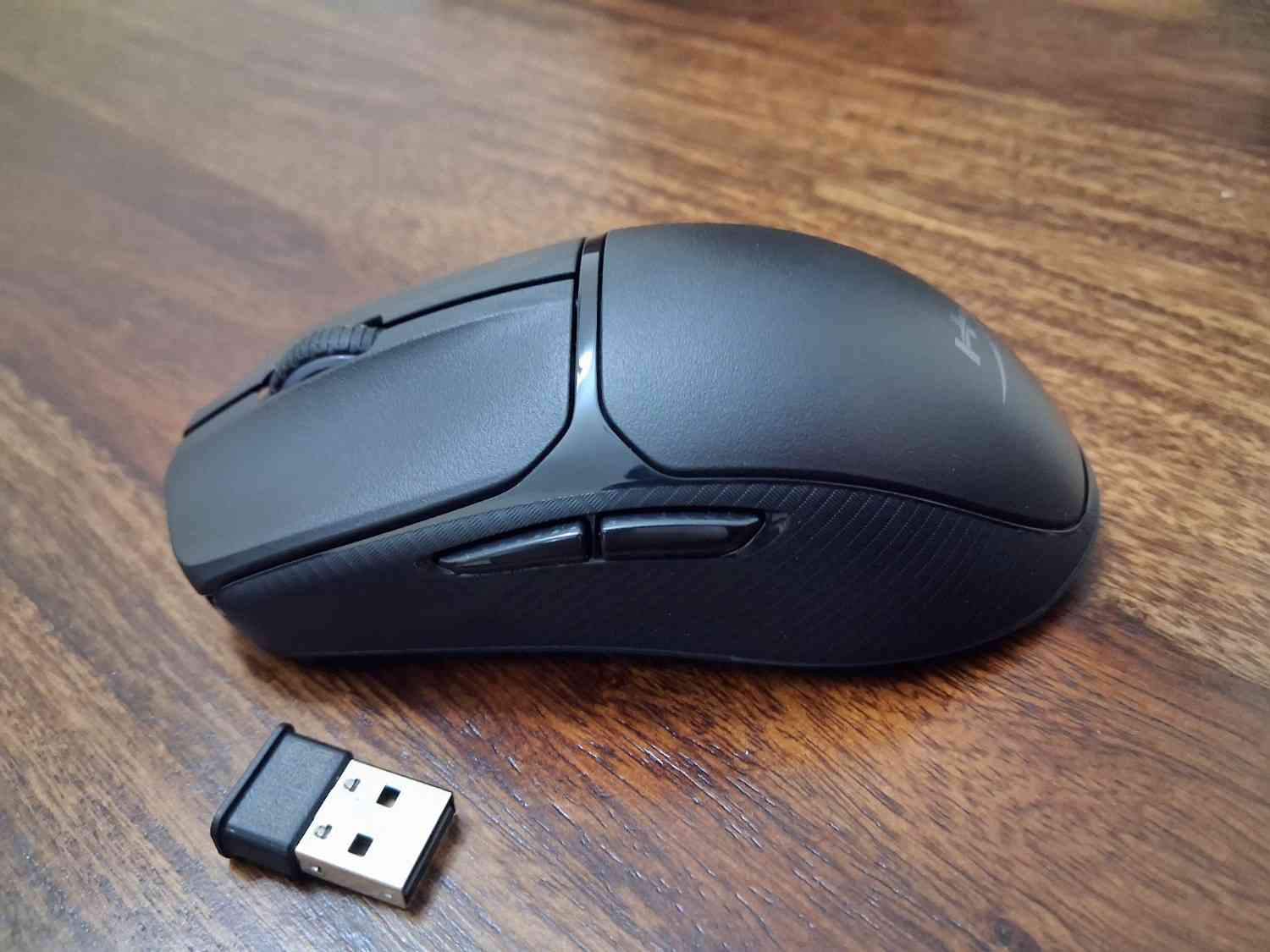
The HyperX Pulsefire Fuse Wireless gaming mouse clearly focuses on comfort and practical features. There are no extreme specs or flashy gimmicks. The lightweight 75g design makes it comfortable for long sessions, the sensor performs consistently for everyday gaming and the dual wireless connectivity adds flexibility. Battery life is solid too.
That said, this isn’t a hardcore esports mouse and it’s better suited for gamers who want a lightweight, wireless option that works well across different genres. The good thing is it can double up for regular work use.
So, should you buy it? If you’re looking for a comfortable, reliable, and reasonably lightweight wireless gaming mouse without spending on premium flagship models, the HyperX Pulsefire Fuse Wireless is definitely worth considering.
Reasons To Buy
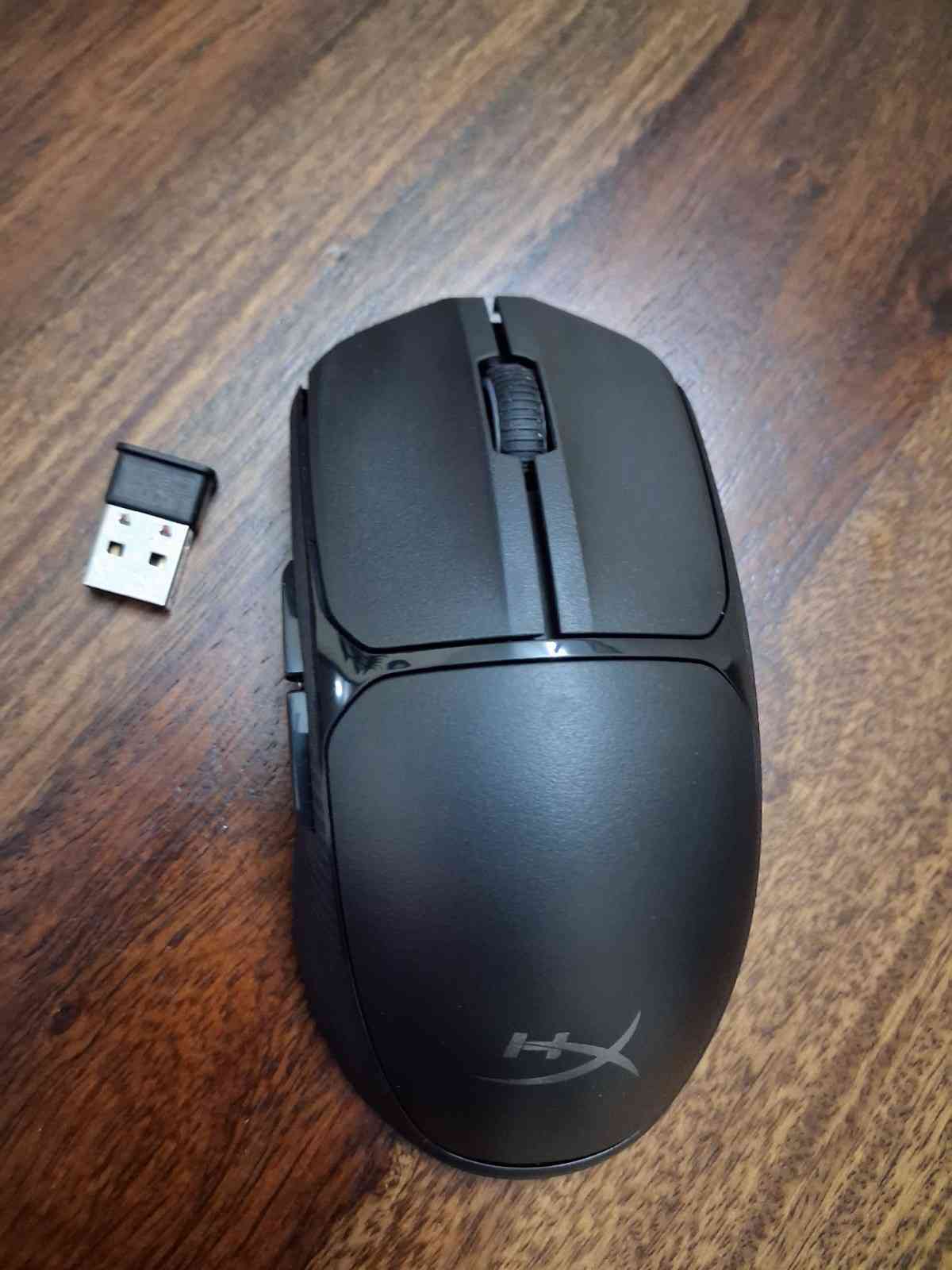
- Comfortable ambidextrous design
- Lightweight
- Dual wireless connectivity
- Reliable performance
Reasons Not to Buy
- Not tuned for hardcore esports players
Alternatives
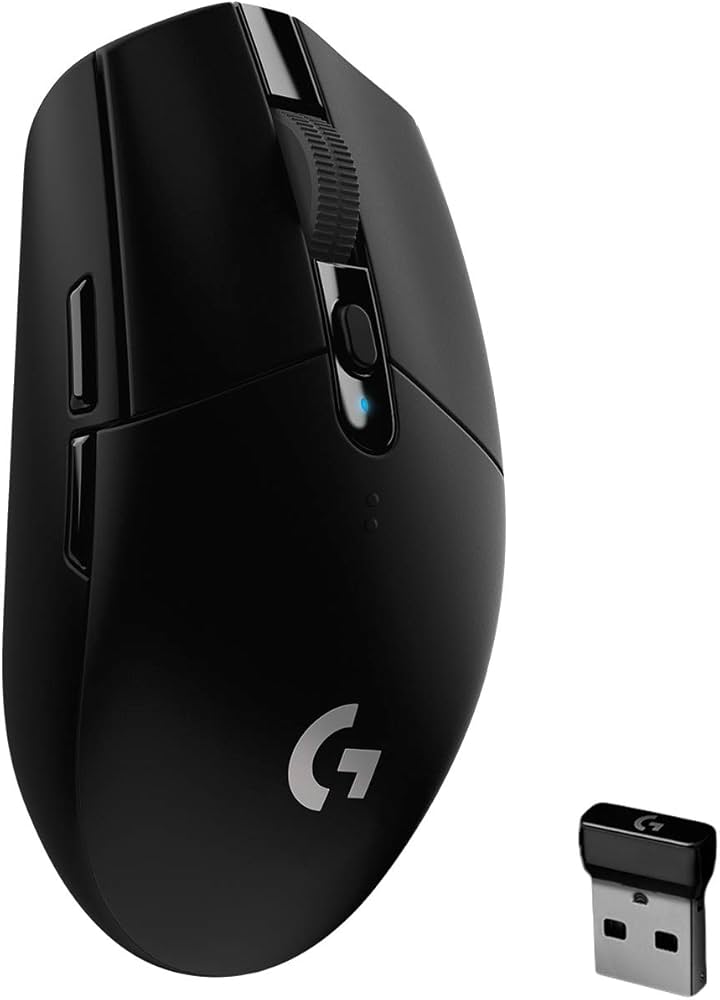
Logitech G304 Lightspeed Wireless Gaming Mouse – ₹2,795
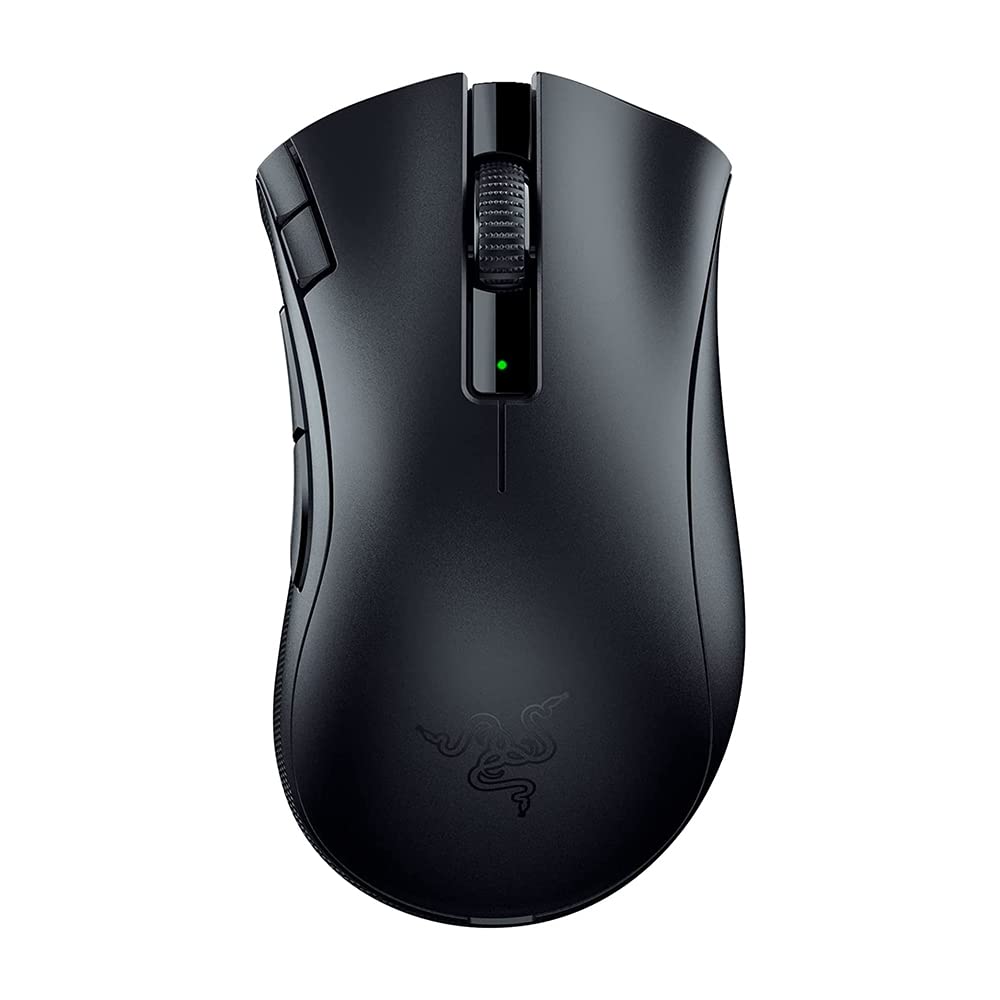
Razer Bluetooth DeathAdder V2 X Hyper Wireless Gaming Mouse – ₹3,099
Cosmic Byte Velox 39g Ultra-Light Tri-Mode Gaming Mouse – ₹2,348
FAQs
Q1. Is the HyperX Pulsefire Fuse Wireless mouse good for FPS games?
Answer. Yes, it offers smooth tracking, low latency, and a lightweight design ideal for shooters.
Q2. What is the maximum DPI of the HyperX Pulsefire Fuse Wireless mouse?
Answer. It supports up to 12,000 DPI with customizable presets.
Q3. Does the HyperX Pulsefire Fuse Wireless mouse support both 2.4GHz and Bluetooth?
Answer. Yes, it offers dual wireless connectivity for flexible use.
Q4. How long does the battery of the HyperX Pulsefire Fuse Wireless mouse last?
Answer. It delivers up to 85 hours of usage on a single AAA battery.
Q5. Can you customise buttons and DPI settings of the HyperX Pulsefire Fuse Wireless mouse?
Answer. Yes, you can adjust DPI, RGB, and button assignments using HyperX NGENUITY software.